



Best GPU for Streaming 2025: Multi-PC Pro Setups
- Identify primary keyword - Expand long-tails - Map intent. Best GPU for Streaming 2025 picks for multi-PC creators: AV1/NVENC tiers, pro vs budget, capture card tips, and build advice to cut CPU load. 🎥⚡
So, you're serious about streaming in South Africa? You've got the skills, the personality, and the drive… but your single PC setup is starting to feel the strain. Dropped frames during intense firefights and laggy encoding are killing the vibe for your viewers. To go pro, you need a pro setup. This guide breaks down how to choose the best GPU for streaming in 2025, specifically for the dedicated machine in a powerful multi-PC configuration.
Why a Dual-PC Setup is the Pro Standard
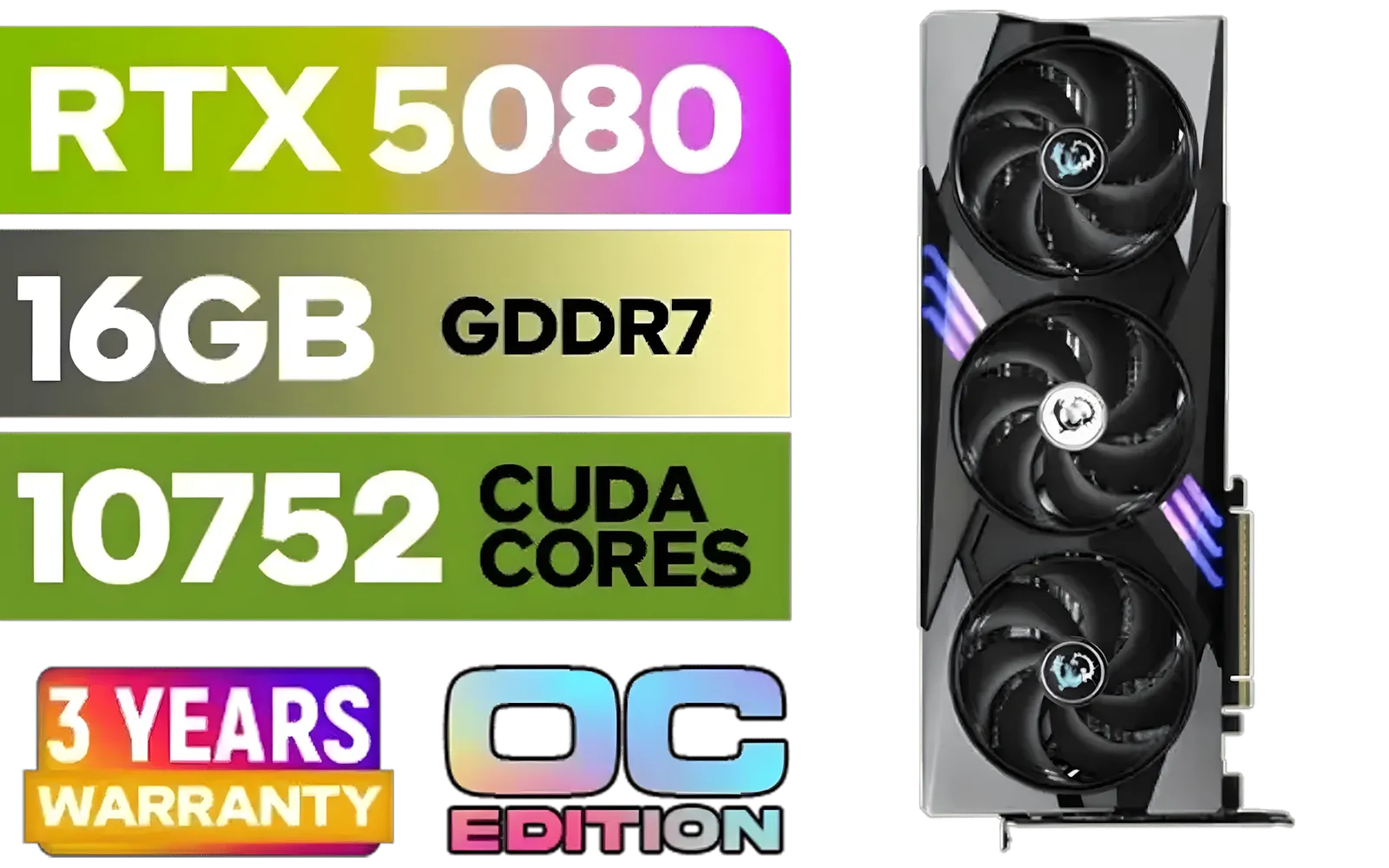
MSI GeForce RTX 5080 16G Gaming Trio OC Graphics Card - Precision Airflow Control - Nickel-Plated Copper Base - Metal Backplate - 16GB GDDR7 - 30Gbps Memory Speed - PCI Express® Gen 5 / 912-V531-026
R29499.00In Stock
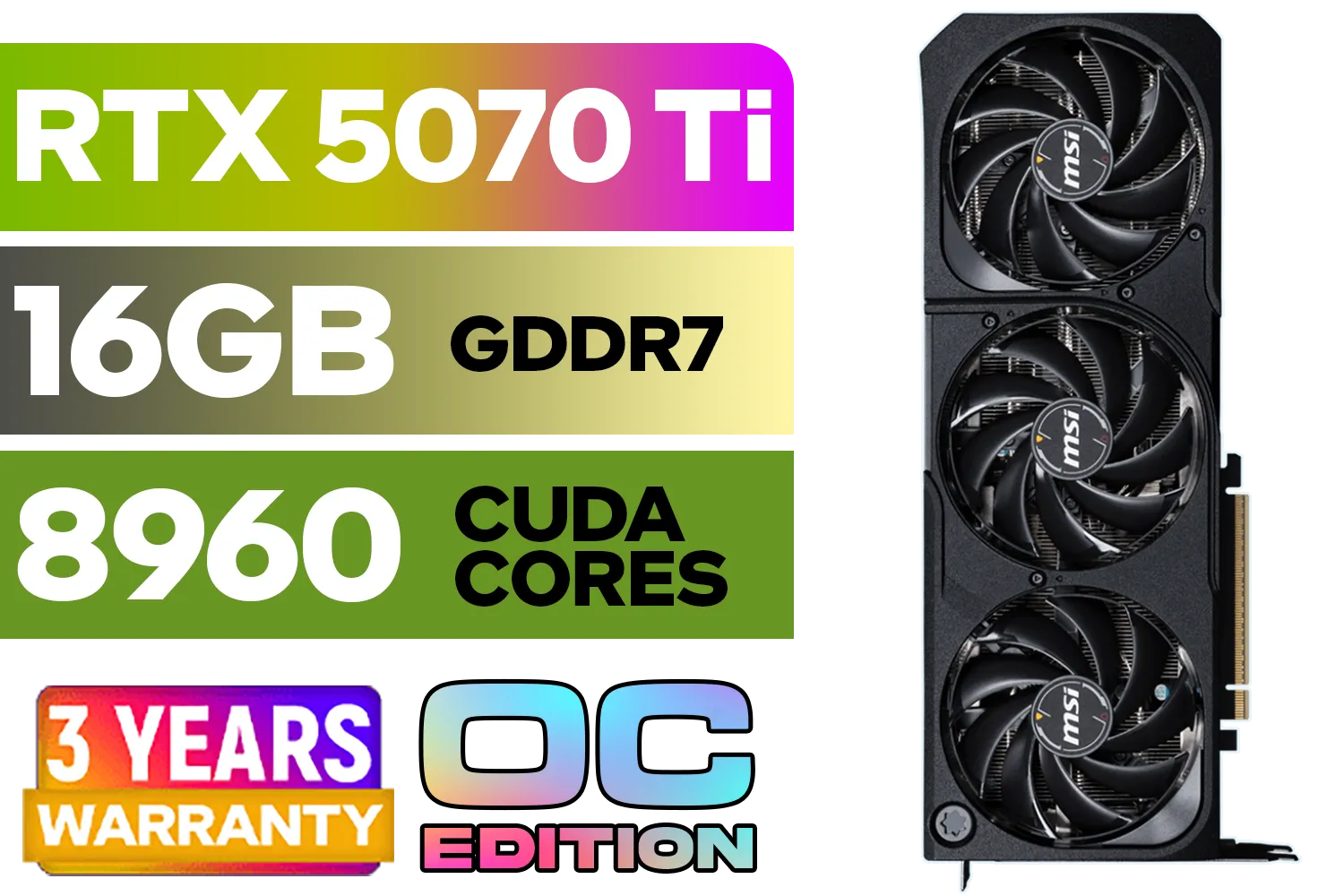
GeForce RTX™ 5070 Ti 16G SHADOW 3X OC Graphics Card / 8960 Cuda Cores / 256-bit Memory Interface / Boost Clock : 2482 MHz / NVIDIA Blackwell & DLSS 4 / TORX Fan 5.0 / Nickel-Plated Copper Baseplate / 912-V531-465
R19499.00In Stock

MSI Geforce RTX 5070 Ventus 2X 12G OC Graphics Card / 12GB GDDR7 / 6144 Cuda Cores / 192-bit Memory Interface / Boost Clock : 2542 MHz / NVIDIA Blackwell & DLSS 4 / 28Gbps Memory Speed / PCI Express® Gen 5 / 912-V532-009
R13999.00In Stock

Palit GeForce RTX 5080 GamingPro 16GB GDDR7 / 30Gbps Memory Speed / PCI Express® Gen 5 / NE75080019T2-GB2031A
R24199.00In Stock

MSI GeForce RTX 5070 12G Inspire 3X OC Graphics Card / 12GB GDDR7 / 6144 Cuda Cores / 192-bit Memory Interface / Boost Clock : 2542 MHz / NVIDIA Blackwell & DLSS 4 / 28Gbps Memory Speed / PCI Express® Gen 5 / 912-V532-017
R14499.00In Stock

MSI GeForce RTX 5070 12G VENTUS 3X OC Graphics Card / 12GB GDDR7 / 6144 Cuda Cores / 192-bit Memory Bus / Boost Clock : 2542 MHz / PCI Express® Gen 5 / 912-V532-007
R14999.00In Stock
For years, top-tier streamers have relied on a two-PC setup for one simple reason: performance without compromise. Here’s the logic:
- Your Gaming PC: This rig does one thing and one thing only… run your game at the highest possible frame rate and graphical fidelity. All its resources, from the CPU to the GPU, are dedicated to your gameplay experience.
- Your Streaming PC: This second machine captures the video feed from your gaming PC and handles the demanding task of encoding it into a high-quality stream for platforms like Twitch or YouTube.
By splitting the workload, you ensure neither task suffers. Your gameplay remains buttery-smooth, and your audience gets a crystal-clear, stable broadcast. This is the foundation for building the best GPU for streaming 2025 setup.
Choosing the Best GPU for Your Streaming PC
Here’s the secret the pros know: the graphics card in your dedicated streaming PC doesn't need to be a top-of-the-line beast. Its job isn't to render complex 3D worlds; its primary role is video encoding. Modern GPUs have specialised hardware built-in just for this purpose.
The most critical factor is the quality and efficiency of this dedicated media encoder. This is where you get the most value for your ZAR, freeing up your budget for a monster GPU in your gaming rig. When considering your options, the main players are NVIDIA's powerful GeForce lineup, the competing AMD Radeon series, and the newer Intel Arc graphics cards.
TIP FOR YOU
Optimise Your Capture Card ⚡
For a dual-PC setup, a high-quality capture card like an Elgato 4K60 Pro or AVerMedia Live Gamer is essential. Ensure you install the latest drivers and set it to output a raw, uncompressed video format (like NV12 or YUY2) in OBS on your gaming PC. This gives your streaming PC the cleanest possible source to encode, resulting in a sharper final stream.
Top GPU Contenders for Your Dedicated Streaming Rig
When building a professional streaming hardware configuration, your choice of GPU for the encoding machine is crucial. While you could technically use high-end professional-grade workstation GPUs, they are often overkill and not cost-effective for this specific task. Consumer cards offer far better value.

XFX Quicksilver AMD Radeon RX 9070 XT Graphics Card / 4096 Stream Processors / 256-bit Memory Interface / Boost Clock : 2970 MHz / AMD RDNA™ 4 Architecture / RX-97TQICKB9
R14999.00In Stock

PNY GeForce RTX 5070 EPIC-X 12GB OC Graphics Card / 12GB GDDR7 / 6144 Cuda Cores / 192-bit Memory Interface / Base Clock: 2160 MHz / 28 Gbps Memory Speed / DisplayPort 2.1b (x3), HDMI® 2.1b / VCG507012TFXXPB1-O
R13299.00In Stock
MSI Geforce RTX 5070 Ventus 2X 12G OC Graphics Card / 12GB GDDR7 / 6144 Cuda Cores / 192-bit Memory Interface / Boost Clock : 2542 MHz / NVIDIA Blackwell & DLSS 4 / 28Gbps Memory Speed / PCI Express® Gen 5 / 912-V532-009
R13999.00In Stock

MSI GeForce RTX 5070 Ti 16G Gaming Trio OC Graphics Card / 16GB GDDR7 / 8960 Cuda Cores / 256-bit Memory Interface / Boost Clock : 2572 MHz / PCI Express® Gen 5 / 912-V531-272
R21199.00In Stock

MSI GeForce RTX 5070 Ti 16G Ventus 3X OC / 16GB GDDR7 / 28Gbps Memory Speed / PCI Express® Gen 5 / 912-V531-092
R19999.00In Stock

SAPPHIRE NITRO+ RX 9070 Gaming OC 16GB Graphics Card / 16GB GDDR6 Memory / 3584 Stream Processors / 256-bit Memory Interface / Boost Clock : 2700 MHz / AMD RDNA™ 4 Architecture / 56 Ray Accelerators / 11349-01-20G
R13599.00In Stock
### NVIDIA's NVENC: The Gold Standard
For years, NVIDIA's hardware encoder (NVENC) has been the undisputed champion for live streaming. It delivers exceptional image quality at a minimal performance cost, which is exactly what you want in a dedicated streaming PC.
An entry-level NVIDIA RTX 30-series or 40-series card, like an RTX 3050 or RTX 4060, is a fantastic choice. It provides access to the latest-generation NVENC, which is more than capable of handling a crisp 1080p or even 1440p stream without breaking a sweat. It's the most reliable and widely supported option in streaming software like OBS Studio.
### AMD & Intel: Strong and Improving Alternatives
While NVENC holds the crown, the competition is catching up. AMD's AMF (Advanced Media Framework) encoder has improved significantly and is a perfectly viable option. Similarly, Intel's Arc GPUs have made waves with their excellent AV1 encoding capabilities, a next-generation codec that offers better quality at lower bitrates. For streamers looking to future-proof, an Arc A-series card is a compelling and often budget-friendly pick.
Future-Proofing Your Stream for 2025 and Beyond 🚀
Technology moves fast, and streaming is no exception. The AV1 codec is slowly becoming the new standard, and having a GPU that can encode it natively is a huge plus. As we look towards 2025, it's also smart to keep an eye on how the market shifts. The arrival of next-gen cards like the upcoming RTX 5060 will likely make current-generation streaming powerhouses even more affordable.
Ultimately, the best graphics card for your streaming PC is one that offers a modern, efficient encoder without unnecessary gaming horsepower. This smart, targeted approach allows you to build a pro-level dual-PC setup that delivers flawless quality to your audience. Whether you're just starting your journey or upgrading your current rig, you can browse our full range of GPUs to find the perfect heart for your streaming machine.
Ready to Build Your Pro Streaming Setup? A dual-PC setup is the key to unlocking flawless gameplay and a crystal-clear broadcast. Explore our massive range of GPUs and find the perfect encoding powerhouse for your dedicated streaming rig today.
Related Products

MSI GeForce RTX 5070 12G Gaming Trio OC Graphics Card / 12GB GDDR7 / 6144 Cuda Cores / 192-bit Memory Interface / Boost Clock : 2610 MHz / NVIDIA Blackwell & DLSS 4 / TRI FROZR 4 Thermal Design / Metal with Airflow Vents / 912-V532-019
R15199.00In Stock
MSI GeForce RTX 5070 12G VENTUS 3X OC Graphics Card / 12GB GDDR7 / 6144 Cuda Cores / 192-bit Memory Bus / Boost Clock : 2542 MHz / PCI Express® Gen 5 / 912-V532-007
R14999.00In Stock

XFX SWIFT AMD Radeon RX 9060 XT OC 16GB Graphics Card - Black / 16GB GDDR6 / 2048 Stream Processors / 128-bit Memory Interface / Boost Clock : 3320 MHz / RX-96TS316B7
R8499.00In Stock

MSI GeForce RTX 5080 16G VENTUS 3X OC Plus Graphics Card / PCI Express Gen 5 / 10752 Cuda Cores / 16GB GDDR7 / Nickel-plated Copper Baseplate / 912-V531-293
R27999.00In Stock
MSI GeForce RTX 5080 16G Gaming Trio OC Graphics Card - Precision Airflow Control - Nickel-Plated Copper Base - Metal Backplate - 16GB GDDR7 - 30Gbps Memory Speed - PCI Express® Gen 5 / 912-V531-026
R29499.00In Stock
MSI Geforce RTX 5070 Ventus 2X 12G OC Graphics Card / 12GB GDDR7 / 6144 Cuda Cores / 192-bit Memory Interface / Boost Clock : 2542 MHz / NVIDIA Blackwell & DLSS 4 / 28Gbps Memory Speed / PCI Express® Gen 5 / 912-V532-009
R13999.00In Stock
RTX 4070 Super hits the sweet spot: strong gaming plus NVENC/AV1 for OBS at 1080p–1440p. Choose RTX 4080 Super for 4K or very high bitrates.
Yes, for multi PC streaming. It cuts latency and sync issues and frees the gaming GPU. NVENC/AV1 helps, but a capture card simplifies audio and scenes.
Yes. RTX 4060 or 4060 Ti deliver AV1 and fast NVENC in OBS. Pair with a low-power streamer PC for pro quality at lower cost.
Use AV1, Quality preset, B-frames 3, psycho-visual tuning on, look-ahead off for high FPS, and dynamic bitrate. Tweak per game and network.
NVENC uses little VRAM. For multi PC streaming, 8–12GB is enough unless you push 4K assets, heavy filters, or very high-res textures while gaming.
Yes. AMD RDNA3 (RX 7700 XT+) and Intel Arc A770 have solid AV1 encoders. Drivers and OBS support matter; test stability before going live.
RTX 4060 Ti or Intel Arc A770: strong AV1, low power, and good tracking performance for multi PC streaming and VTuber apps.







