



Best Micro ATX and ITX Motherboards for Compact Builds
• Identify best micro ATX and ITX motherboards; • Recommend compact-build picks; • Compare features, cooling, and value. Find the best micro ATX and ITX motherboards for compact builds with top picks and buying tips. 🔧📦

Tired of that massive PC tower taking up half your desk space? In South Africa, where every square metre counts, big power no longer needs a big box. Compact PC builds are taking over, offering top-tier performance in a sleek, space-saving package. But the heart of any small build is the motherboard. Choosing between the best Micro ATX and ITX motherboards can feel tricky, but getting it right is the first step to building your dream compact rig. 🔧

Xigmatek Aqua Ultra Air Mid Tower Gaming Case - Black / Supports Motherboards up to E-ATX / 430mm VGA Support / 7 x Pre-Installed ARGB Fans Included / EN41907
R2499.00In Stock
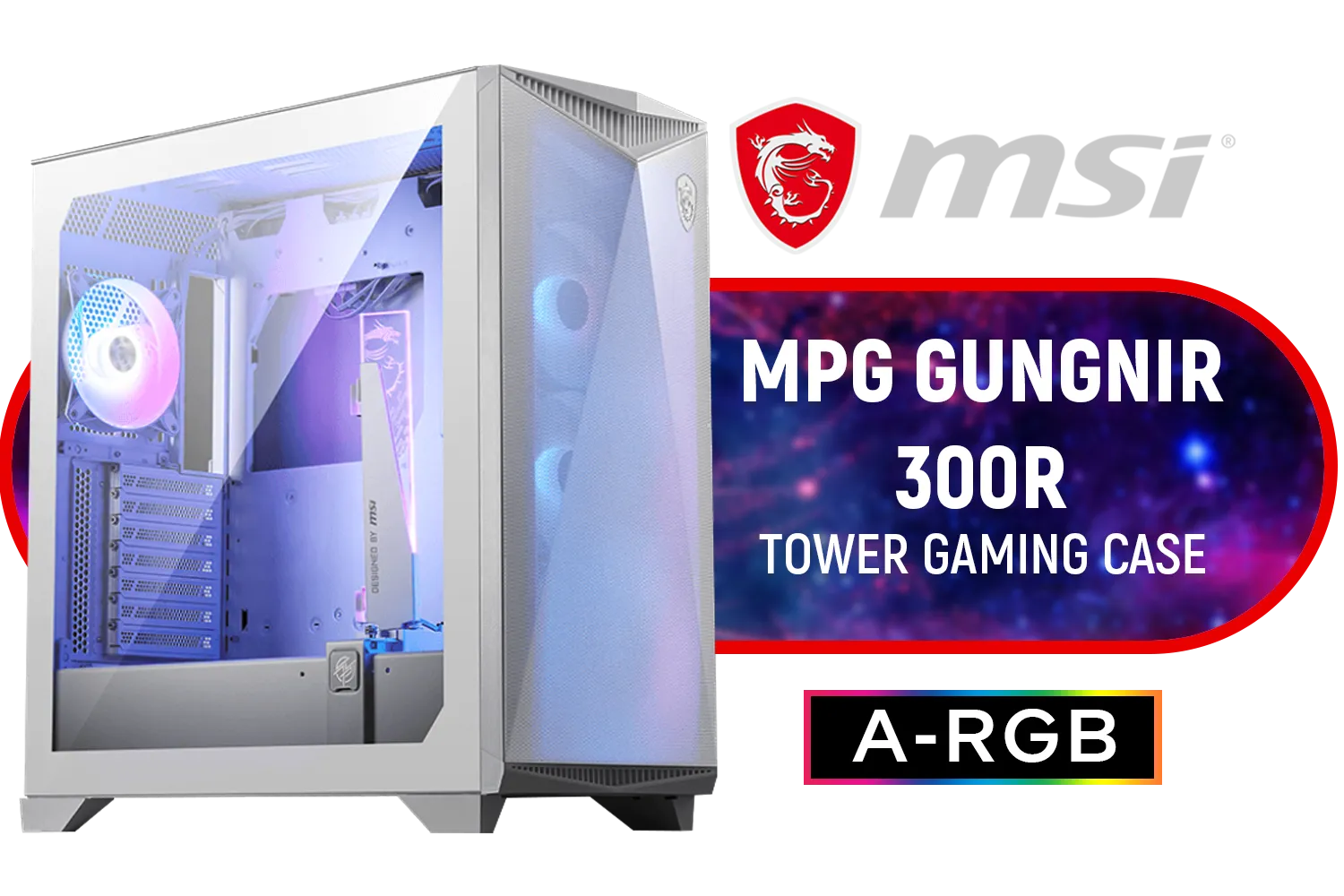
MSI MPG GUNGNIR 300R Airflow Gaming Case - White / Mid-Tower Case Form Factor / EATX, ATX, M-ATX, ITX / Pre-installed 4x 120mm ARGB Fans / Tempered Glass / 306-7G21W21-W57
R3199.00In Stock

Deepcool MATREXX 55 V4 C Tempered Glass ATX Case, 3x 140mm aRGB & 1x 120mm aRGB Pre-Installed Fan, 360mm Max Radiator, ABS+SPCC Materials, Black | MATREXX55-V4-C
R879.00In Stock

GAMDIAS AURA GC10M Micro-ATX & MIni-ITX Mid Tower Gaming Computer PC Case with Side Tempered Glass, 3x 120mm ARGB Case Fans White / AURA-GC10M-ARGB-WH
R1299.00In Stock

Gamdias Atlas P2 Tempered Glass ATX Gaming Case - Black / Magnetic Dust Filter / 4 Built-in 120mm ARGB Fan / Supports Motherboards up to ATX / Compatible with 430mm GPU / ATLAS-P2
R2299.00In Stock

Corsair iCUE LINK 5000T LX RGB Mid-Tower High-Performance Gaming E-ATX PC Case / Sleek, uniquely contoured steel chassis / Integrated Aurora RGB Light Strips / Supports Motherboards up to E-ATX / Removable mesh front and roof high airflow panels / 3 x Pre-Installed RGB Fan Included /CC-9011298-WW
R6299.00In Stock
Understanding the Difference: Micro ATX vs. ITX
Before you start shopping, let's break down the two main contenders for your compact build. Think of it as choosing between a nimble hatchback and a high-performance go-kart.
- Micro ATX (mATX): This is the versatile middle ground. It's smaller than a standard ATX board but larger than ITX. This size advantage gives it more room for features, typically offering up to four RAM slots and multiple PCIe slots for graphics cards, capture cards, or extra storage. It's the sweet spot for builders who want a smaller footprint without sacrificing too much expandability.
- Mini ITX (ITX): This is the smallest standard motherboard form factor. ITX boards are built for ultimate portability and minimalist setups. They usually have just one PCIe slot (for your graphics card) and two RAM slots. The trade-off for their tiny size is fewer features and a more challenging building process, but the result is a seriously compact powerhouse. ✨
The Case for a Micro ATX Motherboard
For many South African gamers, a Micro ATX motherboard is the perfect choice. It strikes an excellent balance between size, features, and price. You get the cost-saving benefits of a smaller board while retaining enough flexibility for future upgrades.
Because mATX is such a popular standard, you'll find it compatible with a huge variety of PC cases, from budget-friendly options to premium tempered glass models. This flexibility makes it easier to build a powerful yet reasonably sized gaming PC without breaking the bank. It's the ideal foundation for a rig that can handle both marathon gaming sessions and demanding productivity tasks.
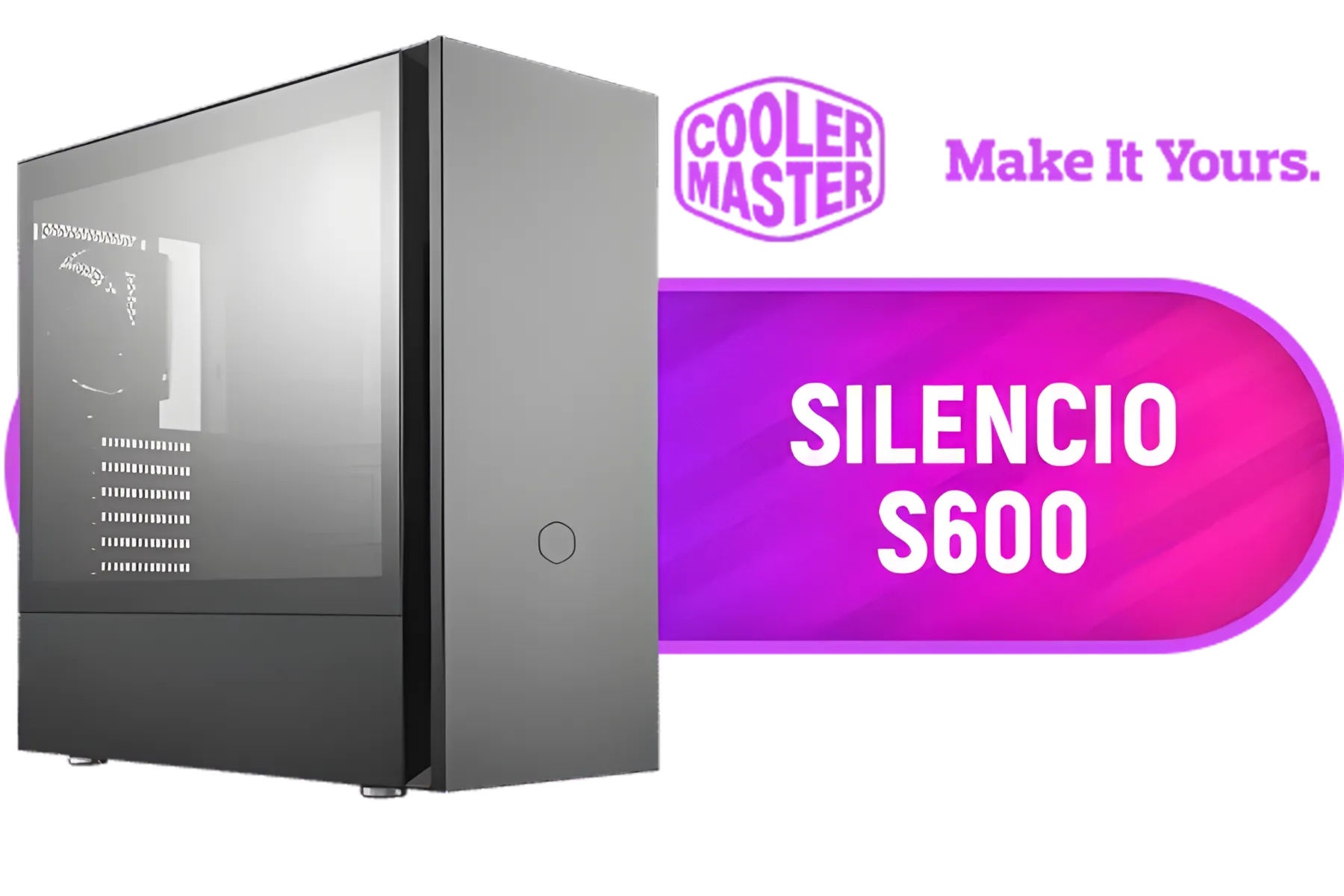
Cooler Master Silencio S600 ATX Gaming Case, Silencio Design, Two Silencio FP 120mm PWM fans, 2x USB 3.2 Gen 1,Sound Dampering Material / MCS-S600-KG5N-S00
R1999.00In Stock

Fractal Design Define 7 White Brushed Aluminum/Steel E-ATX Silent Modular Tempered Glass Window Mid Tower Computer Case - 3 x Pre-Installed Fans Included - FD-C-DEF7A-06
R2999.00In Stock

Antec C5 ARGB, 7 x 120mm ARGB PWM Fans Included, Up to 10 Fans Simultaneously, Type-C 3.2 Gen 2 Port, Seamless Tempered Glass Front & Side Panels, 360mm Radiator Support, Mid-Tower ATX PC Case / 0-761345-10033-5
R2499.00In Stock
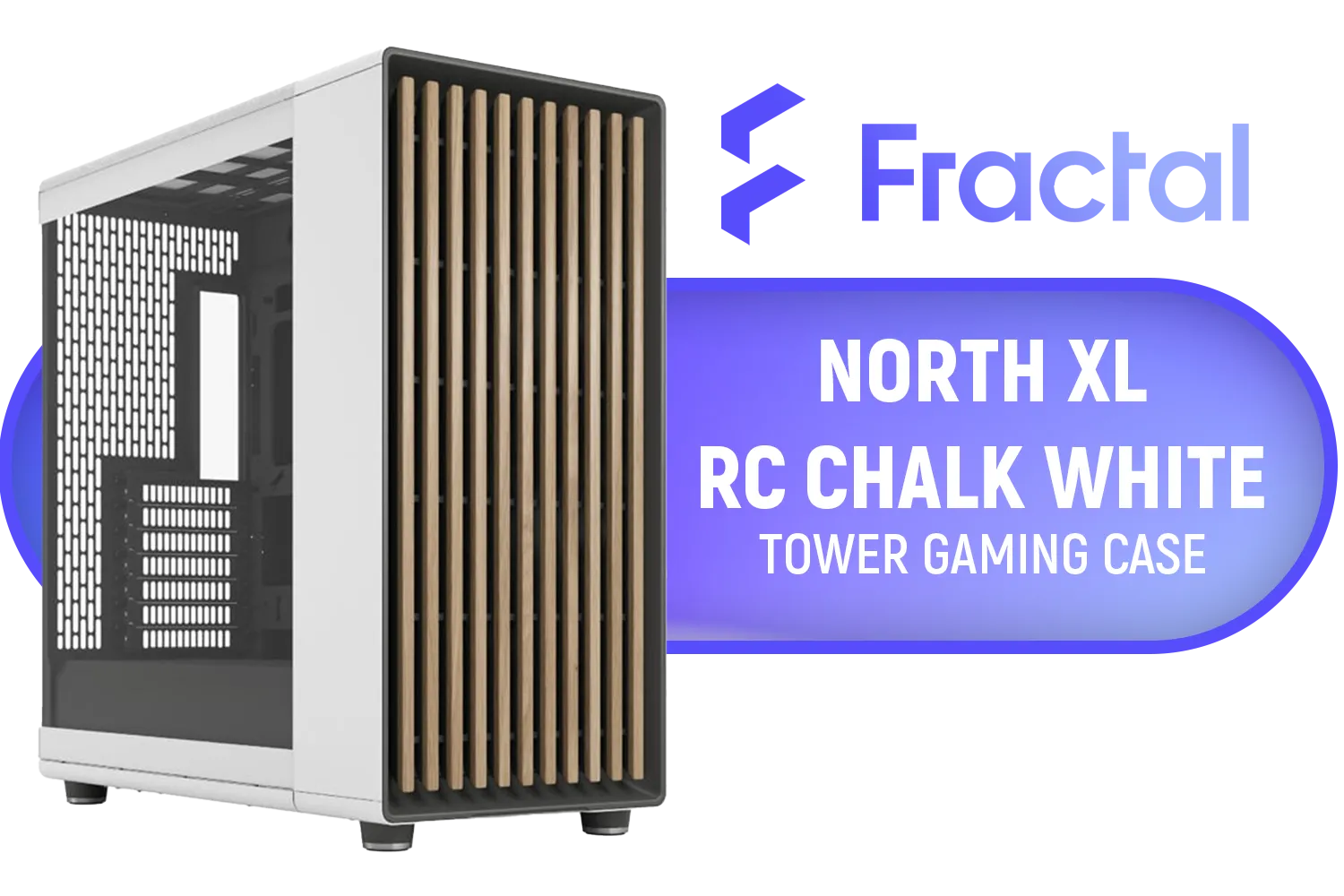
Fractal North XL RC Chalk White TG Clear PC Case / ATX and mATX with rear-facing connectors, Mini-ITX Motherboard Compatibility / 3x Included Aspect 140 mm fans / Tempered Glass / FD-C-NOR1X-06
R3199.00In Stock

Corsair iCUE LINK 6500X RGB Mid-Tower ATX Dual Chamber Gaming E-ATX PC Case - Black / Compatible with reverse connector motherboards / Supports Motherboards up to E-ATX / Tempered Glass / iCUE LINK Fan Bundle included / 3 x Pre-Installed RGB Fan Included / CC-9011269-WW
R5599.00In Stock
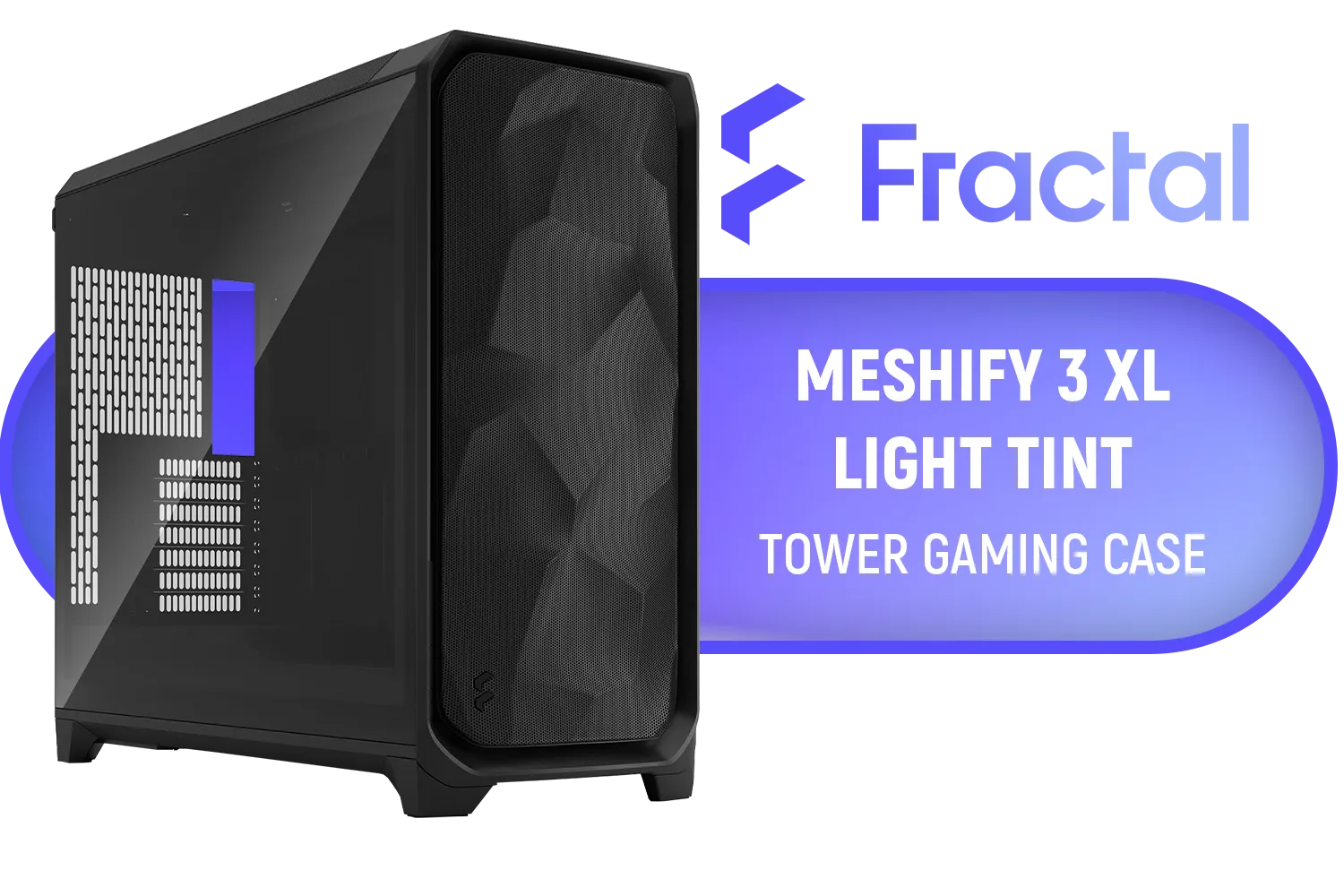
Fractal Design Meshify 3 XL Black TG Light Tint - Mesh Front Panel - Three Momentum 14 Gen 2 Fans Included - E-ATX/ATX/mATX Support / FD-C-MES3X-02
R3299.00In Stock
The Allure of the ITX Motherboard for Ultimate Compact Builds
Ready to build something truly tiny and impressive? A Mini ITX motherboard is your ticket. These boards are the heart of the Small Form Factor (SFF) community, enabling builds so small they can fit into a backpack for a LAN party or sit discreetly in your living room as a media centre. 🚀
Building with an ITX motherboard requires more planning. Cable management is tighter, and component clearance is critical. But the payoff is a clean, minimalist setup that packs a surprising punch. Pairing one of the best ITX motherboards with one of the many clever and compact Gamemax computer cases results in a system that's both a performance beast and a work of art.
TIP FOR YOU
SFF Builder's Pro Tip 📏
Always check your component dimensions twice! In a compact build, every millimetre counts. Before buying, confirm your CPU cooler's height, your GPU's length, and your power supply's size against the case specifications. There’s nothing worse than finding out your new graphics card is 5mm too long to fit!
Key Features in the Best Compact Motherboards
Whether you lean towards Micro ATX or ITX, a few key features separate a good motherboard from a great one, especially for compact builds.
Power Delivery & Cooling
A cramped case means less airflow, so robust power delivery (VRMs) with decent heatsinks is crucial for keeping your CPU stable under load. Look for boards that don't skimp on cooling, as this will directly impact your PC's performance and longevity.
Connectivity & I/O
Don't compromise on connectivity. Modern essentials include built-in Wi-Fi 6E, 2.5Gbps LAN for fast internet, and plenty of high-speed USB ports. An internal USB-C header is also a must-have for connecting to the front panel of a modern chassis like the sleek Cooler Master E301.

Xigmatek Gaming Y Pro Arctic Mid Tower Gaming Case - White / Supports Motherboards up to E-ATX / 4 x Pre-Installed Fans Included / EN42256
R1699.00In Stock
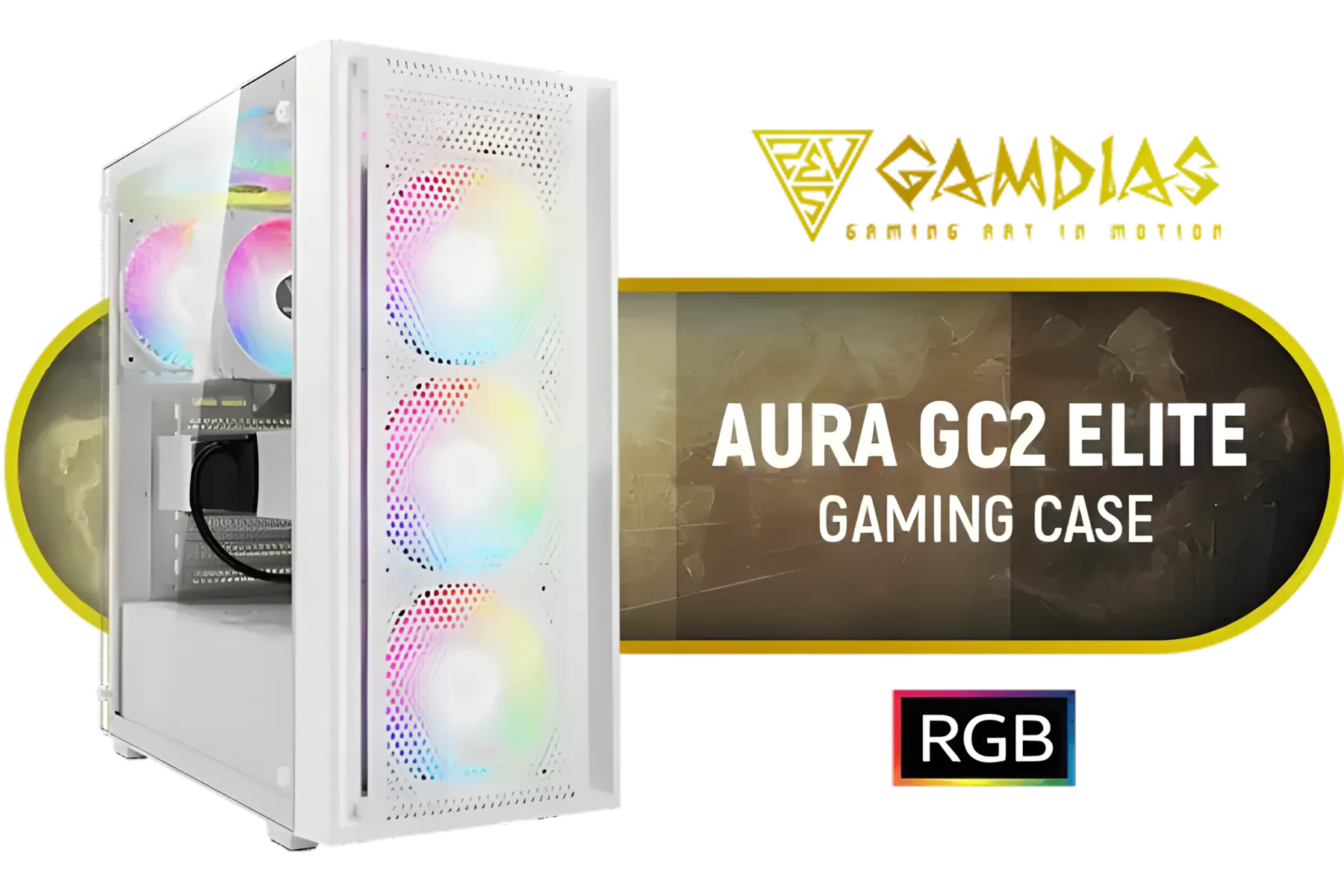
GAMDIAS Aura GC2 Elite White ATX Mid Tower Gaming PC Case / Supports Motherboards up to ATX / Tempered Glass, Support Up to 340mm GPU, 4X 120mm RGB Case Fans, ATX Motherboards / AURA-GC2-ELITE-WH
R499.00In Stock
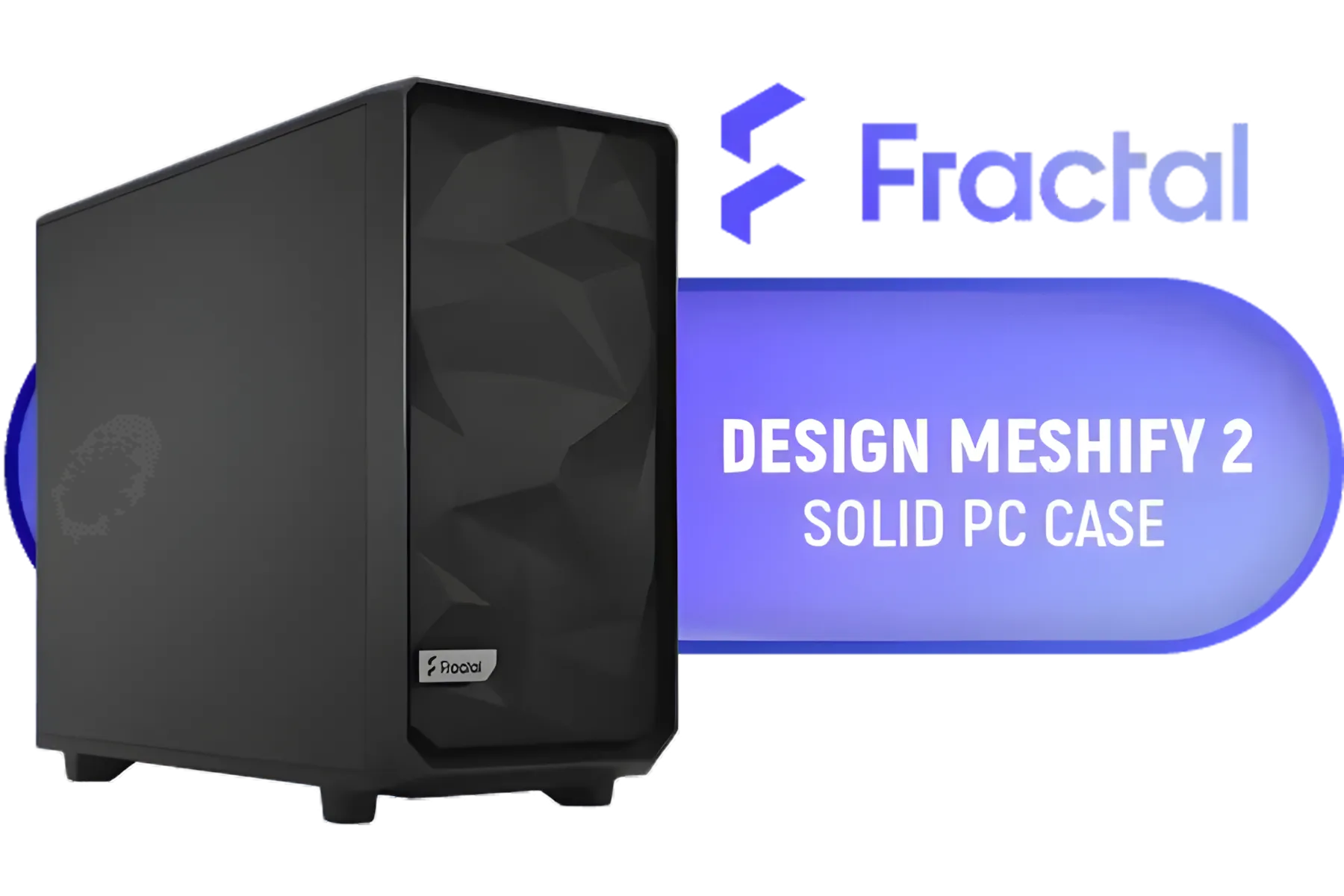
Fractal Design Meshify 2 Black ATX Flexible Mid Tower Computer Case - Stealth-inspired filtered airflow - Fits up to 285mm E-ATX - Fits Radiators Up to 420mm top - 2 x Pre-Installed Fans Included - FD-C-MES2A-01
R2499.00In Stock

Corsair 6500D AIRFLOW Mid-Tower Dual Chamber Gaming E-ATX PC Case - White / Compatible with reverse connector motherboards / Supports Motherboards up to E-ATX / Tempered Glass / Wide cooling flexibility / No Fans Included / CC-9011260-WW
R4599.00In Stock

COUGAR MG140 Air RGB (Black): Compact ARGB Mini Tower Case with Modern Patterned Air Vents / Supports Motherboards up to Mini ITX / Micro ATX / 3 x Pre-Installed ARGB Fans Included / 385JM80.0001
R1399.00In Stock
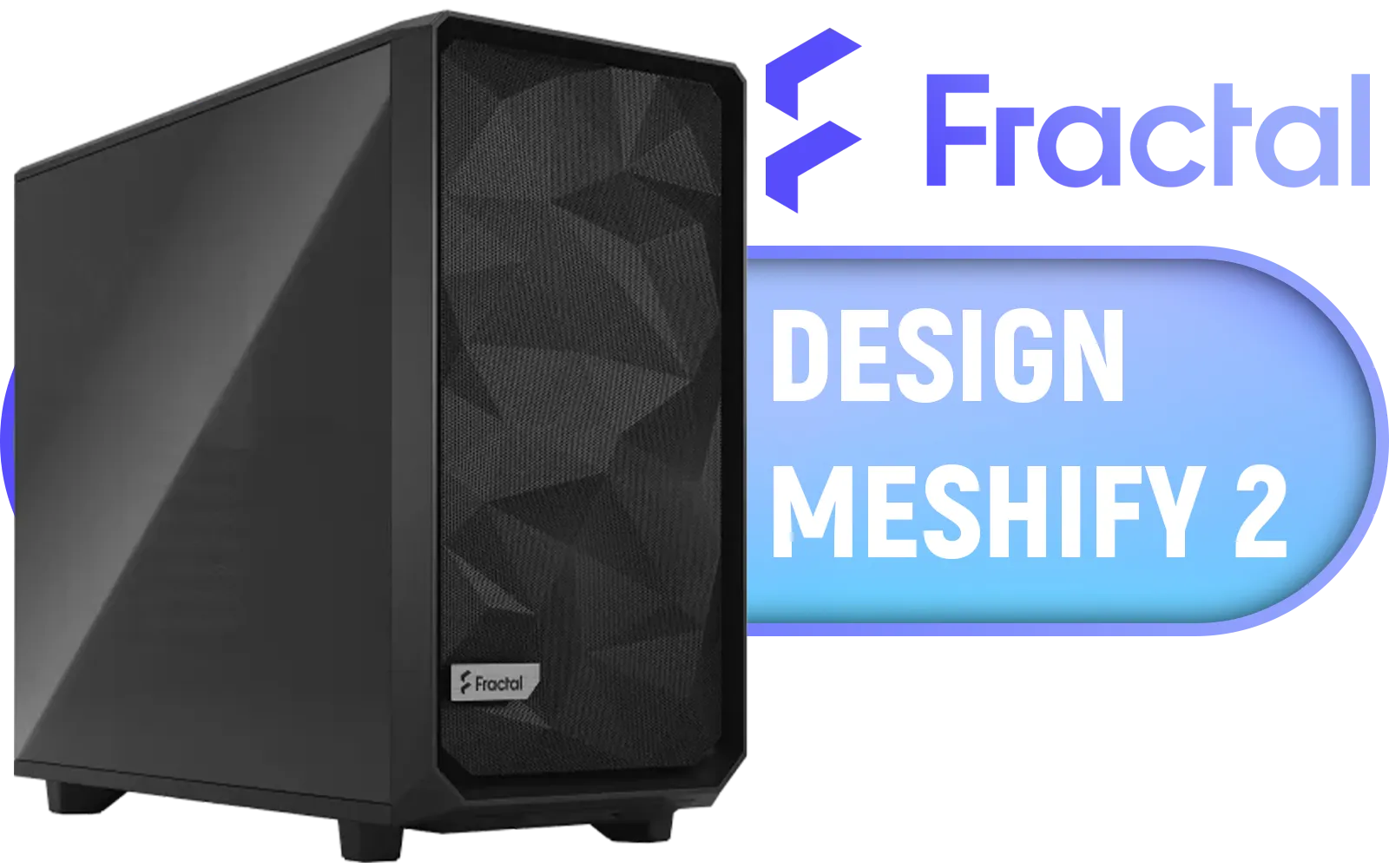
Fractal Design Meshify 2 Black ATX Flexible Light Tinted Tempered Glass Window Mid Tower Computer Case / 3 x Pre-Installed Fans Included / FD-C-MES2A-03
R2699.00In Stock
Smart Layout
The best Micro ATX and ITX motherboards have thoughtful layouts. Are the SATA ports accessible once the GPU is installed? Is the M.2 slot located on the front for easy access, or hidden on the back? These small details make a huge difference during the building process, especially when working with the tight confines of the entire range of Cooler Master cases.
Ready to Build Your Compact Powerhouse? Choosing between the best Micro ATX and ITX motherboards comes down to your space, budget, and ambition. Now that you're armed with the right info, you can find the perfect core for your next build. Explore our massive range of motherboards and start planning your dream compact PC today.
Related Products

Xigmatek Vision Pro Mid Tower Gaming Case - Black / Supports Motherboards up to E-ATX / 8 x Pre-Installed ARGB Fans Included / EN45158
R3099.00In Stock

Antec C8 Wood Gaming Case - Black / Dual Chamber / Seamless edge on front & side panel with exotic Wood / Up to 10 fans simultaneously / No Fans Included / 0-761345-10079-3
R2499.00In Stock
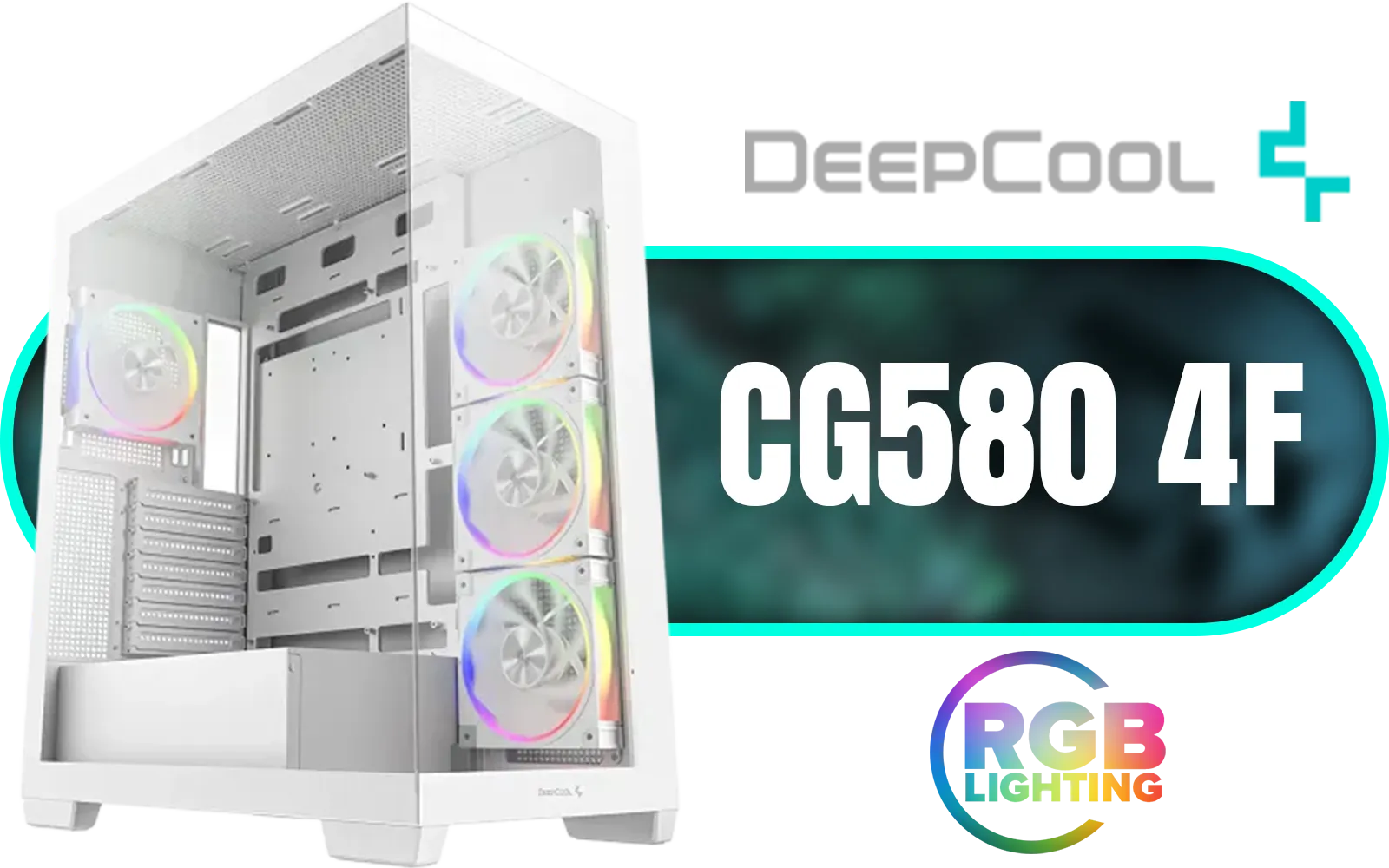
DeepCool CG580 4F WH V2 ATX Mid Tower Gaming Case - White/ 4 Built-in ARGB Fans / 360mm Radiator Support / No A-Pillar Design / 270° Glass Side & Front Panels / Supports ITX, Micro-ATX, ATX / USB 3.0 / USB Type-C / CG580 4F WH V2
R1899.00In Stock
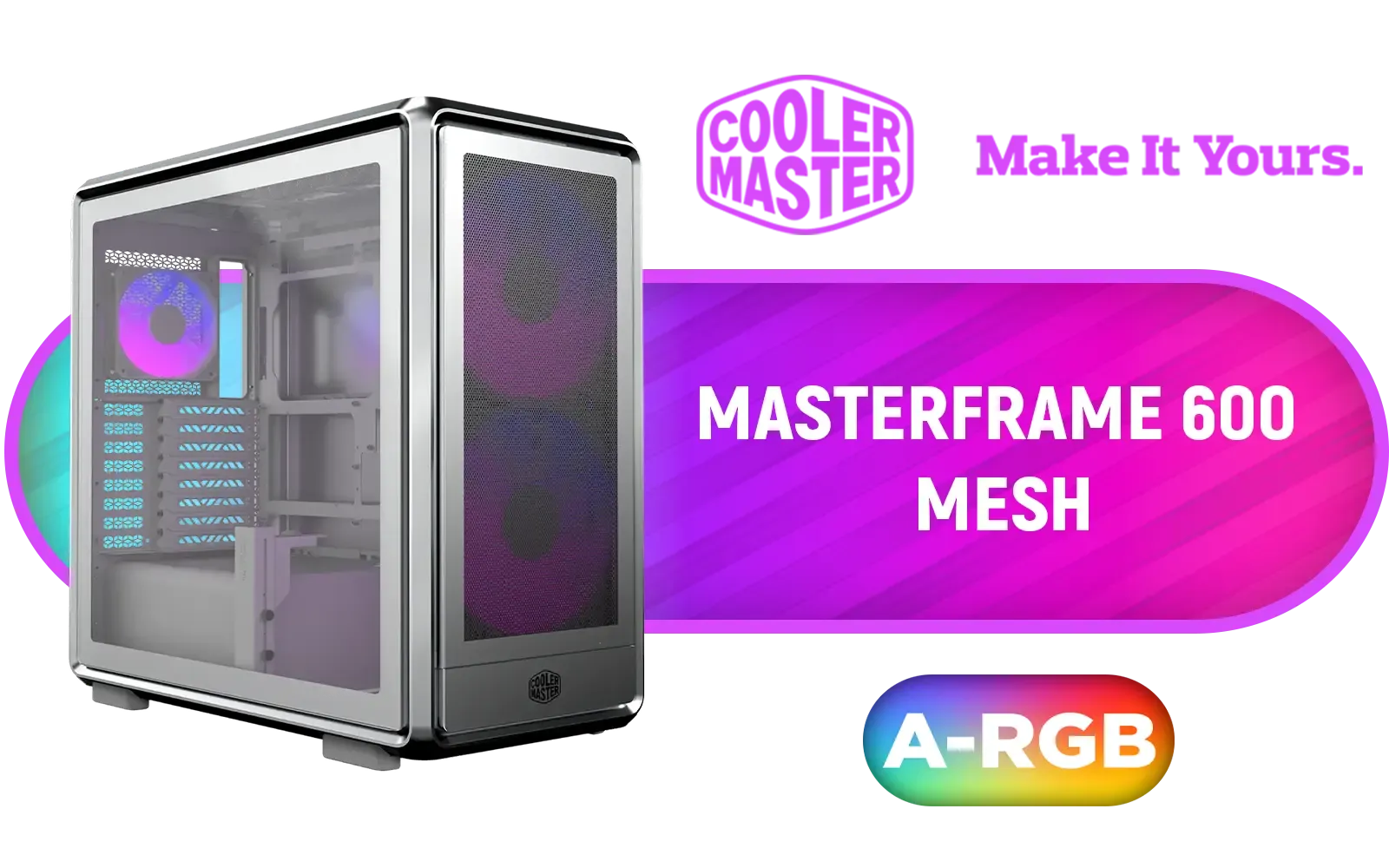
Cooler Master MasterFrame 600 Mesh ARGB Mid-Tower PC Case - Silver / Tempered Glass Side Panel / Supports E-ATX Motherboards / FreeForm 2.0 Exo-Structure PC Case / Modular Open-Frame Design / Up to 11 Fans & 420mm Radiator / 485mm GPU Clearance / Interchangeable Maker-Friendly Panels / Includes GPU Support Bracket / 2x SickleFlow 200 ARGB Pre-installed Fans / 1x SickleFlow 120 ARGB Pre-installed Fan / MF600M-SGNN-S01
R3399.00In Stock
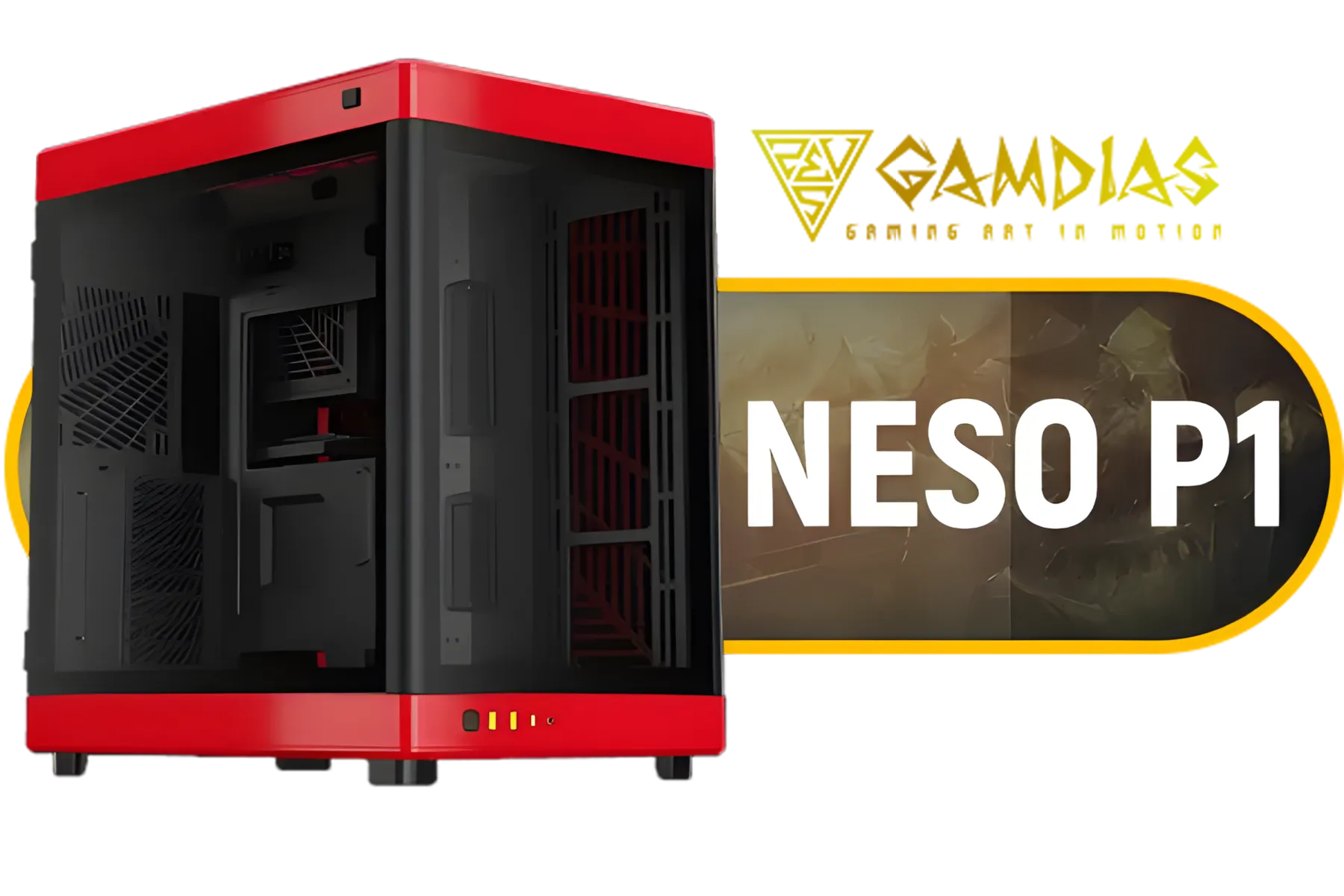
Gamdias Neso P1 Prime Lifestyle E-ATX Gaming Case - Black/Red / Modular Orientation / Full Panoramic Display / Supports Motherboards up to E-ATX / Trapezoid Shaped for Horizontal Desktop and Vertical Tower Setup / No Fans Included / NESO-P1-BR
R2499.00In Stock
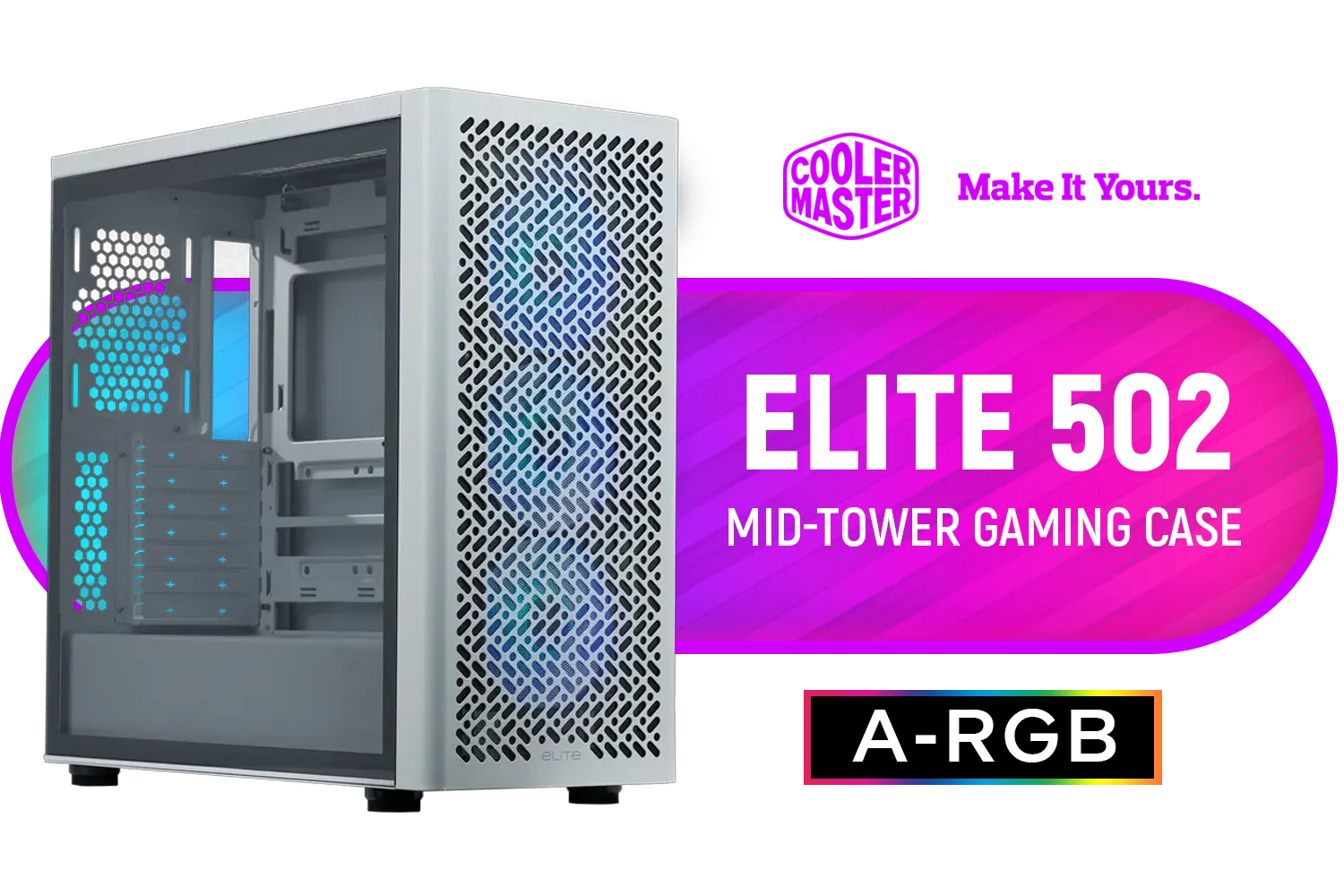
Cooler Master Elite 502 Mid-Tower Gaming Case - White / ITX, Micro-ATX, ATX (Supporting Back-connector Motherboard), E-ATX Motherboard Support / Up to 7 Case Fans / Pre-installed 3x 120mm ARGB Fans / E502-WGNN-S00
R1299.00In Stock
Top picks balance VRM quality, I/O, and cooling. Check our best mini ITX motherboards for gaming and best mATX motherboards for compact builds.
mATX offers more expansion and ports; mini-ITX is smallest for tight cases. Compare mATX vs ITX for gaming builds to pick the right layout.
Some mini-ITX cases accept full-length GPUs, but confirm clearance. Look for a compact motherboard for small form factor PC and case GPU length specs.
Yes—many do. For Ryzen overclocking, choose a high-end mini ITX motherboard for Ryzen with strong VRMs and thermal design.
Use low-profile air coolers or compact AIOs and prioritize case airflow. See our best motherboards for compact builds and cooling advice.
Many modern mini ITX and mATX boards include wireless modules. Search for a small form factor motherboard with WiFi for easy connectivity.
Several solid mATX options balance features and price. Look for a budget mATX motherboard under $150 with decent VRMs and expansion slots.











