



Best Monitor for RX 9070 XT: Maximize Your AMD GPU Performance
Finding the best monitor for RX 9070 XT is crucial to unlocking its full potential. Whether you want 4K clarity or 240Hz speed, we break down the top panels. 🖥️ Don't let a bad screen bottleneck your new beast! 🚀
|
Loading tags...
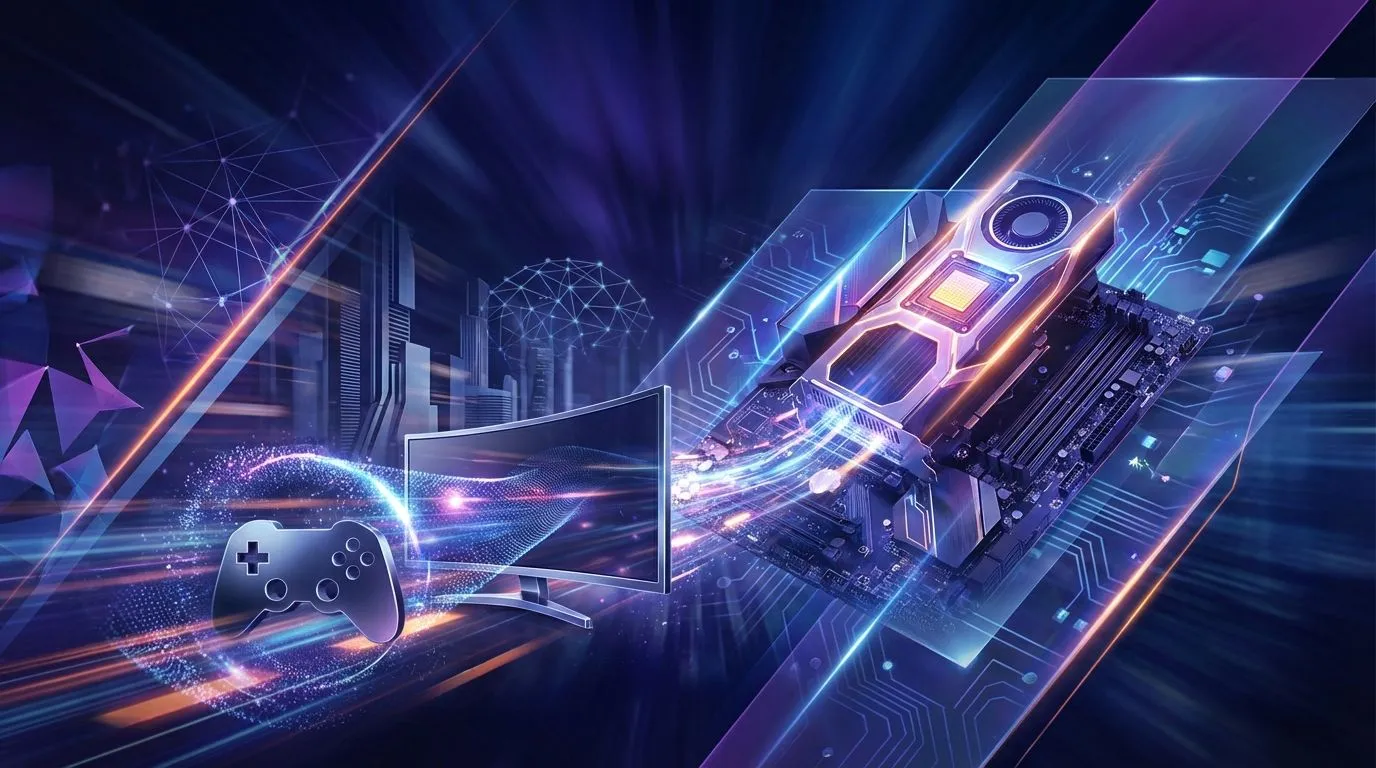
So, you've snagged a beastly AMD Radeon RX 9070 XT—nice one! You're ready to crank those settings to ultra and enjoy some seriously smooth gameplay. But hold on a second... is your monitor up to the task? Pairing this powerhouse GPU with an old, slow screen is like putting retreads on a supercar. To truly unlock its potential, you need the best monitor for the RX 9070 XT. Let's find the perfect panel for your new rig.
Intel Core Ultra 7 265K RTX Pro 2000 DDR5 Workstation PC
R39689.00In Stock

AMD RYZEN 7 5700 4.6GHz RX 9070 16GB Gaming PC
R28349.00In Stock

Intel Core Ultra 5 225F 4.9GHz RTX 3050 6GB DDR5 Gaming PC
R16274.00In Stock

AMD RYZEN 5 8400F 4.7GHz RTX 5060 8GB DDR5 Budget Gaming PC
R17534.00In Stock
![[Pre Built] AMD RYZEN 7 9700X RTX 5070 Gaming PC](https://img.evetech.co.za/repository/ProductImages/ryzen-7-9700-x-rtx-5070-gaming-pc-pbs-main-1600px-v1.webp)
[Pre Built] AMD RYZEN 7 9700X RTX 5070 Gaming PC
R35699.00In Stock

RYZEN 9 9900X 5.6GHz RTX 5070 Ti 16GB DDR5 Gaming PC
R41369.00In Stock
Why Your Monitor Choice Is Crucial for the RX 9070 XT
The AMD Radeon RX 9070 XT is an absolute monster, specifically engineered to deliver breathtaking performance at 1440p and make a serious dent in 4K gaming. It pushes out frames at a blistering pace. If your monitor can't keep up—for example, if it's an older 60Hz model—you're literally throwing away performance. You paid for 150+ frames per second; you should get to see them!
A mismatched monitor creates a bottleneck, leading to screen tearing and stuttering, which ruins immersion. It's the final, critical link in your gaming setup. This GPU is a core component in many top-tier systems, often powering premium PCs over R20k, and it deserves a display that can showcase its true power. 🚀
Decoding the Specs: Finding the Best Monitor for Your RX 9070 XT
Navigating monitor specs can feel like a mission. Let's break down the three most important factors to consider when choosing an RX 9070 XT monitor that will give you the best experience for your hard-earned ZAR.
Resolution: The 1440p Sweet Spot vs. 4K Glory
The biggest decision you'll make is choosing between 1440p (QHD) and 4K (UHD) resolution.
- 1440p (2560 x 1440): This is the undisputed sweet spot for the RX 9070 XT. It offers a massive leap in sharpness and detail over 1080p without demanding so much power that your frame rates suffer. At this resolution, you can expect to hit silky-smooth 144+ FPS in most modern titles with high settings.
- 4K (3840 x 2160): While the RX 9070 XT is a capable 4K card, you'll be trading frame rate for pixels. For cinematic, single-player games, the visual fidelity is stunning. However, for competitive shooters, you might have to lower some settings to maintain a stable 60+ FPS.
For most gamers, a high-refresh-rate 1440p monitor is the best monitor for the RX 9070 XT, offering the perfect balance of performance and visual quality. It's the most common pairing you'll find when you check out the best gaming PC deals.

Intel Core Ultra 7 265K 5.3GHz Quadro A1000 8GB DDR5 Workstation PC
R33389.00In Stock

Intel Core Ultra 5 225F ARC A380 6GB Gaming PC
R14174.00In Stock

RYZEN 5 9600X 5.2GHz ARC B580 12GB DDR5 Gaming PC
R21419.00In Stock

RYZEN 7 9700X 5.5GHz RX 9070 XT 16GB DDR5 Gaming PC
R37484.00In Stock

RYZEN 5 8400F 4.7GHz GT 710 2GB DDR5 Workstation PC
R10079.00In Stock

Ryzen 7 9700X 5.5GHz RTX 5060 Ti 16GB DDR5 Gaming PC
R29399.00In Stock
Refresh Rate: Unleashing a Flood of Frames
Refresh rate, measured in Hertz (Hz), tells you how many times your screen updates per second. A 60Hz monitor can only display 60 FPS, no matter how many frames your GPU is producing. Since the RX 9070 XT can easily push 100-200 FPS at 1440p, you need a monitor to match.
Look for a monitor with at least a 144Hz refresh rate. A 165Hz or even 240Hz panel will provide an even smoother, more responsive feel, giving you a tangible edge in fast-paced games. This is a key factor we consider when balancing components in our latest pre-built PC deals.
TIP FOR YOU
Don't Forget FreeSync! ⚡
Your AMD GPU supports FreeSync technology, which synchronises your monitor's refresh rate with the GPU's frame output. This eliminates screen tearing and stuttering for an incredibly smooth experience. Make sure the monitor you choose is FreeSync Premium certified and remember to enable it in your AMD Adrenalin software!
Panel Type: Colour, Contrast, and Speed
The technology behind the screen itself also plays a huge role.
- IPS (In-Plane Switching): The best all-rounder. IPS panels offer the most vibrant and accurate colours, along with great viewing angles. Modern gaming IPS panels have become incredibly fast, making them the top choice for a beautiful and responsive experience.
- VA (Vertical Alignment): The king of contrast. VA panels produce deep, inky blacks, which makes them fantastic for playing in a dark room. Their response times can sometimes be a bit slower than IPS, but they offer a very immersive picture.
- TN (Twisted Nematic): The original speed demon. TN panels offer the fastest response times but at the cost of poor colour reproduction and viewing angles. They've largely been replaced by fast IPS panels, but you might still find them on budget-focused esports displays.
For a GPU like the RX 9070 XT that produces such rich visuals, an IPS panel is highly recommended. A great display is essential, even in gaming PCs under R20k, to avoid a washed-out picture.
![[Pre Built] Intel Core Ultra 7 265K RTX 5070 Gaming PC](https://img.evetech.co.za/repository/ProductImages/intel-core-ultra-7-265-kf-rtx-5070-gaming-pc-pbs-main-1600px-v1.webp)
[Pre Built] Intel Core Ultra 7 265K RTX 5070 Gaming PC
R38114.00In Stock

RYZEN 9 9900X 5.6GHz RTX PRO 6000 96GB DDR5 Next Gen Workstation PC
R210524.00In Stock
RYZEN 7 9700X 5.5GHz RX 9070 XT 16GB DDR5 Gaming PC
R37484.00In Stock

Intel Core Ultra 7 265K 5.3GHz RTX 5070 12GB DDR5 Gaming PC
R30344.00In Stock
Intel Core Ultra 7 265K 5.5GHz RTX 5070 Ti 16GB DDR5 Gaming PC
R43049.00In Stock
Intel Core Ultra 5 225F ARC A380 6GB Gaming PC
R14174.00In Stock
Our Recommendations: The Perfect Monitor Pairings ✨
So, what's the verdict? The ideal monitor for your RX 9070 XT depends slightly on your primary use case.
- For the Competitive Gamer: A 27-inch, 1440p, 165Hz+ IPS monitor is your go-to. It's the perfect blend of size, clarity, and speed to help you spot enemies and react in an instant.
- For the Immersive Adventurer: A 32-inch 1440p or a 28-inch 4K 144Hz monitor (IPS or VA) will be incredible. The larger screen size and stunning visuals will pull you right into your favourite open-world RPGs.
Ultimately, the goal is to create a balanced system. You wouldn't put a high-performance engine in a car with budget tyres, and the same logic applies here. This is a key difference between a premium build and many budget gaming PCs that often compromise on the display to cut costs. Your RX 9070 XT is a premium part—give it the screen it deserves. 🖥️
Ready to Unleash Your GPU's Full Potential? Choosing the best monitor for your RX 9070 XT isn't just an upgrade; it's the key to unlocking the performance you paid for. Don't let your screen be the bottleneck. Explore our incredible range of gaming monitors and find the perfect display to dominate your world.
Related Products
AMD RYZEN 5 8400F 4.7GHz RX 9060 XT 16GB DDR5 Budget Gaming PC
R19949.00In Stock

AMD RYZEN 9 9950X 5.7GHz Quadro RTX 5000 Ada 32GB DDR5 Workstation PC
R128834.00In Stock
![[Pre Built] AMD Ryzen 7 9800X3D RTX 5080 Gaming PC](https://img.evetech.co.za/repository/ProductImages/ryzen-7-9800-x-3-d-rtx-5080-gaming-pc-48-gb-main-1600px-v1.webp)
[Pre Built] AMD Ryzen 7 9800X3D RTX 5080 Gaming PC
R77699.00In Stock
AMD RYZEN 5 3600 4.2GHz ARC A380 6GB Gaming PC
R9659.00In Stock

Intel Core Ultra 5 225F 4.9GHz A400 4GB DDR5 Workstation PC
R14174.00In Stock
Intel Core Ultra 7 265K 5.3GHz RTX 5060 8GB DDR5 Gaming PC
R29399.00In Stock
Yes, the RX 9070 XT excels at 4K gaming, delivering high frame rates in AAA titles, especially when paired with a high-refresh-rate 4K monitor.
The sweet spot is often 1440p at 240Hz for competitive shooters, though the card handles native 4K visuals comfortably for immersive RPGs.
Absolutely. Look for a FreeSync Premium or Premium Pro monitor to ensure tear-free, low-latency gaming with your AMD Radeon RX 9070 XT.
While not required, an OLED monitor offers the best response times and true blacks, making it a top-tier choice for high-end AMD GPUs.
Yes, the RX 9070 XT has ample VRAM and processing power to drive ultrawide 34-inch and 49-inch displays without struggling.
Ensure you use DisplayPort 2.1 or high-quality HDMI 2.1 cables to maximize bandwidth and color depth between your RX 9070 XT and the monitor.











