



Best Monitor Specs for Valorant and CS2: Competitive Edge
Unlock the best monitor specs for Valorant and CS2 to dominate your matches. We break down refresh rates, response times, and panel types for peak aim. 🎯 Secure the win and upgrade your battle station today! 🖥️
|
Loading tags...

You peek around a corner on Ascent, ready for the clutch... and you’re instantly deleted. Sound familiar? That split-second difference between winning a round and staring at a grey screen often isn't just about skill or your internet connection. Your display plays a massive role. Nailing the best monitor specs for Valorant and CS2 is non-negotiable for anyone in South Africa serious about climbing the ranks. Let's break down what truly gives you a competitive edge.
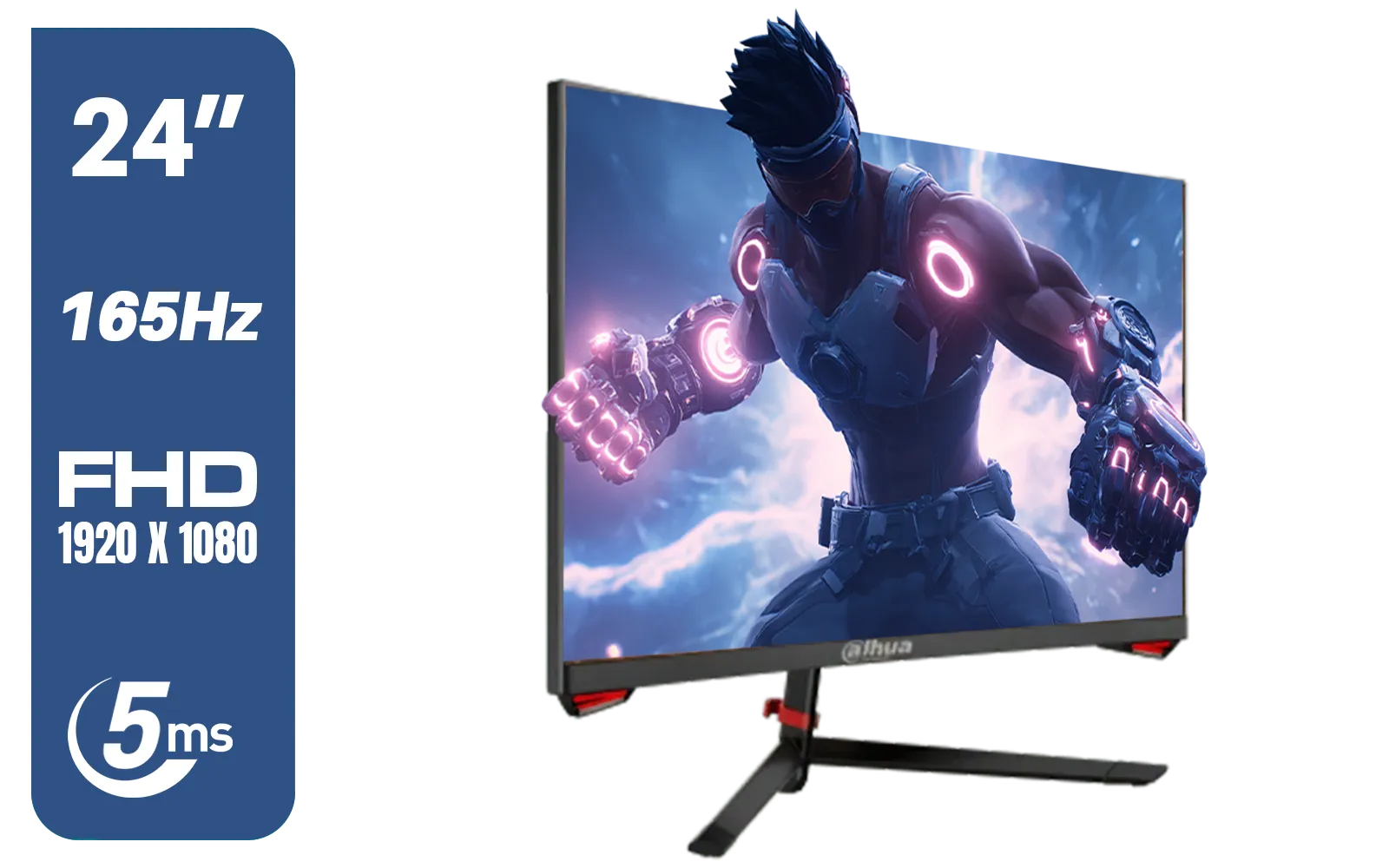
DAHUA LM24-E230C 24" FHD Gaming Monitor / Ultra-narrow Bezel / 165Hz / Adaptive sync / VA Panel / DHI-LM24-E230C
R2799.00In Stock
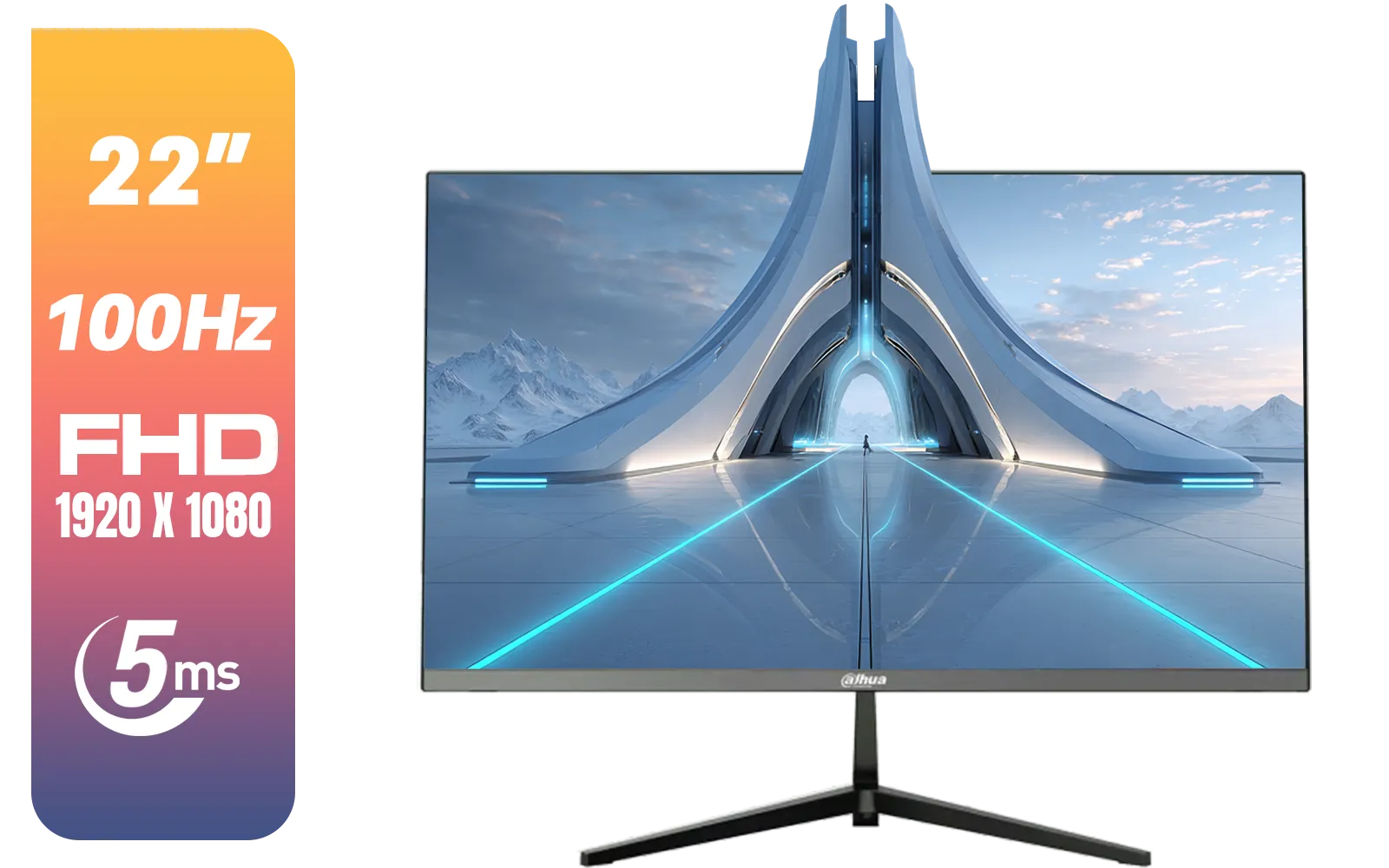
Dahua LM22-A200X 22" 100Hz LED Monitor / Ultra Narrow Bezel Design / 5ms Response Time / FHD 1920x1080 / 100Hz Refresh Rate / Anti Blue Light / DHI-LM22-A200X
R1399.00In Stock

DELL 27 MONITOR SE2725HM VGA HDMI 210-BQZW / (1920 x 1080) Display resolution / IPS level Display / 5ms Response Time / 178° Verticaland Horizontal Viewing Angle / SE2725HM
R2299.00In Stock
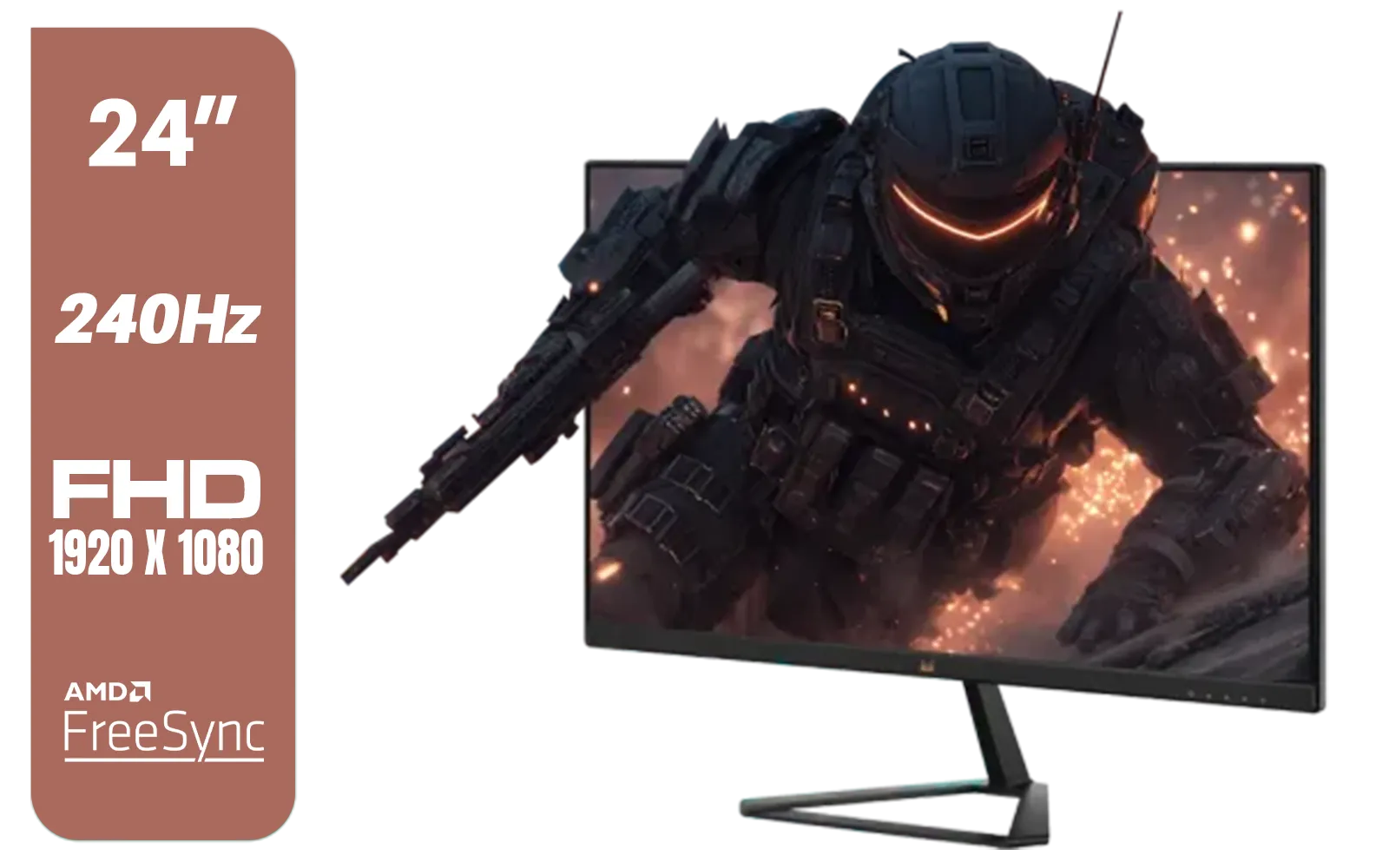
ViewSonic VX2479A-HD-PRO 24" Gaming Monitor / IPS-Level Display / 240Hz Refresh Rate / 1ms MPRT / AMD FreeSync / HDR10 / VX2479A-HD-PRO
R3199.00In Stock
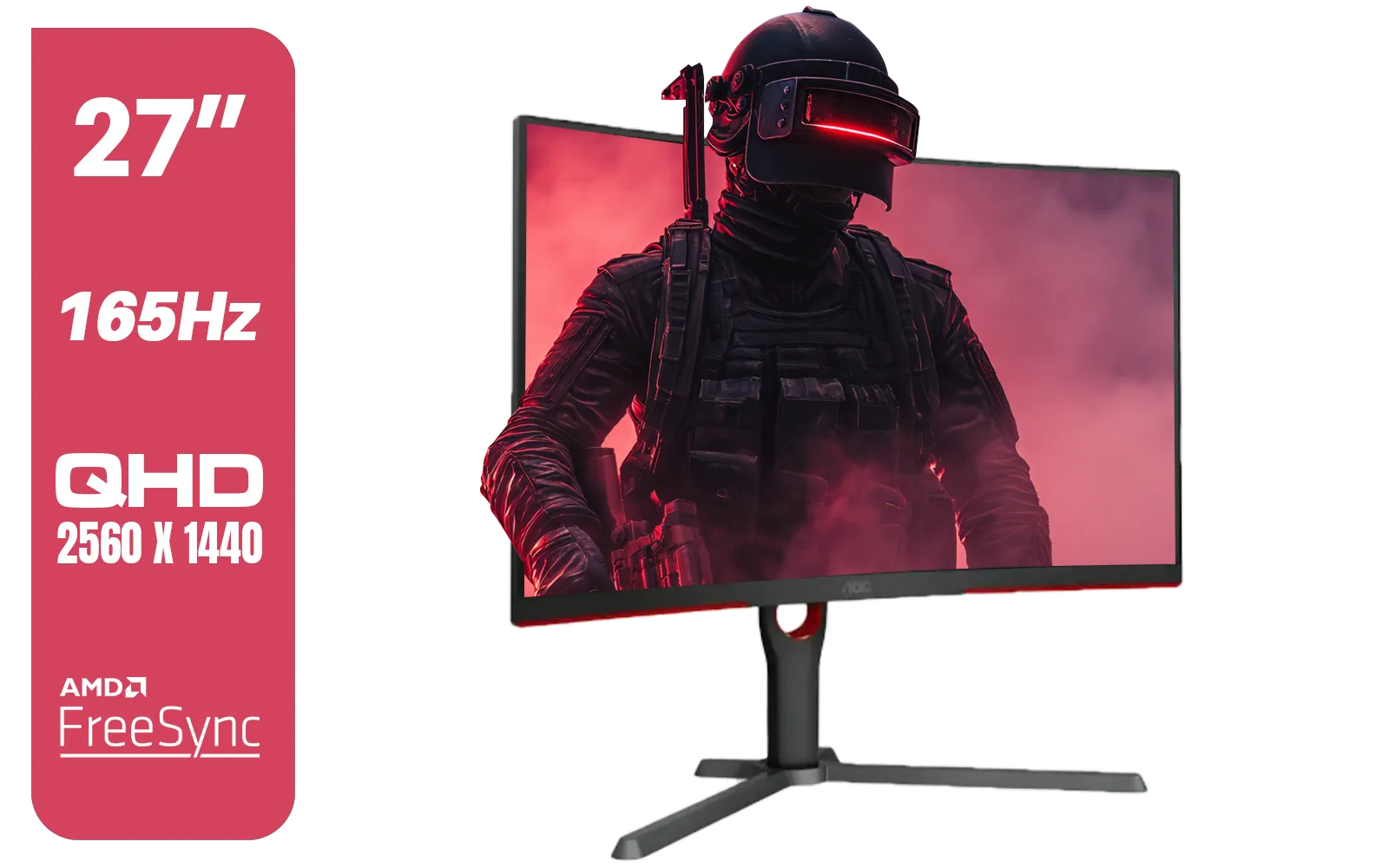
AOC CQ27G3S 27" QHD (2560x1440) 165Hz 1ms VA Curved FreeSync HDR Gaming Monitor / Superior High Quality Viewing / Ultra-smooth Tear-free Gaming / Enjoy top-tier Gaming Performance / Instant Response Times / Illuminate Your Visuals / Reducing Shortwave Blue Light / CQ27G3S
R6399.00In Stock
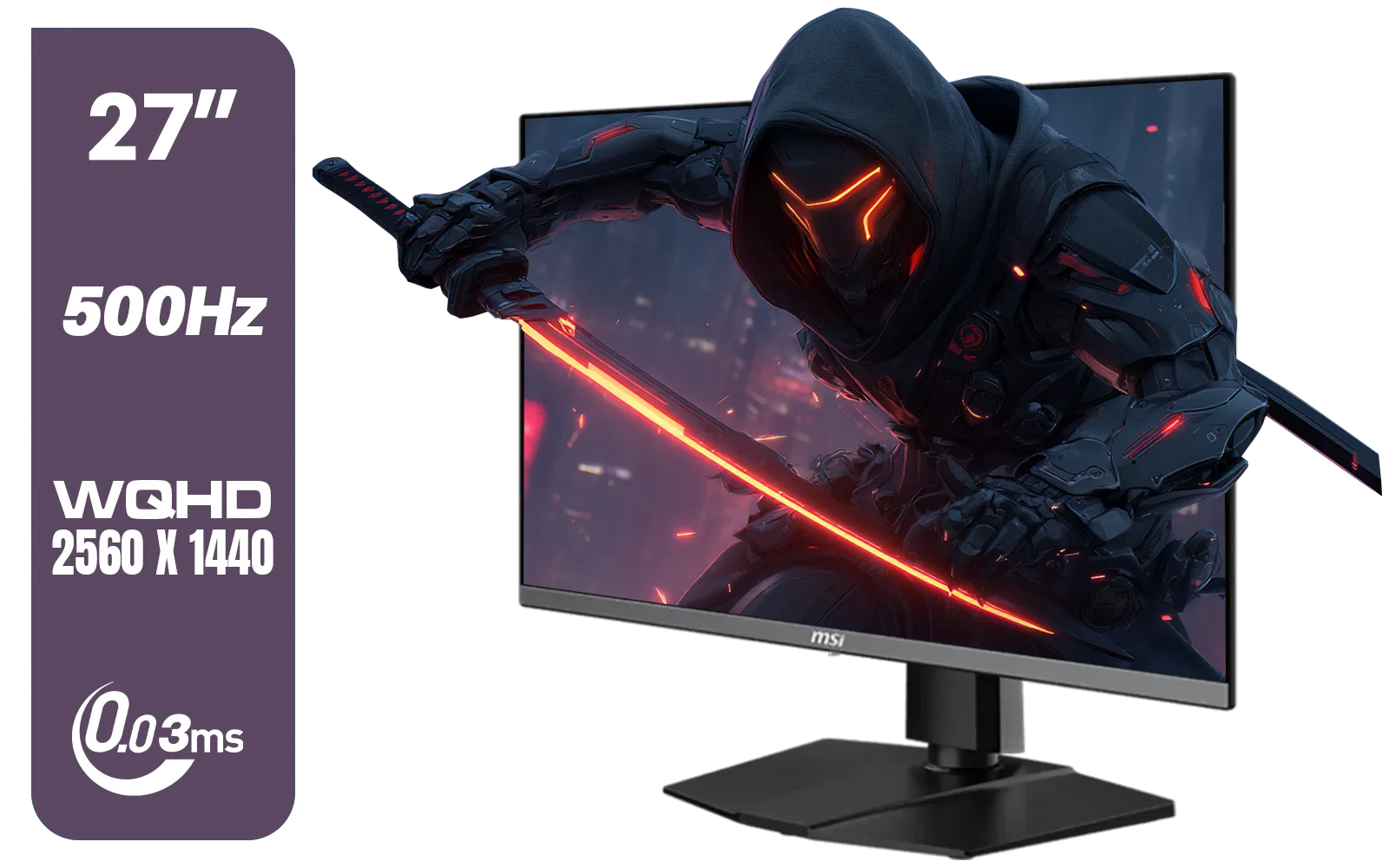
MSI MAG 272QP 27" 2560 x 1440 (WQHD) QD-OLED Monitor / 0.03ms GtG Response Time / 500Hz Refresh Rate / VESA DisplayHDR True Black 500 / Optimized for PS5 & Xbox / 9S6-3CD79A-071
R18999.00In Stock
Refresh Rate: The King of Competitive Specs
When it comes to tactical shooters, refresh rate (measured in Hertz or Hz) is the most critical spec. It dictates how many times your screen updates with a new image every second. A standard 60Hz monitor is fine for browsing, but for competitive play, it's a huge bottleneck.
A higher refresh rate means you see enemy movement sooner and smoother, allowing for faster reaction times. The difference between 60Hz and 144Hz is massive, and for serious players, 240Hz or even 360Hz is the goal. For these games, more frames mean more information, giving you a clear advantage in fast-paced duels. If you're looking to upgrade, exploring the full range of PC monitors is the first step to unlocking your true potential.
Finding Your Refresh Rate Sweet Spot
- 144Hz: The absolute minimum for any serious CS2 or Valorant player. It provides a significant fluidity boost over 60Hz.
- 240Hz: The current competitive standard. This is where you gain a noticeable edge in tracking and flick shots.
- 360Hz+: The pro-level choice. While the jump from 240Hz is less dramatic than from 144Hz, it offers the smoothest possible experience for elite-level play.

VIEWSONIC TD1630-3 15.6" 10-Pont Touch Screen Monitor / HD 768p Resolution / Projected Capacitive Touch / HDMI & VGA Inputs / Dual Integrated Speakers / Durable Scratch-Resistant Screen / TD1630-3
R4499.00In Stock

Dahua LM27-A200V 27" Monitor / FHD 1920 x 1080 / 100Hz Refresh Rate / 5ms Response Time / DHI-LM27-A200V
R2499.00In Stock
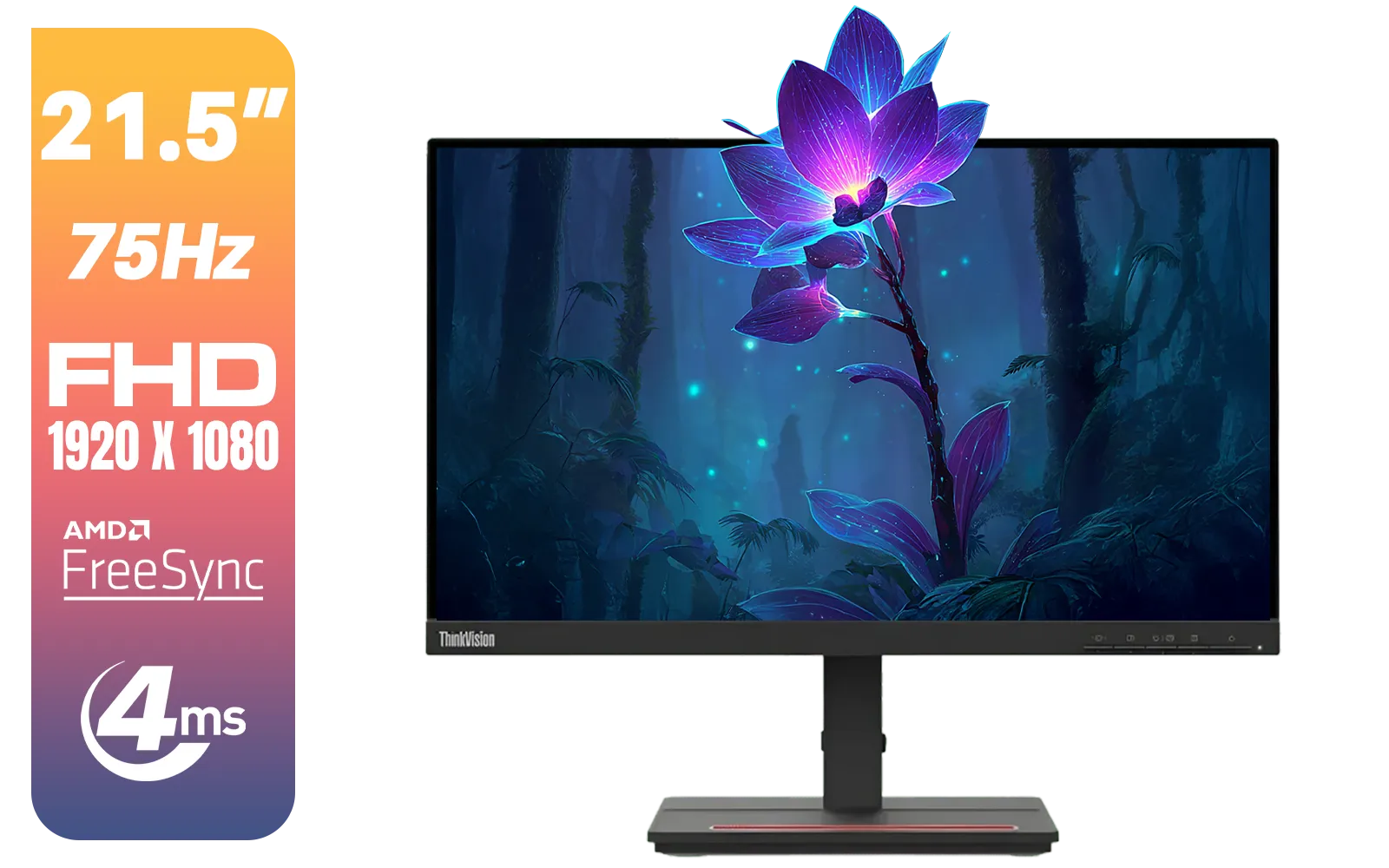
Lenovo ThinkVision Monitor S22E-20 21.5 Inch / 1920x1080 Resolution / Non Touch / 4 ms Response Time / 62C6KAT1SA
R2099.00In Stock
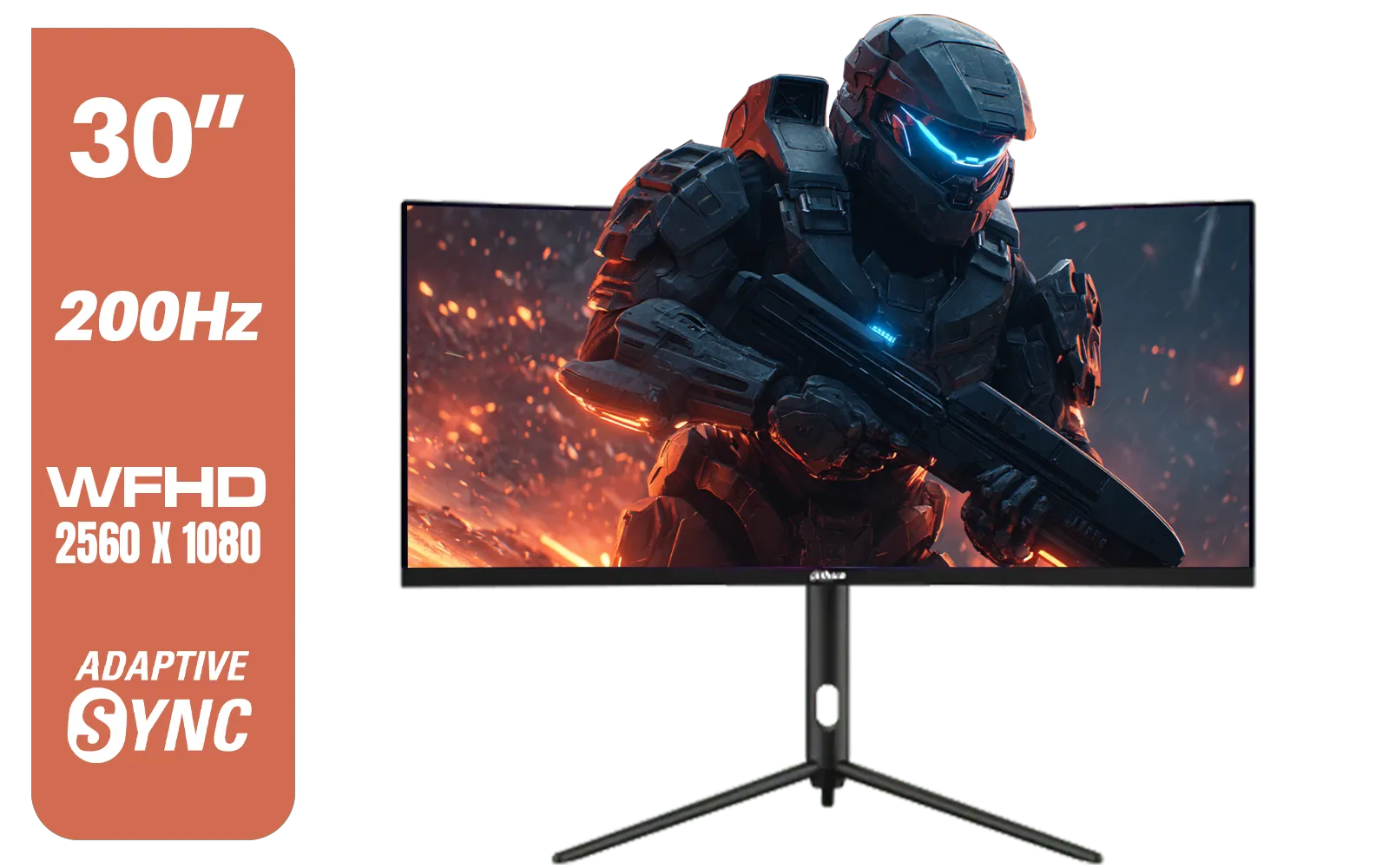
Dahua 30" Ultrawide WFHD 200Hz 1MS DCR Intelligent Adaptive-Sync HDMI DP VA Gaming Monitor Black / DHI-LM30-E330CA
R3999.00In Stock
AOC CQ27G3S 27" QHD (2560x1440) 165Hz 1ms VA Curved FreeSync HDR Gaming Monitor / Superior High Quality Viewing / Ultra-smooth Tear-free Gaming / Enjoy top-tier Gaming Performance / Instant Response Times / Illuminate Your Visuals / Reducing Shortwave Blue Light / CQ27G3S
R6399.00In Stock
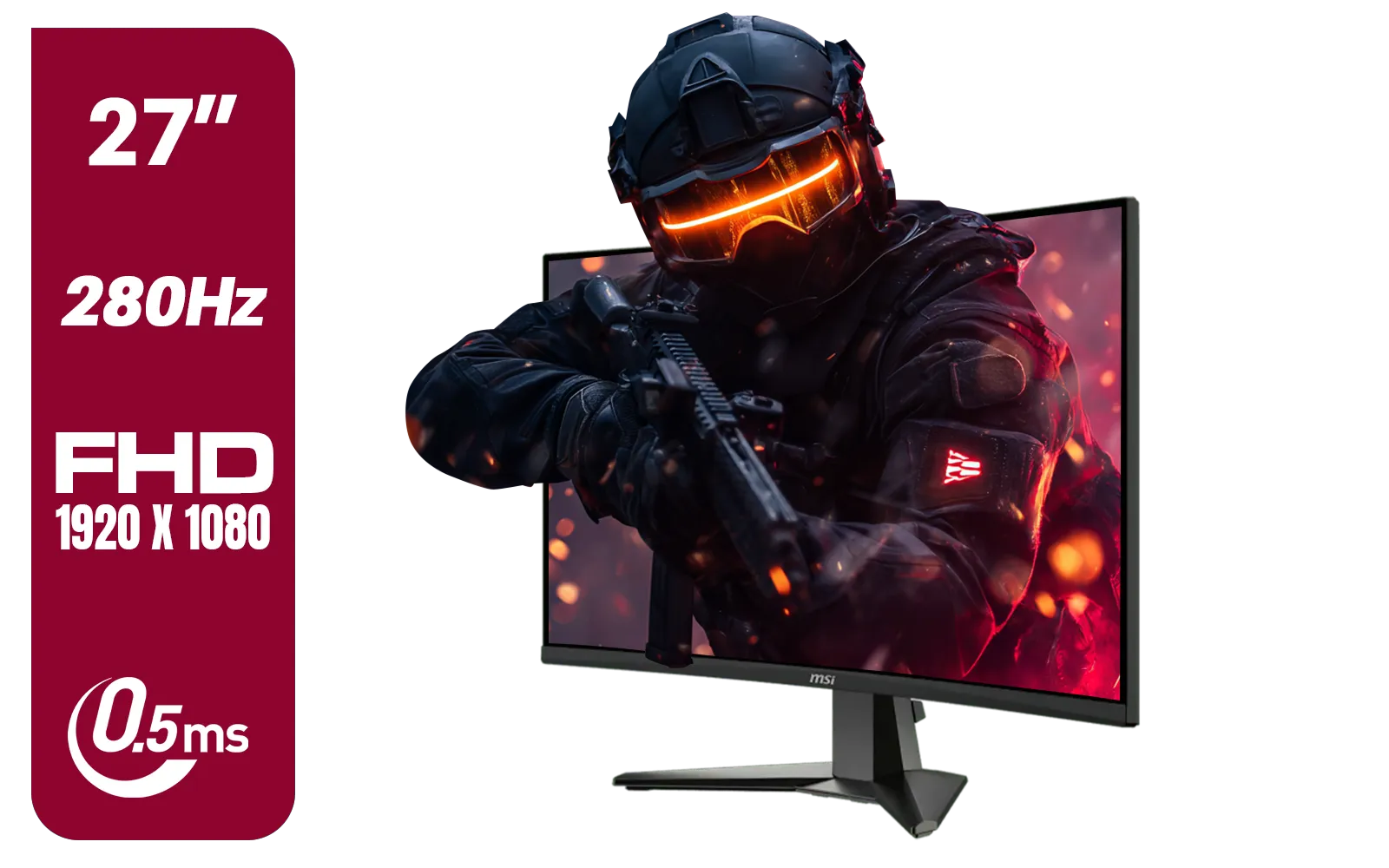
MSI MAG 276CXF 27-inch 1920 x 1080 (FHD) Curved Monitor, 280Hz, HDMI, DisplayPort, VGA Port, VESA Mountable, Tilt, Slim Bezel, 0.5ms, Black / 9S6-3CE01M-037
R4799.00In Stock
Response Time: Banishing Ghosting and Blur
Response time (measured in milliseconds or ms) is how quickly a pixel can change from one colour to another. A slow response time creates "ghosting" or motion blur, where fast-moving objects leave a faint trail. In a game where a single pixel of an enemy's head can be the target, that blur can cost you the round. 🚀
Look for a monitor with a 1ms Grey-to-Grey (GtG) response time. This ensures your image stays crisp and clear, even when you're rapidly flicking your crosshair to a new target. The best monitor specs for Valorant and CS2 always prioritise a lightning-fast response time to keep your aim precise. While some players enjoy the wrap-around feel of immersive curved monitors, always check that their response time is 1ms GtG for competitive play.
TIP FOR YOU
Panel Tech Pro Tip ⚡
Not all panels are equal. TN (Twisted Nematic) panels typically offer the fastest response times, making them a classic choice for esports. However, IPS (In-Plane Switching) panels have caught up, offering vastly superior colour accuracy and viewing angles with response times as low as 1ms. For a mix of competitive performance and beautiful visuals, a modern Fast-IPS panel is an excellent choice.
Resolution and Size: Why Bigger Isn't Always Better
You might think that a massive 4K screen would be an advantage, but for competitive FPS games, it's often the opposite. The vast majority of professional players use 24 to 25-inch monitors at 1080p (1920x1080) resolution.
Why? Two reasons:
- Performance: Running Valorant or CS2 at 1080p makes it much easier for your graphics card to push the high frame rates needed to take advantage of a 240Hz or 360Hz monitor. Pushing 1440p or 4K requires serious GPU power.
- Focus: A 24-inch screen allows you to see the entire game—including the minimap and your health—without moving your eyes too much. This improves your awareness and reduces the time it takes to process information.
While stunning high-resolution 4K monitors are incredible for cinematic, single-player games, sticking to 1080p provides the most optimised experience for a competitive edge in tactical shooters.
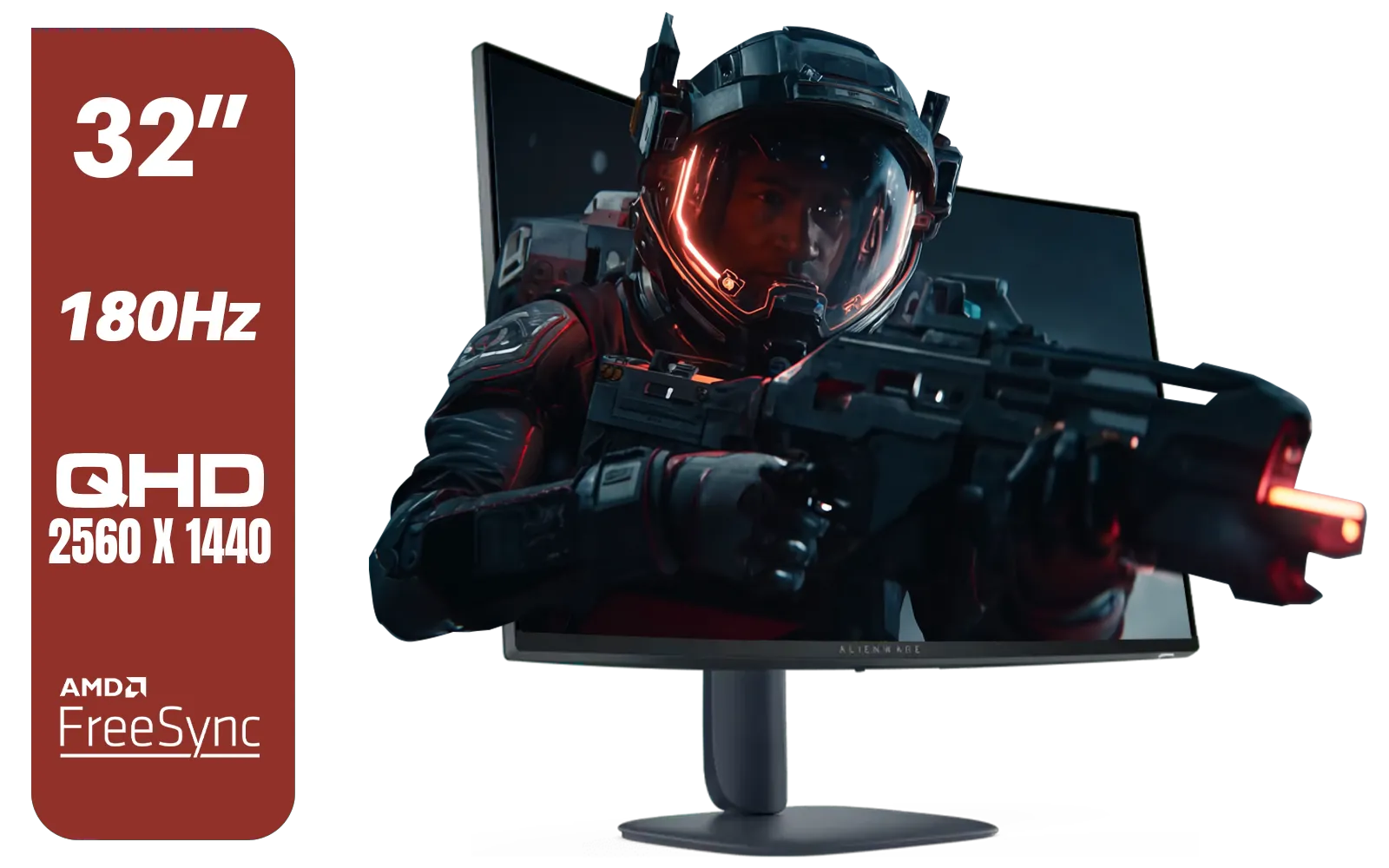
Alienware AW3225DM - 32" Curved Gaming Monitor / 180Hz Refresh Rate / QHD (2560x1440) / 1ms (GTG Extreme Mode) Response Time / AMD FreeSync / AW3225DM
R6499.00In Stock
DELL 27 MONITOR SE2725HM VGA HDMI 210-BQZW / (1920 x 1080) Display resolution / IPS level Display / 5ms Response Time / 178° Verticaland Horizontal Viewing Angle / SE2725HM
R2299.00In Stock
Lenovo ThinkVision Monitor S22E-20 21.5 Inch / 1920x1080 Resolution / Non Touch / 4 ms Response Time / 62C6KAT1SA
R2099.00In Stock
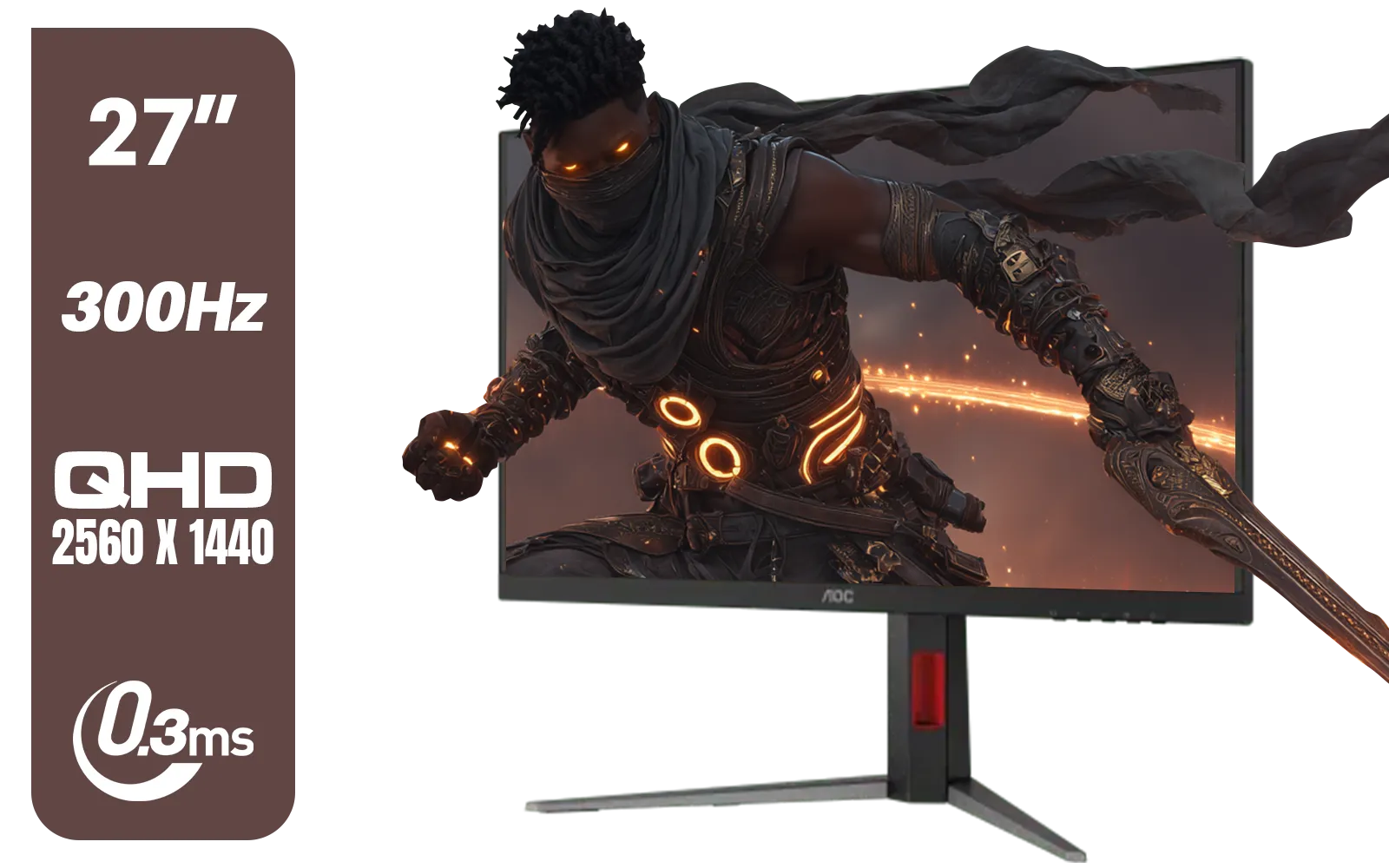
AOC Q27G4S 27" Gaming Monitor - Black / QHD (2560 × 1440) / 300Hz Refresh Rate / 0.3ms Response Time / IPS-Level Display / Certified HDR400 / Support Adaptive Sync / Q27G4S
R6299.00In Stock
VIEWSONIC TD1630-3 15.6" 10-Pont Touch Screen Monitor / HD 768p Resolution / Projected Capacitive Touch / HDMI & VGA Inputs / Dual Integrated Speakers / Durable Scratch-Resistant Screen / TD1630-3
R4499.00In Stock

Dell 22 Monitor SE2225HM, Full HD (1920x1080), 100Hz, VA, 5ms, VESA (100x100mm), HDMI, VGA, Black / SE2225HM
R1799.00In Stock
Putting It All Together for the Win
So, what are the best monitor specs for Valorant and CS2? It's a combination of these key factors, tailored to your budget and goals. For those attending LANs or needing a second screen for streaming stats, even specialised portable monitors now come with high refresh rates.
Ultimately, your setup is a complete ecosystem. A great monitor needs a solid VESA mount, and the right cables ensure you're getting the performance you paid for. Investing in quality monitor accessories can make a world of difference to your comfort and consistency. ✨ Your monitor is your window to the game world; make sure it's giving you the clearest view possible.
Ready to See the Difference? The debate over specs can be complex, but upgrading your monitor provides a tangible advantage you can feel in every match. Explore our massive range of gaming monitors and find the perfect display to help you dominate the server.
Related Products
DELL 27 MONITOR SE2725HM VGA HDMI 210-BQZW / (1920 x 1080) Display resolution / IPS level Display / 5ms Response Time / 178° Verticaland Horizontal Viewing Angle / SE2725HM
R2299.00In Stock
AOC CQ27G3S 27" QHD (2560x1440) 165Hz 1ms VA Curved FreeSync HDR Gaming Monitor / Superior High Quality Viewing / Ultra-smooth Tear-free Gaming / Enjoy top-tier Gaming Performance / Instant Response Times / Illuminate Your Visuals / Reducing Shortwave Blue Light / CQ27G3S
R6399.00In Stock

VIEWSONIC VX2758A-2K-PRO-3 27" 2K Gaming Monitor / 240Hz Refresh Rate / 1ms MPRT Response Time / AMD FreeSync™ Premium & NVIDIA G-Sync Compatible / Dual HDMI & DisplayPort Inputs / VX2758A-2K-PRO-3
R5499.00In Stock
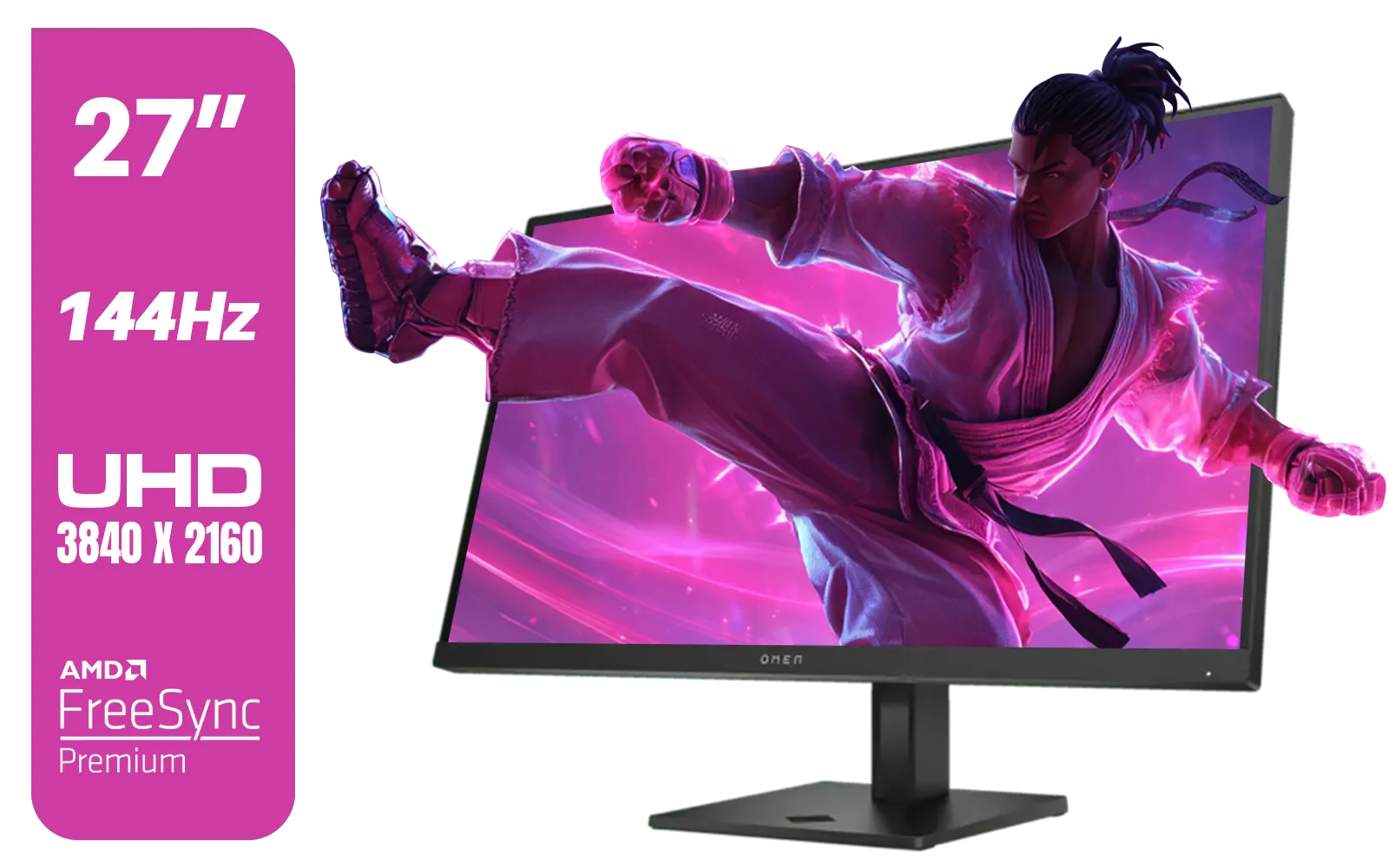
HP OMEN 27k UHD 144Hz Gaming Monitor - Black / 1ms / 27" 4K UHD (3840 x 2160) Anti-glare Display / AMD Freesync™ Premium / Integrated Speakers / Pivot Rotation and Height Adjustable / 780G8AS
R16499.00In Stock

HP OMEN 32q QHD 165Hz Gaming Monitor - Black / 1ms / 32" QHD (2560 x 1440) / AMD Freesync™ Premium / 780K0AS
R9999.00In Stock

Dell SE2425HM Monitor 210-BQZT / FHD (1920 x 1080) Resolution / 5ms Response Time / IPS level Display / 178° Horizontal and Vertical Viewing Angles / SE2425HM
R1899.00In Stock
Yes, 144Hz is the minimum standard for competitive play, offering significantly smoother motion than 60Hz, though 240Hz is preferred for high-level CS2 matches.
While not strictly required, a 240Hz monitor provides a distinct advantage in Valorant by reducing input lag and making tracking fast-moving targets much easier.
TN panels are traditionally faster with lower response times, but modern Fast IPS panels now offer comparable speeds with much better color accuracy for FPS games.
Absolutely. Low response time (1ms or less) reduces ghosting and motion blur, ensuring enemy outlines remain crisp during rapid camera movements.
Most pros prefer 1080p for CS2 to maximize frame rates (FPS), ensuring the lowest possible system latency, although 1440p offers better visual clarity.
DyAc (Dynamic Accuracy) is a motion blur reduction technology that helps keep recoil control and spraying visuals clear, making it highly beneficial for CS2.











