Best PC for DeepSeek: A Custom Build Guide for AI Power
Build the best PC for DeepSeek with our expert guide. We break down the exact GPU, CPU, and RAM you need to run large language models locally. Unlock peak AI performance and start customizing your ultimate machine today! 🤖💻
|
Loading tags...
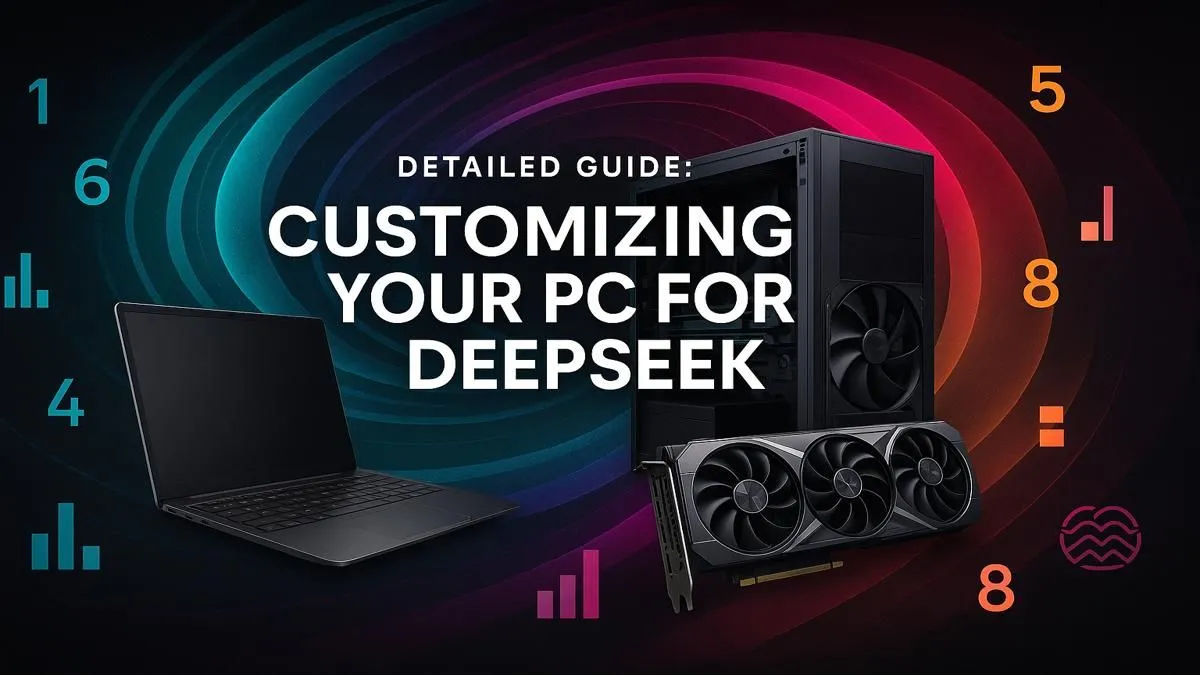
So, you’ve heard the buzz around DeepSeek and you’re ready to dive into the world of local AI right here in South Africa. Lekker! But before you start dreaming of running complex code and generating incredible text, there’s a crucial question: is your current PC up to the task? While a great gaming rig is a beast, building the best PC for DeepSeek requires a slightly different mindset, focusing on raw computational power and memory.

Intel Core Ultra 5 225F 4.9GHz RTX 3050 6GB DDR5 Gaming PC
R16799.00In Stock

RYZEN 9 9900X 5.6GHz RTX 5070 Ti 16GB DDR5 Gaming PC
R41894.00In Stock

AMD RYZEN 9 9900X 5.6GHz RTX 4000 Blackwell 24GB DDR5 Workstation PC
R57119.00In Stock
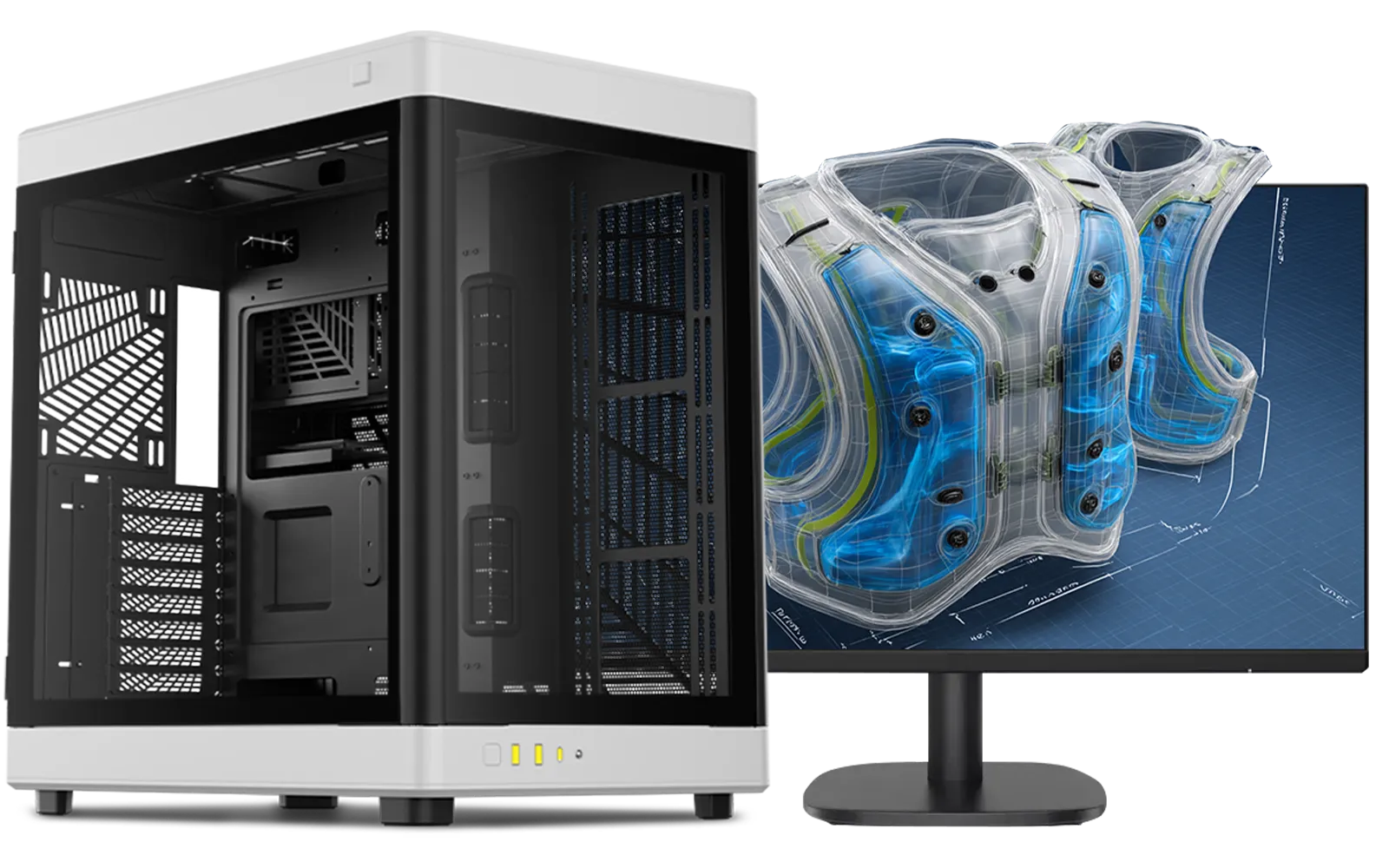
AMD RYZEN 7 9800X3D RTX Pro 4500 DDR5 Workstation PC
R79589.00In Stock
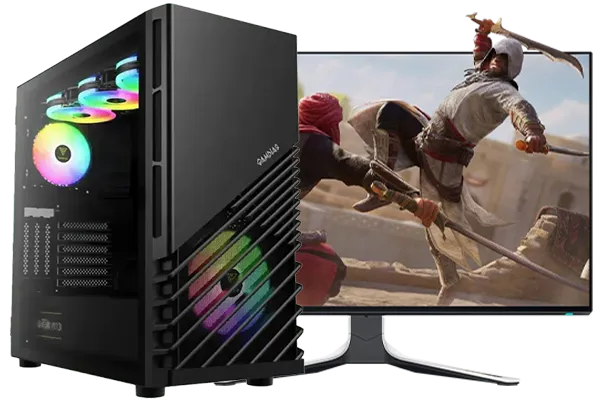
Intel Core Ultra 7 265K 5.3GHz RTX 5060 8GB DDR5 Gaming PC
R30764.00In Stock

RYZEN 7 9700X 5.5GHz RTX 5070 12GB DDR5 Gaming PC
R34334.00In Stock
Why Your Hardware is Crucial for AI Power
First off, what is DeepSeek? It's a powerful family of open-source AI language models. Running them on your own machine—instead of through a web service—gives you ultimate privacy, zero API fees, and lightning-fast responses. But this freedom comes at a cost: it demands serious hardware resources.
Your average gaming PC is optimised to push pixels to a screen at high frame rates. An AI PC, however, is a number-crunching monster. It needs to load massive models into memory and perform trillions of calculations. Pushing your current rig might lead to painfully slow processing or, worse, constant crashes. While many of the best gaming PC deals offer a fantastic starting point, a dedicated DeepSeek PC build prioritises specific components to handle these unique workloads efficiently.
The Core Components for the Best PC for DeepSeek 🔧
Building a custom AI PC is all about balance, but a few components carry most of the weight. Let's break down where you should focus your budget for maximum AI performance.
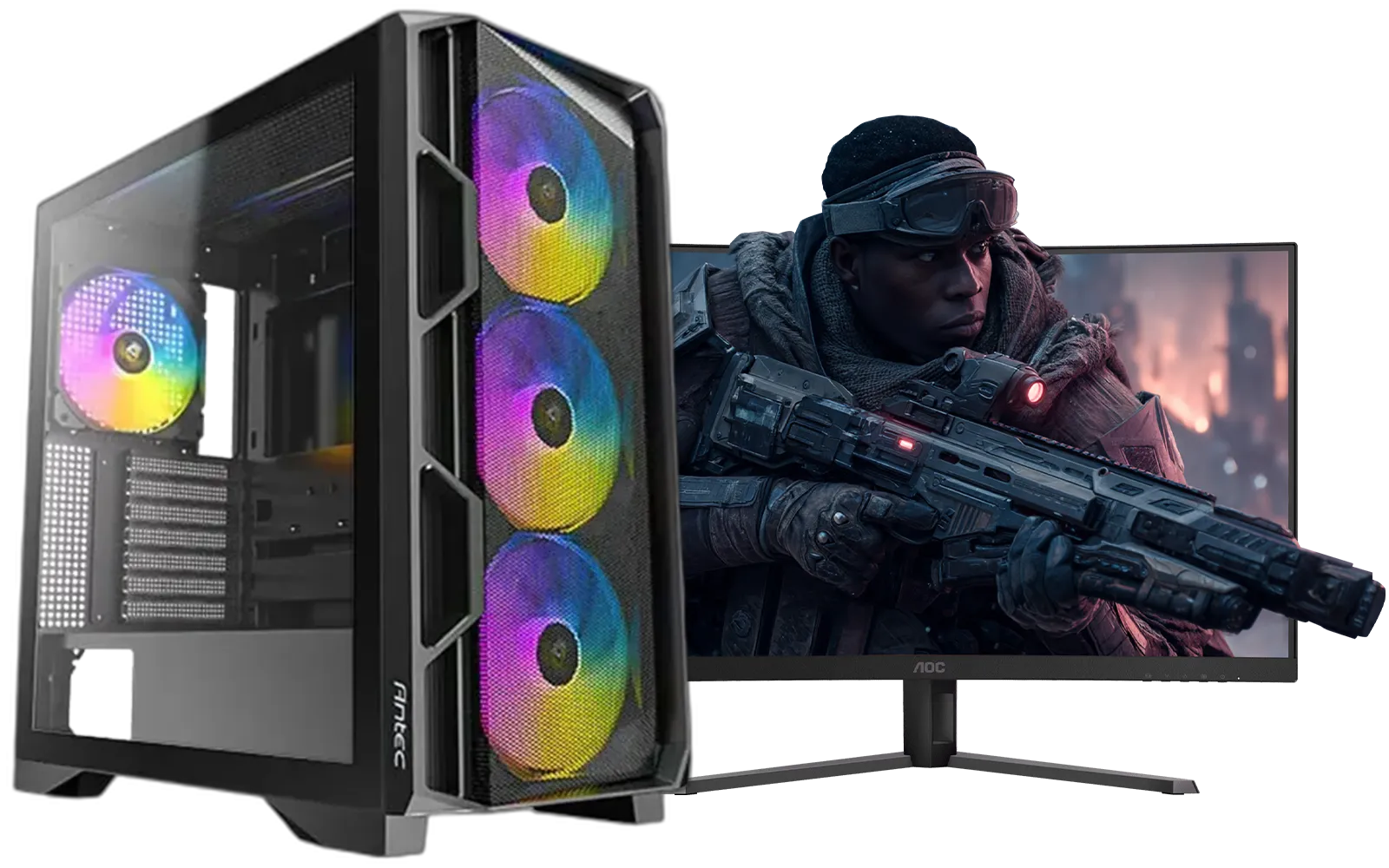
AMD RYZEN 5 3600 RTX 3050 Budget Gaming PC
R10814.00In Stock
AMD RYZEN 9 9900X 5.6GHz RTX 4000 Blackwell 24GB DDR5 Workstation PC
R57119.00In Stock
![[Pre Built] HP OMEN 35L B1ZR4EA Intel Core Ultra 7 265K RTX 4080 SUPER Gaming PC](https://img.evetech.co.za/repository/ProductImages/intel-core-ultra-7-265-k-rtx-4080-super-gaming-pc-pbs-main-1600px-v1.webp)
[Pre Built] HP OMEN 35L B1ZR4EA Intel Core Ultra 7 265K RTX 4080 SUPER Gaming PC
R49349.00In Stock
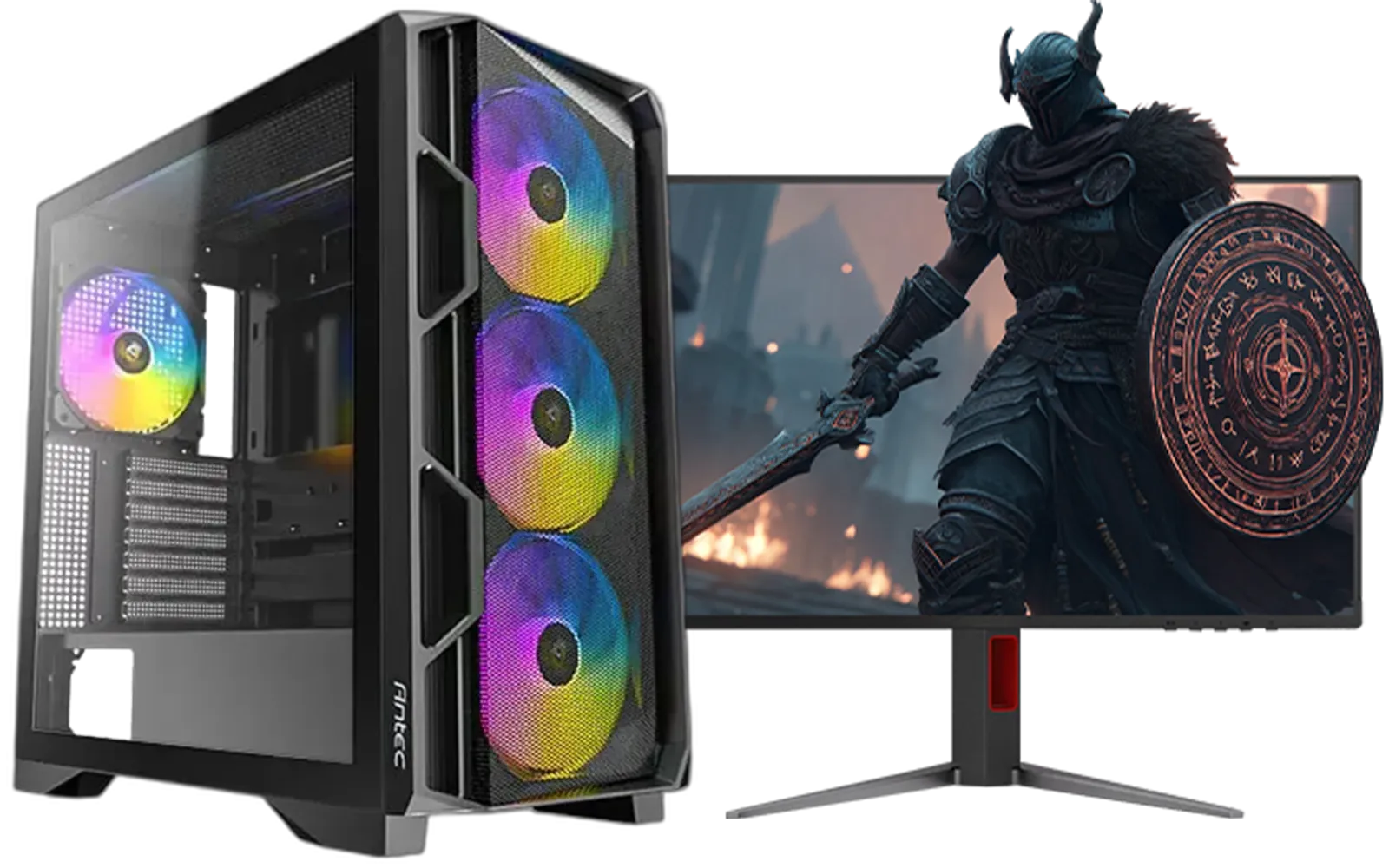
Ryzen 5 9600X 5.4GHz RTX 5060 8GB DDR5 Budget Gaming PC
R22049.00In Stock
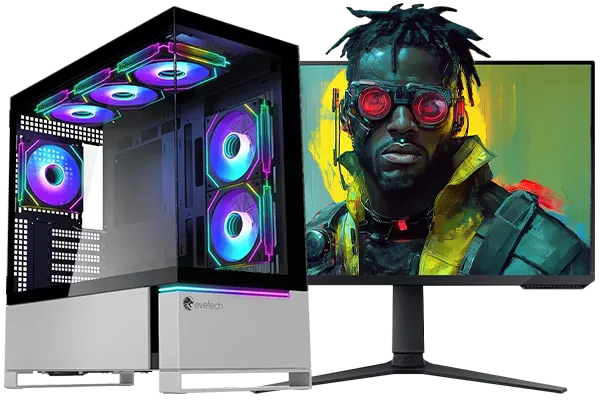
Intel Core Ultra 7 265K 5.5GHz RTX 5070 Ti 16GB DDR5 Gaming PC
R43994.00In Stock
![[Pre Built] Intel Core Ultra 7 265K RTX 5070 Gaming PC](https://img.evetech.co.za/repository/ProductImages/intel-core-ultra-7-265-kf-rtx-5070-gaming-pc-pbs-main-1600px-v1.webp)
[Pre Built] Intel Core Ultra 7 265K RTX 5070 Gaming PC
R38849.00In Stock
GPU: The Unquestionable Heart of AI
For AI and machine learning, the Graphics Processing Unit (GPU) does almost all the heavy lifting. The single most important specification? VRAM (Video RAM). The entire AI model needs to fit into your GPU's VRAM to run effectively.
- NVIDIA is King: Thanks to its CUDA technology, NVIDIA GPUs are the industry standard for AI. A card from our range of NVIDIA GeForce gaming PCs with at least 12GB of VRAM (like an RTX 3060) is a great starting point. For serious work, an RTX 4080 or 4090 with 16GB or 24GB of VRAM is ideal.
- AMD & Intel Alternatives: While NVIDIA dominates, don't count the others out. The latest AMD Radeon gaming PCs offer impressive raw performance and VRAM for their price. Similarly, as the software ecosystem matures, Intel Arc gaming PCs are becoming a viable budget-friendly option for AI experimentation.
CPU: The Master Coordinator
While the GPU handles the main workload, the Central Processing Unit (CPU) is still vital. It prepares data, manages the system, and keeps everything running smoothly while your GPU is maxed out. You don't need the absolute top-of-the-line model, but a modern processor with a good core count is essential. Whether you lean towards our all Intel PC deals for their strong single-core performance or the excellent multi-core value found in our all AMD Ryzen PC deals, a solid 6 or 8-core CPU will prevent bottlenecks.
AMD RYZEN 9 9900X 5.6GHz RTX 4000 Blackwell 24GB DDR5 Workstation PC
R57119.00In Stock
AMD RYZEN 5 8400F 4.7GHz RTX 5060 8GB DDR5 Budget Gaming PC
R18374.00In Stock
![[Pre Built] AMD RYZEN 7 5700 RTX 5060 Gaming PC](https://img.evetech.co.za/repository/ProductImages/ryzen-7-5700-rtx-5060-8gb-gaming-pc-pbs-1600px-v1.webp)
[Pre Built] AMD RYZEN 7 5700 RTX 5060 Gaming PC
R18479.00In Stock

RYZEN 7 9800X3D 5.2GHz RTX 5080 16GB DDR5 Gaming PC
R52814.00In Stock
Intel Core Ultra 5 225F 4.9GHz RTX 3050 6GB DDR5 Gaming PC
R16799.00In Stock
Intel Core Ultra 5 245K 5.2GHz RTX 5060 Ti 16GB DDR5 Gaming PC
R30239.00In Stock
RAM & Storage: The Supporting Superstars ✨
- System RAM: Aim for a minimum of 32GB of fast DDR4 or DDR5 RAM. This gives your system enough breathing room to manage large datasets and the operating system without stuttering.
- Storage: A fast NVMe SSD is non-negotiable. AI models and the datasets they use can be huge. An NVMe drive will slash loading times, making your entire workflow feel more responsive.
TIP FOR YOU
Software Setup Pro Tip ⚡
For Windows users, installing Windows Subsystem for Linux (WSL) is a must. It lets you run a Linux environment directly on Windows, giving you easy access to the powerful command-line tools and software libraries commonly used in AI development. It's the best of both worlds!
Sample Builds: From Coder to AI Pro 🚀
So, what does this look like in practice? A good custom build guide for AI considers different budgets and goals.
- The Entry-Level AI Explorer: You can often start with one of our budget gaming PCs and upgrade the GPU to a model with more VRAM. This is a cost-effective way to get your feet wet.
- The Serious Prosumer: This is the sweet spot. A build with a Ryzen 7 or Core i7 CPU, 32GB of RAM, and an NVIDIA RTX 4070 SUPER gives you a powerful machine for both complex coding and serious AI model training.
- The Ultimate AI Workstation: For those who need uncompromising power for commercial or research work, our high-end workstation PCs are configured with top-tier components designed for sustained, heavy workloads, ensuring your DeepSeek projects run without a hitch.
Intel Core Ultra 7 265K 5.5GHz RTX 5070 Ti 16GB DDR5 Gaming PC
R43994.00In Stock
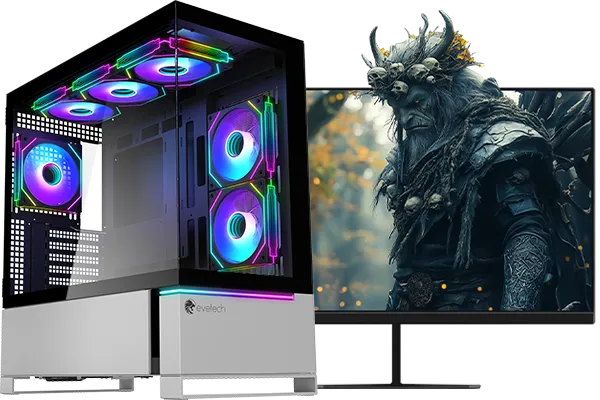
RYZEN 7 7800X3D 5.0GHz RTX 5080 32GB DDR5 Gaming PC
R49769.00In Stock
RYZEN 7 9700X 5.5GHz RTX 5070 12GB DDR5 Gaming PC
R34334.00In Stock
[Pre Built] AMD RYZEN 7 5700 RTX 5060 Gaming PC
R18479.00In Stock
Ryzen 5 9600X 5.4GHz RTX 5060 8GB DDR5 Budget Gaming PC
R22049.00In Stock
AMD RYZEN 9 9900X 5.6GHz RTX 4000 Blackwell 24GB DDR5 Workstation PC
R57119.00In Stock
Custom vs. Pre-Built: The Evetech Advantage
Building a PC yourself is rewarding, but it takes time and research. If you'd rather jump straight into the action, a professionally assembled system is a brilliant choice. Our wide selection of pre-built PC deals are expertly built, cable-managed, and stress-tested. Plus, you get a full system warranty, giving you peace of mind while you push the boundaries of AI.
Ultimately, the best PC for DeepSeek is the one that matches your ambition and your budget. By focusing on a VRAM-rich GPU and backing it up with a solid CPU and fast storage, you'll have all the AI power you need.
Ready to Build Your AI Powerhouse? Whether you're experimenting with your first model or building a dedicated AI research machine, having the right hardware is everything. Use our Custom PC Builder to configure the perfect rig, or explore our massive range of pre-built systems to find your match.
Related Products
[Pre Built] AMD RYZEN 7 5700 RTX 5060 Gaming PC
R18479.00In Stock
![[Pre Built] AMD Ryzen 7 9800X3D RX 9070 XT Gaming PC](https://img.evetech.co.za/repository/ProductImages/ryzen-7-9800-x-3-d-rx-9070-xt-gaming-pc-48-gb-main-1600px-v1.webp)
[Pre Built] AMD Ryzen 7 9800X3D RX 9070 XT Gaming PC
R69299.00In Stock
Intel Core Ultra 7 265K 5.5GHz RTX 5070 Ti 16GB DDR5 Gaming PC
R43994.00In Stock
![[Pre Built] Intel Core Ultra 9 285K RTX 5080 Gaming PC](https://img.evetech.co.za/repository/ProductImages/intel-core-ultra-9-285-k-rtx-5080-gaming-pc-48-gb-main-1600px-v1.webp)
[Pre Built] Intel Core Ultra 9 285K RTX 5080 Gaming PC
R78749.00In Stock
AMD RYZEN 7 9800X3D RTX Pro 4500 DDR5 Workstation PC
R79589.00In Stock
RYZEN 9 9900X 5.6GHz RTX 5070 Ti 16GB DDR5 Gaming PC
R41894.00In Stock
To run DeepSeek effectively, you need a powerful GPU with at least 12GB of VRAM, a modern multi-core CPU, and a minimum of 32GB of fast system RAM for optimal performance.
The best GPU for running DeepSeek locally is an NVIDIA RTX series card, like the RTX 4080 or 4090. Their high VRAM capacity and CUDA cores are ideal for AI tasks.
The amount of VRAM needed depends on the model size. For smaller DeepSeek models, 12-16GB may work, but for larger models, 24GB of VRAM or more is highly recommended for best results.
While technically possible on a very powerful CPU, running DeepSeek without a dedicated GPU is extremely slow and not recommended. A GPU accelerates the necessary calculations.
A good CPU for a DeepSeek build has a high core count and fast clock speeds, such as an Intel Core i7/i9 or AMD Ryzen 7/9, to handle data pre-processing efficiently.
32GB of RAM is a good starting point for an AI PC. However, for handling larger datasets and more complex models like DeepSeek, upgrading to 64GB or even 128GB is beneficial.