



Best PC for Video Editing in South Africa: Rendering Time Tests
Looking for the best PC for video editing in South Africa? We benchmarked top systems to find the ultimate rendering powerhouse. Stop waiting and start creating with a PC built to crush 4K workflows and accelerate your edits. Find your perfect match today! 🚀💻
|
Loading tags...
Staring at a render progress bar that moves slower than rush-hour traffic on the N1? We've all been there. For South African content creators, every minute spent waiting is a minute not spent creating, filming, or refining that perfect cut. Finding the best PC for video editing in South Africa isn't just about specs; it's about reclaiming your time. This guide breaks down the hardware that truly matters, so you can slash those rendering times and get back to what you love.

AMD RYZEN 5 3600 4.2GHz A400 4GB Workstation PC
R9449.00In Stock

RYZEN 5 8500G 5.0GHz with Vega Graphics DDR5 PC
R11024.00In Stock

AMD RYZEN 5 3600 RTX 3050 Budget Gaming PC
R11024.00In Stock

RYZEN 5 8400F 4.7GHz GT 710 2GB DDR5 Workstation PC
R10079.00In Stock

Ryzen 7 9700X 5.5GHz RTX 5060 Ti 16GB DDR5 Gaming PC
R29399.00In Stock

RYZEN 5 9600X 5.2GHz GT 710 2GB DDR5 PC
R14489.00In Stock
Decoding the Render Lag: Key Components for Editing
Before we dive into specific parts, let's understand the team playing for you. A great video editing PC is a balanced system where every component has a critical role. Think of it like a professional kitchen:
- The CPU (Processor): The head chef, managing all the major tasks and complex calculations.
- The GPU (Graphics Card): A specialist chef, handling visual tasks like effects and colouring with incredible speed.
- The RAM (Memory): Your countertop space. The more you have, the more ingredients (files) you can work with at once without clutter.
- Storage (SSD/HDD): The pantry. Fast SSDs are like having your most-used ingredients right at hand, while larger HDDs store everything else.
A bottleneck in any one of these areas can bring your entire workflow to a crawl.
The CPU: Your Editing Rig's Powerhouse 🧠
The Central Processing Unit (CPU) is the single most important component for video editing performance, especially for rendering. When you hit "Export," the CPU gets to work encoding your video. Two specs matter most:
- Core Count: More cores mean the CPU can work on more pieces of your video simultaneously. This dramatically speeds up rendering times.
- Clock Speed: Measured in GHz, this affects how fast each core works. A high clock speed improves general responsiveness, like scrubbing through your timeline without lag.
For raw multi-core performance, lineups like AMD's Ryzen 9 are phenomenal, making them a top choice for a powerful editing PC. You can explore a wide variety of powerful AMD Ryzen PC deals built for productivity. On the other hand, many creators find that the Quick Sync technology in high-performance Intel PCs offers incredible acceleration in popular editing software like Premiere Pro.
The GPU: More Than Just for Gaming
While gamers obsess over frame rates, for video editors, the Graphics Processing Unit (GPU) is all about acceleration. It takes the load off your CPU for tasks like applying colour grades, processing visual effects, and stabilising shaky footage. A capable GPU can make your real-time playback buttery smooth, even with multiple effects layers.
Modern editing software leverages GPU encoders like NVIDIA's NVENC to export videos at lightning speed. NVIDIA's CUDA cores are famously well-supported in the Adobe Creative Suite, making their GeForce gaming PCs a default choice for many professionals. However, don't discount Team Red; modern AMD Radeon gaming PCs offer incredible price-to-performance and robust support in software like DaVinci Resolve.
![[Pre Built] Intel Core Ultra 7 265K RTX 5070 Gaming PC](https://img.evetech.co.za/repository/ProductImages/intel-core-ultra-7-265-kf-rtx-5070-gaming-pc-pbs-main-1600px-v1.webp)
[Pre Built] Intel Core Ultra 7 265K RTX 5070 Gaming PC
R38114.00In Stock
RYZEN 5 8400F 4.7GHz GT 710 2GB DDR5 Workstation PC
R10079.00In Stock

RYZEN 7 9700X RTX Pro 2000 DDR5 Workstation PC
R35699.00In Stock

AMD RYZEN 7 5700 4.6GHz RX 9070 16GB Gaming PC
R28349.00In Stock
RYZEN 5 8500G 5.0GHz with Vega Graphics DDR5 PC
R11024.00In Stock

Intel 14th Gen Core i3 14100F 4.7GHz GT 710 2GB PC
R9869.00In Stock
RAM & Storage: The Unsung Heroes of a Smooth Workflow ✨
You can have the best CPU and GPU in the world, but without enough RAM or fast storage, your machine will still feel sluggish.
How Much RAM Do You Need?
- 16GB: The absolute minimum for 1080p editing. You might experience slowdowns with complex projects.
- 32GB: The sweet spot for most creators working with 4K footage. It allows you to run your editing software, a browser, and other apps smoothly.
- 64GB+: Essential for professionals working with 8K footage, complex visual effects, or 3D animation.
TIP FOR YOU
Storage Pro Tip ⚡
For the best performance, use a three-drive setup. 1) A fast NVMe SSD for your Operating System and applications. 2) A second NVMe SSD for your active project files and cache. 3) A larger, more affordable Hard Drive or SATA SSD for archiving completed projects and storing raw footage. This prevents bottlenecks and keeps your workflow organised.
Why NVMe SSDs are Non-Negotiable
The speed of your storage directly impacts how quickly your application loads, how fast you can import media, and how smoothly you can play back high-resolution footage. A fast NVMe Solid State Drive (SSD) is essential for a responsive video editing PC in South Africa. For creators who need maximum stability and capacity, purpose-built Workstation PCs are often configured with ample RAM and multi-drive storage solutions right out of the box.

RYZEN 5 9600X 5.2GHz RX 9060 XT 16GB DDR5 Gaming PC
R22679.00In Stock
Intel 14th Gen Core i3 14100F 4.7GHz GT 710 2GB PC
R9869.00In Stock
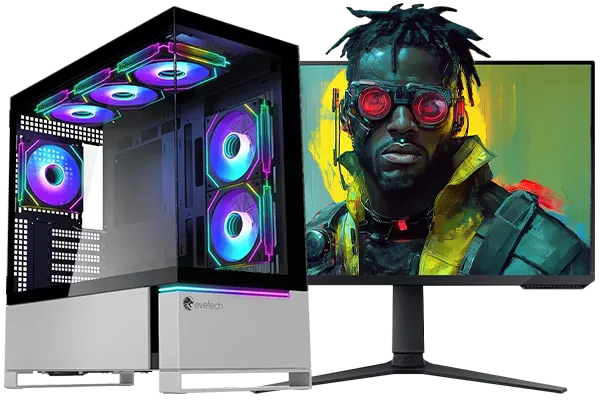
Intel Core Ultra 7 265K 5.5GHz RTX 5070 Ti 16GB DDR5 Gaming PC
R43049.00In Stock
![[Pre Built] AMD RYZEN 7 9700X RTX 5070 Gaming PC](https://img.evetech.co.za/repository/ProductImages/ryzen-7-9700-x-rtx-5070-gaming-pc-pbs-main-1600px-v1.webp)
[Pre Built] AMD RYZEN 7 9700X RTX 5070 Gaming PC
R35699.00In Stock

Intel Core Ultra 9 285K 5.7GHz RTX 5090 32GB DDR5 Gaming PC
R80114.00In Stock
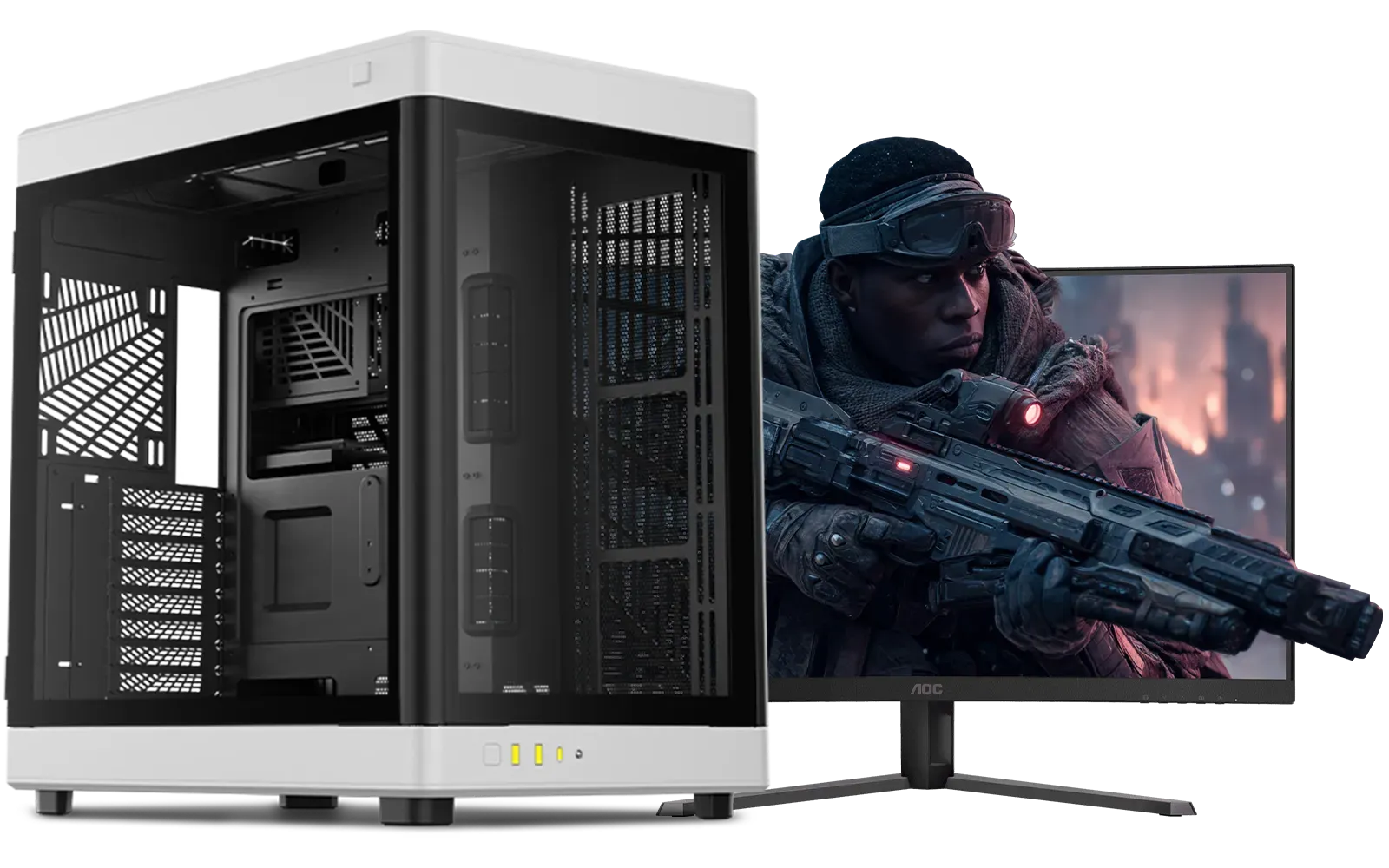
Intel Core Ultra 7 265K RTX Pro 2000 DDR5 Workstation PC
R39689.00In Stock
Finding Your Perfect Editing PC in South Africa
So, what is the best PC for video editing? It’s the one that balances these components for your specific workflow and budget. A powerful CPU paired with a capable GPU, 32GB of RAM, and a fast NVMe SSD provides a fantastic foundation for any South African creator looking to produce high-quality content without the frustration of lag.
If you'd rather skip the hassle of picking individual parts, our range of expertly configured pre-built PC deals offers balanced performance, ready to power through your next project from the moment you plug it in.
Ready to Slash Your Render Times? Stop waiting and start creating. A purpose-built editing rig from Evetech gives you the power to bring your vision to life without the lag. Whether you need a powerful workstation or a custom-tuned machine, we have the perfect fit. Explore our range of high-performance PCs and find the ultimate tool for your creativity.
Related Products
![[Pre Built] AMD Ryzen 7 9800X3D RTX 5080 Gaming PC](https://img.evetech.co.za/repository/ProductImages/ryzen-7-9800-x-3-d-rtx-5080-gaming-pc-48-gb-main-1600px-v1.webp)
[Pre Built] AMD Ryzen 7 9800X3D RTX 5080 Gaming PC
R77699.00In Stock

Ryzen 5 9600X 5.4GHz RTX 5060 8GB DDR5 Budget Gaming PC
R21524.00In Stock

RYZEN 7 7800X3D 5.0GHz RTX 5060 Ti 16GB DDR5 Gaming PC
R26774.00In Stock

RYZEN 9 9900X 5.6GHz RTX PRO 6000 96GB DDR5 Next Gen Workstation PC
R210524.00In Stock

AMD RYZEN 9 9950X 5.7GHz Quadro RTX 5000 Ada 32GB DDR5 Workstation PC
R128834.00In Stock
Ryzen 7 9700X 5.5GHz RTX 5060 Ti 16GB DDR5 Gaming PC
R29399.00In Stock
A powerful multi-core CPU, a dedicated high-VRAM GPU, at least 32GB of fast RAM, and speedy NVMe SSD storage are crucial for smooth playback and fast rendering times.
Yes, many gaming PCs are excellent for video editing. They have powerful GPUs and CPUs that accelerate rendering, but a dedicated video editing PC may prioritize more RAM or CPU cores.
For 4K video editing, 32GB of RAM is the recommended minimum for smooth performance. For complex projects with many effects, 64GB or more is ideal to prevent system slowdowns.
Both are vital. The CPU handles many general tasks, while GPU acceleration (like NVIDIA's CUDA cores) significantly speeds up rendering and effects processing in modern software.
A budget-friendly video editing PC in SA should feature a CPU like an Intel Core i5 or AMD Ryzen 5, a mid-range NVIDIA RTX GPU, 16-32GB RAM, and a fast NVMe SSD.
Absolutely. Evetech provides a range of pre-built and customisable PCs specifically optimised for video editing, ensuring you get the best performance for your workflow and budget.











