



Best SSDs for Gamers: Boost Your PC Performance
Upgrade to the best SSDs for gamers and experience lightning-fast load times, smoother gameplay✅Discover top picks, speed comparisons & savings🔥 | Evetech
|
Loading tags...
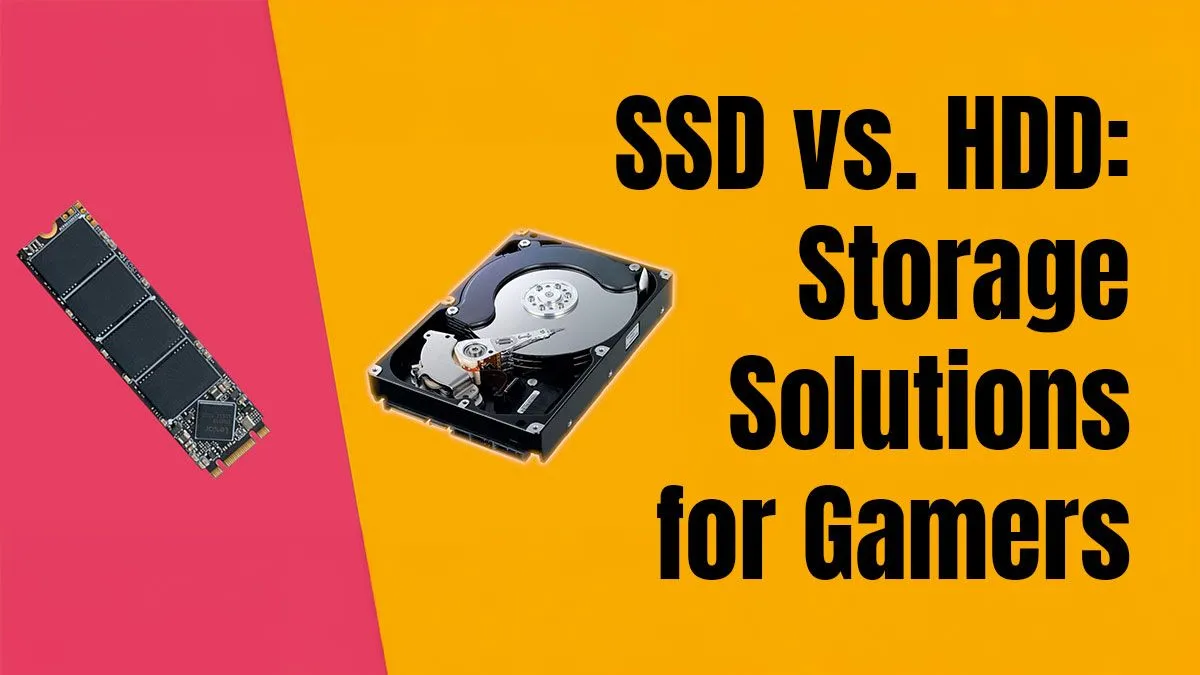
Staring at loading screens is the worst. For any South African gamer, upgrading from an old hard drive to a Solid State Drive (SSD) is one of the biggest performance boosts you can get. Games load faster, your whole PC feels snappier, and you get into the action quicker. But with terms like NVMe and SATA flying around, which one is right for you? This Q&A breaks down everything you need to know about choosing the best SSD for your rig. 🚀
Your Top SSD Questions Answered
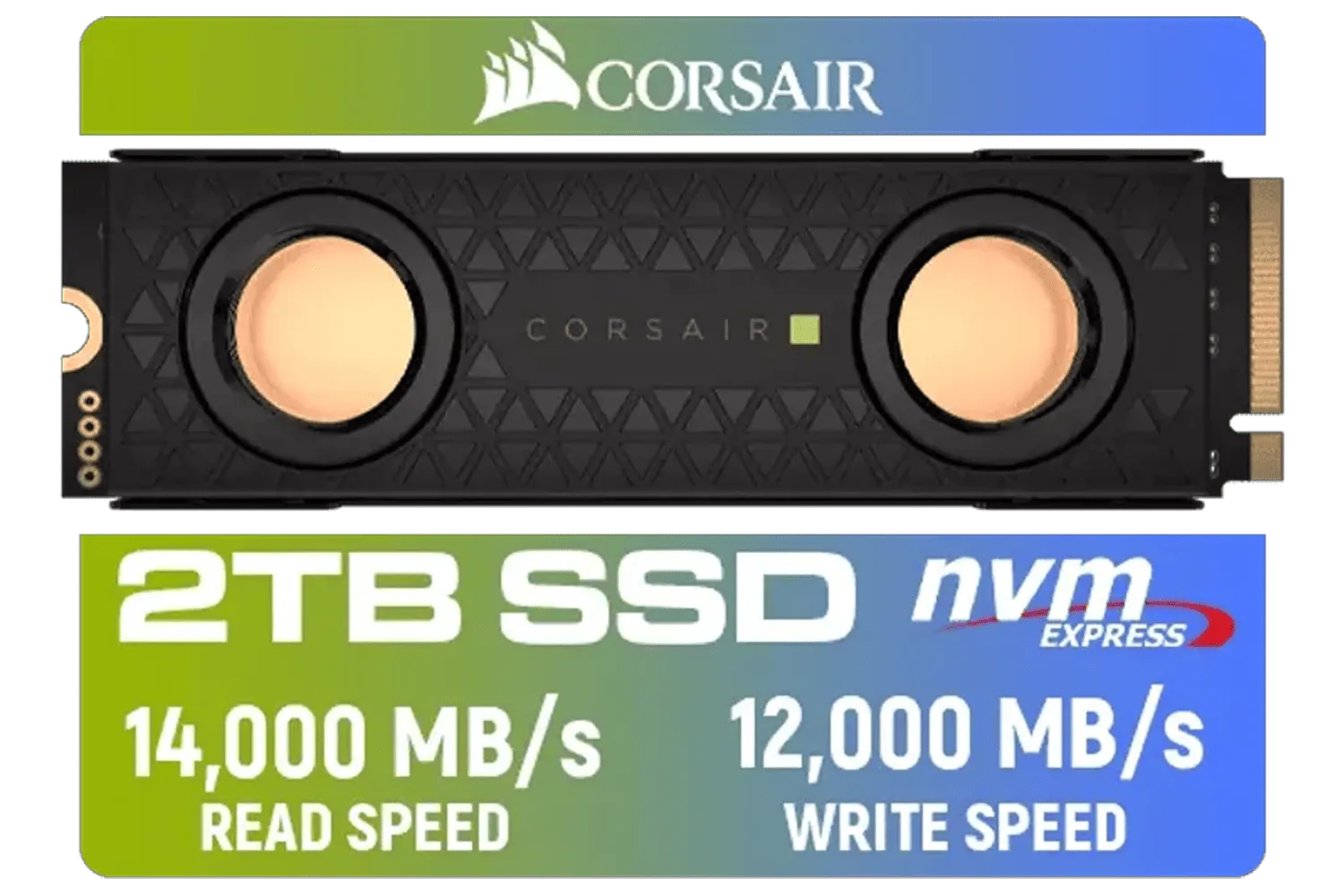
Corsair MP700 PRO SE Hydro X Series 2TB M.2 PCIe Gen5 x4 NVMe 2.0 SSD – M.2 2280 – Up to 14,000MB/sec Sequential Read – High-Density TLC NAND – Pre-Installed Water Block – Black / CSSD-F2000GBMP700PHXS
R7499.00In Stock
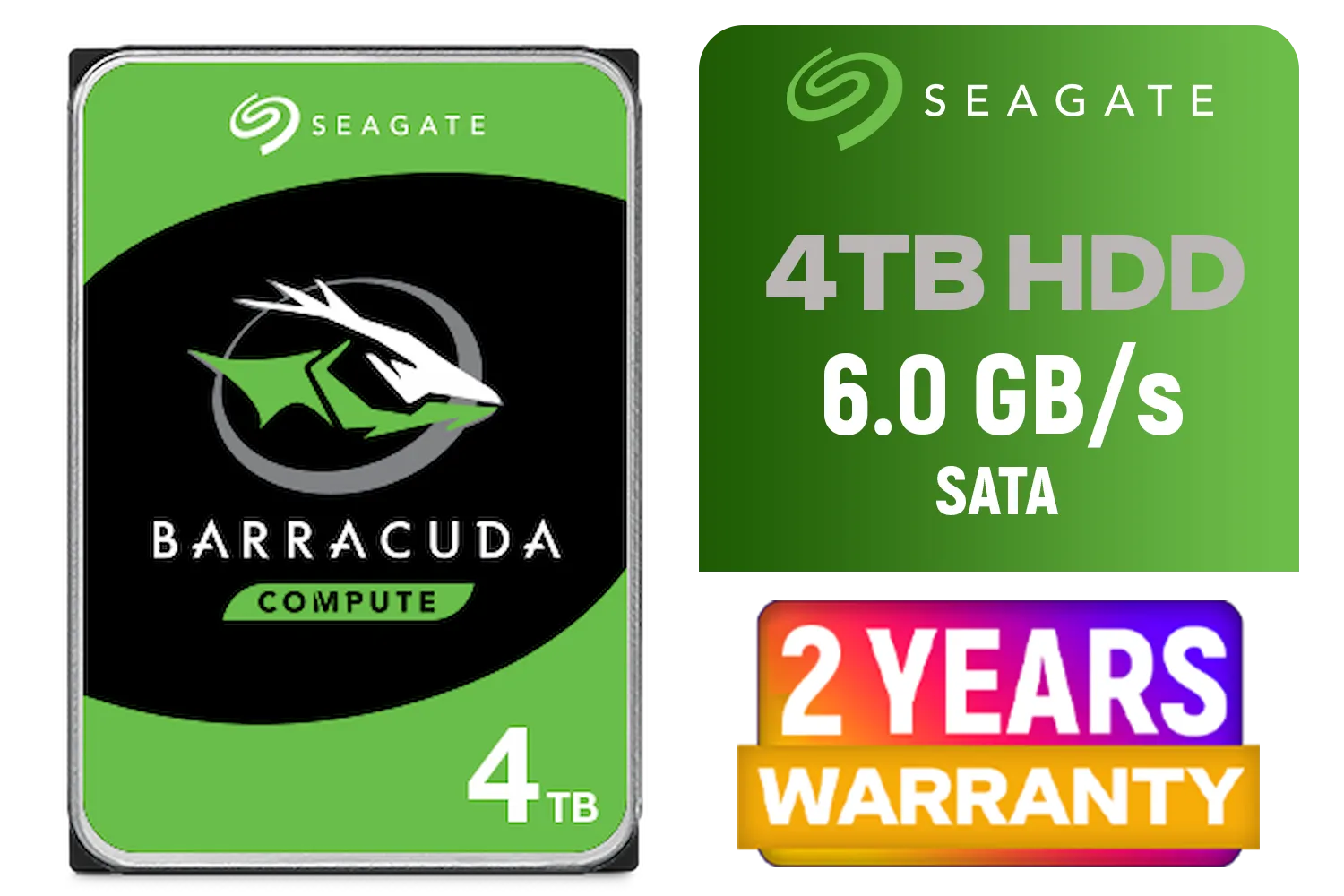
Seagate BarraCuda 3.5" Hard Drive - 4TB / 256MB Cache / SATA 6.0Gb/s Interface / 5400RPM / ST4000DM004
R2399.00In Stock
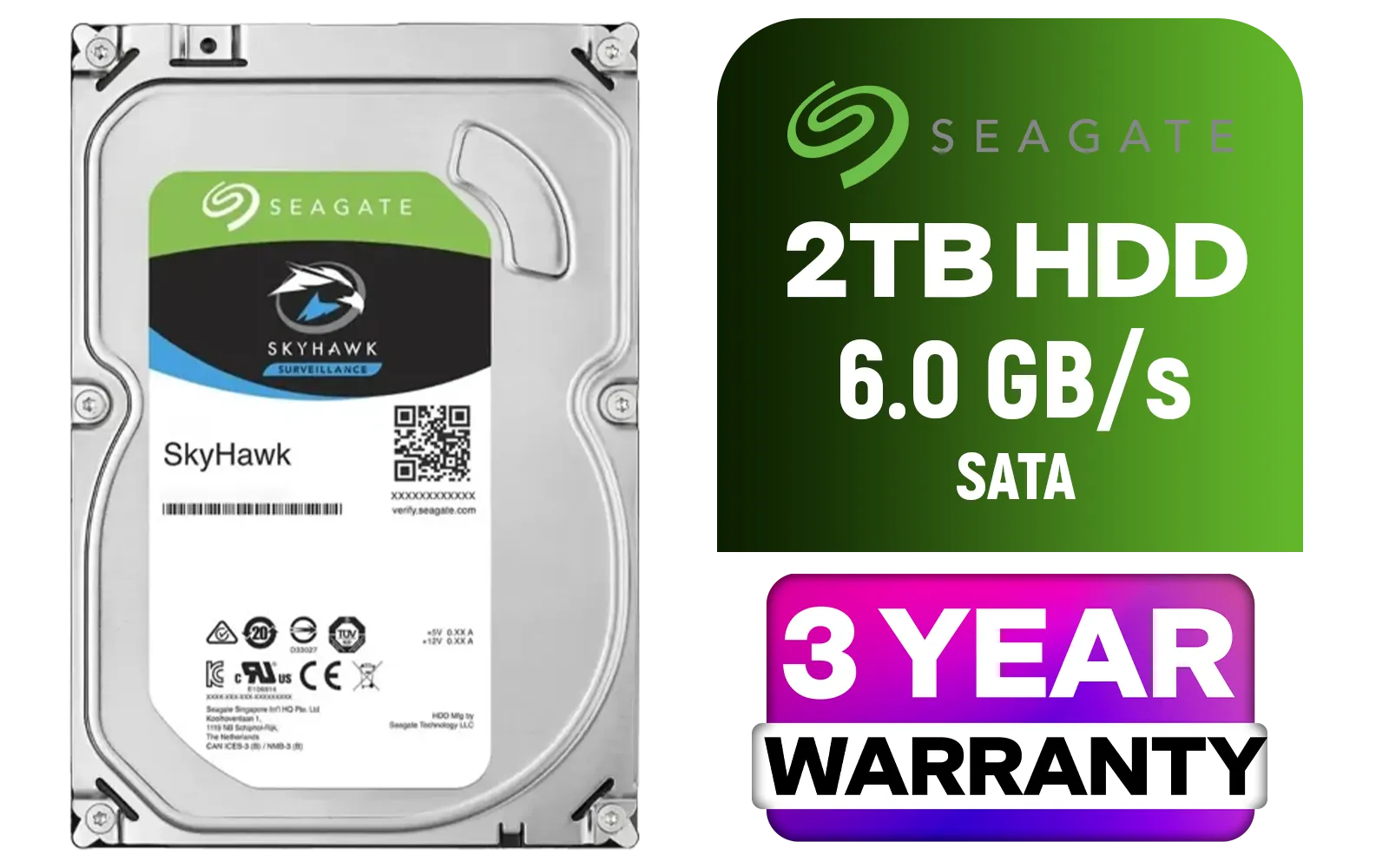
Seagate SkyHawk 2TB SATA 6.0Gb/s 3.5" Video Surveillance Hard Drive / 256MB Cache / 5400 RPM Spindle Speed / Up to 180MB/s Data Transfer / ST2000VX017
R1799.00In Stock

XPG 4TB GAMMIX S70 Blade PCIe Gen4 M.2 2280 Internal Gaming SSD Up to 7,400 MB/s - Works with Playstation 5 / AGAMMIXS70B-4T-CS
R6999.00In Stock
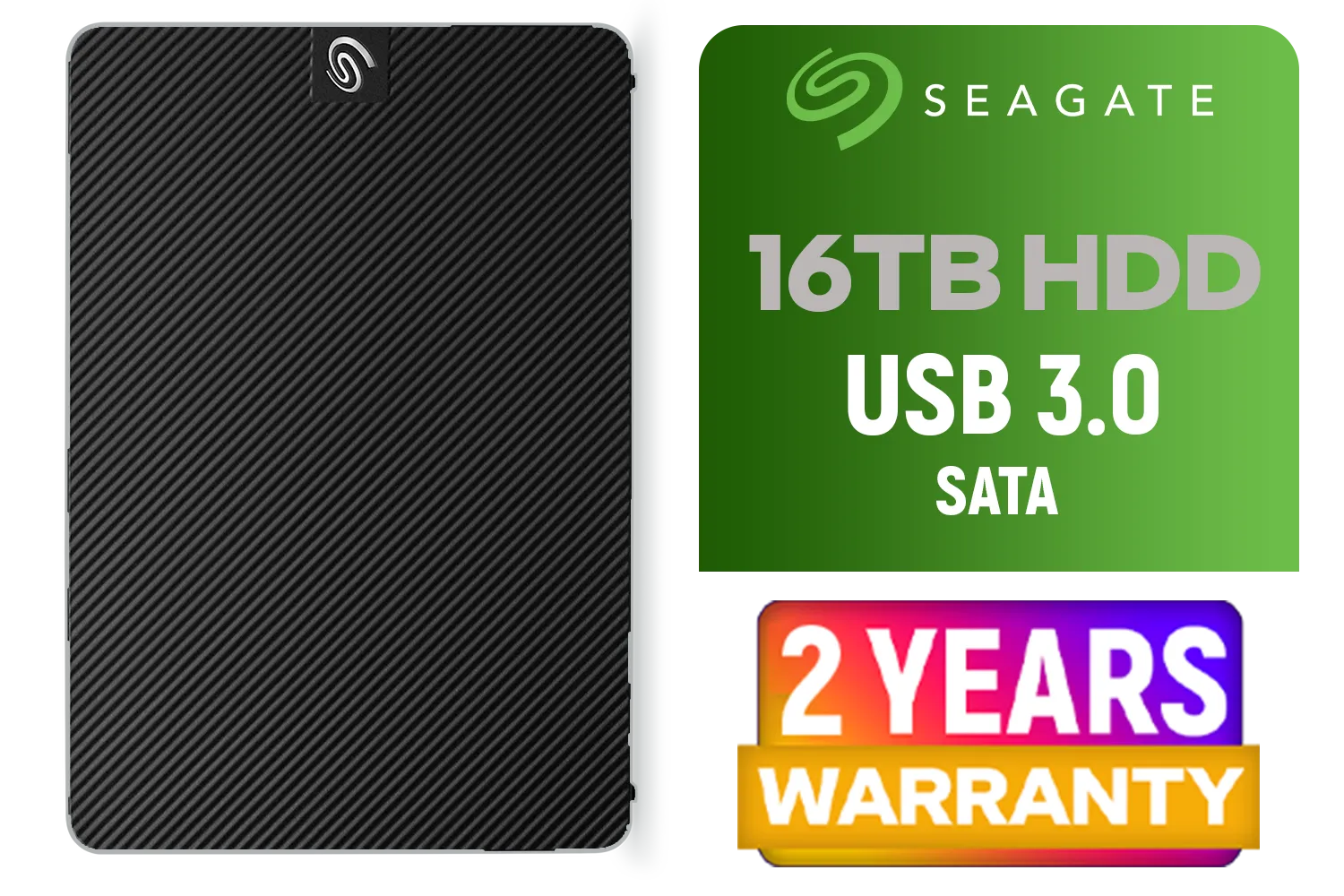
Seagate External Expansion Desktop Drive - 16TB / 3.5 Inch / USB 3.0 / For Mac and Windows / STKP16000400
R7399.00In Stock
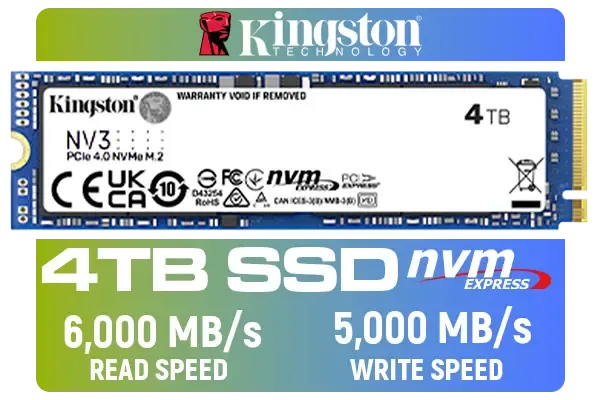
Kingston 4000G NV3 NVMe SSD / Up to 6,000MB/s Read / Up to 4,000MB/s Write / PCIe 4.0 x4 NVMe / M.2 2280 Form Factor / SNV3S/4000G
R6299.00In Stock
Q: What's the real difference between an SSD and a Hard Drive (HDD) for gaming? A: It all comes down to speed. A traditional HDD has a spinning platter and a physical arm that reads data, like a tiny record player. An SSD uses flash memory with no moving parts. This means near-instant access to data. For gamers, this translates to drastically shorter game load times, faster map loading in-game, and a much smoother experience in open-world titles that constantly stream assets from the drive.
Q: I see "SATA" and "NVMe" SSDs. What's the difference? A: Think of SATA as the reliable sedan and NVMe as the F1 car. SATA SSDs are the older standard, connecting to your motherboard via a cable, and they're still much faster than any HDD. NVMe (Non-Volatile Memory Express) is the modern standard, plugging directly into a special M.2 slot on your motherboard for blistering speeds. For your operating system and main games, a top-tier PCI Express (NVMe) SSD is the undisputed king of performance.
Q: Is an NVMe drive really that much faster in the real world? A: On paper, NVMe drives are many times faster than SATA. In real-world gaming, the jump is most noticeable in initial game load times. While it is faster, the leap isn't as massive as going from an HDD to a SATA SSD. Where NVMe truly shines is in file transfers and content creation. Great brands like Kingston offer a fantastic range of both NVMe and SATA drives, so you can find one that fits your specific needs and budget.

Teamgroup T-Force XTREEM 48GB DDR5 Desktop Memory - Black / 48GB (2x24GB) / 7600MHz / CL36 / FFXD548G7600HC36EDC01
R9999.00In Stock

Kingston Fury Beast 64GB (32GB x 2) 6000MHz DDR5 CL36 Desktop Memory / Kit of 2 / Intel® XMP 3.0 & AMD EXPO™ Certified / Low-Profile Heat Spreader / KF560C36BBEK2-64
R13999.00In Stock

Kingston XS1000 2TB SSD / Pocket-Sized / USB 3.2 Gen 2 / External Solid State Drive / Up to 1050MB/s / SXS1000/2000G
R2899.00In Stock
Seagate BarraCuda 3.5" Hard Drive - 4TB / 256MB Cache / SATA 6.0Gb/s Interface / 5400RPM / ST4000DM004
R2399.00In Stock
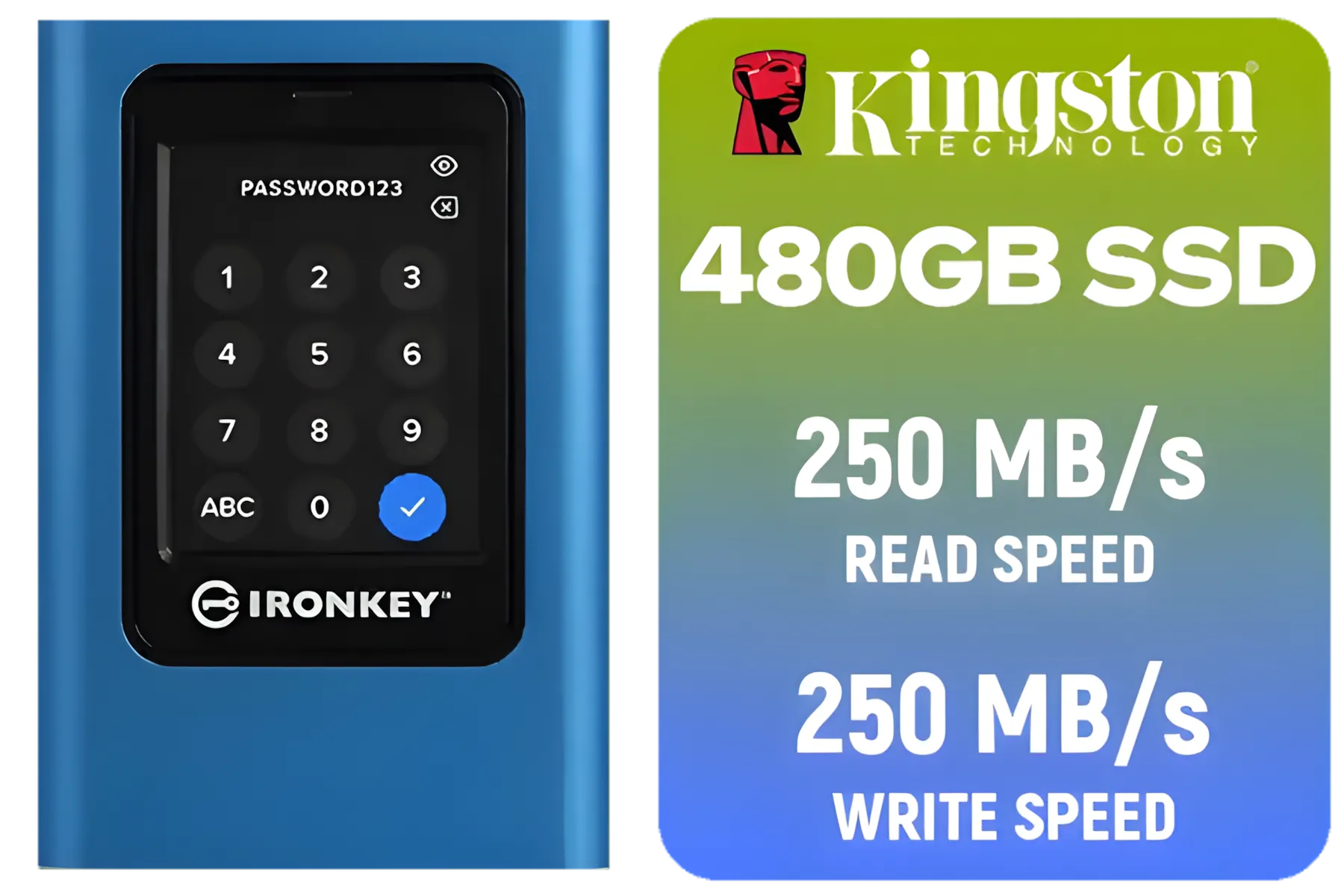
Kingston IronKey Vault Privacy 80 480GB External SSD | FIPS 197 | XTS-AES 256GB Encrypted | Touch Screen PIN | Secure Data Protection | IKVP80ES/480G
R4199.00In Stock

KLEVV CRAS V RGB 32GB Kit (16GB x2) 7200MHz Gaming Memory DDR5 RAM XMP 3.0/AMD EXPO High Performance Overclocking / KD5AGUA80-72B340G
R8299.00In Stock
Q: How does my PC's RAM affect my SSD's performance? A: They are a critical team. Your super-fast SSD's job is to load game assets from storage into your computer's RAM. If your RAM is slow or you don't have enough of it, the SSD is feeding data into a traffic jam. Your PC will still be much faster than with an old hard drive, but to get the best possible performance, pairing a fast SSD with sufficient, speedy computer RAM is crucial for overall system responsiveness.
TIP FOR YOU
Don't Forget the Heatsink!
NVMe SSDs can get hot under heavy load, which can slow them down (this is called thermal throttling). Many motherboards come with built-in M.2 heatsinks. If yours doesn't, make sure to use one—it's a cheap and easy way to ensure you get consistent peak performance.
Q: So, what kind of RAM should I be pairing with a modern SSD? A: For any gaming PC built in the last few years, you're looking at either DDR4 or DDR5 memory. If your rig is running on a still-powerful AM4 or Intel 10th/11th-gen platform, a quality kit of DDR4 Memory is the perfect partner for a new SSD. If you're building a brand-new PC with the latest CPUs, you'll need the incredible bandwidth of DDR5 Memory (RAM) to truly unlock the full potential of your system.
Q: How big of an SSD do I need for gaming in 2025? A: Game sizes just keep getting bigger... we're looking at you, Call of Duty. While 500GB can work in a pinch, 1TB is really the new baseline for a main gaming drive. This gives you enough space for your operating system and a healthy handful of your favourite titles. If you have a large Steam library, jumping to a 2TB drive is becoming the comfortable standard to avoid having to constantly uninstall and reinstall games.
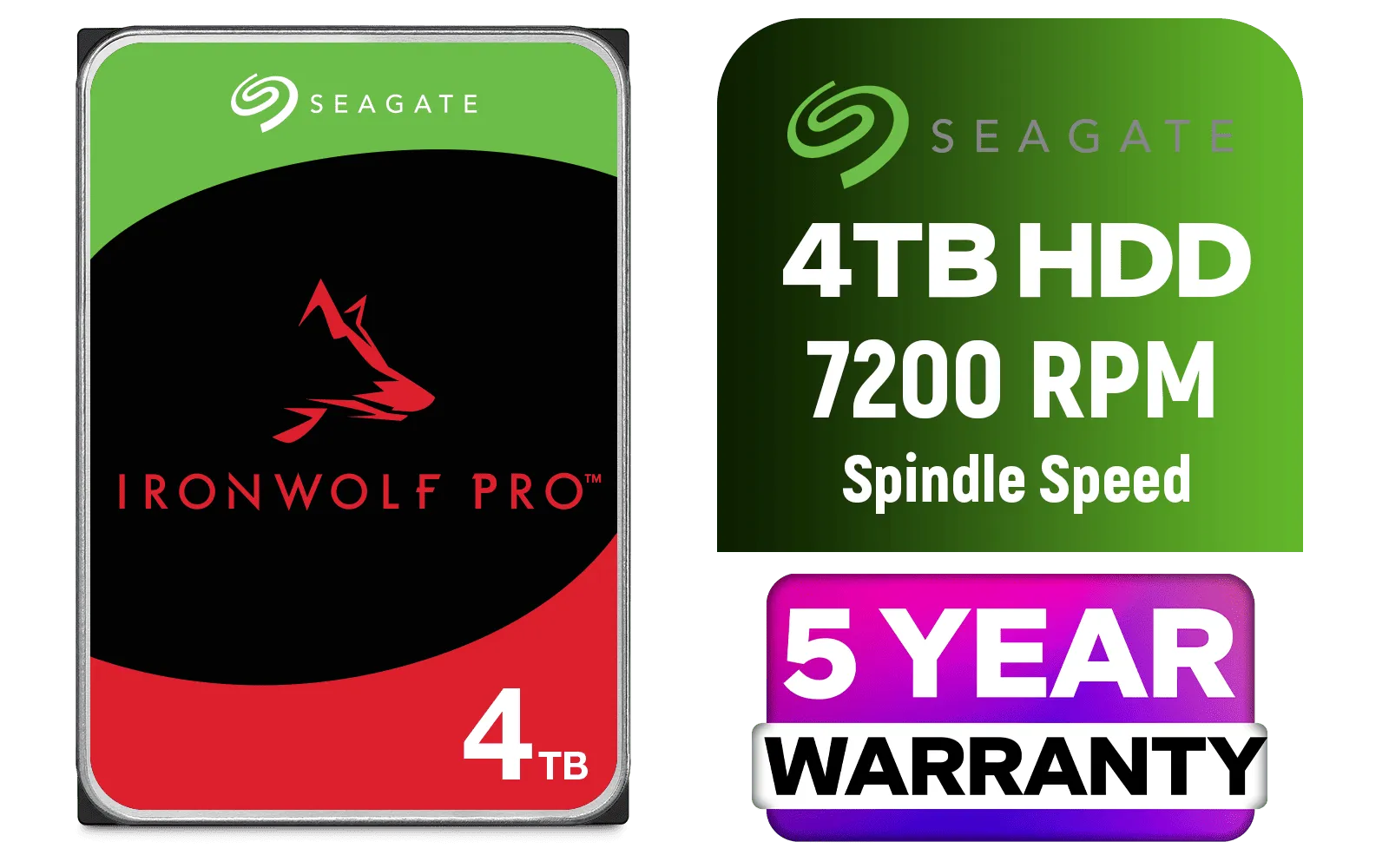
Seagate® 4TB 3.5" IronWolf Pro Internal Hard Drive / 256MB Cache / 7200 RPM Spindle Speed / Up to 250MB/s Data Transfer / ST4000NT001
R3299.00In Stock
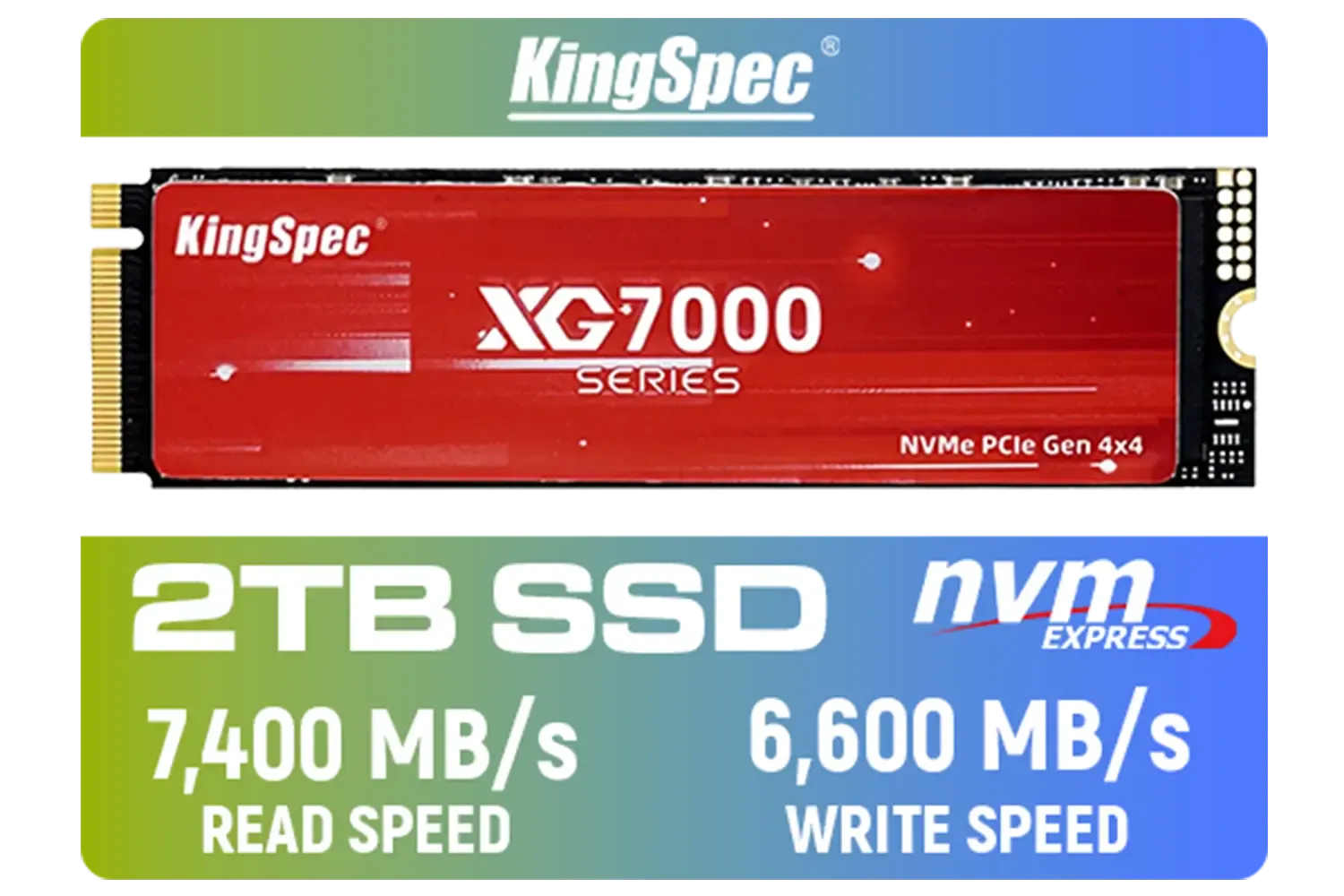
KingSpec XG7000 2TB NVMe Internal Solid State Drive SSD / QLC NAND flash memory / PCIe Gen 4.0, M.2 2280, Up to 7400MB/s/6600MB/s Read/Write Speeds / XG7000-2280-2TB
R3499.00In Stock

Corsair MP600 PRO NH 4TB PCIe Gen4 x4 NVMe M.2 SSD – High-Density TLC NAND – M.2 2280 – DirectStorage Compatible - Up to 7,000MB/sec - No Heatsink - Black / CSSD-F4000GBMP600PNH
R7499.00In Stock

Corsair Vengeance RGB DDR5 32GB (2x16GB) 6000MHz C36 Intel Optimized Desktop Memory (Dynamic Ten-Zone RGB Lighting, Onboard Voltage Regulation, Custom XMP 3.0 Profiles, Tight Response Times) Black / CMH32GX5M2E6000C36
R8399.00In Stock
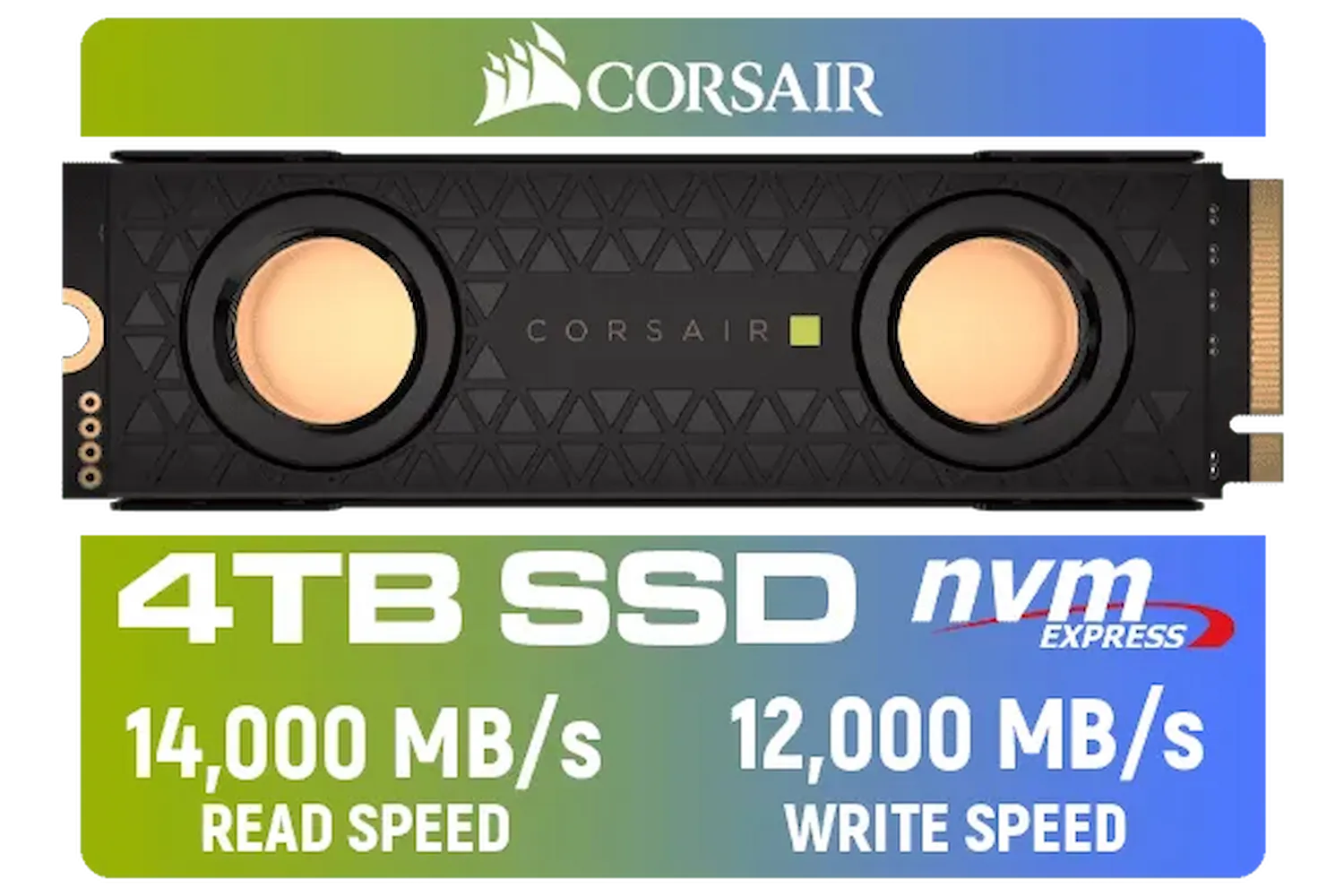
Corsair MP700 PRO SE Hydro X Series 4TB M.2 PCIe Gen5 x4 NVMe 2.0 SSD – M.2 2280 – Up to 14,000MB/sec Sequential Read – High-Density TLC NAND – Pre-Installed Water Block – Black / CSSD-F4000GBMP700PHXS
R13499.00In Stock
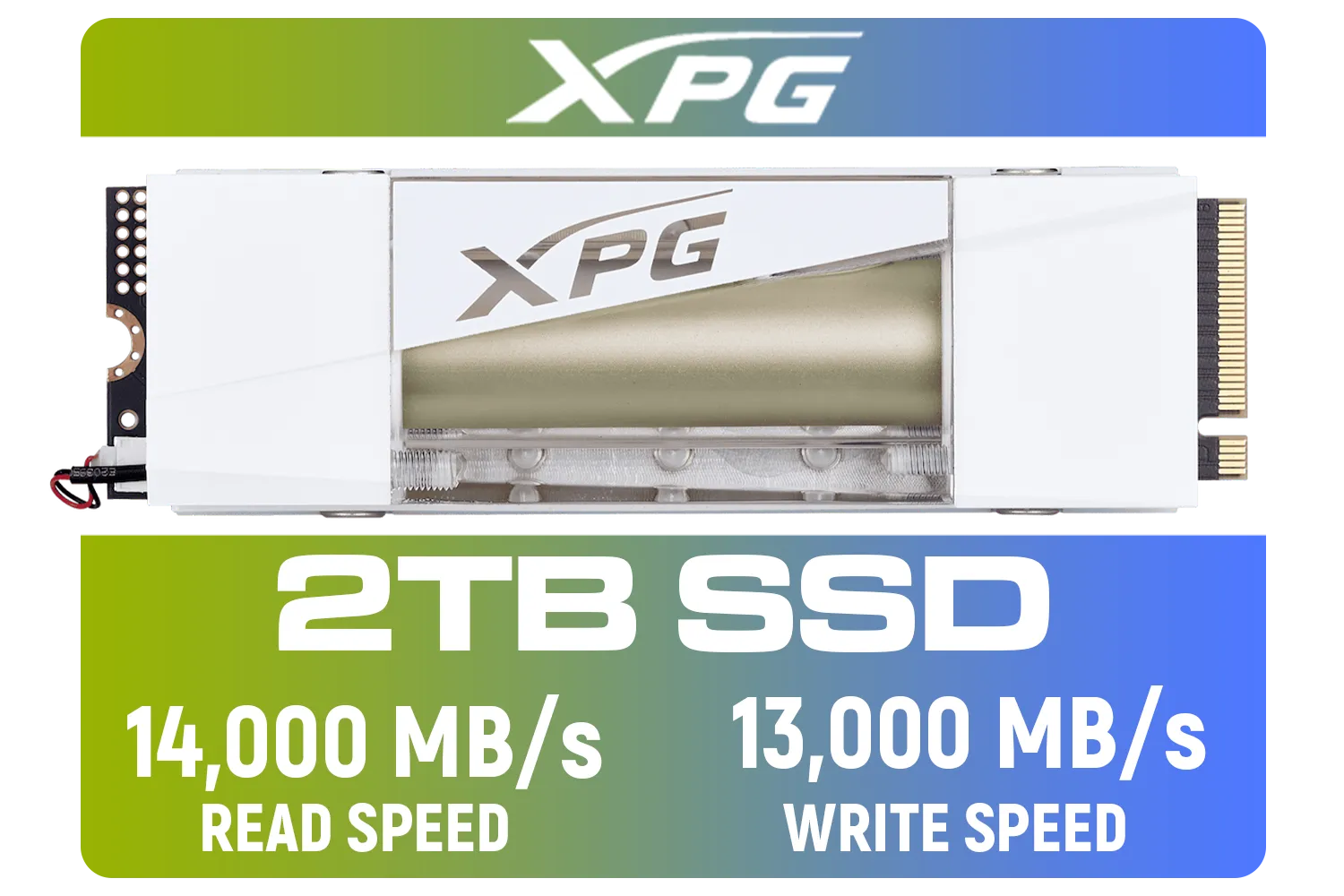
Adata Mars 980 Storm 2TB NVMe SSD / PCIe Gen5 x4 / Up to 14,000MB/s - 13,000MB Sequential Read/Write / SMAR-980S-2TCI
R4499.00In Stock
Key Takeaways
- Any SSD is a Win: Upgrading from a mechanical hard drive to any SSD is the single biggest speed improvement you can make to a PC.
- NVMe is the Future: For the best possible performance, choose an NVMe M.2 SSD for your operating system and most-played games.
- Size Matters: With modern game sizes, 1TB is the recommended minimum for a primary gaming SSD, with 2TB being ideal for large libraries.
- Balance Your Build: A fast SSD works best when paired with enough fast RAM. Ensure your memory isn't creating a bottleneck for your new storage.
Say Goodbye to Loading Screens Ready to experience lightning-fast load times and a snappier PC? Explore our massive range of Solid State Drives and give your gaming rig the speed boost it deserves.
Related Products
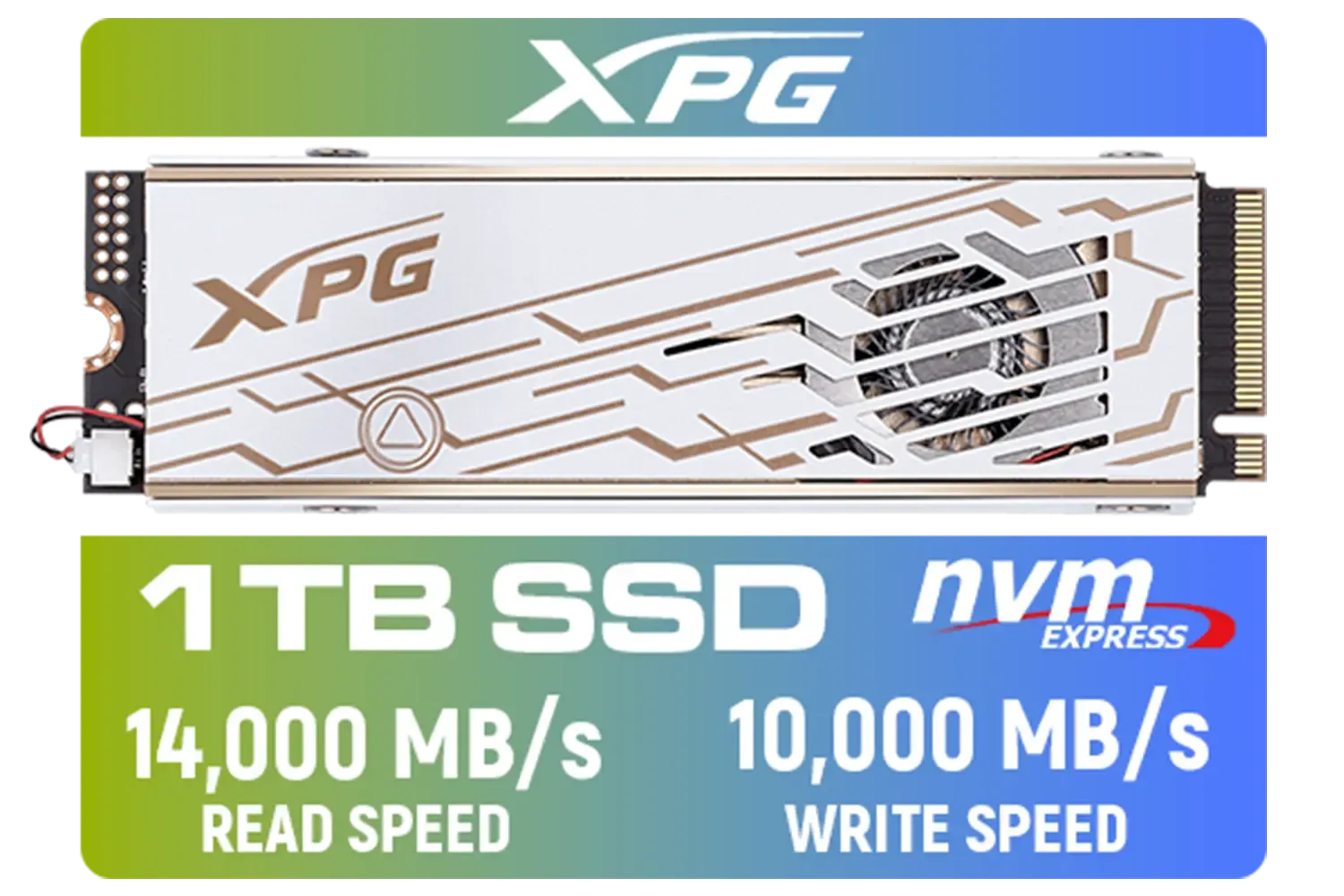
ADATA XPG Mars 980 Pro 1TB NVMe 5.0 Internal Solid State Drive / Up to 14,000MB/s Read Speed and Up to 10,000MB/s Write Speed / SMAR-980P-1TCI
R2999.00In Stock
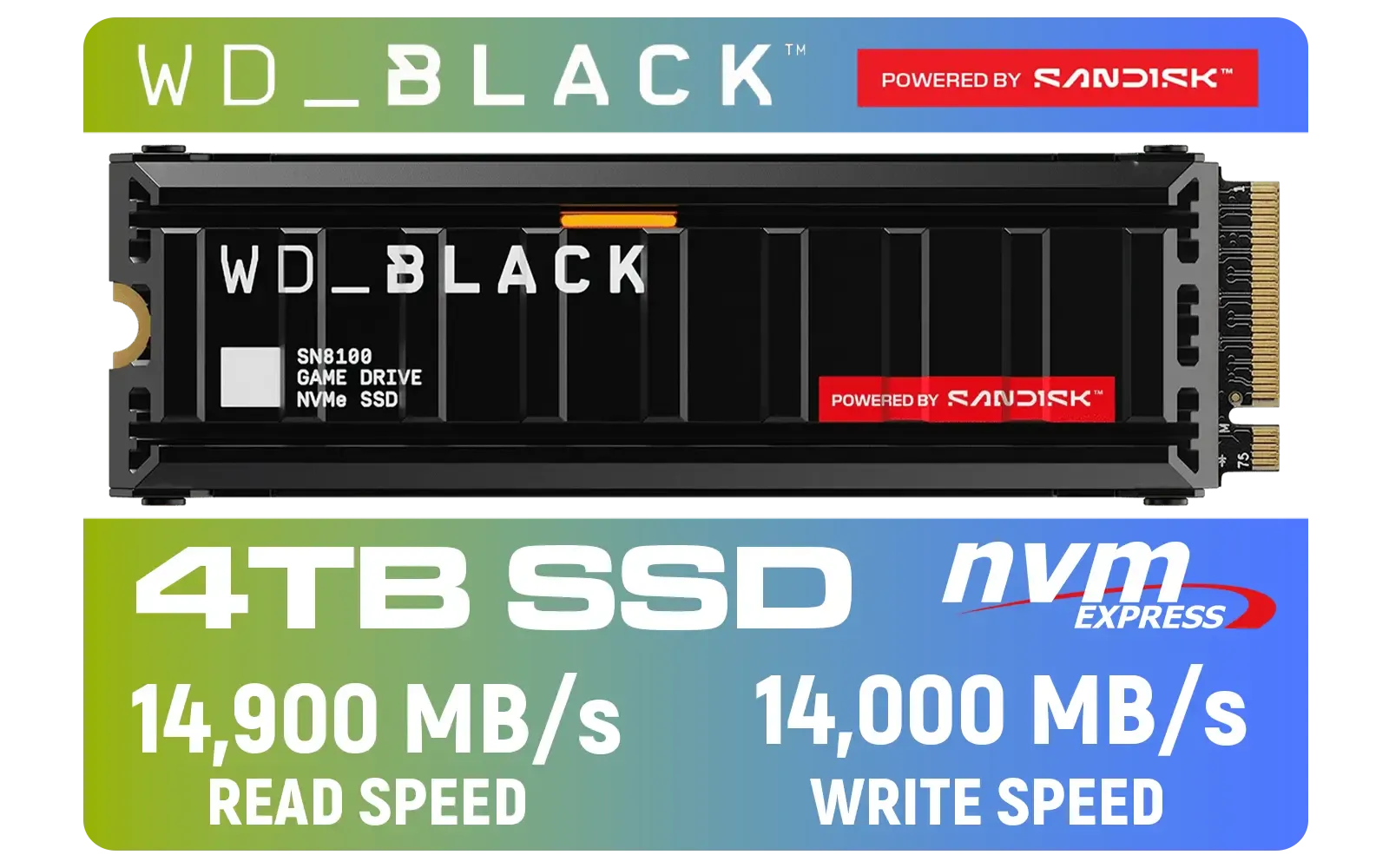
Western Digital SN8100 4TB NVMe Internal Solid State Drive with Heatsink / Read Speeds up to 14,900 MB/s / Write Speeds up to 14,000 MB/s / TCG Opal Security Encryption / nCache™ 4.0, Game Mode, and Adaptive Cooling / Includes SanDisk Dashboard & Acronis® True Image™ Software / WDS400T1XHM
R10499.00In Stock

Teamgroup T-Force DELTA RGB 32GB DDR5 Desktop Memory - Black / 32GB (2x16GB) / 7200MHz / CL34 / FF3D532G7200HC34ADC01
R7999.00In Stock

Teamgroup T-Force G70 PRO 1TB NVMe Internal Solid State Drive / Up to 7,000 Read Speed / Up to 5,500 Write Speed / Multiple Caching Systems Available / Patented Graphene Heatsink Technology / TM8FFH001T0C129
R2499.00In Stock

Orico X7000 1TB NVMe Internal Solid State Drive SSD / Versatile storage for multiple platforms / PCIe Gen 4.0, M.2 2280 / Up to 7100MB/s Read Speed / Up to 6500MB/s Write Speed / ORICO-X7000-1TB-RD-BP
R2099.00In Stock

Teamgroup T-Force VULCAN 32GB DDR5 Desktop Memory - Black / 32GB (2x16GB) / 6000MHz / CL38 / FLBD532G6000HC38ADC01
R7499.00In Stock
Yes, SSDs offer faster load times and smoother gameplay compared to HDDs. They significantly enhance gaming performance and responsiveness.
For optimal gaming, a 500GB NVMe SSD is ideal. This provides fast load times and ample space for your top titles.
NVMe SSDs are the fastest for gaming due to PCIe Gen 4 speeds, offering up to 7000MB/s read/write performance.
Absolutely! Upgrading to an SSD improves load times, game performance, and reduces lag, making it a worthy investment for gamers.
Yes, you can upgrade from HDD to SSD for better speed. Many gamers install SSDs as primary drives while keeping HDDs for extra storage.
While SSDs don’t directly affect FPS, they reduce stuttering and improve asset loading speed, leading to smoother gameplay.
Installing an SSD involves mounting it in your PC, connecting data/power cables, and cloning or installing your OS. Check our guides for step-by-step help.
For budget-friendly options, look into SATA SSDs like the Samsung 870 QVO or entry-level NVMe drives such as the Crucial P3.








