



Best Wi-Fi Router South Africa: Top Picks for Multiple Devices
Looking for the best Wi-Fi router in South Africa to handle all your family's devices? 📶 Our guide covers top routers for streaming, gaming, and working from home without lag. Discover high-speed, reliable connections to eliminate dead zones and keep everyone online. 💻
|
Loading tags...

Best Wi-Fi Router South Africa: Top Picks for Multiple Devices
Is your fibre connection blazing fast... until you move to the other room? Juggling work calls, Netflix streams, and a competitive Valorant match can bring the average ISP-supplied router to its knees, especially during loadshedding when everyone's online. Finding the best Wi-Fi router in South Africa isn't just about speed; it's about stability for all your devices. Let's sort out your signal woes for good and get you the smooth, reliable connection you're paying for. 🚀

Cudy AC1200 Dual Band Wi-Fi Mesh System - 1 Pack / 10/100Mbps Ethernet Ports + 2 Internal Antennas / 867Mbps on 5GHz and 300Mbps on 2.4GHz / M1200-1PACK
R499.00In Stock
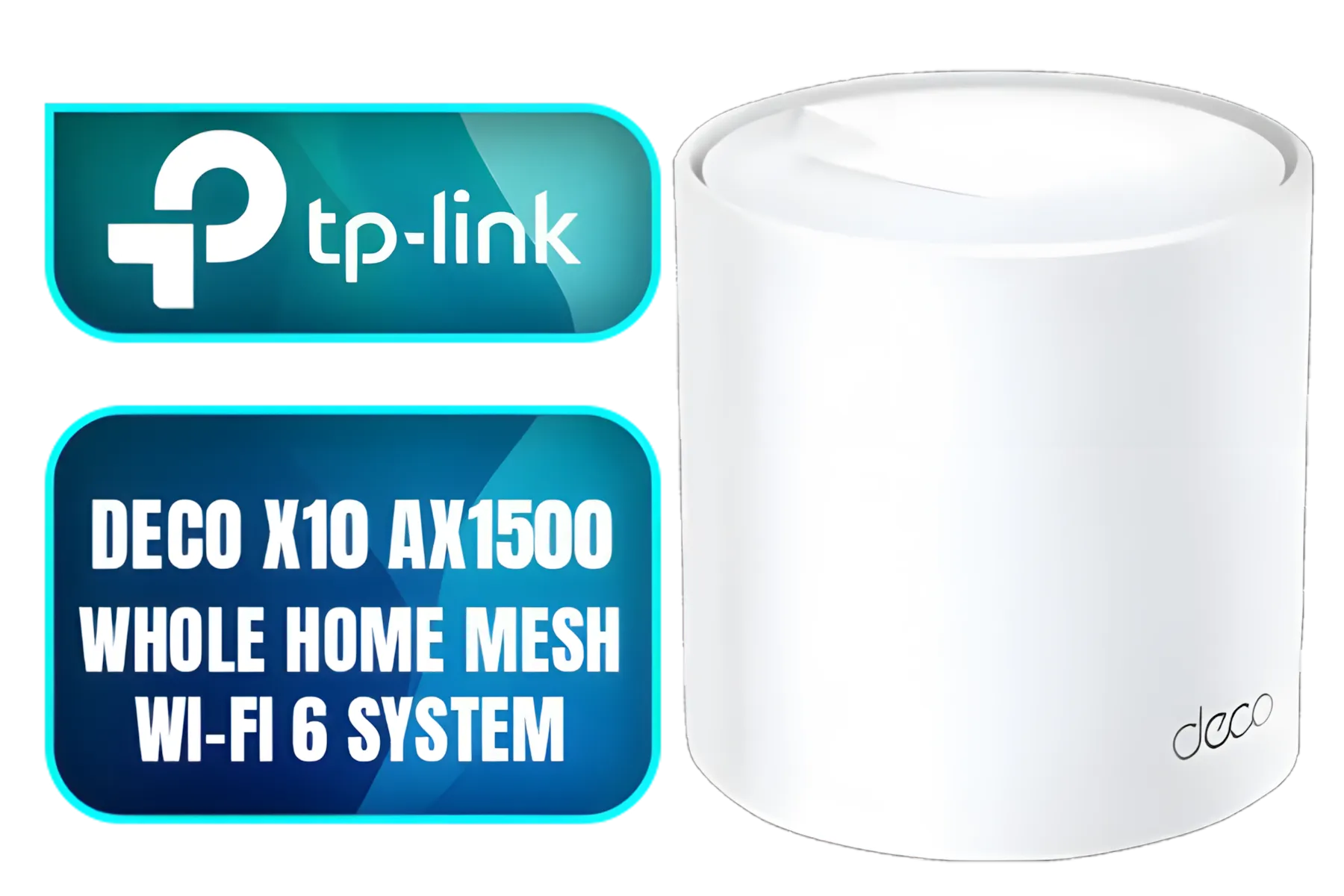
Tp-Link Deco X10 AX1500 Whole Home Mesh Wi-Fi 6 System, Supports OFDMA and MU-MIMO technology, Covers up to 5,600 Sq.Ft - NET-TL-DECO-X10-3PK
R3399.00In Stock
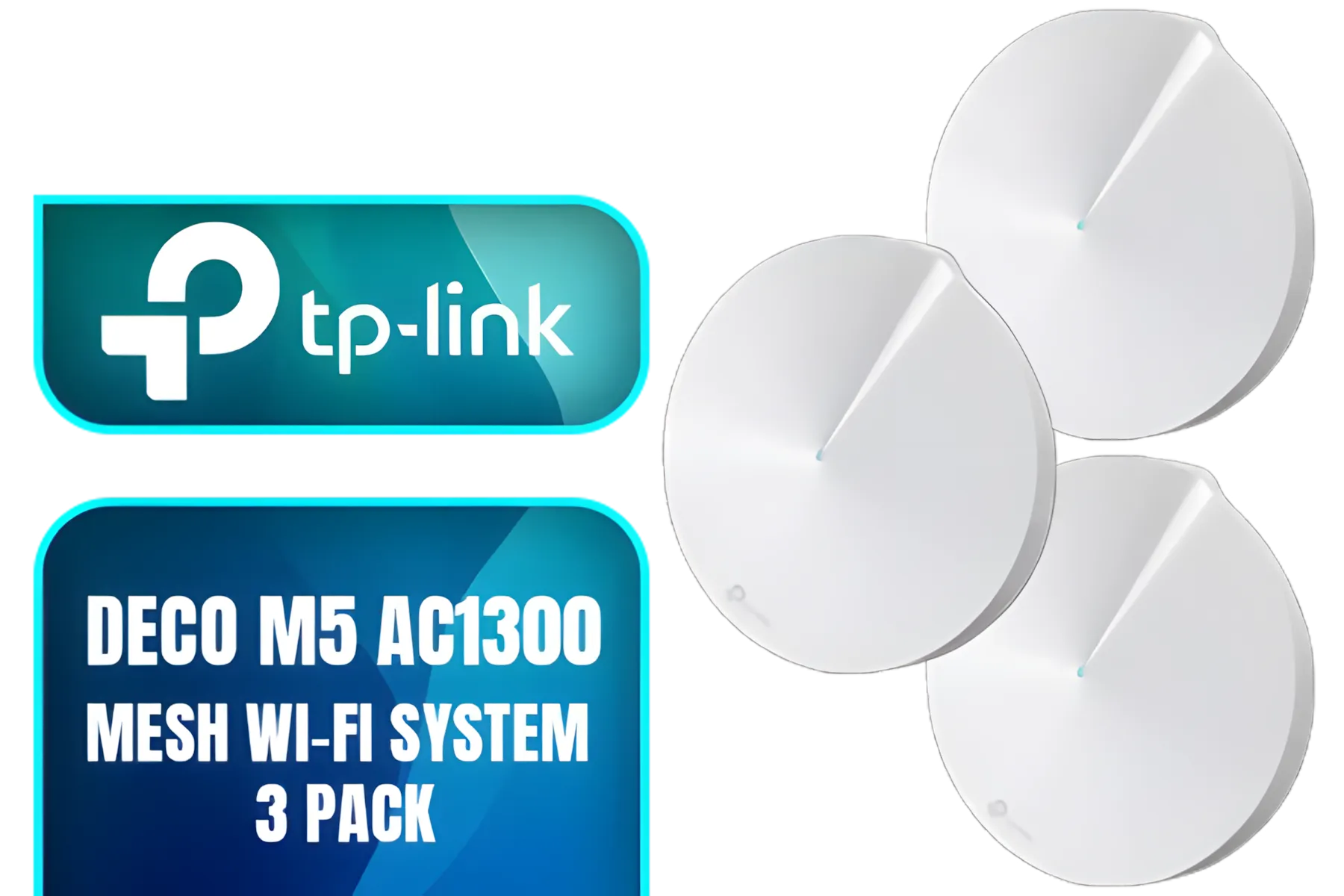
TP-Link Deco M5 AC1300 Whole Home Mesh Wi-Fi System - 3 Pack / Wi-Fi dead-zone killer / TP-Link HomeCare / Enhanced 11AC speeds / Connects over 100 devices / Seamless Roaming / NET-TL-DECO-M5-3PK
R3499.00In Stock
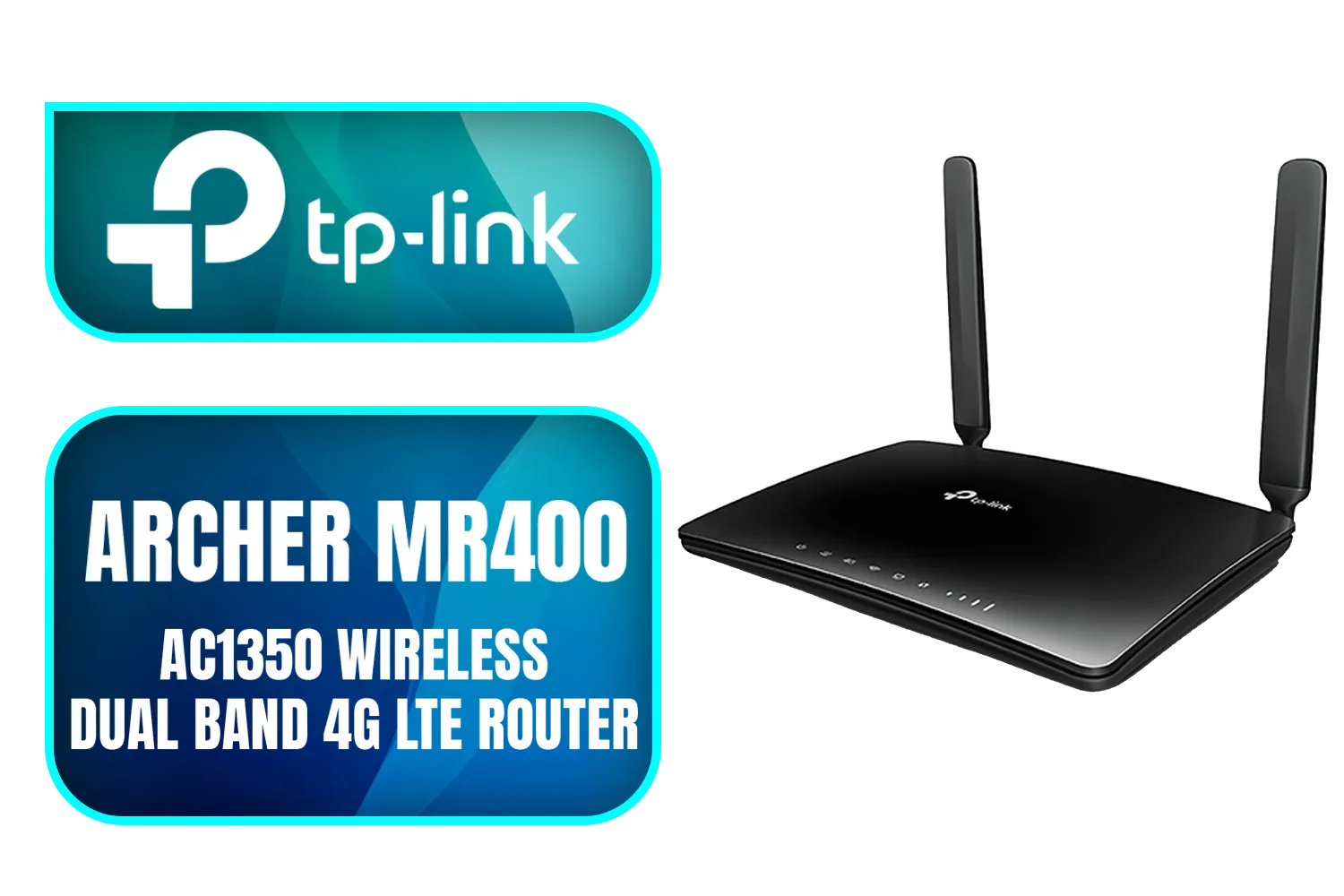
TP-Link Archer MR400 AC1350 Wireless Dual Band 4G LTE Router / Cutting-edge 4G network / Plug a SIM card and play / 2× Detachable External 4G LTE Antennas / 2.4 GHz and 5 GHz / ARCHER-MR400
R1499.00In Stock
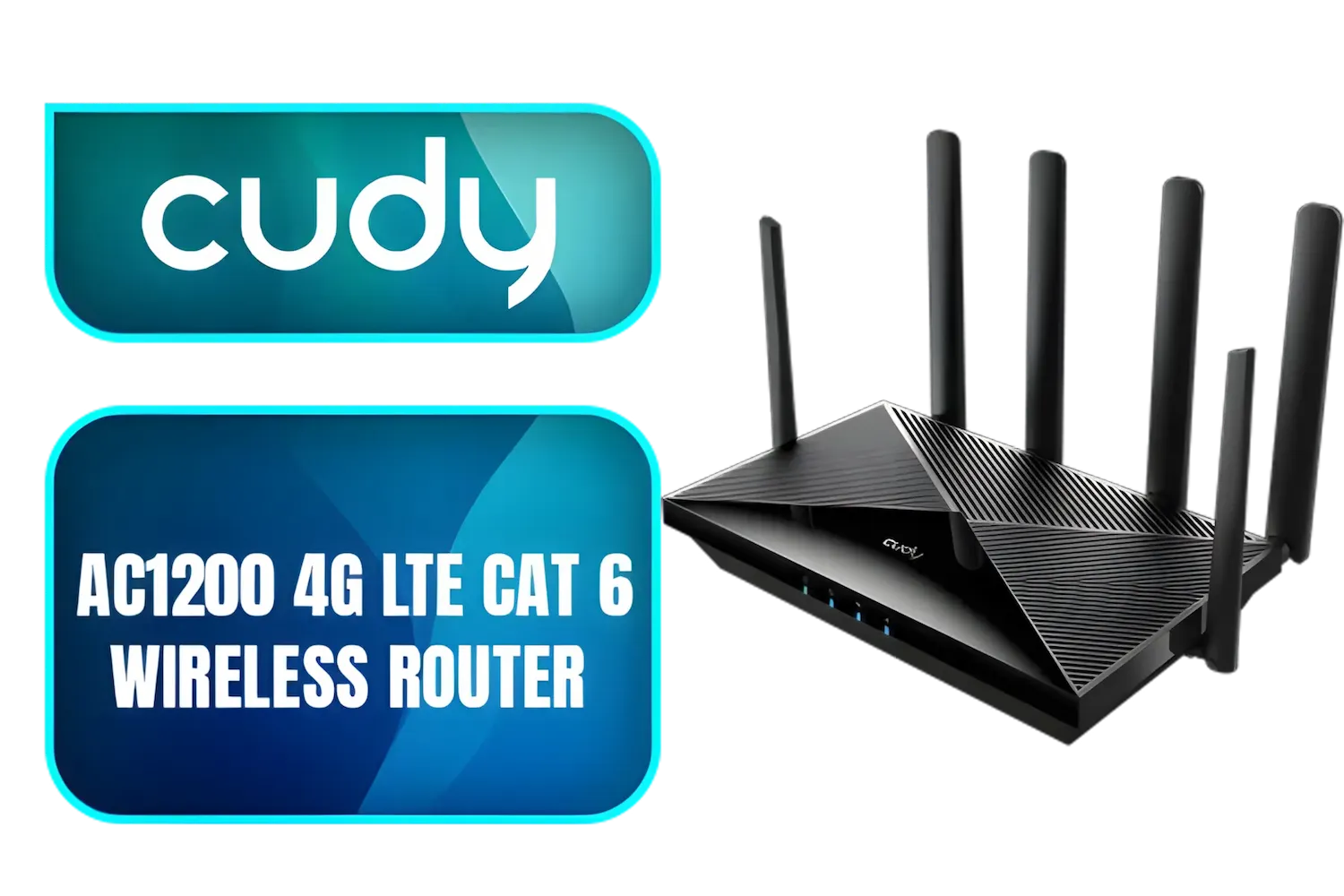
Cudy AC1200 4G LTE CAT 6 Wi-Fi Router / 4G CAT 6 with Max 300Mbps DL / 4x Gigabit Ethernet Port / 2x Nano SIM Slots / 4-Stream Dual-Band Wi-Fi 5 / LT700
R1899.00In Stock
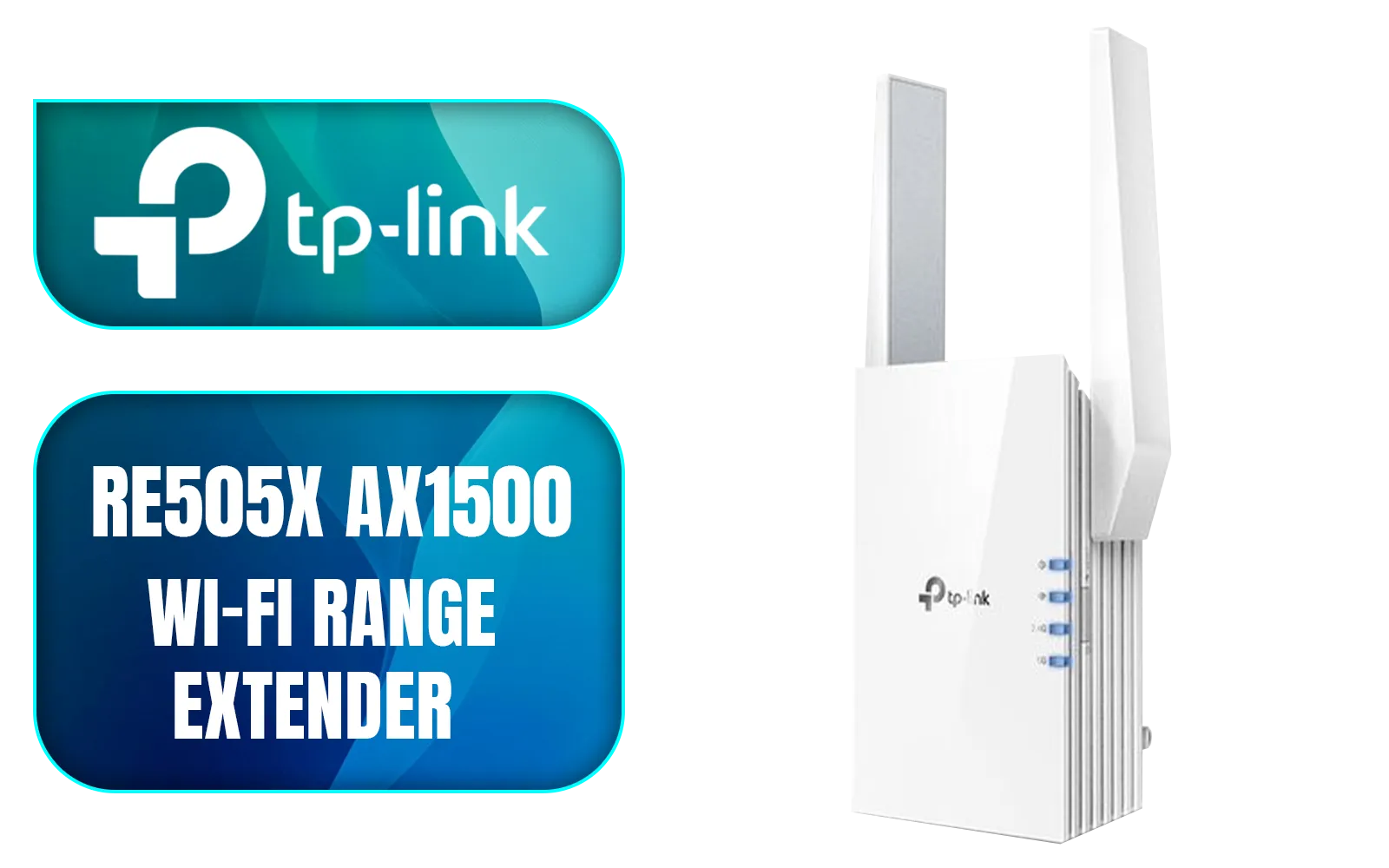
TP-LINK RE505X AX1500 Wi-Fi Range Extender / Built-In Access Point Mode / Gigabit Ethernet Port / Intelligent Signal Light / Cutting-Edge Wi-Fi 6 / Expand Coverage / Adaptive Path Selection / RE505X
R899.00In Stock
Why Your Standard ISP Router Might Be a Bottleneck
That free router you got with your internet plan? It was built to a price, not for performance. Think of it as the stock standard tyres on a sports car... they get the job done, but they're holding you back from what's truly possible. These routers often struggle with signal range, can't handle many devices communicating at once, and lack the advanced features needed for a modern, connected home.
For a household with multiple smartphones, laptops, smart TVs, and gaming consoles, upgrading is essential. A better router provides a stronger, more stable foundation for your entire wireless networking setup.
Key Features for the Best Wi-Fi Router in South Africa
Navigating the specs can feel a bit technical, but a few key features make all the difference. When you're looking for the best Wi-Fi router for multiple devices, keep an eye out for these.
TP-Link Deco M5 AC1300 Whole Home Mesh Wi-Fi System - 3 Pack / Wi-Fi dead-zone killer / TP-Link HomeCare / Enhanced 11AC speeds / Connects over 100 devices / Seamless Roaming / NET-TL-DECO-M5-3PK
R3499.00In Stock
TP-LINK RE505X AX1500 Wi-Fi Range Extender / Built-In Access Point Mode / Gigabit Ethernet Port / Intelligent Signal Light / Cutting-Edge Wi-Fi 6 / Expand Coverage / Adaptive Path Selection / RE505X
R899.00In Stock
Cudy AC1200 4G LTE CAT 6 Wi-Fi Router / 4G CAT 6 with Max 300Mbps DL / 4x Gigabit Ethernet Port / 2x Nano SIM Slots / 4-Stream Dual-Band Wi-Fi 5 / LT700
R1899.00In Stock
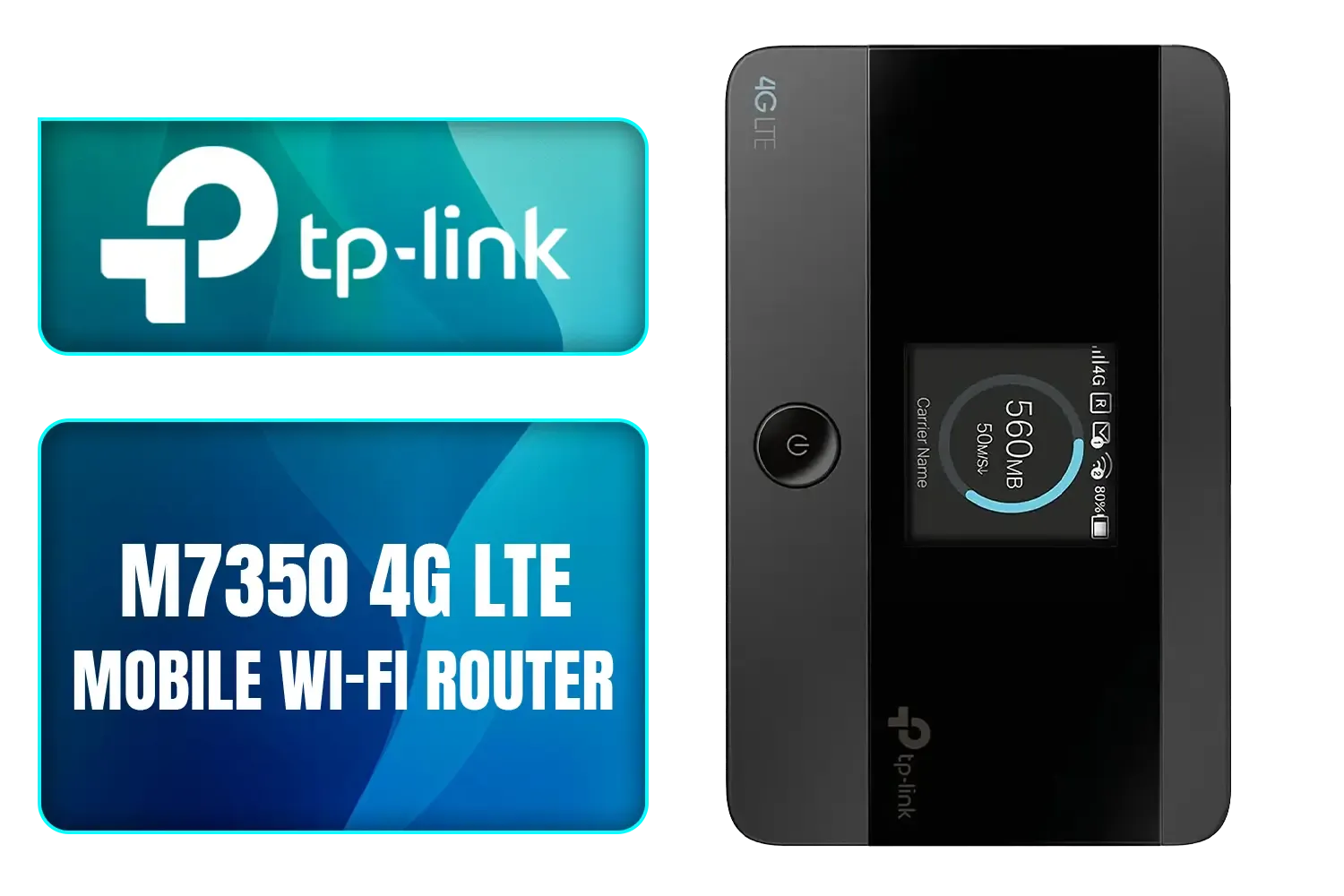
TP-LINK M7350 4G LTE Mobile Wi-Fi Hotspot (Share Wi-Fi with Up to 10 Devices, Long Lasting Battery, Easy to Use, Unlocked) / M7350
R1199.00In Stock
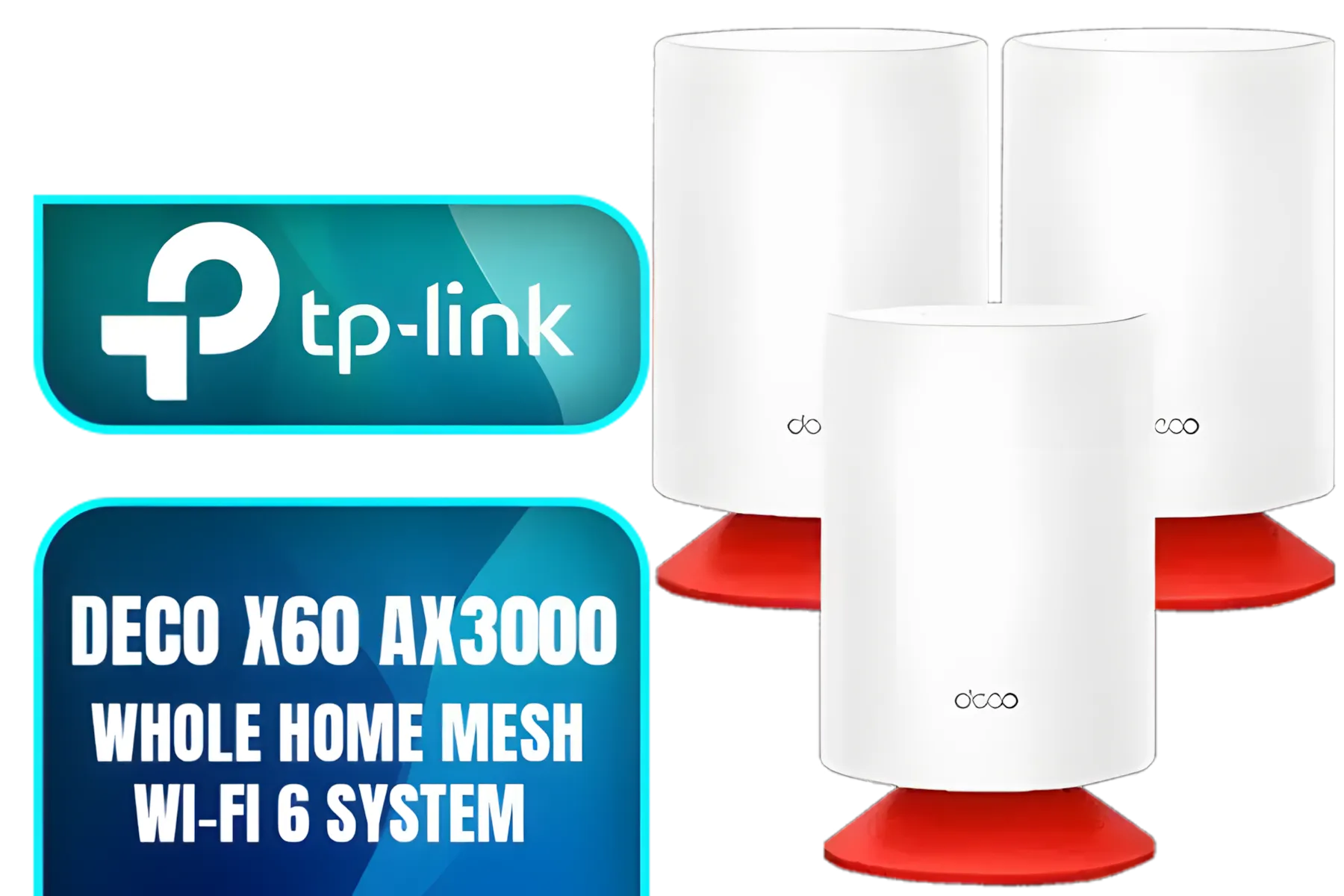
TP-Link Deco Voice X20 AX1800 Whole Home Mesh Wi-Fi 6 System with Alexa Built-In, Dual-Band Wi-Fi, Gigabit Ports, Coverage up to 4000 ft2 ,1.5 GHz Quad-Core CPU, HomeShield Security, Pack of 3
R7499.00In Stock
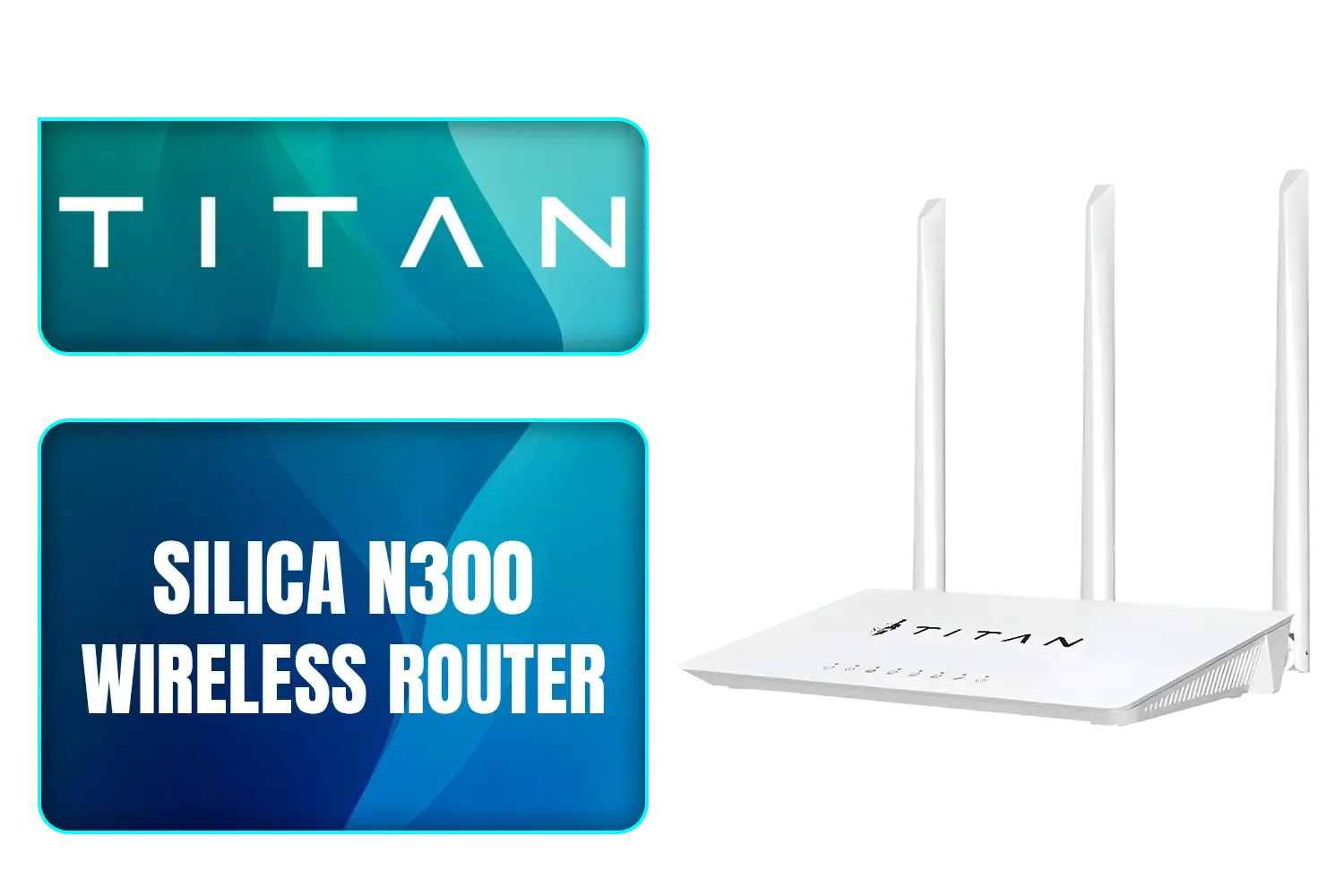
TITAN Silica N300 Wireless Router / Fast Connection / Energy Saving / 32 Users / TIT-CF-WR613N
R399.00In Stock
Wi-Fi Standards: Wi-Fi 5 vs. Wi-Fi 6
- Wi-Fi 5 (802.11ac): The previous standard. It's still decent for smaller homes with fewer devices, but it's less efficient at managing network traffic.
- Wi-Fi 6 (802.11ax): The current sweet spot. It's not just faster; it's smarter. Technologies like OFDMA allow it to deliver data to multiple devices simultaneously and more efficiently, reducing lag and buffering. It's a must-have for any busy home.
MU-MIMO: The Multi-Device Master
MU-MIMO stands for "Multi-User, Multiple-Input, Multiple-Output." In simple terms, it allows your router to communicate with several devices at the same time, rather than serving them one by one. This dramatically improves network performance and responsiveness when everyone is online.
TIP FOR YOU
Router Placement 101 📡
Don't hide your router in a cupboard or behind the TV! For the best signal, place it in a central, elevated position, away from thick walls, metal objects, and other electronics like microwaves. This simple move can drastically improve coverage across your home without costing a cent.
Our Top Router Picks for Every South African Home
Choosing the right model depends on your space, your device count, and your budget. Here’s a quick guide to help you find the perfect fit from our excellent selection of wireless routers.
TP-Link Archer MR400 AC1350 Wireless Dual Band 4G LTE Router / Cutting-edge 4G network / Plug a SIM card and play / 2× Detachable External 4G LTE Antennas / 2.4 GHz and 5 GHz / ARCHER-MR400
R1499.00In Stock
TP-LINK RE505X AX1500 Wi-Fi Range Extender / Built-In Access Point Mode / Gigabit Ethernet Port / Intelligent Signal Light / Cutting-Edge Wi-Fi 6 / Expand Coverage / Adaptive Path Selection / RE505X
R899.00In Stock
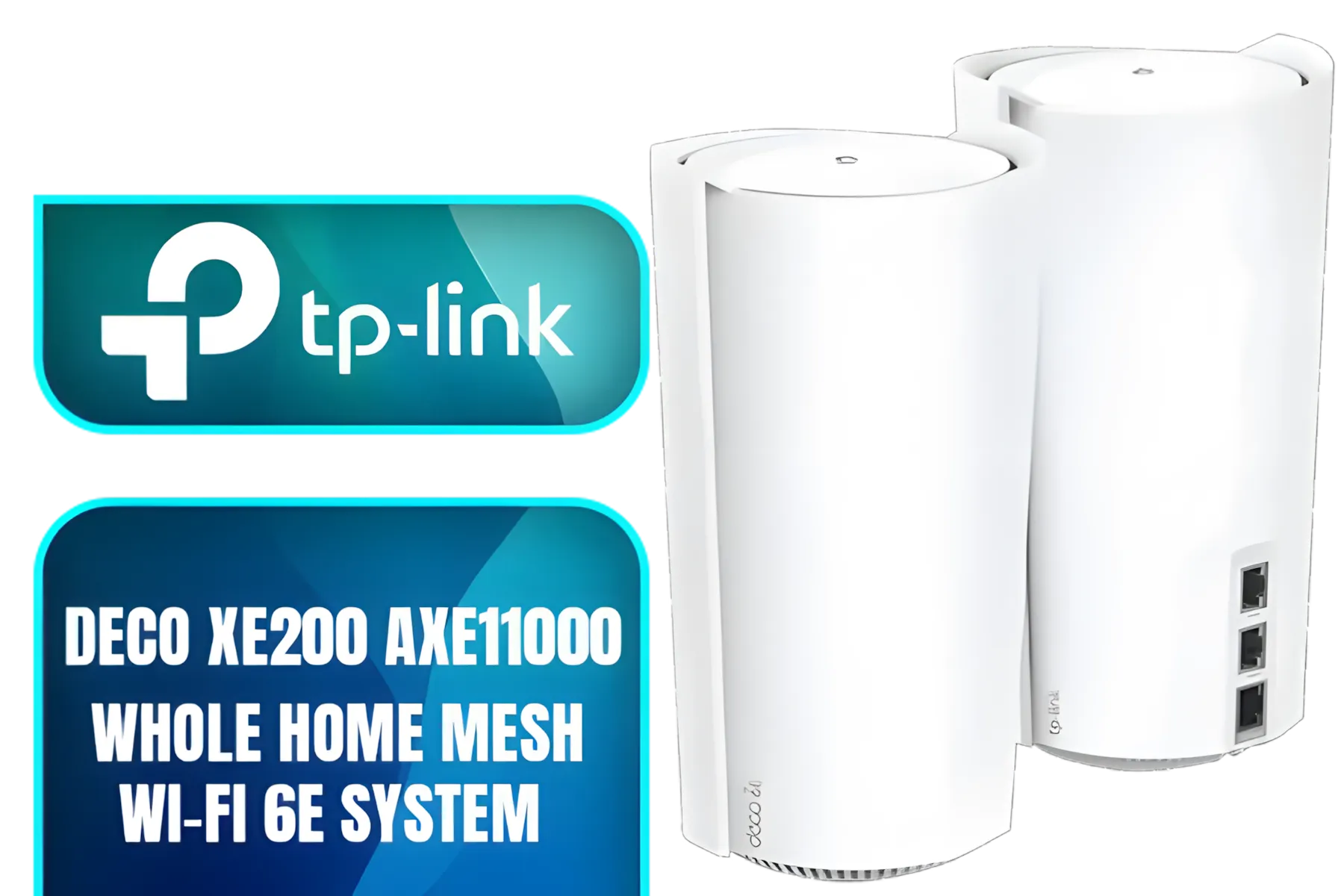
TP-Link Deco Mesh WiFi AXE11000 Tri-Band WiFi 6E Mesh Network System(Deco XE200) - Replaces Wireless Internet Router and Extender, 10Gbps Ethernet Port, Compatible with Alexa, 2-Pack / NET-DECO-XE200-2PK
R13999.00In Stock
Cudy AC1200 4G LTE CAT 6 Wi-Fi Router / 4G CAT 6 with Max 300Mbps DL / 4x Gigabit Ethernet Port / 2x Nano SIM Slots / 4-Stream Dual-Band Wi-Fi 5 / LT700
R1899.00In Stock
TP-Link Deco M5 AC1300 Whole Home Mesh Wi-Fi System - 3 Pack / Wi-Fi dead-zone killer / TP-Link HomeCare / Enhanced 11AC speeds / Connects over 100 devices / Seamless Roaming / NET-TL-DECO-M5-3PK
R3499.00In Stock
Tp-Link Deco X10 AX1500 Whole Home Mesh Wi-Fi 6 System, Supports OFDMA and MU-MIMO technology, Covers up to 5,600 Sq.Ft - NET-TL-DECO-X10-3PK
R3399.00In Stock
The Budget Champion: Solid & Stable
For smaller apartments or homes with just a few users, a good quality Wi-Fi 5 or entry-level Wi-Fi 6 router is perfect. It will provide a significant stability and speed upgrade over your ISP's box without breaking the bank. Look for dual-band capabilities to keep your network organised.
The Family All-Rounder: The Wi-Fi 6 Workhorse
This is the ideal choice for most South African families. A mid-range Wi-Fi 6 router can handle multiple 4K streams, work-from-home video calls, and casual gaming simultaneously. With strong MU-MIMO support and good coverage, it ensures everyone has a smooth online experience. It's the perfect partner for high-speed fibre routers that need to distribute that speed effectively.
The Gamer's Edge: For Ultimate Performance ✨
If you're a competitive gamer, every millisecond counts. A high-end gaming router offers features like Quality of Service (QoS) to prioritise gaming traffic, ultra-low latency, and tri-band technology to create a dedicated, interference-free lane for your gaming rig.
TP-LINK RE505X AX1500 Wi-Fi Range Extender / Built-In Access Point Mode / Gigabit Ethernet Port / Intelligent Signal Light / Cutting-Edge Wi-Fi 6 / Expand Coverage / Adaptive Path Selection / RE505X
R899.00In Stock
TP-Link Deco M5 AC1300 Whole Home Mesh Wi-Fi System - 3 Pack / Wi-Fi dead-zone killer / TP-Link HomeCare / Enhanced 11AC speeds / Connects over 100 devices / Seamless Roaming / NET-TL-DECO-M5-3PK
R3499.00In Stock
TP-Link Deco Mesh WiFi AXE11000 Tri-Band WiFi 6E Mesh Network System(Deco XE200) - Replaces Wireless Internet Router and Extender, 10Gbps Ethernet Port, Compatible with Alexa, 2-Pack / NET-DECO-XE200-2PK
R13999.00In Stock
TITAN Silica N300 Wireless Router / Fast Connection / Energy Saving / 32 Users / TIT-CF-WR613N
R399.00In Stock

TP-Link Deco X50 AX3000 Whole Home AI-Driven Mesh Wi-Fi 6 System, Dual-Band with Gigabit Ports, Coverage up to 4,500 ft2, Connect up to 150 devices, 1 GHz Dual-Core CPU, HomeShield Security, Pack of 2 / NET-TL-DECO-X50-2PK
R4199.00In Stock

Cudy AC1200 Dual Band Wi-Fi Mesh System - 3 Pack / 10/100Mbps Ethernet Ports + 2 Internal Antennas / 867Mbps on 5GHz and 300Mbps on 2.4GHz / M1200-3PACK
R1199.00In Stock
Beyond the Router: Optimising Your Whole Network
Sometimes, even the best Wi-Fi router in South Africa can't solve every problem on its own. If you have a large house with brick walls, you might still encounter dead spots. In these cases, wireless range extenders can easily boost the signal into those hard-to-reach areas like the patio or home office.
Furthermore, if your gaming PC is still struggling with a weak connection, the bottleneck might be its own receiver. Upgrading to one of the latest PCIe or USB wireless adapters ensures your machine can take full advantage of the power your new router provides.
Ready to End the Lag? Choosing the best Wi-Fi router for your South African home doesn't have to be a headache. Stop settling for slow speeds and dropped connections. Explore our massive range of wireless routers and find the perfect upgrade to conquer your connection.
Related Products
TP-Link Deco Mesh WiFi AXE11000 Tri-Band WiFi 6E Mesh Network System(Deco XE200) - Replaces Wireless Internet Router and Extender, 10Gbps Ethernet Port, Compatible with Alexa, 2-Pack / NET-DECO-XE200-2PK
R13999.00In Stock
TP-Link Deco M5 AC1300 Whole Home Mesh Wi-Fi System - 3 Pack / Wi-Fi dead-zone killer / TP-Link HomeCare / Enhanced 11AC speeds / Connects over 100 devices / Seamless Roaming / NET-TL-DECO-M5-3PK
R3499.00In Stock
Cudy AC1200 4G LTE CAT 6 Wi-Fi Router / 4G CAT 6 with Max 300Mbps DL / 4x Gigabit Ethernet Port / 2x Nano SIM Slots / 4-Stream Dual-Band Wi-Fi 5 / LT700
R1899.00In Stock
TP-LINK M7350 4G LTE Mobile Wi-Fi Hotspot (Share Wi-Fi with Up to 10 Devices, Long Lasting Battery, Easy to Use, Unlocked) / M7350
R1199.00In Stock
TP-LINK RE505X AX1500 Wi-Fi Range Extender / Built-In Access Point Mode / Gigabit Ethernet Port / Intelligent Signal Light / Cutting-Edge Wi-Fi 6 / Expand Coverage / Adaptive Path Selection / RE505X
R899.00In Stock
Cudy AC1200 Dual Band Wi-Fi Mesh System - 1 Pack / 10/100Mbps Ethernet Ports + 2 Internal Antennas / 867Mbps on 5GHz and 300Mbps on 2.4GHz / M1200-1PACK
R499.00In Stock
For a family with multiple devices, a fibre connection of 50-100 Mbps is ideal. Pair this with a capable router to ensure the speed is distributed effectively for all users.
A mesh Wi-Fi system is excellent for larger South African homes or those with thick walls. It eliminates dead zones by using multiple nodes to provide strong coverage everywhere.
A good home router in South Africa can range from R800 for basic models to over R5000 for high-performance gaming or mesh systems. Your budget should match your speed needs.
The best router for fibre supports Gigabit speeds and modern standards like Wi-Fi 6. Brands like TP-Link, ASUS, and Netgear offer options that maximize your fibre connection.
Yes, a tri-band router is worth it for a home with many devices. It provides an additional 5GHz band, reducing network congestion for smoother 4K streaming and online gaming.
To improve home Wi-Fi coverage, place your router in a central location, update its firmware, and consider a mesh system. Choosing the right router is the most crucial step.











