Budget Video Editing PC: Performance Expectations & Realities
Building a budget video editing PC doesn't mean sacrificing creativity! 🎬 Discover exactly what to expect from an affordable configuration, from 1080p cuts to light 4K work. We break down the specs that matter most for your wallet and workflow. 🚀
|
Loading tags...
So, you’ve got incredible footage from your last holiday, a killer concept for a YouTube channel, or maybe you're the designated family video editor. The dream is big, but your PC lags just opening the software. Building a budget video editing PC in South Africa feels like a challenge, but it's totally achievable. The secret isn't just about finding the cheapest parts; it's about understanding the performance realities and spending your hard-earned Rands where they count most. ✨
![[Pre Built] AMD Ryzen 7 9800X3D RX 9070 XT Gaming PC](https://img.evetech.co.za/repository/ProductImages/ryzen-7-9800-x-3-d-rx-9070-xt-gaming-pc-48-gb-2-tb-nvme-main-1600px-v1.webp)
[Pre Built] AMD Ryzen 7 9800X3D RX 9070 XT Gaming PC
R71399.00In Stock
![[Pre Built] Intel Core Ultra 7 265K RTX 5070 Gaming PC](https://img.evetech.co.za/repository/ProductImages/intel-core-ultra-7-265-kf-rtx-5070-gaming-pc-pbs-main-1600px-v1.webp)
[Pre Built] Intel Core Ultra 7 265K RTX 5070 Gaming PC
R38849.00In Stock
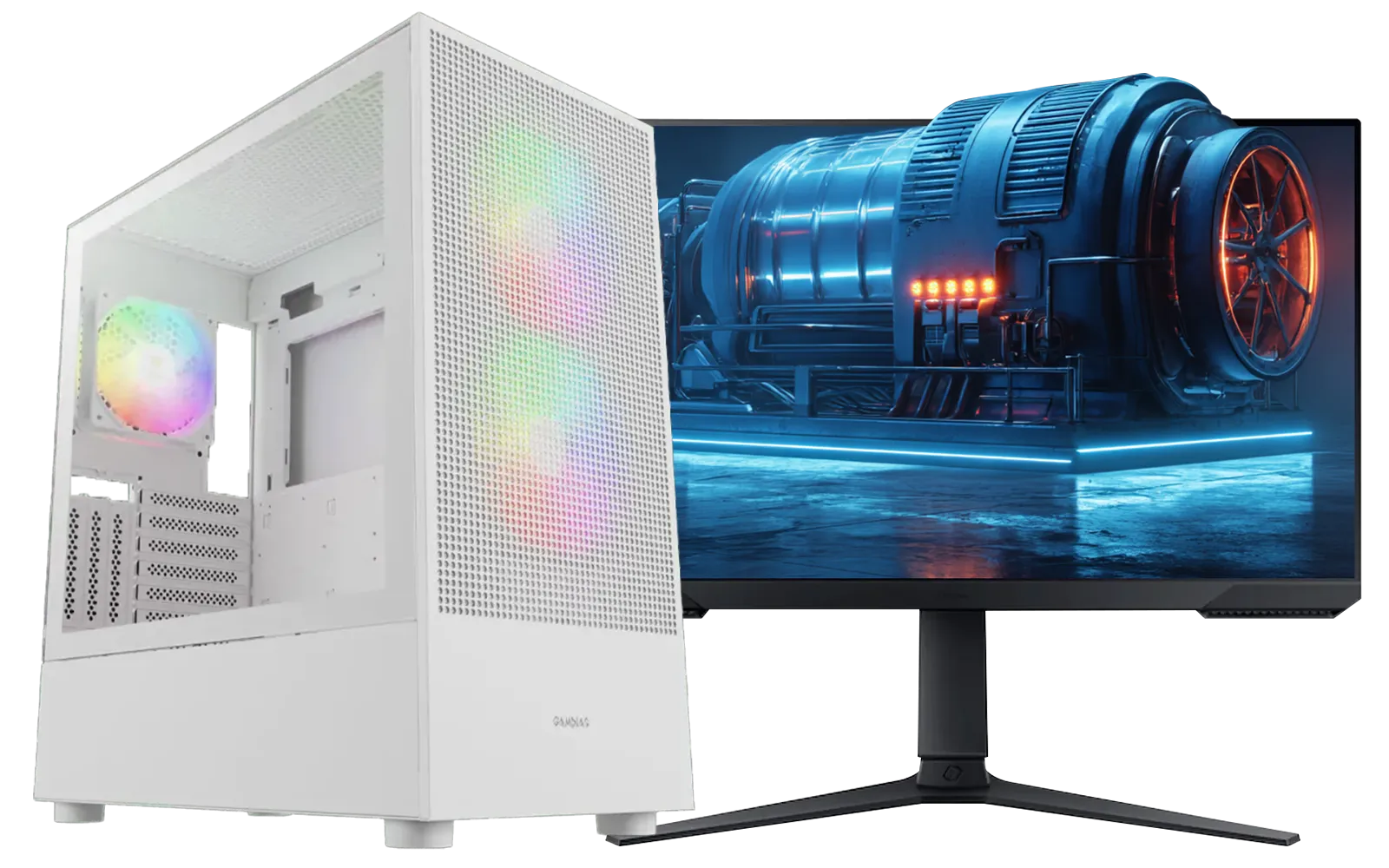
Intel Core Ultra 7 265K 5.3GHz Quadro A1000 8GB DDR5 Workstation PC
R33809.00In Stock

RYZEN 7 5700 4.6GHz RTX 5060 Ti Budget Gaming PC
R18794.00In Stock
RYZEN 5 9600X 5.2GHz A400 4GB DDR5 Workstation PC
R18269.00In Stock

RYZEN 5 9600X 5.2GHz ARC B580 12GB DDR5 Gaming PC
R22259.00In Stock
What a Budget Video Editing PC Can Actually Do
Let's get real. A budget machine won't be churning out 8K RED camera footage with zero lag. But can a budget video editing PC handle your creative projects? Absolutely. For most aspiring creators, the goal is smooth 1080p editing, and maybe even dipping your toes into 4K.
You can expect to comfortably:
- Edit multi-track 1080p timelines in DaVinci Resolve or Adobe Premiere Pro.
- Apply colour correction and basic effects without your preview window turning into a slideshow.
- Experience reasonable render times for videos under 15 minutes.
Where you'll feel the pinch is with complex visual effects, 4K multi-cam sequences, or long export queues. It’s about managing expectations and optimising your workflow.
The Core Four: Where to Spend Your Money
When assembling an affordable video editing rig, not all components are created equal. Your budget needs to be strategically allocated across four key areas to avoid bottlenecks.

AMD RYZEN 5 3600 4.2GHz ARC A380 6GB Gaming PC
R9974.00In Stock
![[Pre Built] Intel Core Ultra 7 265KF RX 9070 XT Gaming PC](https://img.evetech.co.za/repository/ProductImages/intel-core-ultra-7-265-kf-rx-9070-xt-gaming-pc-pbs-main-1600px-v1.webp)
[Pre Built] Intel Core Ultra 7 265KF RX 9070 XT Gaming PC
R43049.00In Stock
Intel Core Ultra 7 265K 5.3GHz RTX 5060 8GB DDR5 Gaming PC
R30764.00In Stock

AMD RYZEN 7 5700 4.6GHz RX 9070 16GB Gaming PC
R27089.00In Stock
RYZEN 5 9600X 5.2GHz GT 710 2GB DDR5 PC
R15434.00In Stock
![[Pre Built] AMD Ryzen 7 9800X3D RX 9070 XT Gaming PC](https://img.evetech.co.za/repository/ProductImages/ryzen-7-9800-x-3-d-rx-9070-xt-gaming-pc-48-gb-main-1600px-v1.webp)
[Pre Built] AMD Ryzen 7 9800X3D RX 9070 XT Gaming PC
R69299.00In Stock
### CPU: The Brains of the Operation 🧠
The Central Processing Unit (CPU) does the heavy lifting for encoding, decoding, and processing your video. More cores and a higher clock speed mean a smoother editing experience. For a budget video editing PC, look for a modern processor with at least 6 cores, like an Intel Core i5 or AMD Ryzen 5. This is the sweet spot for great performance without breaking the bank, and you can find excellent options in PCs under R20k.
### RAM: Your Short-Term Workspace
Think of RAM (Random Access Memory) as your desk space. The more you have, the more applications and high-resolution clips you can work with simultaneously. 8GB is the absolute bare minimum and will likely cause frustration. 16GB is the recommended starting point for 1080p editing, while 32GB provides a much smoother experience, especially if you plan on working with 4K footage or complex graphics.
### GPU: The Visual Powerhouse 🚀
While the CPU is crucial, the Graphics Processing Unit (GPU) accelerates tasks like rendering, playback of effects, and exports. Modern editing software leverages the GPU heavily. You don't need a top-of-the-line card, but something with at least 6GB of VRAM will make a massive difference. This is where budget gaming PCs often shine, as their graphics cards are perfect for double duty.
![[Pre Built] HP OMEN 35L B1ZR4EA Intel Core Ultra 7 265K RTX 4080 SUPER Gaming PC](https://img.evetech.co.za/repository/ProductImages/intel-core-ultra-7-265-k-rtx-4080-super-gaming-pc-pbs-main-1600px-v1.webp)
[Pre Built] HP OMEN 35L B1ZR4EA Intel Core Ultra 7 265K RTX 4080 SUPER Gaming PC
R49349.00In Stock

RYZEN 9 9900X 5.6GHz RTX 5070 Ti 16GB DDR5 Gaming PC
R41894.00In Stock

Intel Core Ultra 5 225F 4.9GHz GT 710 2GB DDR5 PC
R12074.00In Stock
AMD RYZEN 7 5700 4.6GHz RX 9070 16GB Gaming PC
R27089.00In Stock

RYZEN 7 9700X 5.5GHz RX 9070 XT 16GB DDR5 Gaming PC
R38114.00In Stock
Intel Core Ultra 7 265K 5.3GHz RTX 5060 8GB DDR5 Gaming PC
R30764.00In Stock
### Storage: Speed is Everything
Your storage configuration is critical. A slow hard drive will bottleneck your entire system. The ideal setup for a budget video editing PC is a two-drive solution:
- A Fast NVMe SSD: For your operating system, editing software, and active project files. This ensures your PC is snappy and responsive.
- A Larger HDD: For archiving old projects and storing your raw footage.
Many of our pre-built PC deals are configured with this exact balanced approach in mind.
TIP FOR YOU
Editing Pro Tip ⚡
If your 4K footage is still choppy, don't panic! Use a proxy workflow. Most editing software can create low-resolution copies (proxies) of your files for smooth editing. When you're ready to export, the software automatically switches back to the original high-quality files for the final render. It's a simple trick that makes a huge difference.
Reality Check: 1080p vs. 4K on a Budget
Editing 4K video is four times more demanding than 1080p. On a budget build, you can edit 4K, but you'll need to be patient and use proxies. The timeline might not be perfectly smooth, and render times will be significantly longer. If 4K is your primary focus, pushing your budget slightly to accommodate a more powerful CPU and GPU will save you hours of frustration. Exploring options in the PCs above R20k category often provides that extra power needed for a smoother 4K workflow.
AMD RYZEN 5 3600 4.2GHz ARC A380 6GB Gaming PC
R9974.00In Stock
RYZEN 5 9600X 5.2GHz A400 4GB DDR5 Workstation PC
R18269.00In Stock
RYZEN 7 5700 4.6GHz RTX 5060 Ti Budget Gaming PC
R18794.00In Stock
![[Pre Built] AMD RYZEN 9 9900X RX 9070 XT Gaming PC](https://img.evetech.co.za/repository/ProductImages/ryzen-9-9900-x-rx-9070-xt-gaming-pc-pbs-main-1600px-v1.webp)
[Pre Built] AMD RYZEN 9 9900X RX 9070 XT Gaming PC
R43574.00In Stock
Intel Core Ultra 9 285K 5.7GHz RTX 5000 Ada 32GB DDR5 Workstation PC
R134399.00In Stock
AMD RYZEN 7 9800X3D RTX Pro 4500 DDR5 Workstation PC
R79589.00In Stock
The good news? A machine that's great for 1080p editing is also a fantastic gaming rig. The component requirements overlap significantly, with a strong CPU and a capable GPU being central to both activities. So, that PC you build for editing your gameplay clips will, of course, be great at running the games themselves. It's a win-win for creators who are also gamers, and you'll find plenty of crossover value in the best gaming PC deals available.
Ready to Start Creating? A budget video editing PC doesn't mean a compromised creative vision. It's about smart choices. At Evetech, we've balanced performance and price to get you editing without delay. Explore our range of pre-built PC deals and find the perfect machine to bring your ideas to life.
Related Products
RYZEN 7 5700 4.6GHz RTX 5060 Ti Budget Gaming PC
R18794.00In Stock
Intel Core Ultra 5 225F 4.9GHz GT 710 2GB DDR5 PC
R12074.00In Stock
AMD RYZEN 7 5700 4.6GHz RX 9070 16GB Gaming PC
R27089.00In Stock
AMD RYZEN 7 5700 4.6GHz A1000 Workstation PC
R18899.00In Stock

RYZEN 5 7500X3D RTX 5060 DDR5 Gaming PC
R22049.00In Stock
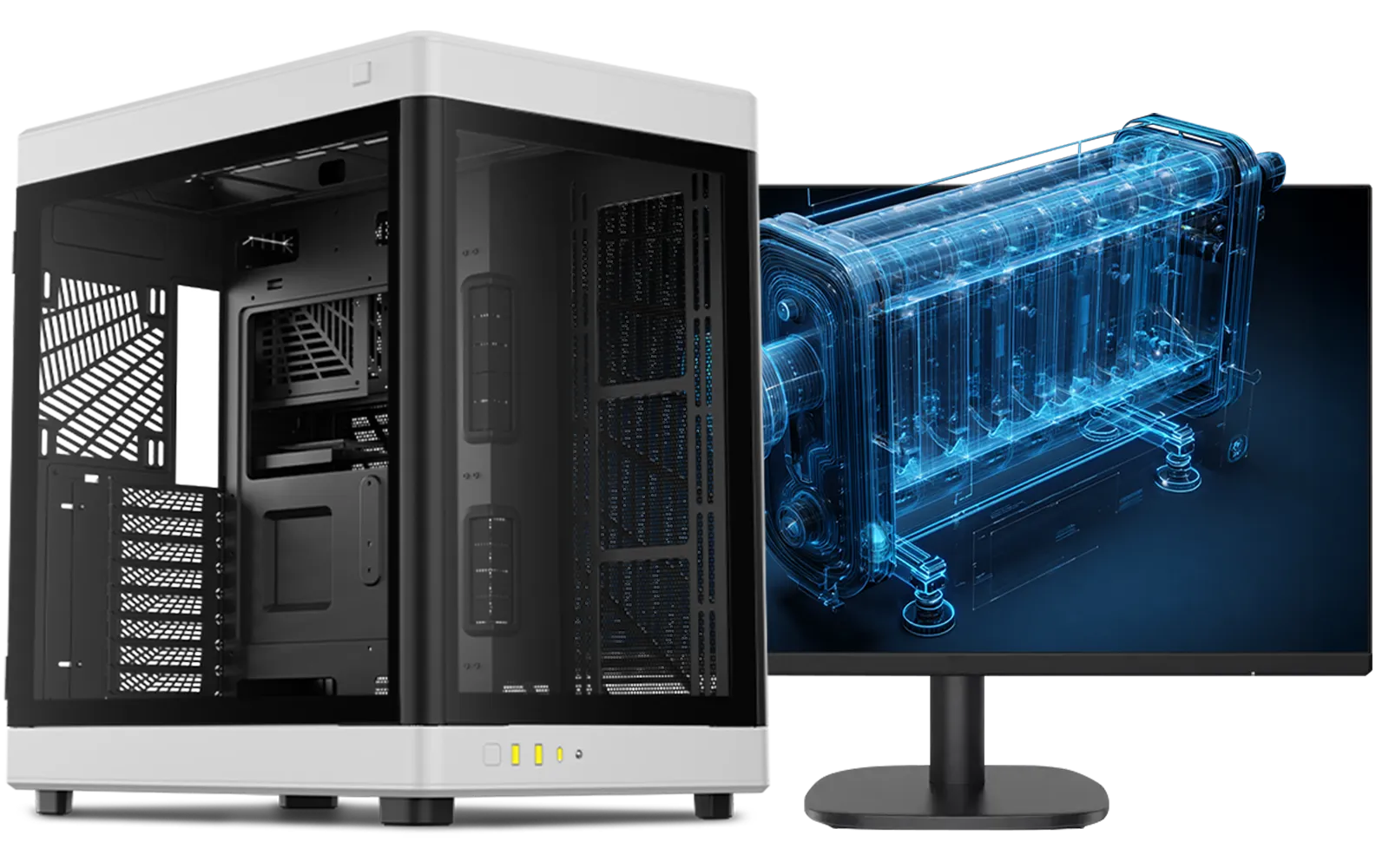
AMD RYZEN 9 9950X 5.7GHz Quadro RTX 5000 Ada 32GB DDR5 Workstation PC
R129779.00In Stock
Yes, a budget video editing PC can handle 4K using proxy workflows, though rendering times will be longer compared to high-end workstations.
The CPU is crucial for a cheap video editing computer, followed closely by RAM (at least 16GB) and a dedicated GPU for hardware acceleration.
16GB is the sweet spot for an entry level video editing PC targeting 1080p projects. For complex 4K timelines or multitasking, 32GB is highly recommended.
While CPU is king, a decent GPU in your affordable video editing rig speeds up rendering and effects processing in software like DaVinci Resolve or Premiere Pro.
Absolutely. A gaming PC is often a great video editing workstation because the high-performance processors and graphics cards required for gaming also excel at rendering.
For a budget configuration, aim for a fast 500GB NVMe SSD for your operating system and software, paired with a larger HDD for archiving footage to keep costs low.