



DisplayPort vs HDMI 2.1: Best Cable for 4K Gaming?
Confused by DisplayPort vs HDMI 2.1? We break down bandwidth, refresh rates, and features to help you choose the right connection for 4K gaming. 🎮 Unlock your monitor's full potential today!
|
Loading tags...
You’ve just unboxed a beast of a 4K monitor and a powerful new GPU. The excitement is real. But then you face one final boss... the cable. In the battle of DisplayPort vs HDMI 2.1, which one will unlock the glorious, high-refresh-rate 4K gaming you paid for? Choosing the wrong one can bottleneck your entire rig. Don’t worry, we’re here to help you pick the best cable for 4K gaming and get the most from your hardware.
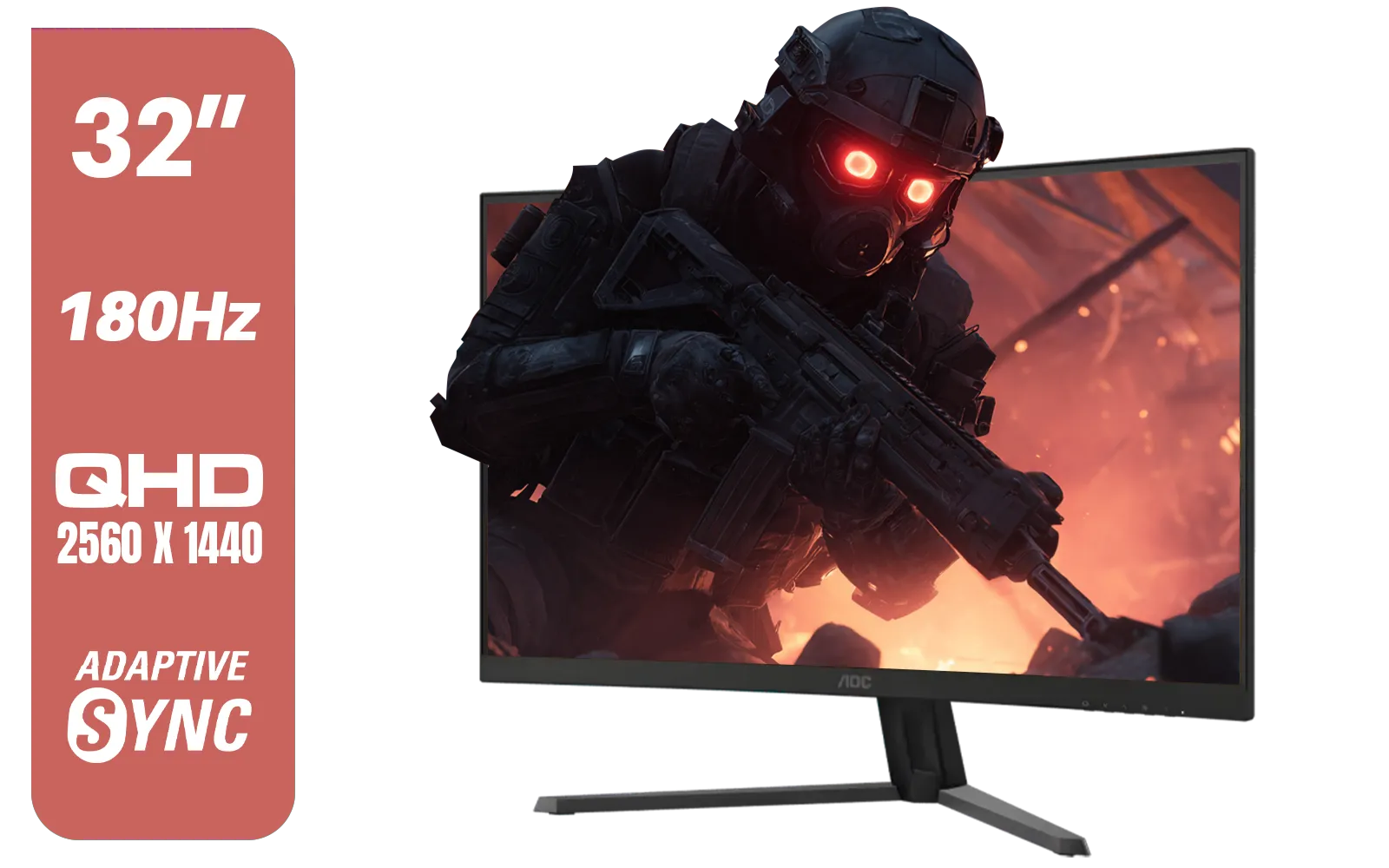
AOC CQ32G4E 32" Curved Gaming Monitor / QHD (2560x1440) / 180Hz Refresh Rate / 0.5ms Response Time (MPRT) / HDR10 / Adaptive Sync / CQ32G4E
R5999.00In Stock
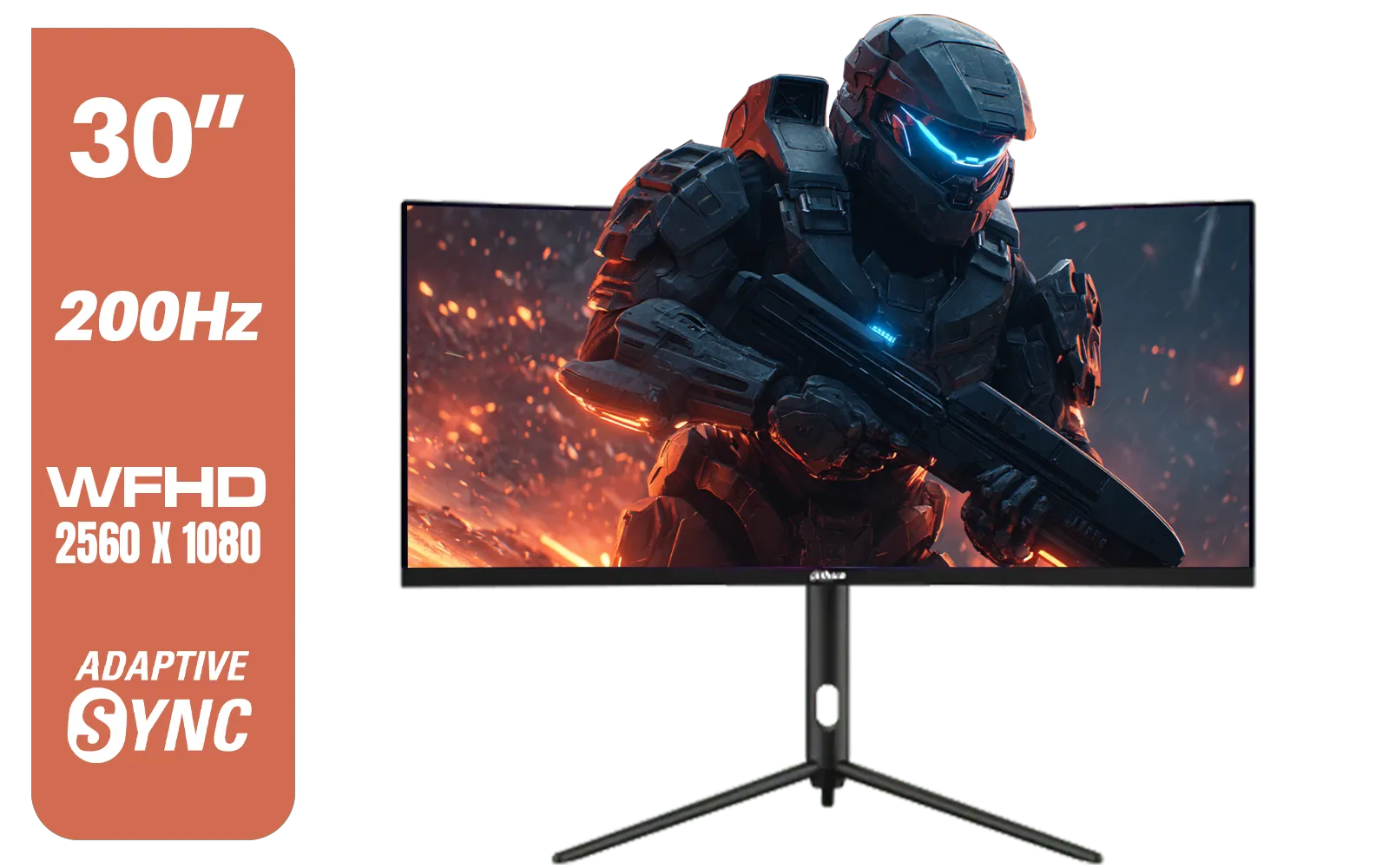
Dahua 30" Ultrawide WFHD 200Hz 1MS DCR Intelligent Adaptive-Sync HDMI DP VA Gaming Monitor Black / DHI-LM30-E330CA
R3999.00In Stock
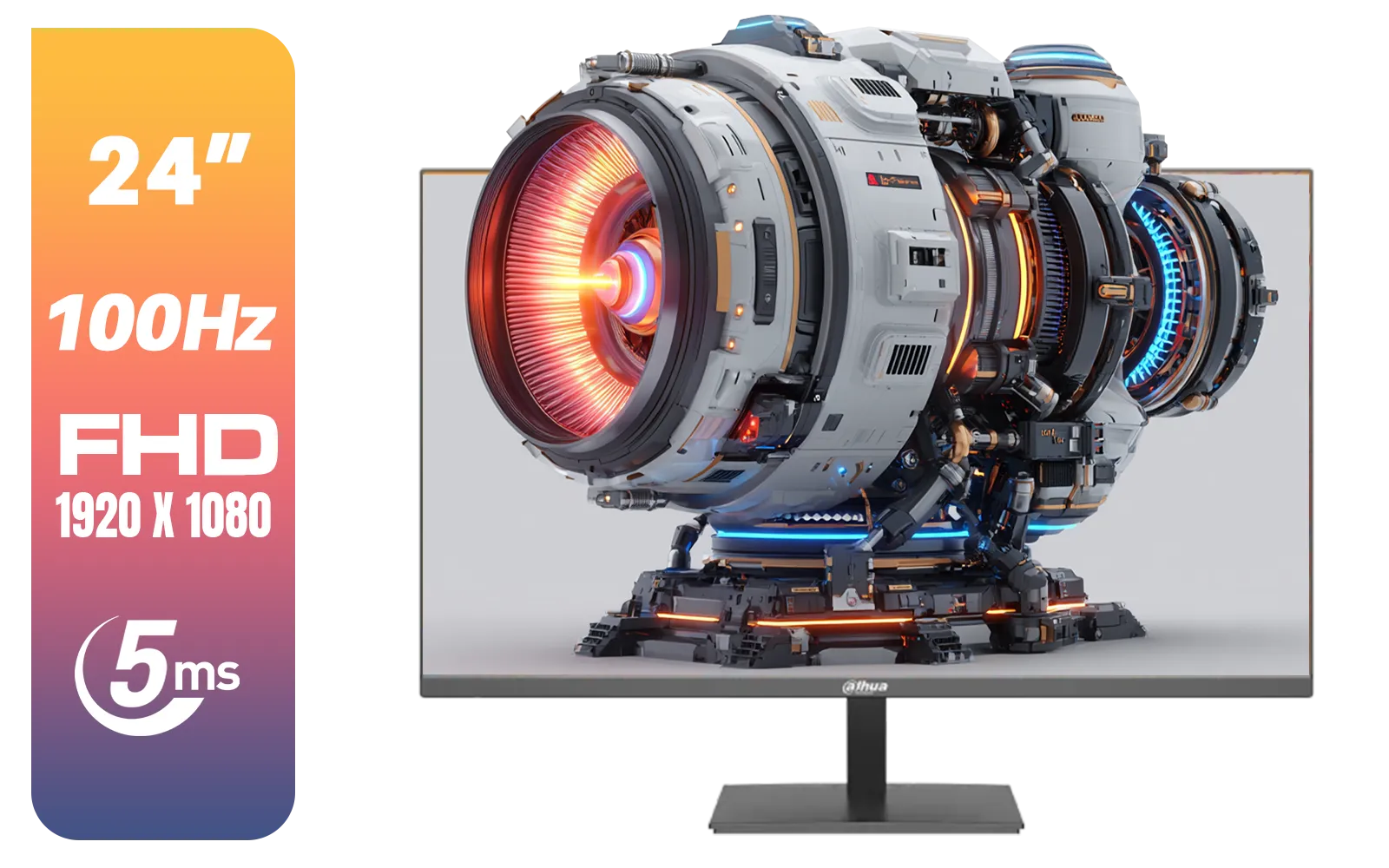
Dahua LM24-A201X 24" 100Hz LED Monitor / IP-Level Display / Ultra Narrow Bezel Design / 5ms Response Time / FHD 1920x1080 / 100Hz Refresh Rate / DHI-LM24-A201X
R1699.00In Stock
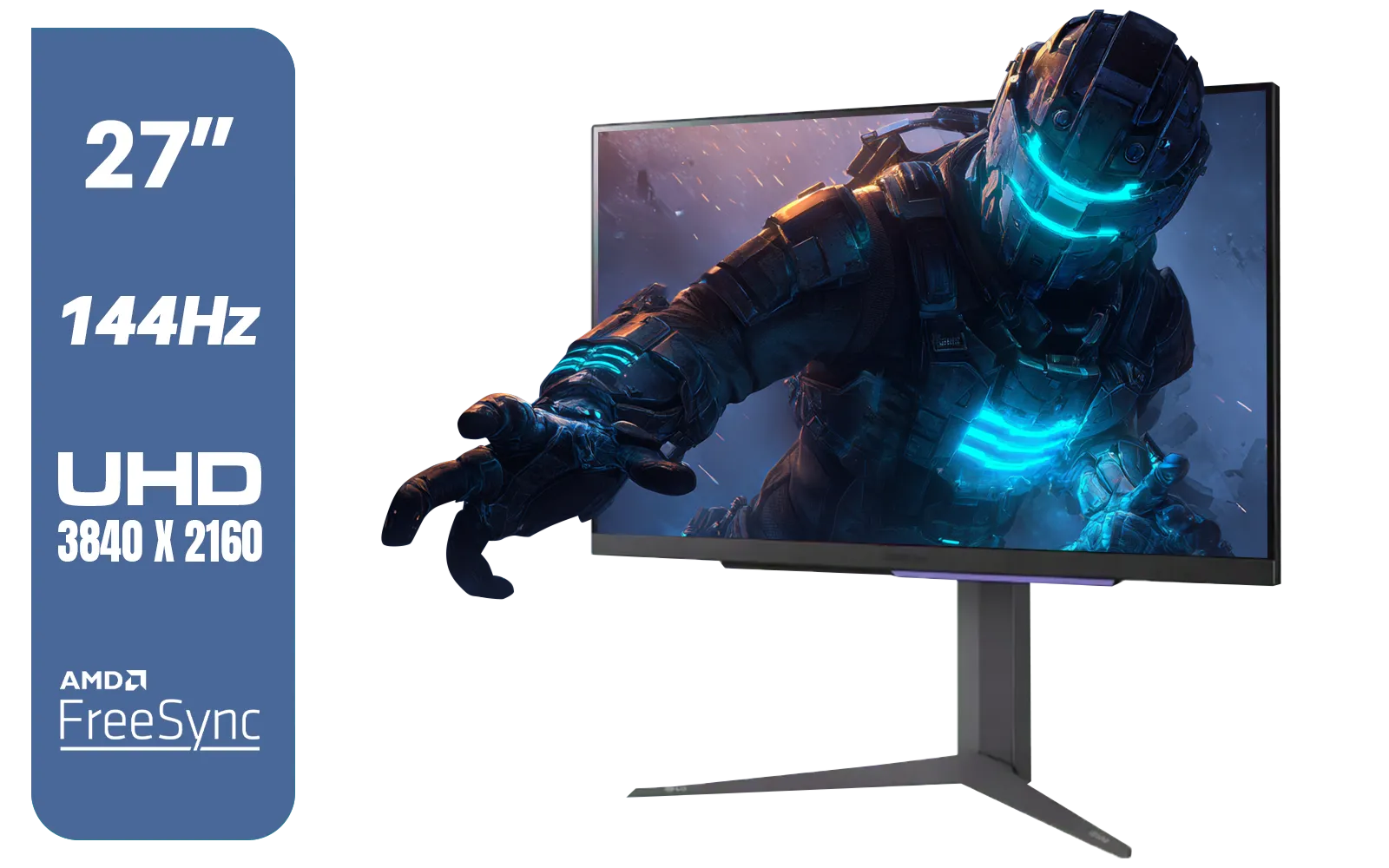
LG 27" UltraGear 4K UHD (3840x2160) Gaming Monitor, 144Hz, 1ms, VESA DisplayHDR 400, G-SYNC and AMD FreeSync Premium, HDMI 2.1, DisplayPort, 4-Pole HP Out DTS HP:X, Tilt/Height/Pivot Stand, Black / 27GR93U
R9999.00In Stock

VIEWSONIC 24" FHD Led Backlit Display / 120Hz Refresh Rate / Windows Hello–Certified 5MP Webcam With privacy cover / Dual Mics & Stereo Speakers / USB-C for Audio, Video & Data / USB 3.2 Hub with HDMI & DisplayPort / Ergonomic Adjustable Stand / VG2441V
R3699.00In Stock

DELL 27 MONITOR SE2725HM VGA HDMI 210-BQZW / (1920 x 1080) Display resolution / IPS level Display / 5ms Response Time / 178° Verticaland Horizontal Viewing Angle / SE2725HM
R2299.00In Stock
Understanding HDMI 2.1: The Console & TV Champion
For years, HDMI has been the go-to cable for home entertainment. HDMI 2.1 is its most powerful version yet, and it's a massive leap forward. Its main claim to fame is a huge bandwidth of 48Gbps. This allows it to carry a 4K signal at a smooth 120Hz, which is the sweet spot for PlayStation 5 and Xbox Series X gamers.
If your gaming den doubles as a movie theatre, HDMI 2.1 is your guy. It supports features like eARC (Enhanced Audio Return Channel) for high-quality sound systems and is standard on virtually all modern TVs and PC monitors. For console gamers, the choice is simple… HDMI 2.1 is the way.
Understanding DisplayPort: The PC Purist’s Pick 🔧
While HDMI was connecting TVs, DisplayPort was built from the ground up for computers. It’s the native choice for most graphics cards and is packed with PC-centric features. The most common version, DisplayPort 1.4, offers 32.4Gbps of bandwidth. While that's less than HDMI 2.1 on paper, it uses highly efficient data compression (DSC) to easily push 4K at 144Hz and even higher.
DisplayPort also supports awesome features like Multi-Stream Transport (MST), which lets you daisy-chain multiple monitors from a single port on your GPU. This makes it a favourite for professionals and anyone running a multi-screen setup, especially those using immersive curved monitors for an expanded field of view.
DisplayPort vs HDMI 2.1: The 4K Gaming Showdown
So, when it comes to the crunch, which one wins? The DisplayPort vs HDMI 2.1 debate depends entirely on your setup. Let's break it down.

Dahua 27" QHD Gaming Monitor - E331 / 1000:1 Contrast ratio / 16.7M Colors / 2560x1440 / 180Hz Refresh Rate / 1ms Response Time / DHI-LM27-E331
R3199.00In Stock

VIEWSONIC VX3218C-2K 32" QHD Curved Gaming Monitor / 180Hz Refresh Rate / 1ms MPRT Response Time / 1500R Curvature / AMD FreeSync™ Premium / QHD 1440p Resolution / VX3218C-2K
R4999.00In Stock
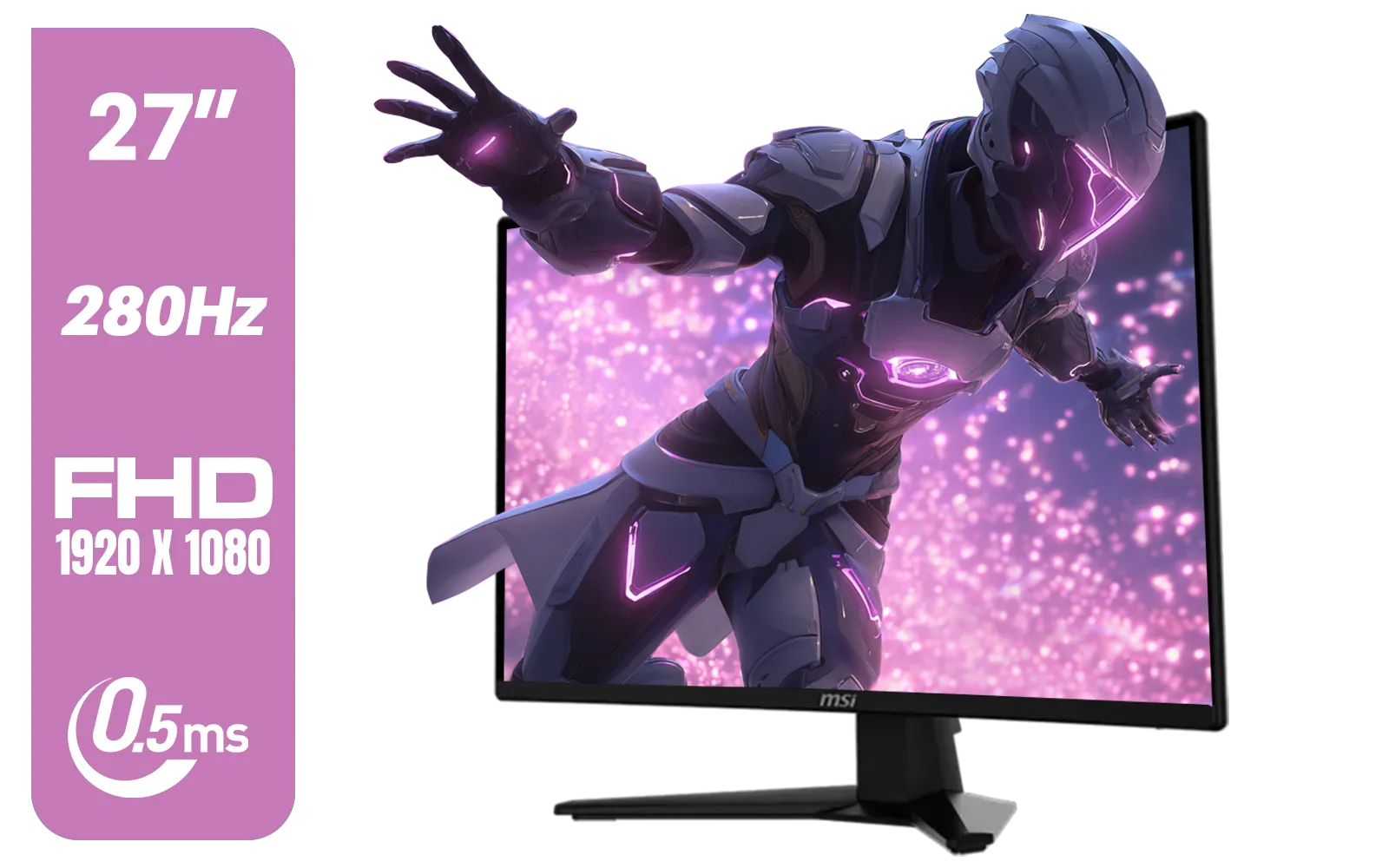
MSI MAG 274CXF Monitor / 27" FHD (1920x1080) Rapid VA Display / 280Hz Refresh Rate / Curved 1500R / 0.5ms Response Time / AMD FreeSync™ Premium / 9S6-3CE31T-028
R4999.00In Stock
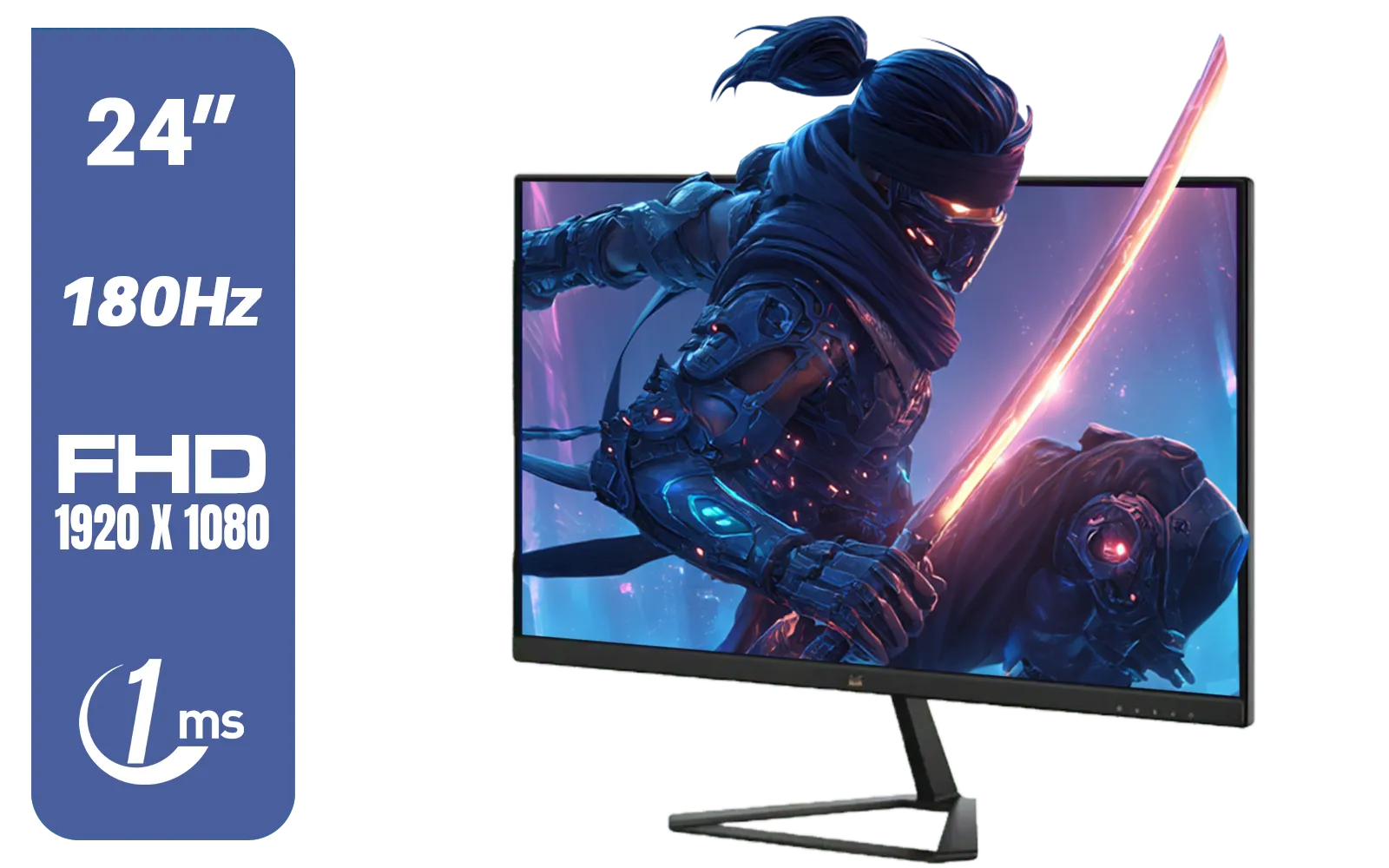
ViewSonic VX2479-HD-PRO 24" FHD IPS Frameless Gaming Flat Monitor with 1ms MPRT and 180Hz, 2 HDMI, DisplayPort, HDR10 / VX2479-HD-PRO
R2199.00In Stock

Dell SE2425HM Monitor 210-BQZT / FHD (1920 x 1080) Resolution / 5ms Response Time / IPS level Display / 178° Horizontal and Vertical Viewing Angles / SE2425HM
R1899.00In Stock
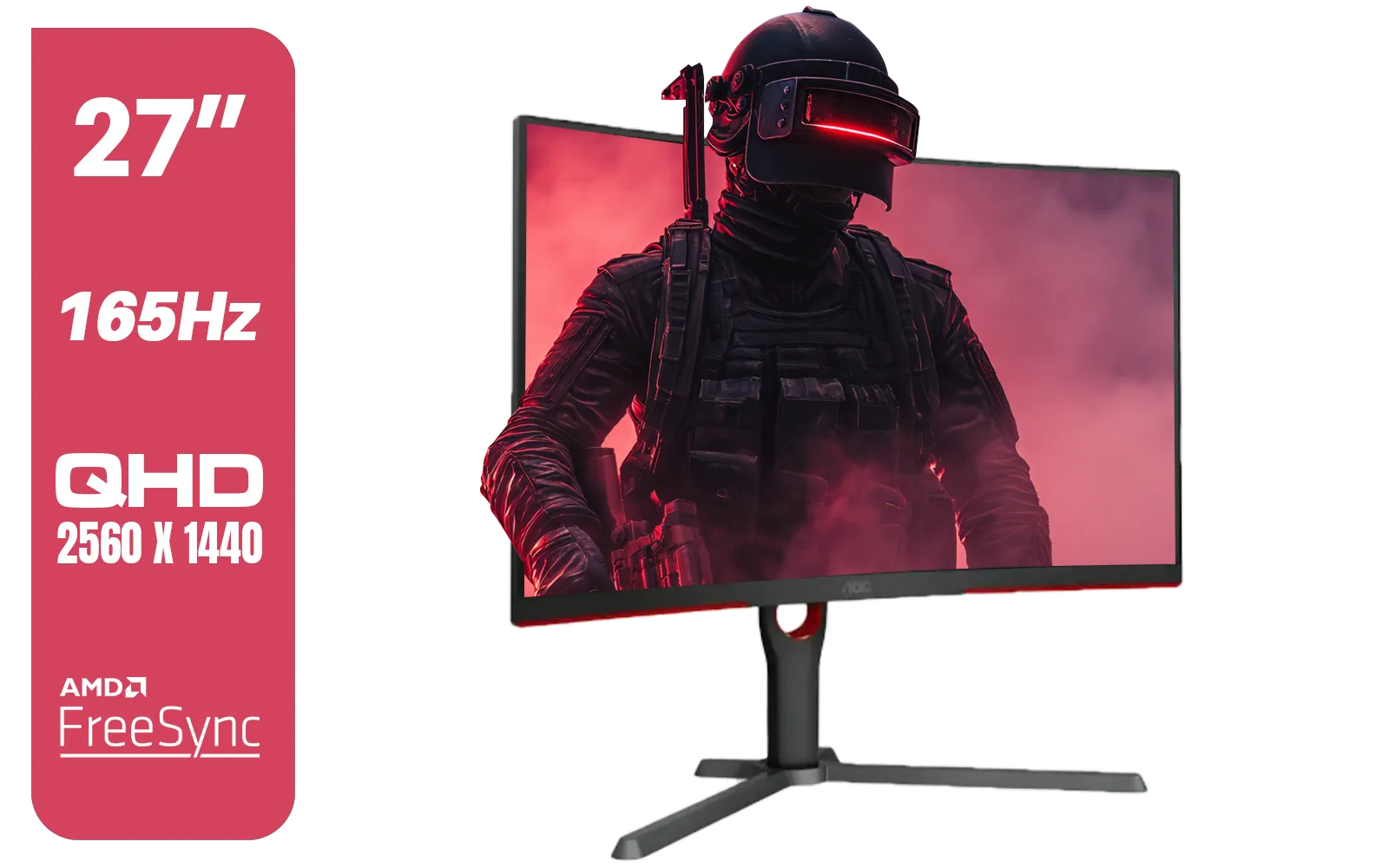
AOC CQ27G3S 27" QHD (2560x1440) 165Hz 1ms VA Curved FreeSync HDR Gaming Monitor / Superior High Quality Viewing / Ultra-smooth Tear-free Gaming / Enjoy top-tier Gaming Performance / Instant Response Times / Illuminate Your Visuals / Reducing Shortwave Blue Light / CQ27G3S
R6399.00In Stock
Key Differences at a Glance:
- Bandwidth: HDMI 2.1 technically has more raw bandwidth (48Gbps) than DisplayPort 1.4 (32.4Gbps). However, DisplayPort 2.1 exists (though it's still rare) and boasts a staggering 80Gbps.
- PC Gaming: DisplayPort is generally favoured. It has a locking mechanism to prevent accidental unplugging and better support for ultra-high refresh rates and features like NVIDIA G-Sync on a wider range of 5K and 4K monitors.
- Console Gaming: HDMI 2.1 is the non-negotiable standard for PS5 and Xbox Series X to get 4K at 120Hz.
- Variable Refresh Rate (VRR): Both standards support VRR (like FreeSync and G-Sync) to eliminate screen tearing, but you must ensure your monitor and GPU support the same standard over the chosen cable.
Essentially, for a pure PC gaming rig, DisplayPort 1.4 is often the more practical and powerful choice for today's hardware.
TIP FOR YOU
Check Your Ports! ⚡
Before you buy a new cable, double-check the ports on your GPU and monitor. The best cable in the world is useless if you can't plug it in! Most modern gaming GPUs have both DisplayPort and HDMI outputs, but high-end gaming monitors sometimes favour one over the other for their top performance specs.
Does Monitor Type Affect the Choice?
Yes, but only slightly. For the vast majority of all gaming monitors, the PC vs console rule holds true. An ultrawide monitor will benefit from DisplayPort's bandwidth, while a big-screen 4K TV used for gaming will rely on HDMI 2.1. Even niche setups with portable monitors often use USB-C with DisplayPort Alternate Mode, showing the standard's versatility in the PC space.
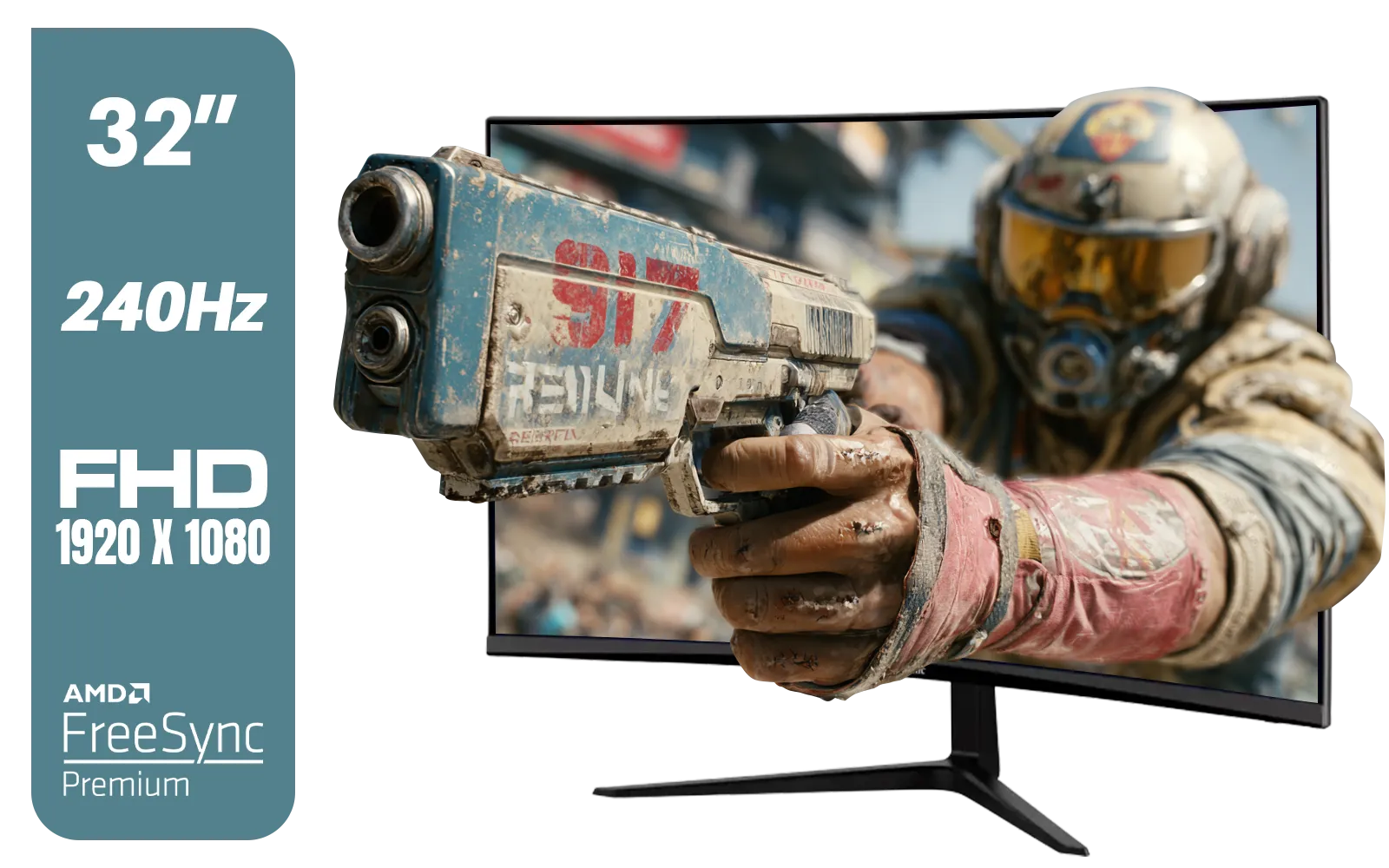
ViewSonic VX3219 32" Curved Gaming Monitor / Full HD (1920 x 1080) / 240Hz Refresh Rate / 1ms MPRT Response Time / Adaptive Sync Prevents Screen Tearing / 1500R Curve Ultimate Immersion / VX3219-PC-MHD-SN
R4899.00In Stock
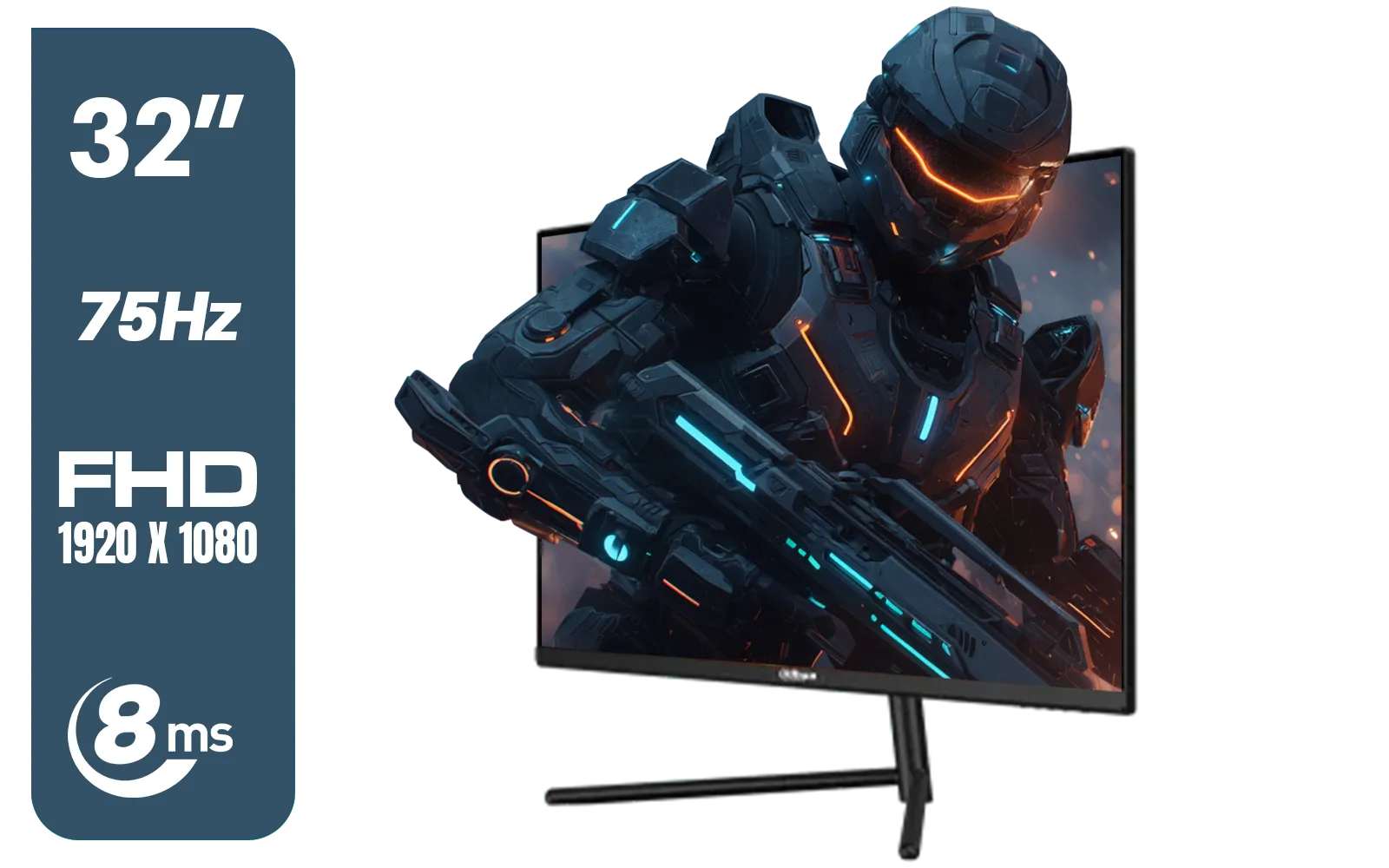
DAHUA DHI-LM32-A200X 32" LED MONITOR / Bezel-less Design / IPS Level-Display / 8ms Response Time / FHD 1920x1080 / 75Hz Refresh Rate / Low Blue Light / DHI-LM32-A200X
R3399.00In Stock
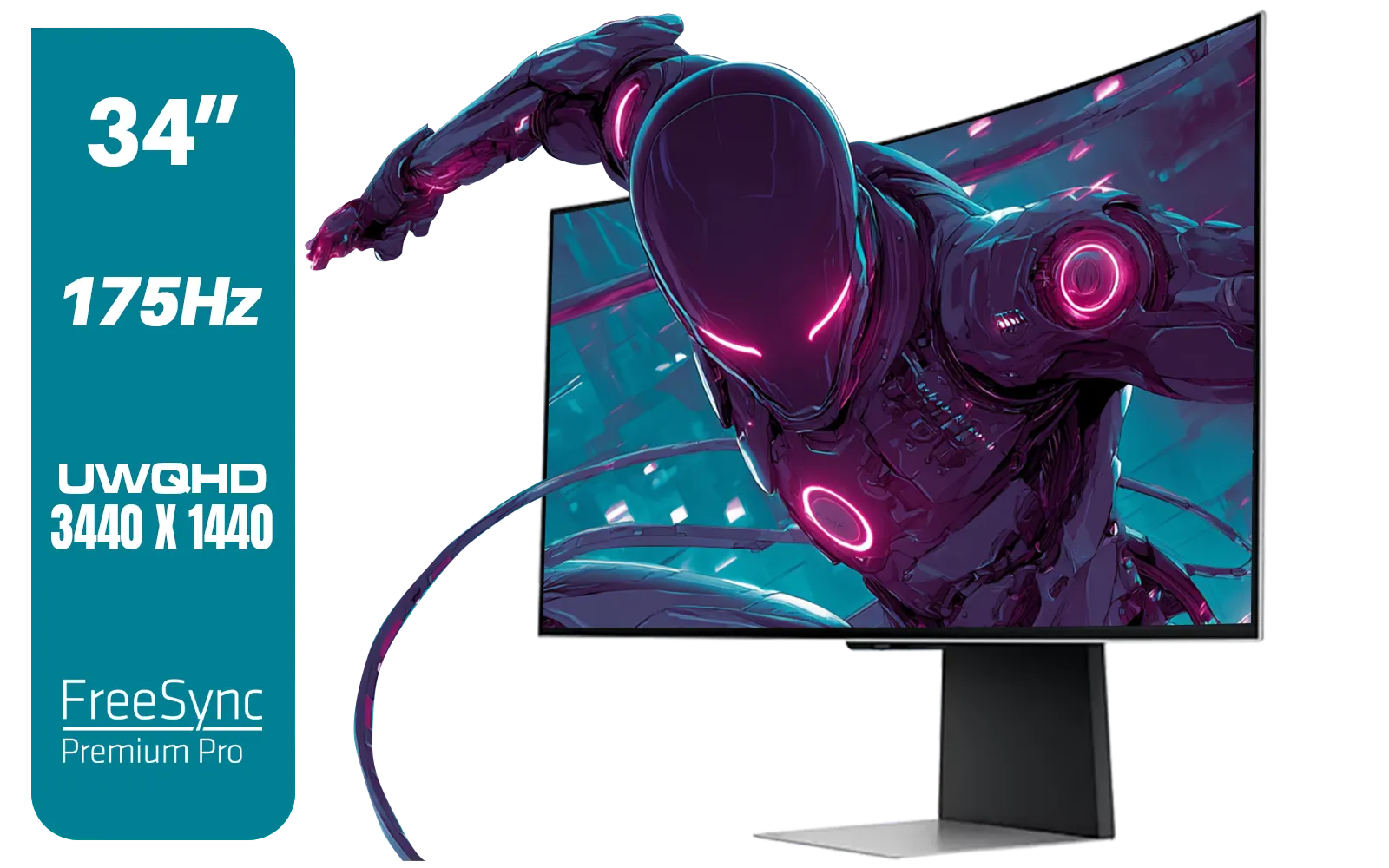
SAMSUNG Odyssey G8 Gaming 34" Monitor / 3440 x 1440 1800R OLED / 175Hz / GtG 0.03ms / FreeSync Premium Pro / G-Sync Compatible / LS34DG852SAXXA
R24999.00In Stock
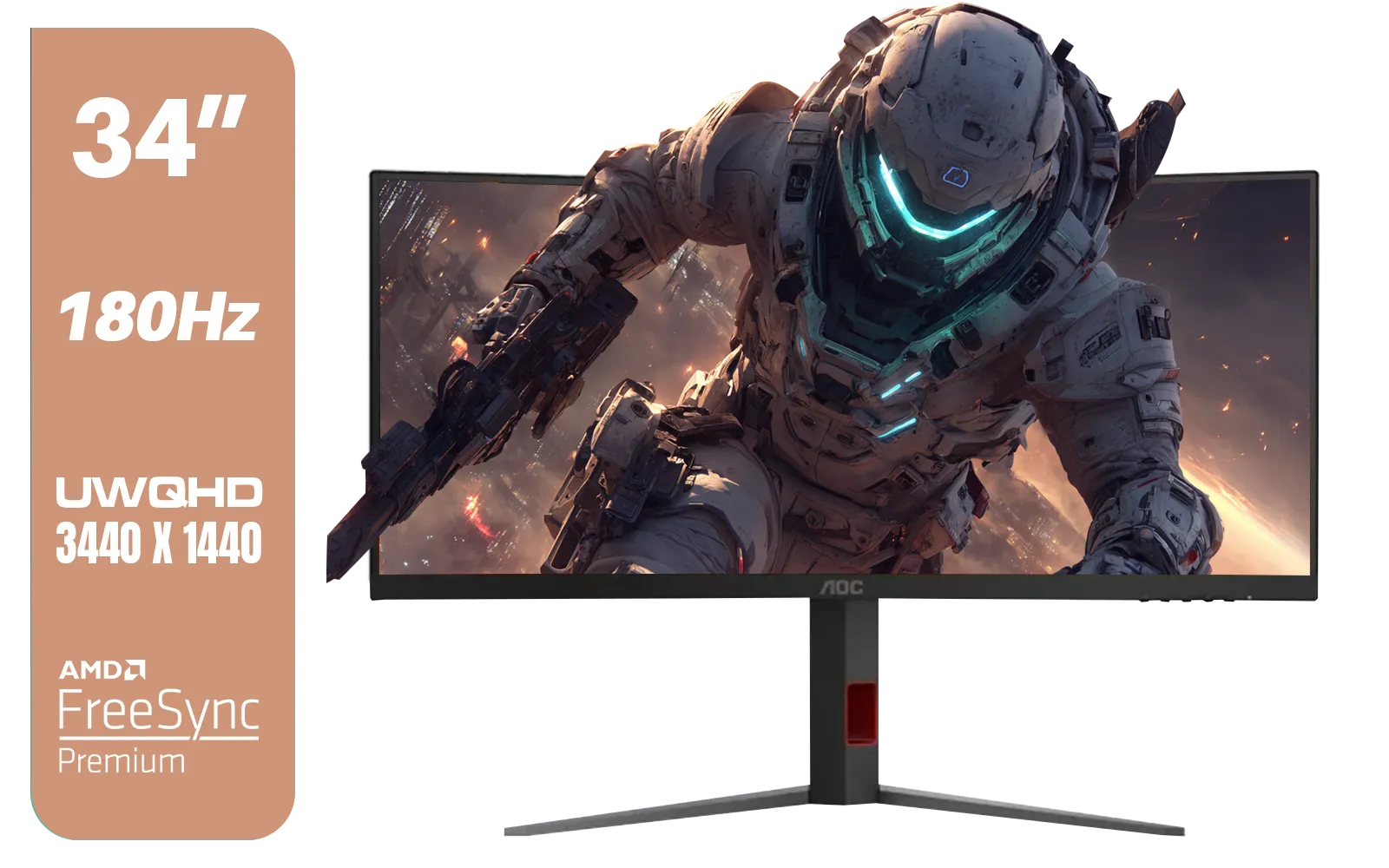
AOC CU34G4 34" Curved Gaming Monitor / UWQHD (3440x1440) / 180Hz Refresh Rate / 1ms Response Time (MPRT) / HDR10 / Adaptive Sync / CU34G4
R6999.00In Stock

LG UltraGear Gaming Monitor 27GS75Q, 27 inch, 1440p, 200Hz, 1ms GtG, IPS Display, HDR 10, NVIDIA G-Sync & AMD FreeSync compatible / 27GS75Q
R5999.00In Stock
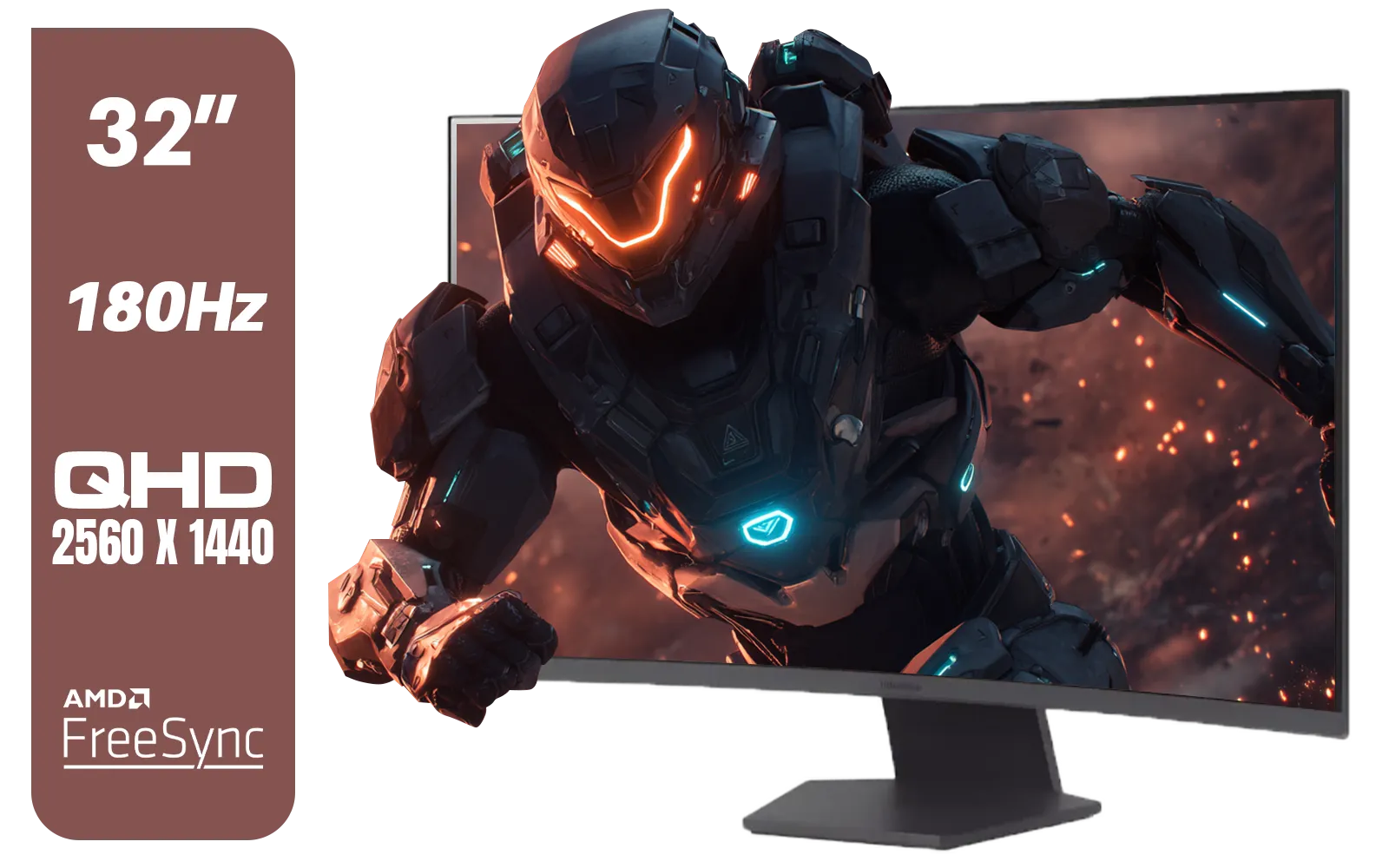
LG UltraGear 32" 32GS60QC QHD Gaming Monitor / QHD (2560 x 1440) Resolution / 180Hz Refresh Rate / 1ms GtG / 1000R Curved Screen / AMD FreeSync / 2x HDMI, 1x DisplayPort / Tilt Adjustable / HDR10 Support / AMD FreeSync™ / 32GS60QC
R4999.00In Stock
The Verdict: The Best Cable for Your 4K Gaming Rig 🚀
So, who wins the DisplayPort vs HDMI 2.1 battle? It's a tie, because they serve different masters.
- Choose HDMI 2.1 if: You are a console gamer (PS5/Xbox Series X) or you're connecting your PC to a high-refresh-rate 4K OLED TV.
- Choose DisplayPort 1.4 (or higher) if: You are a dedicated PC gamer seeking the highest possible refresh rates, using multiple monitors, or want to ensure maximum compatibility with G-Sync.
Ultimately, the best cable for 4K gaming is the one that fully supports the features of your GPU and your monitor. Don't forget that a high-quality, certified cable is one of the most important monitor accessories you can buy to guarantee a stable, flicker-free image.
Ready to Unleash True 4K Power? The right cable is crucial, but it all starts with the screen. A high-refresh-rate 4K monitor is the ultimate upgrade for any serious South African gamer. Explore our incredible range of gaming monitors and find the perfect panel to conquer your world.
Related Products

HP OMEN 32q QHD 165Hz Gaming Monitor - Black / 1ms / 32" QHD (2560 x 1440) / AMD Freesync™ Premium / 780K0AS
R9999.00In Stock
SAMSUNG Odyssey G8 Gaming 34" Monitor / 3440 x 1440 1800R OLED / 175Hz / GtG 0.03ms / FreeSync Premium Pro / G-Sync Compatible / LS34DG852SAXXA
R24999.00In Stock
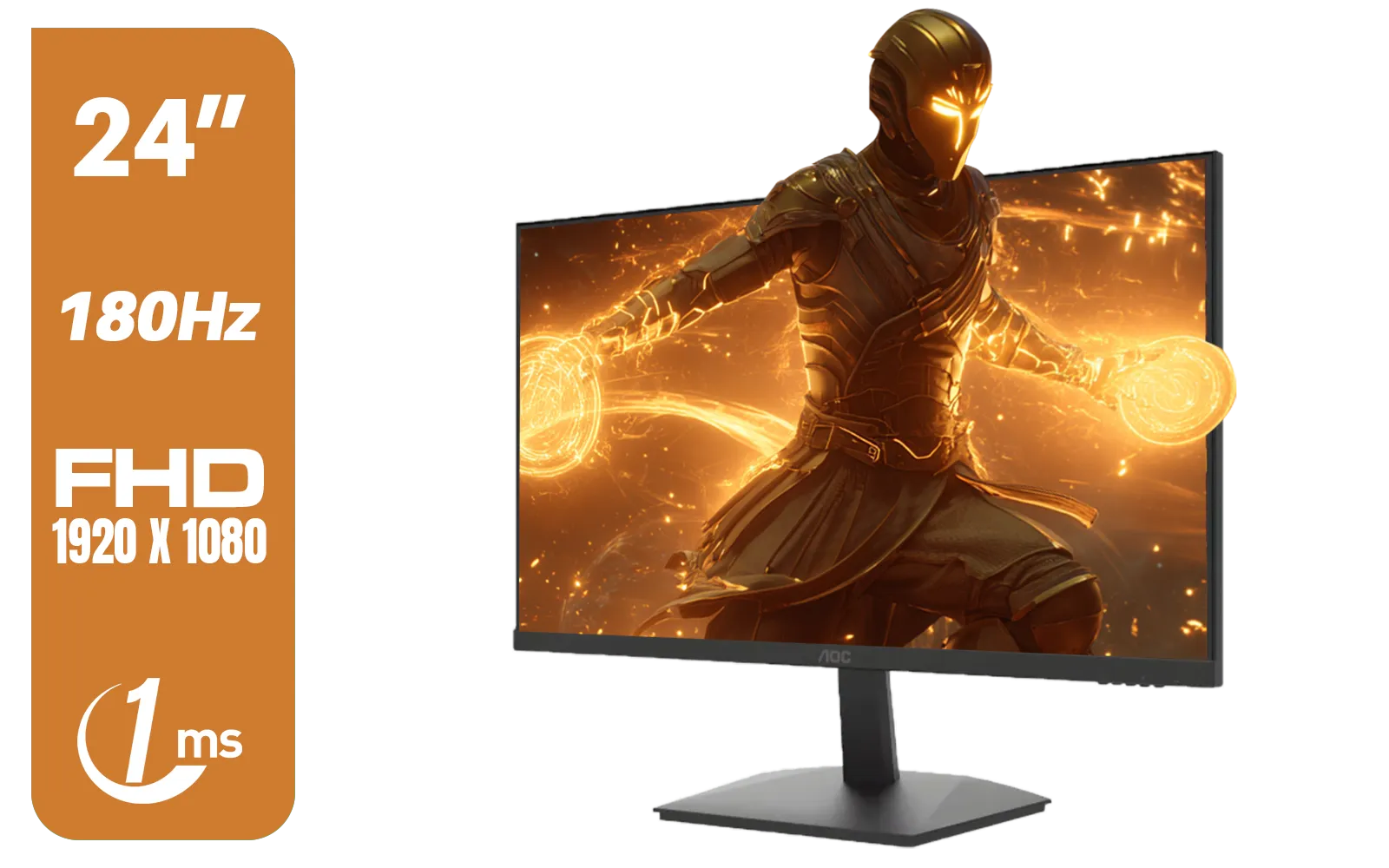
AOC 24G15N Gaming Monitor / 24" / VA FHD 1920x1080 / 180hz / 1ms / HDMI DP|VESA / Flicker Fee / Low Blue Mode / Adaptive Sync/ AOC-24G15N
R2299.00In Stock
Dahua 30" Ultrawide WFHD 200Hz 1MS DCR Intelligent Adaptive-Sync HDMI DP VA Gaming Monitor Black / DHI-LM30-E330CA
R3999.00In Stock

Dahua LM27-A200V 27" Monitor / FHD 1920 x 1080 / 100Hz Refresh Rate / 5ms Response Time / DHI-LM27-A200V
R2499.00In Stock

HP Z27q G3 QHD Gaming Monitor - 27" QHD (2560 x 1440) - Ergonomic Adjustable and VESA Compatible - Versatile HDMI, DisplayPort, USB Ports - Flat IPS Edge-Lit Technology Display /1C4Z7AA
R11199.00In Stock
Generally, yes for PC. DisplayPort is standard for G-Sync and high refresh rates, while HDMI 2.1 is essential for connecting consoles like PS5 and Xbox Series X.
Yes, HDMI 2.1 supports 4K at 144Hz and even higher with Display Stream Compression (DSC), making it a viable choice for high-end gaming monitors.
While G-Sync is natively designed for DisplayPort, many modern HDMI 2.1 monitors now support G-Sync Compatible modes, though DisplayPort remains the safest bet.
DisplayPort 2.1 offers a massive 80 Gbps max bandwidth, significantly outperforming HDMI 2.1's 48 Gbps cap, ideal for future-proofing 8K setups.
Yes, you must use an Ultra High Speed HDMI cable to utilize the full 48 Gbps bandwidth required for 4K 120Hz+ gaming features without signal loss.
Use DisplayPort 1.4 or higher for PC to ensure full G-Sync/FreeSync support. Use HDMI 2.1 if you are connecting a next-gen console or TV.








