FreeSync vs G-Sync 2025: The Ultimate Budget Gaming Guide
Choosing between FreeSync vs G-Sync 2025 is critical for budget builds. 🖥️ We compare performance and price to help you banish screen tearing without breaking the bank. Find your perfect match today! 🎮
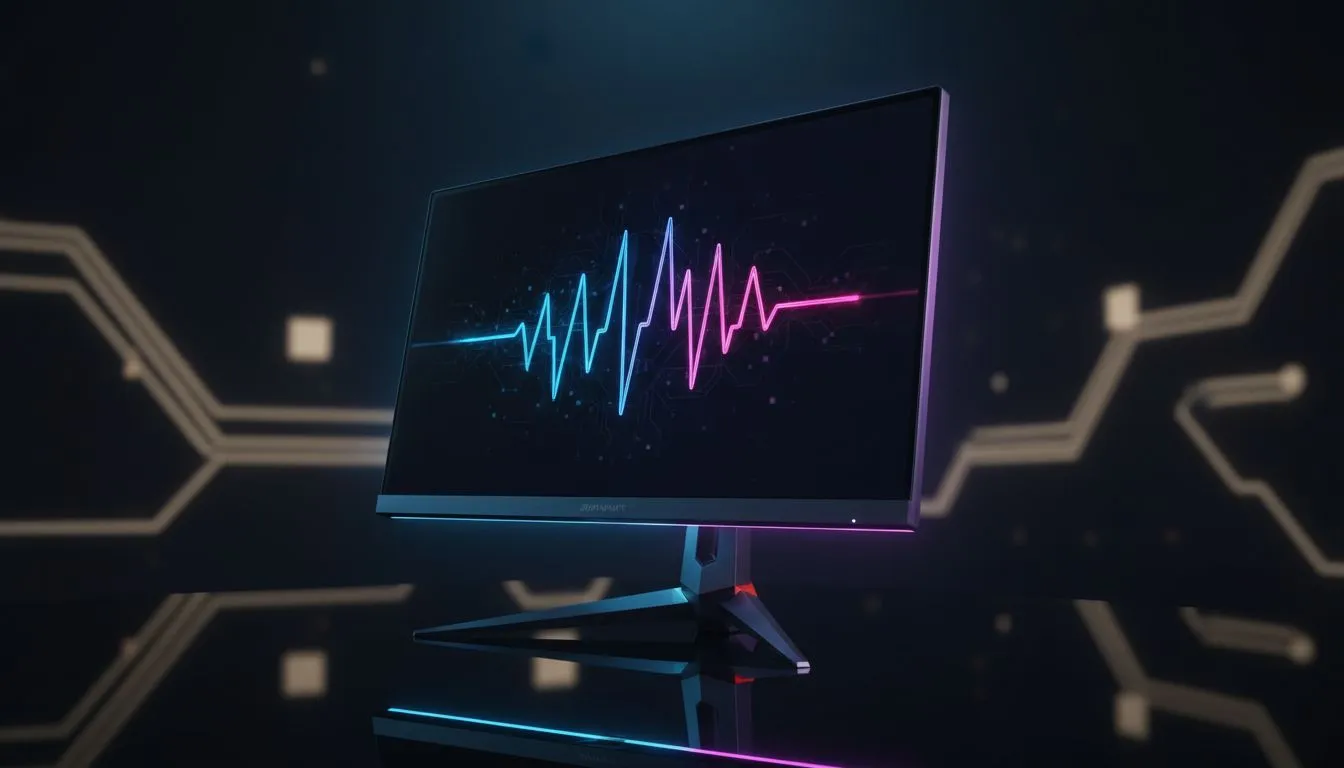
Staring at your screen during an intense Apex Legends match, only to have a jagged line tear across your view? We’ve all been there. For South African gamers, getting buttery-smooth visuals without emptying your wallet is the ultimate goal. The FreeSync vs G-Sync 2025 debate is at the heart of this quest, and understanding the difference is key to unlocking tear-free gaming on a budget. Let's dive in and find the right tech for you.
Understanding the FreeSync vs G-Sync Showdown

ViewSonic VA240A-H 24" Monitor / FHD (1920 x 1080) Display resolution / 1ms Response Time / HDMI and VGA inputs / 120Hz Variable refresh rate / VA240A-H - UK Adapter Included
R1949.00In Stock

HP 524SW G5 FHD Gaming Monitor - White/Silver / 24" FHD (1920 x 1080) / IPS Panel / 1x HDMI 1.4, 1x VGA / Eye Ease with Eyesafe Certification / 94C21AS
R4299.00In Stock
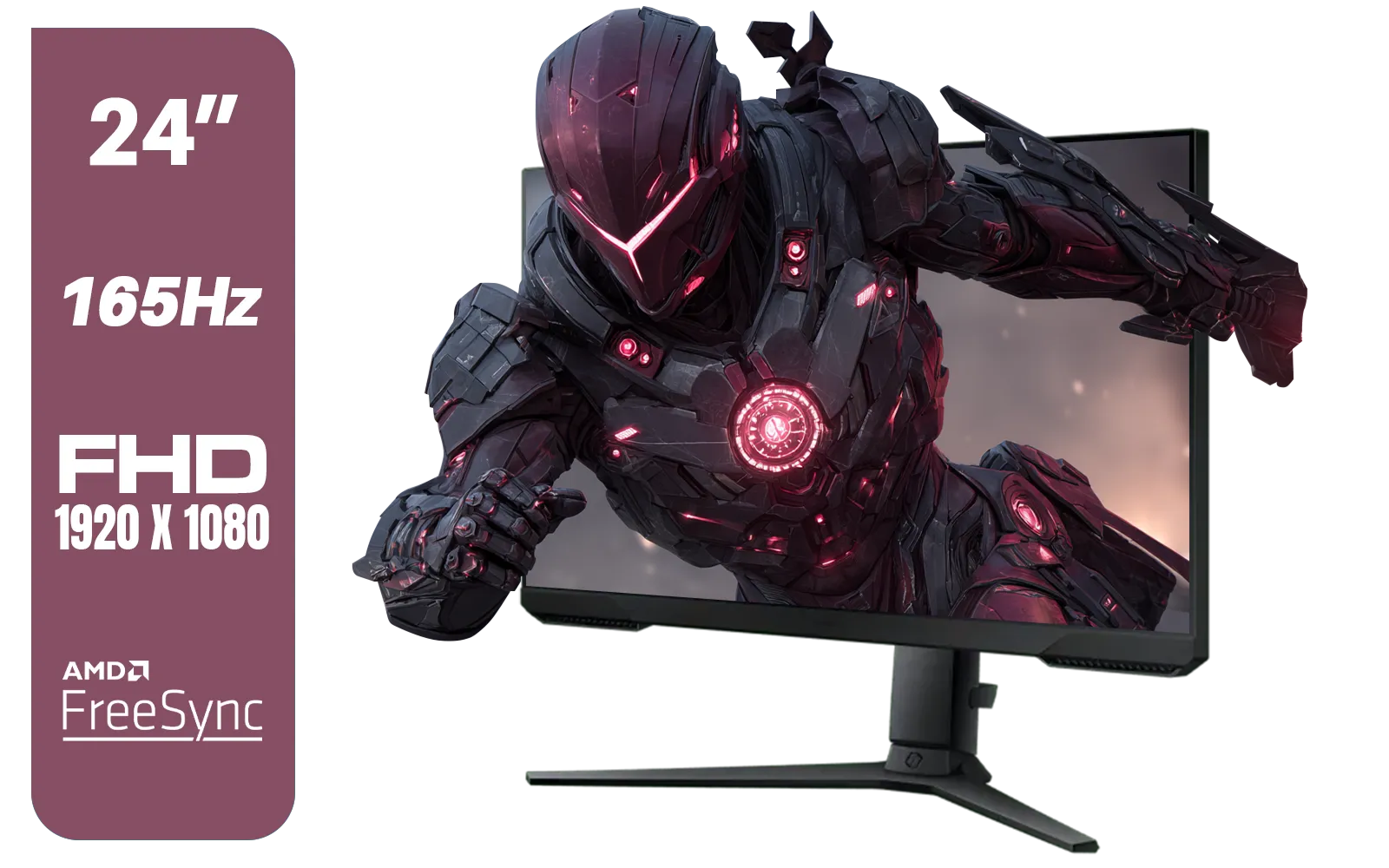
SAMSUNG 24" Odyssey G32A FHD 1ms 165Hz Gaming Monitor with Eye Saver Mode, Free-Sync Premium, Height Adjustable Screen for Gamer Comfort, VESA Mount Capability / LS24AG320NAXXA
R3199.00In Stock
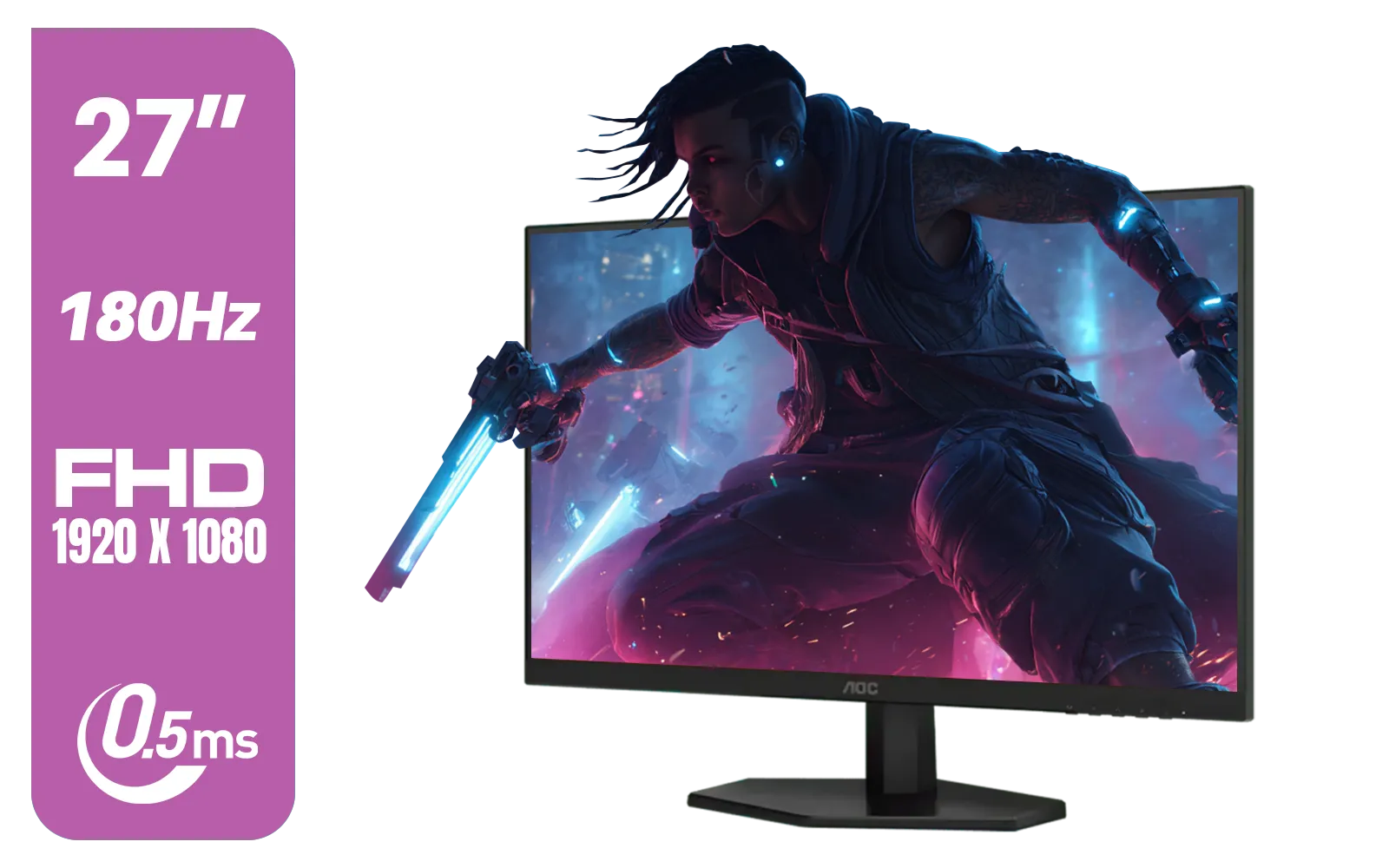
AOC 27G42E 27" 180Hz Ultra-Fast Gaming Monitor, 1920 × 1080 (FHD), 0.5ms, Fast IPS, Adaptive Sync, 3-Sided Frameless Design, Black / 27G42E
R3199.00In Stock
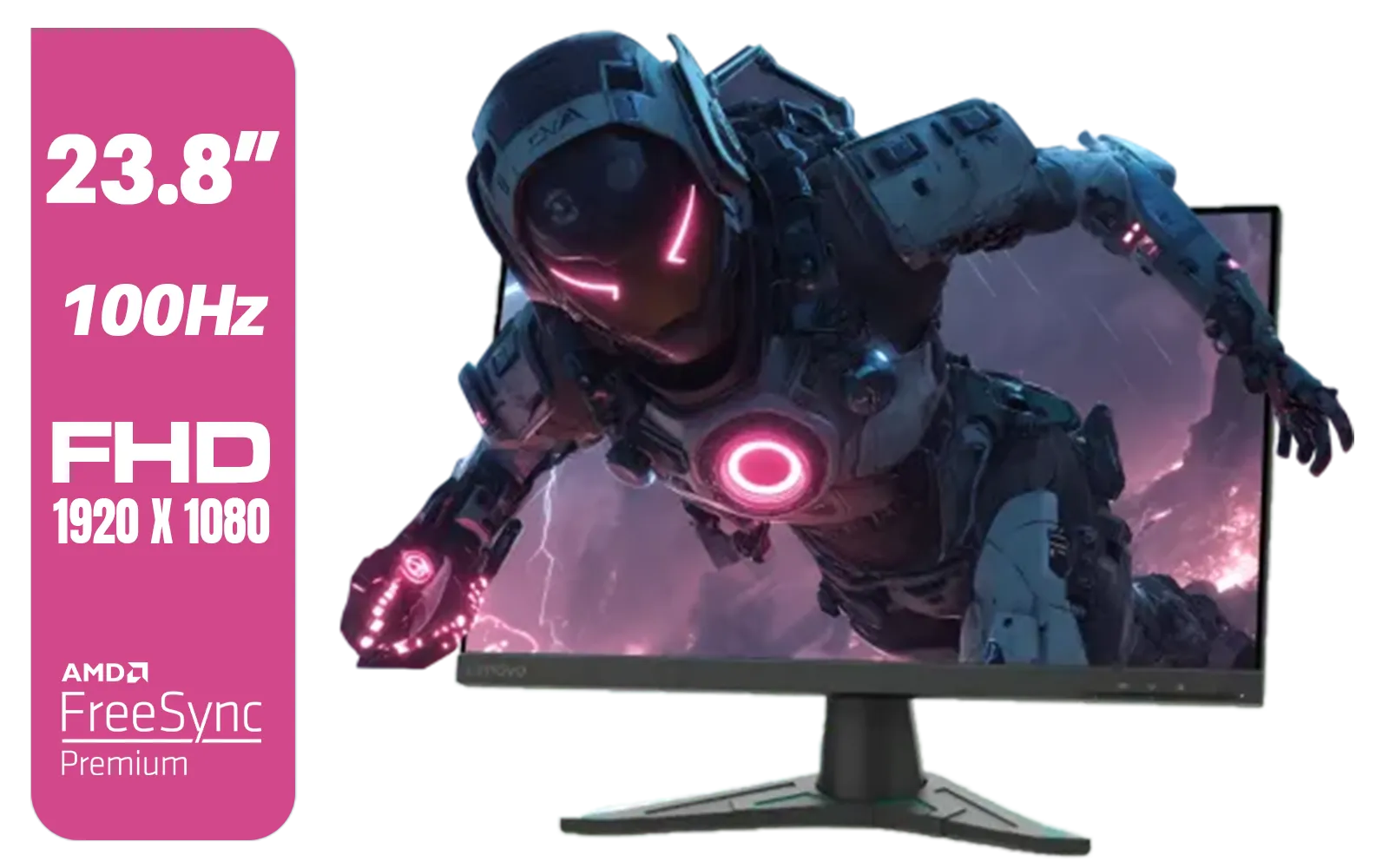
Lenovo G24e-20 23.8" 100Hz FHD WLED Gaming LCD Monitor - 16:9 - Black / 66D7GAR1SA
R1999.00In Stock

VIEWSONIC TD1630-3 15.6" 10-Pont Touch Screen Monitor / HD 768p Resolution / Projected Capacitive Touch / HDMI & VGA Inputs / Dual Integrated Speakers / Durable Scratch-Resistant Screen / TD1630-3
R4499.00In Stock
Before we pick a side, what problem are we actually solving? It’s all about eliminating screen tearing and stuttering. This happens when your graphics card (GPU) sends out frames at a different rate than your monitor can display them, causing a jarring visual mismatch.
Both FreeSync and G-Sync are brand names for a technology called Adaptive Sync. Its job is to force your monitor to match its refresh rate to your GPU's frame rate in real-time. The result? A perfectly synchronised, smooth-as-silk image. ✨ This technology is now a must-have for any serious gamer, and you can find it in a wide variety of Adaptive Sync displays.
AMD FreeSync: The People's Champion for Budget Gaming
AMD FreeSync is the open-standard hero of our story. Because it doesn't require any special, proprietary hardware inside the monitor, it's far cheaper for manufacturers to implement. This saving is passed directly on to you, the gamer.
This is why you'll find a massive selection of affordable FreeSync (AMD) monitors on the market. The ecosystem is huge, with value-packed brands like Dahua offering high-refresh-rate panels at prices that won't make you weep.
The main drawback? The quality could vary in the early days. To fix this, AMD introduced tiers: FreeSync, FreeSync Premium, and FreeSync Premium Pro, which guarantee certain standards like 120Hz refresh rates and Low Framerate Compensation (LFC). For most budget-conscious buyers in 2025, a FreeSync Premium monitor is the absolute sweet spot.
TIP FOR YOU
NVIDIA User? You Can Still Use FreeSync! 🔧
Most modern NVIDIA graphics cards (10-series and newer) can run FreeSync on monitors certified as 'G-Sync Compatible'. Just connect your monitor via DisplayPort, head to the NVIDIA Control Panel, and enable the 'Set up G-SYNC' option. It's a fantastic way to get smooth gameplay without paying the NVIDIA tax.
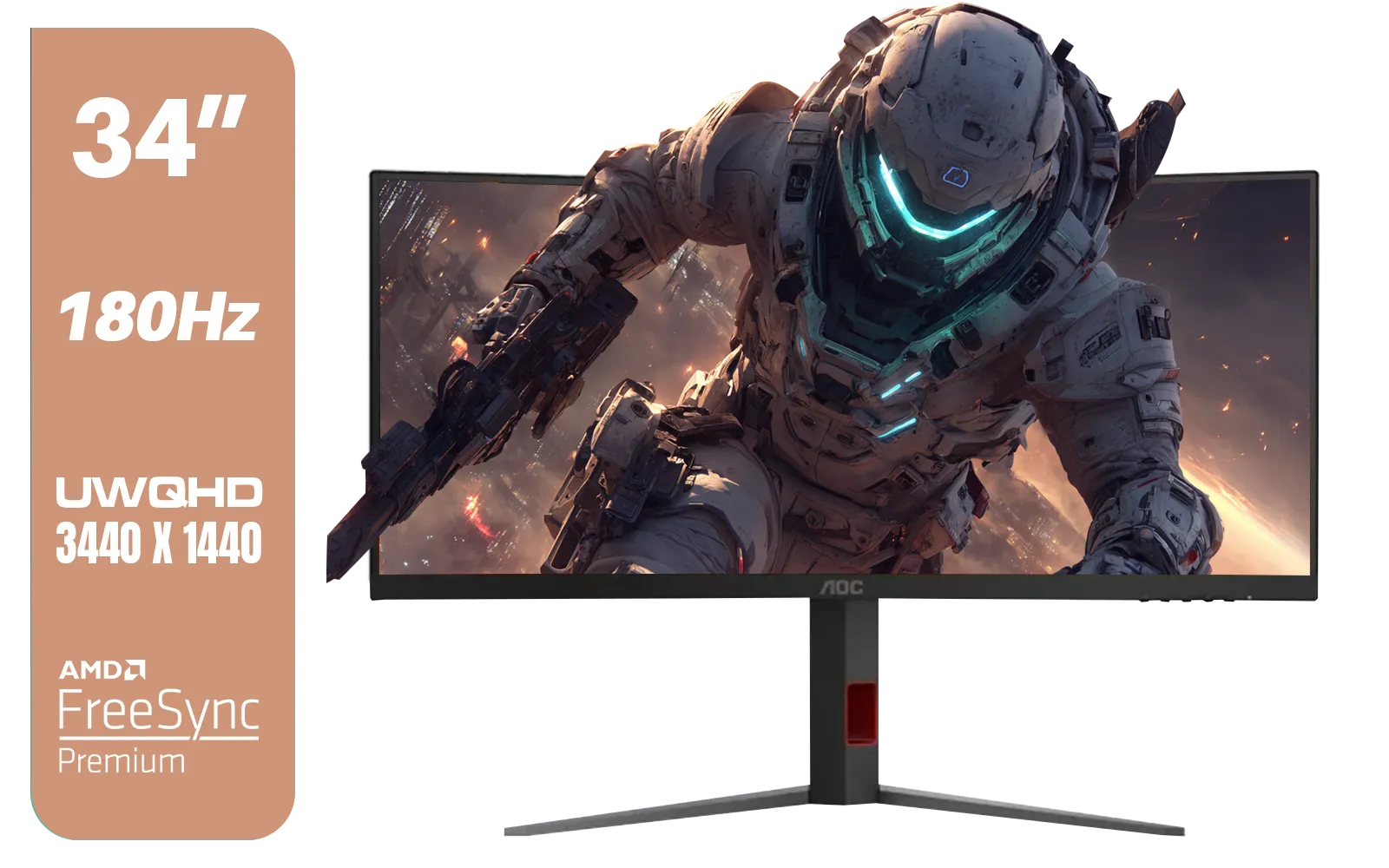
AOC CU34G4 34" Curved Gaming Monitor / UWQHD (3440x1440) / 180Hz Refresh Rate / 1ms Response Time (MPRT) / HDR10 / Adaptive Sync / CU34G4
R6999.00In Stock

Dahua LM27-A200V 27" Monitor / FHD 1920 x 1080 / 100Hz Refresh Rate / 5ms Response Time / DHI-LM27-A200V
R2499.00In Stock

HP 527SH G5 FHD Gaming Monitor - Black/Silver / 27" FHD (1920 x 1080) / IPS Panel / 1x HDMI 1.4, 1x VGA / Eye Ease with Eyesafe Certification / 94C50AS
R4799.00In Stock
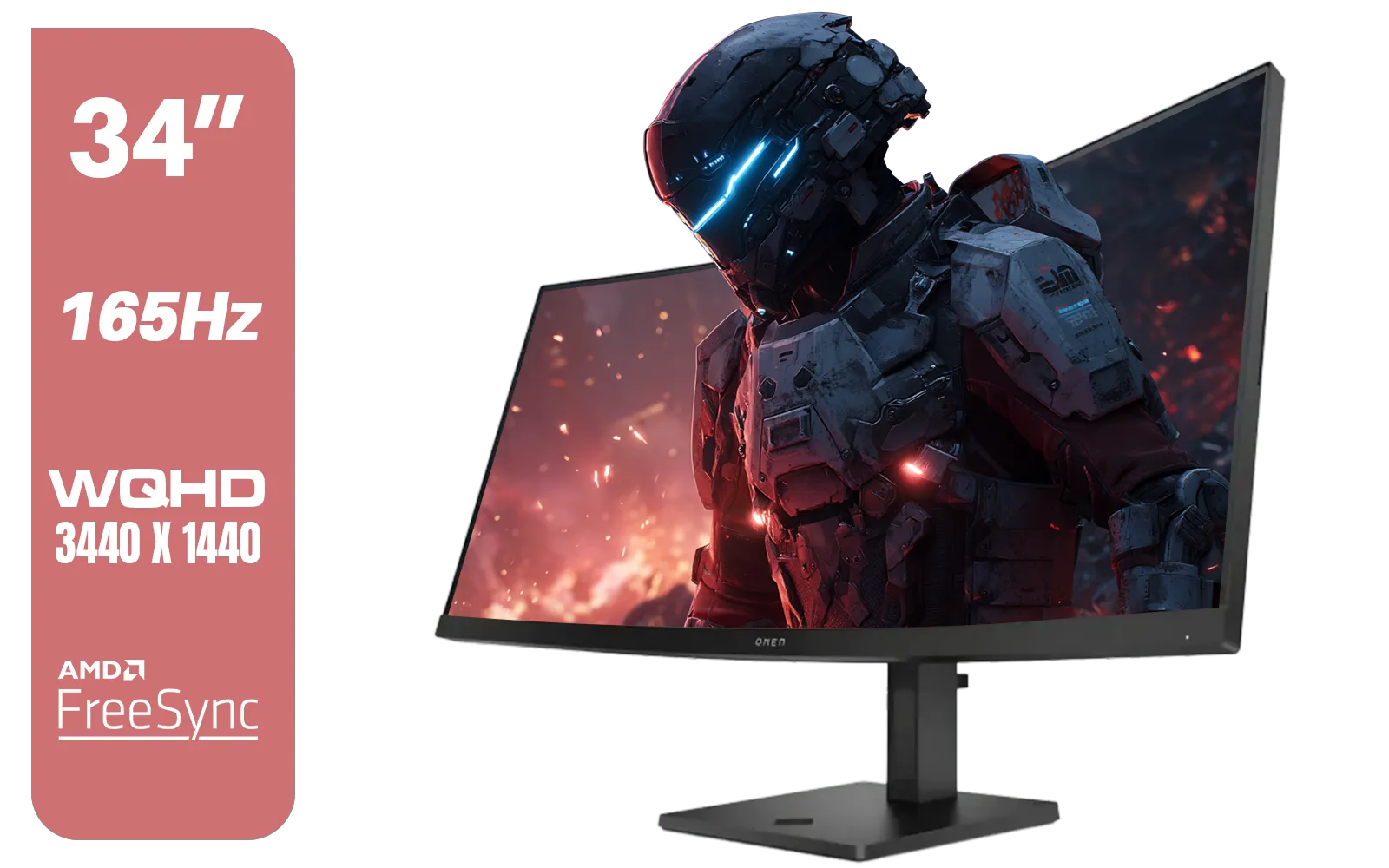
HP OMEN 34c Curved Monitor — 34' WQHD VA 165hz — Gaming Console Compatible — 2x HDMI 2.0 — 1x DisplayPort 1.4 — AMD FreeSync Premium — Dual Speakers — Tilt & height adjustments — VESA Mountable - Black / 780K8AS
R12999.00In Stock

VIEWSONIC VX2758A-2K-PRO-3 27" 2K Gaming Monitor / 240Hz Refresh Rate / 1ms MPRT Response Time / AMD FreeSync™ Premium & NVIDIA G-Sync Compatible / Dual HDMI & DisplayPort Inputs / VX2758A-2K-PRO-3
R5499.00In Stock
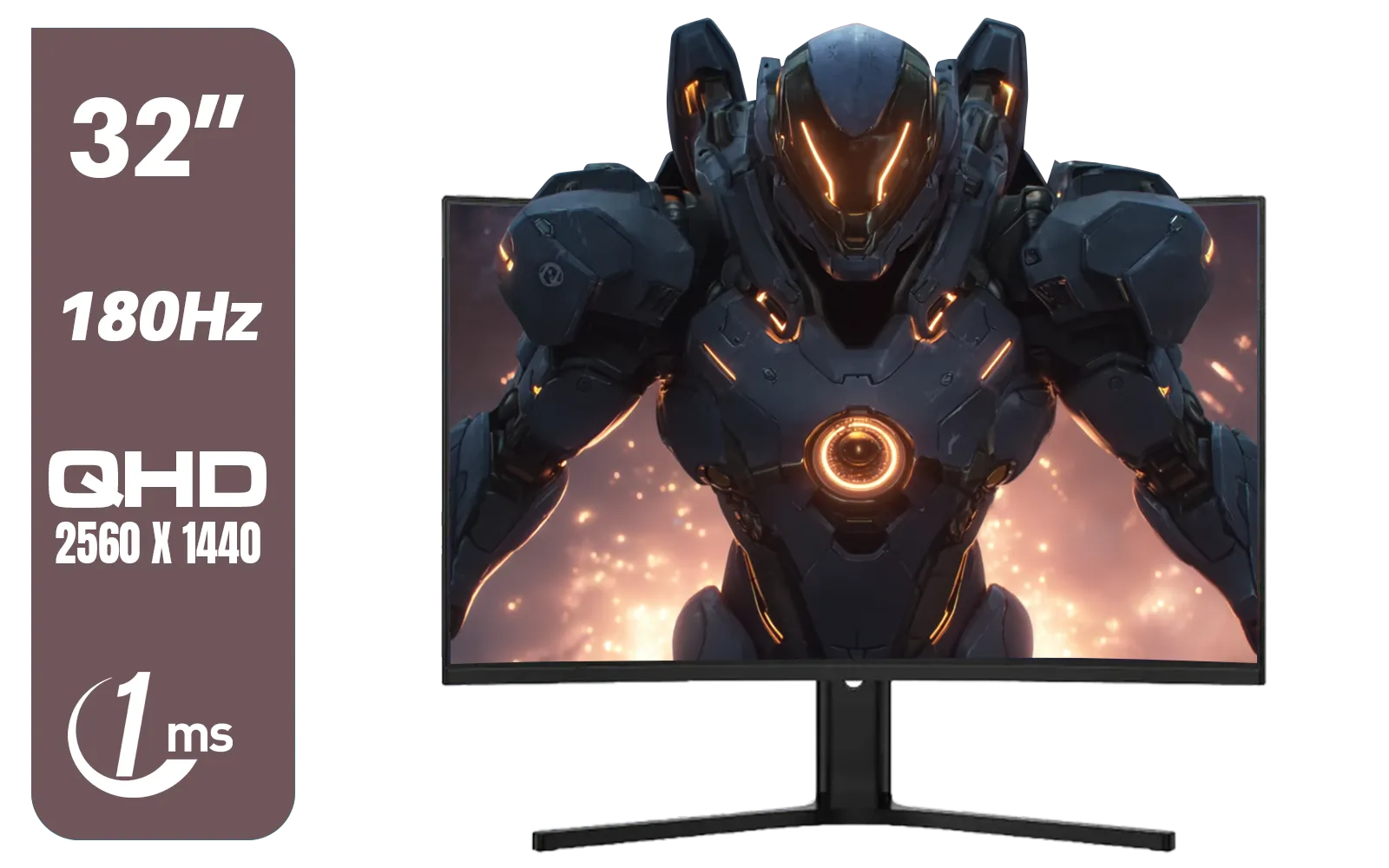
Dahua LM32-E330CA 32" 180Hz LED Monitor / Adaptive-Sync Technology / 1ms Response Time / QHD 2560x1440 / 180Hz Refresh Rate / DHI-LM32-E330CA
R3999.00In Stock
NVIDIA G-Sync: The Premium Experience... at a Price
NVIDIA G-Sync is the original, proprietary solution. It uses a dedicated hardware module built right into the monitor to manage the sync process. This module undergoes rigorous testing and certification by NVIDIA, ensuring a flawless, consistent experience every single time. 🚀
This "it just works" approach is its biggest strength. There's no guesswork; if a monitor has the official G-Sync badge, you know you're getting a top-tier variable refresh rate experience. This is why many competitive gamers who need every possible advantage often opt for premium G-Sync (NVIDIA) monitors. Brands like AOC often lead the charge with panels that deliver impeccable performance.
The catch, of course, is the cost. That special hardware adds a significant amount to the monitor's price tag, often referred to as the "G-Sync tax."
FreeSync vs G-Sync 2025: Which is Right for Your Rand?
So, who wins the FreeSync vs G-Sync battle for South African gamers in 2025?
For over 90% of gamers, especially those building a PC on a tight budget, AMD FreeSync is the undisputed champion. The value is simply unbeatable. With the quality floor raised by the FreeSync Premium standard and the widespread adoption of G-Sync Compatibility, you can get an incredible, tear-free gaming experience for a fraction of the cost of a true G-Sync display. Reliable options from manufacturers like HP often provide a great middle ground with certified displays.
A dedicated G-Sync monitor is for the enthusiast with deep pockets who wants the absolute best, most consistent performance without any tweaking. It's a luxury, not a necessity.
Final Checks Before You Buy
Remember, adaptive sync is just one piece of the puzzle. When making your final decision, also consider:
- Refresh Rate: Aim for at least 144Hz for fluid gameplay.
- Resolution: 1080p is great for performance, while 1440p offers a sharper image if your GPU can handle it.
- Panel Type: IPS for the best colour, VA for deep blacks, and TN for the fastest response times.
Making the right choice transforms your entire gaming experience. To see how these technologies fit into a complete package, you can browse Evetech's full catalogue of PC monitors and compare specs side-by-side.
Ready to Banish Screen Tearing for Good? The FreeSync vs G-Sync debate comes down to your budget and needs. For most South African gamers, a quality FreeSync monitor offers unbeatable value. Explore our massive range of gaming monitors and find the perfect screen to level up your setup.
Related Products
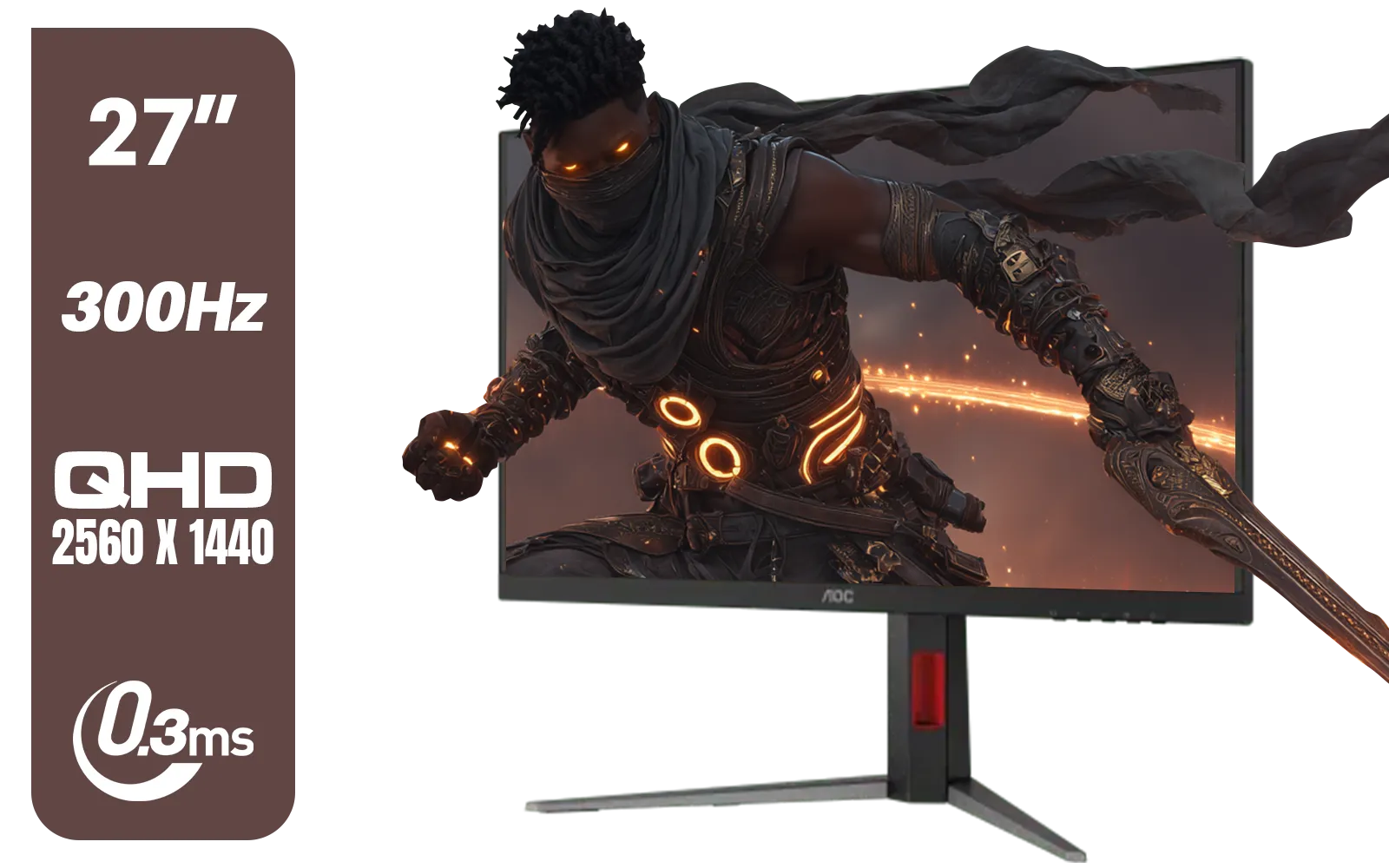
AOC Q27G4S 27" Gaming Monitor - Black / QHD (2560 × 1440) / 300Hz Refresh Rate / 0.3ms Response Time / IPS-Level Display / Certified HDR400 / Support Adaptive Sync / Q27G4S
R6299.00In Stock
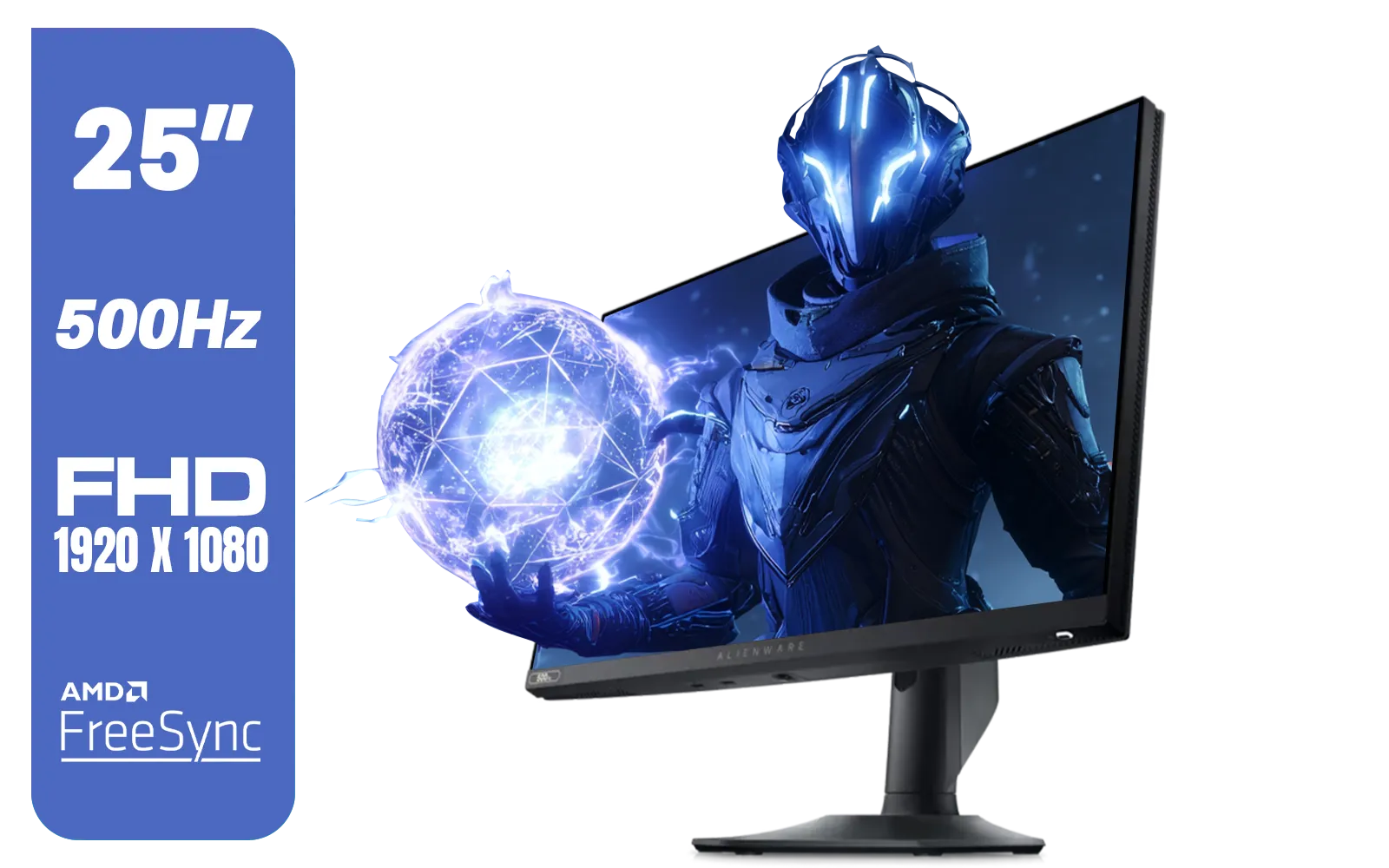
Alienware AW2524HF Gaming Monitor/ 25-inch / IPS Panel / Full HD (1920 x 1080)/ 500Hz refresh rate / 1 ms Response Time / VESA Adaptive-Sync, AMD FreeSync Premium / AW2524HF
R12999.00In Stock
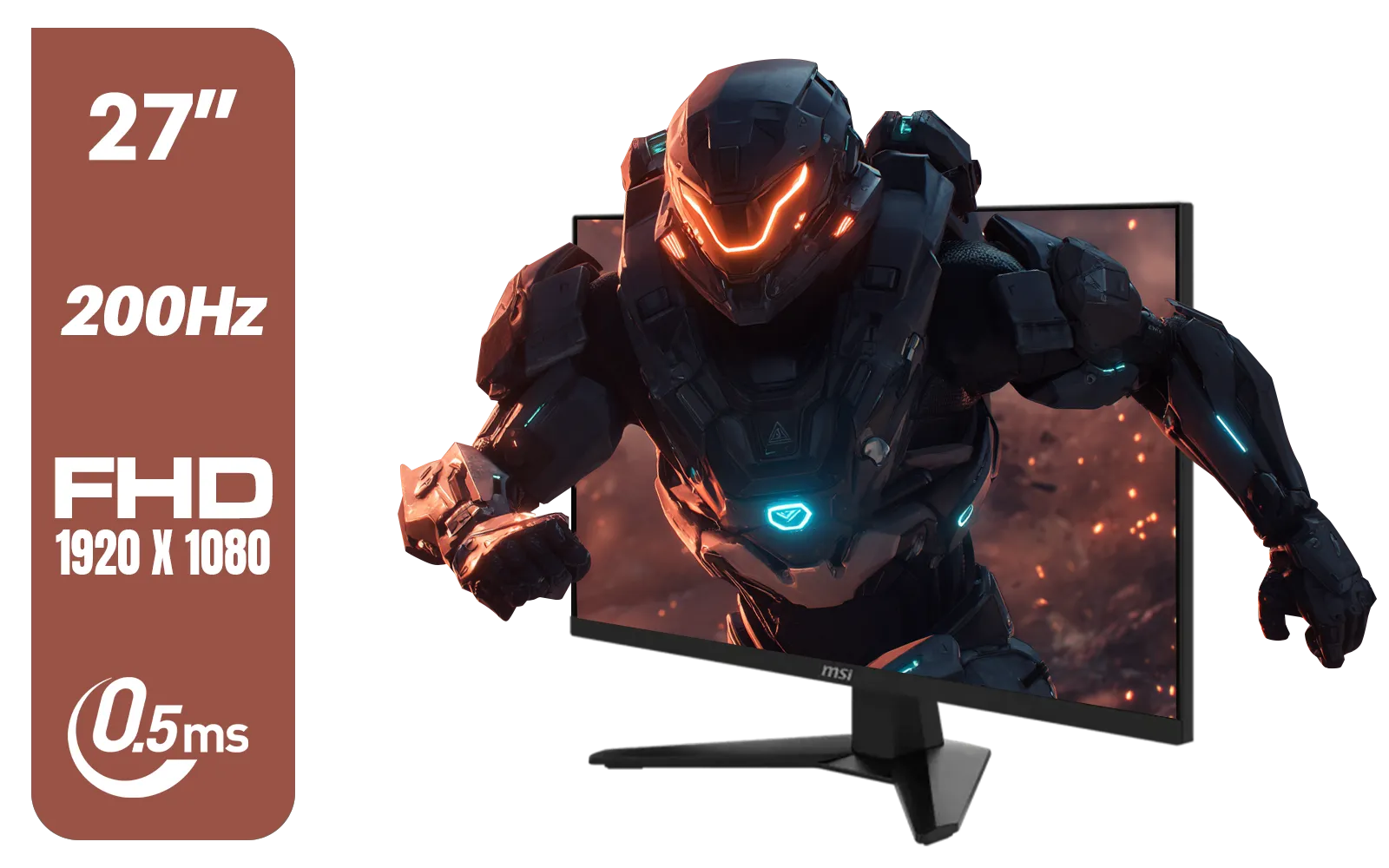
MSI MAG 274F 27" FHD (1920 x 1080) Monitor / 200Hz Refresh Rate / Rapid IPS Panel / 0.5ms Response Time / AI Vision Enhances Brightness, Colors / 9S6-3CE41H-062
R3699.00In Stock

Philips 49B2U5900CH 49" Dual QHD Curved Business Monitor / Dual QHD (5120 x 1440) / 4ms Response Time / Flicker-Free / LowBlue Mode / 49B2U5900CH/89
R23499.00In Stock
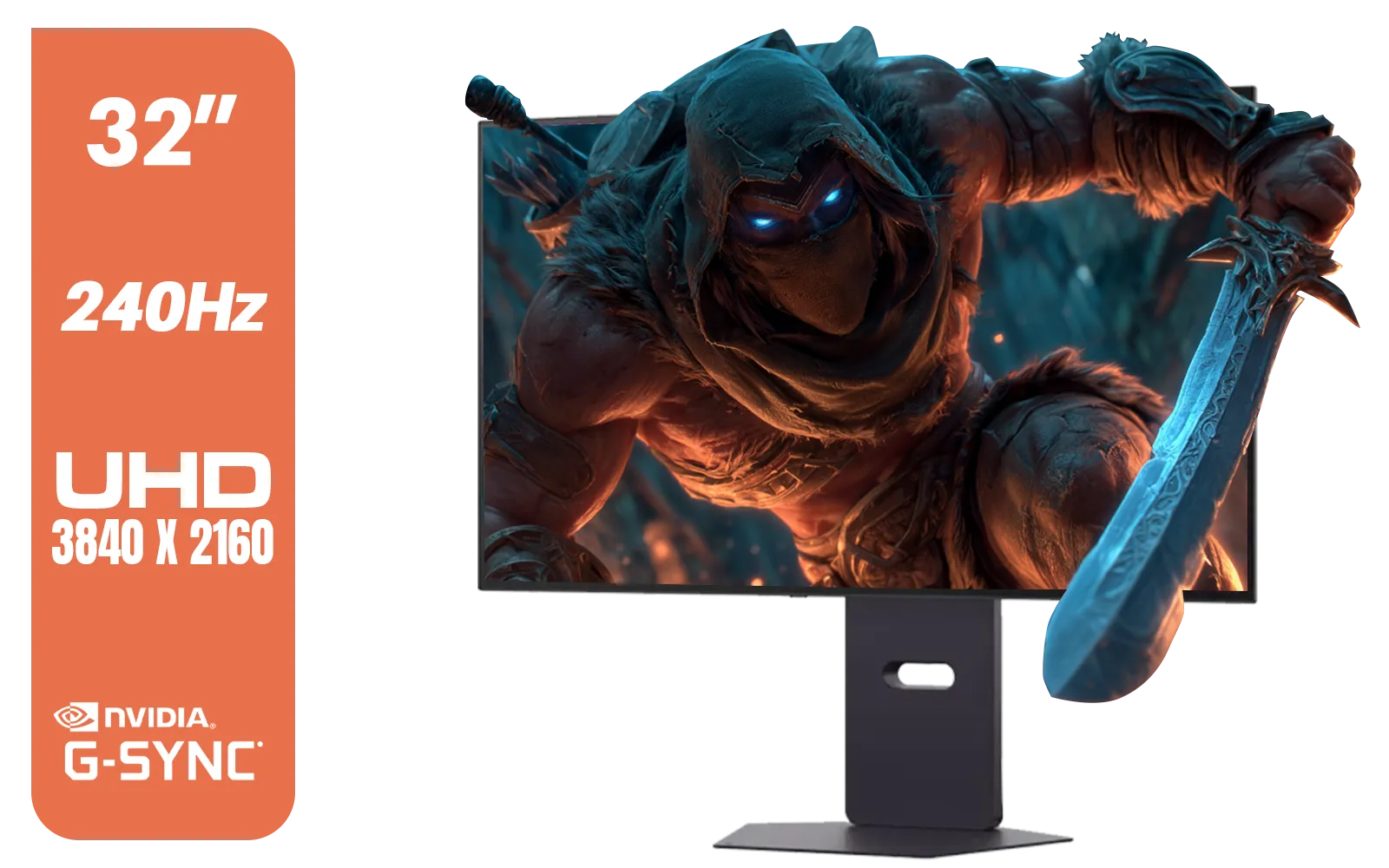
LG 32" UltraGear™ Dual-Mode OLED gaming monitor / 4K UHD / 0.03ms (GtG) / HDR Display True Black 400 / 32GS95UV-B.AFB
R27499.00In Stock

Samsung Odyssey G55T 34" Ultra WQHD (3440 x 1440) 165Hz Curved Gaming Monitor / AMD FreeSync Premium / 165Hz Refresh Rate / 1ms Response Time / 1000R Curved Display / Futuristic Design / LC34G55TWWRXEN
R9999.00In Stock
Yes, FreeSync monitors are generally cheaper than native G-Sync displays, making them the ideal choice for a cost-effective budget gaming monitor setup.
Absolutely. Most modern FreeSync displays are 'G-Sync Compatible,' allowing NVIDIA GPUs to utilize variable refresh rate technology over DisplayPort.
For budget builds, usually not. While native G-Sync offers premium features like variable overdrive, G-Sync Compatible screens offer 95% of the performance for less.
FreeSync Premium adds Low Framerate Compensation (LFC) and requires at least 120Hz refresh rates, ensuring smooth gameplay even when FPS drops.
Modern implementation of FreeSync vs G-Sync 2025 adds negligible latency, far less than V-Sync, ensuring responsive gameplay without tearing.
Yes, to enable G-Sync on a FreeSync monitor with an NVIDIA card, you typically must use a DisplayPort cable, as HDMI support is limited.