



Game Controller Maintenance: Essential Tips for Pro Gear
Master game controller maintenance to extend the life of your pro gear. Learn how to fix stick drift, clean grime, and keep buttons responsive. 🎮 Don't let dirty gear ruin your killstreak! 🛠️
|
Loading tags...
That feeling… you're one shot from clutching the round in Apex, but your trigger sticks. Or worse, your character starts drifting into enemy fire thanks to a faulty thumbstick. Ja, it's frustrating. Proper game controller maintenance isn't just for pros; it's essential for protecting your gear and your K/D ratio. A clean, responsive controller can be the difference between a win and a rage quit. Let's get your favourite gamepad feeling box-fresh again. ✨

Logitech F710 Wireless Gaming Gamepad / 2.4GHz Wireless / Broad Game Support / Familiar Button Layout / 940-000142
R849.00In Stock
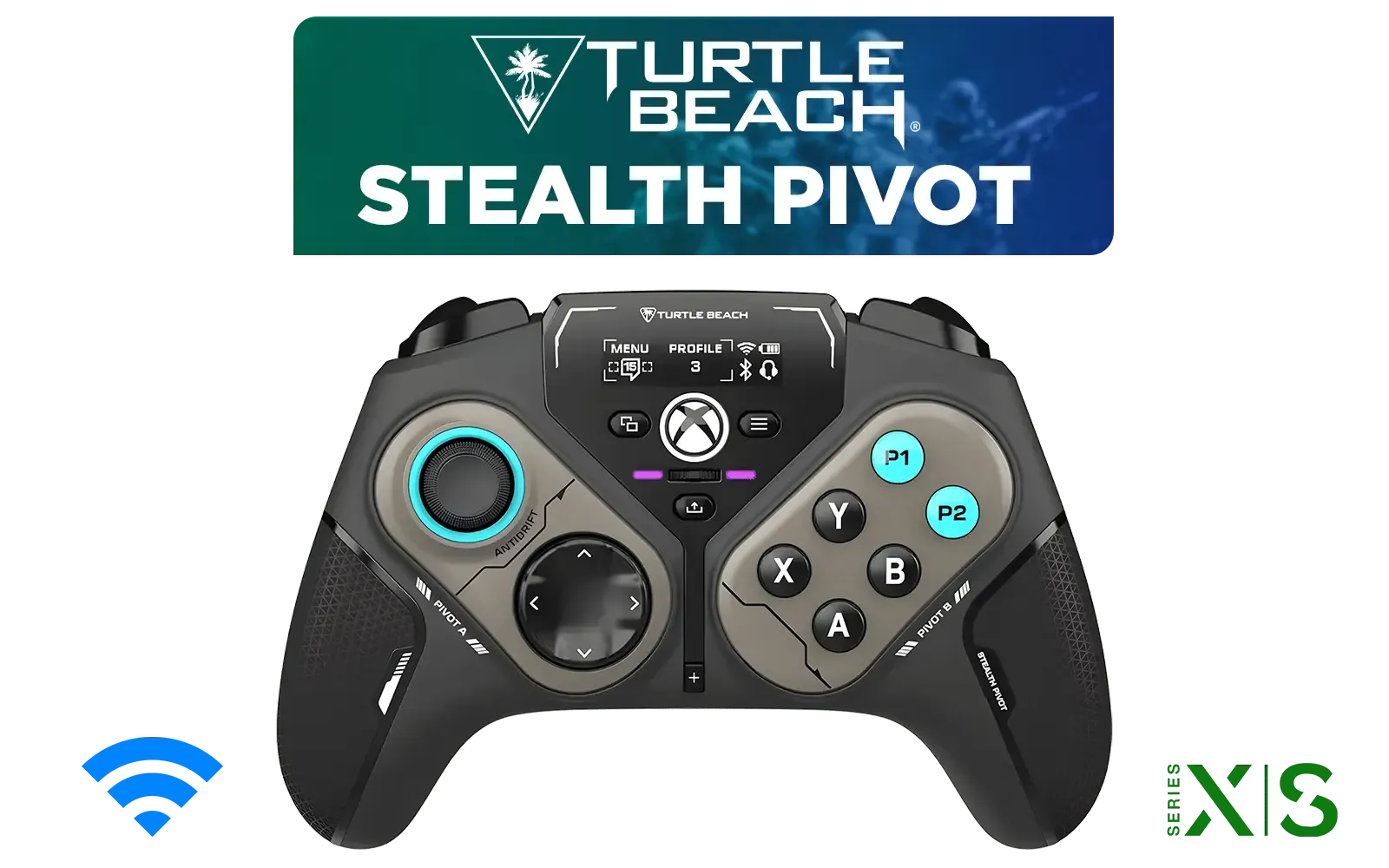
Turtle Beach Stealth Pivot Wireless Smart Game Controller for Windows PC, Wired for Xbox Series X|S & Xbox One – Rotating Modules, Display Dashboard, Hall-Effect Sticks, Remappable Buttons, Bluetooth / TBS-0120-05
R3199.00In Stock
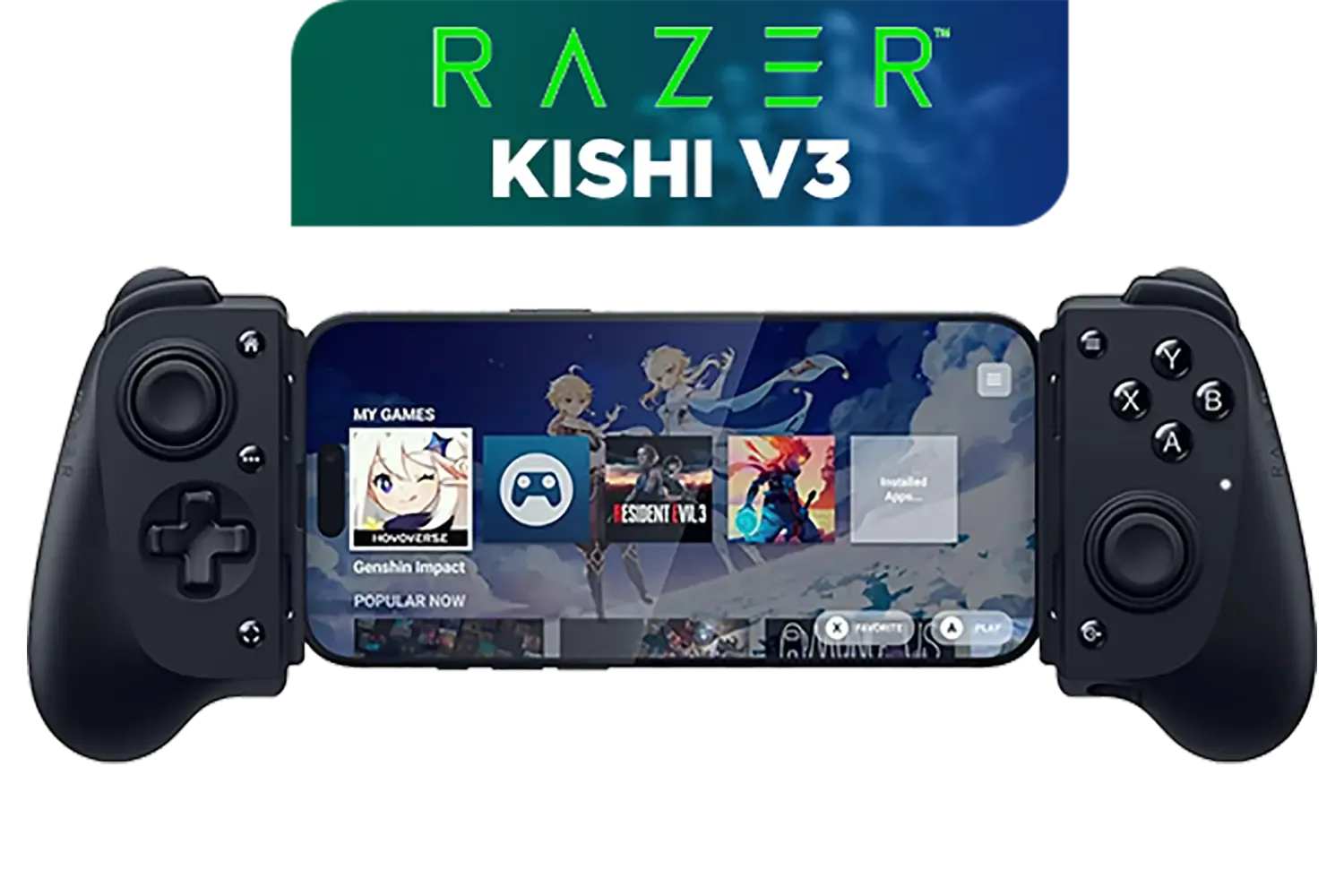
Razer Kishi V3 Gaming Controller / Supports Android and iPhone / Full-Sized Console-Style Controller / Dual mouse-click back buttons / Razer Sensa HD Immersive Haptics / RZ06-03550100-R3M1
R2999.00In Stock

Steelseries Nimbus+ Gamepad / Apple Gaming Controller / 50 hour Battery Life / Dedicated Navigation Buttons / Built-in Rechargeable Battery / Designed specifically for Apple Gaming / 69089
R999.00In Stock

PowerA Advantage Wired Xbox Controller - Celestial Green / 3-Way Trigger Locks / Officially Licensed for Xbox Series X|S / XBGP0190-01
R699.00In Stock
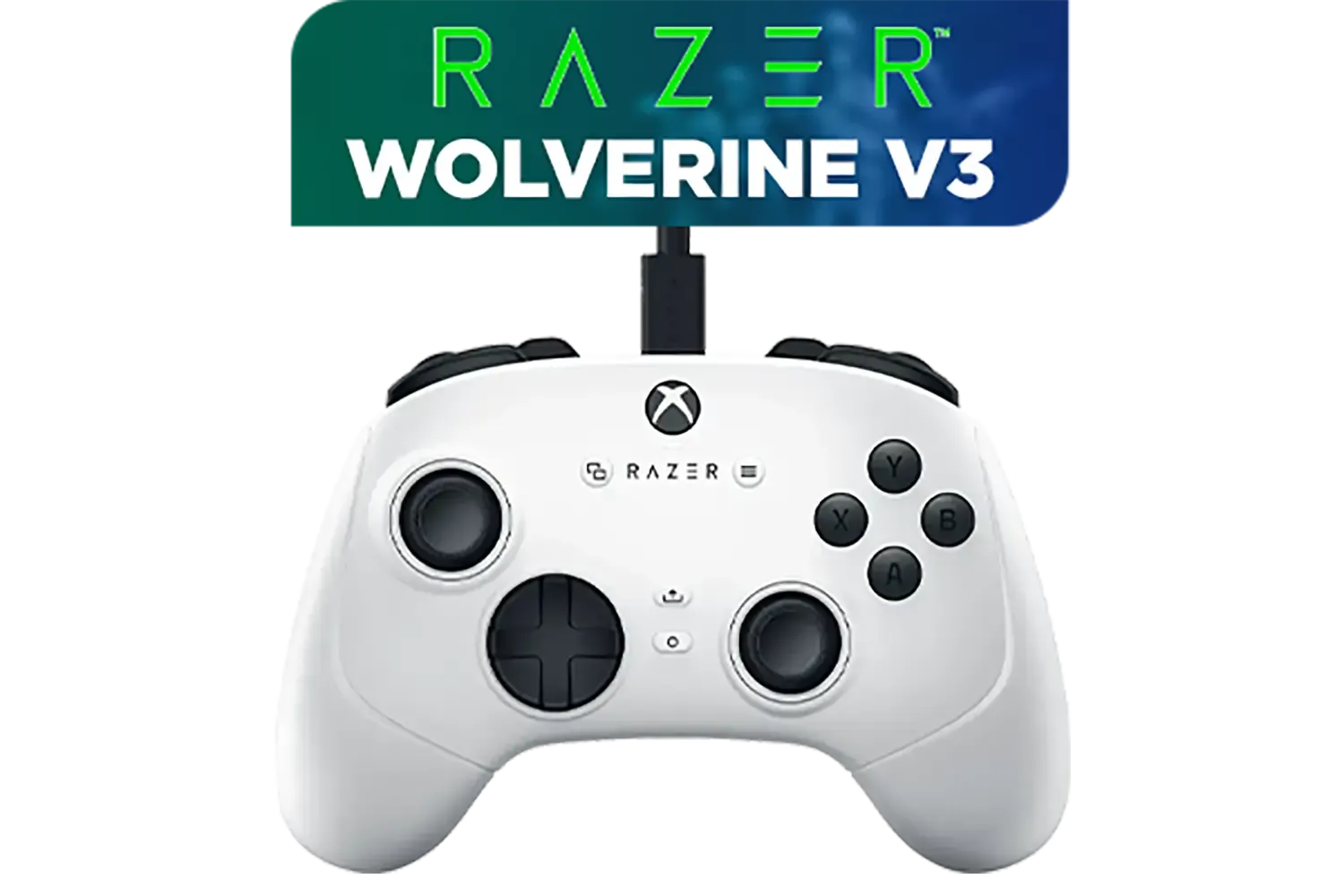
Razer Wolverine V3 Tournament Edition XBOX/PC, 6 Remappable Buttons to Outplay Them All, 1000Hz Polling Rate for Competitive Play on PC, Wired Esports Controller - White / RZ06-05210200-R3M1
R2699.00In Stock
The Foundations of Game Controller Maintenance
Before you grab the screwdrivers, the best game controller maintenance starts with simple, daily habits. Think of it as preventative care for your most important peripheral. The biggest culprits for wear and tear are dust, sweat, and… well, snacks.
Wiping your controller down with a dry microfibre cloth after a long session removes corrosive sweat and oils. Avoid eating while you play to prevent crumbs from getting into the seams and gumming up the buttons. These basic steps are crucial whether you're using a standard Xbox controller or a piece of pro kit like the Razer Wolverine V2 Chroma, ensuring it stays responsive for longer.

MARVO GT-88 WIRELESS GAMING GAMEPAD / Compatible With PC / Analog Mini Sticks With Xbox Positioning / Double Triggers And Analog Mumpers / Rapid Fire With Turbo Mode / Dual Motors For Vibration Feedback / Soft, Sweat-resistant Coating / GT-88
R499.00In Stock

Xbox Rechargeable Battery + USB-C Cable - SXW-00002
R649.00In Stock
Razer Wolverine V3 Tournament Edition XBOX/PC, 6 Remappable Buttons to Outplay Them All, 1000Hz Polling Rate for Competitive Play on PC, Wired Esports Controller - White / RZ06-05210200-R3M1
R2699.00In Stock

Razer Wolverine V3 Pro Wireless Gaming Controller: Licensed for Xbox Series X|S, Xbox One, Windows PC - 6 Remappable Buttons - Fast Triggers - Customizable Thumbsticks - Wired Tournament Mode - Black / RZ06-05200100-R3M1
R4999.00In Stock
PowerA Advantage Wired Xbox Controller - Celestial Green / 3-Way Trigger Locks / Officially Licensed for Xbox Series X|S / XBGP0190-01
R699.00In Stock
Razer Kishi V3 Gaming Controller / Supports Android and iPhone / Full-Sized Console-Style Controller / Dual mouse-click back buttons / Razer Sensa HD Immersive Haptics / RZ06-03550100-R3M1
R2999.00In Stock
A Guide to Deep Cleaning Your Controller 🔧
For the gunk that a simple wipe-down won't fix, you'll need to do a slightly deeper clean every few months. Don't worry, it's easier than it sounds and requires just a few household items. You'll need isopropyl alcohol (70% is perfect), cotton swabs, a toothpick, and a can of compressed air.
First, unplug your controller. Dampen a cotton swab with alcohol and carefully clean around the buttons, triggers, and thumbsticks. The alcohol evaporates quickly, cleaning effectively without risking moisture damage. Use the toothpick to gently scrape out any grime from the seams of the controller's shell. A quick blast of compressed air into the ports and around the thumbsticks will dislodge any hidden dust. This level of controller care can make an old gamepad feel new again, but if yours is beyond saving, you can always browse Evetech's full range of PC gaming controllers.
TIP FOR YOU
Stick Drift Prevention ⚡
To help prevent the dreaded stick drift, give the base of your analogue sticks a quick blast with compressed air every month or so. This clears out dust that can interfere with the sensors. Also, try to avoid clicking the sticks down with excessive force or storing the controller where pressure is applied to them, like squashed in a backpack.
Knowing When It's Time for an Upgrade
Sometimes, no amount of cleaning can fix years of wear and tear. If you've performed thorough game controller maintenance and still face issues like persistent stick drift, ghost inputs, or buttons that refuse to register, it might be time to retire your old faithful. A failing controller doesn't just hurt your performance; it ruins the fun.

Microsoft Xbox Wireless Controller - Carbon Black / Hybrid D-Pad / 3.5mm Stereo Headset Jack / Textured Triggers And Bumpers / Compatible for Xbox Series X|S, Xbox One, Android And iOS / QAT-00009
R1599.00In Stock
Steelseries Nimbus+ Gamepad / Apple Gaming Controller / 50 hour Battery Life / Dedicated Navigation Buttons / Built-in Rechargeable Battery / Designed specifically for Apple Gaming / 69089
R999.00In Stock

PowerA Advantage Wired Xbox Controller - Sonic Style / 3-Way Trigger Locks / Officially Licensed for Xbox Series X|S / XBGP0229-01
R699.00In Stock
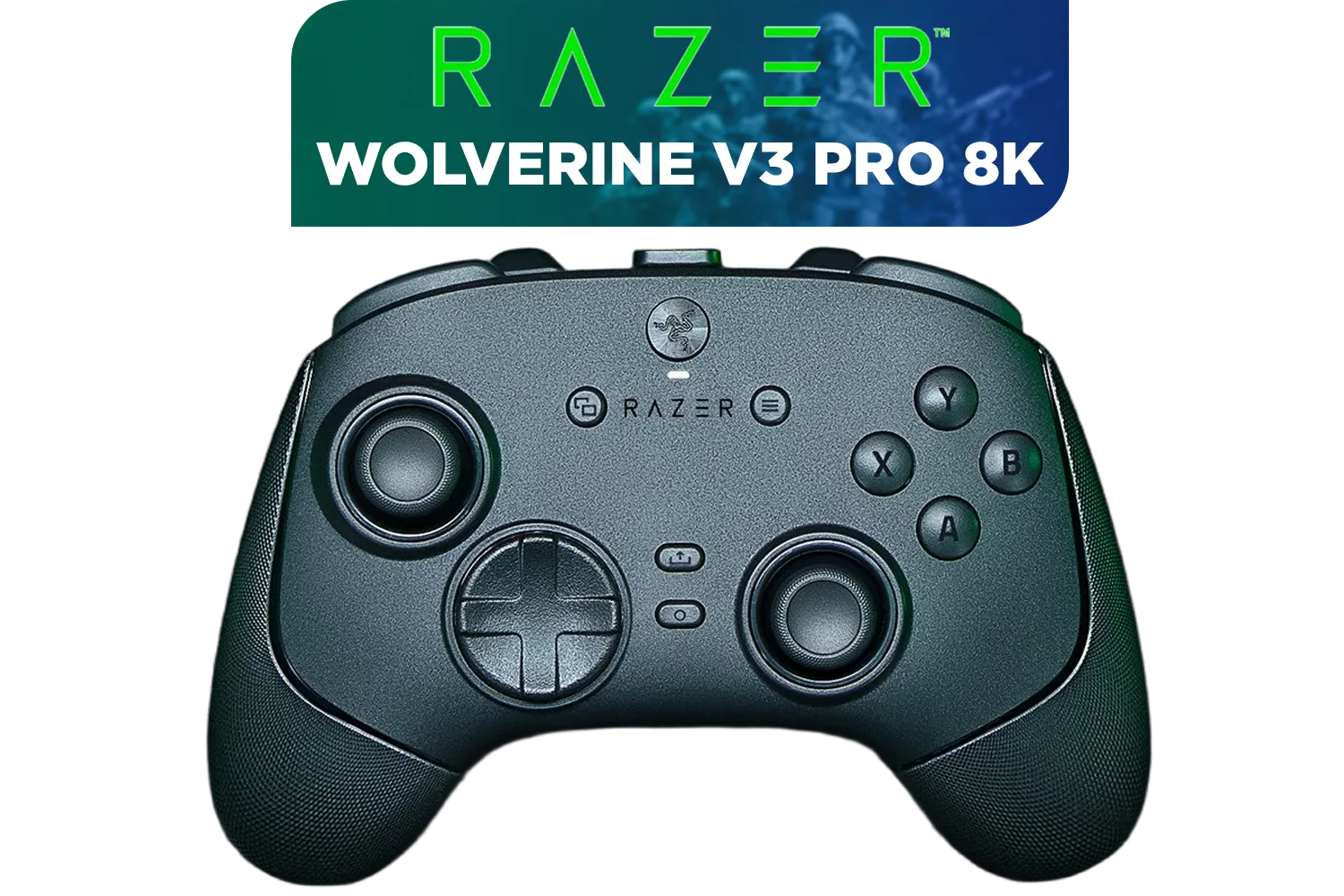
Razer Wolverine V3 Pro 8K PC Wireless Controller / Hyper Polling Technology / Swappable Thumbstick Caps / 4 Back Paddles / RZ06-05540100-R3M1
R4699.00In Stock
Turtle Beach Stealth Pivot Wireless Smart Game Controller for Windows PC, Wired for Xbox Series X|S & Xbox One – Rotating Modules, Display Dashboard, Hall-Effect Sticks, Remappable Buttons, Bluetooth / TBS-0120-05
R3199.00In Stock

Turtle Beach Atom Mobile Game Controller with Bluetooth for Cloud Gaming on Android Mobile Devices with Compact Shape, Console Style Controls, Low Latency Bluetooth - Red / TBS-0766-05
R2499.00In Stock
Upgrading can give you a massive competitive advantage, with features like customisable triggers, extra programmable buttons, and improved ergonomics. If you're ready to step up your game, it's worth exploring top-tier options from brands like Razer, which are built for precision and durability. Think of it as an investment in your gaming future. 🚀
Ready for a Flawless Upgrade? A clean controller is great, but a brand-new one is even better. Stop letting faulty gear hold you back. Explore our massive range of gaming controllers and find the perfect weapon to dominate your next match.
Related Products

Razer Wolverine V2 Pro Wireless Gaming Controller for PlayStation 5 / PS5, PC: Mecha-Tactile Action Buttons - 8-Way Microswitch D-Pad - HyperTrigger - 6 Remappable Buttons - Chroma RGB - White- RZ06-04710200-R3G1
R5999.00In Stock

Xbox Series X/S Wireless Controller - Pulse Red / Enhanced Comfort / New Hybrid D-pad / Xbox Wireless and Bluetooth Technology / 3.5mm Audio Jack / QAU-00012
R1599.00In Stock
Razer Wolverine V3 Tournament Edition XBOX/PC, 6 Remappable Buttons to Outplay Them All, 1000Hz Polling Rate for Competitive Play on PC, Wired Esports Controller - White / RZ06-05210200-R3M1
R2699.00In Stock
Razer Wolverine V3 Pro 8K PC Wireless Controller / Hyper Polling Technology / Swappable Thumbstick Caps / 4 Back Paddles / RZ06-05540100-R3M1
R4699.00In Stock
Logitech F710 Wireless Gaming Gamepad / 2.4GHz Wireless / Broad Game Support / Familiar Button Layout / 940-000142
R849.00In Stock
PowerA Advantage Wired Xbox Controller - Celestial Green / 3-Way Trigger Locks / Officially Licensed for Xbox Series X|S / XBGP0190-01
R699.00In Stock
Perform basic game controller maintenance weekly using a microfiber cloth, and do a deep clean every month to prevent grime buildup and sticky buttons.
Yes, use 70% isopropyl alcohol on a cloth for exterior surfaces. Avoid pouring liquid directly into crevices to protect internal components.
Use compressed air to clear debris around the analog sticks. If drift persists, recalibrate via software or check your warranty for sensor replacement.
Dip a Q-tip in isopropyl alcohol and gently clean around the button edges. Press repeatedly to work the solution in and dissolve the sticky residue.
Store your device in a hard shell case when not in use. This simple step in pro controller care prevents dust accumulation and accidental damage.
Only disassemble if you are comfortable with electronics and it does not void your warranty. Deep internal cleaning often requires specialized tools.








