



Gaming Monitor Panel Comparison: IPS vs VA vs TN
Gaming monitor panel comparison helps South African gamers pick IPS, VA, or TN by performance, colour and price. Read clear recommendations for esports, immersive play and budget builds 🇿🇦🎮
|
Loading tags...

Staring at a wall of specs? IPS, VA, TN... it feels like a secret code when you just want the best visuals for your rig. In South Africa, choosing the right gaming monitor is a massive deal, a key part of any setup. This guide simplifies the gaming monitor panel comparison, breaking down the tech so you can find the perfect screen for your budget, whether you're dominating in Valorant or exploring the vistas of Cyberpunk 2077.
DAHUA DHI-LM27-A201X 27" LED Monitor / Ultra-narrow bezel / IPS Level-Display / 5ms Response Time / FHD 1920x1080 / 100Hz Refresh Rate / Low Blue Light / DHI-LM27-A201X
R2399.00In Stock
AOC AGON PRO AG276UZD 26.5" OLED Gaming Monitor / 4K UHD (3840 x 2160) Resolution / 240Hz Refresh Rate / 0.03ms Response Time / QD - OLED Panel / HDR True Black 400 / Adaptive Sync / AG276UZD
R19999.00In Stock
ViewSonic VX3219 32" Curved Gaming Monitor / Full HD (1920 x 1080) / 240Hz Refresh Rate / 1ms MPRT Response Time / Adaptive Sync Prevents Screen Tearing / 1500R Curve Ultimate Immersion / VX3219-PC-MHD-SN
R4899.00In Stock
HP OMEN 27qs QHD 240Hz Gaming Monitor / QHD Resolution (2560 x 1440) / AMD FreeSync™ Premium / Eyesafe® certified / Height Adjustable Stand / Pivot Rotation Functionality / 780J4AS
R13499.00In Stock

Dell SE2425HM Monitor 210-BQZT / FHD (1920 x 1080) Resolution / 5ms Response Time / IPS level Display / 178° Horizontal and Vertical Viewing Angles / SE2425HM
R1899.00In Stock
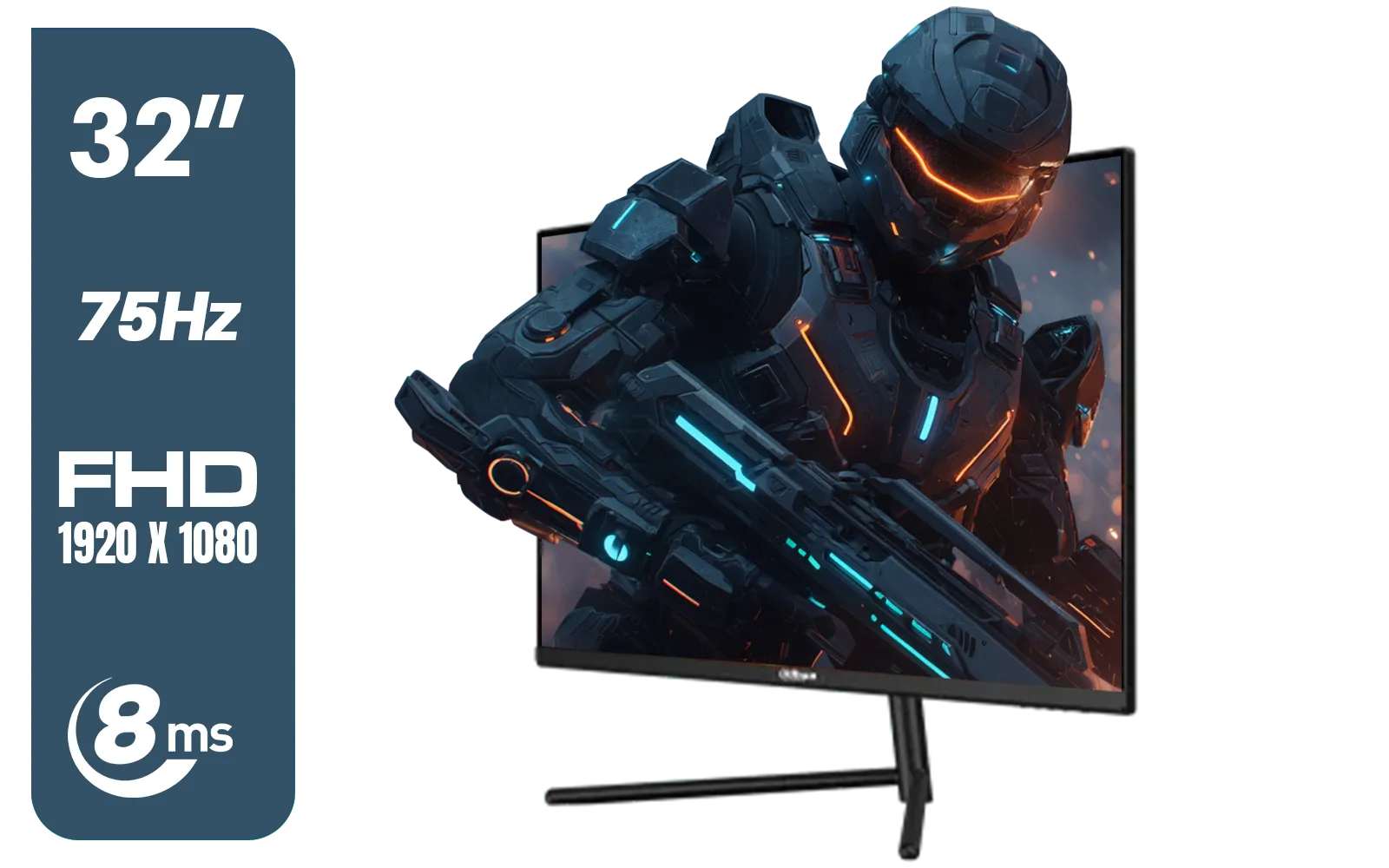
DAHUA DHI-LM32-A200X 32" LED MONITOR / Bezel-less Design / IPS Level-Display / 8ms Response Time / FHD 1920x1080 / 75Hz Refresh Rate / Low Blue Light / DHI-LM32-A200X
R3399.00In Stock
Understanding the Core Panel Technologies
Before we dive deep, what even is a monitor panel? Think of it as the engine of your display. It’s the layer of liquid crystals that controls how light passes through to create the image you see. The way these crystals are arranged and move defines whether a panel is an IPS, VA, or TN, and it dictates everything from colour vibrancy to response speed. This IPS vs VA vs TN choice is the most crucial decision you'll make.
TN (Twisted Nematic): Built for Pure Speed 🚀
If your gaming life is measured in milliseconds and kill/death ratios, TN panels are your best mate. They are the undisputed champions of speed, prioritising raw performance above all else.
- Pros: TN panels offer the fastest response times and highest refresh rates available, often pushing 360Hz and beyond. This means incredibly smooth motion with minimal blur, giving you a critical edge in fast-paced competitive shooters. They're also the most budget-friendly option.
- Cons: The trade-off is visual quality. TN panels have the narrowest viewing angles, meaning colours can shift dramatically if you're not looking at the screen dead-on. Their colour reproduction is also the weakest of the three, often looking less vibrant or "washed out" compared to others.
- Best For: Hardcore esports athletes and competitive gamers who need every possible advantage and prioritise refresh rate over visual fidelity. If you're serious about climbing the ranks, check out the fastest models in our full range of gaming monitors.
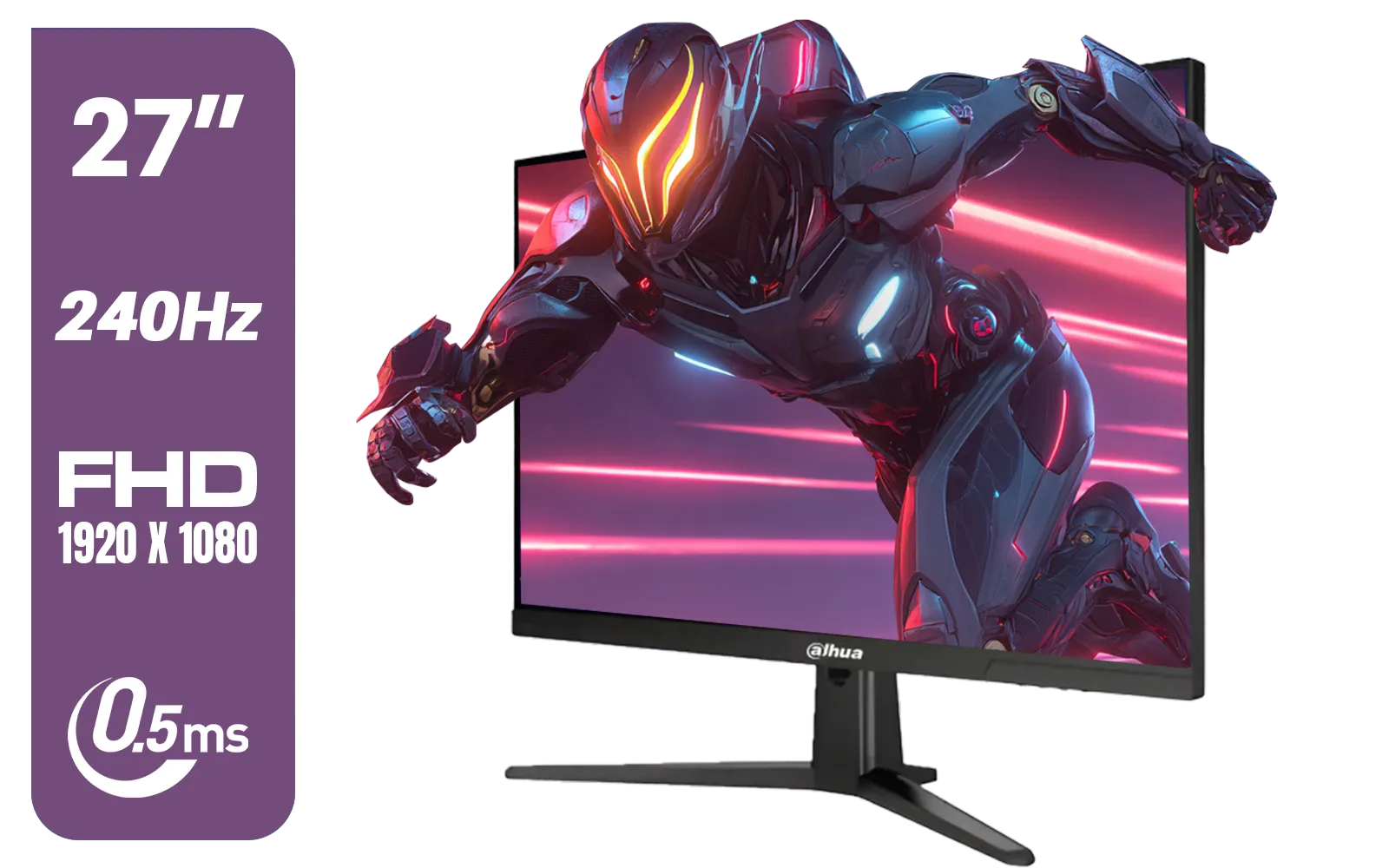
Dahua LM27-E241B 27" Gaming Monitor / FHD 1920 x 1080 / 240Hz Refresh Rate / 0.5ms Response Time / DHI-LM27-E241B
R2499.00In Stock
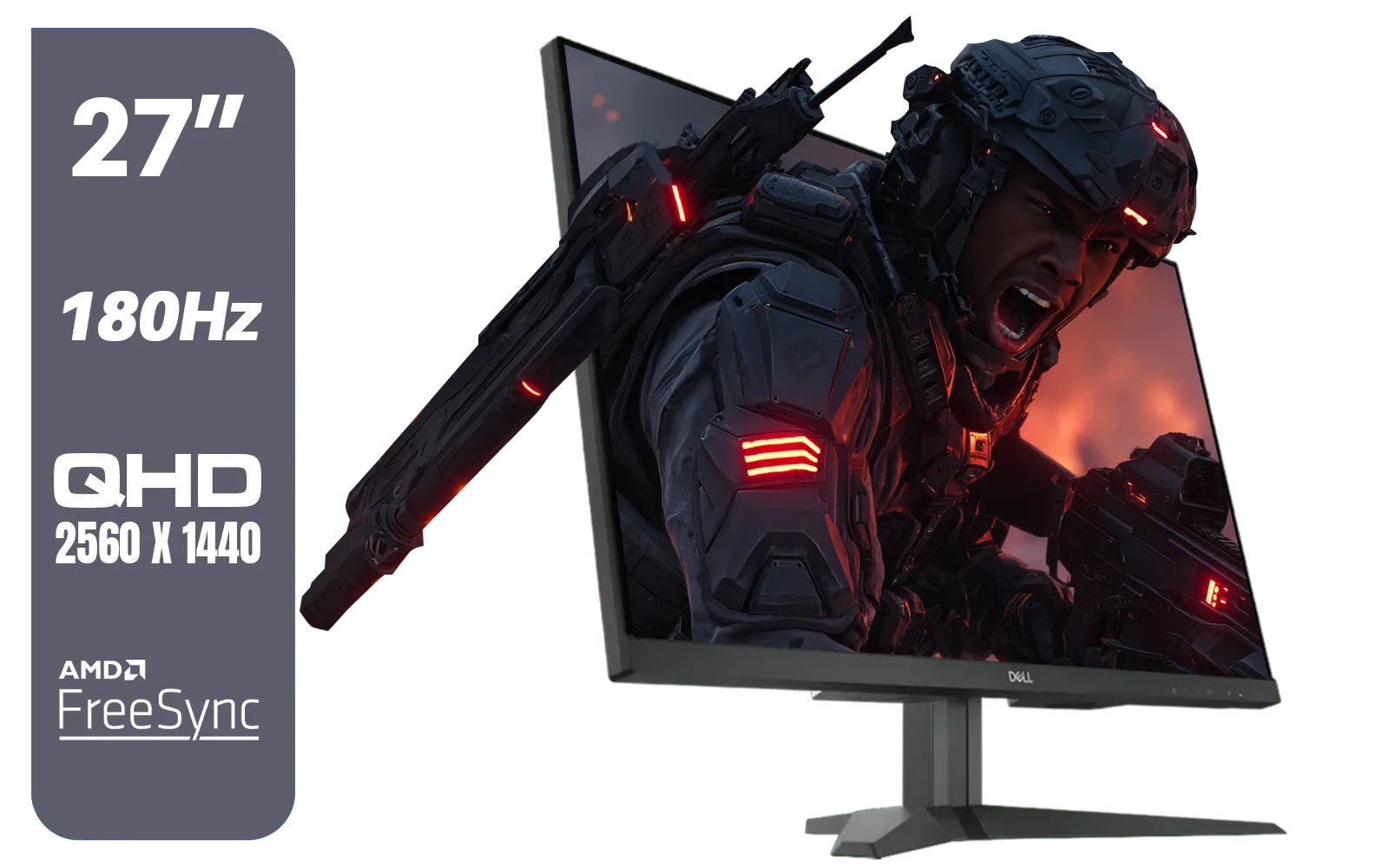
Dell G2725D 27" Gaming Monitor / QHD 2560 x 1440 / 180Hz Refresh Rate / AMD Freesync / 1ms Response Time / G2725D
R4299.00In Stock

ViewSonic VA240A-H 24" Monitor / FHD (1920 x 1080) Display resolution / 1ms Response Time / HDMI and VGA inputs / 120Hz Variable refresh rate / VA240A-H - UK Adapter Included
R1949.00In Stock

ViewSonic TD1655 15.6" Full HD (1920 x 1080) Portable Touchscreen Monitor / Ultra-portable Design / Advanced in-cell Capacitive Touchscreen / 2-Way Power With USB Type-C / Frameless Design / Portrait and Landscape Modes / dual integrated speakers / TD1655
R5199.00In Stock
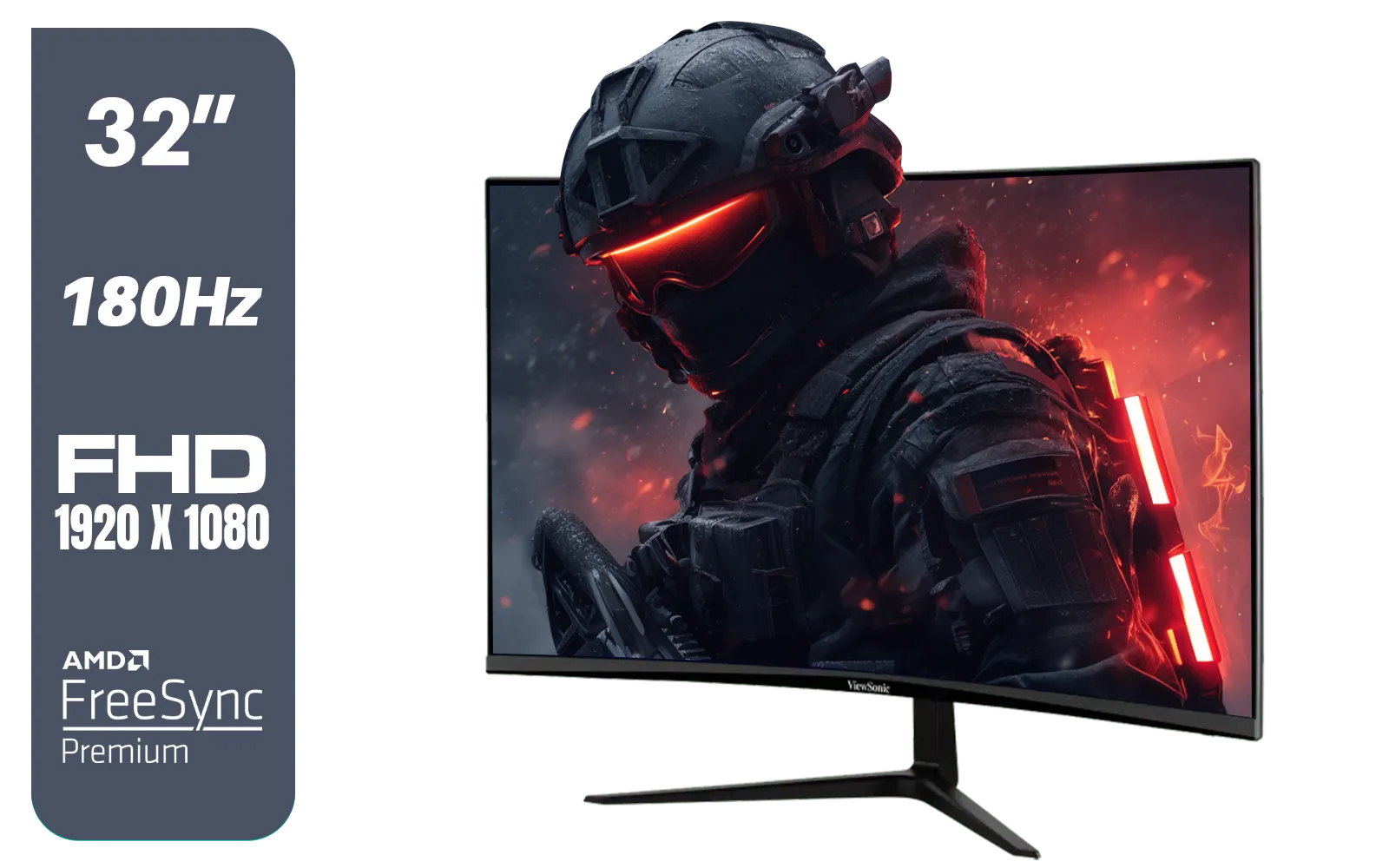
ViewSonic VX3218-PC-MHD 32" Full HD (1920 x 1080) 180Hz Curved Gaming Monitor / 180Hz Refresh Rate / 1ms MPRT Response Time / AMD Adaptive Sync Prevents Screen Tearing / 1500R Curve Ultimate Immersion / VX3218PCMHD
R3499.00In Stock
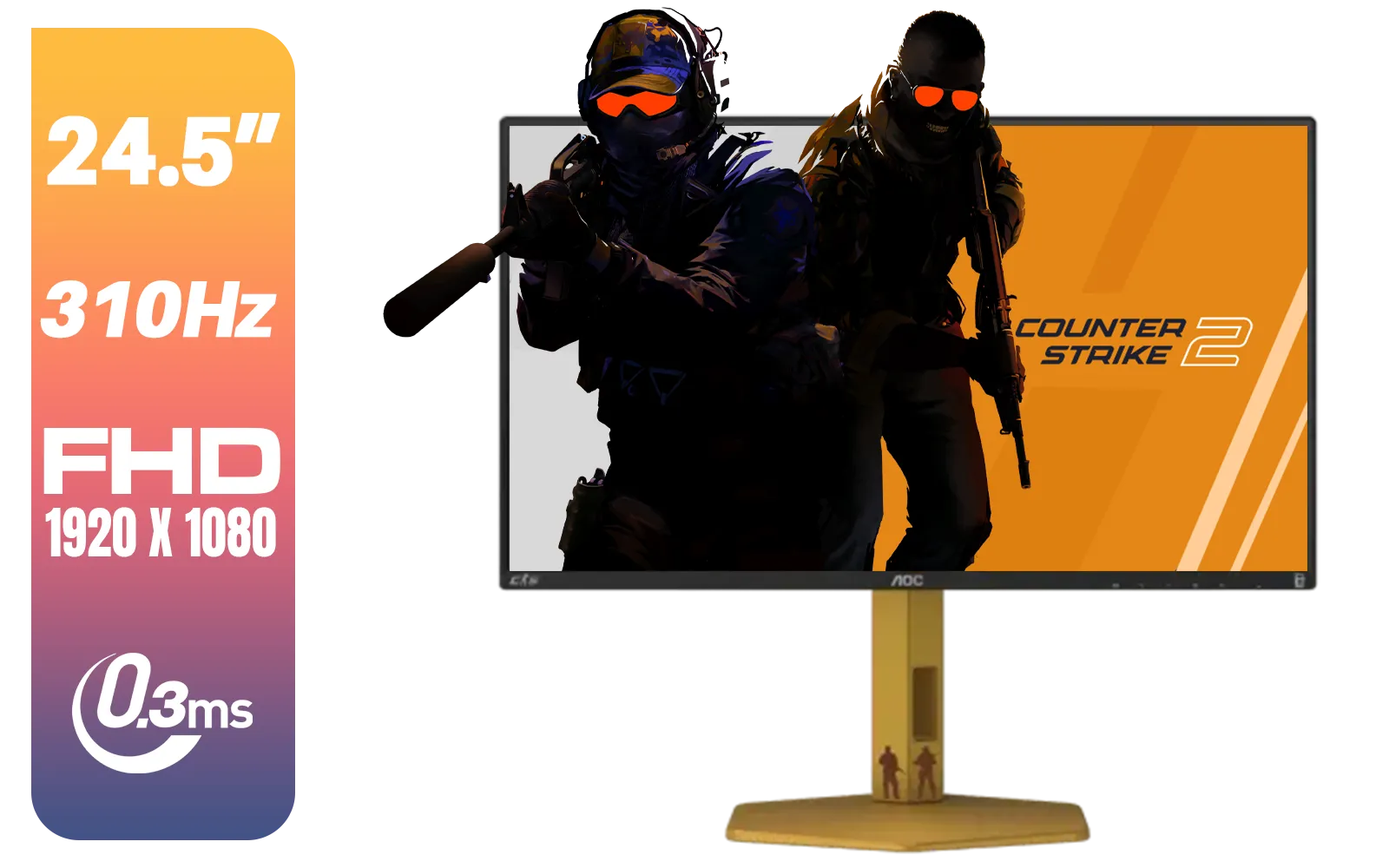
AOC CS25G 24.5" Gaming Monitor / FHD (1920 x 1080) / 310Hz Refresh Rate / 0.3ms Response Time / IPS-Level Display / Certified HDR400 / G-sync Compatible / CS25G
R4999.00In Stock
VA (Vertical Alignment): The Immersion Kings
For those who love getting lost in single-player adventures with rich, atmospheric worlds, VA panels deliver an incredible experience. Their secret weapon is contrast.
- Pros: VA panels boast the best contrast ratios, period. This means they can produce deep, inky blacks next to bright highlights, making images pop with depth and realism. This is especially noticeable in dark game scenes or when watching movies. It's why they're a popular choice for immersive curved monitors, which enhance that cinematic feeling.
- Cons: Their biggest weakness is a slower pixel response time compared to TN, which can sometimes result in "ghosting" or smearing in very fast-moving scenes. While modern VA panels have improved massively, the fastest TN and IPS panels still have an edge here.
- Best For: Gamers who love cinematic RPGs, action-adventure titles, and anyone who uses their PC for both gaming and media consumption.
TIP FOR YOU
Quick Colour Check! 🎨
Even the best panel needs a little tweak. Use online tools like EIZO's monitor test to check for dead pixels, colour accuracy, and banding right out of the box. It’s a free and easy way to ensure your new screen is performing at its peak potential from day one.
IPS (In-Plane Switching): The Colour Champions ✨
When image quality is non-negotiable, IPS panels are the gold standard. They were developed to fix the shortcomings of TN panels, and they deliver stunning visuals.
- Pros: IPS technology provides the best colour accuracy and consistency across the widest viewing angles. Colours look vibrant, rich, and true-to-life, making them perfect for games with beautiful art styles. This is why most high-end 4K and 5K monitors often feature stunning IPS technology for pixel-perfect clarity.
- Cons: Traditionally, IPS panels had slower response times, but modern gaming-focused IPS screens are now incredibly fast, often matching mid-range TNs. Their main drawback is a lower contrast ratio than VA panels, which can lead to blacks appearing slightly grey in a dark room—a phenomenon known as "IPS glow." They also tend to be the most expensive.
- Best For: Gamers who are also content creators, graphic designers, or anyone who simply demands the most beautiful, accurate visuals possible.
The Gaming Monitor Panel Comparison: At a Glance
Feeling overwhelmed? Let's simplify this IPS vs VA vs TN showdown. Your choice depends entirely on your primary use case.
- For pure competitive advantage (Speed): TN is your winner.
- For cinematic immersion (Contrast): VA takes the crown.
- For the best visual fidelity (Colour): IPS is unmatched.
Ultimately, there's no single "best" panel type... just the best one for you. When you're ready to make a choice, you can browse all our PC monitors to see these technologies in action.
DAHUA DHI-LM27-A201X 27" LED Monitor / Ultra-narrow bezel / IPS Level-Display / 5ms Response Time / FHD 1920x1080 / 100Hz Refresh Rate / Low Blue Light / DHI-LM27-A201X
R2399.00In Stock
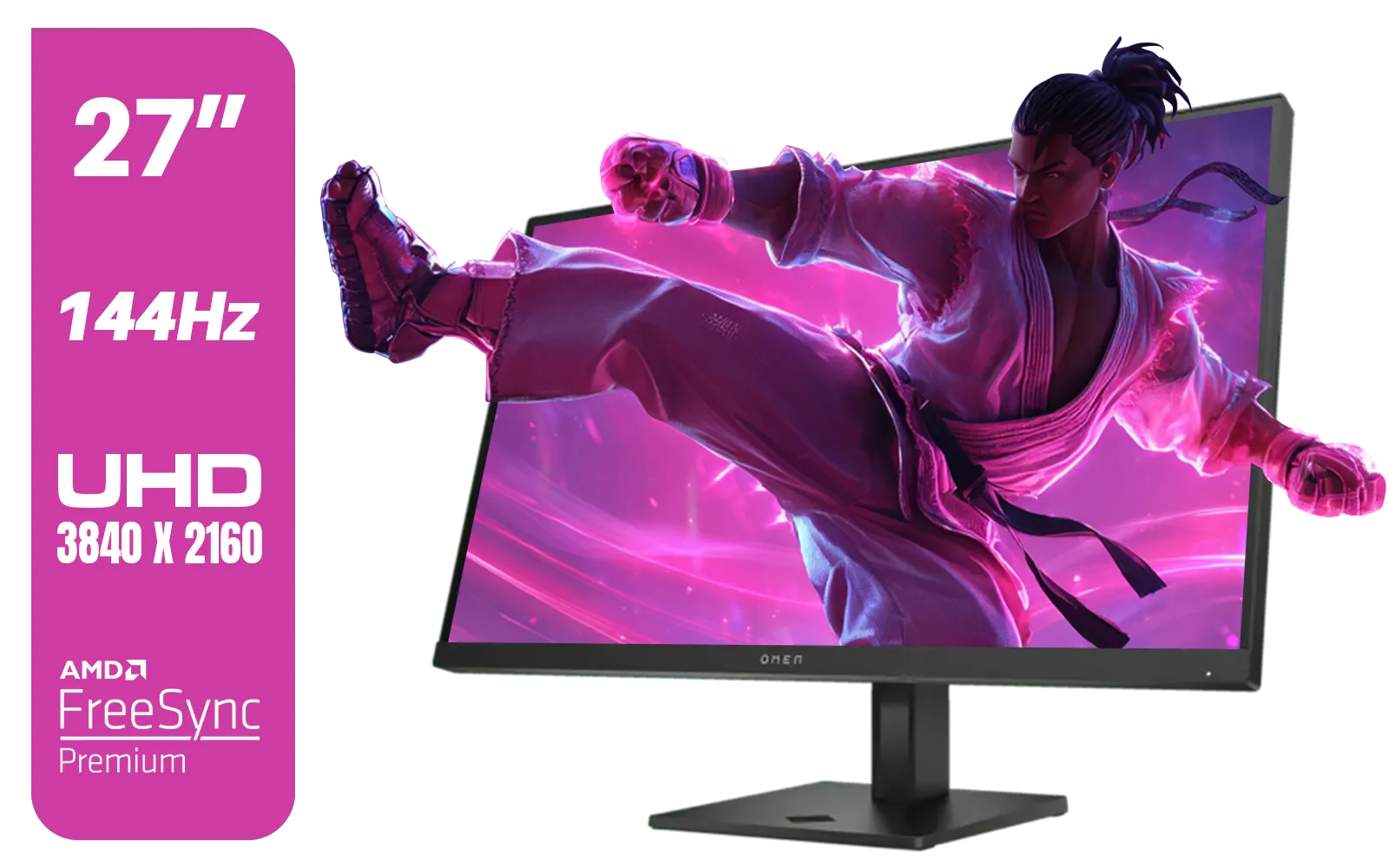
HP OMEN 27k UHD 144Hz Gaming Monitor - Black / 1ms / 27" 4K UHD (3840 x 2160) Anti-glare Display / AMD Freesync™ Premium / Integrated Speakers / Pivot Rotation and Height Adjustable / 780G8AS
R16499.00In Stock
ViewSonic VX3218-PC-MHD 32" Full HD (1920 x 1080) 180Hz Curved Gaming Monitor / 180Hz Refresh Rate / 1ms MPRT Response Time / AMD Adaptive Sync Prevents Screen Tearing / 1500R Curve Ultimate Immersion / VX3218PCMHD
R3499.00In Stock
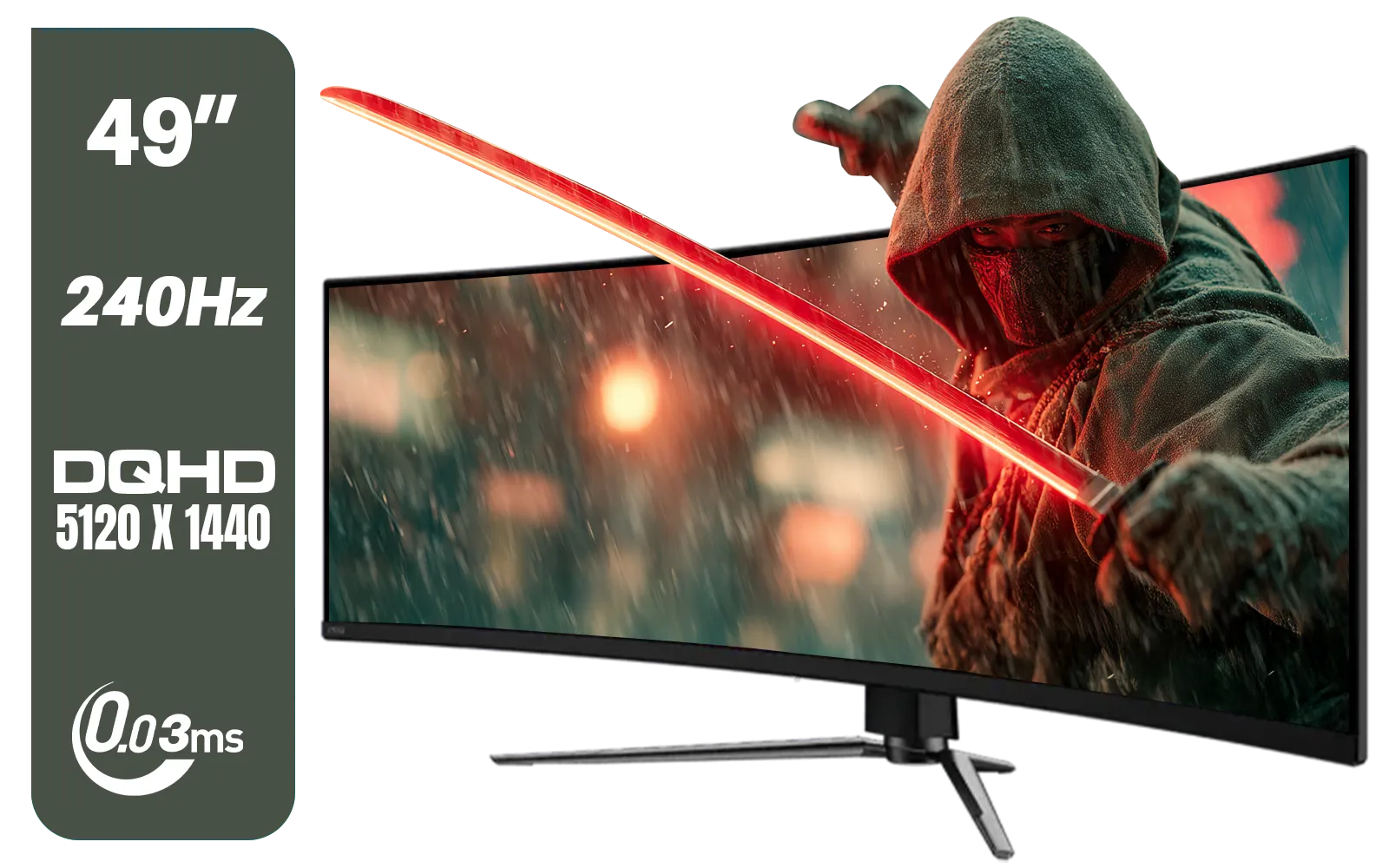
MSI MAG 491CQPX 49" DQHD (5120 x 1440) Curved Gaming Monitor / 0.03ms Response Time / 240Hz Refresh Rate / HDMI 2.1 Support / 9S6-3FA84T-040
R34999.00In Stock

VIEWSONIC VX2758A-2K-PRO-3 27" 2K Gaming Monitor / 240Hz Refresh Rate / 1ms MPRT Response Time / AMD FreeSync™ Premium & NVIDIA G-Sync Compatible / Dual HDMI & DisplayPort Inputs / VX2758A-2K-PRO-3
R5499.00In Stock
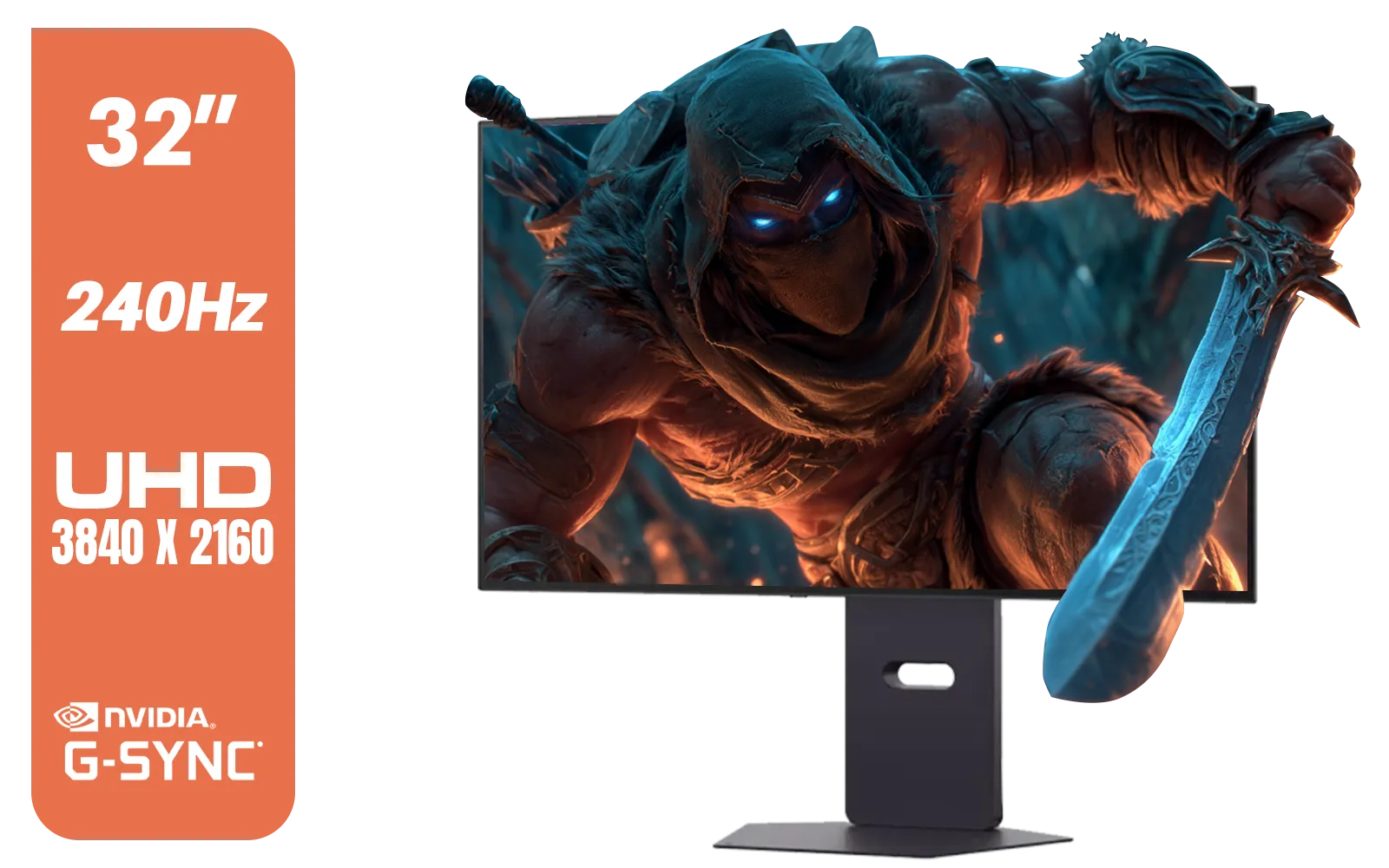
LG 32" UltraGear™ Dual-Mode OLED gaming monitor / 4K UHD / 0.03ms (GtG) / HDR Display True Black 400 / 32GS95UV-B.AFB
R27499.00In Stock
Beyond the Panel: Other Specs to Consider 🔧
While the panel is the heart of the monitor, don't forget other vital specs that complete the picture. Things like Resolution (1080p, 1440p, or 4K), Refresh Rate (Hz), and Adaptive Sync (G-SYNC/FreeSync) are just as important. Even innovative form factors like portable monitors have to make these same panel trade-offs. And once you've picked your screen, don't forget essential monitor accessories like a good VESA mount or quality cables to perfect your setup.
Ready to Find Your Perfect Screen? The IPS vs VA vs TN choice isn't about one being 'best'… it's about what's best for your games and your budget. Whether you need lightning speed or breathtaking colour, we've got the screen for you. Explore our massive range of gaming monitors and find the perfect panel to level up your setup.
Related Products

Targus 24-inch USB-C Docking Computer Monitor w/ 100W PD, Adjustable Height Mac PC Monitor 360 Degree Rotating 24 inch Monitor Gaming Monitor w/Dock, Dual Monitor Compatible / DM4240PUSZ
R1699.00In Stock
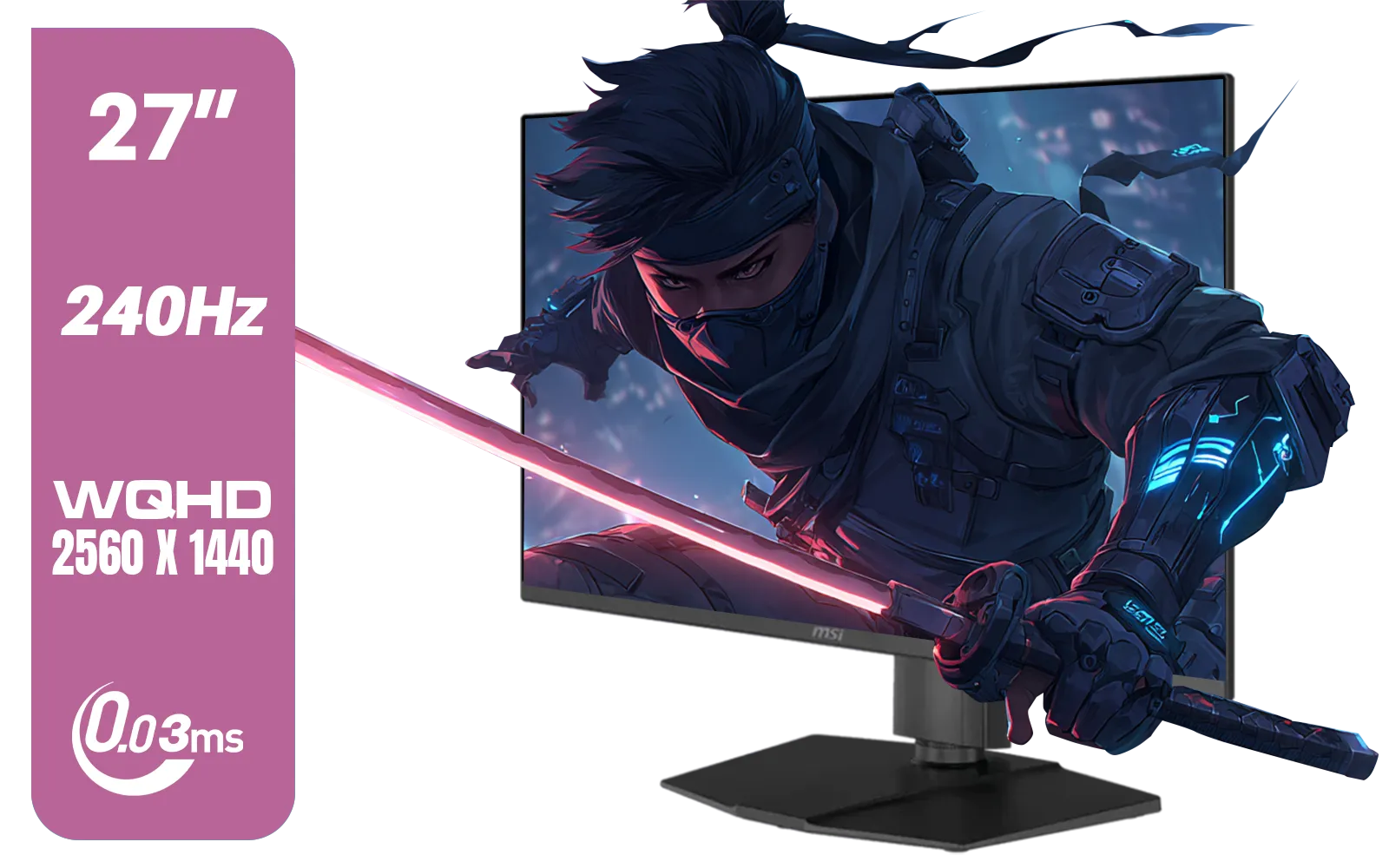
MSI MAG 273QP 27" 2560 x 1440 (WQHD) QD-OLED Monitor / 0.03ms GtG Response Time / 240Hz Refresh Rate / VESA DisplayHDR True Black 400 / 9S6-3CE69H-012
R14999.00In Stock
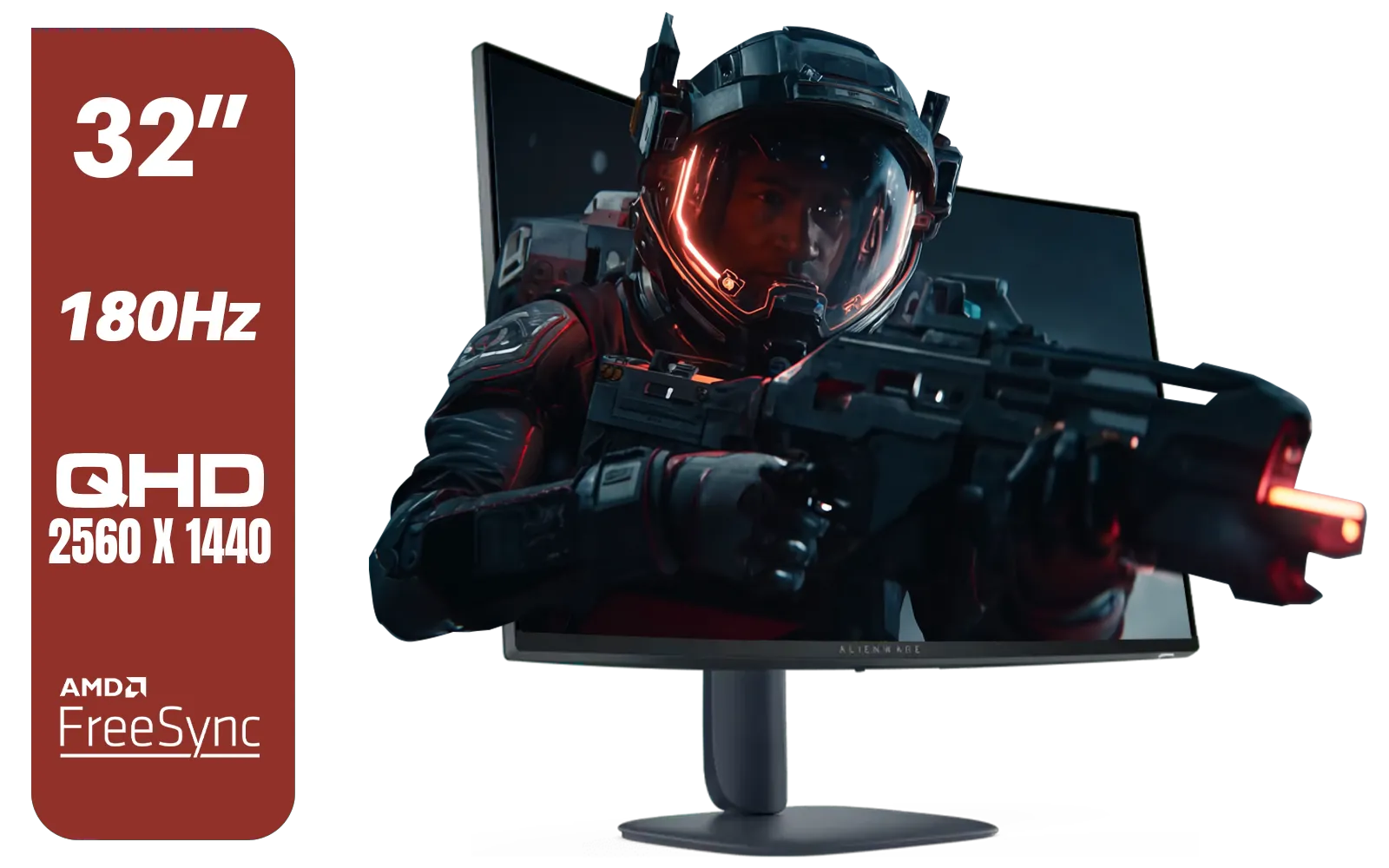
Alienware AW3225DM - 32" Curved Gaming Monitor / 180Hz Refresh Rate / QHD (2560x1440) / 1ms (GTG Extreme Mode) Response Time / AMD FreeSync / AW3225DM
R6499.00In Stock

MSI G321Q 31.5" WQHD IPS 2K Flat Monitor, 170Hz Refresh Rate, 1ms MPRT Response Time, 1.07B Display Colors, 16:9 Aspect Ratio, 1200:1 Contrast Ratio, G-Sync / AMD Freesync, HDR, Black / 9S6-3DB91A-041
R6999.00In Stock
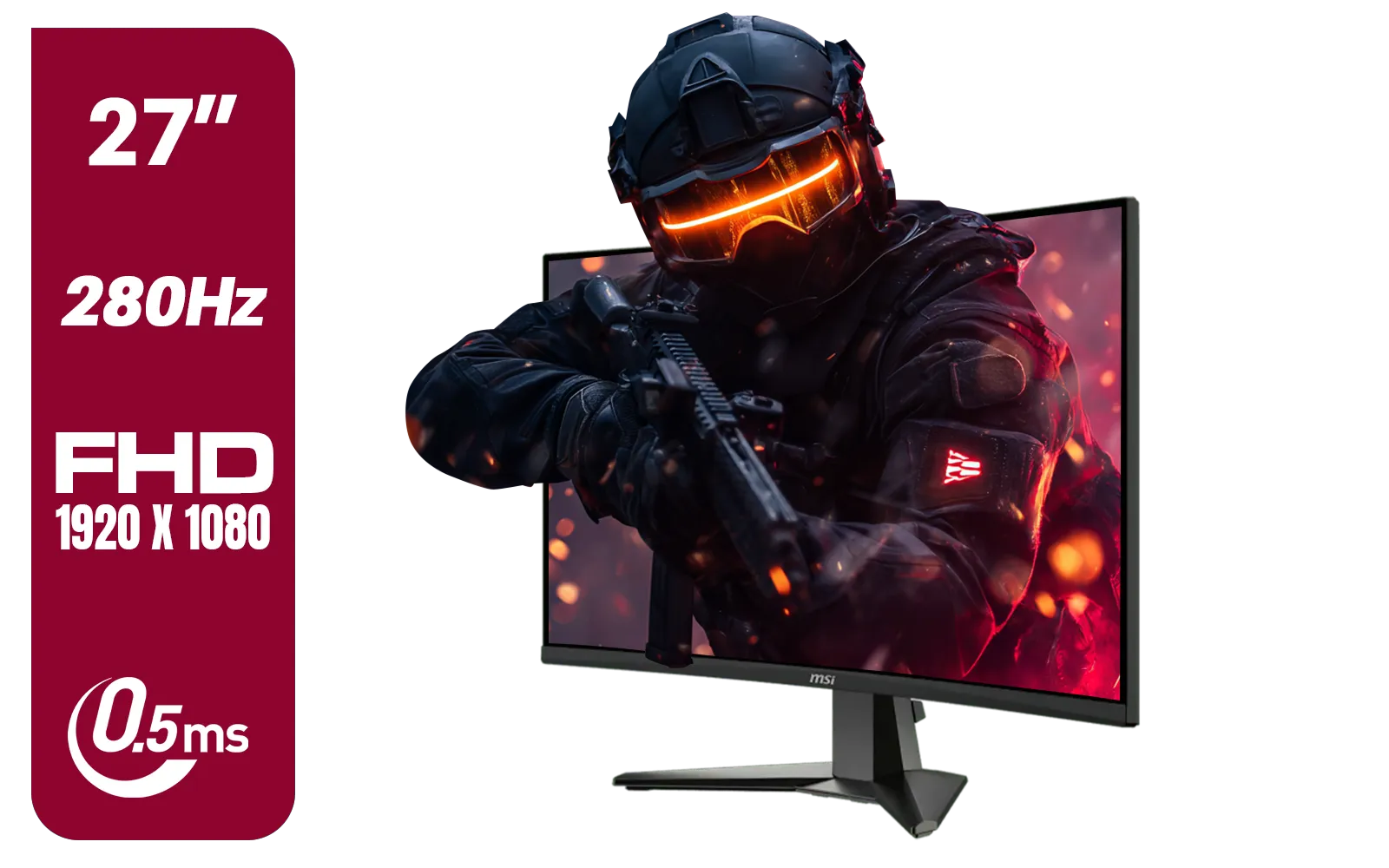
MSI MAG 276CXF 27-inch 1920 x 1080 (FHD) Curved Monitor, 280Hz, HDMI, DisplayPort, VGA Port, VESA Mountable, Tilt, Slim Bezel, 0.5ms, Black / 9S6-3CE01M-037
R4799.00In Stock
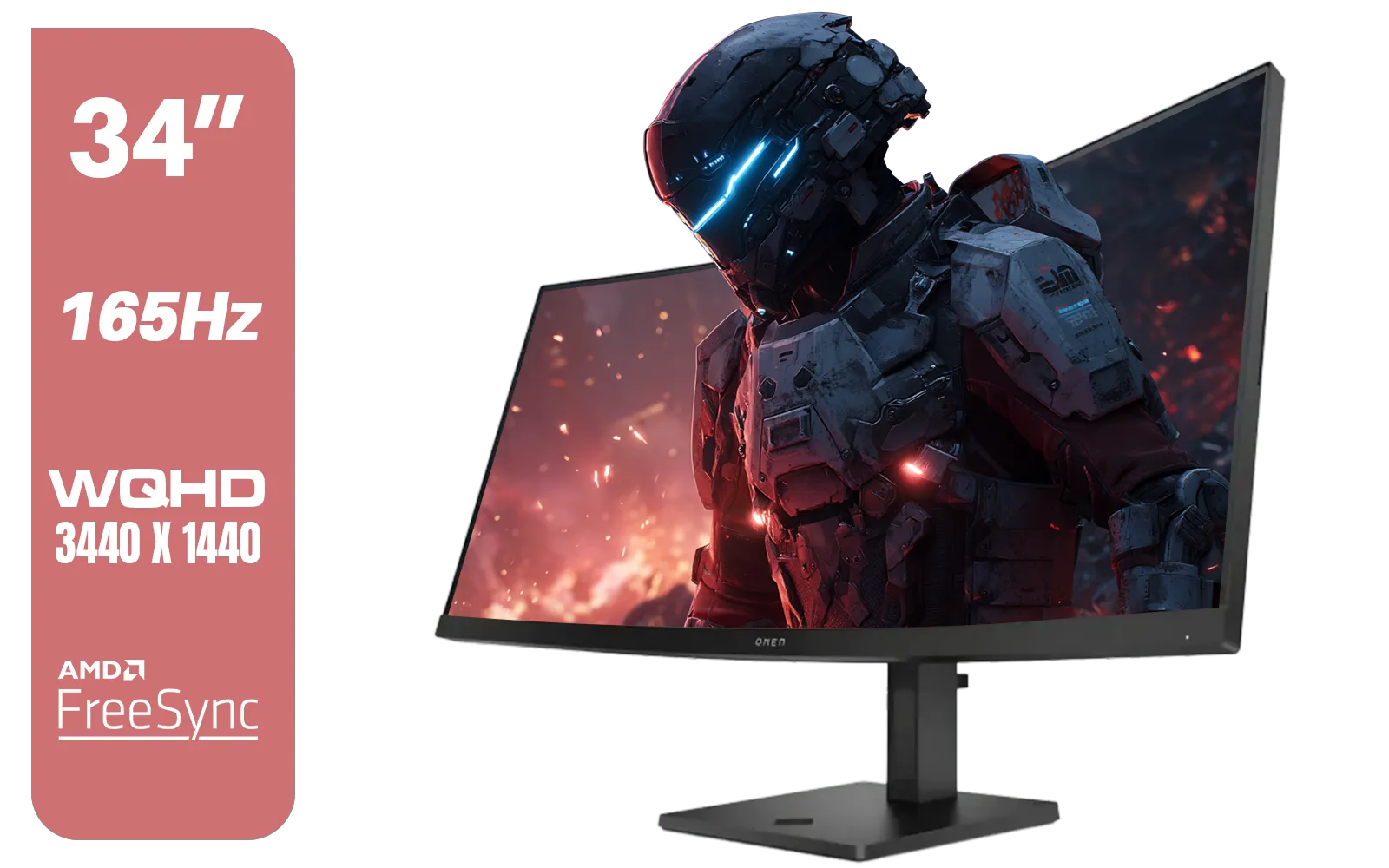
HP OMEN 34c Curved Monitor — 34' WQHD VA 165hz — Gaming Console Compatible — 2x HDMI 2.0 — 1x DisplayPort 1.4 — AMD FreeSync Premium — Dual Speakers — Tilt & height adjustments — VESA Mountable - Black / 780K8AS
R12999.00In Stock
TN panels excel in raw response time and low input lag, making them the top pick for competitive esports where speed matters. (supporting: TN esports monitor)
Yes. IPS panels offer superior colour accuracy and wide viewing angles, ideal for streamers and immersive single-player titles. (supporting: IPS colour accuracy gaming)
VA panels deliver higher native contrast and deeper blacks, making them excellent for dark, cinematic games and HDR content. (supporting: VA high contrast gaming)
Budget VA panels often provide the best mix of contrast, acceptable response times and lower prices for South African gamers on a budget. (supporting: budget rigs)
Both matter: high refresh rates help competitive play, but pairing 144Hz+ with a low-latency panel like TN or fast IPS yields the best results. (supporting: 144hz panel)
Yes. Strong GPUs let you use high-refresh IPS or VA panels at high settings for better visuals, while weaker GPUs may pair better with cheaper TN or lower-res displays. (supporting: best monitor for South African gamers)
IPS is best for multiplayer couch or shared-screen gaming thanks to wider viewing angles and consistent colours across the display. (supporting: viewing angles)











