



Gaming Monitors for Editing: Can They Handle Creative Work?
Wondering if gaming monitors for editing photo and video are viable? We analyze color accuracy, panel types, and calibration to see if one screen can rule them all. 🎨 Find out if high refresh rates compromise your creative workflow today! 🖥️
|
Loading tags...

You’ve just dropped some serious ZAR on a beast of a gaming PC. Your new monitor boasts a lightning-fast refresh rate, and your K/D ratio has never been better. But now you need to edit that winning clutch for YouTube or tweak some photos for a client. Can your prized gaming screen handle it? The question on many a South African gamer's mind is simple: are gaming monitors for editing a viable option, or a compromise you'll regret?
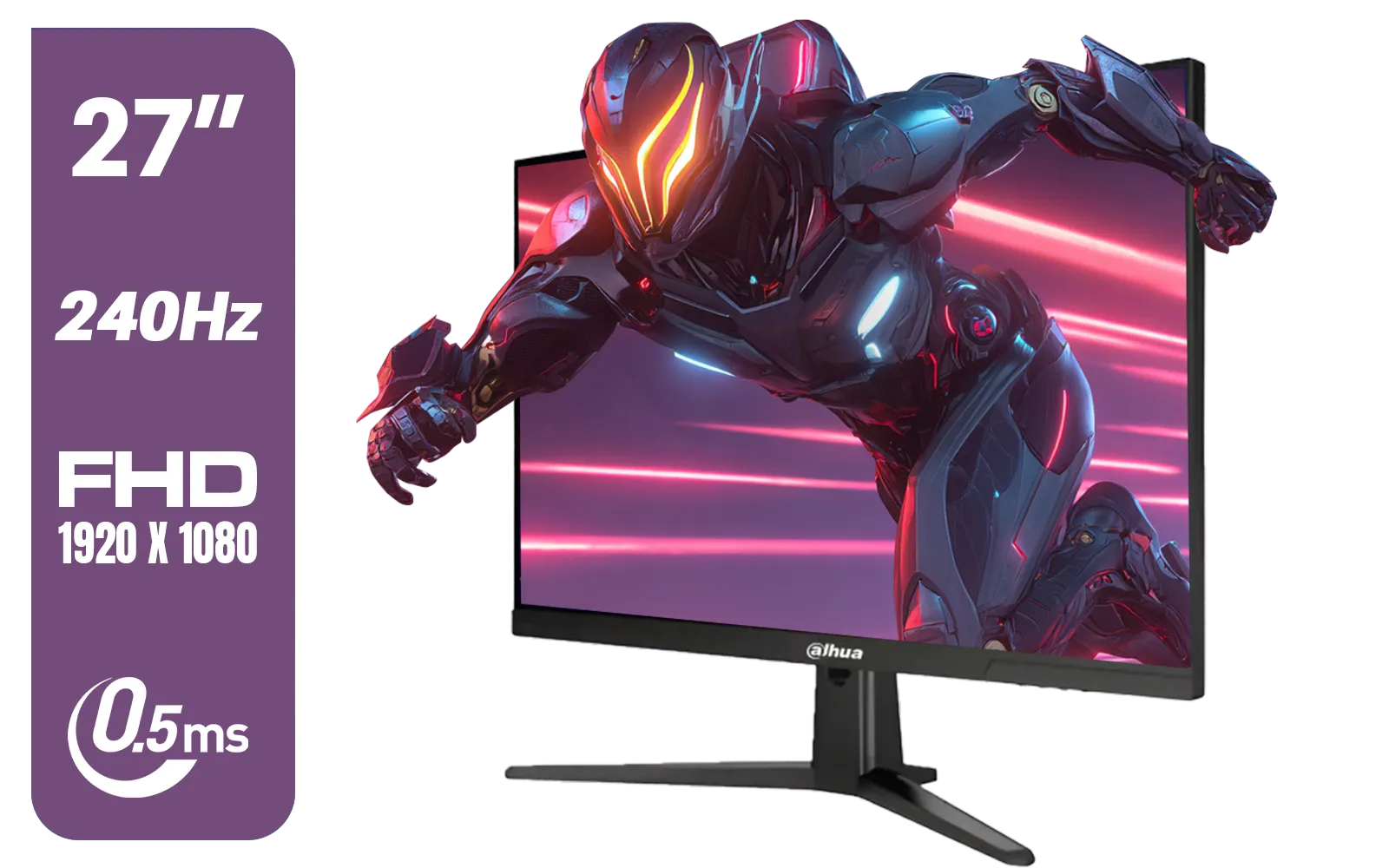
Dahua LM27-E241B 27" Gaming Monitor / FHD 1920 x 1080 / 240Hz Refresh Rate / 0.5ms Response Time / DHI-LM27-E241B
R2499.00In Stock

VIEWSONIC XG2709A 27" LCD Gaming Monitor / 240Hz Refresh Rate / SuperClear® IPS Panel / 1ms MPRT Response Time / AMD FreeSync™ & G-Sync Compatible / HDR10 Support / HDMI & DisplayPort Inputs / XG2709A
R3499.00In Stock
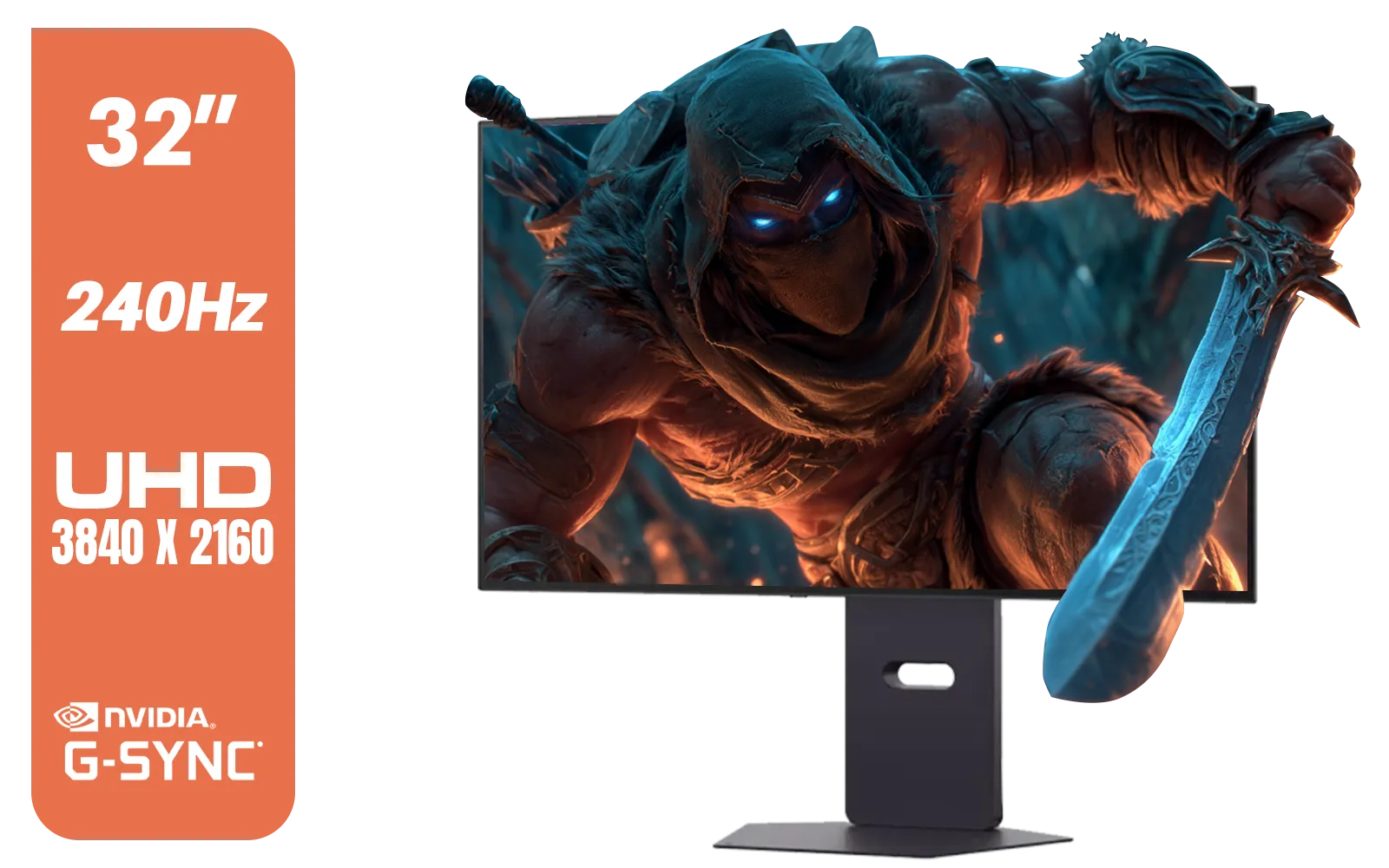
LG 32" UltraGear™ Dual-Mode OLED gaming monitor / 4K UHD / 0.03ms (GtG) / HDR Display True Black 400 / 32GS95UV-B.AFB
R27499.00In Stock
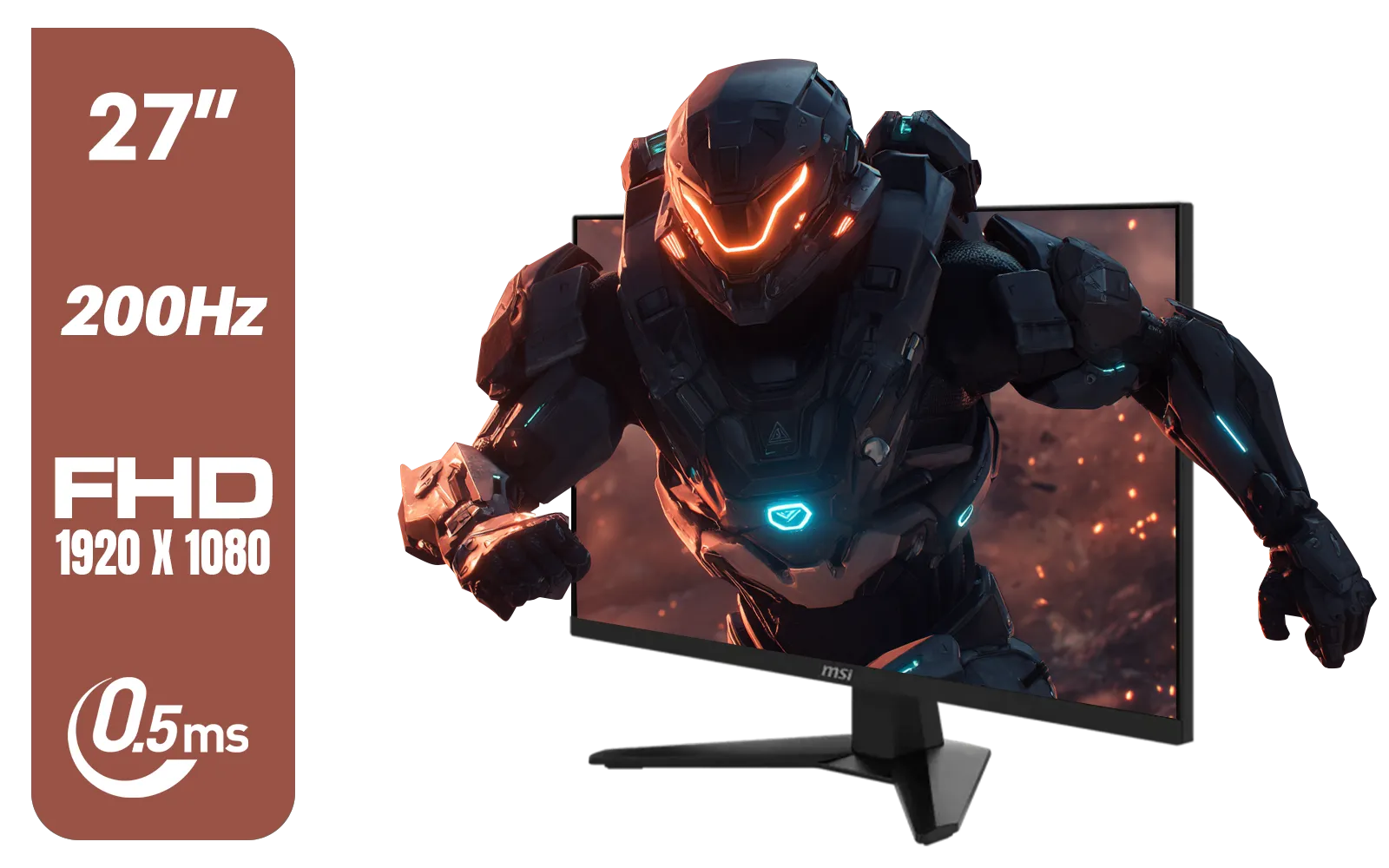
MSI MAG 274F 27" FHD (1920 x 1080) Monitor / 200Hz Refresh Rate / Rapid IPS Panel / 0.5ms Response Time / AI Vision Enhances Brightness, Colors / 9S6-3CE41H-062
R3699.00In Stock
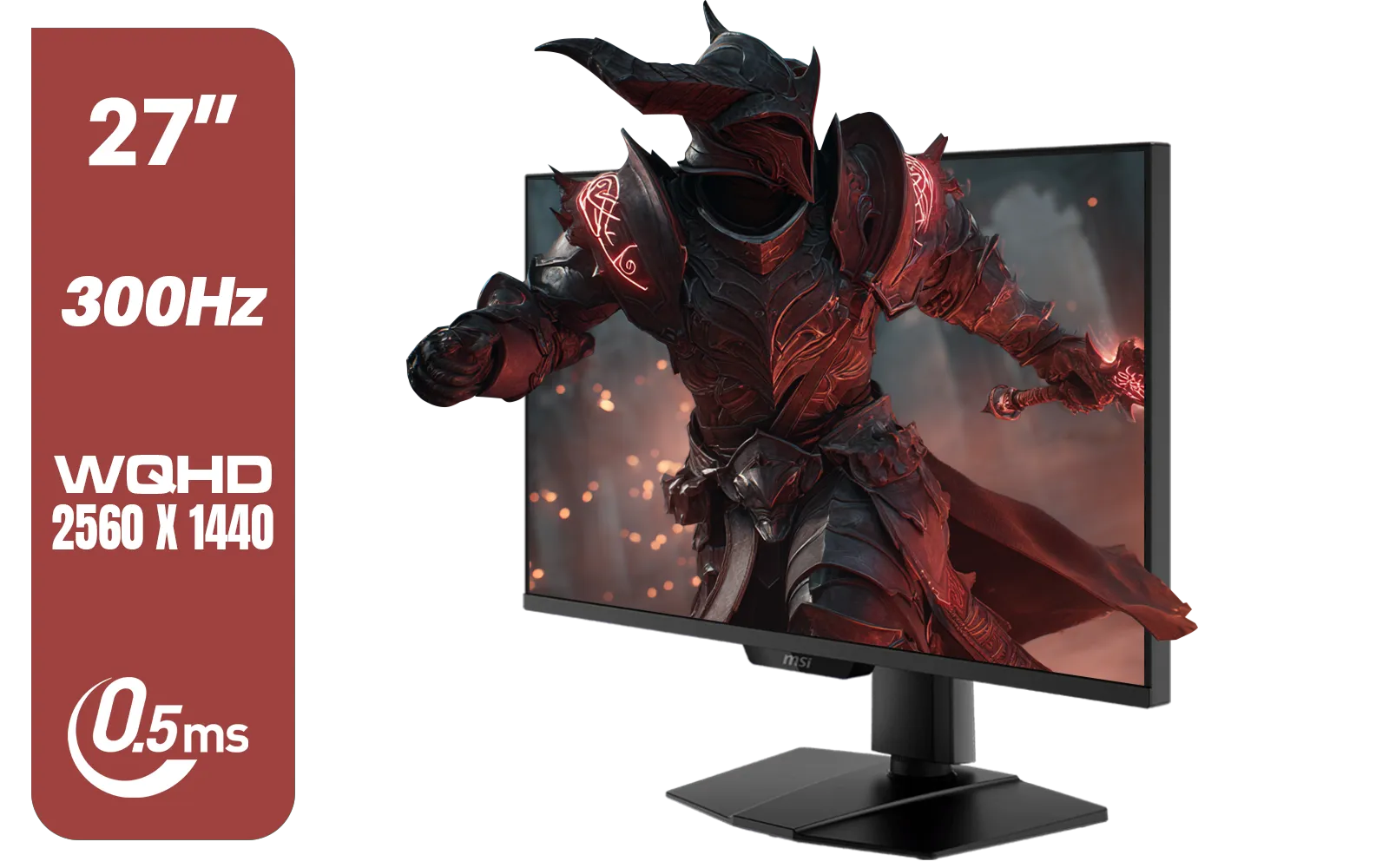
MSI MAG 274QPF X30MV 27" 2560 x 1440 (WQHD) Gaming Monitor / 300Hz Refresh Rate / 0.5ms Response Time / Rapid VA with Mini-LED / 9S6-3CF09H-042
R8799.00In Stock
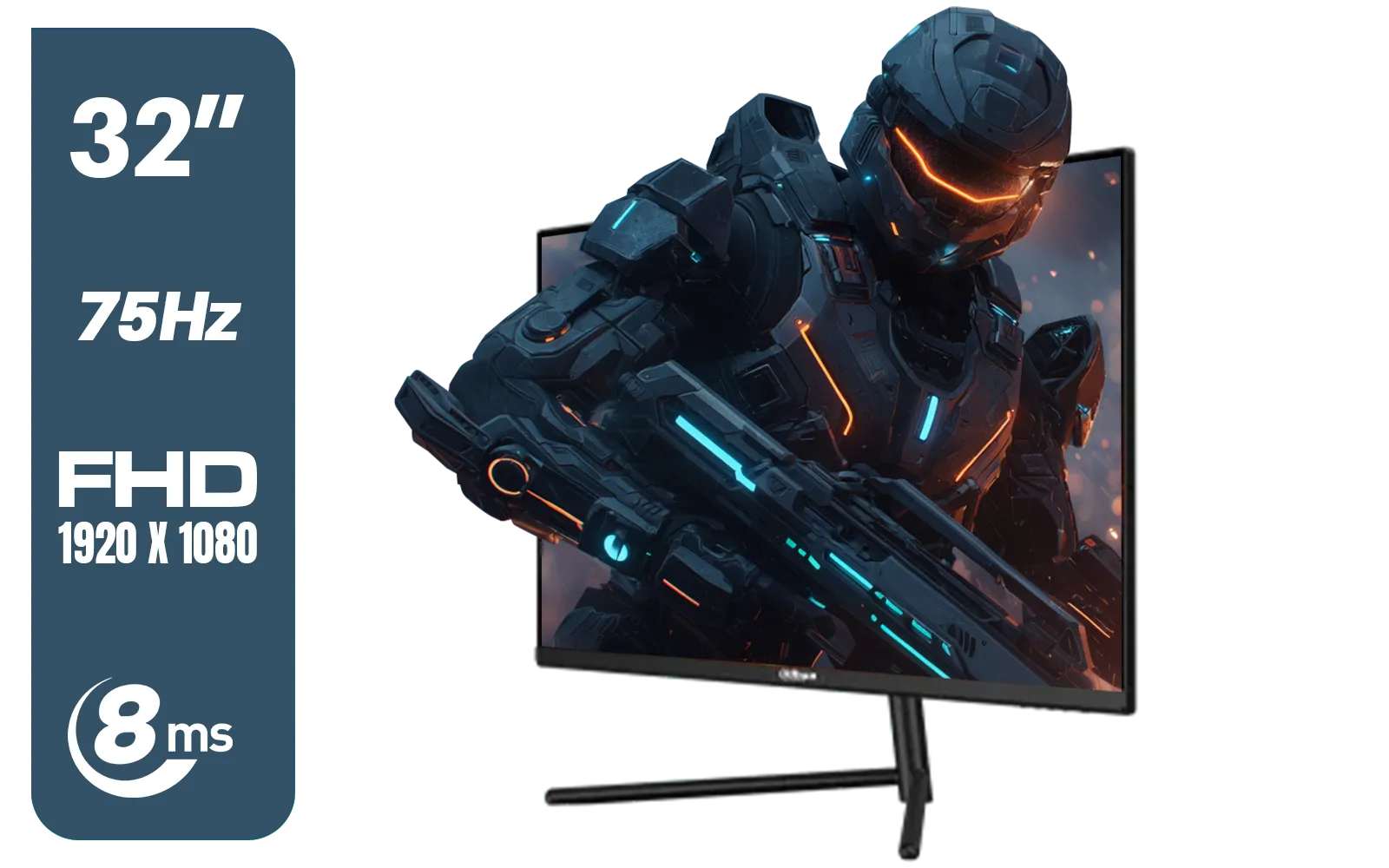
DAHUA DHI-LM32-A200X 32" LED MONITOR / Bezel-less Design / IPS Level-Display / 8ms Response Time / FHD 1920x1080 / 75Hz Refresh Rate / Low Blue Light / DHI-LM32-A200X
R3399.00In Stock
Understanding the Core Differences
At first glance, a monitor is just a monitor, right? Not quite. The technology prioritised for gaming versus professional creative work often sits at opposite ends of the spectrum. Think of it as the difference between a bakkie and a sports car... both are vehicles, but built for very different jobs.
A professional editing monitor's primary goal is colour accuracy. It needs to reproduce colours exactly as they will appear in print or on other calibrated screens. This is measured in colour gamut coverage, like sRGB (for web), Adobe RGB (for print), and DCI-P3 (for video).
A gaming monitor, on the other hand, prioritises speed. High refresh rates (144Hz and above) and low response times (1ms) are king, ensuring buttery-smooth visuals and no distracting motion blur. While these specs are fantastic for landing headshots, they don't say much about a monitor's ability to show a true-to-life red or a subtle gradient in a photo.
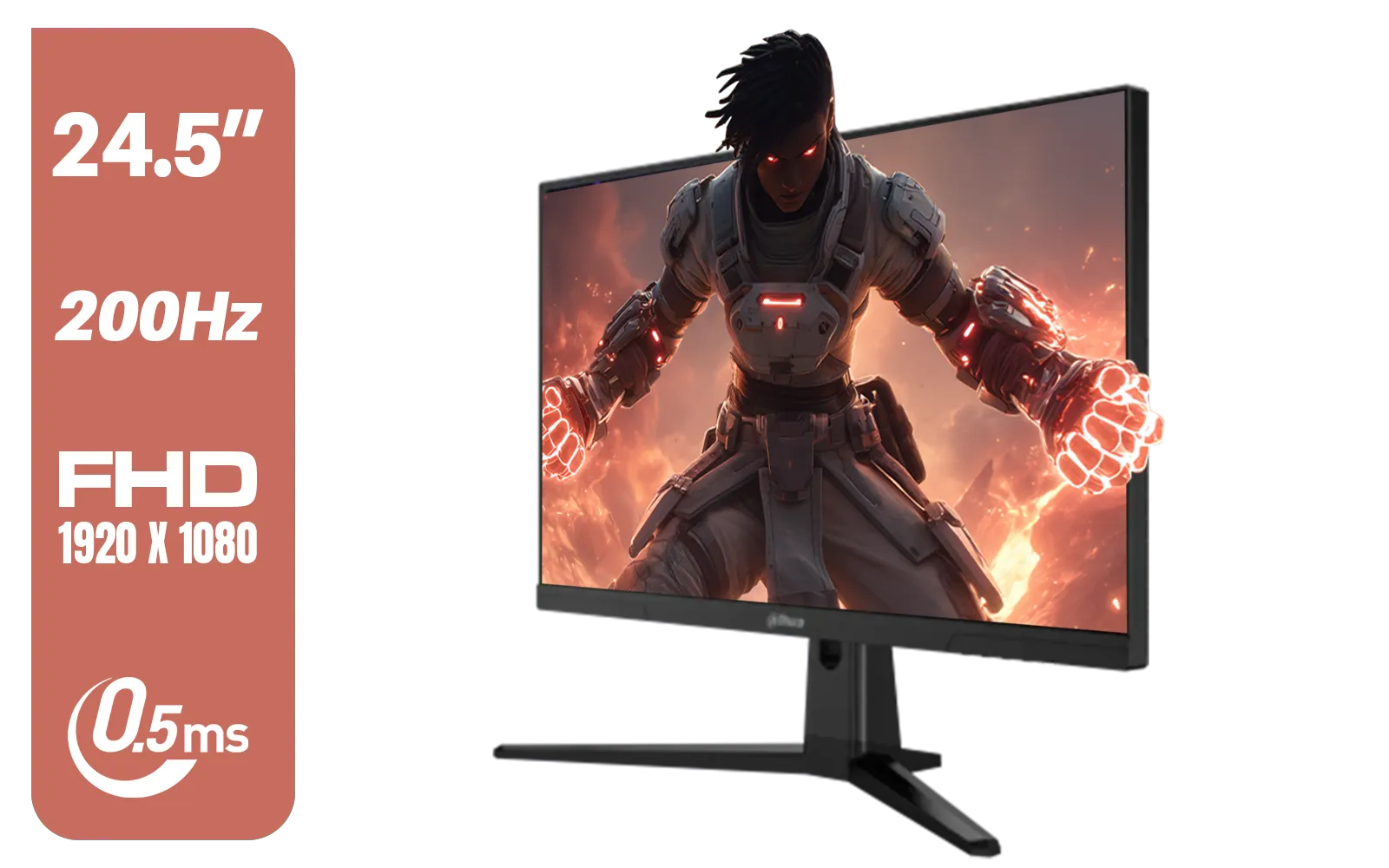
Dahua LM25-E231BN 24.5" Monitor / FHD 1920 x 1080 / 200Hz Refresh Rate / 0.5ms Response Time / DHI-LM25-E231BN
R2199.00In Stock

AOC AGON AG275QXR 27" QHD 2K 170Hz Gaming Monitor - Pink - 2022 Edition ,IPS, Flicker-free technology, AMD FreeSync Premium, G-SYNC Compatible / AOC-AG275QXR
R6999.00In Stock
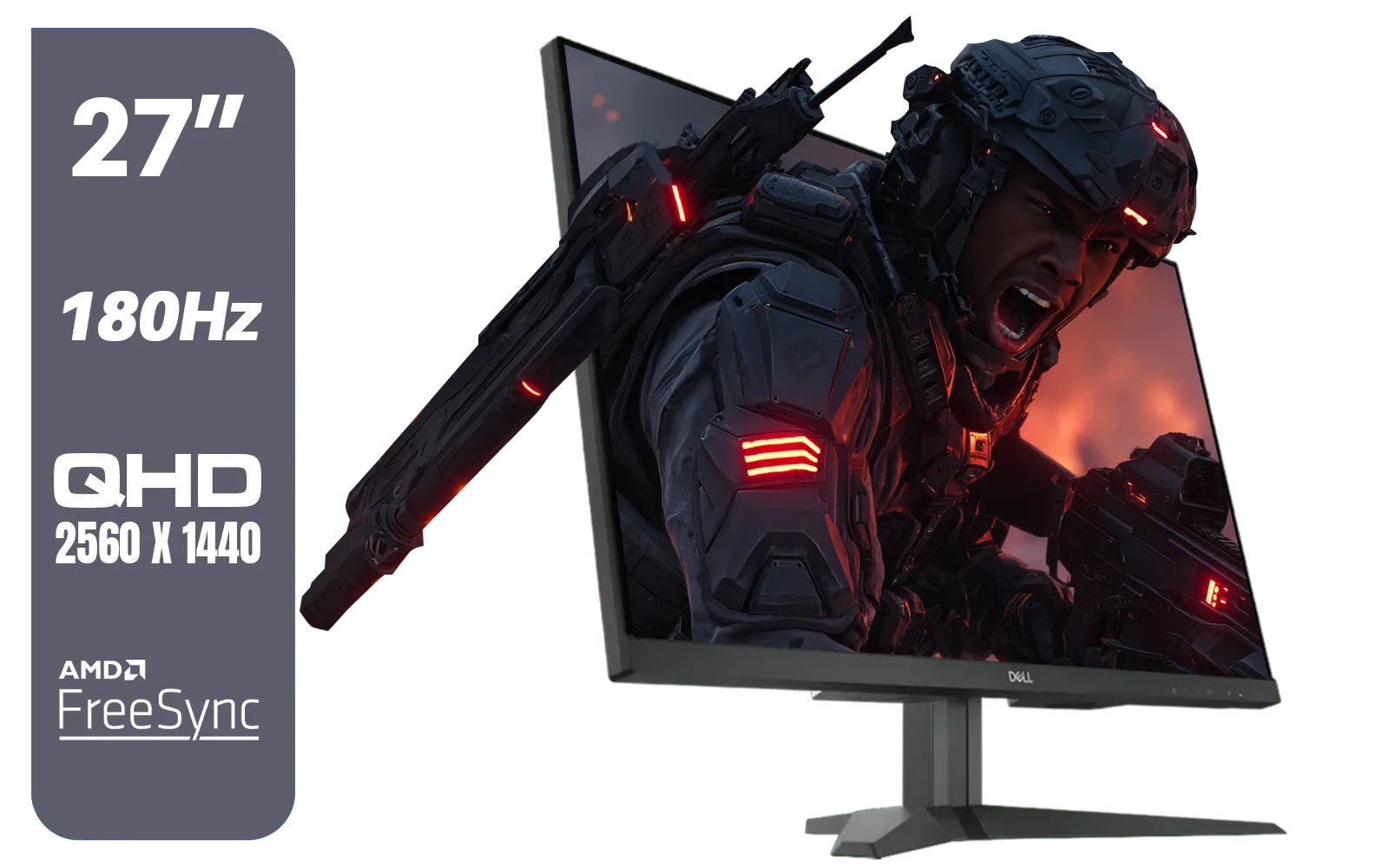
Dell G2725D 27" Gaming Monitor / QHD 2560 x 1440 / 180Hz Refresh Rate / AMD Freesync / 1ms Response Time / G2725D
R4299.00In Stock
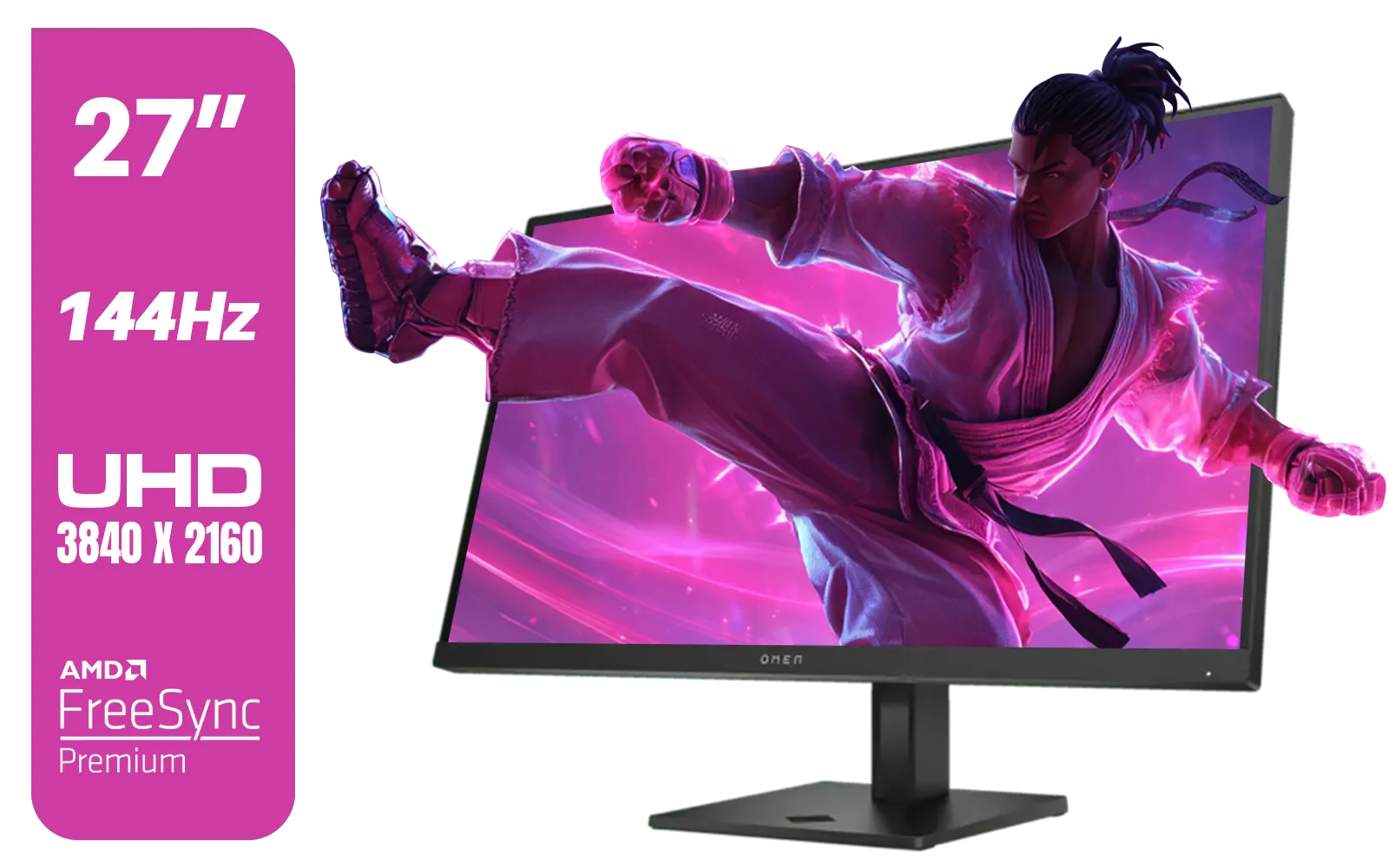
HP OMEN 27k UHD 144Hz Gaming Monitor - Black / 1ms / 27" 4K UHD (3840 x 2160) Anti-glare Display / AMD Freesync™ Premium / Integrated Speakers / Pivot Rotation and Height Adjustable / 780G8AS
R16499.00In Stock
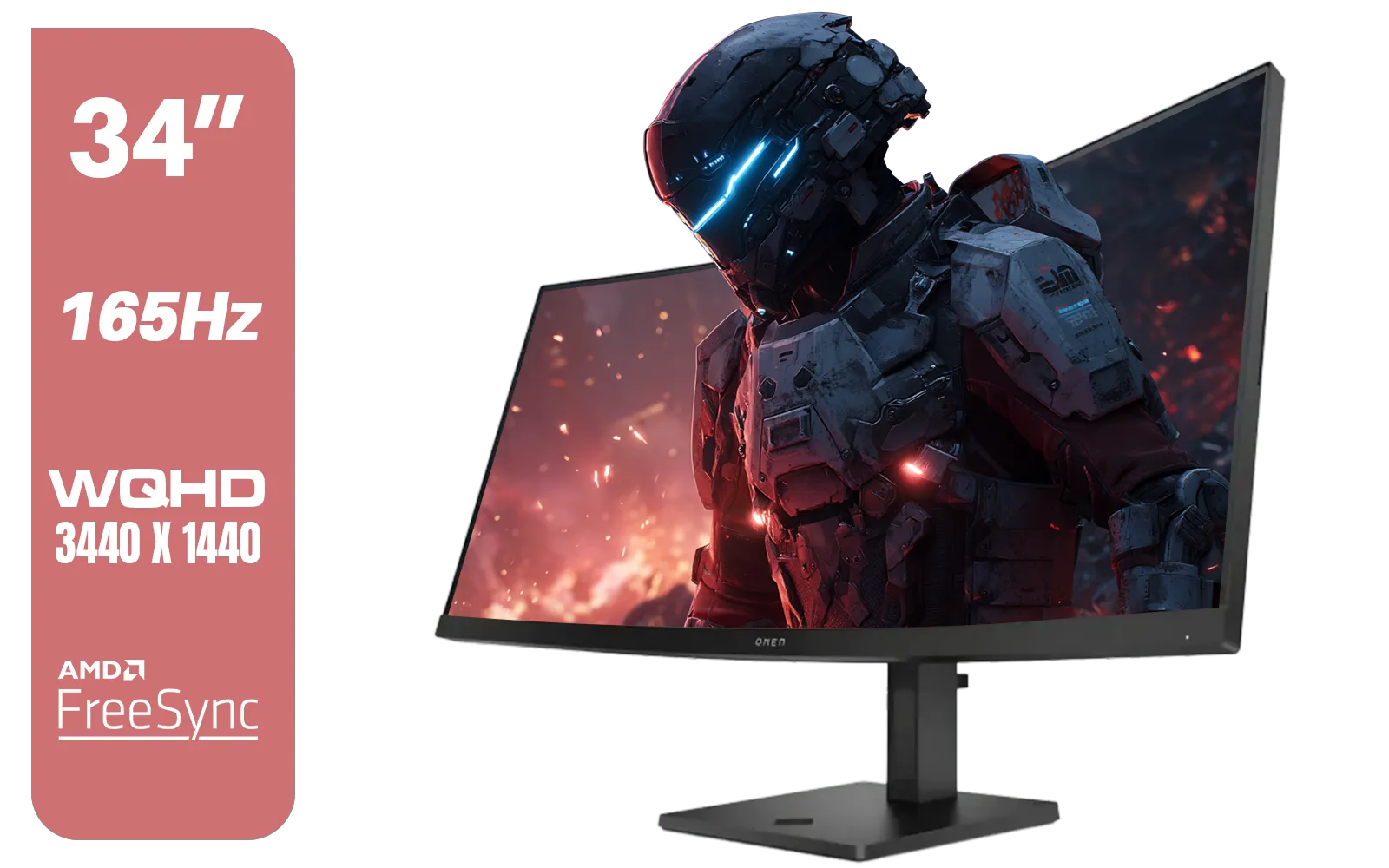
HP OMEN 34c Curved Monitor — 34' WQHD VA 165hz — Gaming Console Compatible — 2x HDMI 2.0 — 1x DisplayPort 1.4 — AMD FreeSync Premium — Dual Speakers — Tilt & height adjustments — VESA Mountable - Black / 780K8AS
R12999.00In Stock
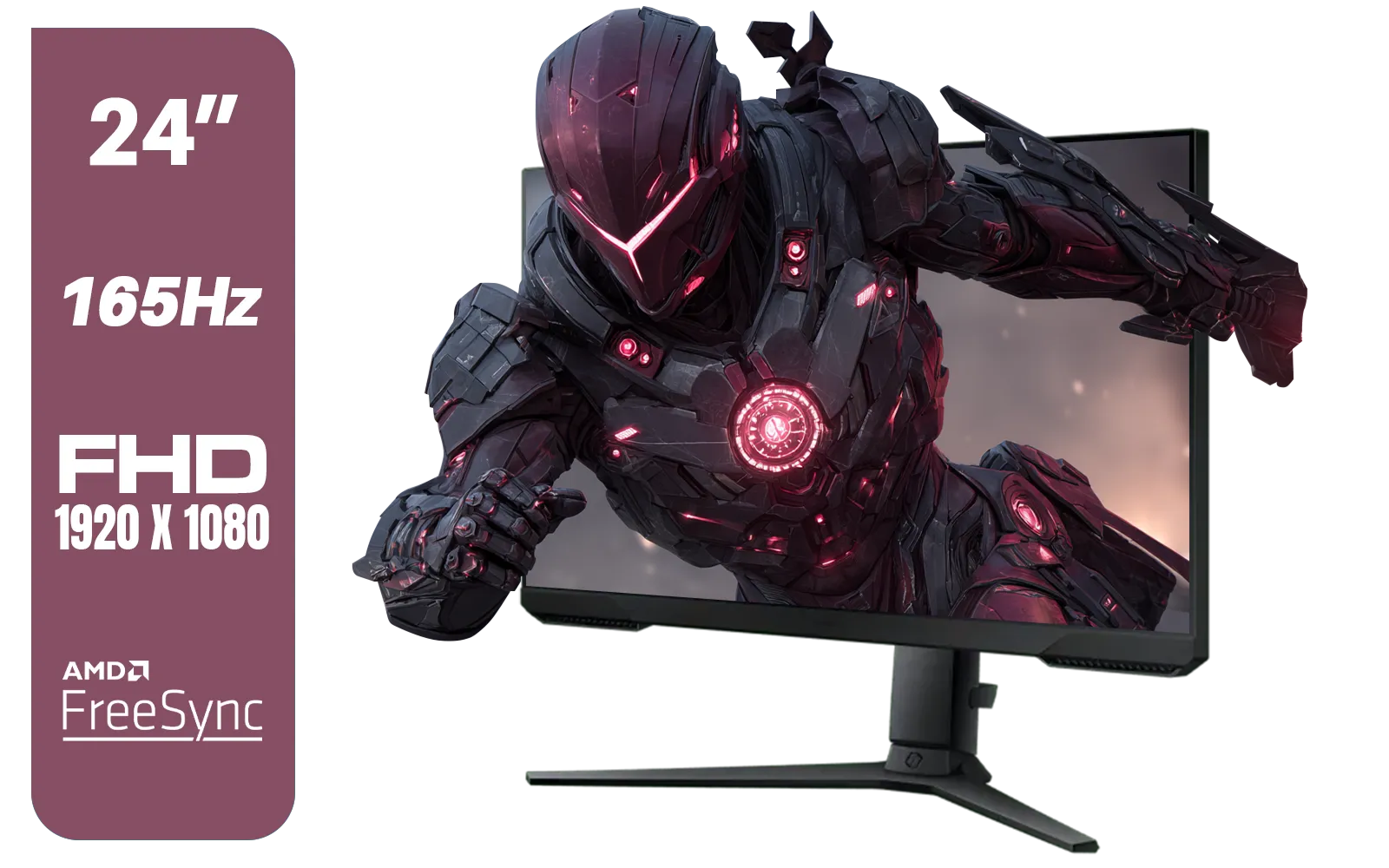
SAMSUNG 24" Odyssey G32A FHD 1ms 165Hz Gaming Monitor with Eye Saver Mode, Free-Sync Premium, Height Adjustable Screen for Gamer Comfort, VESA Mount Capability / LS24AG320NAXXA
R3199.00In Stock
Can Your Gaming Monitor Handle Creative Work?
The short answer is: maybe. The golden era of display technology means the lines are blurring. Many modern gaming monitors for editing and creative work are surprisingly capable, especially if you know what to look for. The key lies in the panel type.
Panel Types: The Big Three
- IPS (In-Plane Switching): This is the champion for colour accuracy and wide viewing angles. Historically, IPS panels were slower, but modern versions offer fantastic response times, making them the best all-rounders. If you're serious about using a single monitor for both gaming and editing, an IPS panel is your best bet. The detail available on modern 4K monitors with IPS technology is simply stunning for creative tasks.
- VA (Vertical Alignment): Known for their excellent contrast ratios, VA panels deliver deep, inky blacks. They offer a good middle ground between IPS and TN panels in terms of colour and speed, making them a popular choice. Many creators also swear by the immersion of curved monitors, which frequently use VA panels.
- TN (Twisted Nematic): These are the speed demons. TN panels are often the cheapest and offer the fastest response times, but they typically have the worst colour reproduction and poor viewing angles. If you're a competitive esports player, a TN panel is great... but for any serious creative work, it's a hard pass.
So, if you own an IPS or a high-quality VA gaming monitor, you're likely in a good position. Your screen can probably pull double duty without major issues. You can browse our full range of all gaming monitors to see the huge variety of panel types available today.
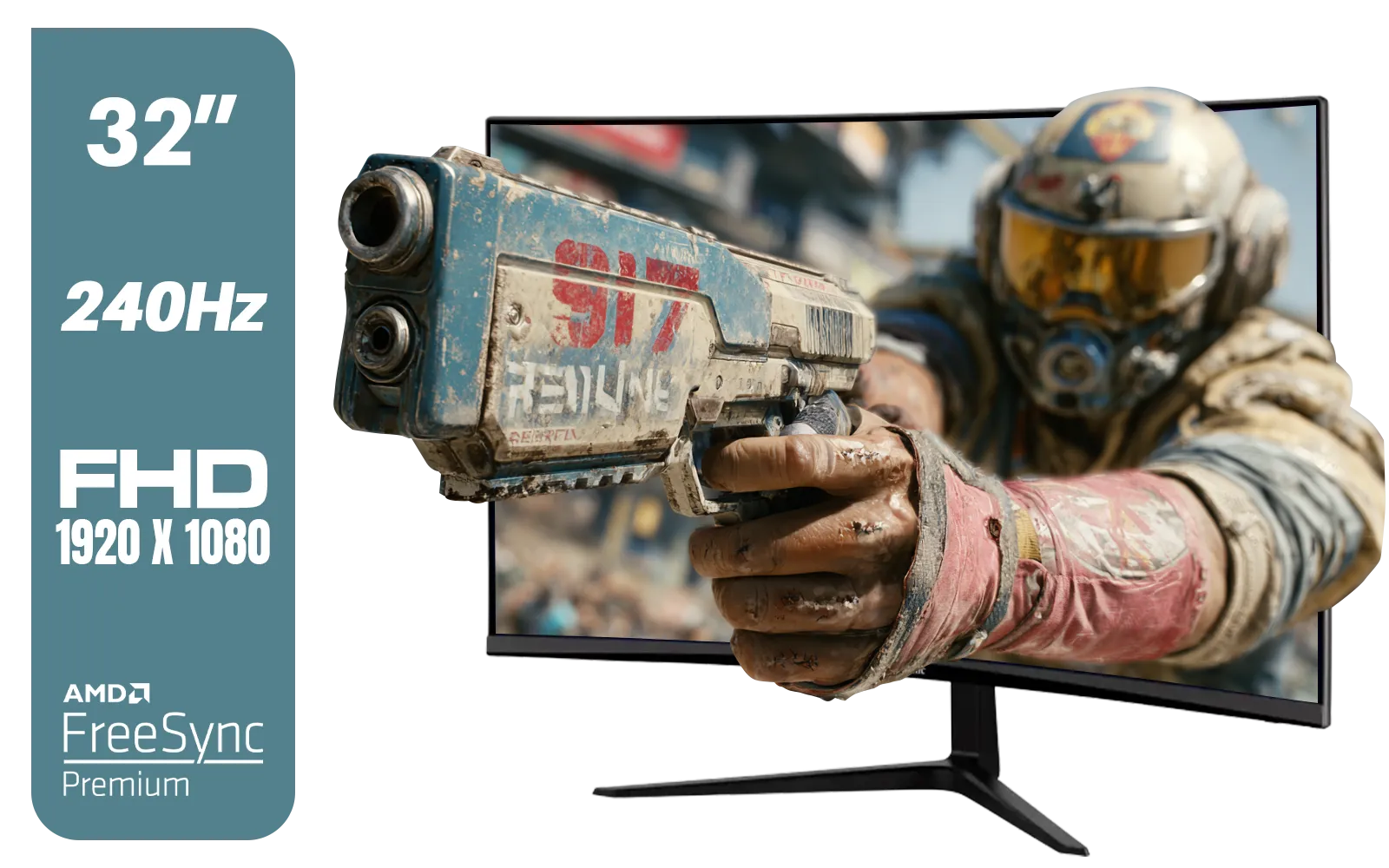
ViewSonic VX3219 32" Curved Gaming Monitor / Full HD (1920 x 1080) / 240Hz Refresh Rate / 1ms MPRT Response Time / Adaptive Sync Prevents Screen Tearing / 1500R Curve Ultimate Immersion / VX3219-PC-MHD-SN
R4899.00In Stock
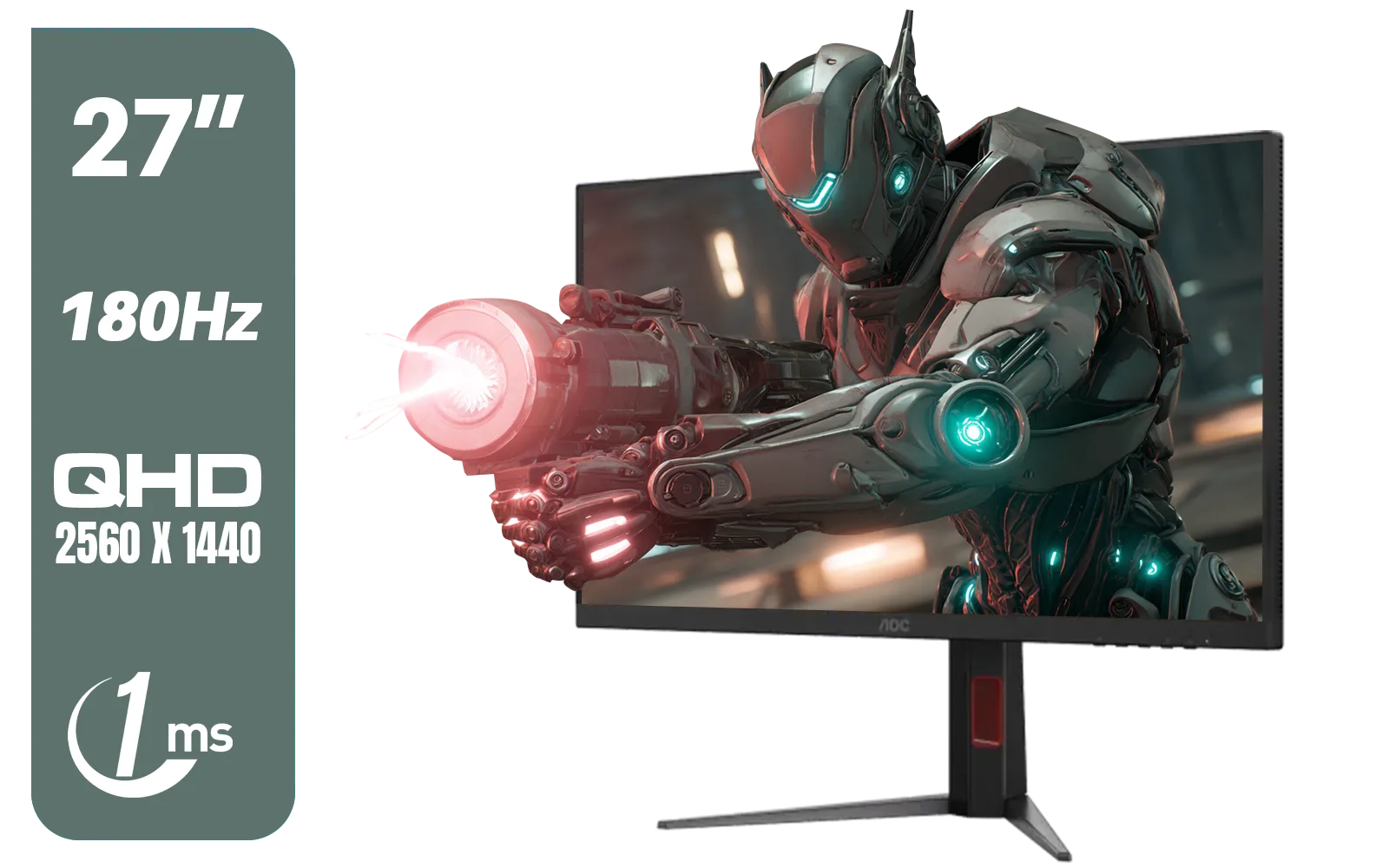
AOC Q27G4XM 27" Mini-LED Gaming Monitor / QHD (2560 × 1440) Resolution / 180Hz Refresh Rate / 1ms Response Time / Fast IPS Panel / Display HDR 1000 / Q27G4XM
R10299.00In Stock
AOC AGON AG275QXR 27" QHD 2K 170Hz Gaming Monitor - Pink - 2022 Edition ,IPS, Flicker-free technology, AMD FreeSync Premium, G-SYNC Compatible / AOC-AG275QXR
R6999.00In Stock
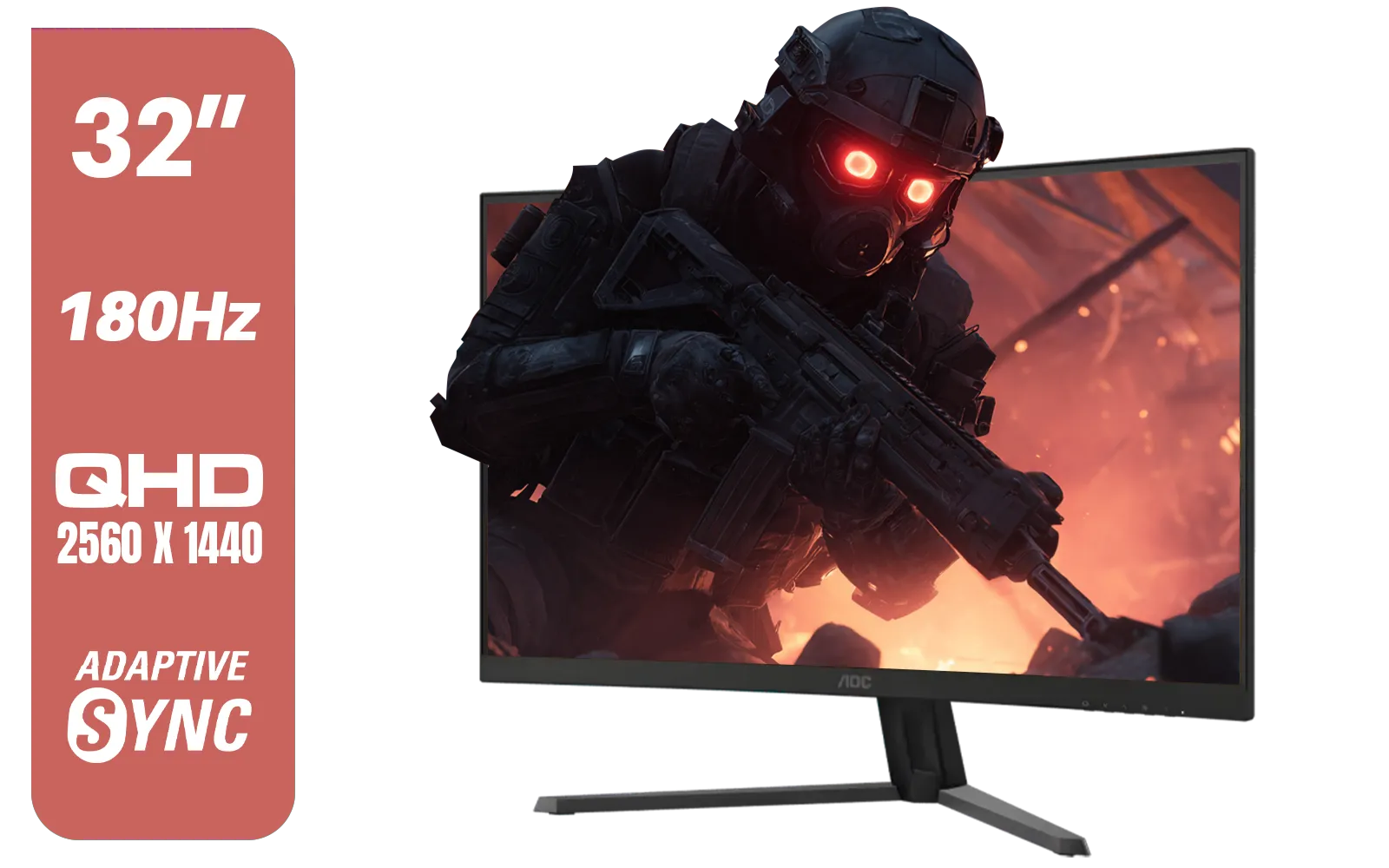
AOC CQ32G4E 32" Curved Gaming Monitor / QHD (2560x1440) / 180Hz Refresh Rate / 0.5ms Response Time (MPRT) / HDR10 / Adaptive Sync / CQ32G4E
R5999.00In Stock

DELL 27 MONITOR SE2725HM VGA HDMI 210-BQZW / (1920 x 1080) Display resolution / IPS level Display / 5ms Response Time / 178° Verticaland Horizontal Viewing Angle / SE2725HM
R2299.00In Stock
HP OMEN 27k UHD 144Hz Gaming Monitor - Black / 1ms / 27" 4K UHD (3840 x 2160) Anti-glare Display / AMD Freesync™ Premium / Integrated Speakers / Pivot Rotation and Height Adjustable / 780G8AS
R16499.00In Stock
Optimising a Gaming Monitor for Editing 🔧
Even the best gaming monitor can benefit from a few tweaks to get it ready for creative workloads. You don't just have to live with the factory settings. Taking a few minutes to optimise your display can make a world of difference.
First, dive into your monitor's on-screen display (OSD) menu. Look for picture modes like "sRGB," "Cinema," or "Standard." These modes often disable the aggressive colour saturation and sharpening found in "Gaming" or "FPS" modes, giving you a more neutral and accurate picture.
Second, consider your workspace. Proper lighting is crucial for colour-critical work. Avoid direct sunlight on your screen and try to use neutral, ambient lighting in your room. This ensures the colours you see are from the monitor, not a reflection. For creators on the go, even adding one of today's versatile portable monitors as a second screen for your tools and palettes can dramatically improve your workflow.
TIP FOR YOU
Pro Tip: Calibration is Key ⚡
truly professional results, nothing beats a hardware calibration tool. Devices like a Datacolor Spyder or Calibrite ColorChecker create a custom colour profile (an ICC profile) for your specific monitor and lighting conditions. This ensures your colours are as accurate as your panel will allow. It's a small investment that pays off big, and you can find them among other essential [monitor accessories](https: www.evetech.co.za PC-Components buy-monitor-accessories-368.aspx).
Ultimately, using gaming monitors for editing is no longer the massive compromise it once was. With the rise of high-quality IPS panels, you can absolutely have a screen that delivers thrilling gaming performance and accurate colours for your creative projects. It’s about choosing wisely and spending a little time on setup. ✨
Ready to Find Your Perfect Display? Whether you're a competitive gamer, a creative pro, or both, the right screen makes all the difference. Stop compromising and find a monitor that can keep up with all your passions. Explore our massive range of PC monitors and find the perfect display to conquer your world.
Related Products
DAHUA DHI-LM32-A200X 32" LED MONITOR / Bezel-less Design / IPS Level-Display / 8ms Response Time / FHD 1920x1080 / 75Hz Refresh Rate / Low Blue Light / DHI-LM32-A200X
R3399.00In Stock
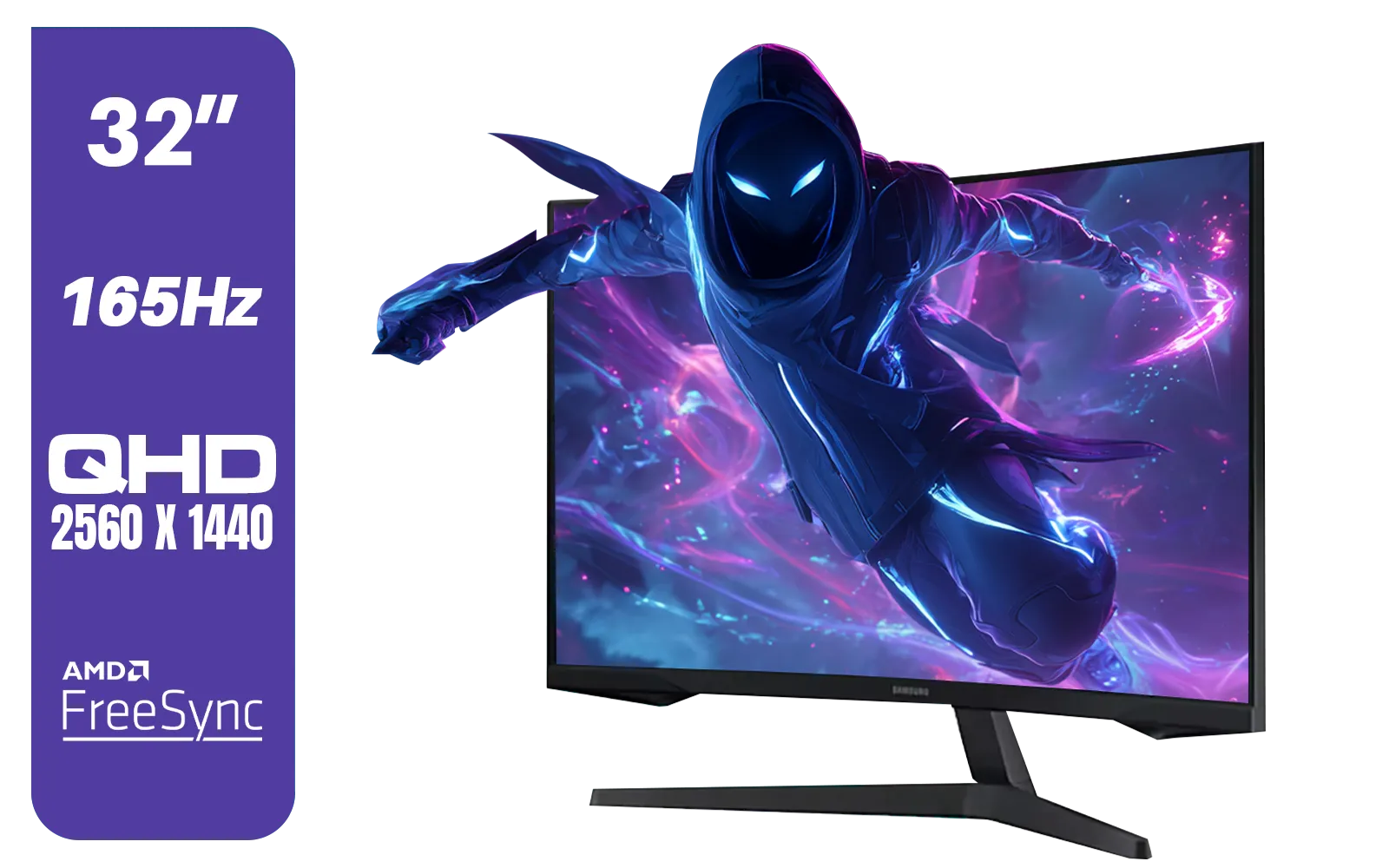
Samsung 32" Odyssey G55C QHD (2560 x 1440) Curved Gaming Monitor / 165Hz refresh rate & 1ms response time (MPRT) / 1000R Curved Screen / AMD FreeSync / LS32CG552EAXXA
R5999.00In Stock
HP OMEN 27k UHD 144Hz Gaming Monitor - Black / 1ms / 27" 4K UHD (3840 x 2160) Anti-glare Display / AMD Freesync™ Premium / Integrated Speakers / Pivot Rotation and Height Adjustable / 780G8AS
R16499.00In Stock
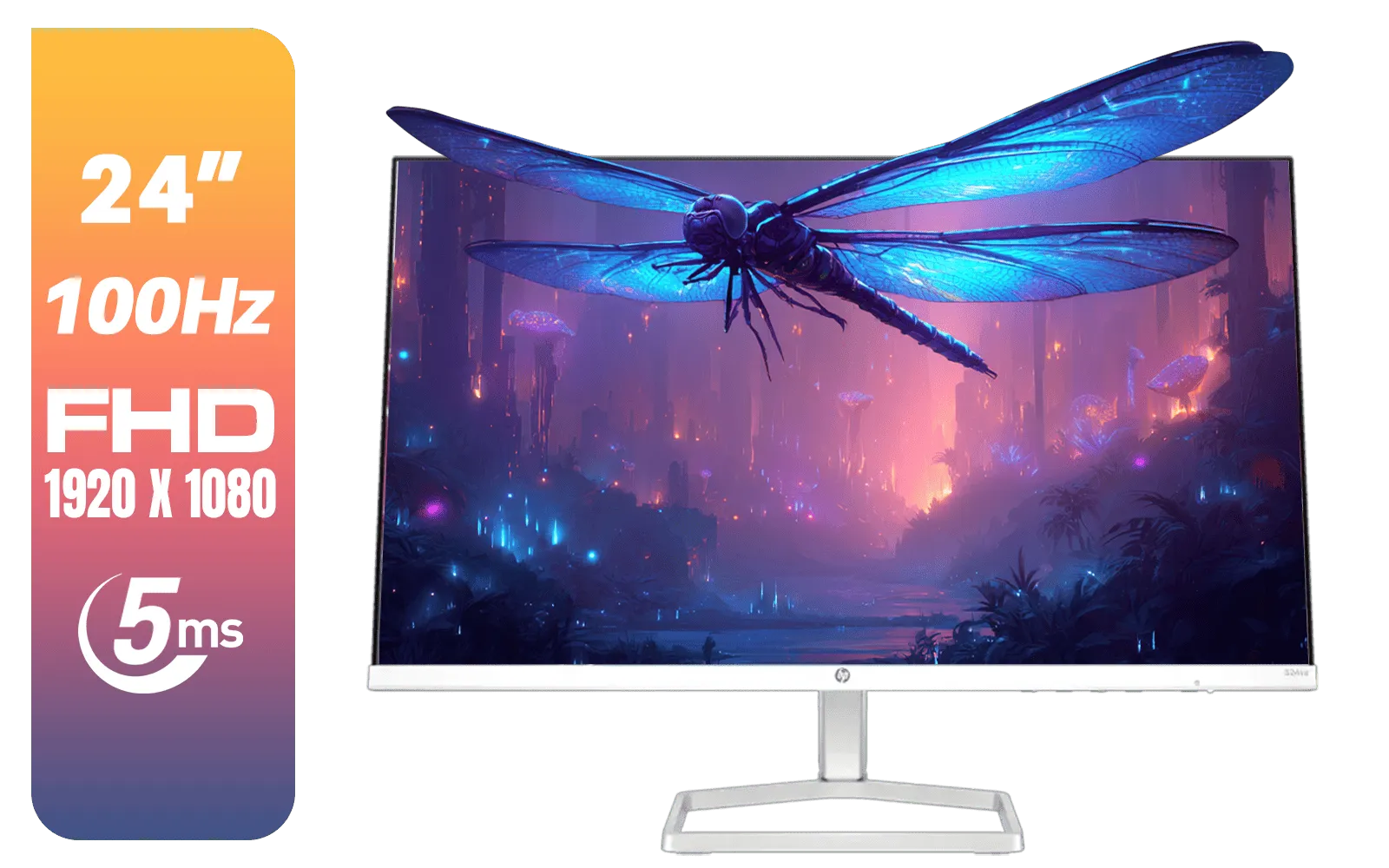
HP 524SA G5 FHD Gaming Monitor - White/Silver / 24" FHD (1920 x 1080) / IPS Panel / 1x HDMI 1.4, 1x VGA / Eye Ease with Eyesafe Certification / 94C36AS
R4199.00In Stock

Dahua LM27-A200V 27" Monitor / FHD 1920 x 1080 / 100Hz Refresh Rate / 5ms Response Time / DHI-LM27-A200V
R2499.00In Stock

MSI G321Q 31.5" WQHD IPS 2K Flat Monitor, 170Hz Refresh Rate, 1ms MPRT Response Time, 1.07B Display Colors, 16:9 Aspect Ratio, 1200:1 Contrast Ratio, G-Sync / AMD Freesync, HDR, Black / 9S6-3DB91A-041
R6999.00In Stock
Yes, provided they use high-quality IPS panels with wide color gamuts like DCI-P3 or Adobe RGB. Standard TN gaming panels often lack the necessary color accuracy.
While not critical for playback, a high refresh rate makes the UI feel smoother and reduces eye strain during long timeline scrubbing sessions.
IPS (In-Plane Switching) panels are superior for photo editing due to their consistent viewing angles and superior color reproduction compared to VA or TN panels.
4K is highly recommended for video editing to view full-resolution footage while keeping UI tools visible, offering better pixel density for detailed photo work.
Curved monitors can distort straight lines, making them less ideal for architectural design or precise geometry work, though they are fine for general video editing.
sRGB is the standard web color space, while DCI-P3 offers a wider range of colors (gamut), essential for HDR video editing and cinematic content creation.








