



Gaming Response Time: How Milliseconds Shape Your Play
Gaming response time explains how milliseconds affect input lag, aim precision, and perceived smoothness. Learn concrete tweaks and hardware tips to shave ms and win more 🎮⚡
|
Loading tags...

You lined up the perfect headshot, clicked… and still got taken out. Sound familiar? For South African gamers, that split-second difference between victory and the Gulag often isn't just about skill or internet lag. It could be your monitor. Understanding gaming response time is crucial, as those few milliseconds are the invisible barrier between seeing your enemy and being seen first. It’s the secret sauce to buttery-smooth visuals and a real competitive edge.
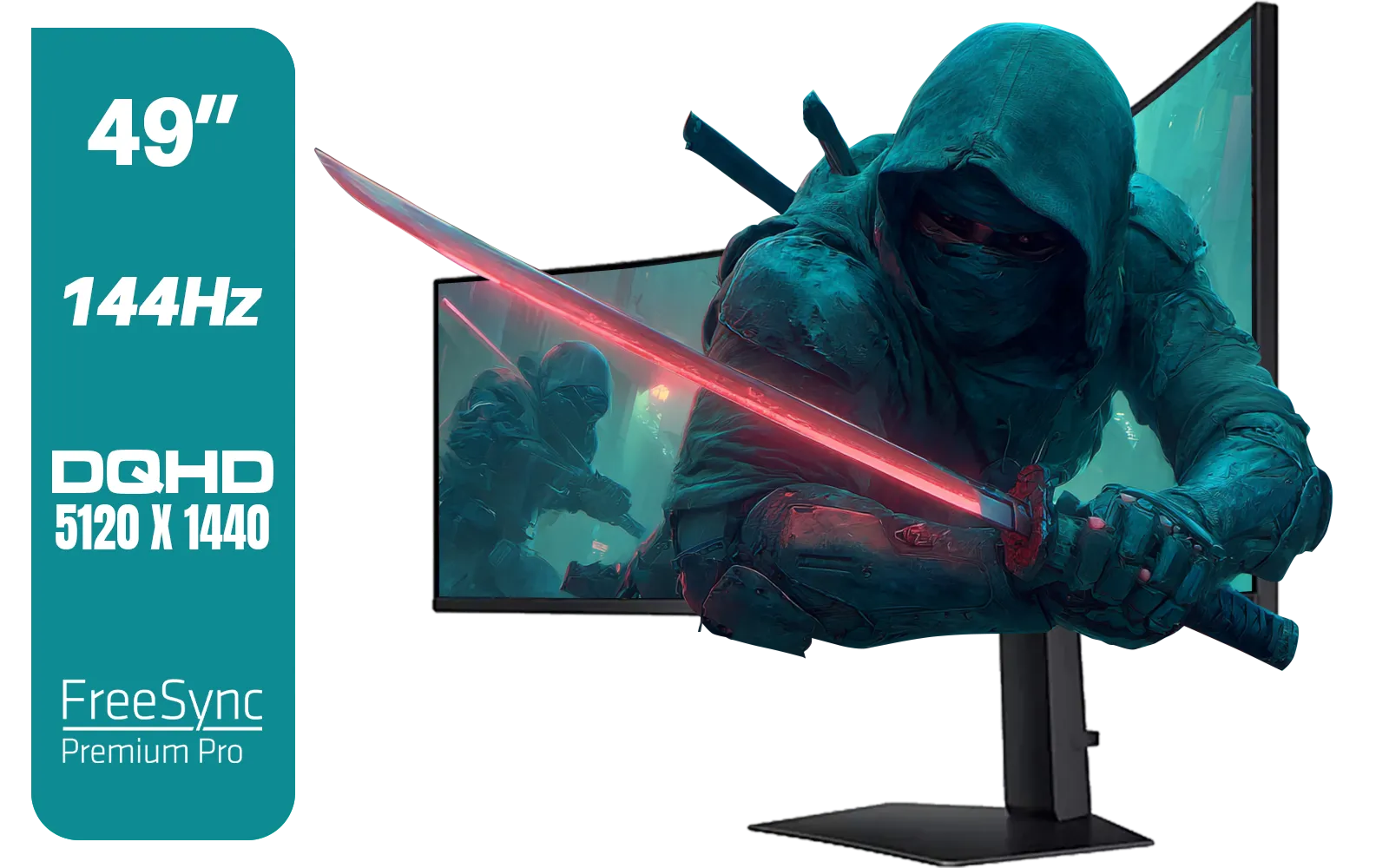
SAMSUNG Odyssey G9 Gaming 49" Monitor / DQHD (5120 x 1440) / 144Hz / GtG 1ms / FreeSync Premium Pro / LS49FG910EUXEN
R30899.00In Stock
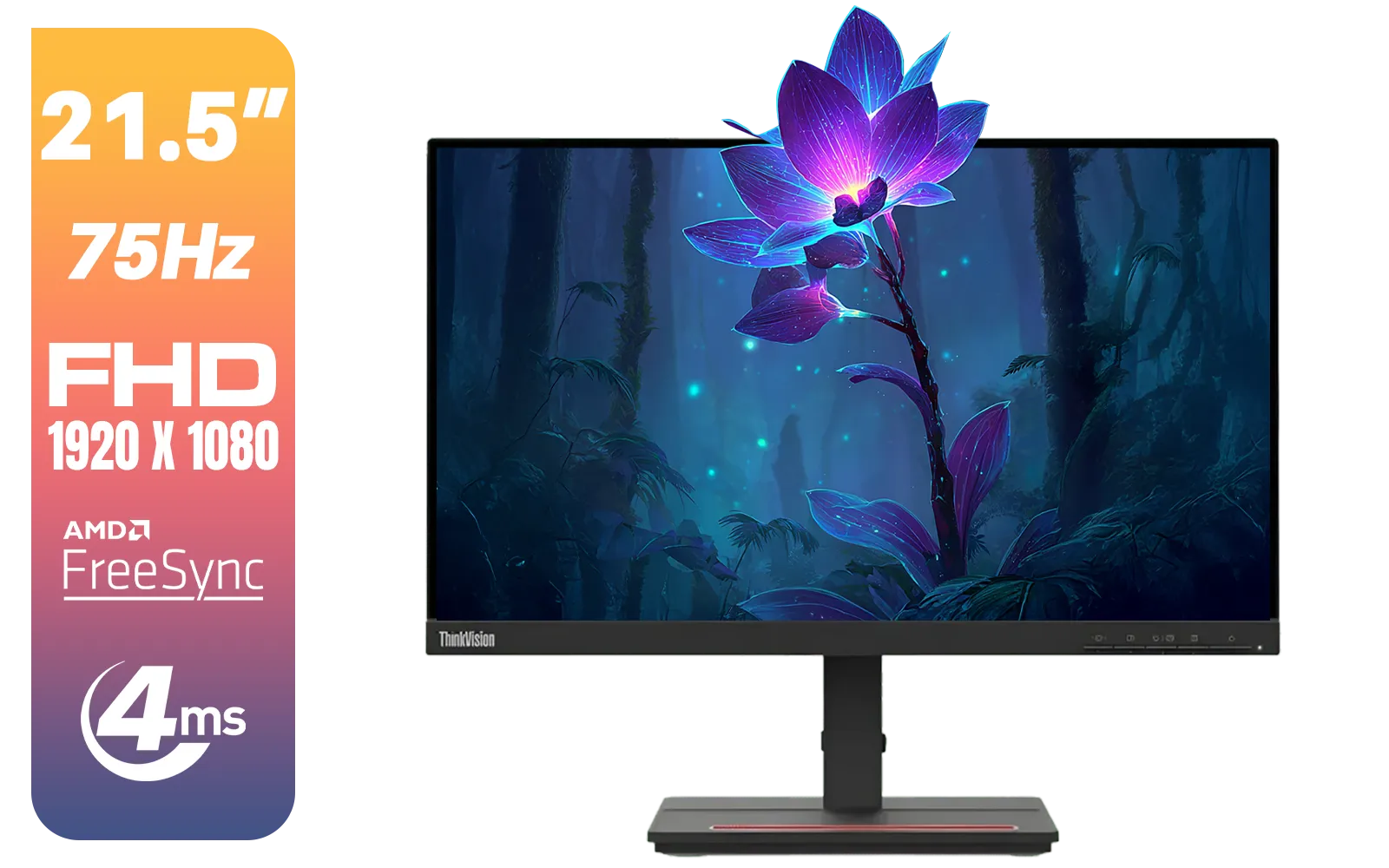
Lenovo ThinkVision Monitor S22E-20 21.5 Inch / 1920x1080 Resolution / Non Touch / 4 ms Response Time / 62C6KAT1SA
R2099.00In Stock
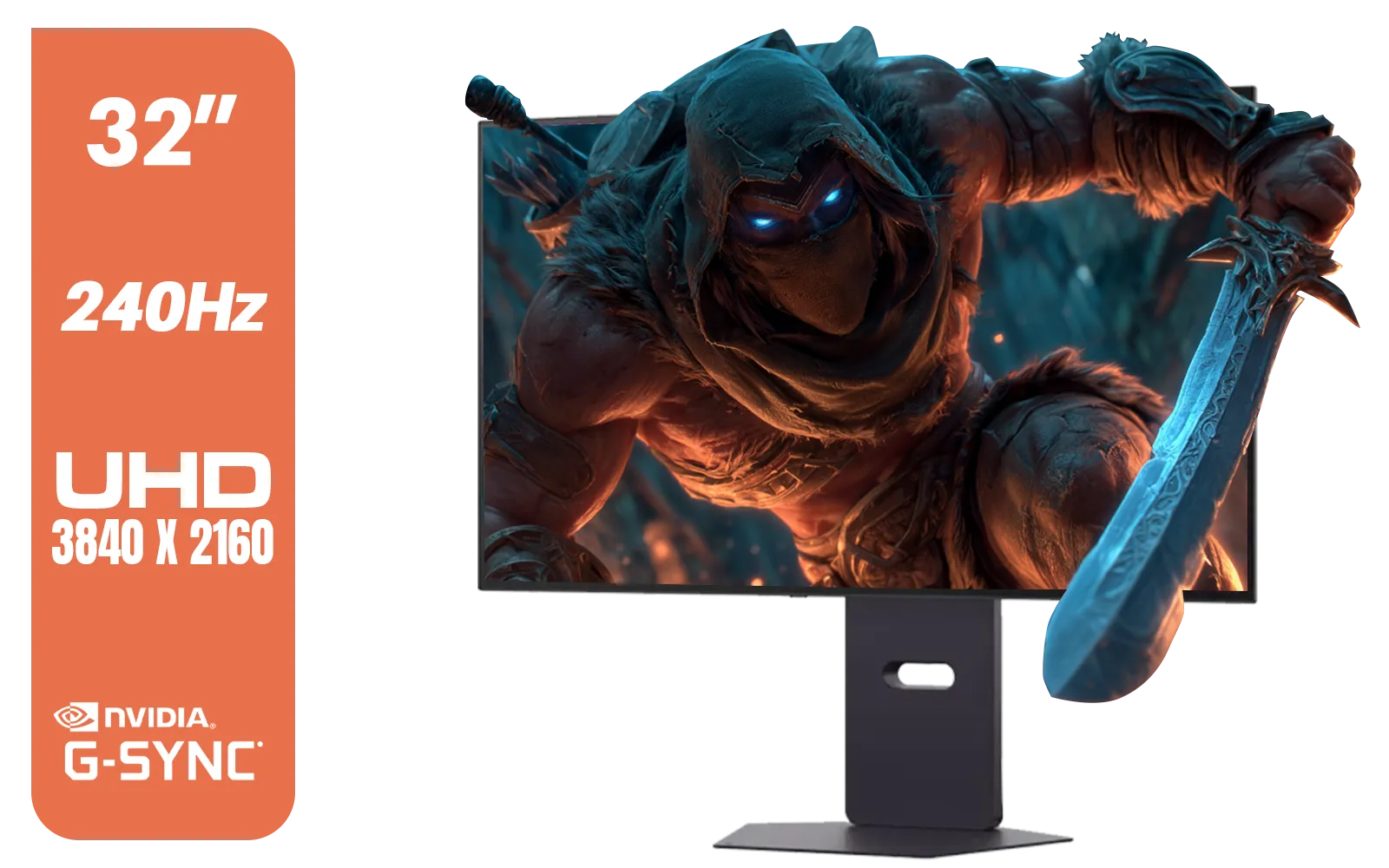
LG 32" UltraGear™ Dual-Mode OLED gaming monitor / 4K UHD / 0.03ms (GtG) / HDR Display True Black 400 / 32GS95UV-B.AFB
R27499.00In Stock

HP 524SW G5 FHD Gaming Monitor - White/Silver / 24" FHD (1920 x 1080) / IPS Panel / 1x HDMI 1.4, 1x VGA / Eye Ease with Eyesafe Certification / 94C21AS
R4299.00In Stock
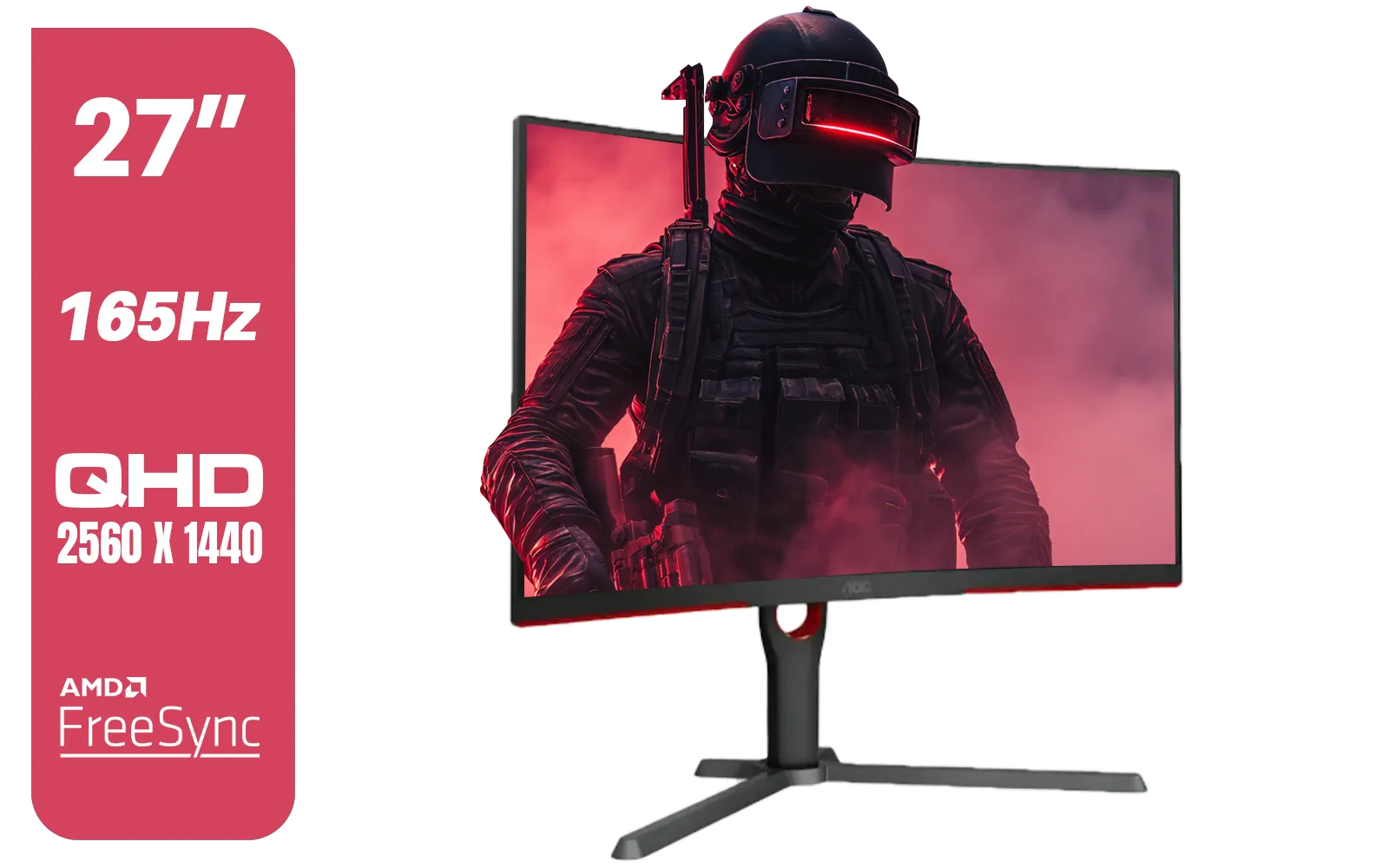
AOC CQ27G3S 27" QHD (2560x1440) 165Hz 1ms VA Curved FreeSync HDR Gaming Monitor / Superior High Quality Viewing / Ultra-smooth Tear-free Gaming / Enjoy top-tier Gaming Performance / Instant Response Times / Illuminate Your Visuals / Reducing Shortwave Blue Light / CQ27G3S
R6399.00In Stock

HP OMEN 32q QHD 165Hz Gaming Monitor - Black / 1ms / 32" QHD (2560 x 1440) / AMD Freesync™ Premium / 780K0AS
R9999.00In Stock
What is Gaming Response Time, Really?
In simple terms, gaming response time is how quickly a single pixel on your screen can change from one colour to another. It's measured in milliseconds (ms). Most commonly, you'll see this listed as a "Grey-to-Grey" (GtG) transition. A lower number is better, as it means the pixels can keep up with the fast-paced action your GPU is rendering, resulting in a sharper, clearer image.
When a monitor has a slow response time, you get annoying visual artefacts like ghosting or motion blur. This is where you see a faint trail behind moving objects, making it tough to track targets accurately in fast-paced shooters. For anyone serious about their performance, a low response time isn't a luxury... it's a necessity. Browsing for general PC monitors will show a huge variety, but for gaming, this spec is king.
How Milliseconds Directly Impact Your Gameplay ⚡
Imagine you're clearing a corner in Valorant or sliding into cover in Apex Legends. A monitor with a high response time (say, 5ms or more) will struggle to update the image cleanly. The result? A smeared, blurry mess that makes tracking a moving opponent almost impossible. Your brain has to work harder to interpret the fuzzy image, slowing your own reaction.
A fast monitor, typically 1ms GtG, ensures that each frame is displayed crisply. This clarity is what allows you to spot an enemy peeking, track their movement perfectly, and land your shot with precision. The difference is night and day. Once you experience the fluid motion of a top-tier display, you'll wonder how you ever played without it. It's a fundamental reason why dedicated gaming monitors are an essential part of any serious rig.
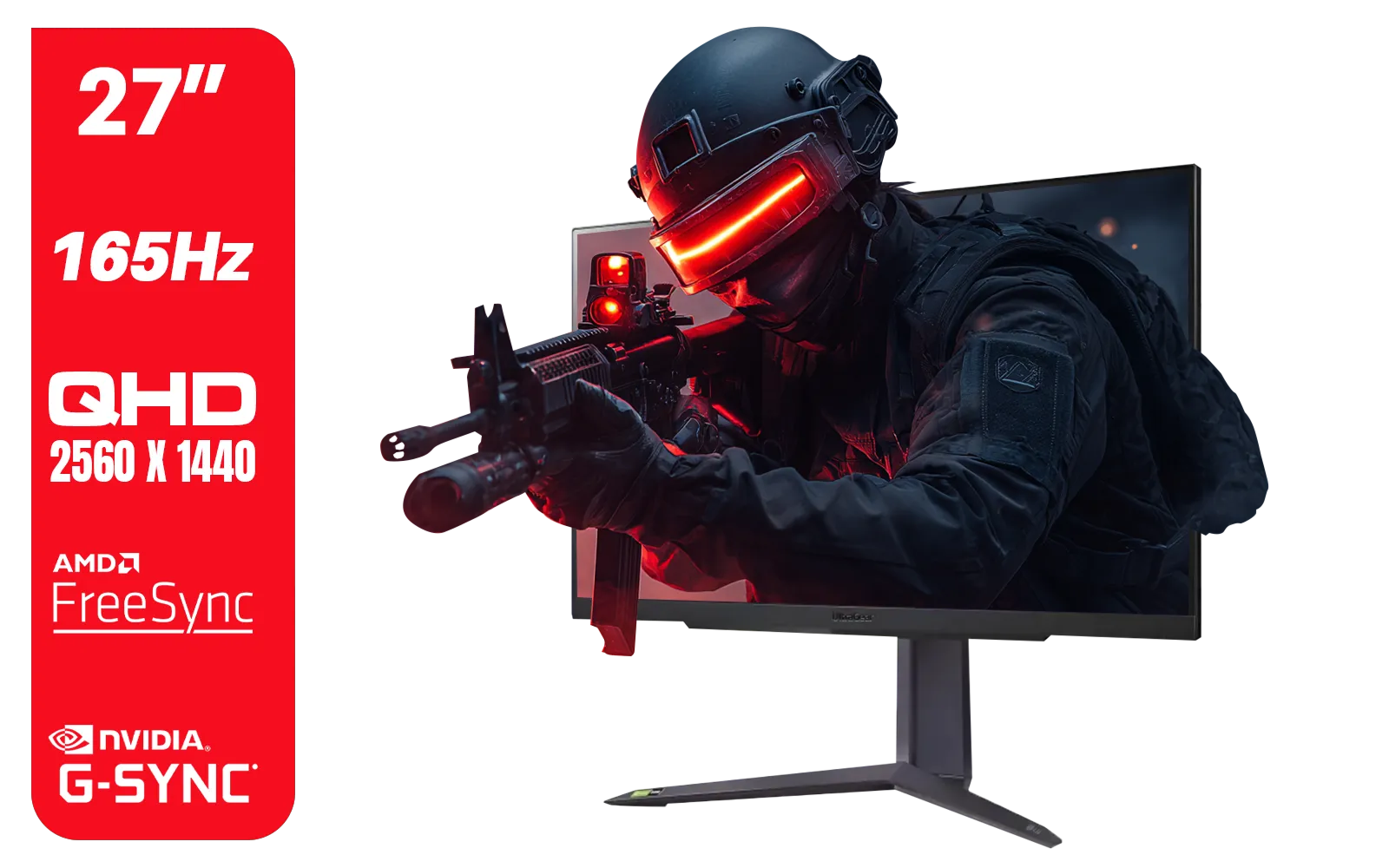
LG UltraGear Gaming Monitor 27GR75Q, 27 inch, 1440p, 165Hz, 1ms GtG, IPS Display, HDR 10, NVIDIA G-Sync & AMD FreeSync compatible, Smart Energy Saving, Displayport, HDMI / 27GR75Q
R5499.00In Stock
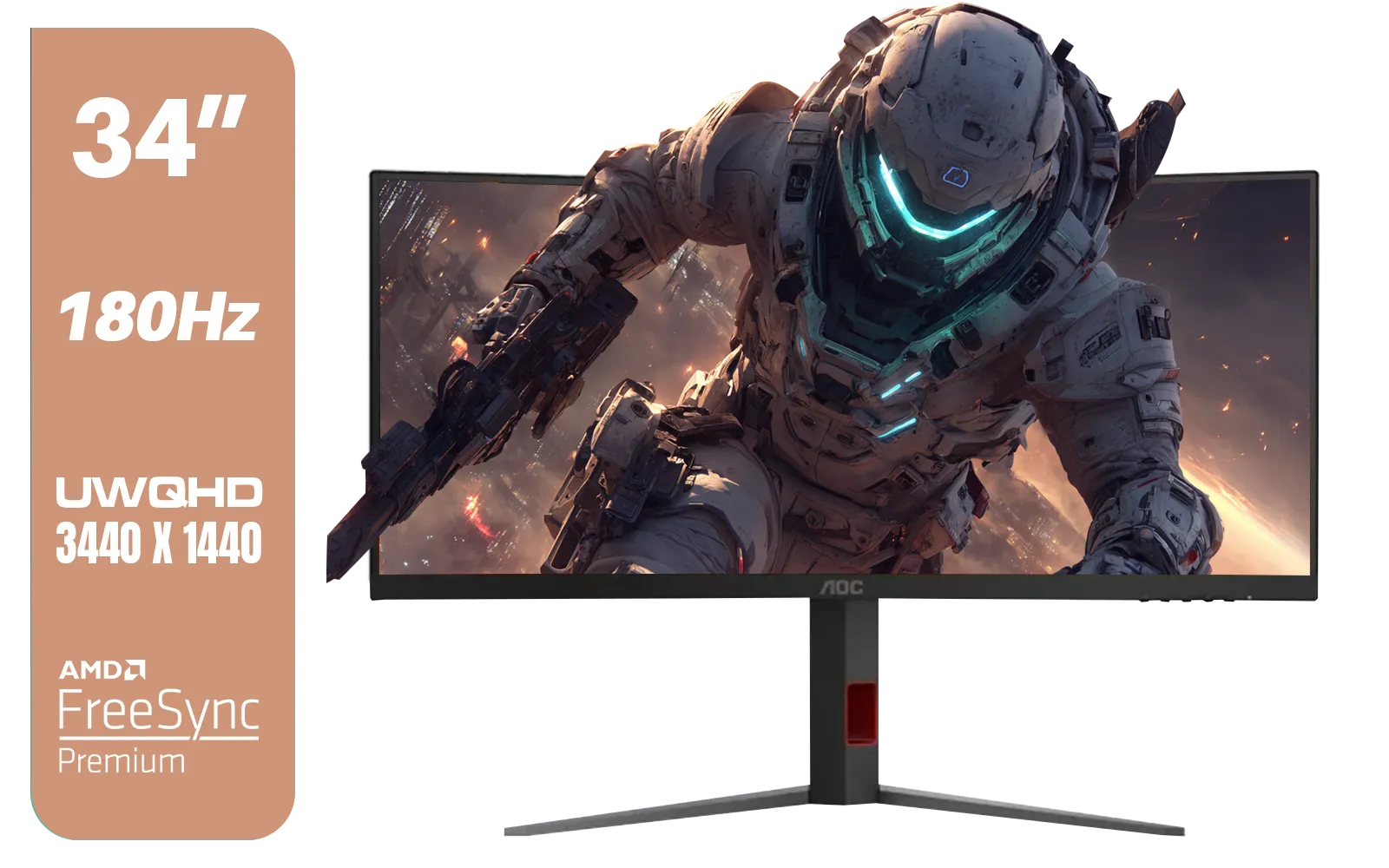
AOC CU34G4 34" Curved Gaming Monitor / UWQHD (3440x1440) / 180Hz Refresh Rate / 1ms Response Time (MPRT) / HDR10 / Adaptive Sync / CU34G4
R6999.00In Stock

HP 527SH G5 FHD Gaming Monitor - Black/Silver / 27" FHD (1920 x 1080) / IPS Panel / 1x HDMI 1.4, 1x VGA / Eye Ease with Eyesafe Certification / 94C50AS
R4799.00In Stock

AOC 22B2HN, 21.5 Inch (54.6 cm) LED 1920 x 1080 Pixels Ultra Slim Monitor with 3 Sided Frameless Design, Va Panel, Hdmi/Vga Port, Full Hd, 7 Ms Response Time, 75 Hz Refresh Rate, Flicker Free, Black / AOC-22B2HN
R2099.00In Stock
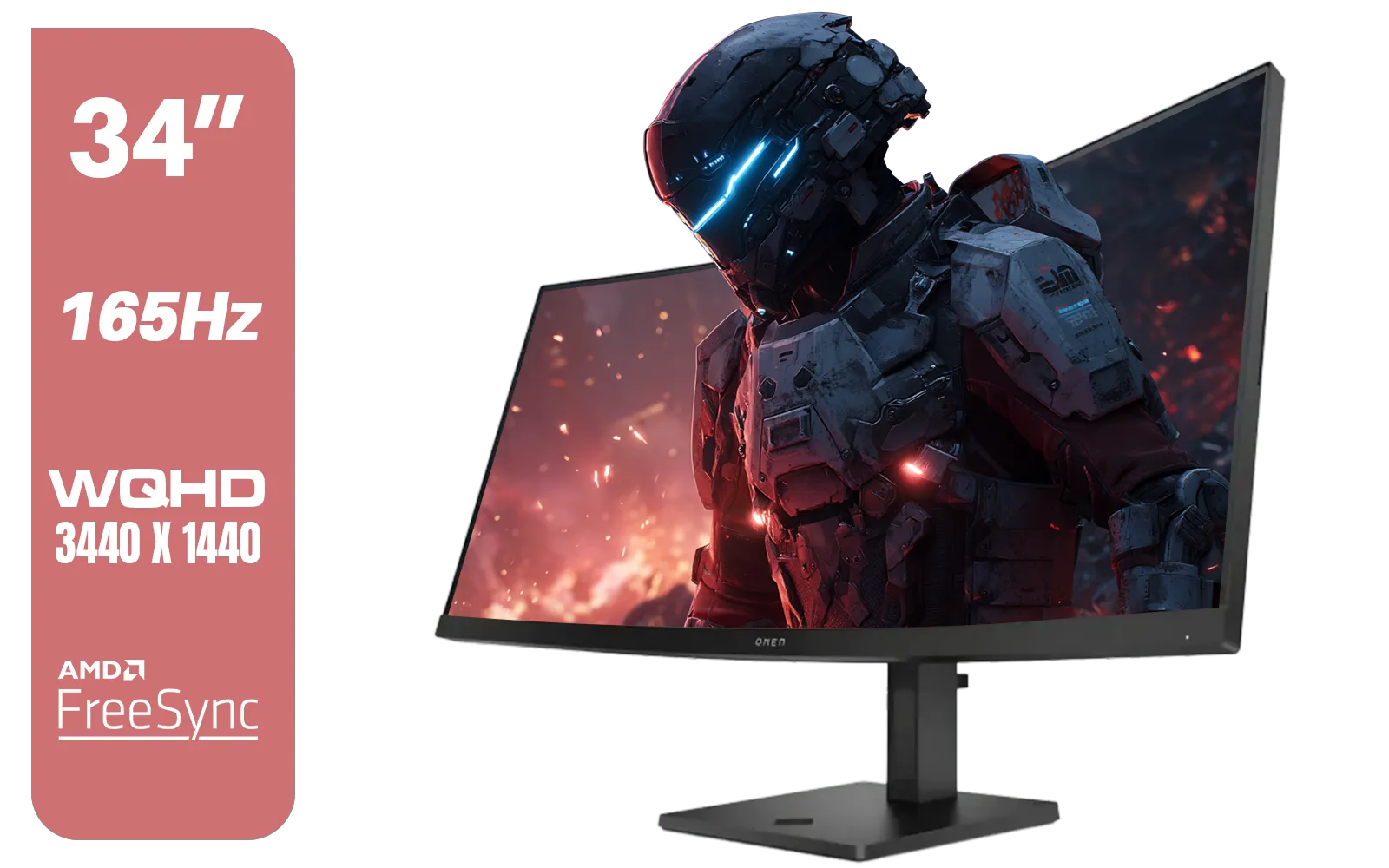
HP OMEN 34c Curved Monitor — 34' WQHD VA 165hz — Gaming Console Compatible — 2x HDMI 2.0 — 1x DisplayPort 1.4 — AMD FreeSync Premium — Dual Speakers — Tilt & height adjustments — VESA Mountable - Black / 780K8AS
R12999.00In Stock
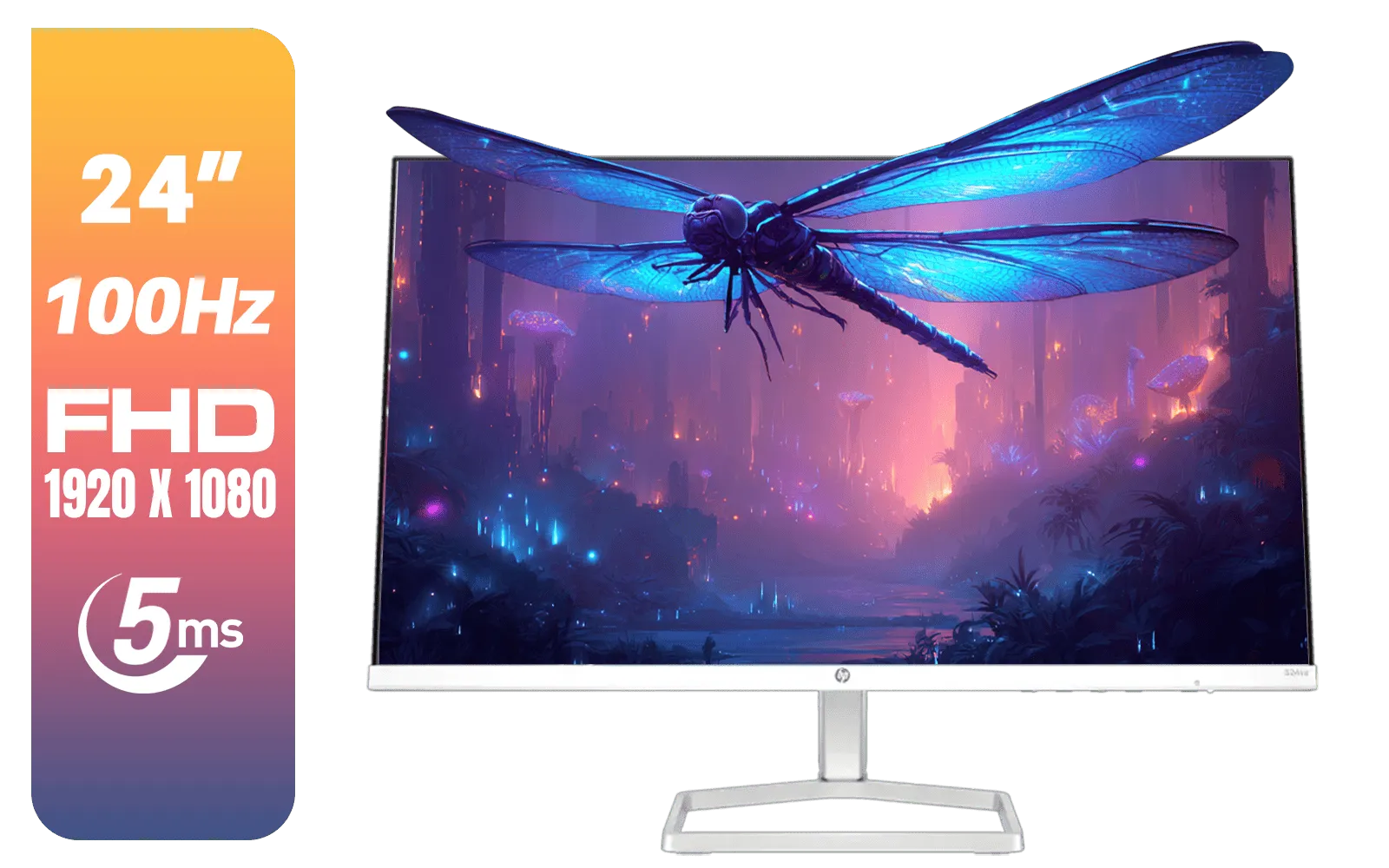
HP 524SA G5 FHD Gaming Monitor - White/Silver / 24" FHD (1920 x 1080) / IPS Panel / 1x HDMI 1.4, 1x VGA / Eye Ease with Eyesafe Certification / 94C36AS
R4199.00In Stock
Finding the Sweet Spot: Response Time vs. Panel Type
So, is 1ms always the answer? It's a bit more nuanced. The pursuit of the lowest gaming response time often involves a trade-off with other features like colour accuracy and viewing angles, which are determined by the panel technology (TN, VA, or IPS).
- TN (Twisted Nematic): The original speed demons. They offer the fastest response times but often at the cost of less vibrant colours and poor viewing angles.
- VA (Vertical Alignment): A great middle ground. They boast amazing contrast (deep blacks!) and good colours, making them fantastic for immersion, especially in curved monitors. Their response times have improved dramatically, often hitting that 1ms target.
- IPS (In-Plane Switching): Traditionally known for the best colour accuracy and viewing angles, but historically slower. Modern IPS panels, however, have caught up and now offer a brilliant combination of stunning visuals and fast 1ms response times, making them a popular choice for gamers who also do creative work on high-resolution 4K monitors.
TIP FOR YOU
Tweak for Speed 🔧
Most gaming monitors have an 'Overdrive' or 'Response Time' setting in their on-screen menu (e.g., Normal, Fast, Fastest). Pushing this to the max can reduce blur, but be careful! Setting it too high can cause 'inverse ghosting' or 'coronas'—a bright trail behind objects. The middle setting is often the best balance for a clear image without artefacts.
Beyond Response Time: The Bigger Picture 🚀
While a low gaming response time is vital for eliminating motion blur, it's part of a team. Refresh rate (measured in Hz) is its crucial partner. Refresh rate is how many times your screen updates per second. A 144Hz monitor with a 1ms response time will feel significantly smoother and more responsive than a 60Hz monitor with the same 1ms response time.

AOC AGON AG275QXR 27" QHD 2K 170Hz Gaming Monitor - Pink - 2022 Edition ,IPS, Flicker-free technology, AMD FreeSync Premium, G-SYNC Compatible / AOC-AG275QXR
R6999.00In Stock

HP 527SW G5 FHD Gaming Monitor - White/Silver / 27" FHD (1920 x 1080) / IPS Panel / 1x HDMI 1.4, 1x VGA / Eye Ease with Eyesafe Certification / 94F46AS
R4499.00In Stock
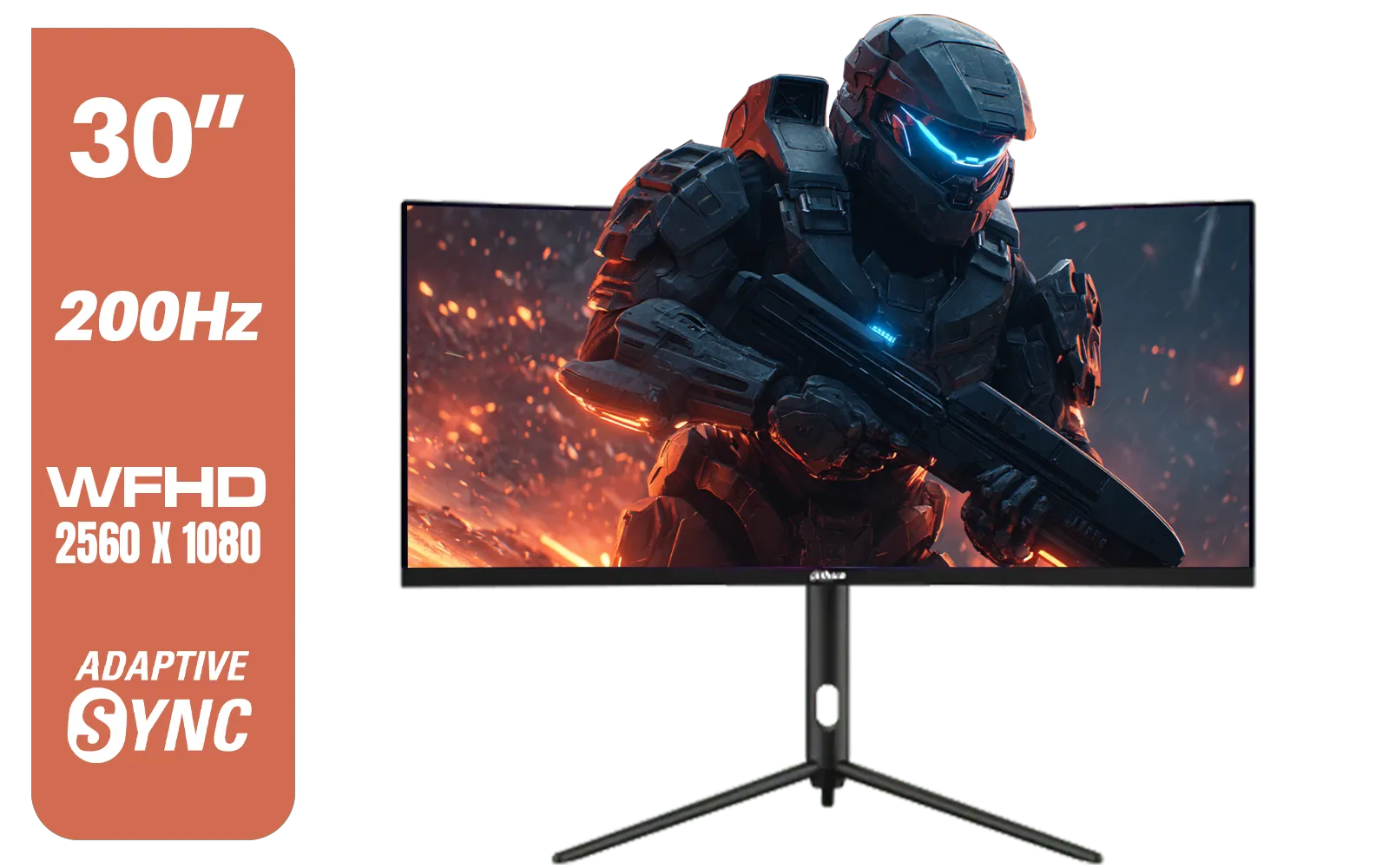
Dahua 30" Ultrawide WFHD 200Hz 1MS DCR Intelligent Adaptive-Sync HDMI DP VA Gaming Monitor Black / DHI-LM30-E330CA
R3999.00In Stock
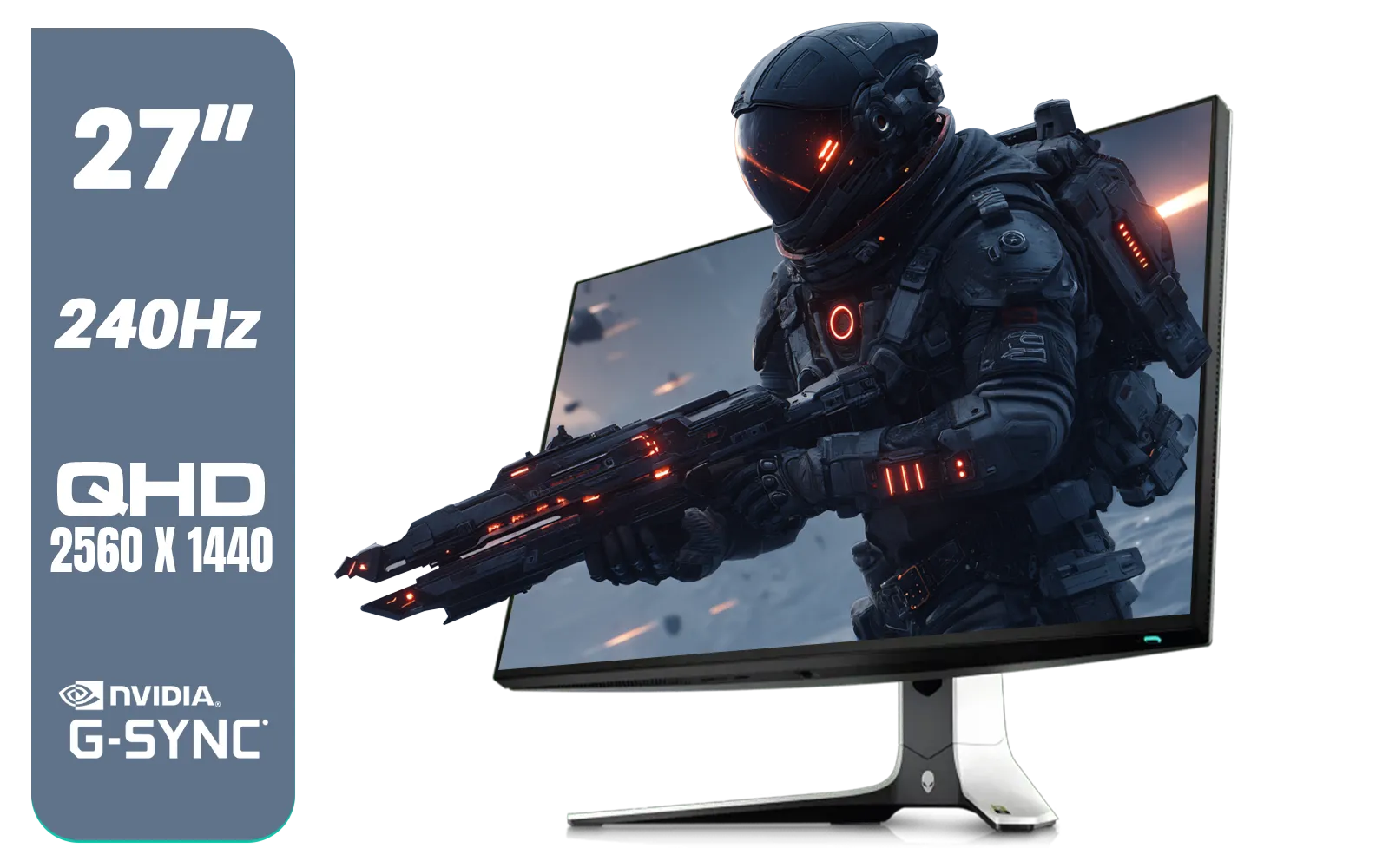
Alienware AW2723DF Gaming Monitor - 27-inch (2560 x 1440) 240Hz Display (DP 1.4), 1ms Response Time, NVIDIA G-Sync, Preset OSD Modes, Height/Tilt/Swivel/Pivot Adjustability - Lunar Light / AW2723DF
R8699.00In Stock
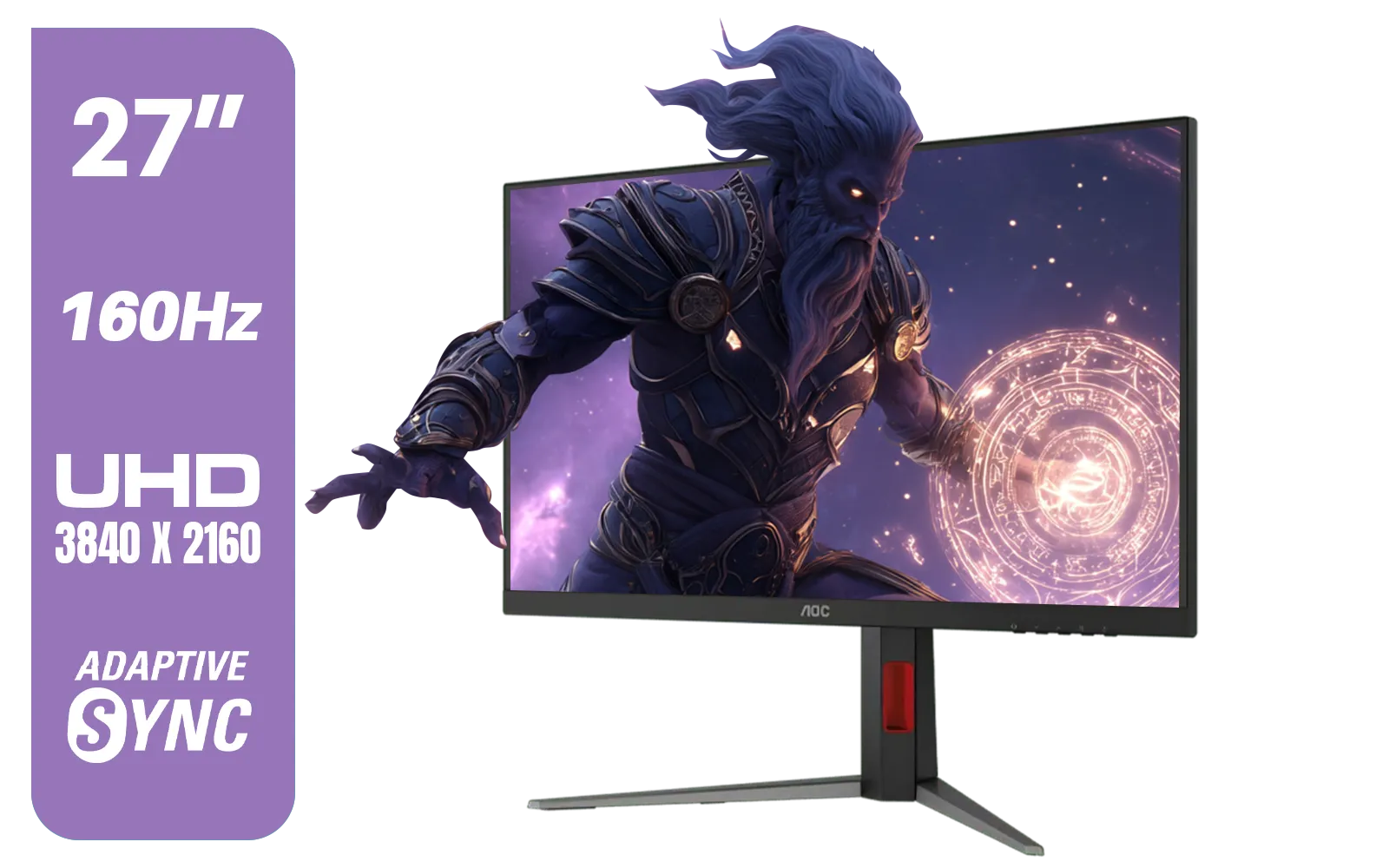
AOC U27G42 27" 160Hz Ultra-Fast Gaming Monitor, 3840 x 2160 (UHD), 0.5ms, Fast IPS, Adaptive Sync, 3-Sided Frameless Design, Black / U27G42
R9599.00In Stock
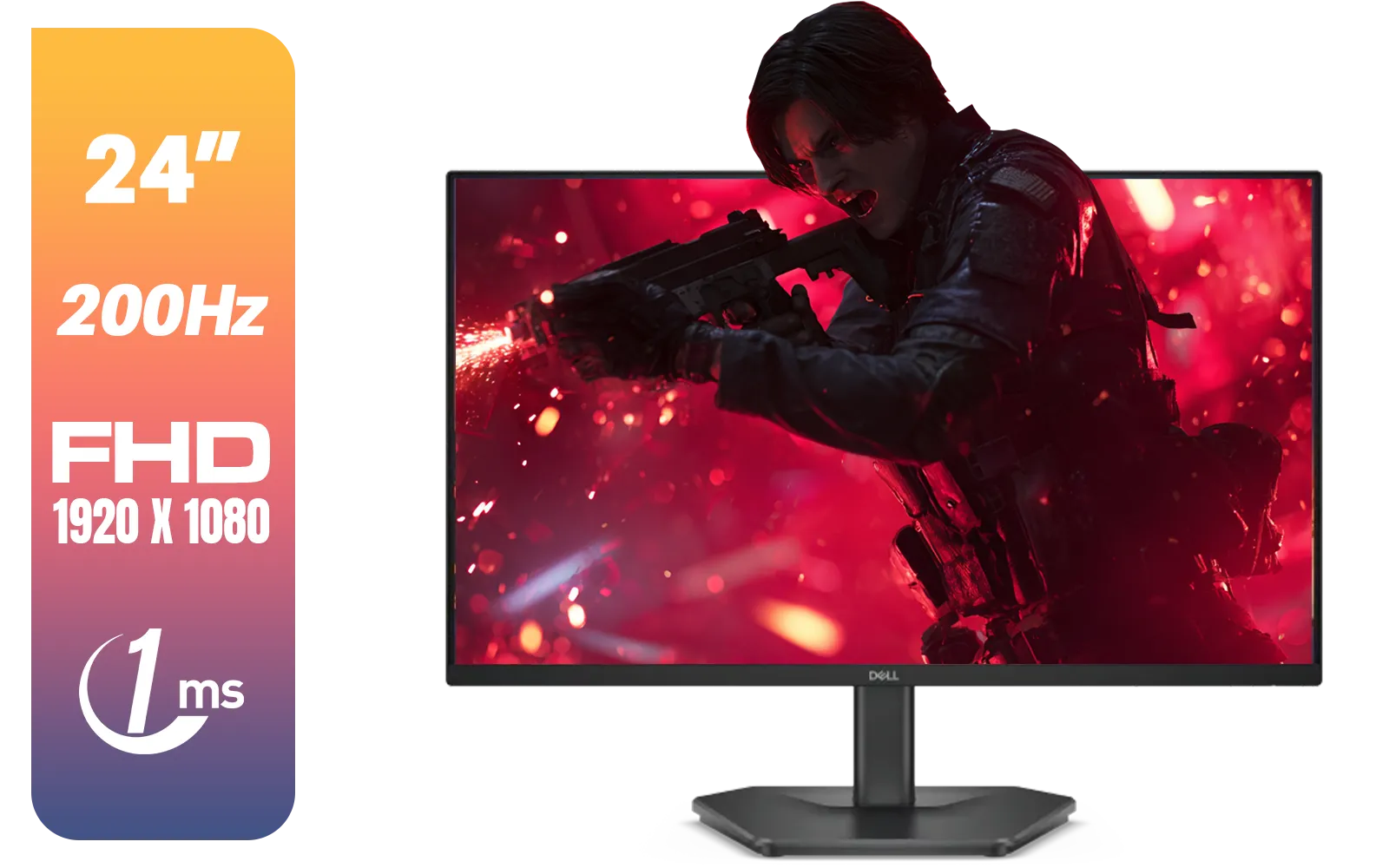
Dell SE2425HG 24" FHD IPS Gaming Monitor / FHD (1920 x 1080) Resolution / 200Hz Refresh Rate / 1ms Response Time / IPS level Display / 178° Horizontal and Vertical Viewing Angles / SE2425HG
R2599.00In Stock
Don't forget about input lag, either! This is the total delay between you moving your mouse and seeing the action on screen. It’s a combination of your peripherals, PC processing, and monitor delay. A good gaming monitor will have low input lag and a fast response time. Whether you're gaming on the go with portable monitors or decking out your main battle station with the right monitor accessories, understanding how these specs work together is key to unlocking your true potential.
Ready to See the Difference? A slow monitor is like running in mud... it holds you back. Upgrading to a display with a low gaming response time delivers the clarity and speed you need to compete. Explore our massive range of high-speed gaming monitors and find the perfect screen to dominate your game.
Related Products

HP OMEN 27 FHD 165Hz Gaming Monitor / AMD FreeSync™ Premium / Eyesafe® certified / Height adjustable for personalized comfort / Pivot rotation for flexible viewing angles / 780F9AS
R5999.00In Stock
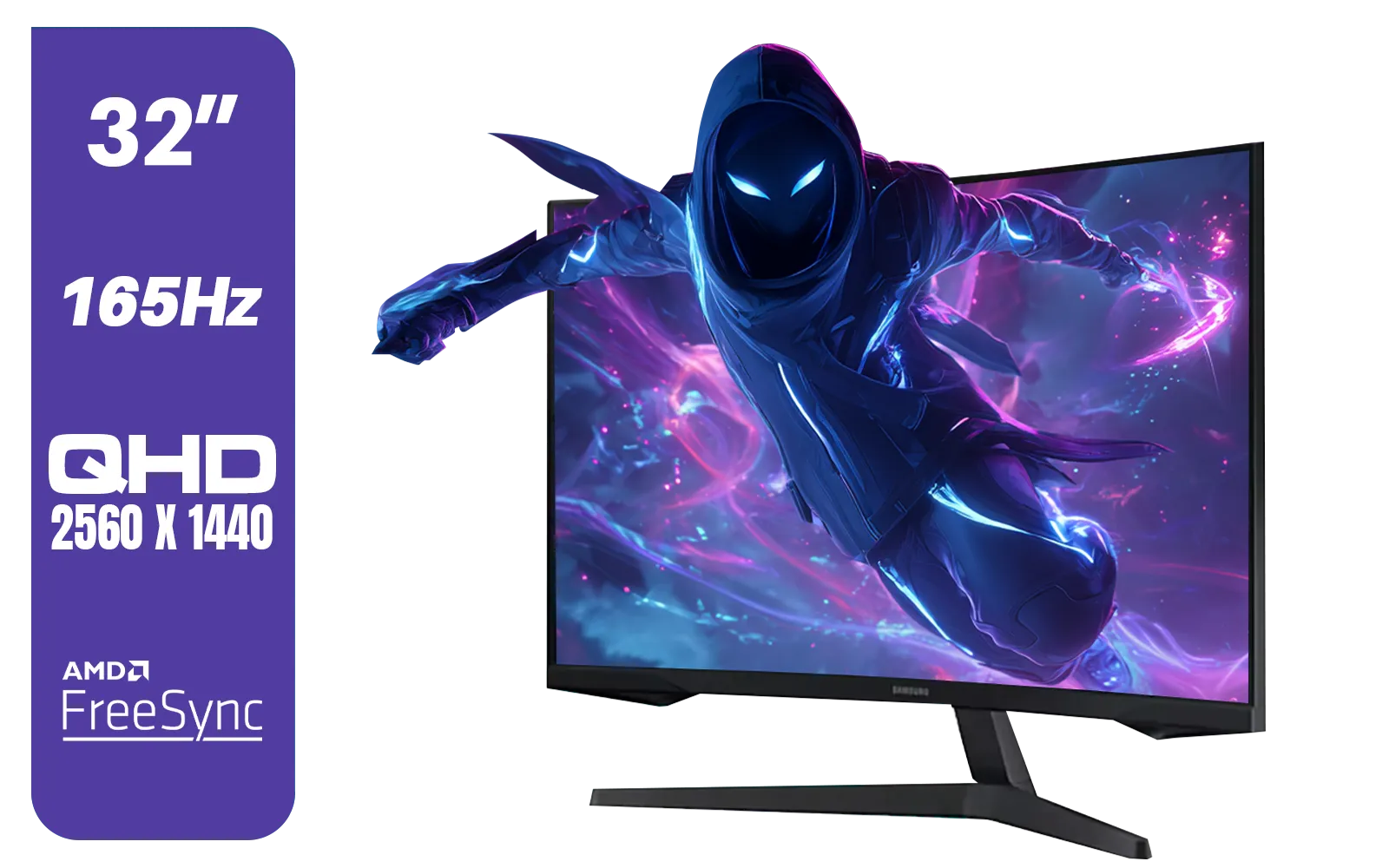
Samsung 32" Odyssey G55C QHD (2560 x 1440) Curved Gaming Monitor / 165Hz refresh rate & 1ms response time (MPRT) / 1000R Curved Screen / AMD FreeSync / LS32CG552EAXXA
R5999.00In Stock
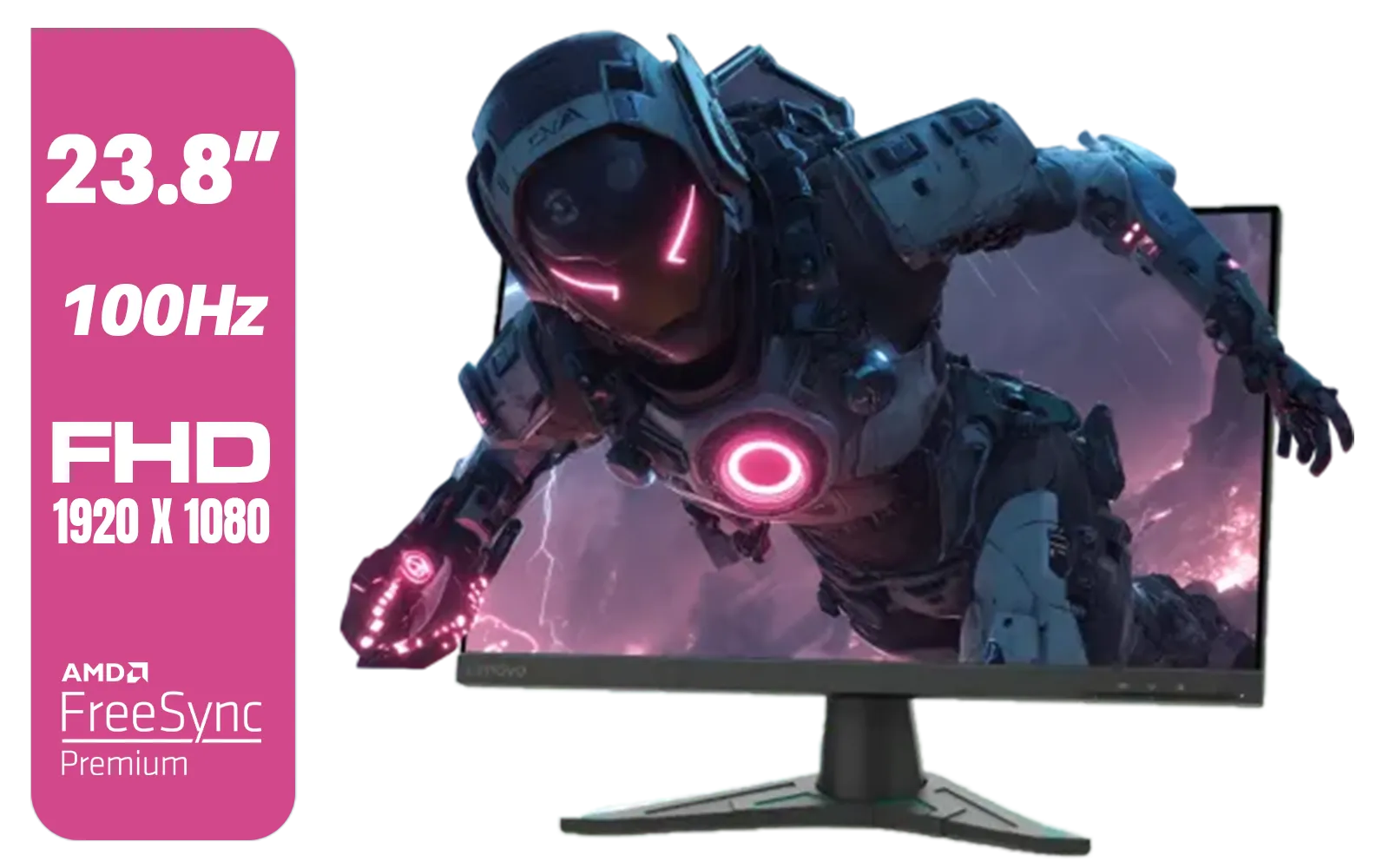
Lenovo G24e-20 23.8" 100Hz FHD WLED Gaming LCD Monitor - 16:9 - Black / 66D7GAR1SA
R1999.00In Stock
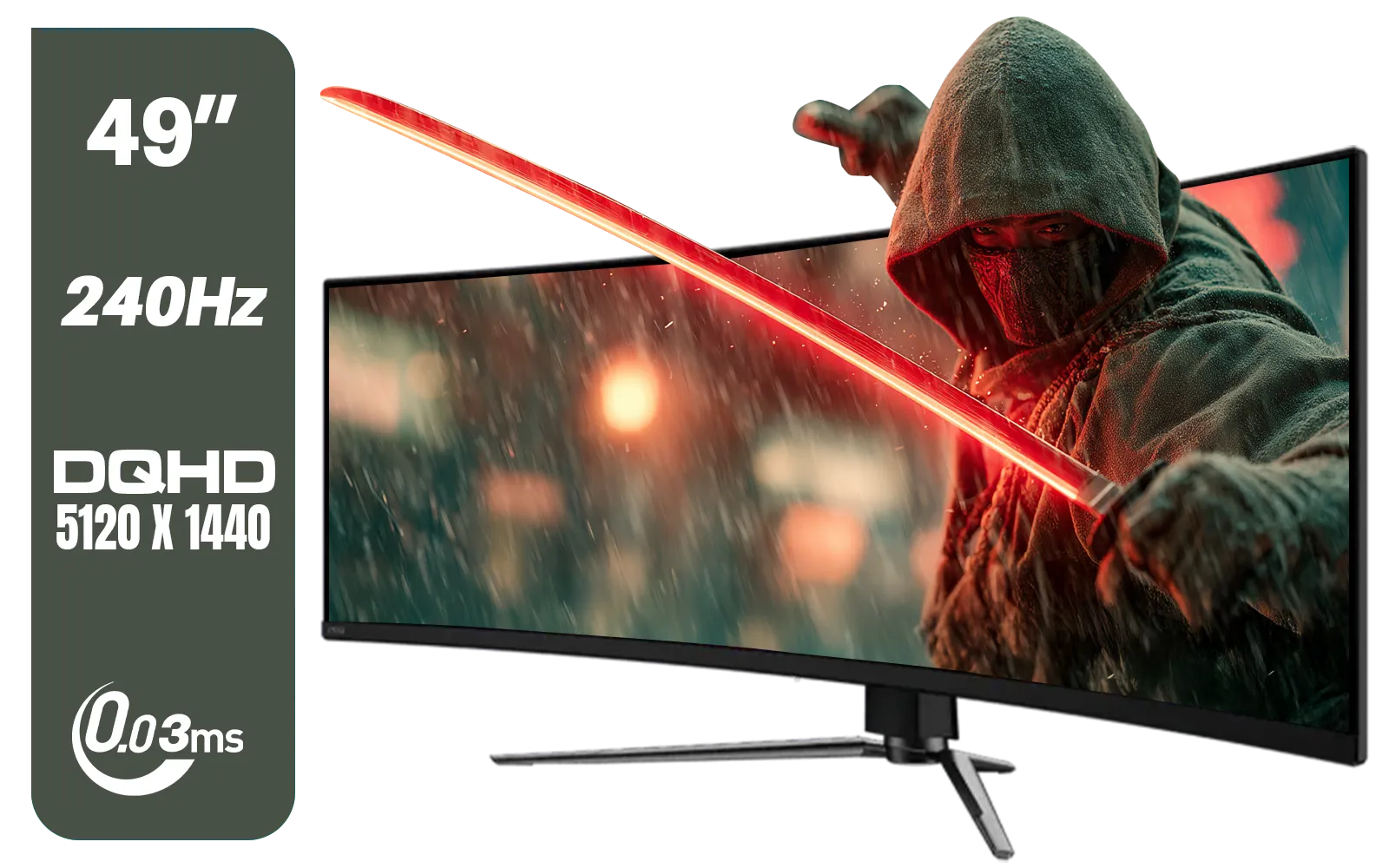
MSI MAG 491CQPX 49" DQHD (5120 x 1440) Curved Gaming Monitor / 0.03ms Response Time / 240Hz Refresh Rate / HDMI 2.1 Support / 9S6-3FA84T-040
R34999.00In Stock
AOC CQ27G3S 27" QHD (2560x1440) 165Hz 1ms VA Curved FreeSync HDR Gaming Monitor / Superior High Quality Viewing / Ultra-smooth Tear-free Gaming / Enjoy top-tier Gaming Performance / Instant Response Times / Illuminate Your Visuals / Reducing Shortwave Blue Light / CQ27G3S
R6399.00In Stock
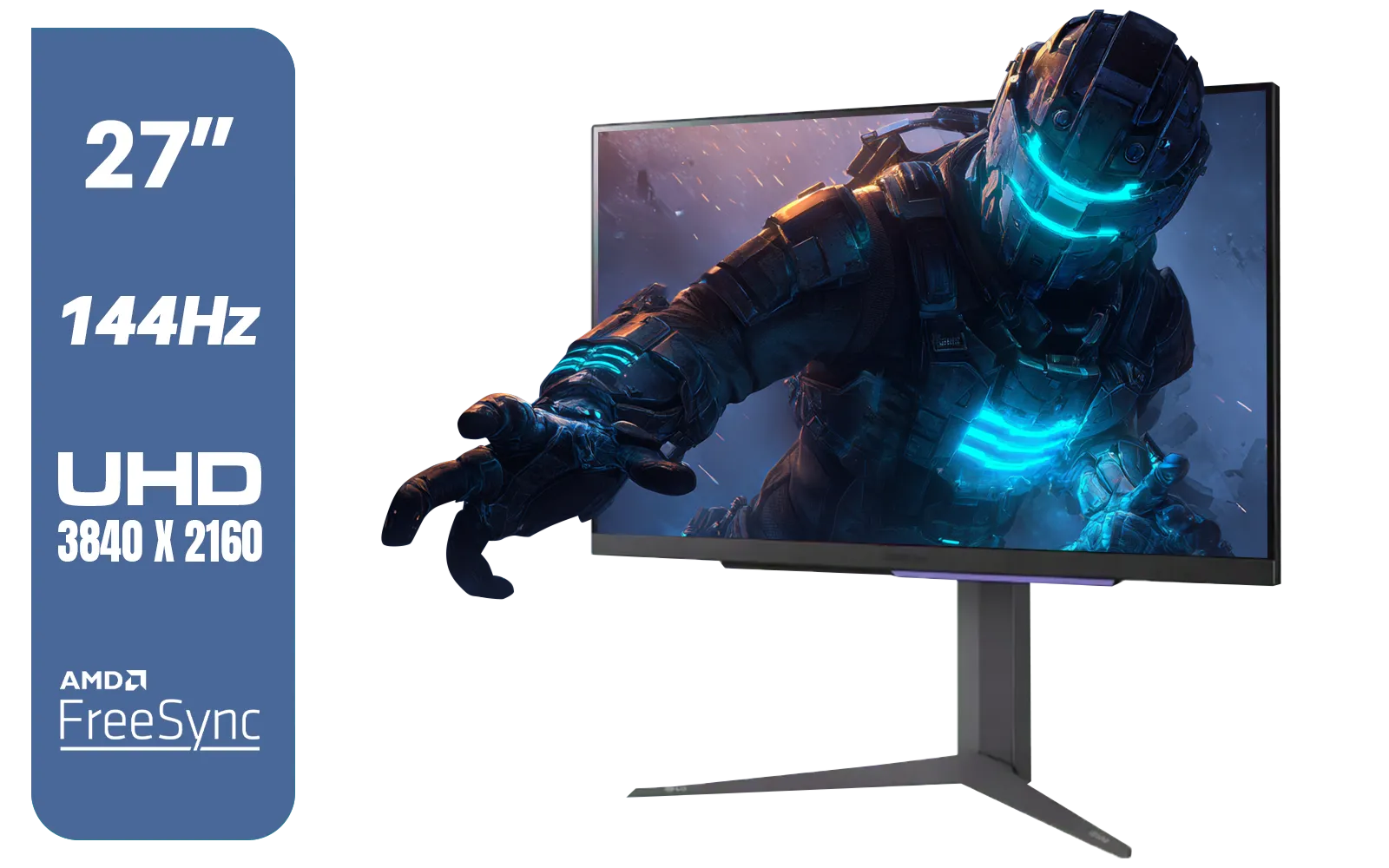
LG 27" UltraGear 4K UHD (3840x2160) Gaming Monitor, 144Hz, 1ms, VESA DisplayHDR 400, G-SYNC and AMD FreeSync Premium, HDMI 2.1, DisplayPort, 4-Pole HP Out DTS HP:X, Tilt/Height/Pivot Stand, Black / 27GR93U
R9999.00In Stock
Gaming response time measures how quickly a system or display reacts in milliseconds. It directly affects input lag and perceived responsiveness.
Response time refers to pixel or device reaction speeds; input lag measures end-to-end delay from controller to display. Both affect gameplay.
Yes. Lower response time reduces delay and smoothing issues, improving aim precision and shot registration in fast-paced games.
Use a faster monitor, enable low latency modes, update drivers, and optimize settings to reduce gaming response time and input lag.
Both matter. Higher refresh rates and lower response time combine to improve frame pacing and smoothness for competitive play.
Use tools like high-speed camera tests, built-in monitor tests, or software latency meters to measure input lag and response time.
Yes. Keyboards, mice, and controllers with lower polling and response times reduce overall delay and sharpen responsiveness.











