



Gen4x4 NVMe SSD: Future-Proof Your PC
Gen4x4 NVMe SSD — Checklist: Assess compatibility; Choose capacity & endurance; Configure OS & thermal settings; Migrate data & test 🚀🔧 Gen4x4 NVMe SSD accelerates loads and extends upgrade cycles.
|
Loading tags...

Tired of watching loading bars while your squad is already dropping into the action? That frustrating delay, the texture pop-in that ruins immersion... it's a classic sign your PC's storage can't keep up. In today's world of massive open-world games, a standard SSD just doesn't cut it anymore. It’s time to stop waiting and start playing. It’s time to future-proof your PC with a drive built for next-gen speed. 🚀
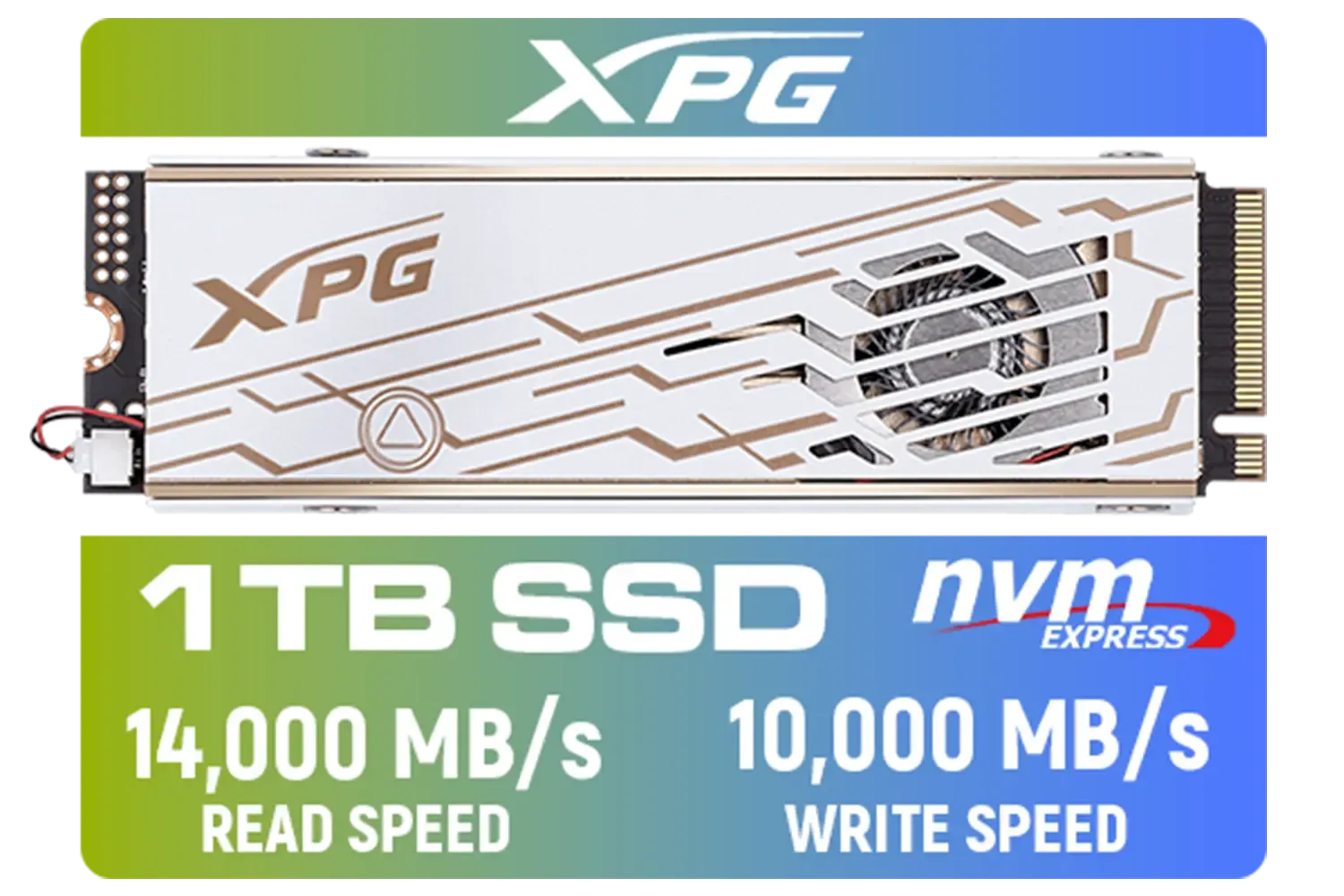
ADATA XPG Mars 980 Pro 1TB NVMe 5.0 Internal Solid State Drive / Up to 14,000MB/s Read Speed and Up to 10,000MB/s Write Speed / SMAR-980P-1TCI
R2999.00In Stock

XPG GAMMIX S70 Blade 8TB NVMe PCIe Gen4x4 Internal SSD / Sequential read/write speeds up to 7,400/6,800MB/s / Compatible with PC and PS5 / AGAMMIXS70B-8000G-CS
R15999.00In Stock
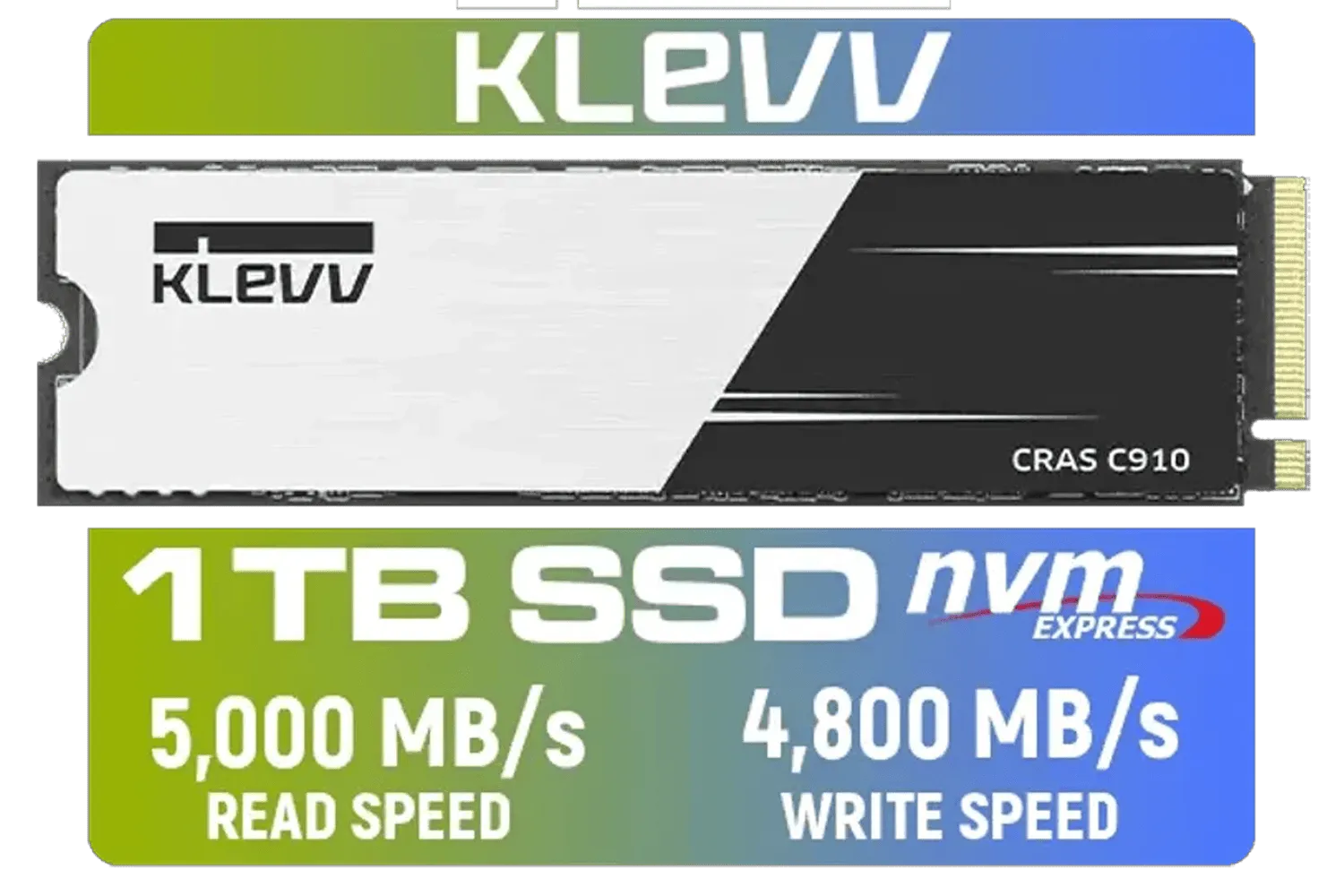
KLEVV CRAS C910 1TB M.2 NVMe PCIe Gen4x4 Internal SSD with Heatsink, up to 5000MB/s (K01TBM2SP0-C91)
R1799.00In Stock

DAHUA M.2 PCIe Gen4x4 512GB NVMe SSD / PCIe Gen4.0x4 Supported / Read: Up to 7000 MB/s Write: Up to 4300 MB/s / DHI-SSD-C970VN512G
R1299.00In Stock
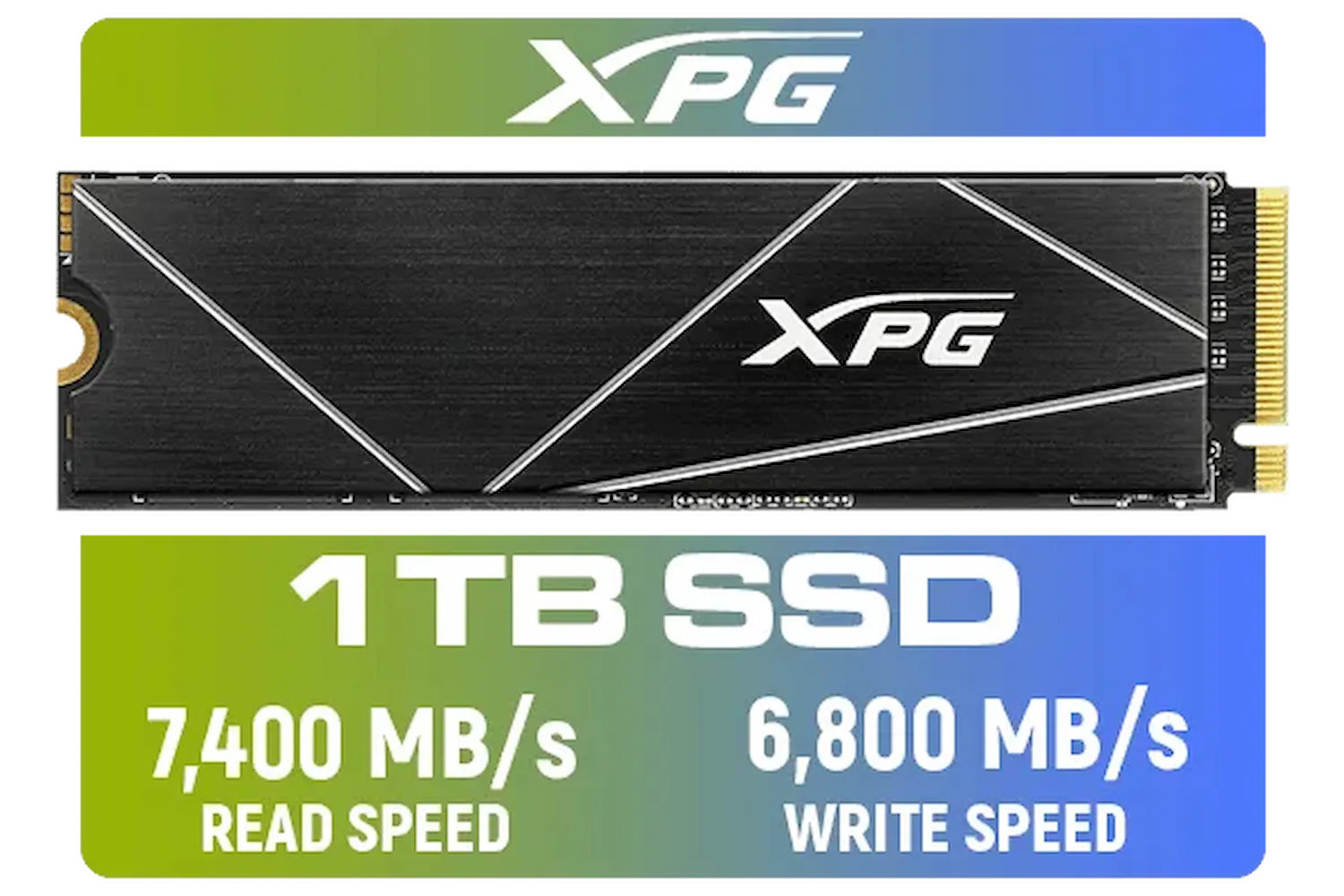
ADATA XPG 1TB GAMMIX S70 Blade - Works with Playstation 5, PCIe Gen4 M.2 2280 Internal Gaming SSD Up to 7,400 MB/s / AGAMMIXS70B-1T-CS
R2599.00In Stock
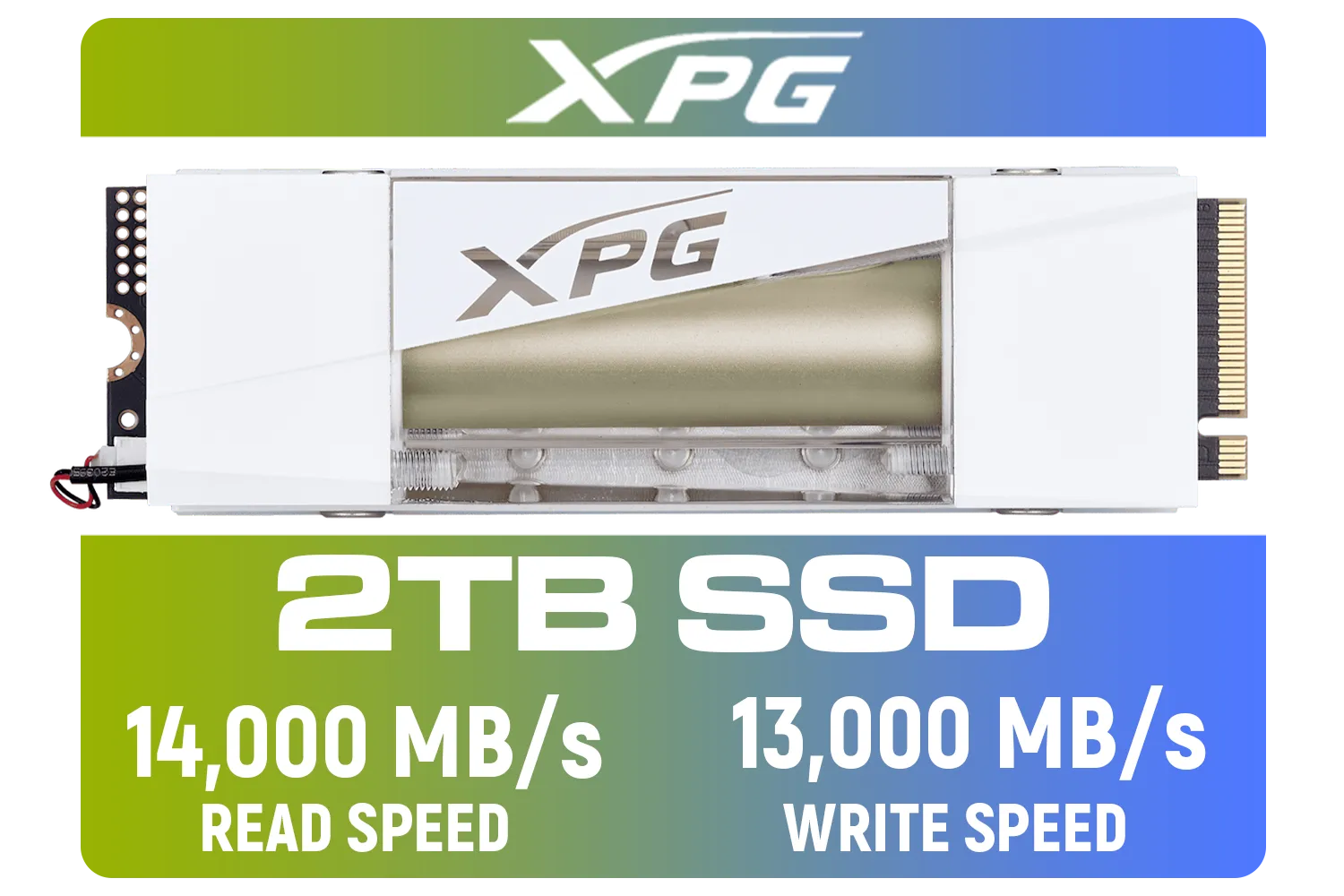
Adata Mars 980 Storm 2TB NVMe SSD / PCIe Gen5 x4 / Up to 14,000MB/s - 13,000MB Sequential Read/Write / SMAR-980S-2TCI
R4499.00In Stock
What is a Gen4x4 NVMe SSD, Anyway?
Let's cut through the jargon. Think of your PC's data pathways like a highway. Older SATA SSDs were like a single-lane road—reliable, but slow. A Gen4x4 NVMe SSD is a massive 8-lane superhighway. It plugs directly into your motherboard's PCIe 4.0 slot, allowing for breathtaking data transfer speeds that can exceed 7,000MB/s.
This isn't just a small jump; it's a quantum leap that eliminates bottlenecks and unlocks your system's true potential. Whether you're building a new rig or giving your current one a much-needed boost, you can browse a wide variety of solid-state drives right here to see the difference.
Why a Gen4 SSD is Essential for Modern Gaming
The real magic for gamers is a technology called Microsoft DirectStorage. Previously, game assets had to travel from your drive, through your CPU, and then to your graphics card. This created a traffic jam. DirectStorage allows your GPU to pull assets directly from a compatible Gen4x4 NVMe SSD, slashing loading times and enabling developers to build bigger, more seamless worlds. ✨
Games are only getting bigger and more demanding. An upgrade now ensures your PC is ready for the next wave of titles without stuttering or lag. Top-tier brands like Kingston offer drives specifically optimised for these new gaming technologies.
TIP FOR YOU
Compatibility Check 🔧
Before you buy, check your motherboard's manual or product page to ensure it has a PCIe 4.0 M.2 slot. While a Gen4 drive will work in a Gen3 slot, you'll be limited to Gen3 speeds. To get the full benefit, a compatible motherboard is key!
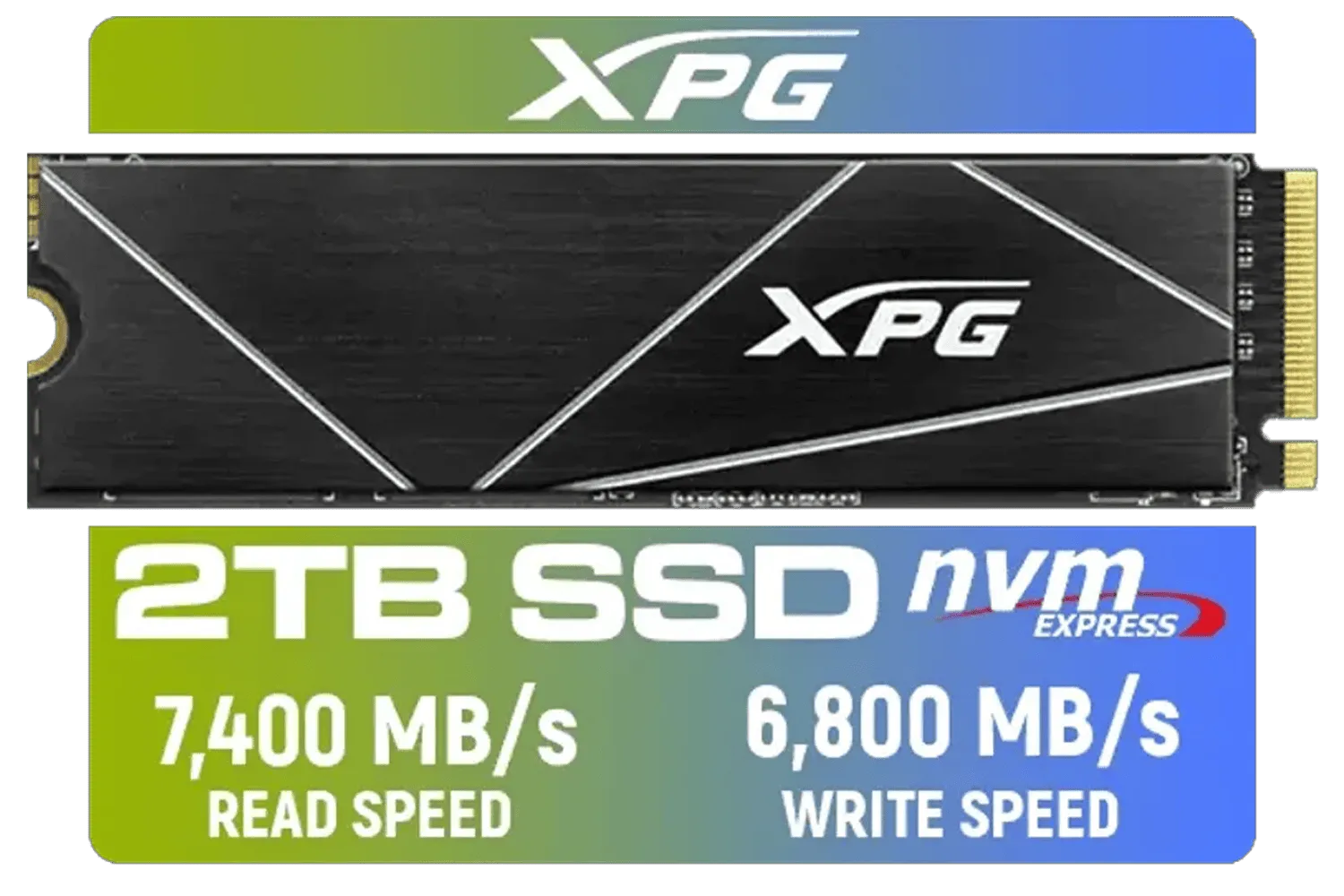
XPG 2TB GAMMIX S70 Blade - Works with Playstation 5, PCIe Gen4 M.2 2280 Internal Gaming SSD Up to 7,400 MB/s (AGAMMIXS70B-2T-CS)
R3699.00In Stock

Kingston Fury Renegade 1TB PCIe Gen 5.0 NVMe M.2 Internal SSD / Maximum Read Speed 14,200 MB/s / Maximum Write Speed 11,000 MB/s / Advanced thermal design / SFYR2S/1T0
R4199.00In Stock
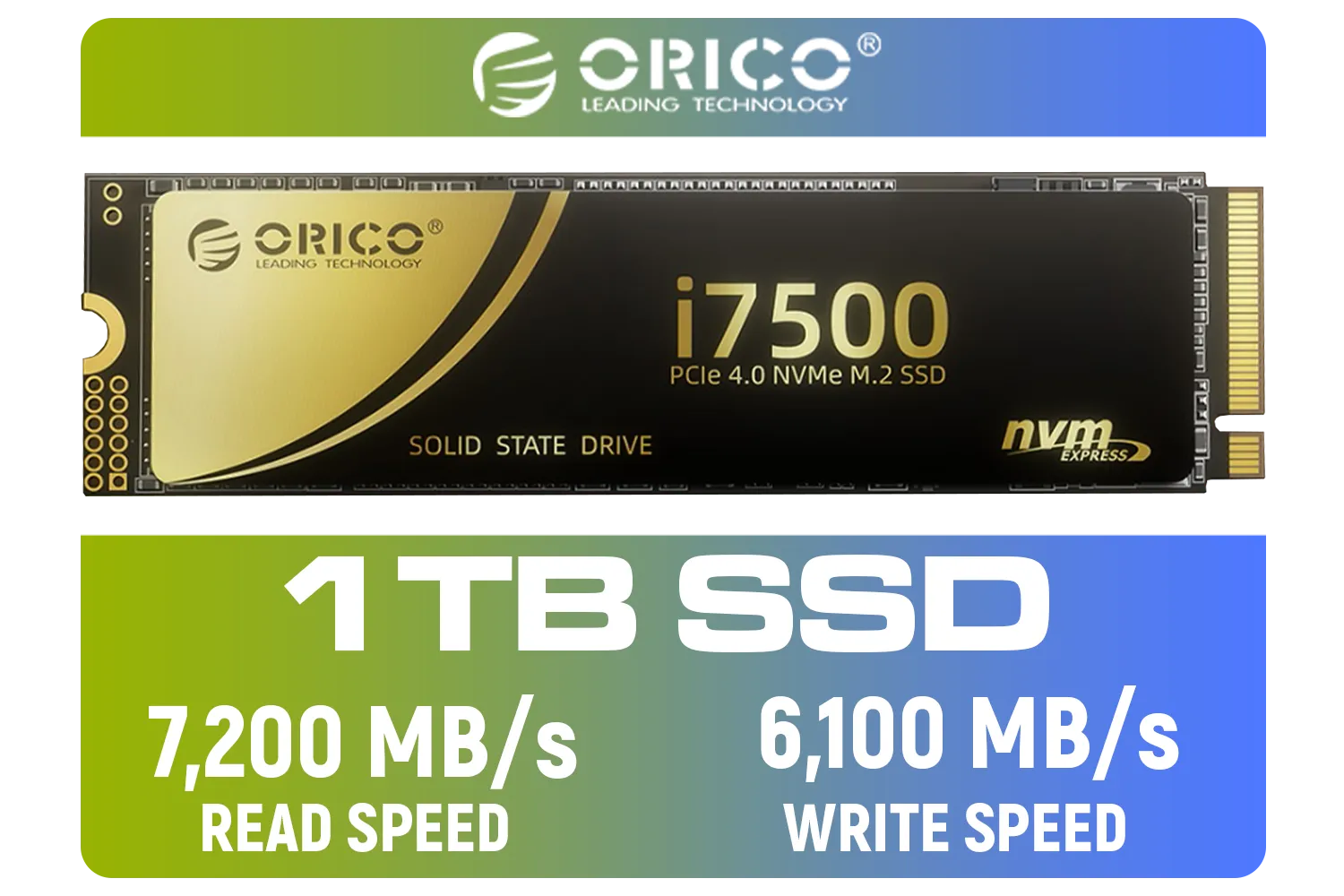
ORICO i7500 M.2 NVMe SSD - 1TB / 3D NAND Flash / PCIe Gen4.0 x4 / Up to 7,200MB/s Read and 6,100MB/s Write Speeds / ORICO-i7500-1TB-GD-BP
R2349.00In Stock
Adata Mars 980 Storm 2TB NVMe SSD / PCIe Gen5 x4 / Up to 14,000MB/s - 13,000MB Sequential Read/Write / SMAR-980S-2TCI
R4499.00In Stock
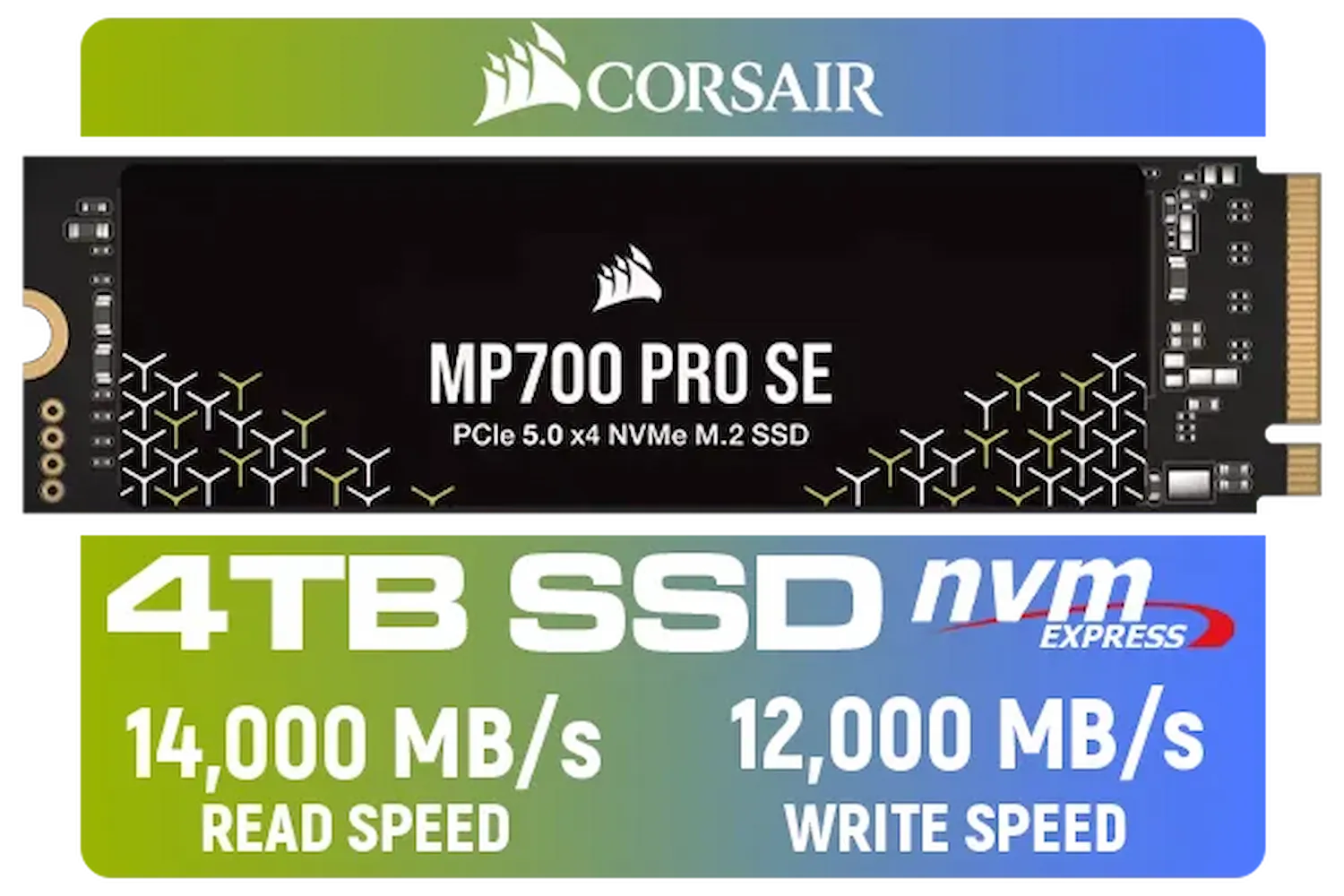
Corsair MP700 PRO SE 4TB PCIe 5.0 x4 NVMe M.2 SSD / Up to 14,000MB/s Sequential Read / Up to 12,000MB/s Sequential Write / M.2 2280 Form Factor / CSSD-F4000GBMP700PNHS
R10999.00In Stock
![[OEM] Dahua V800 512GB 2.5" SATA 3.0 6 Gb/s 3D NAND Solid State Drive / Read Speed Up to 530 MB/s / Write Speed Up to 320 MB/s / High-Quality Wafer-Level Chip / TRIM & NCQ Performance Boost / Low Power Consumption / Safe & Reliable Data Transfer / Stable 24/7 Read-Write for XVR (No Frame Loss) / DHI-SSD-V800S512G](https://img.evetech.co.za/repository/ProductImages/dahua-v800-512gb-oem-sata-ssd-1600px-v1-001.webp)
[OEM] Dahua V800 512GB 2.5" SATA 3.0 6 Gb/s 3D NAND Solid State Drive / Read Speed Up to 530 MB/s / Write Speed Up to 320 MB/s / High-Quality Wafer-Level Chip / TRIM & NCQ Performance Boost / Low Power Consumption / Safe & Reliable Data Transfer / Stable 24/7 Read-Write for XVR (No Frame Loss) / DHI-SSD-V800S512G
R999.00In Stock
Beyond the Game: A Full System Speed-Up
The benefits of a super-fast NVMe SSD go far beyond gaming.
- Content Creation: Editing 4K video? Rendering complex 3D models? A Gen4 drive makes scrubbing through timelines and loading massive project files feel instantaneous.
- Operating System: Your PC will boot in seconds, and applications will launch almost before you click them.
- File Transfers: Moving large files, once a coffee-break activity, now takes mere moments.
This is a quality-of-life upgrade that you'll feel in everything you do. Even performance-focused brands like CORSAIR have embraced this tech, pushing speeds to the absolute limit for enthusiasts and professionals.
Is This Future-Proof Upgrade Affordable?
A few years ago, this level of performance was reserved for high-end enterprise systems with massive budgets. Not anymore. Thanks to advancements in technology, Gen4x4 NVMe SSD prices have become incredibly competitive in South Africa. You no longer have to break the bank to get elite storage performance.
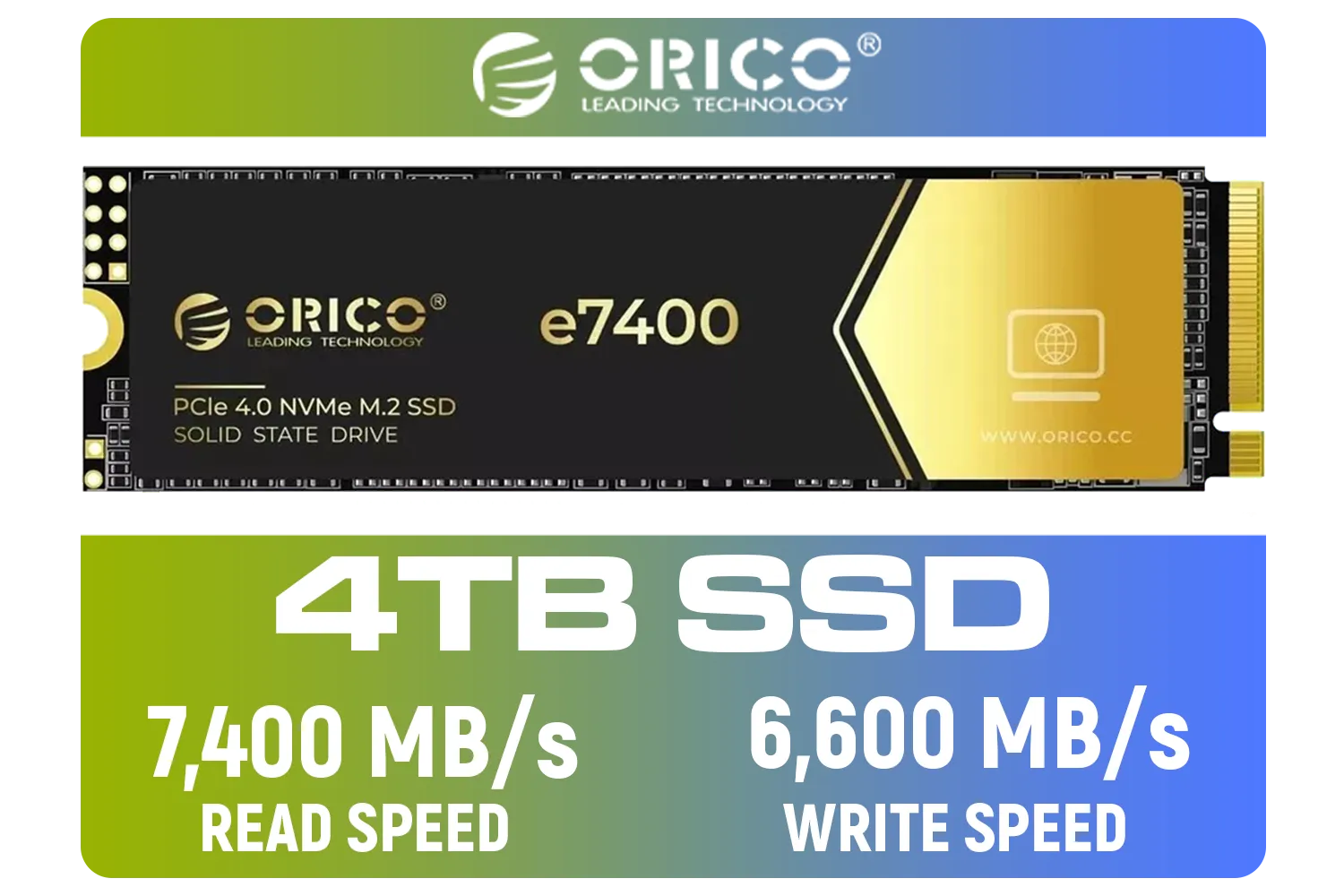
ORICO e7400 M.2 NVMe SSD - 4TB / PS5 Compatible / PCIe Gen4.0 x4 / Up to 7,400MB/s Read and 6,600MB/s Write Speeds / ORICO-e7400-4TB-GD-BP
R5949.00In Stock

Teamgroup T-Force G70 PRO 2TB NVMe Internal Solid State Drive / Up to 7,400 Read Speed / Up to 6,800 Write Speed / Multiple Caching Systems Available / Patented Graphene Heatsink Technology / TM8FFH002T0C129
R3799.00In Stock
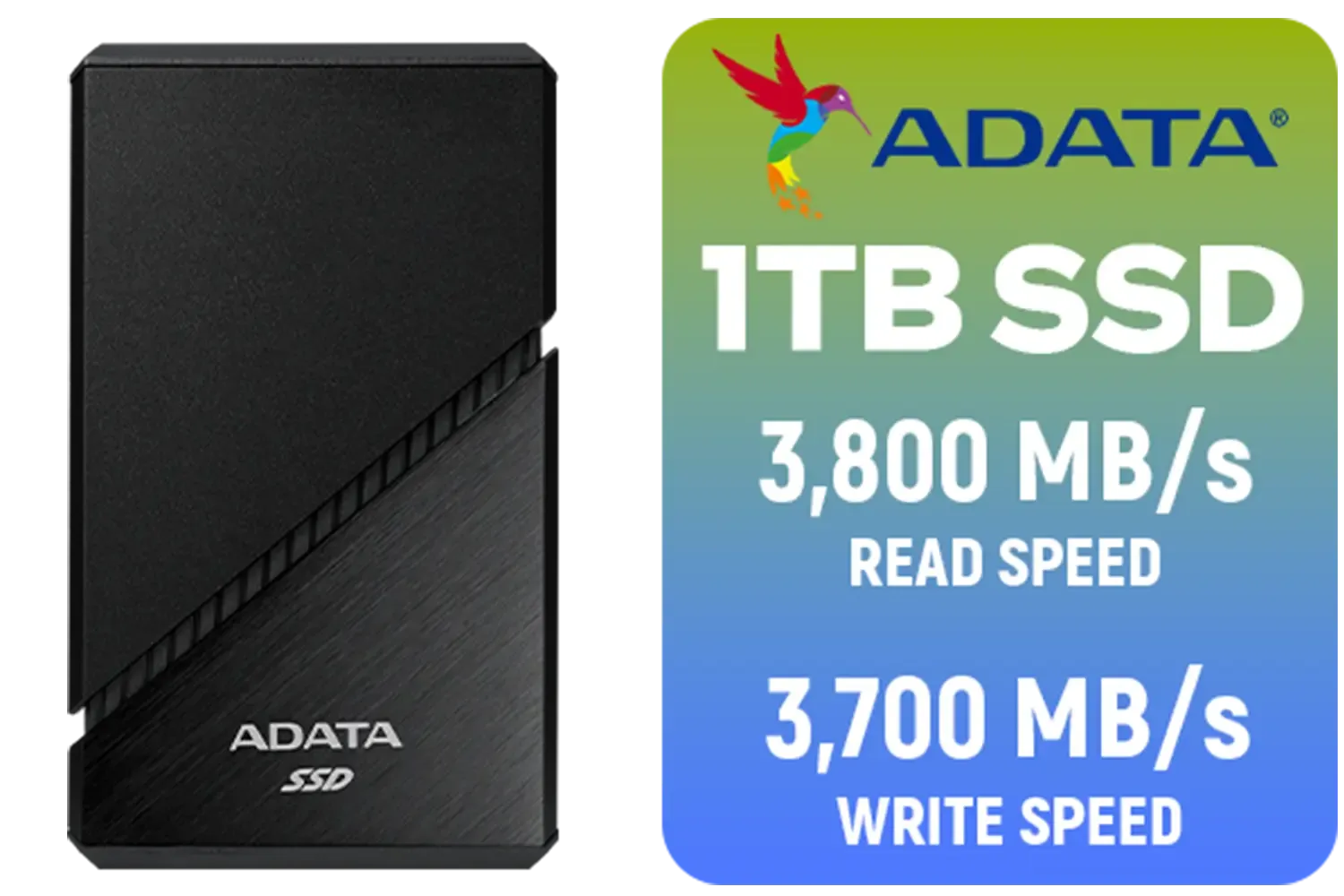
ADATA SE920 1TB External Solid State Drive / Up to 2000 MB/s Read Speed / Up to 3,700 MB/s Write Speed(3,200 MB/s with Thunderbolt 4) / USB4 USB-C Interface (Backwards Compatible with USB 3.2/2.0) / SE920-1TCBK
R2999.00In Stock

Orico X7000 1TB NVMe Internal Solid State Drive SSD / Versatile storage for multiple platforms / PCIe Gen 4.0, M.2 2280 / Up to 7100MB/s Read Speed / Up to 6500MB/s Write Speed / ORICO-X7000-1TB-RD-BP
R2099.00In Stock
![[OEM] Dahua V800 256GB 2.5" SATA 3.0 6 Gb/s 3D NAND Solid State Drive / Read Speed Up to 540 MB/s / Write Speed Up to 170 MB/s / High-Quality Wafer-Level Chip / TRIM & NCQ Performance Boost / Low Power Consumption / Safe & Reliable Data Transfer / Stable 24/7 Read-Write for XVR (No Frame Loss) / DHI-SSD-V800S256G](https://img.evetech.co.za/repository/ProductImages/dahua-v800-256gb-oem-2-5-sata-ssd-1600px-v1-001.webp)
[OEM] Dahua V800 256GB 2.5" SATA 3.0 6 Gb/s 3D NAND Solid State Drive / Read Speed Up to 540 MB/s / Write Speed Up to 170 MB/s / High-Quality Wafer-Level Chip / TRIM & NCQ Performance Boost / Low Power Consumption / Safe & Reliable Data Transfer / Stable 24/7 Read-Write for XVR (No Frame Loss) / DHI-SSD-V800S256G
R699.00In Stock
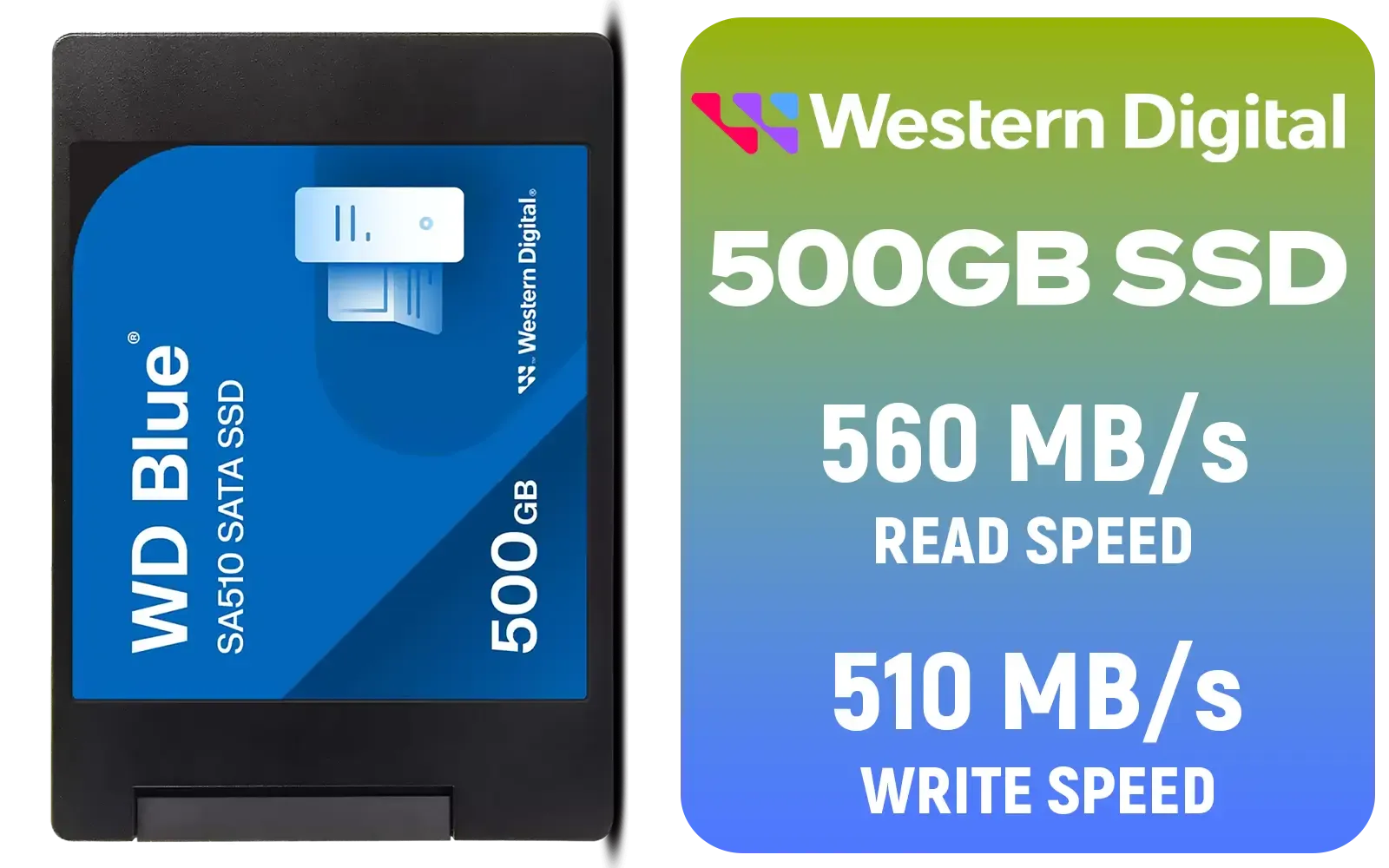
Western Digital Blue SA510 500GB 2.5" Solid State Drive (SSD) / Superior Performance / Multitasking / WD F.I.T. Lab Certified / WDS500G3B0A
R899.00In Stock
For a surprisingly reasonable investment, you can secure a 1TB or 2TB drive that will transform your entire computing experience. In fact, you can find some incredible deals on SSDs under R10,000, making this one of the most impactful and accessible upgrades you can make today.
Ready to Obliterate Loading Screens? A Gen4x4 NVMe SSD is more than an upgrade; it's an investment in a faster, smoother, and more responsive PC experience. Explore our massive range of high-speed SSDs and find the perfect drive to future-proof your rig today.
Related Products
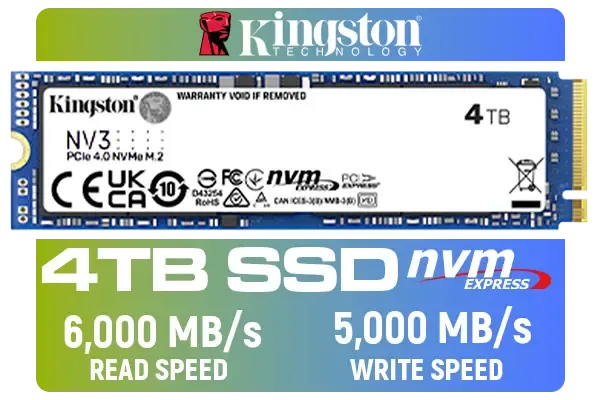
Kingston 4000G NV3 NVMe SSD / Up to 6,000MB/s Read / Up to 4,000MB/s Write / PCIe 4.0 x4 NVMe / M.2 2280 Form Factor / SNV3S/4000G
R6299.00In Stock
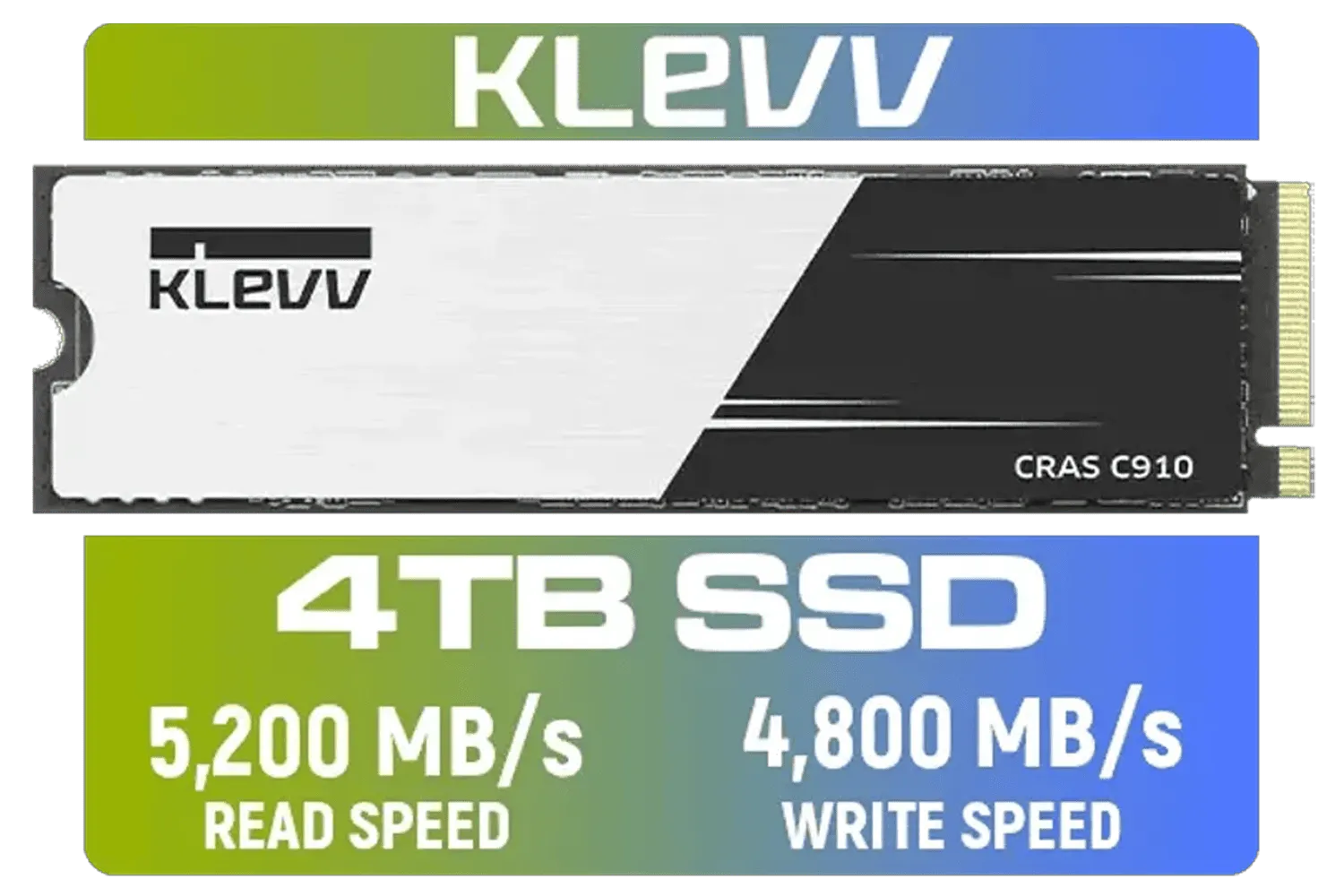
KLEVV CRAS C910 4TB NVME PCIe SSD Gen4x4 / Sequential Read up to 5200MB/s / Sequential Write up to 4800MB/s / Aluminum Heatsink / 3D NAND Technology / K04TBM2SP0-C91
R5999.00In Stock

Kingston XS1000 1TB SSD | Pocket-Sized | USB 3.2 Gen 2 | External Solid State Drive | Up to 1050MB/s | SXS1000/1000G
R1799.00In Stock
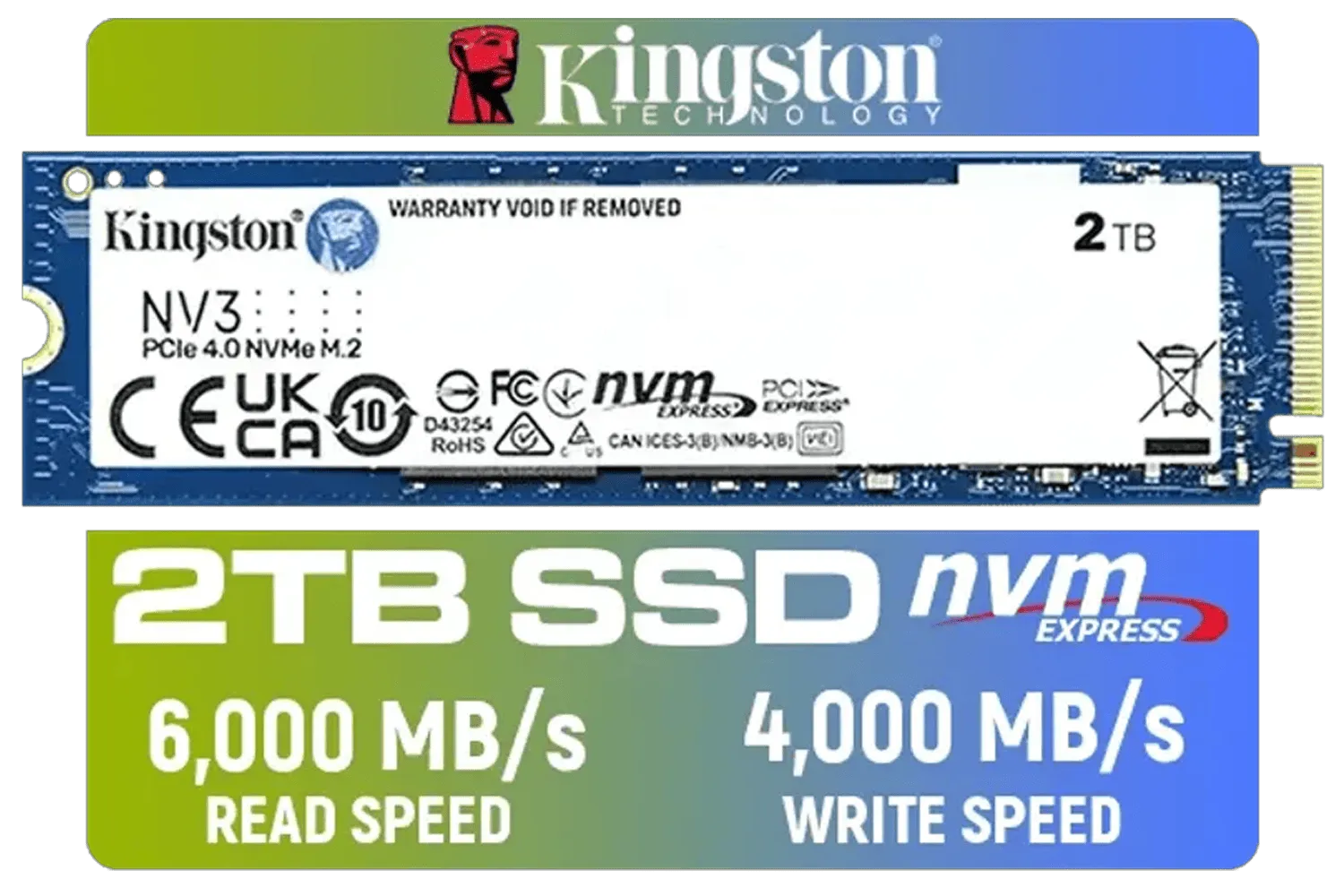
Kingston 2000G NV3 NVMe SSD / Up to 6,000MB/s Read / Up to 4,000MB/s Write / PCIe 4.0 x4 NVMe / M.2 2280 Form Factor / SNV3S/2000G
R3499.00In Stock
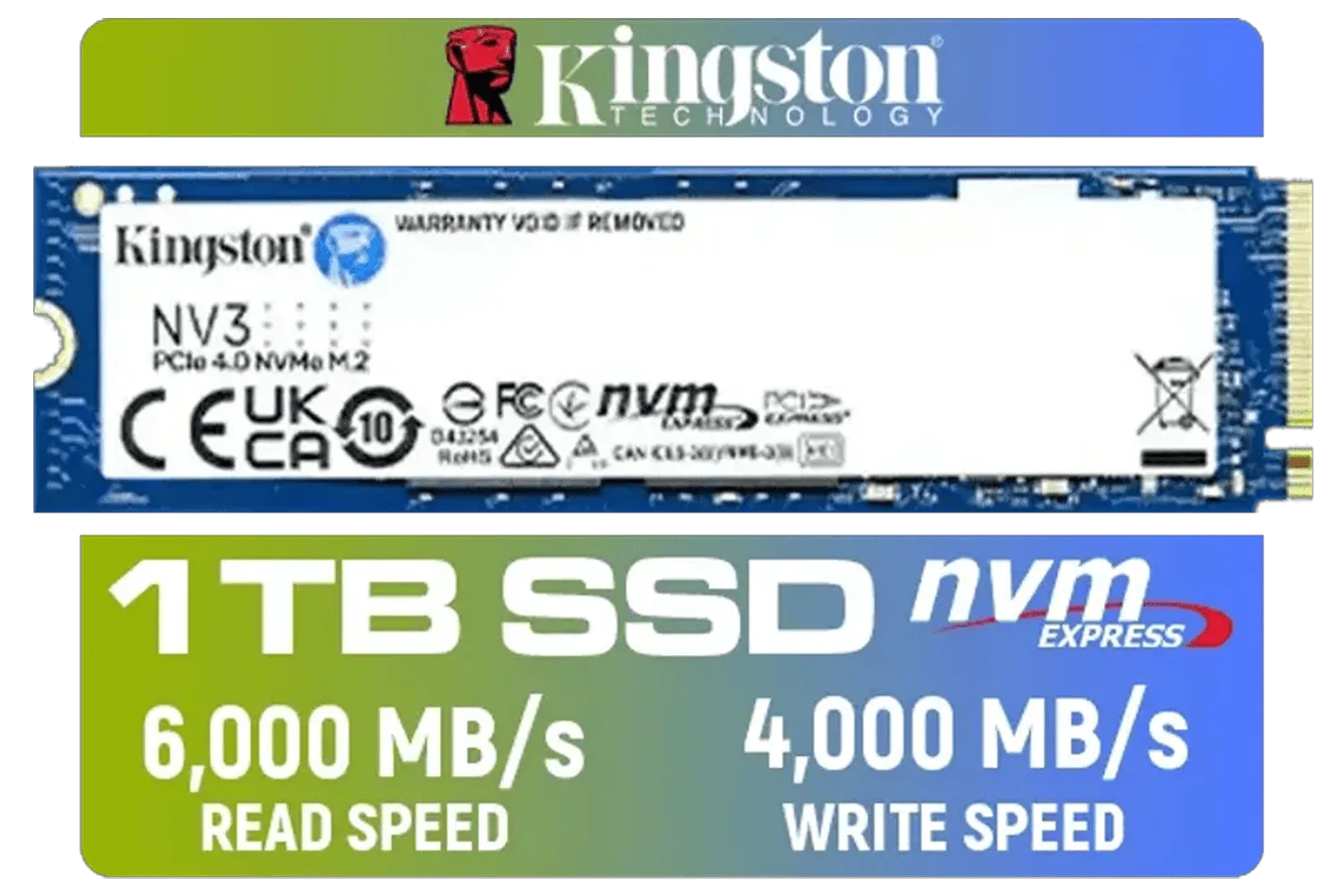
Kingston 1000G NV3 NVMe SSD / Up to 6,000MB/s Read / Up to 4,000MB/s Write / PCIe 4.0 x4 NVMe / M.2 2280 Form Factor / SNV3S/1000G
R1999.00In Stock

Kingston IronKey Vault Privacy 80 1.92TB External SSD | FIPS 197 | XTS-AES 256GB Encrypted | Touch Screen PIN | Secure Data Protection | IKVP80ES/1920G
R6999.00In Stock
A Gen4x4 NVMe SSD is an M.2 drive using PCIe Gen4 x4 lanes for much higher bandwidth than Gen3, delivering faster load times and throughput.
It provides higher bandwidth, better endurance, and headroom for upcoming apps and GPUs, extending upgrade cycles and performance longevity.
Check for an M.2 slot wired to PCIe Gen4; some older motherboards need BIOS updates or newer chipsets to reach Gen4x4 speeds.
For gaming or content work pick 1TB+ and prioritize TBW and endurance to balance performance and SSD lifespan.
Install in an M.2 PCIe Gen4 slot, enable NVMe drivers, update firmware, enable TRIM and apply thermal pads or heatsinks for sustained speeds.
For gamers, creators, and power users they deliver measurable speed and future headroom; cost per GB keeps improving.
Yes. Ensure UEFI boot support, set the NVMe as the OS drive in BIOS, and enjoy faster boot and application launch times.








