



GPU Architecture vs Memory: What Matters More for Casual Gamers?
Discover how GPU choices affect casual gaming. Dive into architecture vs memory importance 🔍 and future-proof your play. 💡
|
Loading tags...
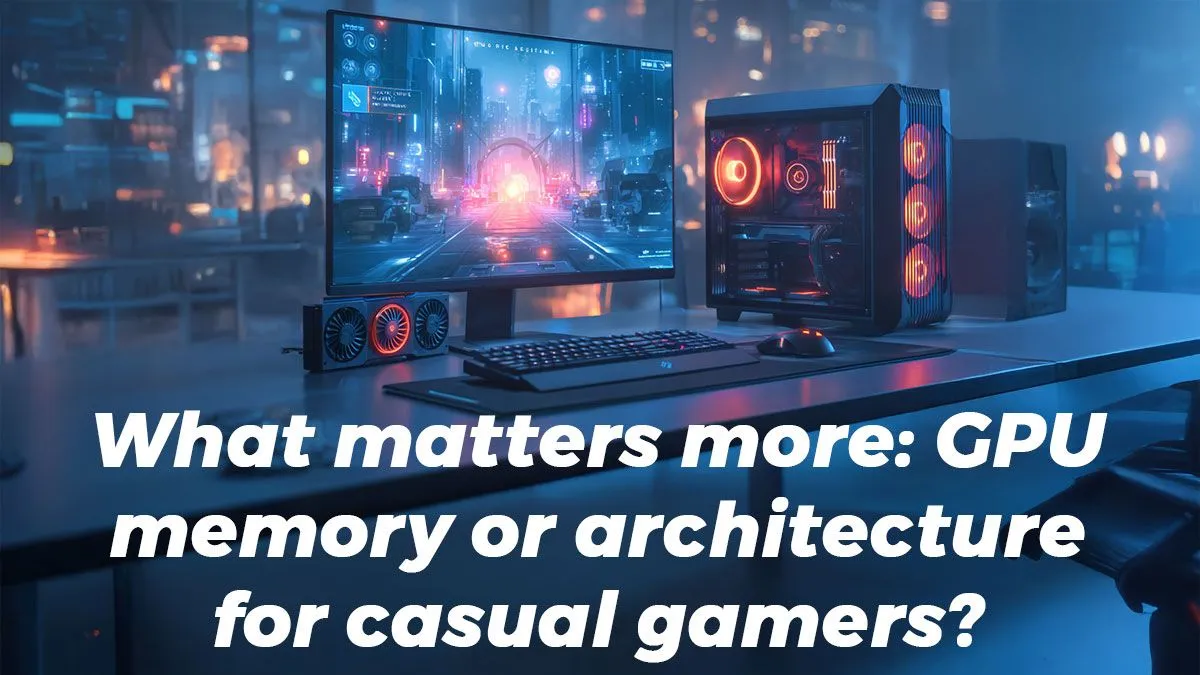
Navigating the world of graphics cards can feel like you need a degree in computer engineering. You see terms like "architecture" and "VRAM" thrown around, but what do they actually mean for your gaming experience? For the casual South African gamer who just wants to enjoy titles like Apex Legends or Baldur's Gate 3 without issues, this can be confusing. Understanding the balance between a GPU's core power and its memory is key to making a smart purchase that gives you great 1080p performance without breaking the bank. ✨
GPU Guts: Architecture vs. Memory Explained
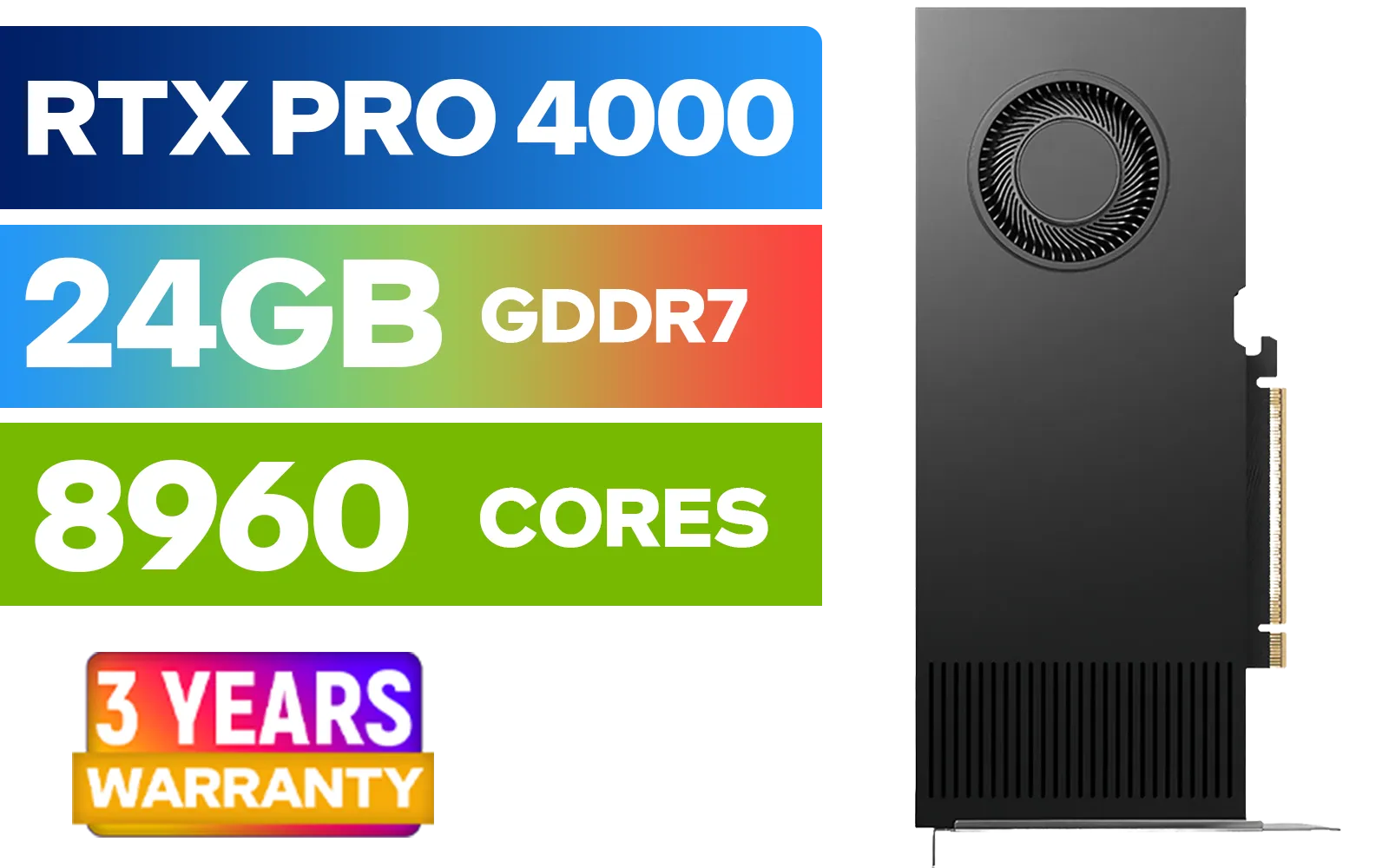
LEADTEK NVIDIA RTX PRO 4000 Blackwell 24GB GDDR7 Workstation Graphics Card / 8,960 Nvidia CUDA Cores / 672GB/s Memory Bandwidth / NVIDIA Blackwell Architecture / 126X4000100
R32999.00In Stock

MSI GeForce RTX 5070 12G Gaming Trio OC Graphics Card / 12GB GDDR7 / 6144 Cuda Cores / 192-bit Memory Interface / Boost Clock : 2610 MHz / NVIDIA Blackwell & DLSS 4 / TRI FROZR 4 Thermal Design / Metal with Airflow Vents / 912-V532-019
R15199.00In Stock
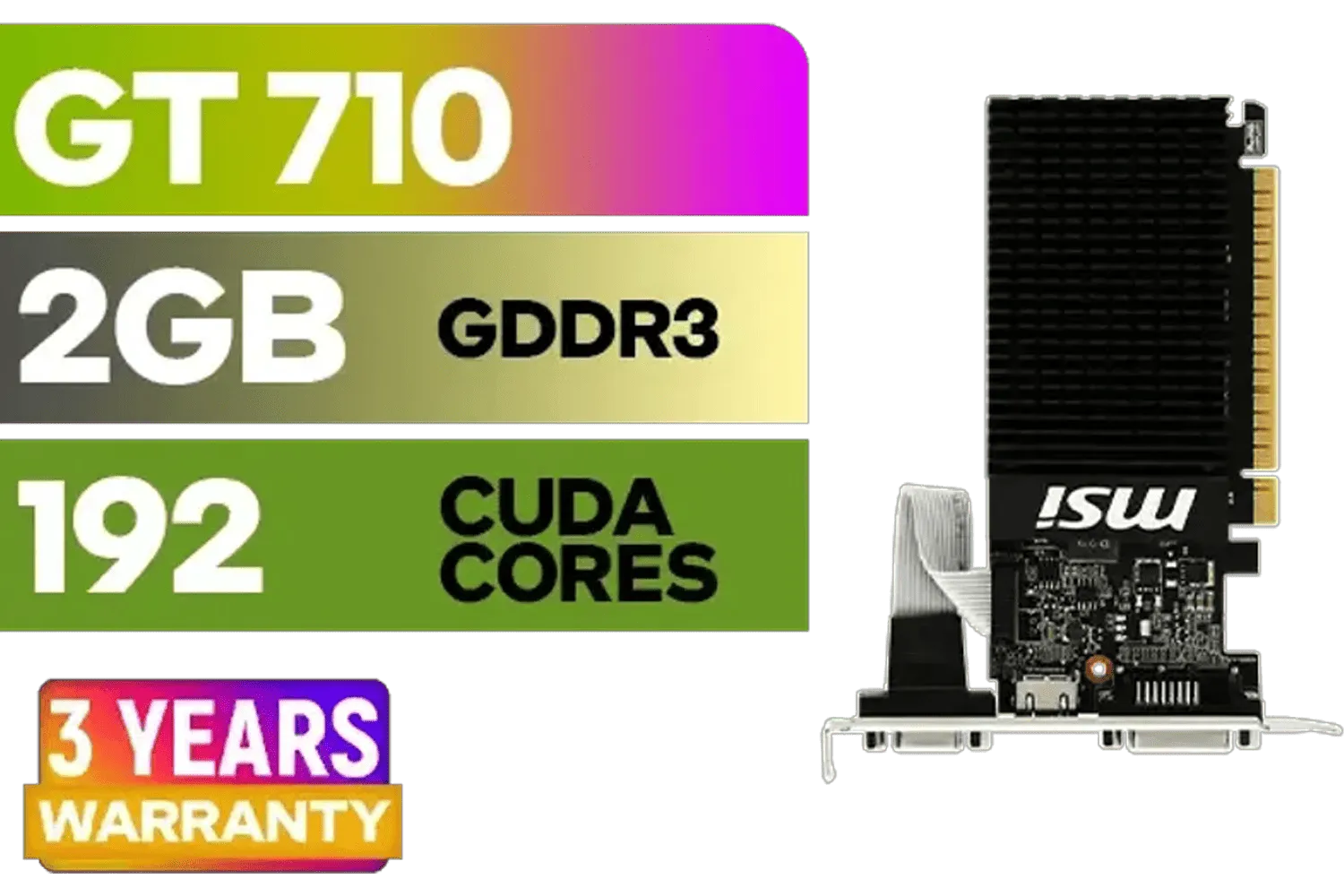
MSI GeForce GT 710 2GD3H LP 2GB DDR3 Graphics Card / 192 CUDA CORES / 64-bit Memory / 1x HDMI / 1x Dual-link DVI-D / 1x D-Sub / 912-V809-4217
R1099.00In Stock
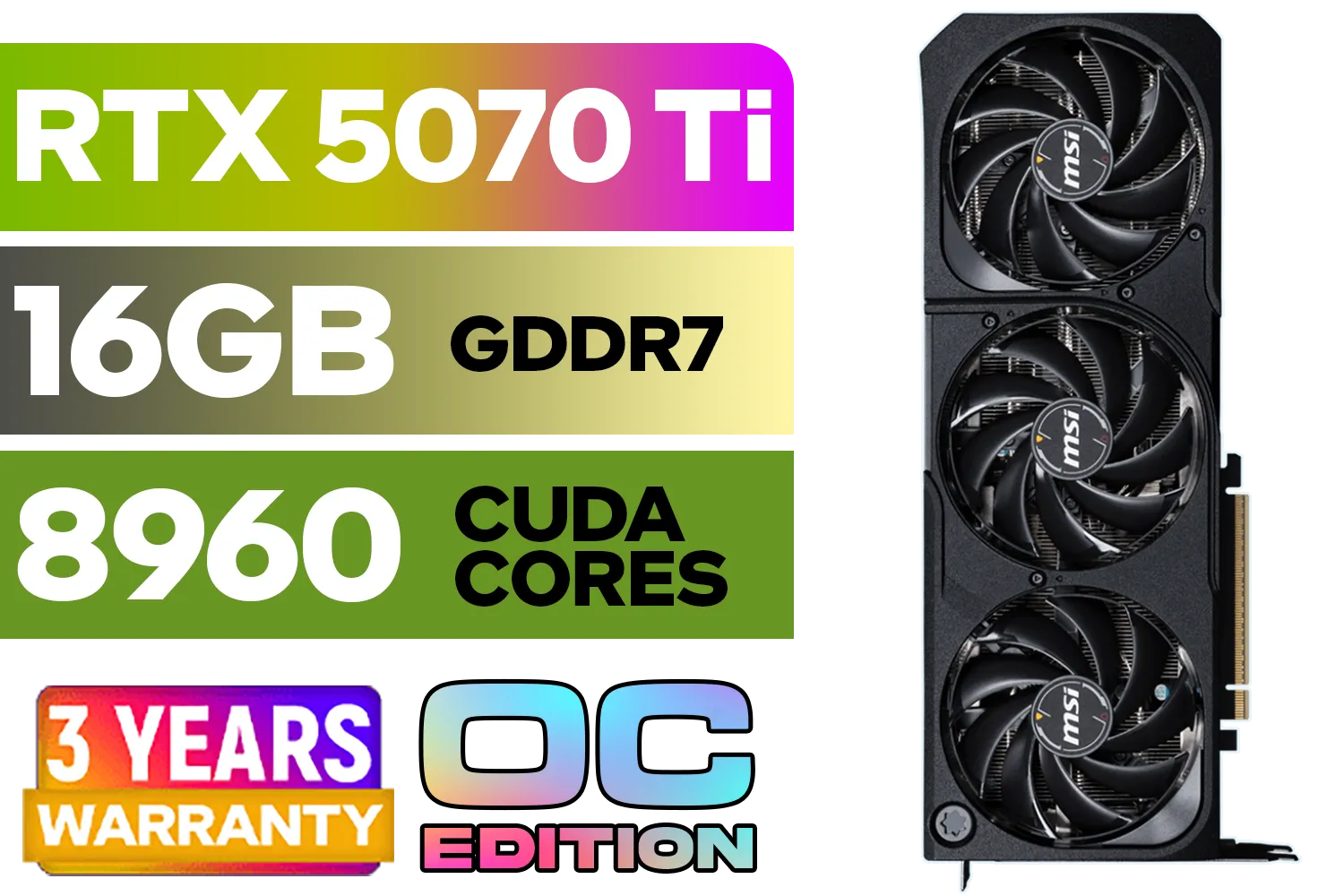
GeForce RTX™ 5070 Ti 16G SHADOW 3X OC Graphics Card / 8960 Cuda Cores / 256-bit Memory Interface / Boost Clock : 2482 MHz / NVIDIA Blackwell & DLSS 4 / TORX Fan 5.0 / Nickel-Plated Copper Baseplate / 912-V531-465
R19499.00In Stock

MSI Geforce RTX 5060 Ventus 2X 8G OC Graphics Card - White / 8GB GDDR7 / 3840 Cuda Cores / 128-bit Memory Interface / Boost Clock : 2527 MHz / PCI Express® Gen 5 / 912-V537-018
R7999.00In Stock

Leadtek NVIDIA RTX A400 4GB GDDR6 Workstation Graphics Card / 768 Nvidia CUDA Cores / 96GB/s Memory Bandwidth / Nvidia Ampere Architecture / 126W7000100
R3699.00In Stock
Q: What is GPU architecture, in simple terms? A: Think of GPU architecture as the engine of the graphics card. It’s the fundamental design of the processor, determining how efficiently it can handle tasks. A newer architecture, like NVIDIA's Blackwell or AMD's RDNA 4, will have smarter, more efficient ways of processing graphics data, supporting new features like improved ray tracing or AI upscaling. For a gamer, a newer architecture generally means better performance and more features, even if other specs seem similar.
Q: And what is VRAM (video memory)? A: VRAM, or Video RAM, is like the GPU's dedicated, ultra-fast workbench. It’s where the graphics card stores all the assets it needs right now—like game textures, models, and shaders. The more VRAM you have, the more high-resolution textures and complex data can be held at the ready. Running out of VRAM forces the card to pull data from your slower system RAM, causing noticeable stutter and frame drops.
Q: So, what's more important for casual 1080p gaming? A: For casual gaming, especially at 1080p resolution, the GPU architecture is almost always more important. A newer, more efficient core will deliver smoother frame rates and a better overall experience than an older card that just has a lot of VRAM tacked on. A card with a modern architecture from the latest GeForce graphics cards lineup will usually outperform an older-generation card, even if the older card has more VRAM.
TIP FOR YOU
The Sweet Spot for 1080p
For a great, no-fuss 1080p gaming experience in 2025, look for a card with a modern architecture and 8GB of VRAM. This is the current sweet spot that provides enough memory for most new titles without overspending.

Leadtek NVIDIA RTX A1000 8GB GDDR6 Workstation Graphics Card / 2304 Nvidia CUDA Cores / 192GB/s Memory Bandwidth / Nvidia Ampere Architecture / 126W8000100
R10999.00In Stock
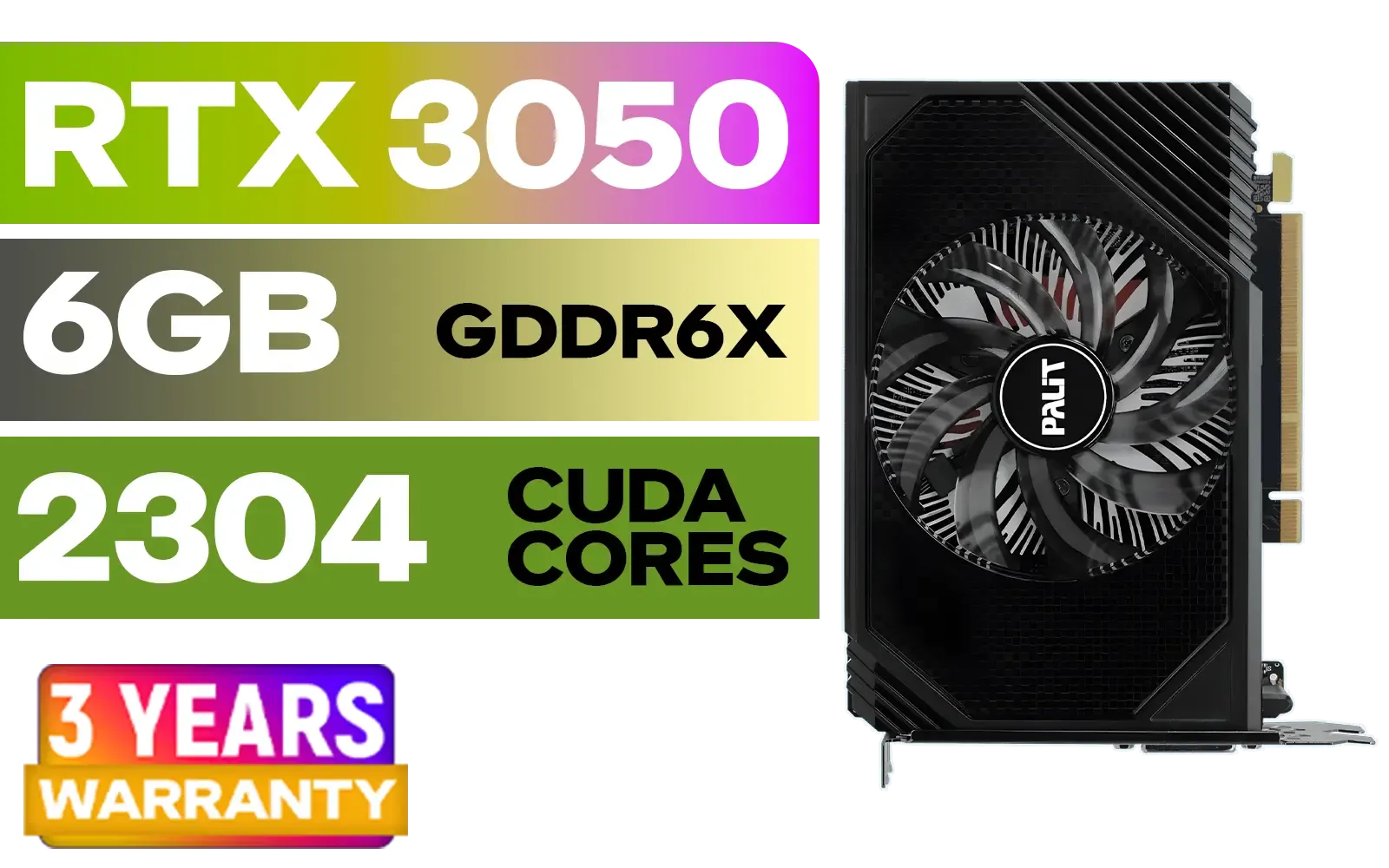
Palit GeForce RTX 3050 StormX 6GB GDDR6 Gaming Graphics Card / 2304 Cuda Core / 96-bit Memory Interface / Boost Clock : 1470MHz / Incredibly Fast Frame Rates / New Streaming Multiprocessors / NE63050018JE-1070F-SN
R3599.00In Stock
LEADTEK NVIDIA RTX PRO 4000 Blackwell 24GB GDDR7 Workstation Graphics Card / 8,960 Nvidia CUDA Cores / 672GB/s Memory Bandwidth / NVIDIA Blackwell Architecture / 126X4000100
R32999.00In Stock
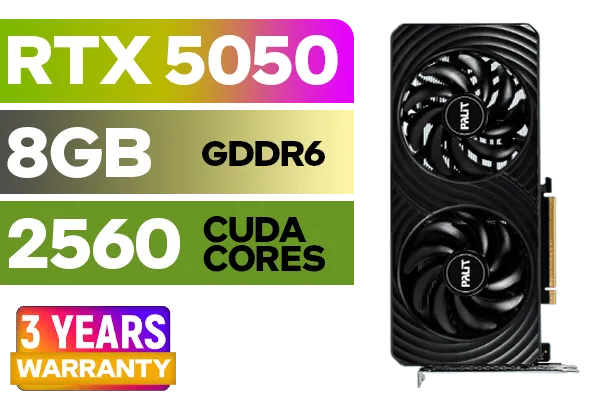
Palit GeForce RTX™ 5050 DUAL Graphics Card / 8GB GDDR6 / 2560 Cuda Cores / 128-bit Memory Interface / Boost Clock : 2572 MHz / PCI Express® Gen 5 / NE65050019P1-GB2070D
R5699.00In Stock
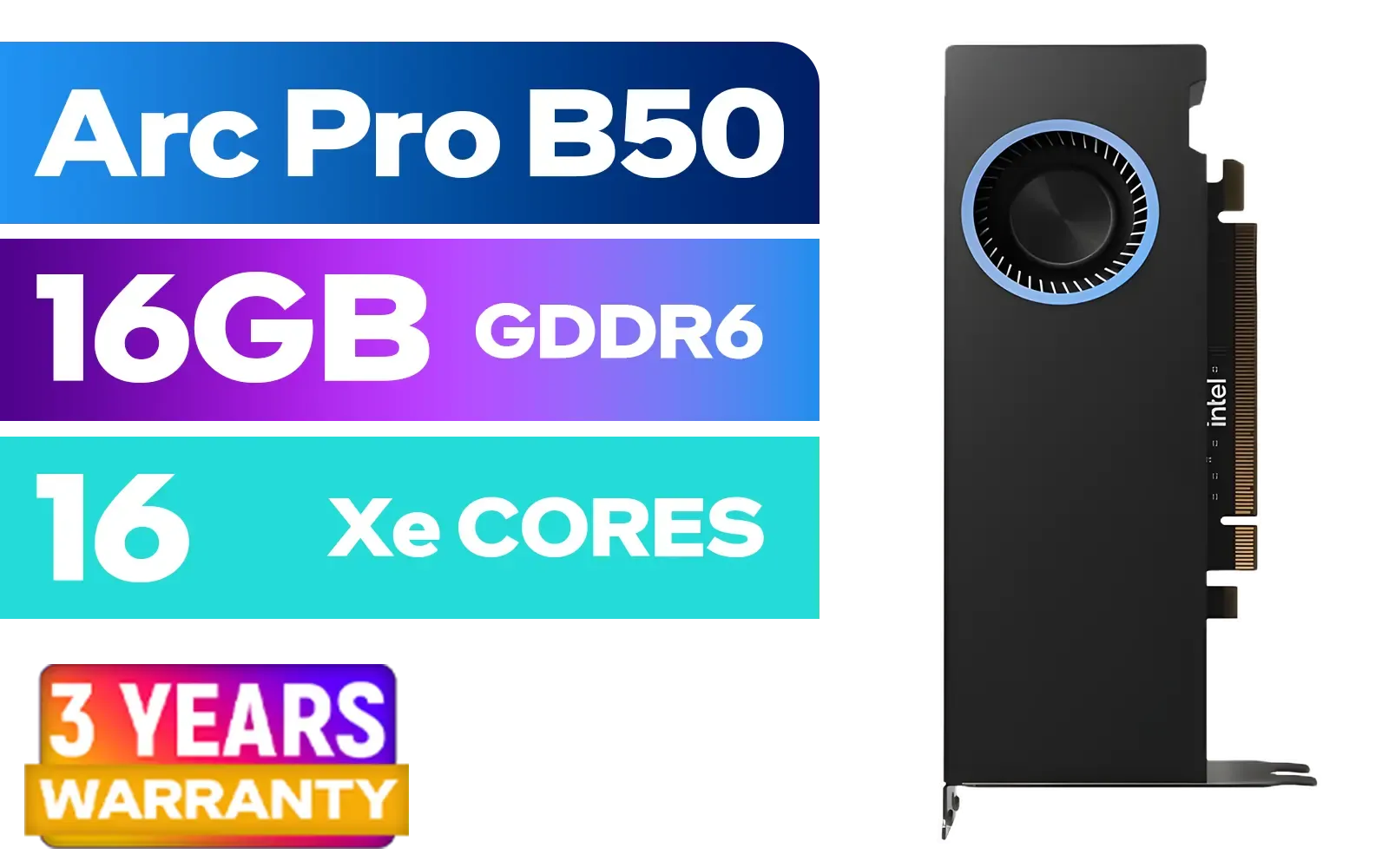
Intel Arc Pro B50 16GB Workstation Graphics Card / 16GB GDDR6 / 128 XMX Engines / 128 Vector Engines / 16 Xe2 Cores / 128-bit / Max Dynamic Clock: 2600MHz / PCIe 5.0 x8 Interface / 33P6PEB0BB
R7999.00In Stock
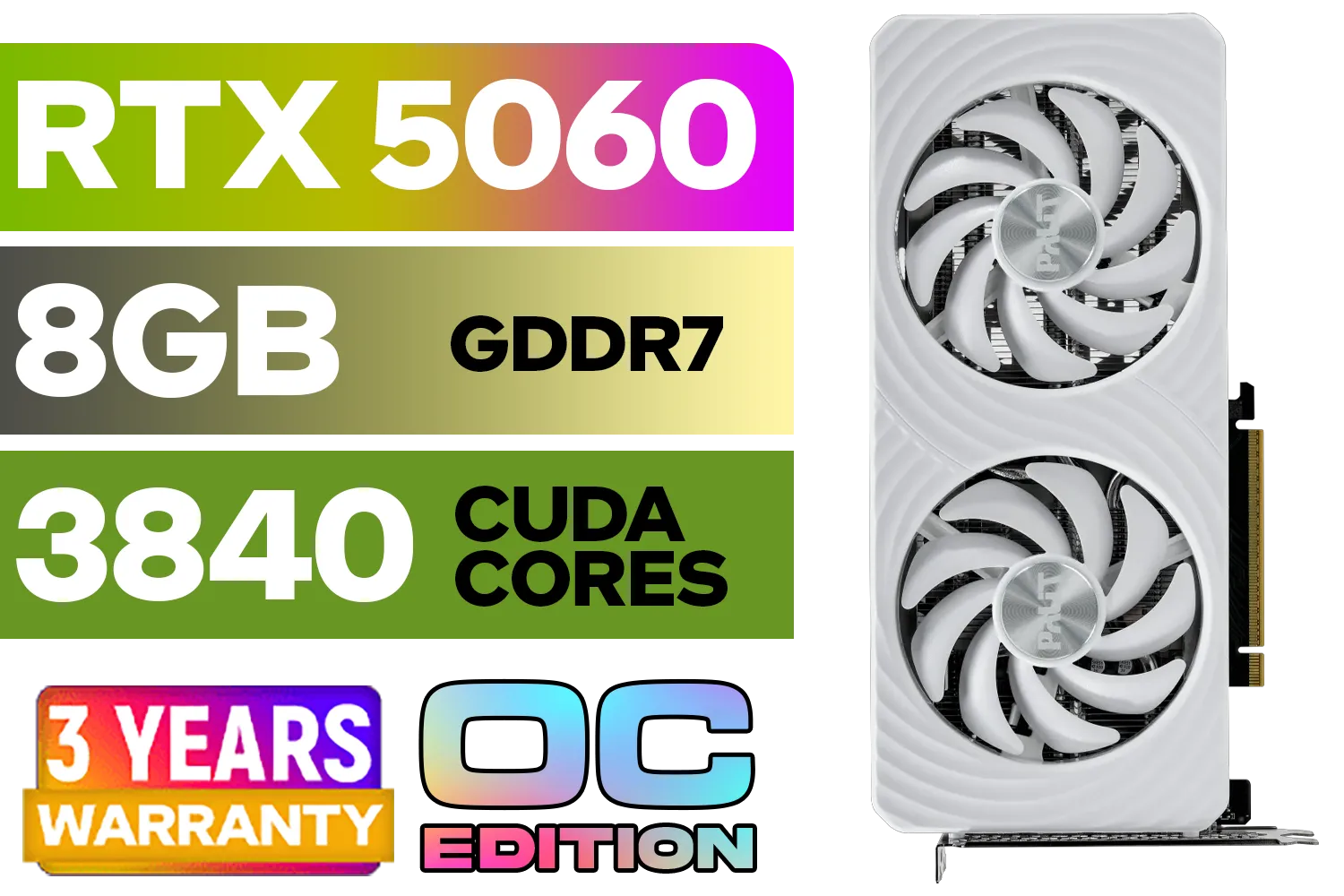
Palit GeForce RTX 5060 OC Graphics Card - White / 8GB GDDR7 / 3840 Cuda Cores / 128-bit Memory Interface / Boost Clock : 2497 MHz / PCI Express® Gen 5 / NE75060U19P1-GB2063M
R6999.00In Stock
Q: When does VRAM start to matter more? A: VRAM becomes a bigger deal when you increase resolution or crank up texture quality settings. Playing at 1440p or 4K, or using "Ultra" texture packs, requires a lot more memory. If you're a casual gamer who might want to dabble in higher settings or connect to a 1440p monitor down the line, considering a card with more memory, such as one of these 12GB graphics cards, is a smart move for future-proofing.
Q: Is there a difference between NVIDIA and AMD for casual players? A: Both brands offer fantastic options for casual gaming. Historically, NVIDIA has had an edge with features like DLSS and stronger ray-tracing performance, while AMD often provides excellent raw performance for your Rand. For a casual gamer, either ecosystem works well. It's best to compare specific cards in your budget, whether they're from the pool of Radeon graphics cards or their direct competitors.
Q: Do brands like MSI offer better performance? A: Partner brands like MSI, Gigabyte, or ASUS take the base GPU from NVIDIA or AMD and build a custom card around it. These cards often feature superior cooling systems, higher factory overclocks, and better build quality than the reference models. An MSI graphics card, for example, might run cooler and slightly faster than a basic model, giving you a more consistent and quieter gaming experience. 🔧
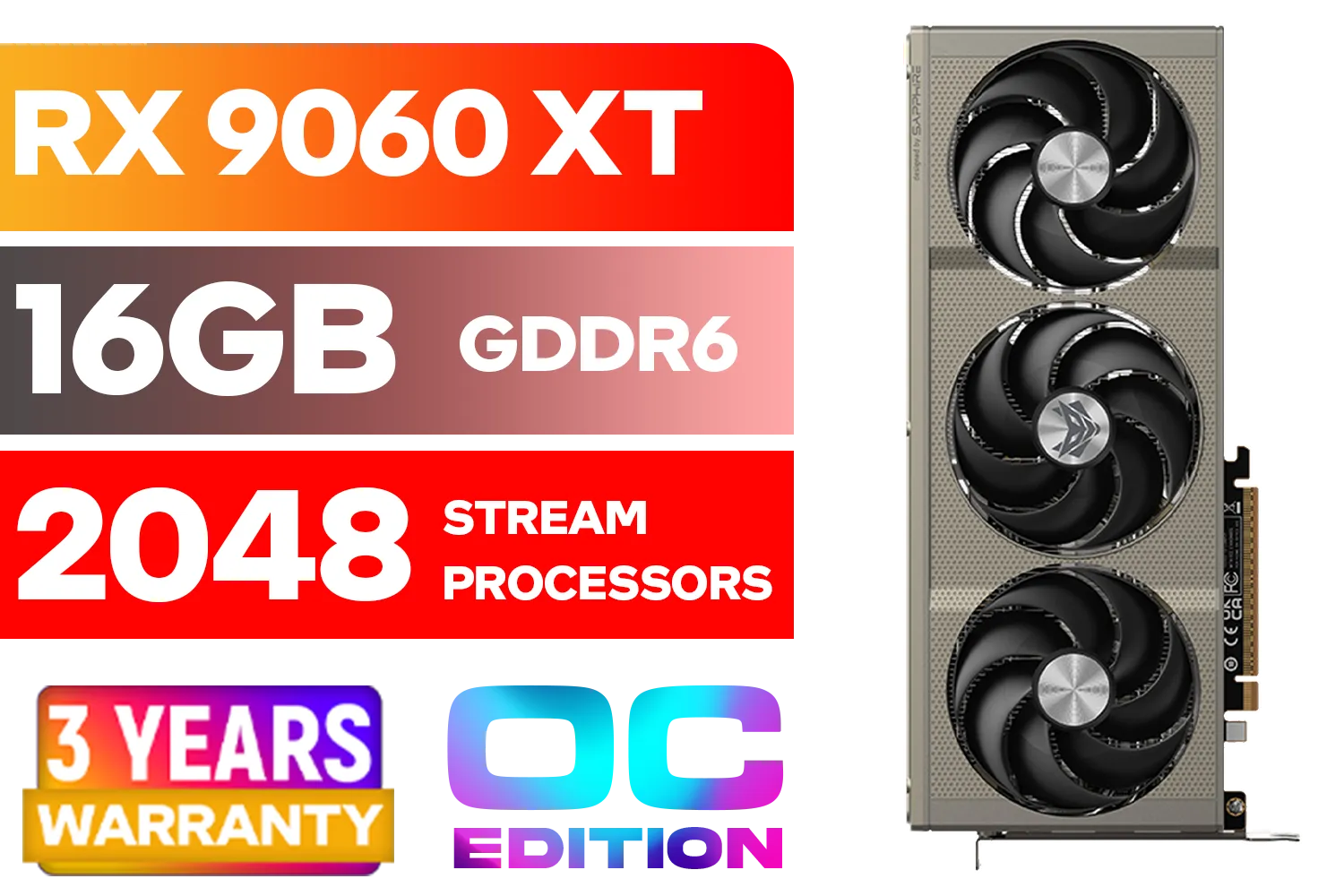
SAPPHIRE NITRO+ RX 9060 XT OC 16GB Graphics Card / 16GB GDDR6 Memory / 2048 Stream Processors / 128-bit Memory Interface / Boost Clock : 3320 MHz / AMD RDNA™ 4 Architecture / 32 Ray Accelerators / 11350-01-20G
R8899.00In Stock
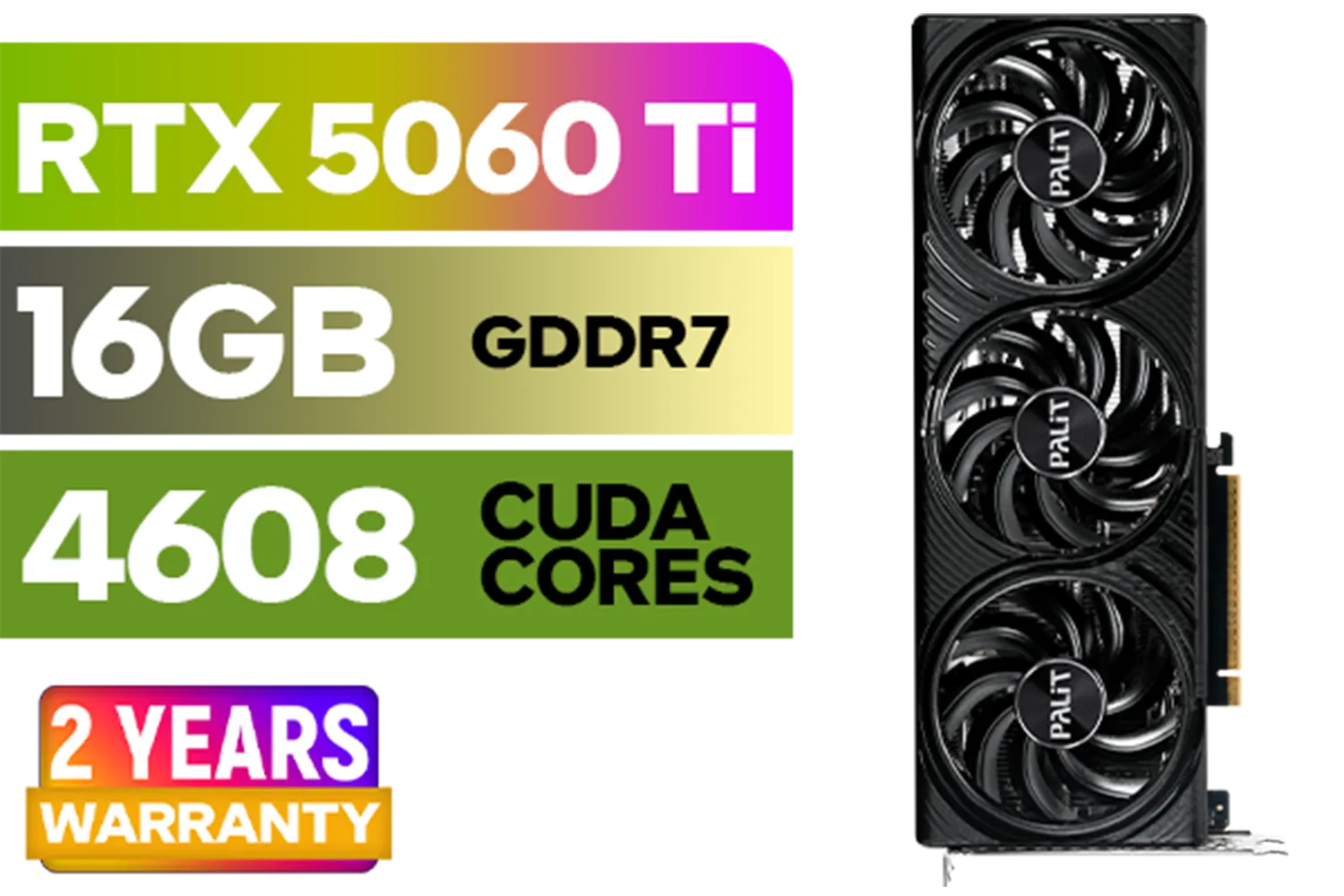
Palit GeForce RTX 5060 Ti Infinity 16GB Graphics Card / 16GB GDDR7 / 4608 Cuda Cores / 128-bit Memory Interface / Boost Clock : 2572 MHz / 28Gbps Memory Speed / PCI Express® Gen 5 / NE7506T019T1-GB2061S
R9799.00In Stock

Leadtek NVIDIA RTX 5000 ADA 32GB GDDR6 Workstation Graphics Card / 12800 Nvidia CUDA Cores / 576GB/s Memory Bandwidth / Ada Lovelace GPU architecture / 126V5000100
R96999.00In Stock

XFX Swift AMD Radeon RX 9070 OC Graphics Card - White / 3584 Stream Processors / 256-bit Memory Interface / Boost Clock :2700 MHz / AMD RDNA™ 4 Architecture / RX-97SWFB3W9
R13499.00In Stock

Palit GeForce RTX 5070 Ti GameRock 16G / 16GB GDDR7 / 28Gbps Memory Speed / PCI Express® Gen 5 / NE7507T019T2-GB2030G
R17999.00In Stock
MSI GeForce RTX 5070 12G Gaming Trio OC Graphics Card / 12GB GDDR7 / 6144 Cuda Cores / 192-bit Memory Interface / Boost Clock : 2610 MHz / NVIDIA Blackwell & DLSS 4 / TRI FROZR 4 Thermal Design / Metal with Airflow Vents / 912-V532-019
R15199.00In Stock
Key Takeaways
- Architecture is King: For 1080p casual gaming, the power and efficiency of the GPU's core architecture will have the biggest impact on your frame rates.
- VRAM is for Textures: Think of VRAM as the space for your game's visual data. 8GB is good for 1080p, but more is needed for higher resolutions and settings.
- Balance is Best: The ideal card has a modern architecture paired with enough VRAM for your target resolution. Don't be tempted by an old card with tons of VRAM.
- Partner Cards Add Polish: Custom cards from brands like MSI offer better cooling and factory overclocks, leading to a quieter and often slightly faster experience.
Find Your Perfect Gaming GPU Ready to stop guessing and start gaming? Explore the best graphics card deals in South Africa and find the perfect, balanced GPU for your budget and playstyle.
Related Products

Palit GeForce RTX 5060 Dual 8GB Graphics Card / 8GB GDDR7 / 3840 Cuda Cores / 128-bit Memory Interface / Boost Clock : 2497 MHz / PCI Express® Gen 5 / NE75060019P1-GB2063D
R8299.00In Stock

ASRock Intel ARC B580 Steel Legend OC Graphics Card / 12Gb 192-bit GDDR6 / DirectX 12 Ultimate / 2560 Cores / 2800MHz Engine Clock / 90-GA5CZZ-00UANF
R6999.00In Stock

MSI GeForce RTX 5070 Ti 16G Ventus 3X OC / 16GB GDDR7 / 28Gbps Memory Speed / PCI Express® Gen 5 / 912-V531-092
R19999.00In Stock
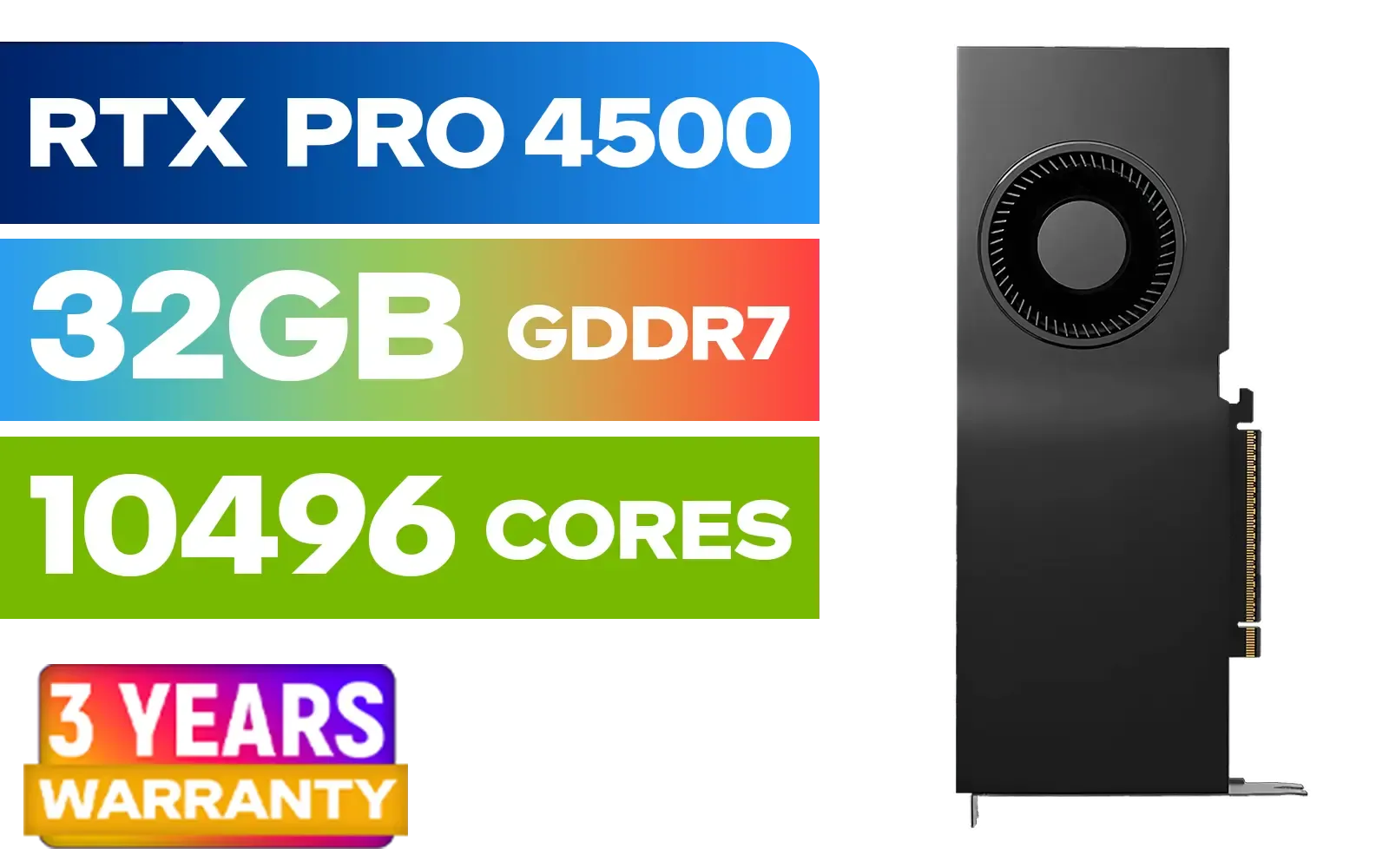
PNY NVIDIA RTX PRO 4500 32GB Blackwell Workstation Graphics Card / 10,496 CUDA Cores / 32GB GDDR7 with ECC / 4x Display Ports / VCNRTXPRO4500-PB
R54499.00In Stock
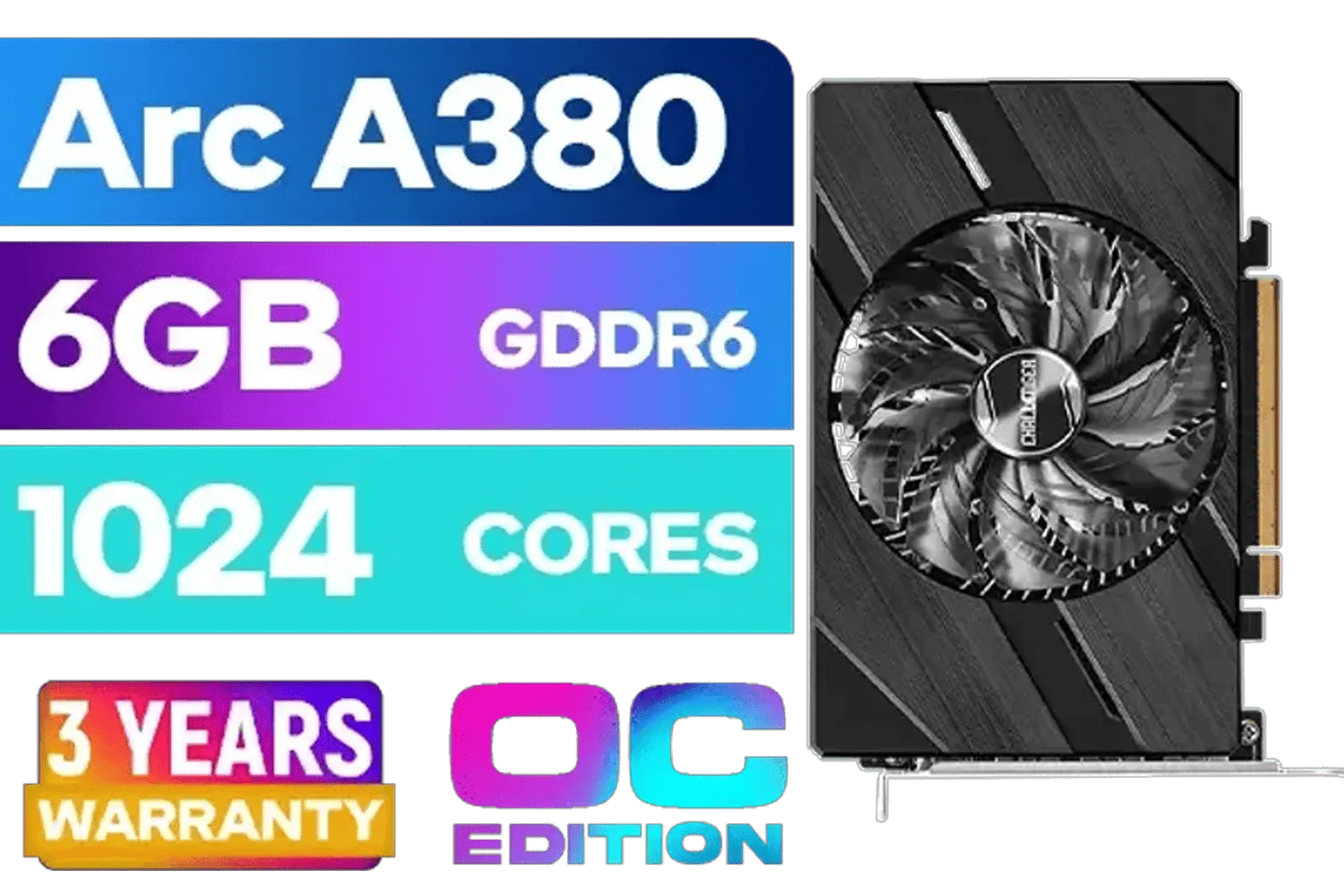
ASRock Intel Arc A380 Challenger ITX 6GB OC GDDR6 Graphics Card / 90-GA3KZZ-00UANF
R3199.00In Stock

SAPPHIRE NITRO+ RX 9070 Gaming OC 16GB Graphics Card / 16GB GDDR6 Memory / 3584 Stream Processors / 256-bit Memory Interface / Boost Clock : 2700 MHz / AMD RDNA™ 4 Architecture / 56 Ray Accelerators / 11349-01-20G
R13599.00In Stock
Yes, 4GB suffices for 1080p gaming, but modern titles may require more. Check benchmarks and future-proof.
AMD RDNA 2 and NVIDIA Ampere offer strong efficiency and performance for budget-friendly setups.
Modern architectures improve ray tracing and AI features for smoother, future-ready gaming experiences.
No, memory is fixed. Upgrading means replacing the entire graphics card.
Balance both, but architecture matters more for overall performance gains and longevity.
Aim for R3000–R5000 to balance quality gameplay and future hardware compatibility.
At least 4GB VRAM and mid-range CUDA cores or stream processors ensure smooth 1080p performance.








