



GPU Warranty South Africa 2025: What Voids Your Cover
GPU warranty South Africa 2025—know what voids it, what’s covered, and how to claim. 🛡️ Avoid pitfalls like BIOS flashing, mining abuse, or broken seals. Get RMA steps, CPA rights, and receipt tips. ⚠️

That new GPU smell... it’s intoxicating, isn't it? You’ve just dropped a serious amount of Randelas on a beast of a card, ready to crank those settings to ultra. But before you push that silicon to its limits, hold up. Do you know what could turn your prized possession into a pricey paperweight? Understanding your GPU warranty in South Africa is crucial, because one wrong move could void your cover completely, leaving you high and dry. Let's dive into what you need to know for 2025.
Don't Let an "Oops" Moment Void Your GPU Warranty

XFX Quicksilver AMD Radeon RX 9070 XT Graphics Card / 4096 Stream Processors / 256-bit Memory Interface / Boost Clock : 2970 MHz / AMD RDNA™ 4 Architecture / RX-97TQICKB9
R14999.00In Stock
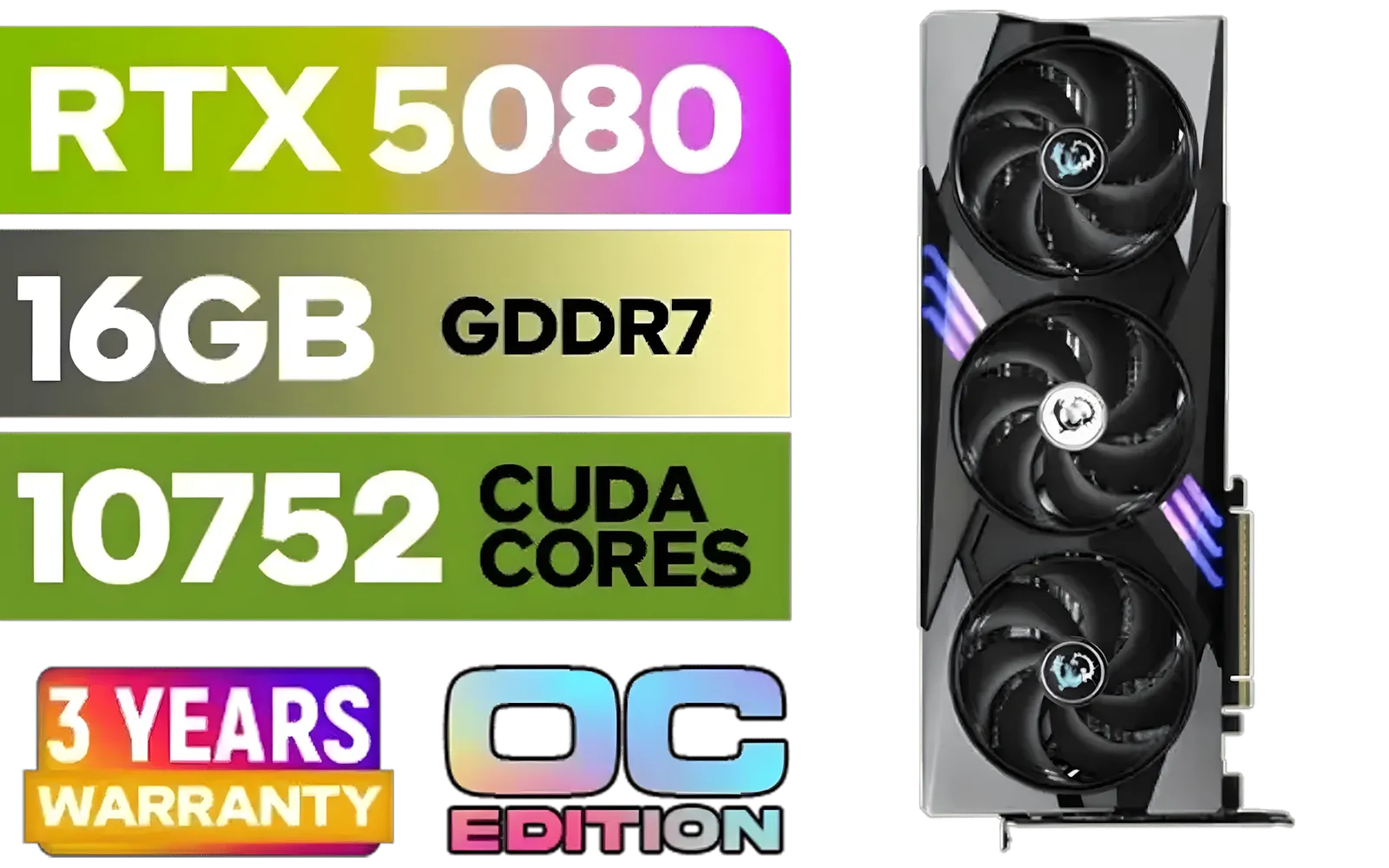
MSI GeForce RTX 5080 16G Gaming Trio OC Graphics Card - Precision Airflow Control - Nickel-Plated Copper Base - Metal Backplate - 16GB GDDR7 - 30Gbps Memory Speed - PCI Express® Gen 5 / 912-V531-026
R29499.00In Stock

MSI GeForce RTX 5080 16G VENTUS 3X OC Plus Graphics Card / PCI Express Gen 5 / 10752 Cuda Cores / 16GB GDDR7 / Nickel-plated Copper Baseplate / 912-V531-293
R27999.00In Stock

XFX SWIFT AMD Radeon RX 9060 XT OC Triple Fan 16GB GDDR6 GPU - White / AMD RDNA 4 Architecture / 3rd Gen Radeon Raytracing Accelerators/ AMD Fidelity FX Super Resolution 4.0 Upscaling Technology / RX-96TS316W7
R8499.00In Stock

MSI GeForce RTX 5070 12G Inspire 3X OC Graphics Card / 12GB GDDR7 / 6144 Cuda Cores / 192-bit Memory Interface / Boost Clock : 2542 MHz / NVIDIA Blackwell & DLSS 4 / 28Gbps Memory Speed / PCI Express® Gen 5 / 912-V532-017
R14499.00In Stock

MSI GeForce RTX 5070 12G Gaming Trio OC Graphics Card / 12GB GDDR7 / 6144 Cuda Cores / 192-bit Memory Interface / Boost Clock : 2610 MHz / NVIDIA Blackwell & DLSS 4 / TRI FROZR 4 Thermal Design / Metal with Airflow Vents / 912-V532-019
R15199.00In Stock
This might seem obvious, but you’d be surprised what support technicians see. Any visible physical damage is usually the fastest way to get a warranty claim denied. We’re talking about more than just a scratch on the shroud.
- Bent Brackets or Connectors: Trying to force a card into a tight case or yanking out a DisplayPort cable carelessly can bend the I/O bracket or damage the delicate pins inside the port.
- PCB Damage: A deep scratch on the circuit board, a cracked corner from a drop, or water damage are all immediate red flags for manufacturers.
- User-Induced Component Damage: Snapping off a tiny capacitor while cleaning or installing the card is considered user fault.
Treat your GPU with the respect its price tag commands. When you're spending thousands on high-performance AMD Radeon graphics cards, the last thing you want is a denial due to a moment of clumsiness.
The DIY Danger Zone: How Modifications Can Cost You
For PC enthusiasts, tinkering is half the fun. But when it comes to your GPU, that enthusiasm can have expensive consequences for your warranty cover. Before you break out the screwdriver, be aware of these common modification pitfalls.
Changing The Stock Cooler
Swapping the air cooler for a custom water block is a popular move for achieving lower temps and higher overclocks. However, this is one of the most common ways to void a GPU warranty in South Africa. The moment you remove the manufacturer's cooling solution, most brands consider the warranty void. Why? There's a high risk of damaging the GPU die or other sensitive components during the process.
Flashing a Custom VBIOS
Tempted to flash a custom VBIOS (Video Basic Input/Output System) to unlock higher power limits? Think twice. This is an extremely risky procedure that can permanently "brick" your card. Manufacturers can easily detect a non-stock VBIOS, and it's an instant warranty denial. Whether you have one of the latest NVIDIA GeForce cards or even one of the newer Intel Arc GPUs, stick to the official software.
TIP FOR YOU
Pro Tip: Don't Get Zapped! ⚡
Before you even touch your new graphics card, ground yourself! Touch a large metal object like your PC case's bare metal frame. This discharges any static electricity you've built up, which can instantly fry sensitive components. An anti-static wrist strap is a cheap investment to protect your expensive new GPU.
MSI GeForce RTX 5080 16G VENTUS 3X OC Plus Graphics Card / PCI Express Gen 5 / 10752 Cuda Cores / 16GB GDDR7 / Nickel-plated Copper Baseplate / 912-V531-293
R27999.00In Stock
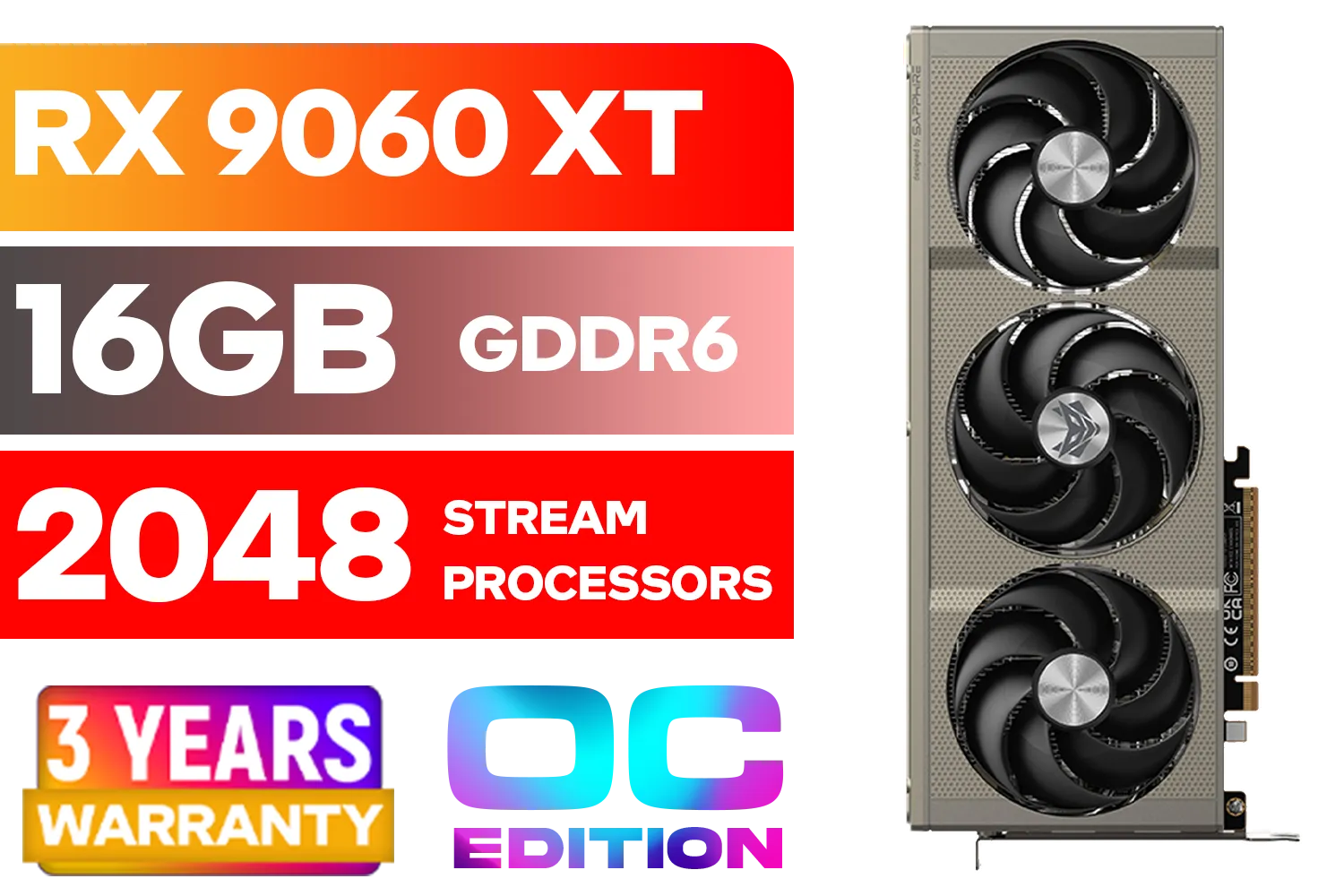
SAPPHIRE NITRO+ RX 9060 XT OC 16GB Graphics Card / 16GB GDDR6 Memory / 2048 Stream Processors / 128-bit Memory Interface / Boost Clock : 3320 MHz / AMD RDNA™ 4 Architecture / 32 Ray Accelerators / 11350-01-20G
R8899.00In Stock
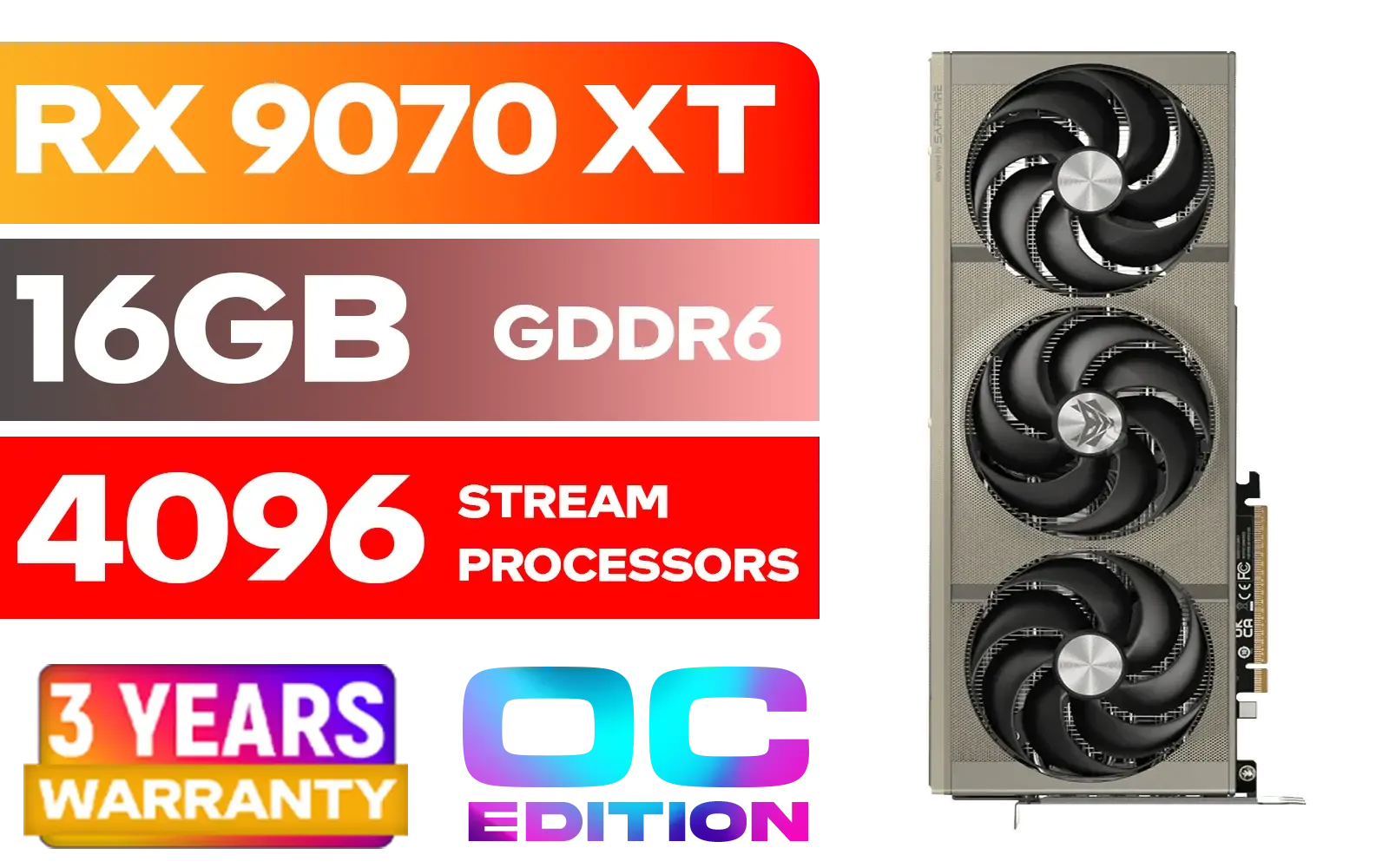
SAPPHIRE NITRO+ RX 9070 XT Gaming OC 16GB Graphics Card / 16GB GDDR6 Memory / 4096 Stream Processors / 256-bit Memory Interface / Boost Clock : 3060 MHz / AMD RDNA™ 4 Architecture / 64 Ray Accelerators / 11348-01-20G
R14999.00In Stock
MSI GeForce RTX 5080 16G Gaming Trio OC Graphics Card - Precision Airflow Control - Nickel-Plated Copper Base - Metal Backplate - 16GB GDDR7 - 30Gbps Memory Speed - PCI Express® Gen 5 / 912-V531-026
R29499.00In Stock
MSI GeForce RTX 5070 12G Gaming Trio OC Graphics Card / 12GB GDDR7 / 6144 Cuda Cores / 192-bit Memory Interface / Boost Clock : 2610 MHz / NVIDIA Blackwell & DLSS 4 / TRI FROZR 4 Thermal Design / Metal with Airflow Vents / 912-V532-019
R15199.00In Stock

MSI GeForce RTX 5070 12GB Shadow 2X OC Graphics Card / 6144 Cuda Cores / 192-bit Memory Interface / Boost Clock : 2542 MHz / NVIDIA Blackwell & DLSS 4 / TORX Fan 5.0 / Nickel-Plated Copper Baseplate / 912-V532-011
R11999.00In Stock
Less Obvious Ways to Invalidate Your GPU Cover in SA
Beyond physical damage and mods, a few other sneaky issues can jeopardise your graphics card warranty. These are often overlooked but are just as serious in the eyes of the manufacturer.
Running a 24/7 Mining Operation
While the crypto boom has cooled, many people still use their gaming GPUs for mining. Be warned: most consumer-grade graphics card warranties do not cover use for 24/7, commercial-level cryptocurrency mining. The sustained, intense workload can cause premature wear on components like fans and memory modules. If a manufacturer suspects the card was used for mining, they may deny the claim. For that kind of workload, you should be looking at powerful workstation graphics cards designed for continuous operation.
Using an Inadequate Power Supply (PSU)
Plugging your brand-new, power-hungry GPU into an old, cheap, or under-specced PSU is a recipe for disaster. Power spikes or unstable voltage can permanently damage your graphics card. If the card's failure is traced back to an electrical issue caused by a poor power source, your warranty won't cover it. Always use a reputable, correctly-rated PSU.
Protecting Your Investment for 2025 and Beyond 🚀
Your graphics card is the heart of your gaming rig. Protecting that investment means understanding the rules. Always read the specific warranty documentation for your card, keep your proof of purchase safe, and resist the urge to perform risky modifications.
As technology evolves and we look forward to powerful next-gen cards like the RTX 5060, the value of these components will only increase. A solid understanding of your GPU warranty in South Africa is the best skill you can have to ensure your hardware serves you well for years to come.
Ready to Upgrade with Confidence? Understanding your warranty is step one. Step two is buying from a name you trust. At Evetech, we make the terms clear so you can focus on what matters: pure gaming performance. Browse our massive range of graphics cards and find your next upgrade today.
Related Products

XFX SWIFT AMD Radeon RX 9060 XT OC 16GB Graphics Card - Black / 16GB GDDR6 / 2048 Stream Processors / 128-bit Memory Interface / Boost Clock : 3320 MHz / RX-96TS316B7
R8499.00In Stock
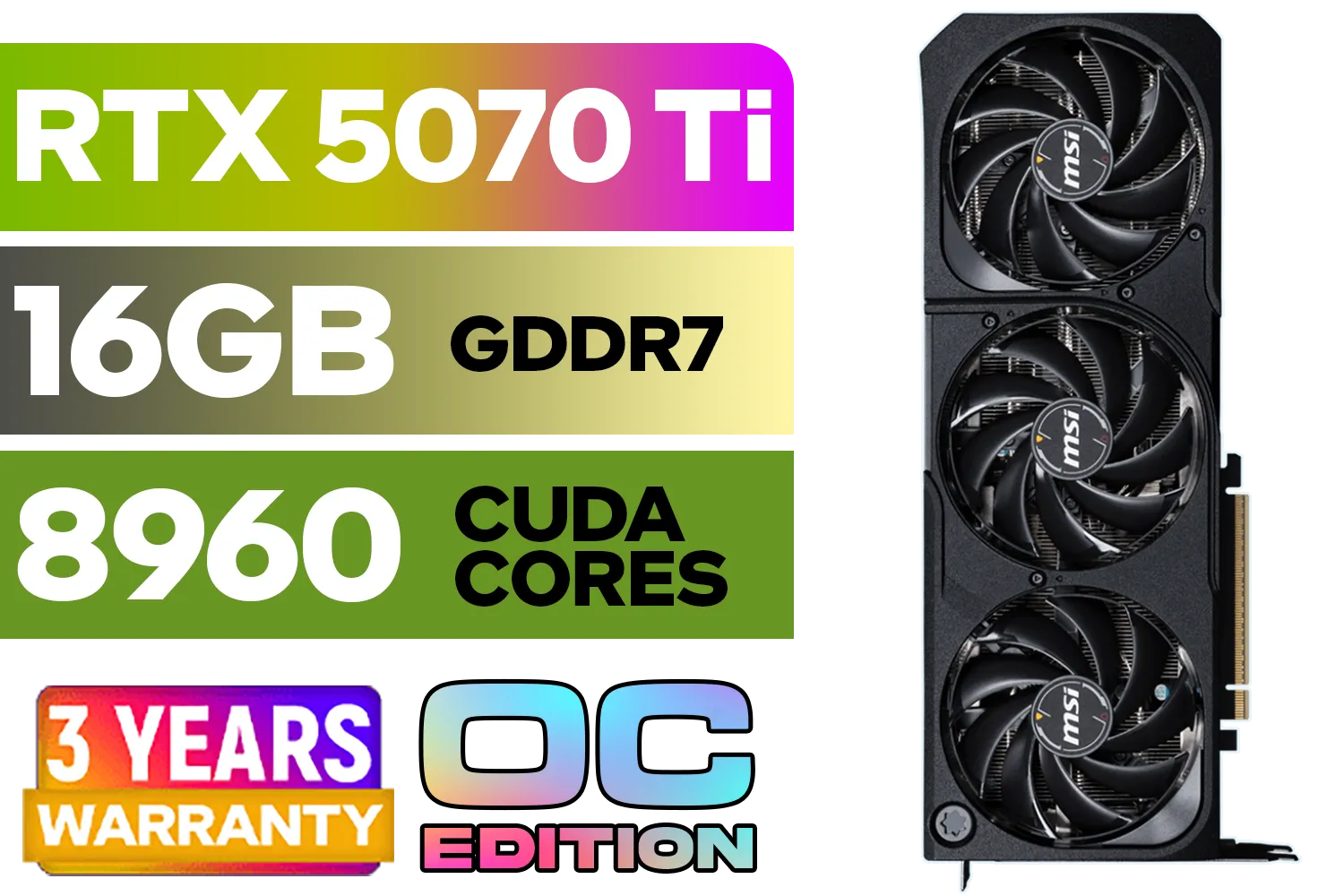
GeForce RTX™ 5070 Ti 16G SHADOW 3X OC Graphics Card / 8960 Cuda Cores / 256-bit Memory Interface / Boost Clock : 2482 MHz / NVIDIA Blackwell & DLSS 4 / TORX Fan 5.0 / Nickel-Plated Copper Baseplate / 912-V531-465
R19499.00In Stock
MSI GeForce RTX 5080 16G Gaming Trio OC Graphics Card - Precision Airflow Control - Nickel-Plated Copper Base - Metal Backplate - 16GB GDDR7 - 30Gbps Memory Speed - PCI Express® Gen 5 / 912-V531-026
R29499.00In Stock

XFX Mercury AMD Radeon RX 9070 XT OC Magnetic Air Edition Graphics Card / 4096 Stream Processors / 256-bit Memory Interface / Boost Clock : 3100 MHz / AMD RDNA™ 4 Architecture / RX-97TMARGB9
R16299.00In Stock
XFX Quicksilver AMD Radeon RX 9070 XT Graphics Card / 4096 Stream Processors / 256-bit Memory Interface / Boost Clock : 2970 MHz / AMD RDNA™ 4 Architecture / RX-97TQICKB9
R14999.00In Stock
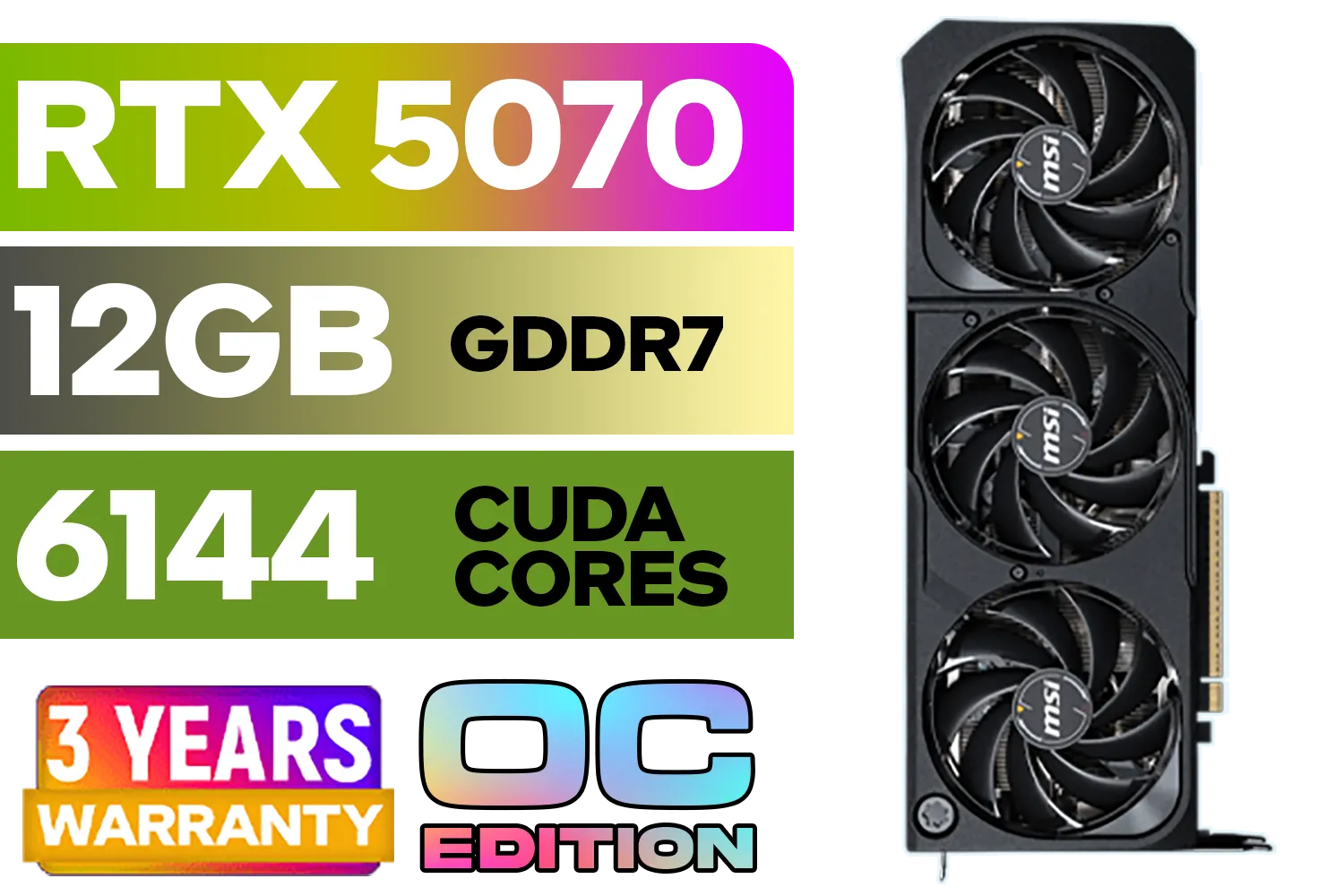
MSI GeForce RTX 5070 12GB SHADOW 3X OC / PCI Express Gen 5 / 6144 Cuda Cores / 12GB GDDR7 / DirectX 12 Ultimate / 912-V532-008
R13999.00In Stock
Manual OC or voltage mods can void a GPU overclocking warranty if damage occurs. Check your brand’s policy and keep logs to prove safe settings.
Opening the cooler often breaks a tamper seal and may void thermal paste GPU warranty. Confirm written approval or use an authorized service center.
Commercial or abusive use can be excluded. Mining with altered BIOS or sustained abuse may void GPU mining warranty South Africa—verify brand T&Cs.
For lost receipt GPU warranty claims, use retailer invoices, bank statements, or online order history. Some brands accept serial-based RMA—ask support.
Physical damage GPU warranty exclusions apply to cracked PCBs, burns, liquid ingress, or missing parts. Warranty covers defects in normal use only.
Many GPUs have 2–3 years manufacturer cover. The Consumer Protection Act implies a 6‑month remedy window; check brand and retailer terms.
Follow the GPU RMA process South Africa: test, capture proof, contact retailer or brand with serial, receipt, and photos. Use original packaging if possible.
Yes—unauthorized vBIOS flashing is a common what voids GPU warranty trigger. Restore stock firmware before RMA, but tamper logs may still show.








