HDR Gaming in South Africa: Unlock Stunning 4K Visuals
Discover how HDR gaming in South Africa transforms your 4K experience. Learn what High Dynamic Range is, why it's a game-changer for visual fidelity, and how to get the perfect setup for vibrant, lifelike graphics. Get ready to see your games like never before! 🎮✨
|
Loading tags...

Tired of dull, washed-out visuals in your favourite games? You've got the 4K resolution, but something's still missing. That missing piece, fellow South African gamer, is High Dynamic Range (HDR). It’s the secret sauce that makes shadows deeper, highlights pop, and colours explode with life. Proper HDR gaming in South Africa isn't just an upgrade; it’s a total visual transformation that makes every world feel breathtakingly real. Let's dive in. ✨
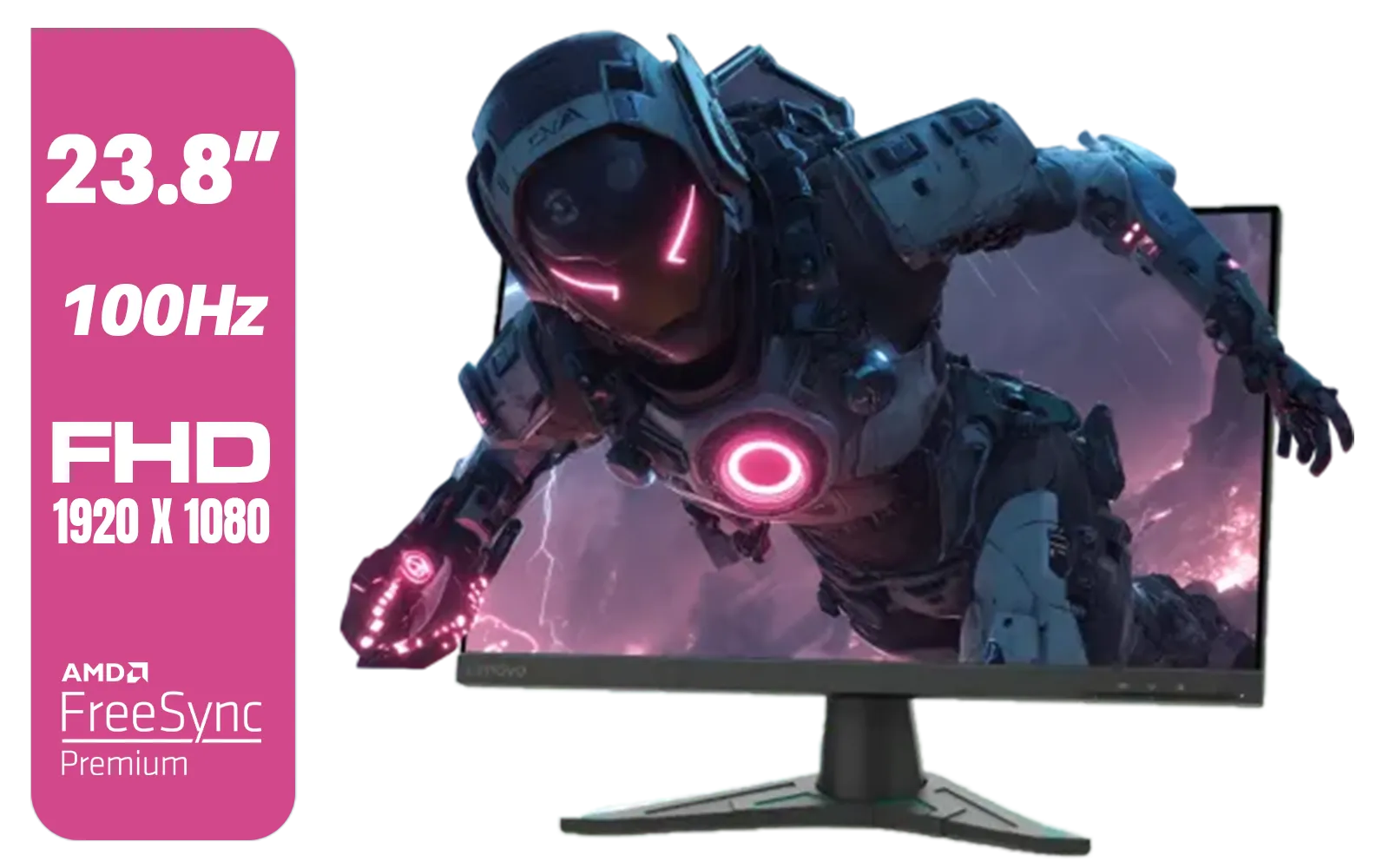
Lenovo G24e-20 23.8" 100Hz FHD WLED Gaming LCD Monitor - 16:9 - Black / 66D7GAR1SA
R1999.00In Stock

MSI GeForce RTX 5060 Ti 8G VENTUS 2X OC Plus Graphics Card / 4608 Cuda Cores / 8GB GDDR7 / 128-Bit Memory Bus / 2602MHz Boost Core Clocks / 912-V536-024
R8999.00In Stock
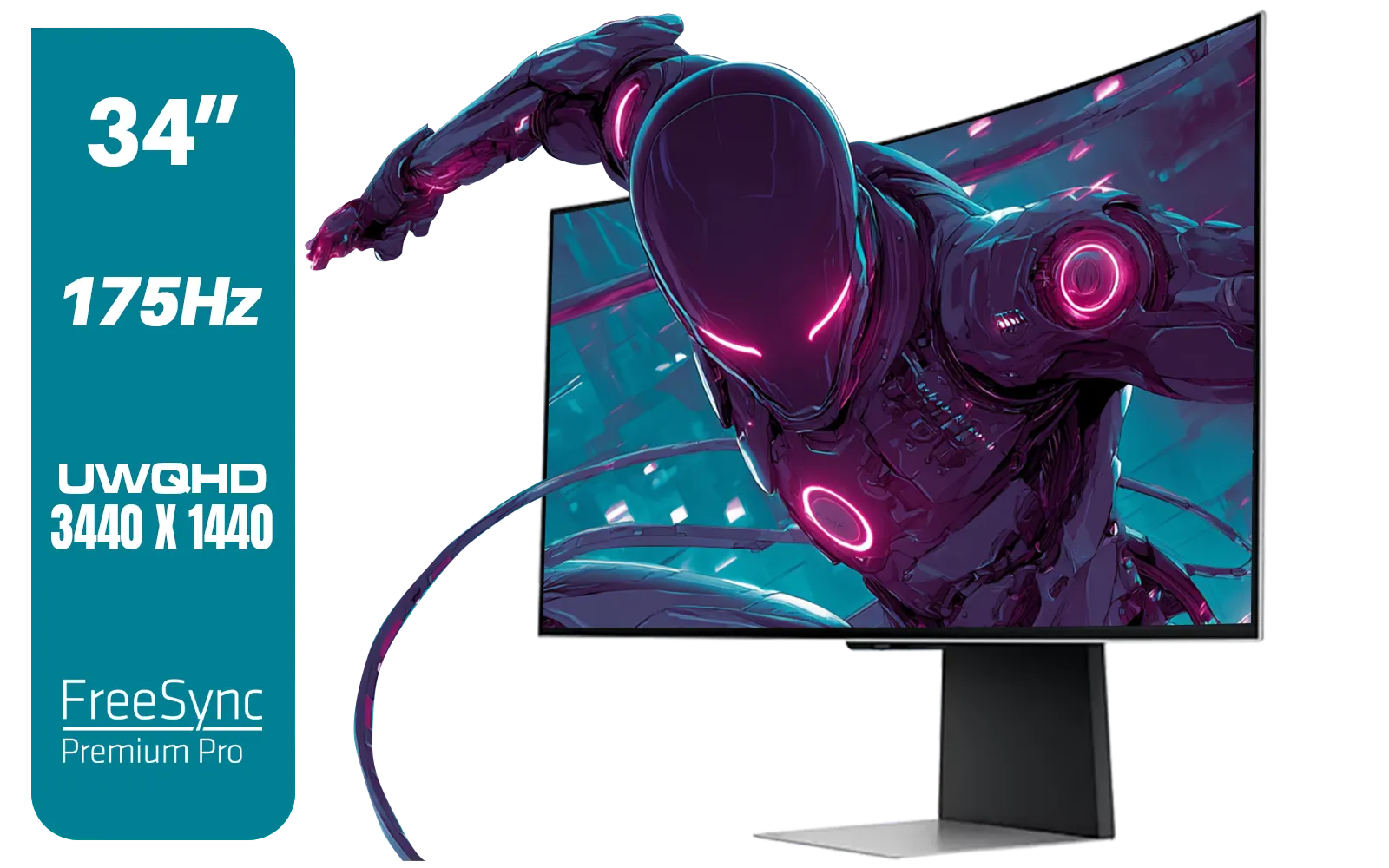
SAMSUNG Odyssey G8 Gaming 34" Monitor / 3440 x 1440 1800R OLED / 175Hz / GtG 0.03ms / FreeSync Premium Pro / G-Sync Compatible / LS34DG852SAXXA
R24999.00In Stock
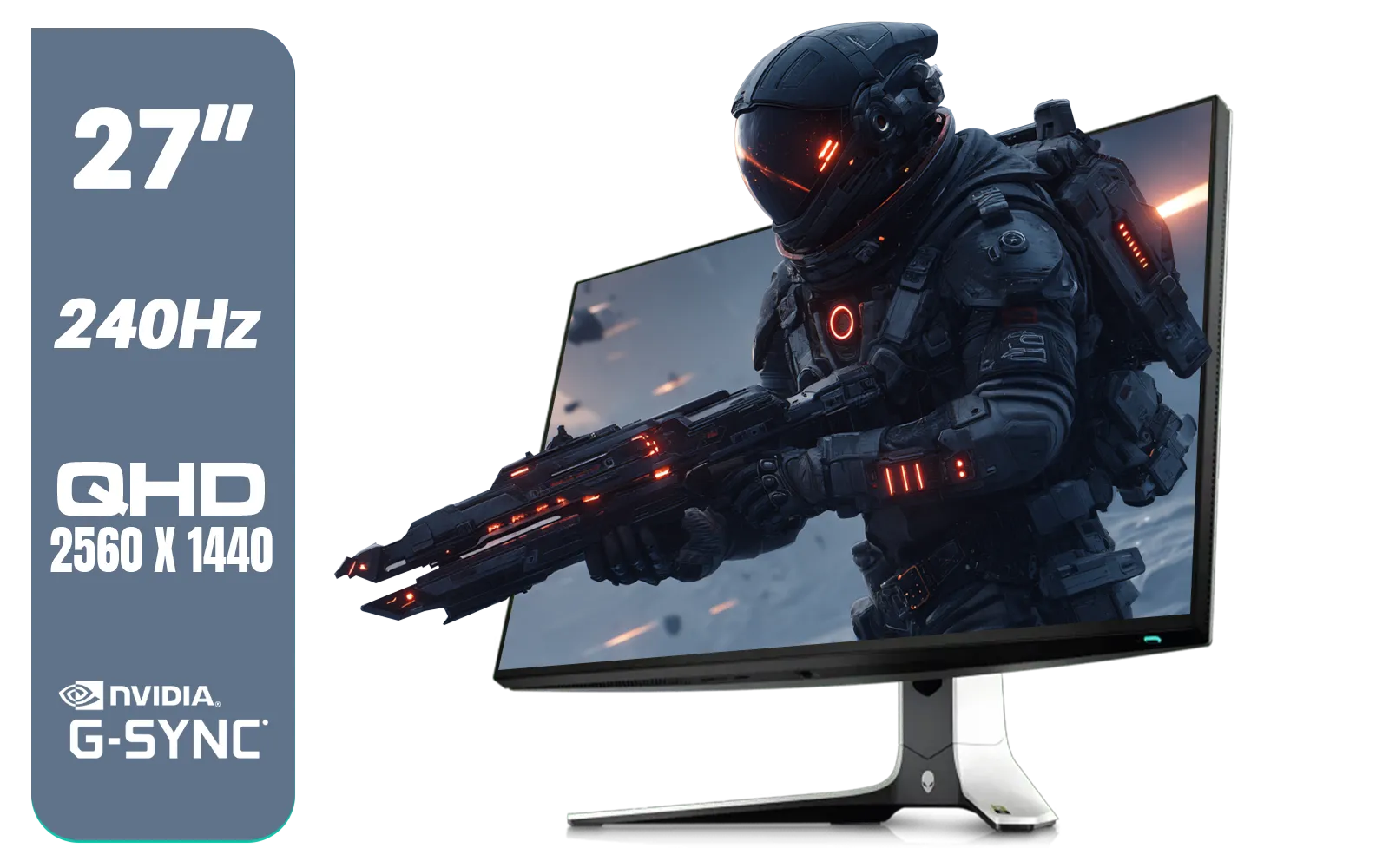
Alienware AW2723DF Gaming Monitor - 27-inch (2560 x 1440) 240Hz Display (DP 1.4), 1ms Response Time, NVIDIA G-Sync, Preset OSD Modes, Height/Tilt/Swivel/Pivot Adjustability - Lunar Light / AW2723DF
R8699.00In Stock

Leadtek NVIDIA RTX A1000 8GB GDDR6 Workstation Graphics Card / 2304 Nvidia CUDA Cores / 192GB/s Memory Bandwidth / Nvidia Ampere Architecture / 126W8000100
R10999.00In Stock
AMD RYZEN 5 3600 RTX 3050 Budget Gaming PC
R10814.00In Stock
Understanding HDR: More Than Just Brightness
So, what exactly is HDR? Think of it this way. Standard Dynamic Range (SDR) is like a small box of crayons... you can draw a picture, but your colours are limited. HDR is the massive 128-crayon box with every shade imaginable, plus metallics. It expands the range of both colour and contrast, allowing for brighter whites, deeper blacks, and more vibrant colours in between.
For gaming, this means you can finally see that enemy hiding in a dark corner of a map, or look towards the sun in-game without the whole screen becoming a washed-out white mess. It adds a layer of depth and realism that resolution alone can't touch. When you're browsing the latest PC monitors, you'll see HDR mentioned everywhere, and for good reason.
Your Checklist for True HDR Gaming in South Africa
Ready to make the leap? Getting a true HDR setup involves more than just ticking a box in a game's settings. Here’s what you need to get right to unlock stunning 4K visuals.
1. The Right Display is Crucial
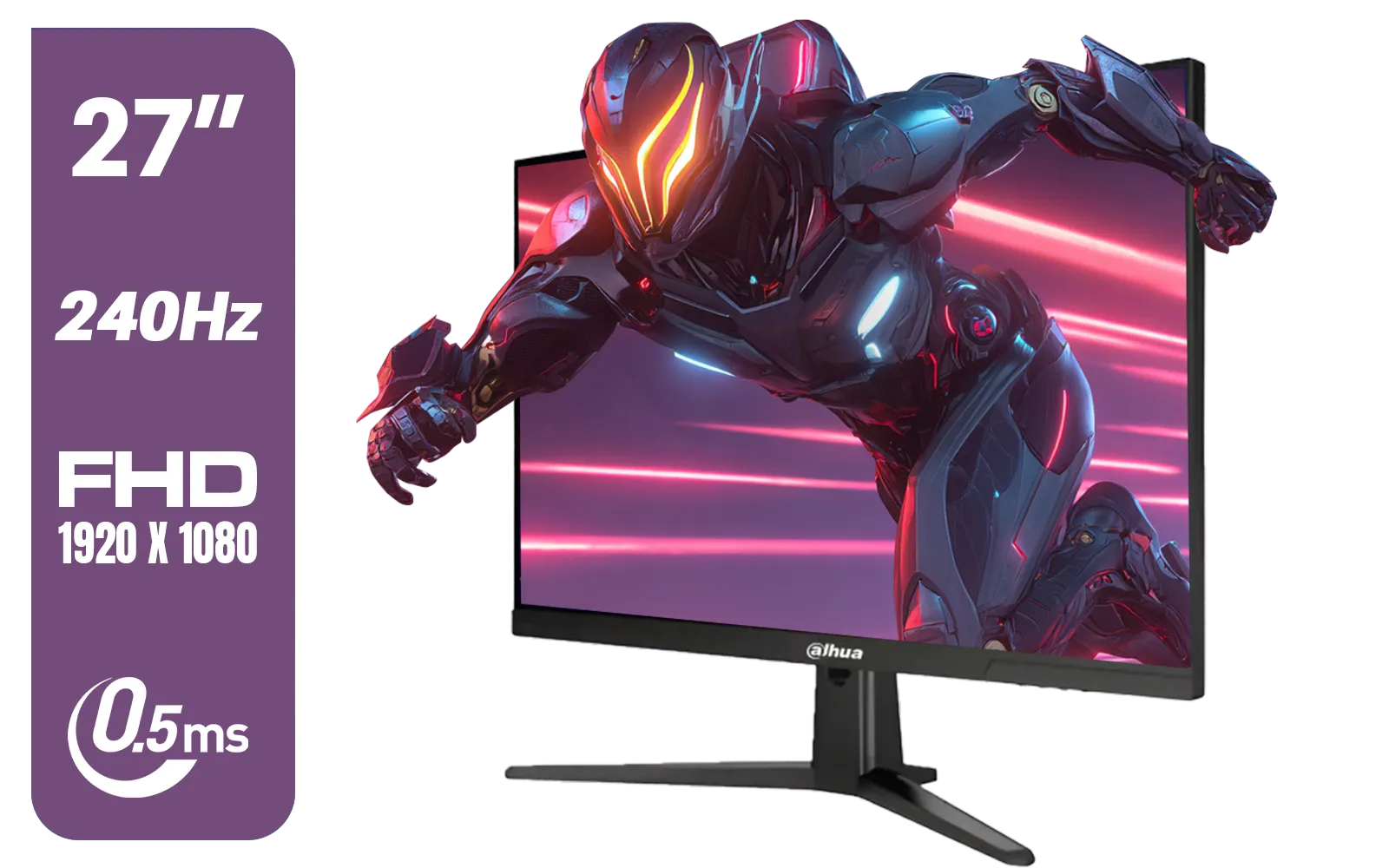
Dahua LM27-E241B 27" Gaming Monitor / FHD 1920 x 1080 / 240Hz Refresh Rate / 0.5ms Response Time / DHI-LM27-E241B
R2499.00In Stock
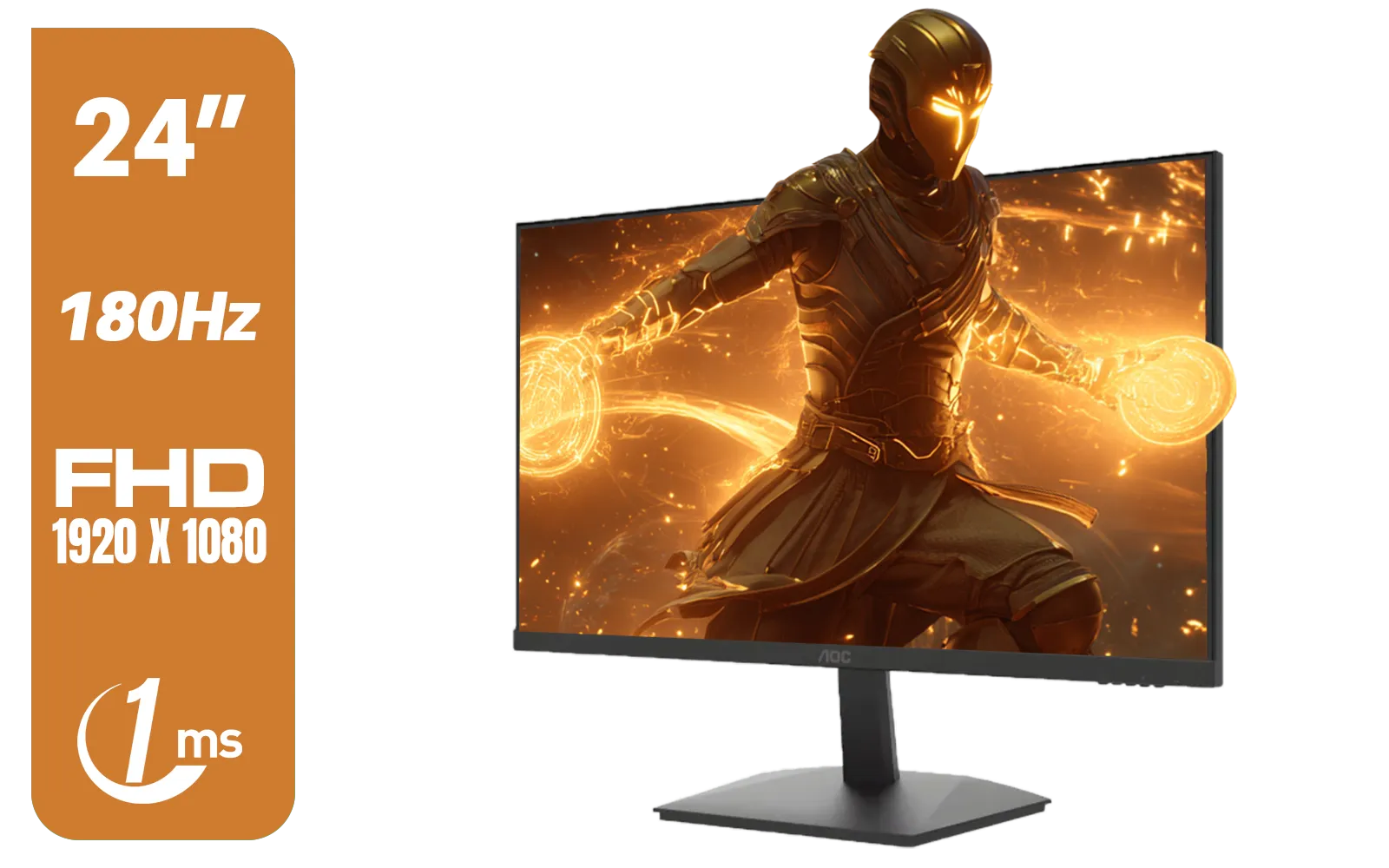
AOC 24G15N Gaming Monitor / 24" / VA FHD 1920x1080 / 180hz / 1ms / HDMI DP|VESA / Flicker Fee / Low Blue Mode / Adaptive Sync/ AOC-24G15N
R2299.00In Stock

HP 524SH G5 FHD Gaming Monitor - Black/Silver / 24" FHD (1920 x 1080) / IPS Panel / 1x HDMI 1.4, 1x VGA / Eye Ease with Eyesafe Certification / 94C19AS
R4299.00In Stock

Palit GeForce RTX 5080 GamingPro 16GB GDDR7 / 30Gbps Memory Speed / PCI Express® Gen 5 / NE75080019T2-GB2031A
R24199.00In Stock
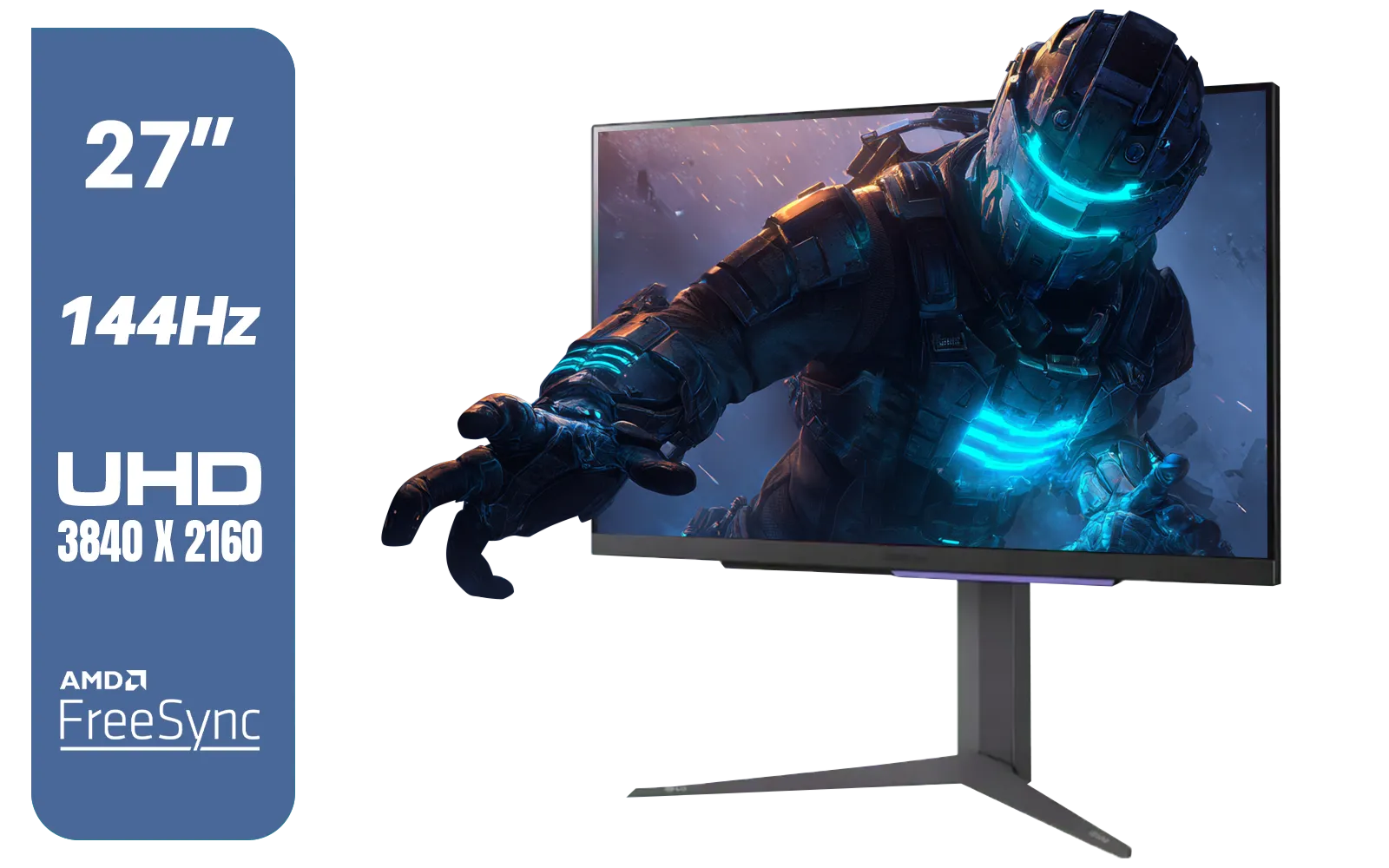
LG 27" UltraGear 4K UHD (3840x2160) Gaming Monitor, 144Hz, 1ms, VESA DisplayHDR 400, G-SYNC and AMD FreeSync Premium, HDMI 2.1, DisplayPort, 4-Pole HP Out DTS HP:X, Tilt/Height/Pivot Stand, Black / 27GR93U
R9999.00In Stock
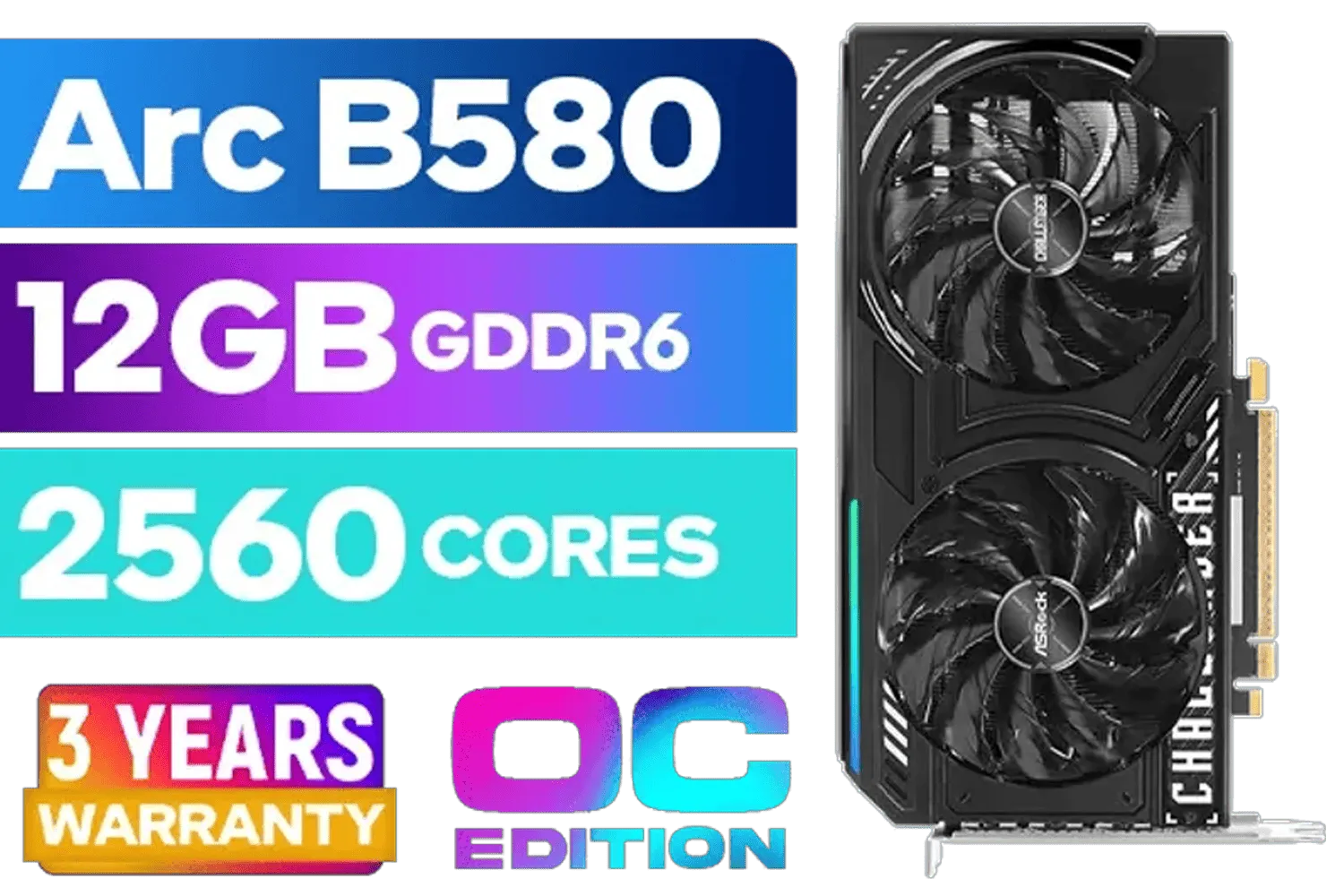
ASRock Intel ARC B580 Challenger OC Graphics Card / 12Gb 192-bit GDDR6 / DirectX 12 Ultimate / 2560 Cores / 2740MHz Engine Clock / 90-GA5LZZ-00UANF
R6499.00In Stock
This is the most important part. Not all HDR monitors are created equal. Look for the VESA DisplayHDR certification.
- DisplayHDR 400: This is the entry point. You'll notice a difference, but it's subtle.
- DisplayHDR 600: Here's where things get good. You get significantly better brightness and local dimming for improved contrast.
- DisplayHDR 1000+: This is the premium experience. Expect mind-blowing contrast and highlights that truly pop. 🚀
For the ultimate experience, look for certified 5K and 4K monitors that boast at least a DisplayHDR 600 rating. Many incredible curved monitors also feature this fantastic tech for deeper immersion.
2. A Capable Graphics Card
Luckily, most modern graphics cards from NVIDIA (RTX 20-series and up) and AMD (RX 5000-series and up) handle HDR without breaking a sweat. The real consideration is performance. Running a game at 4K with HDR enabled is demanding, so you need a GPU with enough power to maintain smooth frame rates. You'll find HDR-ready GPUs powering many of the PCs featured alongside our best PC monitor deals.
3. The Right Cables and Software
This is a step many people miss. To get the necessary bandwidth for 4K HDR at high refresh rates, you need a DisplayPort 1.4 or HDMI 2.1 cable. Your old HDMI cable probably won't cut it. Once connected, dive into your Windows display settings and toggle "Use HDR" on. Don't forget the small things! The right cables and stands are essential... you can find everything you need in our monitor accessories section.
Optimising Your HDR Experience
Just turning HDR on isn't the final step. To get the best picture, a little calibration goes a long way.
TIP FOR YOU
Windows HDR Calibration Tip 🔧
Windows has a built-in 'Windows HDR Calibration' app. Download it from the Microsoft Store for free. It runs you through simple patterns to set your display's minimum and maximum brightness levels, ensuring you get accurate colours and avoid crushed blacks or blown-out whites. It's a five-minute tweak that makes a massive difference for HDR gaming.
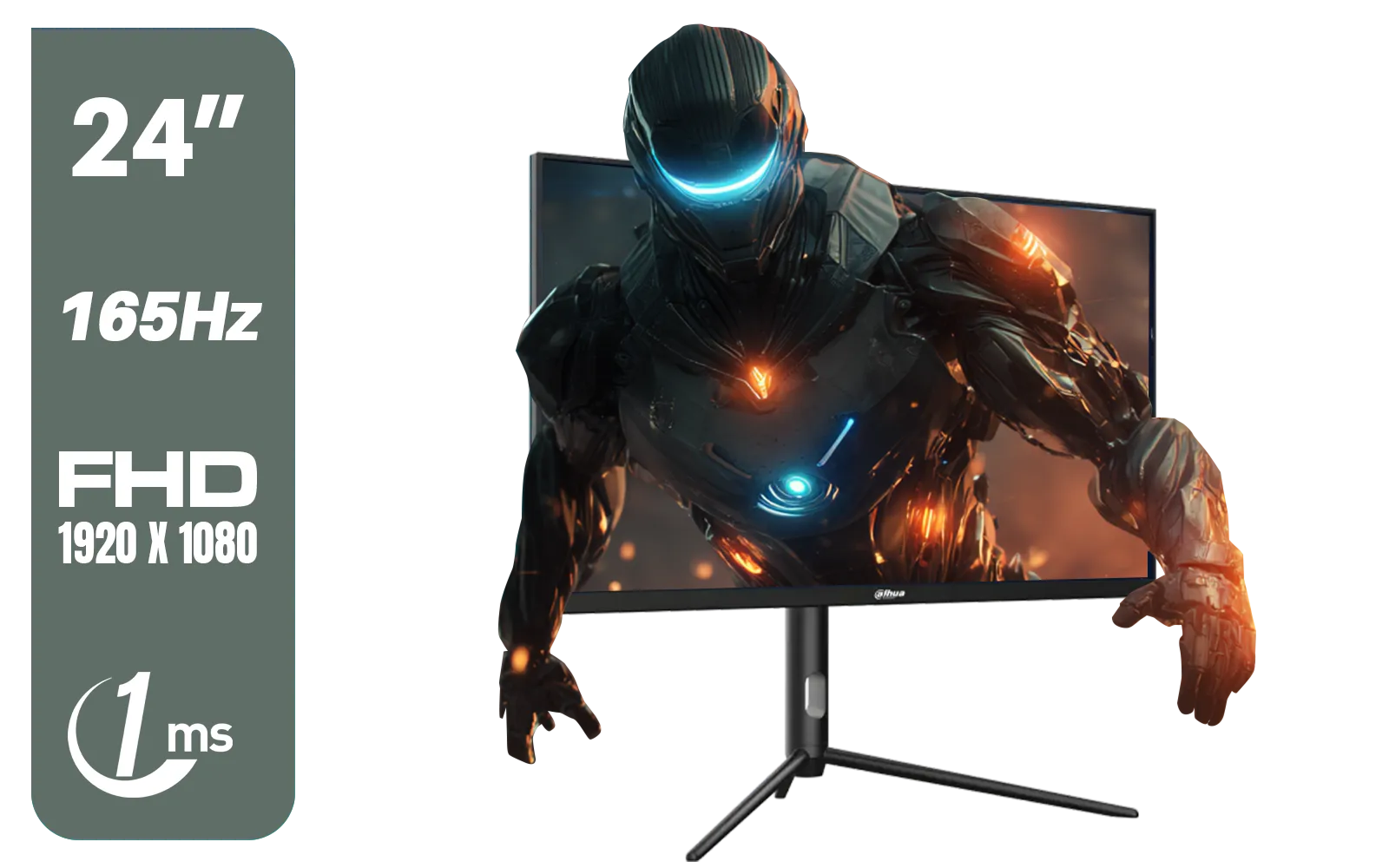
Dahua 24 inch FullHD IPS panel 165Hz 1ms fast response time Ultra-thin bezel Monitor with DisplayPort, HDMI, VGA, Height Adjustable Stand / DHI-LM24-E231A
R2899.00In Stock
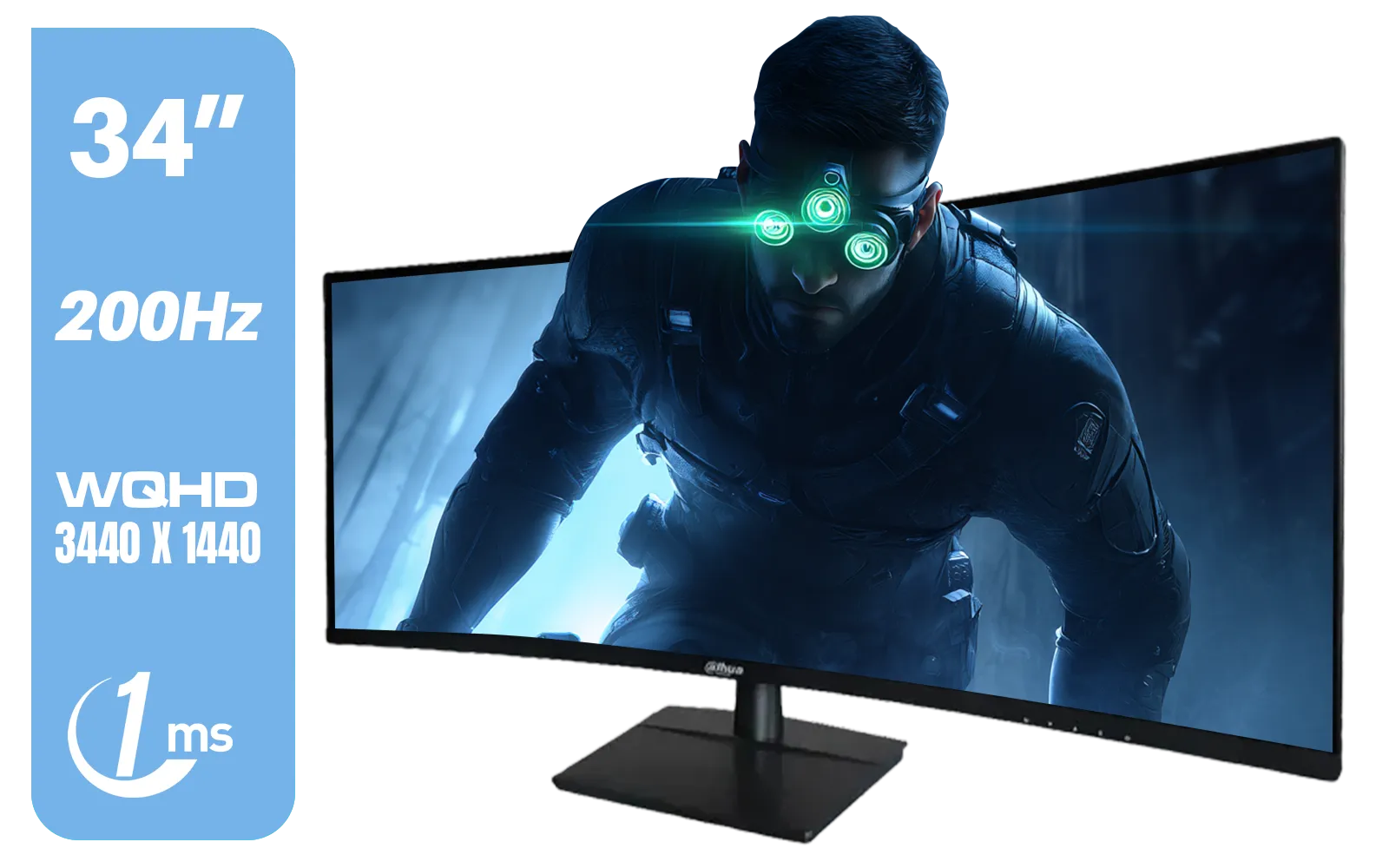
Dahua LM34-E330CN 34" LED Monitor / Adaptive-Sync Technology / 1ms Response Time / WQHD 3440x1440 / 200Hz Refresh Rate / HDR400 ready / 1500R Curvature / DHI-LM34-E330CN
R4699.00In Stock

MSI Geforce RTX 5060 Ventus 2X 8G OC Graphics Card / 8GB GDDR7 / 3840 Cuda Cores / 128-bit Memory Interface / Boost Clock : 2527 MHz / PCI Express® Gen 5 / 912-V537-017
R7699.00In Stock
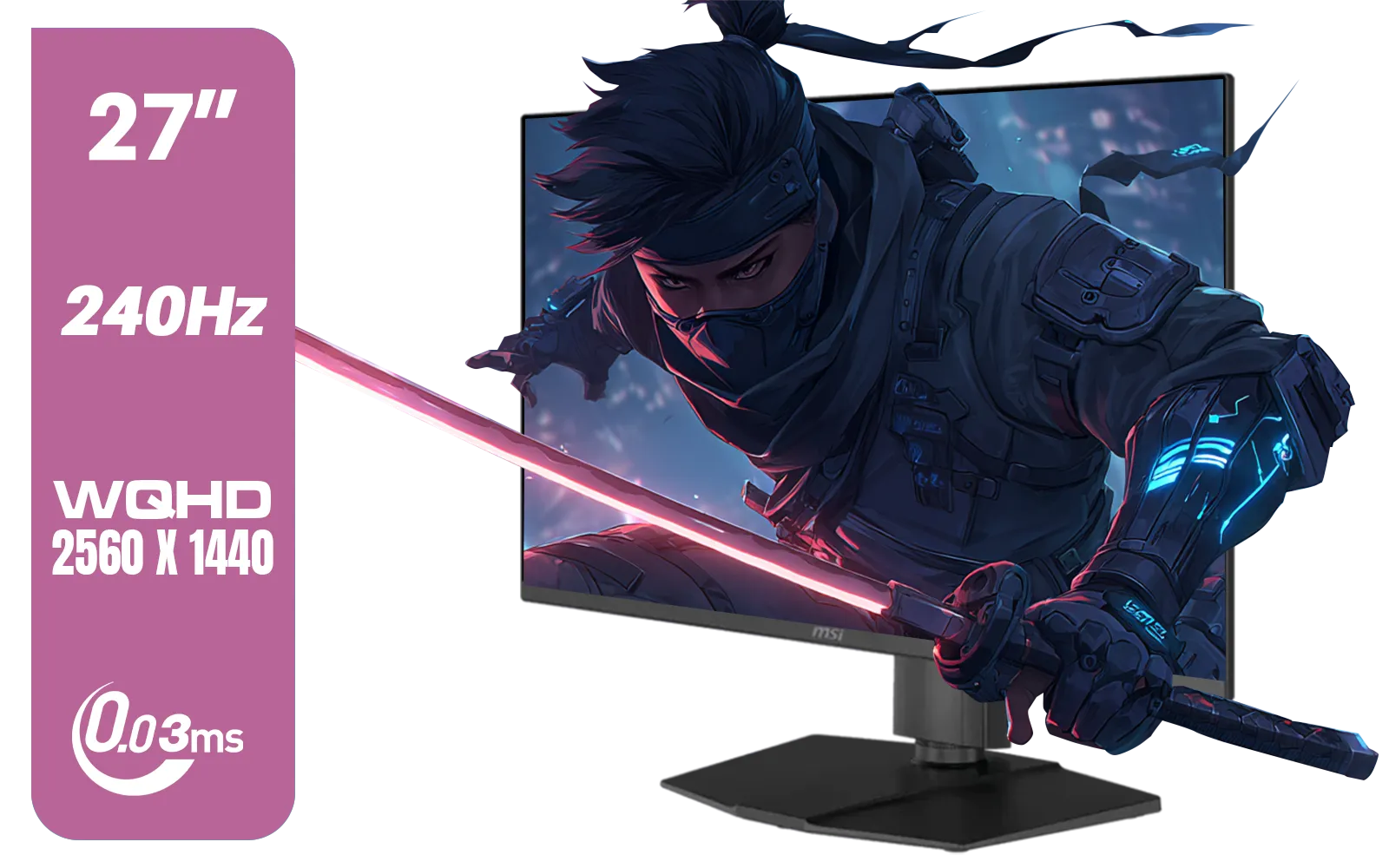
MSI MAG 273QP 27" 2560 x 1440 (WQHD) QD-OLED Monitor / 0.03ms GtG Response Time / 240Hz Refresh Rate / VESA DisplayHDR True Black 400 / 9S6-3CE69H-012
R14999.00In Stock
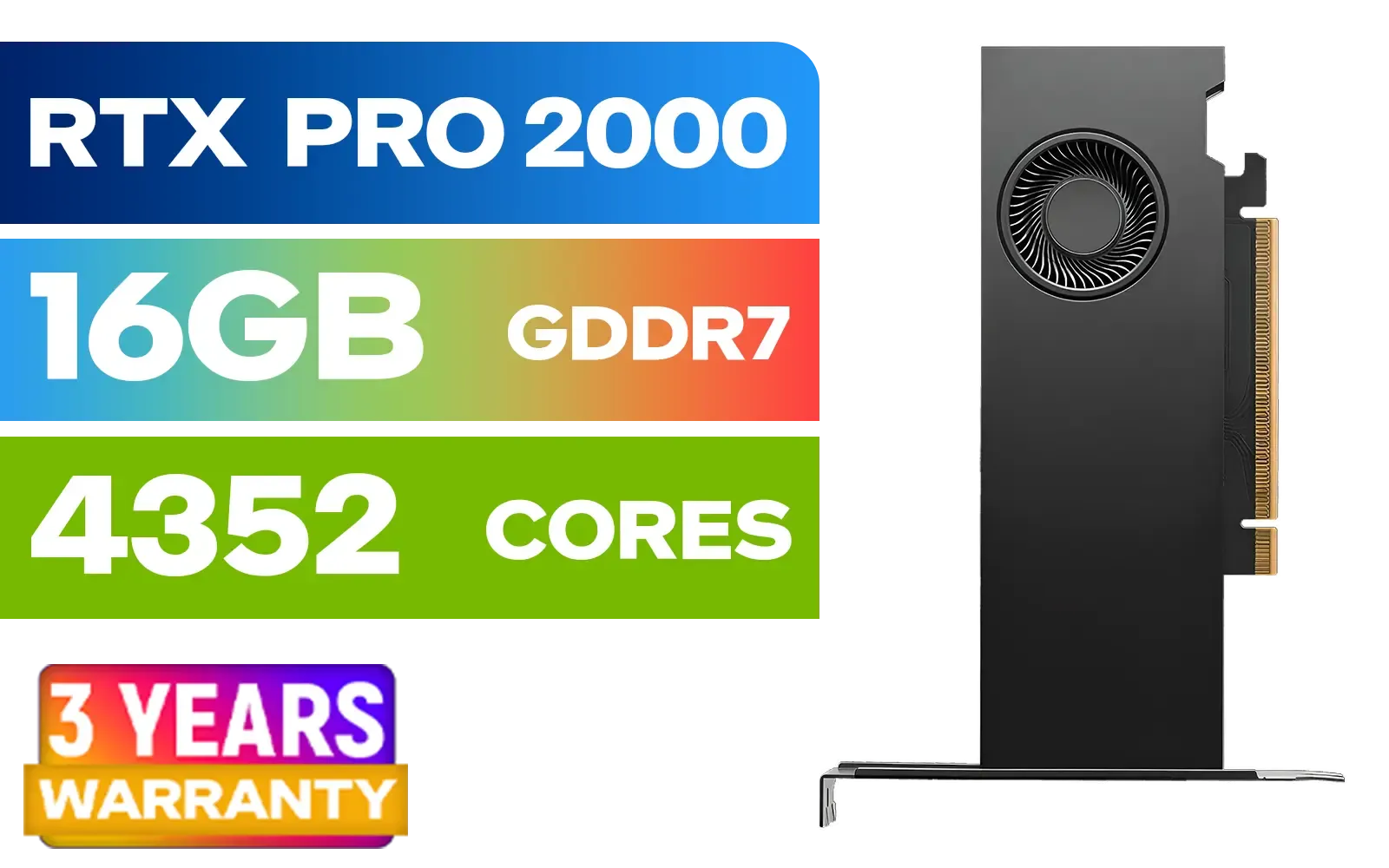
PNY RTX PRO 2000 Blackwell 16GB Graphics Card / 4352 CUDA CORES / 16GB GDDR7 with ECC / 128-bit Memory / NVIDIA Blackwell Architecture / VCNRTXPRO2000-PB
R15399.00In Stock
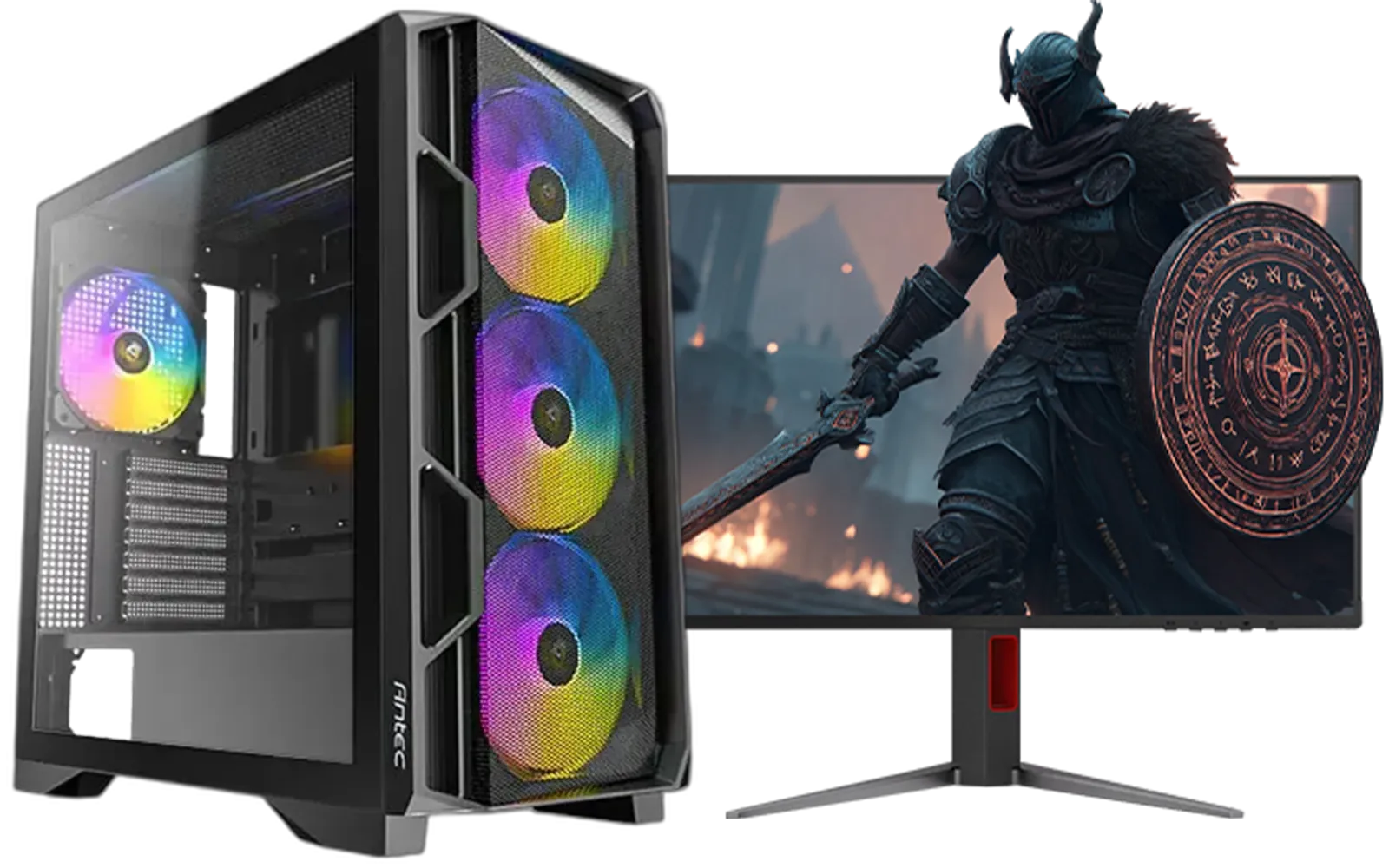
Ryzen 5 9600X 5.4GHz RTX 5060 8GB DDR5 Budget Gaming PC
R22049.00In Stock
Remember that HDR implementation varies from game to game. Titles like Cyberpunk 2077, God of War, and Forza Horizon 5 have phenomenal HDR, while others might look only slightly better. Whether you're at home or on the go with one of the new portable monitors, proper setup is key to the best results.
Is HDR Gaming Worth It for South African Gamers?
Absolutely. Once you experience a game in true, well-implemented HDR, going back to SDR feels like a step into the past. The improved immersion, detail in dark and bright scenes, and stunningly vibrant colours make game worlds feel more alive than ever. It's a standard feature on most modern gaming monitors for a reason. For any South African gamer who values visual quality, upgrading to an HDR display is a fantastic investment.
Ready to See the Difference? Upgrading to HDR is one of the most impactful visual boosts you can give your PC setup. From competitive shooters to sprawling RPGs, the difference is night and day. Explore our incredible range of HDR gaming monitors and find the perfect display to bring your games to life.
Related Products

LEADTEK NVIDIA RTX PRO 6000 Blackwell 96GB GDDR7 GPU / Compatible with RTX PRO Sync / GDDR7 Memory with ECC / 126W0000100
R186999.00In Stock
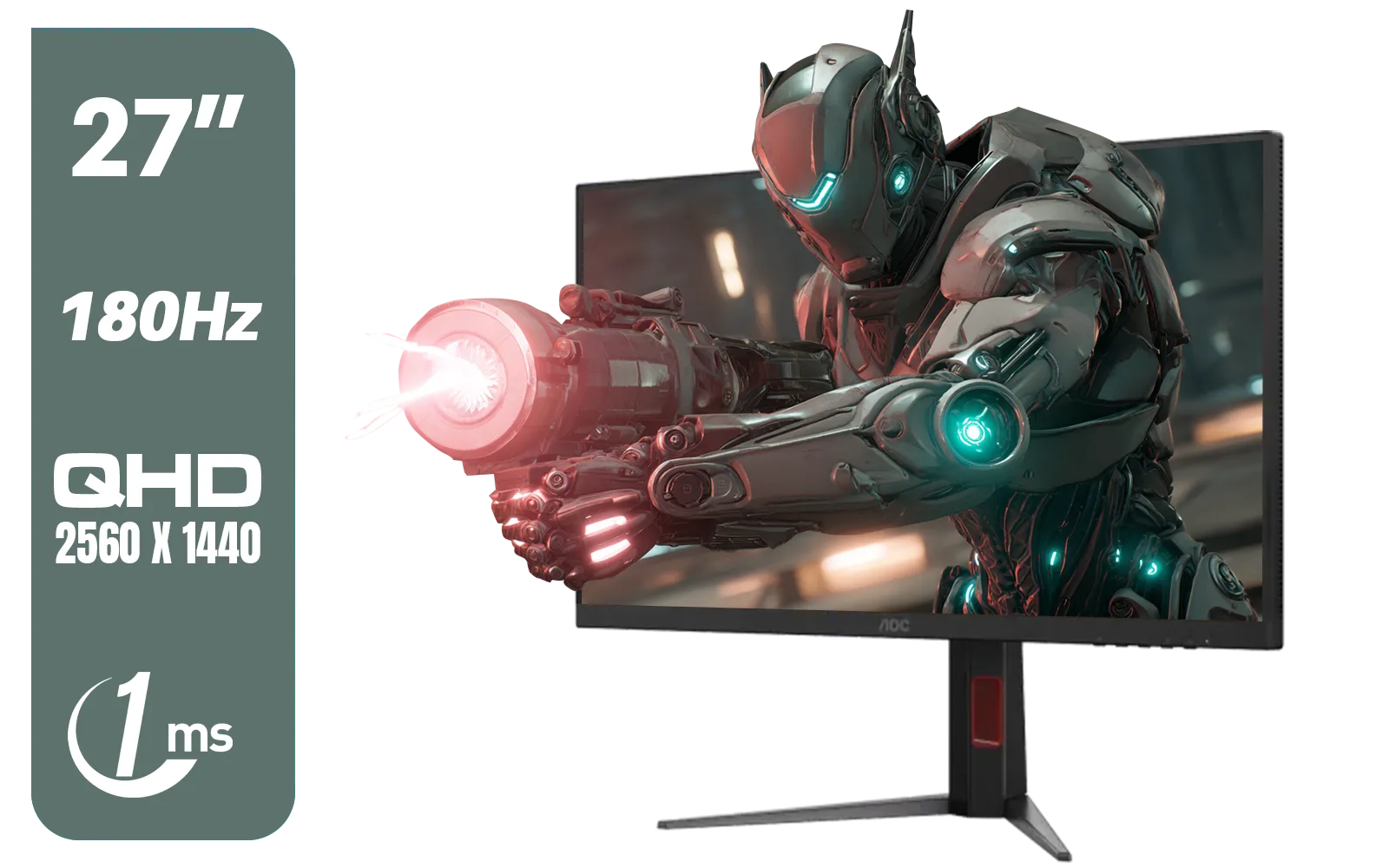
AOC Q27G4XM 27" Mini-LED Gaming Monitor / QHD (2560 × 1440) Resolution / 180Hz Refresh Rate / 1ms Response Time / Fast IPS Panel / Display HDR 1000 / Q27G4XM
R10299.00In Stock
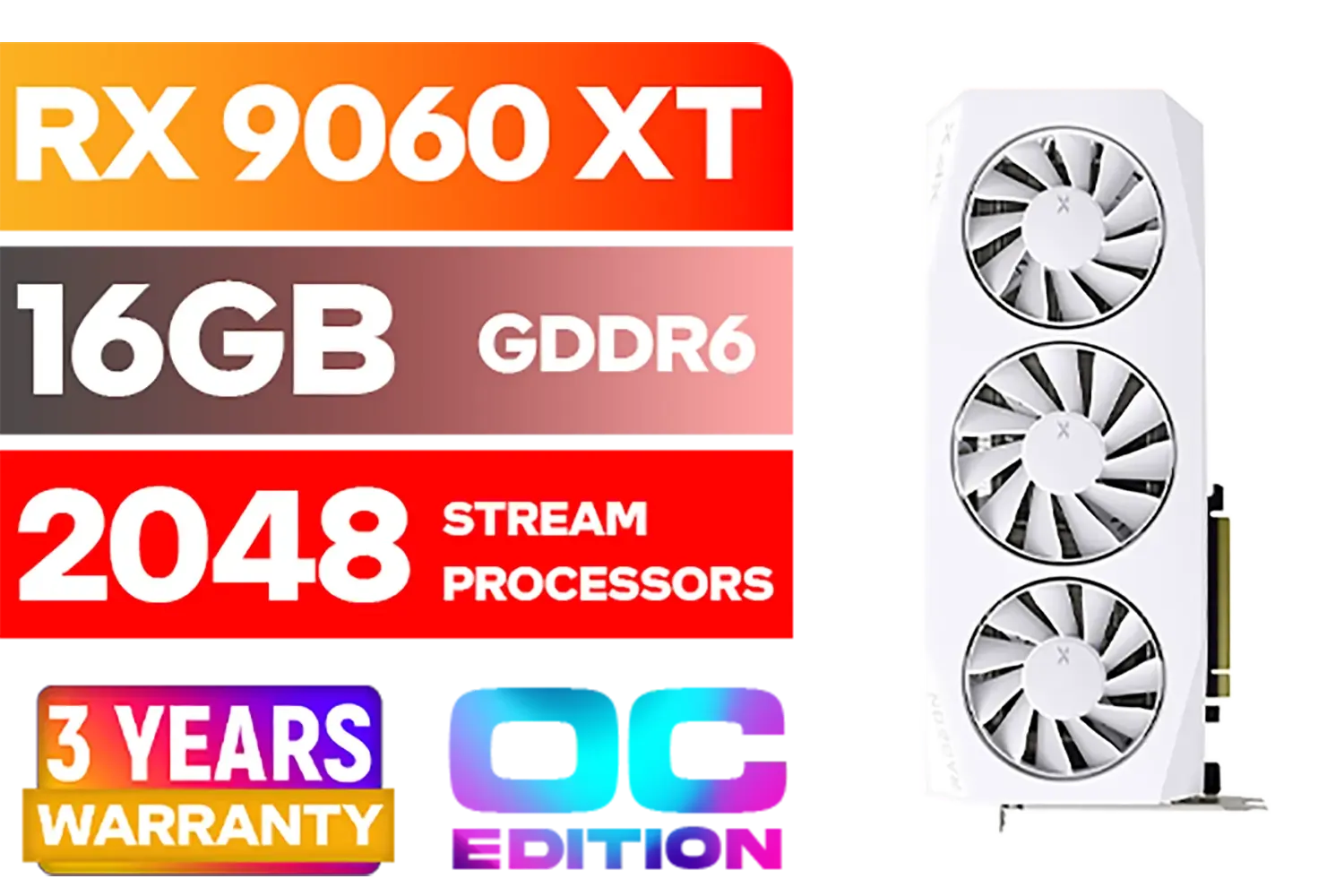
XFX Mercury AMD Radeon RX 9060XT OC White Gaming Edition with 16GB GDDR6 HDMI 2xDP, AMD RDNA 4 / RX-96TMERCW9
R9199.00In Stock
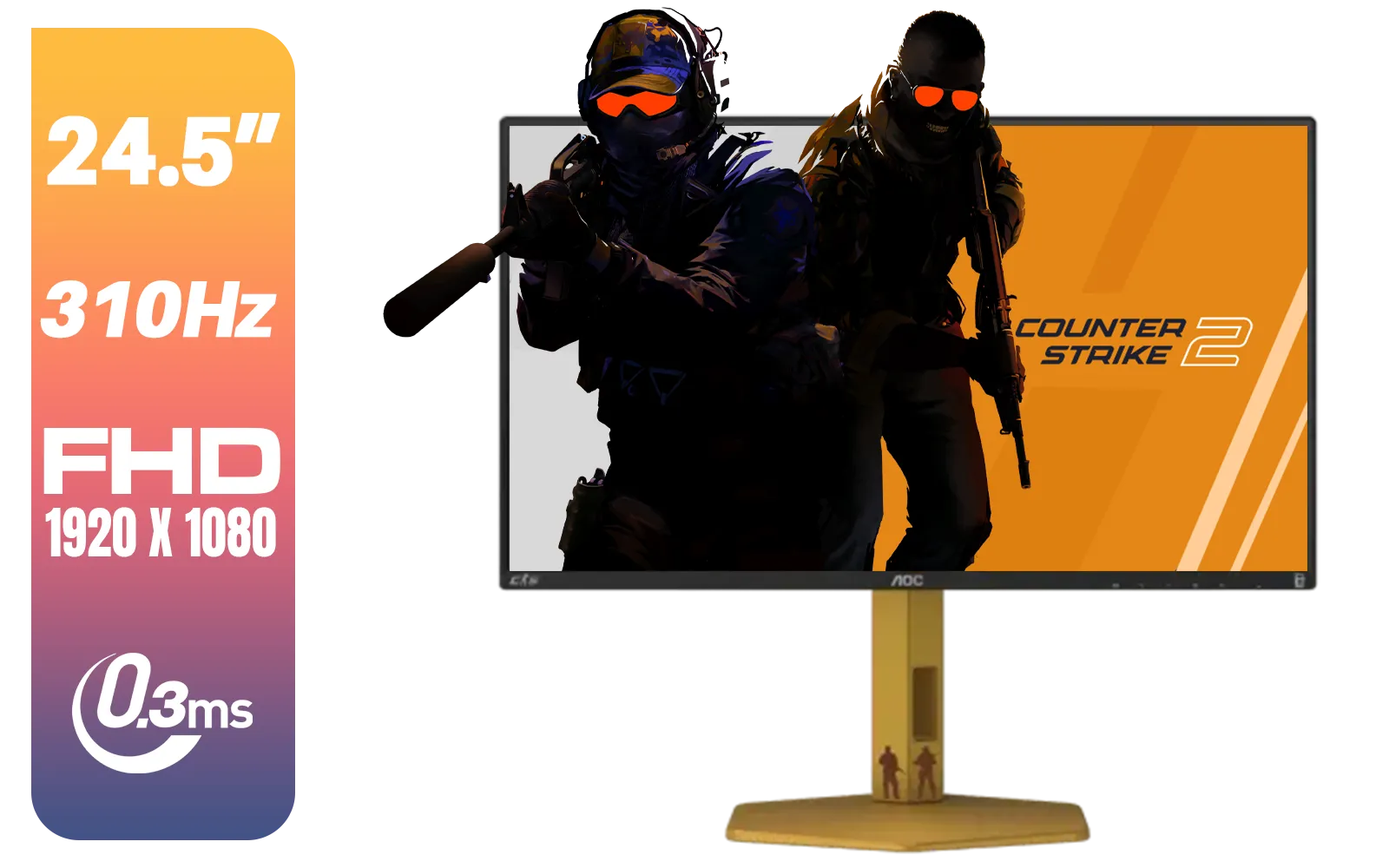
AOC CS25G 24.5" Gaming Monitor / FHD (1920 x 1080) / 310Hz Refresh Rate / 0.3ms Response Time / IPS-Level Display / Certified HDR400 / G-sync Compatible / CS25G
R4999.00In Stock
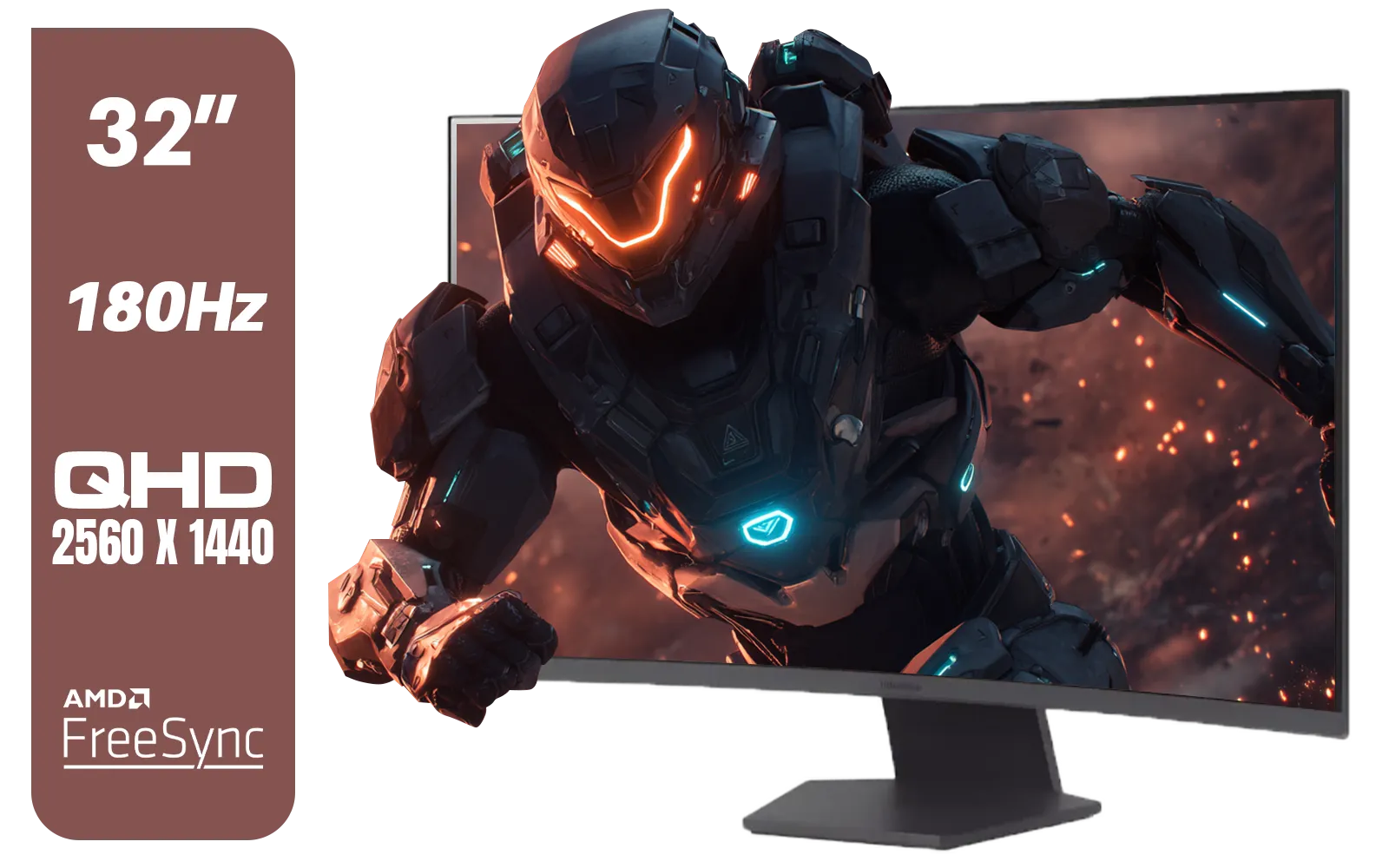
LG UltraGear 32" 32GS60QC QHD Gaming Monitor / QHD (2560 x 1440) Resolution / 180Hz Refresh Rate / 1ms GtG / 1000R Curved Screen / AMD FreeSync / 2x HDMI, 1x DisplayPort / Tilt Adjustable / HDR10 Support / AMD FreeSync™ / 32GS60QC
R4999.00In Stock
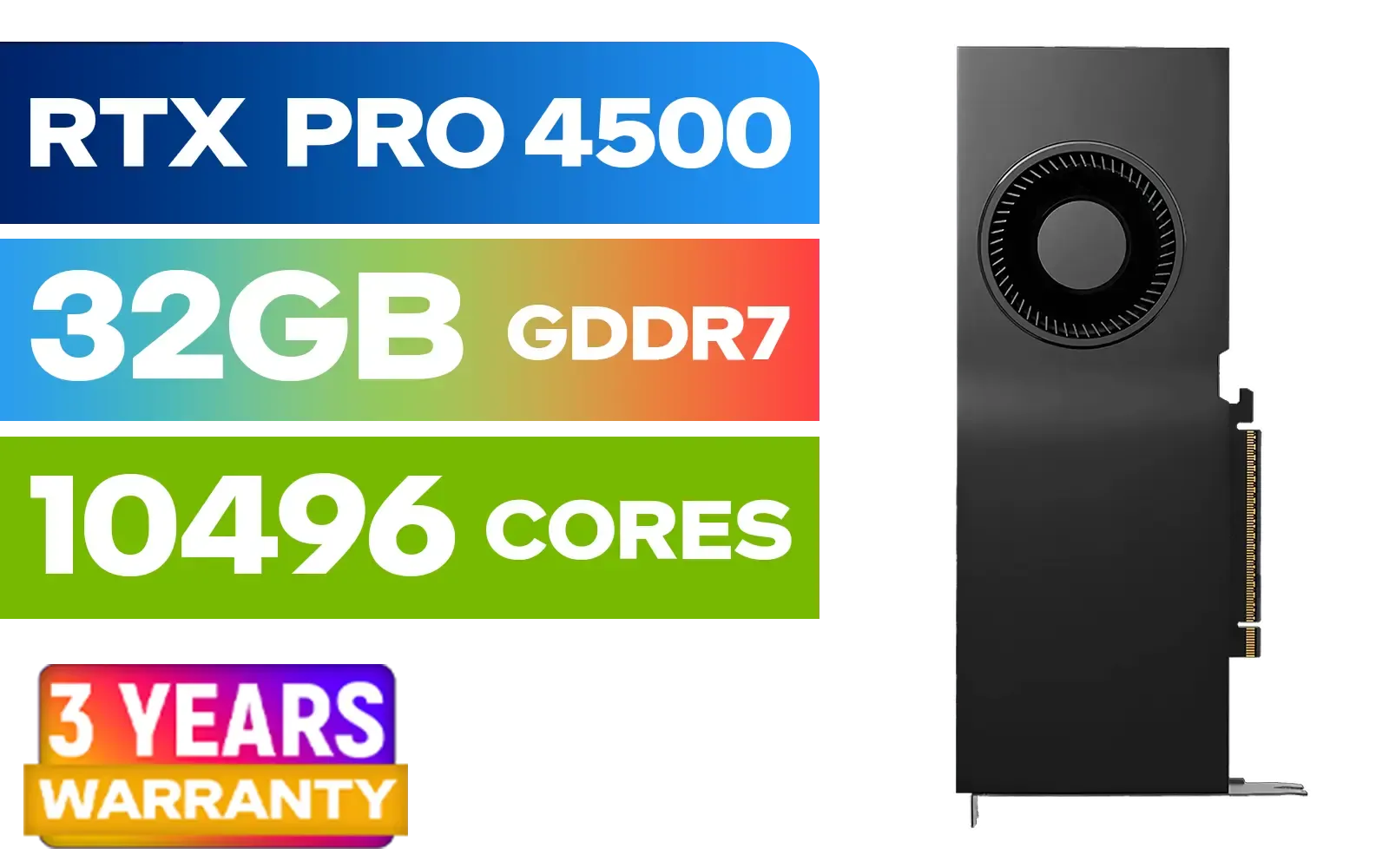
PNY NVIDIA RTX PRO 4500 32GB Blackwell Workstation Graphics Card / 10,496 CUDA Cores / 32GB GDDR7 with ECC / 4x Display Ports / VCNRTXPRO4500-PB
R54499.00In Stock
Absolutely. HDR significantly enhances visual immersion by expanding the range of colour and contrast, making 4K games look more realistic and vibrant, which is a noticeable upgrade.
You need an HDR-compatible monitor, a graphics card that supports HDR output (like NVIDIA RTX or AMD RX series), and an OS like Windows 10/11 to enable the feature.
The performance impact of HDR is minimal to none on modern hardware. Unlike ray tracing, it doesn't significantly tax your GPU, so you can enjoy the benefits of HDR in 4K gaming without losing frames.
In Windows, go to Settings > System > Display. Select your HDR-capable display and turn on 'Use HDR'. Many games also have an in-game HDR setting you need to activate.
4K refers to screen resolution (3840x2160 pixels), which determines image sharpness. HDR (High Dynamic Range) refers to the colour and brightness range, providing more lifelike visuals.
Many modern titles have excellent HDR implementation. Games like Cyberpunk 2077, Elden Ring, God of War, and the Call of Duty series showcase incredible visual depth with HDR enabled.