



Home Office PC Specs: Word Processing to Web Browsing
Confused about home office PC specs? 🖥️ From crisp word processing to snappy web browsing, we reveal real-world performance expectations. Stop guessing and start working efficiently! 🚀 Find the right hardware for your daily tasks today.
|
Loading tags...

Staring at a loading bar while you're just trying to open an email? We've all been there. In South Africa, a reliable work-from-home setup is no longer a luxury… it's essential. But you don't need a supercomputer to handle daily tasks. Understanding the right home office PC specs for word processing, spreadsheets, and web browsing means you can get a fast, frustration-free machine without spending a fortune. Let's dive into what really matters. 🚀
Core Specs for a Zippy Home Office PC
Forget confusing jargon. For a smooth experience with everyday apps like Microsoft Office, Teams, and Chrome, you only need to focus on three key components. Getting these right is the secret to a PC that feels responsive and capable for years to come.
### The Processor (CPU): Your PC's Brain
The CPU handles all the thinking. For general office work, you don't need the most powerful chip on the market. A modern quad-core processor is the sweet spot, offering excellent performance for multi-tasking without driving up the price.
Look for an Intel Core i3 or Core i5, or an AMD Ryzen 3 or Ryzen 5. These chips are more than powerful enough to juggle video calls, dozens of browser tabs, and documents simultaneously. Whether you lean towards the reliable performance in our Intel laptops on special or the fantastic value found in modern AMD laptops on special, you'll find a capable processor to power your productivity.
### Memory (RAM): The Workspace
Think of RAM as your desk space. The more you have, the more tasks you can have open at once without slowing down. In 2024, 8GB of RAM is the absolute minimum for a smooth Windows experience. It's enough for web browsing and document editing. However, if you're a heavy multi-tasker who lives with 20+ browser tabs open, stepping up to 16GB is a smart investment for a little extra ZAR.
### Storage (SSD): The Speed Demon ⚡
If you only upgrade one thing, make it this. A Solid State Drive (SSD) is the single biggest factor in how fast a PC feels. Unlike old-school hard drives (HDDs), SSDs have no moving parts, allowing them to boot up your computer and launch applications in seconds. The minimum specs for a home office PC should always include an SSD for the operating system. A 256GB or 512GB SSD provides ample space for your essential programs and files.
TIP FOR YOU
Smart Storage Tip 💾
A 256GB or 512GB SSD is incredibly fast but can fill up. Pair it with a free cloud storage service like Google Drive or OneDrive for your large files and documents. This keeps your PC's main drive lean and speedy for apps and the operating system, giving you the best of both worlds without the extra cost.
Laptops vs. Desktops: The Load-Shedding Factor
Choosing the right form factor is a crucial part of finalising your home office computer specs. While desktops can offer more power for the price, laptops have a killer feature for any South African: a built-in battery. The ability to continue working through a two-hour load-shedding slot without interruption is invaluable.
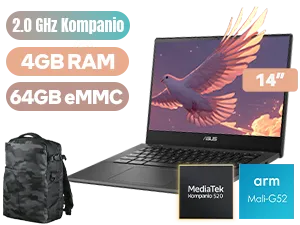
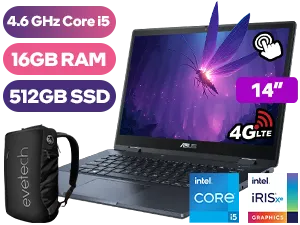
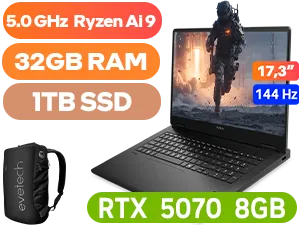
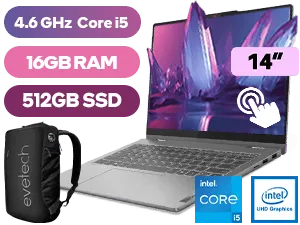
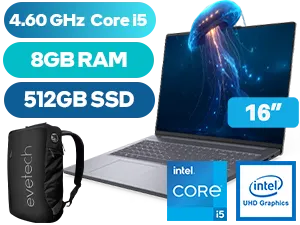
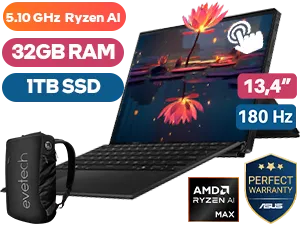
Modern laptops are incredibly powerful and versatile. In fact, many of the best gaming laptop deals feature fantastic keyboards and high-quality screens that make them brilliant work machines by day and entertainment hubs by night. With a laptop, your office is wherever you need it to be. ✨
Ready to Boost Your Productivity? Choosing the right PC doesn't have to be complicated or cost a fortune. Armed with the right knowledge, you can find a machine that flies through daily tasks without breaking the bank. Explore our wide range of laptop specials and find the perfect PC for your work-from-home setup today.
Related Products
For modern web browsing with multiple tabs open, 8GB is the minimum standard. 16GB is recommended for smoother multitasking and future-proofing.
Yes, a modern Core i3 or Ryzen 3 processor is excellent for word processing and general office tasks, offering a great balance of price and performance.
No, integrated graphics are perfectly sufficient for word processing and web browsing. Dedicated GPUs are generally only needed for gaming or rendering.
Absolutely. An SSD significantly reduces boot times and app loading speeds compared to an HDD, making even budget home office PC specs feel snappy.
Aim for a quad-core processor, 8GB of RAM, and a 256GB SSD to ensure smooth video conferencing and reliable performance for daily tasks.
Browser lag is often caused by insufficient RAM. Each tab consumes memory; upgrading your RAM or using tab-suspender extensions can improve performance.











