



How to Clean a Gaming Chair: Maintenance for Dusty Rooms
Learn how to clean a gaming chair effectively, even in the dustiest environments. Extend the life of your racing seat with these simple maintenance tips. 🧹 Don't let dust ruin your upholstery! Keep your setup looking fresh and professional with our expert advice. ✨
|
Loading tags...

Is your gaming throne looking a bit… well, dusty? In South Africa, between the Highveld dust and keeping windows open for a breeze, our gear takes a real beating. That sleek gaming chair you invested in can quickly lose its lustre, covered in a fine layer of grime. But don't worry, learning how to clean a gaming chair properly is easier than you think and will extend its life for many more campaigns to come. ✨
Why Regular Gaming Chair Maintenance Matters
Think about it. You spend hours in that chair. Over time, it collects not just dust, but also sweat, snack crumbs, and skin cells. Beyond the obvious hygiene factor, this build-up can actually degrade the chair's material. Dust particles are abrasive and can wear down fabrics and PU leather finishes, while grime can cause discolouration. A clean chair isn't just about looks; it's about protecting your investment and ensuring your command centre stays comfortable for years.

Playseat Seat Slider Accessory for Game Chair / Designed for Playseats Racing Seats / Users Adjust Racing Chair to Accommodate / Double-Locking Adjustable Sliding Handle / Compatible with Playseat Evolution, GT, and Flightseat Models / Assemble with just 4 Mounting Screws / RAC00072
R999.00In Stock

Playseat Gearshift Holder Pro / Compatible with Most Gearshifters / Suitable for Left or Right Mounting / Height Adjustment up to 1.2" / For Evolution, Revolution, & WRC Models / RAC00064
R1199.00In Stock

Logitech G923 TRUEFORCE Racing Wheel for XBOX AND PC. Features next gen force feedback, launch assist control, premium build, RPM indicator, on-wheel controls, progressive brake pedall / 941-000158
R8999.00In Stock

MARVO GT-903 Onaga 30 Racing Wheel For Playstation / XBOX And PC / Built-in Dual Vibration Motor / Compatible with PC, PS3, PS4, XBOX-ONE / XBOX360 / Android / Switch Consoles / GT-903
R699.00In Stock
![[BLACK/BLUE] Vertagear Racing Series S-Line SL3800 Gaming Chairs / 100KG Weight Limit / Easy Assembly / Adjustable Seat Height / VG-SL3800SE_MB](https://img.evetech.co.za/repository/ProductImages/vertagear-sl3800-gaming-chair-black-blue-1800px-v002.webp)
[BLACK/BLUE] Vertagear Racing Series S-Line SL3800 Gaming Chairs / 100KG Weight Limit / Easy Assembly / Adjustable Seat Height / VG-SL3800SE_MB
R5499.00In Stock
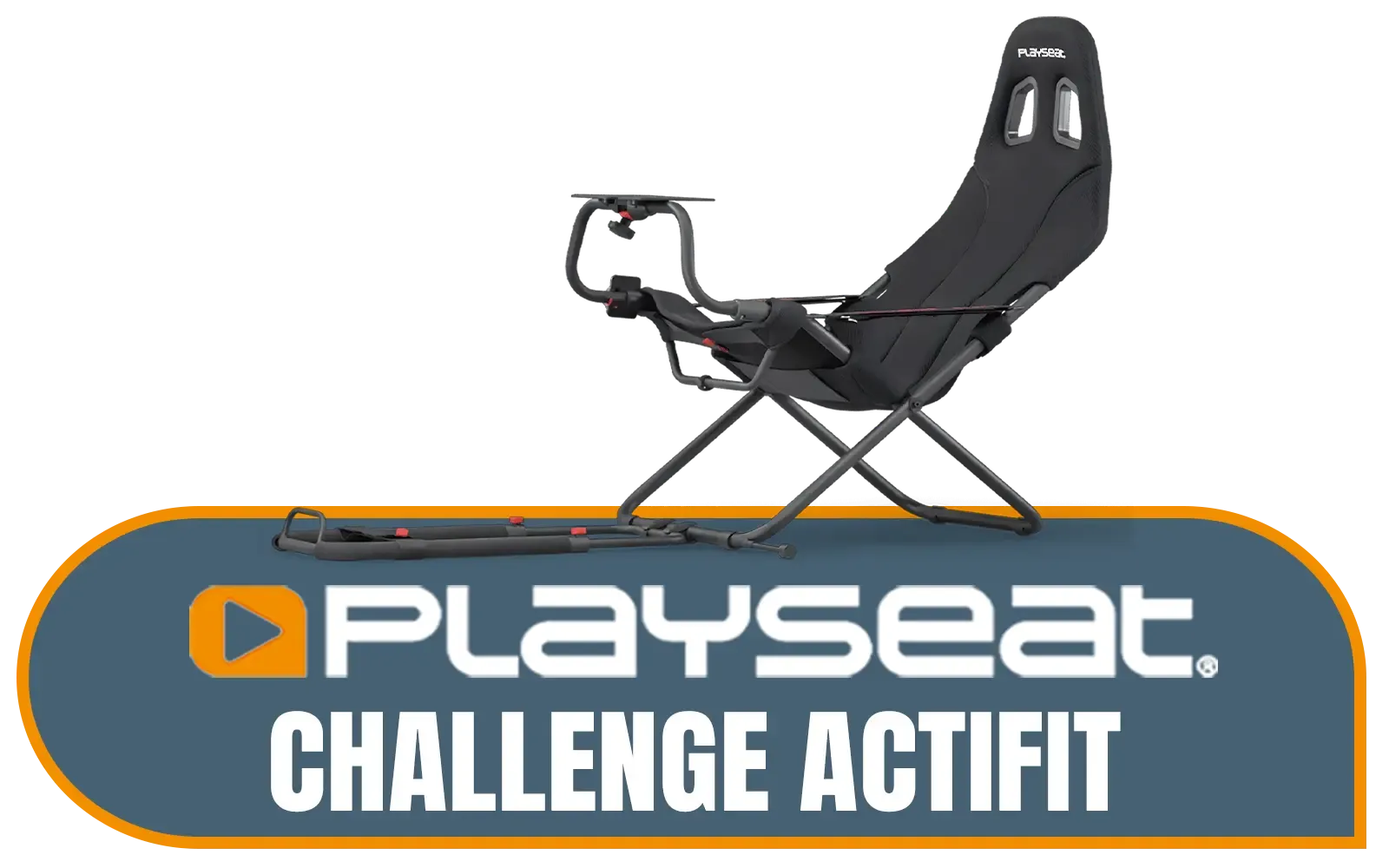
Playseat Challenge Actifit / Compatible With All Wheels, Pedals And All Consoles / Unique Foldable Design / It's Fully Adjustable / Multiple racing positions (GT, rally or F1) / RC.00312
R4599.00In Stock
Your Pre-Clean Checklist: Tools for the Job 🔧
Before you start, gather your supplies. You don't need anything fancy, and you probably have most of this at home already:
- A vacuum cleaner with a brush attachment
- Microfibre cloths (at least two)
- A small bowl of warm water
- Mild soap (like dish soap or a dedicated upholstery cleaner)
- A spray bottle (optional, but helpful)
For tougher jobs or specific materials, you might need a specialised leather or fabric cleaner. Always check the manufacturer's care instructions first!
The Step-by-Step Guide to Cleaning Your Gaming Chair
The best method for cleaning your gaming chair depends on its material. Let's break it down.

Playseat Tv Stand - PRO 3s
R5799.00In Stock
Logitech G923 TRUEFORCE Racing Wheel for XBOX AND PC. Features next gen force feedback, launch assist control, premium build, RPM indicator, on-wheel controls, progressive brake pedall / 941-000158
R8999.00In Stock

Logitech G923 TRUEFORCE Sim Racing Wheel for Playstation AND PC. Features next gen force feedback, launch assist control, premium build, RPM indicator, on-wheel controls, progressive brake pedal / 941-000149
R8499.00In Stock
![[BLACK/GREEN] Vertagear Racing Series S-Line SL3800 Gaming Chairs / 100KG Weight Limit / Easy Assembly / Adjustable Seat Height / VG-SL3800SE_MG](https://img.evetech.co.za/repository/ProductImages/vertagear-sl3800-gaming-chair-black-green-1500px-v1.webp)
[BLACK/GREEN] Vertagear Racing Series S-Line SL3800 Gaming Chairs / 100KG Weight Limit / Easy Assembly / Adjustable Seat Height / VG-SL3800SE_MG
R5799.00In Stock

Playseat Trophy - Logitech G Edition / High-Carbon Steel Frame / Actifit Material / Ultimate Flexibility / G00320
R14599.00In Stock
![[BLACK/CARBON] Vertagear Racing Series S-Line SL5800 Gaming Chairs / 113KG Weight Limit / Easy Assembly / Adjustable Seat Height / VG-SL5800SE_CB](https://img.evetech.co.za/repository/ProductImages/vertagear-sl5800-gaming-chair-black-carbon-1500px-v1.webp)
[BLACK/CARBON] Vertagear Racing Series S-Line SL5800 Gaming Chairs / 113KG Weight Limit / Easy Assembly / Adjustable Seat Height / VG-SL5800SE_CB
R6899.00In Stock
For PU Leather & Vinyl Thrones
This is the easiest type to clean. The non-porous surface of most faux leather doesn't trap dirt as easily.
- Vacuum First: Use the brush attachment to vacuum the entire chair, paying close attention to the seams and crevices where dust loves to hide.
- Wipe Down: Mix a few drops of mild soap into your warm water. Dampen a microfibre cloth, wring it out well, and gently wipe down all surfaces. Avoid soaking the material.
- Rinse: Use a second cloth dampened with plain water to wipe away any soap residue.
- Dry Thoroughly: Grab a dry cloth and wipe the chair down completely to prevent water spots and protect the finish. This is key for keeping premium Playseat chairs in top condition.
For Fabric & Mesh Champions
Fabric chairs require a bit more effort as they can absorb spills and dust more readily. How to clean a gaming chair made of fabric starts with a thorough vacuum.
- The Deep Vacuum: This is the most critical step. Go over the entire chair multiple times with the brush attachment to pull as much dust and debris out of the fibres as possible.
- Spot Clean Stains: For any specific spots or spills, it's time to act. Don't soak the area!
TIP FOR YOU
Fabric Chair Pro Tip 🧼
For tough stains on fabric chairs, mix a small amount of dish soap with warm water. Dab the stain gently with a cloth—don't rub! Rubbing can push the stain deeper into the fibres. For extra stubborn marks, a dedicated upholstery cleaner is your best bet. Always test any cleaning solution on a small, hidden spot first to check for colour-fastness.
- Air Dry: Let the chair air dry completely. Pointing a fan at it can speed up the process. This is especially important for those intense sessions in dedicated sim racing setups where you need your gear ready for the next race.

Playseats Gearshift Support / Compatible With Logitech G25, G27, G29, G920 And Thrustmaster Gear Shifters / RAC00168
R349.00In Stock

Playseat TV Stand Pro / Compatible With All Playseat Racing Chairs / Can Mount 1 Screen / Suitable For 15" To 65" Screens (Curved TV maximum is 48") / Suitable For TV And Monitors / Sturdy And Stable Frame / RAC00088
R4499.00In Stock
![[BLACK/RED] Vertagear Racing Series S-Line SL5800 Gaming Chairs / 113KG Weight Limit / Easy Assembly / Adjustable Seat Height / VG-SL5800SE_BR](https://img.evetech.co.za/repository/ProductImages/vertagear-sl5800-gaming-chair-black-red-1800px-v2.webp)
[BLACK/RED] Vertagear Racing Series S-Line SL5800 Gaming Chairs / 113KG Weight Limit / Easy Assembly / Adjustable Seat Height / VG-SL5800SE_BR
R6999.00In Stock

Playseat Sensation Pro - Sim Platform - Right / Works With The Playseat® Sensation Pro / Easy to Mount / Fully Adjustable / rac00250
R4699.00In Stock
![[BLACK/WHITE] Vertagear Racing Series S-Line SL3800 Gaming Chairs / 100KG Weight Limit / Easy Assembly / Adjustable Seat Height / VG-SL3800SE_WT](https://img.evetech.co.za/repository/ProductImages/vertagear-sl3800-gaming-chair-black-white-1800px-v2.webp)
[BLACK/WHITE] Vertagear Racing Series S-Line SL3800 Gaming Chairs / 100KG Weight Limit / Easy Assembly / Adjustable Seat Height / VG-SL3800SE_WT
R5599.00In Stock
![[BLACK/WHITE] Vertagear Racing Series P-Line PL4800 Gaming Chairs / 163KG Weight Limit / Easy Assembly / Adjustable Seat Height / VG-PL4800SE_WT](https://img.evetech.co.za/repository/ProductImages/vertagear-pl4800-gaming-chair-black-white-1800px-v002.webp)
[BLACK/WHITE] Vertagear Racing Series P-Line PL4800 Gaming Chairs / 163KG Weight Limit / Easy Assembly / Adjustable Seat Height / VG-PL4800SE_WT
R8199.00In Stock
Don't Forget the Wheels and Base
The base and caster wheels are magnets for hair, dust, and floor gunk.
- Flip It: Carefully turn your chair upside down or on its side.
- Pull & Scrape: Pull out any tangled hair and debris from the wheels. An old pair of tweezers or a screwdriver can help.
- Wipe It Clean: Use your damp, soapy cloth to wipe down the legs, base, and the wheels themselves. A clean base area also helps protect peripherals on the floor, like your Thrustmaster wheel and pedals.
A little gaming chair maintenance every month or two makes a massive difference. You'll keep your throne looking and feeling fresh, ready for whatever mission comes next. 🚀
Ready for an Upgrade or a Fresh Start? A clean chair feels amazing, but sometimes it's time for a new command centre. Whether you're upgrading your setup or building from scratch, a great chair is non-negotiable. Explore our massive range of gaming chairs and find the perfect throne to conquer your world.
Related Products
![[OPEN BOX] Vertagear Racing Series S-Line SL5800 Gaming Chairs - Black/Blue / 113KG Weight Limit / Easy Assembly / Adjustable Seat Height / VG-SL5800SE_MB](https://img.evetech.co.za/repository/ProductImages/vertagear-sl5800-gaming-chair-black-blue-1800px-v002.webp)
[OPEN BOX] Vertagear Racing Series S-Line SL5800 Gaming Chairs - Black/Blue / 113KG Weight Limit / Easy Assembly / Adjustable Seat Height / VG-SL5800SE_MB
R6599.00In Stock

Playseat Evolution Gaming Chair — Black / Compatible With all Steering Wheel / Fully Adjustable Framework / High Quality Leather Look Black Vinyl / Superior Build Quality / Patented Foldable Design / REM00004
R7799.00In Stock
[BLACK/GREEN] Vertagear Racing Series S-Line SL3800 Gaming Chairs / 100KG Weight Limit / Easy Assembly / Adjustable Seat Height / VG-SL3800SE_MG
R5799.00In Stock
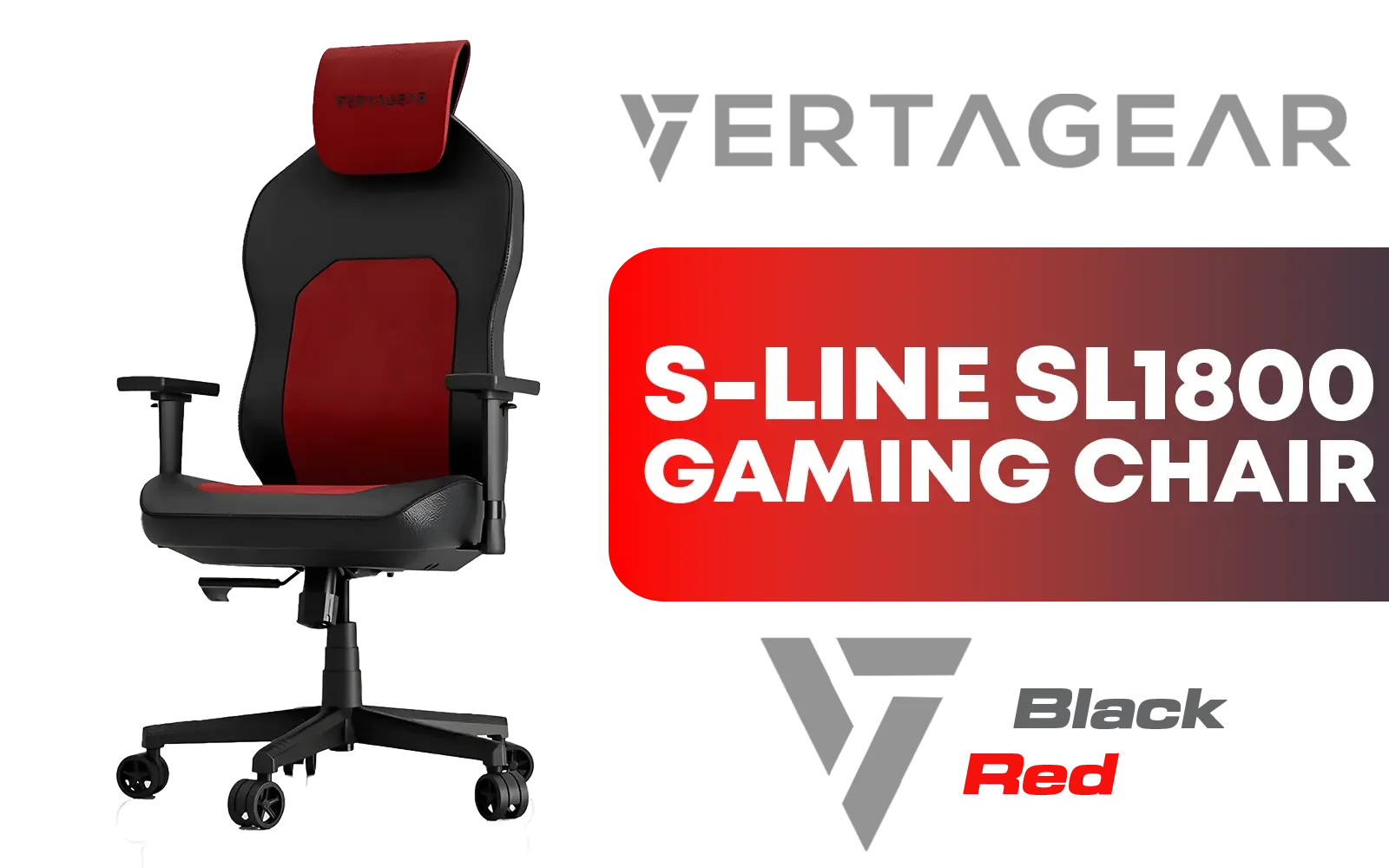
Vertagear Racing Series S-Line SL1800 Office Gaming Chair - Black/Red / VG-SL1800_BR
R3699.00In Stock
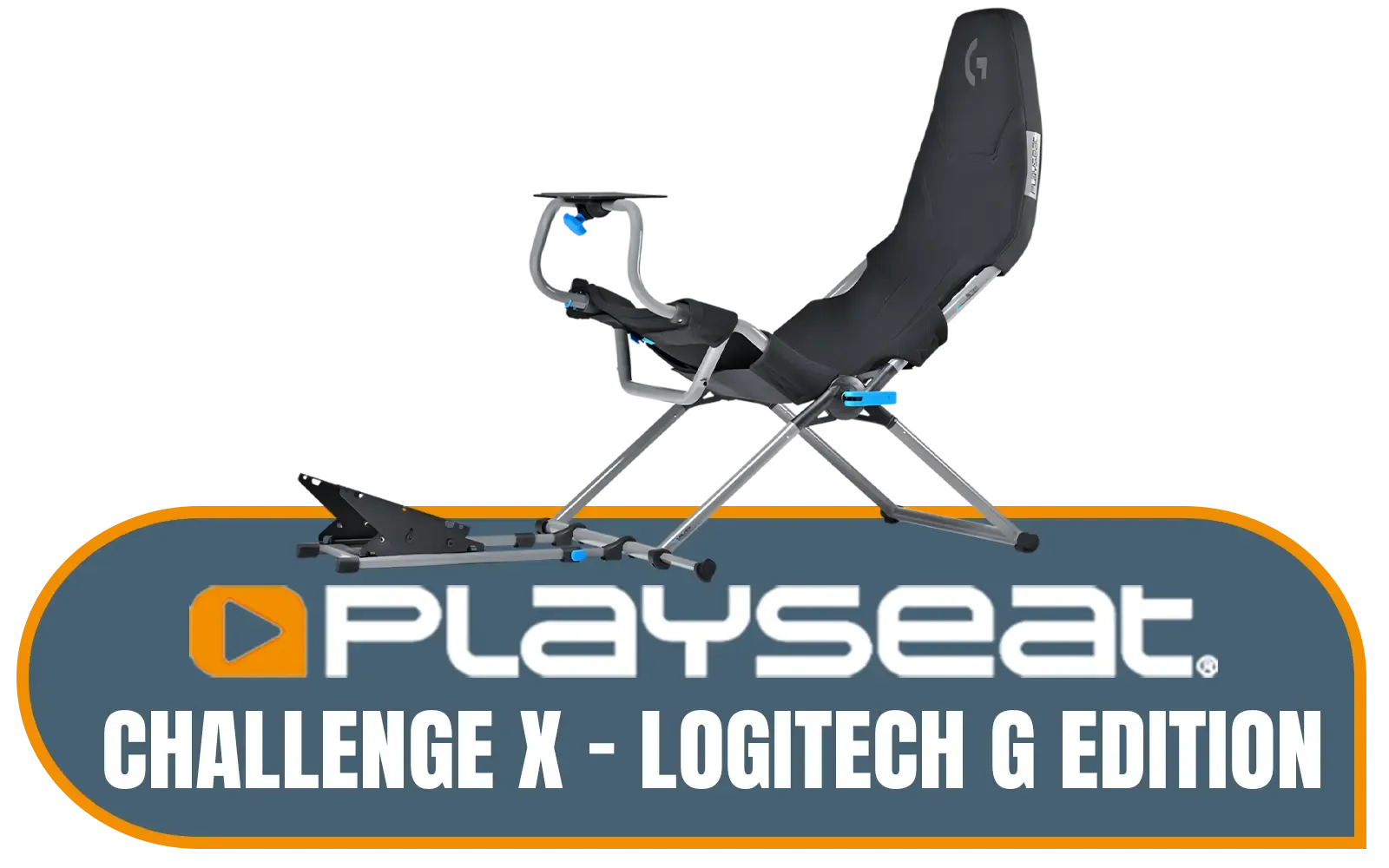
Playseat Challenge X - Logitech G Edition - Adjustable Straps for Seat Firmness - Breathable ActiFit™ Material for Comfort - Compatible with All Steering Wheels - Suitable for Children and Adults / G00248
R6499.00In Stock
![[Open Box] Thrustmaster TM Racing Clamp / PC, PS4, XBOX One, PlayStation 4 / Rock-solid Table Clamp / Robust Secure And Firm Attachment System / Adjustable For Many Different Setups / Designed For Desks/Tables / TM4060094](https://img.evetech.co.za/repository/ProductImages/thrustmaster-tm-racing-clamp-openbox-1800px-v01.webp)
[Open Box] Thrustmaster TM Racing Clamp / PC, PS4, XBOX One, PlayStation 4 / Rock-solid Table Clamp / Robust Secure And Firm Attachment System / Adjustable For Many Different Setups / Designed For Desks/Tables / TM4060094
R1299.00In Stock
In dusty environments, perform a light wipe-down or vacuum weekly and a deep clean once a month to prevent grime buildup and protect the upholstery materials.
Use a damp microfiber cloth with warm water for PU leather. Avoid soaking the material, as excess moisture can cause peeling or cracking over time.
Use a vacuum cleaner with a brush attachment or a can of compressed air to dislodge dust trapped deep within the mesh fibers effectively.
Yes, accumulated dust can clog the gas lift, tilt mechanism, and caster wheels, leading to squeaking noises and reduced mobility if not cleaned regularly.
Gentle upholstery foam cleaners or a mixture of mild detergent and water work best. Always spot-test a hidden area before applying it to the entire seat.
Using a dedicated gaming chair cover or a simple throw blanket when you are away from your desk is the most effective way to block settling dust.











