



How to Clean Razer Headset: Complete Care Guide
Learn how to clean Razer headset models properly to remove sweat and grime. 🎧 Our guide covers ear cushions, mics, and cables to keep your gear fresh and audio crisp! ✨
|
Loading tags...
Let's be honest, that post-match glow feels great... until you take off your gear and realise your trusty Razer headset has seen better days. From snack residue to general grime, a dirty headset isn't just an eyesore; it can affect comfort and audio quality. Learning how to clean your Razer headset properly is a vital skill for any serious South African gamer. It protects your investment and keeps your audio experience crisp and clear.
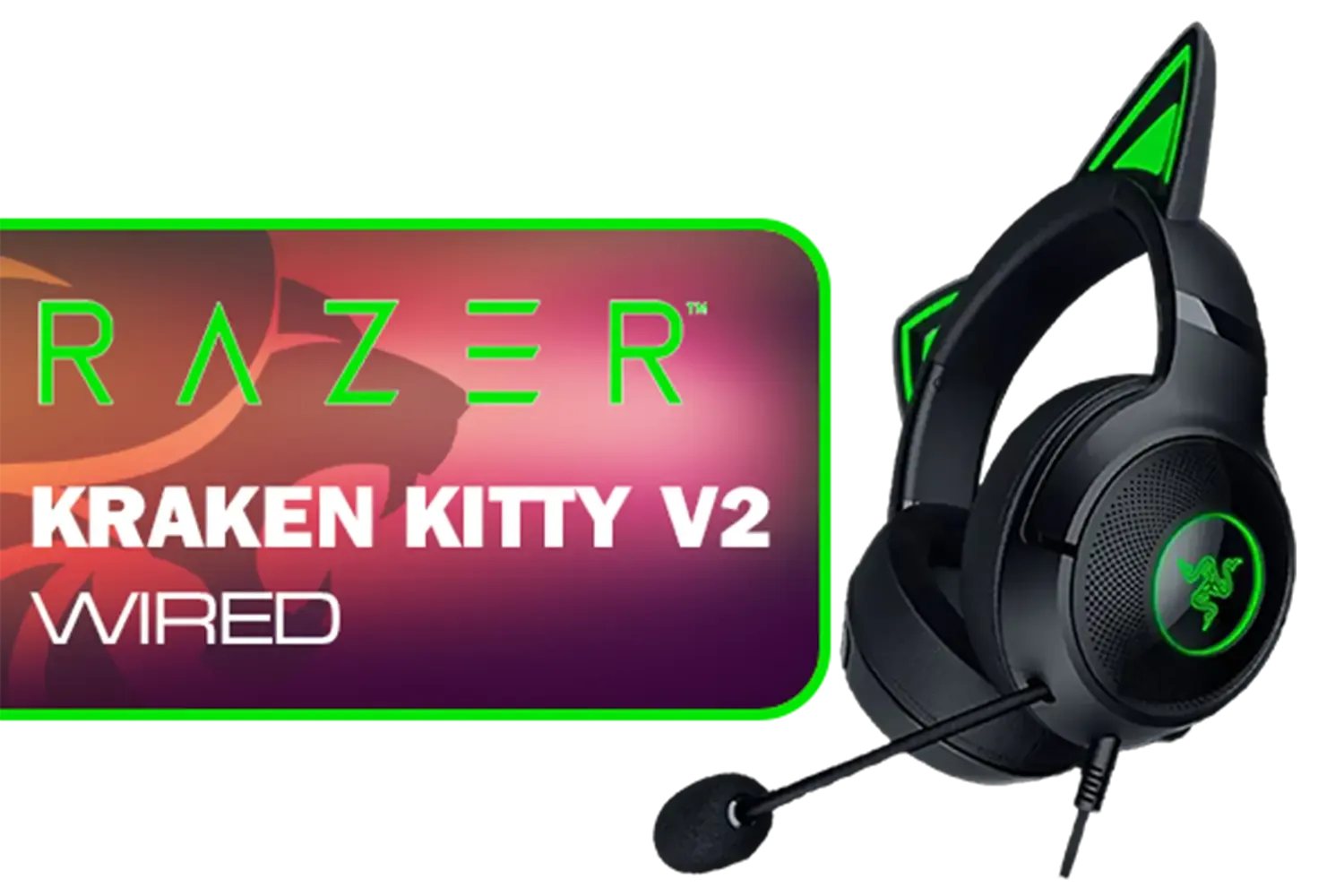
Razer Kraken Kitty V2 Wired RGB Headset with Kitty Ears - Black / Stream Reactive Lighting / HyperClear Cardioid Mic / Triforce 40mm Drivers / 7.1 Surround Sound / RZ04-04730100-R3M1
R2399.00In Stock

Promate Simba Over-Ear Hi-Definition SafeAudio™ Wired Headset - Emerald / 40mm Drivers / Adjustable Headband / 3.5mm Aux Connector / Audio Sharing / SIMBA.EMERALD
R299.00In Stock

Razer Kraken Kitty V2 Bluetooth Gaming Headset - Black / 40mm audio drivers / Up to 40-hour battery life / USB-C fast charging support / noise-cancelling microphone / RZ04-04860500-R3M1
R2499.00In Stock

Razer BlackShark V2 X Wired Gaming Headset - Black / 7.1 Surround Sound Capable / Triforce 50mm Drivers / HyperClear Cardioid Mic / Memory Foam Cushion - for PC, PS4, Nintendo Switch - 3.5mm Headphone Jack / RZ04-03240100-R3M1
R999.00In Stock

Logitech G733 Lightspeed Wireless RGB Gaming Headset - Black / Lightsync RGB lighting / Fully Customizable / Blue VO!CE Technology / 40mm PRO-G Audio Drivers / DTS Headphone:X 2.0 Surround Sound / USB-C Charging Port / 20m Wireless Range / 981-000864
R1799.00In Stock

SteelSeries Arctis Nova 1P Multi-System Gaming Headset — Hi-Fi Drivers — 360° Spatial Audio — Comfort Design — Durable — Lightweight — Noise-Cancelling Mic — PS5/PS4, PC, Xbox, Switch - Black / 61611
R1499.00In Stock
Why Regular Cleaning is Non-Negotiable
Think of it as essential maintenance for one of your most important peripherals. A clean Razer headset isn't just about looking good for your stream.
- Hygiene: Your earpads absorb sweat and oils. Regular cleaning prevents bacteria buildup, which is better for your skin and overall ear health.
- Performance: A clogged microphone grille can muffle your voice, making your callouts sound like you're talking from the bottom of a well. Clean drivers and earcups ensure audio sounds exactly as intended.
- Longevity: Grime can degrade materials like leatherette and foam over time. Proper Razer headset care extends the life of your gear, saving you ZAR in the long run.
Your Headset Cleaning Toolkit 🔧
You don't need a fancy lab to get the job done. Here’s a simple checklist of what you’ll need:
- Two soft, lint-free microfibre cloths
- A small bowl of warm water with a tiny drop of mild soap (like dish soap)
- Cotton swabs (or ear buds)
- Isopropyl alcohol (70% is ideal)
- A soft-bristled brush (an old toothbrush works wonders)
What to Avoid: Never use harsh chemical cleaners, paper towels (they leave lint), or submerge any part of your headset in water.
The Step-by-Step Guide to a Flawless Clean
Ready to restore that fresh-out-the-box feeling? ✨ Disconnect your headset from your PC or console before you begin.
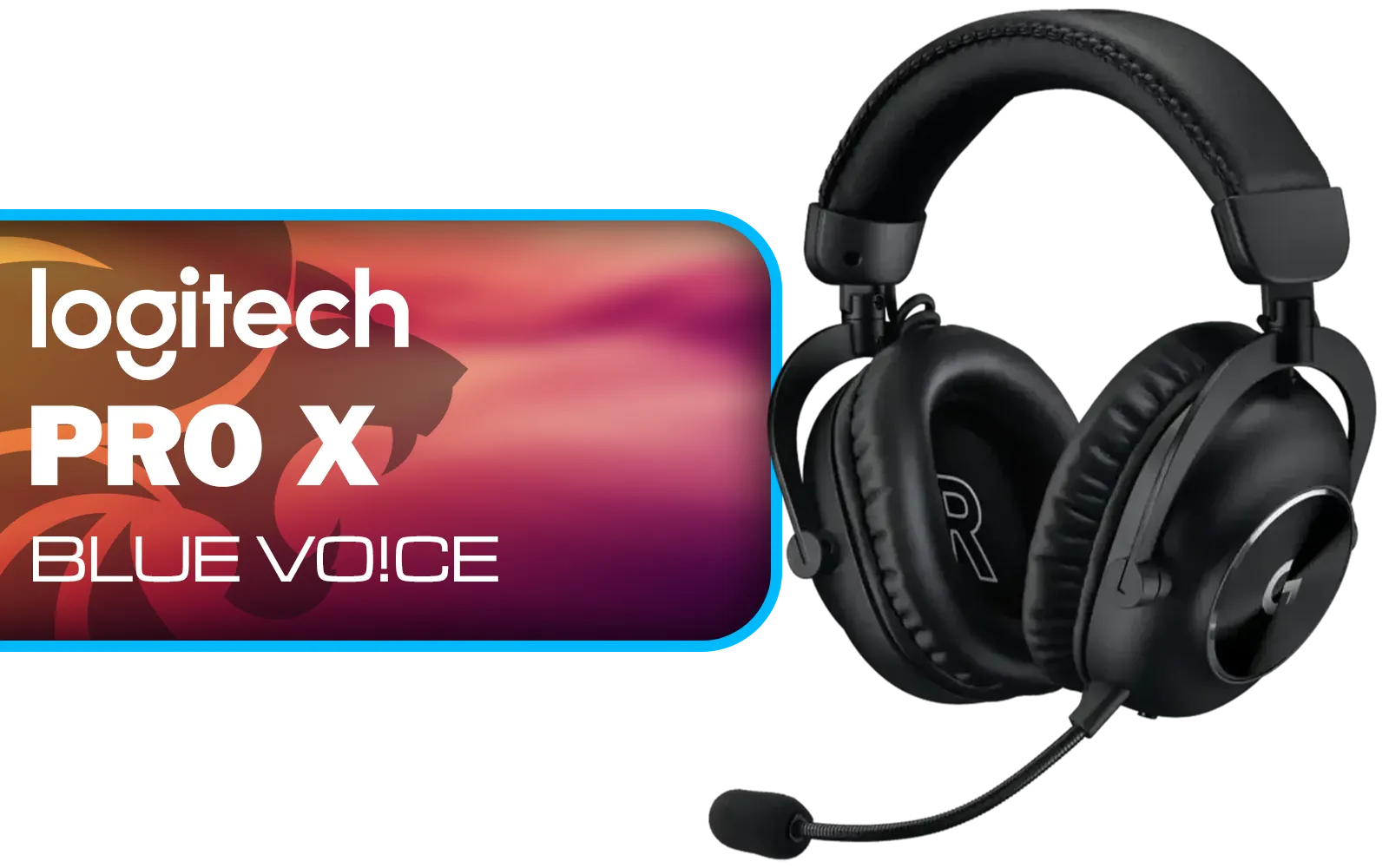
Logitech PRO X Gaming Headset With BLUE VO!CE Microphone Technology / USB External Sound Card / PRO-G 50 mm Audio Drivers / Detachable pro-grade Microphone / Comfortable Memory Foam Padding / Durable Steel and Aluminium Construction / 981-000818
R2299.00In Stock
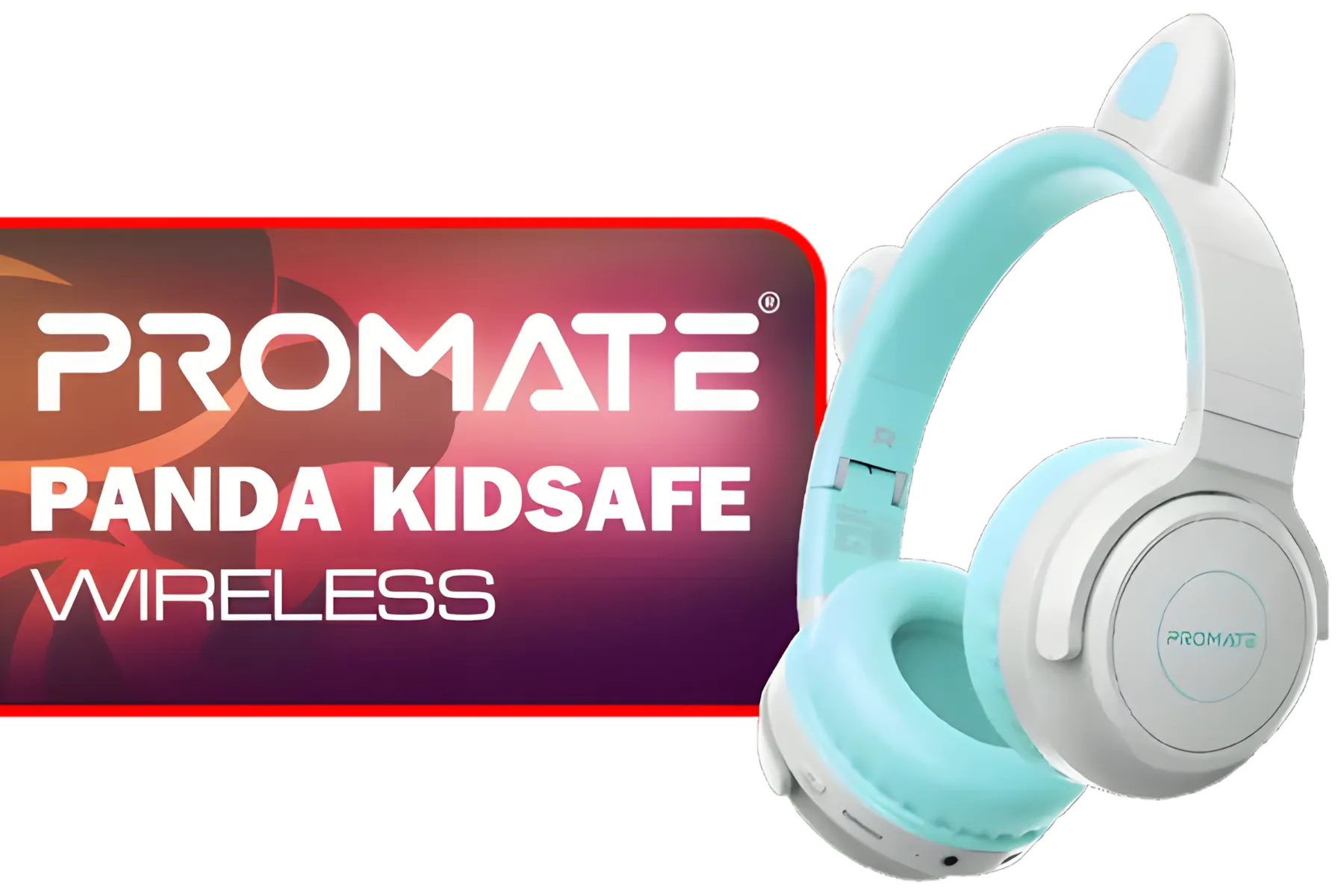
Promate Panda KidSafe Kawaii Style Wireless Kids Headset - Aqua / 1000mAh Battery / Up to 40 hours of Playtime / AUX Support / LED Illuminated Ears / PANDA.AQUA
R399.00In Stock

Promate Panda KidSafe Kawaii Style Wireless Kids Headset - Lilac / 1000mAh Battery / Up to 40 hours of Playtime / AUX Support / LED Illuminated Ears / PANDA.LILAC
R499.00In Stock
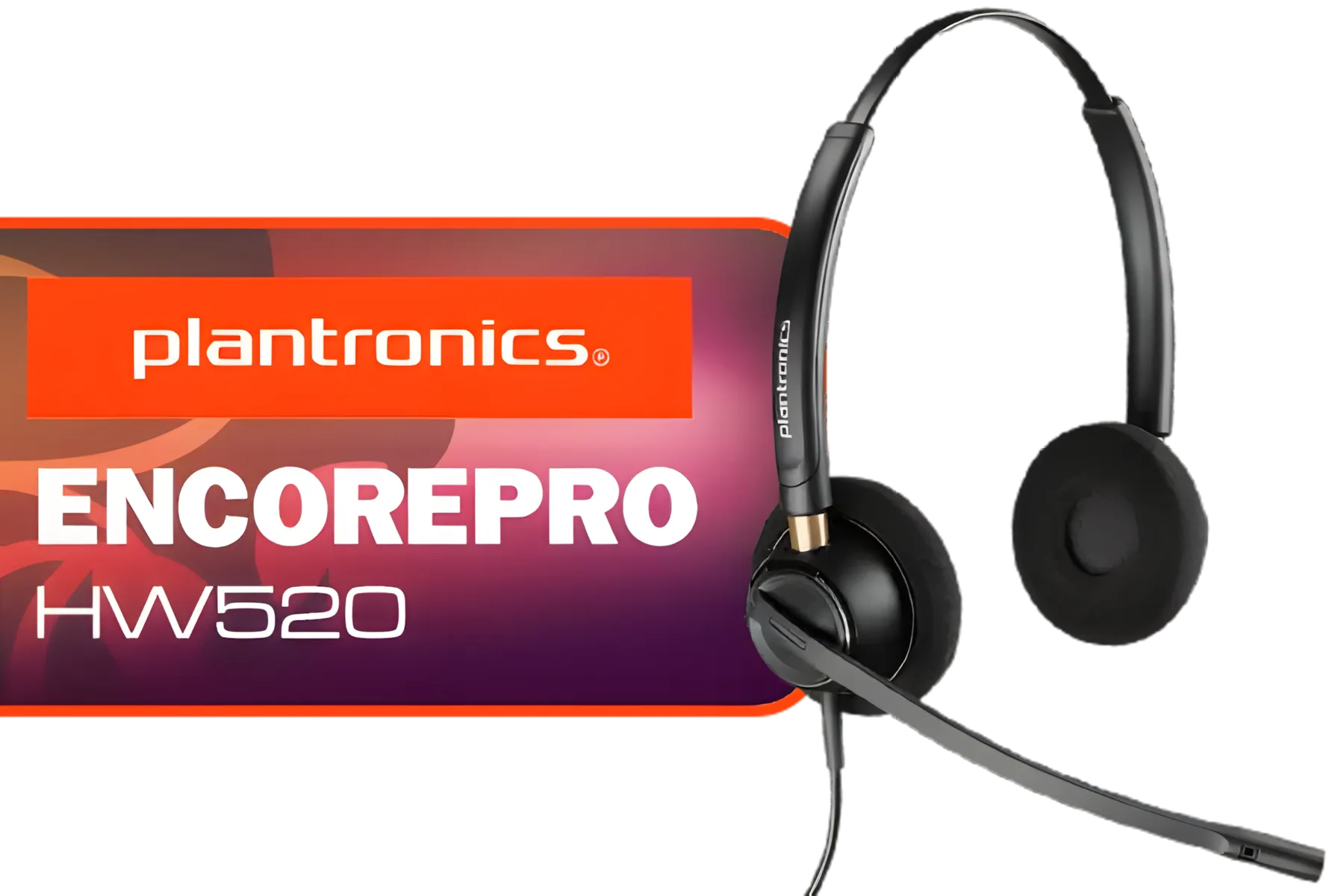
Plantronics HW520 EncorePro Binaural Headset / Noise canceling circuit / Flexible boom / PLT- HW520
R1699.00In Stock

Razer Kaira Pro Wireless Gaming Headset for Xbox Series X/ TriForce Titanium 50mm Drivers / HyperClear Supercardioid Mic / Flowknit Memory Foam / EQ / Xbox Pairing Button / Auto-adjusting Headband / RZ04-03470100-R3M1
R3499.00In Stock

Razer BlackShark V2 X Gaming Headset: 7.1 Surround Sound - 50mm Drivers - Memory Foam Cushion - for PC, Mac, PS4, PS5, Switch, Xbox One, Xbox Series X|S, Mobile - 3.5mm Audio Jack - Green / RZ04-03240600-R3M1
R999.00In Stock
Earpads and Cushions
This is where most of the grime collects. The method depends on the material. Most modern designs, from entry-level to premium models in the full range of Razer headphones & headsets, feature easily removable earpads.
- For Fabric/Velour Pads: If removable, gently hand-wash them in the soapy water solution. Squeeze out excess water (don't wring them out!) and let them air dry completely for at least 24 hours before reattaching.
- For Leatherette/Protein Leather Pads: Do not soak these. Dampen a microfibre cloth with the soapy water, wring it out well, and gently wipe the surface clean. Follow up with a second cloth dampened with just water to rinse, then pat dry with a dry cloth.
TIP FOR YOU
Pro Cleaning Tip ⚡
Never put your earpads in a washing machine or tumble dryer! The heat and aggressive motion can destroy the foam and adhesives, ruining the comfortable fit and noise isolation your headset was designed for. Patience and air-drying are key.
The Microphone
For crystal-clear comms, you need to properly clean the microphone on your Razer headset.
- If your mic has a removable foam windshield, slide it off and wash it using the same method as fabric earpads.
- For the microphone capsule itself, lightly dampen a cotton swab with isopropyl alcohol and gently wipe the grille. The alcohol disinfects and evaporates quickly.
Headband & Exterior Frame
The rest of the headset is usually straightforward. Dampen your microfibre cloth with the slightly soapy water, wring it out thoroughly, and wipe down the plastic or metal headband and outer earcups. Use the soft brush to gently scrub any stubborn spots or textured surfaces. High-quality finishes on pristine models like the white Razer Barracuda X Chroma are quite durable but always respond best to a gentle touch.

SteelSeries Arctis Nova 7X Wireless Multi-Platform Gaming & Mobile Headset / Nova Acoustic System / Simultaneous Wireless 2.4GHz + Bluetooth / 38Hr Battery / USB-C / Xbox, PC, PS, Switch, Mobile / 61565
R2499.00In Stock

Marvo Pulz 70W White Wireless Gaming Headset / Bluetooth 5.3 & 2.4G & Wired Modes / 40MM Drivers / Detachable Micboom Arm / Rechargeable Battery / RGB Backlight / HG9086W-WH
R549.00In Stock

Razer Barracuda X Wireless Gaming & Mobile Headset - Quartz Pink (PC, Playstation, Switch, Android, iOS): 2.4GHz Wireless + Bluetooth / Lightweight / 40mm Drivers / Detachable Mic / 50 Hr Battery / RZ04-04430300-R3M1
R2299.00In Stock
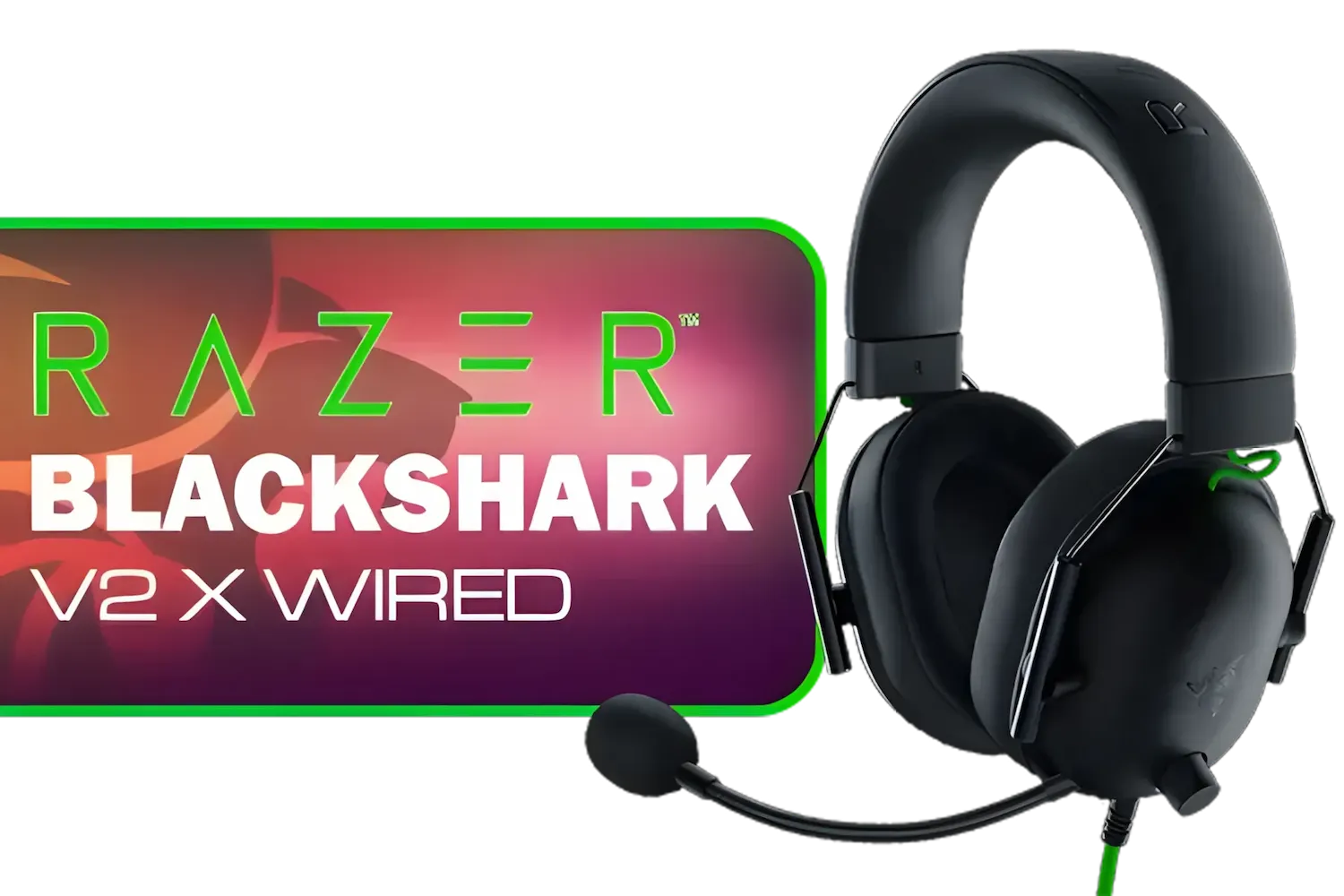
Razer BlackShark V2 X USB Wired Esports Gaming Headset - 7.1 Surround Sound - 50mm Drivers - 240g Lightweight Build - Noise Cancelling Mic - Hybrid Memory Foam Cushions - Long Lasting Comfort - Black / RZ04-04570100-R3M1
R1699.00In Stock
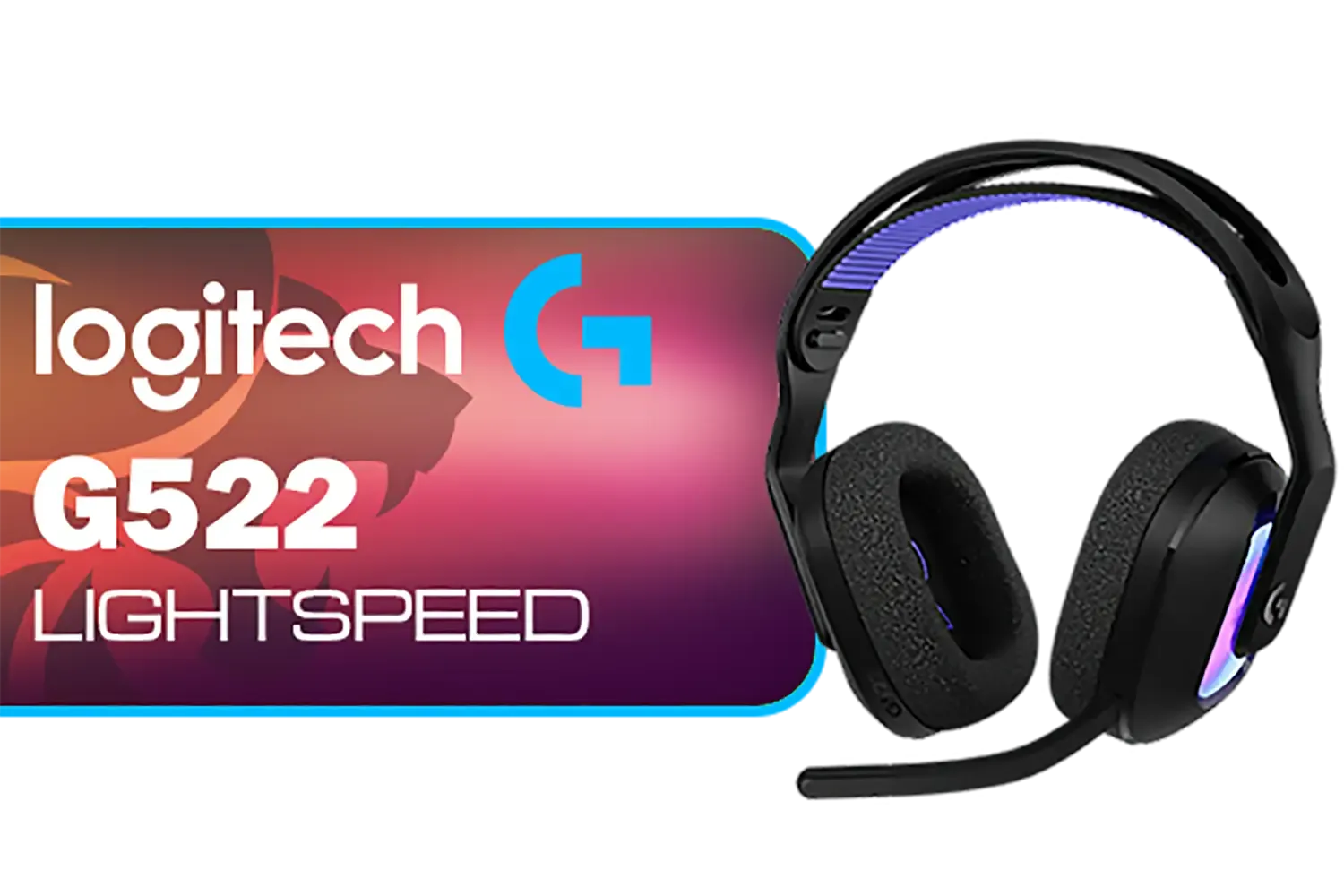
Logitech G522 Lightspeed Wireless RGB Gaming Headset - Black / RGB lighting with 16.8M colors / PRO-G drivers / Switch between wireless, Bluetooth, or wired / Up to 60-Hour Battery / Tune audio and voice with G HUB / 981-001544
R3339.00In Stock

PDP Phantom Air Dual-Mode Wireless Gaming Headset (PS5) - White / 50mm Audio Drivers / 35-Hour Battery Life / Noise-Cancelling Microphone / Official PlayStation License / 052-026-WH
R999.00In Stock
Pro Tips for Long-Term Razer Headset Care
Beyond a deep clean, a few habits can keep your headset in top shape.
- Store It Properly: Use a headset stand to prevent the earpads from being compressed and to allow them to air out after use.
- Wipe After Use: A quick wipe with a dry microfibre cloth after a long session can prevent sweat and oil from building up.
- Manage Your Cables: For wired headsets, avoid wrapping the cable tightly around the headset, as this can cause internal damage over time.
These care tips will help you get the most out of your audio gear and apply to almost all gaming headphones & headsets, not just your Razer. Happy gaming! 🚀
Ready For a Fresh Audio Experience? Keeping your gear clean is smart, but sometimes an upgrade is the ultimate play. If your old headset has seen better days, explore our massive range of gaming headsets and find the perfect audio weapon for your setup.
Related Products
Logitech G522 Lightspeed Wireless RGB Gaming Headset - Black / RGB lighting with 16.8M colors / PRO-G drivers / Switch between wireless, Bluetooth, or wired / Up to 60-Hour Battery / Tune audio and voice with G HUB / 981-001544
R3339.00In Stock
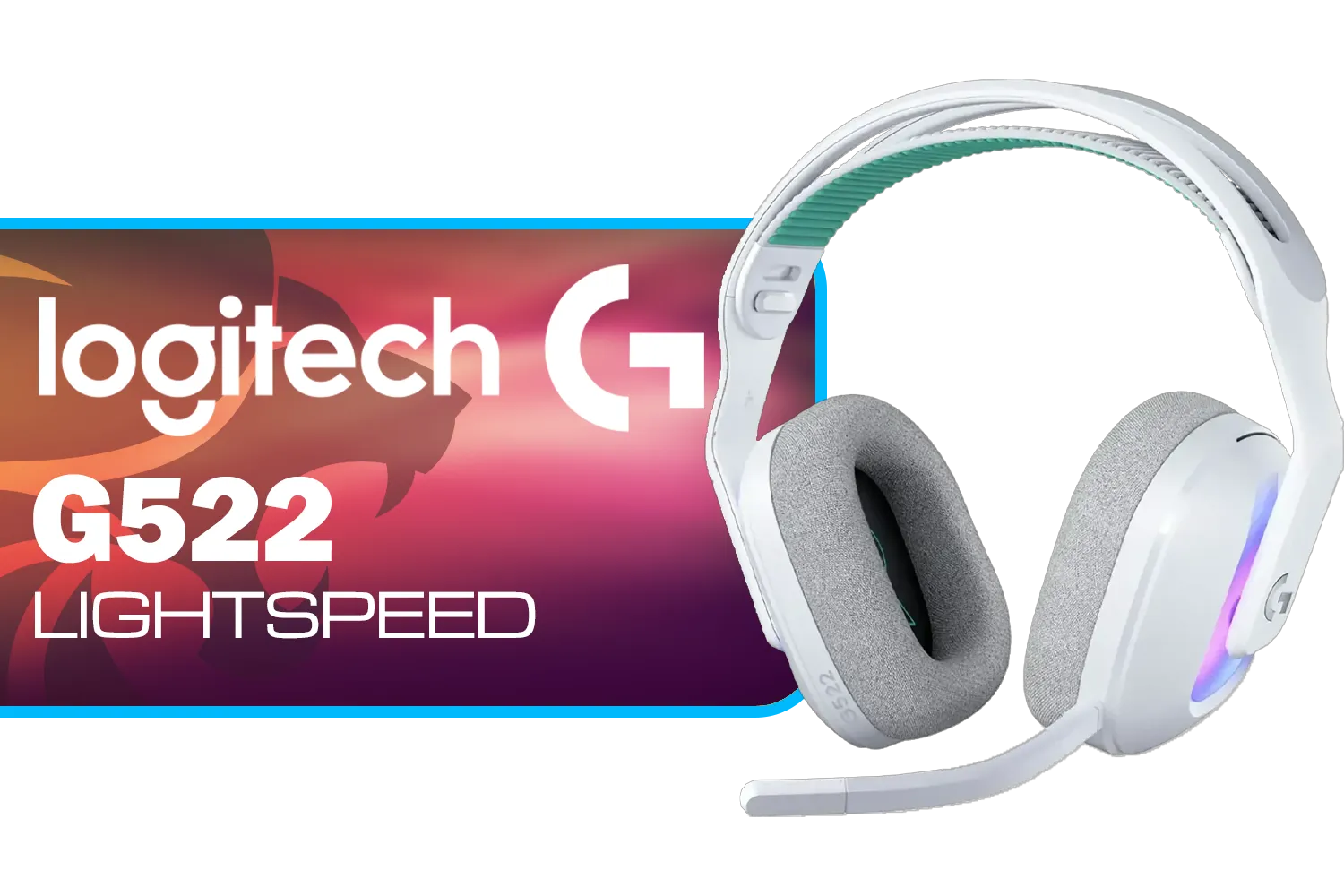
Logitech G522 Lightspeed Wireless RGB Gaming Headset - White / RGB lighting with 16.8M colors / PRO-G drivers / Switch between wireless, Bluetooth, or wired / Up to 60-Hour Battery / Tune audio and voice with G HUB / 981-001550
R3339.00In Stock

SteelSeries Arctis Nova 1X Gaming Headset - Signature Arctis Sound - ClearCast Gen 2 Mic - Xbox Series X|S, PC, Playstation, Switch, and Mobile / 61616
R1499.00In Stock
Razer Kraken Kitty V2 Bluetooth Gaming Headset - Black / 40mm audio drivers / Up to 40-hour battery life / USB-C fast charging support / noise-cancelling microphone / RZ04-04860500-R3M1
R2499.00In Stock

Logitech Zone Vibe 100 Lightweight Wireless Over Ear Headphones with Noise Canceling Microphone, Advanced Multipoint Bluetooth Headset, Works with Teams, Google Meet, Zoom, Mac/PC - Off White / 981-001219
R1889.00In Stock
PDP Phantom Air Dual-Mode Wireless Gaming Headset (PS5) - White / 50mm Audio Drivers / 35-Hour Battery Life / Noise-Cancelling Microphone / Official PlayStation License / 052-026-WH
R999.00In Stock
Avoid using harsh alcohol on leatherette cushions as it causes peeling. Use a microfiber cloth dampened with mild soapy water for safe cleaning.
Use a soft-bristled toothbrush or compressed air to gently dislodge debris from the microphone mesh without pushing dirt further inside.
Wipe down your headset after every intense gaming session to remove sweat, and perform a deep clean of the cushions once a month for hygiene.
Yes, fabric cushions can often be hand-washed gently with mild detergent. Leatherette ones should only be wiped down to prevent material cracking.
Wipe the cups with a solution of water and white vinegar, then let them air dry completely in a ventilated area to neutralize lingering smells.
Yes, but ensure the can is upright and spray from a safe distance to remove dust without damaging the delicate internal components with moisture.








