



How to Connect Handheld to Monitor via USB-C: The Ultimate Guide
Want to play on the big screen? 🎮 Learn how to connect handheld to monitor setups using USB-C. We cover docks, cables, and settings for the ROG Ally, Steam Deck, and MSI Claw. Boost your immersion today with the right gear!
|
Loading tags...

So, you've got a powerhouse handheld gaming PC, but that gorgeous 7-inch screen feels a bit cramped for a proper Baldur's Gate 3 session? You're not alone. What if you could unleash that portable power onto your big, beautiful desktop monitor with just a single cable? That’s the magic we're unpacking today. This guide shows you exactly how to connect your handheld to a monitor via USB-C, transforming your portable rig into a full-blown desktop experience. Lekker, right? 🚀
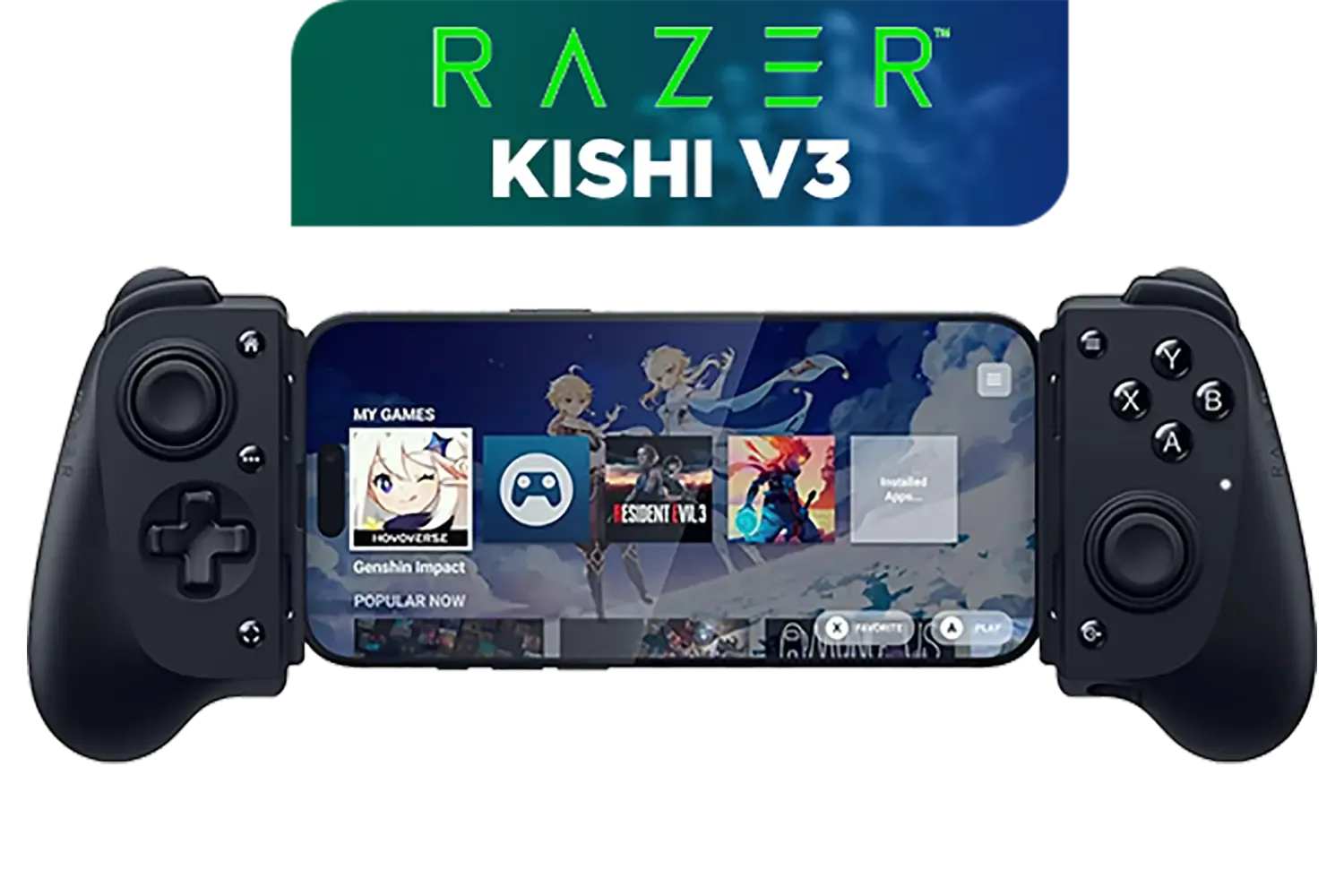
Razer Kishi V3 Gaming Controller / Supports Android and iPhone / Full-Sized Console-Style Controller / Dual mouse-click back buttons / Razer Sensa HD Immersive Haptics / RZ06-03550100-R3M1
R2999.00In Stock

Microsoft Xbox Wireless Controller - Carbon Black / Hybrid D-Pad / 3.5mm Stereo Headset Jack / Textured Triggers And Bumpers / Compatible for Xbox Series X|S, Xbox One, Android And iOS / QAT-00009
R1599.00In Stock
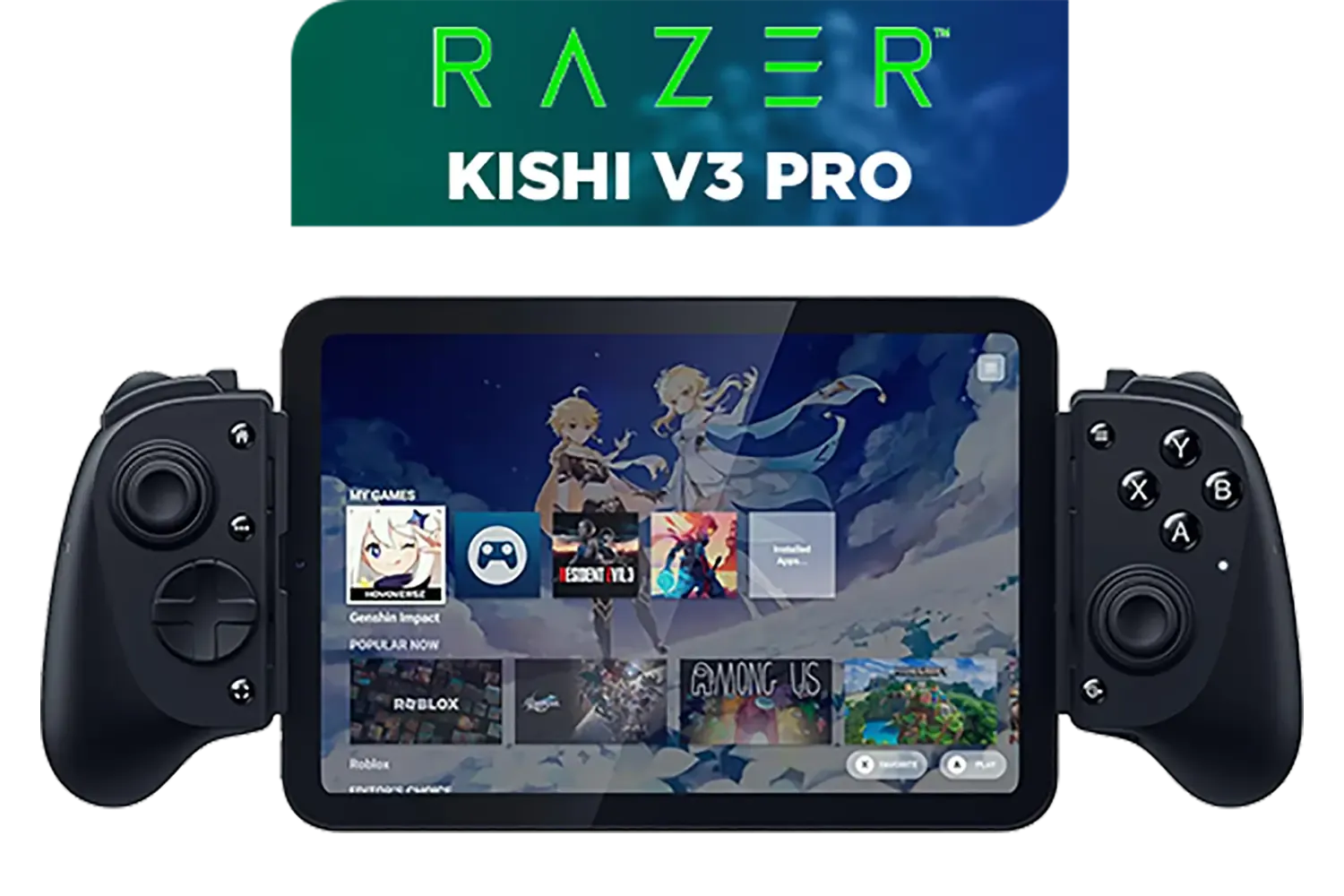
Razer Kishi V3 Pro Gaming Controller / Supports Android, iPhone & iPad Mini / Full-Sized Console-Style Controller / Fits Phones and Tablets up to 8” / Razer Sensa HD Immersive Haptics / RZ06-05460100-R3M1
R4199.00In Stock
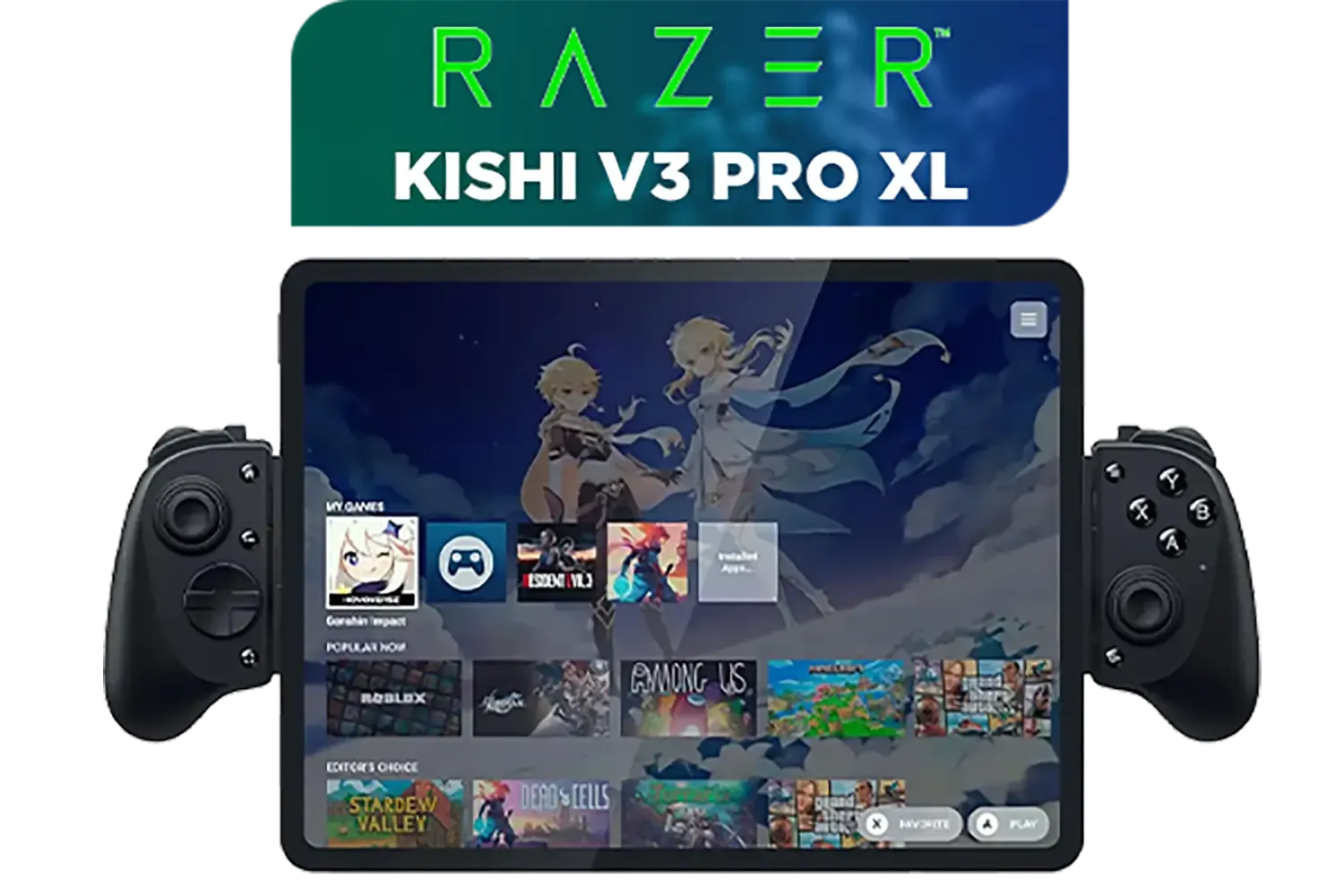
Razer Kishi V3 Pro XL iPad & Android Tablet Gaming Controller / Full-Sized Console-Style Controller / Fits Phones and Tablets up to 10” / Razer Sensa HD Immersive Haptics / RZ06-05470100-R3M1
R5199.00In Stock
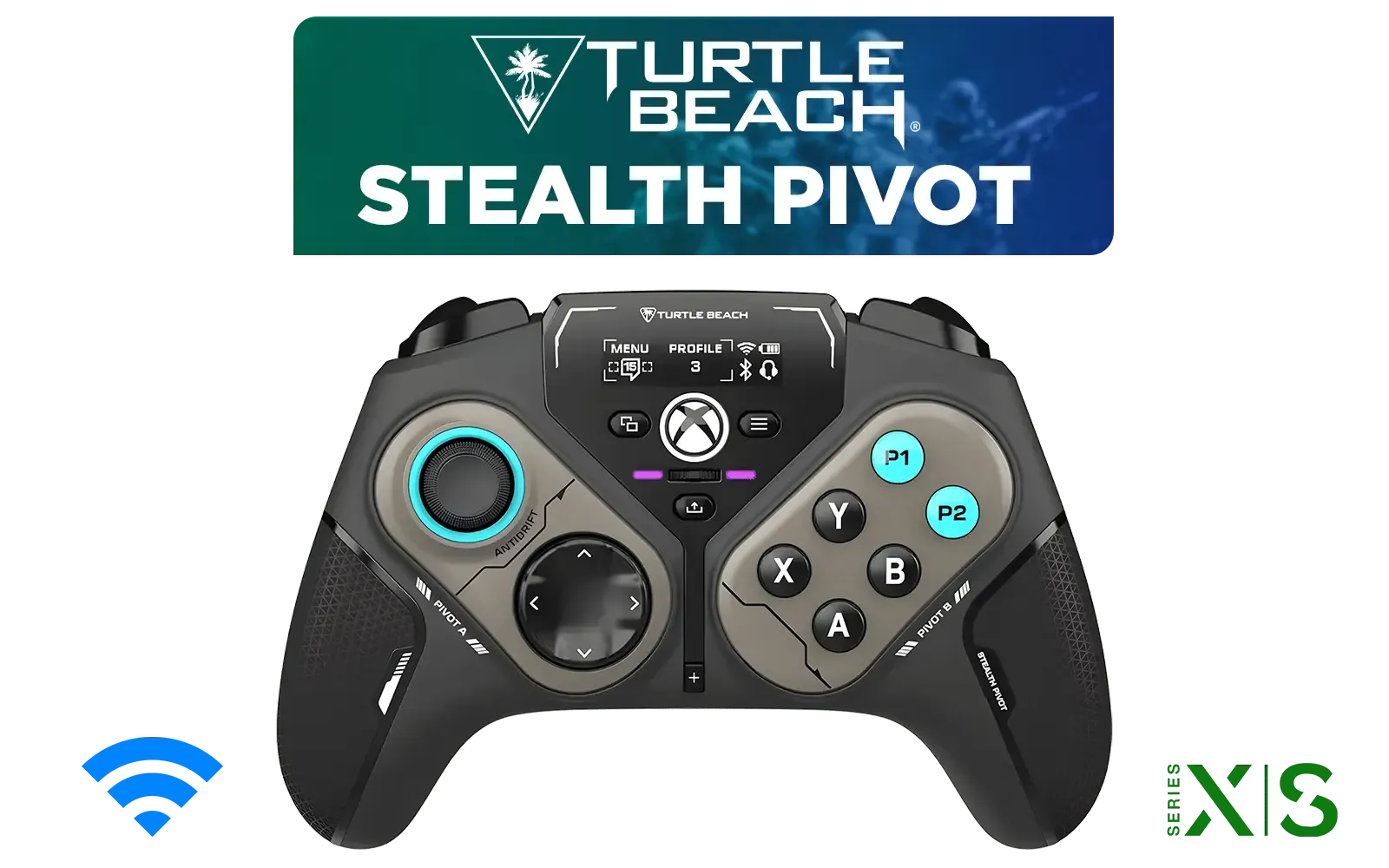
Turtle Beach Stealth Pivot Wireless Smart Game Controller for Windows PC, Wired for Xbox Series X|S & Xbox One – Rotating Modules, Display Dashboard, Hall-Effect Sticks, Remappable Buttons, Bluetooth / TBS-0120-05
R3199.00In Stock
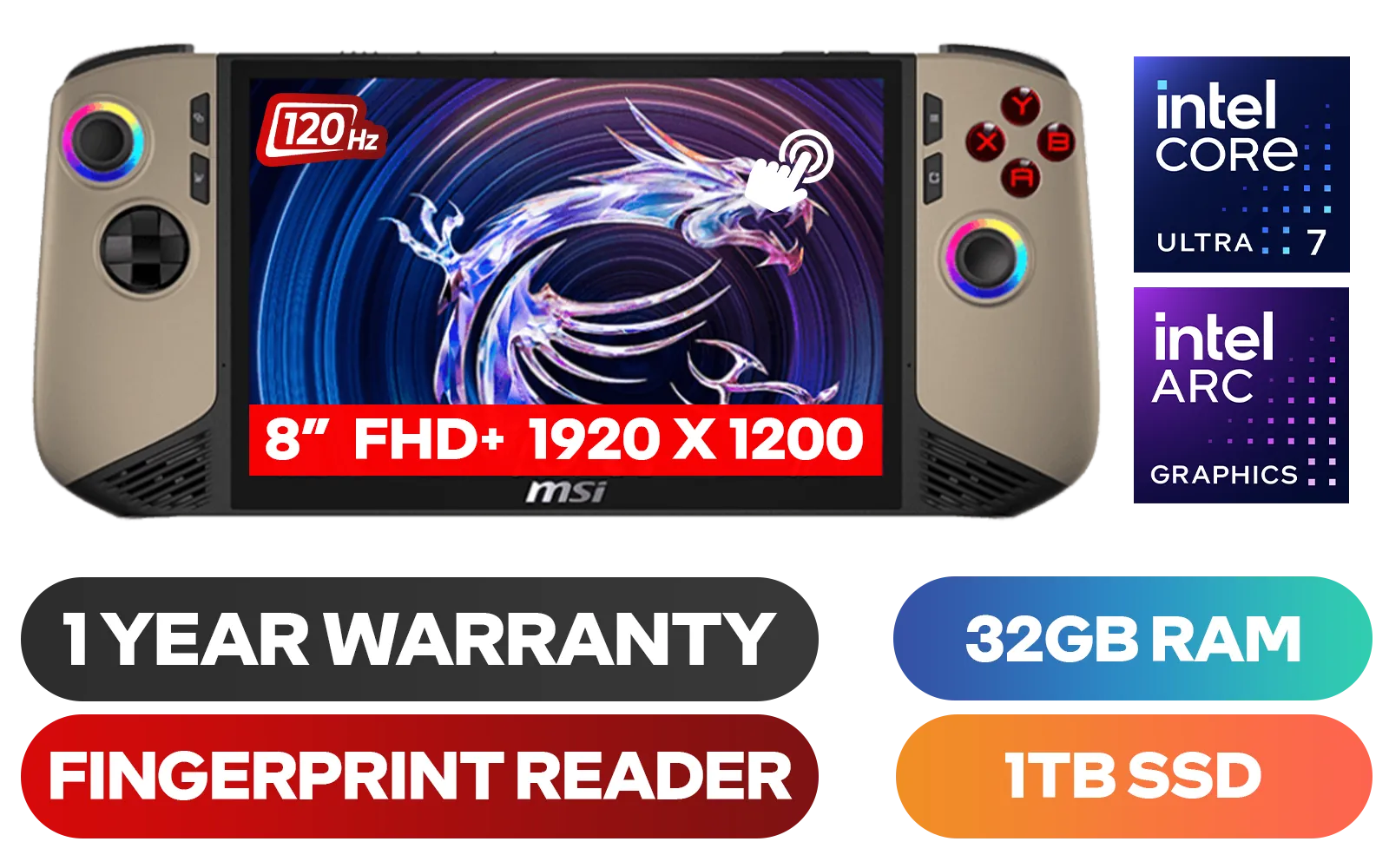
MSI Claw 8 AI+ A2VM Handheld Touchscreen Gaming Console / Intel Core Ultra 7 258V / 32GB LPDDR5X RAM / 1TB NVMe SSD / 8" FHD+ (1920 x 1200), 120 Hz, Touchscreen Display / Intel® Arc 140V Graphics / 2 x USB Type-C (Supports Thunderbolt 4 / DisplayPort / Power Delivery 3.0) / 1 x Micro SD Card Reader / 1 x Headphone and Microphone combo jack / 1x Fingerprint Reader / Intel® Killer Wi-Fi 7 BE1750 Wireless LAN / Bluetooth 5.4 / Windows 11 Home (64bit) / 2 × 2W Speakers, Hi-Res Audio ready / 6-Cell, 80Whr Battery / 1 Year Warranty / CLAW-8-AI-A2VM-067ZA
R18999.00In Stock
Why USB-C is Your Best Mate for Big-Screen Gaming
Before we dive into the "how," let's quickly cover the "why." Not all USB ports are created equal. The USB-C port on many modern handheld gaming consoles is a marvel of technology, often supporting something called DisplayPort Alternate Mode (DP Alt Mode).
In simple English, this means the tiny port can push video, data, and power over a single cable. No more clumsy docks or a mess of wires. It’s the ultimate plug-and-play solution for gamers who want flexibility. One moment you're gaming on the Gautrain; the next, you're docked at your desk, ready for a serious session on a 32-inch 4K display.
How to Connect Your Handheld to a Monitor via USB-C
Ready to make the magic happen? It’s usually as simple as plugging in a cable, but following these steps will ensure a smooth, frustration-free setup.
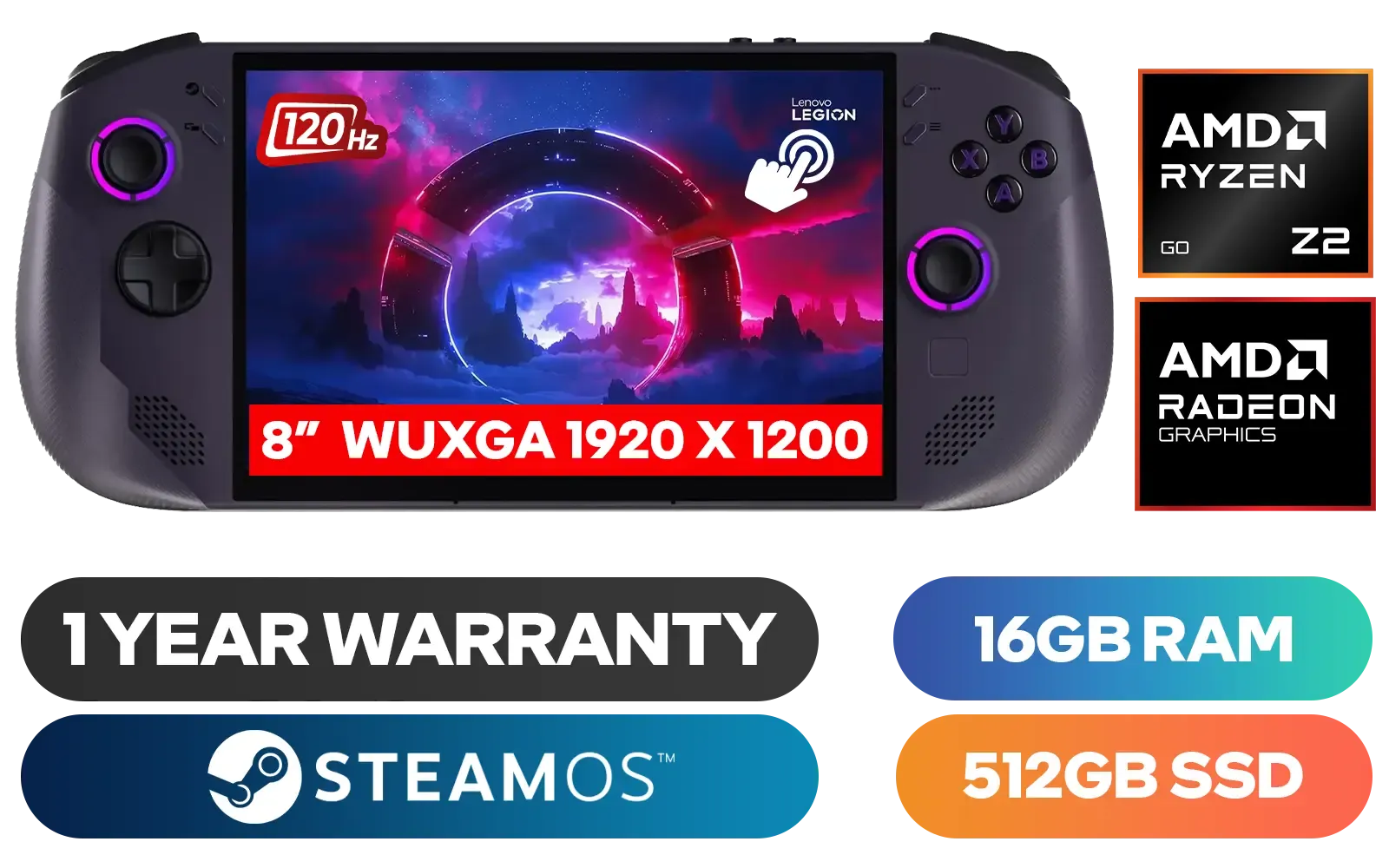
Lenovo Legion Go S 8ARP1 Handheld Touchscreen Gaming Console - Black / AMD Ryzen™ Z2 Go / 16GB LPDDR5X RAM / 512B NVMe SSD / 8.8" WUXGA (1920 x 1200), Touch Screen, 100% sRGB(Typical), 500nits(Typical), IPS-Level Display/ Integrated AMD Radeon™ Graphics / 2x USB Type-C support (DisplayPort™ 1.4 / Power Delivery 3.0) / 1 x Card Reader / 1 x Headphone and Microphone combo jack / AMD Wi-Fi® 6E RZ616 Wireless / Bluetooth 5.3 / SteamOS / 2 Stereo Speakers / 4-Cell, Li-ion, 55.5Whr Battery / 1 Year Warranty / 83L3004VSA
R13499.00In Stock
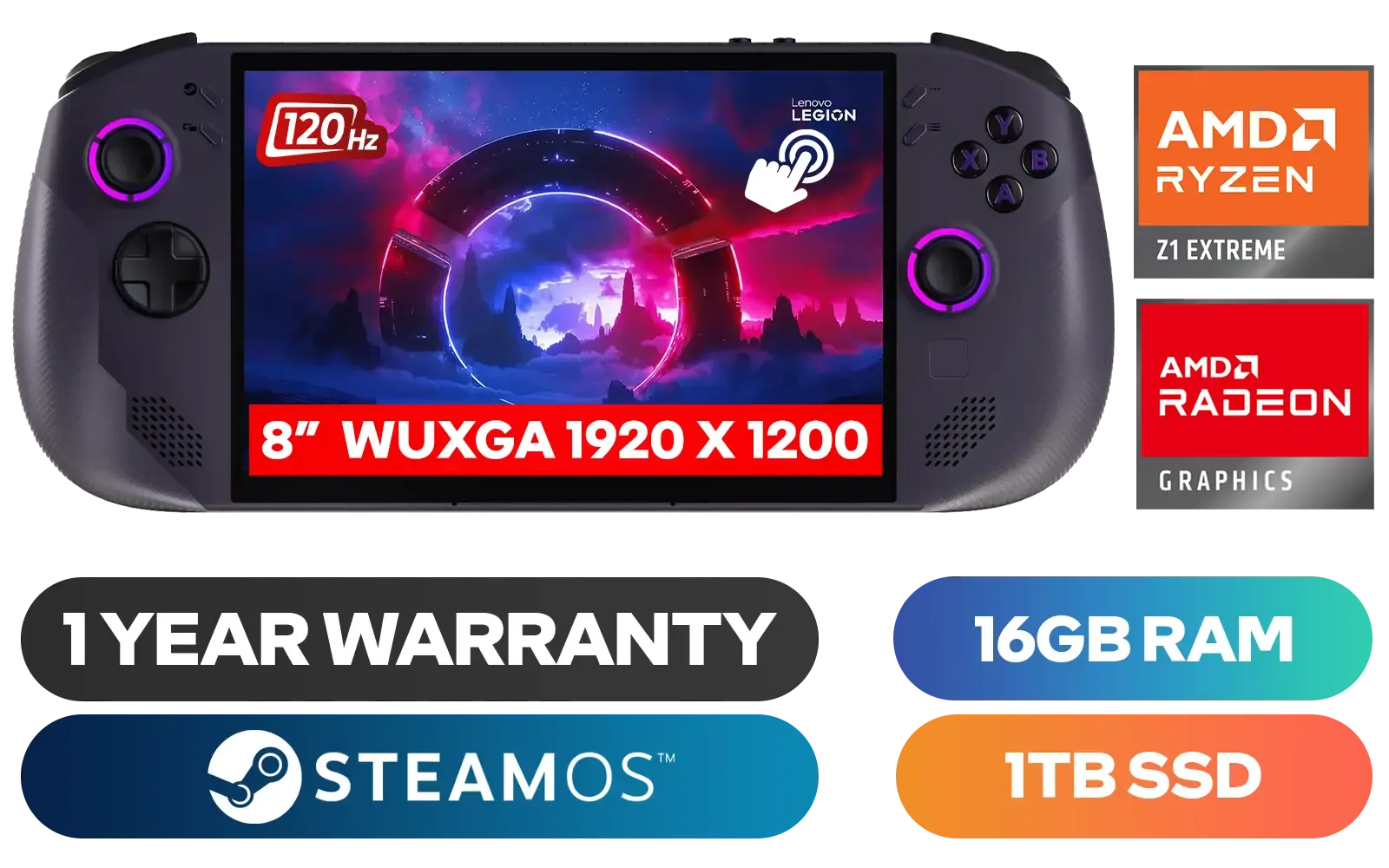
Lenovo Legion Go S 8APU1 Handheld Touchscreen Gaming Console - Black / AMD Ryzen™ Z1 Extreme / 16GB LPDDR5X RAM / 1TB NVMe SSD / 8.8" WUXGA (1920 x 1200), Touch Screen, 100% sRGB(Typical), 500nits(Typical), IPS-Level Display/ Integrated AMD Radeon™ Graphics / 2x USB Type-C support (DisplayPort™ 1.4 / Power Delivery 3.0) / 1 x Card Reader / 1 x Headphone and Microphone combo jack / AMD Wi-Fi® 6E RZ616 Wireless / Bluetooth 5.3 / SteamOS / 2 Stereo Speakers / 4-Cell, Li-ion, 55.5Whr Battery / 1 Year Warranty / 83N6002ESA
R17499.00In Stock
Razer Kishi V3 Pro Gaming Controller / Supports Android, iPhone & iPad Mini / Full-Sized Console-Style Controller / Fits Phones and Tablets up to 8” / Razer Sensa HD Immersive Haptics / RZ06-05460100-R3M1
R4199.00In Stock

Turtle Beach Atom Mobile Game Controller with Bluetooth for Cloud Gaming on Android Mobile Devices with Compact Shape, Console Style Controls, Low Latency Bluetooth - Red / TBS-0766-05
R2499.00In Stock
Turtle Beach Stealth Pivot Wireless Smart Game Controller for Windows PC, Wired for Xbox Series X|S & Xbox One – Rotating Modules, Display Dashboard, Hall-Effect Sticks, Remappable Buttons, Bluetooth / TBS-0120-05
R3199.00In Stock
MSI Claw 8 AI+ A2VM Handheld Touchscreen Gaming Console / Intel Core Ultra 7 258V / 32GB LPDDR5X RAM / 1TB NVMe SSD / 8" FHD+ (1920 x 1200), 120 Hz, Touchscreen Display / Intel® Arc 140V Graphics / 2 x USB Type-C (Supports Thunderbolt 4 / DisplayPort / Power Delivery 3.0) / 1 x Micro SD Card Reader / 1 x Headphone and Microphone combo jack / 1x Fingerprint Reader / Intel® Killer Wi-Fi 7 BE1750 Wireless LAN / Bluetooth 5.4 / Windows 11 Home (64bit) / 2 × 2W Speakers, Hi-Res Audio ready / 6-Cell, 80Whr Battery / 1 Year Warranty / CLAW-8-AI-A2VM-067ZA
R18999.00In Stock
Step 1: Check Your Gear's Specs
First things first, confirm both your handheld and your monitor can do the job.
- Your Handheld: Check the manufacturer's specs to ensure its USB-C port supports video output (DP Alt Mode). Most gaming-focused devices, including powerful devices like the ASUS ROG Ally, have this built-in.
- Your Monitor: Your monitor needs a video input that matches your cable. Ideally, it has a USB-C input that also supports Power Delivery (PD) to charge your handheld while you play. If not, a standard HDMI or DisplayPort input will work just fine with the right cable or adapter.
Step 2: Get the Right Cable
The cable is crucial. A cheap charging cable from the garage station probably won't cut it.
- For USB-C Monitors: A high-quality, full-featured USB-C to USB-C cable that explicitly supports video (often labelled as USB 3.2 Gen 2, USB4, or Thunderbolt) is what you need.
- For HDMI/DisplayPort Monitors: You'll need a dedicated USB-C to HDMI or USB-C to DisplayPort cable or a small adapter.
Step 3: Plug and Play ✨
This is the easy part!
- Connect one end of the cable to your handheld.
- Connect the other end to the correct port on your monitor.
- Switch your monitor to the correct input source (e.g., "USB-C," "HDMI 2").
Windows should automatically detect the second screen. By default, it will likely duplicate your handheld's display.
Razer Kishi V3 Pro XL iPad & Android Tablet Gaming Controller / Full-Sized Console-Style Controller / Fits Phones and Tablets up to 10” / Razer Sensa HD Immersive Haptics / RZ06-05470100-R3M1
R5199.00In Stock

Logitech F710 Wireless Gaming Gamepad / 2.4GHz Wireless / Broad Game Support / Familiar Button Layout / 940-000142
R849.00In Stock
Lenovo Legion Go S 8ARP1 Handheld Touchscreen Gaming Console - Black / AMD Ryzen™ Z2 Go / 16GB LPDDR5X RAM / 512B NVMe SSD / 8.8" WUXGA (1920 x 1200), Touch Screen, 100% sRGB(Typical), 500nits(Typical), IPS-Level Display/ Integrated AMD Radeon™ Graphics / 2x USB Type-C support (DisplayPort™ 1.4 / Power Delivery 3.0) / 1 x Card Reader / 1 x Headphone and Microphone combo jack / AMD Wi-Fi® 6E RZ616 Wireless / Bluetooth 5.3 / SteamOS / 2 Stereo Speakers / 4-Cell, Li-ion, 55.5Whr Battery / 1 Year Warranty / 83L3004VSA
R13499.00In Stock
Razer Kishi V3 Gaming Controller / Supports Android and iPhone / Full-Sized Console-Style Controller / Dual mouse-click back buttons / Razer Sensa HD Immersive Haptics / RZ06-03550100-R3M1
R2999.00In Stock
Microsoft Xbox Wireless Controller - Carbon Black / Hybrid D-Pad / 3.5mm Stereo Headset Jack / Textured Triggers And Bumpers / Compatible for Xbox Series X|S, Xbox One, Android And iOS / QAT-00009
R1599.00In Stock
Turtle Beach Atom Mobile Game Controller with Bluetooth for Cloud Gaming on Android Mobile Devices with Compact Shape, Console Style Controls, Low Latency Bluetooth - Red / TBS-0766-05
R2499.00In Stock
Step 4: Configure Your Display Settings
To get the best experience, you'll want to tweak the settings. Right-click on your desktop and go to "Display settings." Here you can:
- Extend these displays: This is the best option. It turns your monitor into a primary desktop, leaving your handheld screen free for Discord or system monitoring tools.
- Change the resolution: Make sure the monitor is running at its native resolution (e.g., 1920x1080 or 2560x1440).
- Adjust the refresh rate: Set it to the highest your monitor supports for buttery-smooth gameplay.
TIP FOR YOU
Cable Quality is Key ⚡
Not all USB-C cables are the same! For a stable video connection, especially at high resolutions and refresh rates, make sure your cable is rated for at least 10Gbps data transfer and supports 4K video. A poor-quality cable is the number one cause of flickering screens or a complete lack of signal. Don't skimp on this crucial component.
Troubleshooting Common Connection Problems 🔧
What if it doesn't just work? Don't panic. Here are a few quick fixes for when you're trying to connect your handheld to a monitor and run into trouble.
- No Signal: Double-check that your monitor is on the right input. Try a different USB-C port on your monitor if it has one. Lastly, reboot your handheld while it's connected—sometimes it just needs a fresh handshake.
- Flickering Screen: This is almost always a cable issue. Ensure your cable is securely plugged in on both ends. If it persists, try a higher-quality, certified cable.
- Handheld Not Charging: If you're connected to a monitor's USB-C port but your device isn't charging, the monitor's port may not provide enough Power Delivery (PD). Check your monitor's specs. Some only provide 15W, which isn't enough to charge and play on demanding handhelds from brands like MSI.
MSI Claw 8 AI+ A2VM Handheld Touchscreen Gaming Console / Intel Core Ultra 7 258V / 32GB LPDDR5X RAM / 1TB NVMe SSD / 8" FHD+ (1920 x 1200), 120 Hz, Touchscreen Display / Intel® Arc 140V Graphics / 2 x USB Type-C (Supports Thunderbolt 4 / DisplayPort / Power Delivery 3.0) / 1 x Micro SD Card Reader / 1 x Headphone and Microphone combo jack / 1x Fingerprint Reader / Intel® Killer Wi-Fi 7 BE1750 Wireless LAN / Bluetooth 5.4 / Windows 11 Home (64bit) / 2 × 2W Speakers, Hi-Res Audio ready / 6-Cell, 80Whr Battery / 1 Year Warranty / CLAW-8-AI-A2VM-067ZA
R18999.00In Stock
Logitech F710 Wireless Gaming Gamepad / 2.4GHz Wireless / Broad Game Support / Familiar Button Layout / 940-000142
R849.00In Stock
Turtle Beach Atom Mobile Game Controller with Bluetooth for Cloud Gaming on Android Mobile Devices with Compact Shape, Console Style Controls, Low Latency Bluetooth - Red / TBS-0766-05
R2499.00In Stock
Lenovo Legion Go S 8ARP1 Handheld Touchscreen Gaming Console - Black / AMD Ryzen™ Z2 Go / 16GB LPDDR5X RAM / 512B NVMe SSD / 8.8" WUXGA (1920 x 1200), Touch Screen, 100% sRGB(Typical), 500nits(Typical), IPS-Level Display/ Integrated AMD Radeon™ Graphics / 2x USB Type-C support (DisplayPort™ 1.4 / Power Delivery 3.0) / 1 x Card Reader / 1 x Headphone and Microphone combo jack / AMD Wi-Fi® 6E RZ616 Wireless / Bluetooth 5.3 / SteamOS / 2 Stereo Speakers / 4-Cell, Li-ion, 55.5Whr Battery / 1 Year Warranty / 83L3004VSA
R13499.00In Stock
Razer Kishi V3 Gaming Controller / Supports Android and iPhone / Full-Sized Console-Style Controller / Dual mouse-click back buttons / Razer Sensa HD Immersive Haptics / RZ06-03550100-R3M1
R2999.00In Stock
Microsoft Xbox Wireless Controller - Carbon Black / Hybrid D-Pad / 3.5mm Stereo Headset Jack / Textured Triggers And Bumpers / Compatible for Xbox Series X|S, Xbox One, Android And iOS / QAT-00009
R1599.00In Stock
Gearing Up: What You Need for the Perfect Docked Experience
Turning your handheld into a desktop replacement is about more than just a cable. To truly nail the setup, consider the whole ecosystem. A device like the impressive Lenovo Legion Go, with its detachable controllers, is practically built for this kind of docked gameplay.
Pairing it with a high-refresh-rate gaming monitor with solid colour accuracy and, crucially, a USB-C port with at least 65W Power Delivery, creates a seamless one-cable solution. Add a wireless keyboard and mouse, and you've just built a versatile gaming setup that's both portable and powerful.
Ready to Go Big with Your Gaming? From the couch to your command centre, connecting your handheld to a monitor is the best way to get the full AAA experience. Don't have a handheld yet, or looking to upgrade? Explore our massive range of handheld gaming consoles and find the perfect portable powerhouse.
Related Products
Microsoft Xbox Wireless Controller - Carbon Black / Hybrid D-Pad / 3.5mm Stereo Headset Jack / Textured Triggers And Bumpers / Compatible for Xbox Series X|S, Xbox One, Android And iOS / QAT-00009
R1599.00In Stock
Logitech F710 Wireless Gaming Gamepad / 2.4GHz Wireless / Broad Game Support / Familiar Button Layout / 940-000142
R849.00In Stock
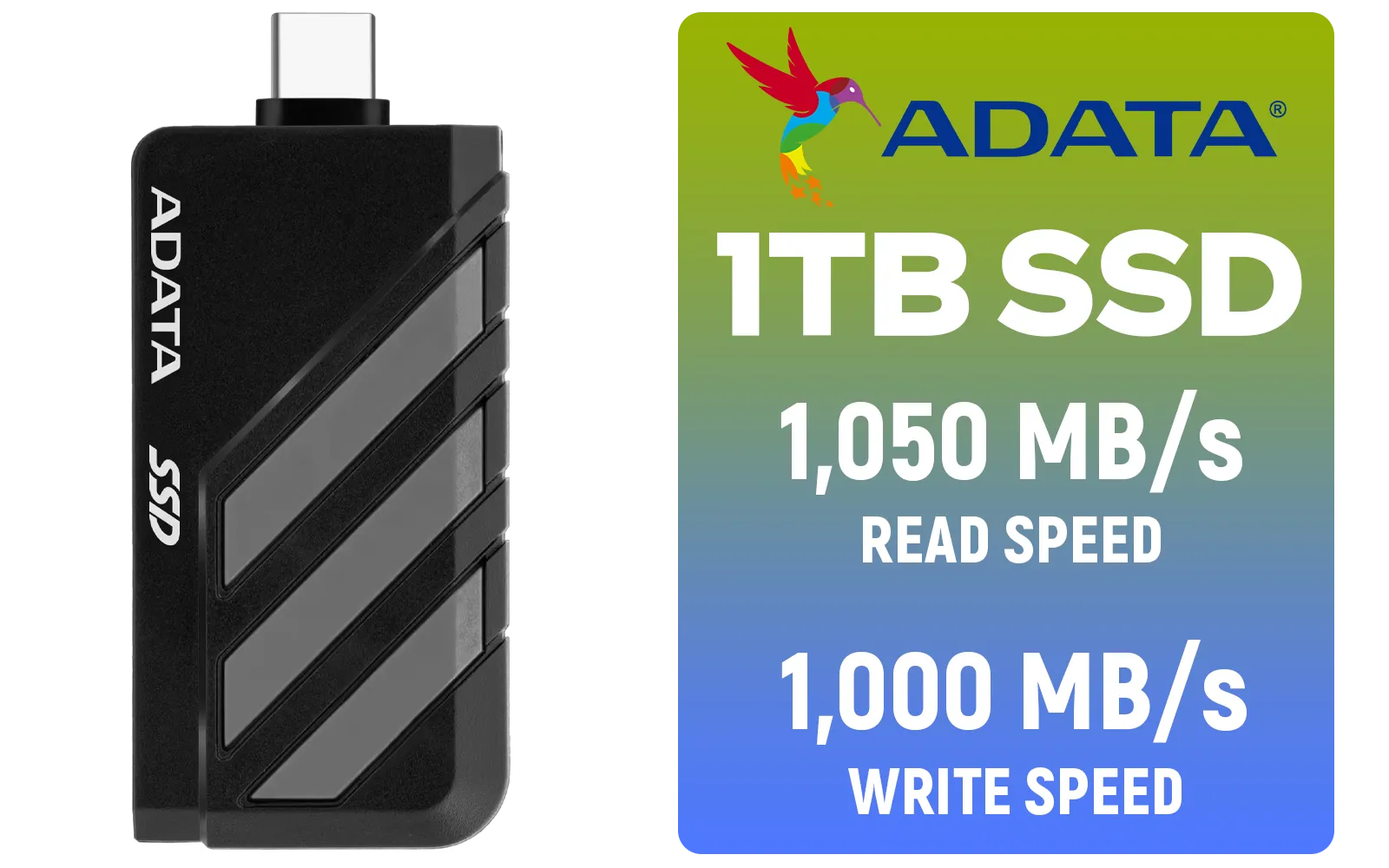
Adata SC735 1TB High-Performance External SSD with USB-C / 1,050MB/s Read & 1,000MB/s Write Speeds / Cable-Free Mobile Phone Compatibility / Gaming Handheld Compatible / Supports Latest Game Consoles / Multi-OS Support / SC735-1000G-CCBK/GY
R2199.00In Stock
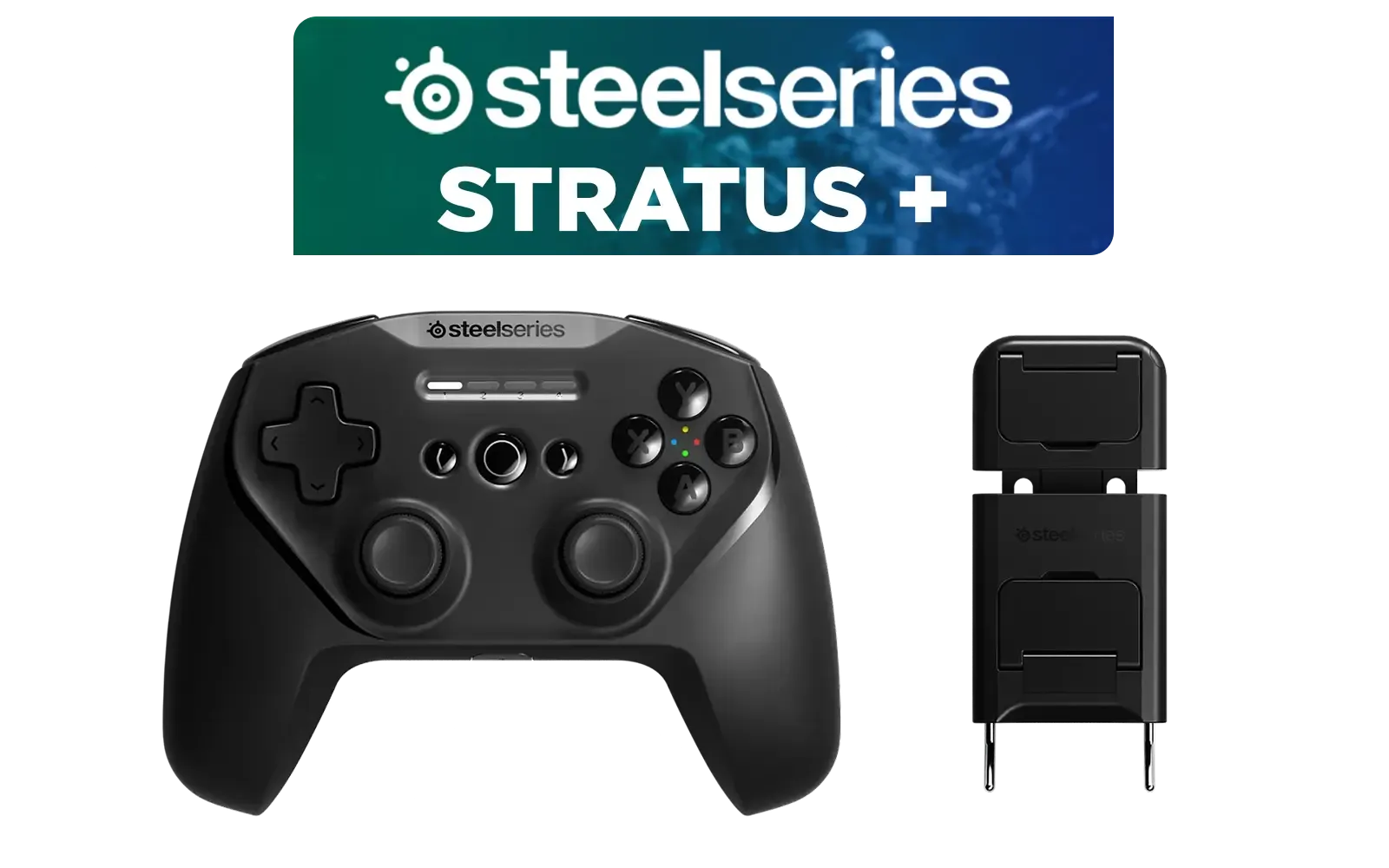
SteelSeries Stratus + Wireless Anroid Controller / Android & Chromebook Wireless Gaming Controller / Bluetooth LE + USB-C PC Support / Adjustable Slim Phone Mount Included / 90-Hour Battery Life with Fast Charge (15 min = 12 hrs) / ALPS Thumbsticks with L3/R3 / Hall Effect Magnetic Triggers for Lifetime Precision / 69076
R999.00In Stock
Razer Kishi V3 Gaming Controller / Supports Android and iPhone / Full-Sized Console-Style Controller / Dual mouse-click back buttons / Razer Sensa HD Immersive Haptics / RZ06-03550100-R3M1
R2999.00In Stock
MSI Claw 8 AI+ A2VM Handheld Touchscreen Gaming Console / Intel Core Ultra 7 258V / 32GB LPDDR5X RAM / 1TB NVMe SSD / 8" FHD+ (1920 x 1200), 120 Hz, Touchscreen Display / Intel® Arc 140V Graphics / 2 x USB Type-C (Supports Thunderbolt 4 / DisplayPort / Power Delivery 3.0) / 1 x Micro SD Card Reader / 1 x Headphone and Microphone combo jack / 1x Fingerprint Reader / Intel® Killer Wi-Fi 7 BE1750 Wireless LAN / Bluetooth 5.4 / Windows 11 Home (64bit) / 2 × 2W Speakers, Hi-Res Audio ready / 6-Cell, 80Whr Battery / 1 Year Warranty / CLAW-8-AI-A2VM-067ZA
R18999.00In Stock
No, you need a cable rated for USB 3.1 Gen 2 or higher that supports DisplayPort Alt Mode to connect your handheld to an external display successfully.
Yes, if you use a USB-C hub or dock with Power Delivery (PD) pass-through, you can charge your device while simultaneously outputting video.
While official docks work best, any high-quality USB-C dock with HDMI 2.0 or 2.1 support will connect your ROG Ally to a TV or monitor effectively.
Ensure your cable supports video data transmission. Also, check if the handheld resolution settings match the monitor capabilities.
Direct USB-C connections usually have minimal lag. Ensure your TV is set to 'Game Mode' to reduce latency further during gameplay.
Yes, a direct USB-C to DisplayPort cable works excellently for high-refresh-rate monitors if your handheld device supports that specific output.








