



IPS Display: Why IPS-Level Panels Deliver the Best Visuals
IPS display technology unlocks superior color accuracy, wider viewing angles, and smooth motion for both productivity and gaming. Learn how IPS-level panels improve color-critical work, streaming, and competitive play. 🎮🖥️
|
Loading tags...

Ever tried to show your mate a killer play, only for them to see a washed-out, colour-shifted mess from their angle? Or maybe the lush world of your favourite RPG looks dull and lifeless? That frustration often boils down to your monitor’s panel technology. For years, gamers and creators in South Africa have been upgrading to an IPS display for one simple reason: it delivers stunning, accurate visuals that other panels just can’t match. ✨
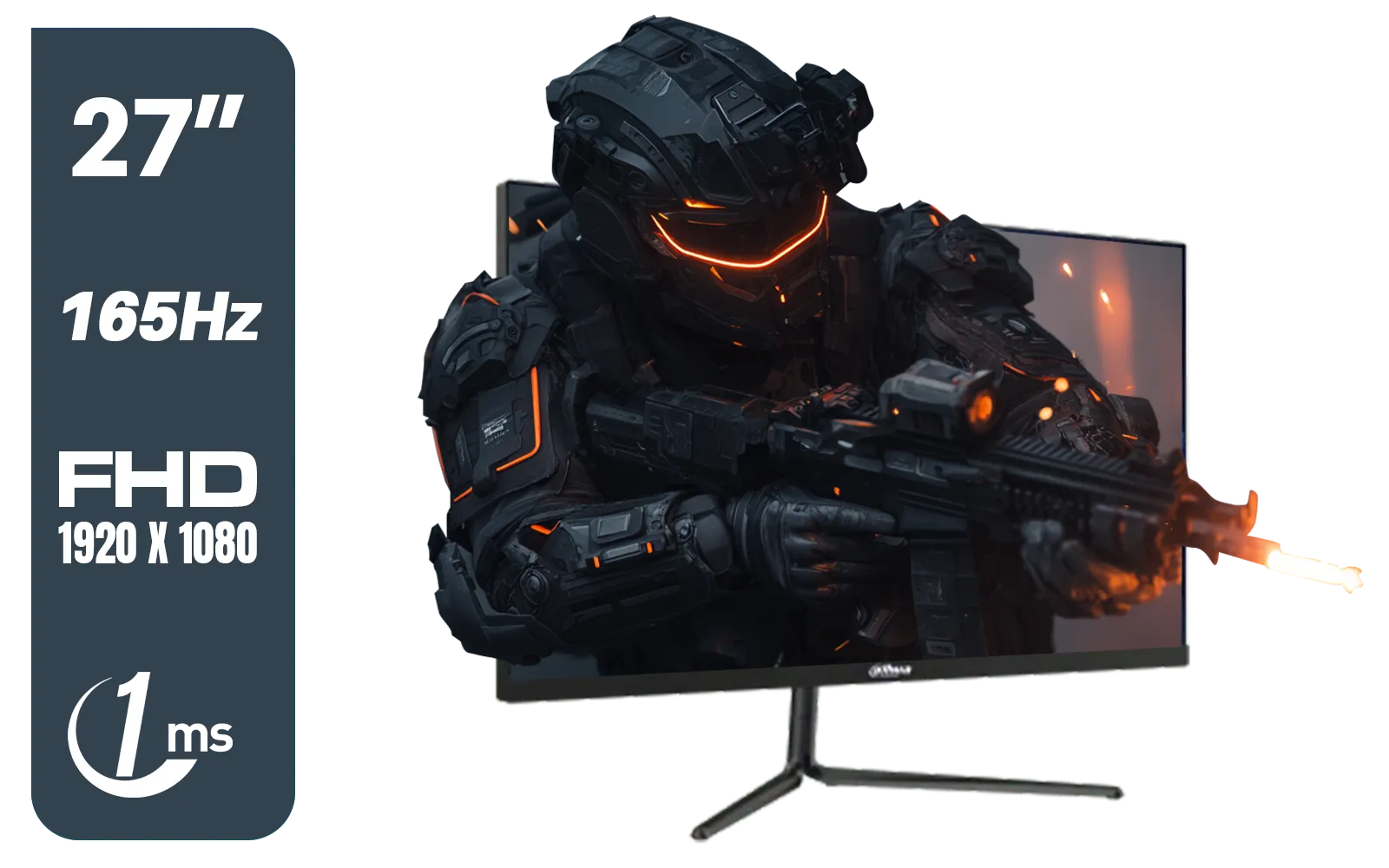
Dahua LM27-E231 27inch Gaming Monitor, 165Hz, 1ms, Adjustable stand, 100% sRGB, FPS/RTS Gaming Modes / DHI-LM27-E231
R3199.00In Stock
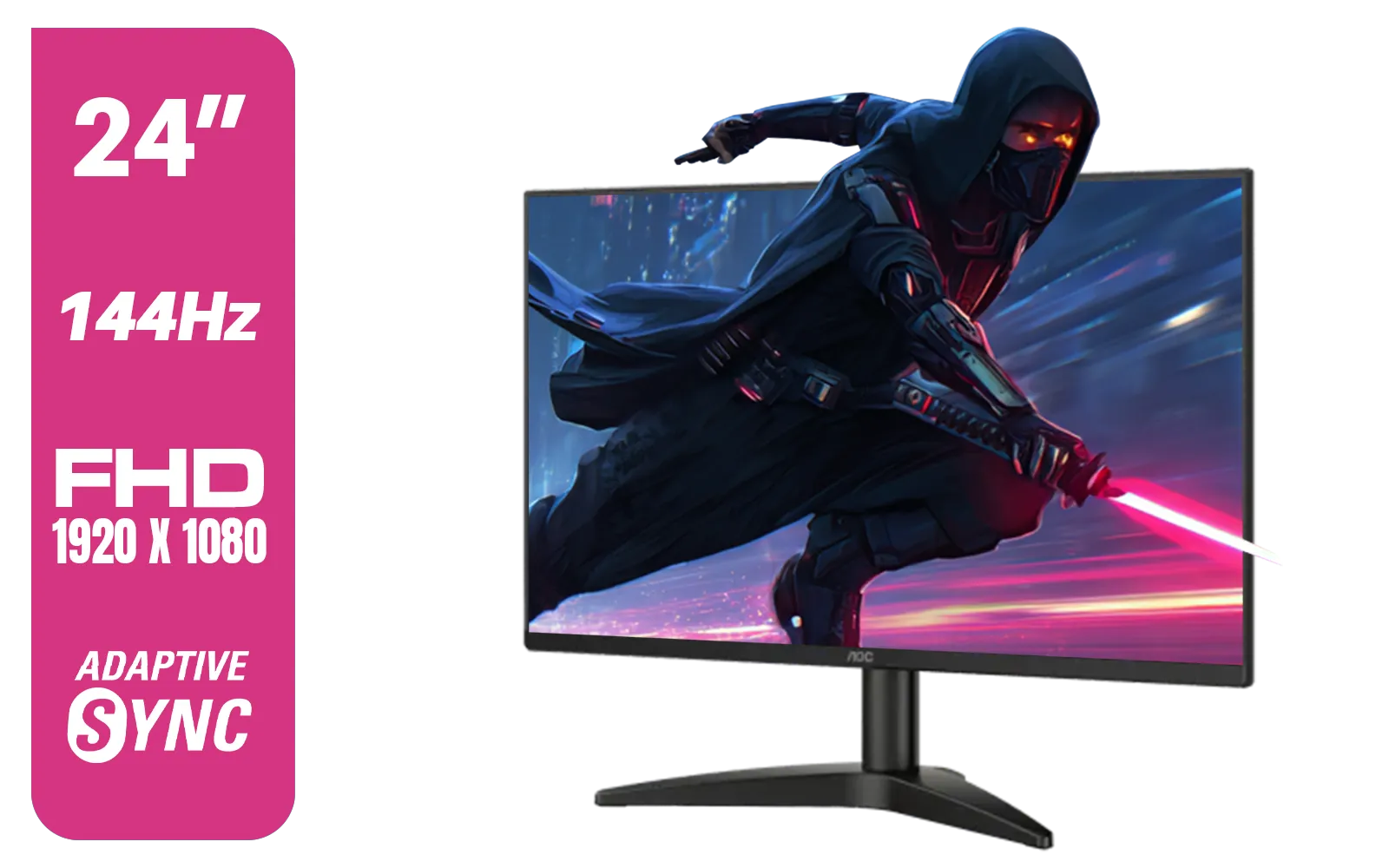
AOC 24B36X 24" Gaming Monitor / FHD (1920 x 1080) / 144Hz Refresh Rate / 0.5ms Response Time / IPS-Level Display / Support HDR10 / Support Adaptive Sync / 24B36X
R1999.00In Stock

ViewSonic TD1655 15.6" Full HD (1920 x 1080) Portable Touchscreen Monitor / Ultra-portable Design / Advanced in-cell Capacitive Touchscreen / 2-Way Power With USB Type-C / Frameless Design / Portrait and Landscape Modes / dual integrated speakers / TD1655
R5199.00In Stock
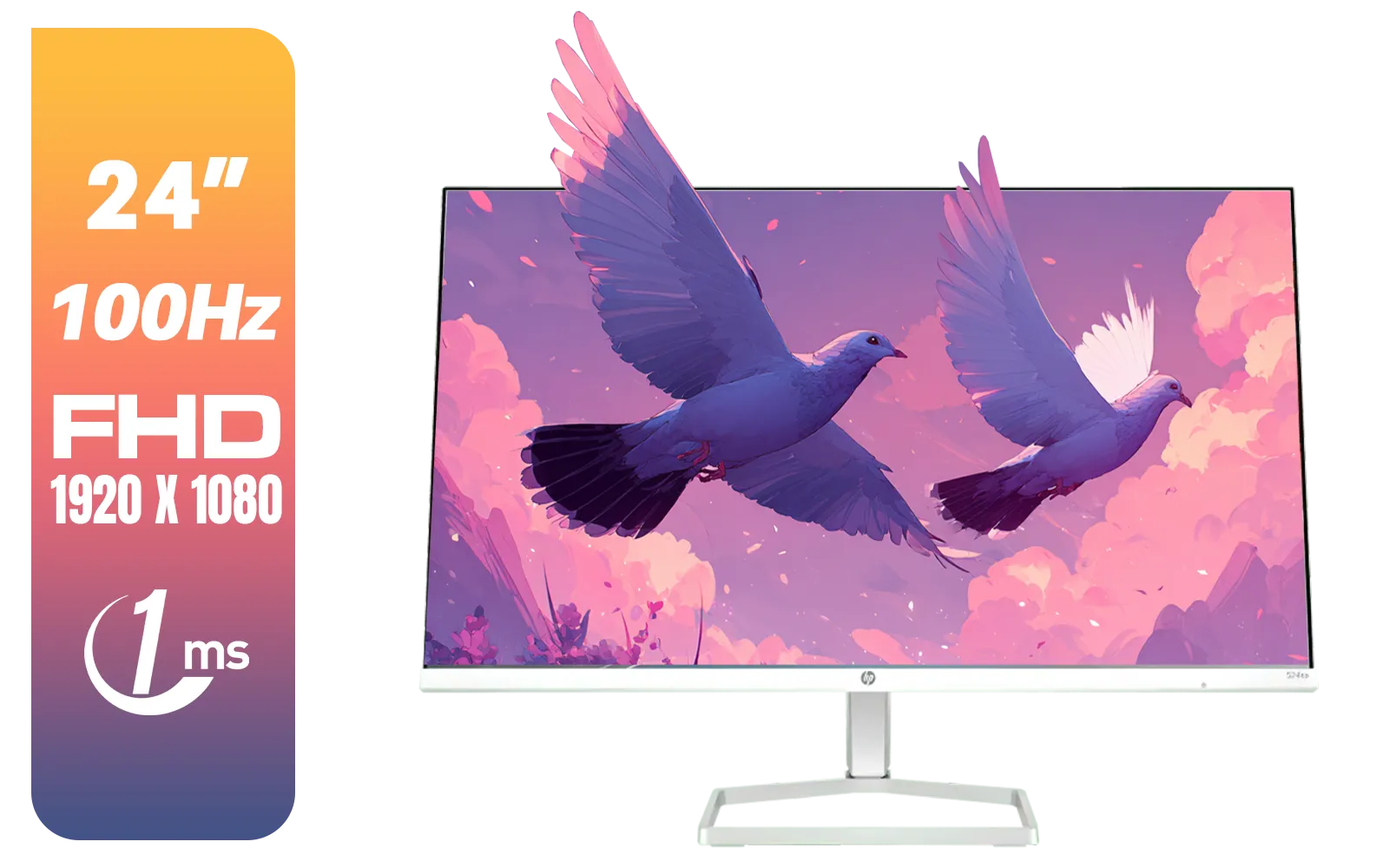
HP 527SA G5 FHD Gaming Monitor - White/Silver / 27" FHD (1920 x 1080) / IPS Panel / 1x HDMI 1.4, 1x VGA / Eye Ease with Eyesafe Certification / 94F48AS
R4999.00In Stock
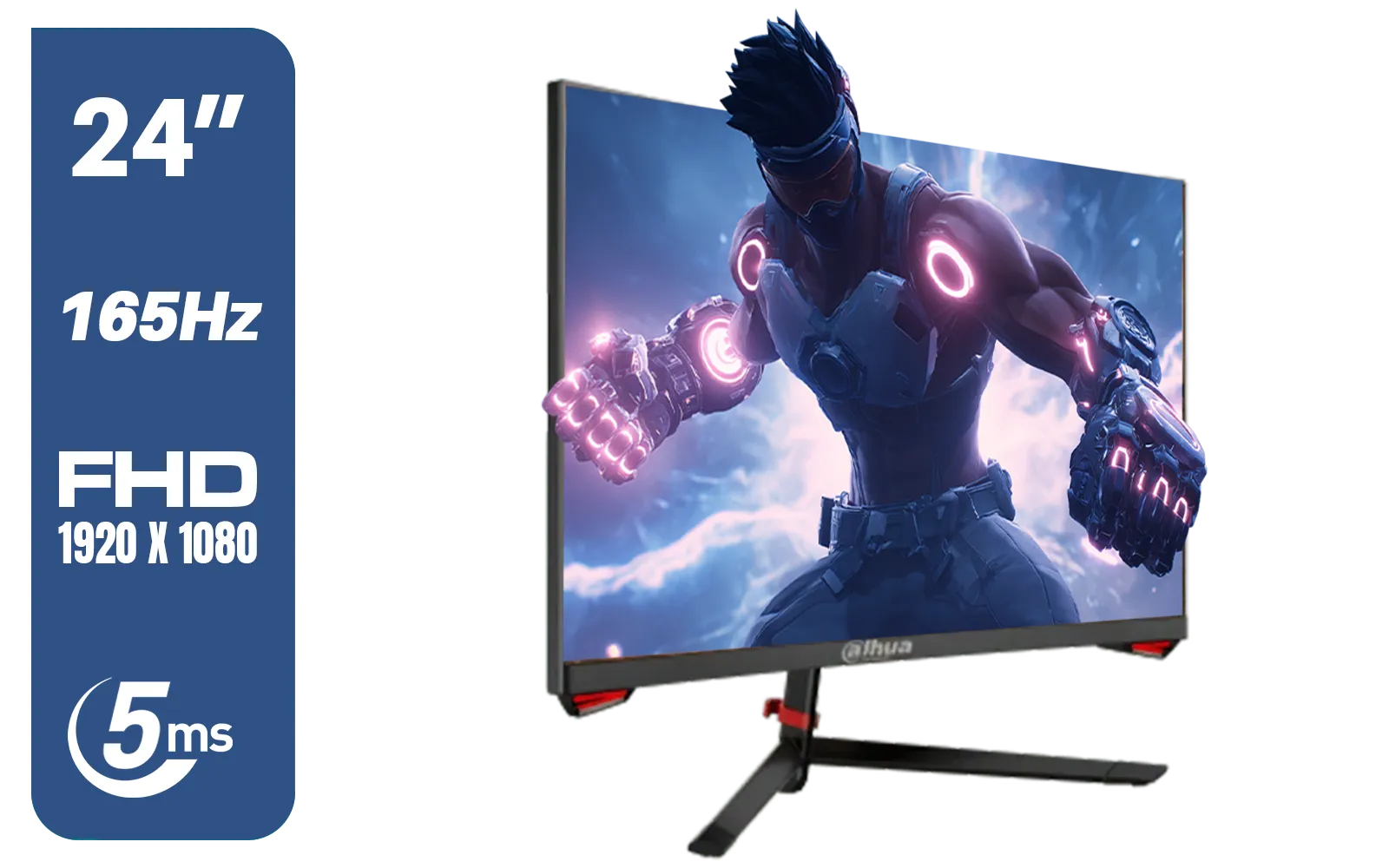
DAHUA LM24-E230C 24" FHD Gaming Monitor / Ultra-narrow Bezel / 165Hz / Adaptive sync / VA Panel / DHI-LM24-E230C
R2799.00In Stock
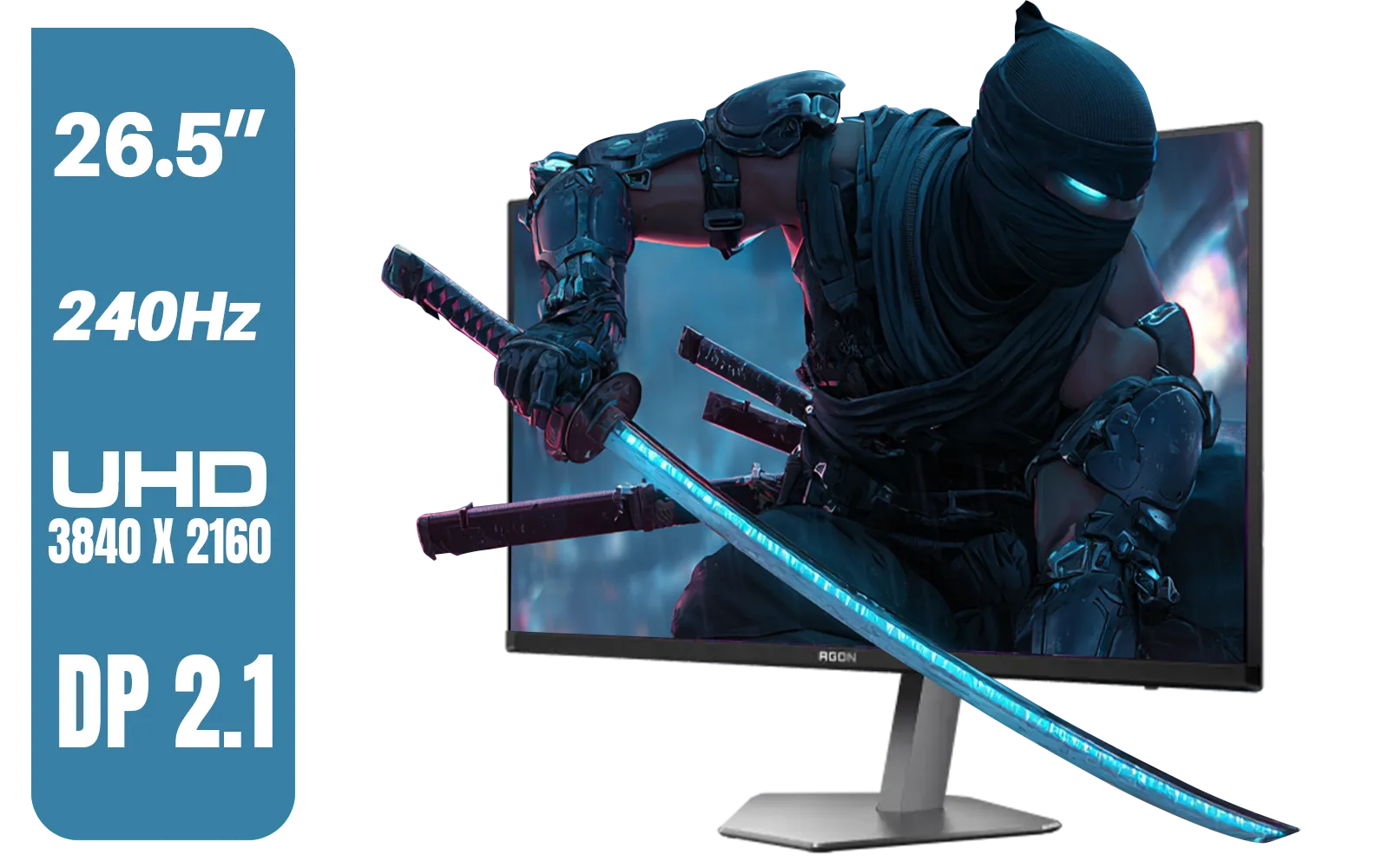
AOC AGON PRO AG276UZD 26.5" OLED Gaming Monitor / 4K UHD (3840 x 2160) Resolution / 240Hz Refresh Rate / 0.03ms Response Time / QD - OLED Panel / HDR True Black 400 / Adaptive Sync / AG276UZD
R19999.00In Stock
What Exactly is an IPS Display?
IPS stands for In-Plane Switching. Without getting too technical, it’s a type of LCD panel technology where the liquid crystals align parallel to the screen. Why should you care? Because this alignment is the secret sauce behind the incredible colour and viewing angles that make an IPS display so popular.
Older technologies like TN (Twisted Nematic) were favoured for speed, but their colours looked faded and shifted dramatically if you weren't looking dead-on. VA (Vertical Alignment) panels offered better contrast but often struggled with slower response times.
IPS technology hits the sweet spot, offering a brilliant visual experience that has become the gold standard for most modern PC monitors. It’s the reason the image looks just as good from the side as it does from the front.
The Core Benefits: Colour and Consistency
The main reason to choose an IPS display comes down to two key advantages that directly impact your daily use, whether you’re gaming, editing photos, or just browsing.
Unbeatable Colour Accuracy
IPS-level panels are champions of colour. They can reproduce a much wider range of colours, often covering over 95% of professional colour gamuts like DCI-P3. For a gamer, this means the vibrant, otherworldly landscapes of No Man's Sky look exactly as the developers intended. For a creative professional, it means the colours in your design are true-to-life, ensuring your work looks correct on any screen. This level of fidelity is especially crucial on high-resolution 4K monitors where every pixel counts.
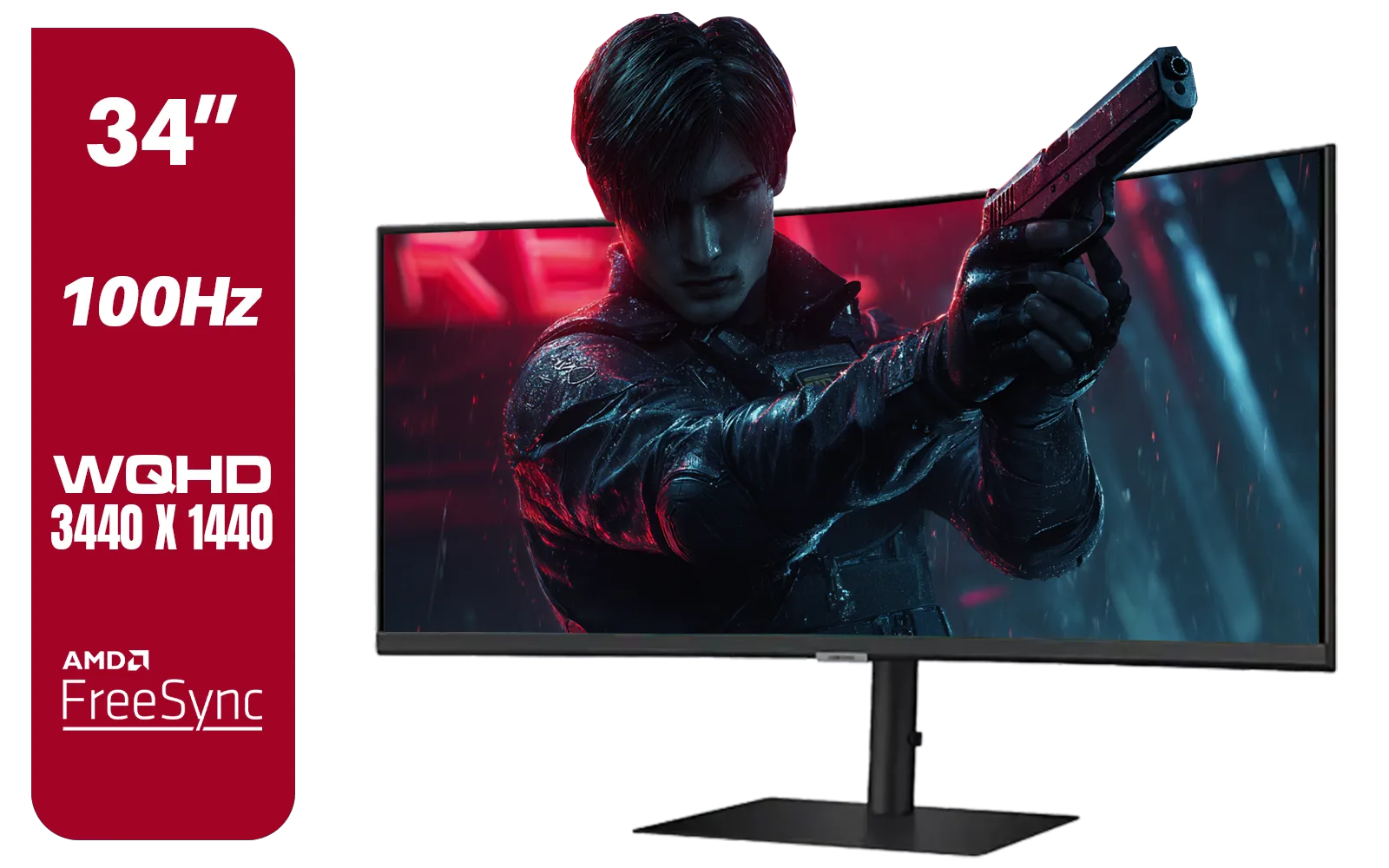
Samsung ViewFinity S6 S65UC 34″ Curved Monitor / Ultra WQHD (3440x1440) Resolution / 100Hz refresh rate / 5ms response time / AMD FreeSync™ / LS34C652UAUXEN
R11999.00In Stock
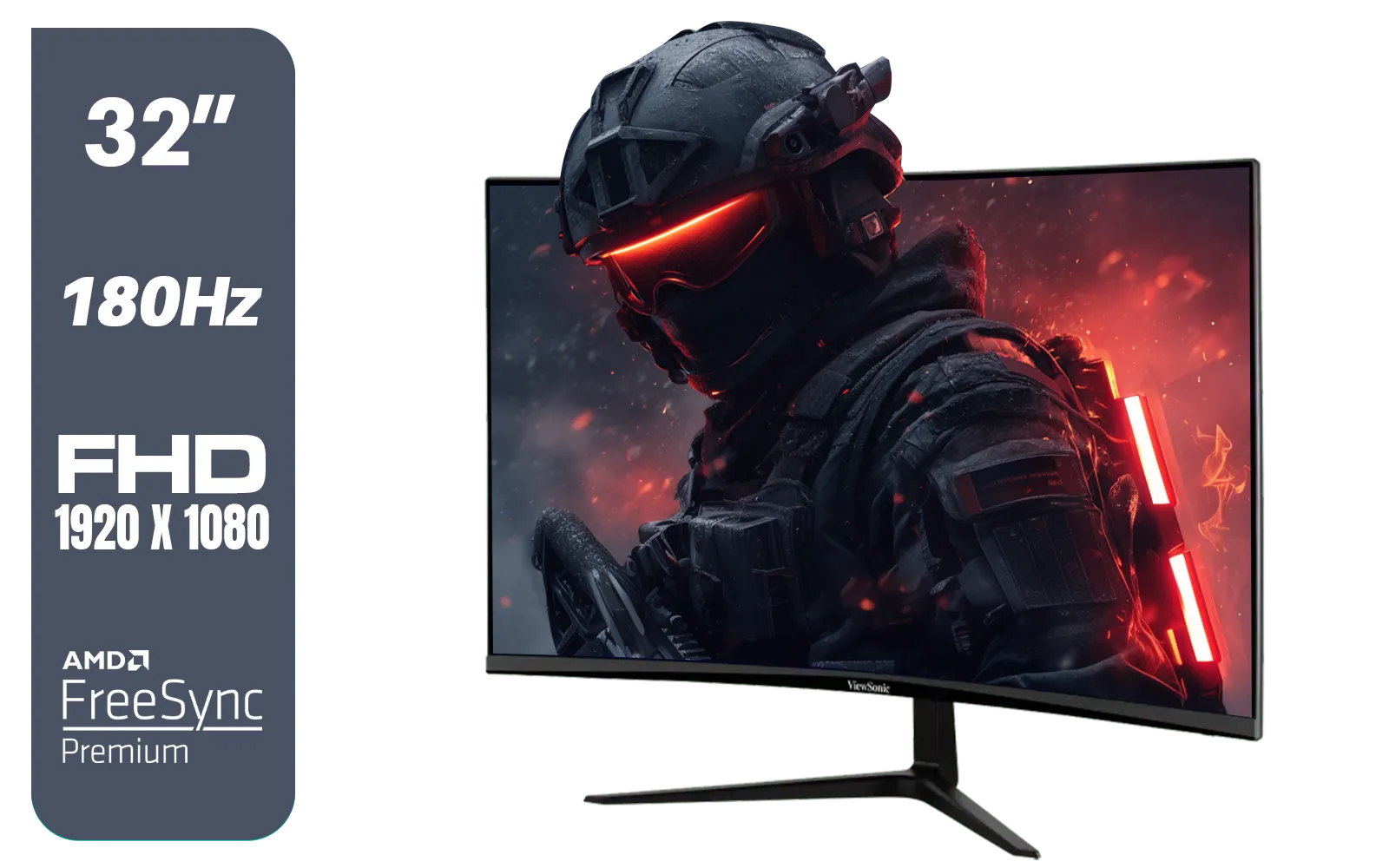
ViewSonic VX3218-PC-MHD 32" Full HD (1920 x 1080) 180Hz Curved Gaming Monitor / 180Hz Refresh Rate / 1ms MPRT Response Time / AMD Adaptive Sync Prevents Screen Tearing / 1500R Curve Ultimate Immersion / VX3218PCMHD
R3499.00In Stock
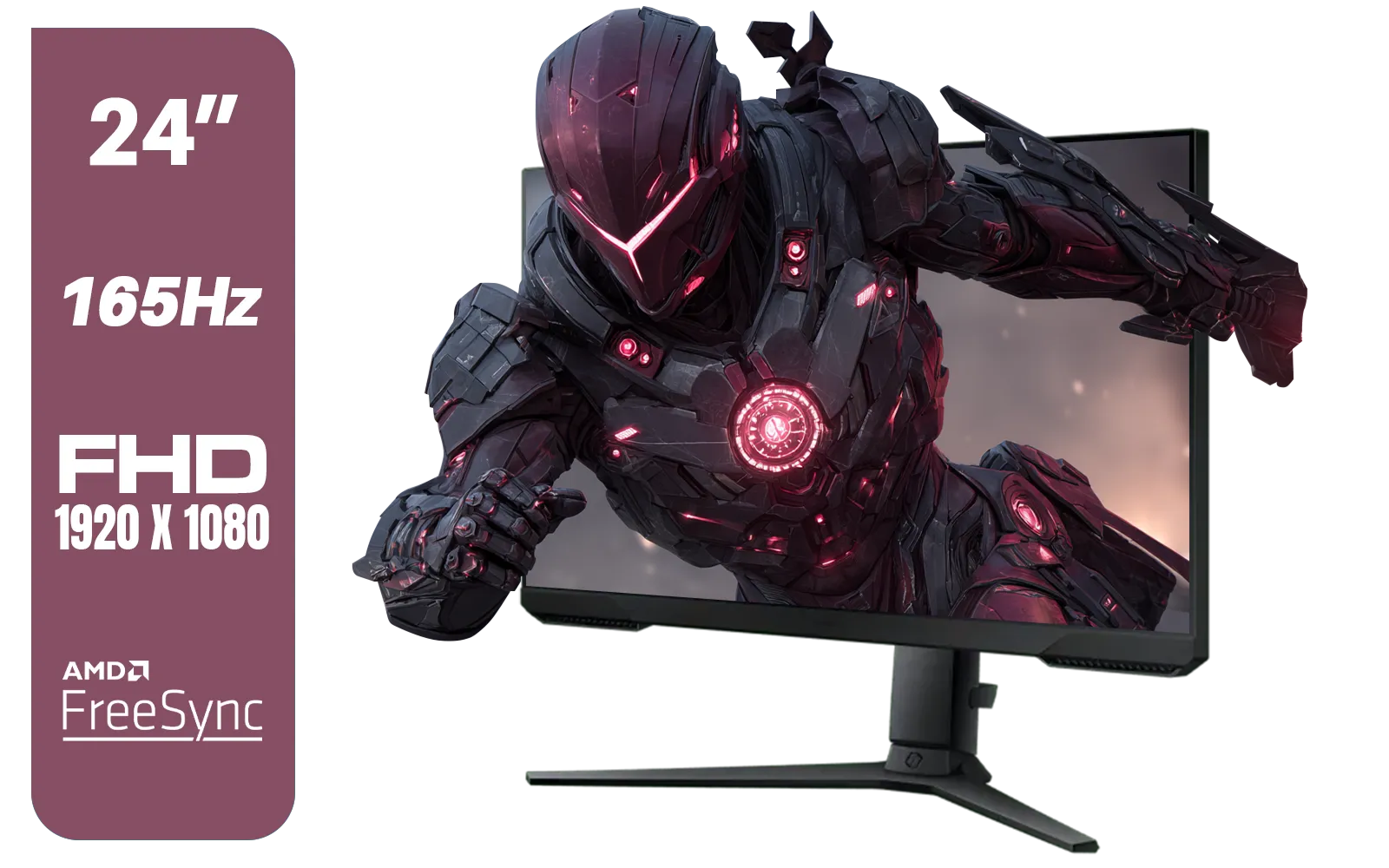
SAMSUNG 24" Odyssey G32A FHD 1ms 165Hz Gaming Monitor with Eye Saver Mode, Free-Sync Premium, Height Adjustable Screen for Gamer Comfort, VESA Mount Capability / LS24AG320NAXXA
R3199.00In Stock

Dahua LM27-A200V 27" Monitor / FHD 1920 x 1080 / 100Hz Refresh Rate / 5ms Response Time / DHI-LM27-A200V
R2499.00In Stock

ViewSonic VA1903H-2 19” WXGA Monitor / 5ms / (1366x768) TN display / Anti-Glare / VA1903H-2
R1299.00In Stock

MSI G321Q 31.5" WQHD IPS 2K Flat Monitor, 170Hz Refresh Rate, 1ms MPRT Response Time, 1.07B Display Colors, 16:9 Aspect Ratio, 1200:1 Contrast Ratio, G-Sync / AMD Freesync, HDR, Black / 9S6-3DB91A-041
R6999.00In Stock
Wide Viewing Angles... No More Colour Shift
This is the classic IPS party trick. With viewing angles of up to 178 degrees, the image on an IPS display remains consistent and vibrant, no matter where you’re viewing it from. Remember that co-op gaming scenario? With an IPS panel, your friend sitting next to you sees the exact same rich colours and deep contrast as you do. This makes them perfect for local multiplayer sessions, showing off your work to a client, or even just kicking back to watch a movie. It’s also a huge benefit for immersive curved monitors, where consistency across the entire panel is key.
Are IPS-Level Panels Fast Enough for Gaming?
Let’s bust a myth. A decade ago, you might have heard that IPS panels were too slow for competitive gaming. That’s simply not true anymore. 🚀 Modern engineering has closed the gap completely.
Today’s IPS-level panels boast lightning-fast 1ms response times and refresh rates of 144Hz, 240Hz, and even higher. This means you get the buttery-smooth motion needed for fast-paced shooters like Apex Legends or VALORANT, but with the superior colour quality that makes the game world pop. It’s truly the best of both worlds, which is why you'll find IPS technology across almost all of our premium gaming monitors.
TIP FOR YOU
Optimise Your View 🔧
you've got your new monitor, don't just plug it in and play! Take five minutes to calibrate the display using Windows' built-in tool (search for "Calibrate display color"). Also, consider investing in quality [monitor accessories](https: www.evetech.co.za PC-Components buy-monitor-accessories-368.aspx) like a VESA mount arm. It frees up desk space and lets you position your screen at the perfect ergonomic height and angle.
Finding the Right IPS Display for Your Setup
The beauty of IPS technology is its versatility. Whether you're building a monster gaming rig, a professional workstation, or need a screen for the road, there’s an IPS panel for you. The vibrant colours and wide viewing angles are just as valuable on compact portable monitors for your laptop as they are on a massive 32-inch gaming display.
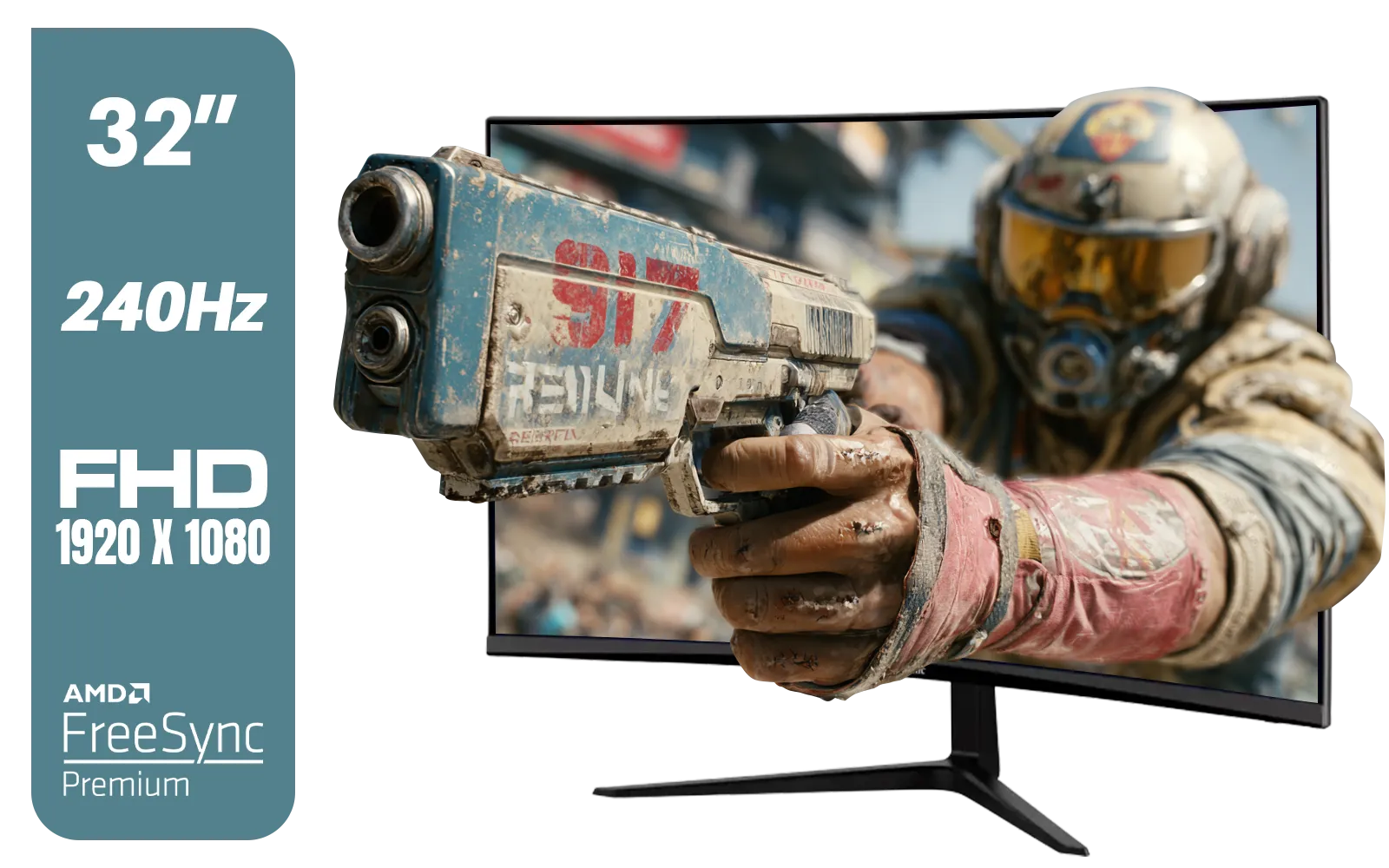
ViewSonic VX3219 32" Curved Gaming Monitor / Full HD (1920 x 1080) / 240Hz Refresh Rate / 1ms MPRT Response Time / Adaptive Sync Prevents Screen Tearing / 1500R Curve Ultimate Immersion / VX3219-PC-MHD-SN
R4899.00In Stock
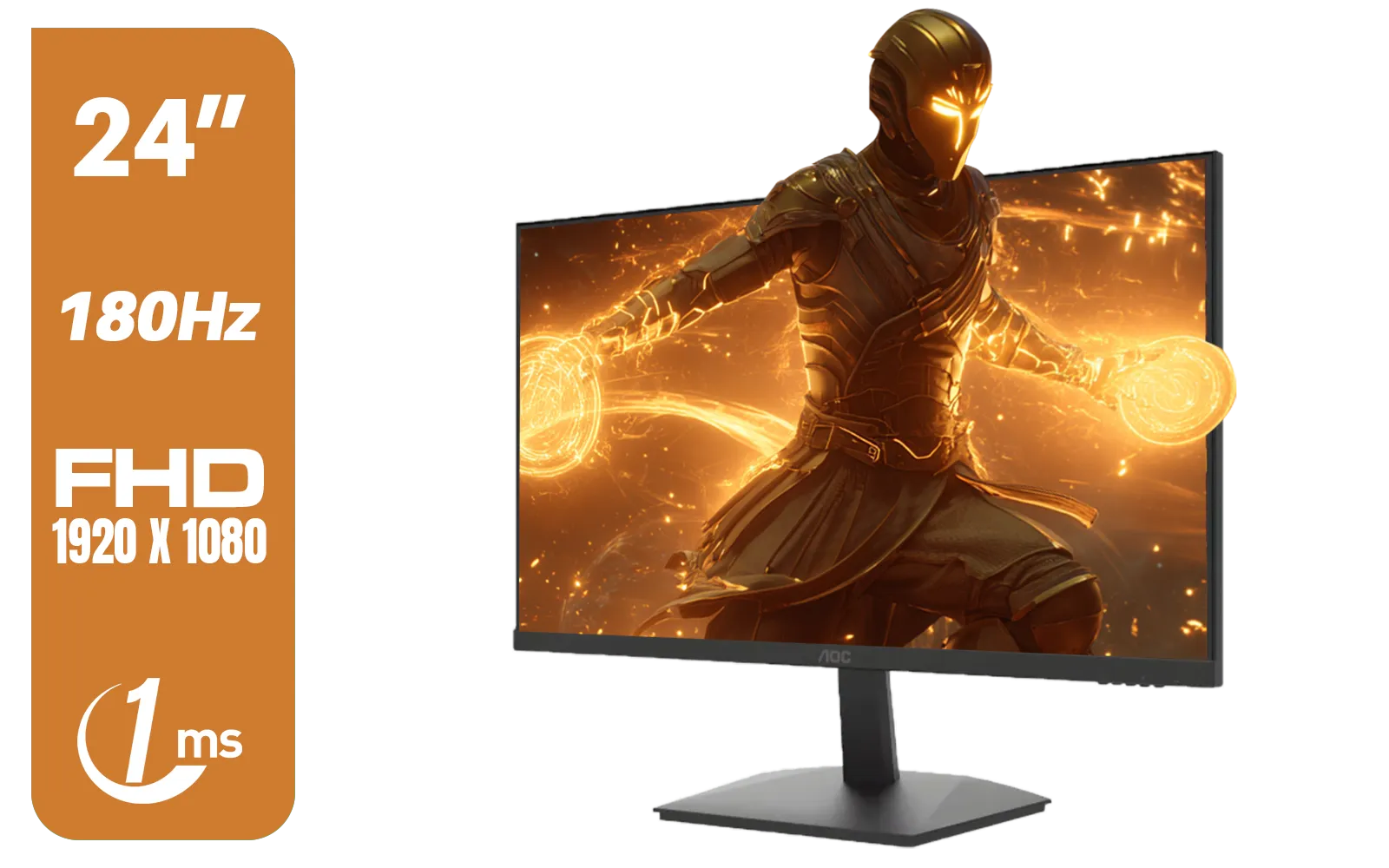
AOC 24G15N Gaming Monitor / 24" / VA FHD 1920x1080 / 180hz / 1ms / HDMI DP|VESA / Flicker Fee / Low Blue Mode / Adaptive Sync/ AOC-24G15N
R2299.00In Stock

AOC AGON AG275QXR 27" QHD 2K 170Hz Gaming Monitor - Pink - 2022 Edition ,IPS, Flicker-free technology, AMD FreeSync Premium, G-SYNC Compatible / AOC-AG275QXR
R6999.00In Stock
MSI G321Q 31.5" WQHD IPS 2K Flat Monitor, 170Hz Refresh Rate, 1ms MPRT Response Time, 1.07B Display Colors, 16:9 Aspect Ratio, 1200:1 Contrast Ratio, G-Sync / AMD Freesync, HDR, Black / 9S6-3DB91A-041
R6999.00In Stock

HP 527SW G5 FHD Gaming Monitor - White/Silver / 27" FHD (1920 x 1080) / IPS Panel / 1x HDMI 1.4, 1x VGA / Eye Ease with Eyesafe Certification / 94F46AS
R4499.00In Stock
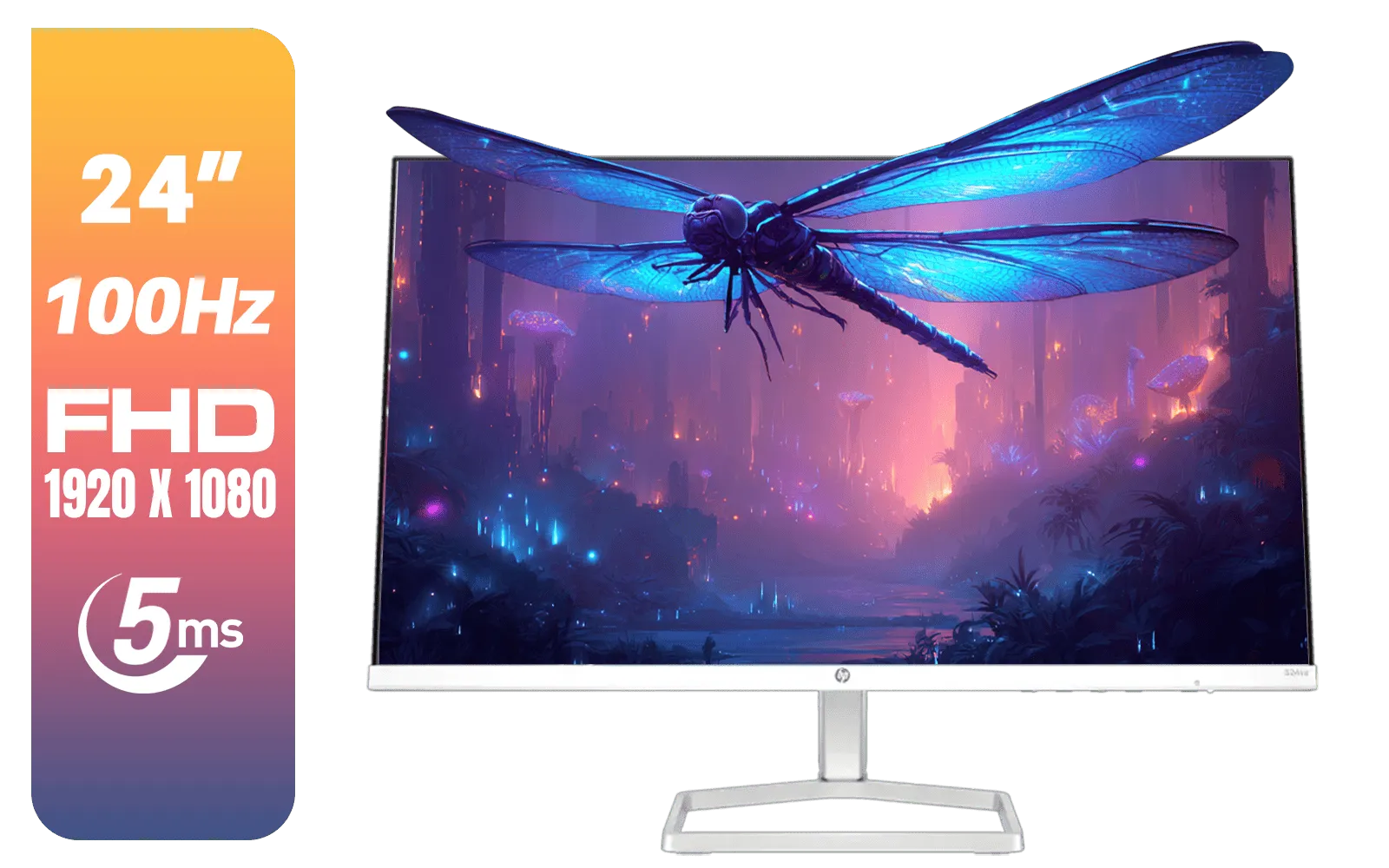
HP 524SA G5 FHD Gaming Monitor - White/Silver / 24" FHD (1920 x 1080) / IPS Panel / 1x HDMI 1.4, 1x VGA / Eye Ease with Eyesafe Certification / 94C36AS
R4199.00In Stock
The bottom line? If visual quality, colour accuracy, and viewing consistency are important to you, an IPS display is the smartest choice you can make for your next monitor upgrade.
Ready for a Visual Upgrade? Don't settle for washed-out colours or bad viewing angles. An IPS display offers the most vibrant and accurate visuals for gaming, creating, and everything in between. Explore our huge range of gaming monitors and find the perfect panel to bring your world to life.
Related Products
ViewSonic VX3219 32" Curved Gaming Monitor / Full HD (1920 x 1080) / 240Hz Refresh Rate / 1ms MPRT Response Time / Adaptive Sync Prevents Screen Tearing / 1500R Curve Ultimate Immersion / VX3219-PC-MHD-SN
R4899.00In Stock

Dell SE2425HM Monitor 210-BQZT / FHD (1920 x 1080) Resolution / 5ms Response Time / IPS level Display / 178° Horizontal and Vertical Viewing Angles / SE2425HM
R1899.00In Stock

HP 524SW G5 FHD Gaming Monitor - White/Silver / 24" FHD (1920 x 1080) / IPS Panel / 1x HDMI 1.4, 1x VGA / Eye Ease with Eyesafe Certification / 94C21AS
R4299.00In Stock
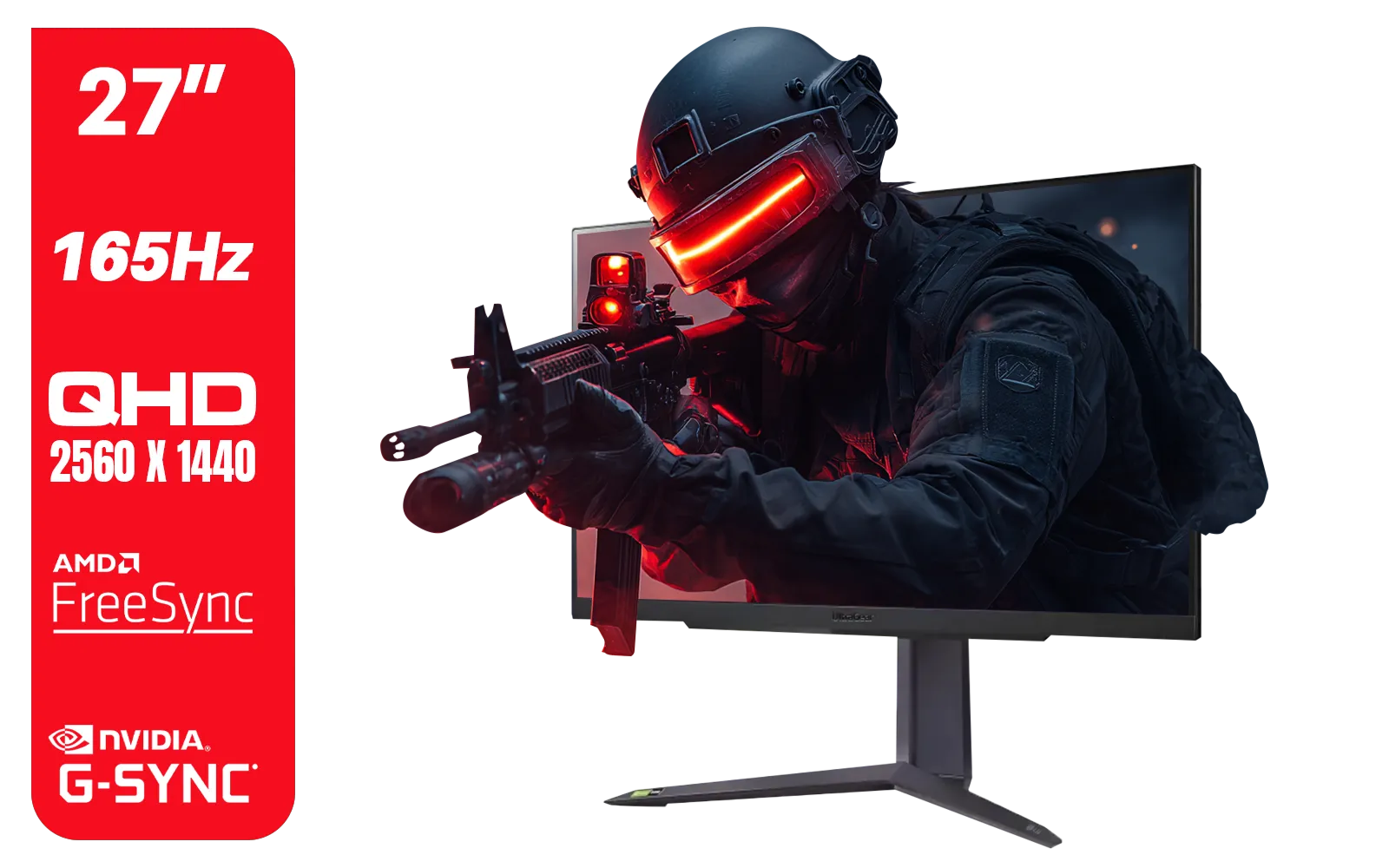
LG UltraGear Gaming Monitor 27GR75Q, 27 inch, 1440p, 165Hz, 1ms GtG, IPS Display, HDR 10, NVIDIA G-Sync & AMD FreeSync compatible, Smart Energy Saving, Displayport, HDMI / 27GR75Q
R5499.00In Stock
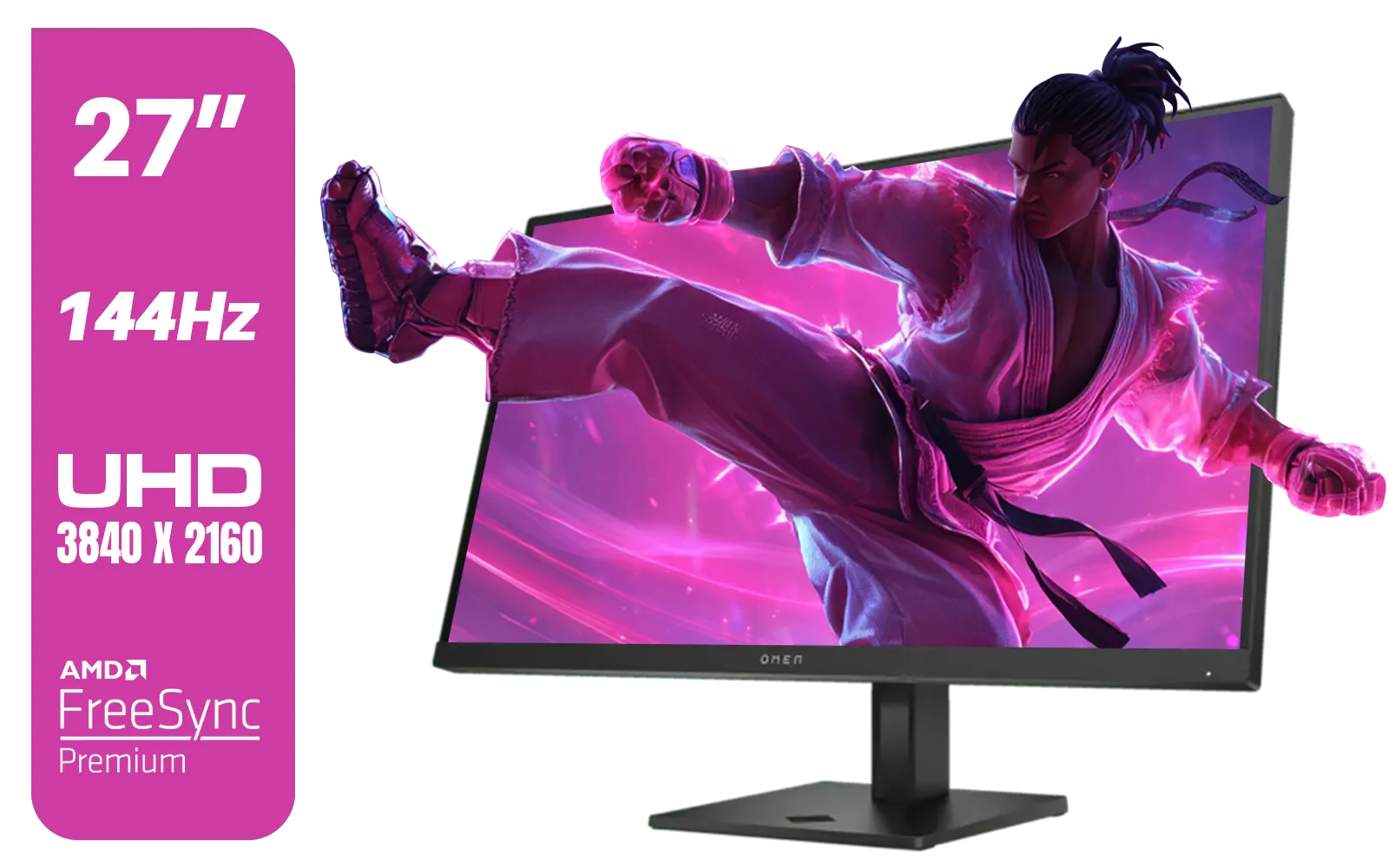
HP OMEN 27k UHD 144Hz Gaming Monitor - Black / 1ms / 27" 4K UHD (3840 x 2160) Anti-glare Display / AMD Freesync™ Premium / Integrated Speakers / Pivot Rotation and Height Adjustable / 780G8AS
R16499.00In Stock
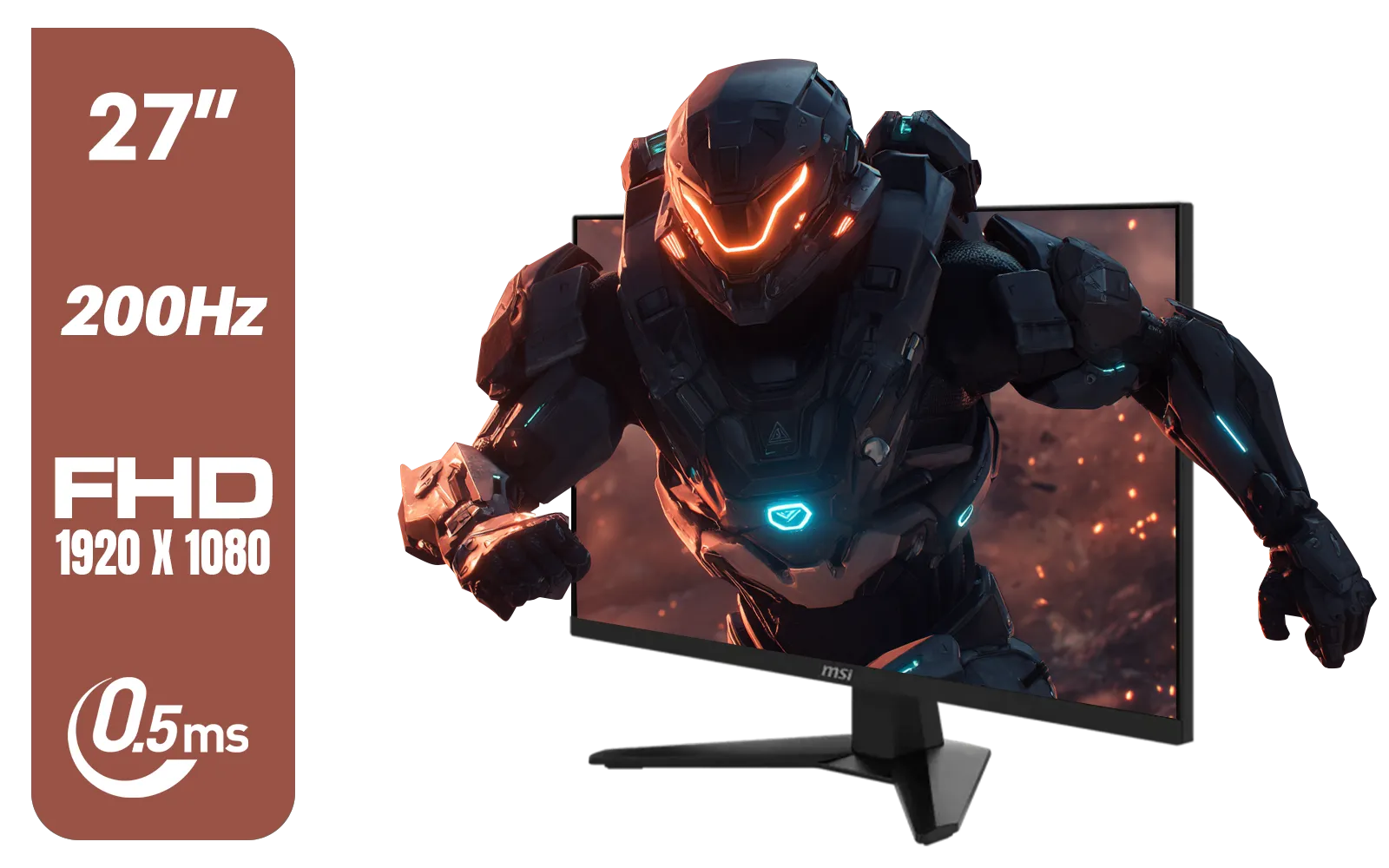
MSI MAG 274F 27" FHD (1920 x 1080) Monitor / 200Hz Refresh Rate / Rapid IPS Panel / 0.5ms Response Time / AI Vision Enhances Brightness, Colors / 9S6-3CE41H-062
R3699.00In Stock
An IPS display uses in-plane switching for wider viewing angles and accurate colors, ideal for photo editing, streaming, and gaming.
IPS vs VA vs TN: IPS leads in color accuracy and viewing angles; VA offers deeper contrast; TN gives fastest response for esports.
Yes. Modern IPS monitors pair low response times and high refresh rates for smooth gameplay while retaining superior color fidelity.
For color-critical work, IPS monitor calibration improves accuracy. Casual users can often rely on quality factory presets.
Some IPS panels can show minor backlight bleed; selecting high-quality ips-level monitors and local dimming reduces it.
IPS displays may consume slightly more power than TN panels, but modern IPS models are energy efficient and comparable to VA.
Look for wide color gamut, low delta E, refresh rate, response time, HDR support, and calibration options for work and gaming.











