



What is LAN Passthrough and Why You Need It
Discover how LAN Passthrough simplifies your network. 🌐Achieve hassle-free device connections with our expert breakdown. | Evetech
|
Loading tags...
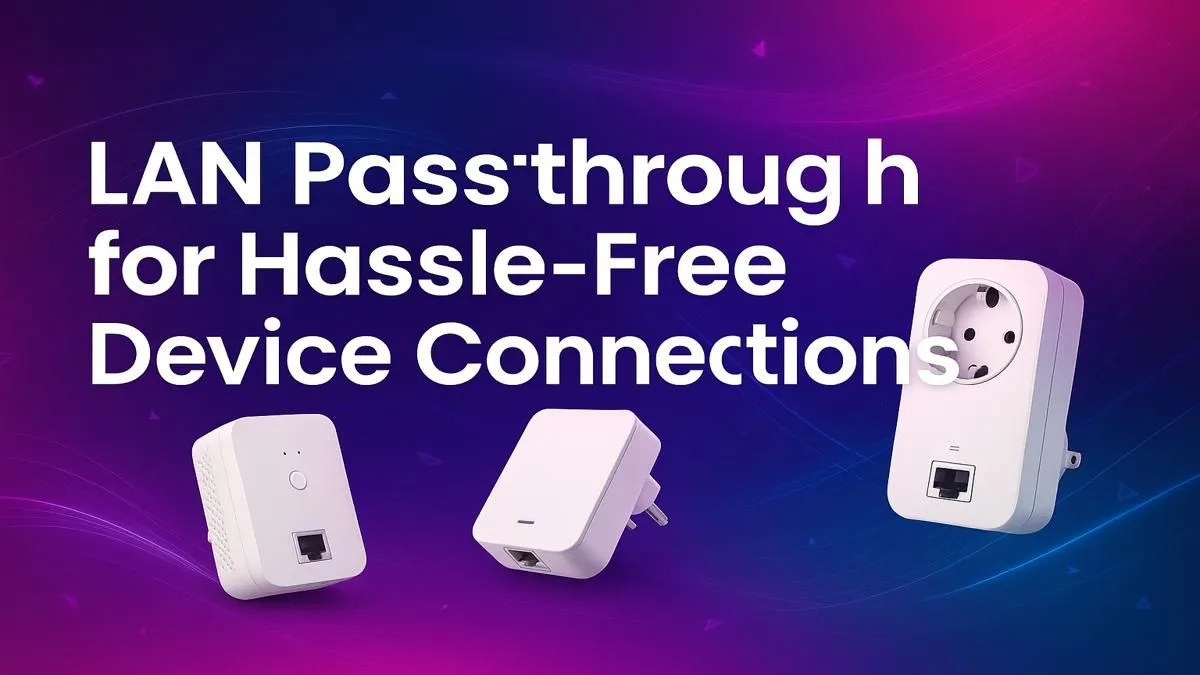
Understanding LAN Passthrough and Its Impact on Your Network ⚡
If you've ever battled choppy gameplay or slow file sharing on a local network, LAN passthrough might be exactly what you need. South African gamers and tech buyers often overlook this feature, yet it can drastically improve how devices communicate over your home or office network. But what is LAN passthrough, and why should it be on your setup wishlist?
LAN passthrough lets a router or extender pass local network traffic directly between devices, skipping extra routing steps. This means faster, smoother connections for activities like gaming tournaments or large file transfers across your Wi-Fi network.
What Is LAN Passthrough? 🔧
In simple terms, LAN passthrough is a network mode where your router extends its local area network (LAN) directly to connected devices without creating separate subnet layers. This ensures devices connected to a wireless extender or access point communicate as if they were plugged into the main router.
Most wireless range extenders default to NAT mode, which isolates devices behind their own subnet and slows data transfer speeds. LAN passthrough avoids this by forwarding packets internally, reducing latency and making real-time gaming or collaborative work seamless.
If you're looking for wireless range extenders supporting LAN passthrough, check out Evetech’s wireless range extenders that cater well to performance-focused setups.
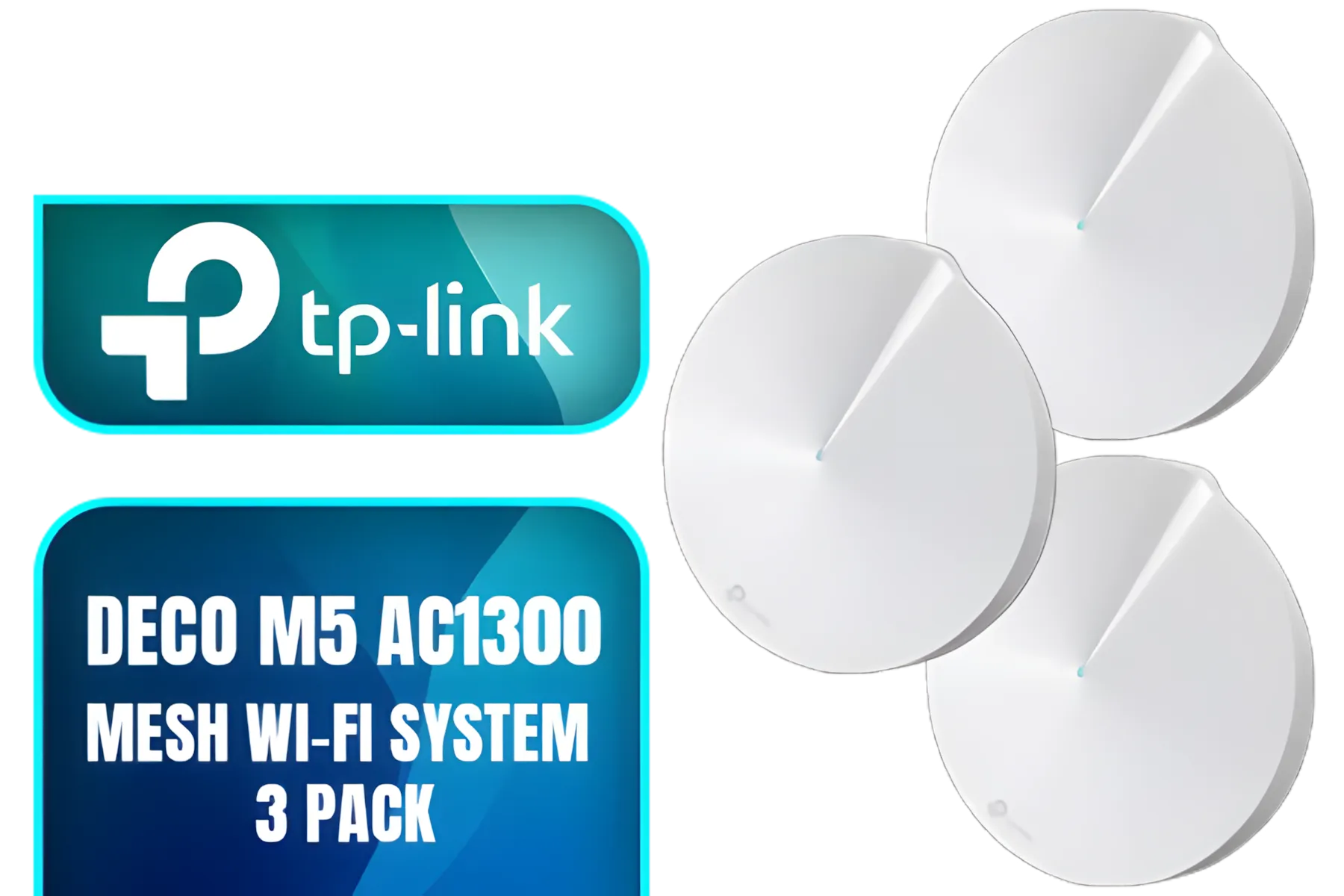
TP-Link Deco M5 AC1300 Whole Home Mesh Wi-Fi System - 3 Pack / Wi-Fi dead-zone killer / TP-Link HomeCare / Enhanced 11AC speeds / Connects over 100 devices / Seamless Roaming / NET-TL-DECO-M5-3PK
R3499.00In Stock
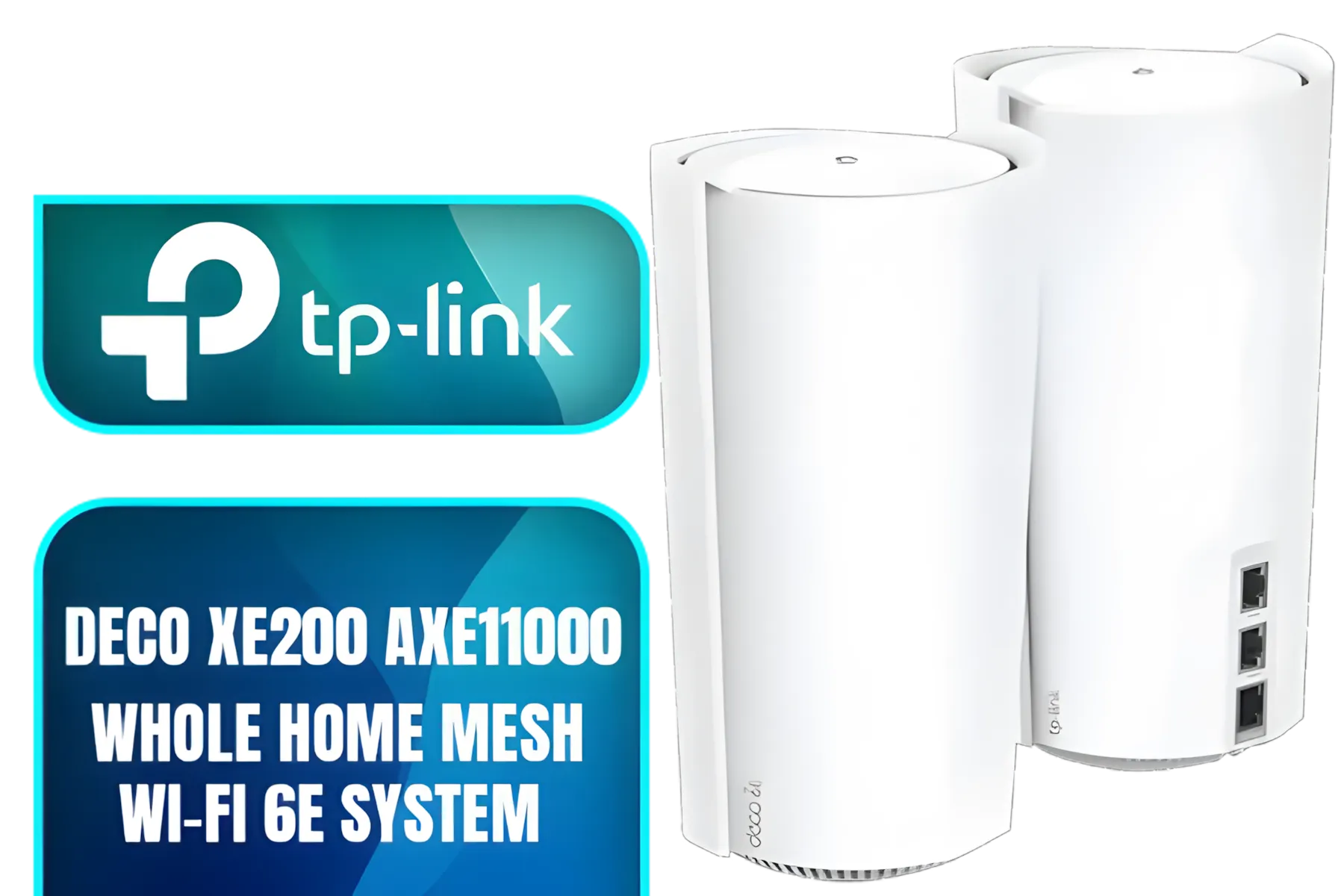
TP-Link Deco Mesh WiFi AXE11000 Tri-Band WiFi 6E Mesh Network System(Deco XE200) - Replaces Wireless Internet Router and Extender, 10Gbps Ethernet Port, Compatible with Alexa, 2-Pack / NET-DECO-XE200-2PK
R13999.00In Stock
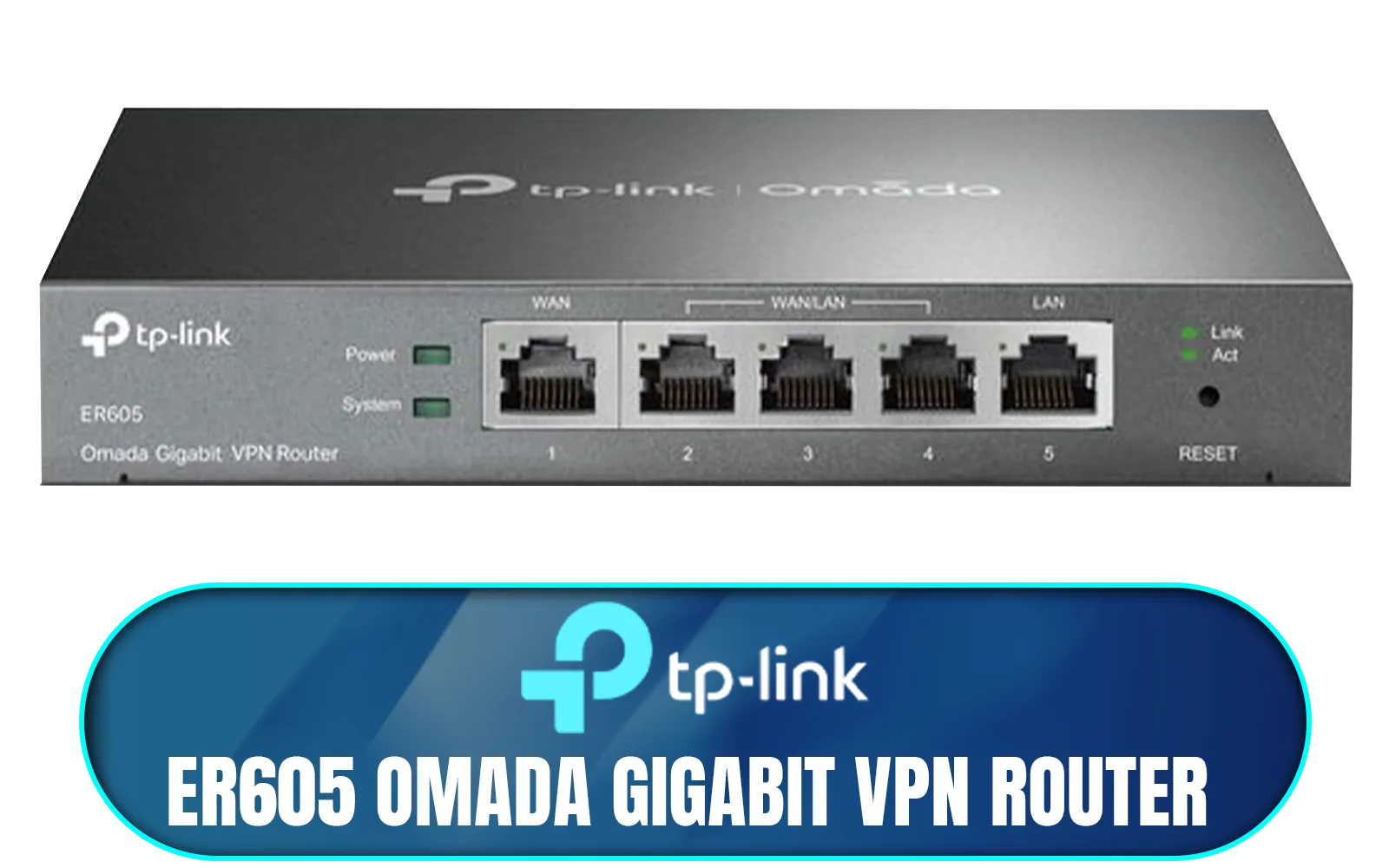
TP-LINK ER605 Omada Gigabit VPN Router / Integrated into Omada SDN / Centralized Management / Five Gigabit Ports / Up to 4 WAN Ports / NET-ER605
R1199.00In Stock
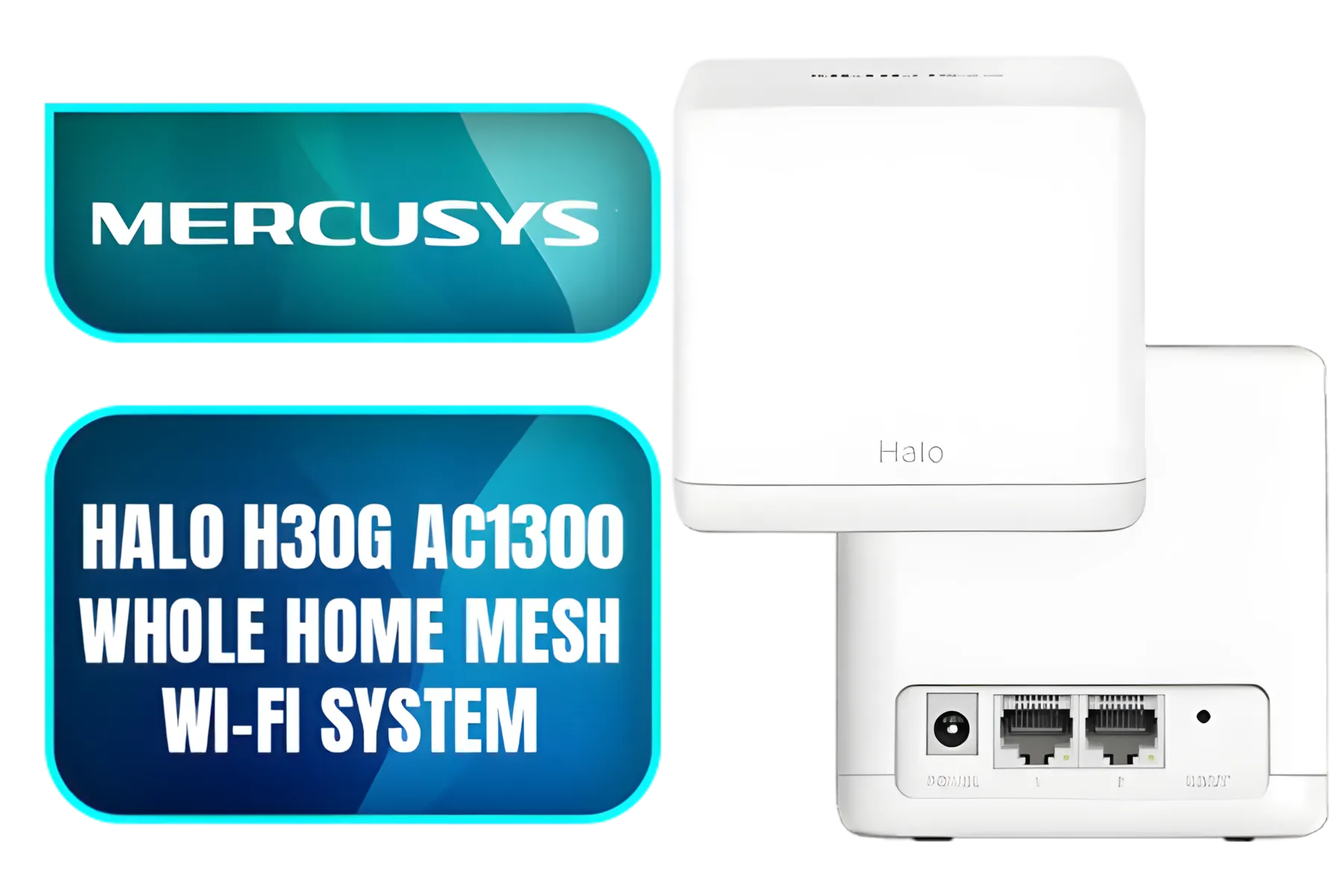
Mercusys Halo H30G AC1300 Whole Home Mesh Wi-Fi System / One Unified Network / Seamless Roaming / Whole Home Coverage / 1.3 Gbps Dual Band WiFi / NET-HALO-H30G-2PK
R999.00In Stock

Cudy AC1200 Dual Band Wi-Fi Mesh System - 1 Pack / 10/100Mbps Ethernet Ports + 2 Internal Antennas / 867Mbps on 5GHz and 300Mbps on 2.4GHz / M1200-1PACK
R499.00In Stock
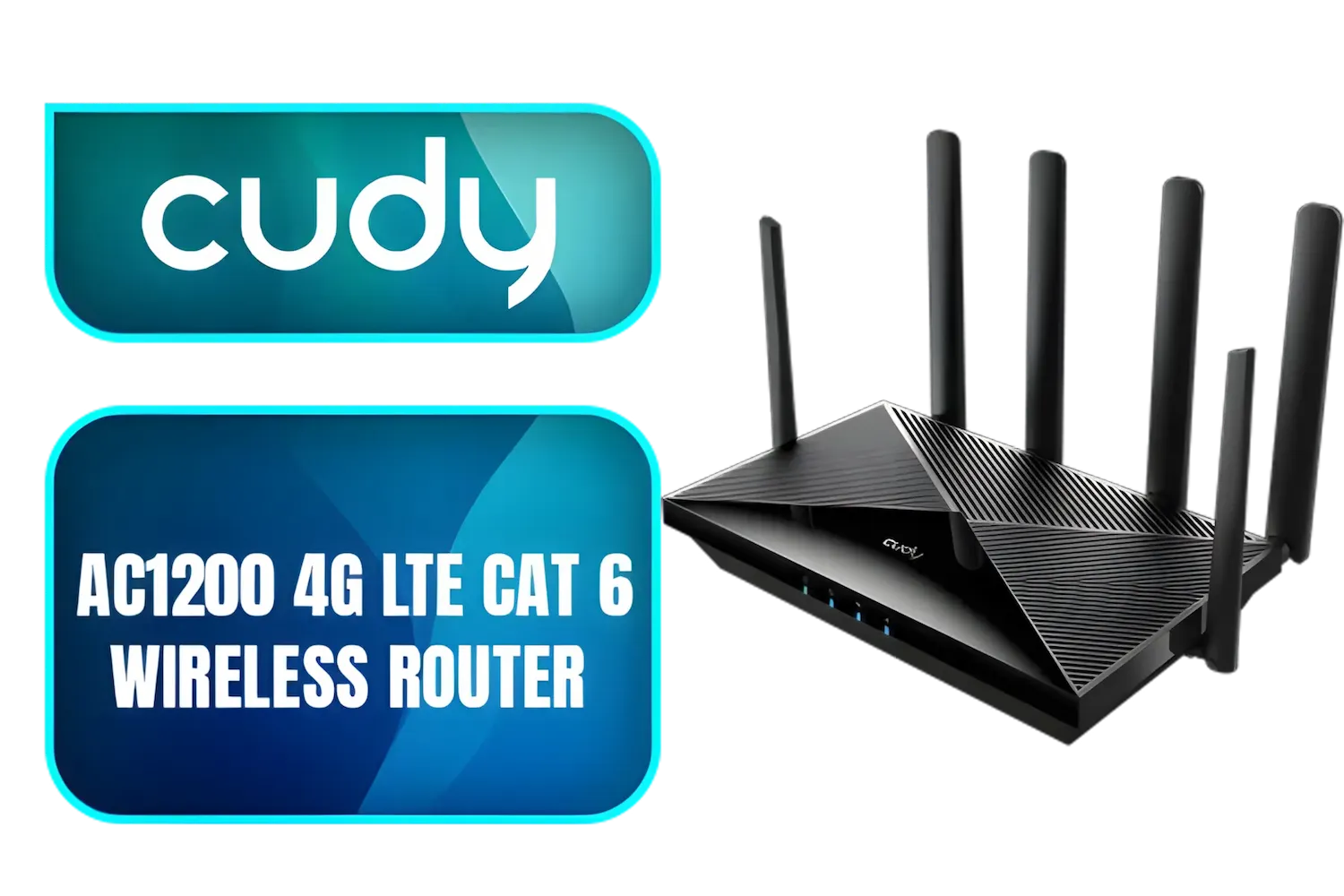
Cudy AC1200 4G LTE CAT 6 Wi-Fi Router / 4G CAT 6 with Max 300Mbps DL / 4x Gigabit Ethernet Port / 2x Nano SIM Slots / 4-Stream Dual-Band Wi-Fi 5 / LT700
R1899.00In Stock
Why LAN Passthrough is a Must-Have for South African Gamers
South Africa’s unique internet landscape means optimising your home network is crucial. Higher ping and jitter can ruin your gaming experience. LAN passthrough tackles this by allowing devices—like your PC or PS5—to communicate locally on the same subnet through an extender or second router.
This local traffic optimisation cuts down unnecessary network hops that slow connections. It’s especially useful when using wireless adapters or when game hosts are running on different devices within your house.
For the latest wireless adapters enhancing LAN performance, browse Evetech’s wireless adapters selection designed for tight latency requirements.
Pro Tip
TIP FOR YOU
Optimise Your Network Speed
Choose a wireless range extender supporting LAN passthrough and connect your gaming rig via Ethernet to it. This setup cuts down on Wi-Fi noise and drops latency significantly.
LAN Passthrough vs. Standard Network Modes
To grasp LAN passthrough’s advantage, understand how your typical home networking gear works. Standard modes like NAT (Network Address Translation) separate devices into different IP address pools to manage traffic. While this secures your network, it adds overhead when devices must communicate internally.
LAN passthrough bypasses this segmentation. Your extended network becomes one seamless LAN where all devices share IP addresses in the same range. This means lower overhead, less packet loss, and better real-time data flow—a must for gaming clans, LAN parties, or remote desktop setups.
For more advanced wireless networking gear with LAN passthrough support, explore Evetech’s wireless networking components for powerful devices that handle heavy loads efficiently.
Setting Up LAN Passthrough: A Quick Insight
Most modern high-end wireless range extenders and some mesh routers feature LAN passthrough modes. Generally, you’ll find this option in the device’s admin console named “Bridge Mode,” “Access Point Mode,” or explicitly under LAN passthrough settings.
Activating it disables the NAT function on the extender, allowing your main router’s DHCP server to assign IPs. This leads to seamless communication between devices over your network and avoids IP conflicts.
Looking to elevate your networking gear without digging deep into manual configurations? Evetech offers products that come with clear guides and South African support to streamline setup.
Upgrade Your Network Performance Today Don’t let network lag slow your game or productivity. Shop now at Evetech for quality wireless range extenders and networking gear built to power your LAN to the next level.
Related Products
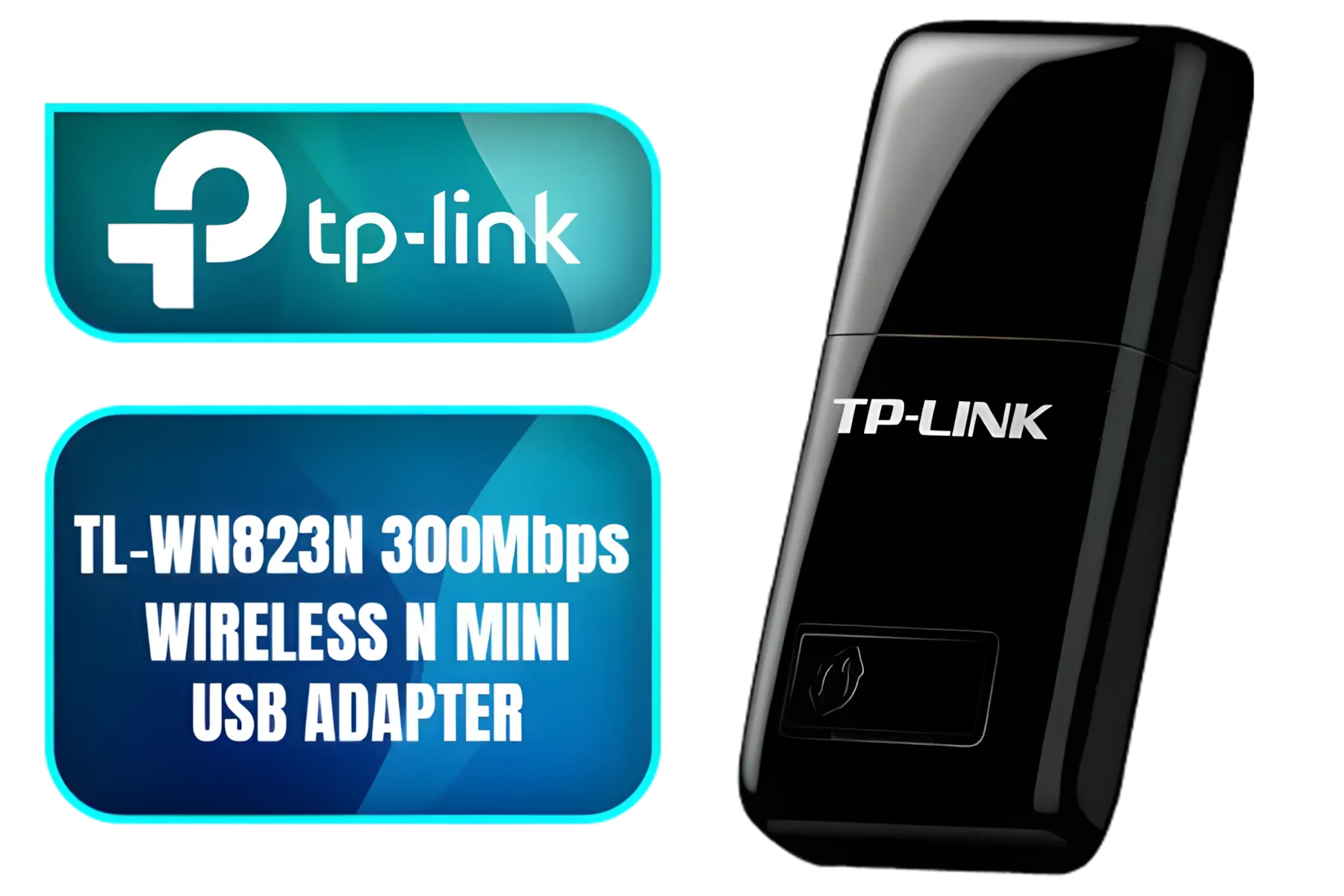
TP-LINK TL-WN823N 300Mbps Wireless N Mini USB Adapter
R299.00In Stock
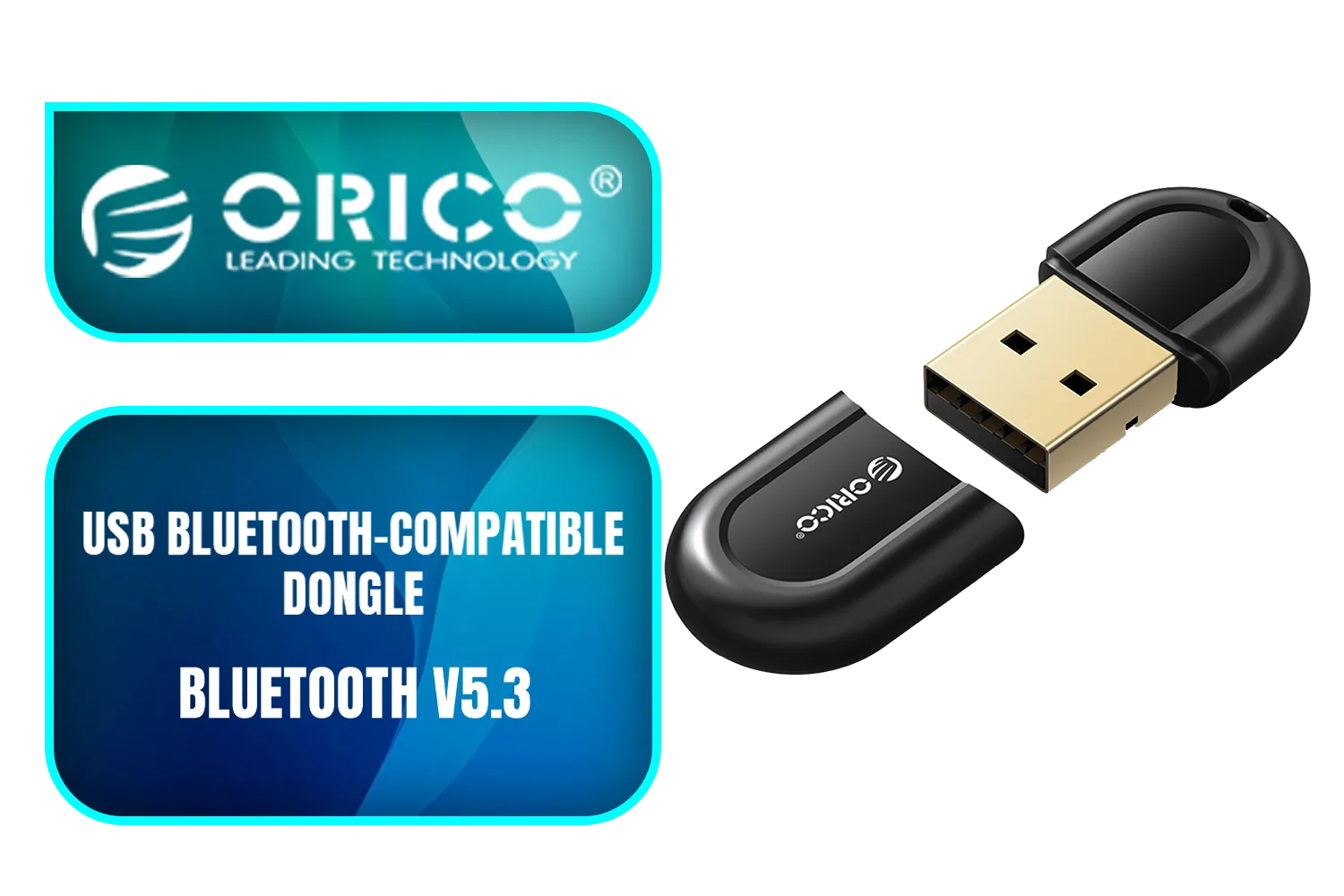
ORICO USB Bluetooth-Compatible Dongle / Bluetooth Version 5.3 + EDR / 5m Transmission Distance / ORICO-BTA-53-BK-BP
R199.00In Stock

TP-Link Deco X50 AX3000 Whole Home AI-Driven Mesh Wi-Fi 6 System, Dual-Band with Gigabit Ports, Coverage up to 4,500 ft2, Connect up to 150 devices, 1 GHz Dual-Core CPU, HomeShield Security, Pack of 2 / NET-TL-DECO-X50-2PK
R4199.00In Stock
Cudy AC1200 Dual Band Wi-Fi Mesh System - 1 Pack / 10/100Mbps Ethernet Ports + 2 Internal Antennas / 867Mbps on 5GHz and 300Mbps on 2.4GHz / M1200-1PACK
R499.00In Stock

TP-Link Tri-Band WiFi 7 BE22000 Whole Home Mesh System (Deco BE85) | 12-Stream 22 Gbps 2× 10G + 2.5G Ports Wired Backhaul, 8× High-Gain Antennas VPN, AI-Roaming, 4×4 MU-MIMO, HomeShield(2-Pack) / NET-DECO-BE85-2PK
R20999.00In Stock
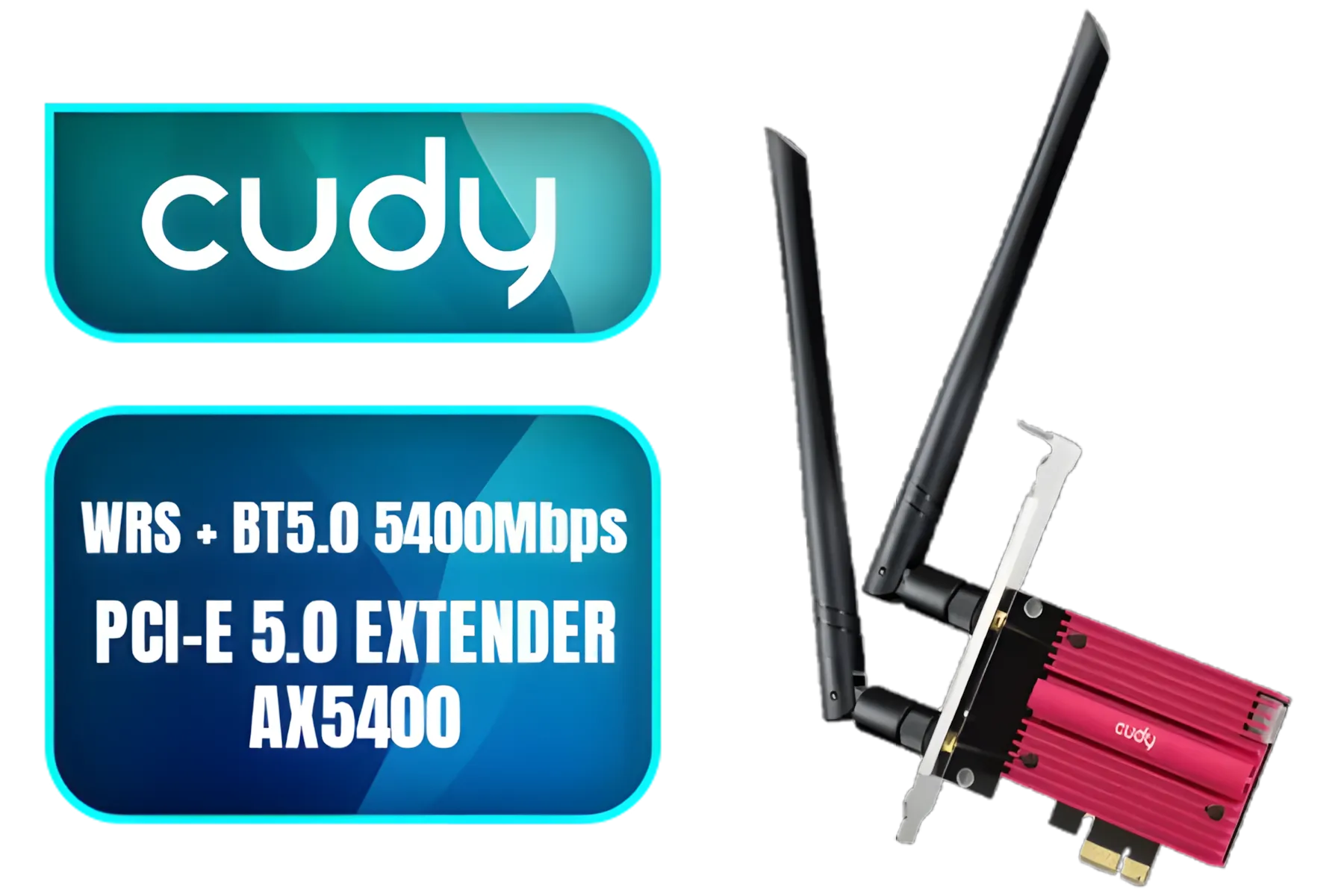
Cudy Wrs + Bt5.0 5400Mbps PCI-E 5.0 Ext (AX5400) / Intel WiFi 6/WiFi 6E Module Inside / Compatible with 802.11ax/ac/a/b/g/n / WE3000S
R699.00In Stock
LAN Passthrough lets you connect devices without disrupting your network. It simplifies connections for seamless integration.
Setting up LAN Passthrough involves configuring your router settings to allow direct device access without interference.
Yes! It streamlines connections, reduces clutter, and enhances overall network efficiency and performance.
Most modern routers support LAN Passthrough, but check your router’s firmware or manufacturer guidelines for details.
Benefits include hassle-free connectivity, simplified device management, and uninterrupted network performance.
No, it doesn’t impact speed but allows multiple devices to connect without latency issues.
Absolutely! LAN Passthrough ensures a stable and direct connection for gaming consoles without bandwidth issues.











