



Loadshedding PC Protection: Safeguard Your High-End Rig
Don't let power cuts fry your GPU! ⚡ Effective **loadshedding PC protection** is vital for high-end hardware. Discover the best UPS solutions, surge guards, and shutdown strategies to keep your rig safe during blackouts. 🛡️ Read our essential guide now.
|
Loading tags...
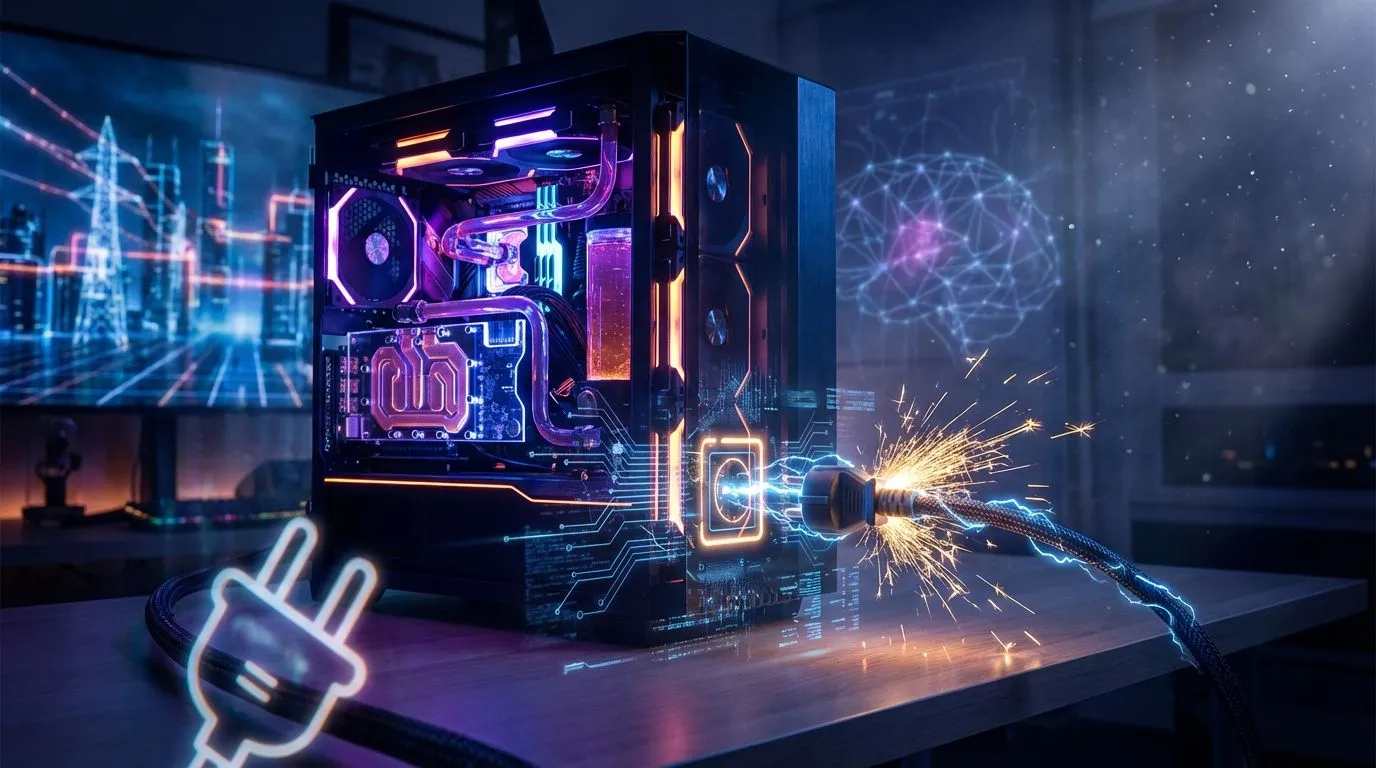
You’re in the final circle, the tension is electric, and then… darkness. The familiar hum of your high-end rig dies, replaced by a sudden, infuriating silence. Loadshedding strikes again. But the real danger isn’t your lost rank; it’s the silent, cumulative damage being done to your expensive hardware. Effective loadshedding PC protection isn't a luxury in South Africa; it's an essential strategy to safeguard your investment and keep you in the game.

MSI GeForce RTX 5060 8G Gaming Trio OC Graphics Card / 8GB GDDR7 / 3840 Cuda Cores / 128-bit Memory Interface / Boost Clock : 2625 MHz / PCI Express® Gen 5 / 912-V537-021
R8499.00In Stock
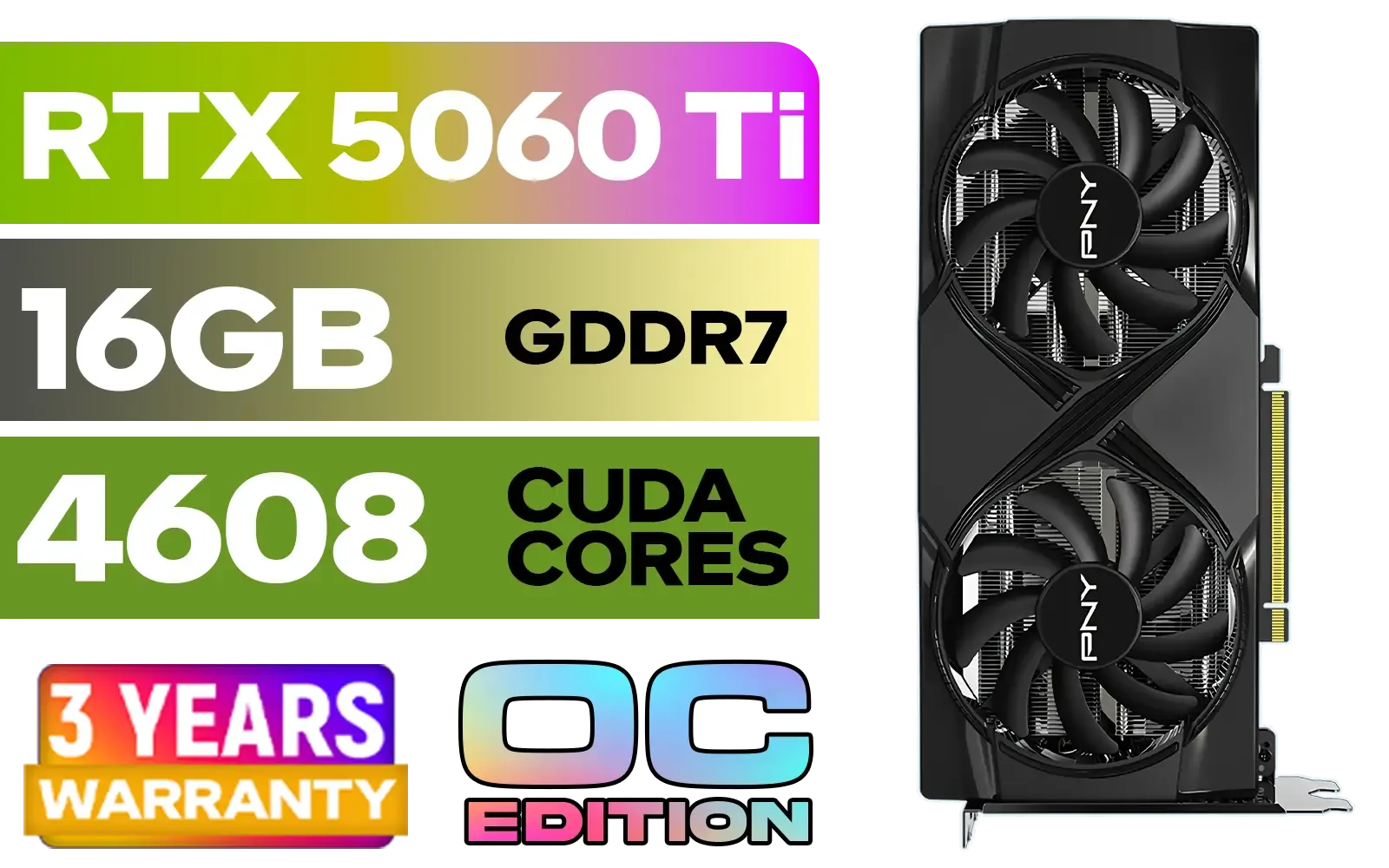
PNY GeForce RTX 5060 Ti 16GB OC Dual Fan Graphics Card / 16GB GDDR7 / 4608 CUDA Cores / 128-bit Memory Interface / Boost Clock: 2692 MHz / 28 Gbps Memory Speed / DisplayPort 2.1b (x3), HDMI® 2.1b / VCG5060T16DFXPB1-O
R10499.00In Stock
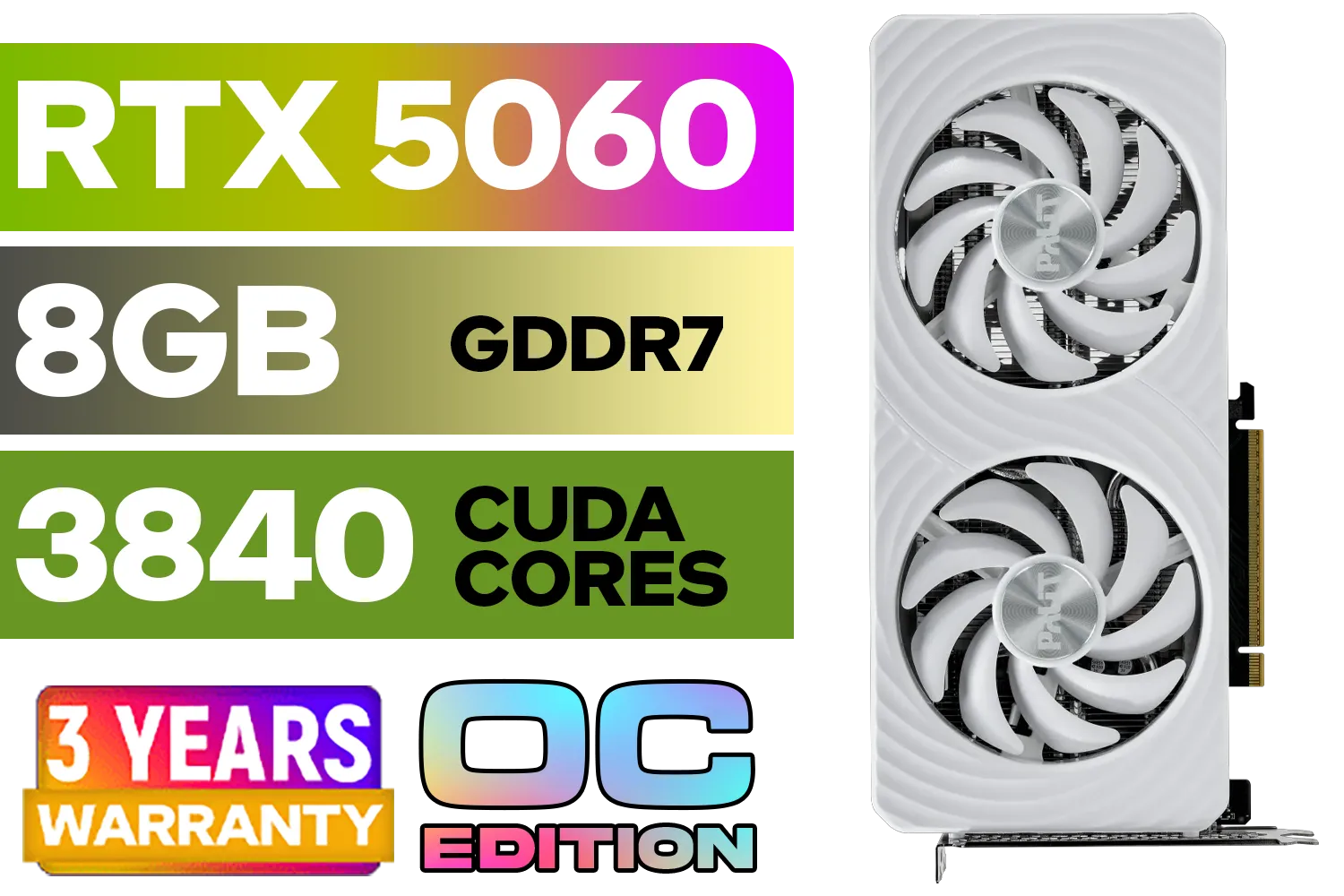
Palit GeForce RTX 5060 OC Graphics Card - White / 8GB GDDR7 / 3840 Cuda Cores / 128-bit Memory Interface / Boost Clock : 2497 MHz / PCI Express® Gen 5 / NE75060U19P1-GB2063M
R6999.00In Stock

MSI GeForce RTX 5070 12GB Shadow 2X OC Graphics Card / 6144 Cuda Cores / 192-bit Memory Interface / Boost Clock : 2542 MHz / NVIDIA Blackwell & DLSS 4 / TORX Fan 5.0 / Nickel-Plated Copper Baseplate / 912-V532-011
R11999.00In Stock
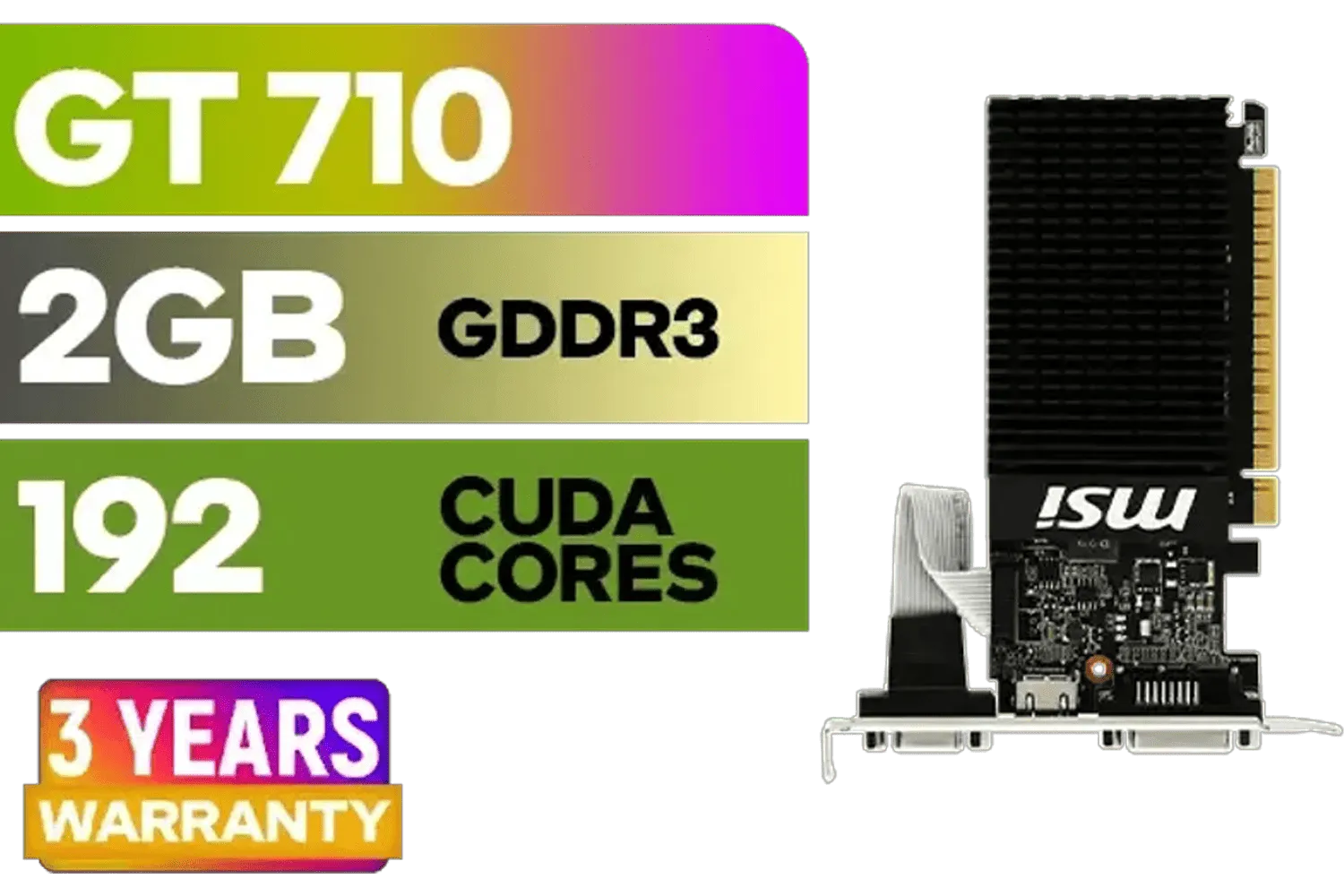
MSI GeForce GT 710 2GD3H LP 2GB DDR3 Graphics Card / 192 CUDA CORES / 64-bit Memory / 1x HDMI / 1x Dual-link DVI-D / 1x D-Sub / 912-V809-4217
R1099.00In Stock

Palit GeForce RTX 5070 Ti GameRock 16G / 16GB GDDR7 / 28Gbps Memory Speed / PCI Express® Gen 5 / NE7507T019T2-GB2030G
R17999.00In Stock
The Silent Killer: How Loadshedding Actually Hurts Your PC ⚡
It’s easy to think of loadshedding as just an on/off switch, but the reality is far more brutal for sensitive electronics. Every time the power cuts and returns, your PC faces two primary threats:
- Sudden Power Loss: When your PC shuts down improperly, it doesn't have time to park the hard drive heads or finish writing data. This can lead to corrupted system files (hello, blue screen of death), lost game saves, and in a worst-case scenario, a bricked operating system.
- Power Surges & Dips: The real component-killer is what happens when the grid comes back online. The initial rush of electricity is rarely a clean, stable flow. These surges and dips send chaotic voltage spikes through your system, stressing and degrading everything from your power supply unit (PSU) to your motherboard. It's this repeated stress that can fry sensitive components, especially high-performance parts like modern NVIDIA GeForce graphics cards.
A single bad surge can be enough to turn your prized gaming machine into a very expensive paperweight. That’s why a proactive approach to protecting your PC from loadshedding is critical.
Your First Line of Defence: Surge Protector vs. UPS
Many people think a multi-plug with a red switch is enough. It's a start, but it's not the complete solution. Let's break down your options.
The Basic Shield: Surge Protector
A surge protector is designed to do one thing: absorb a sudden, massive voltage spike, like one from a nearby lightning strike. It’s a sacrificial device that dies to protect your hardware. It's good, essential even, but it offers zero protection against the sudden power loss from loadshedding.
The True Saviour: Uninterruptible Power Supply (UPS) 🛡️
This is the heart of any serious loadshedding PC protection plan. A UPS is essentially a big, smart battery. Your PC plugs into the UPS, and the UPS plugs into the wall. When the power cuts, the battery kicks in instantly, giving you a precious window of 5-15 minutes to save your work, exit your game, and shut down your PC safely. It also provides constant voltage regulation, smoothing out the dirty power from the grid to protect even professional-grade workstation graphics cards from harmful fluctuations.
MSI GeForce RTX 5070 12GB Shadow 2X OC Graphics Card / 6144 Cuda Cores / 192-bit Memory Interface / Boost Clock : 2542 MHz / NVIDIA Blackwell & DLSS 4 / TORX Fan 5.0 / Nickel-Plated Copper Baseplate / 912-V532-011
R11999.00In Stock

Palit GeForce RTX 5090 GameRock 32GB GDDR7 512-Bit PCIe 5.0 Desktop Graphics Card / NE75090019R5-GB2020G
R47999.00In Stock
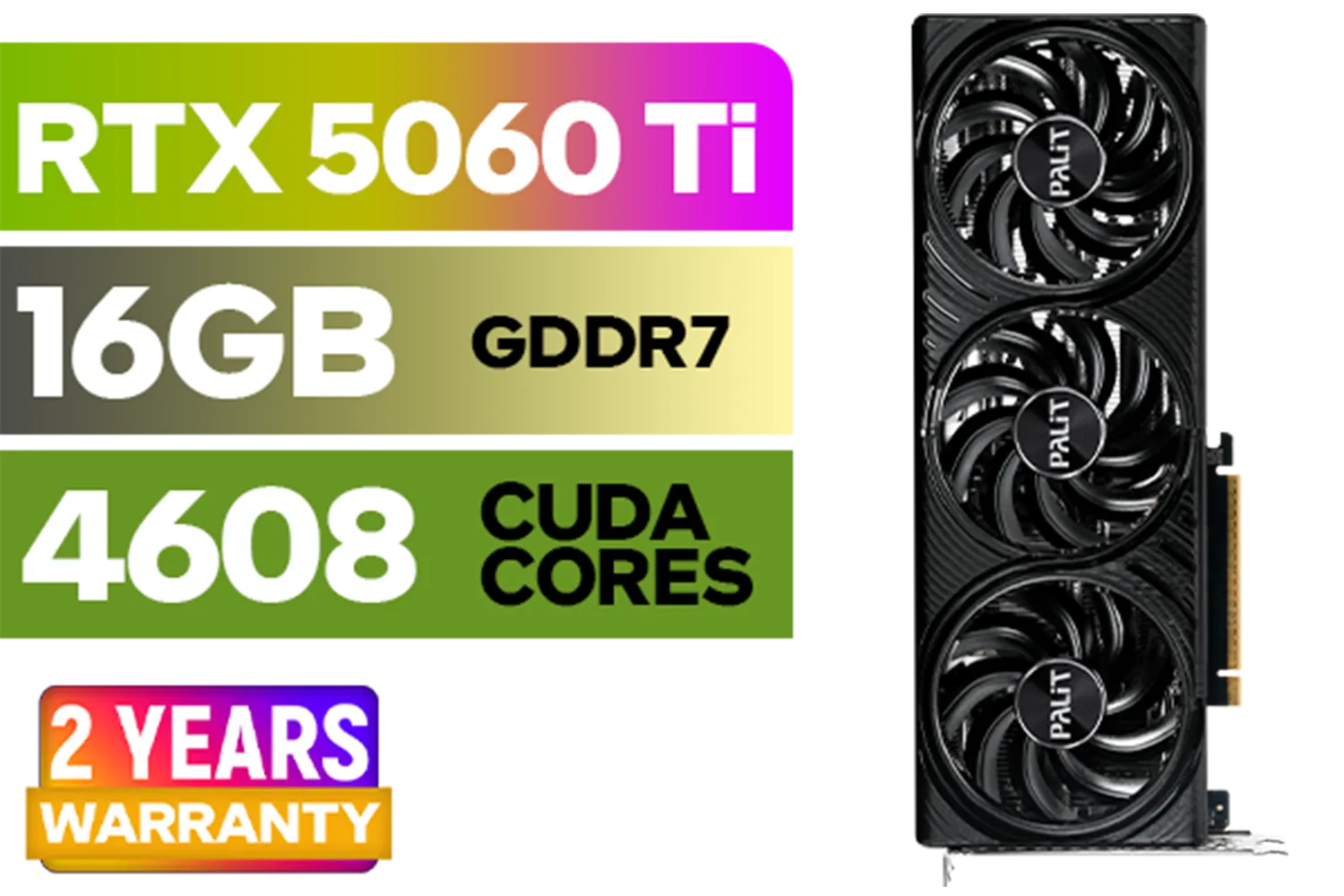
Palit GeForce RTX 5060 Ti Infinity 16GB Graphics Card / 16GB GDDR7 / 4608 Cuda Cores / 128-bit Memory Interface / Boost Clock : 2572 MHz / 28Gbps Memory Speed / PCI Express® Gen 5 / NE7506T019T1-GB2061S
R9799.00In Stock

PNY GeForce RTX 5070 EPIC-X 12GB OC Graphics Card / 12GB GDDR7 / 6144 Cuda Cores / 192-bit Memory Interface / Base Clock: 2160 MHz / 28 Gbps Memory Speed / DisplayPort 2.1b (x3), HDMI® 2.1b / VCG507012TFXXPB1-O
R13299.00In Stock

MSI Geforce RTX 5070 Ventus 2X 12G OC Graphics Card / 12GB GDDR7 / 6144 Cuda Cores / 192-bit Memory Interface / Boost Clock : 2542 MHz / NVIDIA Blackwell & DLSS 4 / 28Gbps Memory Speed / PCI Express® Gen 5 / 912-V532-009
R13999.00In Stock
PNY GeForce RTX 5060 Ti 16GB OC Dual Fan Graphics Card / 16GB GDDR7 / 4608 CUDA Cores / 128-bit Memory Interface / Boost Clock: 2692 MHz / 28 Gbps Memory Speed / DisplayPort 2.1b (x3), HDMI® 2.1b / VCG5060T16DFXPB1-O
R10499.00In Stock
Choosing the Right UPS for Your Gaming Rig
Not all UPS units are created equal. Buying the wrong one is almost as bad as having none at all. Here’s what to look for:
1. Power Capacity (VA Rating)
The Volt-Amp (VA) rating tells you how much power the UPS can supply. You need one that can handle your PC, monitor, and maybe your router. A simple way to estimate is to take your PSU's wattage and multiply it by 1.6 to get a rough minimum VA rating. A rig with a 750W PSU, for example, would need a UPS of at least 1200VA. Checking the power draw of components from brands like MSI's latest GPU offerings or reliable options from Palit can help you fine-tune your power budget.
TIP FOR YOU
Quick VA Calculation Tip 💡
Don't just look at your GPU. Use an online power supply calculator and input all your components (CPU, RAM, drives, fans) to get a more accurate 'peak load' wattage. Then, multiply that number by 1.6 to find your ideal minimum VA rating. Always better to have more power than you need!
2. Waveform Type
Modern, high-efficiency PSUs often require a Pure Sine Wave output from a UPS when on battery power. Cheaper units use a "Simulated" or "Stepped" sine wave, which can cause some PSUs to buzz, shut down, or not work at all. For a high-end gaming rig, investing in a Pure Sine Wave UPS is the safest bet for compatibility and stability.
MSI Geforce RTX 5070 Ventus 2X 12G OC Graphics Card / 12GB GDDR7 / 6144 Cuda Cores / 192-bit Memory Interface / Boost Clock : 2542 MHz / NVIDIA Blackwell & DLSS 4 / 28Gbps Memory Speed / PCI Express® Gen 5 / 912-V532-009
R13999.00In Stock
Palit GeForce RTX 5090 GameRock 32GB GDDR7 512-Bit PCIe 5.0 Desktop Graphics Card / NE75090019R5-GB2020G
R47999.00In Stock
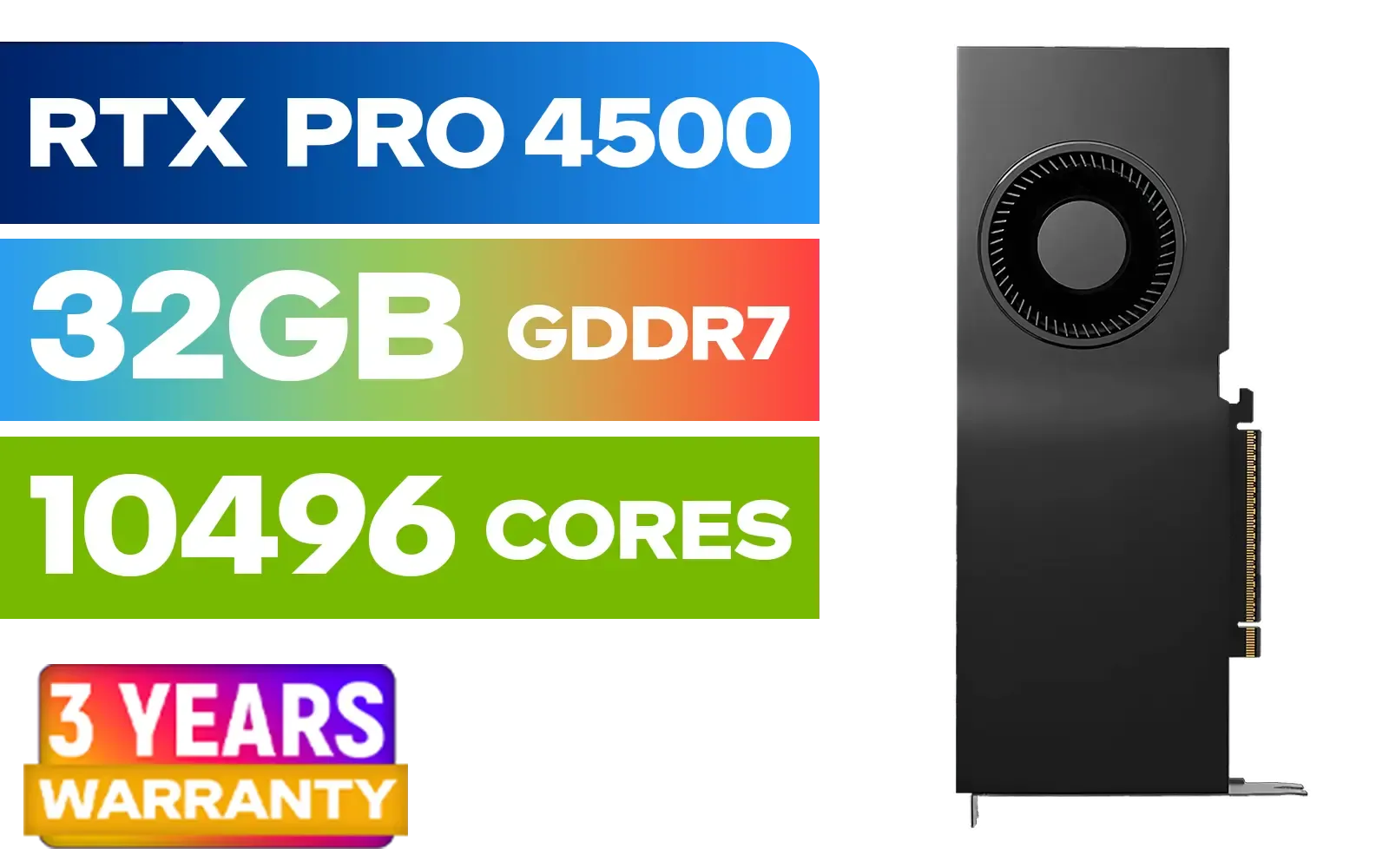
PNY NVIDIA RTX PRO 4500 32GB Blackwell Workstation Graphics Card / 10,496 CUDA Cores / 32GB GDDR7 with ECC / 4x Display Ports / VCNRTXPRO4500-PB
R54499.00In Stock

MSI GeForce RTX 5070 12G Gaming Trio OC Graphics Card / 12GB GDDR7 / 6144 Cuda Cores / 192-bit Memory Interface / Boost Clock : 2610 MHz / NVIDIA Blackwell & DLSS 4 / TRI FROZR 4 Thermal Design / Metal with Airflow Vents / 912-V532-019
R15199.00In Stock
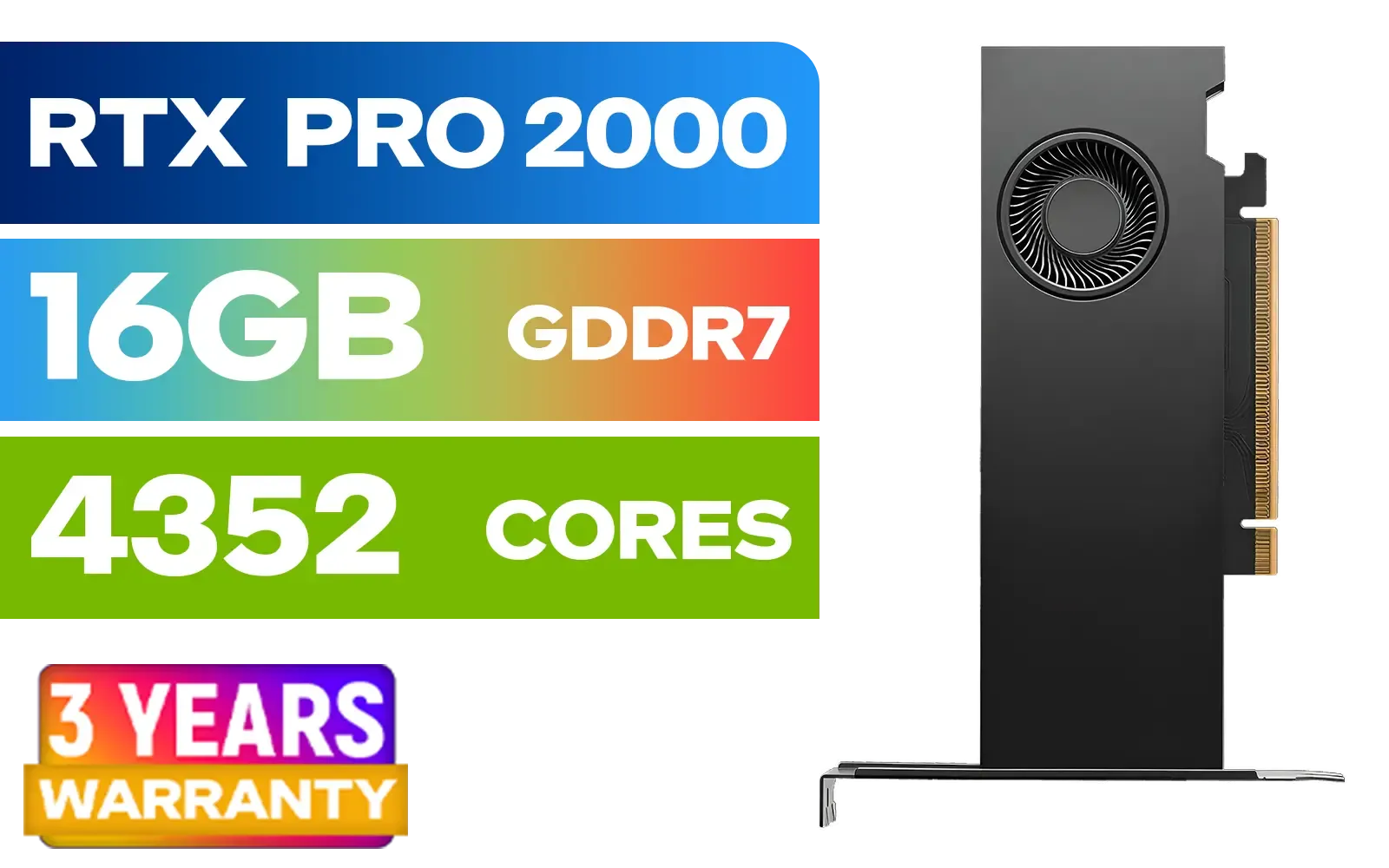
PNY RTX PRO 2000 Blackwell 16GB Graphics Card / 4352 CUDA CORES / 16GB GDDR7 with ECC / 128-bit Memory / NVIDIA Blackwell Architecture / VCNRTXPRO2000-PB
R15399.00In Stock

MSI GeForce RTX 5070 12G VENTUS 3X OC Graphics Card / 12GB GDDR7 / 6144 Cuda Cores / 192-bit Memory Bus / Boost Clock : 2542 MHz / PCI Express® Gen 5 / 912-V532-007
R14999.00In Stock
Beyond the UPS: A Complete Protection Strategy
A UPS is your MVP, but a complete strategy ensures total peace of mind.
- Back It Up: Regularly back up important files and game saves to a cloud service or an external drive.
- Plug Everything In: Don't forget to protect your router and monitor. A power cut won't matter if your internet and screen go dark anyway.
- Future-Proof Your Defence: As components get more powerful, their sensitivity to bad power can increase. Proper protection now is crucial if you're planning to upgrade to powerful GPUs like the upcoming RTX 5060 or even the beastly next-gen cards like the RTX 5070.
Don't let Eskom dictate the lifespan of your rig. A little investment now saves a lot of heartache and money later.
Ready to Armour Up Your Rig? Loadshedding is a reality, but component damage doesn't have to be. A quality UPS is a small price to pay to protect thousands of Rands worth of hardware. Explore our range of Uninterruptible Power Supplies and give your PC the protection it deserves.
Related Products

Palit GeForce RTX 5080 GamingPro 16GB GDDR7 / 30Gbps Memory Speed / PCI Express® Gen 5 / NE75080019T2-GB2031A
R24199.00In Stock

MSI GeForce RTX 5070 Ti 16G Ventus 3X OC / 16GB GDDR7 / 28Gbps Memory Speed / PCI Express® Gen 5 / 912-V531-092
R19999.00In Stock
MSI GeForce RTX 5070 12G VENTUS 3X OC Graphics Card / 12GB GDDR7 / 6144 Cuda Cores / 192-bit Memory Bus / Boost Clock : 2542 MHz / PCI Express® Gen 5 / 912-V532-007
R14999.00In Stock
MSI Geforce RTX 5070 Ventus 2X 12G OC Graphics Card / 12GB GDDR7 / 6144 Cuda Cores / 192-bit Memory Interface / Boost Clock : 2542 MHz / NVIDIA Blackwell & DLSS 4 / 28Gbps Memory Speed / PCI Express® Gen 5 / 912-V532-009
R13999.00In Stock
PNY RTX PRO 2000 Blackwell 16GB Graphics Card / 4352 CUDA CORES / 16GB GDDR7 with ECC / 128-bit Memory / NVIDIA Blackwell Architecture / VCNRTXPRO2000-PB
R15399.00In Stock
PNY GeForce RTX 5060 Ti 16GB OC Dual Fan Graphics Card / 16GB GDDR7 / 4608 CUDA Cores / 128-bit Memory Interface / Boost Clock: 2692 MHz / 28 Gbps Memory Speed / DisplayPort 2.1b (x3), HDMI® 2.1b / VCG5060T16DFXPB1-O
R10499.00In Stock
Yes, sudden power loss and voltage spikes when power returns can corrupt data and fry components like the PSU or motherboard without proper loadshedding pc protection.
Absolutely. Modern PSUs with Active PFC require a pure sine wave ups to function correctly and prevent strain on your high-end hardware during switchovers.
It depends on the VA rating and battery capacity. A standard UPS usually offers 5-15 minutes to save and shut down safely, rather than allowing prolonged gaming.
No. Surge protectors stop voltage spikes but don't prevent hard shutdowns. You need a UPS or inverter for complete pc power backup and data safety.
Yes, provided the inverter has a low switch-over time (under 20ms) and creates a pure sine wave to handle the sensitive electronics of a gaming PC.
Calculate your total wattage under load. Generally, a 1500VA to 2000VA UPS is recommended for high-end builds to ensure sufficient headroom.











