Low-Latency Esports Setup for South African Tournaments
Low-latency esports setup: Learn step-by-step how to design wired networks, pick routers and switches, tune PCs, and choose ISPs for South African tournaments. Cut ping and packet loss fast ⚡🎮
|
Loading tags...

You’re in a 1v1 clutch situation at a local tournament. You peek, you click... and you’re staring at the respawn screen. Was it a skill issue, or did your gear betray you at the crucial millisecond? For competitive gamers in South Africa, building a low-latency esports setup isn't just a luxury; it's the difference between winning and wondering what went wrong. It's about ensuring your reaction time is the only thing being tested.

Logitech® G515 TKL Lightspeed Wireless Gaming Keyboard - Tactile Switches / Factory-Lubed Switches / Low-Profile Double-Shot PBT Keycaps / Tri-Mode Connectivity / Lightsync RGB — Black / 920-012538
R2779.00In Stock

Logitech MK120 Keyboard And Mouse Combo / Spill-Resistant Design Keyboard / Durable keys / Plug-And-Play USB Connections / Sturdy Adjustable Tilt legs / High Definition Optical Mouse / 920-002562
R199.00In Stock

Corsair K100 AIR Wireless RGB Mechanical Gaming Keyboard - Ultra-Thin, Sub-1ms Slipstream, Low-Latency Bluetooth, Cherry MX Ultra Low Profile Keyswitches - NA Layout, QWERTY - Black / CH-913A01U-NA
R6699.00In Stock
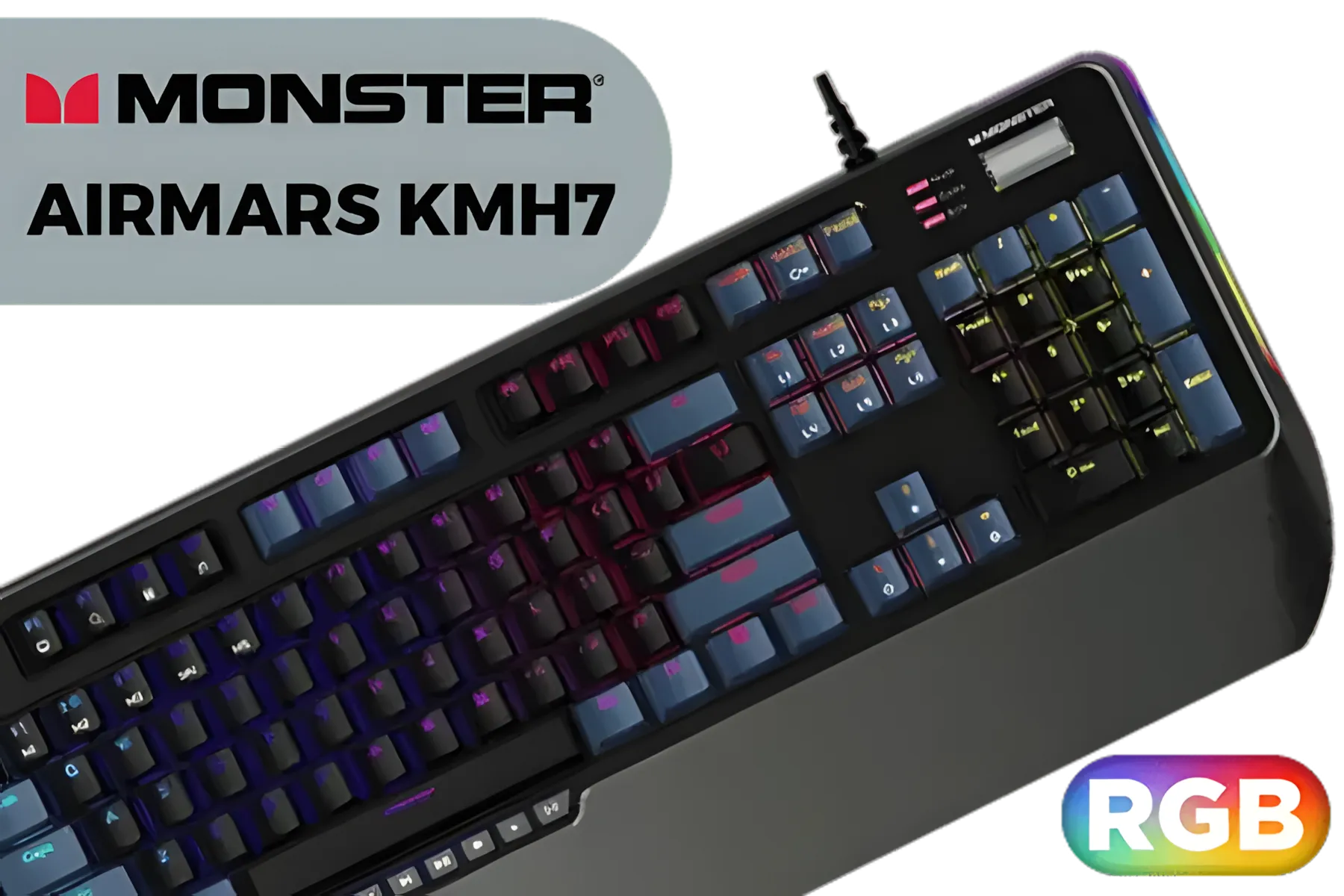
MONSTER Airmars KMH7 USB Mechanical Gaming Keyboard / Full key Without Conflict / Monster Optical Mechanical Axis / Waterproof Protect / Double Color Injection Molded Keycap / AIRMARS-KMH7-KB
R1399.00In Stock

Razer Ornata V3 Gaming Keyboard: Low-Profile Keys - Mecha-Membrane Switches - 10-Zone RGB Lighting - Spill-Resistant - Magnetic Wrist Wrest - Classic Black - RZ03-04460100-R3M1
R1499.00In Stock

Glorious Gaming Wooden Wrist Rest - TENKEYLESS (TKL) - Onyx/Black - Mechanical Keyboards Wood Ergonomic Palm Rest| 14x4 inches/19mm Thick (GV-87-DARK)
R499.00In Stock
What is Latency and Why Does it Matter?
In gaming, latency is the delay between your action and the game's reaction. It comes in two main flavours: input lag (from your mouse, keyboard, and monitor) and network lag (your internet connection). A high-latency setup means your character moves a fraction of a second after you do. In casual games, it's an annoyance. In a fast-paced title like Valorant or Apex Legends, it’s a guaranteed loss. A proper low-latency setup minimises these delays.
Optimise Your Peripherals for Minimum Lag
Your PC might be a beast, but if your keyboard and mouse are slow, you’re still playing with a handicap. Modern esports gear is engineered to reduce input lag to almost zero. 🚀
The Keyboard: Your Digital Trigger
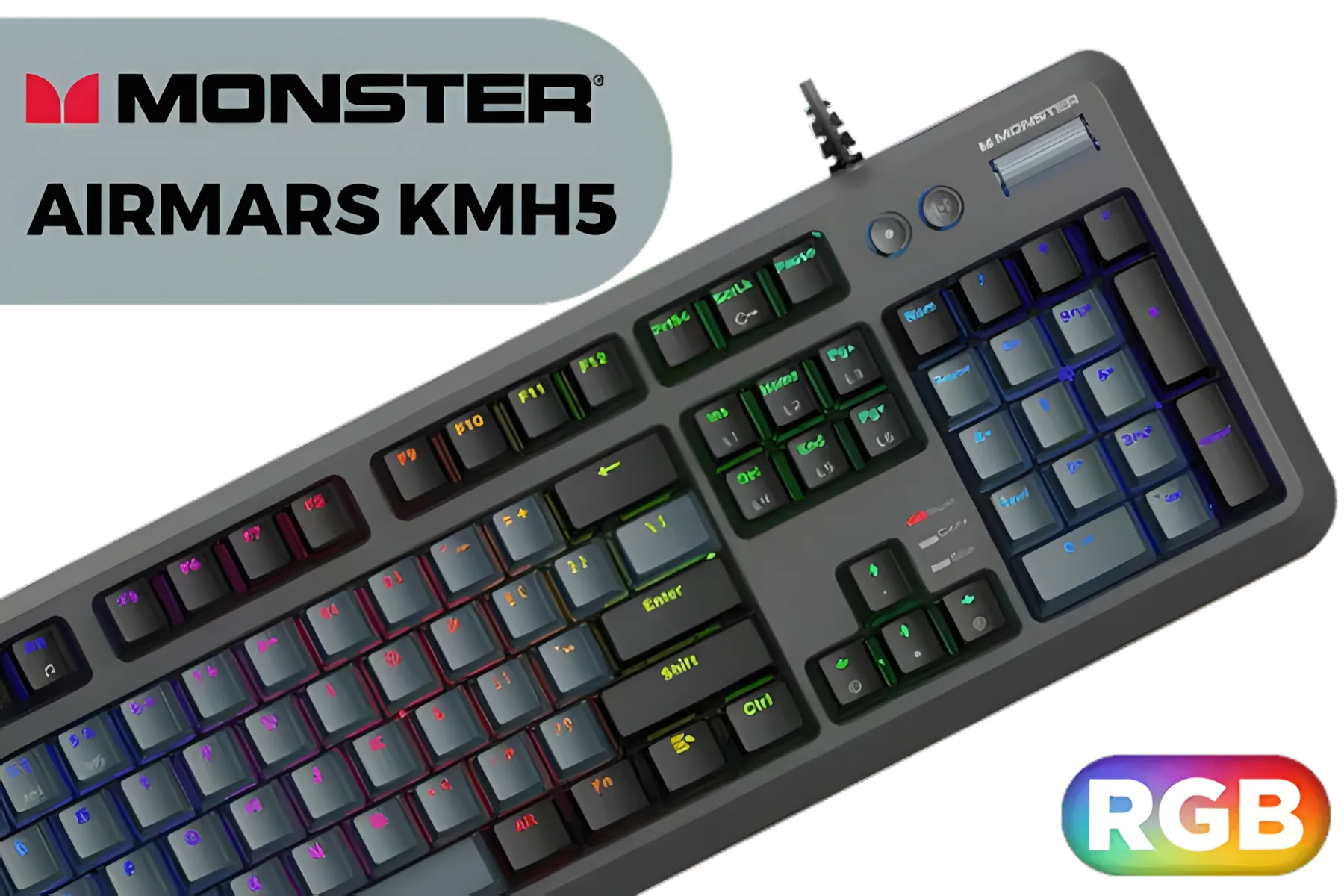
MONSTER Airmars KMH5 USB Mechanical Gaming Keyboard / Full key Without Conflict / Monster Optical Mechanical Axis / Waterproof Protect / Double Color Injection Molded Keycap / AIRMARS-KMH5-KB
R1199.00In Stock

Razer DeathStalker V2 Pro TKL Wireless Gaming Keyboard: Low-Profile Optical Switches - Linear Red - HyperSpeed Wireless & Bluetooth 5.0-50 Hr Battery - Ultra-Durable Coated Keycaps - Chroma RGB / RZ03-04370100-R3M1
R4999.00In Stock

SteelSeries Apex Pro TKL Wireless 2023 Ed. - World's Fastest Mechanical Gaming Keyboard – Adjustable Actuation – Esports Tenkeyless – OLED Screen – PBT Keycaps – Bluetooth 5.0 – 2.4GHz – USB-C / 64865
R7099.00In Stock

Razer BlackWidow V4 Mechanical Gaming Keyboard: Green Switches Tactile & Clicky - Chroma RGB - 6 Dedicated Macro Keys - Magnetic Wrist Rest - Doubleshot ABS Keycaps - Multi-Function Roller & Media Keys / RZ03-04690100-R3M1
R3999.00In Stock
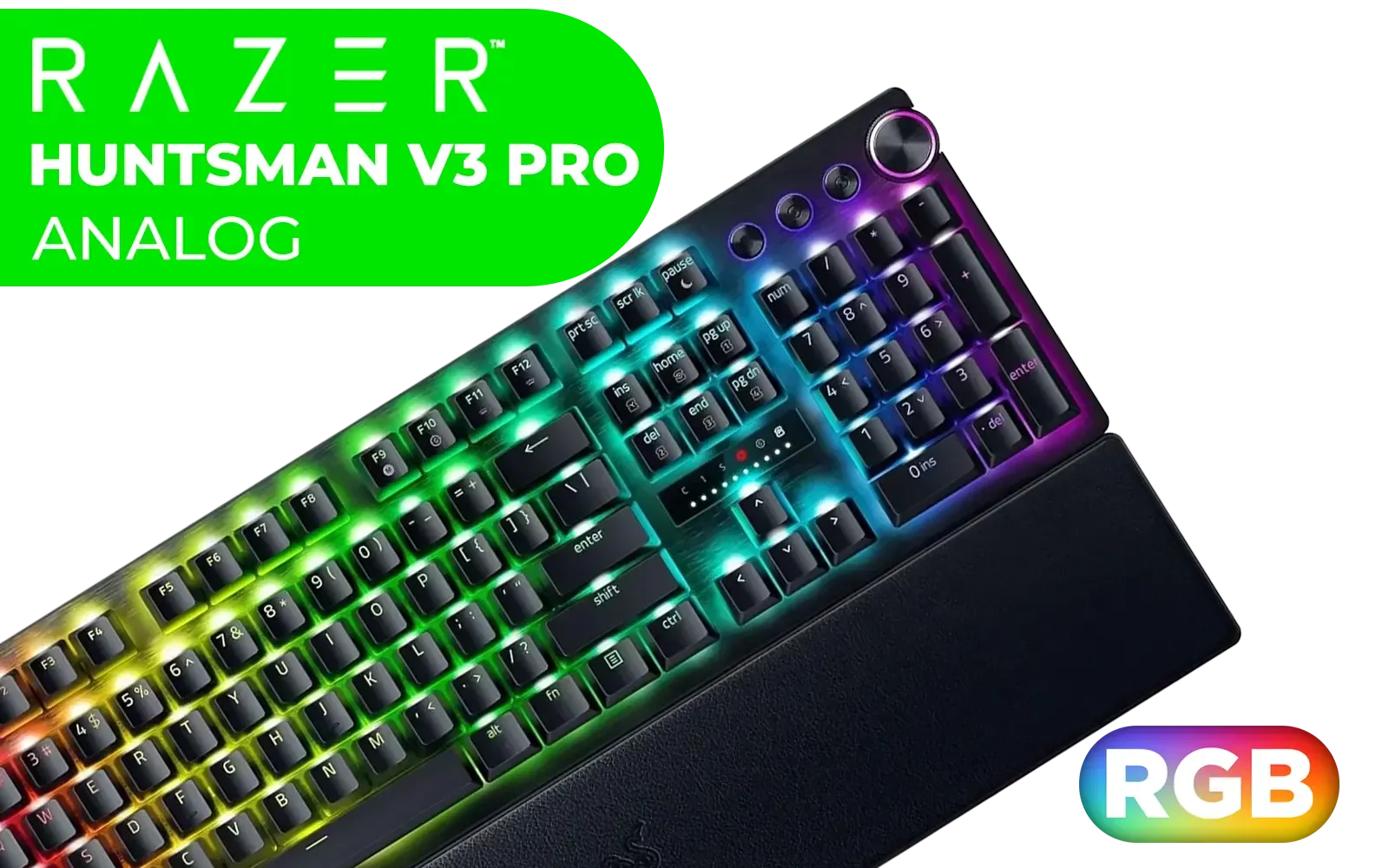
Razer Huntsman V3 Pro Esports Gaming Keyboard - Black / Analog Optical Switches w/Rapid Trigger & Adjustable Actuation / Media Keys & Dial / Doubleshot PBT Keycaps / Aluminum Top Plate / Wrist Rest / RZ03-04970100-R3M1
R5499.00In Stock

Gamdias Hermes E3 RGB Mechanical Gaming Keyboard - Black / Blue Switches / 16.8 million RGB Backlighting / N-key Rollover & Anti-Ghosting Functionality / Compact in Size & Easily Portable / LED Adjustment Hotkeys / HERMES-E3-Black
R499.00In Stock
Forget spongy membrane keyboards. For a true low-latency esports setup, you need a mechanical or optical keyboard. Look for two key features: a high polling rate (1000Hz or more) and fast-actuating switches. A higher polling rate means the keyboard reports your keypresses to the PC more frequently, shaving off precious milliseconds.
Brands like Razer are masters of this, and many of Razer's RGB gaming keyboards offer both blistering speed and stunning aesthetics. For players who prefer a more minimalist approach, the broader range of Razer gaming keyboards still delivers tournament-grade performance. Even enthusiast brands are in on the action, with options like Glorious gaming keyboards providing incredible customisation without compromising on response time.
The Monitor: See the Difference
Your lightning-fast reflexes are useless if your monitor can't keep up. A 60Hz screen is fine for work, but for competitive gaming, 144Hz is the minimum entry point. A higher refresh rate displays more frames per second, giving you a smoother picture and more up-to-date information to react to. Pair this with a 1ms (GtG) response time to eliminate motion blur and ghosting. This is a critical part of any low-latency esports setup.
Tackling Network Lag in South Africa 🇿🇦
We all know the struggle... high ping can be a massive challenge for South African gamers. While we can't move the international servers closer, we can optimise our home network for the best possible connection. A stable, reliable connection is the backbone of your competitive gaming setup.

Razer DeathStalker V2 Pro Wireless Gaming Keyboard: Low-Profile Optical Switches - Linear Red - HyperSpeed Wireless & Bluetooth 5.0-40 Hr Battery - Ultra-Durable Coated Keycaps - Chroma RGB / RZ03-04360100-R3M1
R5599.00In Stock

Razer BlackWidow V4 75% Mechanical Gaming Keyboard: Hot-Swappable Design / Compact & Durable / Orange Tactile Switches / Chroma RGB / MF Roller & Media Keys / Comfortable Wrist Rest - Black / RZ03-05000100-R3M1
R5199.00In Stock
Razer BlackWidow V4 75% Mechanical Gaming Keyboard - Phantom Green / Hot-Swappable Design / Compact & Durable / Orange Tactile Switches / Chroma RGB / MF Roller & Media Keys / Comfortable Wrist Rest / RZ03-05003300-R3M1
R4899.00In Stock
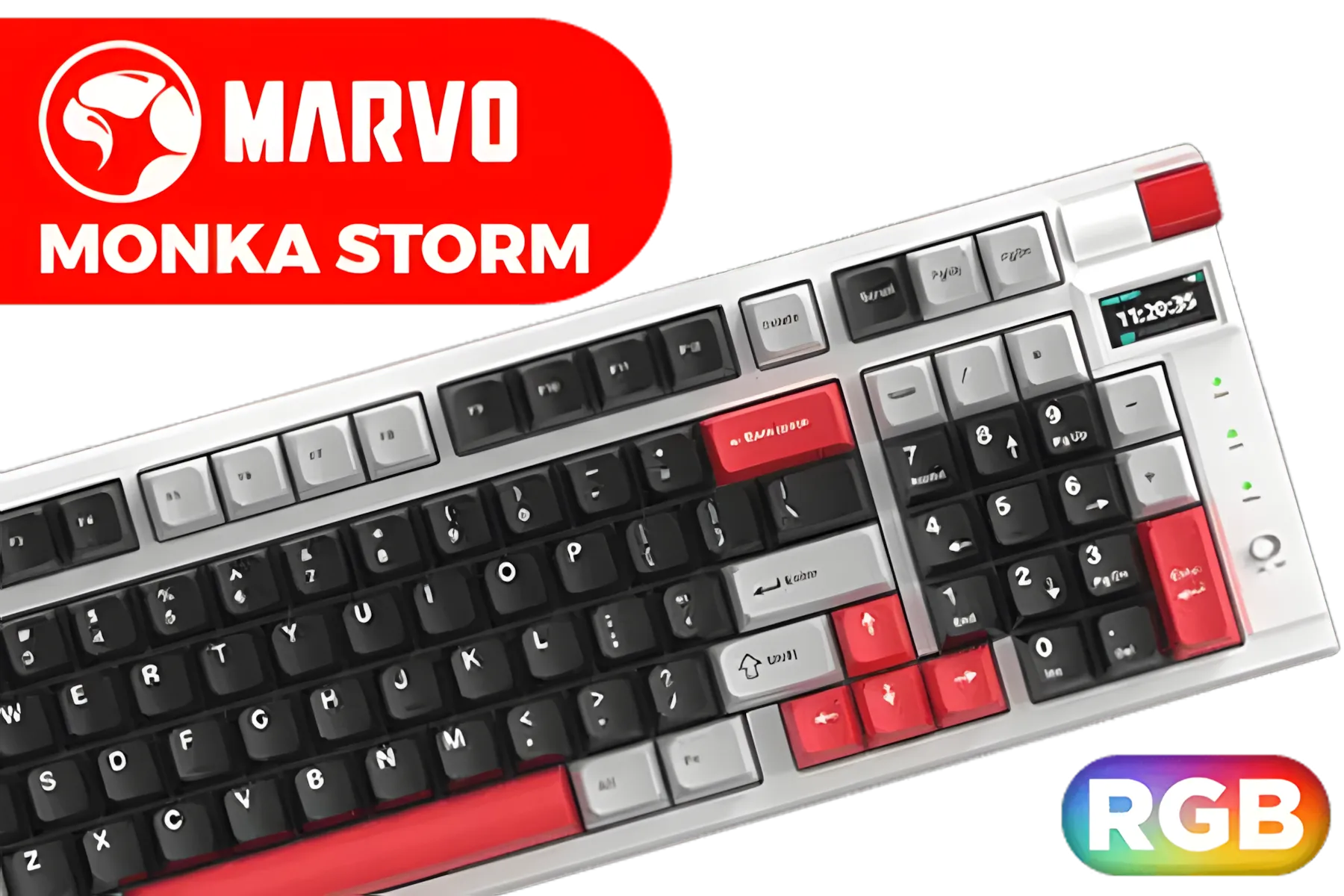
Marvo KG991W Monka Storm mechanical keyboard / 4000mAh Large Battery / RGB Backlight / 98% Layout / Hot Swappable / KG991W
R699.00In Stock
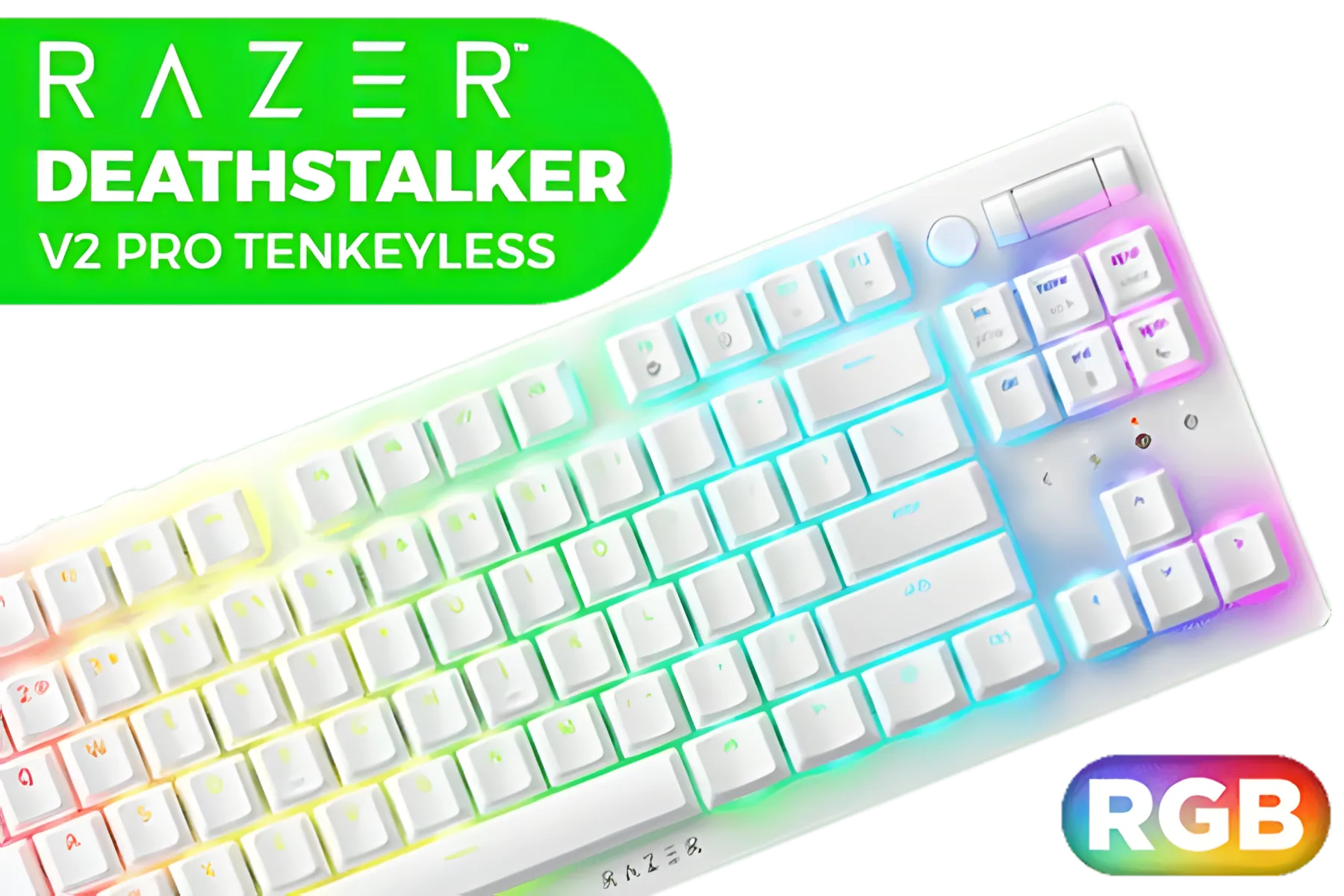
Razer Deathstalker V2 Pro Tenkeyless Optical Keyboard / 70 million keystroke lifespan / Razer Chroma™ RGB / N-key roll over / Razer™ HyperSpeed Wireless (2.4 Ghz), Bluetooth, or Type-C / RZ03-04373500-R3M1
R5199.00In Stock

Razer Huntsman V3 Pro TKL Esports Gaming Keyboard / Analog Optical Switches w/Rapid Trigger & Adjustable Actuation / Media Keys & Dial / Doubleshot PBT Keycaps / Aluminum Top Plate / Wrist Rest / RZ03-04980100-R3M1
R4899.00In Stock
The single most important rule? Ditch the Wi-Fi for gaming. Always use a wired Ethernet connection directly to your router. It provides a more stable and faster connection, free from the interference that plagues wireless signals.
TIP FOR YOU
Router Pro Tip ⚡
Most modern gaming routers have a Quality of Service (QoS) setting. Log into your router's admin panel and configure QoS to prioritise traffic for your gaming PC or console. This tells your router to handle your game data first, reducing lag and packet loss, especially when others in your house are streaming or downloading.
Putting Your Tournament Setup Together
Creating a low-latency esports setup is about eliminating bottlenecks. It's a system where every component, from your fingers to the server, works in harmony. You need a fast keyboard, a high-polling-rate mouse, a high-refresh-rate monitor, and a rock-solid wired internet connection.

Logitech MK950 Signature Slim Wireless Keyboard and Mouse Combo, Sleek Design, Quiet Typing and Clicking, Switch Across Three Devices, Bluetooth, Multi-OS, Windows and Mac, QWERTY UK Layout - Graphite / 920-012490
R2189.00In Stock
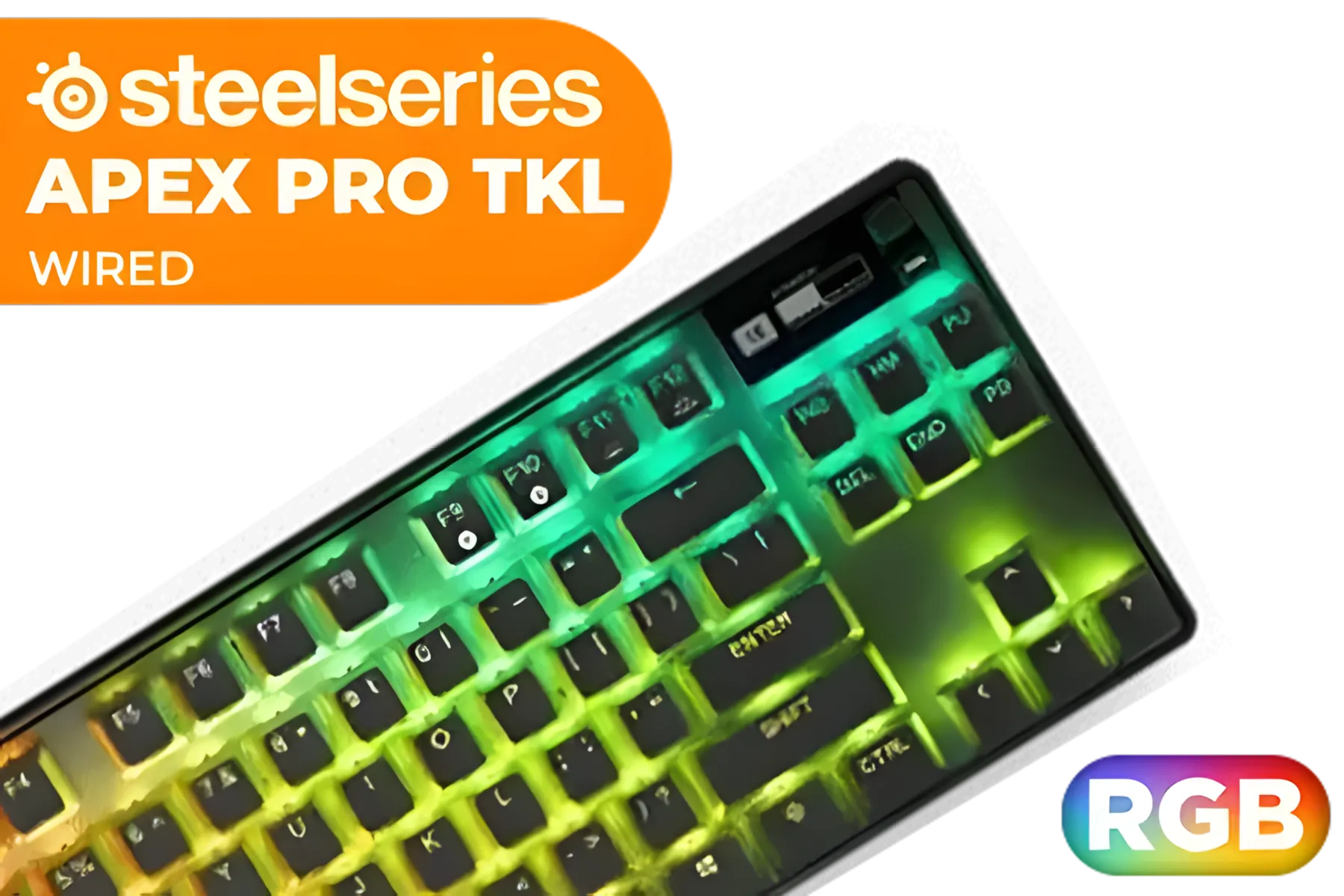
SteelSeries Apex Pro TKL 2023 Ed.- World's Fastest Mechanical Gaming Keyboard - Adjustable Actuation - Esports Tenkeyless - OLED Screen - RGB - PBT Keycaps - USB-C / 64856
R4899.00In Stock

Glorious GPBT 114-Keys Premium PBT Mechanical Keyboard Keycaps - Black Ash / Compatible with GMMK PRO & GMMK 2 / Fits Most Full-size/TKL Compact Keyboards / Non-Transparent Keycaps / US Layout / <span style="color:red; font-size: 16px;">*Keyboard not Included*</span> / GLO-KC-GPBT-B
R799.00In Stock

Glorious GPBT 114-Keys Premium PBT Mechanical Keyboard Keycaps - Caribbean Ocean / Compatible with GMMK PRO & GMMK 2 / Fits Most Full-size/TKL Compact Keyboards / Non-Transparent Keycaps / US Layout / <span style="color:red; font-size: 16px;">*Keyboard not Included*</span> / GLO-KC-GPBT-CO
R749.00In Stock
Logitech MK120 Keyboard And Mouse Combo / Spill-Resistant Design Keyboard / Durable keys / Plug-And-Play USB Connections / Sturdy Adjustable Tilt legs / High Definition Optical Mouse / 920-002562
R199.00In Stock

Glorious GPBT 114-Keys Premium PBT Mechanical Keyboard Keycaps - Rain Forest / Compatible with GMMK PRO & GMMK 2 / Fits Most Full-size/TKL Compact Keyboards / Non-Transparent Keycaps / US Layout / <span style="color:red; font-size: 16px;">*Keyboard not Included*</span> / GLO-KC-GPBT-RF
R799.00In Stock
By focusing on these areas, you remove hardware as a variable. When you win, it's because of your skill. When you lose, you know exactly what to work on. Ultimately, the foundation of your input speed starts with your hands. Investing in one of our high-performance gaming keyboards is one of the most impactful upgrades you can make to your rig. ✨
Ready to Eliminate Lag? A true low-latency setup gives you the competitive edge you need to climb the ranks. Stop blaming lag and start dominating the server. Explore Our Range of Gaming PCs & Components and build the ultimate esports rig.
Related Products
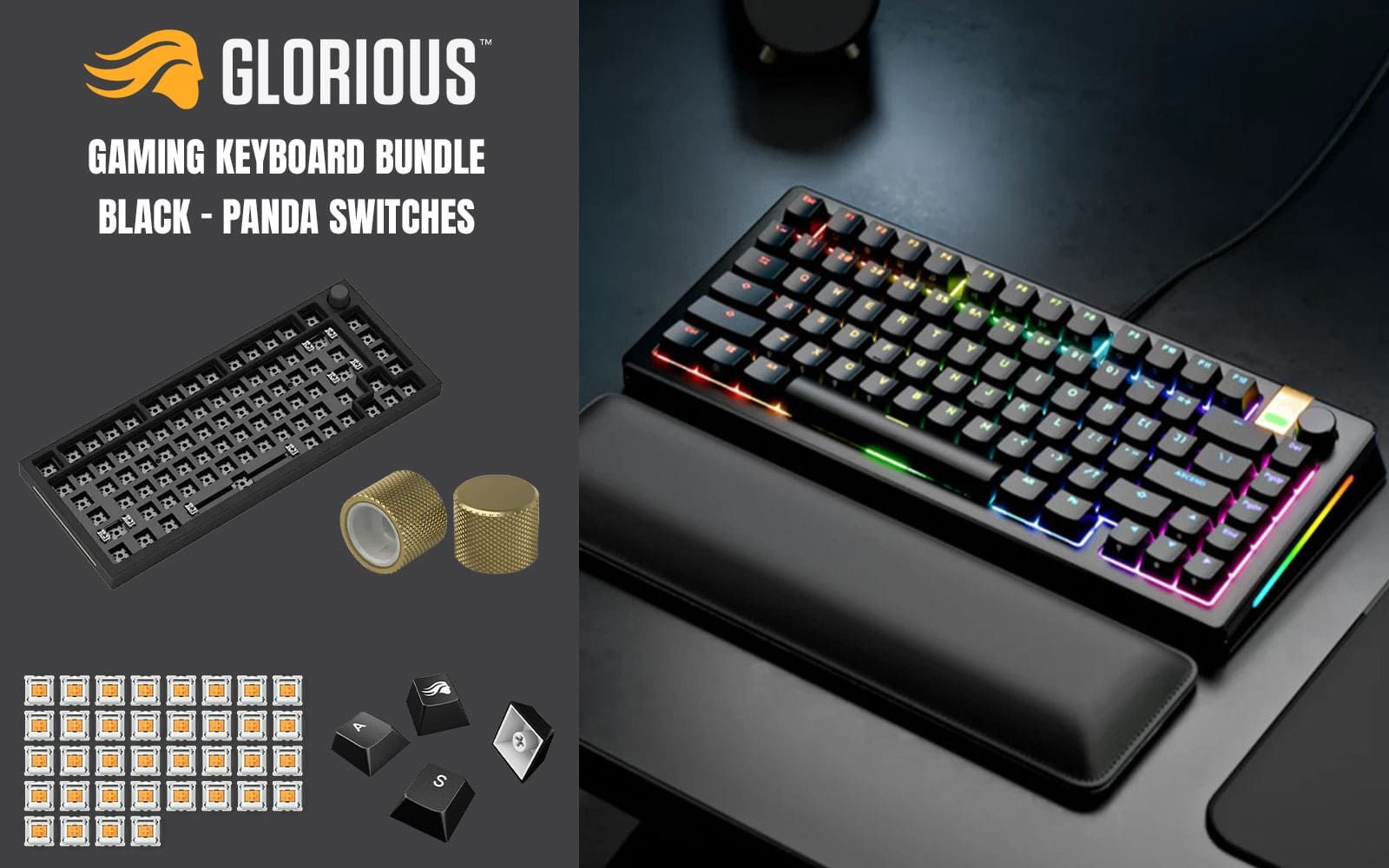
Glorious GMMK Pro Gaming Keyboard Bundle / GMMK Pro Gasket-mounted 75% layout Gaming Keyboard - Black, 16.8 million color RGB Lighting - GLO-GMMK-P75-RGB-B / 3 x Panda Mechanical Switches - GLO-SWT-HPANDA / PBT Mechanical Keycaps - Black - GLO-KC-GPBT-B / GMMK PRO Rotary Knob - Gold - GLO-ACC-P75-RK-G
R3499.00In Stock

Glorious Gaming Wrist Pad/Rest - Full Standard Size - Stealth - Mechanical Keyboards,Stitched Edges,Ergonomic | 17.5x4 inches/(0.7in/17mm) Thick (GSW-100-STEALTH)
R349.00In Stock

SteelSeries Apex 3 TKL RGB Gaming Keyboard – Tenkeyless Compact Form Factor - 8-Zone RGB Illumination – IP32 Water & Dust Resistant – Whisper Quiet Gaming Switch – Gaming Grade Anti-Ghosting / 64831
R1299.00In Stock

Glorious Aura V2 145-Key PBT Mechanical Keyboard Keycaps - Black / Full-size standard 145 Key / PBT Keys / LED Light Compatible / US Layout / Fits most mechanical keyboards / Compatible with GMMK 2 & GMMK PRO / <span style="color:red; font-size: 16px;">*Keyboard not Included*</span> / GLO-KC-AURA2-B
R599.00In Stock

Logitech G PRO X TKL LIGHTSPEED Gaming Keyboard - BLACK - US INT'L TACTILE / 920-012136
R4319.00In Stock
Glorious GPBT 114-Keys Premium PBT Mechanical Keyboard Keycaps - Rain Forest / Compatible with GMMK PRO & GMMK 2 / Fits Most Full-size/TKL Compact Keyboards / Non-Transparent Keycaps / US Layout / <span style="color:red; font-size: 16px;">*Keyboard not Included*</span> / GLO-KC-GPBT-RF
R799.00In Stock
Combine wired LAN, managed switches, QoS on gaming routers, local server placement and choose low-routing ISPs to reduce ping and packet loss.
Yes. Wired (Cat6+) gives lower latency and stability. Reserve wireless for admin tasks and use wired for all competitor stations.
Aim for stable 50 Mbps+ per station with symmetrical upload where possible; low ping and jitter matter more than raw bandwidth.
Use gaming routers with QoS and hardware acceleration plus managed gigabit switches and POE where needed for reliable LAN performance.
Use wired links, enable QoS, isolate tournament VLANs, limit background traffic, and monitor with continuous ping tests to spot loss.
Prefer local or South Africa-hosted game servers to lower latency regionally; cloud works if edge nodes are geographically close.
Yes — update NIC drivers, disable power saving, use high-refresh monitors, and tune OS/game network settings for lower input lag.