



Low Wattage Gaming PCs: Efficient Power for Load Shedding Survival
Stay in the game during load shedding with low wattage gaming PCs. Discover 💡 energy-efficient builds that slash power use while 💰 saving costs.
|
Loading tags...
Stage 4 darkness hits. Your squad is making the final push in Apex, the circle is closing, and you’re perfectly positioned. Then… silence. The familiar, gut-wrenching click of everything powering off. Load shedding strikes again. But what if it didn’t have to be this way? A low wattage gaming PC isn’t just about saving a few bucks on your electricity bill; it’s a strategic weapon in the war against unexpected blackouts, keeping you in the game when it matters most.
Why a Low Wattage PC is Your Load Shedding Ally ⚡
The logic is simple: a PC that sips power instead of guzzling it can run for significantly longer on a battery backup system. While a high-end, 1000W monster rig might drain a standard Uninterruptible Power Supply (UPS) in minutes, an efficient gaming PC can give you hours of precious gameplay.
This isn't about sacrificing performance. Modern components have achieved incredible leaps in performance-per-watt. It means you can still enjoy high frame rates and gorgeous graphics without needing a personal power station to run it. Building a low wattage gaming PC is a deliberate choice for uninterrupted, high-performance gaming, turning load shedding from a full stop into a minor inconvenience. Your killstreaks will thank you.
Building Your Efficient Gaming Rig: Core Components
Crafting the perfect load shedding gaming PC comes down to smart component choices. It’s a balancing act between raw power and energy consumption. Here’s where to focus your attention.
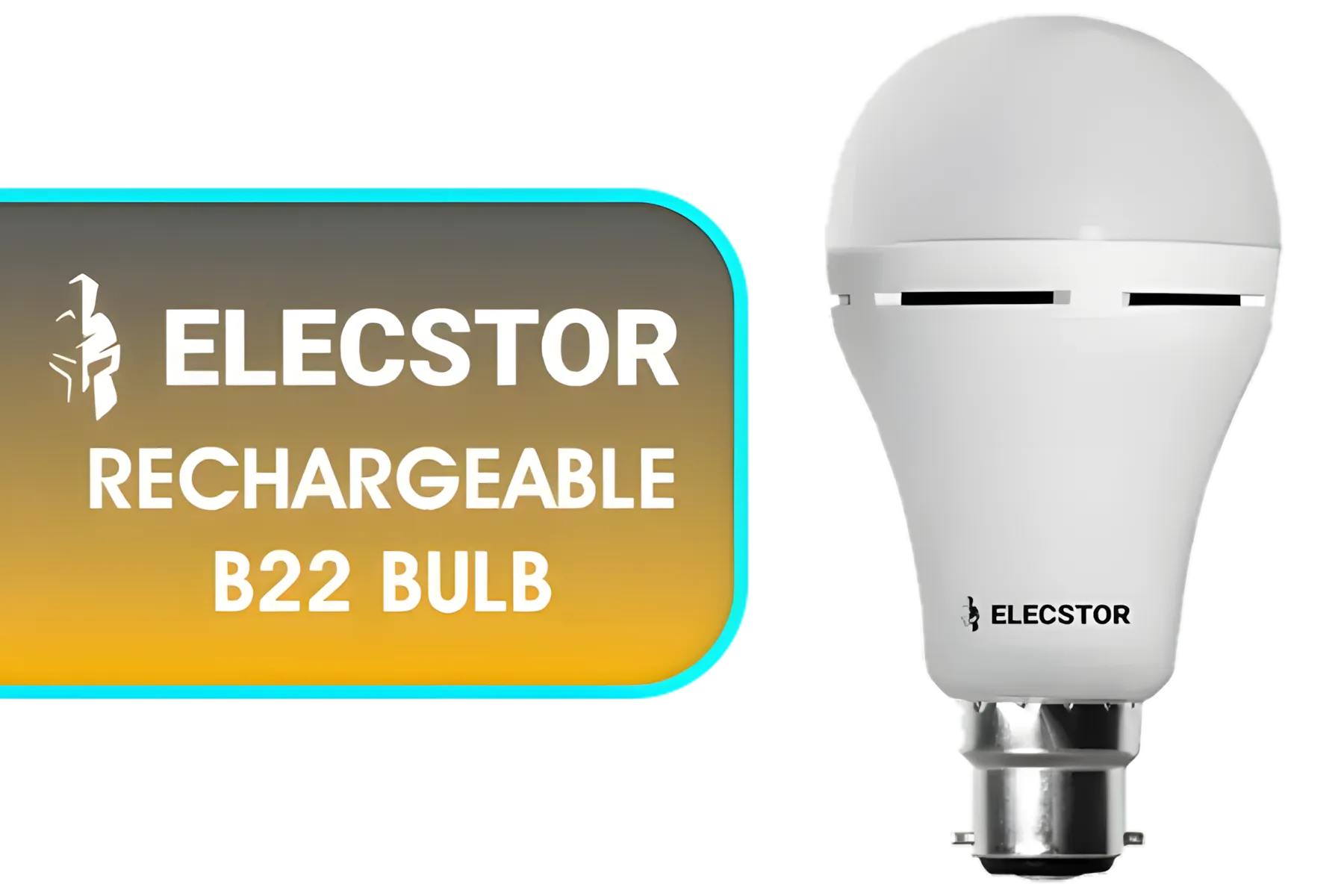
Elecstor Rechargeable B22 Bulb / Colour Temperature: Cool White / Battery Life: 4 hours / TIT-A60-7W-B22CW
R99.00In Stock
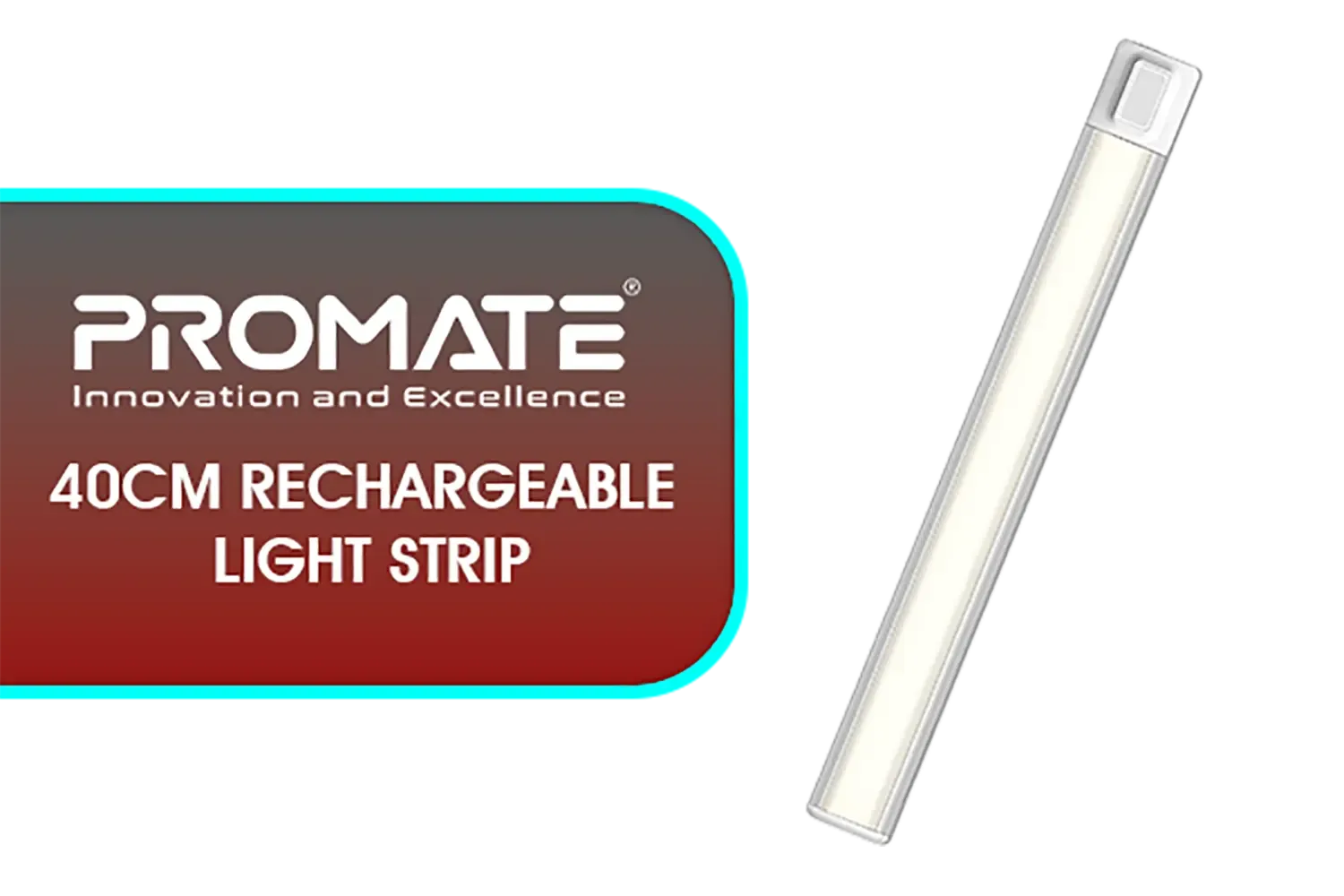
Promate 40cm Rechargeable Light Strip with Motion Sensor / Energy-Efficient 4W Design / Long-Lasting 2000mAh Rechargeable Battery / Powerful 100lm Brightness / Lumia-40
R499.00In Stock
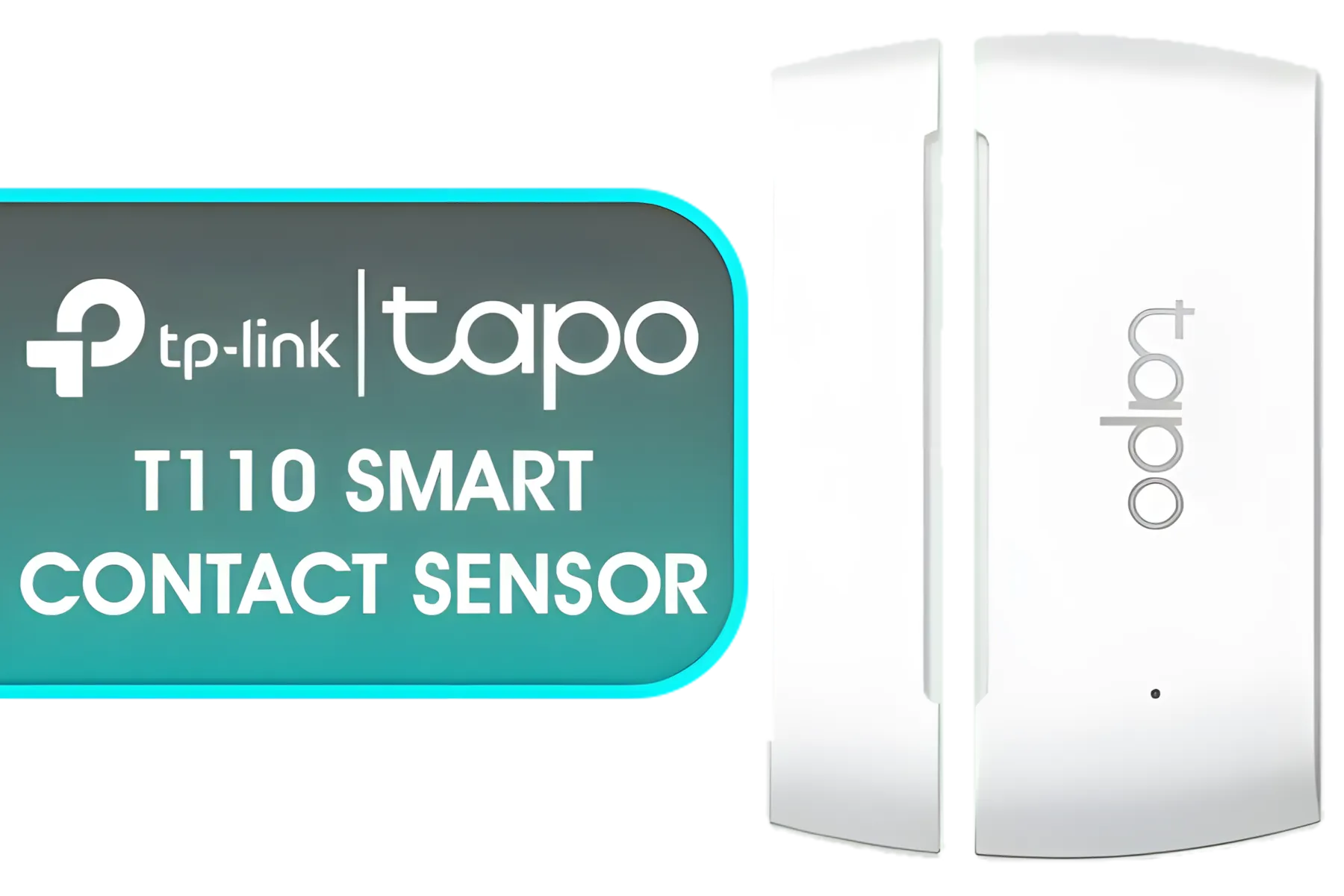
TP-Link Tapo Smart Door/Windor Contact Sensor,Real-Time Monitor,Instant Push Notification,Battery included,Easy Installation,Work with Alexa,Tapo Hub Required sold separately (Tapo-T110)
R349.00In Stock
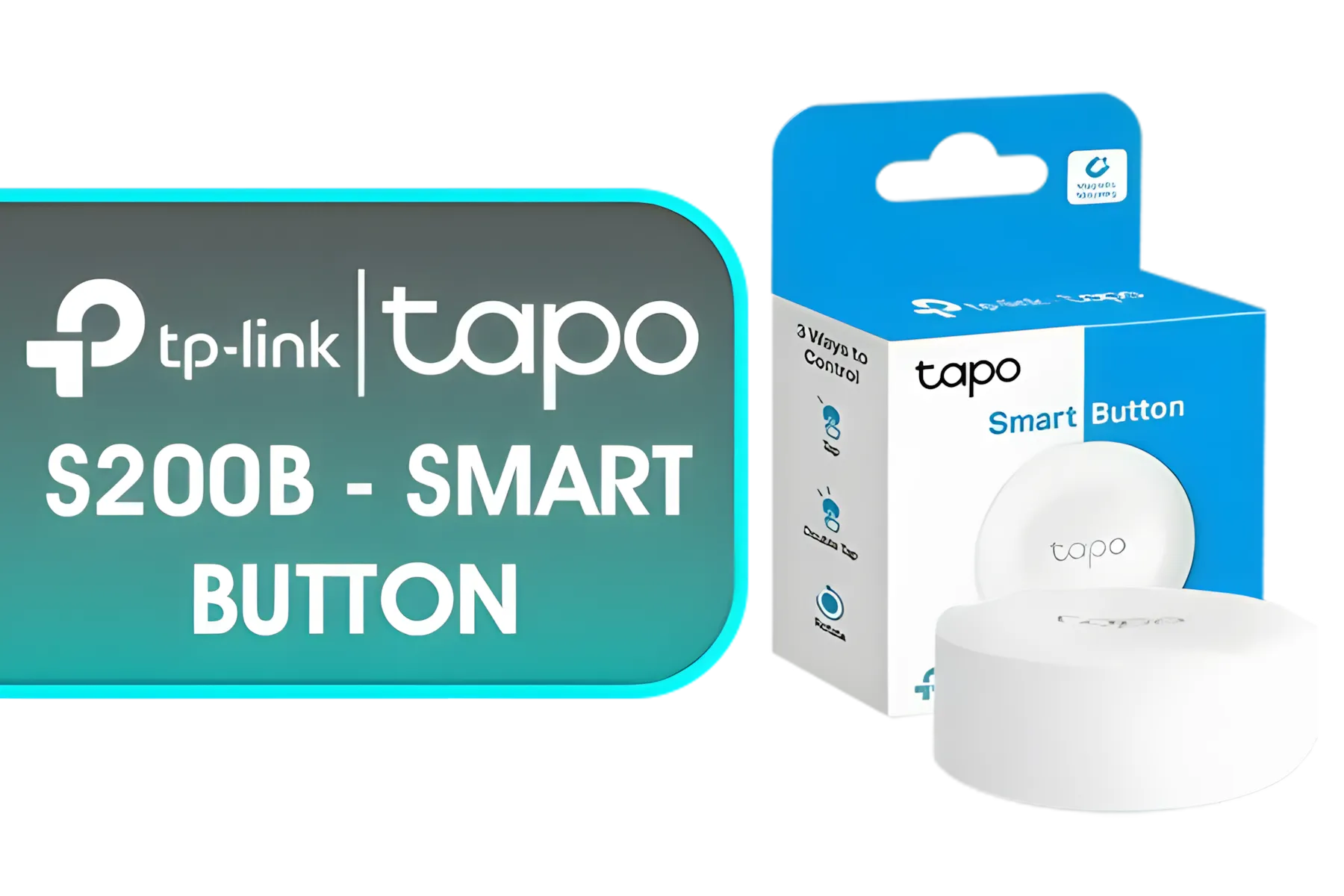
TP-Link Tapo S200B - Smart Button, Customized Actions, Smart Control Devices, One Click Alarm Activation, Long Life Battery, Required Hub, White - NET-TL-TAPO-S200B
R399.00In Stock
![TP-Link Tapo Smart Wi-Fi Spotlight, Multicolour, White Tunable, GU10 Lamp Base, Remote Control, Energy Saving, Works with Alexa & Google Home, No hub Required L33[Energy Class E] / NET-TL-TAPO-TL33](https://img.evetech.co.za/repository/ProductImages/tp-link-tapo-tl33-smart-wi-fi-spotlight-1800px-v1-01.webp)
TP-Link Tapo Smart Wi-Fi Spotlight, Multicolour, White Tunable, GU10 Lamp Base, Remote Control, Energy Saving, Works with Alexa & Google Home, No hub Required L33[Energy Class E] / NET-TL-TAPO-TL33
R299.00In Stock

TP-Link Tapo Smart Remote Dimmer Switch, Multiple Ways Control, Real-Time Notifications, No wire Required, Battery included, Tapo Hub Required sold separately, Easy Setup and Use (Tapo S200D)
R299.00In Stock
The Brains: CPU
Modern CPUs from both Intel and AMD offer fantastic efficiency. Look for processors with a lower Thermal Design Power (TDP), typically 65W. These chips, like many in the AMD Ryzen 5 or Intel Core i5 ranges, provide more than enough horsepower for gaming and multitasking without drawing excessive power. They run cooler, too, meaning your fans don't have to work as hard, saving even more energy.
The Heart: GPU
The graphics card is usually the most power-hungry component in a gaming rig. This is where you can make the biggest impact. NVIDIA's RTX 40-series, for example, is renowned for its efficiency. An RTX 4060 delivers incredible 1080p and 1440p performance while drawing significantly less power than previous-generation cards with similar capabilities. This efficiency is the key to building a truly capable low power gaming PC.
TIP FOR YOU
Pro Tip: Undervolt for Extra Efficiency
For the tech-savvy, undervolting your GPU with a tool like MSI Afterburner can reduce power consumption and heat by 10-15% with little to no performance loss. It’s a free way to make your efficient gaming rig even more streamlined.
The Foundation: Power Supply (PSU)

MARVO TS9389 AI Future Wireless Earphones - White / Smart Touch Control / Type-C Fast Charging / Low Latency / Long Battery Life / Support Translation and Noise Reduction Toggle / TWS-TS9389-WT
R599.00In Stock

Monster Superstar S310 Wireless Bluetooth Speaker - Black / Portable Bluetooth Speakers 5.0 with TWS Pairing Deliver Rich Bass, Dynamic Stereo Sound, Built-in Mic, Wireless Speakers for Home or Outdoor Use, IPX5 Water Resistance Wireless speaker / MS11902
R799.00In Stock

Promate Wireless Bluetooth Karaoke Microphone, Handheld 5-in-1 Karaoke Microphone & Speaker, LED Lights, TWS Duet Mode, 10-Hour Play Time, 3.5mm AUX, Headphone Port, Kids, Adults / VOCALMIC.BLACK
R799.00In Stock

Monster Superstar S110 Wireless Bluetooth Speaker - Black / Portable Bluetooth Speakers 5.0 with TWS Pairing for 360° Louder Stereo Sound, Built-in Mic, Portable Wireless Speaker for Home or Indoor Use, IPX5 Water Resistance Wireless Speaker / MS11901
R499.00In Stock

Promate Portable Bluetooth Speaker, High-Definition True Wireless Speaker and Headphone Stand with USB-C and Dual USB-A Hub, Colorful RGB Lighting, Ergonomic Futuristic Design, Fast Charging / Alpha-X
R499.00In Stock

Promate LumiSound™ HD 40W True Wireless Speaker with RGB Lights / 6Hrs Playback / AUX, USB & TF Card Playback / 9 RGB Modes / IPX5 Rating / TWS Compatible / Strike-40
R1199.00In Stock
Don't cheap out on your Power Supply Unit. A PSU with an 80 Plus Gold or Platinum rating is crucial. These ratings guarantee higher efficiency, meaning less electricity is wasted as heat. A 550W Gold-rated PSU running an efficient build is far better than a 750W Bronze-rated unit, as it delivers cleaner power and contributes less to your total consumption.
Beyond the Tower: Optimising Your Whole Setup 🔧
Your PC isn't the only thing drawing power. To maximise your battery runtime, you need to think about your entire ecosystem.
Every peripheral adds to the load. Your high-refresh-rate monitor, that RGB keyboard, and even your sound system contribute. Opting for energy-efficient peripherals can make a real difference. For instance, a good set of modern PC speakers will often be more efficient than a massive, older sound system. You can take this a step further by using smart home devices like smart plugs to monitor and even schedule power to your peripherals, ensuring nothing is drawing phantom power when not in use. It's about a holistic approach to creating the ultimate load shedding survival station.
Get Your Load Shedding Battle Station Ready Stop letting blackouts dictate your gaming schedule. Build a powerful, efficient PC and pair it with the ultimate defence—a reliable backup power source to keep you online when the lights go out. Shop our range of UPS solutions at Evetech and never lose a match to load shedding again.
Related Products

Logitech Z407 2.1 Bluetooth Speaker System - Graphite / 80W Peak Power / 20W Subwoofer / 20 Meter Wireless Range / 980-001348
R1999.00In Stock

Promate Magnetic Bluetooth Speaker, 3W TWS Small Bluetooth Speaker with HD Sound, 40mm Dynamic Drivers, Long-Lasting 12H Playtime, and Bluetooth V5.3 for Magsafe Compatible Devices / PUNCH.PINK
R299.00In Stock

TP-Link Tapo RV20 Max Robot Vacuum and Mop Combo / 5300Pa Ultra-Powerful Suction / MagSlim LiDAR+IMU Dual Navigation System / Mesh Grid™ Precision Cleaning / Tapo IQ+ Smart Cleaning™ / 4× Multi-Floor Mapping / Voice & Remote Control (Alexa & Google Assistant) / TAPO-RV20-MAX
R3299.00In Stock

Logitech Multimedia Speakers Z150 with Stereo Sound for Multiple Devices, Black / 980-000814
R599.00In Stock
TP-Link Tapo Smart Door/Windor Contact Sensor,Real-Time Monitor,Instant Push Notification,Battery included,Easy Installation,Work with Alexa,Tapo Hub Required sold separately (Tapo-T110)
R349.00In Stock

Promate Bluetooth Speaker, 20W True Wireless Portable HD Speaker with RGB Lights, IPX5 Water-Resistance, Long Playtime, Quick Music Navigation, USB Port, TF Card Slot and Top Handle / Spectro-20
R699.00In Stock
Low wattage gaming PCs use efficient CPUs, GPUs, and power supplies to reduce energy consumption. 💻⚡
They require less power, making them compatible with UPS systems and portable batteries during outages. 🔋💡
Yes! Optimized builds deliver smooth performance at lower power. 🔥🎮
Energy-efficient GPUs, low-power CPUs, and 80+ Bronze/Watt-efficient PSU. 💡⚙️
Reduce electricity bills by up to 30% and extend UPS runtime during blackouts. 💰⚡
Yes, budget-friendly components offer excellent performance-to-power ratios. 💻🔓
A low wattage rig can last 2–5 hours on a 1000VA UPS, depending on usage. ⏳🔋
Evetech offers a range of cost-effective, low wattage gaming PCs. 👨💻🛒











