



Mini ITX Gaming PC Build: Compact Guide
Mini ITX gaming PC build: follow this step-by-step guide to pick the right Mini-ITX or Micro-ATX motherboard, case, GPU, PSU and cooling for a powerful compact rig. Save space without sacrificing performance. 🛠️⚡
|
Loading tags...
Tired of that massive tower hogging your desk space? Imagine a gaming PC with the power to run the latest titles, yet small enough to tuck under your monitor or take to a friend's place for a LAN. That’s the magic of a Mini ITX gaming PC build. It’s the ultimate fusion of performance and portability, perfect for modern South African setups where every square centimetre counts. Ready to think small and play big? 🚀
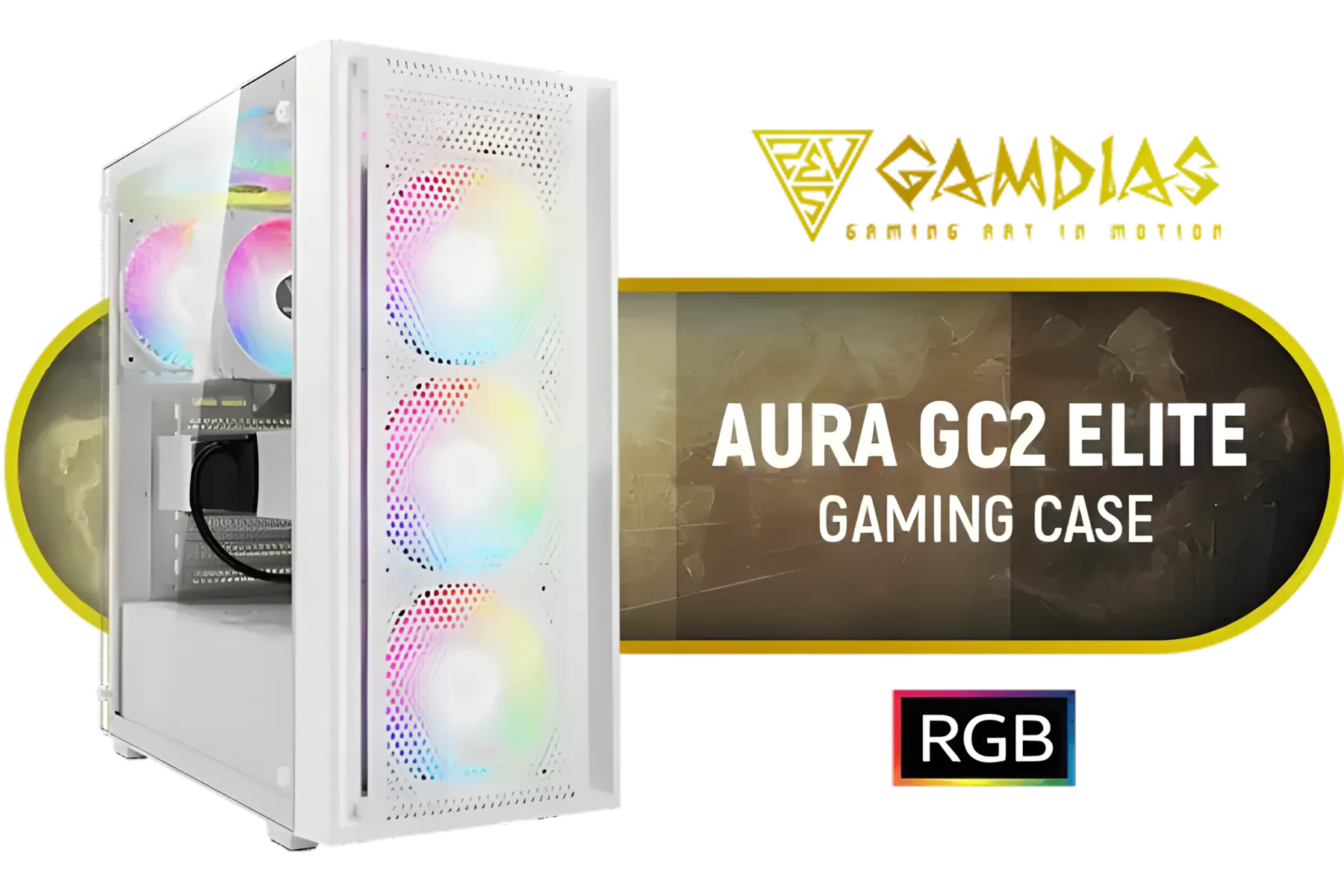
GAMDIAS Aura GC2 Elite White ATX Mid Tower Gaming PC Case / Supports Motherboards up to ATX / Tempered Glass, Support Up to 340mm GPU, 4X 120mm RGB Case Fans, ATX Motherboards / AURA-GC2-ELITE-WH
R499.00In Stock
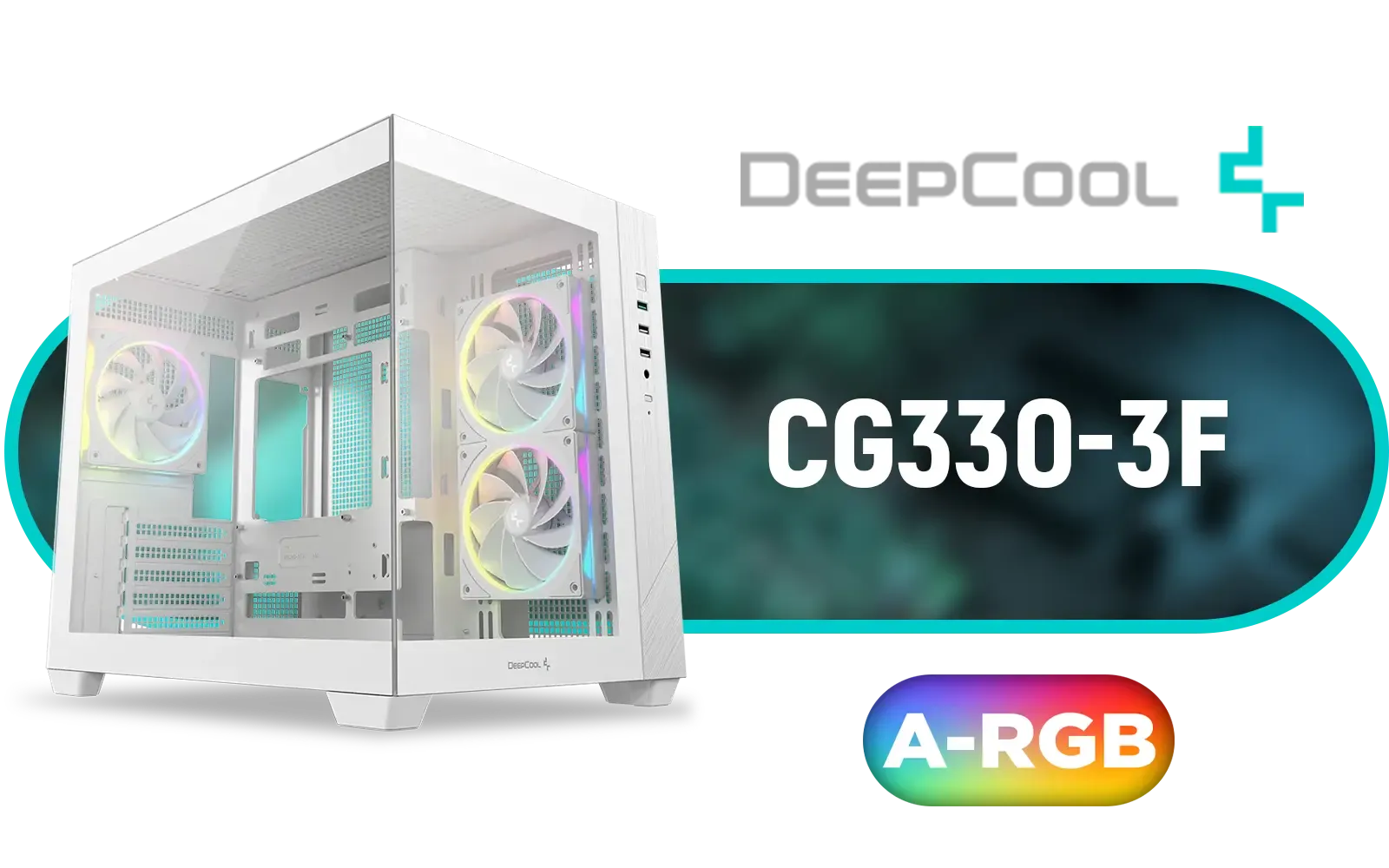
DEEPCOOL CG330 3F Micro-ATX Case - White / Panoramic Dual-Chamber Design / 3x ARGB Fans Pre-installed / 360mm Radiator Support / GPU Support Up to 410mm / ITX & Micro-ATX Support / Tempered Glass / Front I/O: USB 3.0 x1, USB 2.0 x2, Audio / CG330-3F-WH
R1299.00In Stock

DeepCool CH270 Digital Micro-ATX Mini Tower Gaming Case - Black / Tempered Glass Side Panel / CPU Cooler Support Up to 174mm / Radiator Support Up to 360mm / Partial mesh for better airflow / No Fans Included / CH270-DIGITAL
R1399.00In Stock

Xigmatek Duke RGB ATX Mid Tower Gaming PC Case (Black) / 4 x Pre Installed ARGB Fans / EN49158
R1199.00In Stock

GAMDIAS ATHENA M3 WH Gaming E-ATX Mid Tower Computer PC Case, High Airflow Mesh Front, 4x120mm PWM ARGB Fans w/Hub, Supports Motherboards up to E-ATX, Tool-Free Tempered Glass Side Panel, Support Dual 360 & Gen 2 Type-C, MB Sync, White / ATHENA-M3-WH
R1299.00In Stock

Xigmatek Aqua Ultra Air Mid Tower Gaming Case - Black / Supports Motherboards up to E-ATX / 430mm VGA Support / 7 x Pre-Installed ARGB Fans Included / EN41907
R2499.00In Stock
Why Go Compact? The Allure of a Mini ITX Build
Let's be honest, traditional PC towers can be… well, massive. They're powerful, sure, but they demand a significant chunk of real estate. A Mini ITX gaming PC build flips that script. It’s about concentrating all that high-end performance into a sleek, space-saving chassis that looks fantastic on any desk.
Think about it:
- Ultimate Portability: Heading to a LAN party? Moving your setup to the living room for some 4K TV gaming? A lightweight, compact build makes it a breeze.
- Clean Aesthetics: A small form factor (SFF) PC is the heart of a minimalist setup. Less clutter, more style.
- Powerful Performance: Don't let the size fool you. Modern Mini ITX components can house top-tier processors and graphics cards, delivering a truly premium gaming experience.
Choosing Components for Your Compact Build
Building in a small case requires a bit more planning than a standard ATX build. Every component choice matters, especially when it comes to size and cooling. Here’s what to focus on.
The Case: Your Build's Foundation
The case is more than just a box; it defines your build's entire footprint and thermal potential. You need a balance of compact dimensions and smart airflow. A great starting point for a sleek and efficient build is a case like the Cooler Master E301 Mini Tower, which offers modern features in a small package. When exploring options, it's wise to check out Cooler Master's range of cases to see the different layouts available for SFF builds.

Xigmatek Gaming X Black Medium Tower PC Case ATX / Supports Motherboards up to ATX / 4 x Pre Installed RGB Fans / EN46621
R1299.00In Stock

Corsair 3500X ARGB Mid-Tower Gaming E-ATX PC Case - Black / 3x Pre-installed RS120 ARGB fans / Supports up to 10x 120mm Fans / Supports up 360mm Radiator / Supports Motherboards up to E-ATX / Removable Glass Panels / Supports Reverse Connection Motherboards / CC-9011278-WW
R2199.00In Stock

Fractal Design Meshify 2 - Lite Black / E-ATX, ATX, mATX, Mini-ITX / Light Tinted Tempered Glass Window / Mid Tower Computer Case / 3 x Pre-Installed Fans Included / FD-C-MEL2A-03
R2299.00In Stock

Fractal Design Torrent Compact White - Clear Tint Tempered Glass Side Panel - Open Grille for Maximum air Intake - Two 180mm PWM Fans Included - Type C - ATX Airflow Mid Tower PC Gaming Case - FD-C-TOR1C-03
R2999.00In Stock
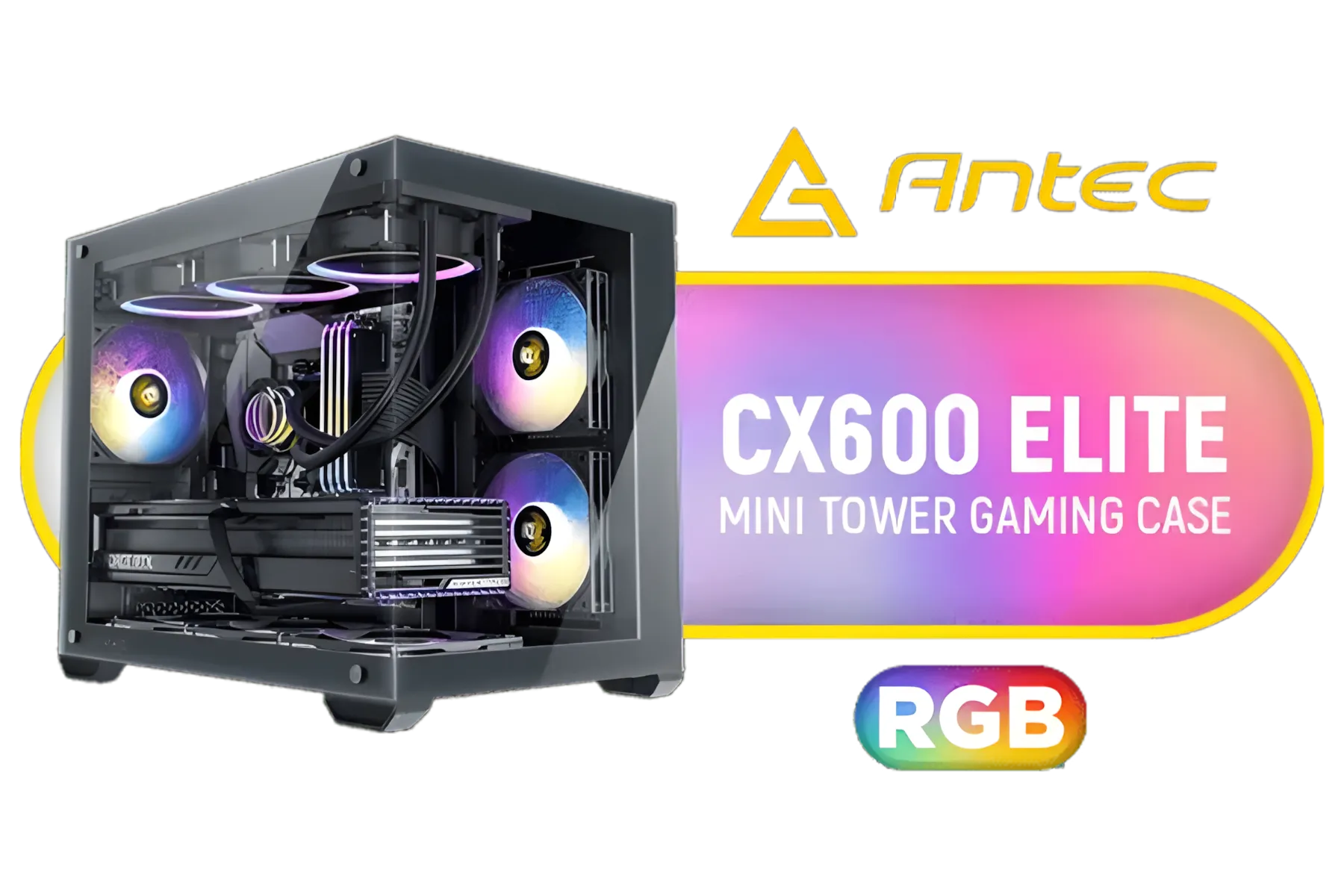
Antec CX600M RGB Gaming Case - Micro-ATX & ITX Motherboard Support - Support 2x Water Cooler - Dual Chamber - Panoramic 270° View, 3 x Pre-Installed Fans Included / 0-761345-10118-9
R1299.00In Stock
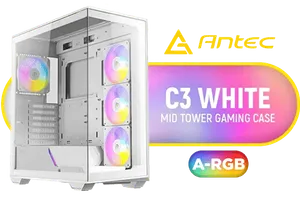
Antec C3 ARGB White - 3 x 120mm & 1 x 120mm ARGB PWM Fans Included - Up to 8 Fans Simultaneously - Type-C - Seamless Tempered Glass Front & Side Panels - 360mm Radiator Support - Mid-Tower ATX PC Case / 0-761345-10032-8
R1899.00In Stock
Motherboard and GPU: The Power Couple
Your motherboard must be a Mini-ITX form factor. This is non-negotiable. For the graphics card, size is everything. Many high-end GPUs come in massive triple-slot designs, which simply won't fit in most compact cases. Always check the case's maximum GPU length and width specifications before you buy.
TIP FOR YOU
Measure Twice, Buy Once 📏
Before adding any component to your cart, especially the GPU and CPU cooler, check its dimensions against the case specifications on the product page. There's nothing worse than discovering your brand-new RTX 4080 is 5mm too long for your chassis. This one check saves a world of frustration.
Power Supply and Cooling
For most ultra-compact builds, you'll need a Small Form Factor (SFX) power supply. They are specifically designed for these tight spaces. Cooling is another critical piece of the puzzle. Airflow is restricted in a small case, so efficient cooling is key. Consider a quality low-profile air cooler or a compact All-In-One (AIO) liquid cooler to keep your CPU temperatures in check. ⚡
Assembling Your Compact Powerhouse
The actual process of putting together a Mini ITX gaming PC build is where the real fun begins. It’s like high-tech LEGO, but with a much more rewarding result. The key challenge is working within the confined space.
Patience is your best friend here. Plan your cable routing before you start installing components. Connect PSU cables to the motherboard where possible before seating it in the case. This compact guide isn't a full step-by-step, but focusing on cable management from the start will dramatically improve your airflow and final look. If you're browsing for a chassis, you'll find that many brands offer clever solutions; it's worth looking at other compact options like GameMax cases to compare features.
Ultimately, the goal is to create a clean, unobstructed path for air to flow from your intake fans, over your components, and out the exhaust. For a wider view of what's possible, browse our full selection of computer cases to find the perfect starting point for your dream SFF build.

Xigmatek Overtake Tempered Glass RGB Super Tower EATX Gaming Case / 4 x Pre Installed RGB Fans / EN46416
R2599.00In Stock
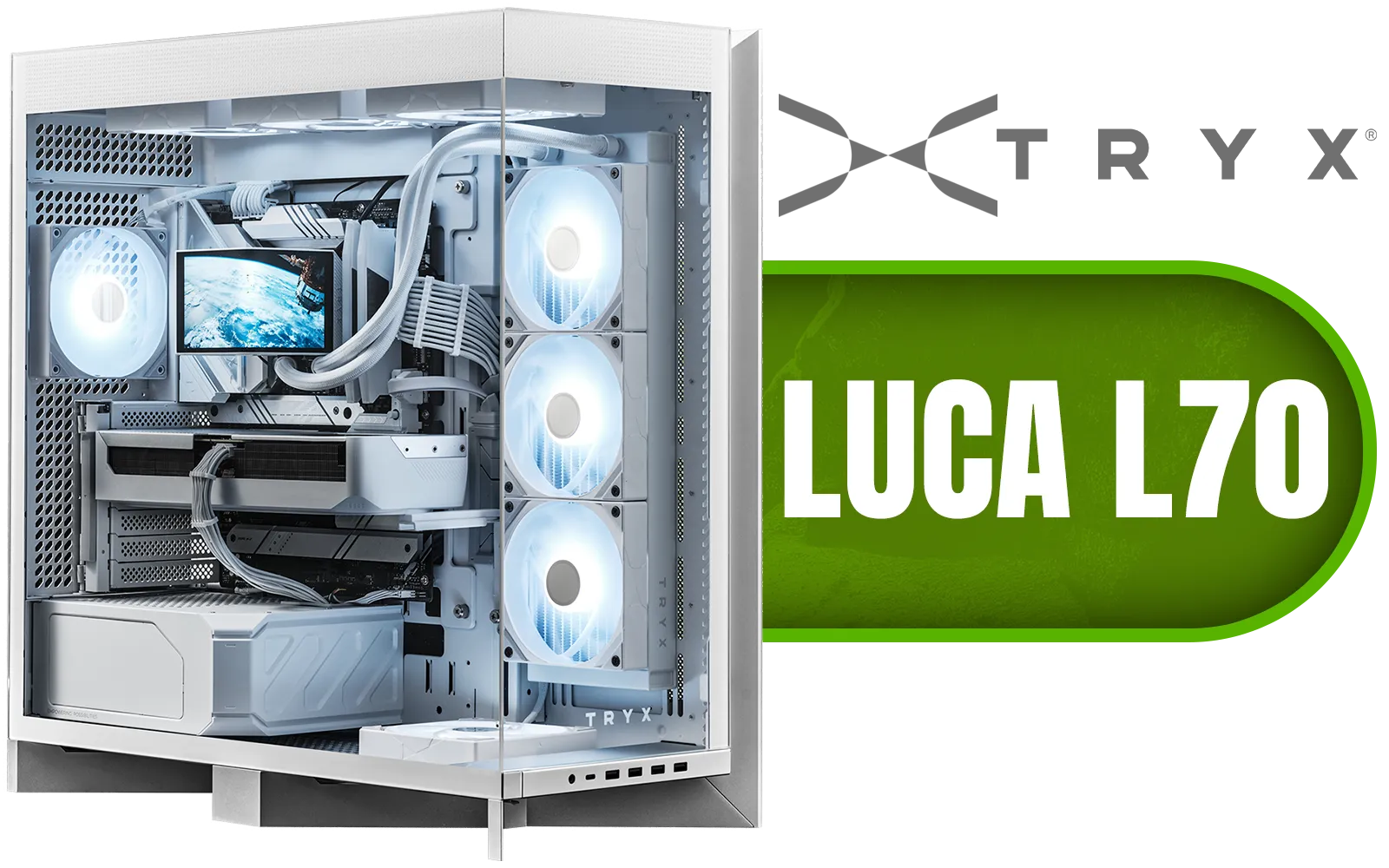
TRYX LUCA L70 Mid-Tower E-ATX Gaming Case - White / Tempered Glass Side Panel / Support ATX & M-ATX BTF Motherboards / Support E-ATX, ATX, Micro-ATX, Mini-ITX Motherboards / Support Vertical GPU Mounting / 40mm Raised X-Shaped base / Adjustable Motherboard Tray / Support up to 8x 140mm + 1x 120mm Fans / C-L700N-NN0H-G0W
R6299.00In Stock

Gamemax Infinity Plus ATX Mid-Tower Gaming Case - Black / Three Sided Tempered Glass / Support 8×120mm or 5×120mm + 2x140mm Fan Mounts / No Fans Included / ATX, M-ATX, ITX Motherboard Support / Support BTF Motherboards / ATX PSU Support / Infinity-Plus-BK
R1199.00In Stock

Gamemax Hype-A ATX Mid-Tower Gaming Case - White / Tempered Glass Side Panels / Support 10×120mm or 4×120mm + 4x140mm Fan Mounts / 4 Pre-installed 120mm ARGB Fans / ATX, M-ATX, Mini-ITX Motherboard Support / ATX PSU Support / HYPE-A-WH
R1699.00In Stock
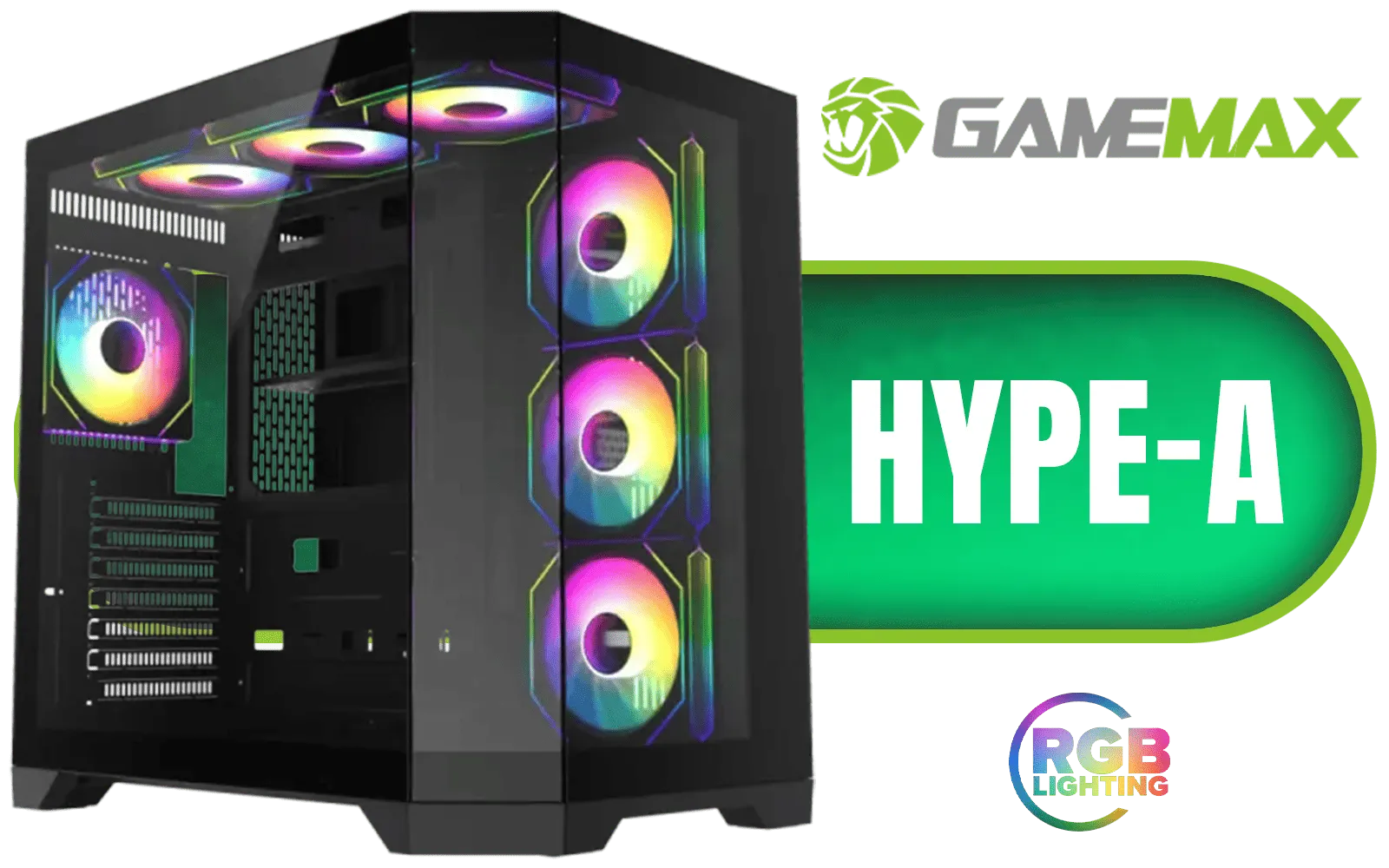
Gamemax Hype-A ATX Mid-Tower Gaming Case - Black / Tempered Glass Side Panels / Support 10×120mm or 4×120mm + 4x140mm Fan Mounts / 3 Pre-installed 120mm ARGB Fans / ATX, M-ATX, Mini-ITX Motherboard Support / ATX PSU Support / HYPE-A-BK
R1599.00In Stock
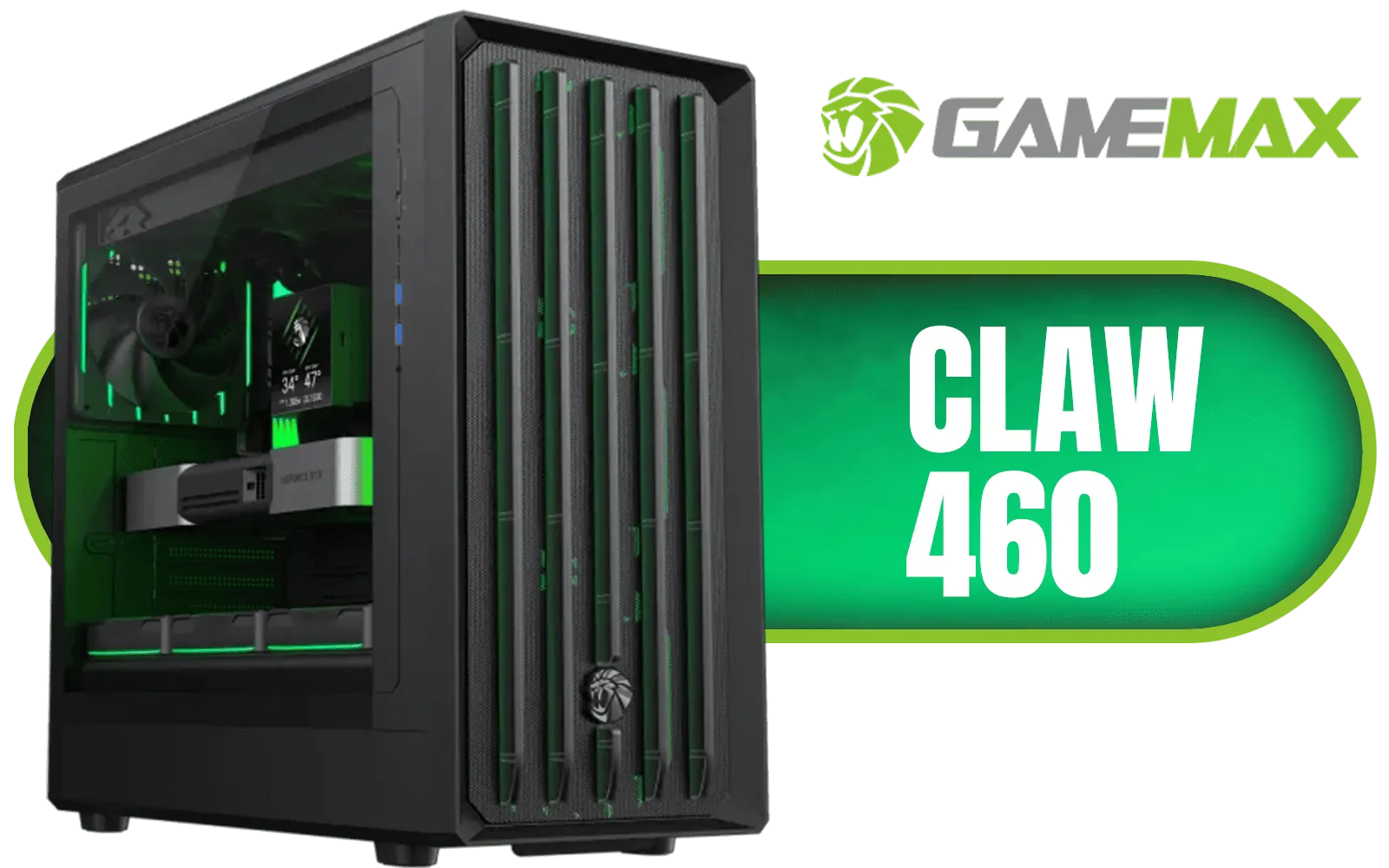
Gamemax CLAW 460 MId-Tower Gaming Case - Black / Supports M-ATX & ITX Motherboards / Tool-Free Glass Side Panel / Supports up to 4x 120mm Fans / 4x 120mm ARGB Fans Pre-Installed / CLAW-460-BK
R1399.00In Stock
Is a Mini ITX Build Right for You?
So, should your next rig be a compact one? If you value desk space, love a clean aesthetic, and want a PC you can easily transport, the answer is a resounding yes. While it requires a bit more careful planning than a standard build, the result is an incredibly satisfying and powerful machine that punches well above its weight.
This type of project is perfect for the builder who enjoys a rewarding challenge. The satisfaction of booting up a tiny, quiet PC that can max out the latest games is something special. ✨
Ready to Build Your Compact Powerhouse? A Mini ITX gaming PC build is a rewarding project that blends top-tier performance with a sleek, space-saving design. Ready to create a system that's uniquely yours? Use our PC Builder to spec your dream machine today!
Related Products
Antec CX600M RGB Gaming Case - Micro-ATX & ITX Motherboard Support - Support 2x Water Cooler - Dual Chamber - Panoramic 270° View, 3 x Pre-Installed Fans Included / 0-761345-10118-9
R1299.00In Stock
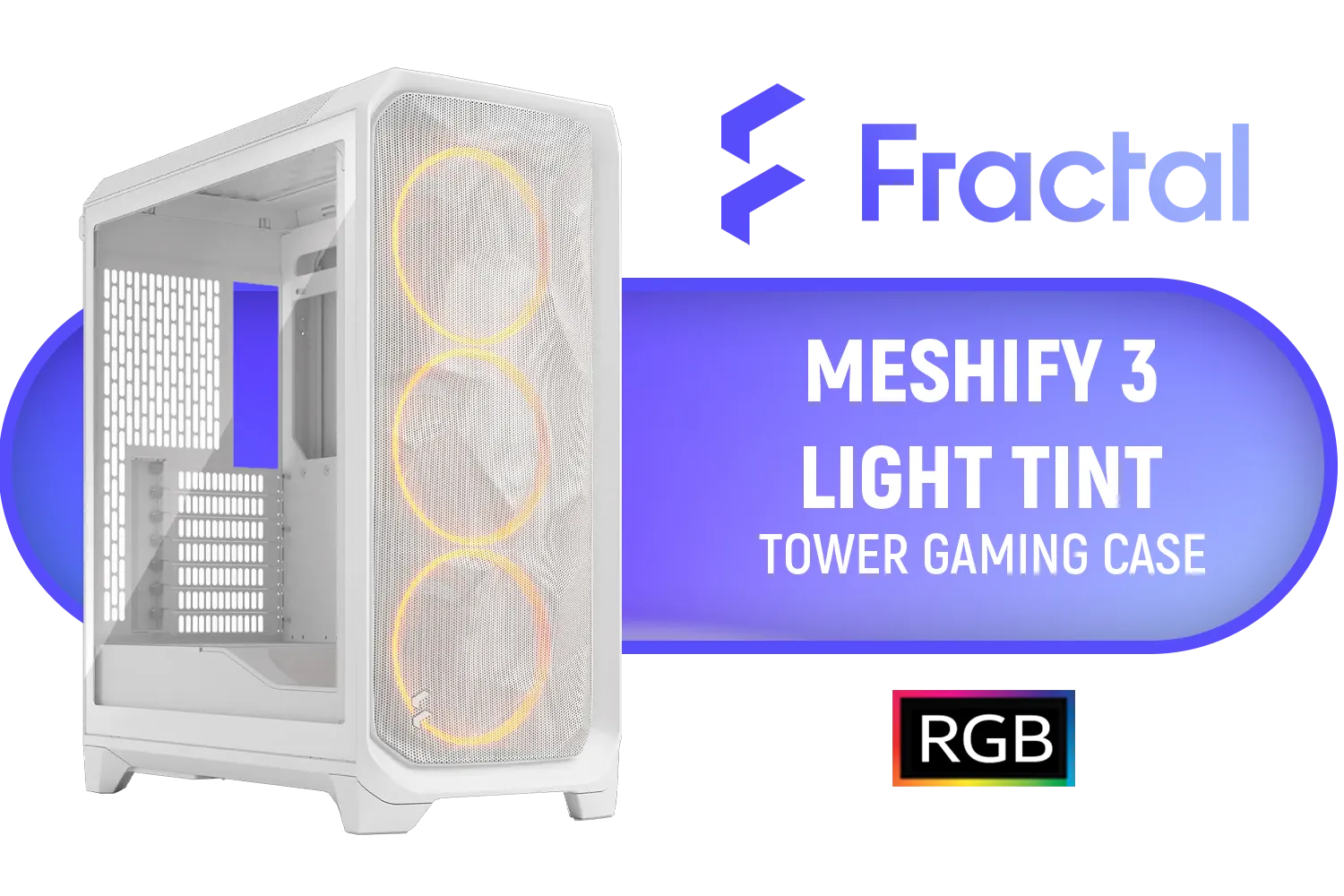
Fractal Design Meshify 3 RGB White Tempered Glass Clear Tint - High Airflow PC Gaming Case - Mesh Front Panel - Three ARGB Momentum 14 Gen 2 Fans Included - E-ATX/ATX/mATX Support / FD-C-MES3A-07
R2999.00In Stock
Fractal Design Pop Mini Air RGB Black Tempered Glass Clear Tint - Supports mATX, Mini ITX - Two HDDs, six SSDs Storage Options - 5.25” bays with storage drawer - 3 x Pre-installed RGB Fans / FD-C-POR1M-06
R2199.00In Stock

Gamdias Aura GC3 Elite Tempered Glass ATX Gaming Case - Black / Supports Motherboards up to ATX / Mesh Front Panel / Magnetic Dust Filter / 4 Built-in 120mm ARGB Fan / Dual Front Panel Light Strips Design / AURA-GC3-ELITE
R999.00In Stock

Antec CX600M Trio ARGB Desktop Computer Case, Mini Tower, Micro-ATX, ITX, 3X Vent ARGB, No Source, Black / 0-761345-10139-4
R1499.00In Stock
GAMDIAS Aura GC2 Elite White ATX Mid Tower Gaming PC Case / Supports Motherboards up to ATX / Tempered Glass, Support Up to 340mm GPU, 4X 120mm RGB Case Fans, ATX Motherboards / AURA-GC2-ELITE-WH
R499.00In Stock
Mini-ITX is smaller and ideal for tight builds; Micro-ATX offers more expansion slots. Choose Mini-ITX when space matters or Micro-ATX for extra ports.
Prioritize a compact GPU, low-profile cooler, SFX PSU and a ventilated case. See mini itx case recommendations for compatible options.
Yes if the case supports GPU length and airflow; verify GPU clearance, cooling and PSU connectors before buying to ensure compatibility.
Use high-efficiency fans, short GPUs, AIO or blower coolers and tidy cables—compact gaming PC cooling tips improve temps and noise.
Pick an SFX or SFX-L PSU sized to your GPU's wattage. Check our mini itx power supply guide for modular, efficient choices.
Mini ITX parts can cost more due to compact designs, but a budget mini itx gaming pc build is possible with careful part selection.
Assembly is similar to standard builds but needs planning for cable management and clearance. Follow a step-by-step guide for smoother installation.











