



Mini Tower Case: How to Choose the Perfect Gaming PC Case
Mini tower case essentials: match GPU length, motherboard size, cooling, and cable routing to build a compact gaming PC that performs and looks great. Use our checklist and top picks to buy smart. 🔧🖥️
|
Loading tags...

So, you’re dreaming of a powerful gaming rig but don’t have the space for a massive, desk-hogging tower? We get it. In many South African homes and apartments, every square centimetre counts. That’s where the mighty mini tower case comes in. It’s the perfect solution for building a clean, stylish, and surprisingly powerful PC that fits your space… not the other way around. Let’s dive into how to choose the perfect one.
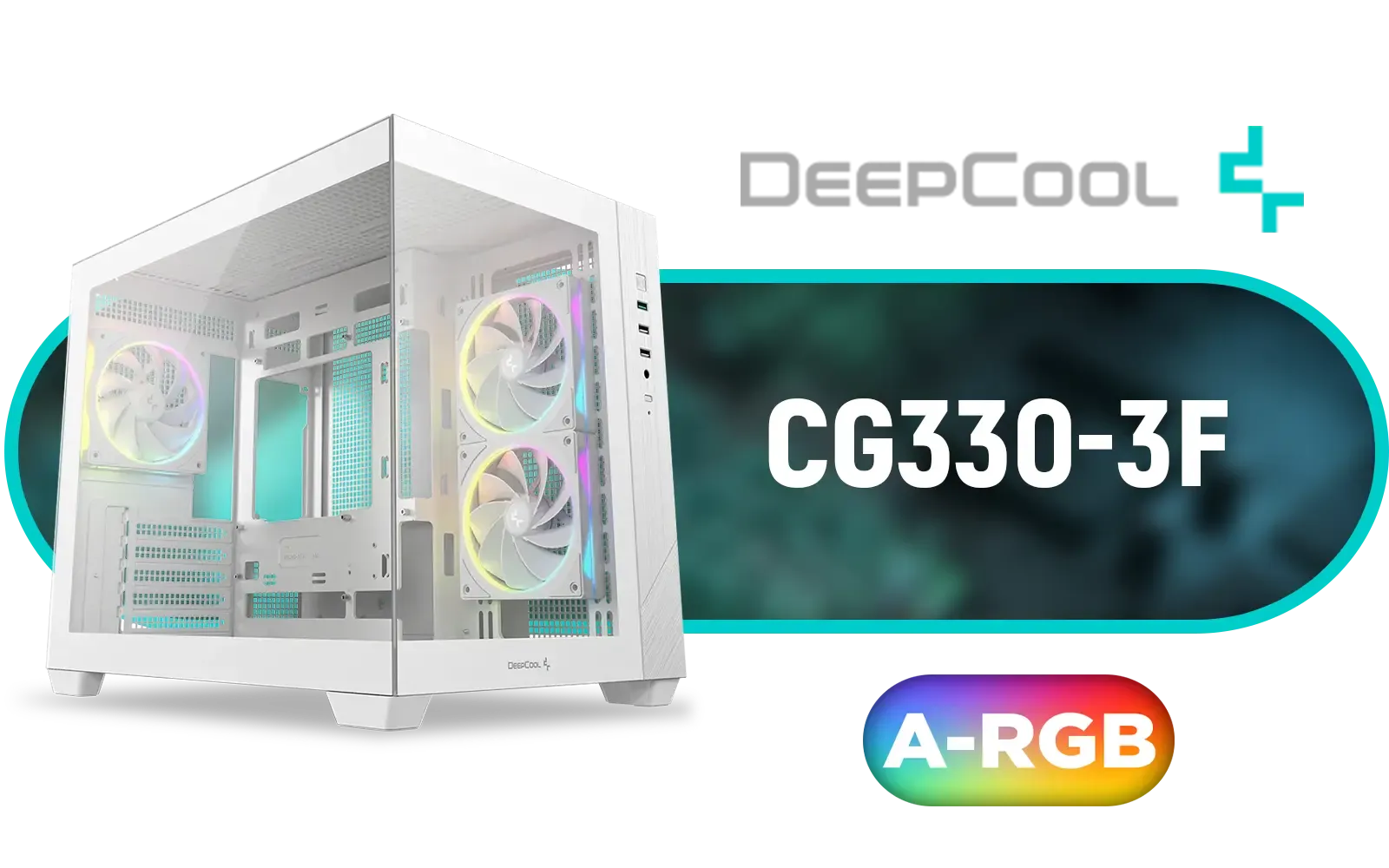
DEEPCOOL CG330 3F Micro-ATX Case - White / Panoramic Dual-Chamber Design / 3x ARGB Fans Pre-installed / 360mm Radiator Support / GPU Support Up to 410mm / ITX & Micro-ATX Support / Tempered Glass / Front I/O: USB 3.0 x1, USB 2.0 x2, Audio / CG330-3F-WH
R1299.00In Stock

Fractal Design Era 2 Silver, 2 x 120 mm or 2 x 140, GPU max length of 326mm, ITX Motherboard Compatible / 1 x Pre-Installed Fan Included / FD-C-ERA2N-01
R1799.00In Stock

CoolerMaster Silencio S400 with TG side panel Mini-ATX Tower Gaming Case / Silencio Design / Silencio Technology / Supports Motherboards up to Mini-ITX, Micro-ATX / Sound Dampening Material / Seamless Tempered Glass / Reversible Steel Door / 2 x Pre-Installed Fans Included / MCS-S400-KG5N-S00
R1999.00In Stock
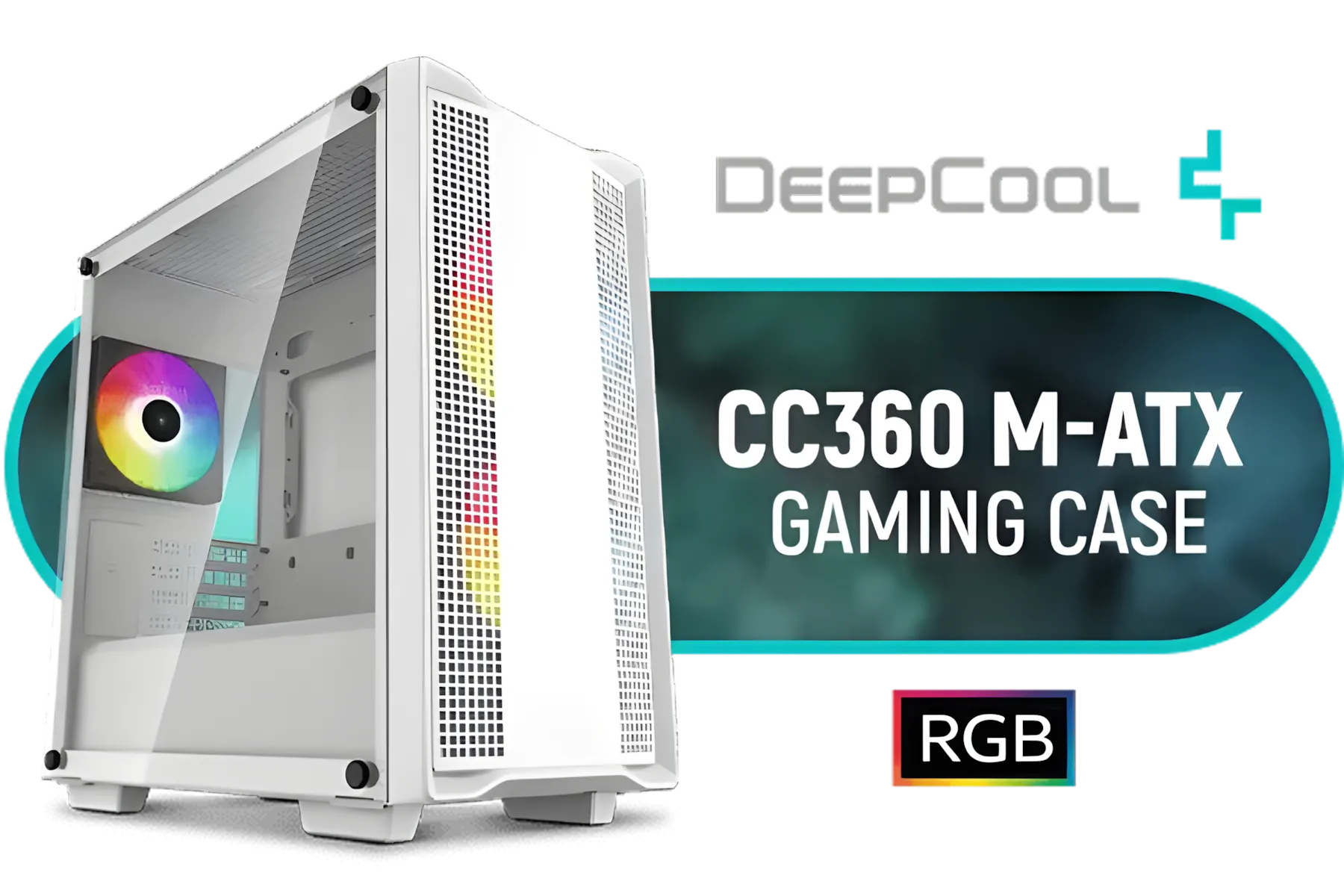
DeepCool CC360 M-ATX Airflow case, 3X Pre-Installed 120mm ARGB Fans, Tempered Glass Side Panel, Magnetic Top Mesh Filter, USB 3.0, White - CC360 ARGB WH
R699.00In Stock

Cooler Master MasterBox 500 PC Case - Mid-Tower Chassis, FineMesh Front Intake & 120mm ARGB Fan, Removeable Top Panel & Tempered Glass Side Panel, Supports Motherboards up to E-ATX, Versatile Component Support, 120mm Rear Fan / MB500-KGNN-S00
R2599.00In Stock
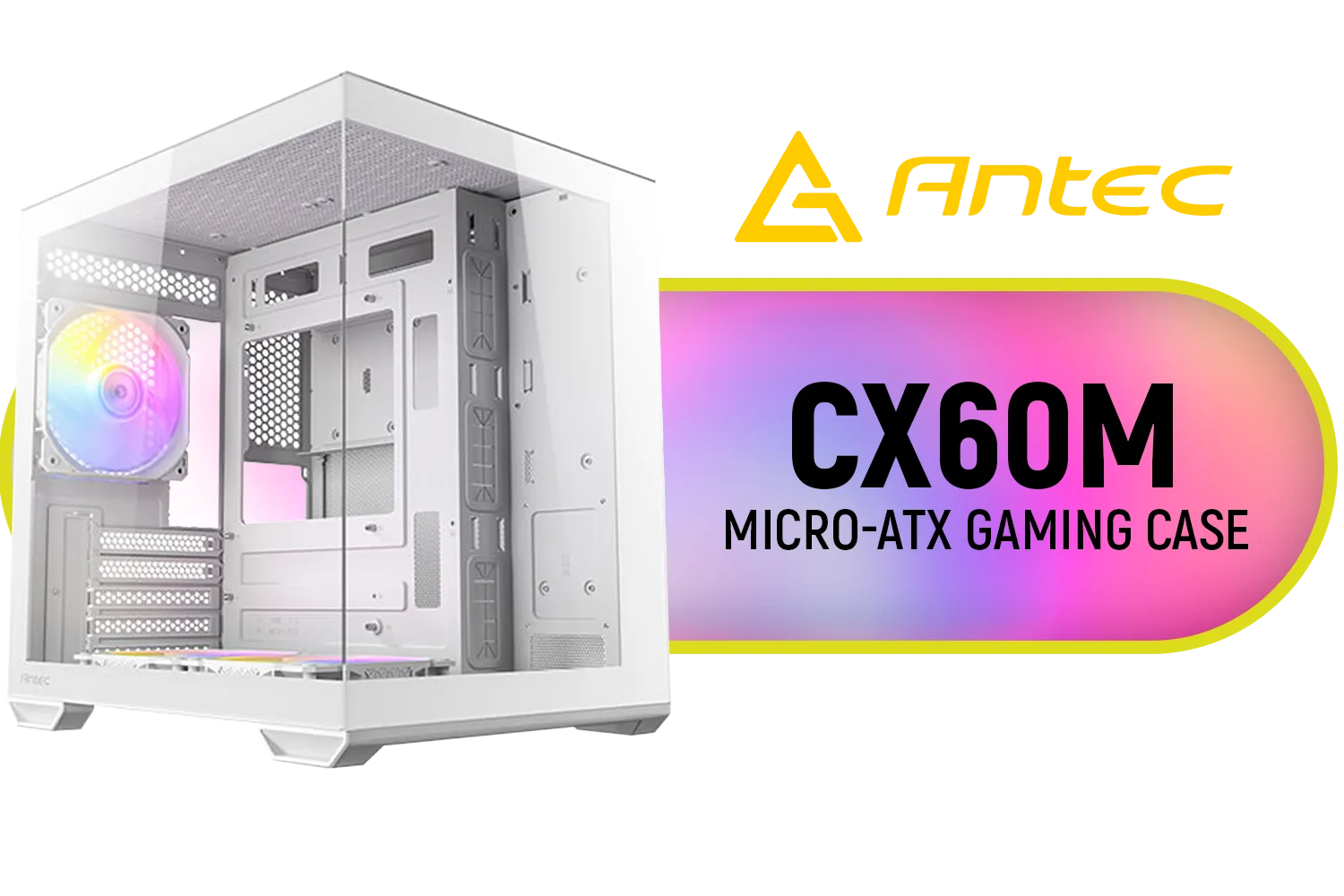
Antec CX60M ARGB Gaming Case - White / Panoramic 270° View / Dual Chamber / Mini Tower / Micro-ATX, ITX / Supports Up to 5 Cooling Fans / 3 ARGB Fans Included / 0-761345-10218-6
R1199.00In Stock
Why Choose a Mini Tower PC Case?
Before we get into the technical details, let's talk about the appeal. Why are so many gamers moving away from full-sized towers?
For starters, it's about aesthetics and efficiency. A compact PC build looks incredibly sharp and modern. It frees up desk space for a bigger monitor, your mouse, or just a less cluttered vibe. Plus, if you ever attend LAN parties or need to move your setup, a smaller, lighter mini tower case is a lifesaver. It offers a fantastic balance between the tiny footprint of an ITX build and the flexibility of a mid-tower.
Key Factors for Your Perfect Gaming PC Case
Choosing a mini tower case isn't just about picking the one that looks the coolest. You need to think about what's going inside. A little planning here will save you a lot of headaches later. 🔧
Airflow is King 🌬️
Smaller cases mean components are closer together, which can generate a lot of heat. Good airflow isn't a luxury; it's essential for keeping your CPU and GPU cool and performing at their best.
Look for cases with mesh front panels, which allow for maximum air intake. Check the specifications for fan support—how many fans can you install, and what sizes? A case like the sleek Cooler Master E301 Mini Tower is a great example, offering both a stylish look with ARGB lighting and a design that prioritises airflow.
Component Compatibility: The Measurement Game 📏
This is where many first-time builders get stuck. Not all parts fit in all cases. Here’s your checklist:
- Motherboard: Mini towers typically support Micro-ATX or Mini-ITX motherboards. Make sure your case matches your board.
- Graphics Card (GPU): This is the big one. High-end GPUs can be very long. Always check the maximum GPU length supported by the case and compare it to the card you want.
- CPU Cooler: Air coolers can be tall. Check the maximum CPU cooler height to ensure your chosen cooler will fit without hitting the side panel.
- Power Supply (PSU): Most mini towers fit a standard ATX PSU, but some ultra-compact models require a smaller SFX power supply.
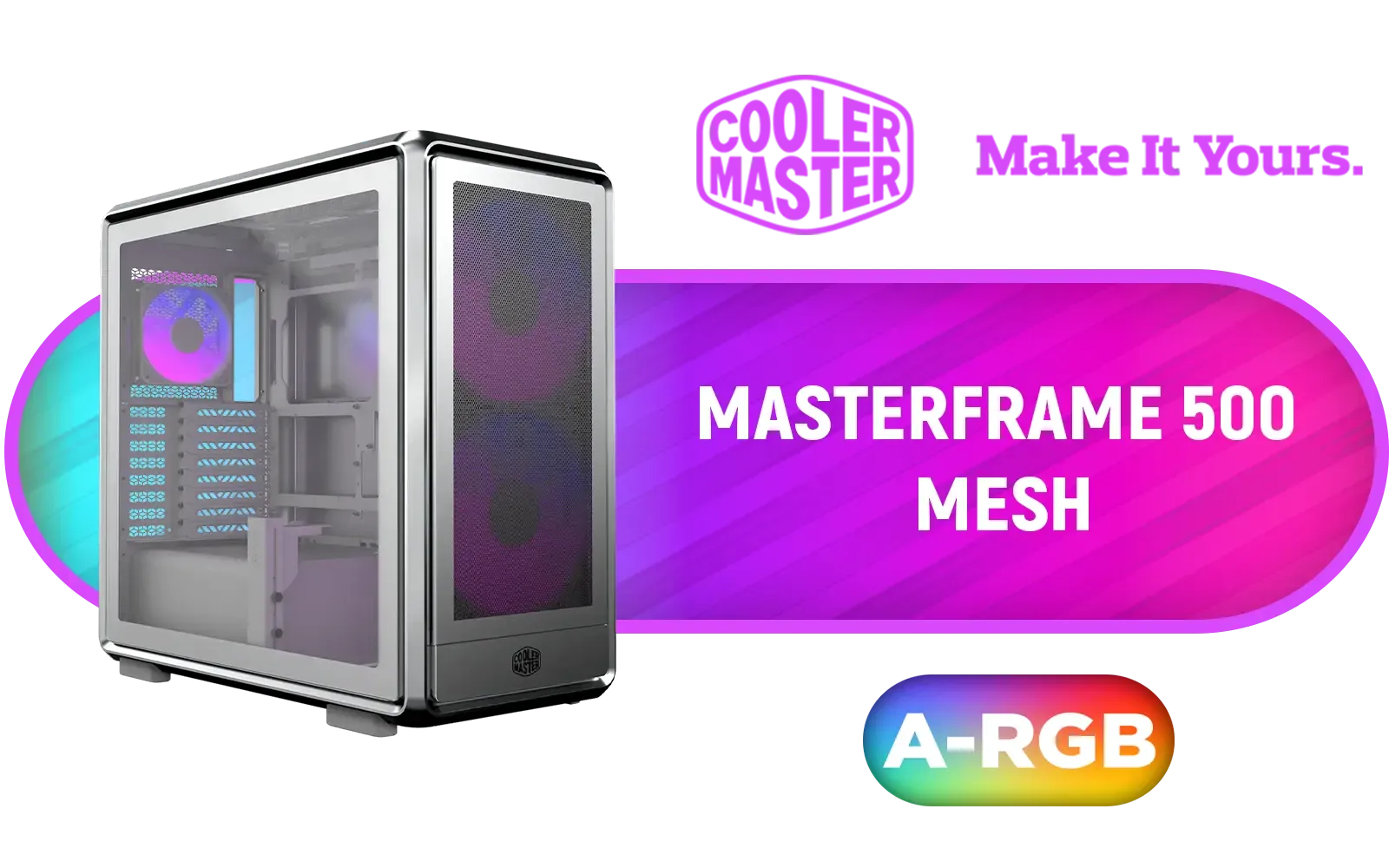
Cooler Master MasterFrame 500 Mesh ARGB Mid-Tower PC Case - Silver / Tempered Glass Side Panel / Supports E-ATX Motherboards / GPU Support Bracket Included / FreeForm 2.0 Exo-Structure ATX Case / Open-Frame Modding Design / 390mm GPU Length & 190mm GPU Height Support / Includes GPU Support Bracket / 2x Pre-Installed SickleFlow 200mm ARGB Fans / 1x Pre-Installed 120mm ARGB Fan / MF500M-SHNN-S01
R2999.00In Stock
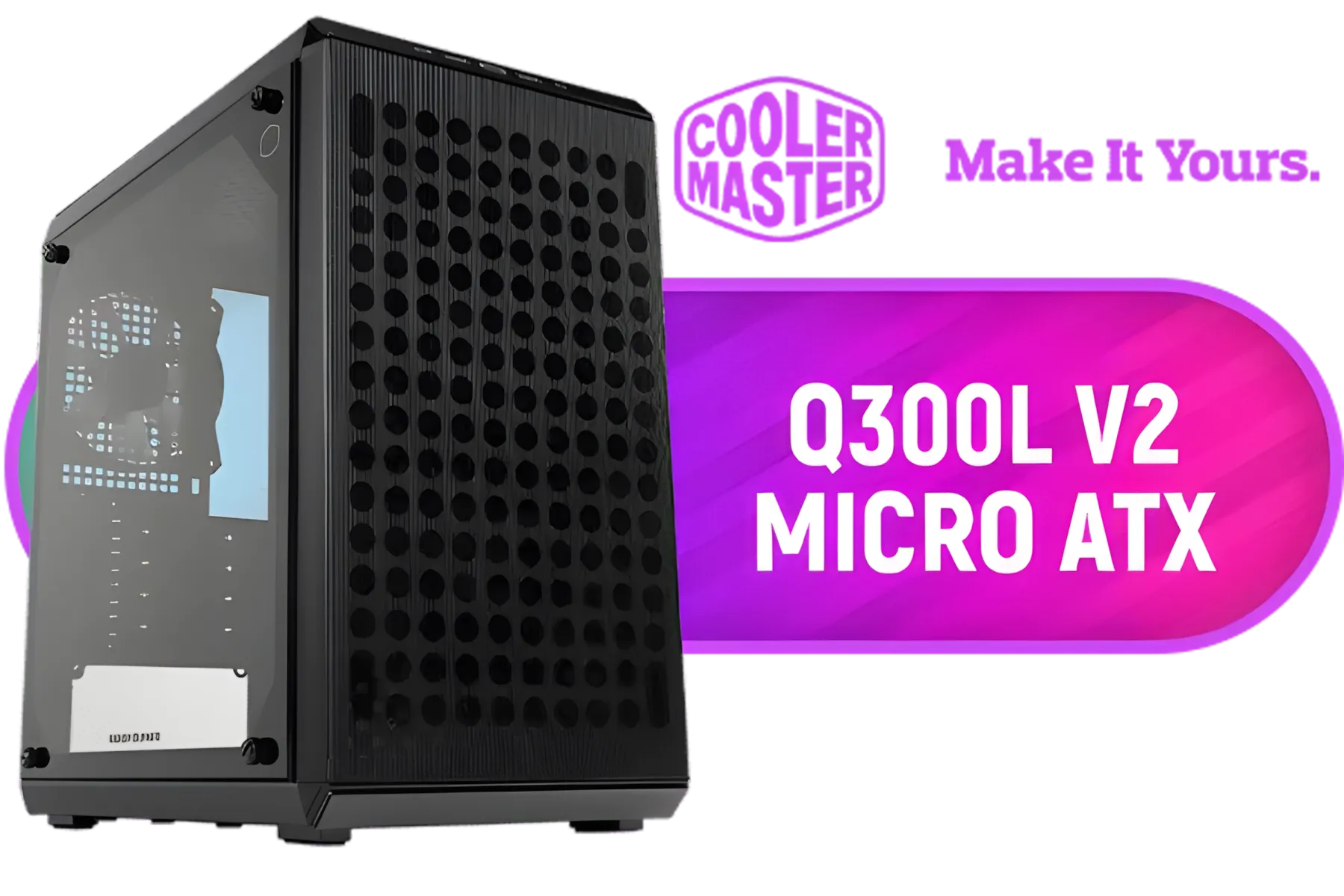
Cooler Master Q300L V2 ARGB Micro-ATX Tower, Magnetic Patterned Dust Filter, USB 3.2 Gen 2x2 (20GB), Tempered Glass Panel, CPU Coolers Max 159mm, GPU Max 360mm, Fully Ventilated Airflow, 1 x Pre-Installed Fan Included / Q300LV2-KGNN-S01
R1199.00In Stock
Cooler Master MasterBox 500 PC Case - Mid-Tower Chassis, FineMesh Front Intake & 120mm ARGB Fan, Removeable Top Panel & Tempered Glass Side Panel, Supports Motherboards up to E-ATX, Versatile Component Support, 120mm Rear Fan / MB500-KGNN-S00
R2599.00In Stock
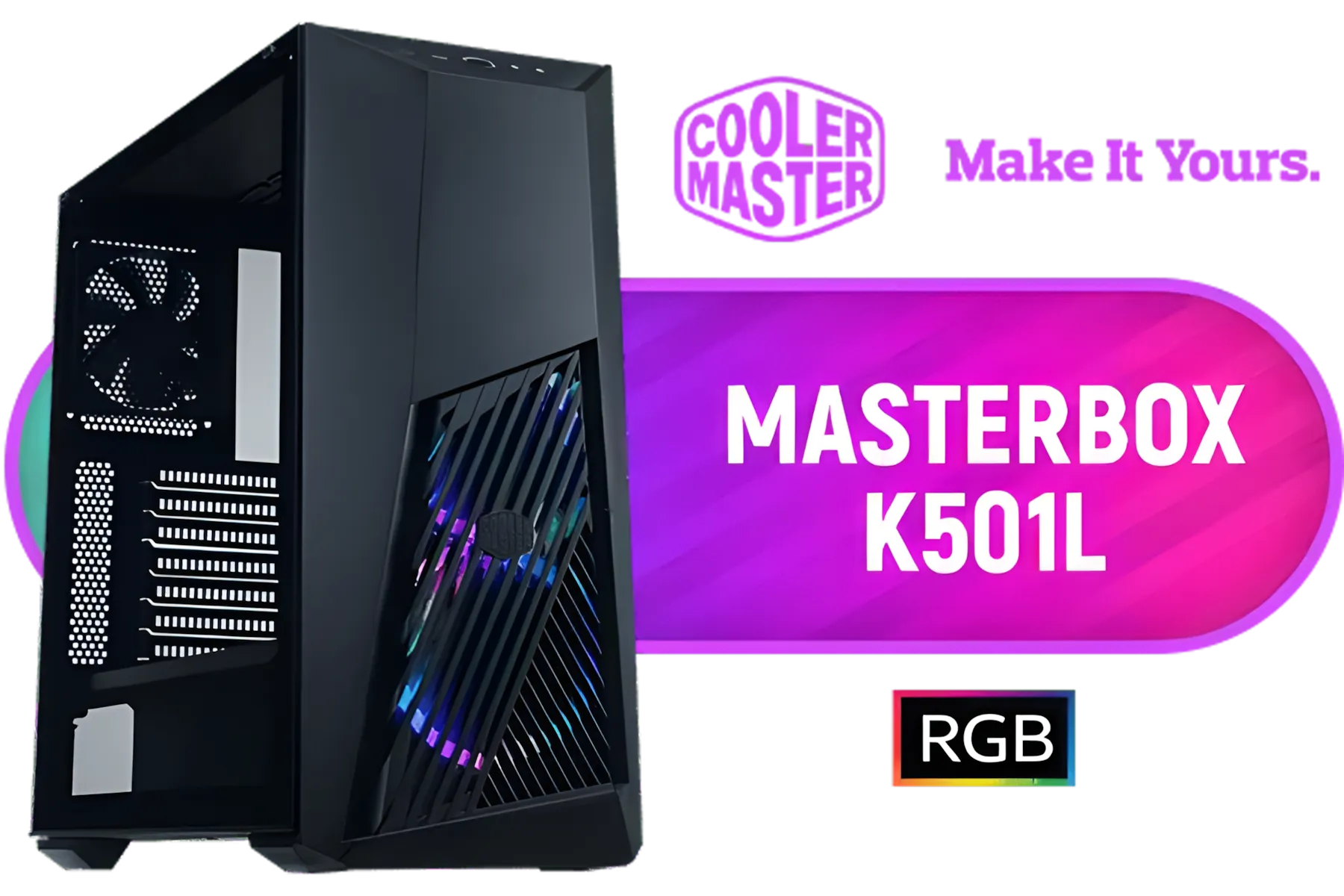
Cooler Master MasterBox K501L ARGB Mid Tower ATX Gaming Case with Pre-Installed Two ARGB Fans, PSU Shroud and Tempered Glass Side Panel / MCB-K501L-KGNN-SR3
R1499.00In Stock
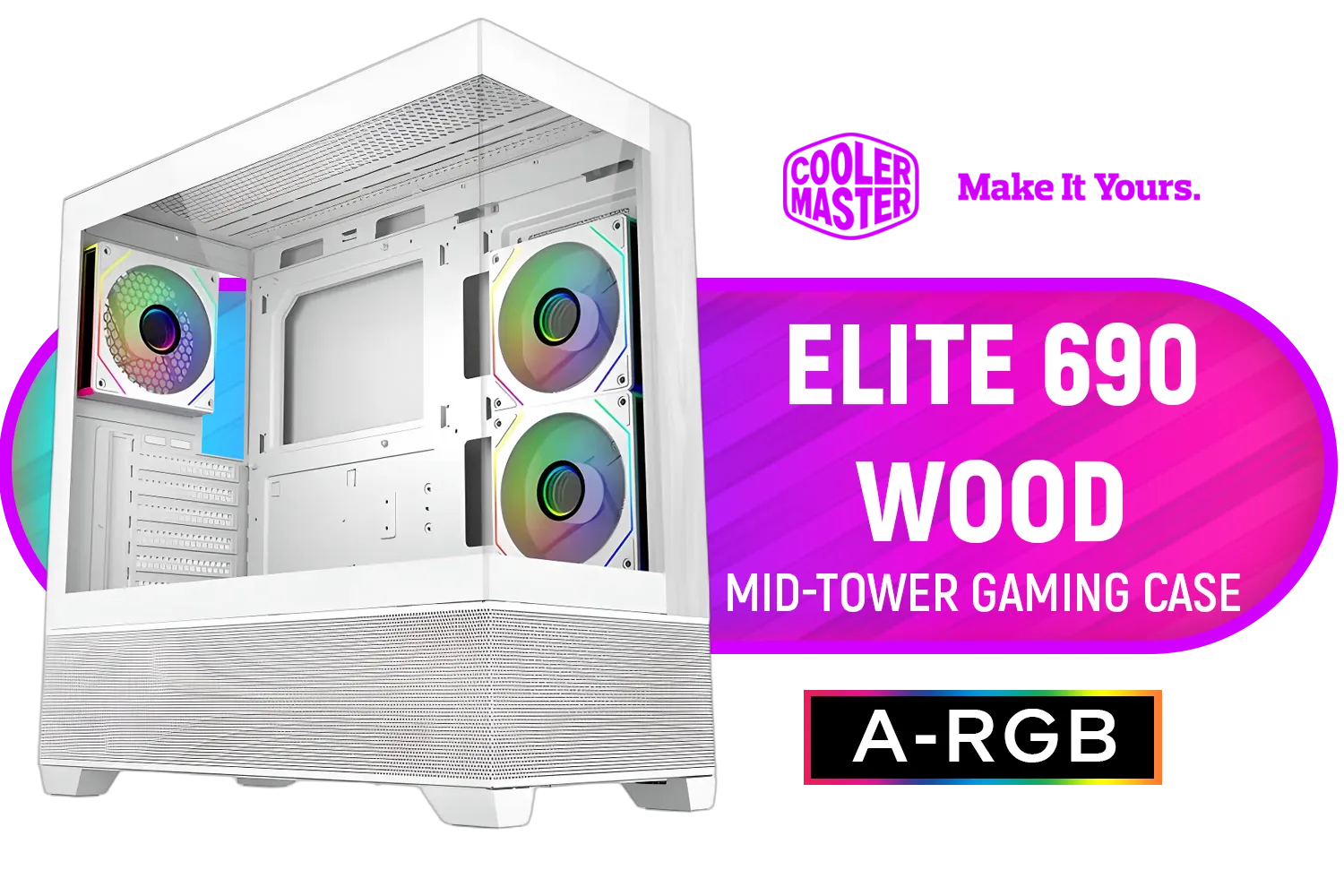
Cooler Master Elite 690 Wood Mid-Tower Gaming Case - White / ITX, Micro-ATX, ATX Motherboard Support / Up to 9 Case Fans / Pre-installed 3x 120mm ARGB Fans / E690-WHNN-S00
R1899.00In Stock

Cooler Master HAF 500 High Airflow ATX Mid-Tower, Mesh Front Panel, Dual 200mm Customizable ARG Lighting Fans, Rotatable GPU Fan, USB 3.2 Gen 2 Type C and Tempered Glass / H500-KGNN-S00
R2499.00In Stock
TIP FOR YOU
Pro Builder's Tip ✨
Always check the GPU dimensions (length, height, and width slot-size) on the manufacturer's official product page. Compare these numbers against the maximum clearance specs listed on the mini tower case's page on Evetech. A few millimetres can be the difference between a perfect fit and a return shipment!
Build Quality & Features
A good case is an investment that can last through multiple PC upgrades. Look at the materials—is it sturdy steel with a tempered glass side panel to show off your components?
Cable management is also crucial in a small build. A well-designed mini tower PC case will have cutouts, tie-down points, and space behind the motherboard tray to hide cables for a cleaner look and better airflow. Reputable manufacturers have perfected this, which is why exploring Cooler Master's range or options from brands like GameMax is always a smart move.
Your Compact Powerhouse Awaits
Building in a mini tower case is an incredibly rewarding experience. It forces you to be deliberate and efficient, and the final result is a powerful, compact PC that’s uniquely yours. By focusing on airflow, double-checking component compatibility, and choosing a quality chassis, you can create a beast of a machine without the bulk.

Xigmatek Gaming X Black Medium Tower PC Case ATX / Supports Motherboards up to ATX / 4 x Pre Installed RGB Fans / EN46621
R1299.00In Stock

DeepCool CG580 4F ATX Mid Tower Gaming Case - Black / Tempered Glass Side Panel / CPU Cooler Support Up to 160mm / Radiator Support Up to 360mm / Partial mesh for better airflow / 4 x Pre-Installed Fans Included / CG580-4F
R1799.00In Stock

Gamemax Hype-A ATX Mid-Tower Gaming Case - White / Tempered Glass Side Panels / Support 10×120mm or 4×120mm + 4x140mm Fan Mounts / 4 Pre-installed 120mm ARGB Fans / ATX, M-ATX, Mini-ITX Motherboard Support / ATX PSU Support / HYPE-A-WH
R1699.00In Stock

GAMDIAS ATLAS E1 WH Gaming ATX Mid Tower Computer PC Case, Customized Monitor w/Software, 3 x 120mm ARGB Fans(2 Reverse), Supports Motherboards up to ATX, Panoramic Tempered Glass Display, Perforated Airflow Vent PSU Chamber, White / ATLAS-E1-WH
R1399.00In Stock

DEEPCOOL CG530 Black ATX Mid Tower Gaming Case / Tempered Glass / 4x 120mm ARGB Fans Pre-installed / CPU Cooler Support Up to 160mm / GPU Support Upto 410mm / 7x PCI Slot, 360mm Radiator Supported / Front I/O: 2x USB / 1x Type C / HD Audio / CG530-4F
R1299.00In Stock
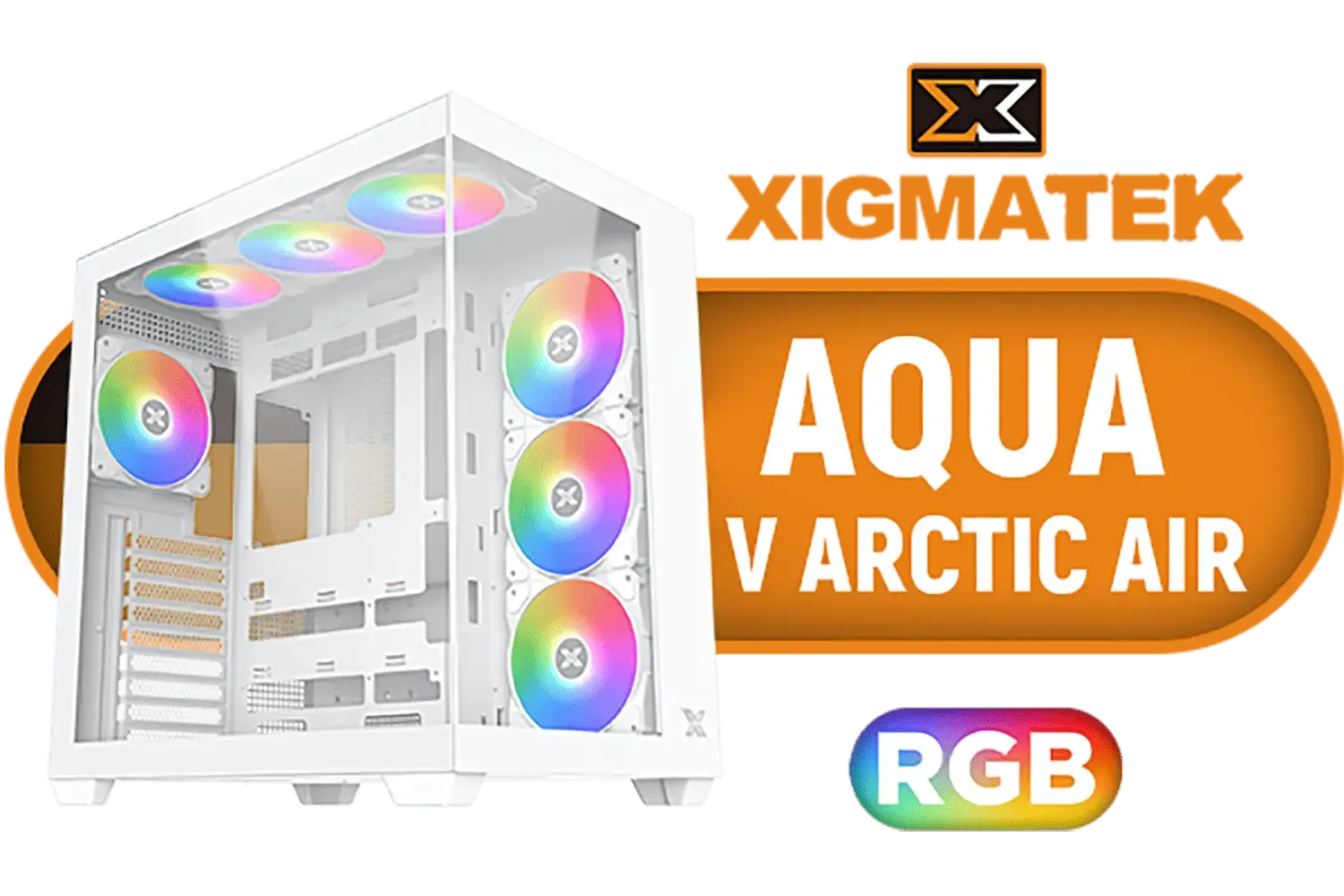
Xigmatek Aqua V Air Arctic RGB ATX Mid Tower Gaming Case - White / 6 x Pre Installed RGB Fans, 1 x Pre Installed ARGB Fan / EN45837
R1499.00In Stock
Ready to see what’s out there? Taking the time to browse through Evetech’s full selection of computer cases is the best way to find the foundation for your next build.
Ready to Build Compact & Powerful? Choosing the right mini tower case is the first step to a clean, impressive setup. It's about finding that perfect balance of size, style, and performance. Explore our massive range of PC cases and find the perfect chassis for your dream build today.
Related Products

Xigmatek Cubi M Arctic Mid Tower Gaming Case - White / Supports Motherboards up to M-ATX, Mini-ITX / 6 Pre-Installed ARGB Fans Included / EN42805
R1499.00In Stock
GAMDIAS ATLAS E1 WH Gaming ATX Mid Tower Computer PC Case, Customized Monitor w/Software, 3 x 120mm ARGB Fans(2 Reverse), Supports Motherboards up to ATX, Panoramic Tempered Glass Display, Perforated Airflow Vent PSU Chamber, White / ATLAS-E1-WH
R1399.00In Stock

Xigmatek Overtake Tempered Glass RGB Super Tower EATX Gaming Case / 4 x Pre Installed RGB Fans / EN46416
R2599.00In Stock

GAMDIAS ATHENA M3 WH Gaming E-ATX Mid Tower Computer PC Case, High Airflow Mesh Front, 4x120mm PWM ARGB Fans w/Hub, Supports Motherboards up to E-ATX, Tool-Free Tempered Glass Side Panel, Support Dual 360 & Gen 2 Type-C, MB Sync, White / ATHENA-M3-WH
R1299.00In Stock

Xigmatek Pano Mid Tower Gaming Case - Black / Supports Motherboards up to E-ATX / 7 x Pre-Installed ARGB Fans Included / EN44250
R2199.00In Stock
DeepCool CG580 4F ATX Mid Tower Gaming Case - Black / Tempered Glass Side Panel / CPU Cooler Support Up to 160mm / Radiator Support Up to 360mm / Partial mesh for better airflow / 4 x Pre-Installed Fans Included / CG580-4F
R1799.00In Stock
A mini tower case is a compact PC enclosure for small form factor gaming builds, often supporting mini‑ITX or micro‑ATX motherboards.
Check the GPU clearance spec before buying — many mini tower cases support mid‑length GPUs, but high-end cards may need a larger case.
Match the case supported form factors (mini‑ITX or micro‑ATX) and verify standoff positions and I/O alignment before purchase.
Yes if designed well — look for front intake, top or rear exhaust, and support for multiple fans or a small AIO for compact gaming case with good airflow.
Some mini towers accept ATX PSUs, but many require SFX or SFX‑L. Check power supply compatibility to avoid fit issues.
Prioritize GPU clearance, motherboard size, airflow, cooling mounts, cable routing, and front I/O for the best mini tower case experience.
Top picks vary by budget; choose models that balance airflow, GPU clearance, and build quality. Search 'best mini tower case 2025' for current lists.











