



Motherboard Features Gaming PCs Need in South Africa
Motherboard features gaming guide for South African builders: choose the right socket, chipset, VRM, memory support and connectivity to boost performance and future-proof your rig ⚡️🇿🇦

Building a new gaming PC in South Africa feels like a boss battle. You're dodging price hikes, navigating loadshedding, and trying to build a rig that won't feel outdated next year. The secret weapon? Your motherboard. It’s the foundation of your entire build, and choosing wisely is crucial. Getting the right motherboard features for your gaming PC in South Africa isn’t just about performance today; it’s about future-proofing your investment for the long haul. 🚀
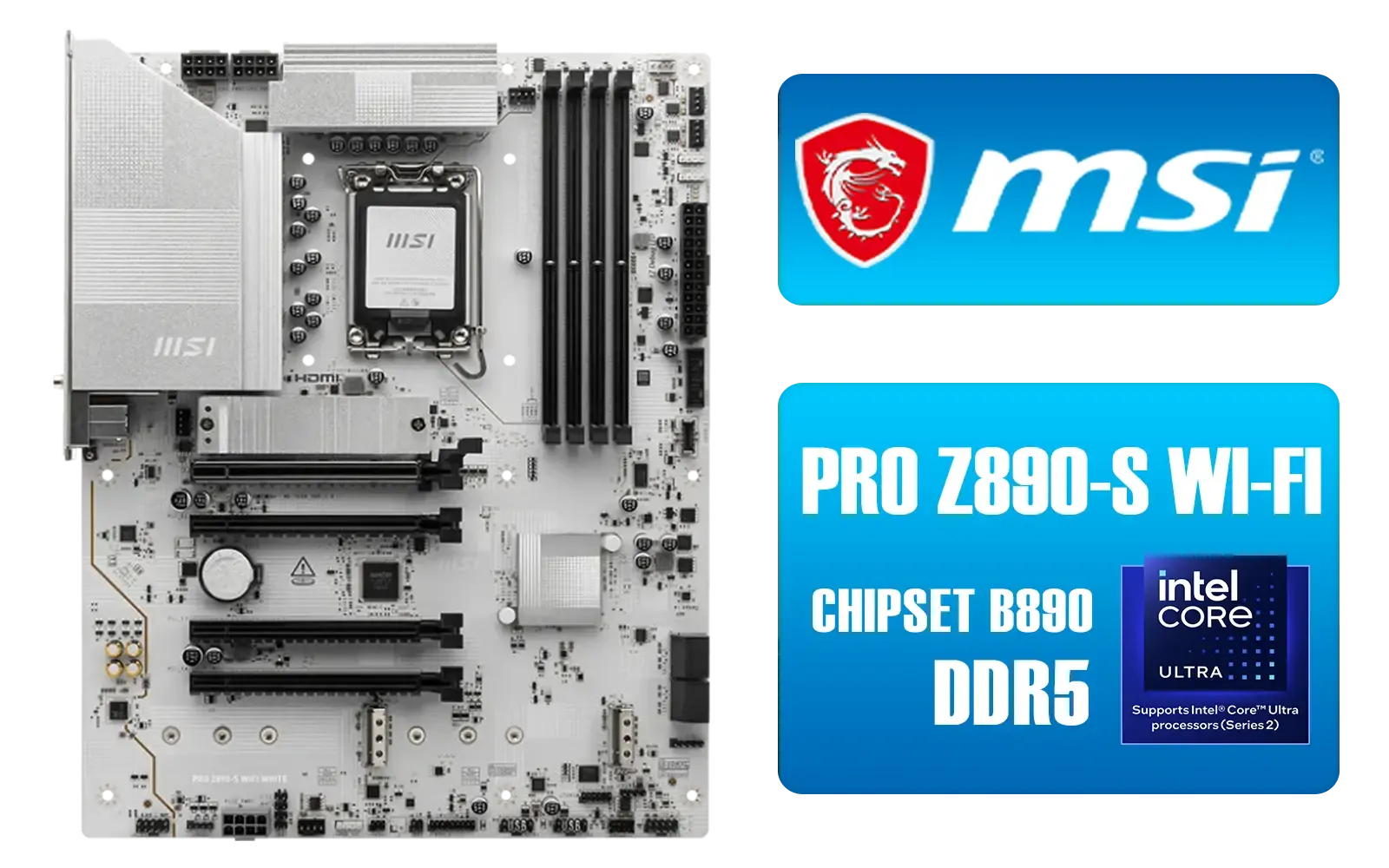
MSI PRO Z890-S Wi-Fi Intel Motherboard - White / ATX Motherboard / Supports Intel® Core™ Ultra Processors (Series 2) / LGA 1851 Socket / 4x DDR5 UDIMM Up to 256GB / Intel® Wi-Fi 7 / 911-7E54-003
R5699.00In Stock

ASRock B860 Steel Legend WiFi Intel Motherboard / ATX Form Factor / Supports Intel® Core™ Ultra Processors (Series 2) / LGA 1851 CPU Socket / 4x DDR5 DIMM Supporting up to 256GB / 90-MXBR30-A0UAYZ
R5599.00In Stock

MSI MPG Z890 EDGE TI WI-FI Intel Motherboard / LGA 1851 / Supports Intel® Core™ Ultra Processors (Series 2) / 4x DDR5 UDIMM Slots / ATX Form Factor / 911-7E19-002
R9999.00In Stock

MSI MEG Z890 ACE Intel Motherboard / LGA 1851 Socket / Supports Intel® Core™ Ultra Processors (Series 2) / 4x DDR5 UDIMM Slots / ATX Form Factor / 911-7E22-001
R14199.00In Stock

MSI PRO B850-P WIFI Motherboard, ATX - Supports AMD Ryzen 9000/8000 / 7000 Processors, AM5 - DDR5 Memory Boost (8200+ MT/s OC), PCIe 5.0 x16 & 4.0 x16, M.2 Gen5, Wi-Fi 7, 5G LAN / 911-7E56-002
R4599.00In Stock

MSI PRO Z890-S Wi-Fi Intel Motherboard / ATX Motherboard / Supports Intel® Core™ Ultra Processors (Series 2) / LGA 1851 Socket / 4x DDR5 UDIMM Up to 256GB / Intel® Wi-Fi 7 / 911-7E54-001
R5999.00In Stock
Why Your Motherboard is Your PC's Unsung Hero
Think of your motherboard as the central nervous system of your gaming rig. It connects every single component—your CPU, GPU, RAM, and storage—and allows them to communicate. A cheap, poorly-chosen board can bottleneck your expensive processor or limit your future upgrade options. A great one, however, unlocks your PC's true potential and gives you a stable platform for years of gaming.
It dictates what CPU you can use, how fast your RAM can run, and what kind of storage speeds you can achieve. Let's break down what really matters.
Key Motherboard Features Gaming PCs Need in South Africa
When you're scrolling through specs, it's easy to get lost. Focus on these core features to make sure you get the performance and flexibility you need without overspending.
MSI PRO Z890-S Wi-Fi Intel Motherboard - White / ATX Motherboard / Supports Intel® Core™ Ultra Processors (Series 2) / LGA 1851 Socket / 4x DDR5 UDIMM Up to 256GB / Intel® Wi-Fi 7 / 911-7E54-003
R5699.00In Stock
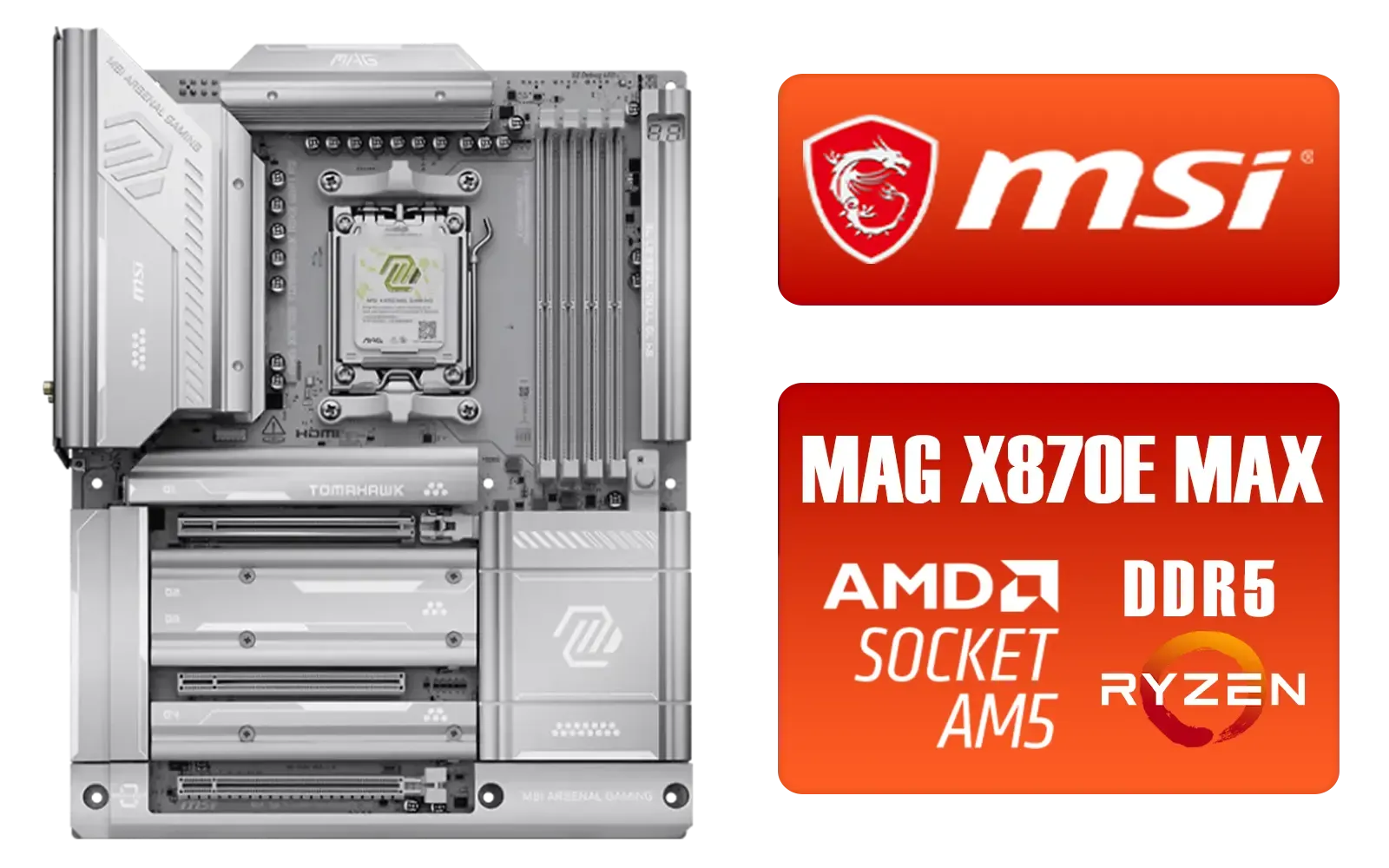
MSI MAG X870E Tomahawk MAX WiFi PZ AMD Motherboard / Supports AMD Ryzen™ 9000 / 8000 / 7000 Series / Dual Channel DDR5-8400+ (OC) / 14+2+1 Duet Rail Power System / Lightning Gen 5 x4 M.2 / USB4 & 5G LAN / Wi-Fi 7 / 911-7E84-001
R7999.00In Stock

ASRock Phantom Gaming B850 Riptide WIFI AMD Ryzen Motherboard / Supports AMD Socket AM5 Ryzen™ 9000, 8000 and 7000 Series Processors / AMD B850 Chipset / USB4 Type-C (10Gbps) Connectivity / 90-MXBQT0-A0UAYZ
R4999.00In Stock

ASRock Phantom Gaming X870E Nova WIFI AMD Ryzen Motherboard / Supports AMD Socket AM5 Ryzen™ 9000, 8000 and 7000 Series Processors / AMD X870 Chipset / USB4 Type-C (40Gbps) Connectivity / 90-MXBPX0-A0UAYZ
R8599.00In Stock

MSI Pro X870-P Wi-Fi AMD Motherboard / AM5 Socket / Supports AMD Ryzen™ 9000/ 8000/ 7000 Series Desktop Processors / 4x DDR5 UDIMM / ATX Form Factor / 911-7E47-001
R5799.00In Stock

MSI MPG X870E Edge TI WiFi Motherboard, ATX - Supports AMD Ryzen 9000/8000 / 7000 Processors, AM5-80A SPS VRM, DDR5 Memory Boost 8400+MT/s (OC), PCIe 5.0 x16, M.2 Gen5, Wi-Fi 7, 5G LAN / 911-7E59-001
R8999.00In Stock
CPU Socket & Chipset Compatibility
This is the most important decision you'll make. The CPU socket on the motherboard must match your chosen processor. You can't put an AMD CPU in an Intel motherboard, or vice versa.
- For Team Blue: Intel currently uses the LGA 1700 socket for its 12th, 13th, and 14th Gen processors. Chipsets like the Z790 are top-tier for overclocking and features, while B760 boards offer a fantastic balance of price and performance for most gamers. If you're planning a build around a new Core i5 or i7, browsing a dedicated selection of Intel motherboards is the best place to start.
- For Team Red: AMD's latest Ryzen 7000 series processors use the AM5 socket. This platform introduced support for cutting-edge tech like PCIe 5.0 and DDR5 RAM. X670E and X670 boards are for enthusiasts who want it all, but B650 and B650E motherboards provide the essential features for an incredible gaming experience. You can find a board for any Ryzen build in our comprehensive range of AMD motherboards.
RAM Support: DDR4 vs. DDR5
The motherboard's chipset determines whether it uses DDR4 or the newer, faster DDR5 RAM. While DDR5 offers higher speeds, DDR4 is more mature and budget-friendly. For many South African gamers, a high-quality DDR4 setup still provides amazing performance for its price. Check the motherboard's specs for the maximum supported RAM speed (measured in MHz) and the number of DIMM slots (four is ideal for future upgrades).
Expansion & Storage Slots 🔧
Your graphics card, SSDs, and other components need a place to plug in.
- PCIe Slots: Your GPU will use the top-most, fastest PCIe x16 slot. Modern boards feature PCIe 4.0 or even 5.0, offering massive bandwidth for next-gen graphics cards.
- M.2 Slots: These are essential for blazingly fast NVMe SSDs, which drastically cut down game loading times. Look for a motherboard with at least two M.2 slots, preferably with heatsinks to keep them cool under pressure.
MSI PRO Z890-P Wi-Fi Intel Motherboard / ATX Form Factor / Supports Intel® Core™ Ultra Processors (Series 2) / LGA 1851 CPU Socket / 4x DDR5 UDIMM Supporting up to 256GB / 911-7E34-001
R5999.00In Stock

MSI Z890 Gaming Plus Wi-Fi Intel Motherboard / ATX Form Factor / Supports Intel® Core™ Ultra Processors (Series 2) / LGA 1851 CPU Socket / 4x DDR5 UDIMM Supporting up to 256GB / 911-7E34-002
R6699.00In Stock
MSI MPG Z890 EDGE TI WI-FI Intel Motherboard / LGA 1851 / Supports Intel® Core™ Ultra Processors (Series 2) / 4x DDR5 UDIMM Slots / ATX Form Factor / 911-7E19-002
R9999.00In Stock

ASRock Phantom Gaming Z890 Nova WiFi Intel Motherboard / ATX Form Factor / Supports Intel® Core™ Ultra Processors (Series 2) / LGA 1851 CPU Socket / 4x DDR5 DIMM Supporting up to 256GB / 90-MXBPS0-A0UAYZ
R8999.00In Stock

MSI MEG Z890 UNIFY-X Intel Motherboard / LGA 1851 Socket / Supports Intel® Core™ Ultra Processors (Series 2) / 2x DDR5 UDIMM Slots / ATX Form Factor / 911-7E20-001
R16299.00In Stock
ASRock B860 Steel Legend WiFi Intel Motherboard / ATX Form Factor / Supports Intel® Core™ Ultra Processors (Series 2) / LGA 1851 CPU Socket / 4x DDR5 DIMM Supporting up to 256GB / 90-MXBR30-A0UAYZ
R5599.00In Stock
Power Delivery & VRMs
Often overlooked, the Voltage Regulator Modules (VRMs) are critical. They deliver clean, stable power to your CPU. A board with a robust VRM design and good cooling will handle high-end processors and even overclocking without breaking a sweat. This is especially important for ensuring system stability during long gaming sessions… or unexpected loadshedding cycles. ✨
TIP FOR YOU
Check the QVL! ⚡
Before you buy RAM, check your prospective motherboard's support page for its QVL (Qualified Vendor List). This is a list of all the specific RAM kits the manufacturer has tested and guaranteed to work at their advertised speeds. This simple check can save you from major stability headaches and troubleshooting down the line.
Finding the Sweet Spot for Your Budget
You don't always need the most expensive motherboard to build a powerful PC. The key is to match the board to your components and your needs.
MSI MPG X870E Edge TI WiFi Motherboard, ATX - Supports AMD Ryzen 9000/8000 / 7000 Processors, AM5-80A SPS VRM, DDR5 Memory Boost 8400+MT/s (OC), PCIe 5.0 x16, M.2 Gen5, Wi-Fi 7, 5G LAN / 911-7E59-001
R8999.00In Stock

MSI MPG Z890 Carbon Wi-Fi Intel Motherboard / ATX Form Factor / Supports Intel® Core™ Ultra Processors (Series 2) / LGA 1851 CPU Socket / 4x DDR5 UDIMM Supporting up to 256GB / 911-7E17-001
R11999.00In Stock

ASRock B850 Steel Legend WIFI AMD Ryzen Motherboard / Supports AMD Socket AM5 Ryzen™ 9000, 8000 and 7000 Series Processors / AMD B850 Chipset / USB4 Type-C (10Gbps) Connectivity / 90-MXBQS0-A0UAYZ
R4699.00In Stock

MSI X870 Gaming Plus WIFI AMD Motherboard - AM5 Socket - Supports AMD Ryzen™ 9000/ 8000/ 7000 Series Desktop Processors - 4x DDR5 UDIMM - ATX Form Factor / 911-7E47-005
R6999.00In Stock
MSI MEG Z890 ACE Intel Motherboard / LGA 1851 Socket / Supports Intel® Core™ Ultra Processors (Series 2) / 4x DDR5 UDIMM Slots / ATX Form Factor / 911-7E22-001
R14199.00In Stock

Asus Rog Strix TRX40-E Gaming AMD Ryzen Threadripper ATX Motherboard / 3rd Gen AMD Ryzen / 16 power stages / Wi-Fi 6 / 2.5 Gbps LAN / USB 3.2 Gen 2 / Three M.2 / Aura Sync RGB / AMD Socket sTRX4
R4999.00In Stock
A high-end Z790 board is overkill if you're pairing it with a locked, non-K series Intel CPU. Similarly, a budget A620 board might hold back a powerful Ryzen 9 processor. By focusing on the essential features listed above, you can find fantastic value. There are many cheap Intel & AMD based motherboards that deliver reliable performance without forcing you to eat bread and water for a month.
Ready to Lay the Foundation for Your Dream PC? Choosing the right motherboard can feel complex, but it's the most rewarding part of any build. It sets the stage for every victory to come. Explore our massive range of Intel and AMD motherboards and find the perfect backbone for your new rig.
Related Products
ASRock Phantom Gaming B850 Riptide WIFI AMD Ryzen Motherboard / Supports AMD Socket AM5 Ryzen™ 9000, 8000 and 7000 Series Processors / AMD B850 Chipset / USB4 Type-C (10Gbps) Connectivity / 90-MXBQT0-A0UAYZ
R4999.00In Stock
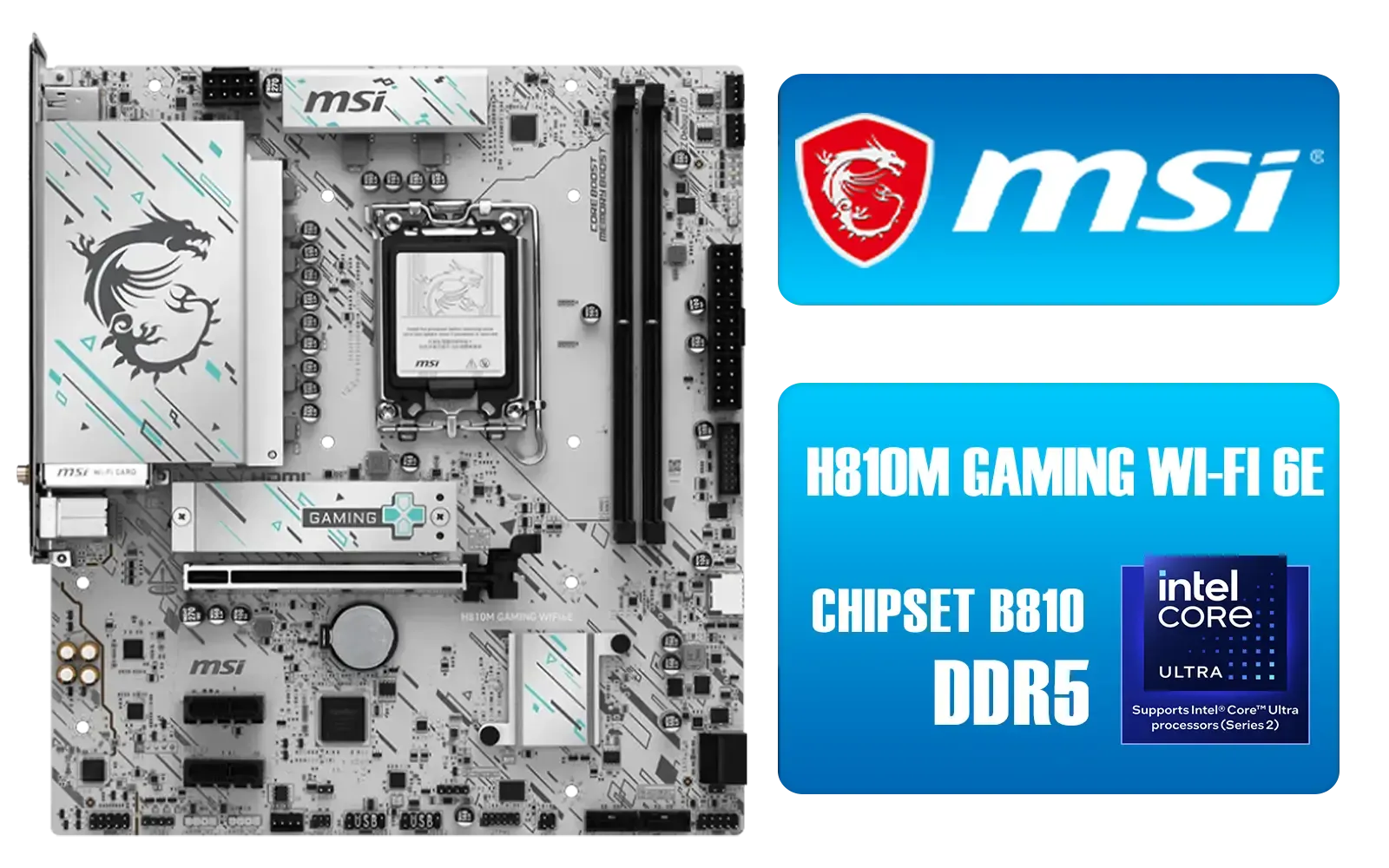
MSI H810M Gaming Wi-Fi 6E Intel Motherboard - White / Supports Intel® Core™ Ultra (Series 2) / Dual Channel DDR5-6400+ (OC) / 6 P-PAK Power System / Lightning Gen 4 x4 M.2 / USB 20G Type-C / Realtek® 2.5G LAN / Wi-Fi 6E / 911-7E64-002
R3499.00In Stock
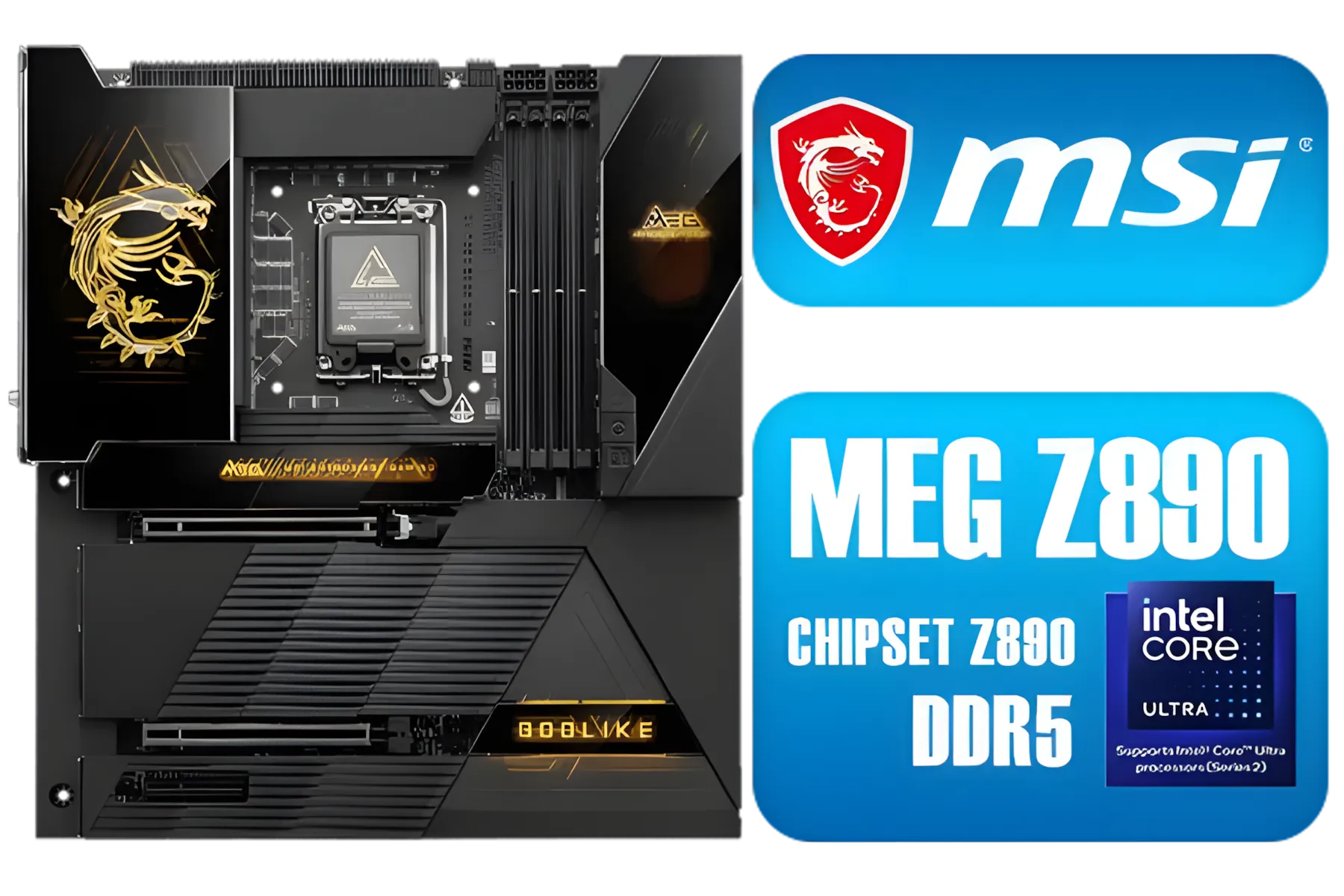
MSI MEG Z890 GODLIKE, E-ATX - Supports Intel Core Ultra Processors (Series 2), LGA 1851 - Dynamic Dashboard III, EZ Slide M.2, DDR5 (9200+ MT/s OC), M.2 & PCIe 5.0, Thunderbolt 5, Wi-Fi 7, 10G LAN / 911-7E21-002
R29999.00In Stock
MSI PRO Z890-S Wi-Fi Intel Motherboard - White / ATX Motherboard / Supports Intel® Core™ Ultra Processors (Series 2) / LGA 1851 Socket / 4x DDR5 UDIMM Up to 256GB / Intel® Wi-Fi 7 / 911-7E54-003
R5699.00In Stock

MSI Pro B860-P WIFI Intel Motherboard / 12+1+1+1 Duet Rail Power / Supports Intel Core Ultra Processors / PCIe 5.0 and Gen 5 M.2 / Thunderbolt 4 and Wi-Fi 7 / 911-7E41-001
R4799.00In Stock
MSI MPG X870E Edge TI WiFi Motherboard, ATX - Supports AMD Ryzen 9000/8000 / 7000 Processors, AM5-80A SPS VRM, DDR5 Memory Boost 8400+MT/s (OC), PCIe 5.0 x16, M.2 Gen5, Wi-Fi 7, 5G LAN / 911-7E59-001
R8999.00In Stock
Focus on socket compatibility, strong VRM, PCIe lanes, M.2 NVMe slots and fast networking — core motherboard features gaming builds need.
Wi‑Fi 6 helps on crowded networks and reduces latency; choose a board with Wi‑Fi 6 if you rely on wireless play for consistent ping.
Very important for stable overclocking and sustained CPU power under load; check motherboard VRM quality for gaming and cooling.
DDR5 gives higher bandwidth and future proofing but costs more. Match memory type to your CPU and budget for best gaming value.
At least one high-speed M.2 NVMe is essential; two slots let you separate OS and game libraries. Confirm PCIe lanes availability first.
Yes. BIOS options for overclocking, memory XMP tuning and fan control help boost FPS and system stability—key overclocking motherboard features.
Verify USB 3.2 Gen2, USB-C, multiple fan and RGB headers, and a clear GPU PCIe layout—these are core what motherboard features do gamers need.











