NVMe Gen3 vs Gen4 vs Gen5: The Ultimate SSD Evolution Guide
Discover the massive leap in storage speed in our NVMe Gen3 vs Gen4 vs Gen5 breakdown. 🚀 From standard load times to instant gaming, see how PCIe technology has evolved and which drive fits your rig best. 💾
|
Loading tags...

Staring at another loading screen while your mates are already dropping in? We've all been there. That sluggish feeling can ruin a good gaming session. The culprit is often your storage. But with terms like NVMe Gen3, Gen4, and Gen5 flying around, choosing an upgrade can feel like decoding a complex puzzle. Don't stress... we're here to break down the ultimate SSD evolution and help you pick the perfect drive for your rig.

Dahua L7 M.2 512GB NVMe SSD / Read: Up to 1,050 MB/s Write: Up to 895 MB/s / Shock-resistant and drop-resistant design / Aluminum body with heat dissipation / Dual Type-C/Type-A cable included / DHI-PSSD-L7-512GB
R899.00In Stock
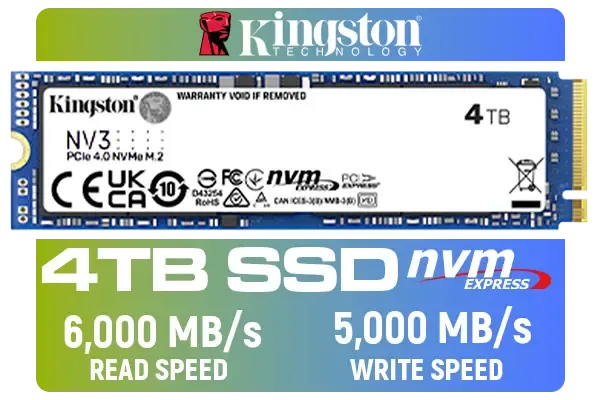
Kingston 4000G NV3 NVMe SSD / Up to 6,000MB/s Read / Up to 4,000MB/s Write / PCIe 4.0 x4 NVMe / M.2 2280 Form Factor / SNV3S/4000G
R6299.00In Stock
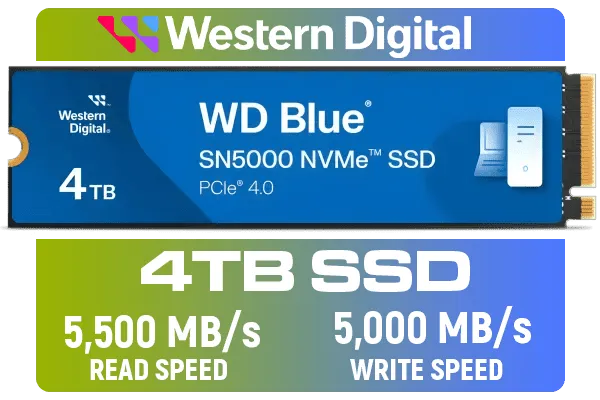
Western Digital 4TB WD Blue SN5000 NVMe Internal Solid State Drive SSD - PCIe Gen 4.0, M.2 2280, Up to 5,500 MB/s / WDS400T4B0E
R6249.00In Stock
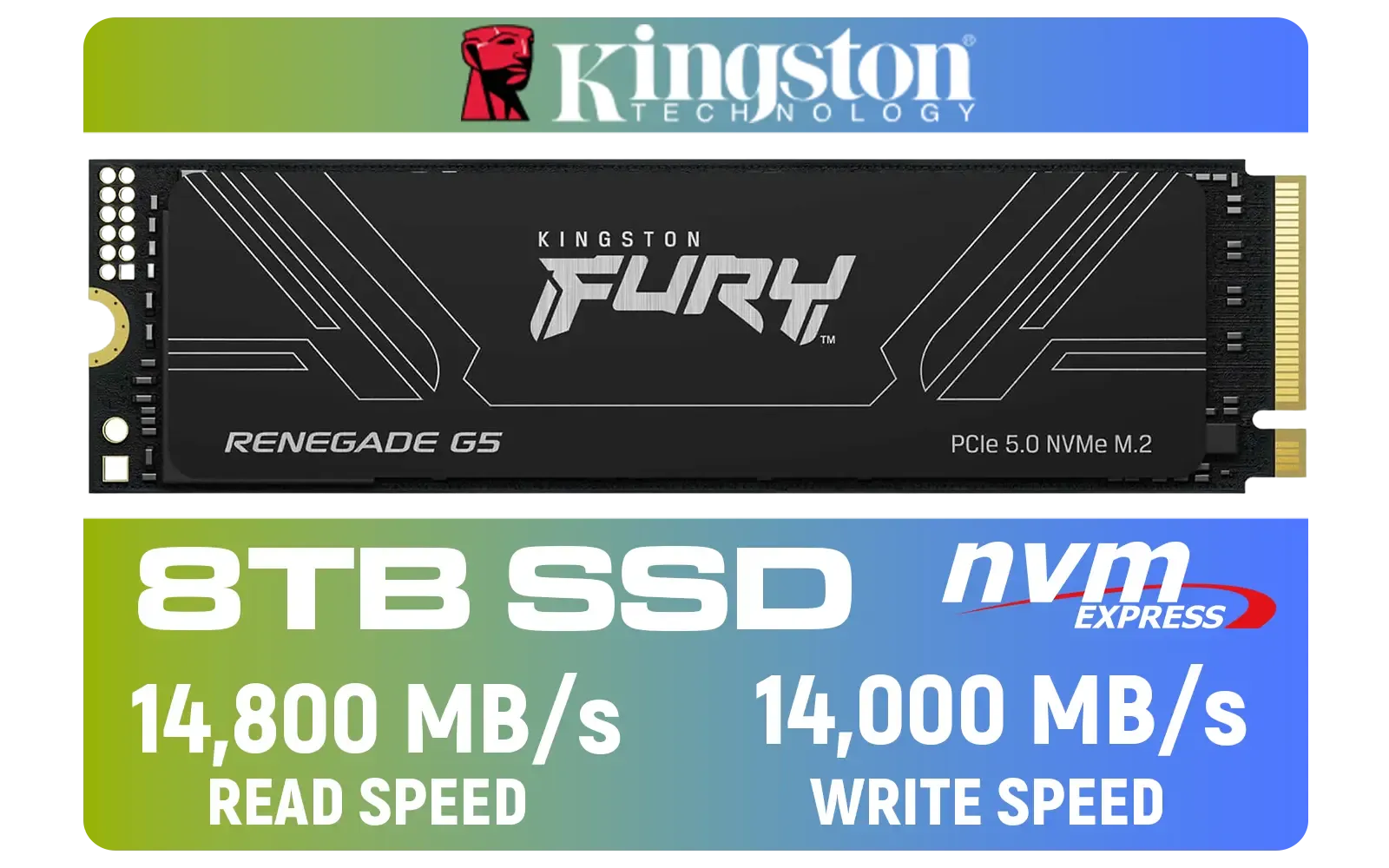
Kingston Fury Renegade G5 8TB PCIe Gen 5.0 NVMe M.2 Internal SSD / Maximum Read Speed 14,800 MB/s / Maximum Write Speed 14,000 MB/s / Advanced thermal design / SFYR2D/8T1
R17899.00In Stock
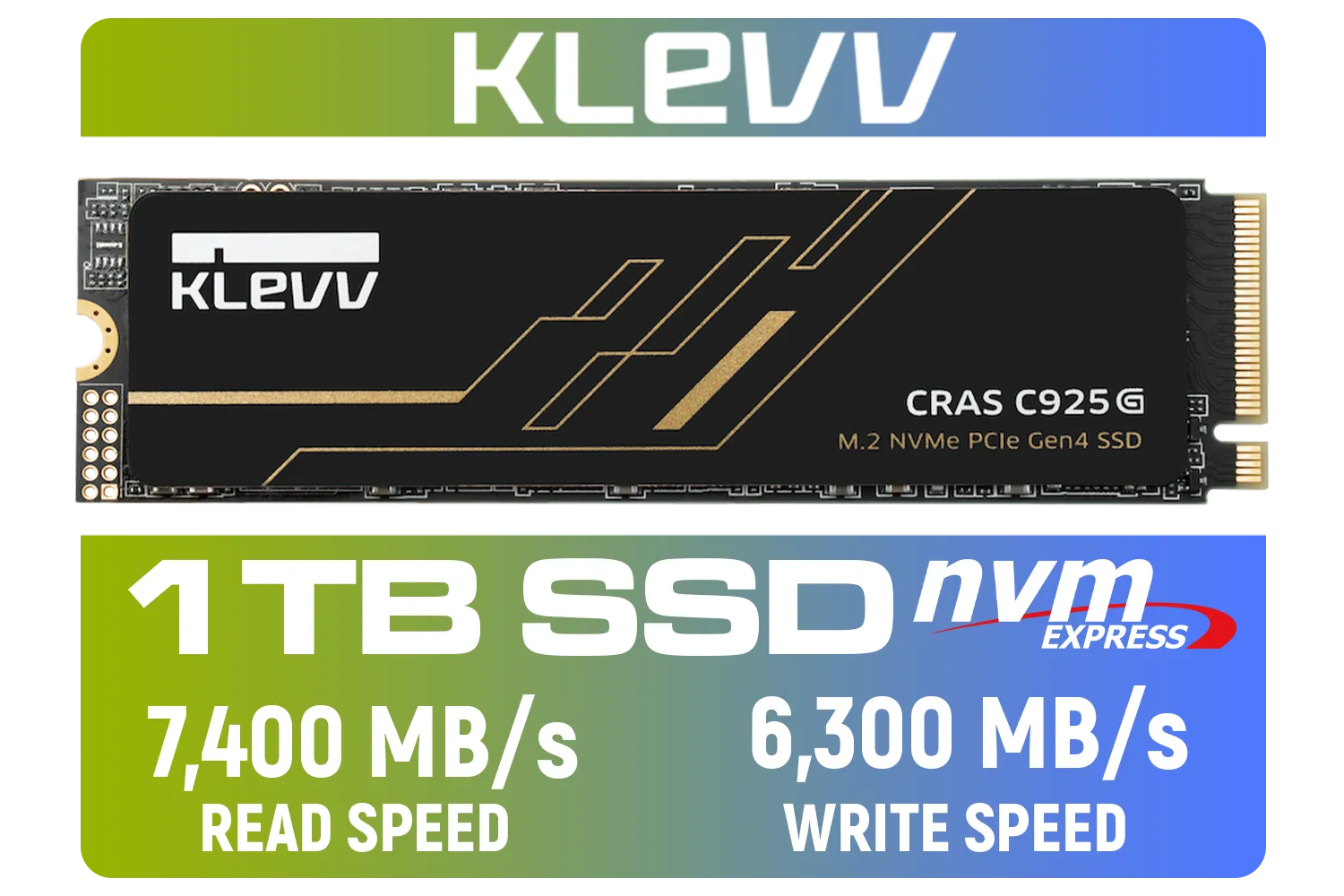
KLEVV CRAS C925G M.2 NVMe Solid State Drive - 1TB / PCIe Gen4x4 / Sequential Read | Write - 7400 | 6300 MB/s / 3D TLC NAND Flash / K01TBM2SP0-25G
R2099.00In Stock
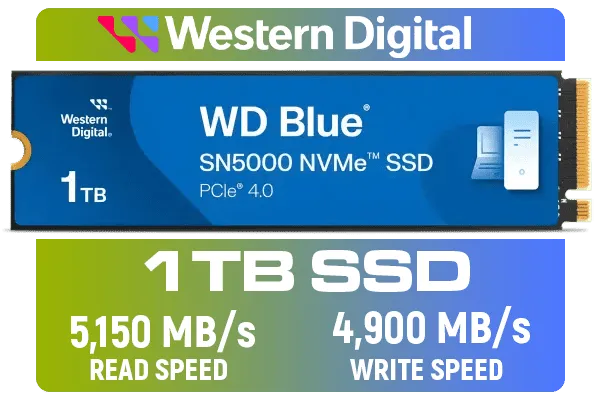
Western Digital 1TB WD Blue SN5000 NVMe Internal Solid State Drive SSD - PCIe Gen 4.0, M.2 2280, Up to 5,150 MB/s / WDS100T4B0E
R1999.00In Stock
The NVMe Generations: A Speed Showdown
Before we dive into the NVMe Gen3 vs Gen4 vs Gen5 debate, let's get one thing straight: any NVMe SSD is a massive leap from an old hard drive or even a SATA SSD. NVMe (Non-Volatile Memory Express) drives connect directly to your motherboard's PCIe lanes—the same super-fast highway your graphics card uses. This direct connection unlocks staggering speeds. The "Gen" simply refers to the generation of that PCIe interface, with each new version roughly doubling the potential speed.
Gen3: The Reliable Workhorse
NVMe Gen3 was the standard for years, and for good reason. With read speeds topping out around 3,500 MB/s, these drives are still incredibly fast for everyday tasks and most gaming scenarios. They boot Windows in seconds, load game levels swiftly, and offer fantastic value for money. If you're on a tighter budget or upgrading a slightly older PC, a Gen3 SSD remains a brilliant and cost-effective choice.
Gen4: The Modern Sweet Spot ⚡
This is where things get really interesting. NVMe Gen4 doubles the theoretical bandwidth, pushing speeds up to a blistering 7,500 MB/s. For PC gamers, this means near-instantaneous loading. For PlayStation 5 owners, a Gen4 drive is a must-have for expanding storage without compromising performance. As games become more complex and leverage technologies like Microsoft's DirectStorage, the benefits of Gen4 will only grow. A drive like the Klevv CRAS C925G 1TB Gen4 NVMe SSD represents the perfect balance of price and next-level performance for today's demanding titles.
Gen5: The Future, Today 🚀
Welcome to the bleeding edge. NVMe Gen5 drives are the new titans, capable of speeds exceeding 12,000 MB/s. These are for enthusiasts who demand absolute maximum performance for tasks like 8K video editing or working with massive datasets. However, this power comes at a premium price and requires a modern motherboard (like AMD's AM5 or Intel's Z790 platforms) to even function. Brands are innovating rapidly in this space, and it's worth keeping an eye on Klevv's range of high-performance memory and storage as this technology becomes more mainstream. For now, it's more of a specialised tool than a must-have for most gamers.
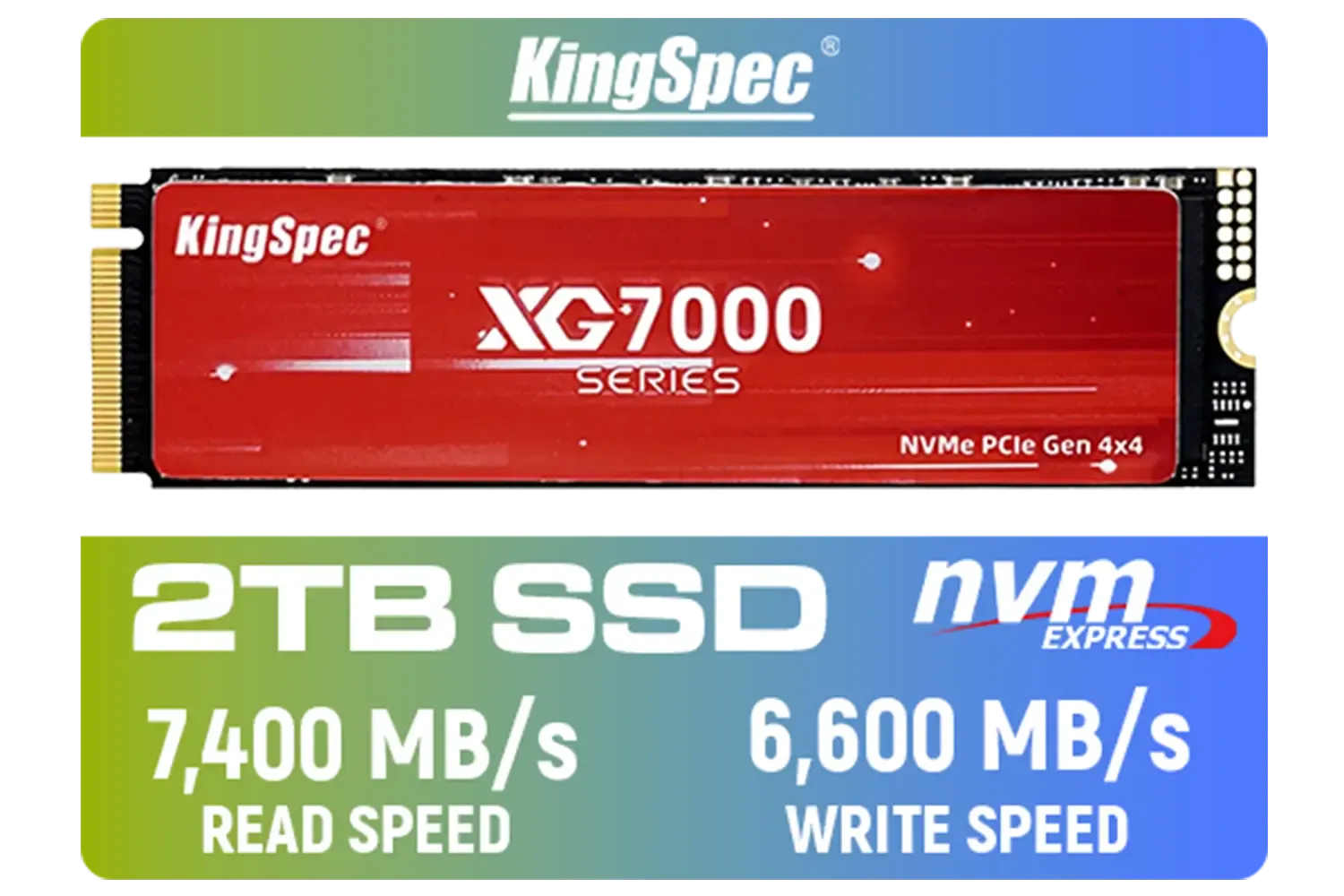
KingSpec XG7000 2TB NVMe Internal Solid State Drive SSD / QLC NAND flash memory / PCIe Gen 4.0, M.2 2280, Up to 7400MB/s/6600MB/s Read/Write Speeds / XG7000-2280-2TB
R3499.00In Stock
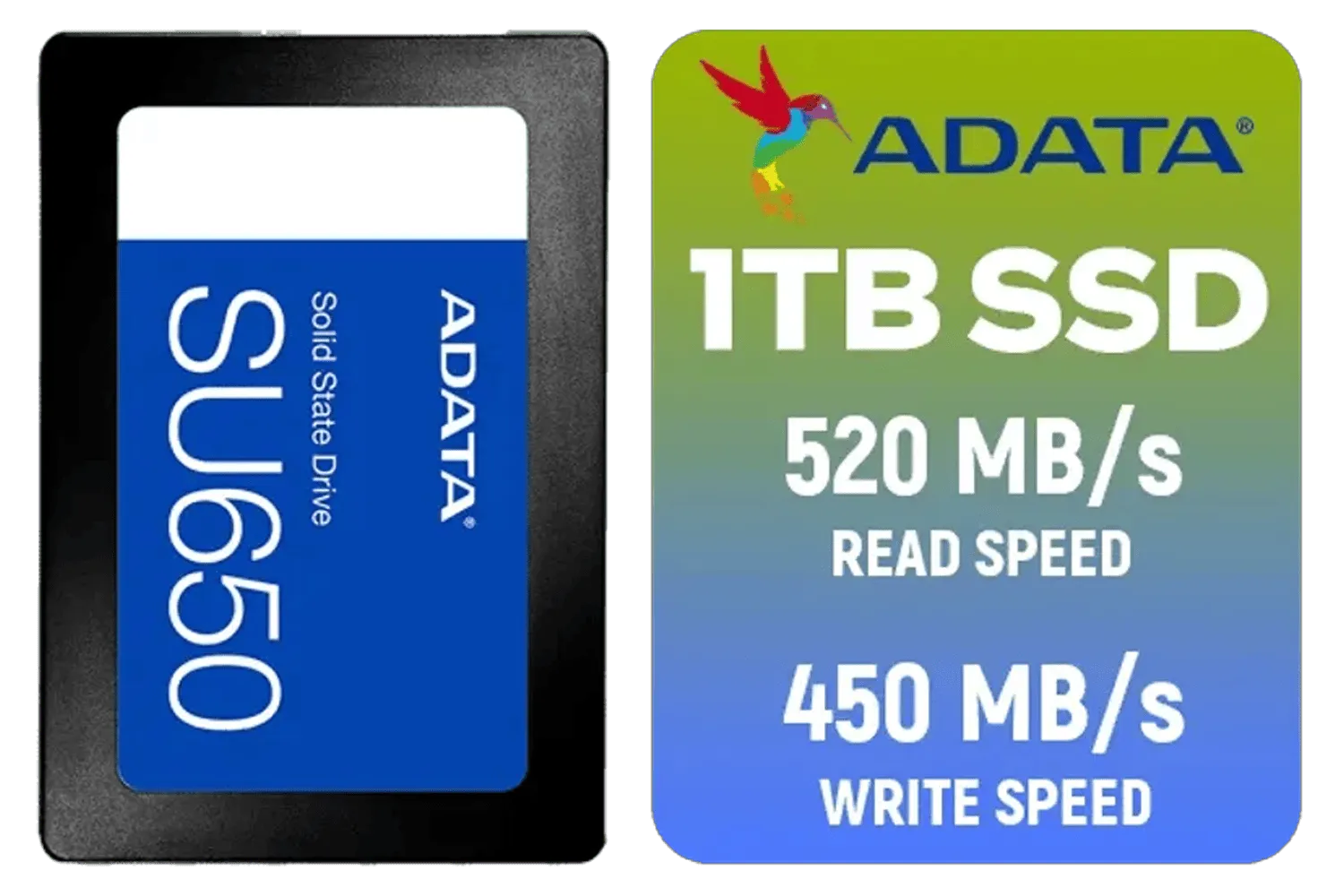
ADATA SU650 1TB 3D-NAND SATA 2.5 inch Internal SSD / ASU650SS-1TT-R
R1399.00In Stock
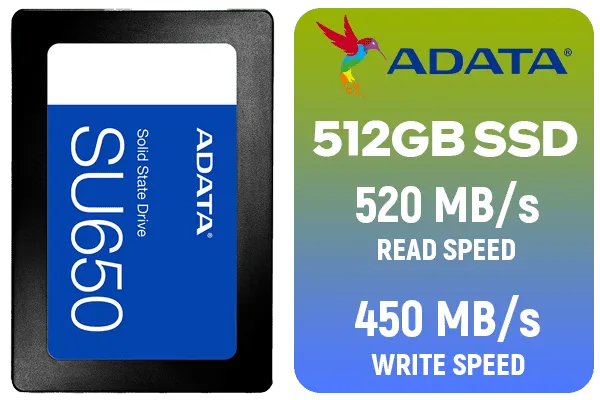
ADATA SU650 512GB 3D-NAND SATA 2.5 inch Internal SSD / ASU650SS-512GT-R
R799.00In Stock
Western Digital 1TB WD Blue SN5000 NVMe Internal Solid State Drive SSD - PCIe Gen 4.0, M.2 2280, Up to 5,150 MB/s / WDS100T4B0E
R1999.00In Stock
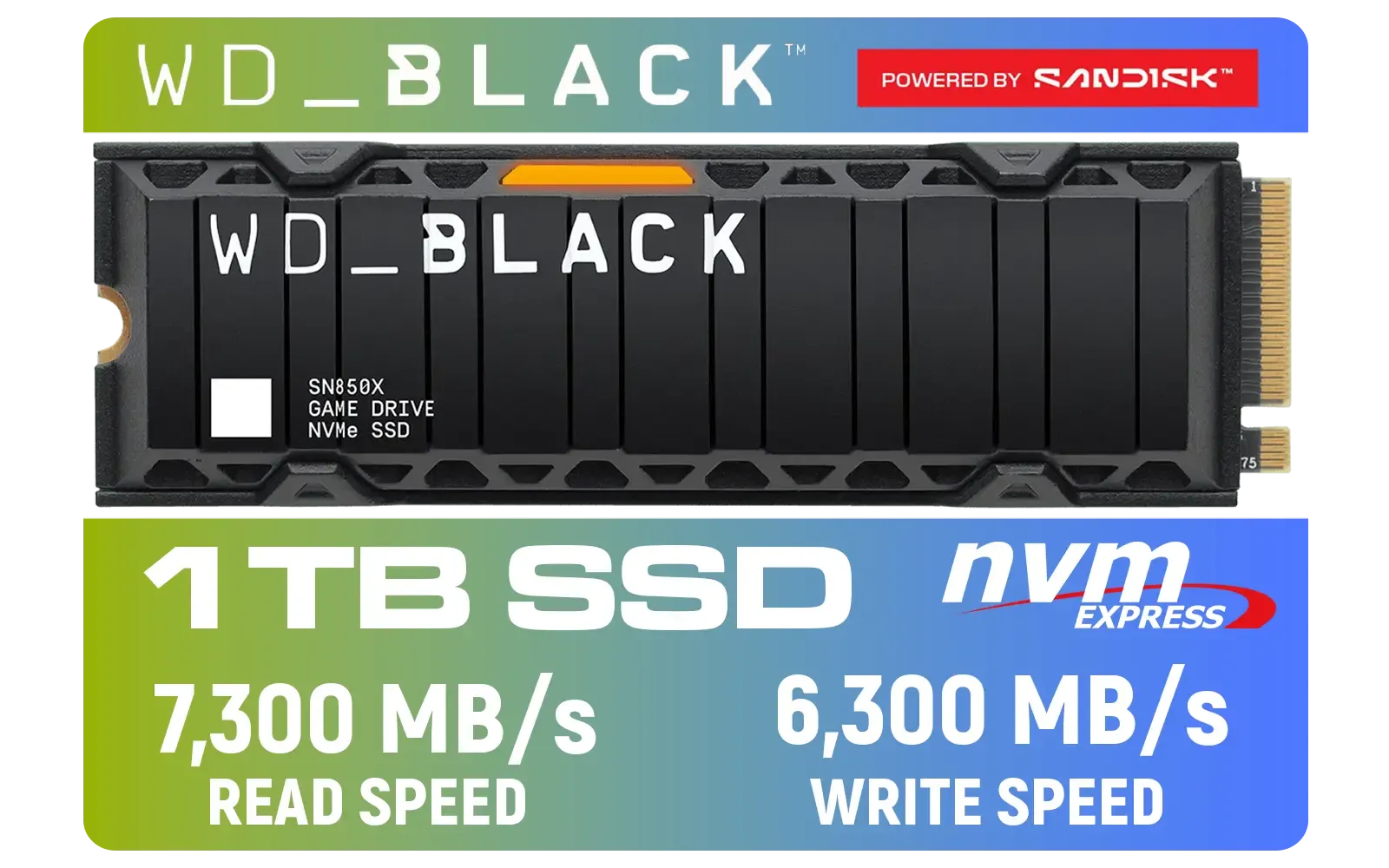
Western Digital SN850X 1TB NVMe Internal Solid State Drive with Heatsink / Heatsink for Peak Thermal Performance / Overhead Balancing / Adaptive Thermal Management / Up to 7300MB/s Read Speed / Up to 6300MB/s Write Speed / PCIe Gen 4 / WDS100T2XHE
R2499.00In Stock
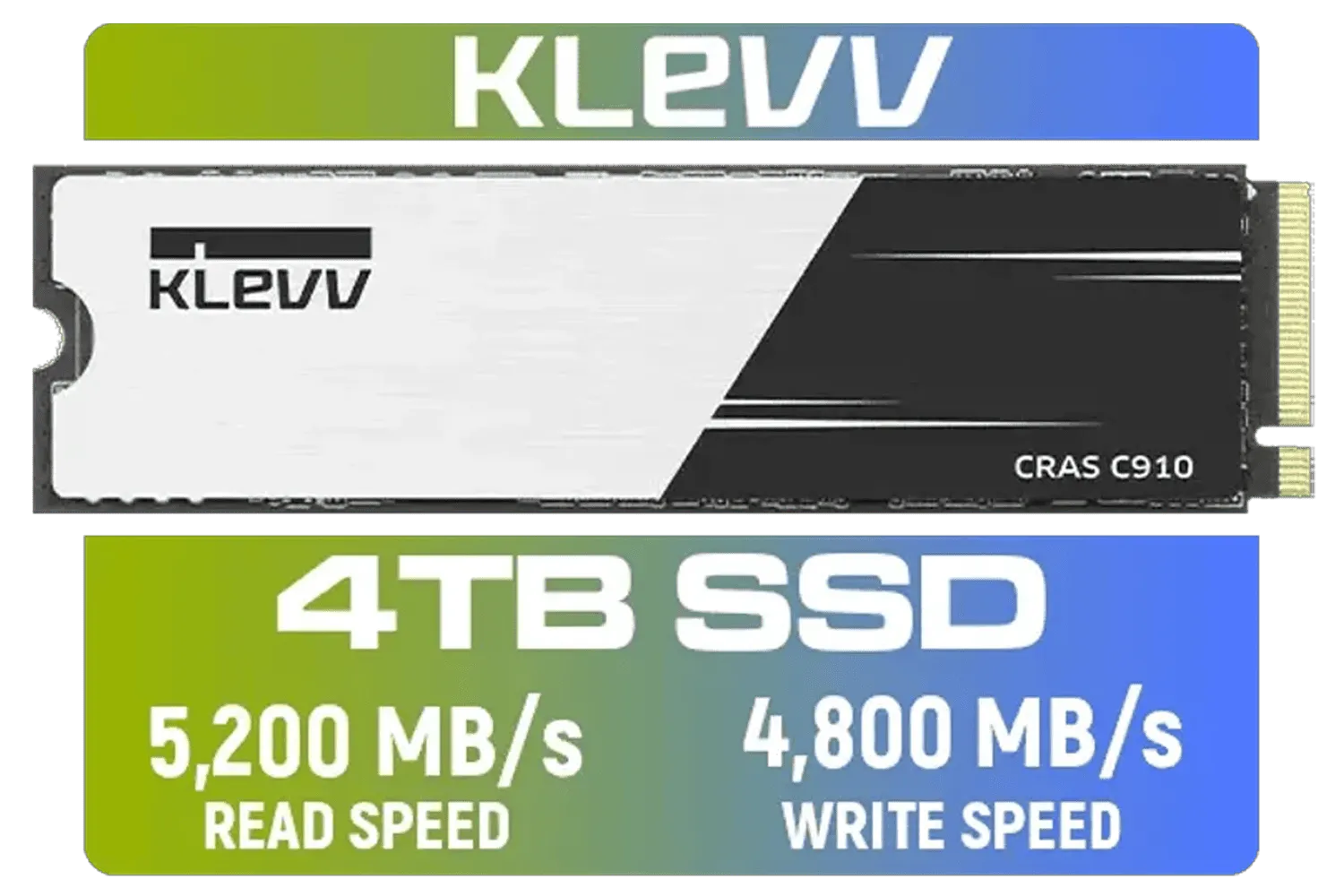
KLEVV CRAS C910 4TB NVME PCIe SSD Gen4x4 / Sequential Read up to 5200MB/s / Sequential Write up to 4800MB/s / Aluminum Heatsink / 3D NAND Technology / K04TBM2SP0-C91
R5999.00In Stock
So, Which NVMe Generation Do You Actually Need?
For pure gaming, the real-world difference between a fast Gen3 and a Gen4 drive can be just a second or two on a loading screen. So, is Gen4 worth it? Yes, especially for future-proofing. As new games are built to take advantage of faster storage, having a Gen4 drive will ensure you're ready.
Where the NVMe Gen4 vs Gen5 comparison really shines is in productivity. If you're a content creator who regularly moves huge files, the time saved can be significant. For everyone else, Gen4 offers more than enough speed for a flawless, snappy experience in everything you do.
TIP FOR YOU
Motherboard Check 🔧
Before you buy, always check your motherboard's specifications! Look for the M.2 slots and see which PCIe generation they support (e.g., "PCIe 4.0 x4"). Putting a Gen4 SSD in a Gen3 slot will work, but it will be limited to Gen3 speeds. You need a matching slot to get the full performance you're paying for.
Making the Right Choice for Your Rig in South Africa
Choosing the right SSD in the NVMe Gen3 vs Gen4 vs Gen5 race comes down to three things: your motherboard, your use case, and your budget.
- Budget Builder / Everyday Gamer: A Gen3 NVMe offers incredible value and a huge performance boost over older storage.
- Serious PC Gamer / PS5 User: Gen4 is the clear winner. It's the current sweet spot for performance, future-proofing, and price.
- Pro Creator / Ultimate Enthusiast: If your work depends on maximum data throughput and you have the latest hardware, Gen5 is your target.

Kingston KC3000 PCIe 4.0 NVMe M.2 4TB SSD / High-Performance Storage for Desktop and Laptop PCs / SKC3000D/4096G
R8499.00In Stock

Kingston KC3000 PCIe 4.0 NVMe M.2 2TB SSD - High-Performance Storage for Desktop and Laptop PCs -SKC3000D/2048G
R3999.00In Stock
Kingston Fury Renegade 2TB PCIe Gen 4.0 NVMe M.2 Internal Gaming SSD with Heat Sink | PS5 Ready | Up to 7300MB/s | SFYRDK/2000G
R4199.00In Stock

XPG 4TB GAMMIX S70 Blade PCIe Gen4 M.2 2280 Internal Gaming SSD Up to 7,400 MB/s - Works with Playstation 5 / AGAMMIXS70B-4T-CS
R6999.00In Stock

ADATA SD810 1000G IP68 Water Resistance Up to 2000 MB/s USB 3.2 Gen 2 USB-C External Solid State Drive - Black for iPhone 15/Pro/Max, Android / SD810-1000G-CBK
R2399.00In Stock
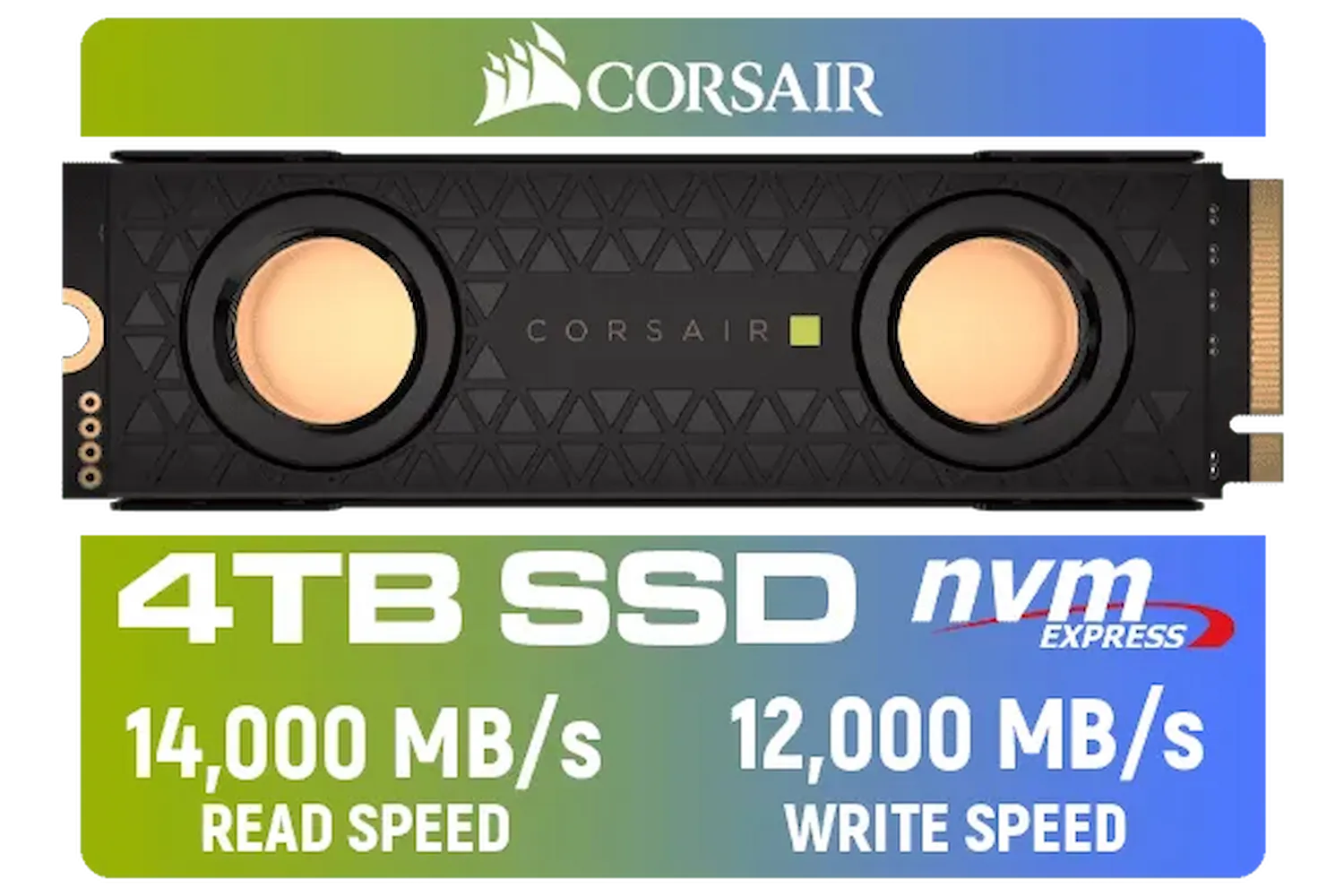
Corsair MP700 PRO SE Hydro X Series 4TB M.2 PCIe Gen5 x4 NVMe 2.0 SSD – M.2 2280 – Up to 14,000MB/sec Sequential Read – High-Density TLC NAND – Pre-Installed Water Block – Black / CSSD-F4000GBMP700PHXS
R13499.00In Stock
Ultimately, any NVMe drive will make your system feel more responsive. The key is to match the drive's capabilities to your specific needs so you're not paying for speed you won't use. To see what fits your build and budget, you can browse our full range of SSDs and find the perfect upgrade today.
Ready for Warp Speed? Whether you're eliminating load times or speeding up your creative workflow, the right NVMe SSD is waiting. From budget-friendly Gen3 drives to bleeding-edge Gen5 powerhouses, we've got the perfect match for your rig. Explore our massive range of SSD deals and give your PC the upgrade it deserves.
Related Products

Orico X7000 1TB NVMe Internal Solid State Drive SSD / Versatile storage for multiple platforms / PCIe Gen 4.0, M.2 2280 / Up to 7100MB/s Read Speed / Up to 6500MB/s Write Speed / ORICO-X7000-1TB-RD-BP
R2099.00In Stock

ADATA SD810 2000G USB-C 2TB External Solid State Drive - Black / IP68 Water Resistance / Up to 2000 MB/s Read/Write Speeds / USB 3.2 Gen 2 for iPhone 15/Pro/Max, Android / SD810-2000G-CBK
R3199.00In Stock
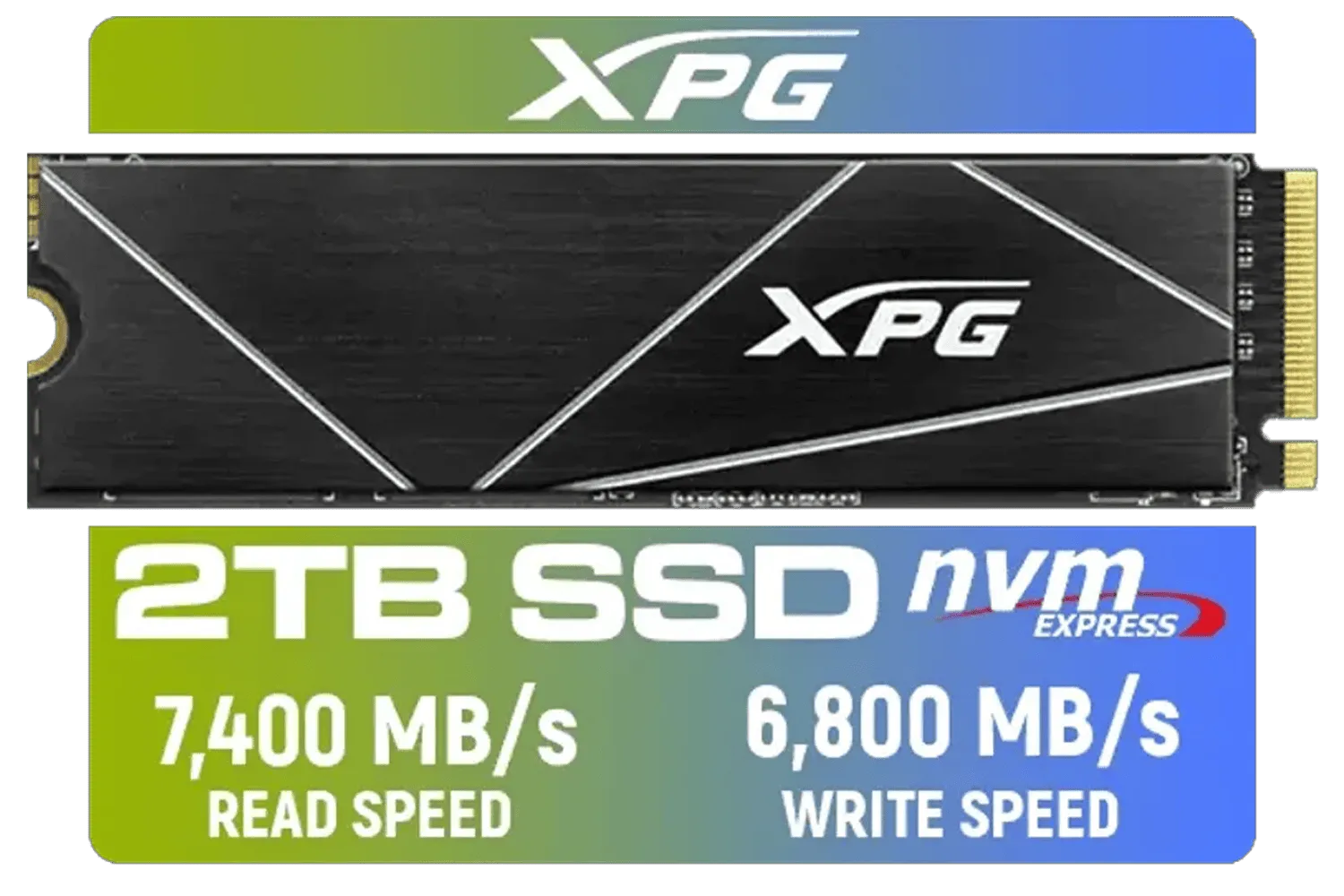
XPG 2TB GAMMIX S70 Blade - Works with Playstation 5, PCIe Gen4 M.2 2280 Internal Gaming SSD Up to 7,400 MB/s (AGAMMIXS70B-2T-CS)
R3699.00In Stock

Kingston KC3000 PCIe 4.0 NVMe M.2 1TB SSD - High-Performance Storage for Desktop and Laptop PCs / SKC3000S/1024G
R2799.00In Stock

DAHUA M.2 PCIe Gen4x4 1TB NVMe SSD / PCIe Gen4.0x4 Supported / Read: Up to 6290 MB/s Write: Up to 5680 MB/s / DHI-SSD-C970VN1TB
R1949.00In Stock
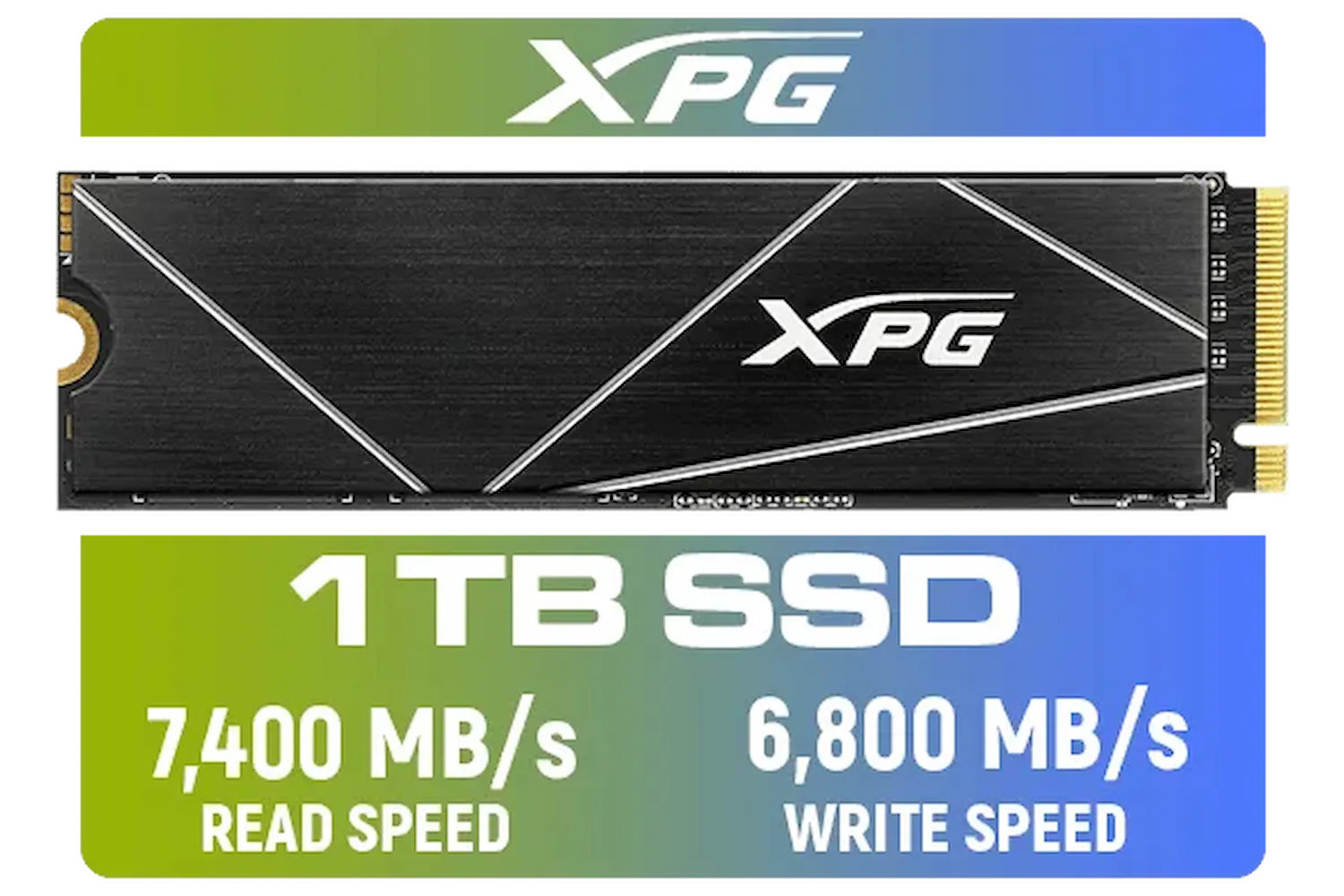
ADATA XPG 1TB GAMMIX S70 Blade - Works with Playstation 5, PCIe Gen4 M.2 2280 Internal Gaming SSD Up to 7,400 MB/s / AGAMMIXS70B-1T-CS
R2599.00In Stock
Yes, NVMe drives are backwards compatible. A Gen5 SSD fits a Gen4 slot but runs at slower Gen4 speeds, limiting its max potential.
Gen5 SSDs offer speeds up to 14,000 MB/s, effectively doubling the theoretical 7,000 MB/s cap of Gen4 drives for extreme performance.
Yes, Gen5 NVMe drives generate significant heat and require active cooling or beefy heatsinks to prevent thermal throttling during heavy loads.
Absolutely. Gen3 NVMe SSDs still provide fast load times for most games, though Gen4 and Gen5 are superior for future DirectStorage titles.
PCIe 5.0 doubles the bandwidth per lane compared to 4.0, allowing for massive data transfer rates ideal for AI, 8K editing, and heavy workloads.
Consumer NVMe Gen5 SSDs began entering the market in late 2022 and early 2023, coinciding with new motherboard platforms supporting PCIe 5.0.