NVMe SSD Gaming Performance: Faster Open-World Texture Loading
• Assess benefits • Explain technical gains • Recommend parts 📈🎮 NVMe SSD gaming performance reduces open-world load times and texture streaming stutter, cutting pop-in and improving perceived FPS.
|
Loading tags...

You’re galloping across the breathtaking landscapes of Elden Ring, but then it happens… a blurry, low-resolution texture pops into view, shattering your immersion. Or maybe you're boosting through Night City and the world stutters for a split second to catch up. Sound familiar? This isn't your GPU struggling; it's often your storage drive hitting a bottleneck. For South African gamers, optimising your rig for these moments is key to a truly next-gen experience.
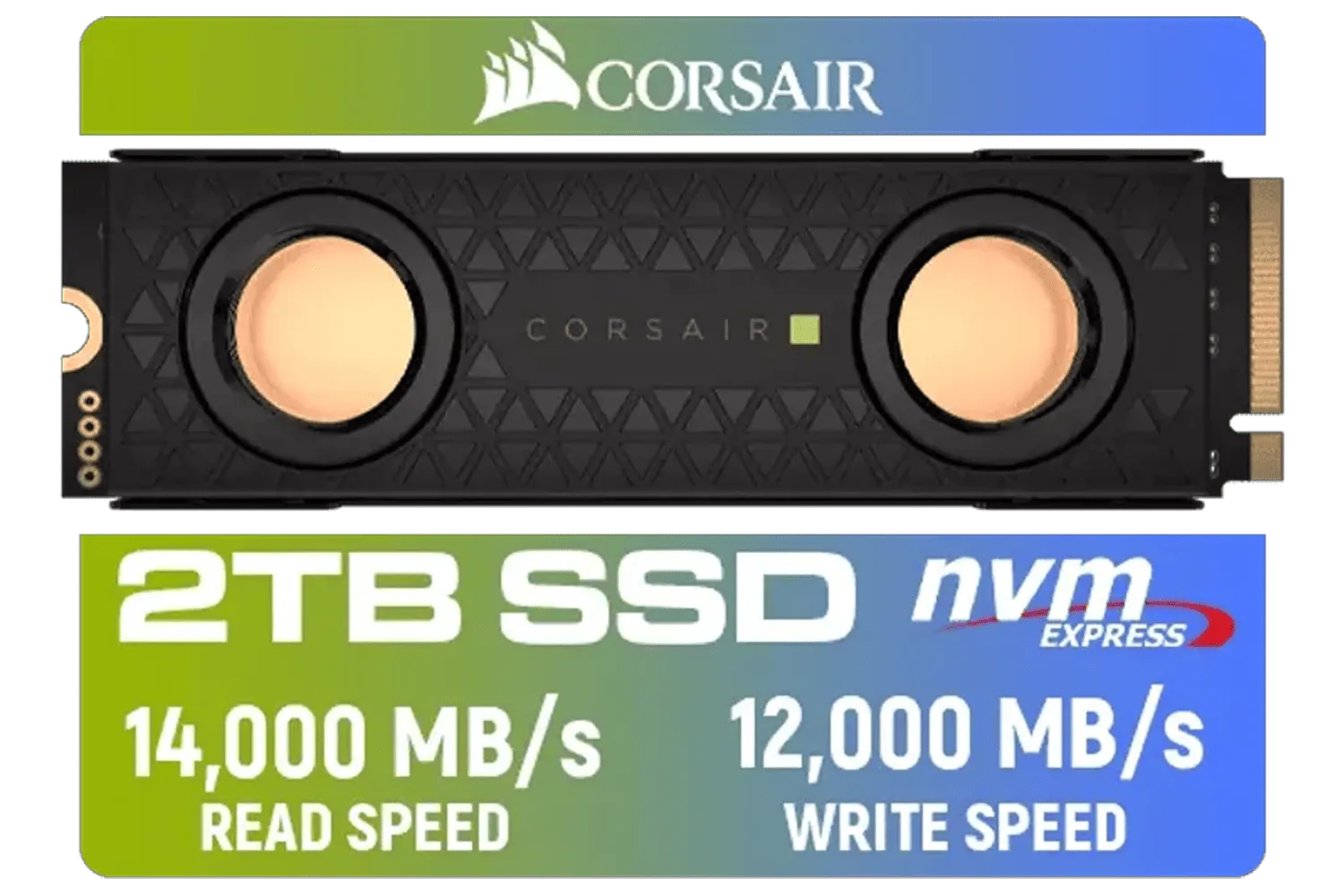
Corsair MP700 PRO SE Hydro X Series 2TB M.2 PCIe Gen5 x4 NVMe 2.0 SSD – M.2 2280 – Up to 14,000MB/sec Sequential Read – High-Density TLC NAND – Pre-Installed Water Block – Black / CSSD-F2000GBMP700PHXS
R7499.00In Stock
![[OEM] Dahua V800 512GB 2.5" SATA 3.0 6 Gb/s 3D NAND Solid State Drive / Read Speed Up to 530 MB/s / Write Speed Up to 320 MB/s / High-Quality Wafer-Level Chip / TRIM & NCQ Performance Boost / Low Power Consumption / Safe & Reliable Data Transfer / Stable 24/7 Read-Write for XVR (No Frame Loss) / DHI-SSD-V800S512G](https://img.evetech.co.za/repository/ProductImages/dahua-v800-512gb-oem-sata-ssd-1600px-v1-001.webp)
[OEM] Dahua V800 512GB 2.5" SATA 3.0 6 Gb/s 3D NAND Solid State Drive / Read Speed Up to 530 MB/s / Write Speed Up to 320 MB/s / High-Quality Wafer-Level Chip / TRIM & NCQ Performance Boost / Low Power Consumption / Safe & Reliable Data Transfer / Stable 24/7 Read-Write for XVR (No Frame Loss) / DHI-SSD-V800S512G
R999.00In Stock

XPG 4TB GAMMIX S70 Blade PCIe Gen4 M.2 2280 Internal Gaming SSD Up to 7,400 MB/s - Works with Playstation 5 / AGAMMIXS70B-4T-CS
R6999.00In Stock
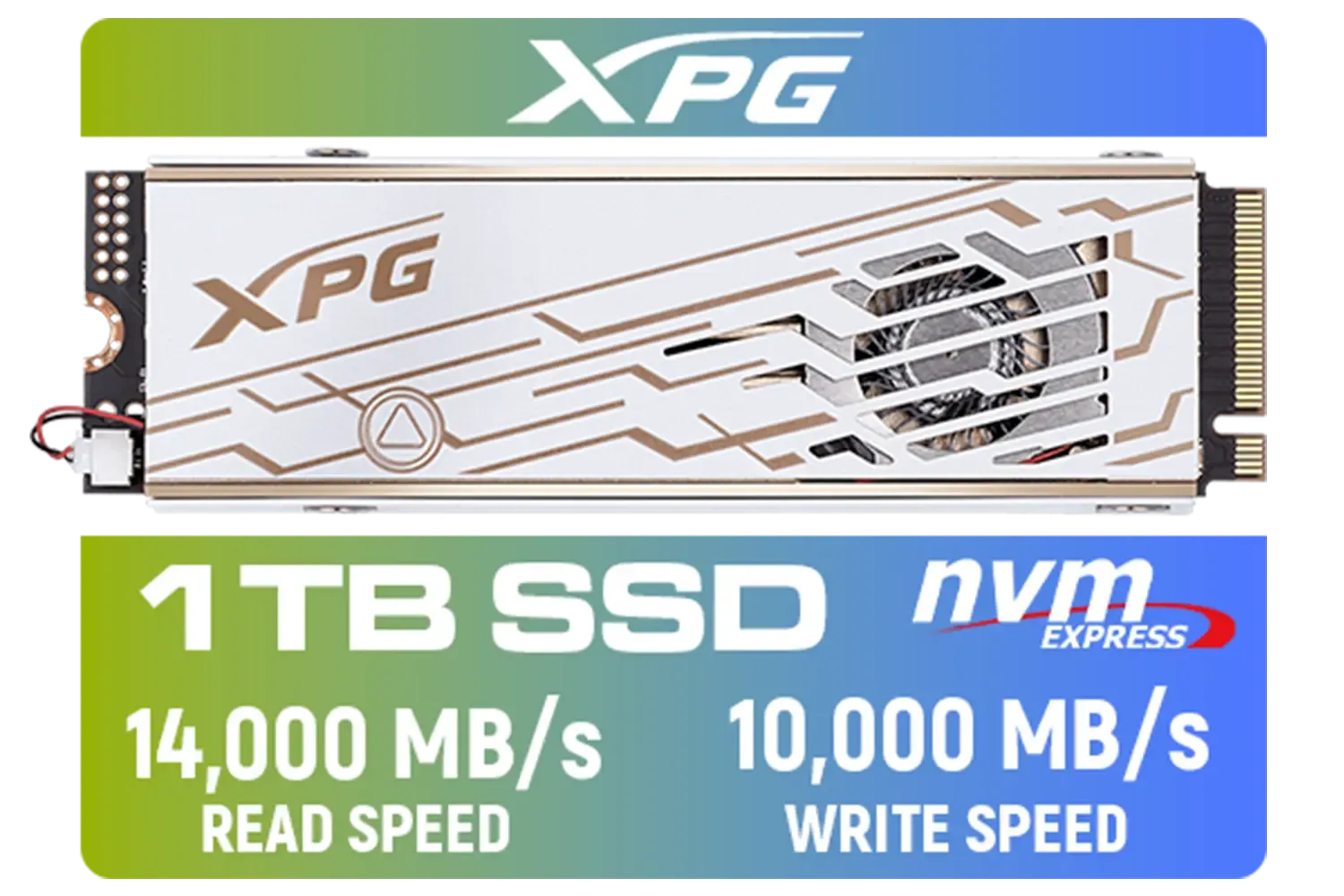
ADATA XPG Mars 980 Pro 1TB NVMe 5.0 Internal Solid State Drive / Up to 14,000MB/s Read Speed and Up to 10,000MB/s Write Speed / SMAR-980P-1TCI
R2999.00In Stock

Kingston XS1000 2TB SSD / Pocket-Sized / USB 3.2 Gen 2 / External Solid State Drive / Up to 1050MB/s / SXS1000/2000G
R2899.00In Stock
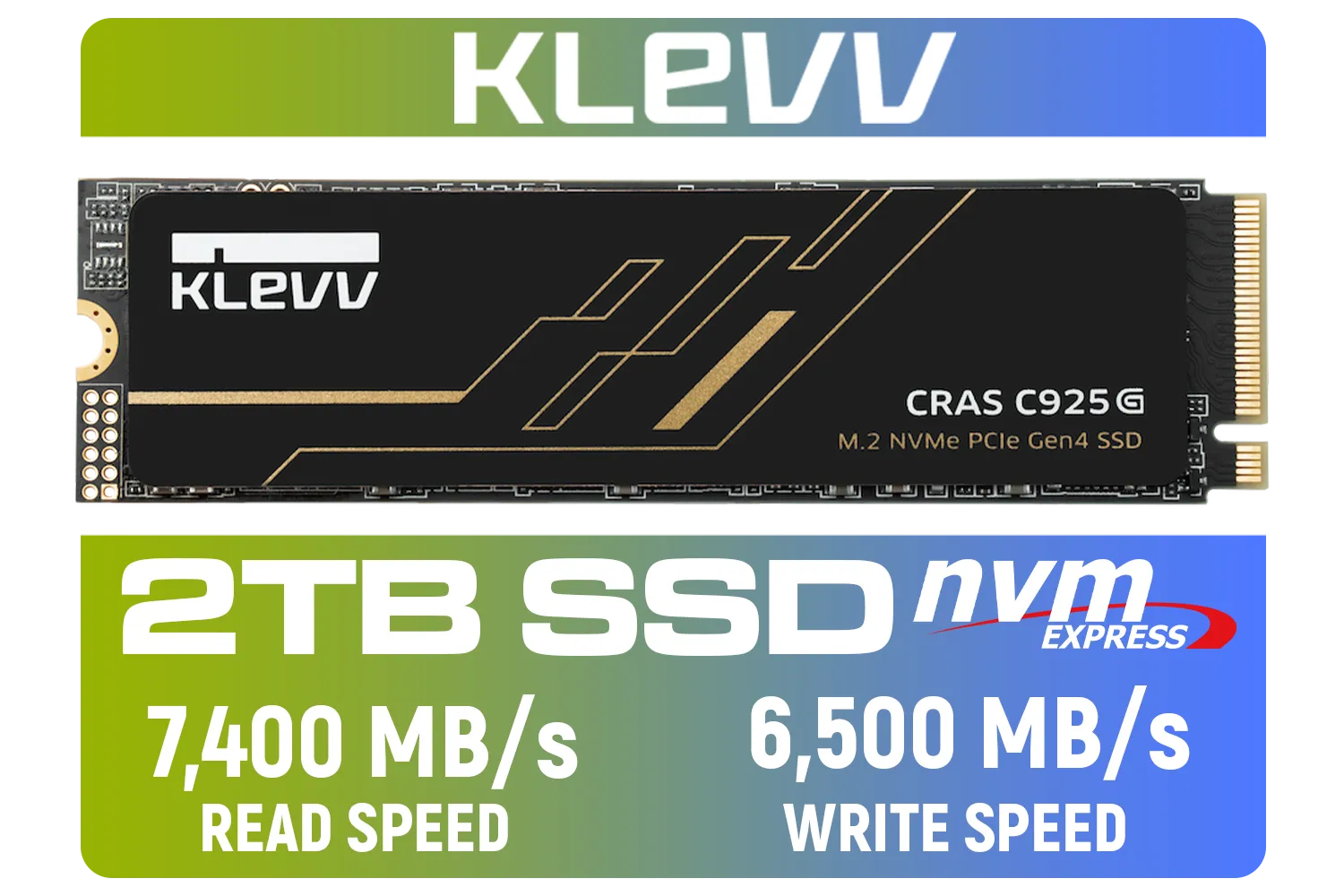
KLEVV CRAS C925G M.2 NVMe Solid State Drive - 2TB / PCIe Gen4x4 / Sequential Read | Write - 7400 | 6500 MB/s / 3D TLC NAND Flash / K02TBM2SP0-25G
R3499.00In Stock
Understanding NVMe SSD Gaming Performance
So, what’s the magic behind an NVMe SSD? Unlike older SATA SSDs that were designed for spinning hard drives, NVMe (Non-Volatile Memory Express) drives connect directly to your motherboard's PCIe slot—the same super-fast lane your graphics card uses. This direct line to the CPU slashes latency and unlocks mind-blowing read/write speeds. 🚀
This raw speed has a direct impact on NVMe SSD gaming performance. It means your PC can fetch game assets—textures, models, sound files—almost instantly. While a SATA SSD is a huge leap from a hard drive, an NVMe drive is in another league entirely, often being 5 to 10 times faster. This is crucial for modern games with massive, high-resolution assets. For many gamers, a reliable drive from a brand like Kingston offers a perfect blend of speed and stability.
Why NVMe Matters for Faster Open-World Texture Loading
Let's get specific about those massive open worlds. Games like Starfield, Cyberpunk 2077, and the upcoming GTA 6 don't load the entire map into your RAM at once. That would be impossible. Instead, they use a technique called "asset streaming," constantly loading the bits of the world you're about to see, directly from your storage drive.
This is where your drive's speed becomes critical. A slow drive can't feed the data to your GPU and CPU fast enough, causing:
- Texture Pop-In: You see low-quality textures that are suddenly replaced by high-quality ones.
- Stuttering: The game freezes for a millisecond while it waits for assets to load.
- Longer Load Screens: The initial load into the game world takes longer as more data needs to be prepared.
An NVMe SSD ensures this data pipeline is wide open, allowing for faster open-world texture loading and a much smoother, more immersive experience. You see the world as the developers intended, without the jarring technical hiccups. Brands known for pushing the speed envelope, like the latest performance-focused Corsair SSDs, are built for exactly this kind of demanding workload.
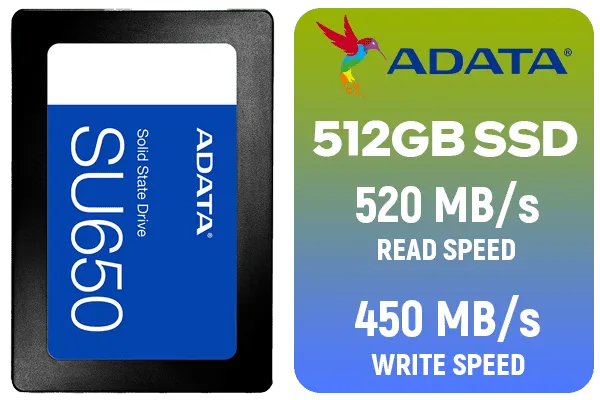
ADATA SU650 512GB 3D-NAND SATA 2.5 inch Internal SSD / ASU650SS-512GT-R
R799.00In Stock

Teamgroup T-Force G70 PRO 1TB NVMe Internal Solid State Drive / Up to 7,000 Read Speed / Up to 5,500 Write Speed / Multiple Caching Systems Available / Patented Graphene Heatsink Technology / TM8FFH001T0C129
R2499.00In Stock
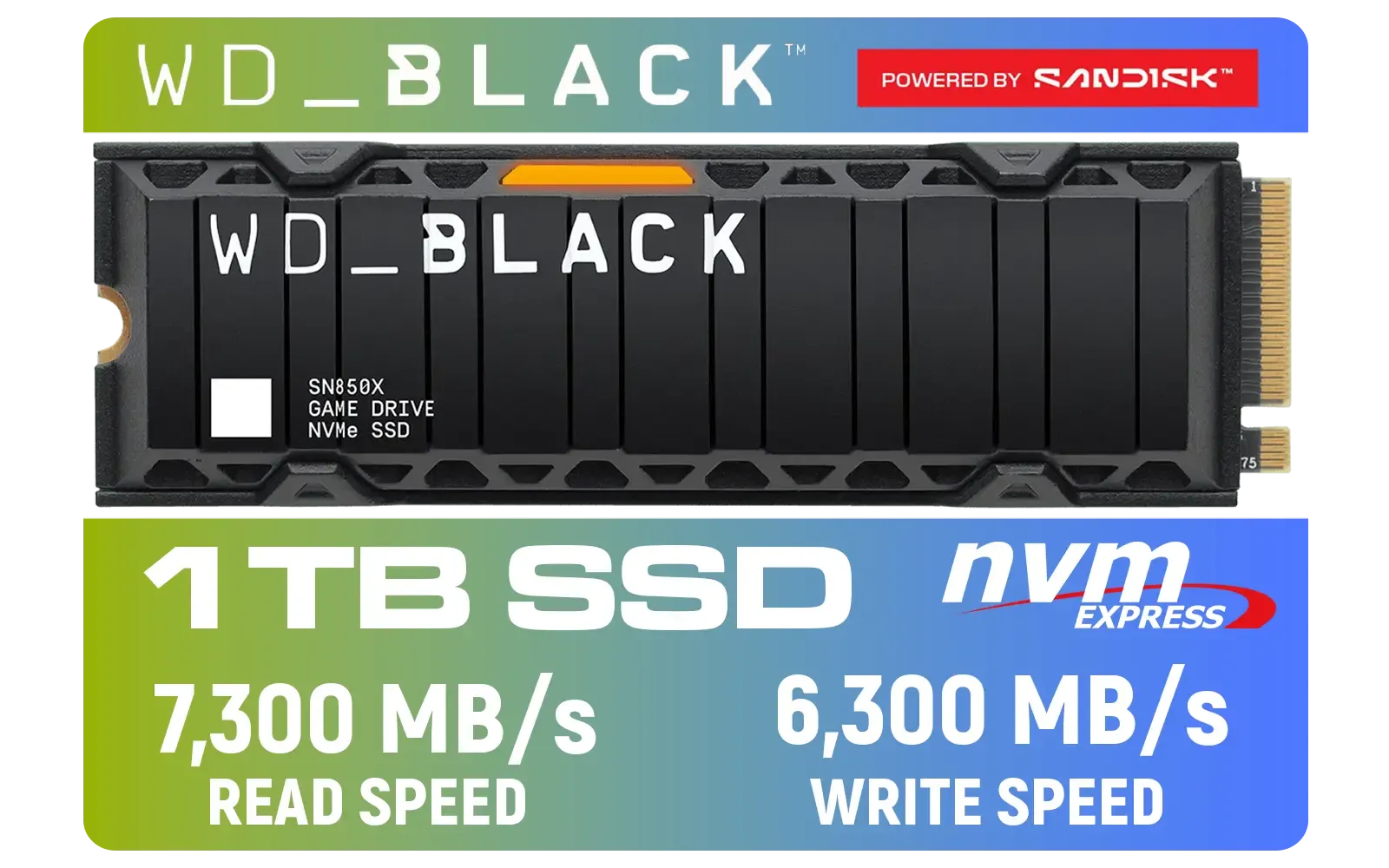
Western Digital SN850X 1TB NVMe Internal Solid State Drive with Heatsink / Heatsink for Peak Thermal Performance / Overhead Balancing / Adaptive Thermal Management / Up to 7300MB/s Read Speed / Up to 6300MB/s Write Speed / PCIe Gen 4 / WDS100T2XHE
R2499.00In Stock
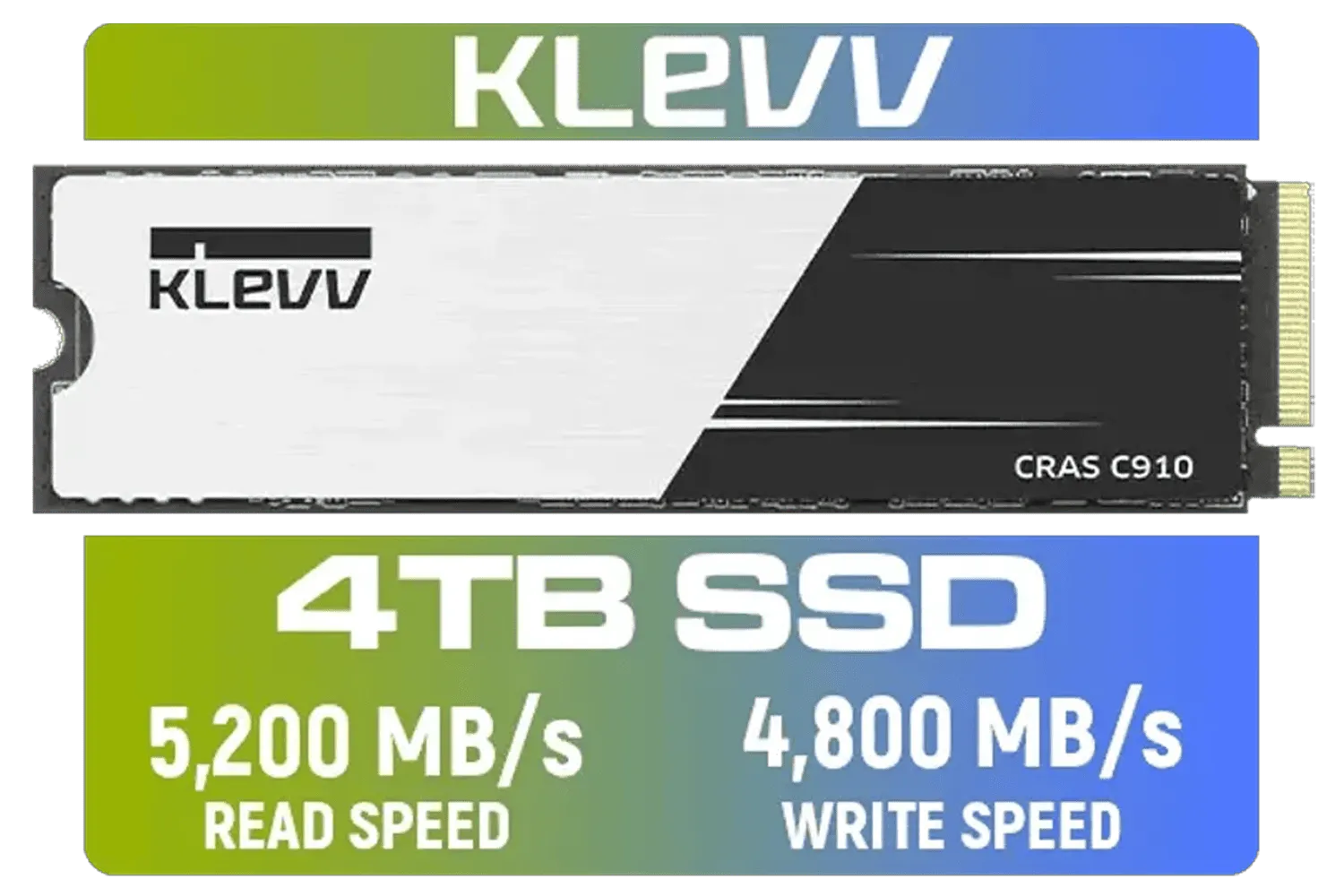
KLEVV CRAS C910 4TB NVME PCIe SSD Gen4x4 / Sequential Read up to 5200MB/s / Sequential Write up to 4800MB/s / Aluminum Heatsink / 3D NAND Technology / K04TBM2SP0-C91
R5999.00In Stock

ADATA SD810 2000G USB-C 2TB External Solid State Drive - Black / IP68 Water Resistance / Up to 2000 MB/s Read/Write Speeds / USB 3.2 Gen 2 for iPhone 15/Pro/Max, Android / SD810-2000G-CBK
R3199.00In Stock

Corsair MP700 PRO 1TB with Air Cooler PCIe Gen5 x4 NVMe 2.0 M.2 SSD / Up to 11,700MB/s Sequential Read / Up to 9,600MB/s Sequential Write / M.2 2280 Form Factor / CSSD-F1000GBMP700PRO
R4199.00In Stock
TIP FOR YOU
Pro Gamer Tip ⚡
For the best results, install your operating system and your most-played open-world games on your primary NVMe SSD. Keep your other files and less-demanding games on a secondary SATA SSD or HDD. This ensures your most critical applications get the full speed advantage, dramatically improving boot times and in-game loading.
Choosing the Right NVMe SSD for Your Rig
With technologies like Microsoft's DirectStorage becoming more common, the importance of fast storage is only going to grow. But do you need the absolute fastest, most expensive drive? Not necessarily.
For most gamers, a quality PCIe Gen4 NVMe SSD is the sweet spot. It provides a massive boost over older drives and is more than capable of handling today's most demanding titles. When choosing, consider both speed and capacity. Modern games are huge, so thinking about high-capacity 2TB NVMe drives is a smart move to future-proof your build. ✨
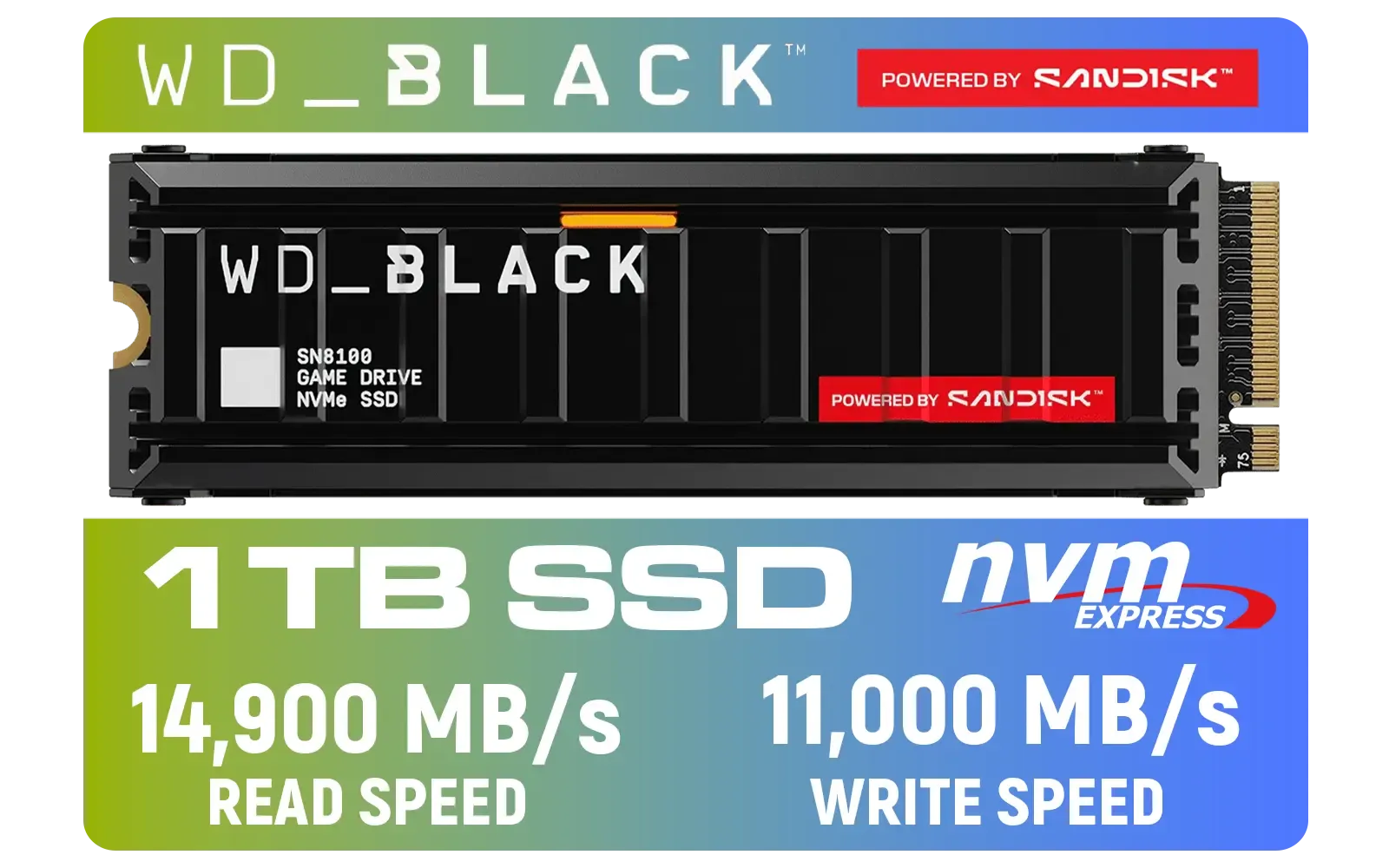
Western Digital SN8100 1TB NVMe Internal Solid State Drive with Heatsink / Read Speeds up to 14,900 MB/s / Write Speeds up to 11,000 MB/s / TCG Opal Security Encryption / nCache™ 4.0, Game Mode, and Adaptive Cooling / Includes SanDisk Dashboard & Acronis® True Image™ Software / WDS100T1XHM
R3399.00In Stock
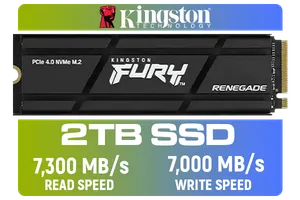
Kingston Fury Renegade 2TB PCIe Gen 4.0 NVMe M.2 Internal Gaming SSD with Heat Sink | PS5 Ready | Up to 7300MB/s | SFYRDK/2000G
R4199.00In Stock

Kingston KC3000 PCIe 4.0 NVMe M.2 2TB SSD - High-Performance Storage for Desktop and Laptop PCs -SKC3000D/2048G
R3999.00In Stock

Teamgroup T-Force G70 PRO 2TB NVMe Internal Solid State Drive / Up to 7,400 Read Speed / Up to 6,800 Write Speed / Multiple Caching Systems Available / Patented Graphene Heatsink Technology / TM8FFH002T0C129
R3799.00In Stock

Teamgroup CX2 2TB SATA Internal Solid State Drive / Up to 540 Read Speed / Up to 490 Write Speed / Advanced SLC Caching technology / T253X6002T0C101
R2199.00In Stock

ADATA SD810 1000G IP68 Water Resistance Up to 2000 MB/s USB 3.2 Gen 2 USB-C External Solid State Drive - Black for iPhone 15/Pro/Max, Android / SD810-1000G-CBK
R2399.00In Stock
You don't have to break the bank to get great NVMe SSD gaming performance. There are fantastic options across the board, from top-tier speed demons to excellent value-packed ADATA SSDs that offer a significant upgrade without the premium price tag. The key is moving away from outdated storage and giving your games the bandwidth they need to shine.
Ready to Eliminate Pop-In for Good? Upgrading your storage is one of the most noticeable improvements you can make to your gaming PC. For faster texture loading and smoother open-world adventures, an NVMe SSD is essential. Explore our huge range of NVMe SSDs and find the perfect drive to unleash your PC's true potential.
Related Products
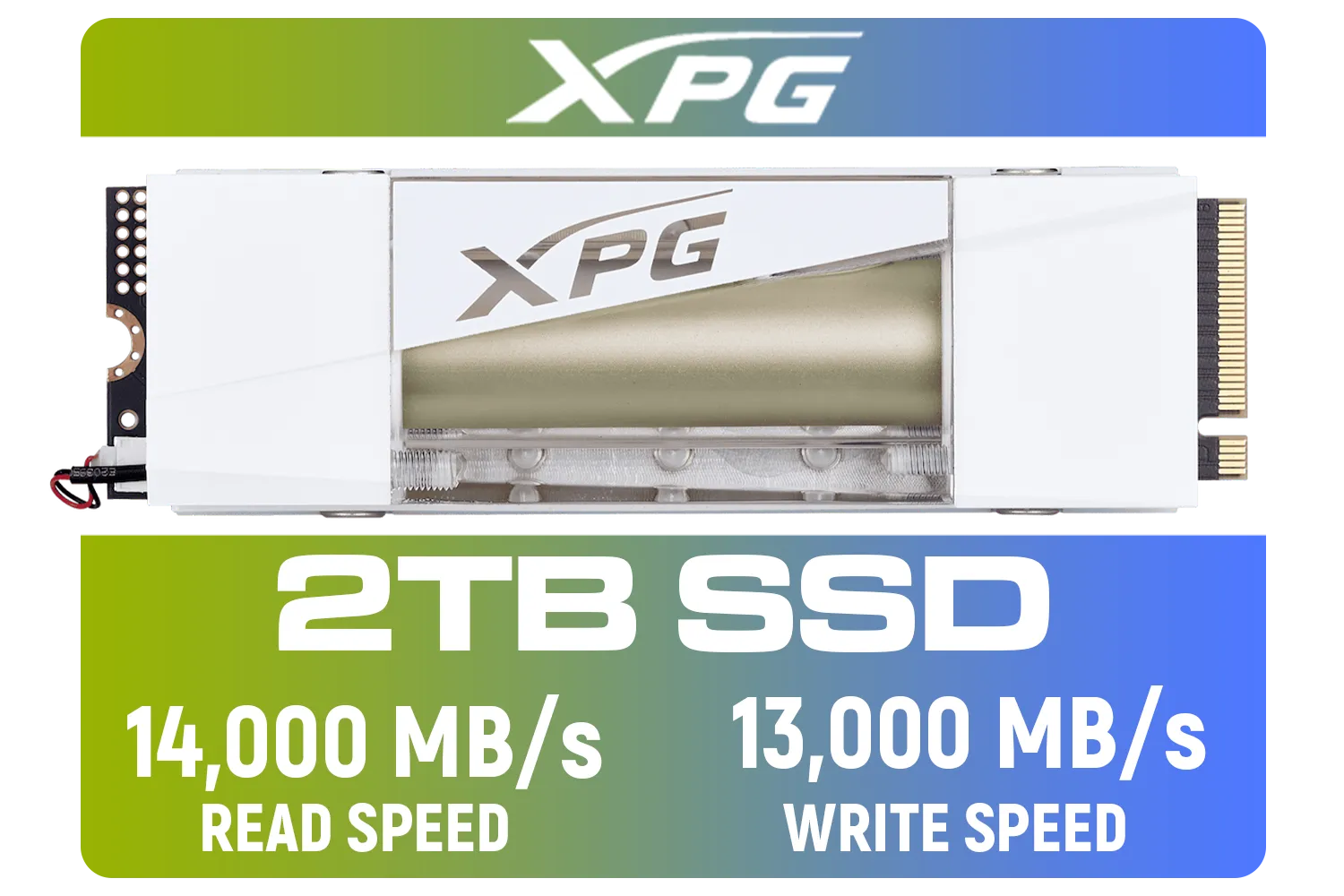
Adata Mars 980 Storm 2TB NVMe SSD / PCIe Gen5 x4 / Up to 14,000MB/s - 13,000MB Sequential Read/Write / SMAR-980S-2TCI
R4499.00In Stock
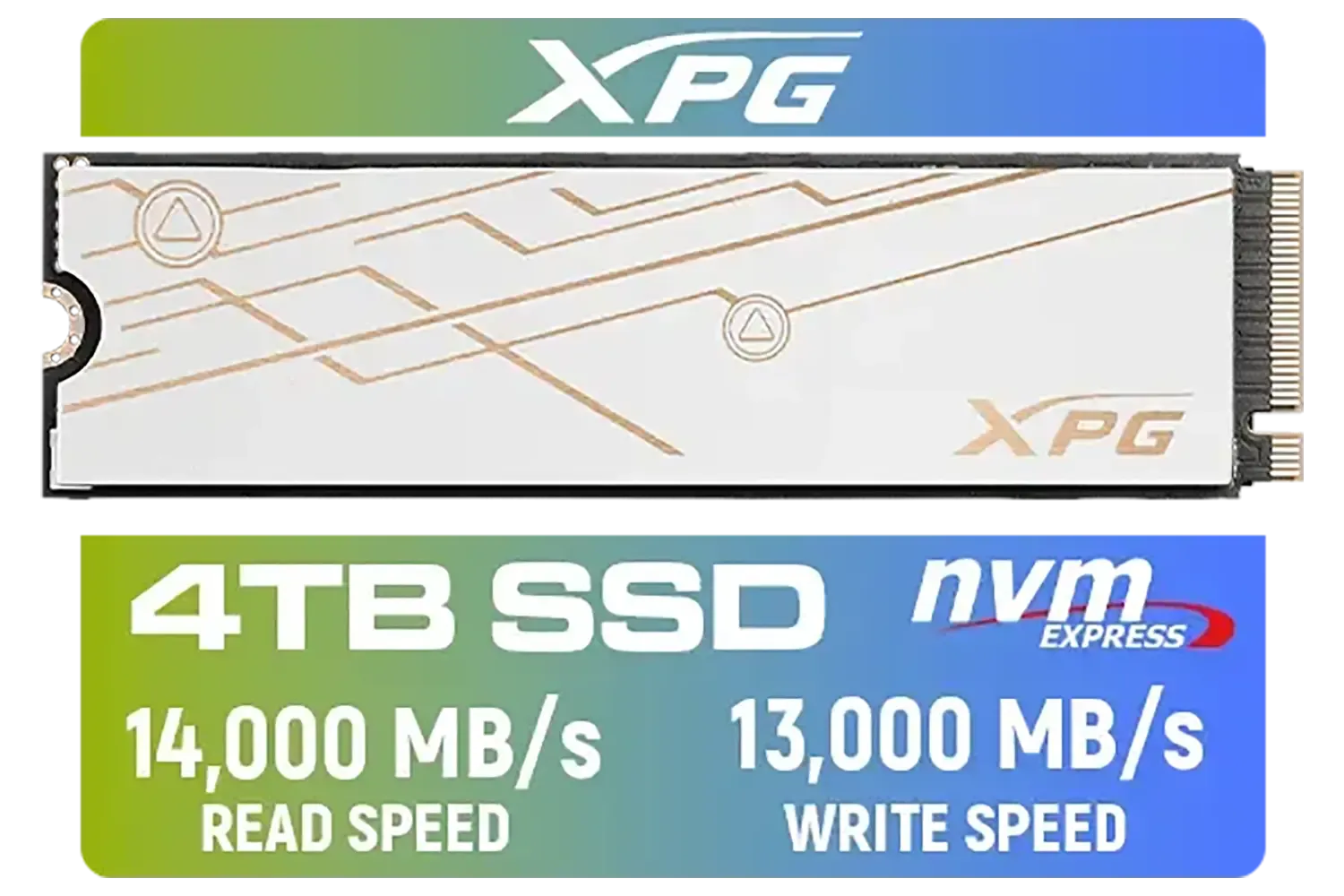
ADATA XPG Mars 980 Blade 4TB NVMe 5.0 Internal Solid State Drive / Up to 14,000MB/s Read Speed and Up to 13,000MB/s Write Speed / SMAR-980B-4TCS
R7999.00In Stock
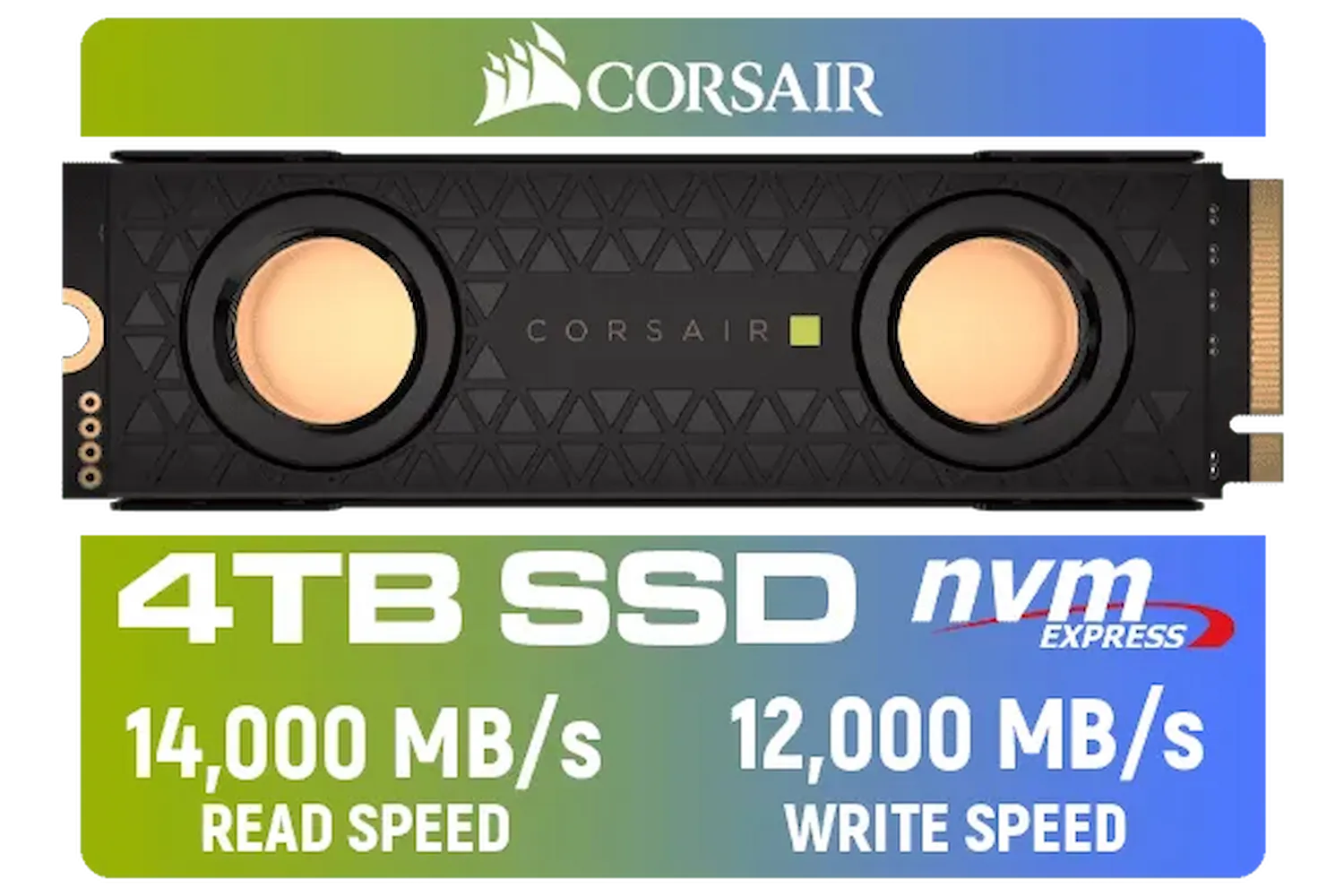
Corsair MP700 PRO SE Hydro X Series 4TB M.2 PCIe Gen5 x4 NVMe 2.0 SSD – M.2 2280 – Up to 14,000MB/sec Sequential Read – High-Density TLC NAND – Pre-Installed Water Block – Black / CSSD-F4000GBMP700PHXS
R13499.00In Stock

DAHUA M.2 PCIe Gen4x4 1TB NVMe SSD / PCIe Gen4.0x4 Supported / Read: Up to 6290 MB/s Write: Up to 5680 MB/s / DHI-SSD-C970VN1TB
R1949.00In Stock
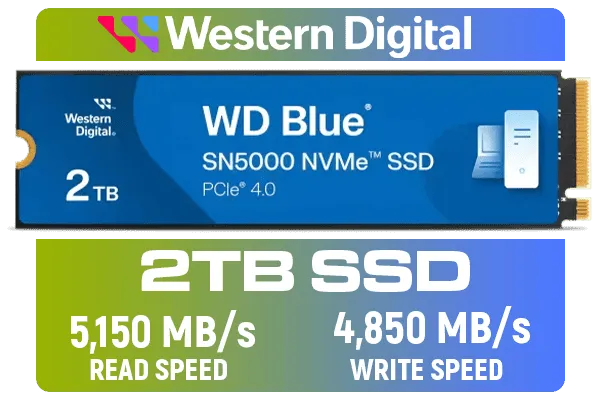
Western Digital 2TB WD Blue SN5000 NVMe Internal Solid State Drive SSD - PCIe Gen 4.0, M.2 2280, Up to 5,150 MB/s / WDS200T4B0E
R3499.00In Stock

ORICO e7400 M.2 NVMe SSD - 2TB / PS5 Compatible / PCIe Gen4.0 x4 / Up to 7,400MB/s Read and 6,600MB/s Write Speeds / ORICO-e7400-2TB-GD-BP
R3699.00In Stock
NVMe SSDs can cut open-world load times by 30–70% vs SATA, improving texture streaming and reducing pop-in (nvme ssd benchmarks gaming).
They greatly reduce texture pop-in by speeding texture streaming, but engine limits and CPU/GPU bottlenecks still affect results (nvme texture streaming pc).
Pick high sustained read/write M.2 NVMe SSDs with strong controllers and cache. See best nvme ssd for gaming 2025 for top recommendations.
Many motherboards support M.2 NVMe; older systems may need a PCIe adapter or BIOS update—verify M.2 slot and firmware for m2 nvme texture streaming.
NVMe rarely raises raw FPS but reduces stutters and streaming-related frame drops, improving perceived smoothness and stability (nvme ssd gaming performance).
Yes. PS5-compatible NVMe drives improve texture streaming and load times—check ps5 nvme texture performance and drive speed/size requirements.
Top-tier NVMe drives can throttle under long loads; heatsinks or active cooling keep sustained throughput high for consistent texture streaming.