One-Click Mesh Expansion: Top Extenders Reviewed
Boost your Wi-Fi range effortlessly with one-click mesh extenders. 🔥 Discover the easiest way to enhance your network's coverage today!
|
Loading tags...
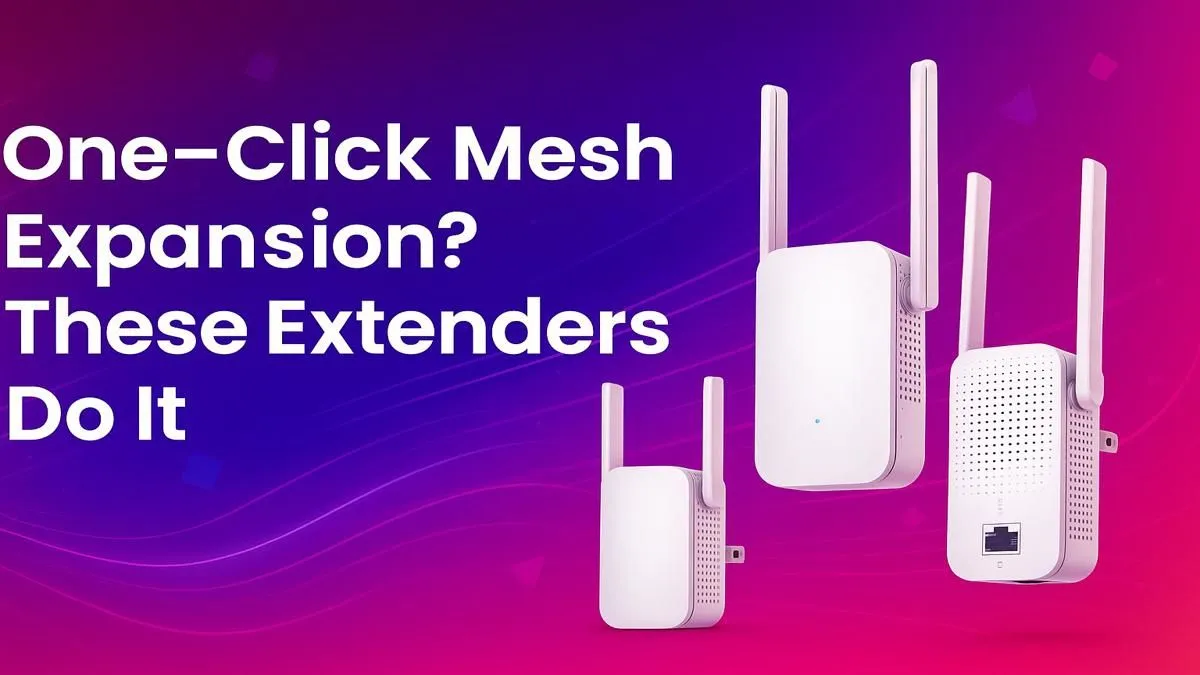
Why One-Click Mesh Expansion Is a Must-Have for South African Gamers
Struggling with Wi-Fi dead zones while gaming or streaming in South Africa? One-click mesh expansion is here to simplify your setup and boost your wireless coverage instantly ⚡. Whether you’re battling lag during a late-night raid or just need seamless connectivity throughout your home, mesh extenders make managing your network easier than ever.
In this guide, we review the top extenders that offer one-click mesh expansion, breaking down how they work and what makes them ideal for local gamers and tech buyers.
Understanding One-Click Mesh Expansion: The Ultimate Wireless Boost
One-click mesh expansion lets you add a wireless extender with almost no hassle. Just a button press, and your router and extender communicate to create a unified mesh network. This means your gadgets jump smoothly between access points without dropping connections or swapping SSIDs manually.
This technology is a massive time-saver and reduces the frustration of buffering or weak signal spots 🚀. For South Africans using fibre or fixed wireless, it’s a great step to maximise your expensive data investment.
Explore our curated collection of wireless range extenders tailored for easy mesh expansion and strong signals, perfect for various home sizes and budgets.
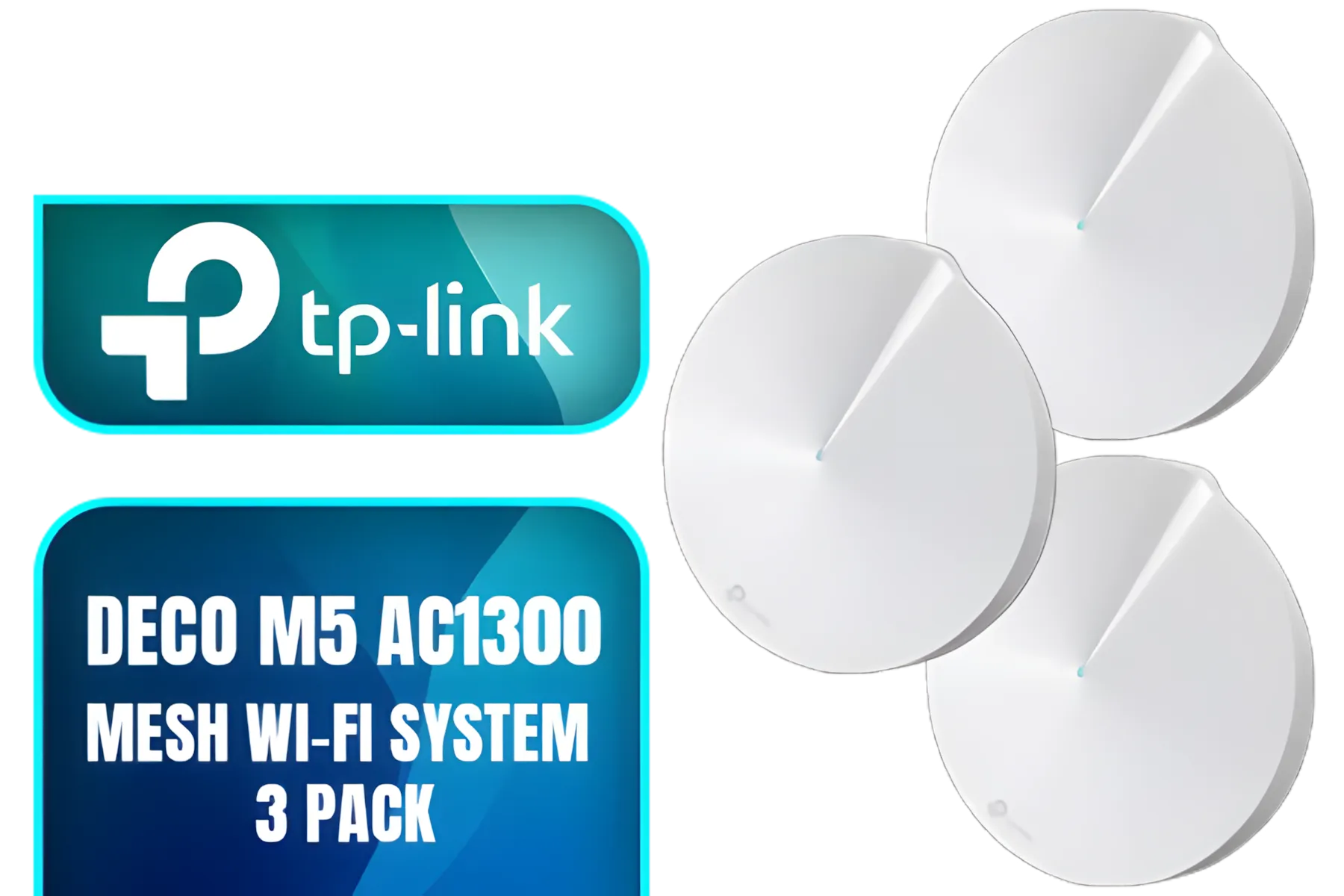
TP-Link Deco M5 AC1300 Whole Home Mesh Wi-Fi System - 3 Pack / Wi-Fi dead-zone killer / TP-Link HomeCare / Enhanced 11AC speeds / Connects over 100 devices / Seamless Roaming / NET-TL-DECO-M5-3PK
R3499.00In Stock
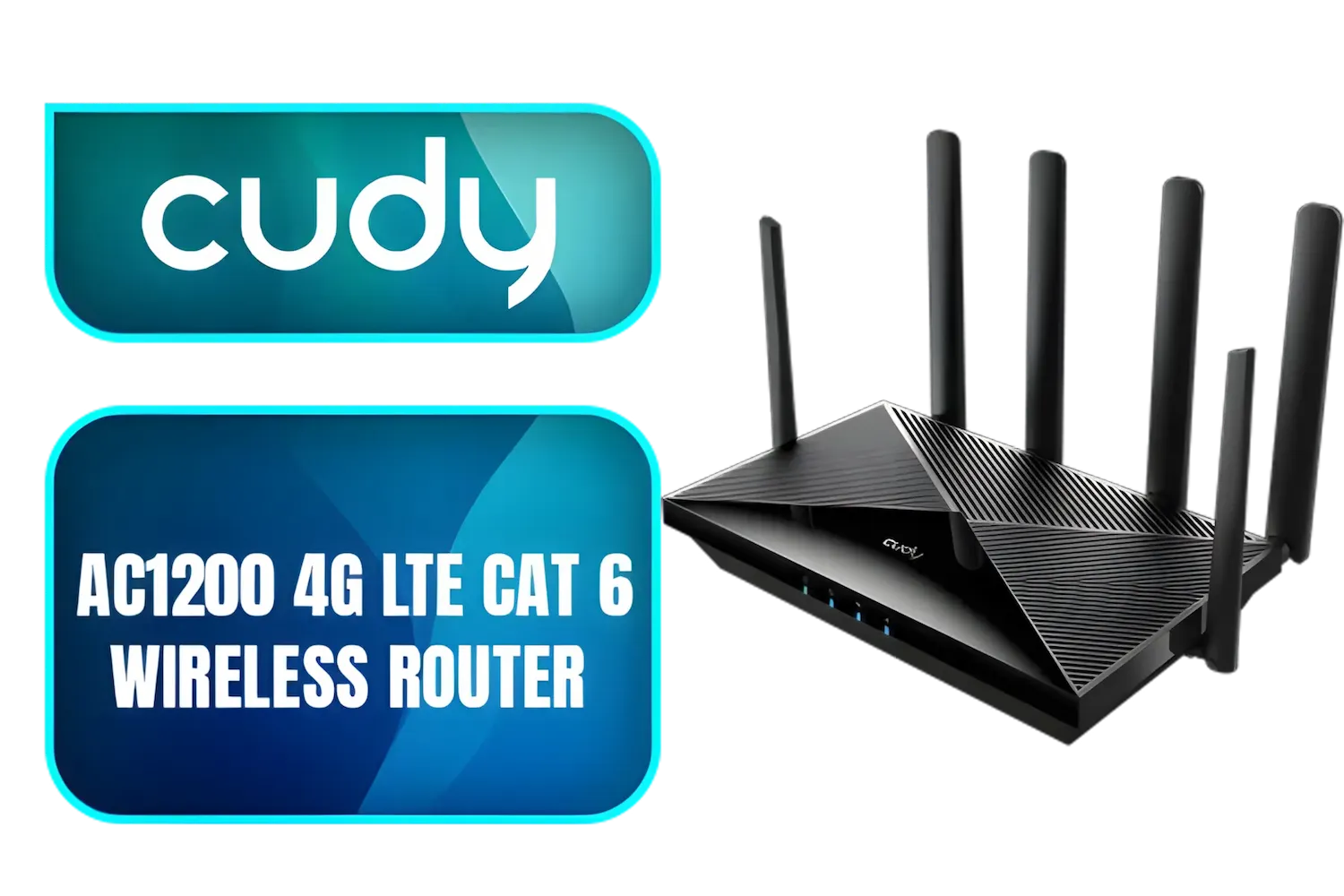
Cudy AC1200 4G LTE CAT 6 Wi-Fi Router / 4G CAT 6 with Max 300Mbps DL / 4x Gigabit Ethernet Port / 2x Nano SIM Slots / 4-Stream Dual-Band Wi-Fi 5 / LT700
R1899.00In Stock
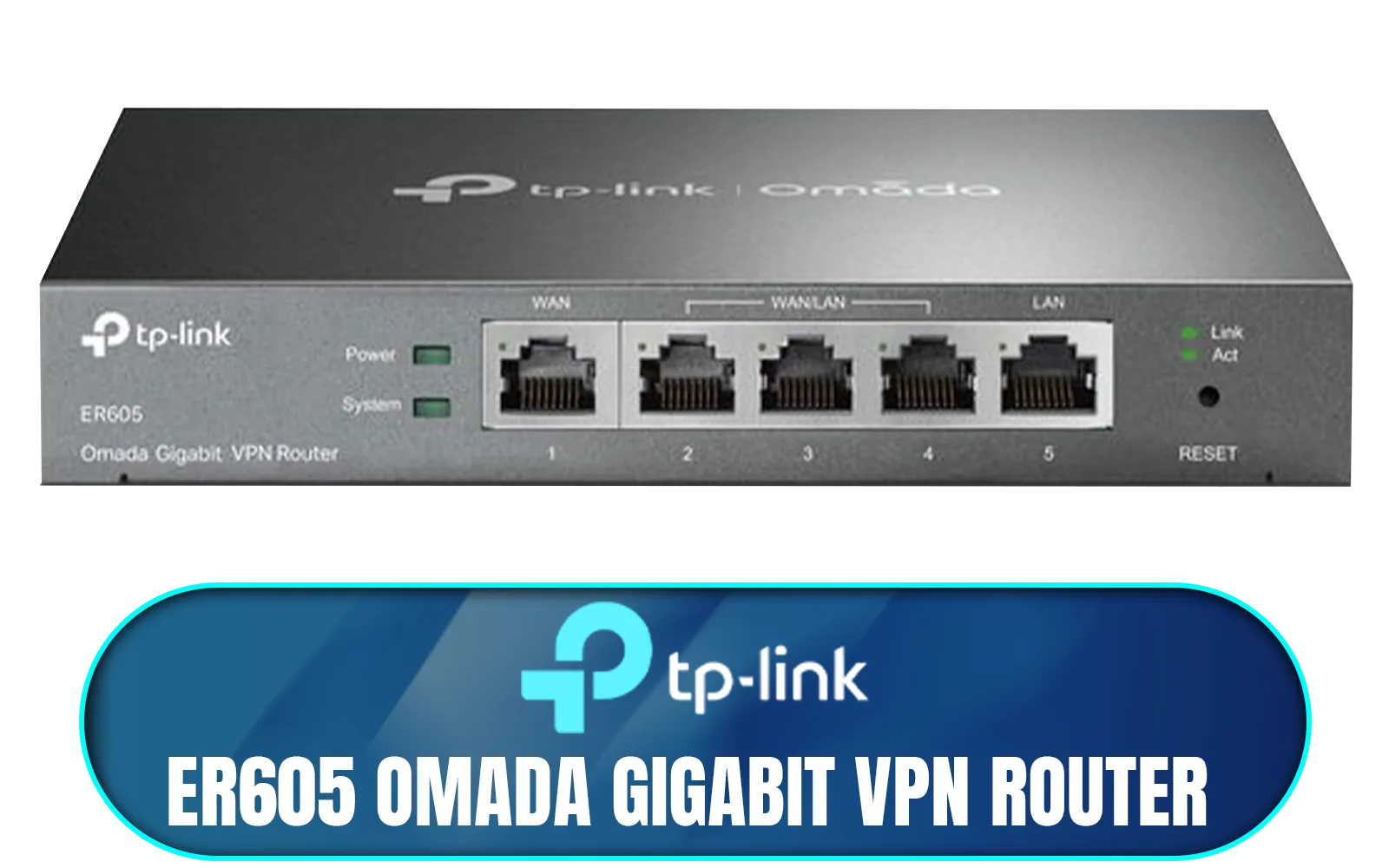
TP-LINK ER605 Omada Gigabit VPN Router / Integrated into Omada SDN / Centralized Management / Five Gigabit Ports / Up to 4 WAN Ports / NET-ER605
R1199.00In Stock
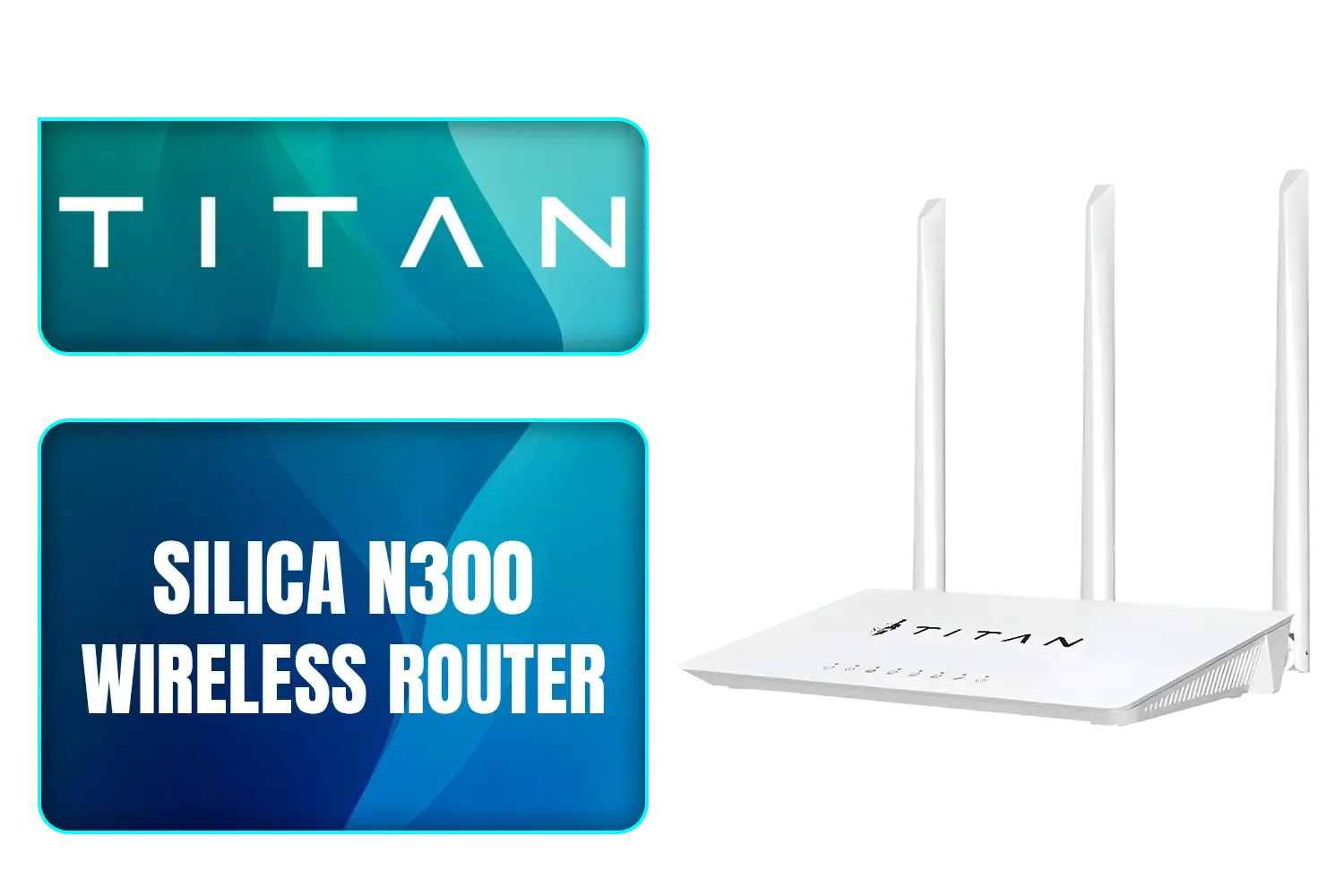
TITAN Silica N300 Wireless Router / Fast Connection / Energy Saving / 32 Users / TIT-CF-WR613N
R399.00In Stock
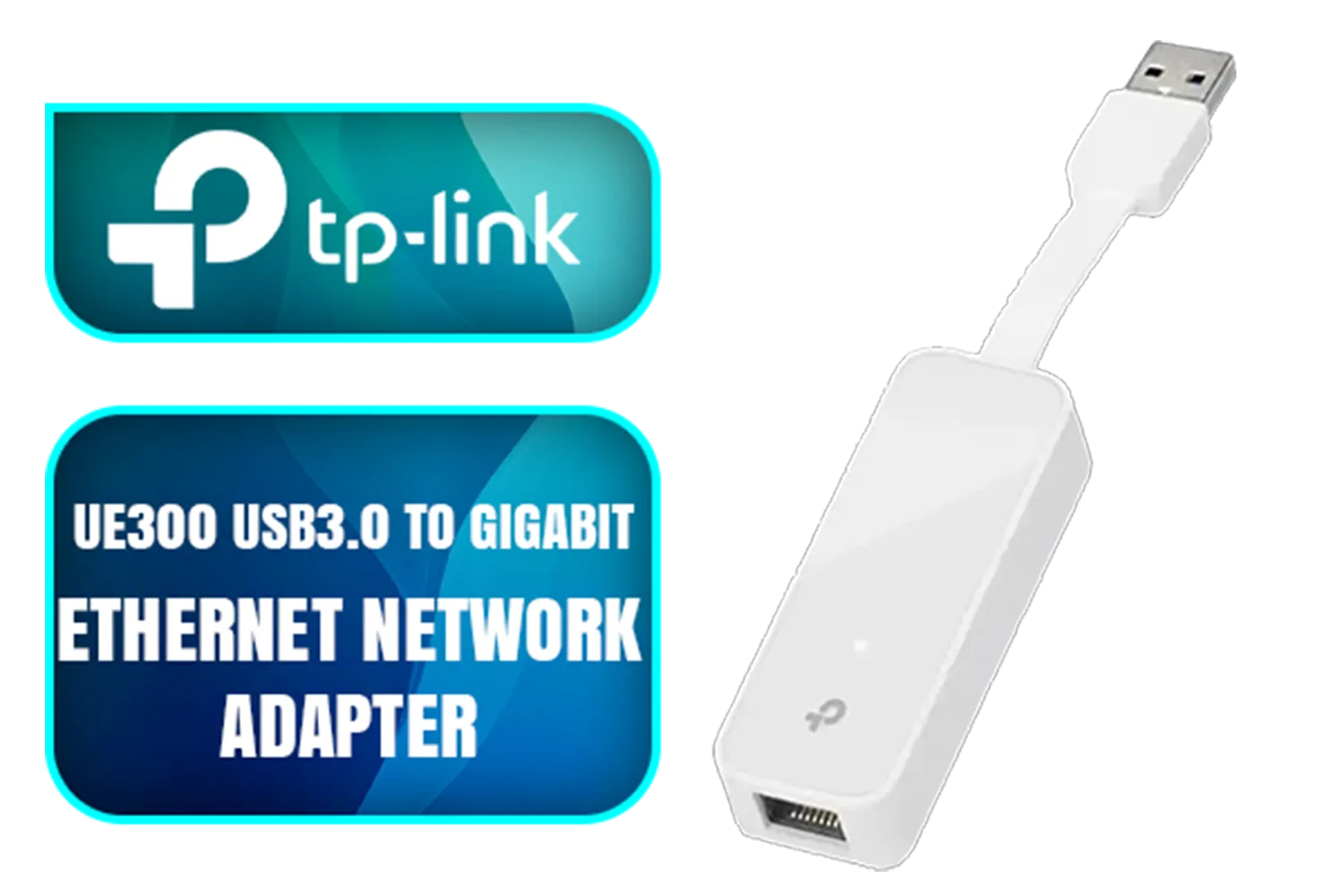
TP-LINK UE300 USB 3.0 to Gigabit Ethernet Network Adapter / Stable Gigabit Connection / SuperSpeed USB3.0 / Plug&Play / High Speed Data Transfer / Compact and Portable Design / NET-TL-UE300
R299.00In Stock
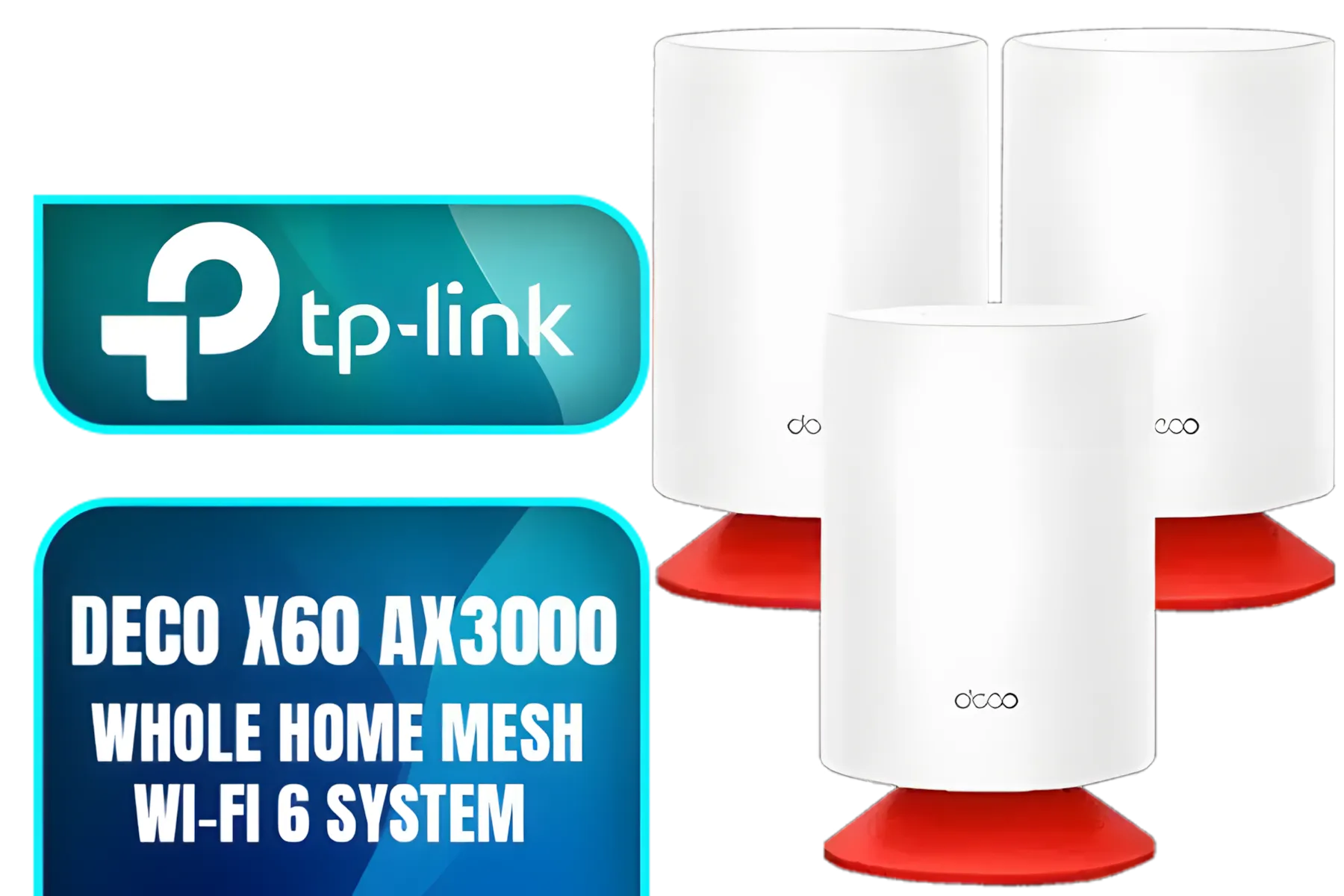
TP-Link Deco Voice X20 AX1800 Whole Home Mesh Wi-Fi 6 System with Alexa Built-In, Dual-Band Wi-Fi, Gigabit Ports, Coverage up to 4000 ft2 ,1.5 GHz Quad-Core CPU, HomeShield Security, Pack of 3
R7499.00In Stock
Top Wireless Extenders Reviewed for Easy Mesh Expansion
When choosing a mesh extender, look beyond flashy specs. Consider range, ease of setup, and compatibility with your existing router. Products from trusted brands offer dedicated mesh modes alongside traditional extender functions.
For example, models that automatically switch between 2.4 GHz and 5 GHz bands optimise speed and coverage without requiring manual tuning. This is invaluable if your gaming rig or streaming devices need stable low-latency connections ⚡.
Pair your setup wisely with wireless adapters that support the latest Wi-Fi standards and best mesh protocols, smoothing out your entire network environment.
TIP FOR YOU
Optimize Your Mesh Network
Keep your primary router in a central location for maximum coverage, and regularly check firmware updates to improve stability and performance.
How to Maximise Your Wireless Network with Mesh Extenders
Most mesh extenders require only simple configuration but getting the perfect placement is an art. Avoid clutter, thick walls, or metal objects near extenders to prevent interference. If your home has tricky Wi-Fi shadows, adding multiple extenders in a mesh system is better than a single powerful repeater.
Technical tips: disable the old router’s Wi-Fi when pairing it with a mesh setup for cleaner signals. Use channels 1, 6, or 11 for 2.4 GHz band in South Africa to minimise overlap and congestion.
If you want to explore a broader variety of mesh options and wireless setups, visit Evetech’s dedicated wireless networking category for expert-chosen products and detailed specifications.
Ready for Seamless Mesh Expansion?
One-click mesh expansion transforms your home network into a seamless experience, eliminating drops and lag spikes during your online battles or streaming marathons. It really frees you up to enjoy your games and media uninterrupted.
Mix and match compatible extenders and adapters for a custom setup built for your lifestyle. Step into fast, reliable wireless coverage that works exactly how you expect it to — no stress, no guesswork.
Upgrade Your Wi-Fi Today Discover the best one-click mesh extenders and wireless adapters in South Africa. Shop now at Evetech for performance that leaves lag in the dust.
Related Products
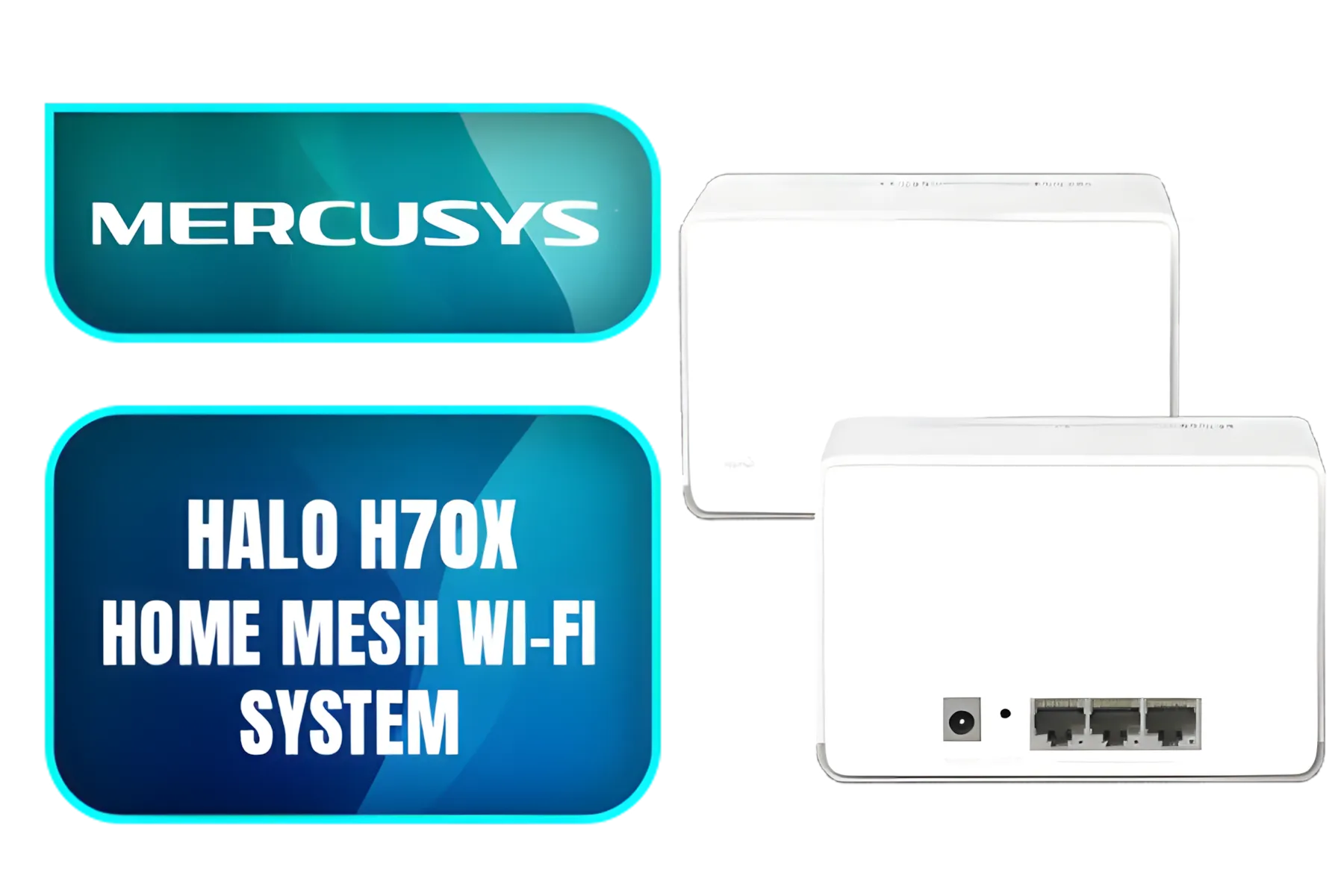
Mercusys WiFi 6 Mesh AX1800Mbps, 3 Gigabit Ethernet Ports, Parental Control, Connects Up to 150 Devices, 2 Pieces with Coverage Up to 550㎡, Mercusys Halo H70X(2-pack)
R1799.00In Stock
TITAN Silica N300 Wireless Router / Fast Connection / Energy Saving / 32 Users / TIT-CF-WR613N
R399.00In Stock
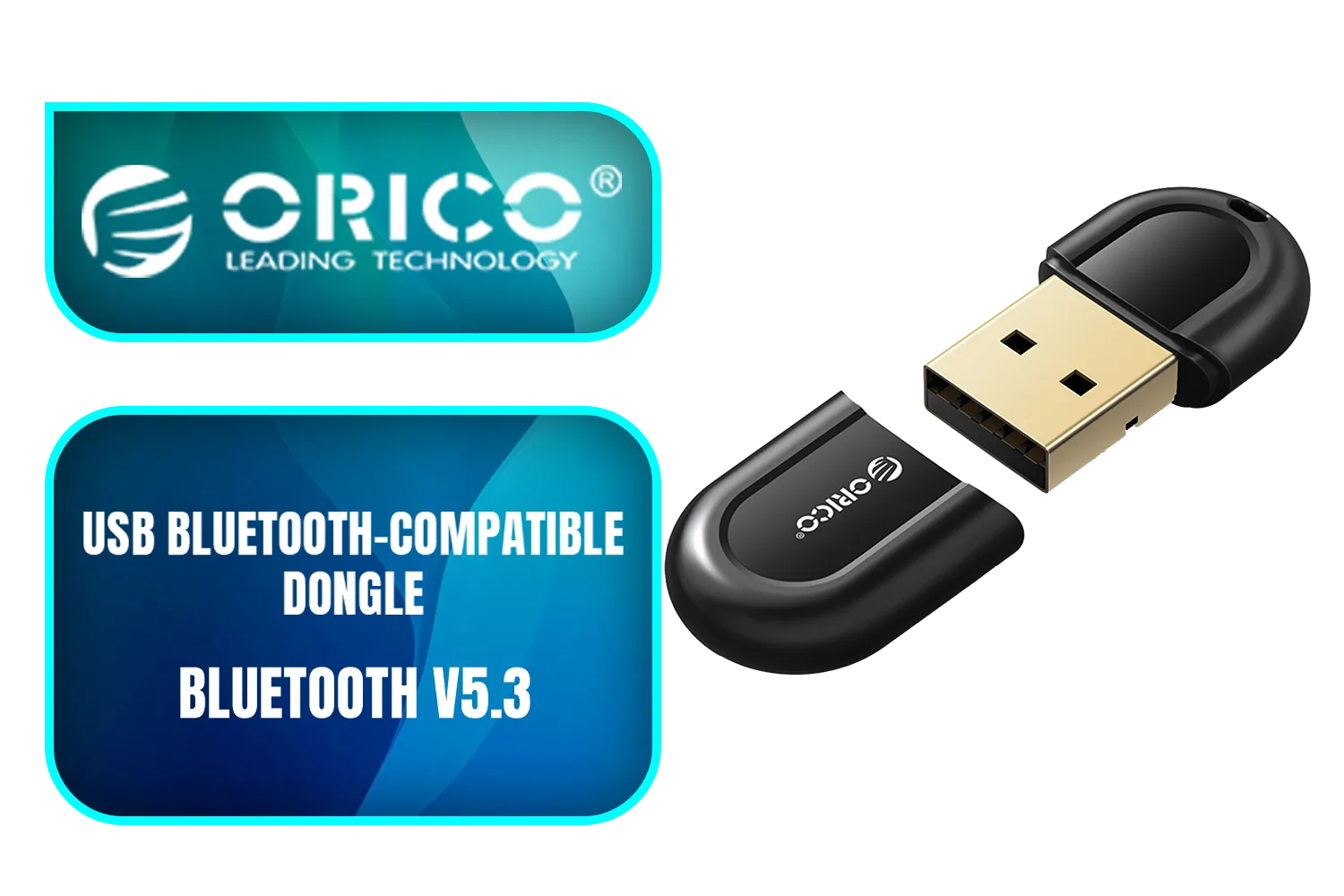
ORICO USB Bluetooth-Compatible Dongle / Bluetooth Version 5.3 + EDR / 5m Transmission Distance / ORICO-BTA-53-BK-BP
R199.00In Stock
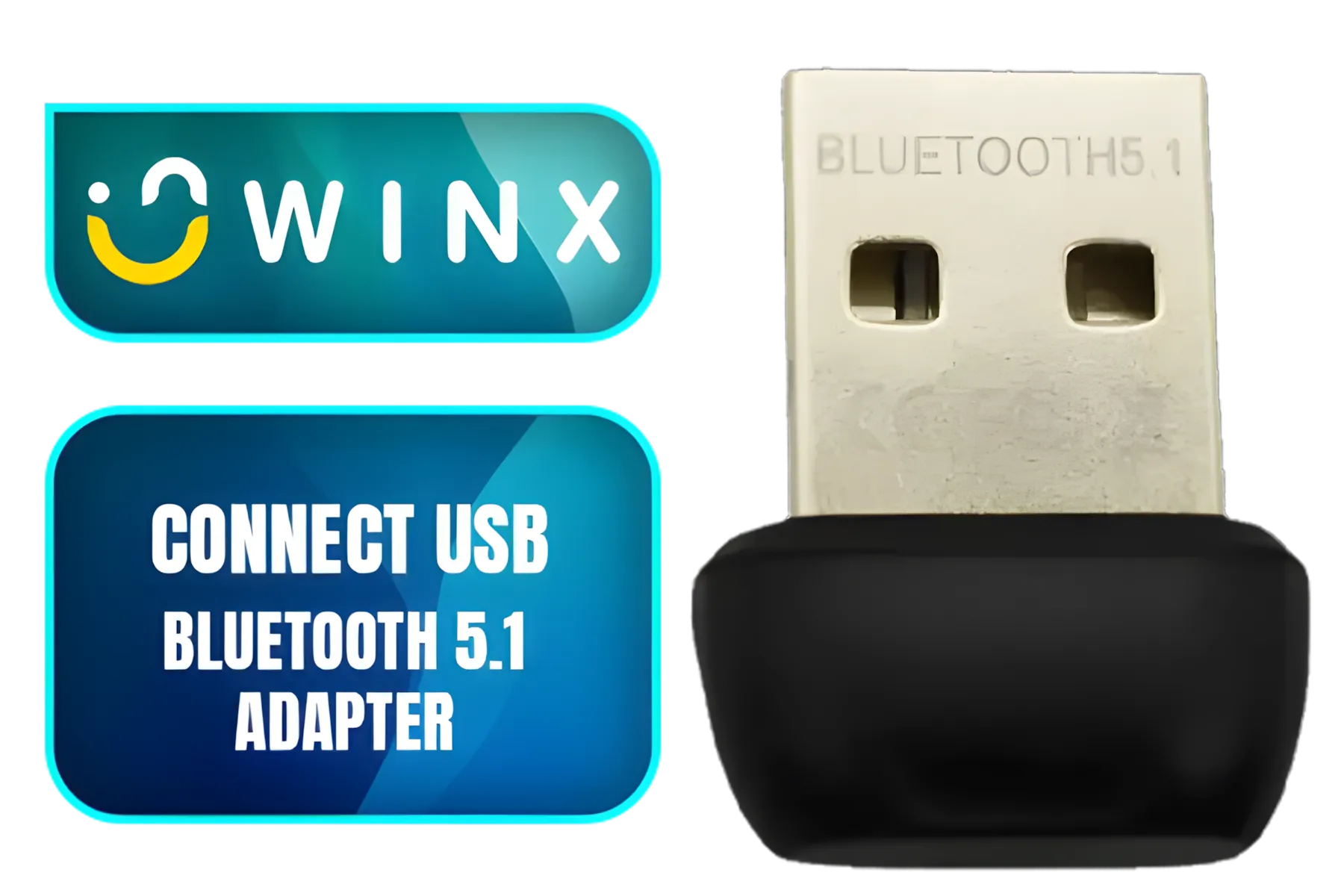
WINX CONNECT Simple USB Bluetooth 5.1 Adapter / WX-BT101
R149.00In Stock
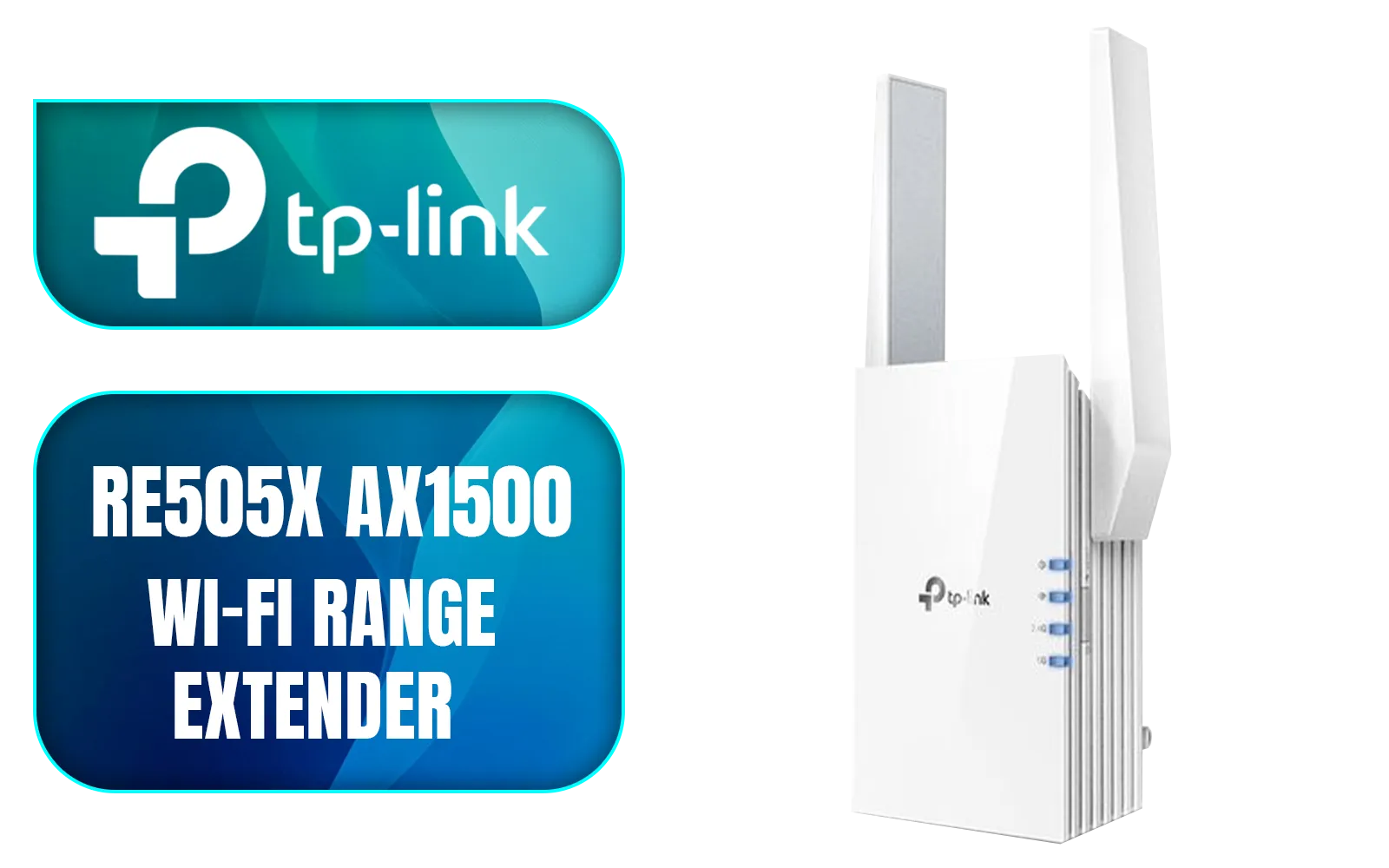
TP-LINK RE505X AX1500 Wi-Fi Range Extender / Built-In Access Point Mode / Gigabit Ethernet Port / Intelligent Signal Light / Cutting-Edge Wi-Fi 6 / Expand Coverage / Adaptive Path Selection / RE505X
R899.00In Stock
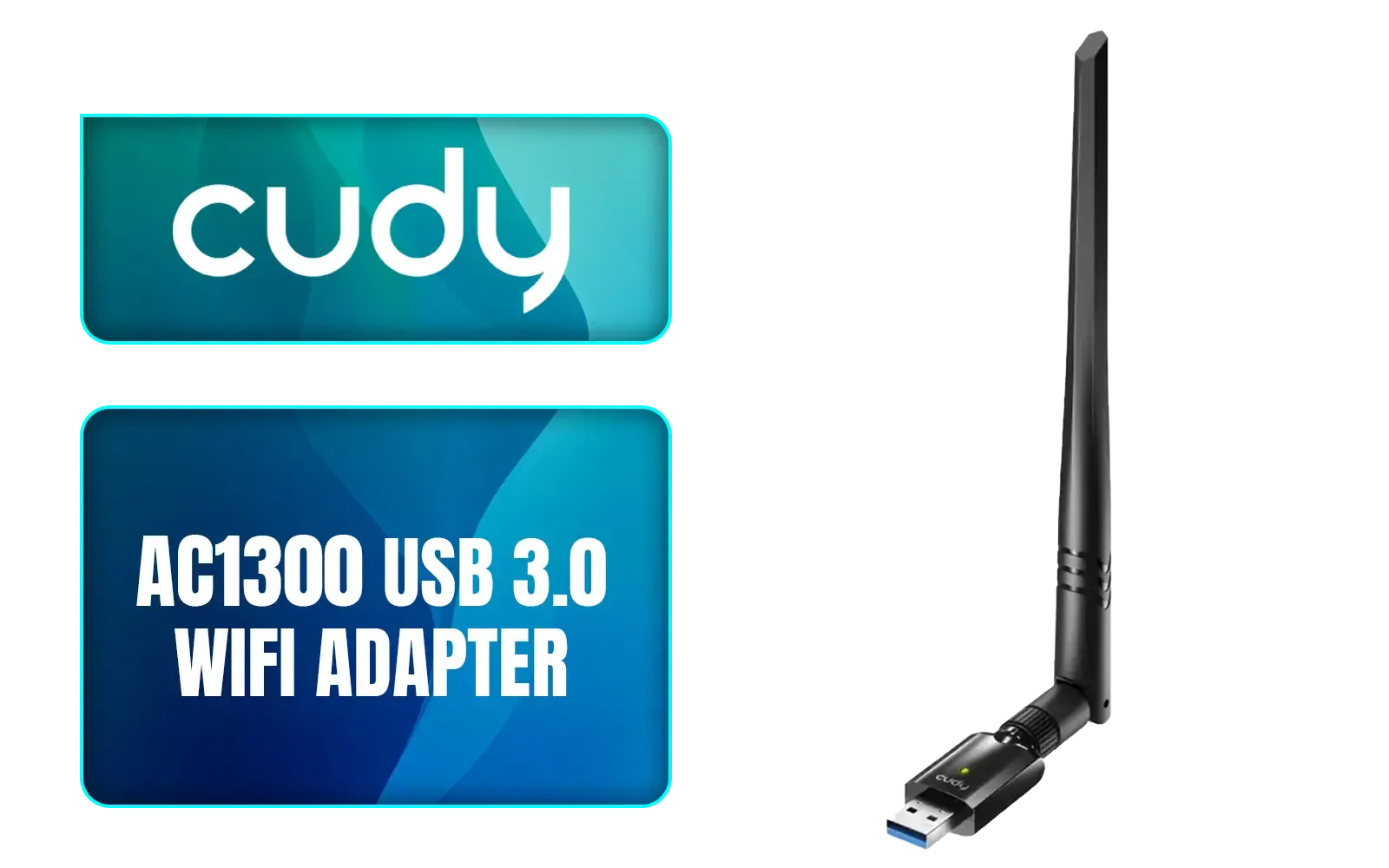
Cudy AC1300 High Gain WiFi USB3.0 Adapter with High Gain Antenna / WU1400
R399.00In Stock
One-click mesh extenders simplify network expansion by allowing instant connection to your existing mesh system.
Use one-click mesh extenders to effortlessly expand your Wi-Fi coverage without technical hassles.
The easiest way is using Wi-Fi extenders with one-click setup for quick, seamless connectivity.
Most one-click mesh extenders are compatible with leading routers for flexible network expansion.
Press the one-click button on your extender and router to sync them instantly for hassle-free setup.
Yes, one-click mesh extenders enhance coverage and maintain strong, stable Wi-Fi speeds across your home.
Choose Wi-Fi extenders with one-click setup, compatibility, and seamless integration into your existing mesh system.