PC Aesthetics vs Cooling: How to Balance Looks and Thermals
Struggling with PC aesthetics vs cooling? 🌡️ Don't sacrifice performance for a pretty rig! Discover how to choose the right case, fans, and layout to keep your build cool and stunning. 🎨 Find the perfect balance today.
|
Loading tags...
You’ve spent weeks planning your dream PC build. The RGB is synced, the tempered glass is spotless, and it looks like a masterpiece. But fire up a demanding game on a hot Jozi afternoon, and suddenly your fans are screaming and your CPU is throttling. Sound familiar? Finding the sweet spot in the classic battle of PC aesthetics vs cooling is a challenge every South African builder faces. Don't worry, you don't have to choose one over the other. 🚀
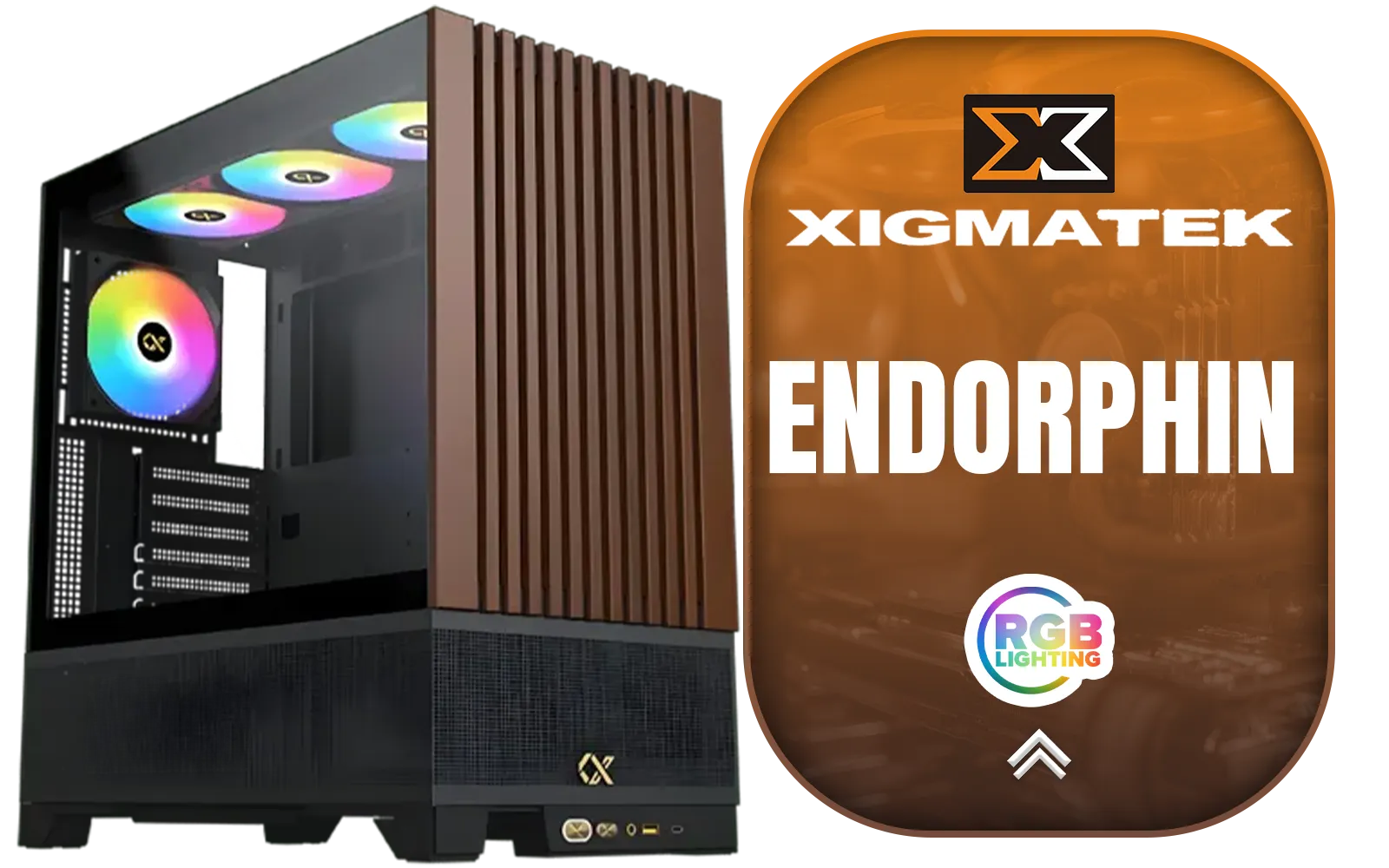
Xigmatek Endorphin WD Mid Tower Gaming Case - Black / Supports Motherboards up to E-ATX / 4 x Pre-Installed ARGB Fans Included / EN42201
R2299.00In Stock
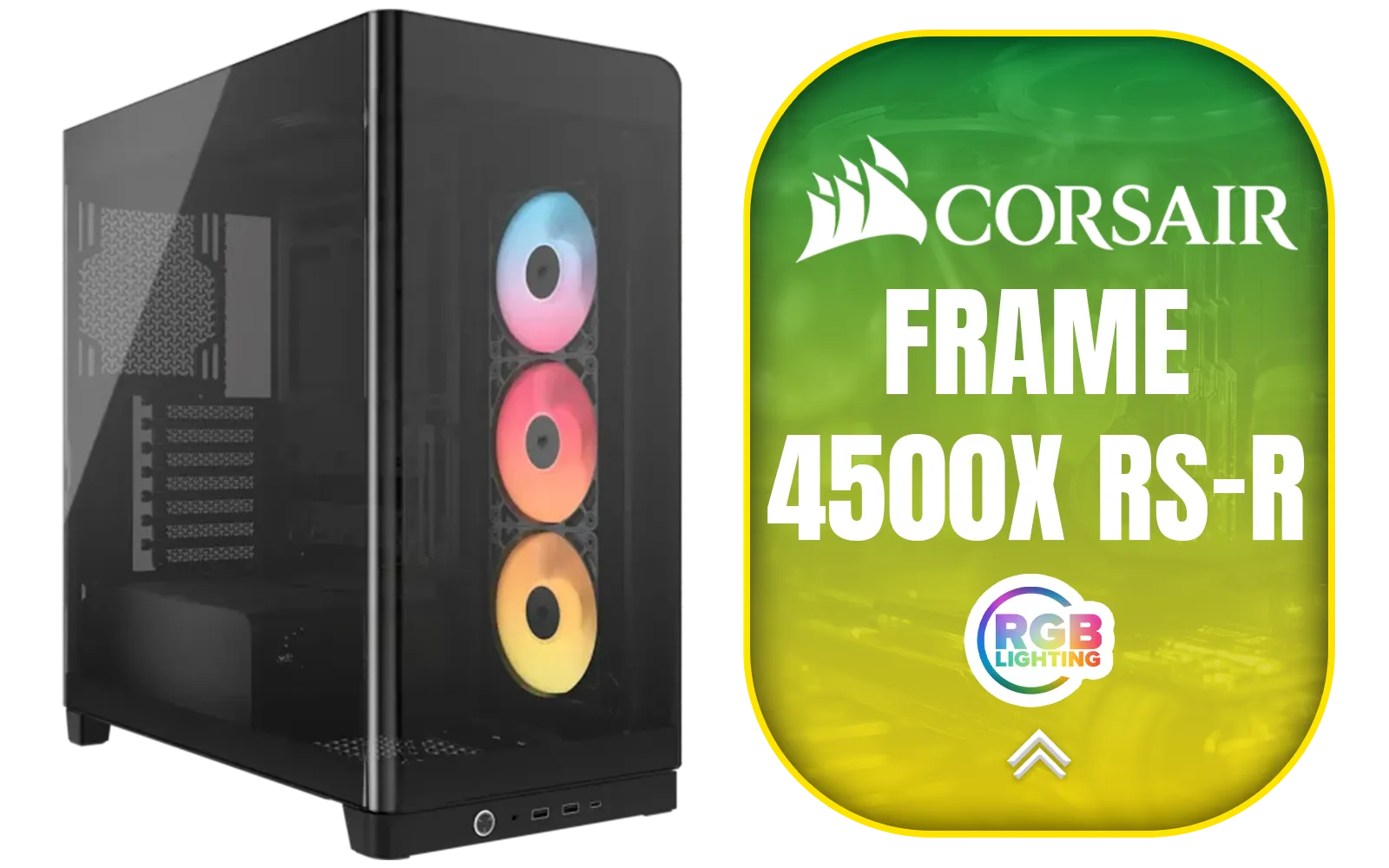
Corsair FRAME 4500X RS-R ARGB Panoramic Glass Mid-Tower Gaming Case - Black / Mini-ITX, Micro-ATX, ATX, E-ATX Motherboard Support / Single-piece Curved Tempered Glass / Dual 360mm Radiator Support / InfiniRail™ Fan Mounting System / 3x Included RS-R ARGB 120mm Reverse-Rotor Fans / Fits up to 10x 120mm or 6x 140mm Cooling Fans / CC-9011314-WW
R3399.00In Stock
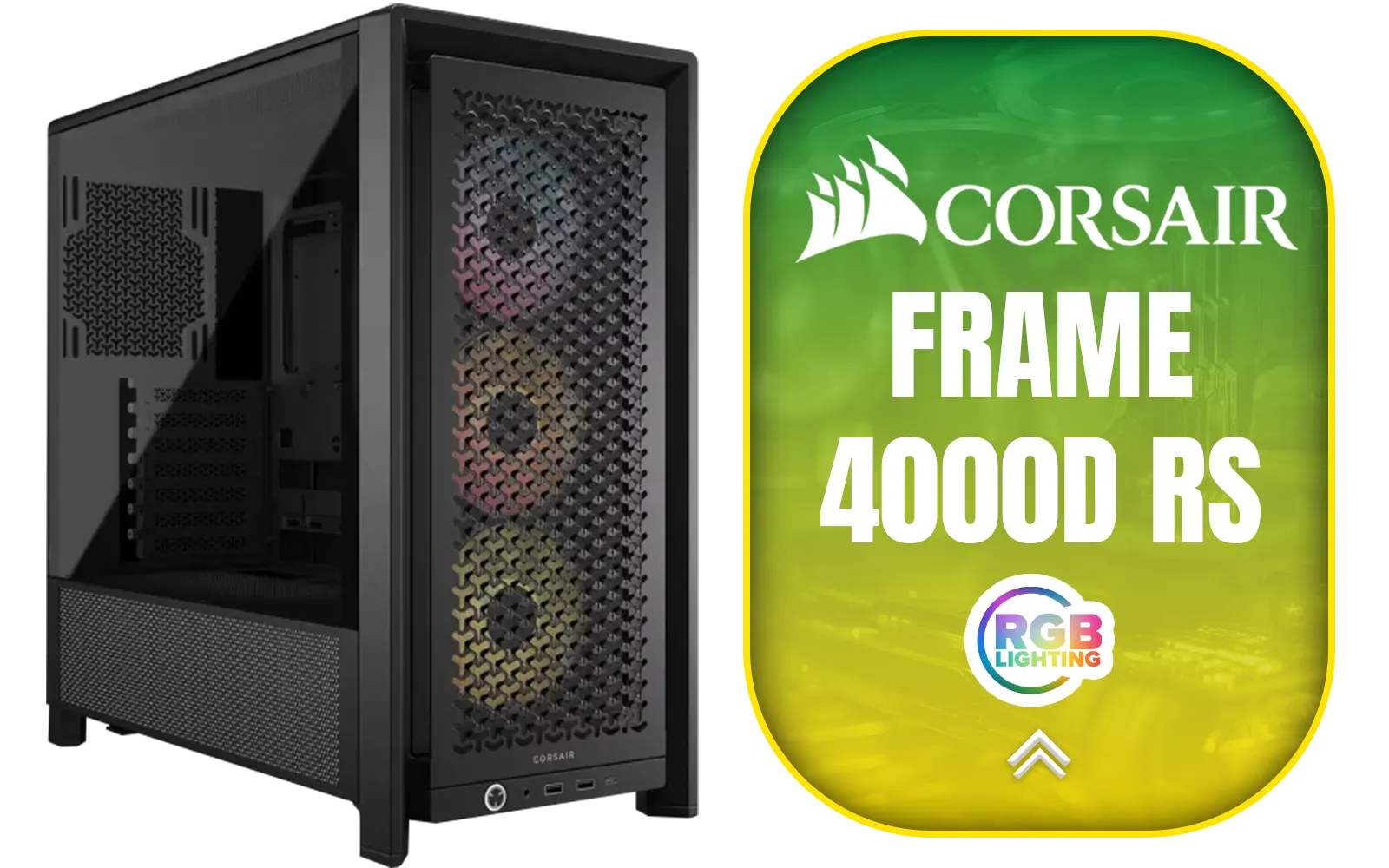
Corsair FRAME 4000D RS ARGB Modular Mid-Tower Gaming E-ATX PC Case / InfiniRail™ Fan Mounting System / Dual 360mm radiator support / Supports Motherboards up to E-ATX / GPU anti-sag stabilization arm / Compatible with reverse connector motherboards / 3 x Pre-Installed Fans Included / CC-9011296-WW
R2099.00In Stock
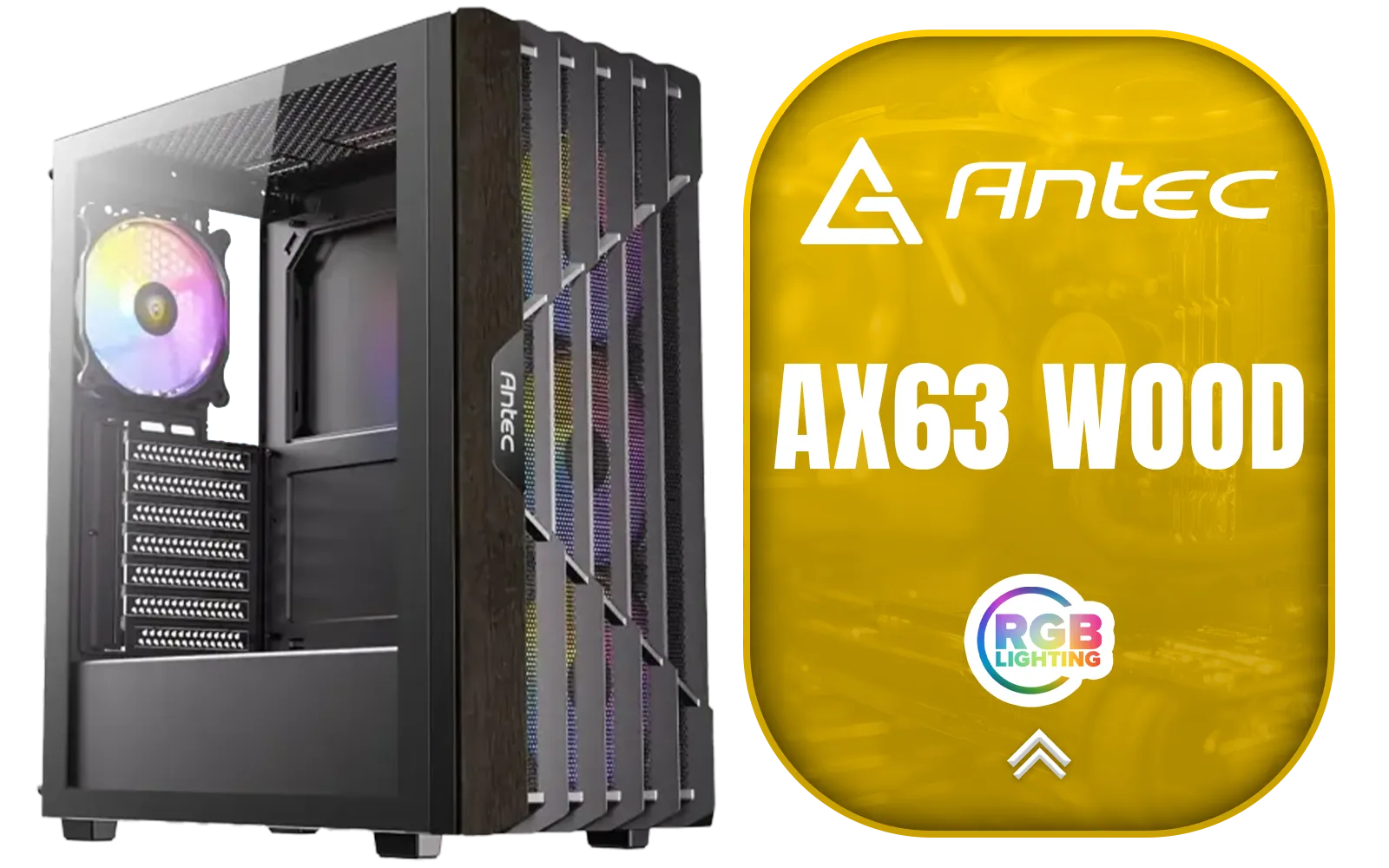
Antec AX63 Wood ARGB Gaming Case - Black / Geometric Wood Front Panel / Tempered Glass Side Panel / ATX, Micro-ATX, Mini-ITX Support / 4 ARGB Fans Pre-Installed / 0-761345-10172-1
R1299.00In Stock
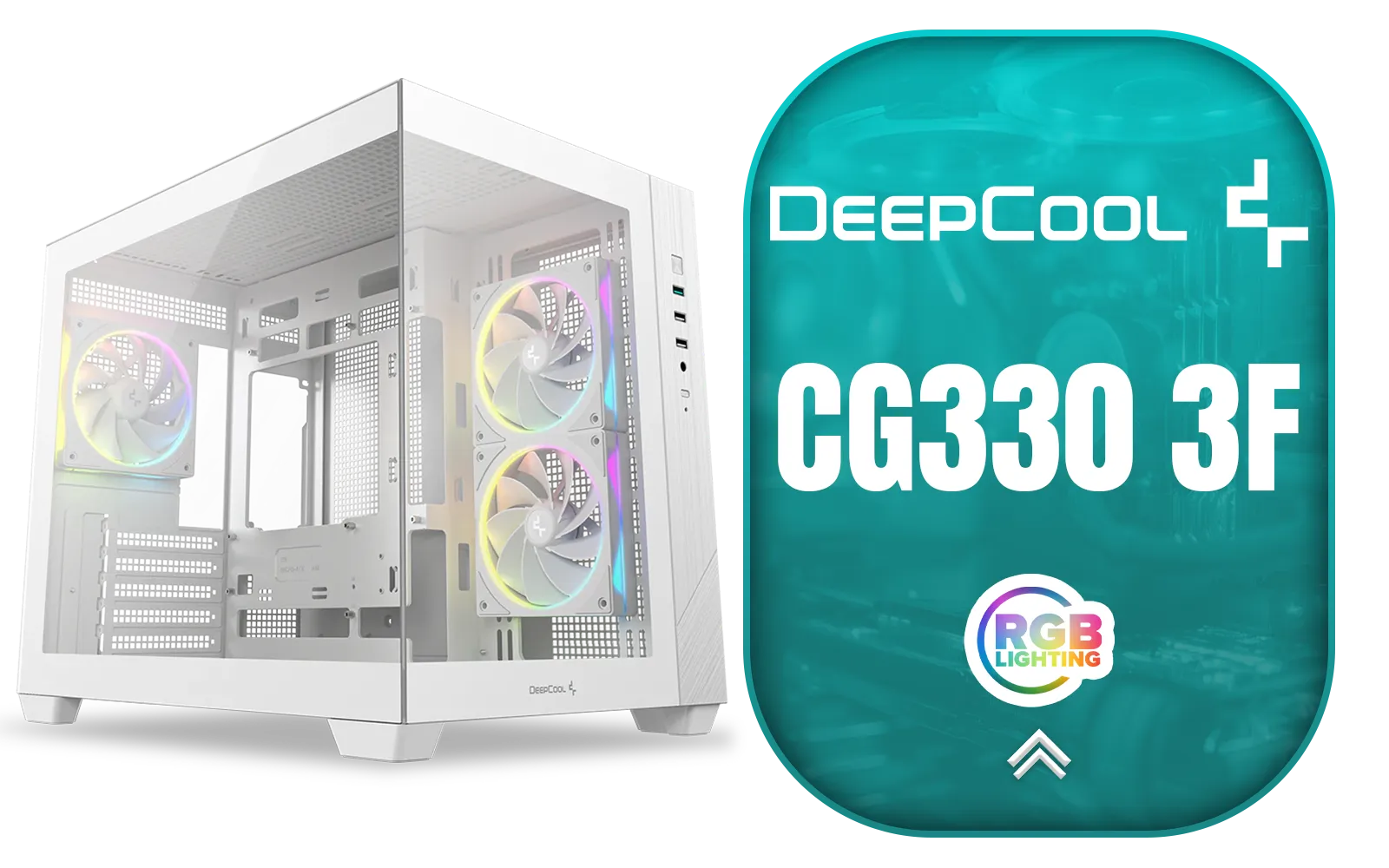
DEEPCOOL CG330 3F Micro-ATX Case - White / Panoramic Dual-Chamber Design / 3x ARGB Fans Pre-installed / 360mm Radiator Support / GPU Support Up to 410mm / ITX & Micro-ATX Support / Tempered Glass / Front I/O: USB 3.0 x1, USB 2.0 x2, Audio / CG330-3F-WH
R1299.00In Stock
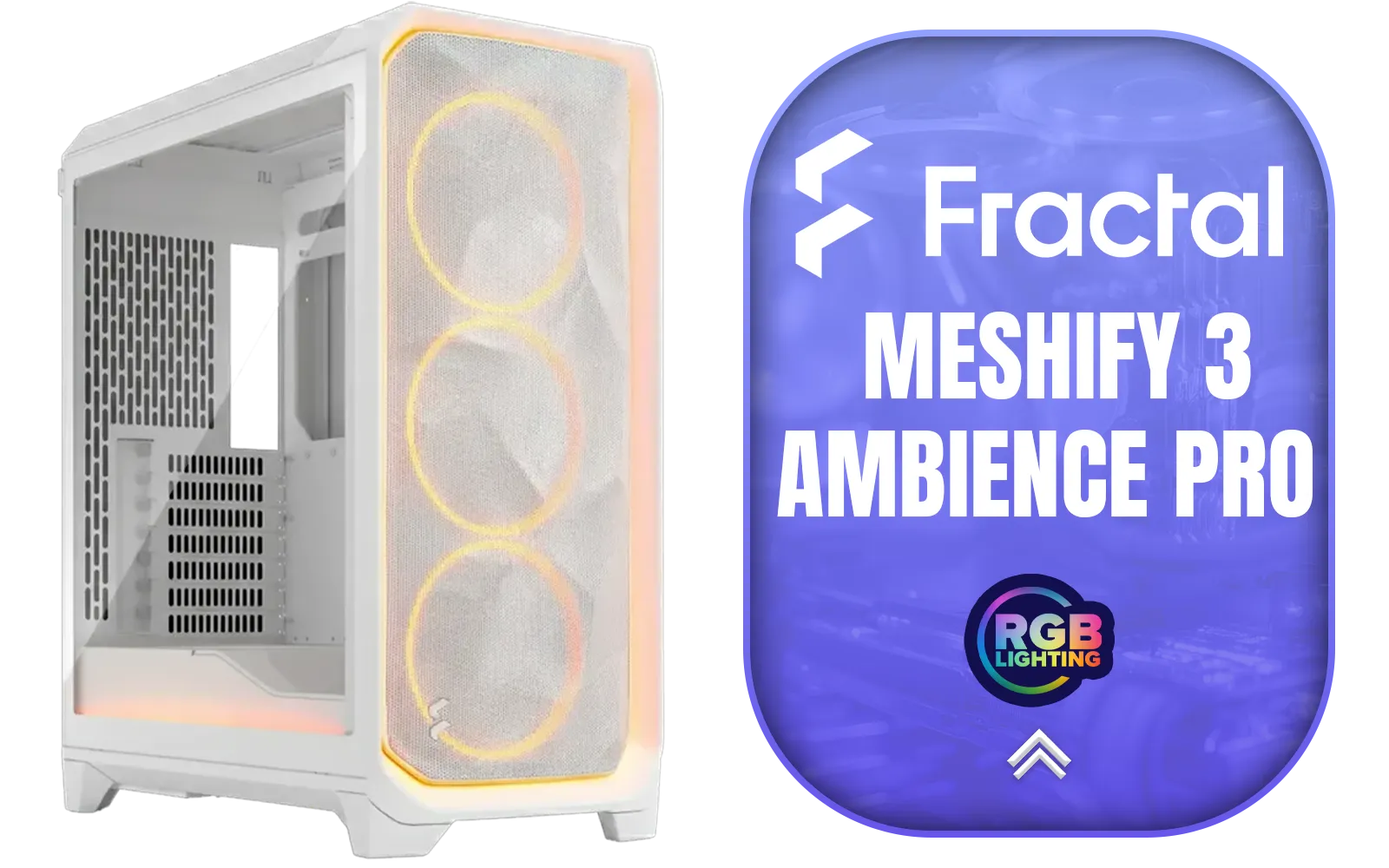
Fractal Design Meshify 3 Ambience Pro RGB White Tempered Glass Clear Tint E-ATX Mid-Tower Gaming Cabinet Case with Three Pre-Installed GP-14 Fans and Detachable Front & Top Filter - White / FD-C-MES3A-05
R3999.00In Stock
Understanding the Core Conflict: Looks vs. Airflow
At its heart, the debate between PC aesthetics and cooling comes down to one thing: airflow. Many of the most visually striking PC cases feature solid front panels made of glass or metal. While they look incredibly sleek, they can seriously restrict the amount of cool air your intake fans can pull in, essentially creating a "hotbox" for your expensive components.
On the other hand, performance-focused cases often have fully perforated mesh fronts. They might not look as clean, but they allow for maximum airflow, keeping your GPU and CPU temperatures low during intense gaming sessions. The trick is finding a design that doesn't force you to compromise. For example, some modern mini-towers like the Cooler Master E301 use clever side ventilation and ARGB fans to deliver both style and substance without breaking the bank.
Choosing Your Chassis: The Foundation of Your Build
Your PC case is the single most important component in balancing looks and thermals. It dictates how much air can get in and out, what size components you can fit, and ultimately, the final look of your rig.
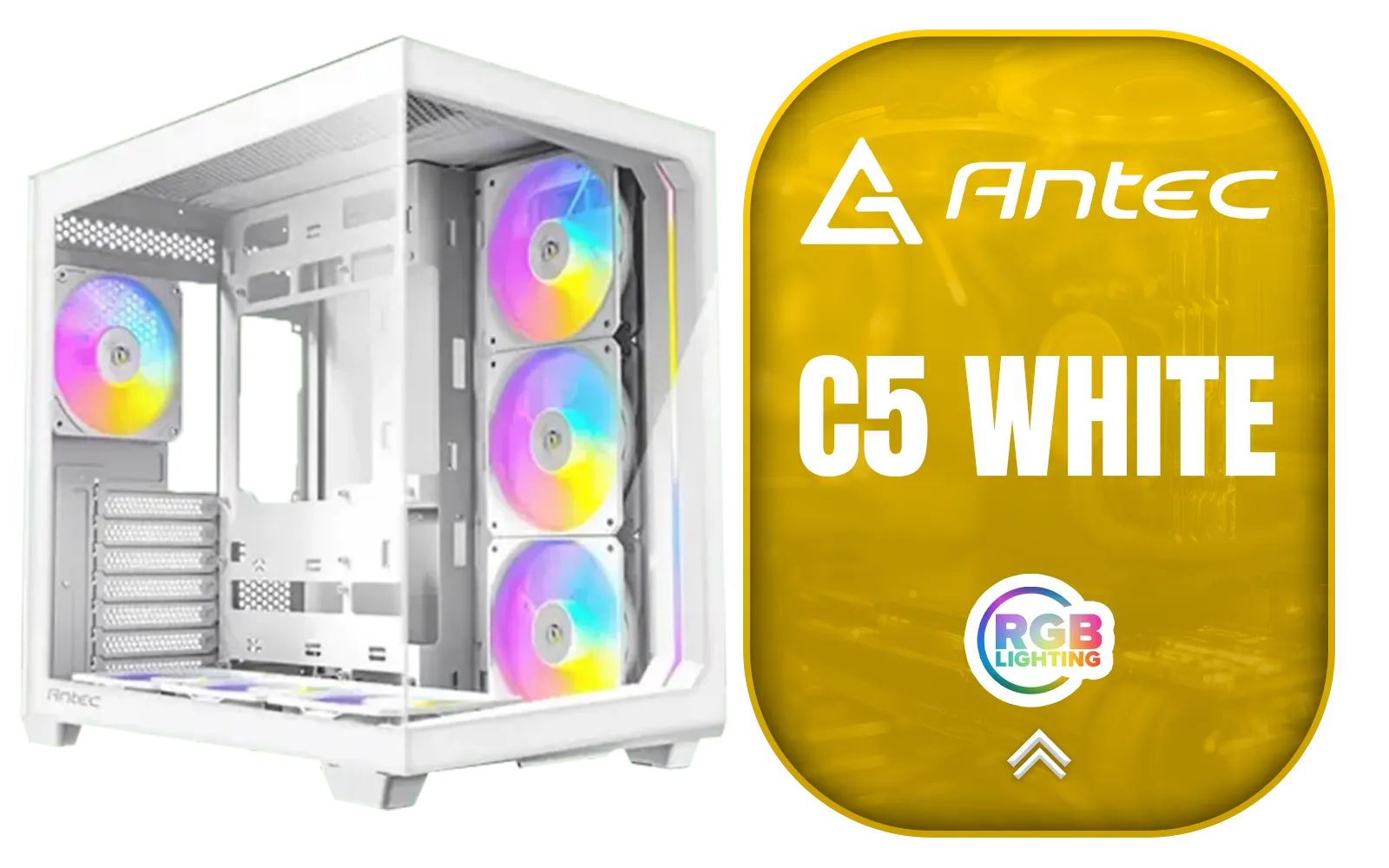
Antec C5 ARGB White, 7 x 120mm ARGB PWM Fans Included, Up to 10 Fans Simultaneously, Type-C 3.2 Gen 2 Port, Seamless Tempered Glass Front & Side Panels, 360mm Radiator Support, Mid-Tower ATX PC Case / 0-761345-10034-2
R1899.00In Stock
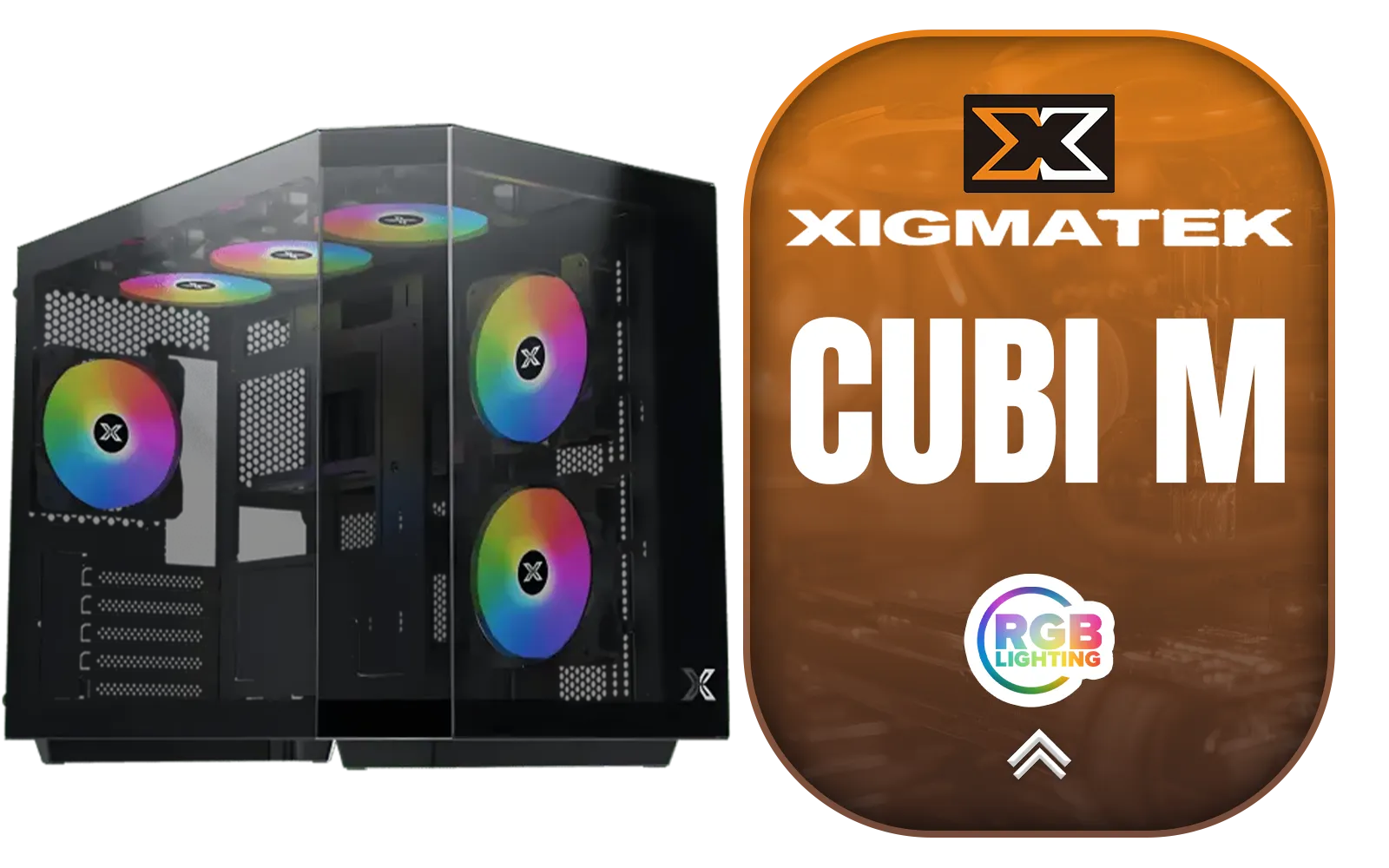
Xigmatek Cubi M Mid Tower M-ATX Gaming Case - Black / Supports Motherboards up to M-ATX, Mini-ITX / 6 x Pre-Installed ARGB Fans Included / EN42799
R1399.00In Stock
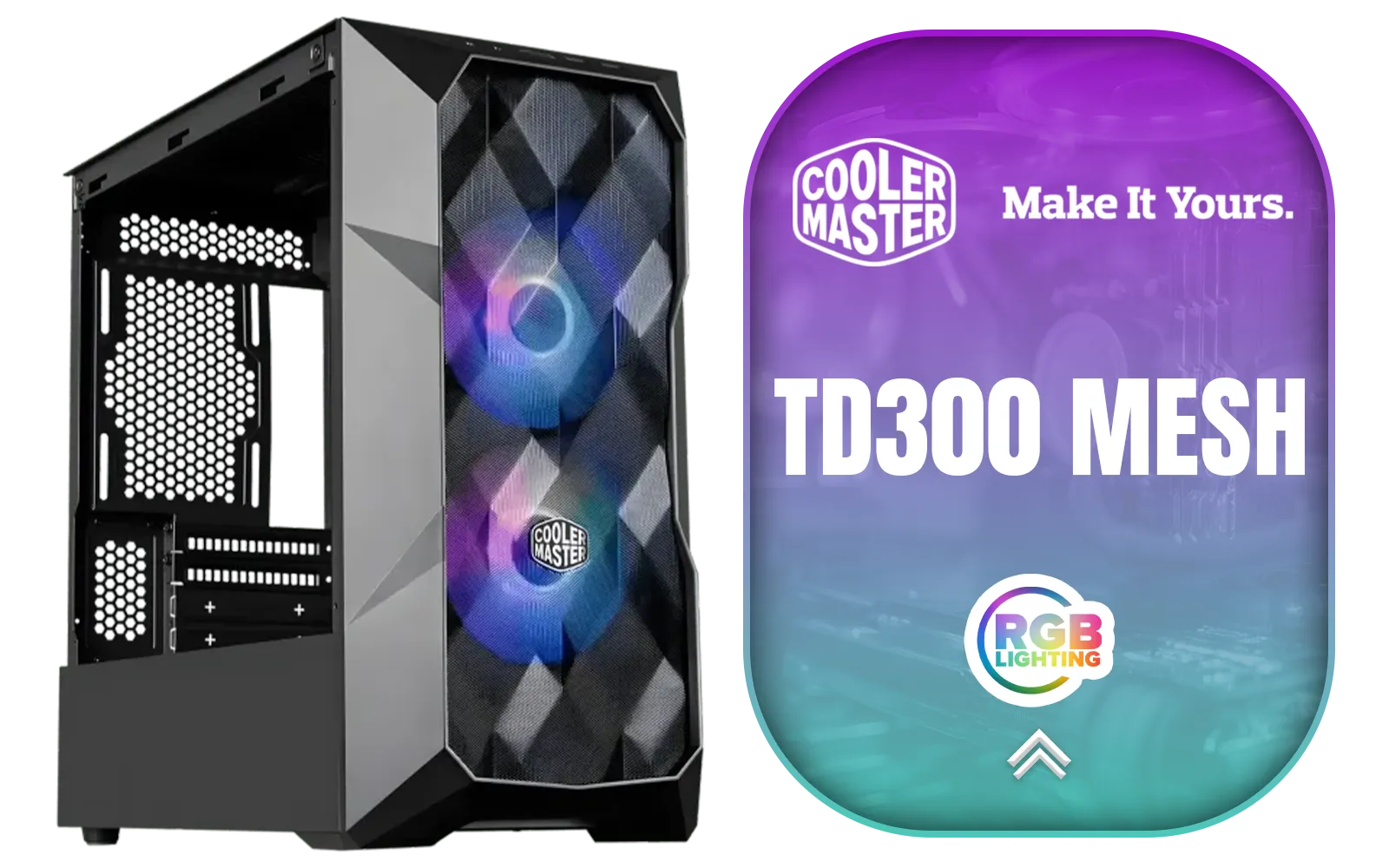
Cooler Master TD300 Mesh Micro-ATX Tower with Polygonal Mesh Front ana Removable Top Panel, ARGB/PWM Hub Tempered Glass, 2 x Sickleflow PWM ARGB Lighting Fans Included / TD300-KGNN-S00
R999.00In Stock

CORSAIR 9000D RGB AIRFLOW Super Full-Tower PC Case - White / InfiniRail™ fan mounting system / iCUE LINK System Hub Included / Supports up to 18x 120mm fans / No Fans Included / CC-9011274-WW
R8299.00In Stock
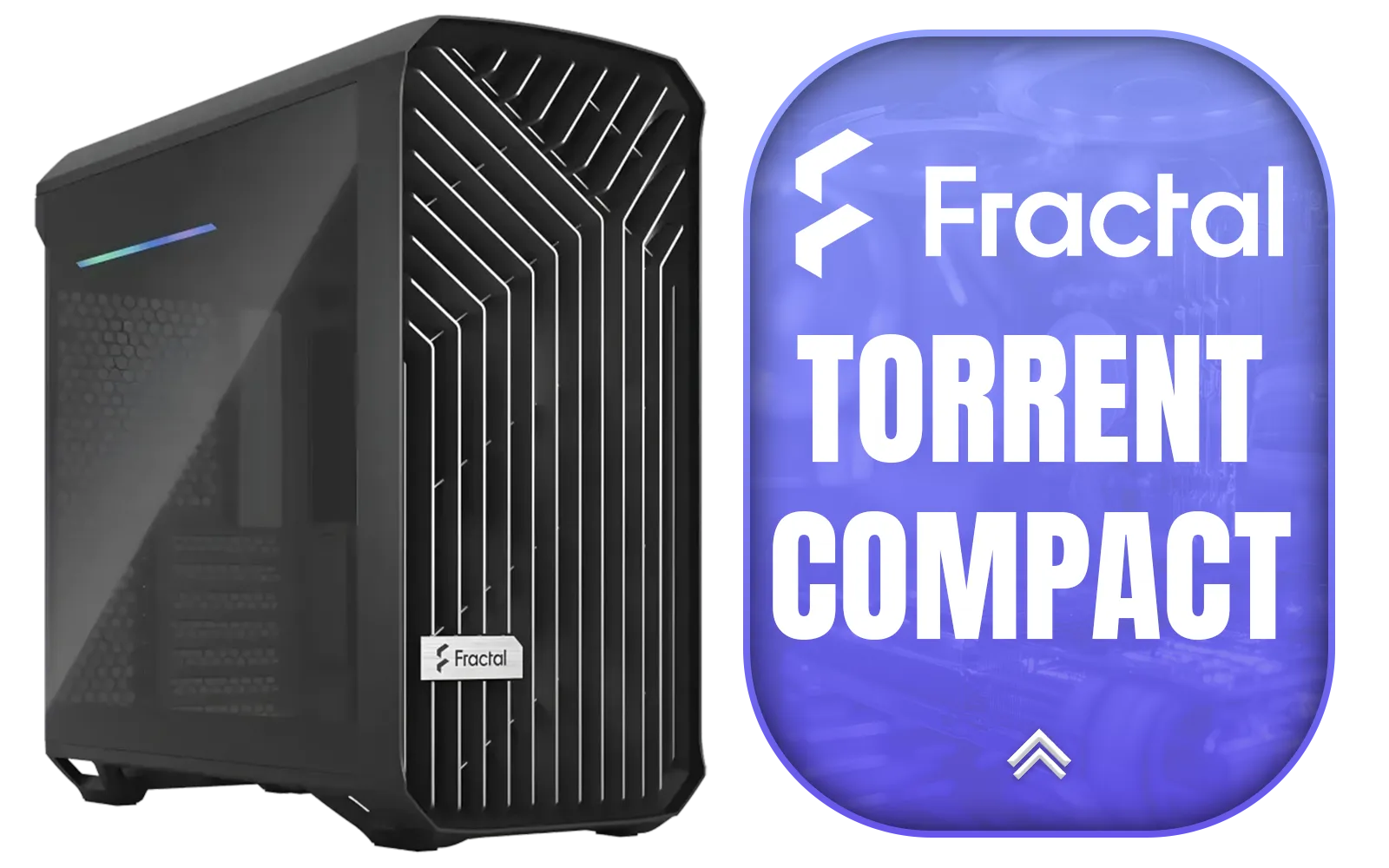
Fractal Design Torrent Compact Black - Dark Tint Tempered Glass Side Panels - Open Grille for Maximum air Intake - Two 180mm PWM Fans Included - Type C - ATX Airflow Mid Tower PC Gaming Case - FD-C-TOR1C-01
R2999.00In Stock
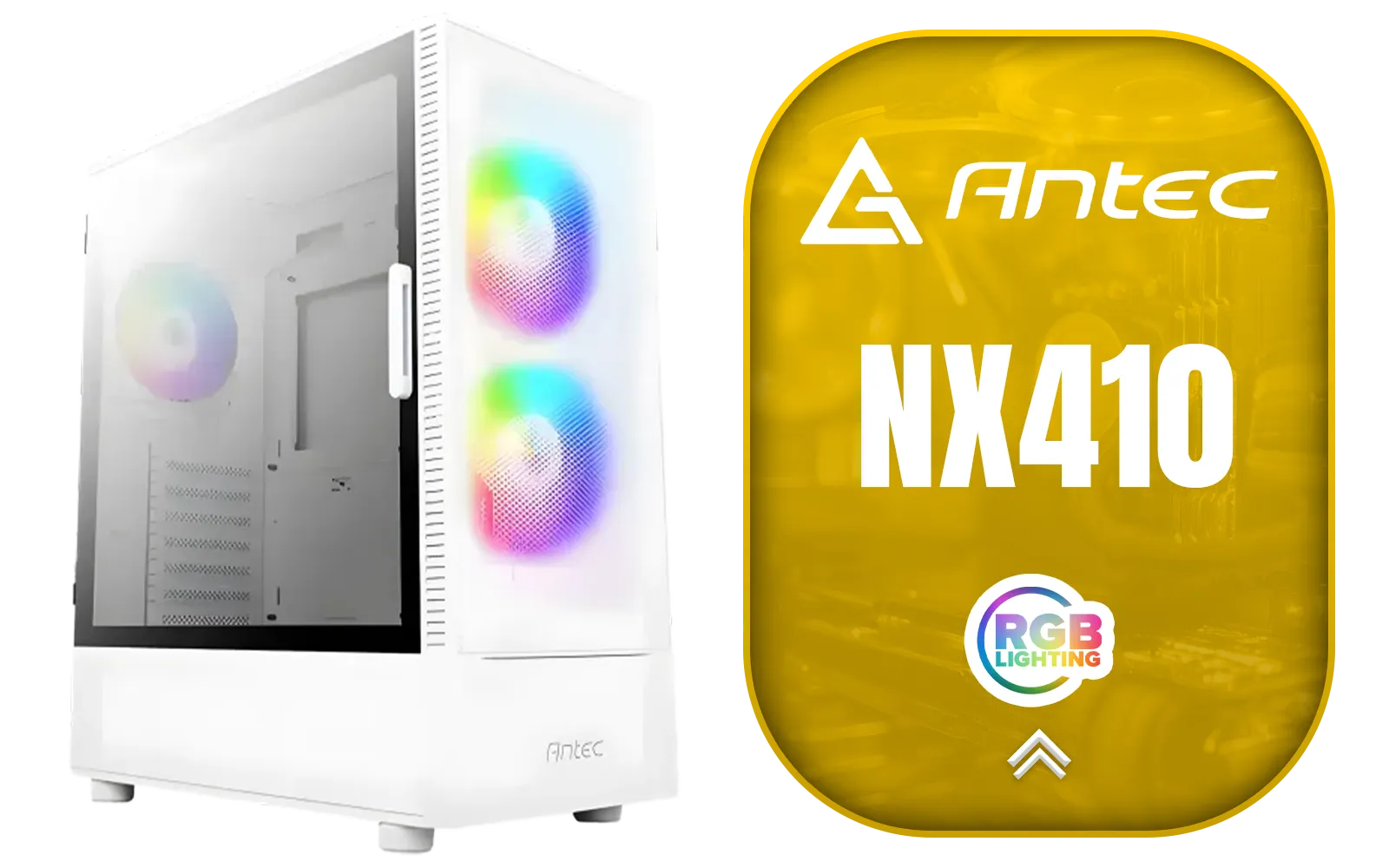
Antec NX410 ATX Mid-Tower Tempered Glass Gaming Case - Supports up to 6 Fans - CPU Cooler Support: Up To 168 mm - PSU Support: Up To 165 mm - LED Control Button - 3 x Include ARGB LED Fans — White / 0-761345-81042-5
R1199.00In Stock
Mesh vs. Glass: Finding the Middle Ground
For years, the choice was simple: mesh for performance, glass for looks. Thankfully, case design has evolved. Today, many manufacturers offer hybrid designs that give you the best of both worlds. Look for cases with beautifully designed mesh patterns or tempered glass fronts that incorporate large, hidden ventilation gaps on the sides. Brands in the Cooler Master case range are renowned for pioneering high-airflow mesh designs that still look fantastic.
For builders who prioritise vibrant RGB lighting and unique visual flair, exploring options from brands like Gamemax Computer Cases can reveal chassis that are built to be showpieces, often featuring multiple glass panels and included ARGB fans. ✨
TIP FOR YOU
Pro Cooling Tip 🔧
For optimal airflow, use the "chimney effect." Configure your fans to pull cool air in from the bottom and front of the case and exhaust hot air out of the top and back. Hot air naturally rises, so this setup works with physics, not against it, significantly improving your PC's thermals.
Beyond the Case: Smart Component Choices
Achieving the perfect balance between PC aesthetics and cooling goes beyond just the chassis. Your internal component choices play a massive role.
- Cable Management: This isn't just about making your build look clean. Tightly managed cables prevent airflow obstruction, allowing cool air to reach your components more efficiently. Choose a case with good cable routing options.
- CPU Coolers: An All-in-One (AIO) liquid cooler can offer a cleaner look than a bulky air cooler and moves CPU heat directly to an exhaust point (the radiator), helping lower the overall ambient temperature inside your case.
- Fan Selection: Not all fans are created equal. Some are designed for high airflow in open spaces, while others provide high static pressure to push air through restrictive radiators or grilles. Many modern TRYX Gaming Cases come with pre-installed fans that are optimised for the case's specific layout.
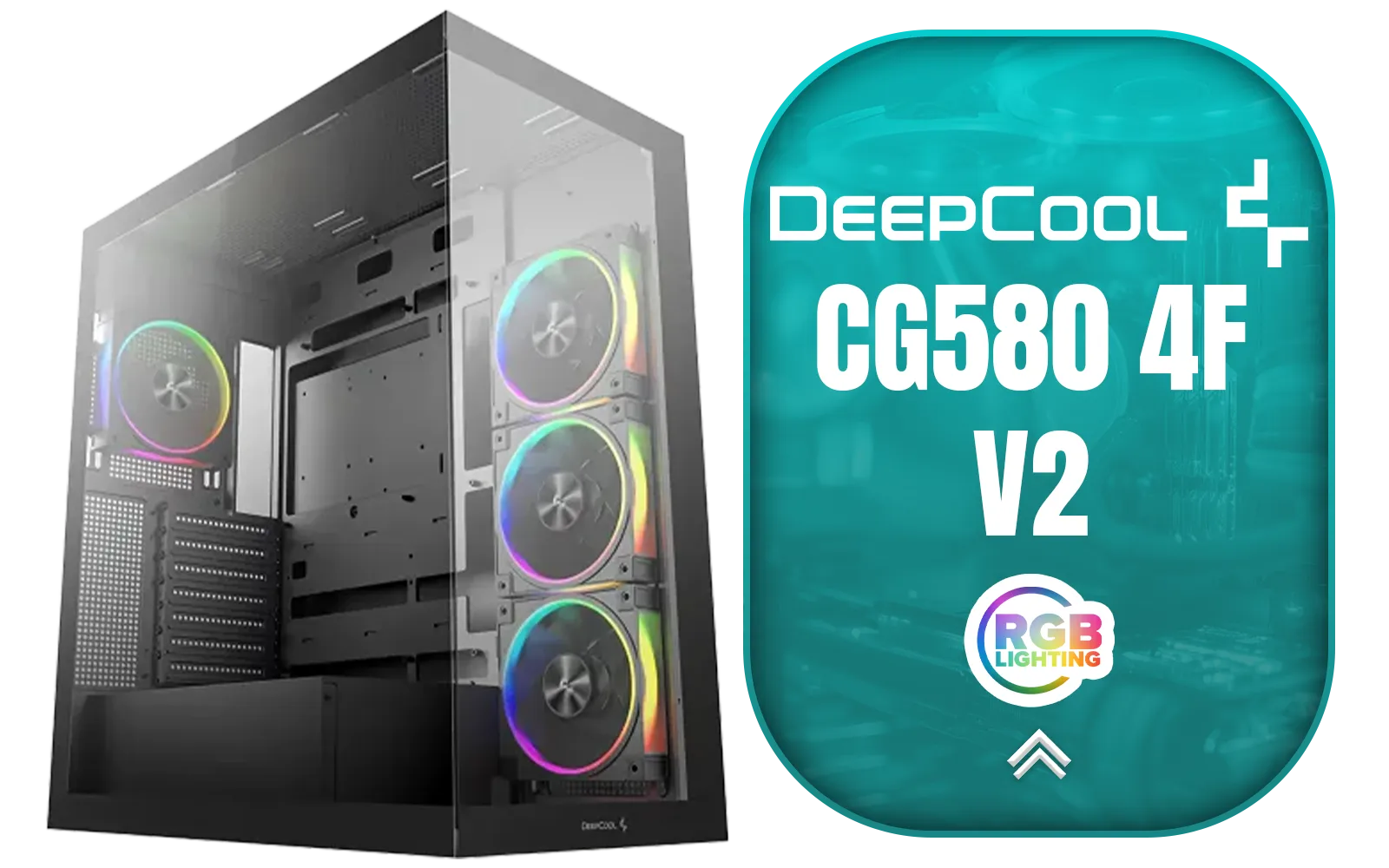
DeepCool CG580 4F V2 ATX Mid Tower Gaming Case - Black / 4 Built-in ARGB Fans / 360mm Radiator Support / No A-Pillar Design / 270° Glass Side & Front Panels / Supports ITX, Micro-ATX, ATX / USB 3.0 / USB Type-C / CG580-4F-V2
R1799.00In Stock

Xigmatek Aqua Ultra Air Mid Tower Gaming Case - Black / Supports Motherboards up to E-ATX / 430mm VGA Support / 7 x Pre-Installed ARGB Fans Included / EN41907
R2499.00In Stock
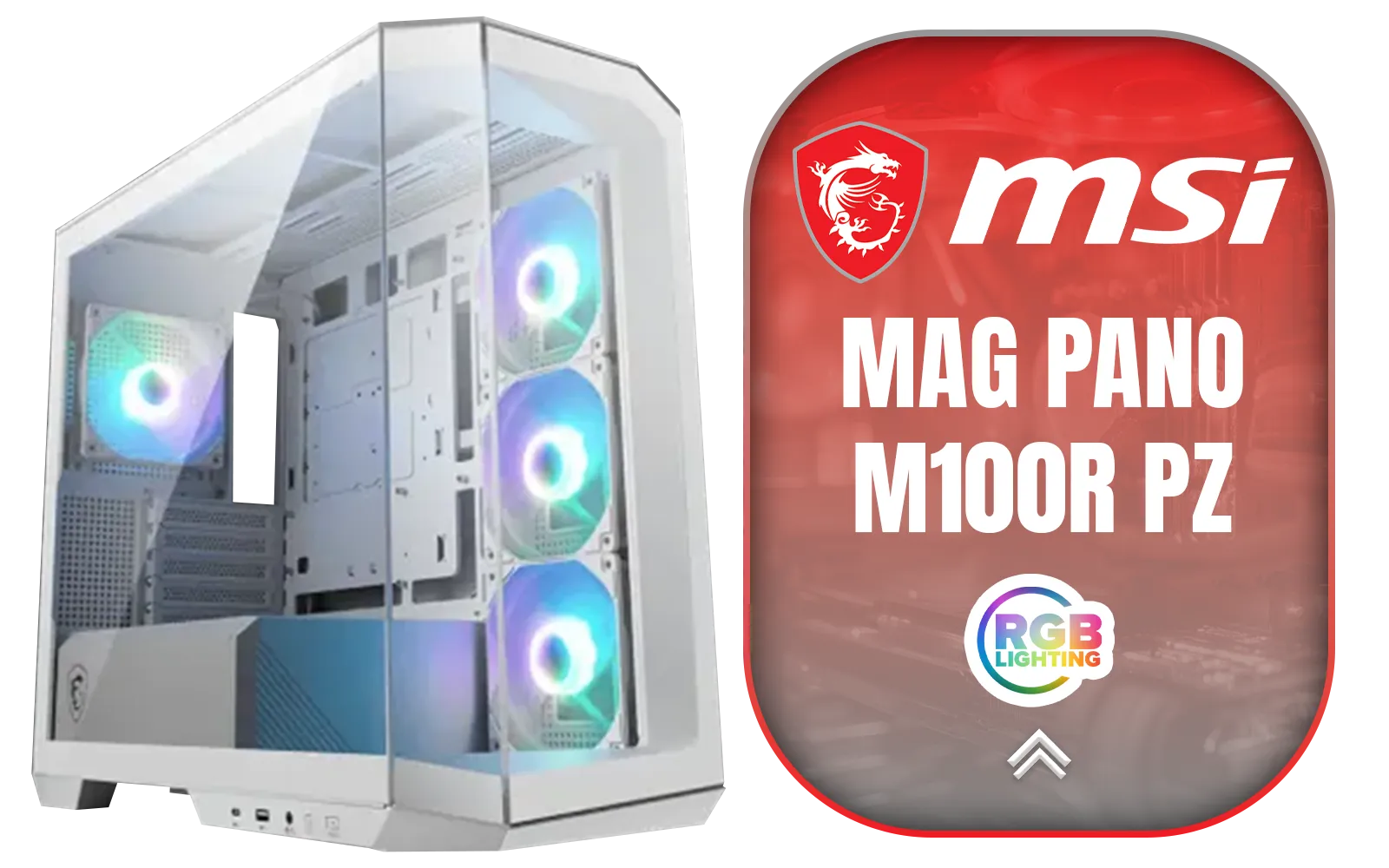
MSI MAG PANO M100R PZ Gaming Case - White / Micro-ATX Tower Case Form Factor / M-ATX (Back-connect supported), ITX / Pre-installed 3x 120mm (Reverse-blade), 1x 120mm ARGB Fans / Tempered Glass / 306-7G24W28-HH9
R1999.00In Stock
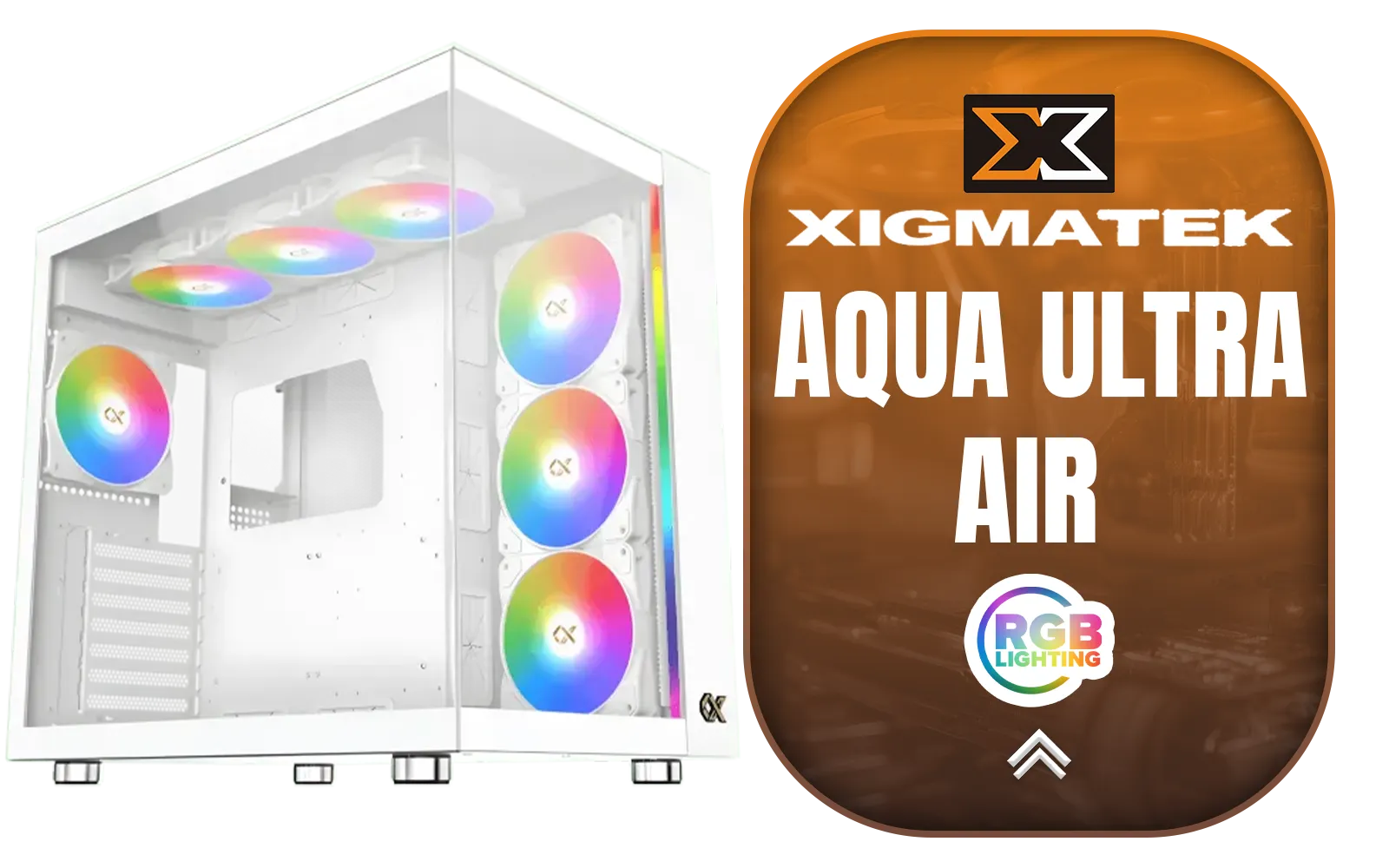
Xigmatek Aqua Ultra Air Mid Tower Gaming Case - White / Supports Motherboards up to E-ATX / 430mm VGA Support / 7 x Pre-Installed ARGB Fans Included / EN41914
R2499.00In Stock
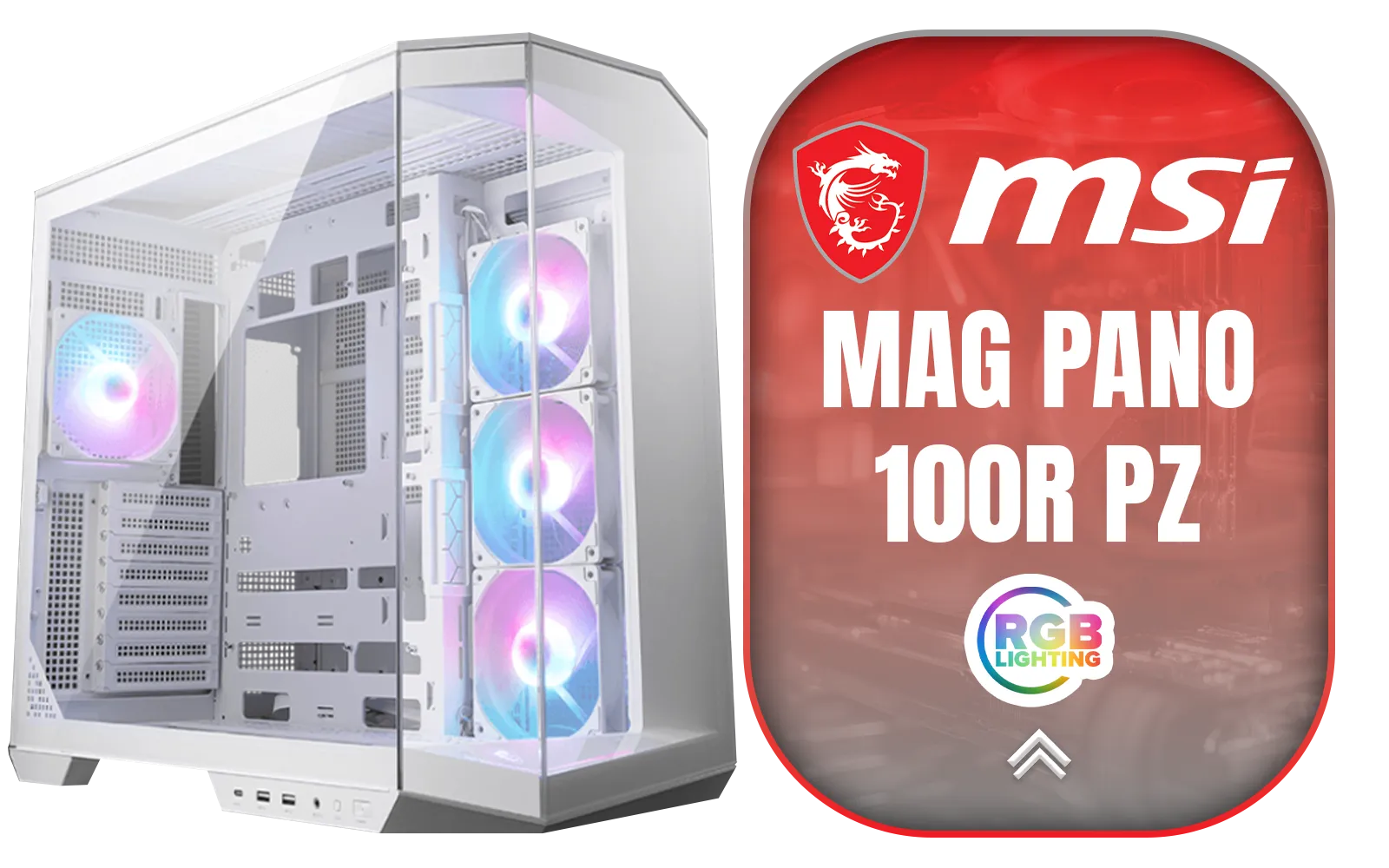
MSI MAG PANO 100R PZ Gaming Case - White / Mid-Tower Case Form Factor / ATX, Micro-ATX, Mini-ITX / Pre-installed 3x 120mm (Reverse-blade), 1x 120mm ARGB Fans / Tempered Glass / 306-7G26W22-HH9
R2999.00In Stock
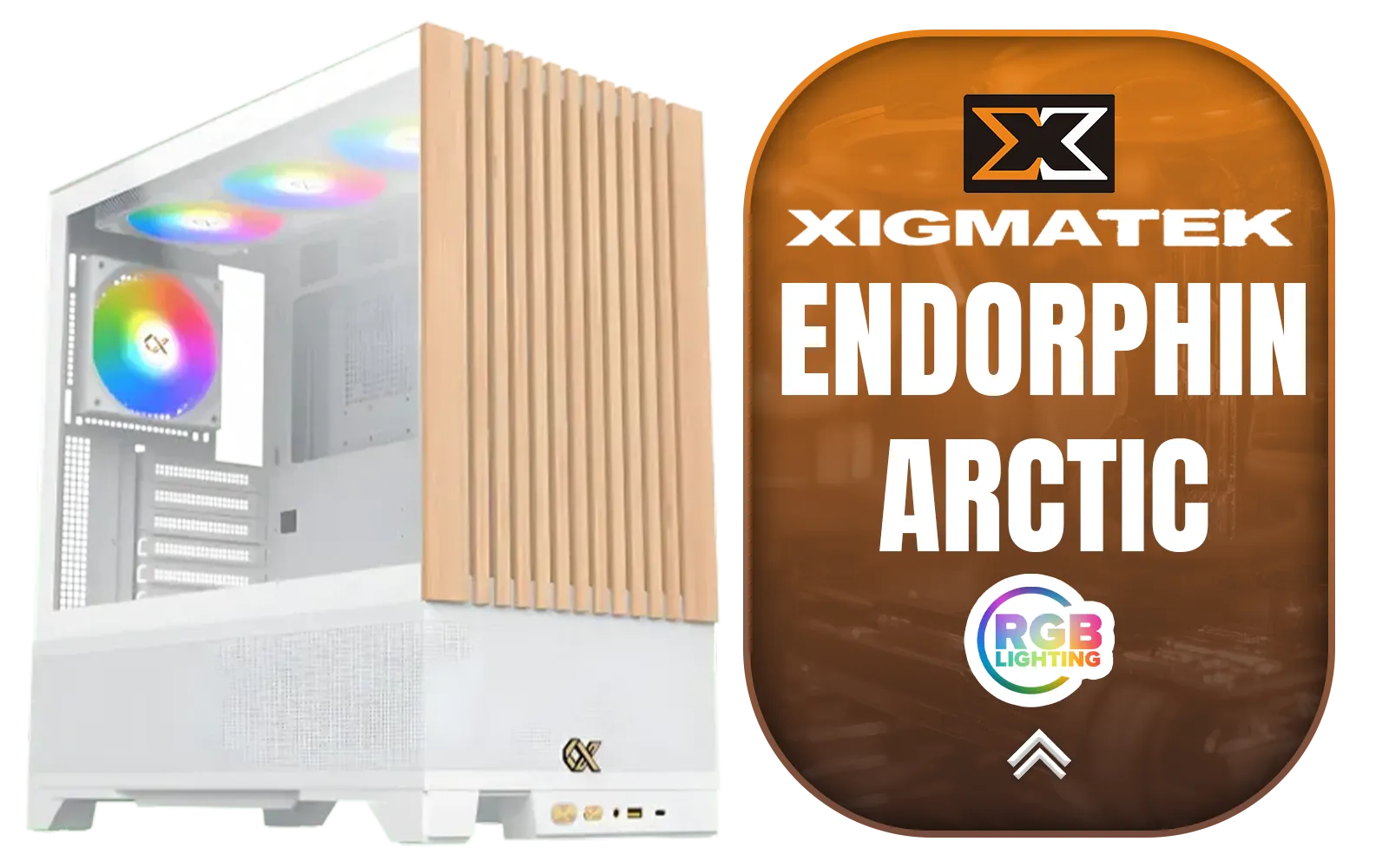
Xigmatek Endorphin WD Arctic Mid Tower Gaming Case - White / Supports Motherboards up to E-ATX / 4 x Pre-Installed ARGB Fans Included / EN42218
R2299.00In Stock
Ultimately, you can have a PC that looks incredible and runs cool, even under pressure. It just requires a bit of planning and selecting components that work together. By prioritising a case with smart airflow design and keeping your internal layout tidy, you'll build a rig that’s ready for both the showroom and the battlefield. Ready to start your search? There are hundreds of computer cases to explore.
Ready to Build Your Masterpiece? The perfect balance of aesthetics and thermals is within reach. A stunning, cool-running PC starts with the right foundation. Explore our massive range of PC cases and find the perfect chassis to conquer your world.
Related Products
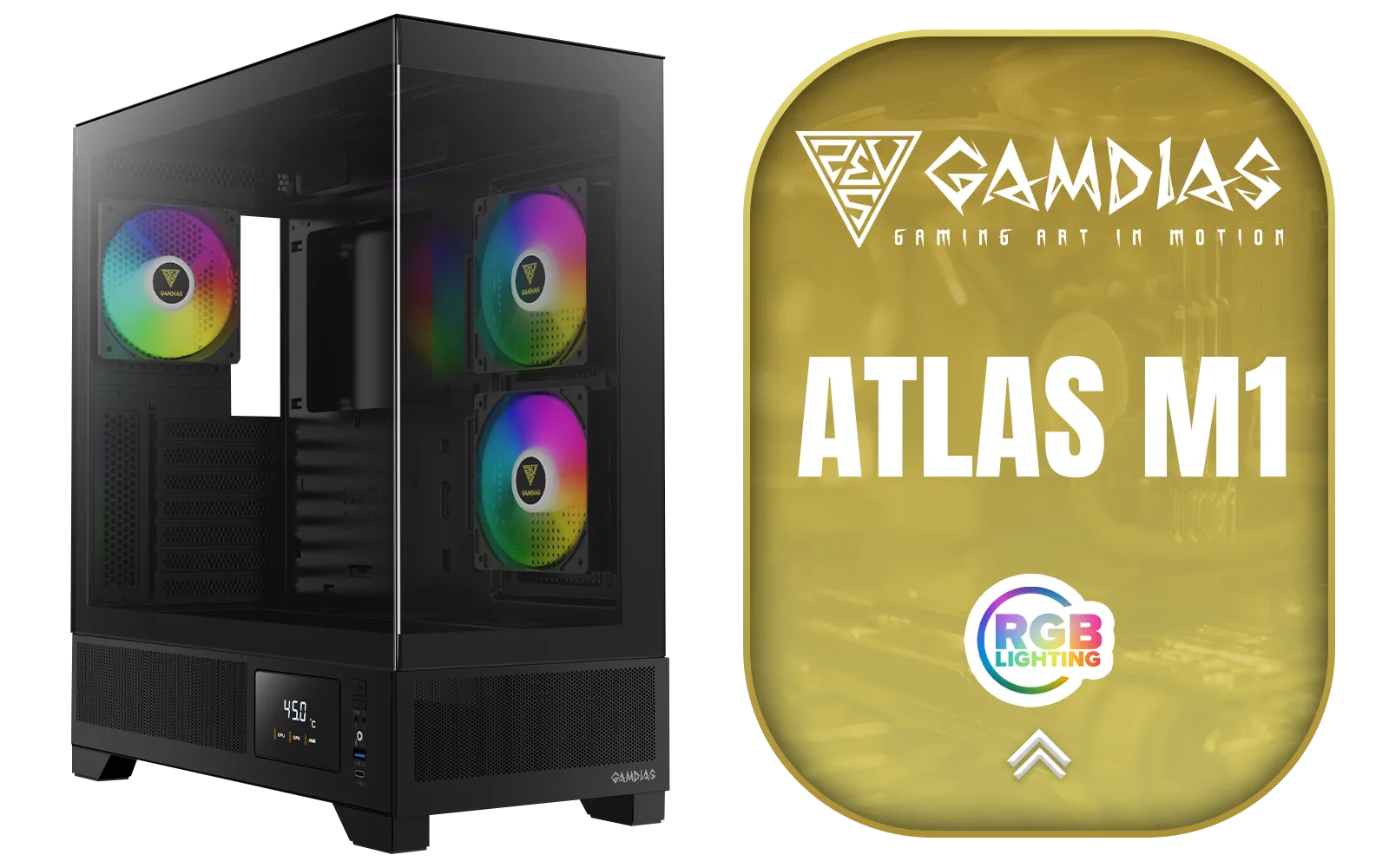
Gamdias Atlas M1 Tempered Glass ATX Gaming Case - Black / Magnetic Dust Filter / Supports Motherboards up to ATX / 3 Built-in 120mm ARGB Fan / ATLAS-M1
R1699.00In Stock
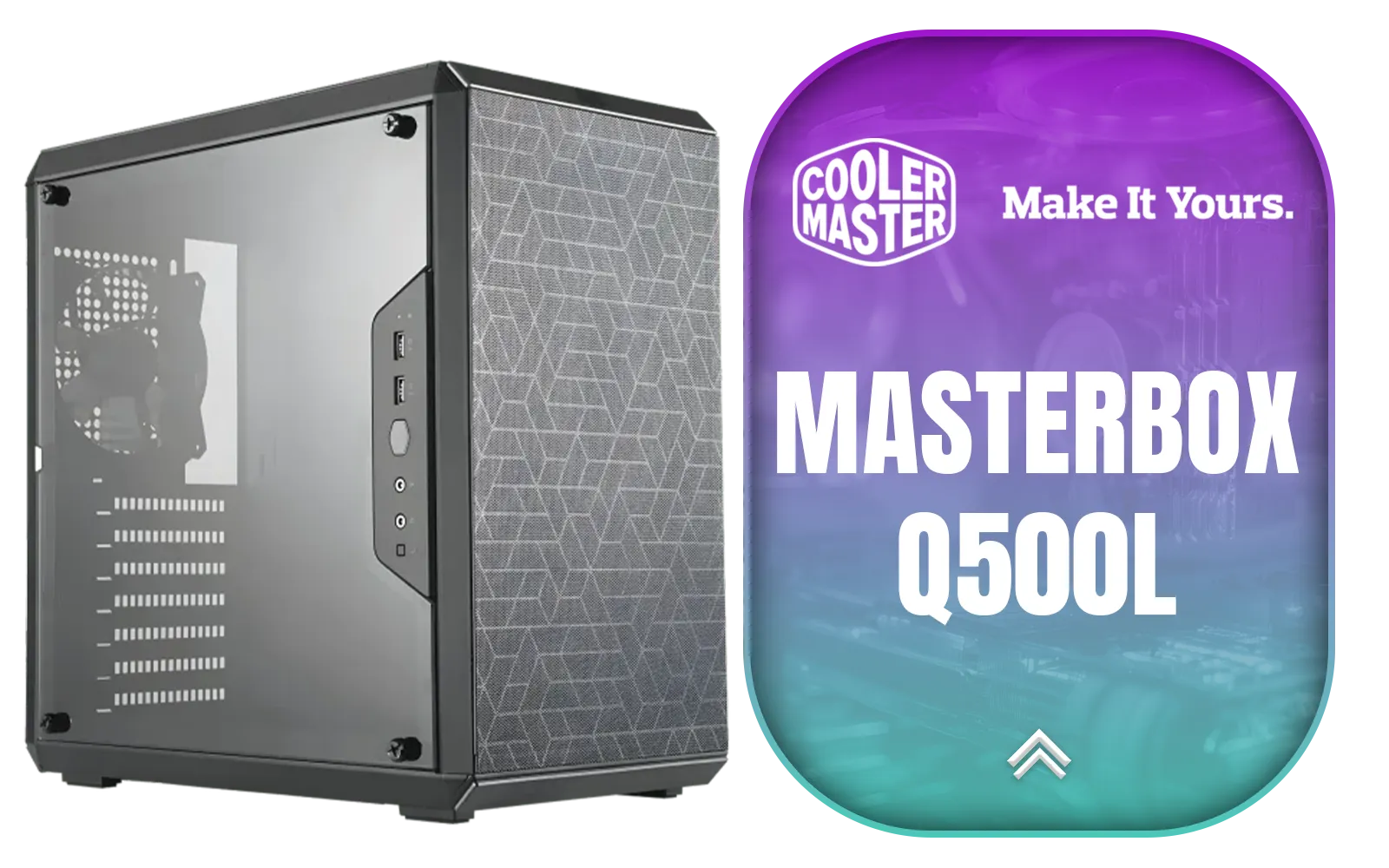
Cooler Master MasterBox Q500L - ATX Mini Tower Case with Full Side Panel Display, Clean Routing, and Multiple Cooling Options, 1 x Pre-Installed Fans Included / MCB-Q500L-KANN-S00
R999.00In Stock
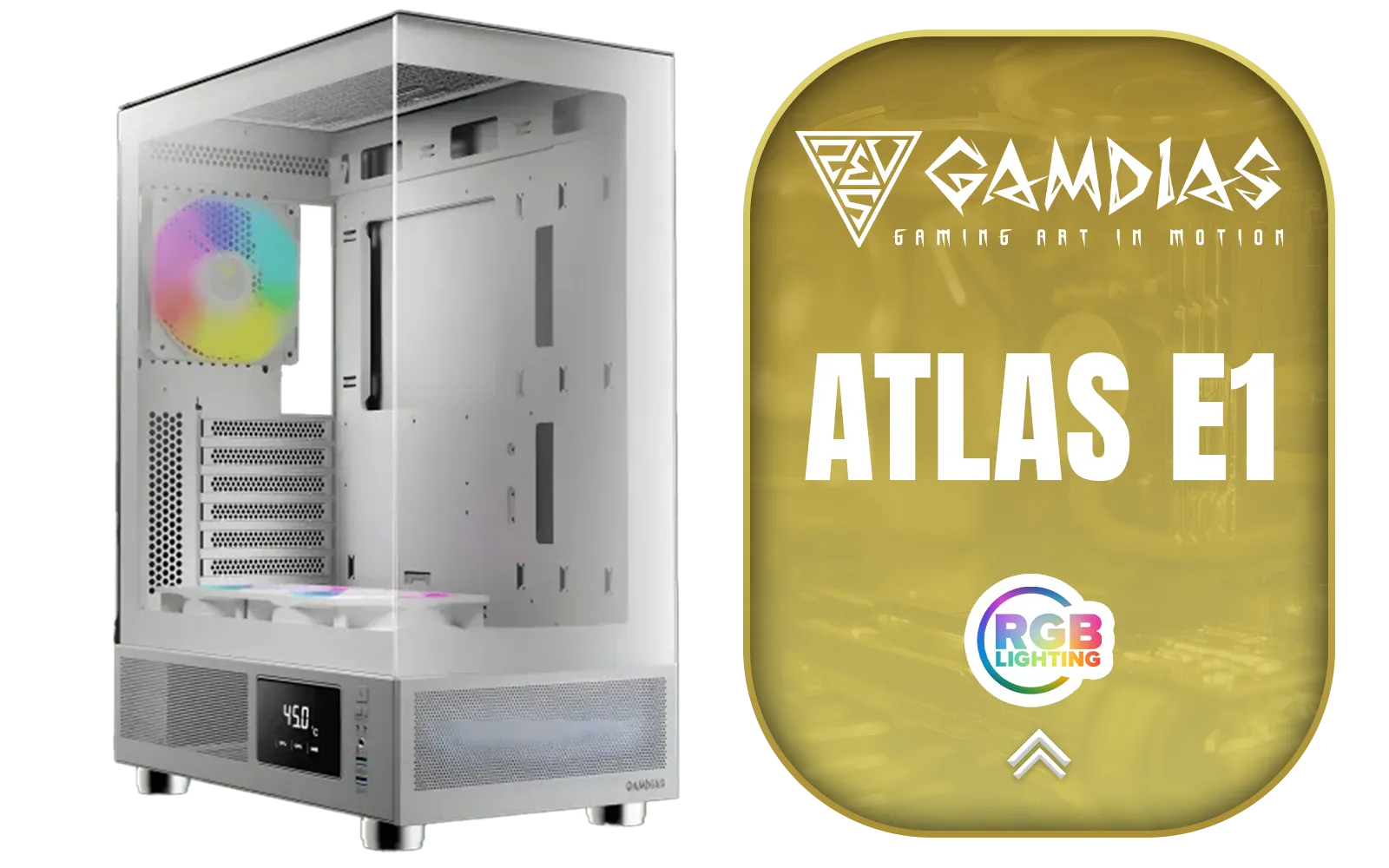
GAMDIAS ATLAS E1 WH Gaming ATX Mid Tower Computer PC Case, Customized Monitor w/Software, 3 x 120mm ARGB Fans(2 Reverse), Supports Motherboards up to ATX, Panoramic Tempered Glass Display, Perforated Airflow Vent PSU Chamber, White / ATLAS-E1-WH
R1399.00In Stock
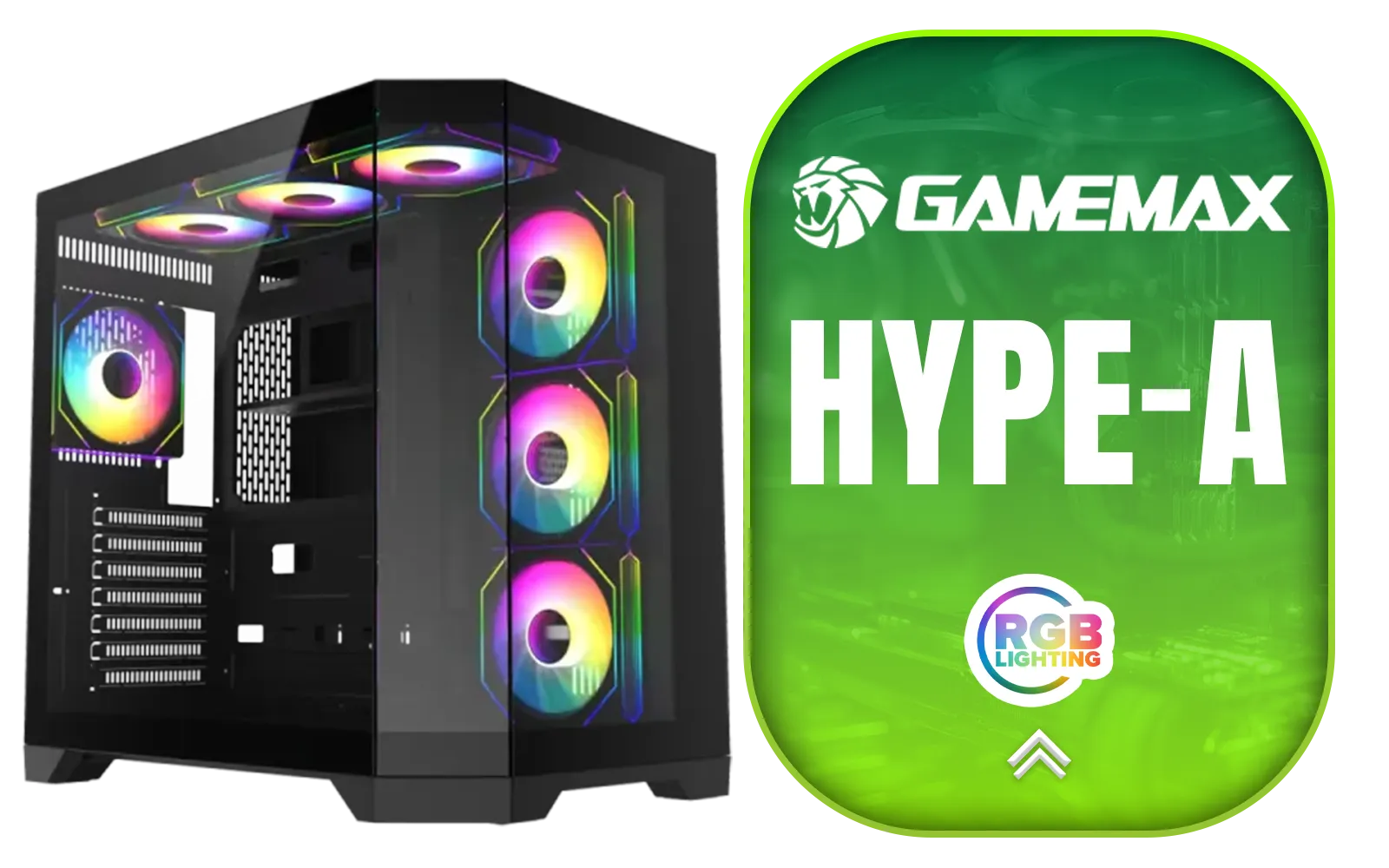
Gamemax Hype-A ATX Mid-Tower Gaming Case - Black / Tempered Glass Side Panels / Support 10×120mm or 4×120mm + 4x140mm Fan Mounts / 3 Pre-installed 120mm ARGB Fans / ATX, M-ATX, Mini-ITX Motherboard Support / ATX PSU Support / HYPE-A-BK
R1599.00In Stock
Corsair FRAME 4000D RS ARGB Modular Mid-Tower Gaming E-ATX PC Case / InfiniRail™ Fan Mounting System / Dual 360mm radiator support / Supports Motherboards up to E-ATX / GPU anti-sag stabilization arm / Compatible with reverse connector motherboards / 3 x Pre-Installed Fans Included / CC-9011296-WW
R2099.00In Stock
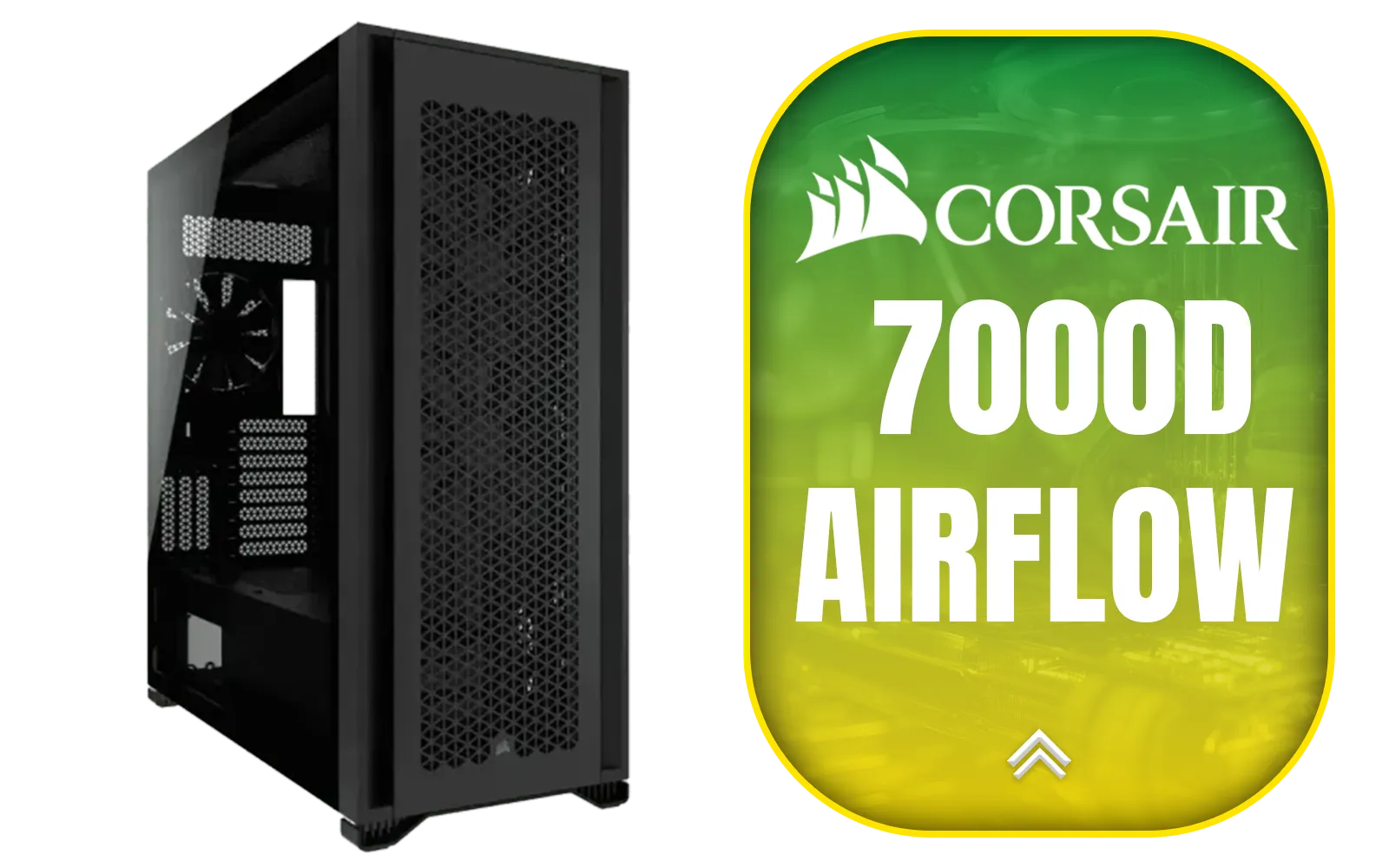
Corsair 7000D AIRFLOW Full-Tower Gaming E-ATX PC Case - Black / Tempered Glass Side Panel / USB 3.1 Type-C port / Corsair rapid route cable management / Supports Motherboards up to E-ATX / Supports up to 480mm Radiator / 3 x Pre-Installed Fan Included / CC-9011218-WW
R4499.00In Stock
Yes, solid glass panels can restrict intake. Opt for cases with side vents or mesh front panels to maintain high airflow without losing the view.
Absolutely. Many modern RGB fans offer high static pressure and CFM ratings, allowing you to balance PC aesthetics vs cooling effectively.
AIO liquid coolers often look cleaner than bulky air coolers and allow better visibility of RAM and motherboards, enhancing the overall build look.
Tidy cables prevent airflow blockages. Good cable management ensures cool air reaches components like the GPU and CPU directly.
Mesh offers superior cooling performance, while glass prioritizes looks. Some hybrid cases offer interchangeable panels to suit your needs.
If the GPU is too close to the side glass, it chokes airflow. Ensure there is enough clearance or use a vented side panel to avoid thermal throttling.