



Keep PC Cool in South African Summer: Essential Maintenance Tips
Is your rig ready for the heat? ☀️ Discover essential PC cooling tips South Africa gamers need to survive the summer. From cleaning dust filters to optimizing airflow, keep your framerates high and temps low! 🌡️
|
Loading tags...
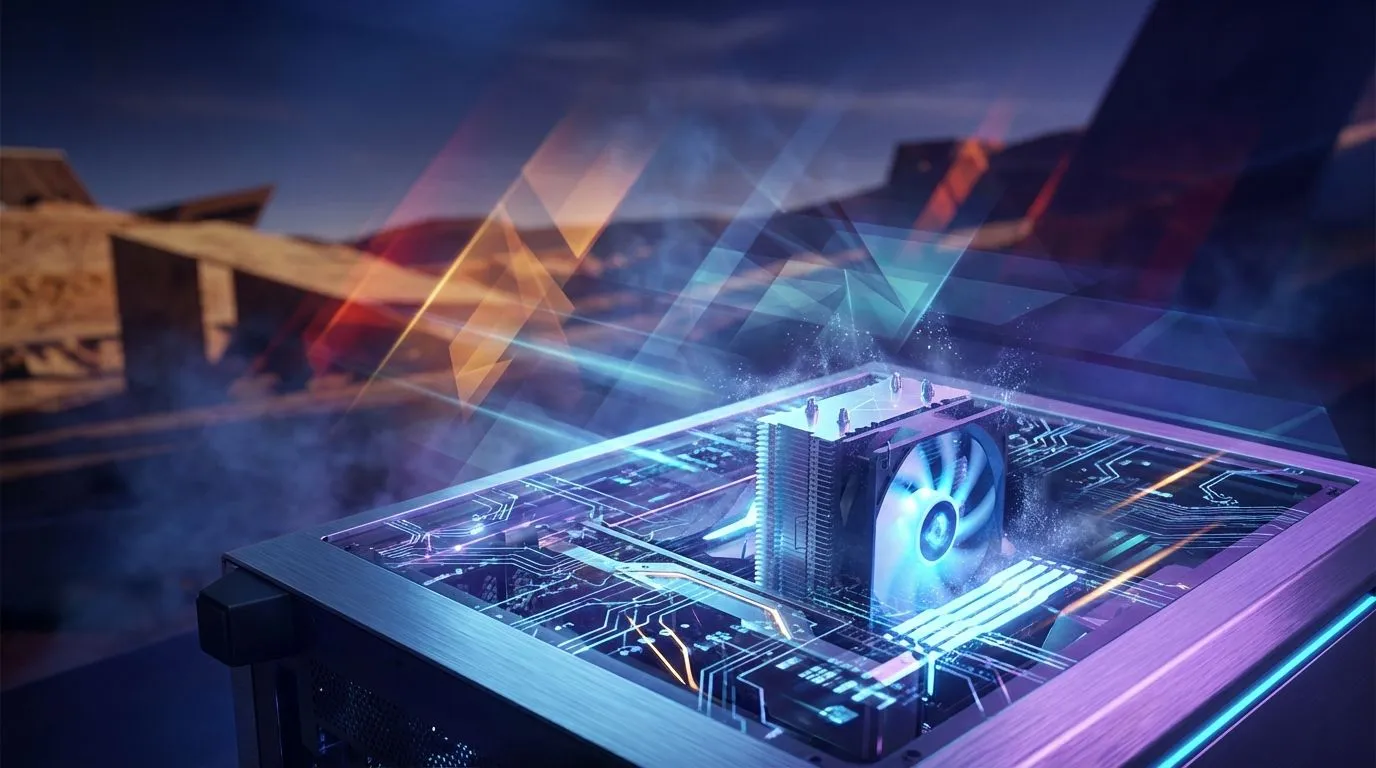
Is your gaming rig starting to sound like a jet engine preparing for takeoff? You're not alone. When the South African summer hits, with its scorching heatwaves and the occasional load-shedding blackout killing your aircon, your PC feels the heat too. High temperatures aren't just noisy… they throttle performance and can shorten the lifespan of your precious components. But don't sweat it. We've got the essential maintenance tips to help you keep your PC cool.
![[Pre Built] AMD Ryzen 7 9800X3D RX 9070 XT Gaming PC](https://img.evetech.co.za/repository/ProductImages/ryzen-7-9800-x-3-d-rx-9070-xt-gaming-pc-48-gb-main-1600px-v1.webp)
[Pre Built] AMD Ryzen 7 9800X3D RX 9070 XT Gaming PC
R69299.00In Stock

Intel Core Ultra 5 225F 4.9GHz GT 710 2GB DDR5 PC
R12074.00In Stock

AMD RYZEN 5 3600 4.2GHz GT 710 2GB PC
R7349.00In Stock
Intel Core Ultra 9 285K 5.7GHz RTX 5000 Ada 32GB DDR5 Workstation PC
R134399.00In Stock

RYZEN 7 5700 4.6GHz RTX 5060 Ti Budget Gaming PC
R18794.00In Stock
![[Pre Built] Intel Core Ultra 7 265KF RX 9070 XT Gaming PC](https://img.evetech.co.za/repository/ProductImages/intel-core-ultra-7-265-kf-rx-9070-xt-gaming-pc-pbs-main-1600px-v1.webp)
[Pre Built] Intel Core Ultra 7 265KF RX 9070 XT Gaming PC
R43049.00In Stock
First Defence: Defeat the Dust Invasion 🧹
Your PC's biggest enemy in the fight against heat is often invisible: dust. Over time, it clogs fans, insulates heat-generating components like your CPU and GPU, and suffocates your entire system. Keeping your PC cool starts with a simple, thorough clean.
Before you begin, unplug your PC from the wall. Use a can of compressed air to blow dust out of your fans, heatsinks, and case filters. Hold the fan blades gently with your finger to prevent them from spinning too fast, which can damage their bearings. A regular clean every few months makes a massive difference in thermal performance. If you find your old case is just a magnet for dust with poor filtering, it might be time to browse some of the best gaming PC deals for a modern chassis with superior airflow.
Optimise Your PC's Airflow for Better Cooling
Think of your PC case as a wind tunnel. You want a clear, unobstructed path for cool air to enter, pass over your hot components, and exit. This is where smart cable management and fan placement come in.

Intel 14th Gen Core i3 14100F 4.7GHz ARC A380 6GB Gaming PC
R11549.00In Stock

RYZEN 7 9700X 5.5GHz RX 9070 XT 16GB DDR5 Gaming PC
R38114.00In Stock

Ryzen 7 9700X 5.5GHz RTX 5060 Ti 16GB DDR5 Gaming PC
R29399.00In Stock
![[Pre Built] HP OMEN 35L B1ZR4EA Intel Core Ultra 7 265K RTX 4080 SUPER Gaming PC](https://img.evetech.co.za/repository/ProductImages/intel-core-ultra-7-265-k-rtx-4080-super-gaming-pc-pbs-main-1600px-v1.webp)
[Pre Built] HP OMEN 35L B1ZR4EA Intel Core Ultra 7 265K RTX 4080 SUPER Gaming PC
R49349.00In Stock

Intel Core Ultra 5 225F 4.9GHz RX 9060 XT 16GB DDR5 Gaming PC
R25409.00In Stock

AMD RYZEN 7 5700 4.6GHz RX 9070 16GB Gaming PC
R27089.00In Stock
Cable Management & Fan Placement
Tuck away loose cables behind the motherboard tray or use cable ties to bundle them up. This simple step can dramatically improve airflow. Ensure your fans are correctly oriented: intake fans at the front and bottom pulling cool air in, and exhaust fans at the back and top pushing hot air out. This creates a consistent current that helps to cool your PC efficiently. Even many budget gaming PCs now come with well-designed cases that make this process straightforward.
TIP FOR YOU
Pro Cooling Tip ⚡
Use software like MSI Afterburner or your motherboard's BIOS to set a custom fan curve. This allows your fans to spin up more aggressively as temperatures rise, providing extra cooling right when you need it during an intense gaming session. It's a free way to seriously boost your PC's cooling potential.
Advanced Tactics to Keep Your PC Cool
If cleaning and airflow optimisation aren't enough, it's time for some more advanced strategies. These steps require a bit more confidence but can yield significant temperature drops.
Re-apply Thermal Paste
The thermal paste between your CPU and its cooler degrades over time. After a few years, it becomes dry and less effective at transferring heat. Replacing it is a cost-effective way to lower CPU temperatures. A small tube of quality thermal paste is an inexpensive investment. This is a great weekend project, whether you're running one of our affordable PCs under R20k or a high-end beast.
Upgrade Your Stock Cooler
The stock coolers that come with many CPUs are… adequate. But they're not great. Upgrading to a larger air cooler or an All-in-One (AIO) liquid cooler can slash your temps. AIOs are particularly effective for high-performance processors found in many top-tier systems, including our range of powerful PCs above R20,000, ensuring they run cool and quiet even under heavy load.

RYZEN 5 9600X 5.2GHz ARC B580 12GB DDR5 Gaming PC
R22259.00In Stock
![[Pre Built] Intel Core Ultra 9 285K RTX 5080 Gaming PC](https://img.evetech.co.za/repository/ProductImages/intel-core-ultra-9-285-k-rtx-5080-gaming-pc-48-gb-main-1600px-v1.webp)
[Pre Built] Intel Core Ultra 9 285K RTX 5080 Gaming PC
R78749.00In Stock
AMD RYZEN 5 3600 4.2GHz A400 4GB Workstation PC
R9764.00In Stock

RYZEN 5 7500X3D RTX 5060 DDR5 Gaming PC
R22049.00In Stock
RYZEN 7 7800X3D 5.0GHz RTX 5080 32GB DDR5 Gaming PC
R49769.00In Stock
Intel Core Ultra 7 265K 5.5GHz RX 9070 XT 16GB DDR5 Gaming PC
R40949.00In Stock
Know When It’s Time for a System Upgrade 🚀
Sometimes, you're fighting a losing battle. An old PC case with limited fan mounts, a power-hungry GPU that doubles as a room heater, or a CPU from a bygone era can make keeping your PC cool in the South African summer nearly impossible. If you've tried everything and your PC is still thermal throttling, an upgrade might be the most effective solution.
Modern components are often far more power-efficient, and new PC cases are engineered with thermal performance as a top priority. Investing in one of today's powerful pre-built PCs not only gives you a massive performance boost but also provides a professionally assembled system built for optimal cooling right out of the box.
Ready for an Unthrottled Gaming Experience? Don't let the heat ruin your frame rates. If your old rig can't take the South African summer, it's time for an upgrade. Explore our massive range of gaming PC deals and find a cool, quiet, and powerful machine built to conquer any heatwave.
Related Products
RYZEN 7 9700X 5.5GHz RX 9070 XT 16GB DDR5 Gaming PC
R38114.00In Stock

Intel Core Ultra 5 225F 4.9GHz A400 4GB DDR5 Workstation PC
R14699.00In Stock

RYZEN 5 8400F 4.7GHz GT 710 2GB DDR5 Workstation PC
R11234.00In Stock
RYZEN 5 9600X 5.4GHz A1000 8GB DDR5 Workstation PC
R25199.00In Stock

Intel Core Ultra 7 265K 5.3GHz RTX 5070 12GB DDR5 Gaming PC
R37379.00In Stock
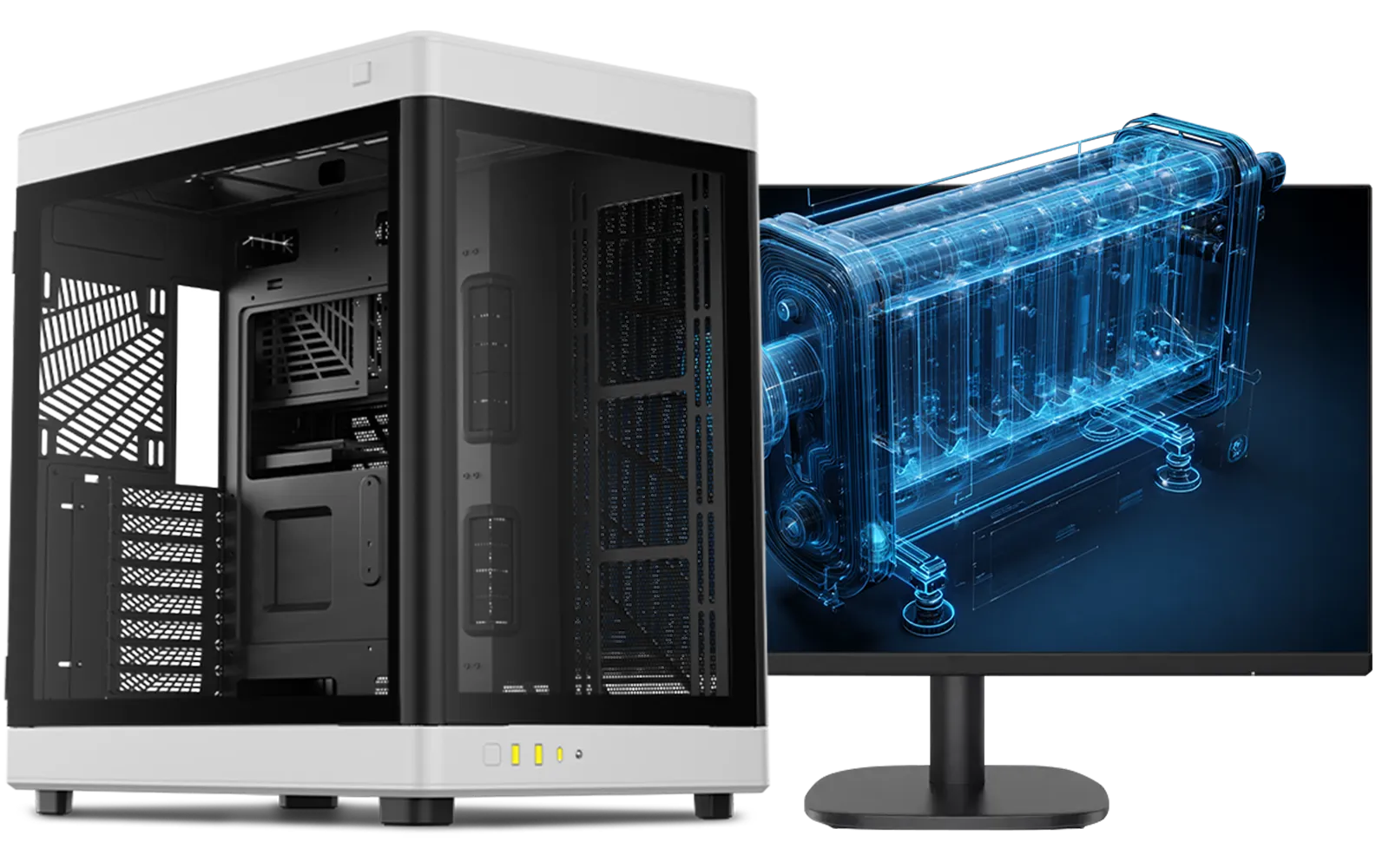
Intel Core Ultra 7 265K RTX Pro 2000 DDR5 Workstation PC
R40634.00In Stock
In dusty South African environments, clean your PC fans and filters every 3 to 6 months to maintain optimal airflow and prevent overheating.
Generally, CPU temperatures between 70°C and 80°C are safe while gaming. If it exceeds 85°C regularly, check your cooling solution immediately.
Yes, high ambient heat during SA summers raises baseline temps, forcing fans to work harder and potentially causing thermal throttling if cooling is insufficient.
Liquid cooling is generally more efficient for handling spikes in heat, but high-quality air coolers are sufficient for most builds if case airflow is good.
Clean the old paste with isopropyl alcohol, apply a pea-sized amount to the center of the CPU, and secure the cooler to spread it evenly.
Absolutely. Dust buildup acts as an insulator and blocks airflow, trapping heat inside components. Regular cleaning is vital for PC cooling.







