



Portable Projector for Presentations: Setup, Tips & Best Use
Portable projector for presentations transforms meetings and remote work. Quick setup, image calibration, wireless pairing, and presenter tips to deliver smooth, professional sessions ✅📽️
|
Loading tags...
You’re seconds away from the biggest pitch of your career. You plug in your laptop, but the client’s boardroom projector displays a fuzzy, dim image that looks like a washed-out ghost. Or worse… loadshedding hits. 💡 A modern portable projector for presentations isn't just a cool gadget; it's your professional lifeline. It ensures your hard work always looks sharp, bright, and impressive, no matter where you are in South Africa.
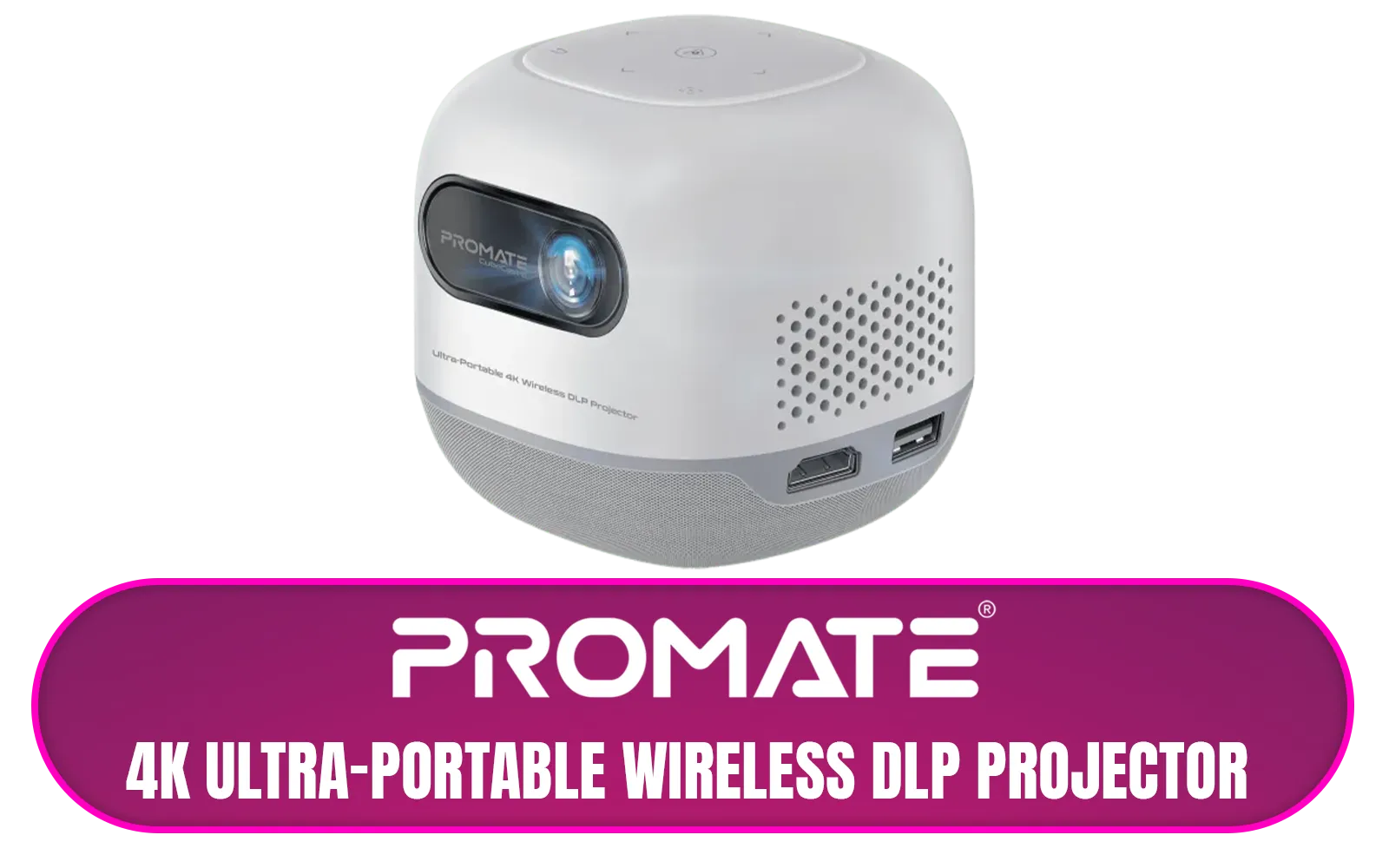
Promate 4K Ultra-Portable Wireless DLP Projector with touch controls / DLP Technology / 100 ANSi Brigthness / Touch Control Support / Built-in Rechargle Battery / Supports upto 4K@60Hz / Auto Keystone / Built-In Speaker / Remote Control Included / CubeCast-2
R6399.00In Stock
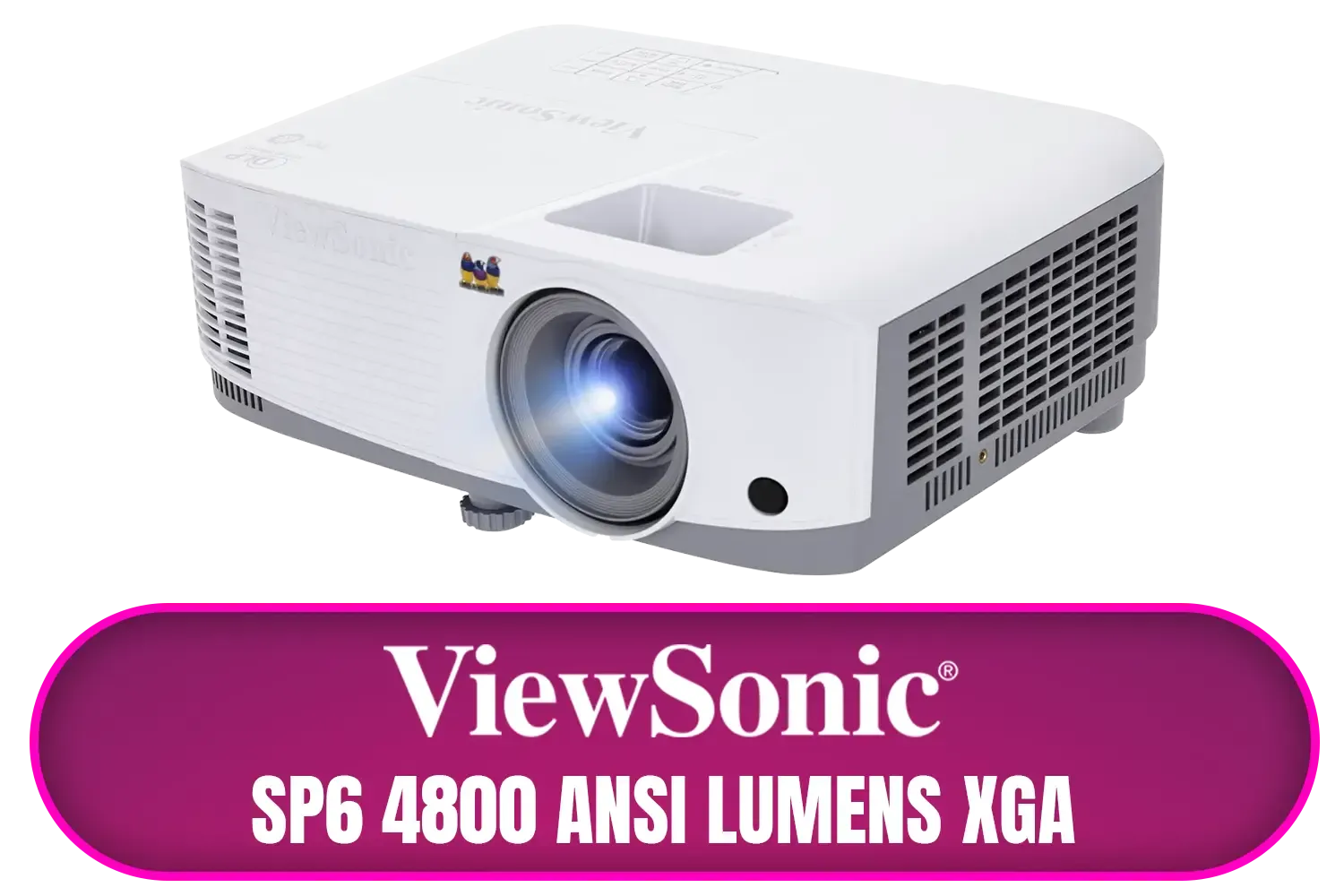
ViewSonic SP6 4800 ANSI Lumens XGA Business Projector / Native Resolution: 1024x768 / SuperColor™ Technology / SP6
R8699.00In Stock
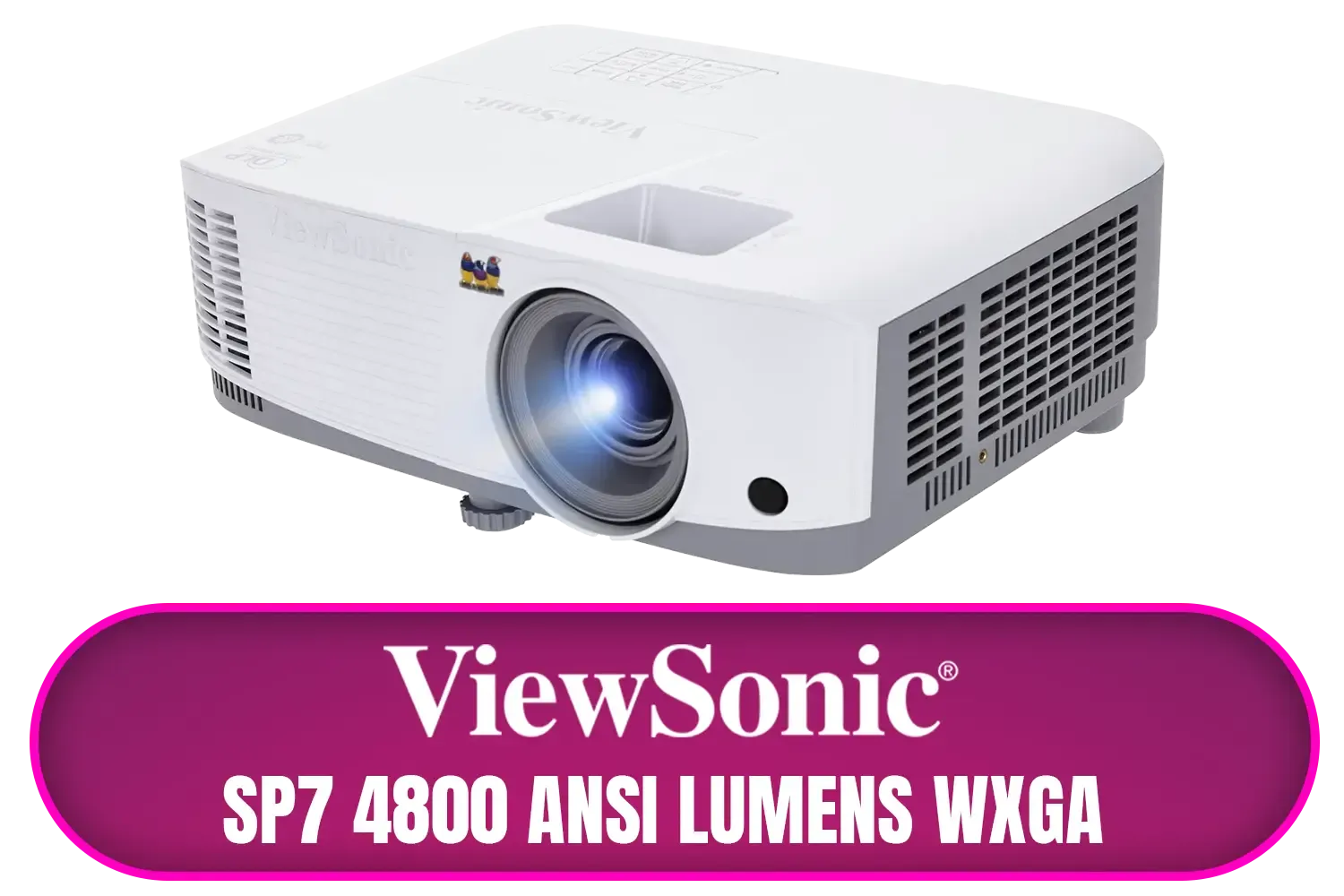
ViewSonic SP7 4800 ANSI Lumens WXGA Business Projector / Native Resolution: 1280 x 800 / SuperColor™ Technology / SP7
R7699.00In Stock
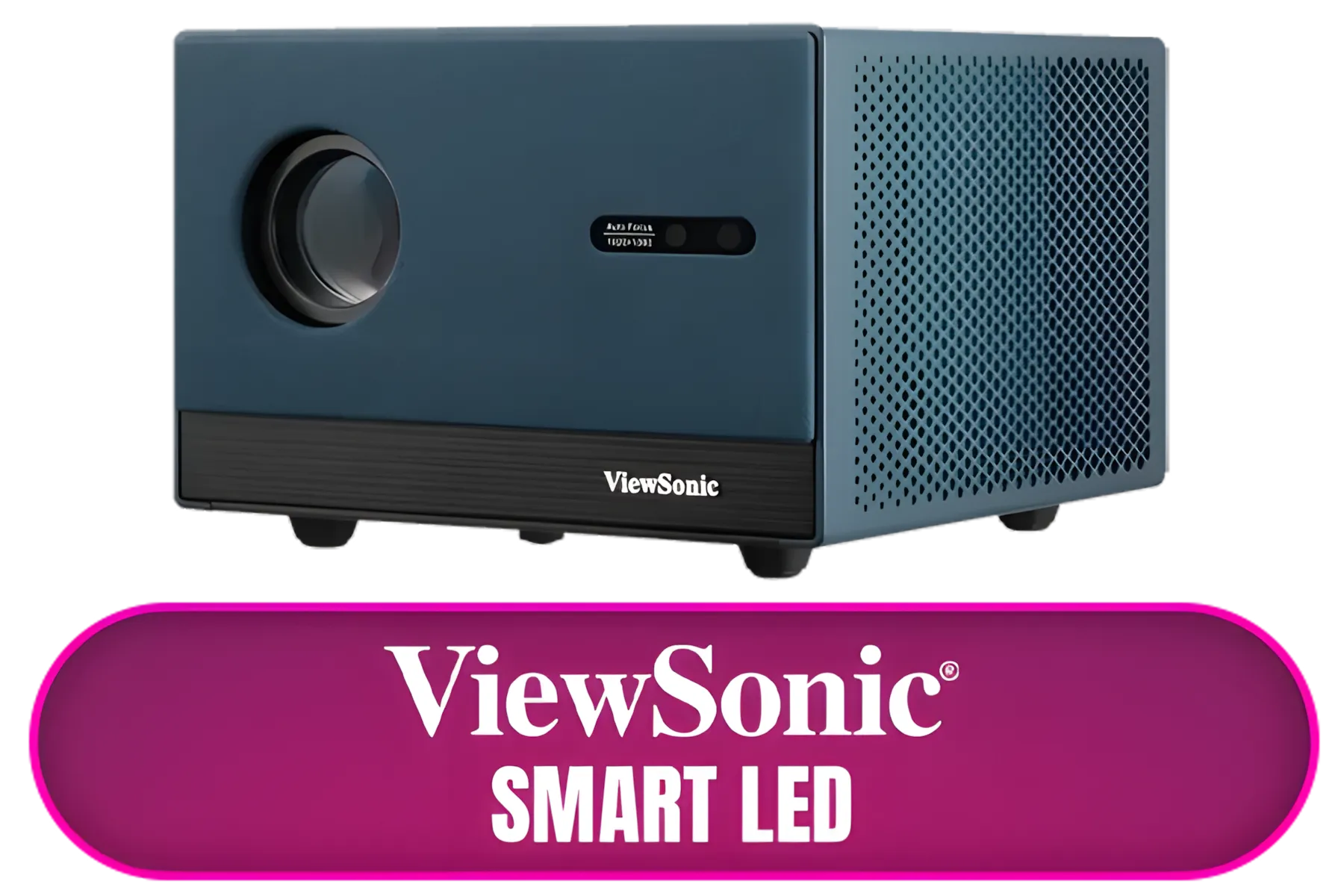
ViewSonic Smart LED Projector / Built in Google TV / Full HD 1080p Resolution / Up to 140" Screen Size / LX60HD
R6999.00In Stock
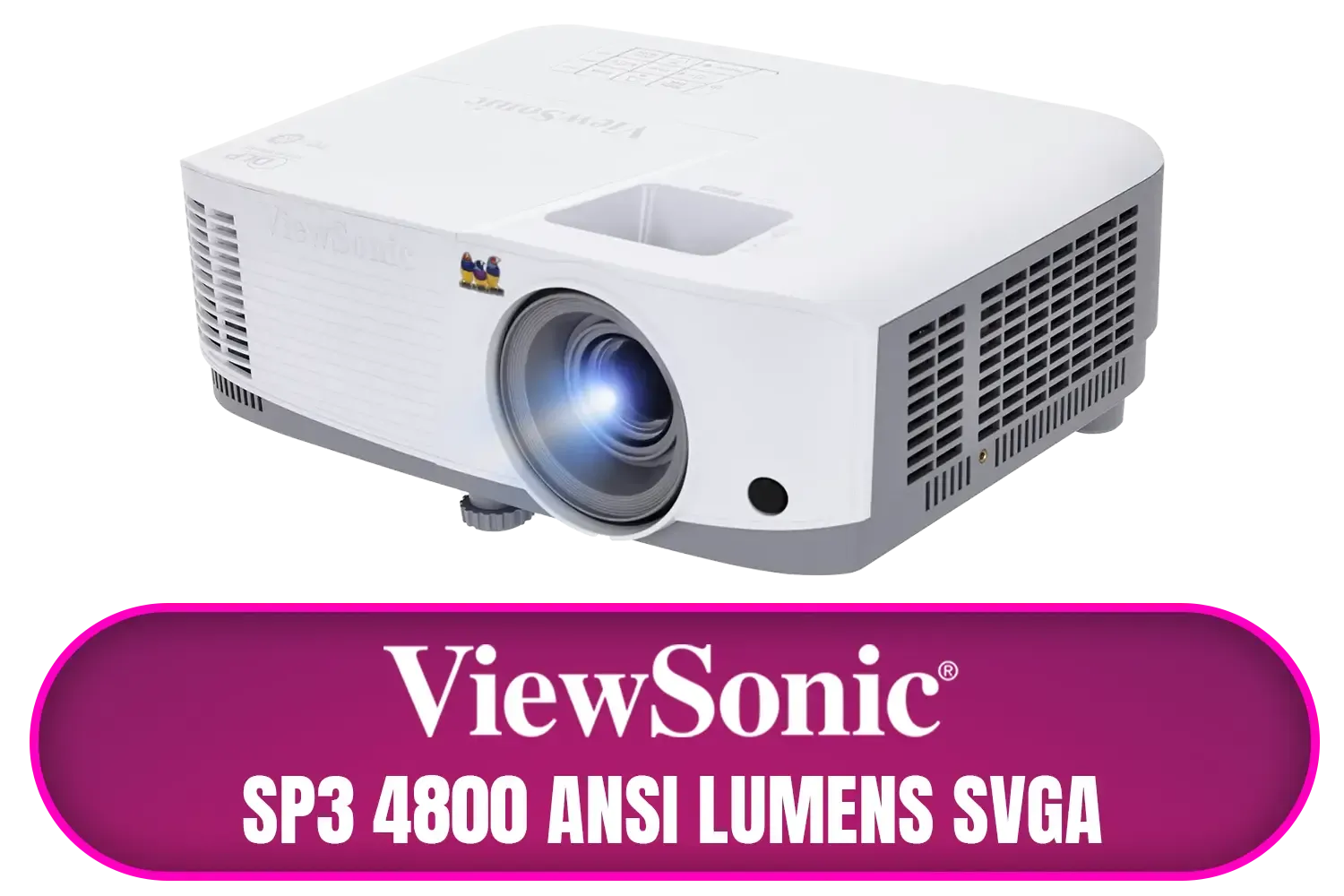
ViewSonic SP3 4800 ANSI Lumens SVGA Business Projector / Native Resolution: 800x600 / SuperColor™ Technology / SP3
R6799.00In Stock

Viewsonic Smart LED Portable Projector / Built in Harman Kardon Speaker / Full HD 1080p Resolution / 3-in-1 smart stand for 360° projection / Up to 4 hours of battery life / M1X
R7999.00In Stock
Why a Portable Projector is Your New Best Friend
Forget lugging around heavy, outdated equipment. Today's portable projectors are compact, lightweight, and incredibly powerful. They offer the ultimate freedom to present anywhere, from a coffee shop meeting in Cape Town to a client’s office in Jozi.
The real advantage is control. You're no longer at the mercy of someone else's faulty or ancient tech. A good portable presentation projector means you can guarantee a crisp, professional display every single time. It shows you’re prepared, tech-savvy, and serious about your work. Many of the latest modern portable projectors even come with built-in batteries, making you completely immune to power outages.
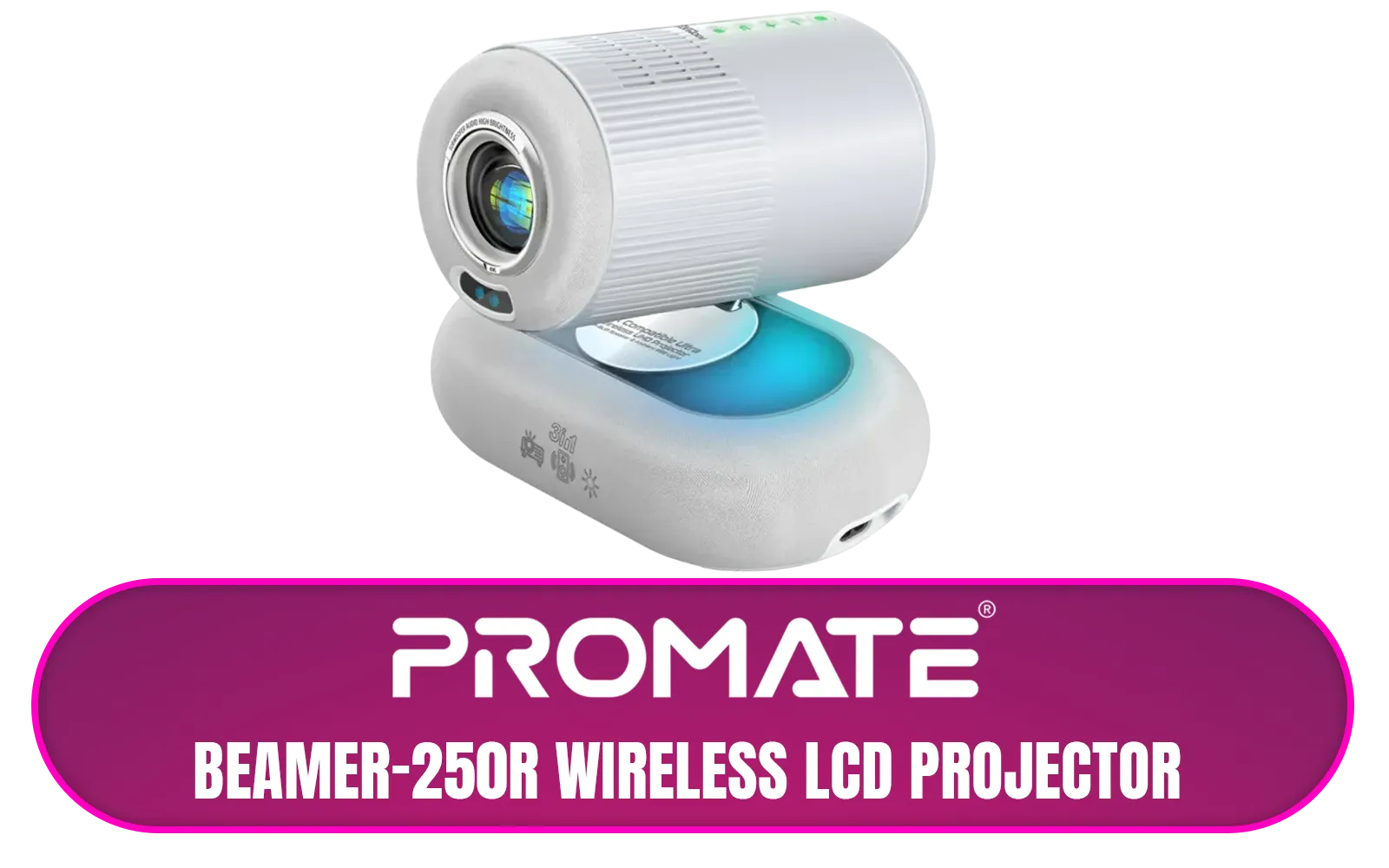
Promate Beamer-250R Wireless LCD Projector / 4K Compatible / Built-In Speaker / Ambient RGB light / LCD 3.0" LVDS Technology / 250 ANSI Lumens Brightness / Integrated Wi-Fi, Bluetooth 5.4, HDMI, and USB / Beamer-250R.EU
R2499.00In Stock
ViewSonic Smart LED Projector / Built in Google TV / Full HD 1080p Resolution / Up to 140" Screen Size / LX60HD
R6999.00In Stock
Viewsonic Smart LED Portable Projector / Built in Harman Kardon Speaker / Full HD 1080p Resolution / 3-in-1 smart stand for 360° projection / Up to 4 hours of battery life / M1X
R7999.00In Stock
ViewSonic SP3 4800 ANSI Lumens SVGA Business Projector / Native Resolution: 800x600 / SuperColor™ Technology / SP3
R6799.00In Stock
ViewSonic SP7 4800 ANSI Lumens WXGA Business Projector / Native Resolution: 1280 x 800 / SuperColor™ Technology / SP7
R7699.00In Stock
Promate 4K Ultra-Portable Wireless DLP Projector with touch controls / DLP Technology / 100 ANSi Brigthness / Touch Control Support / Built-in Rechargle Battery / Supports upto 4K@60Hz / Auto Keystone / Built-In Speaker / Remote Control Included / CubeCast-2
R6399.00In Stock
Quick & Easy Portable Projector Setup
Getting your presentation live shouldn't be a stressful scramble. Setting up a portable projector is usually a breeze. Here’s a simple 4-step guide:
- Positioning is Key: Place the projector on a stable, flat surface. Aim it at a plain, light-coloured wall or a dedicated screen. The further back you go, the larger the image will be.
- Power & Connect: Plug in the projector (or use its battery if it has one). Connect your laptop or device using an HDMI, USB-C, or wireless connection, depending on the model.
- Focus and Adjust: Power on the projector and use the focus ring or button until the image is perfectly sharp.
- Tweak the Image: Use the keystone correction feature to square up the image if it looks like a trapezoid. Adjust brightness and colour settings to match the room's lighting.
TIP FOR YOU
Presentation Pro Tip ⚡
'keystone correction' to fix distorted images. If your projector is angled up or down at the screen, the picture can look like a trapezoid. Keystone correction digitally reshapes the image so it appears perfectly rectangular. Most modern projectors, including compact options from [Promate](https: www.evetech.co.za PC-Components buy-projectors-154?brands=Promate), have this feature built-in. It’s a lifesaver for quick setups!
Pro Tips for a Flawless Presentation
Once you're set up, a few extra tricks can elevate your presentation from good to great.
ViewSonic Smart LED Projector / Built in Google TV / Full HD 1080p Resolution / Up to 140" Screen Size / LX60HD
R6999.00In Stock
ViewSonic SP3 4800 ANSI Lumens SVGA Business Projector / Native Resolution: 800x600 / SuperColor™ Technology / SP3
R6799.00In Stock
Viewsonic Smart LED Portable Projector / Built in Harman Kardon Speaker / Full HD 1080p Resolution / 3-in-1 smart stand for 360° projection / Up to 4 hours of battery life / M1X
R7999.00In Stock
Promate 4K Ultra-Portable Wireless DLP Projector with touch controls / DLP Technology / 100 ANSi Brigthness / Touch Control Support / Built-in Rechargle Battery / Supports upto 4K@60Hz / Auto Keystone / Built-In Speaker / Remote Control Included / CubeCast-2
R6399.00In Stock
Promate Beamer-250R Wireless LCD Projector / 4K Compatible / Built-In Speaker / Ambient RGB light / LCD 3.0" LVDS Technology / 250 ANSI Lumens Brightness / Integrated Wi-Fi, Bluetooth 5.4, HDMI, and USB / Beamer-250R.EU
R2499.00In Stock
ViewSonic SP6 4800 ANSI Lumens XGA Business Projector / Native Resolution: 1024x768 / SuperColor™ Technology / SP6
R8699.00In Stock
Mind the Lumens
Lumens measure brightness. For a dimly lit room, 500-1000 lumens might be enough. But if you're presenting in a room with some daylight, you'll want something brighter. High-quality models from trusted brands like Viewsonic often provide excellent brightness levels for their size, ensuring your slides are always vibrant and easy to read.
Don't Forget Audio
While many portable projectors have built-in speakers, they are often small. For presentations with important audio or video clips, connecting a small external Bluetooth speaker can make a massive difference in sound quality and impact.
Promate Beamer-250R Wireless LCD Projector / 4K Compatible / Built-In Speaker / Ambient RGB light / LCD 3.0" LVDS Technology / 250 ANSI Lumens Brightness / Integrated Wi-Fi, Bluetooth 5.4, HDMI, and USB / Beamer-250R.EU
R2499.00In Stock
ViewSonic Smart LED Projector / Built in Google TV / Full HD 1080p Resolution / Up to 140" Screen Size / LX60HD
R6999.00In Stock
Viewsonic Smart LED Portable Projector / Built in Harman Kardon Speaker / Full HD 1080p Resolution / 3-in-1 smart stand for 360° projection / Up to 4 hours of battery life / M1X
R7999.00In Stock
ViewSonic SP3 4800 ANSI Lumens SVGA Business Projector / Native Resolution: 800x600 / SuperColor™ Technology / SP3
R6799.00In Stock
Promate 4K Ultra-Portable Wireless DLP Projector with touch controls / DLP Technology / 100 ANSi Brigthness / Touch Control Support / Built-in Rechargle Battery / Supports upto 4K@60Hz / Auto Keystone / Built-In Speaker / Remote Control Included / CubeCast-2
R6399.00In Stock
ViewSonic SP7 4800 ANSI Lumens WXGA Business Projector / Native Resolution: 1280 x 800 / SuperColor™ Technology / SP7
R7699.00In Stock
Finding a Great Portable Projector on a Budget
Investing in a portable projector for presentations doesn't mean you have to break the bank. Technology has advanced so much that powerful, reliable options are more accessible than ever. You can find fantastic features like HD resolution, multiple connection ports, and long battery life without a massive price tag. In fact, Evetech has a solid selection of great projectors under R7000 that are perfect for professionals on the move.
Ready to Upgrade Your Pitch? A reliable portable projector is a must-have for any professional on the move. Stop worrying about faulty tech and loadshedding. Browse our wide range of portable projectors and find the perfect model to make your next presentation shine.
Related Products
Promate Beamer-250R Wireless LCD Projector / 4K Compatible / Built-In Speaker / Ambient RGB light / LCD 3.0" LVDS Technology / 250 ANSI Lumens Brightness / Integrated Wi-Fi, Bluetooth 5.4, HDMI, and USB / Beamer-250R.EU
R2499.00In Stock
ViewSonic Smart LED Projector / Built in Google TV / Full HD 1080p Resolution / Up to 140" Screen Size / LX60HD
R6999.00In Stock
ViewSonic SP3 4800 ANSI Lumens SVGA Business Projector / Native Resolution: 800x600 / SuperColor™ Technology / SP3
R6799.00In Stock
ViewSonic SP7 4800 ANSI Lumens WXGA Business Projector / Native Resolution: 1280 x 800 / SuperColor™ Technology / SP7
R7699.00In Stock
Promate 4K Ultra-Portable Wireless DLP Projector with touch controls / DLP Technology / 100 ANSi Brigthness / Touch Control Support / Built-in Rechargle Battery / Supports upto 4K@60Hz / Auto Keystone / Built-In Speaker / Remote Control Included / CubeCast-2
R6399.00In Stock
Viewsonic Smart LED Portable Projector / Built in Harman Kardon Speaker / Full HD 1080p Resolution / 3-in-1 smart stand for 360° projection / Up to 4 hours of battery life / M1X
R7999.00In Stock
Position the projector, connect power, choose input (HDMI/Wi‑Fi), focus and keystone, and test audio. Use 'portable projector setup for meetings' checklist.
Yes. A portable projector for remote work offers larger shared visuals—pair with screen-sharing tools and a webcam for hybrid meetings.
Look for HDMI, USB-C, screen‑mirror (AirPlay/Chromecast), and reliable Wi‑Fi. 'Projector connectivity with laptops and phones' ensures flexible setups.
Adjust focus, keystone correction, brightness and contrast; use a neutral screen and dim ambient light to maximize image on portable projectors.
You can use a plain, light-colored wall, but a portable projector screen gives better contrast and color accuracy for business presentations.
Restart devices, check cables, switch input, update drivers, or use an alternate wireless method. 'Wireless projector for presentations' fixes often help.
Choose models with 1080p or better, 2000+ lumens, HDMI/USB-C inputs, and solid wireless features. See 'best portable projector for business presentations'.








