



Projector Brightness: Resolution & Throw Distance Explained
- Define key terms - Explain lumens & resolution - Calculate throw distance - Match projector to your room projector brightness matters for image clarity - learn lumens, resolution, and throw distance to pick the right projector for home or office. 🔍📽️
|
Loading tags...
Dreaming of a massive, wall-sized screen for your next gaming session or movie night? It’s more affordable than ever. But then you see the specs… lumens, 1080p vs 4K, throw distance. It can feel like you need a degree in physics to choose one. Don't stress. This guide breaks down projector brightness, resolution, and throw distance into simple terms, helping you find the perfect big-screen experience for your South African home.
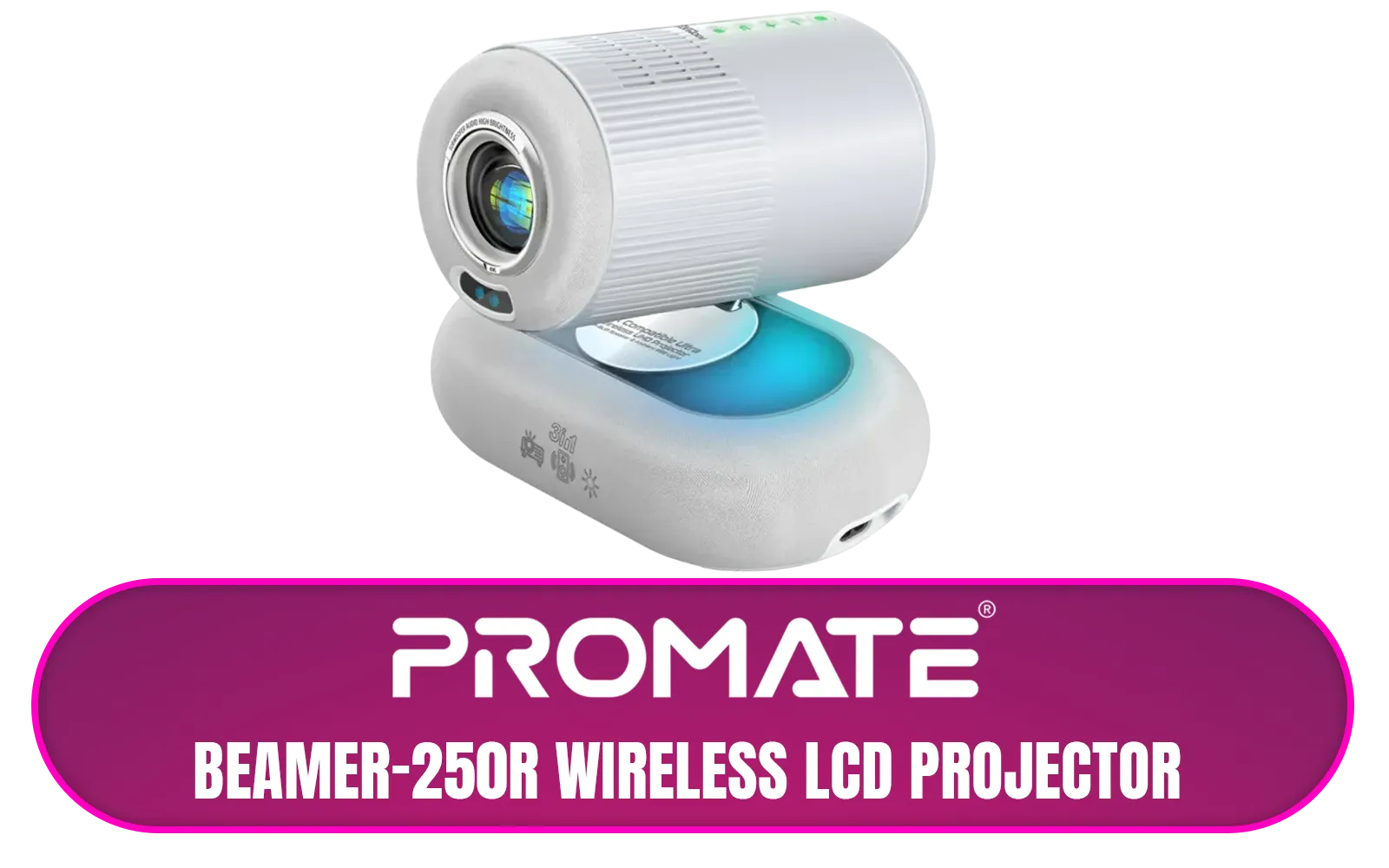
Promate Beamer-250R Wireless LCD Projector / 4K Compatible / Built-In Speaker / Ambient RGB light / LCD 3.0" LVDS Technology / 250 ANSI Lumens Brightness / Integrated Wi-Fi, Bluetooth 5.4, HDMI, and USB / Beamer-250R.EU
R2499.00In Stock
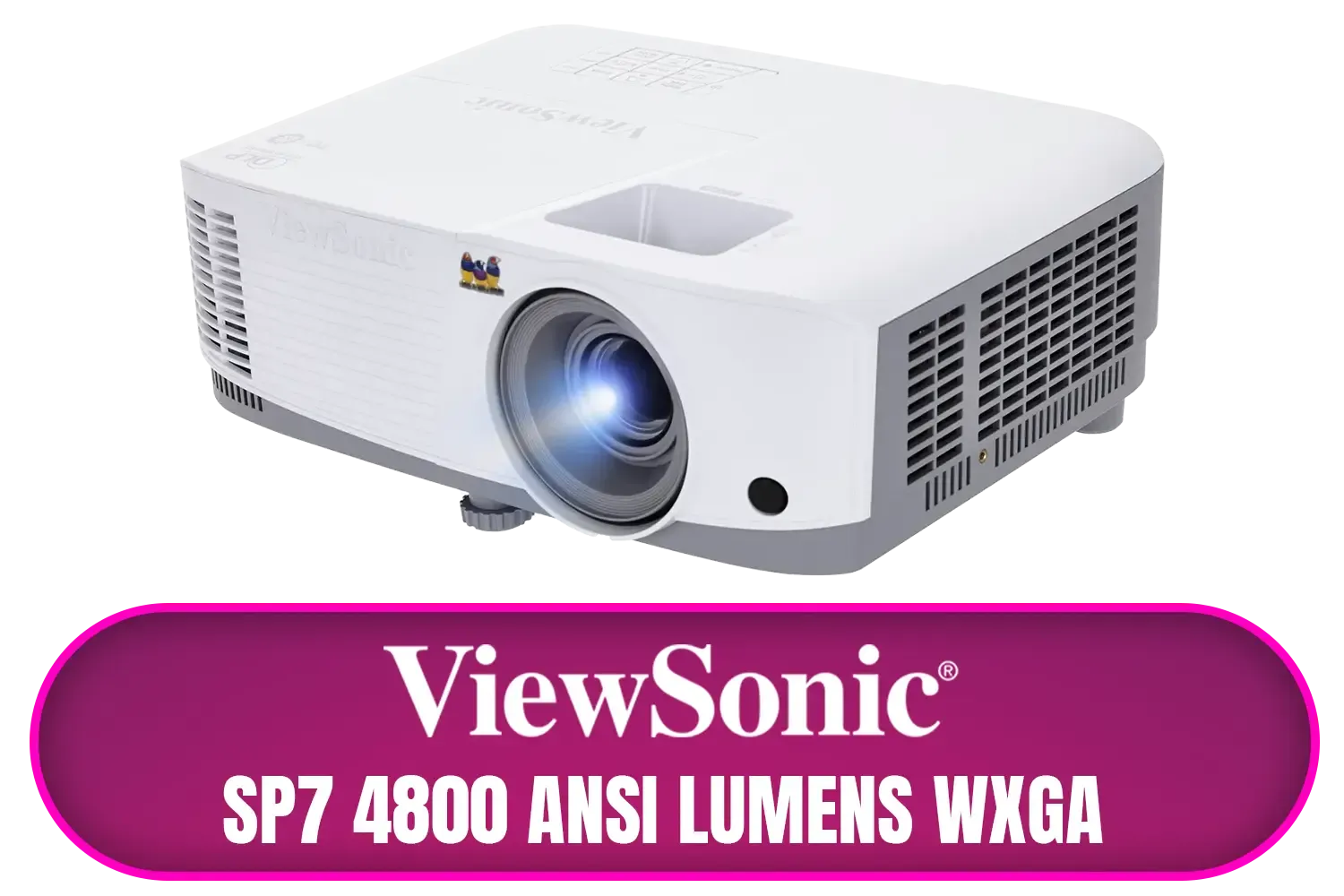
ViewSonic SP7 4800 ANSI Lumens WXGA Business Projector / Native Resolution: 1280 x 800 / SuperColor™ Technology / SP7
R7699.00In Stock
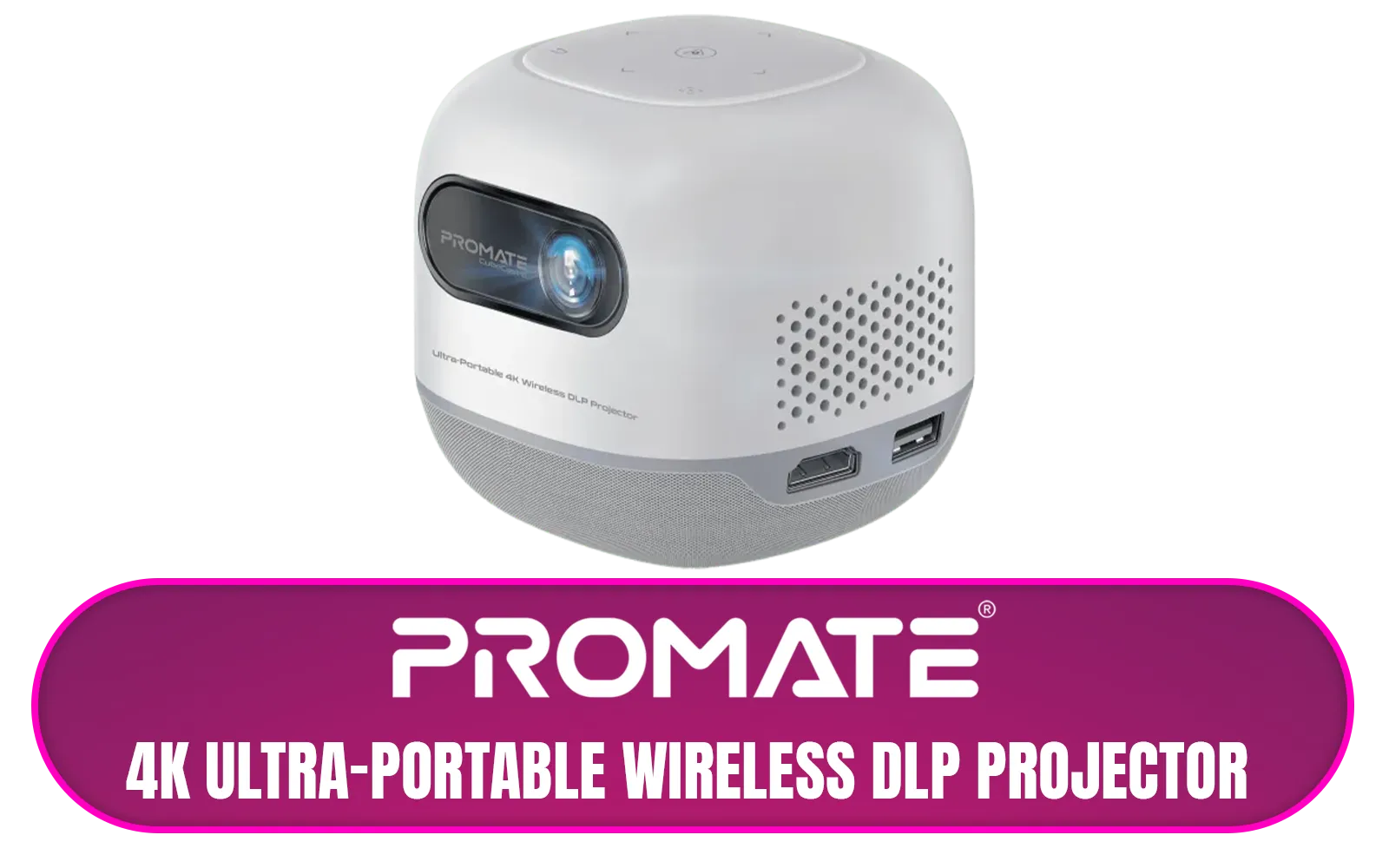
Promate 4K Ultra-Portable Wireless DLP Projector with touch controls / DLP Technology / 100 ANSi Brigthness / Touch Control Support / Built-in Rechargle Battery / Supports upto 4K@60Hz / Auto Keystone / Built-In Speaker / Remote Control Included / CubeCast-2
R6399.00In Stock

Viewsonic Smart LED Portable Projector / Built in Harman Kardon Speaker / Full HD 1080p Resolution / 3-in-1 smart stand for 360° projection / Up to 4 hours of battery life / M1X
R7999.00In Stock
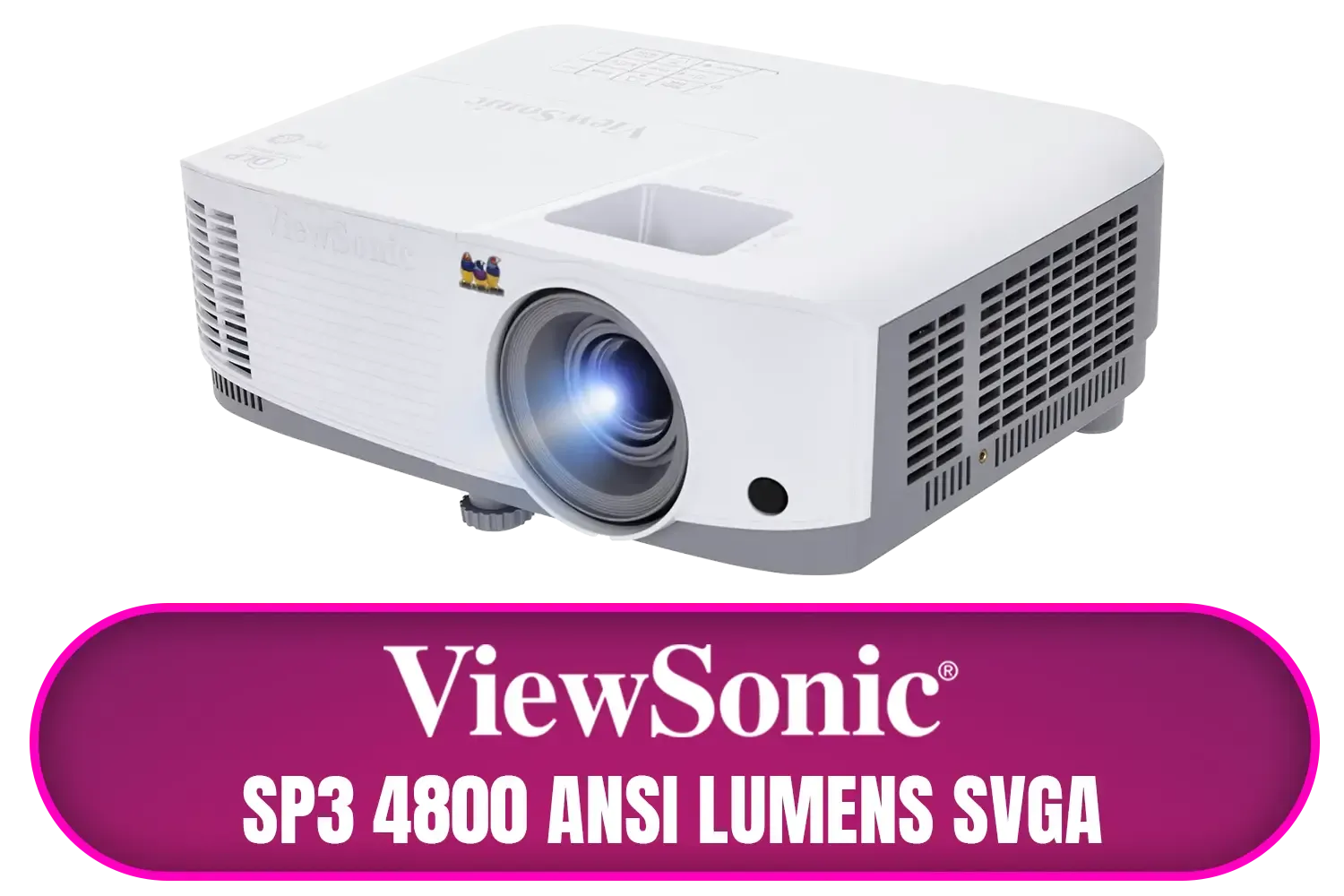
ViewSonic SP3 4800 ANSI Lumens SVGA Business Projector / Native Resolution: 800x600 / SuperColor™ Technology / SP3
R6799.00In Stock
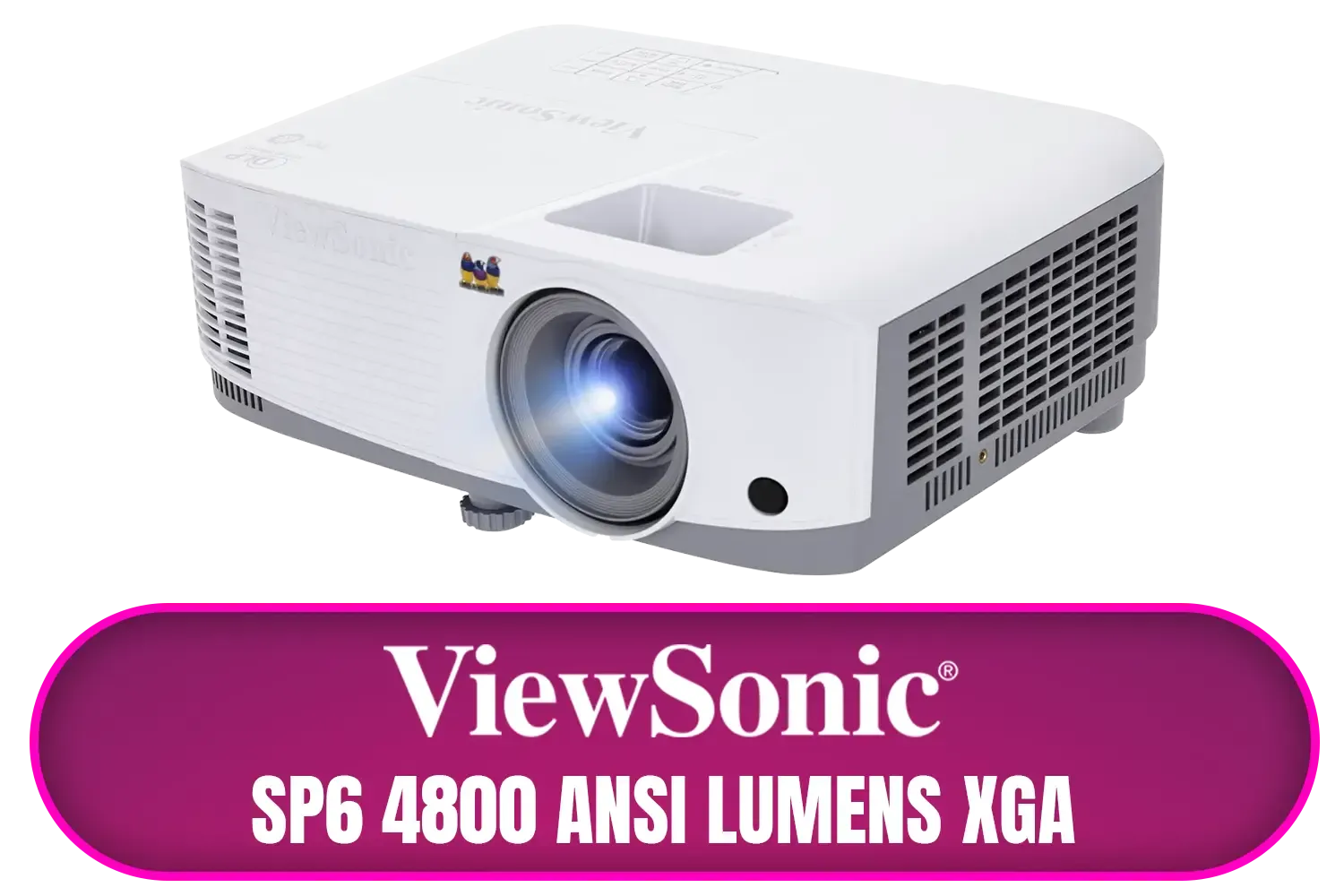
ViewSonic SP6 4800 ANSI Lumens XGA Business Projector / Native Resolution: 1024x768 / SuperColor™ Technology / SP6
R8699.00In Stock
Understanding Projector Brightness: More Than Just Lumens
When you see "brightness" on a projector spec sheet, it's measured in lumens. Think of it as the raw power of the light bulb inside. But not all lumens are created equal. You want to look for ANSI lumens, which is a standardised, more accurate measurement of how bright the image will actually appear on your screen.
So, how many do you need? It all depends on your room.
- Dark Room (Home Cinema): For a dedicated movie room where you can control the light completely, 1,500 to 2,500 ANSI lumens is plenty.
- Living Room (Some Ambient Light): For a typical lounge where you might have a lamp on or curtains that don't create total darkness, aim for 2,500 to 3,500 ANSI lumens. This ensures colours stay vibrant and the image doesn't look washed out.
Getting a bright, clear picture doesn't have to break the bank. There are some fantastic projectors available for under R7000 that are perfect for getting started.
Promate Beamer-250R Wireless LCD Projector / 4K Compatible / Built-In Speaker / Ambient RGB light / LCD 3.0" LVDS Technology / 250 ANSI Lumens Brightness / Integrated Wi-Fi, Bluetooth 5.4, HDMI, and USB / Beamer-250R.EU
R2499.00In Stock
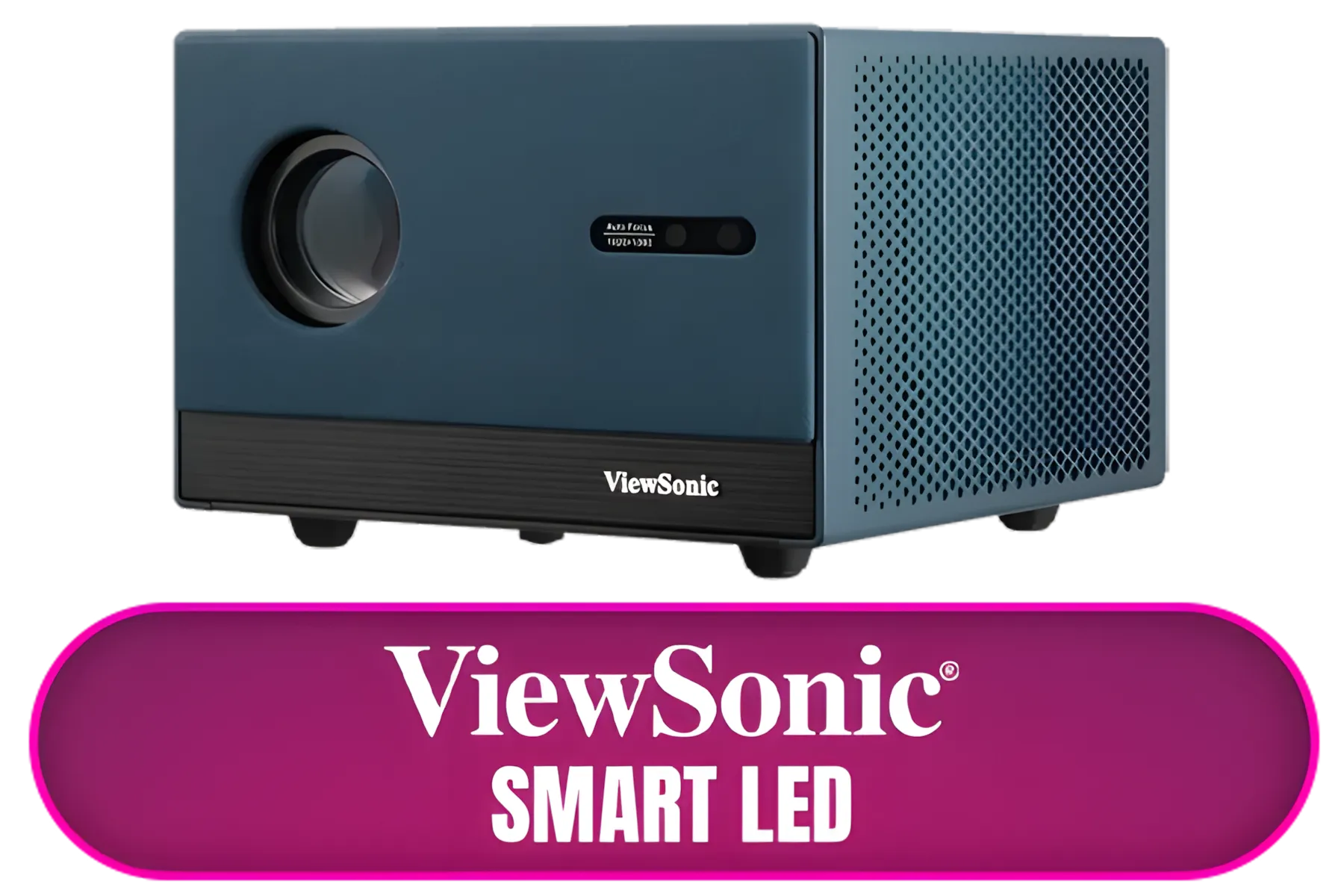
ViewSonic Smart LED Projector / Built in Google TV / Full HD 1080p Resolution / Up to 140" Screen Size / LX60HD
R6999.00In Stock
Viewsonic Smart LED Portable Projector / Built in Harman Kardon Speaker / Full HD 1080p Resolution / 3-in-1 smart stand for 360° projection / Up to 4 hours of battery life / M1X
R7999.00In Stock
Promate 4K Ultra-Portable Wireless DLP Projector with touch controls / DLP Technology / 100 ANSi Brigthness / Touch Control Support / Built-in Rechargle Battery / Supports upto 4K@60Hz / Auto Keystone / Built-In Speaker / Remote Control Included / CubeCast-2
R6399.00In Stock
ViewSonic SP3 4800 ANSI Lumens SVGA Business Projector / Native Resolution: 800x600 / SuperColor™ Technology / SP3
R6799.00In Stock
ViewSonic SP6 4800 ANSI Lumens XGA Business Projector / Native Resolution: 1024x768 / SuperColor™ Technology / SP6
R8699.00In Stock
Projector Resolution Explained: How Sharp is Sharp?
Resolution is all about detail. It’s the number of tiny dots (pixels) that make up the image. More pixels mean a sharper, clearer picture. Here’s a quick breakdown of the most common resolutions you'll find:
- HD (1280x720): A good entry-point for casual viewing or if you're on a tight budget.
- Full HD (1920x1080): This is the sweet spot for most people. It delivers excellent detail for Blu-ray movies, streaming, and gaming without needing a top-tier graphics card to run games smoothly.
- 4K UHD (3840x2160): The pinnacle of detail. If you're a movie fanatic with a 4K Blu-ray player or love watching high-res content on Netflix, this is for you. The difference is stunning on a 100-inch+ screen.
Many brands offer a great balance of resolution and price. A solid Full HD model from a trusted name like Viewsonic projectors is often the perfect choice for a first-class home setup.
TIP FOR YOU
Pro Tip: Native vs. Supported Resolution 💡
Always check the native resolution. This is the true, physical pixel count of the projector. Some models might 'support' a 4K signal, but they will downscale it to their lower native resolution (like 1080p). For the sharpest image, match your source content to the projector's native resolution.
Mastering Throw Distance: Fitting the Projector to Your Room
Throw distance is probably the most overlooked, yet most critical, spec. It simply tells you how far away the projector needs to be from the screen to create an image of a certain size. 📏
- Standard/Long Throw: These are the most common. They need a good amount of space, typically a few metres, to project a large image. Perfect for mounting on the ceiling or a shelf at the back of a lounge.
- Short Throw: These projectors can create a huge image from just a metre or two away. They are brilliant for smaller rooms, apartments, or gaming setups where you don't want to walk in front of the beam.
- Ultra-Short Throw (UST): These are the wizards of the projector world. They sit right under the screen, just centimetres from the wall, and project a massive image upwards. They're stylish, space-saving, and eliminate shadows completely.
Portable and versatile options, like the ones from Promate projectors, often have flexible throw distances, making them great for movie nights anywhere.
ViewSonic Smart LED Projector / Built in Google TV / Full HD 1080p Resolution / Up to 140" Screen Size / LX60HD
R6999.00In Stock
Viewsonic Smart LED Portable Projector / Built in Harman Kardon Speaker / Full HD 1080p Resolution / 3-in-1 smart stand for 360° projection / Up to 4 hours of battery life / M1X
R7999.00In Stock
ViewSonic SP6 4800 ANSI Lumens XGA Business Projector / Native Resolution: 1024x768 / SuperColor™ Technology / SP6
R8699.00In Stock
Promate 4K Ultra-Portable Wireless DLP Projector with touch controls / DLP Technology / 100 ANSi Brigthness / Touch Control Support / Built-in Rechargle Battery / Supports upto 4K@60Hz / Auto Keystone / Built-In Speaker / Remote Control Included / CubeCast-2
R6399.00In Stock
Promate Beamer-250R Wireless LCD Projector / 4K Compatible / Built-In Speaker / Ambient RGB light / LCD 3.0" LVDS Technology / 250 ANSI Lumens Brightness / Integrated Wi-Fi, Bluetooth 5.4, HDMI, and USB / Beamer-250R.EU
R2499.00In Stock
ViewSonic SP3 4800 ANSI Lumens SVGA Business Projector / Native Resolution: 800x600 / SuperColor™ Technology / SP3
R6799.00In Stock
Your Perfect Picture Awaits ✨
Choosing a projector isn't so scary once you understand the three pillars: brightness for your room's lighting, resolution for image clarity, and throw distance for your specific space. By balancing these three factors, you can move beyond your TV and unlock an epic, immersive entertainment experience right in your own home. Ready to see the big picture?
Ready to Find Your Perfect Match? Choosing the right projector is simple when you know the basics. It’s time to transform your movie nights and gaming sessions into something truly epic. Explore our massive range of projectors and find the perfect model to conquer your world.
Related Products
ViewSonic Smart LED Projector / Built in Google TV / Full HD 1080p Resolution / Up to 140" Screen Size / LX60HD
R6999.00In Stock
Viewsonic Smart LED Portable Projector / Built in Harman Kardon Speaker / Full HD 1080p Resolution / 3-in-1 smart stand for 360° projection / Up to 4 hours of battery life / M1X
R7999.00In Stock
ViewSonic SP7 4800 ANSI Lumens WXGA Business Projector / Native Resolution: 1280 x 800 / SuperColor™ Technology / SP7
R7699.00In Stock
Promate Beamer-250R Wireless LCD Projector / 4K Compatible / Built-In Speaker / Ambient RGB light / LCD 3.0" LVDS Technology / 250 ANSI Lumens Brightness / Integrated Wi-Fi, Bluetooth 5.4, HDMI, and USB / Beamer-250R.EU
R2499.00In Stock
ViewSonic SP3 4800 ANSI Lumens SVGA Business Projector / Native Resolution: 800x600 / SuperColor™ Technology / SP3
R6799.00In Stock
Promate 4K Ultra-Portable Wireless DLP Projector with touch controls / DLP Technology / 100 ANSi Brigthness / Touch Control Support / Built-in Rechargle Battery / Supports upto 4K@60Hz / Auto Keystone / Built-In Speaker / Remote Control Included / CubeCast-2
R6399.00In Stock
Projector brightness is measured in lumens. More lumens overcome ambient light and improve clarity, key when choosing projector brightness for living rooms or bright spaces.
For a dark home theater 1,000–1,500 lumens is usually enough; with ambient light aim for 2,000+ lumens. Use how many lumens for a projector as a baseline.
Resolution (720p, 1080p, 4K) defines detail and image sharpness; pixel count is the actual display elements. See projector resolution explained to match sources.
Use the lens throw ratio: throw distance = screen width × throw ratio. A projector throw distance calculator helps determine placement and image size.
Short throw projectors sit close to the screen for large images in small rooms; long throw need more distance. Compare short throw vs long throw projectors for room layout.
Yes. More ambient light requires higher lumens and stronger contrast. Learn to choose projector for ambient light and consider screen gain.
You can boost perceived brightness via lamp modes, high-brightness settings, or upgrade to laser/LED. Check lumens vs ansi lumens when comparing specs.








