R10000 Gaming PC Build: Tools and Tips for South Africans
• Plan parts; • Source local deals; • Prep tools & workspace; • Step-by-step build guide. R10000 gaming PC build: practical South African guide with parts lists, essential tools, buying tips and assembly steps. 🔧🇿🇦
|
Loading tags...
R10000 Gaming PC Build: Tools and Tips for South Africans
Looking to squeeze the best performance from a R10000 gaming PC build? Whether you’re chasing 1080p high settings or a smooth esports rig, this practical guide shows the must-have tools and local tips every South African builder needs. You’ll save rand, avoid common mistakes, and know where to look for parts and bargains. 🔧✨
R10000 Gaming PC Build: essential tools and first steps
Start with the right toolkit. A magnetic Phillips head screwdriver, anti-static strap, thermal paste, and cable ties make the build painless. Don’t forget a clean workspace and patience. If you're not ready to build, Evetech lists reliable pre-built options that can still hit great value: check their pre-built PC deals.https://www.evetech.co.za/pre-built-pc-deals/x/1663
H3: Quick checklist
- Case, PSU, motherboard, CPU, GPU, RAM, storage, cooler.
- Test components on a static-free surface.
- Update BIOS before installing OS when possible.

RYZEN 7 5700 4.6GHz RTX 5060 Ti Budget Gaming PC
R18794.00In Stock
![[Pre Built] HP OMEN 35L B1ZR4EA Intel Core Ultra 7 265K RTX 4080 SUPER Gaming PC](https://img.evetech.co.za/repository/ProductImages/intel-core-ultra-7-265-k-rtx-4080-super-gaming-pc-pbs-main-1600px-v1.webp)
[Pre Built] HP OMEN 35L B1ZR4EA Intel Core Ultra 7 265K RTX 4080 SUPER Gaming PC
R49349.00In Stock
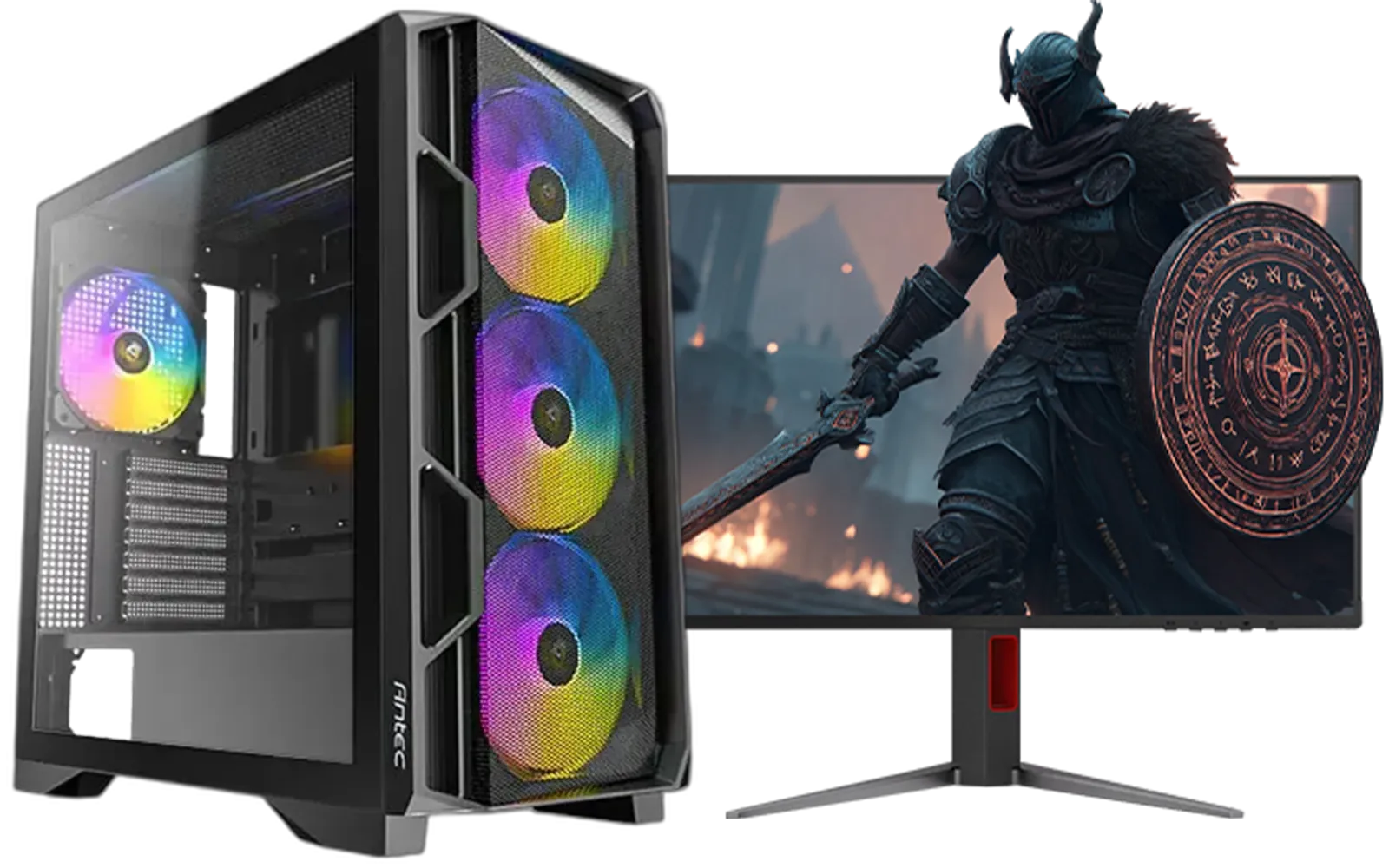
Ryzen 5 9600X 5.4GHz RTX 5060 8GB DDR5 Budget Gaming PC
R22049.00In Stock
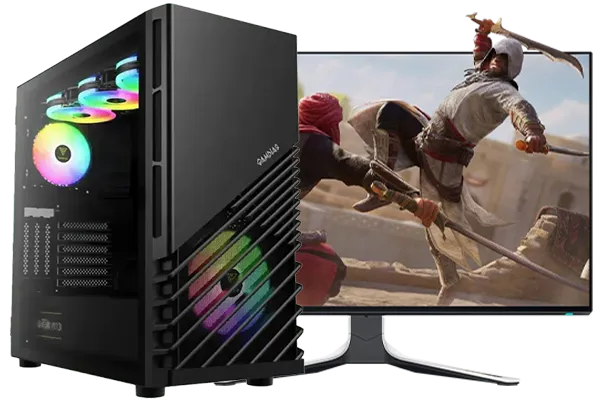
Intel Core Ultra 7 265K 5.3GHz RTX 5060 8GB DDR5 Gaming PC
R30764.00In Stock
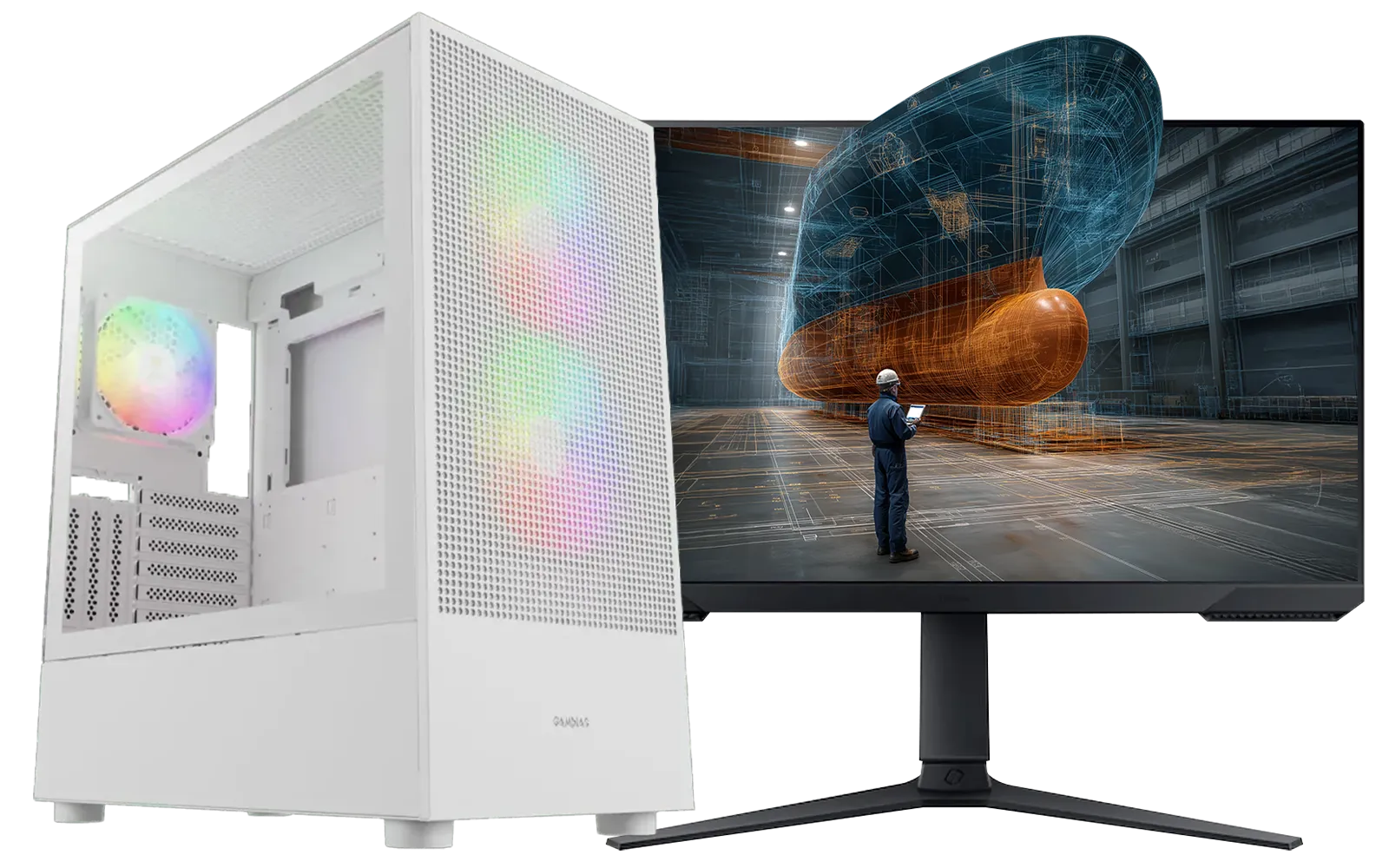
AMD RYZEN 7 5700 RTX Pro 2000 Workstation PC
R24884.00In Stock
![[Pre Built] AMD Ryzen 7 9800X3D RX 9070 XT Gaming PC](https://img.evetech.co.za/repository/ProductImages/ryzen-7-9800-x-3-d-rx-9070-xt-gaming-pc-48-gb-main-1600px-v1.webp)
[Pre Built] AMD Ryzen 7 9800X3D RX 9070 XT Gaming PC
R69299.00In Stock
R10000 Gaming PC Build: tips for South Africans on parts and budget
For R10 000 you’ll balance CPU and GPU carefully. Local availability and ZAR pricing matter more than ever. If you can stretch, compare the value in the R20k+ segment; sometimes spending a bit more saves future upgrade costs—Evetech’s selection of PCs above R20k helps with comparisons.https://www.evetech.co.za/buy-pcs-above-r20k/x/1566
H3: Handle loadshedding and warranty Power interruptions are real in South Africa. Invest in a decent surge-protected UPS for stability. Always register warranties with local sellers and ask about return windows and support.
TIP FOR YOU
Build Lab Pro Tip ⚡
When installing your GPU, align the bracket before tightening screws to avoid slot damage. Use a backplate or vertical support if the card droops. Keep thermal paste to a pea-sized amount for Ryzen and Intel mainstream chips.
R10000 Gaming PC Build: where to hunt deals and which systems to consider
If you want assembled budget machines that approximate a R10000 build’s performance, browse Evetech’s under R20k options for pre-configured rigs.https://www.evetech.co.za/buy-pcs-under-r20k/x/1565 For bargain-focused shoppers, their budget gaming PCs section highlights value packs curated for cost-sensitive builds.https://www.evetech.co.za/budget-gaming-pcs/x/1449
H3: Best deals and timing Watch local sales and GPU supply cycles. Evetech’s best gaming PC deals page often lists timed specials worth grabbing when a component dip hits.https://www.evetech.co.za/best-gaming-pc-deals/x/811?
H3: Micro-story — a local build saved I once swapped a stranded builder’s RX 5600 XT for a used GTX 1660 Super. Small changes—like affordable secondhand GPUs—kept their rig under R11k while delivering steady 1080p 60+ fps in popular titles. Buying smart matters more than ideal specs when rand is tight.
![[Pre Built] Intel Core Ultra 7 265K RTX 5070 Gaming PC](https://img.evetech.co.za/repository/ProductImages/intel-core-ultra-7-265-kf-rtx-5070-gaming-pc-pbs-main-1600px-v1.webp)
[Pre Built] Intel Core Ultra 7 265K RTX 5070 Gaming PC
R38849.00In Stock

RYZEN 9 9900X 5.6GHz RTX 5070 Ti 16GB DDR5 Gaming PC
R41894.00In Stock
![[Pre Built] Intel Core Ultra 9 285K RTX 5080 Gaming PC](https://img.evetech.co.za/repository/ProductImages/intel-core-ultra-9-285-k-rtx-5080-gaming-pc-48-gb-main-1600px-v1.webp)
[Pre Built] Intel Core Ultra 9 285K RTX 5080 Gaming PC
R78749.00In Stock

AMD RYZEN 7 5700 4.6GHz RX 9060 XT 16GB Gaming PC
R18479.00In Stock

AMD RYZEN 5 3400G 4.2GHz Radeon Vega PC
R6299.00In Stock

Intel Core Ultra 5 225F 4.9GHz A400 4GB DDR5 Workstation PC
R14699.00In Stock
R10000 Gaming PC Build: final assembly tips and upgrade paths
Cable management improves airflow and noise. Prioritise a better PSU and cooler if you plan to upgrade later. Keep driver packages and Windows updates up to date. For reference builds and comparison shopping, Evetech’s budget listings and deal pages above will help you match parts to performance needs.
Ready to Find Your Perfect Match? The Mac vs Windows debate is complex, but for maximum power, choice, and value in South Africa, Windows is hard to beat. Explore our massive range of laptop specials and find the perfect machine to conquer your world.
Related Products
Intel Core Ultra 7 265K 5.5GHz RTX 5070 Ti 16GB DDR5 Gaming PC
R43994.00In Stock
Intel Core Ultra 9 285K 5.7GHz RTX 5000 Ada 32GB DDR5 Workstation PC
R134399.00In Stock

RYZEN 7 9700X RTX Pro 2000 DDR5 Workstation PC
R36749.00In Stock
AMD RYZEN 7 5700 RTX Pro 2000 Workstation PC
R24884.00In Stock

RYZEN 7 9700X 5.5GHz RX 9070 XT 16GB DDR5 Gaming PC
R38114.00In Stock
![[Pre Built] AMD RYZEN 7 5700 RTX 5060 Gaming PC](https://img.evetech.co.za/repository/ProductImages/ryzen-7-5700-rtx-5060-8gb-gaming-pc-pbs-1600px-v1.webp)
[Pre Built] AMD RYZEN 7 5700 RTX 5060 Gaming PC
R18479.00In Stock
Playable 1080p in eSports titles and low-medium settings in many AAA games; check R10000 gaming PC benchmarks and parts choices for FPS estimates.
Prioritize CPU, GPU and a fast SSD. A balanced parts list with 16GB RAM gives the best performance per rand for gaming and multitasking.
Phillips screwdriver set, anti-static wrist strap, thermal paste, cable ties and a clean workspace are essential tools for PC build South Africa.
Compare Evetech, local retailers, online marketplaces and classified groups. Use promotions and local deals to stretch your R10000 budget.
Allow 2–4 hours for unboxing, assembly and cable management, plus extra time for BIOS setup, driver installs and testing.
Yes. Choose a quality PSU and a motherboard with upgrade headroom so you can swap GPU or add RAM along your upgrade path.
Prioritize good case airflow, set fan curves in BIOS and apply quality thermal paste. These cooling tips improve temps and reduce noise.