



Razer Barracuda X Chroma Battery Life: Gaming Through Loadshedding
Discover the Razer Barracuda X Chroma battery life and how it handles South African loadshedding. 🔋 With 70+ hours of play, SmartSwitch tech, and fast charging, never let power cuts stop your game. Read our performance breakdown now! 🎧
|
Loading tags...
It’s 8 PM. You’re deep in a ranked match, the tension is electric… and then, so is the silence. Loadshedding strikes again. The screen goes black, but the frantic comms from your teammates continue perfectly in your ears. This isn’t luck; it’s the freedom of a wireless headset built to outlast Eskom’s schedule. For South African gamers, a long-lasting battery isn’t a luxury—it’s a core part of the strategy for gaming through loadshedding.
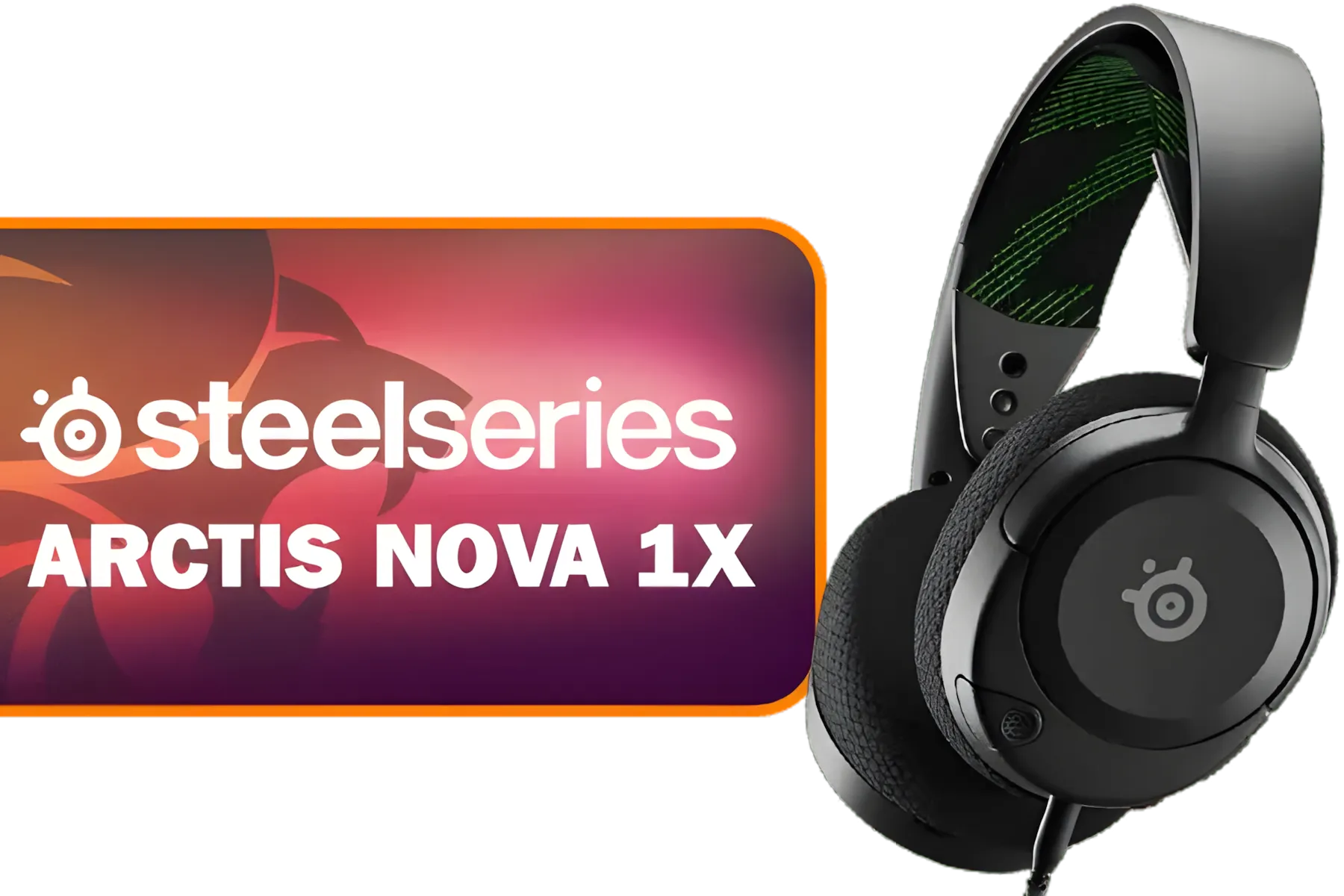
SteelSeries Arctis Nova 1X Gaming Headset - Signature Arctis Sound - ClearCast Gen 2 Mic - Xbox Series X|S, PC, Playstation, Switch, and Mobile / 61616
R1499.00In Stock
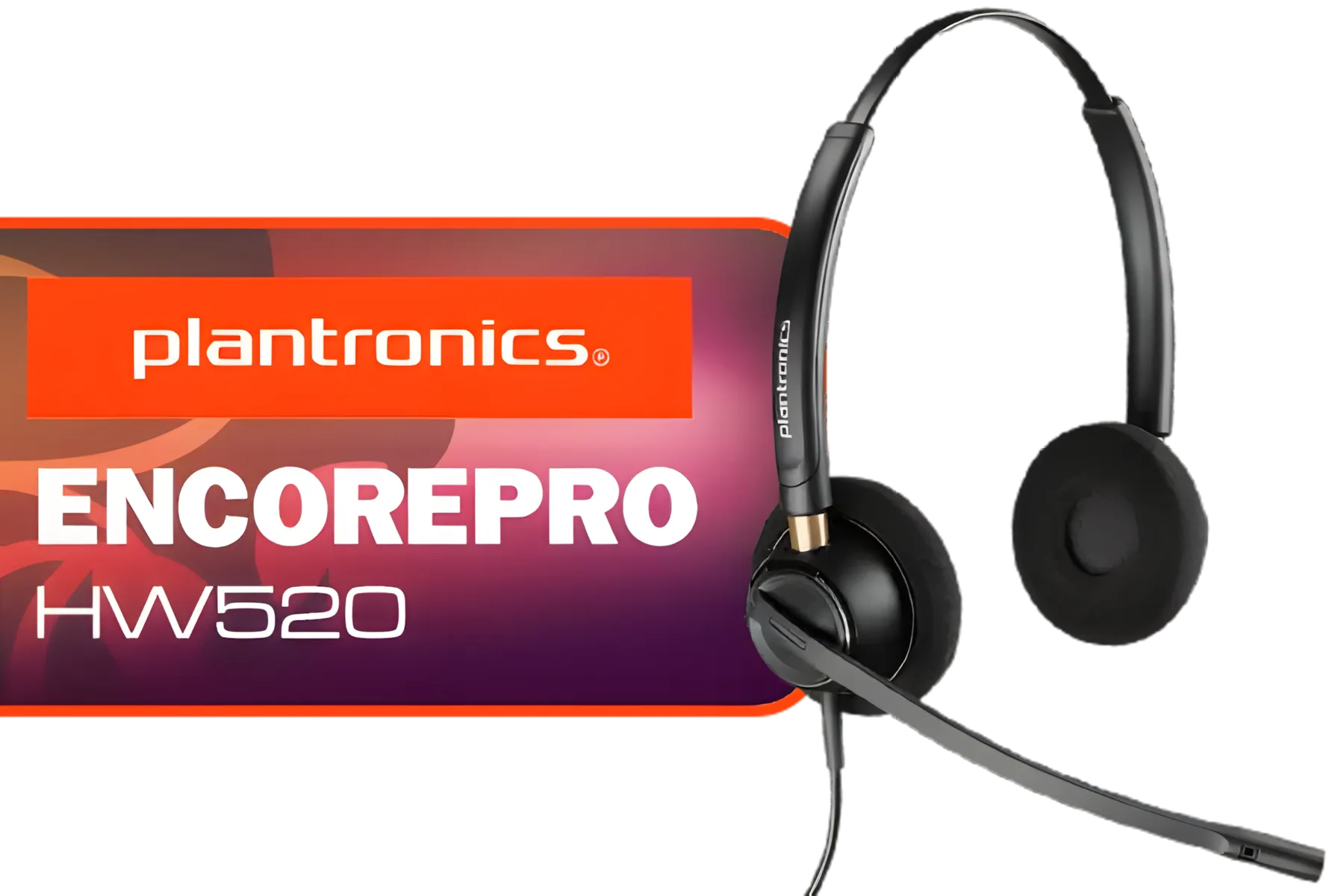
Plantronics HW520 EncorePro Binaural Headset / Noise canceling circuit / Flexible boom / PLT- HW520
R1699.00In Stock
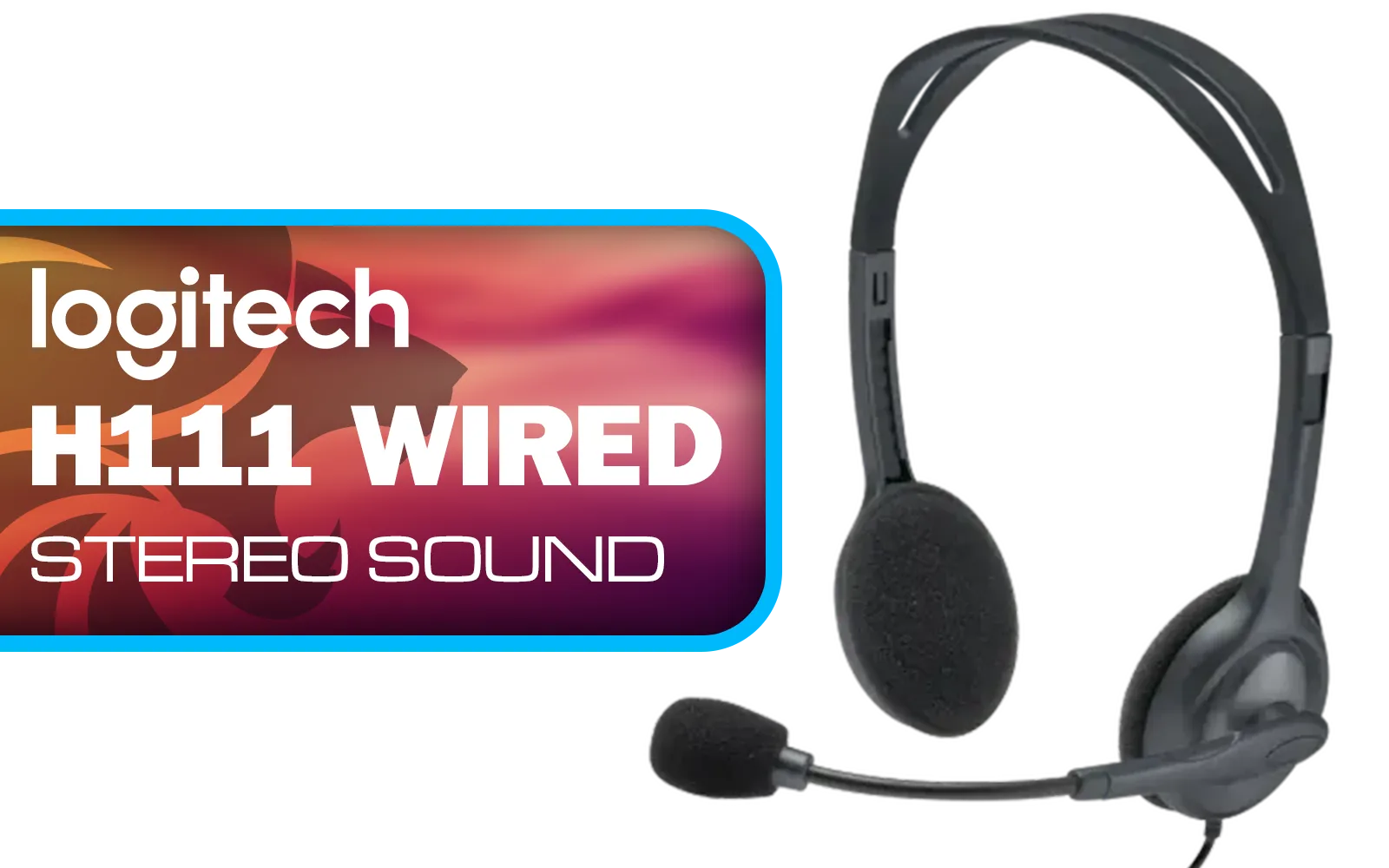
Logitech H111 Stereo Headset - Black / Stereo Sound / Rotating Microphone / Adjustable Headband / 3.5mm Audio Jack Connection / 981-000593
R169.00In Stock
SteelSeries Arctis Nova 1 Multi-System Gaming Headset / Hi-Fi Drivers / 360° Spatial Audio / Comfort Design / Durable / Ultra Lightweight / Noise-Cancelling Mic / PC, PS5/PS4, Switch, Xbox - White / 61607
R1399.00In Stock
Marvo H8325 PULZ 30 Wired Gaming Headset - Pink / Stereo Sound / 50mm Drivers / Self-Adjustable Headband / Static RGB Backlight / H8325-PK
R299.00In Stock
Razer BlackShark V3 Pro Wireless Gaming Headset - White / Detachable Mic / Pro-Tuned FPS Profiles / 50mm Drivers / Noise-Isolating Earcups w/Ultra-Soft Memory Foam / 70 Hr Battery Life / RZ04-05400200-R3M1
R6199.00In Stock
Unpacking the Razer Barracuda X Chroma Battery Life
So, what’s the official number? According to Razer, you’re looking at up to 50 hours of playback on a single charge. Let's put that into a local context. That’s enough power to survive more than twelve consecutive Stage 4 loadshedding blocks. It means you can game for an entire weekend, through multiple power cuts, without ever reaching for a charging cable. The impressive Razer Barracuda X Chroma battery life makes it a formidable ally when the grid is unreliable.
This marathon performance is what sets the excellent Razer Barracuda X Chroma apart. Whether you’re grinding through a campaign or coordinating with your squad in Valorant, you can trust that your audio won’t die mid-clutch. 🚀
PDP Phantom Air Dual-Mode Wireless Gaming Headset (PS5) - White / 50mm Audio Drivers / 35-Hour Battery Life / Noise-Cancelling Microphone / Official PlayStation License / 052-026-WH
R999.00In Stock

Corsair HS80 MAX WIRELESS Multiplatform Gaming Headset with Bluetooth - Dolby Atmos - Broadcast Quality Microphone - iCUE Compatible - PC, Mac, PS5, PS4, Mobile - White - CA-9011296-AP
R3199.00In Stock
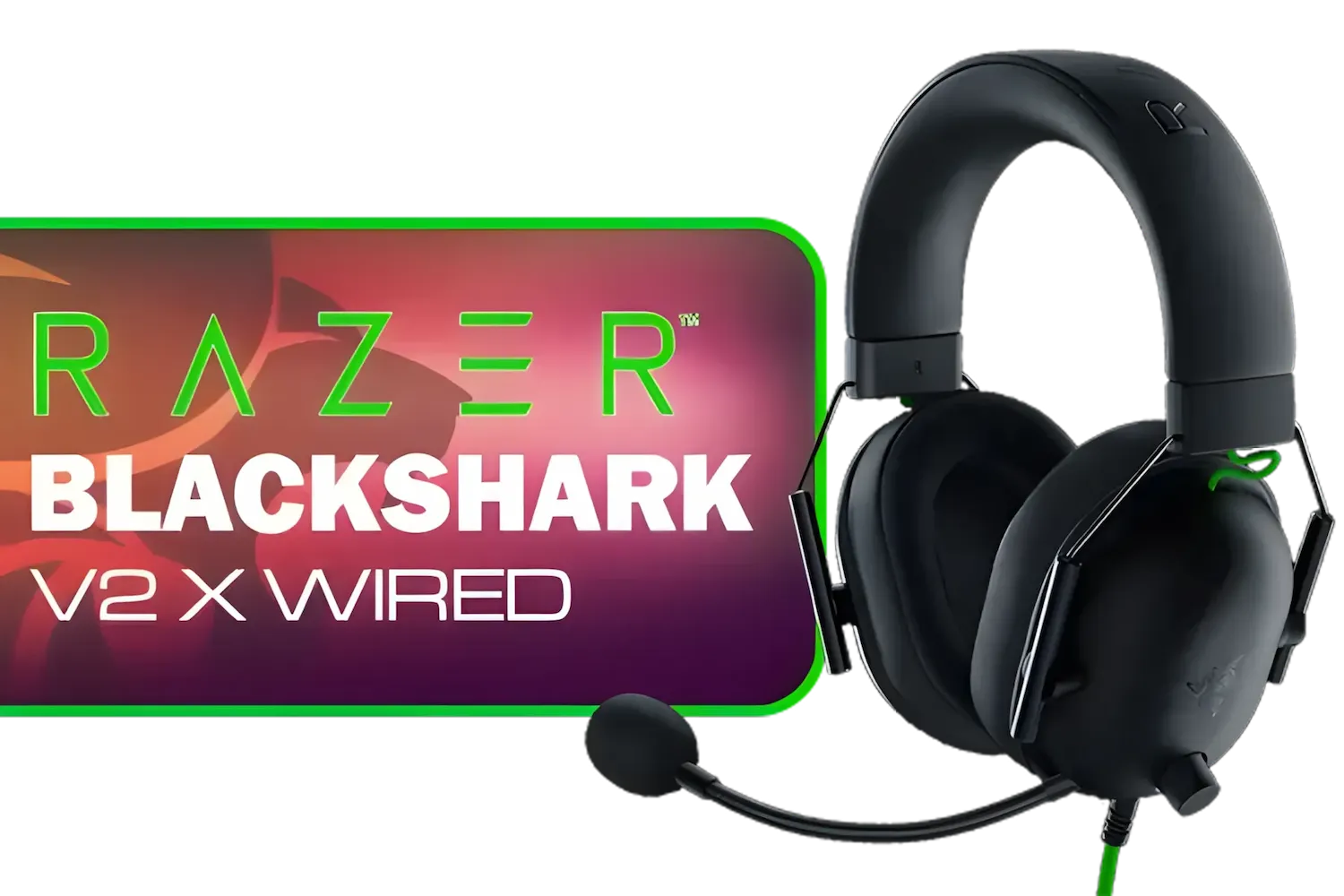
Razer BlackShark V2 X USB Wired Esports Gaming Headset - 7.1 Surround Sound - 50mm Drivers - 240g Lightweight Build - Noise Cancelling Mic - Hybrid Memory Foam Cushions - Long Lasting Comfort - Black / RZ04-04570100-R3M1
R1699.00In Stock
Plantronics HW520 EncorePro Binaural Headset / Noise canceling circuit / Flexible boom / PLT- HW520
R1699.00In Stock

Razer Barracuda X Wireless Gaming & Mobile Headset - Quartz Pink (PC, Playstation, Switch, Android, iOS): 2.4GHz Wireless + Bluetooth / Lightweight / 40mm Drivers / Detachable Mic / 50 Hr Battery / RZ04-04430300-R3M1
R2299.00In Stock
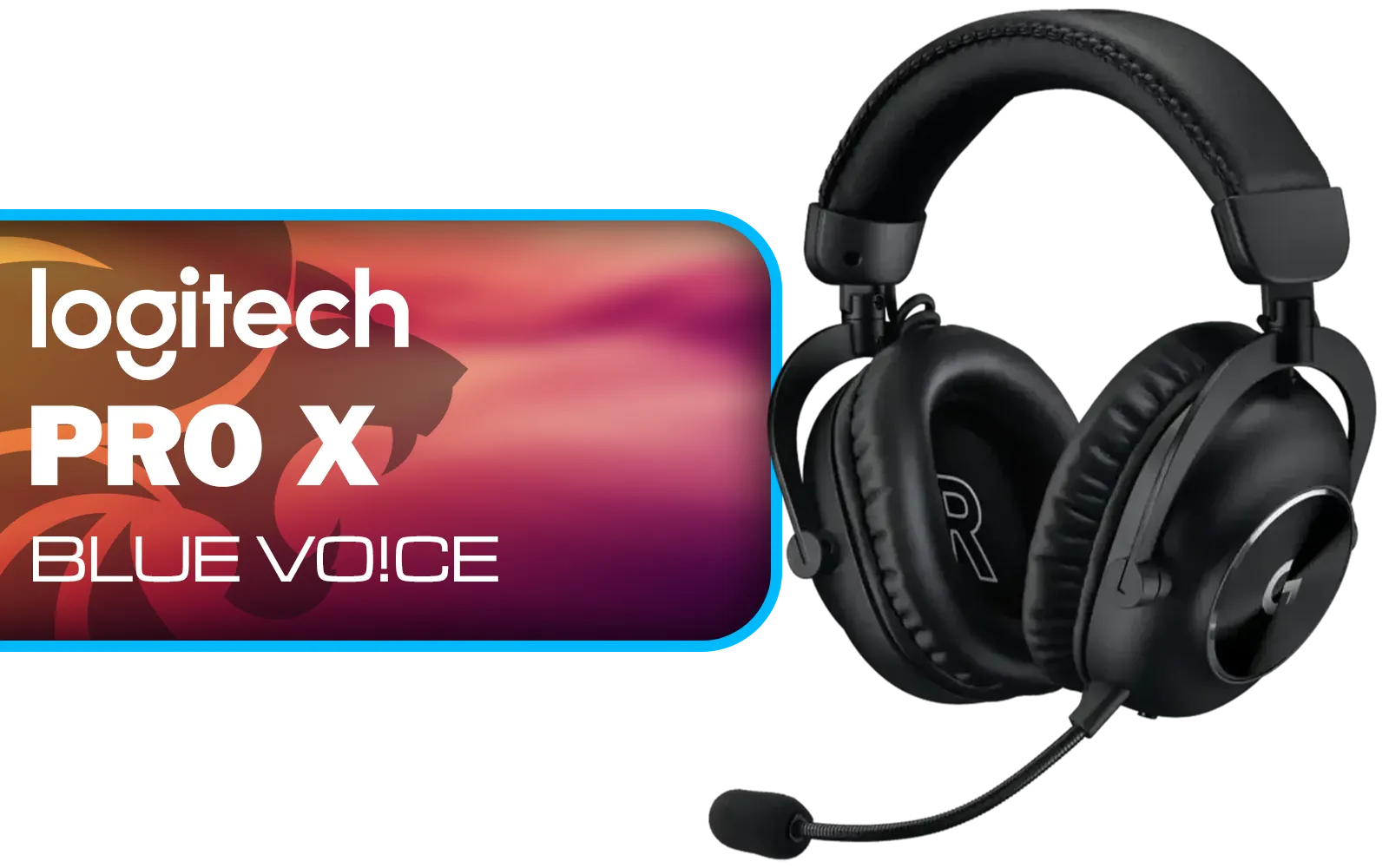
Logitech PRO X Gaming Headset With BLUE VO!CE Microphone Technology / USB External Sound Card / PRO-G 50 mm Audio Drivers / Detachable pro-grade Microphone / Comfortable Memory Foam Padding / Durable Steel and Aluminium Construction / 981-000818
R2299.00In Stock
Is This Headset Truly Loadshedding-Proof?
While no tech is completely immune to a dead power grid, the Barracuda X comes incredibly close to being the perfect loadshedding companion. Its true strength lies in its versatility. When your PC shuts down, the headset’s multi-platform connectivity lets you seamlessly switch. Just unplug the USB-C dongle and pop it into your Nintendo Switch, PlayStation, or Android phone to keep the entertainment going.
This adaptability is a massive advantage. You’re not just buying a PC headset; you’re getting an audio solution for almost any device you’d use to wait out the darkness. It’s one of the smartest designs in Razer's impressive lineup of gaming headsets, built for a world where you can’t always be tied to one machine.
TIP FOR YOU
Maximise Your Battery ⚡
The biggest drain on the Razer Barracuda X Chroma battery life is the Chroma RGB lighting. While it looks fantastic, turning it off via the Razer Audio app can add several hours of extra playtime. For a quick boost, a 15-minute charge via USB-C can provide hours of power, perfect for when you get a short window of electricity between stages.
Pro Tips to Stretch Your Gaming Time
Getting the most out of your gear is key. While the 50-hour battery is fantastic, a few smart habits can push it even further, ensuring you’re always ready for the next outage.
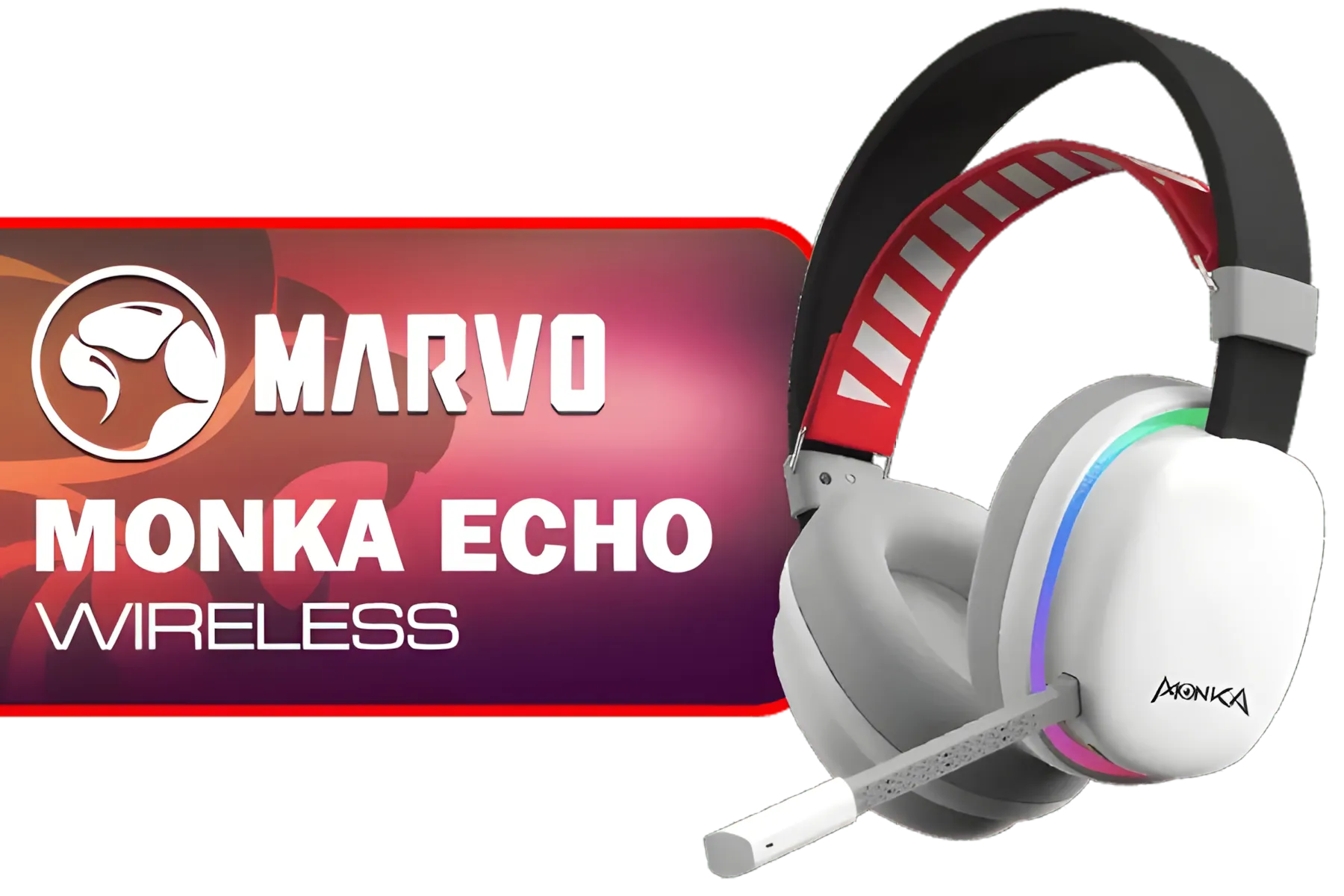
MARVO Monka Echo TRI-MODE WIRELESS GAMING HEADSET / Adjustable Headband / Ergonomical Designed Ear Cups / Switch to Wired Mode / 360° Pickup Microphone / Detachable microphone / 6hrs Music Time / 2hrs Charging Time / 10m Transmission Distance / 3.7V-800mAh Battery / 40 mm Drivers / HG9069W
R499.00In Stock
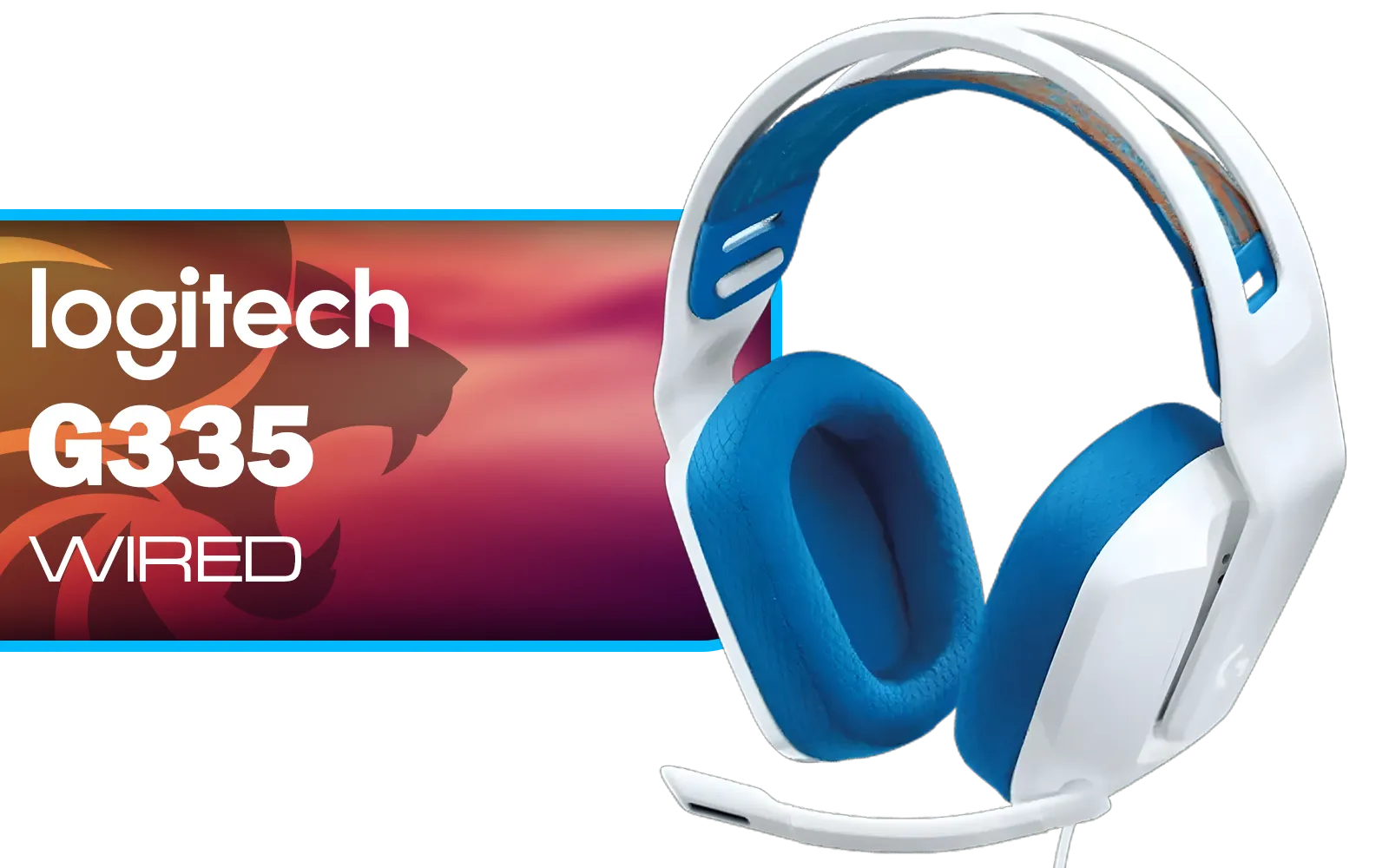
Logitech G335 Wired Gaming Headset - White / Multi-platform Compatibility / Unidirectional Microphone / 40mm Neodymium Drivers / Crystal Clear Communication / 240 Grams Light Weight / 981-001018
R999.00In Stock
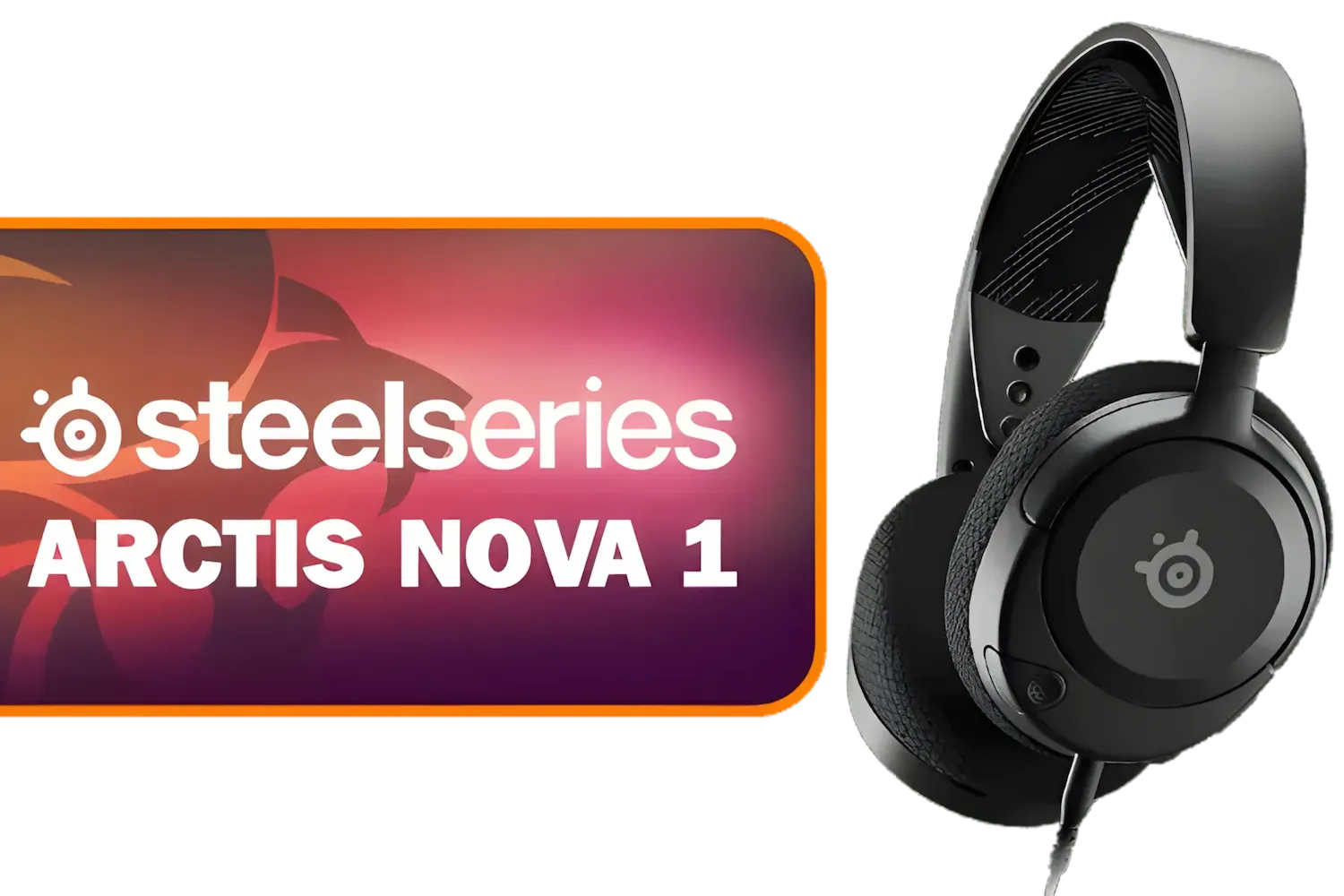
SteelSeries Arctis Nova 1 Multi-System Gaming Headset — Hi-Fi Drivers — 360° Spatial Audio — Comfort Design — Durable — Ultra Lightweight — Noise-Cancelling Mic — PC, PS5/PS4, Switch, Xbox - Black / 61606
R1149.00In Stock
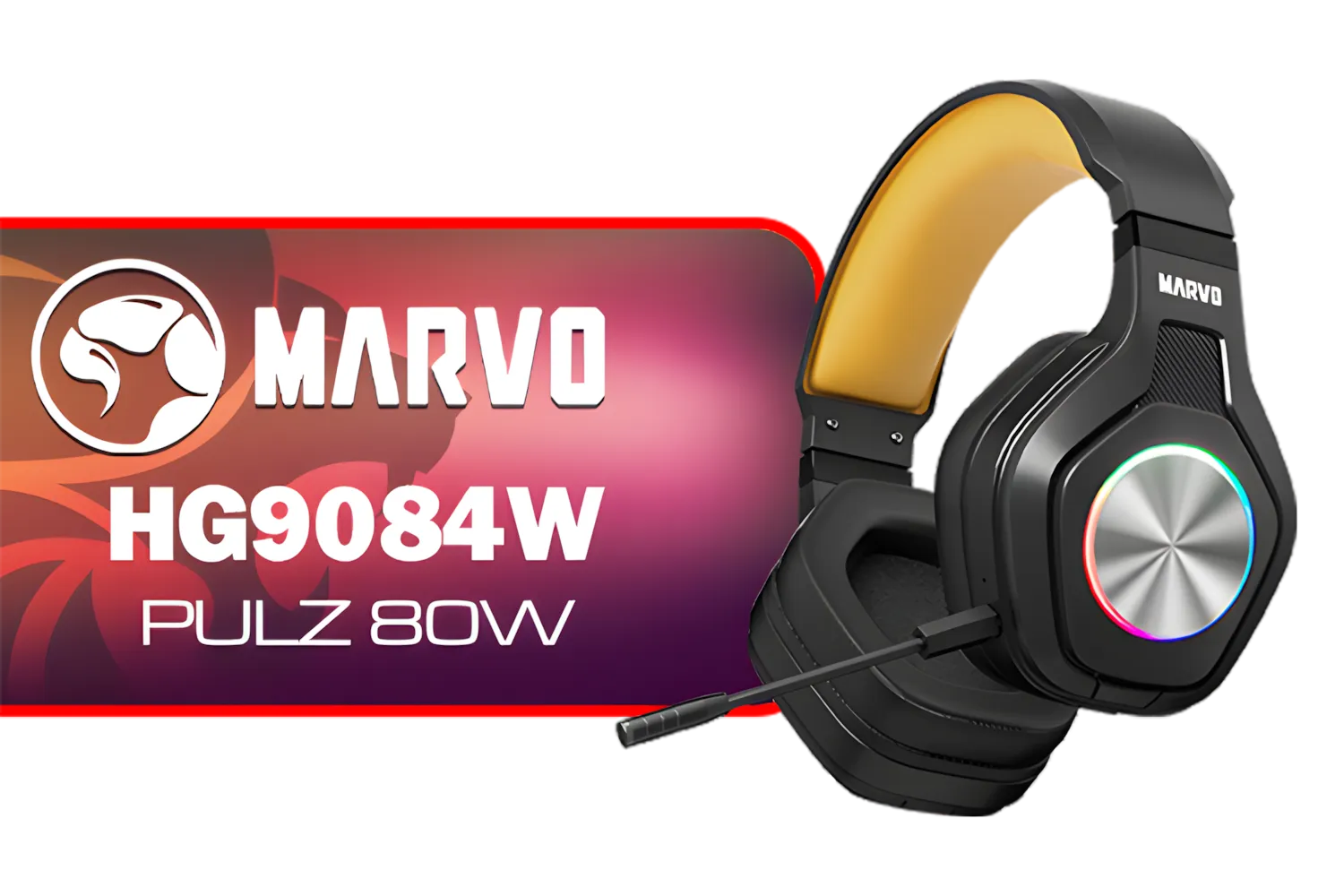
Marvo HG9084W PULZ 80W Wireless Gaming Headset / Stereo Sound / 50mm Speaker Drivers / Ergonomic Design / Static RGB Backlight / Up to 50 Hours of Playback Time / Detachable Microphone / HG9084W
R499.00In Stock

Logitech G733 Lightspeed Wireless RGB Gaming Headset - White / Lightsync RGB lighting / Fully Customizable / Blue VO!CE Technology / 40mm PRO-G Audio Drivers / DTS Headphone:X 2.0 Surround Sound / USB-C Charging Port / 20m Wireless Range / 981-000882/83
R2799.00In Stock
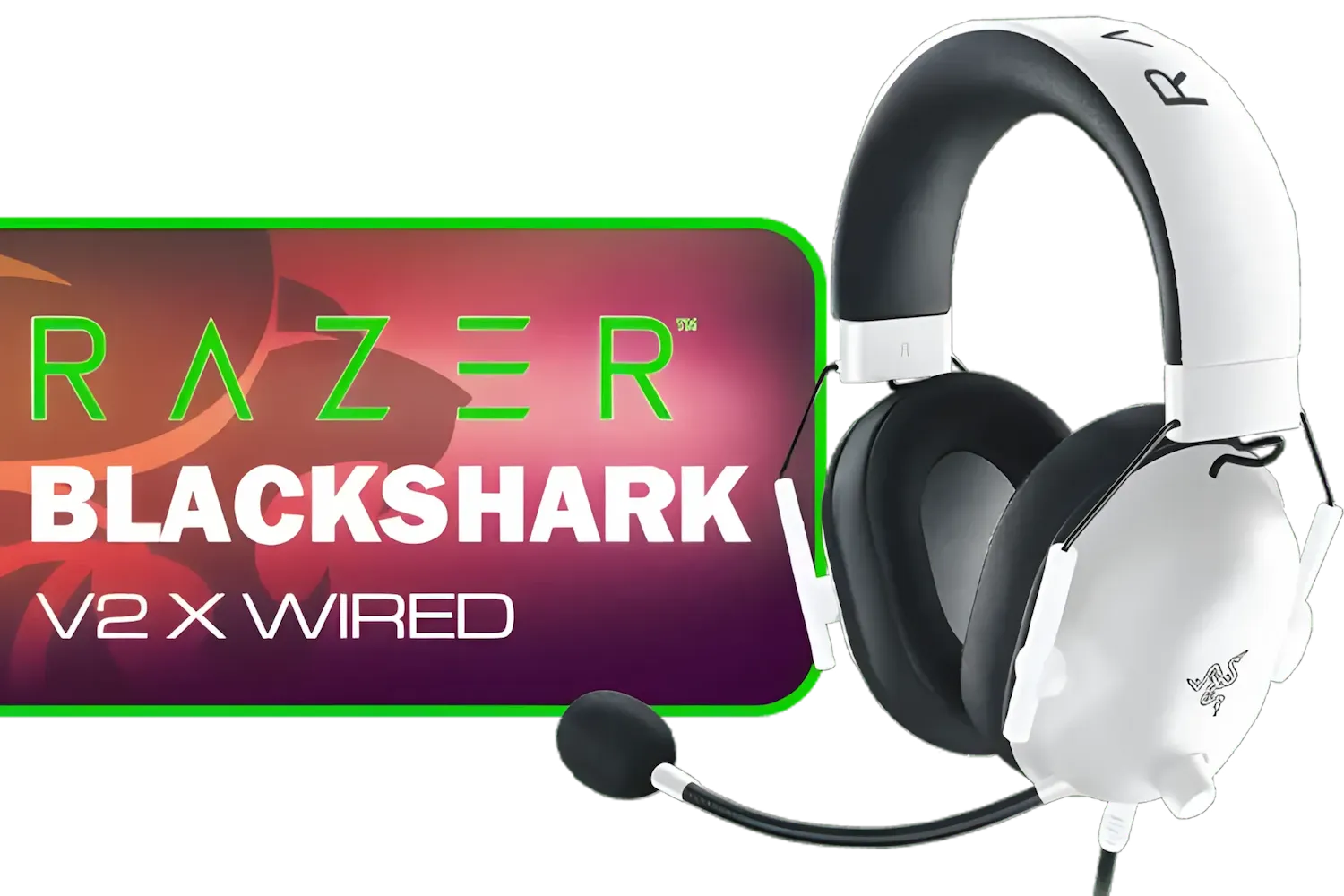
Razer BlackShark V2 X Gaming Headset: 7.1 Surround Sound - White / 50mm Drivers / Memory Foam Cushion / Compatible with PC, Mac, PS4, PS5, Switch, Xbox One, Xbox Series X|S, Mobile / 3.5mm Audio Jack / RZ04-03240700-R3M1
R999.00In Stock
Fine-Tune Your Settings
- Volume Control: Running your headset at 100% volume uses significantly more power. Keeping it around 50-70% is better for your ears and your battery.
- Microphone Use: The detachable HyperClear cardioid mic is power-efficient, but if you’re in a single-player session, removing it saves a tiny bit of juice. Every bit counts!
- Regular Charging: Don’t wait for the battery to be completely flat. Topping it up when you have power ensures it’s always at 100% when the lights go out.
Ultimately, the goal is to have gear you can rely on. If you're looking for an upgrade or just want to see how this headset stacks up against the competition, you can always check out our full range of headphone and headset deals to find the perfect fit for your budget and play style. ✨
Ready to Unplug and Outlast Loadshedding? Don't let power cuts dictate your K/D ratio. The right wireless gear gives you the freedom to keep playing. Explore our complete range of Razer gaming headsets and find the perfect audio companion to conquer any outage.
Related Products
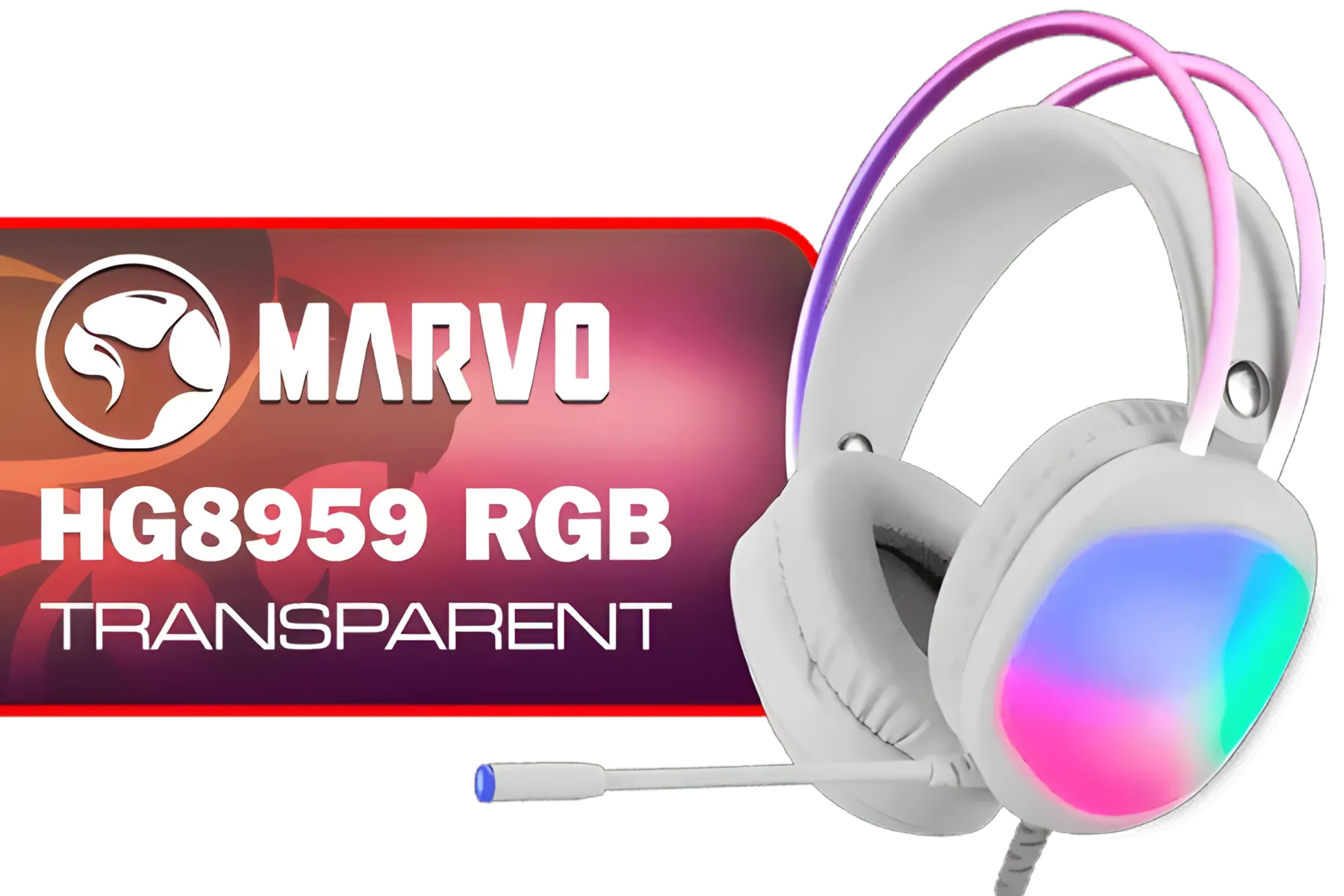
MARVO HG8959 RGB Transparent Wired Gaming Headset / 50mm Speaker Size / Omnidirectional Microphone / Over-ear Design for Powerful Bass Sounds / Soft-cushioned Leather ear Cups / Self-adjustable Headband / HG8959
R299.00In Stock

SteelSeries Arctis Nova 1P Multi-System Gaming Headset — Hi-Fi Drivers — 360° Spatial Audio — Comfort Design — Durable — Lightweight — Noise-Cancelling Mic — PS5/PS4, PC, Xbox, Switch - Black / 61611
R1499.00In Stock

Marvo HP1001 Office Headset / 40mm Speakers / Stereo Sound / HP1001
R299.00In Stock
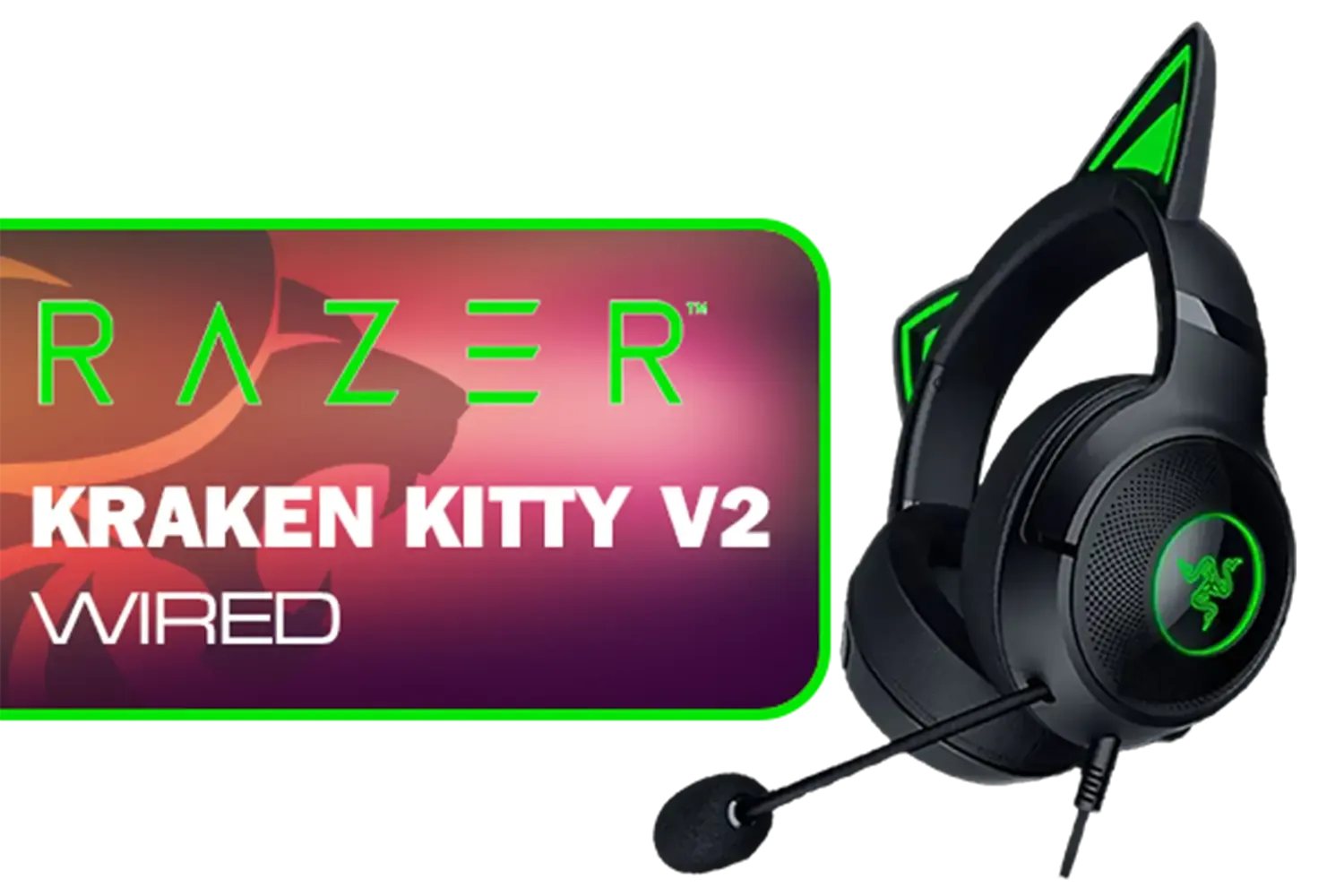
Razer Kraken Kitty V2 Wired RGB Headset with Kitty Ears - Black / Stream Reactive Lighting / HyperClear Cardioid Mic / Triforce 40mm Drivers / 7.1 Surround Sound / RZ04-04730100-R3M1
R2399.00In Stock
SteelSeries Arctis Nova 1 Multi-System Gaming Headset / Hi-Fi Drivers / 360° Spatial Audio / Comfort Design / Durable / Ultra Lightweight / Noise-Cancelling Mic / PC, PS5/PS4, Switch, Xbox - White / 61607
R1399.00In Stock

SteelSeries Arctis Nova 7X Wireless Multi-Platform Gaming & Mobile Headset / Nova Acoustic System / Simultaneous Wireless 2.4GHz + Bluetooth / 38Hr Battery / USB-C / Xbox, PC, PS, Switch, Mobile / 61565
R2499.00In Stock
The Razer Barracuda X Chroma features a massive 70-hour battery life, ensuring you can game through multiple stages of loadshedding without needing a recharge.
Yes, active Razer Chroma RGB lighting will reduce the total battery duration compared to the maximum 70-hour rating achievable with lighting turned off.
Absolutely. With Bluetooth 5.3 and a 2.4GHz dongle, it connects seamlessly to mobile devices, making it perfect for gaming when the power goes out.
It supports USB-C fast charging. A quick 15-minute charge provides roughly 6 hours of play, ideal for emergency top-ups before loadshedding hits.
Yes, you can use the headset while it charges via the USB-C cable, though this requires a power source like a laptop or power bank during outages.
No, the Razer Barracuda X Chroma relies on passive noise isolation from its plush ear cushions rather than active noise cancellation (ANC).








