Razer Barracuda X Chroma Mic Settings: 5 Tips for Clarity
Sound robotic? Optimize your Razer Barracuda X Chroma mic settings for professional-grade voice chat. 🎙️ We cover essential Synapse tweaks, positioning hacks, and noise suppression tricks to ensure your squad hears every callout clearly. 🎧
|
Loading tags...
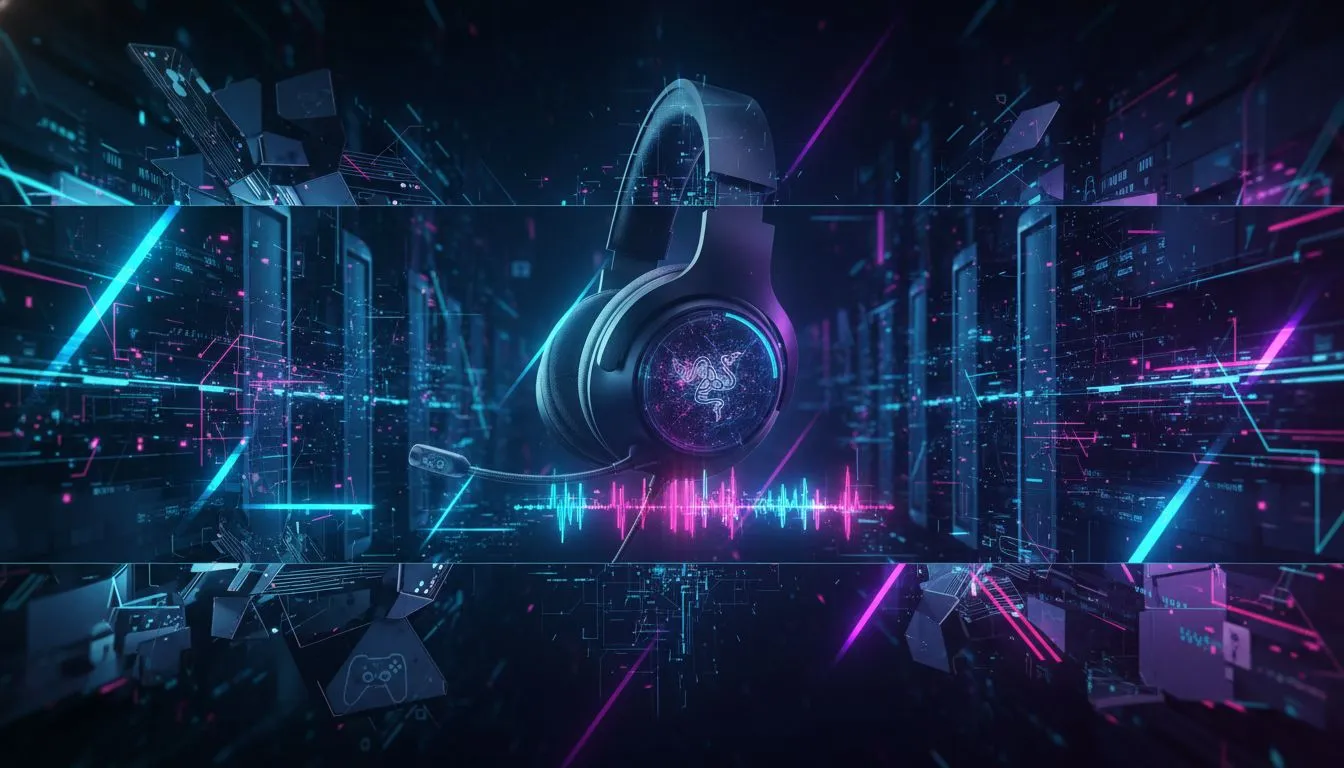
"Are your teammates complaining you sound like you're broadcasting from a tin can in the middle of a load-shedding blackout? We've all been there. The Razer Barracuda X Chroma Wireless Headset is a fantastic piece of kit, offering versatile wireless freedom across PC, console, and mobile. But to get the crisp, clear comms your squad deserves, you need to dial in those mic settings. Let's get you sounding like a pro. 🎤

Turtle Beach Recon 70P Gaming Headset - Black / Compatible with PS5, PS4, Xbox Series X, Xbox Series S, Xbox One, Nintendo Switch, Mobile, & PC with 3.5mm / Flip-to-Mute Mic / 40mm Speakers / On-Ear Volume Control / TBS-3001-05
R699.00In Stock

Logitech G733 Lightspeed Wireless RGB Gaming Headset - Black / Lightsync RGB lighting / Fully Customizable / Blue VO!CE Technology / 40mm PRO-G Audio Drivers / DTS Headphone:X 2.0 Surround Sound / USB-C Charging Port / 20m Wireless Range / 981-000864
R1799.00In Stock

IKON ALPHA Wireless Gaming Headset / Up To 17 Hours Battery Life / Detachable Clear Mic / Soft Sound Proofing Earmuffs / A Revolutionary Adjustment System / PC/PlayStation Compatible / 2.4G Wireless Connection / 3.5mm Connection / IKON-AlphaWireless
R999.00In Stock
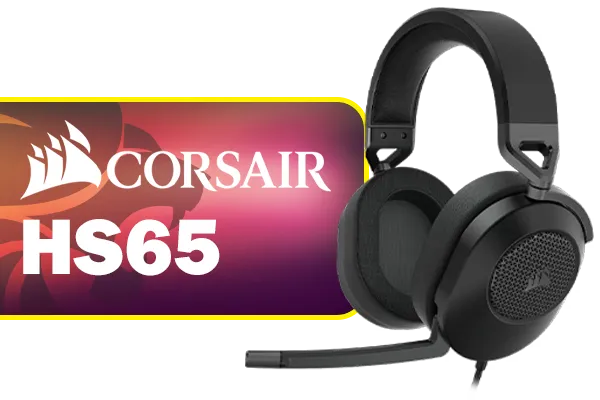
Corsair HS65 SURROUND Gaming Headset (Leatherette Memory Foam Ear Pads, Dolby Audio 7.1 Surround Sound on PC and Mac, SonarWorks SoundID Technology, Multi-Platform Compatibility) Carbon / CA-9011270-AP
R1599.00In Stock

SteelSeries Arctis Nova 1X Gaming Headset - Signature Arctis Sound - ClearCast Gen 2 Mic - Xbox Series X|S, PC, Playstation, Switch, and Mobile / 61616
R1499.00In Stock

Dell WH3024 Wired Headset / Built-in AI-based noise cancellation microphone / In-line control / Leatherette memory foam ear cushions / 520-BBDH
R1299.00In Stock
Why Your Default Mic Settings Might Be Holding You Back
Out of the box, most headsets are set to a generic "one-size-fits-all" profile. This can lead to a few common frustrations for South African gamers:
- Low Volume: Your voice is too quiet, forcing your teammates to crank up their volume.
- Background Noise: The mic picks up everything from your mechanical keyboard to the hadeda ibis screaming outside your window.
- Muffled Audio: Your voice lacks clarity and sounds distant or "boxy."
Optimising your Razer Barracuda X Chroma mic settings isn't just about sounding better; it's about clear, effective communication that can turn the tide of a match.
5 Tips for Crystal-Clear Barracuda X Mic Settings
Follow these five steps to take your voice chat from muffled to magnificent.
1. Position the Mic Correctly
This sounds basic, but it's the most crucial step. The Barracuda X features a detachable HyperClear Cardioid mic, designed to focus on your voice.
- Placement: Position the microphone capsule about two fingers' width from the corner of your mouth.
- Angle: Point it directly at your mouth, not your nose or chin. The cardioid pickup pattern is directional, so this helps isolate your voice.
- Pop Filter: Ensure the little foam cover is on. It's not just for looks; it reduces harsh "plosive" sounds (like "p" and "b").
Logitech G733 Lightspeed Wireless RGB Gaming Headset - Black / Lightsync RGB lighting / Fully Customizable / Blue VO!CE Technology / 40mm PRO-G Audio Drivers / DTS Headphone:X 2.0 Surround Sound / USB-C Charging Port / 20m Wireless Range / 981-000864
R1799.00In Stock

SteelSeries Arctis Nova 1P Multi-System Gaming Headset — Hi-Fi Drivers — 360° Spatial Audio — Comfort Design — Durable — Lightweight — Noise-Cancelling Mic — PS5/PS4, PC, Xbox, Switch - Black / 61611
R1499.00In Stock
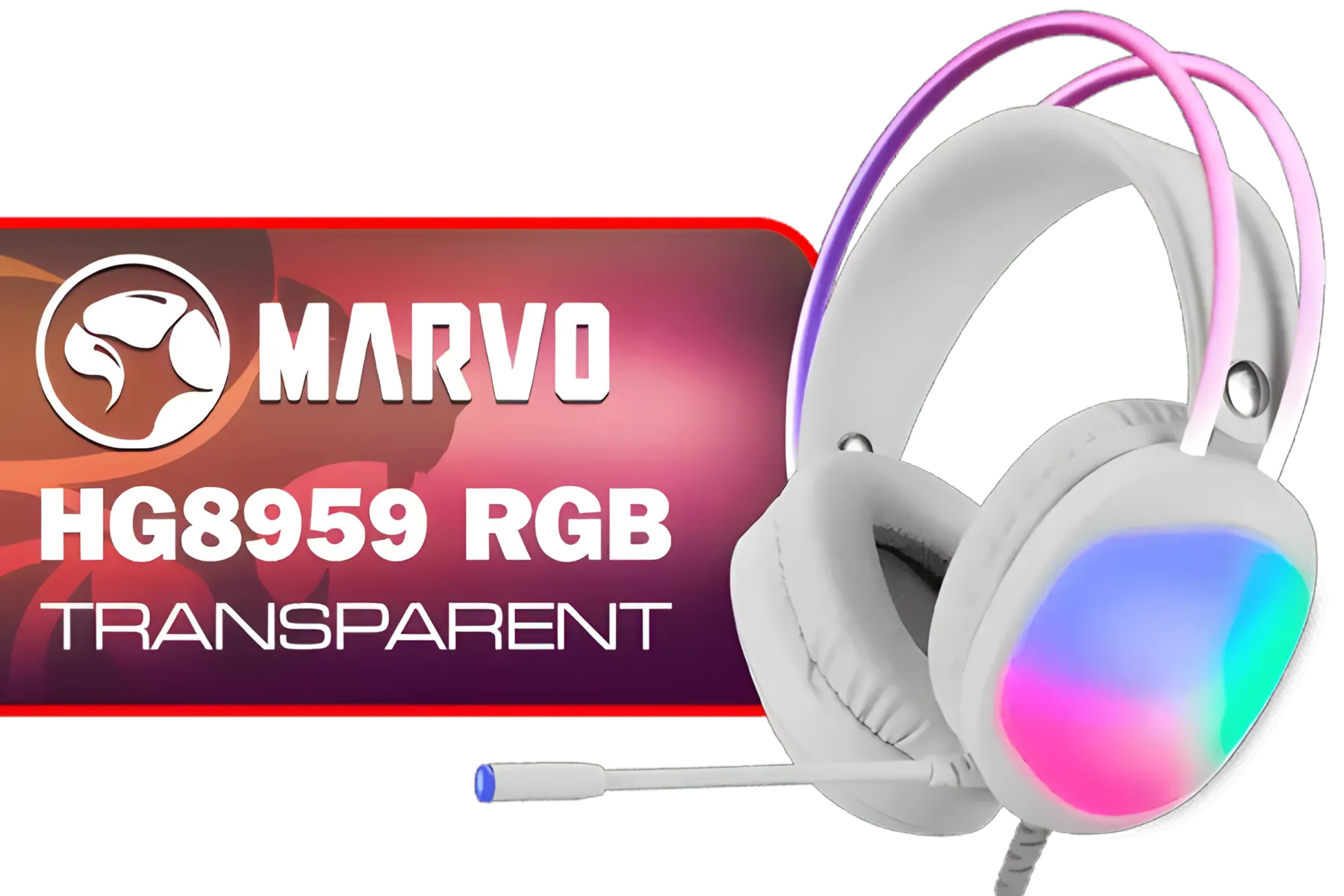
MARVO HG8959 RGB Transparent Wired Gaming Headset / 50mm Speaker Size / Omnidirectional Microphone / Over-ear Design for Powerful Bass Sounds / Soft-cushioned Leather ear Cups / Self-adjustable Headband / HG8959
R299.00In Stock
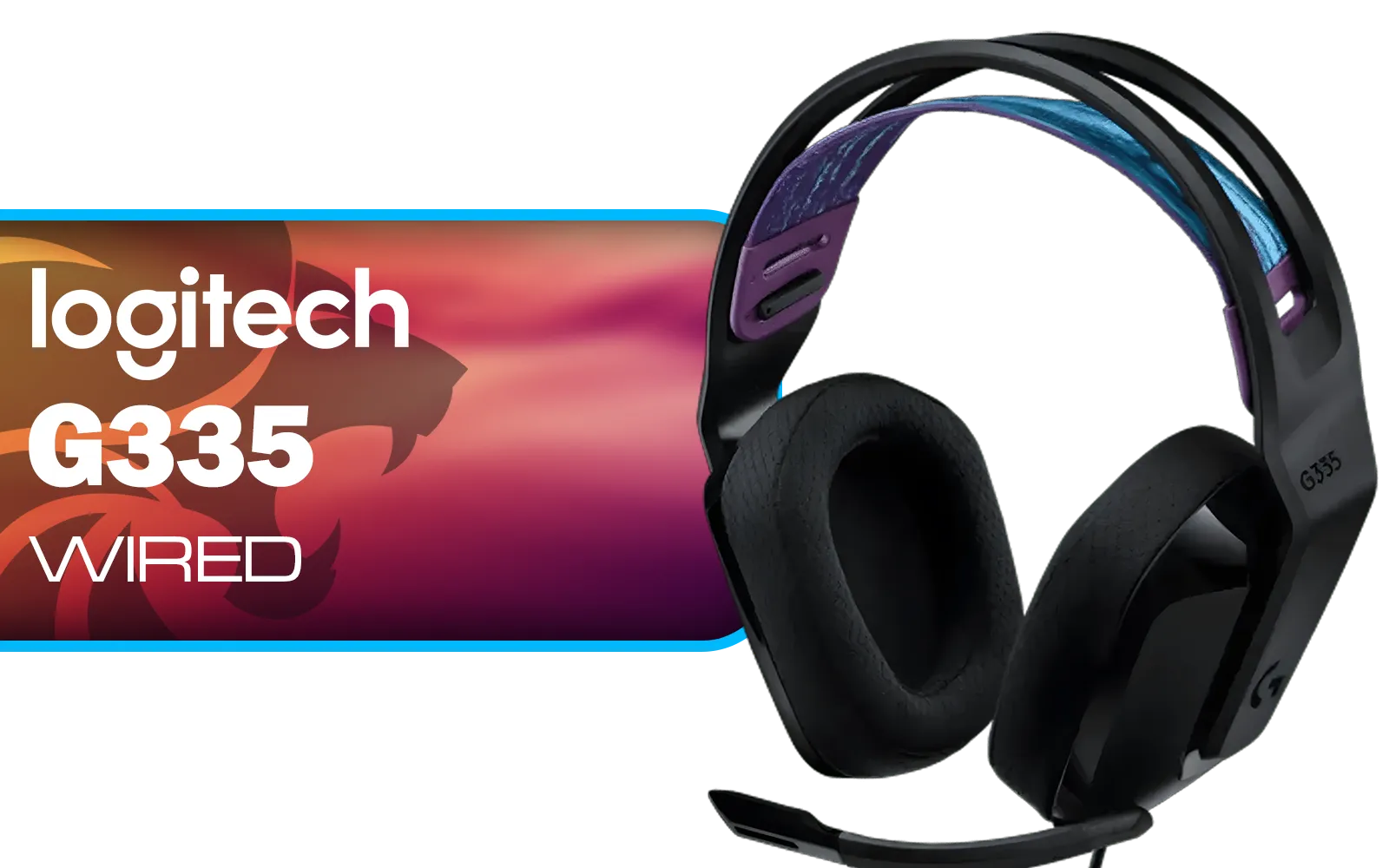
Logitech G335 Wired Gaming Headset - Black / Multi-platform Compatibility / Unidirectional Microphone / 40mm Neodymium Drivers / Crystal Clear Communication / 240 Grams Light Weight / 981-000978
R999.00In Stock
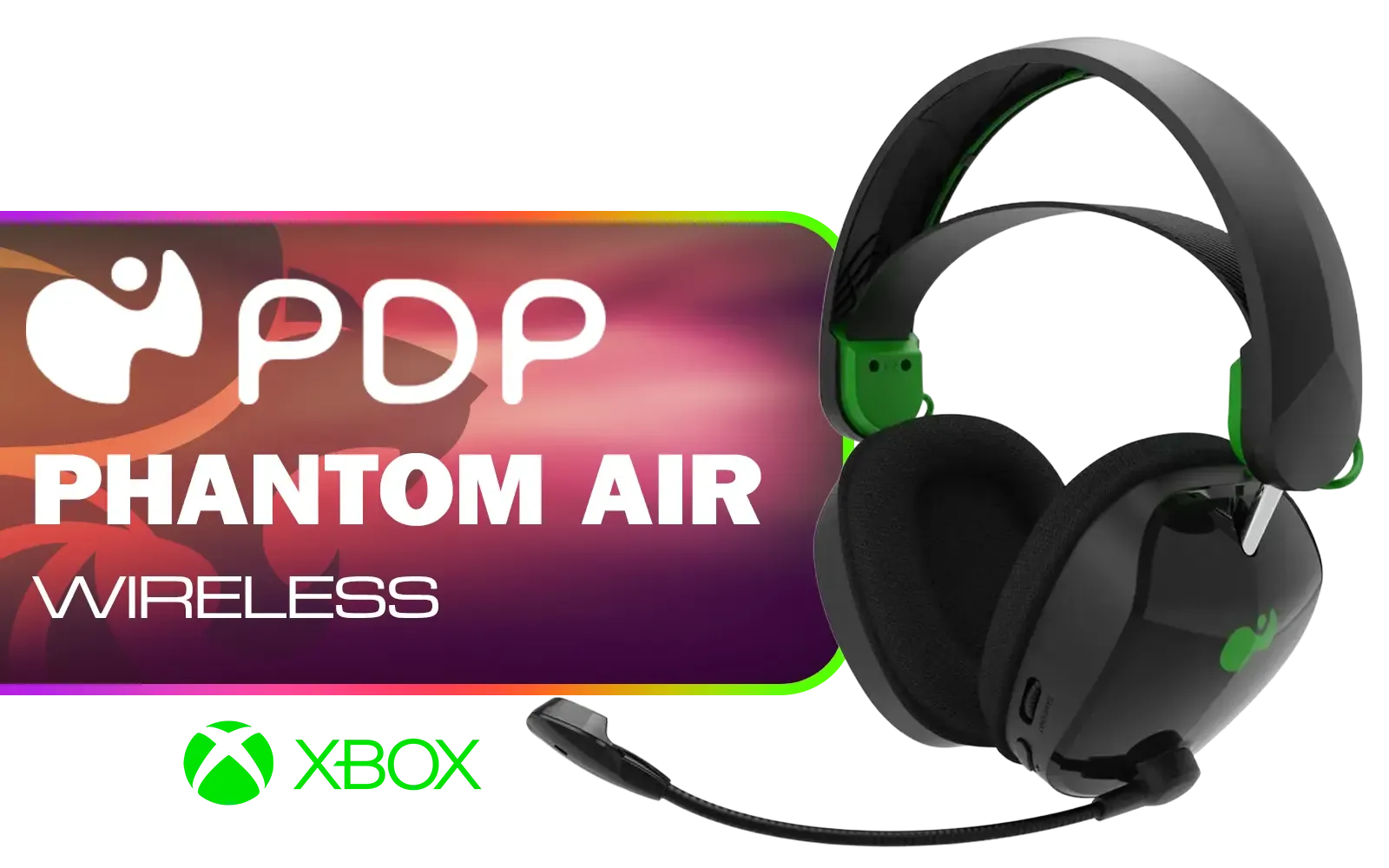
PDP Phantom Air Dual-Mode Wireless Gaming Headset (Xbox) - Black / 50mm Audio Drivers / 35-Hour Battery Life / Noise-Cancelling Microphone / Official Xbox License / PDP-049-038-BK
R999.00In Stock
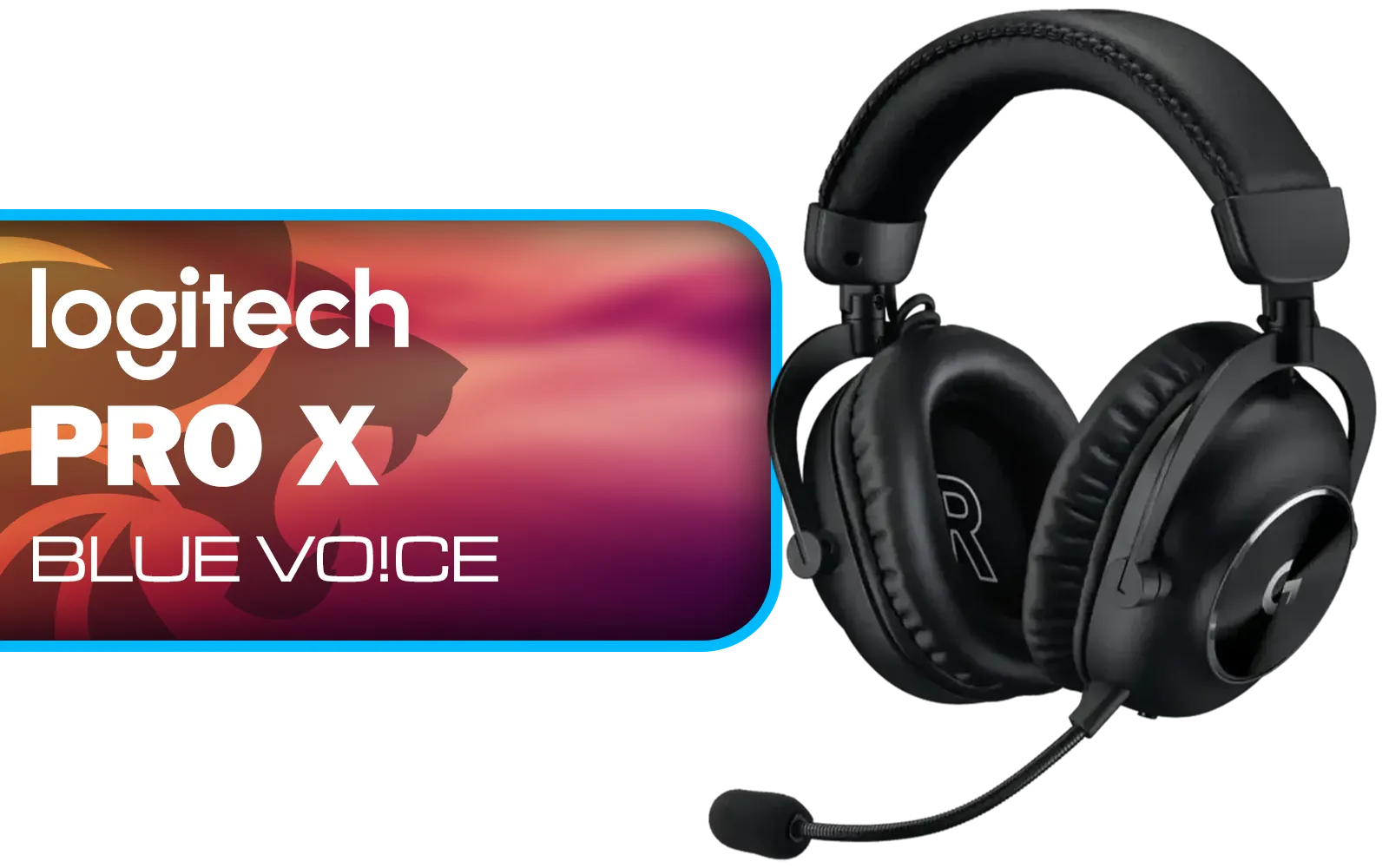
Logitech PRO X Gaming Headset With BLUE VO!CE Microphone Technology / USB External Sound Card / PRO-G 50 mm Audio Drivers / Detachable pro-grade Microphone / Comfortable Memory Foam Padding / Durable Steel and Aluminium Construction / 981-000818
R2299.00In Stock
2. Configure Your Windows Sound Settings 🔧
Before you even launch a game, make sure Windows is correctly configured.
- Right-click the speaker icon in your taskbar and select "Sound settings."
- Under "Input," ensure your "Razer Barracuda X" is selected as the default device.
- Click "Device properties" and check the "Volume" level. Start at around 80-90 and adjust from there.
TIP FOR YOU
Quick Windows Audio Fix ⚡
In the classic Sound control panel (find it by searching "mmsys.cpl"), go to the "Recording" tab, right-click your headset, select "Properties," and then the "Advanced" tab. Uncheck the box for "Allow applications to take exclusive control of this device." This can prevent games or apps like Discord from messing with your volume levels unexpectedly.
3. Check Your In-Game Audio Settings
Every game from Apex Legends to Valorant has its own voice chat settings. This is often where the real magic happens.
- Input Device: Double-check that the game is using the Barracuda X as its input.
- Mic Volume/Gain: Adjust the in-game microphone volume slider.
- Voice Activation Threshold: If you're using "Open Mic," set the threshold just above your normal ambient room noise. This stops your keyboard clicks from constantly activating your mic.
4. Manage Background Noise
A clear voice is as much about what you don't hear. The cardioid mic is a great start, but you can do more. Software like Discord has excellent built-in noise suppression (look for Krisp in the settings). If you're on PC, NVIDIA Broadcast is a powerful AI tool for eliminating almost all background noise if you have a compatible graphics card.
Logitech G335 Wired Gaming Headset - Black / Multi-platform Compatibility / Unidirectional Microphone / 40mm Neodymium Drivers / Crystal Clear Communication / 240 Grams Light Weight / 981-000978
R999.00In Stock
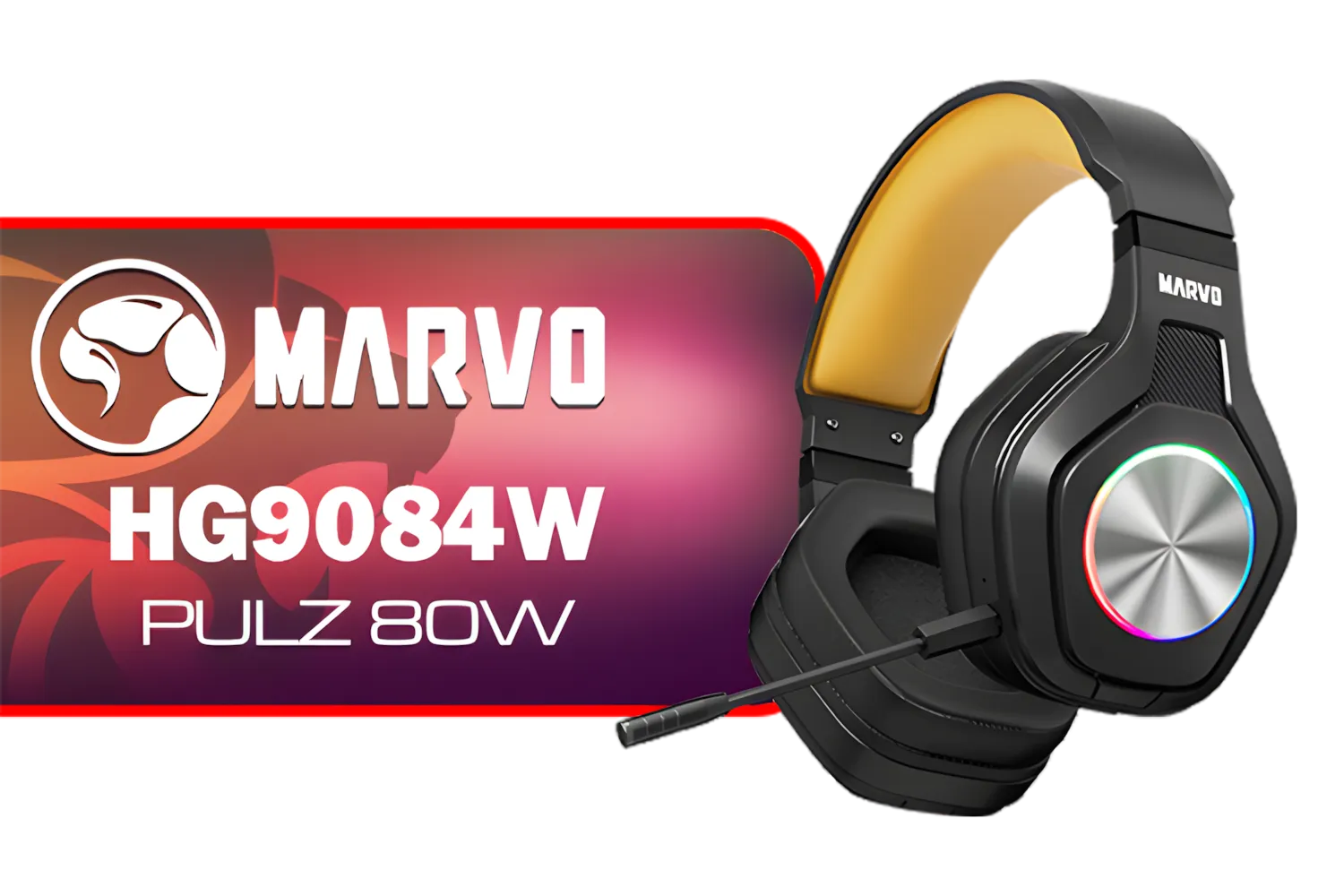
Marvo HG9084W PULZ 80W Wireless Gaming Headset / Stereo Sound / 50mm Speaker Drivers / Ergonomic Design / Static RGB Backlight / Up to 50 Hours of Playback Time / Detachable Microphone / HG9084W
R499.00In Stock
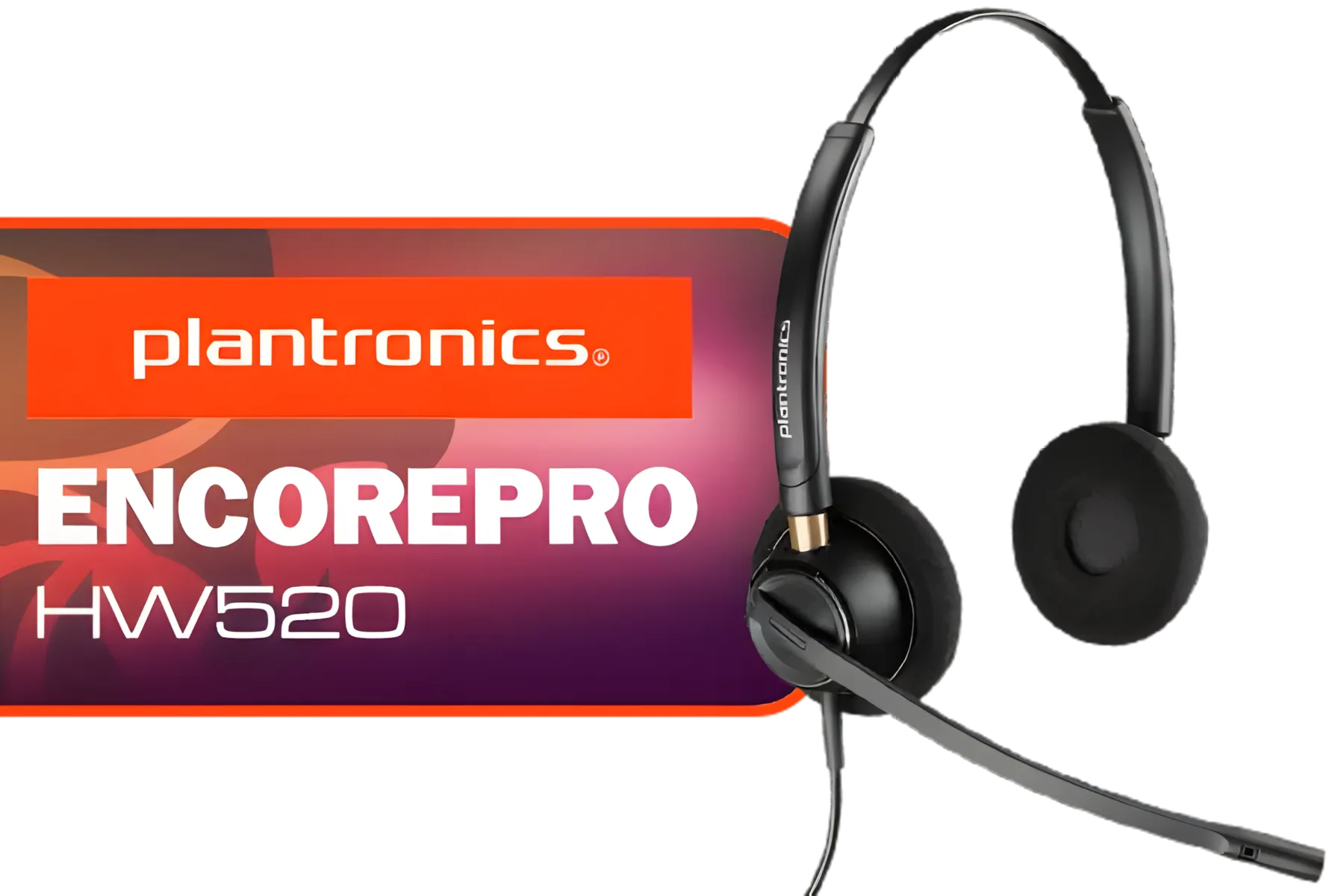
Plantronics HW520 EncorePro Binaural Headset / Noise canceling circuit / Flexible boom / PLT- HW520
R1699.00In Stock
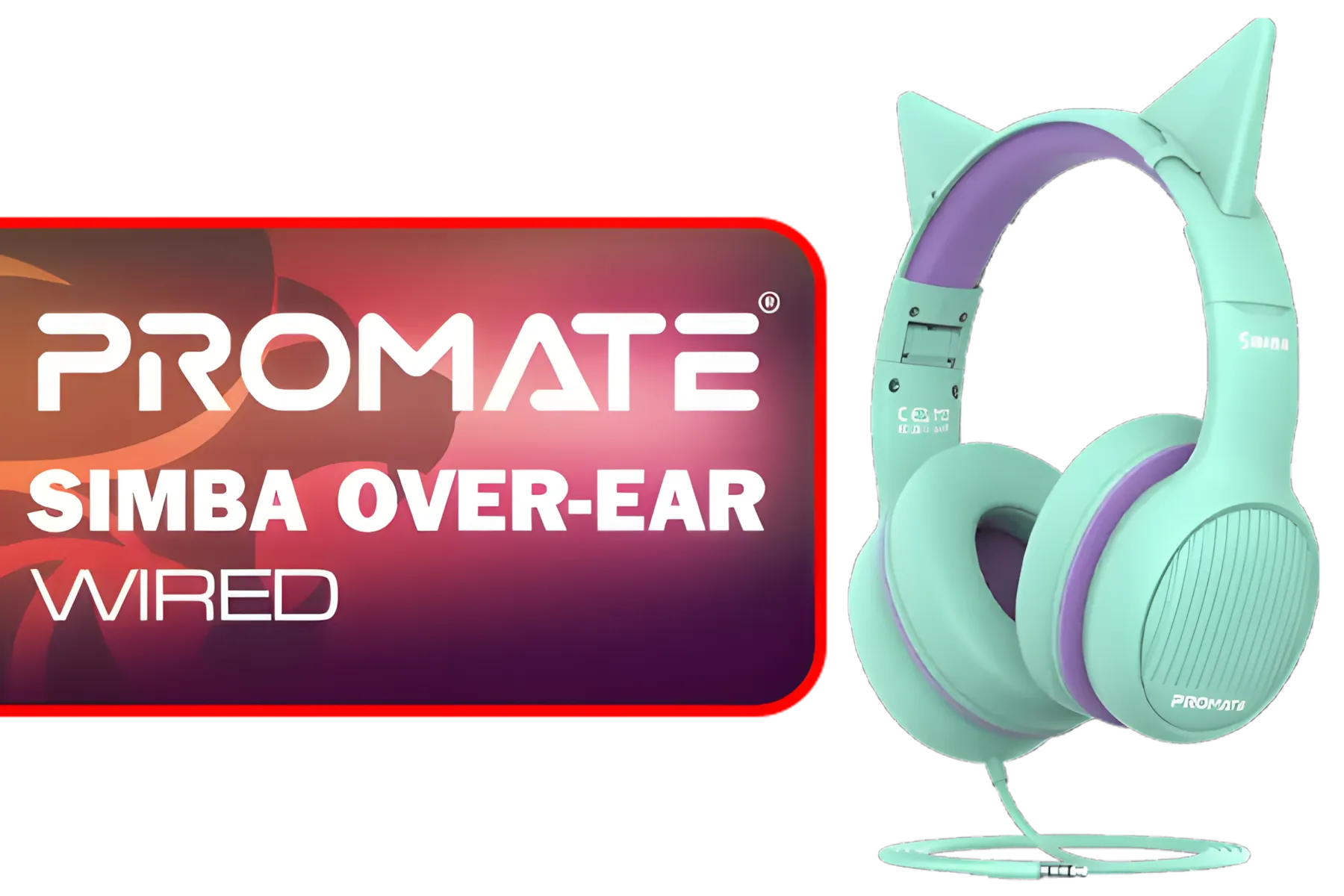
Promate Simba Over-Ear Hi-Definition SafeAudio™ Wired Headset - Emerald / 40mm Drivers / Adjustable Headband / 3.5mm Aux Connector / Audio Sharing / SIMBA.EMERALD
R299.00In Stock

Promate Panda KidSafe Kawaii Style Wireless Kids Headset - Lilac / 1000mAh Battery / Up to 40 hours of Playtime / AUX Support / LED Illuminated Ears / PANDA.LILAC
R499.00In Stock

Turtle Beach Stealth 500 PC Wireless Headset - Black / 2.4GHz Wireless & Bluetooth® 5.2 / 40mm Drivers / Flip-to-Mute Microphone / QuickSwitch Button / TBS-5104-05
R1899.00In Stock
5. Test, Test, and Test Again!
The best way to check your new mic settings is to hear them for yourself. Use Discord's mic test feature or the Windows "Voice Recorder" app to record a short clip of yourself talking. Does it sound clear? Is the volume good? Ask a friend to jump into a lobby with you and give you honest feedback. A few minutes of testing can save you hours of frustration.
Getting the perfect Razer Barracuda X Chroma mic settings is a simple process that makes a massive difference. While this headset is a star, exploring the full range of Razer headphones & headsets can show you what else is possible in audio tech. For any setup, a few tweaks are all it takes to ensure your voice is heard loud and clear. If you're looking for an upgrade or your first serious audio solution, browsing a wide variety of gaming headsets is the best way to compare features and find the perfect fit for your playstyle and budget. ✨
Ready for Crystal-Clear Comms? Great audio is the difference between a win and a wipe. Don't let a fuzzy mic hold your squad back. If you're ready to upgrade or dive in with a proven winner, the Barracuda X is waiting. Explore our massive range of Razer gear and find the perfect setup to conquer your game.
Related Products

Promate Jewel HD Stereo KidSafe Wired Headset - Aqua / Safe Audio Levels / Adjustable Headband / 3.5mm Aux Connector / Audio Sharing / JEWEL.AQUA
R249.00In Stock

Promate Panda KidSafe Kawaii Style Wireless Kids Headset - Aqua / 1000mAh Battery / Up to 40 hours of Playtime / AUX Support / LED Illuminated Ears / PANDA.AQUA
R399.00In Stock
Turtle Beach Recon 70P Gaming Headset - Black / Compatible with PS5, PS4, Xbox Series X, Xbox Series S, Xbox One, Nintendo Switch, Mobile, & PC with 3.5mm / Flip-to-Mute Mic / 40mm Speakers / On-Ear Volume Control / TBS-3001-05
R699.00In Stock

Razer BlackShark V2 X Gaming Headset: 7.1 Surround Sound - 50mm Drivers - Memory Foam Cushion - for PC, Mac, PS4, PS5, Switch, Xbox One, Xbox Series X|S, Mobile - 3.5mm Audio Jack - Green / RZ04-03240600-R3M1
R999.00In Stock

Logitech G435 Lightspeed and Bluetooth Wireless Gaming Headset - Blue / 18 Hours of Play Time / 165G Lightweight Comfort / Superior Audio Quality / 40mm Audio Drivers / 981-001062
R1599.00In Stock
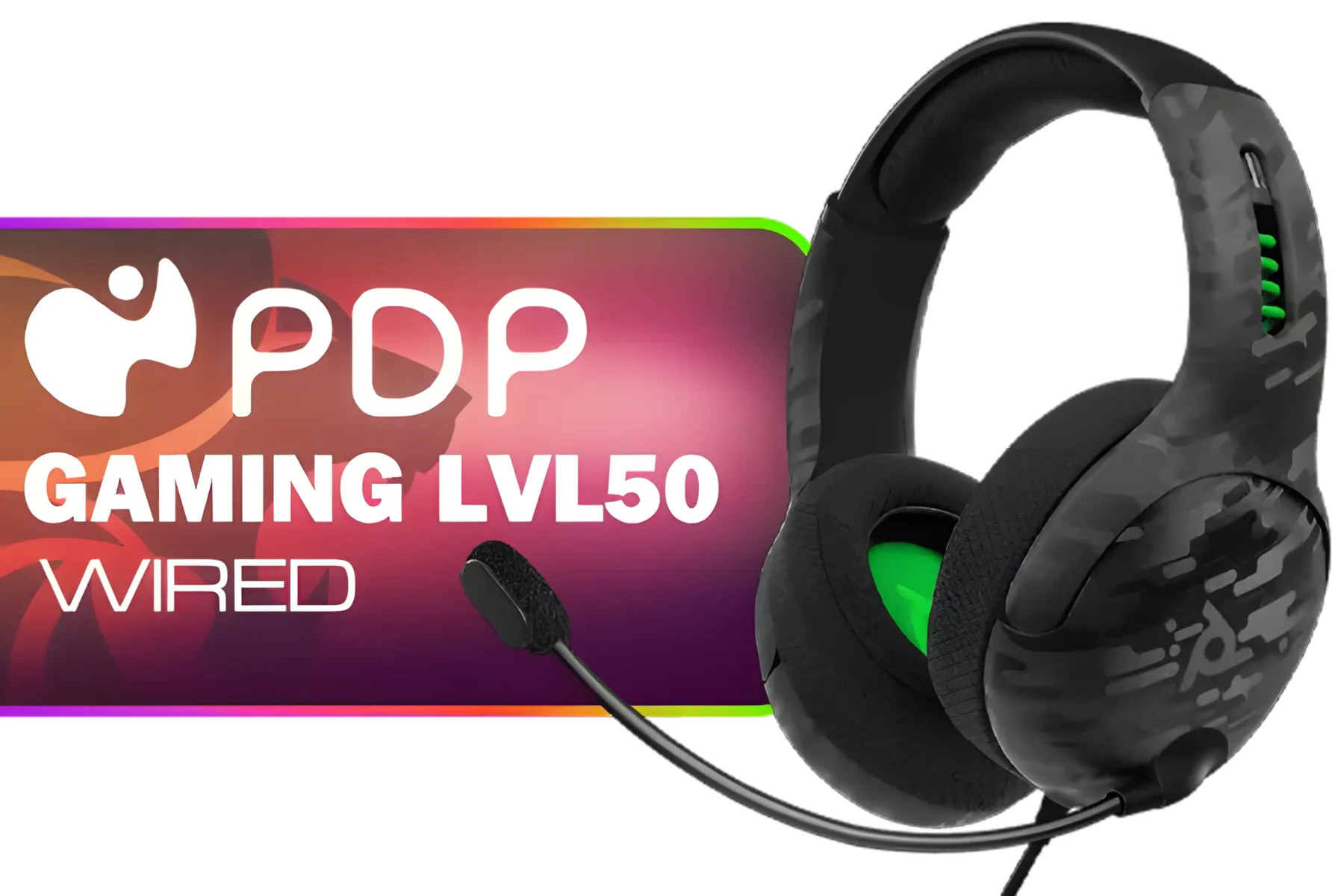
PDP Gaming LVL50 Wired Headset with Mic for Xbox One, Series X|S - PC, iPad, Mac, Laptop Compatible - Noise Cancelling Microphone, Bass Boost, Lightweight, Over Ear Headphones - Camo / Camoflauge / 048-124-AU-CAM
R1199.00In Stock
Use Razer Synapse to adjust the microphone equalizer to 'Broadcast' mode and increase mic gain to ensure your voice is loud and crisp during gameplay.
Yes, you can enable ambient noise reduction features within the Razer Synapse software to filter out background sounds like keyboard clicks.
This is often due to low input volume. Check your Windows sound settings and the dedicated mic volume wheel on the headset to ensure levels are maxed out.
Position the detachable cardioid mic about two fingers' width away from the corner of your mouth to capture clear vocals without breathing noise.
While it works plug-and-play, installing Razer Synapse is crucial for accessing advanced mic settings, EQ presets, and Chroma RGB customization.
Use the 'Mic Preview' or 'Sidetone' feature in Synapse to hear your own voice in real-time, allowing you to fine-tune clarity before joining a chat.