



Razer Barracuda X Chroma Setup: Master Music, Calls & Gaming
Unlock the full potential of your Razer Barracuda X Chroma setup! 🎧 From SmartSwitch pairing to EQ tweaks, discover how to optimize this headset for immersive gaming, crystal-clear calls, and high-fidelity music. Level up your audio experience today.
|
Loading tags...

So, you’ve unboxed the sleek Razer Barracuda X, but now what? Juggling headsets for your PC, console, phone, and work calls can be a real hassle. You need one device that does it all without compromising on quality. This guide is your one-stop-shop for the perfect Razer Barracuda X Chroma setup, ensuring you get crisp audio for your K/D ratio, clear calls for the office, and immersive sound for your favourite tracks. Let's get it sorted. 🚀

SteelSeries Arctis Nova 1 Multi-System Gaming Headset / Hi-Fi Drivers / 360° Spatial Audio / Comfort Design / Durable / Ultra Lightweight / Noise-Cancelling Mic / PC, PS5/PS4, Switch, Xbox - White / 61607
R1399.00In Stock
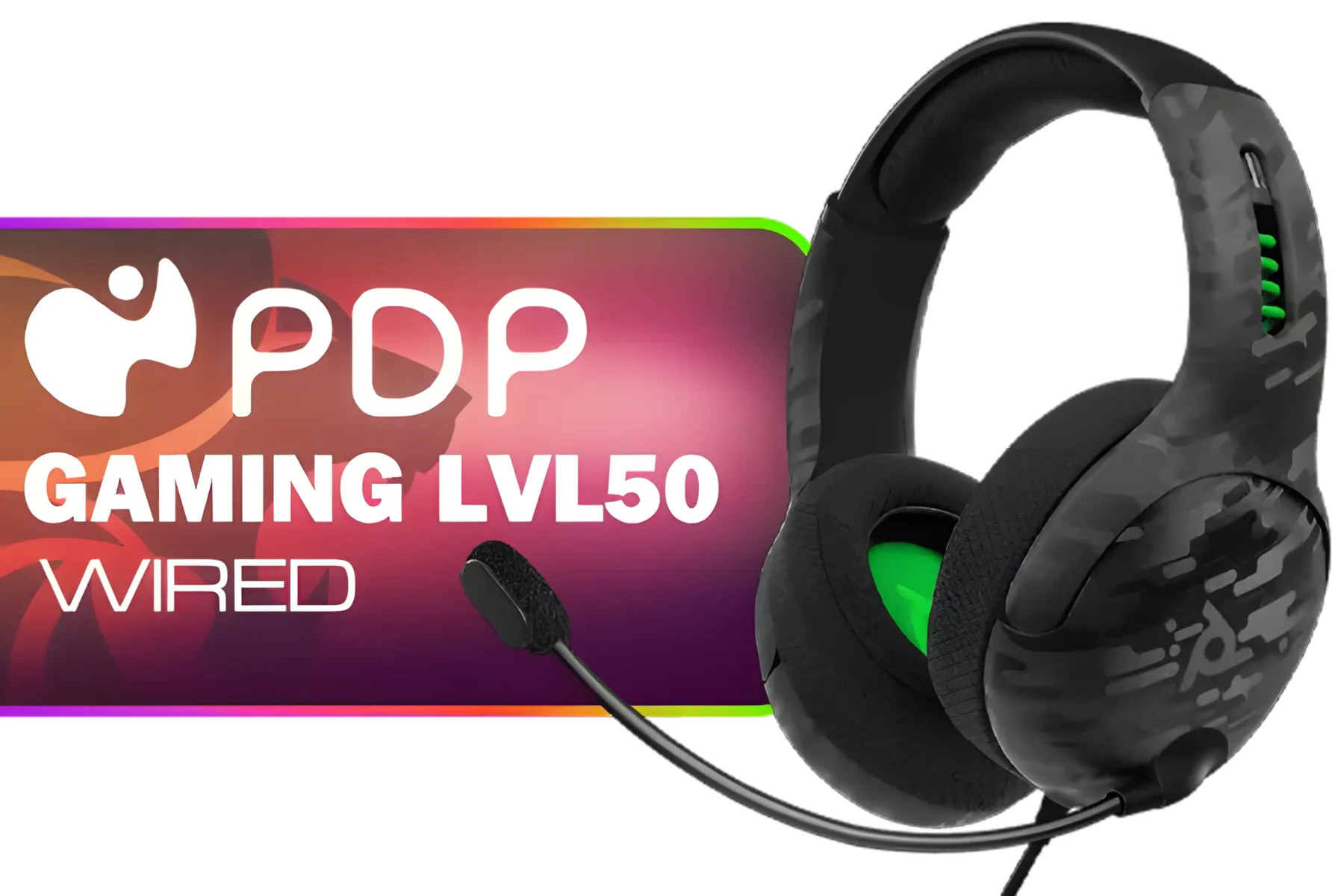
PDP Gaming LVL50 Wired Headset with Mic for Xbox One, Series X|S - PC, iPad, Mac, Laptop Compatible - Noise Cancelling Microphone, Bass Boost, Lightweight, Over Ear Headphones - Camo / Camoflauge / 048-124-AU-CAM
R1199.00In Stock

Logitech H340 USB Computer Headset - Black / Noise Canceling Mic / Digital Stereo Sound/ USB-A Connection / 981-000475
R499.00In Stock
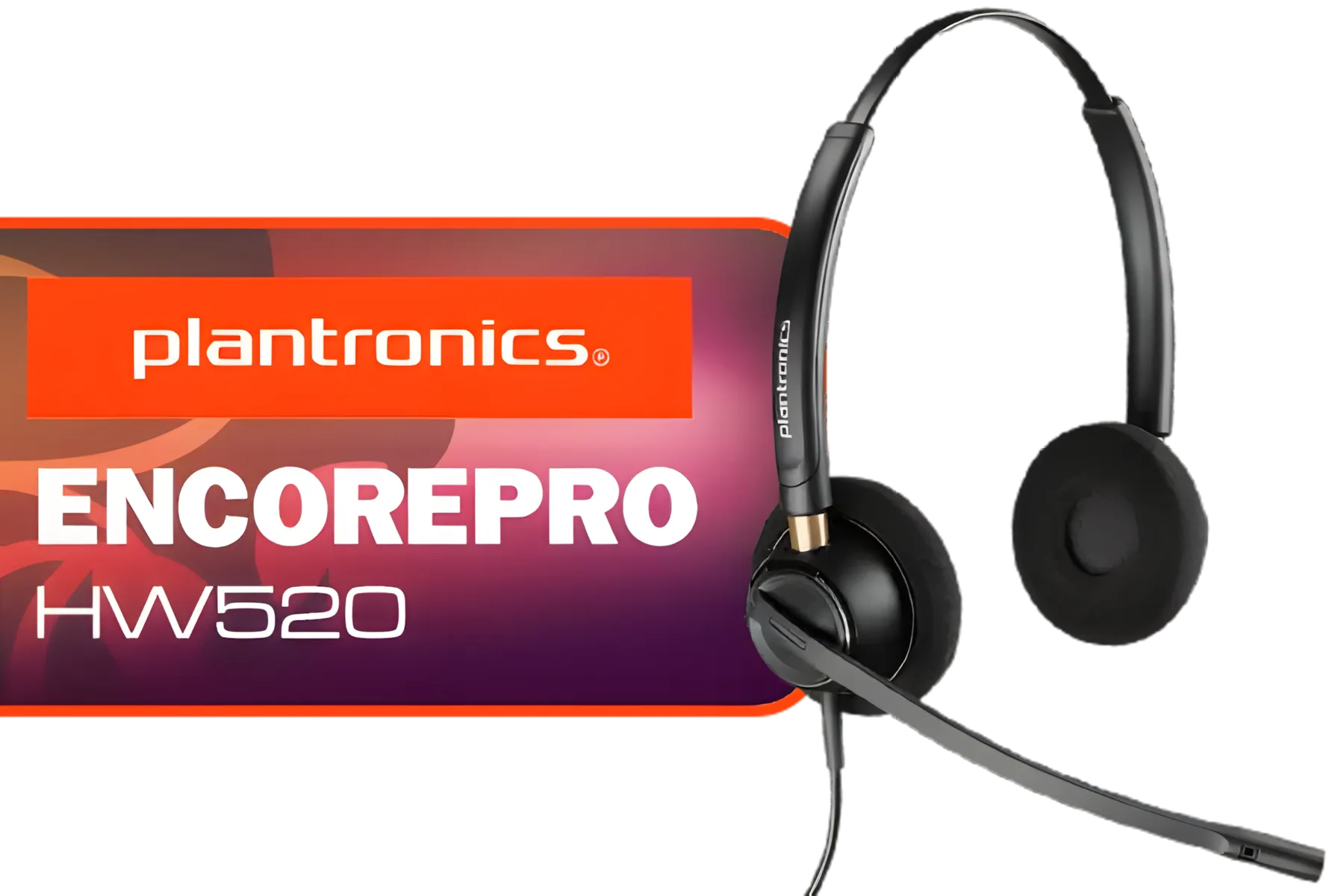
Plantronics HW520 EncorePro Binaural Headset / Noise canceling circuit / Flexible boom / PLT- HW520
R1699.00In Stock

Dell WH3024 Wired Headset / Built-in AI-based noise cancellation microphone / In-line control / Leatherette memory foam ear cushions / 520-BBDH
R1299.00In Stock
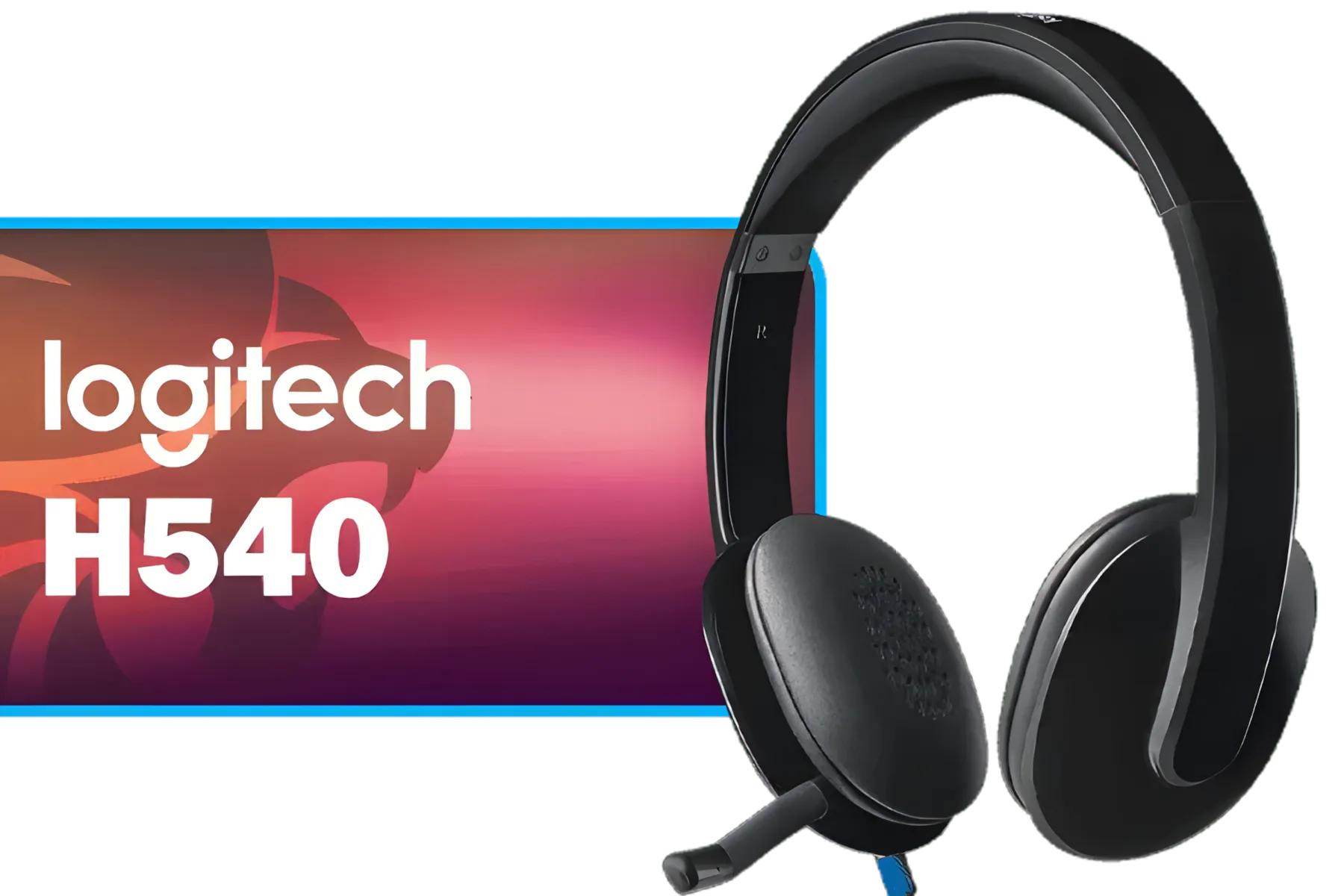
Logitech High-performance USB Headset H540 for Windows and Mac, Skype Certified / 981-000480
R729.00In Stock
Your First Steps: Unboxing and Initial Feel
Before diving into the technicals, let's appreciate the design. The first thing you'll notice is how light it is. At just 250g, it’s built for marathon gaming sessions and all-day wear without causing fatigue. In the box, you’ll find the headset itself, a detachable HyperClear Cardioid Mic, a USB-C wireless dongle, and the necessary charging and audio cables.
The build feels solid yet comfortable, with plush earcups that provide decent noise isolation. This initial comfort is crucial, as a great headset should feel like it isn't even there. It's a fantastic starting point for anyone looking for versatile headphone & headsets that won't break the bank.
Mastering Your Razer Barracuda X Chroma Setup
Getting your audio dialed in is where the magic happens. This headset's biggest strength is its multi-platform connectivity, and a proper Razer Barracuda X Chroma setup makes switching between devices a breeze.
Connecting via Razer HyperSpeed Wireless (2.4GHz)
This is your primary connection for lag-free gaming on PC, PlayStation, or Nintendo Switch.
- Plug it in: Insert the USB-C wireless transceiver into your device. If you only have a USB-A port, use the included adapter cable.
- Power On: Press and hold the power button on the headset until the status indicator lights up.
- Connect: It should pair automatically. You'll hear a tone confirming the connection.
This low-latency connection is vital for competitive games where hearing a footstep a split-second earlier can make all the difference.
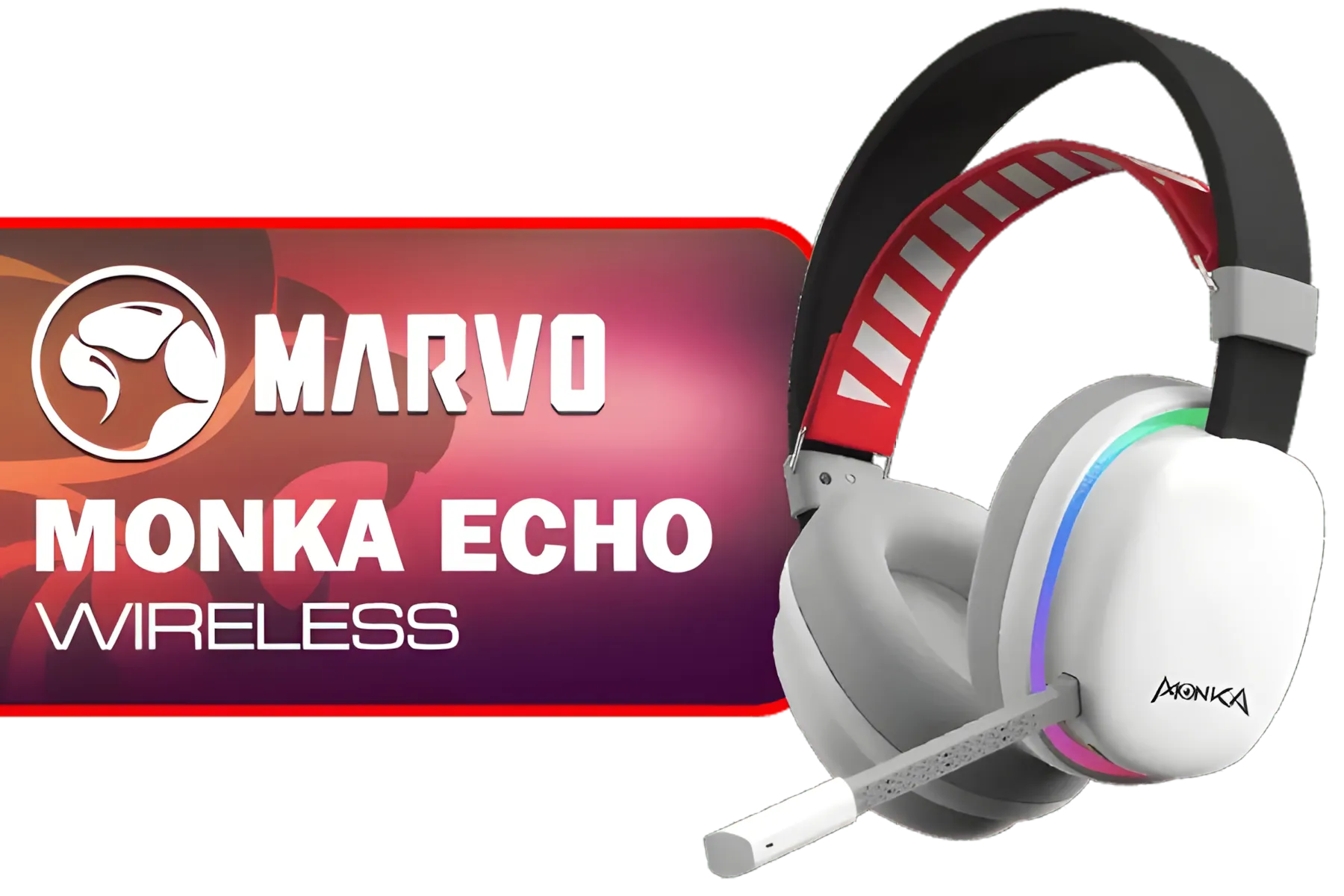
MARVO Monka Echo TRI-MODE WIRELESS GAMING HEADSET / Adjustable Headband / Ergonomical Designed Ear Cups / Switch to Wired Mode / 360° Pickup Microphone / Detachable microphone / 6hrs Music Time / 2hrs Charging Time / 10m Transmission Distance / 3.7V-800mAh Battery / 40 mm Drivers / HG9069W
R499.00In Stock
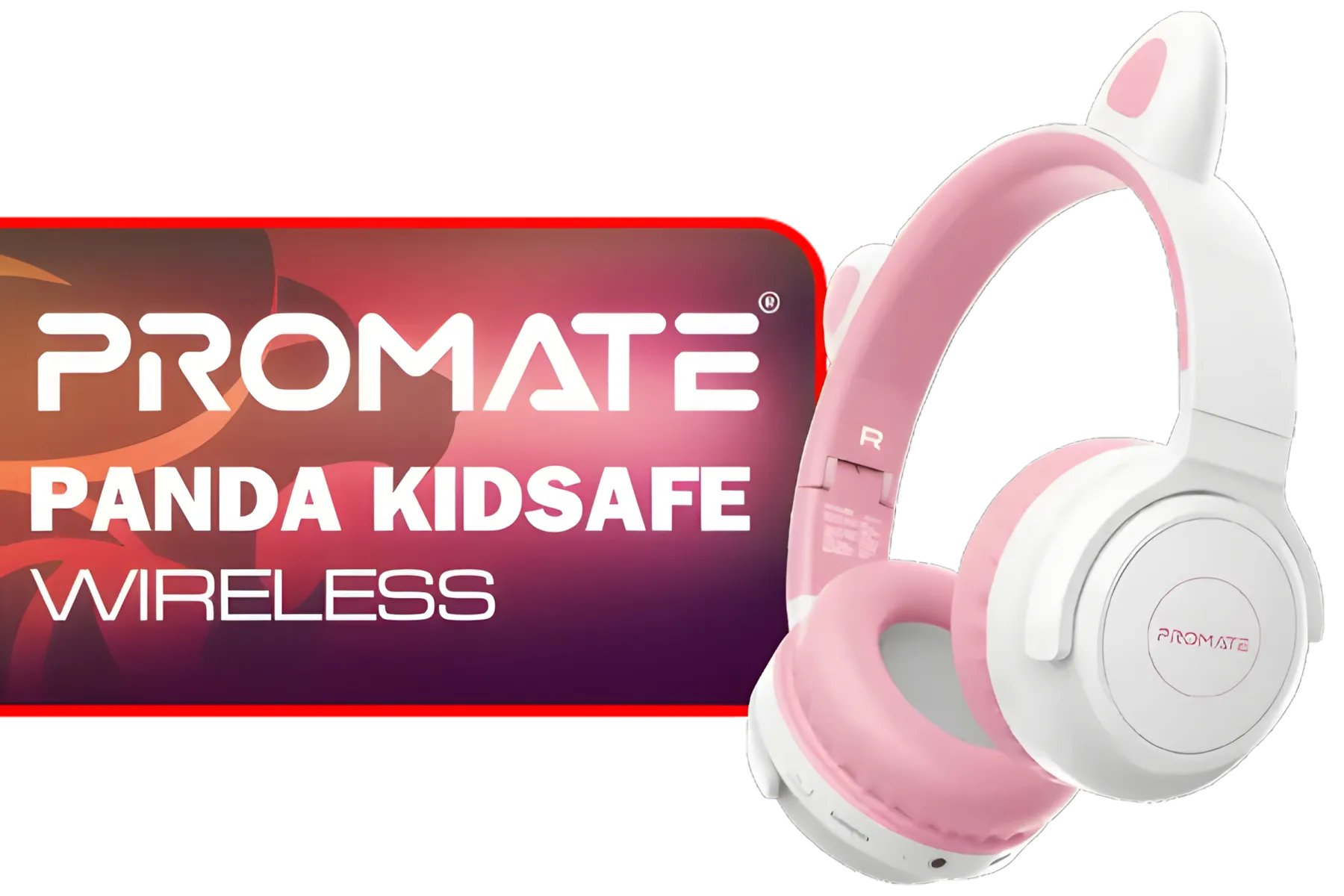
Promate Panda KidSafe Kawaii Style Wireless Kids Headset - Bubblegum / 1000mAh Battery / Up to 40 hours of Playtime / AUX Support / LED Illuminated Ears / PANDA.BUBBLEGUM
R399.00In Stock
Plantronics HW520 EncorePro Binaural Headset / Noise canceling circuit / Flexible boom / PLT- HW520
R1699.00In Stock

Promate Jewel HD Stereo KidSafe Wired Headset - Aqua / Safe Audio Levels / Adjustable Headband / 3.5mm Aux Connector / Audio Sharing / JEWEL.AQUA
R249.00In Stock
PDP Gaming LVL50 Wired Headset with Mic for Xbox One, Series X|S - PC, iPad, Mac, Laptop Compatible - Noise Cancelling Microphone, Bass Boost, Lightweight, Over Ear Headphones - Camo / Camoflauge / 048-124-AU-CAM
R1199.00In Stock
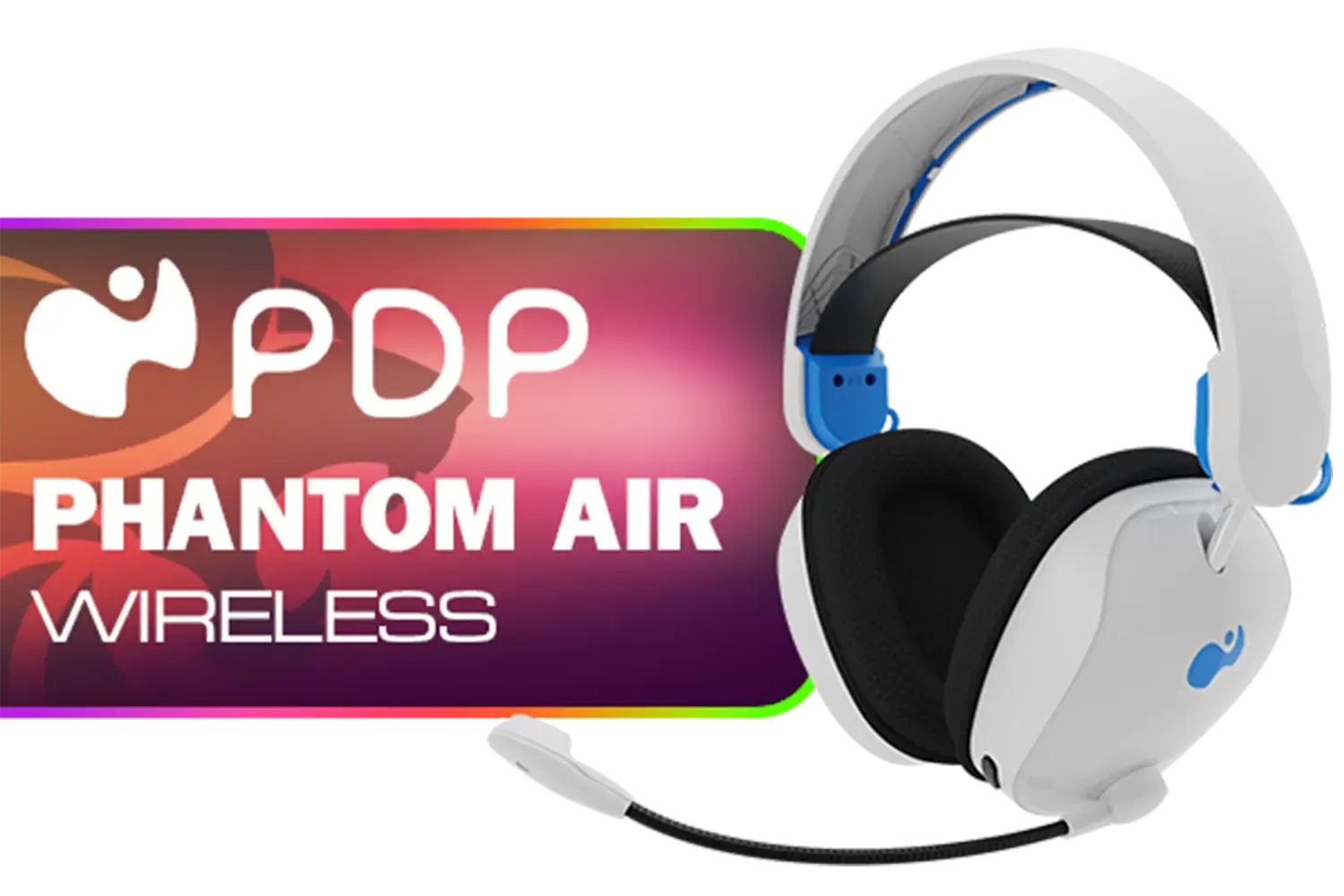
PDP Phantom Air Dual-Mode Wireless Gaming Headset (PS5) - White / 50mm Audio Drivers / 35-Hour Battery Life / Noise-Cancelling Microphone / Official PlayStation License / 052-026-WH
R999.00In Stock
Pairing with Bluetooth for Mobile Use
For music and calls on the go, Bluetooth is your best friend.
- Enter Pairing Mode: With the headset on, double-press the SmartSwitch/Power button to switch to Bluetooth mode. Triple-press and hold the button until you hear "Pairing" to activate pairing mode.
- Find it on Your Device: Open the Bluetooth settings on your phone or tablet and select "Razer Barracuda X".
- Done! You're now ready to take calls or listen to tunes wirelessly.
TIP FOR YOU
Seamless Switching Pro Tip ⚡
The Barracuda X features Razer SmartSwitch Dual Wireless. This allows you to be connected to your PC via the 2.4GHz dongle and your phone via Bluetooth simultaneously. If a call comes in while you're gaming, you can answer it with a button press on the headset without ever taking it off. It's a truly seamless experience!
Real-World Performance: Is It Worth It?
A good setup is one thing, but how does it actually perform? In short: brilliantly for its price point in South Africa. The TriForce 40mm drivers deliver clear highs and mids with punchy, controlled bass that doesn't overwhelm the audio.
During a few rounds of Apex Legends, the spatial audio was impressive, making it easy to pinpoint enemy locations. The detachable mic is clear enough for Discord chats and work meetings, filtering out a good amount of background noise. For its versatility, the Razer Barracuda X Chroma Wireless Headset offers incredible value. ✨
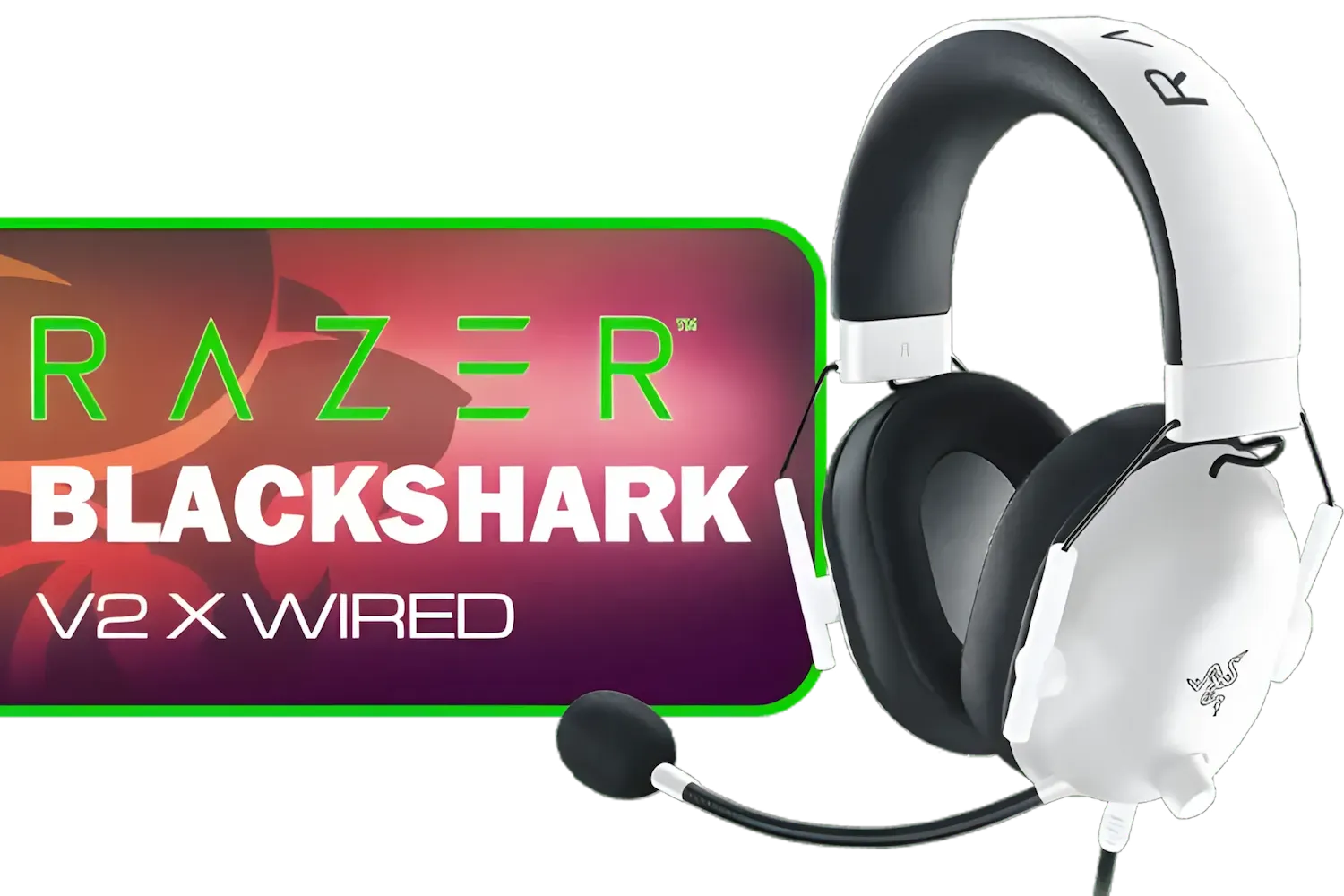
Razer BlackShark V2 X Gaming Headset: 7.1 Surround Sound - White / 50mm Drivers / Memory Foam Cushion / Compatible with PC, Mac, PS4, PS5, Switch, Xbox One, Xbox Series X|S, Mobile / 3.5mm Audio Jack / RZ04-03240700-R3M1
R999.00In Stock
PDP Phantom Air Dual-Mode Wireless Gaming Headset (PS5) - White / 50mm Audio Drivers / 35-Hour Battery Life / Noise-Cancelling Microphone / Official PlayStation License / 052-026-WH
R999.00In Stock
SteelSeries Arctis Nova 1 Multi-System Gaming Headset / Hi-Fi Drivers / 360° Spatial Audio / Comfort Design / Durable / Ultra Lightweight / Noise-Cancelling Mic / PC, PS5/PS4, Switch, Xbox - White / 61607
R1399.00In Stock
MARVO Monka Echo TRI-MODE WIRELESS GAMING HEADSET / Adjustable Headband / Ergonomical Designed Ear Cups / Switch to Wired Mode / 360° Pickup Microphone / Detachable microphone / 6hrs Music Time / 2hrs Charging Time / 10m Transmission Distance / 3.7V-800mAh Battery / 40 mm Drivers / HG9069W
R499.00In Stock
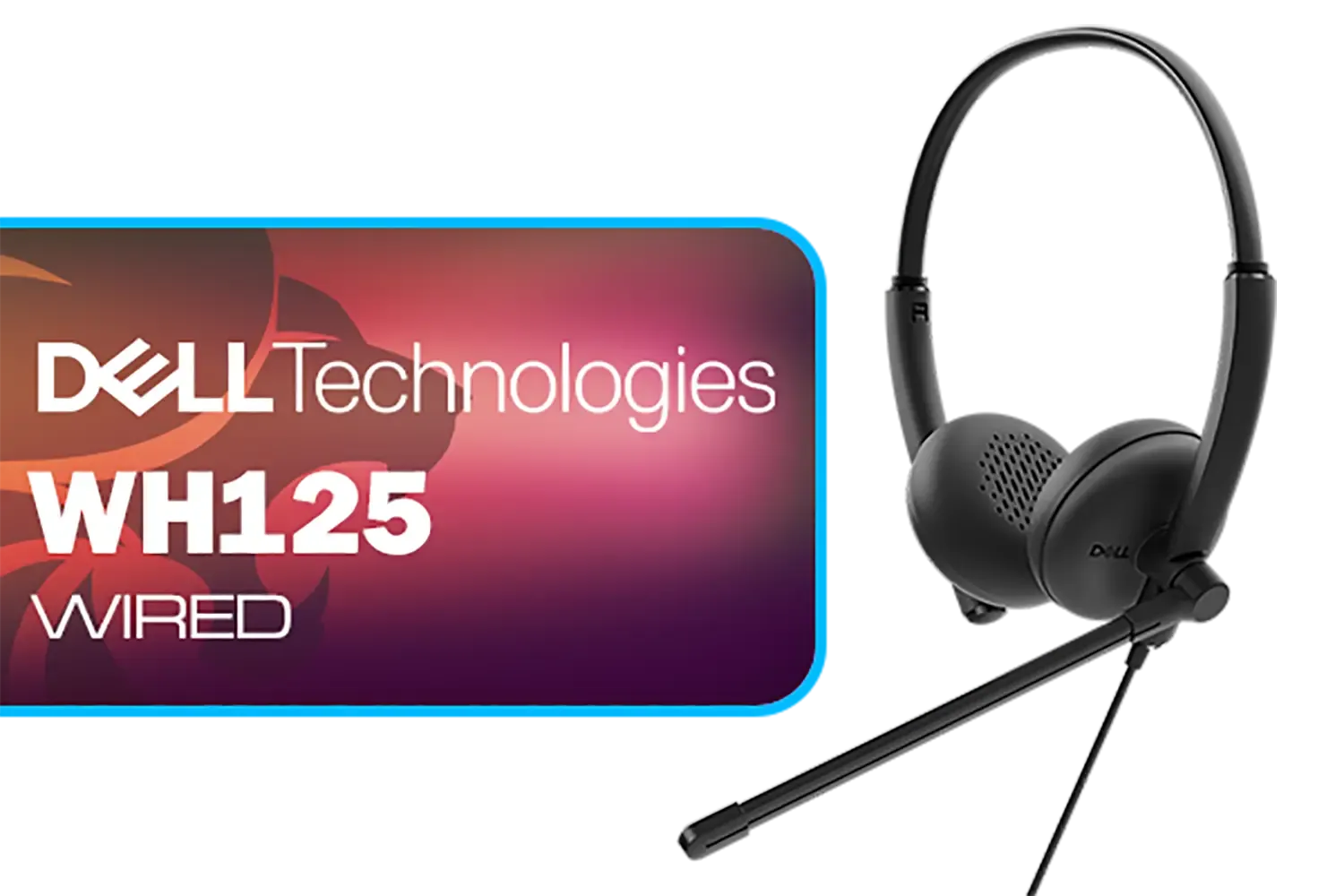
Dell WH125 USB-A Wired Headset / Clear Voice Pickup With Noise Reduction / Adjustable 270° Rotatable Boom Mic / Universal UC Platform Compatibility / Lightweight 125g All-Day Comfort / 520-BBLV
R799.00In Stock

Marvo HP1001 Office Headset / 40mm Speakers / Stereo Sound / HP1001
R299.00In Stock
The Final Verdict for SA Gamers
So, who is this headset for? It’s for the student who games on their PS5 after class but needs to take calls on their laptop. It’s for the professional who wants one reliable audio device for Teams meetings during the day and PC gaming at night.
If you want a single, lightweight, and comfortable headset that can handle almost any device you throw at it, the Barracuda X is a top contender. While it might not have the ultra-premium features of its more expensive siblings, its versatility is unmatched. If you're exploring options, it's worth checking out the full range of Razer headphones & headsets to see how it stacks up for your specific needs.
Ready to Simplify Your Audio Life? The Razer Barracuda X Chroma offers incredible versatility for a great price, making it the perfect all-rounder. Explore our full range of gaming headsets and find the perfect audio solution for your setup.
Related Products

Corsair HS80 MAX WIRELESS Multiplatform Gaming Headset with Bluetooth - Dolby Atmos - Broadcast Quality Microphone - iCUE Compatible - PC, Mac, PS5, PS4, Mobile - White - CA-9011296-AP
R3199.00In Stock
PDP Phantom Air Dual-Mode Wireless Gaming Headset (PS5) - White / 50mm Audio Drivers / 35-Hour Battery Life / Noise-Cancelling Microphone / Official PlayStation License / 052-026-WH
R999.00In Stock
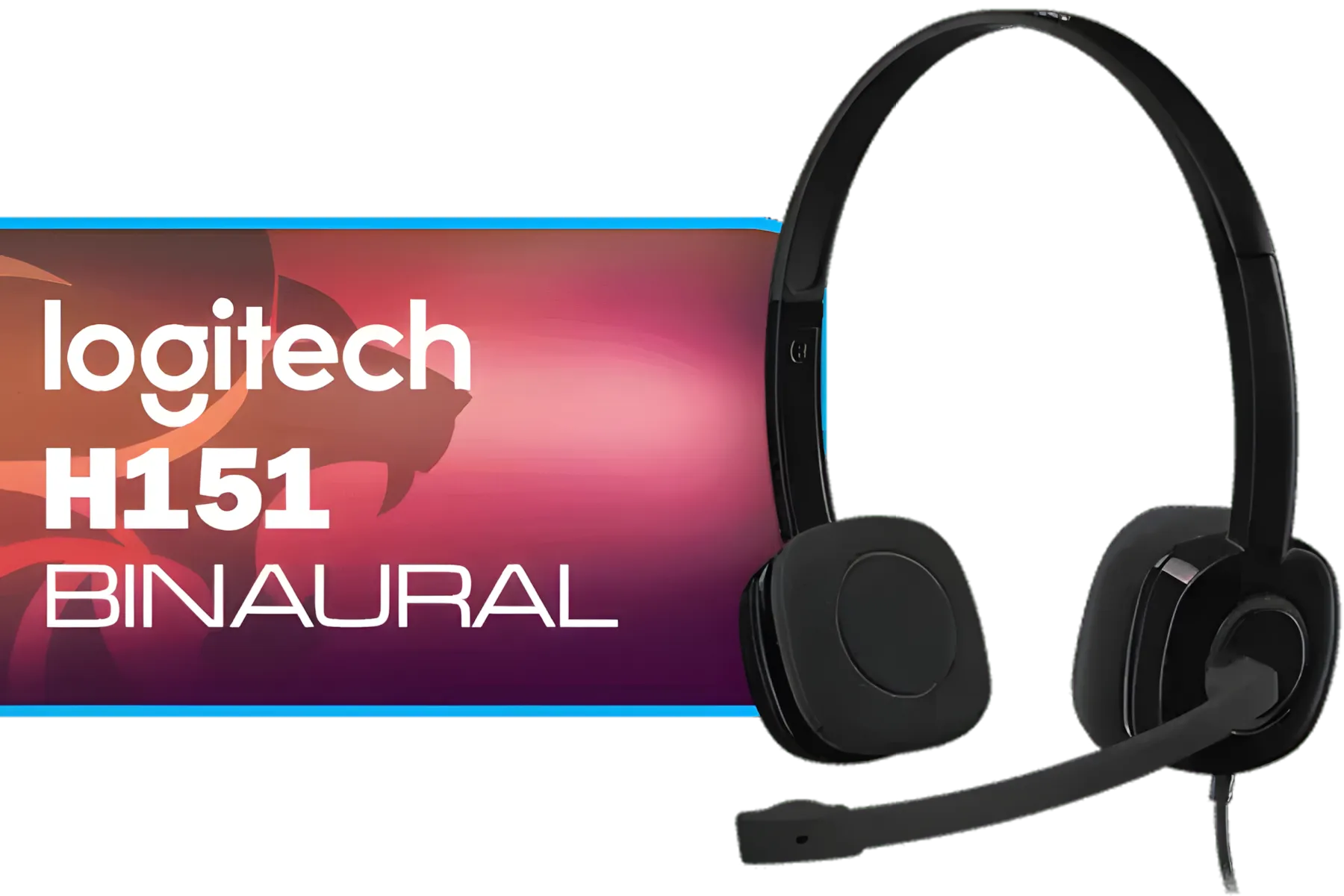
Logitech H151 Binaural Head-Band Headset, Black, (Headset, Black) / 981-000589
R329.00In Stock

Promate Jewel HD Stereo KidSafe Wired Headset - Bubblegum / Safe Audio Levels / Adjustable Headband / 3.5mm Aux Connector / Audio Sharing / JEWEL.BUBBLEGUM
R249.00In Stock

SteelSeries Arctis Nova 7X Wireless Multi-Platform Gaming & Mobile Headset / Nova Acoustic System / Simultaneous Wireless 2.4GHz + Bluetooth / 38Hr Battery / USB-C / Xbox, PC, PS, Switch, Mobile / 61565
R2499.00In Stock

SteelSeries Arctis Nova 1 Multi-System Gaming Headset — Hi-Fi Drivers — 360° Spatial Audio — Comfort Design — Durable — Ultra Lightweight — Noise-Cancelling Mic — PC, PS5/PS4, Switch, Xbox - Black / 61606
R1149.00In Stock
To pair via Bluetooth, ensure the headset is on, then press and hold the SmartSwitch button for 5 seconds until the status indicator flashes blue rapidly.
SmartSwitch allows the headset to connect to 2.4GHz and Bluetooth simultaneously, letting you seamlessly switch between gaming audio and mobile calls.
Download the Razer Chroma RGB app on your mobile device or use Synapse on PC to customize the 6-zone lighting effects on the earcups.
Yes, the Razer Audio app allows you to check battery status, adjust EQ settings for music or gaming, and toggle 'Do Not Disturb' mode.
With SmartSwitch active, incoming calls automatically interrupt game audio. Press the power button once to answer the call without unplugging the dongle.
Yes, the Razer TriForce 40mm Drivers deliver clear highs and punchy bass, making it an excellent hybrid headset for both high-fidelity music and gaming.








