




Is your PC sounding more like a jet engine than a high-performance gaming rig during intense sessions? We've all been there. That sudden fan noise and stuttering frame rate isn't just annoying… it's your CPU crying out for help. High temperatures can cripple performance and even damage components over time. But there's a straightforward fix. It's time to learn how to reduce CPU temperatures with the TITAN 360 RX and unlock your PC's true potential.
Why High CPU Temps are a Silent Rig Killer
When your CPU gets too hot, it automatically slows itself down to prevent damage. This process, called thermal throttling, is what causes those frustrating performance drops mid-game. Consistently high temperatures can also shorten the lifespan of your processor. Effective CPU cooling isn't a luxury; it's essential for maintaining peak performance and protecting your investment. A good cooling solution ensures you get every bit of power you paid for, keeping your gameplay smooth and responsive. ⚡
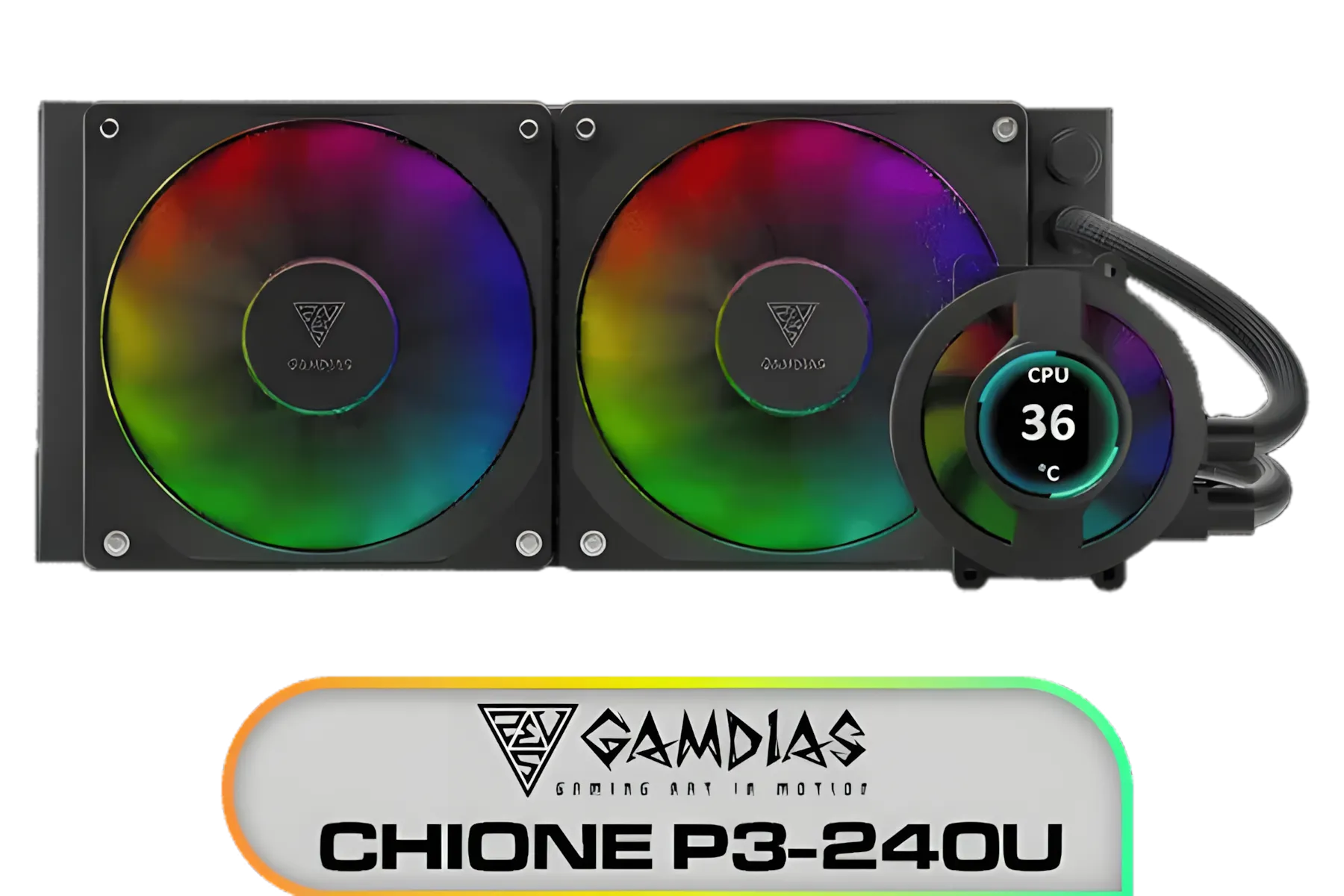
Gamdias CHIONE P3-240U All-in-One CPU Liquid Cooler / Personalized Lcd Display / Superior Radiator / Superior Airflow Performance / Premium Hydraulic Bearing / CHIONE-P3-240U
R2399.00In Stock

Intel Laminar RM1 Thermal Solution CPU Cooler for LGA1700 / BXTSRM1
R249.00In Stock

EK 280mm AIO D-RGB All-in-One CPU Liquid Cooler / Water Cooling Computer Parts / 140mm Fan / EK-Vardar High-Performance PMW Fans / Outstanding Thermal Conductivity / Support - Intel 115X/1200/2066, AMD AM4 / EK-AIO-280-D-RGB
R2699.00In Stock
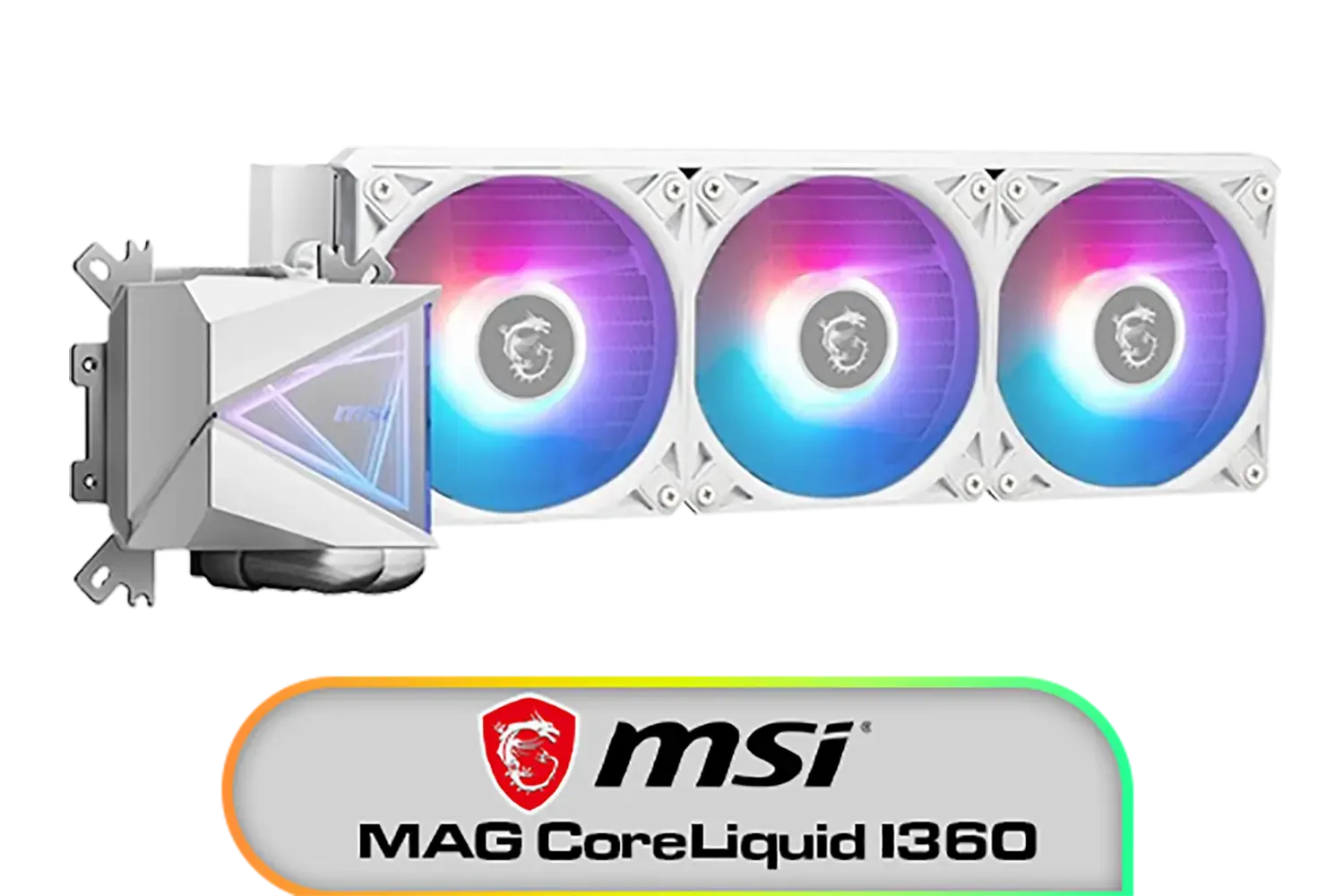
MSI MAG CoreLiquid I360 Liquid Cooler - White / LDB Bearing Quiet Fans / Dual-Sided Infinite Mirror Cooling / Flexible Nylon-Braided Cooling Tubes / Durable EPDM Anti-Evaporation Tubing / 306-7ZW8E21-C24
R2599.00In Stock

DeepCool LS520S Zero Dark All In One Liquid CPU Cooler, 240mm Radiator, 2 x 120mm Deepcool Fans, Intel/AMD / LS520S-Zero-Dark
R1599.00In Stock
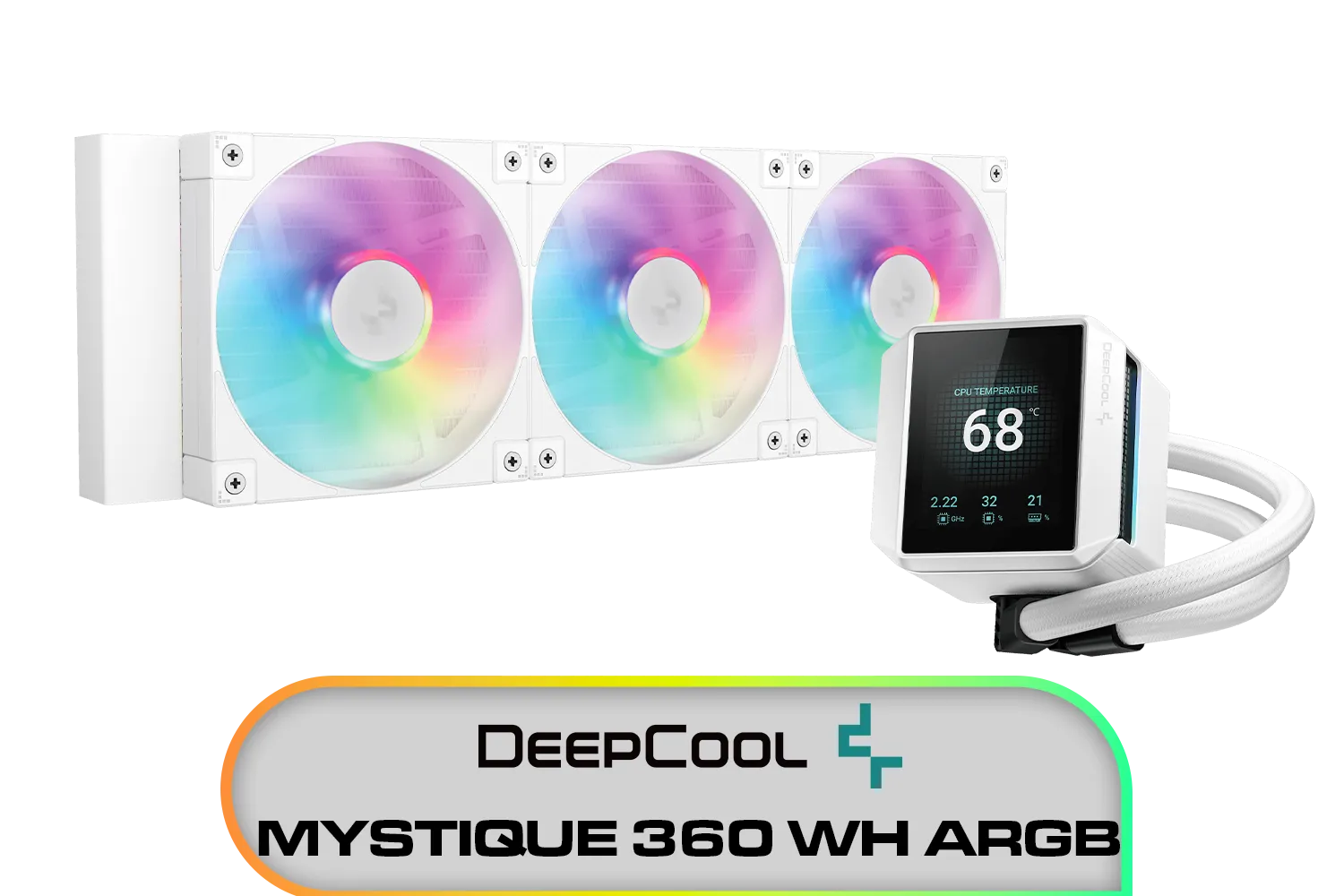
DeepCool MYSTIQUE 360 WH ARGB / 360mm Radiator / ANTI-LEAK Technology / 3x ARGB Fans Included / SHARP 2.8" LCD Screen / Compatible with AMD & Intel / MYSTIQUE-360-WH-ARGB
R2999.00In Stock
How an AIO Cooler Like the TITAN 360 RX Works
Unlike traditional air coolers that use a heatsink and fan, an All-in-One (AIO) liquid cooler uses a closed loop of liquid to transfer heat away from your CPU. The TITAN 360 RX excels here. It pumps liquid through a block on top of your CPU, absorbing the heat. This heated liquid then travels to a large 360mm radiator where three powerful fans disperse the heat, before the cooled liquid cycles back. This method is incredibly efficient and often much quieter, helping you reduce CPU temperatures significantly.
TIP FOR YOU
Installation Pro Tip 🔧
When installing any new CPU cooler, always clean the old thermal paste off your CPU with isopropyl alcohol. Apply a pea-sized dot of new, high-quality thermal paste in the centre of the CPU before mounting the cooler. This ensures optimal heat transfer and is crucial for the best cooling performance.
Key Features for Maximum Cooling
The secret to the TITAN 360 RX's cooling performance lies in its design. The large 360mm radiator provides a massive surface area for heat dissipation, while the triple fan setup ensures consistent, high-volume airflow. This combination is ideal for powerful, heat-generating processors from both Intel and AMD. By efficiently moving heat away from the chip, the TITAN 360 RX keeps your system stable even under heavy loads, from marathon gaming sessions to demanding creative work. A cool, quiet rig lets you focus on what matters... the win.

CORSAIR iCUE Link H100i RGB Liquid CPU Cooler - 240mm AIO - QX120 RGB Fans - Fits Intel® LGA 1700, AMD® AM5 - iCUE Link System Hub Included - White / CW-9061005-WW
R3899.00In Stock
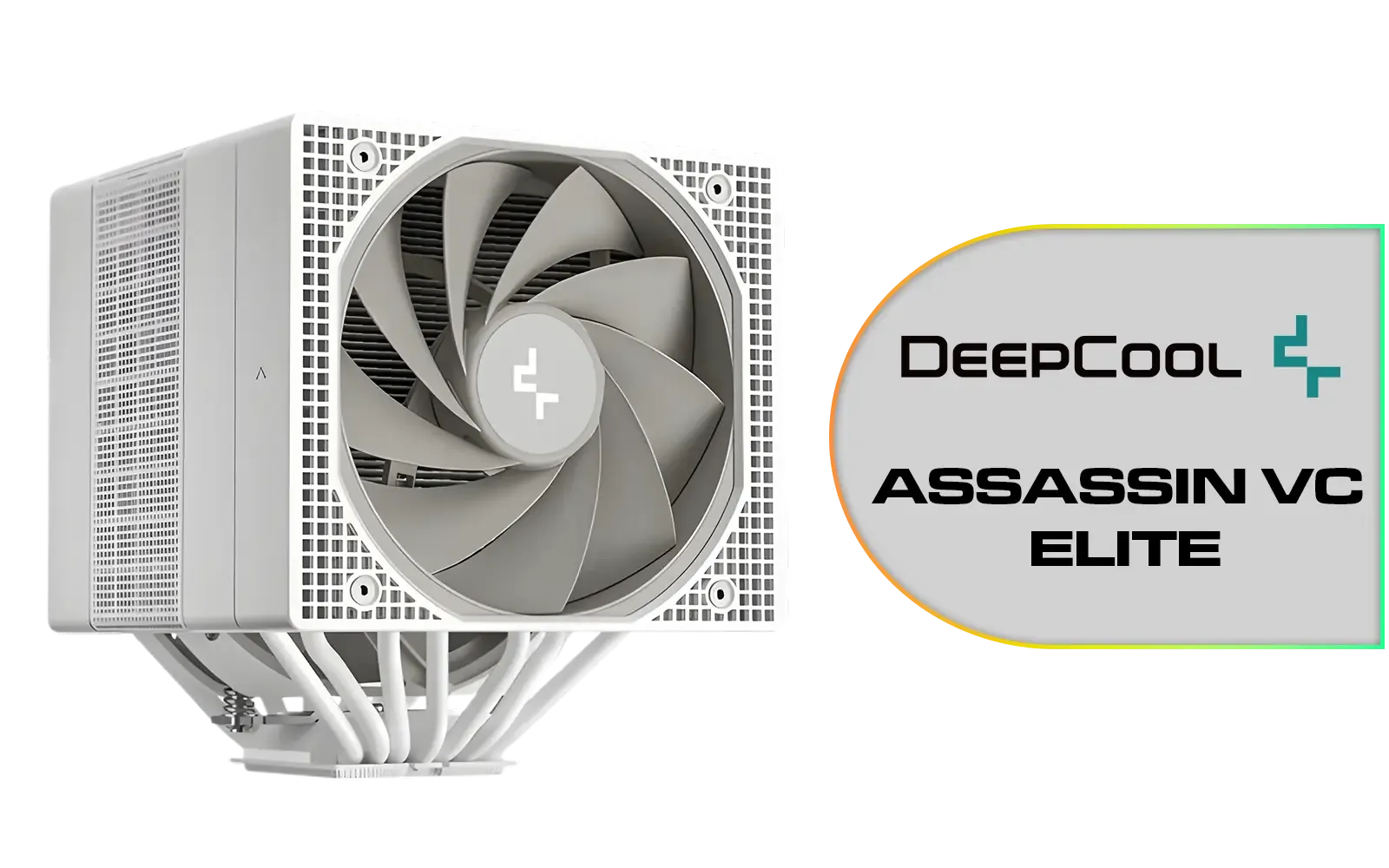
Deepcool ASSASSIN VC ELITE CPU Cooler - White / Dual Fan Vapor Chamber Design / 300W TDP / Fan Speed 500~1800 RPM / Airflow 61.25 & 58.06 CFM (Performance Mode) / Motherboard Support: Intel LGA 2066/2011 v3/2011/1851/1700/1200/1150/1151/1155, AMD AM5/AM4 / ASSASSIN-VC-ELITE-WH
R1999.00In Stock
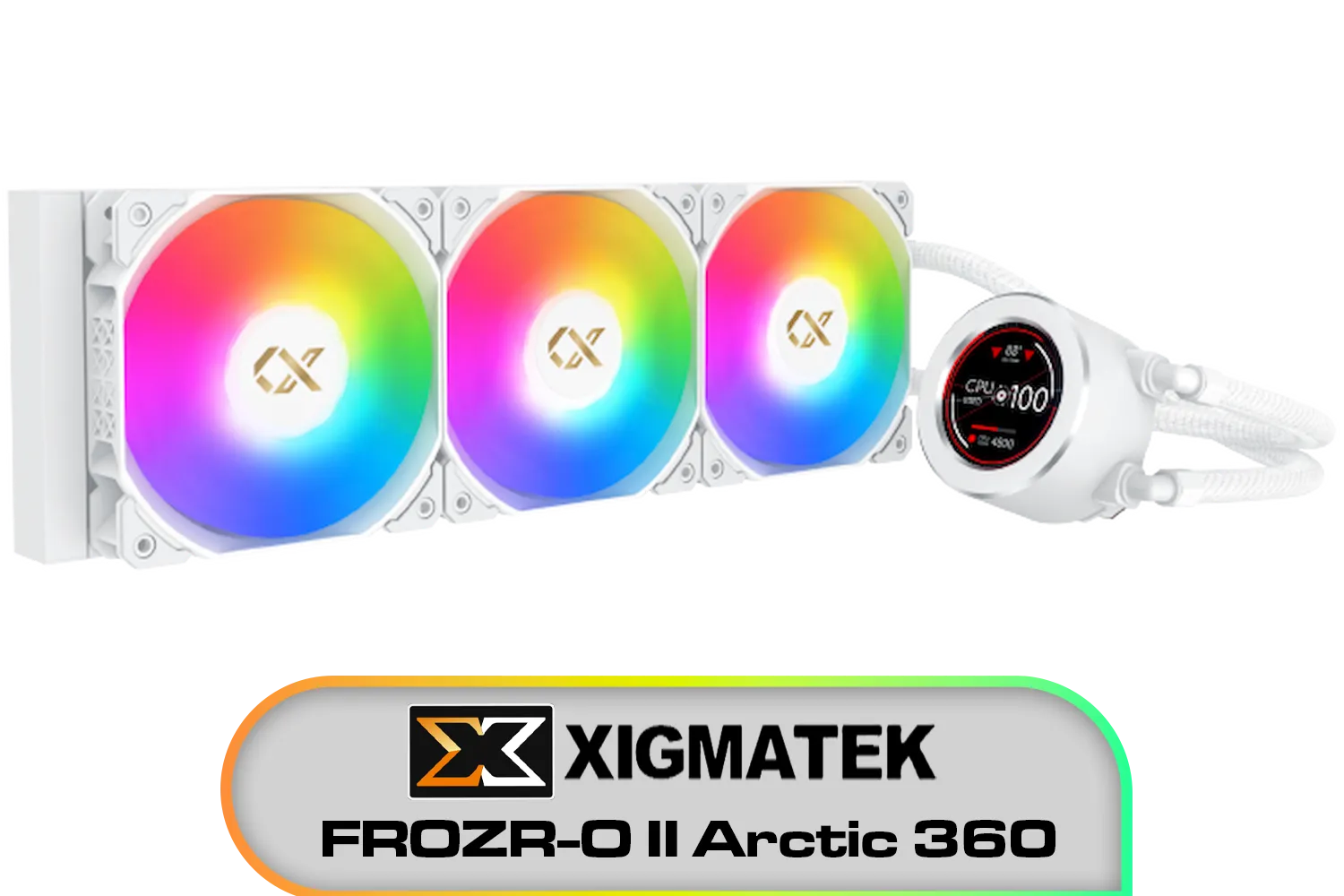
Xigmatek FROZR-O II Arctic 360 AIO Liquid Cooler - White / Digital LCD Pump Head / Support Latest Specifications AMD/Intel / Low Noise PWM Fan / ARGB Controller / 7 Different Modes / EN40450
R2299.00In Stock
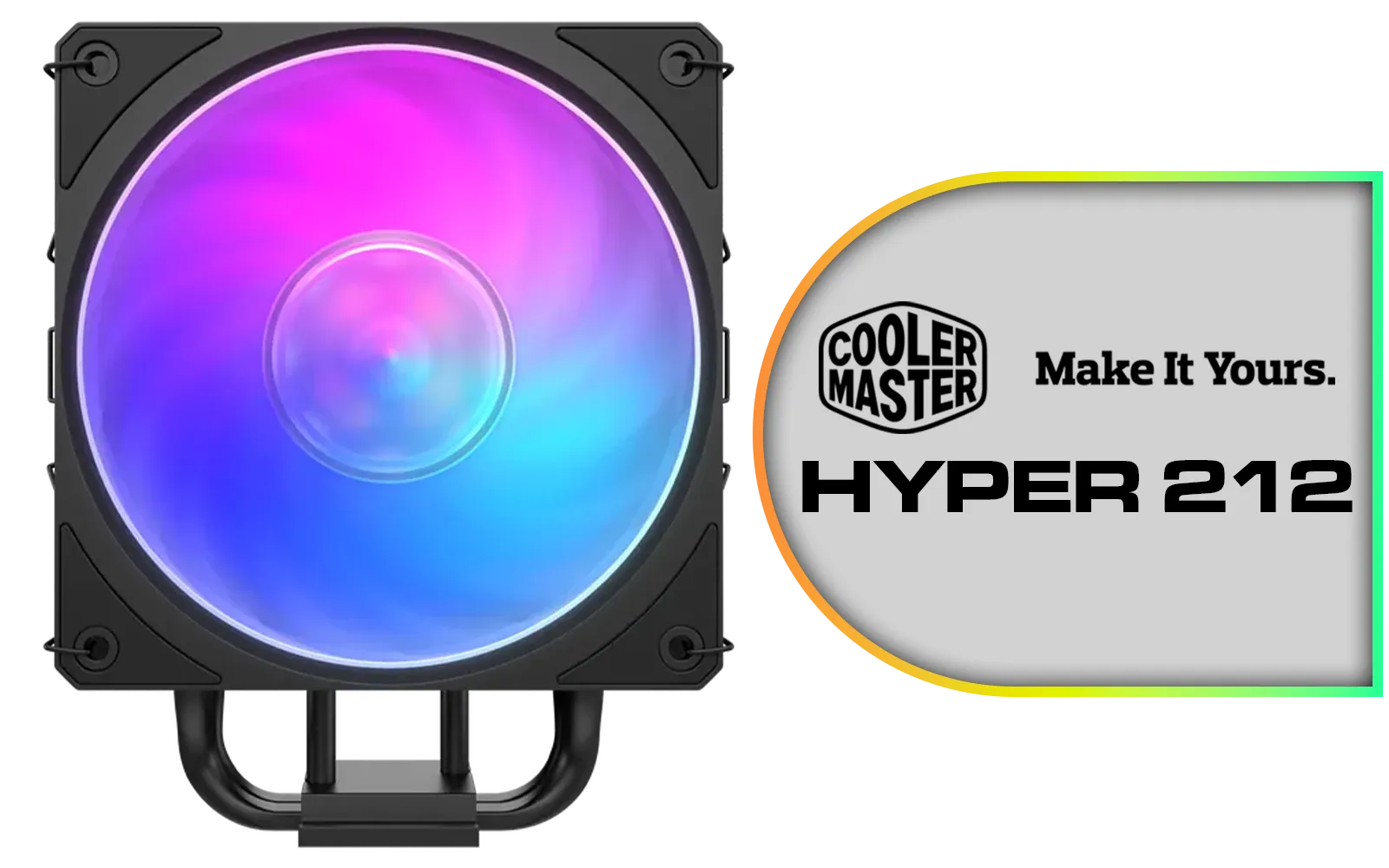
Cooler Master Hyper 212 3DHP Black ARGB Air Cooler / Superior Thermal Performance with 3DHP Heat Pipe Technology / Includes Mobius 120mm Fan / 2050 RPM Fan Speed / Supports Intel LGA 1851, 1700, 1200, 1151, 1150, 1155, 1156 & AMD AM5, AM4 Sockets / MAY-T2HP-217PA-R1
R799.00In Stock
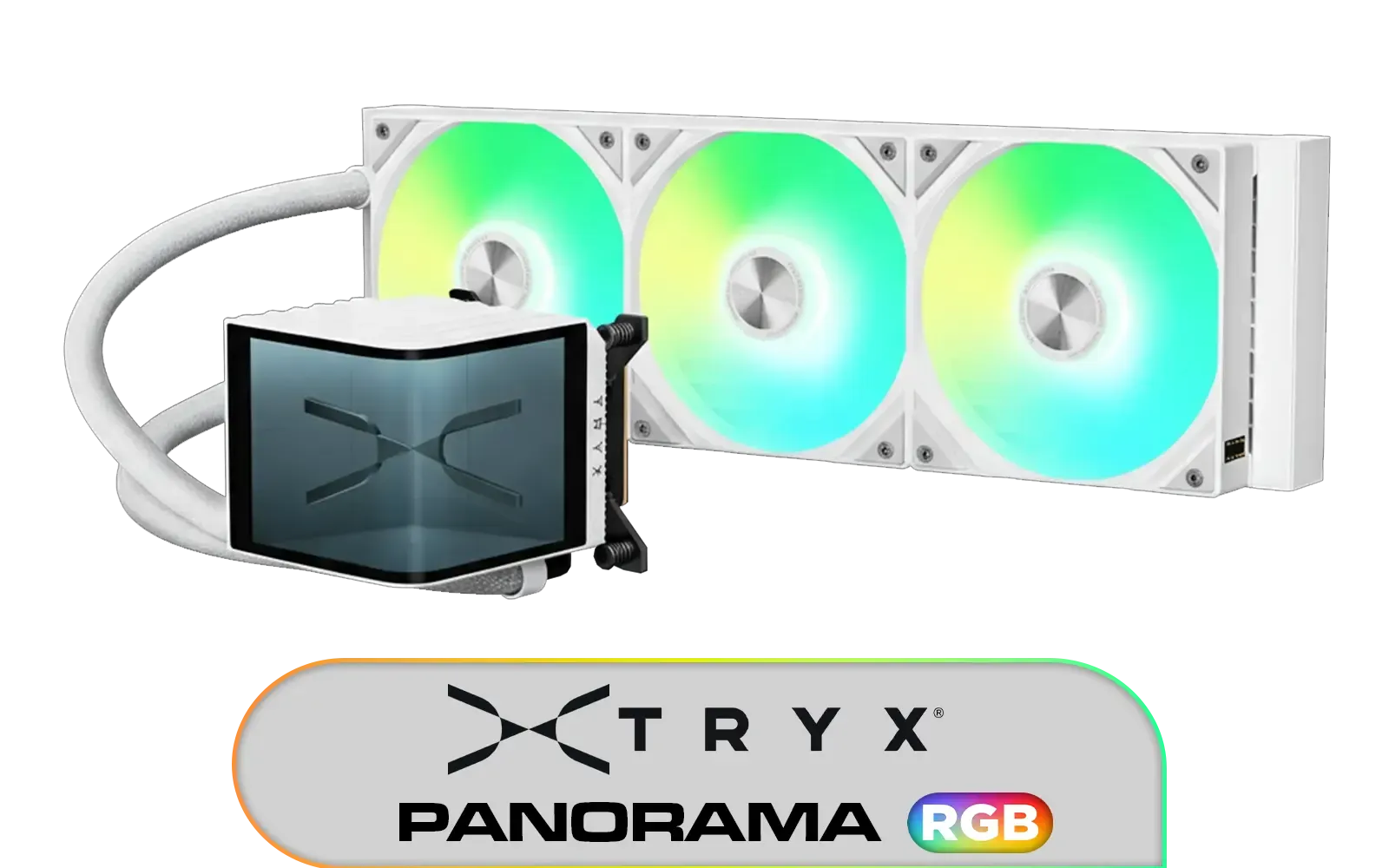
TRYX PANORAMA ARGB 360mm Liquid Cooler - White / L-Shaped AMOLED Screen / Support Latest Specifications AMD/Intel / Adjustable Mounting Bracket / High-Performance Pump / L-P360A-AS3M-G1W
R6599.00In Stock
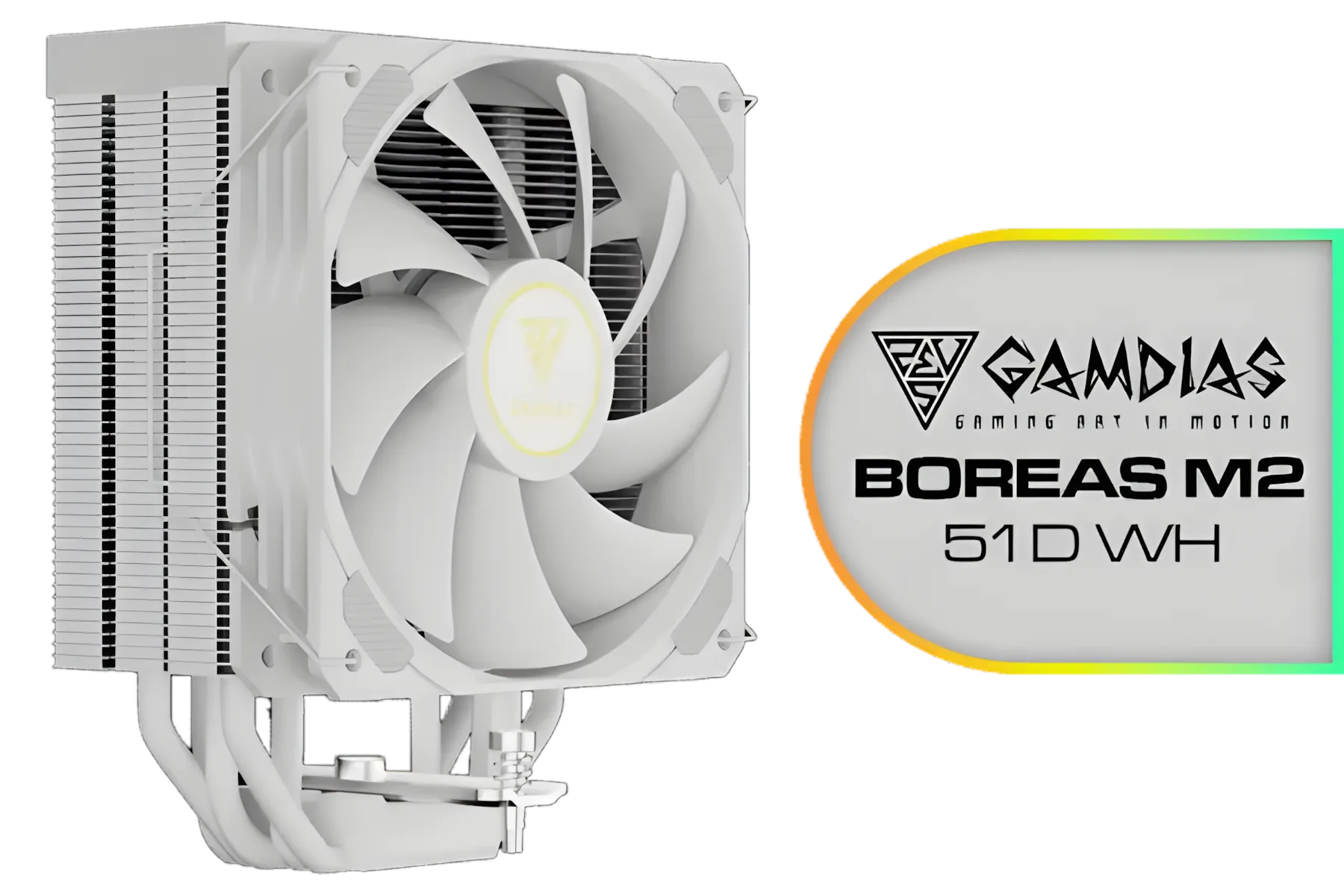
Gamdias BOREAS M2-51D WH CPU Cooler White / 5 Copper Heat Pipes with Direct Contact Technology / 5 Copper Heat Pipes with Direct Contact Technology / BOREAS-M2-51D WH
R799.00In Stock
Completing Your High-Performance Setup
Once you've sorted out your PC's core cooling, you can focus on the peripherals that translate that smooth performance into victory. A great cooling system deserves a top-tier gaming keyboard to match. For those who love customisation, the premium feel of Glorious gaming keyboards offers an unmatched typing and gaming experience.
Of course, many gamers swear by the classics. A legendary Razer gaming keyboard provides the speed and reliability needed for competitive play. And to complete your battle station's aesthetic, nothing ties a build together quite like a vibrant RGB Razer gaming keyboard, syncing its colours with your newly chilled-out rig. ✨
Ready to Chill Out Your CPU? High temperatures are the enemy of peak performance. Don't let thermal throttling ruin your next gaming session. Explore our full range of CPU coolers and find the perfect solution to keep your rig running cool and quiet.
Related Products

Cooler Master Hyper 212 Black X Duo CPU Air Cooler / Dual SickleFlow 120 Edge fans / CryoFuze thermal paste / Compatible with AMD & Intel CPU's / RR-S4KK-25DN-R1
R999.00In Stock

Corsair iCUE LINK TITAN 240 RX LCD Liquid CPU Cooler – 240mm AIO – Low-Noise – FlowDrive Cooling Engine – Intel LGA 1851/1700, AMD AM5/AM4 – 2x RX120 RGB Fans – iCUE LINK System Hub Included – White / CW-9061025-WW
R4499.00In Stock

DeepCool Mystique 360 ARGB Liquid CPU Cooler, 2.83" TFT LCD Display, 360mm Radiator, 120mm Fan Size, 2400 RPM Fan Speed, 72.04 CFM Airflow, Hydro Bearing Type, Black / MYSTIQUE-360-ARGB
R2799.00In Stock

Corsair NAUTILUS 240 RS ARGB Liquid CPU Cooler – 240mm AIO – Low-Noise – Direct Motherboard Connection – Daisy-Chain – Intel LGA 1851/1700, AMD AM5/AM4 – 2x RS120 ARGB Fans Included – White / CW-9060094-WW
R1999.00In Stock

ASUS TUF Gaming LC 240 RGB Zaku II Limited Edition All-In-One Liquid CPU Cooler / Addressable RGB Radiator Fan / NCVM-coating pump cover / illuminated RGB ZAKU II / 90RC0093-M0UAY0
R2199.00In Stock

DeepCool Liquid Cooler LT520 240mm 4th Gen Dual-Chamber Pump 3100RPM Multidimensional Infinity Mirror ARGB Block 280w TDP AIO Cooler Anti-Leak Tech CPU Water Cooler for AMD AM4/AM5 LGA 1700/1200 / LT520
R1749.00In Stock
Optimize fan curves, reapply quality thermal paste, verify mounting, boost pump RPM, and improve case airflow. See titan 360 rx fan curve settings.
Yes. Steeper fan curves lower CPU temps during heavy workloads. Adjust titan 360 rx fan curve settings to balance noise and cooling.
Choose a high-performance ceramic or metal-based thermal compound for better heat transfer; models listed under best thermal paste for titan 360 rx.
Yes. Proper mounting reduces air pockets and maintains pump flow. Follow titan 360 rx mounting tips to avoid trapped air and improve cooling.
Lower temps via fan curves, improved case airflow and fresh thermal paste to reduce throttling and maintain boost under heavy workloads.
Custom loops can yield slightly lower temps and expandability, but the titan 360 rx offers strong all-in-one performance with easier water cooling setup.
Clean fans and radiators every 3–6 months and reapply thermal paste every 18–24 months or if temperatures rise, per cpu temperature troubleshooting titan 360 rx.











