



Buying Second-Hand PC Parts in South Africa: Risks vs Rewards
Exploring the market for second-hand PC parts in South Africa? 🇿🇦 We analyze the risks, pricing trends, and best platforms like Carbonite. Discover if buying used GPUs and CPUs is worth the savings or if new hardware is the safer bet for your rig.
|
Loading tags...
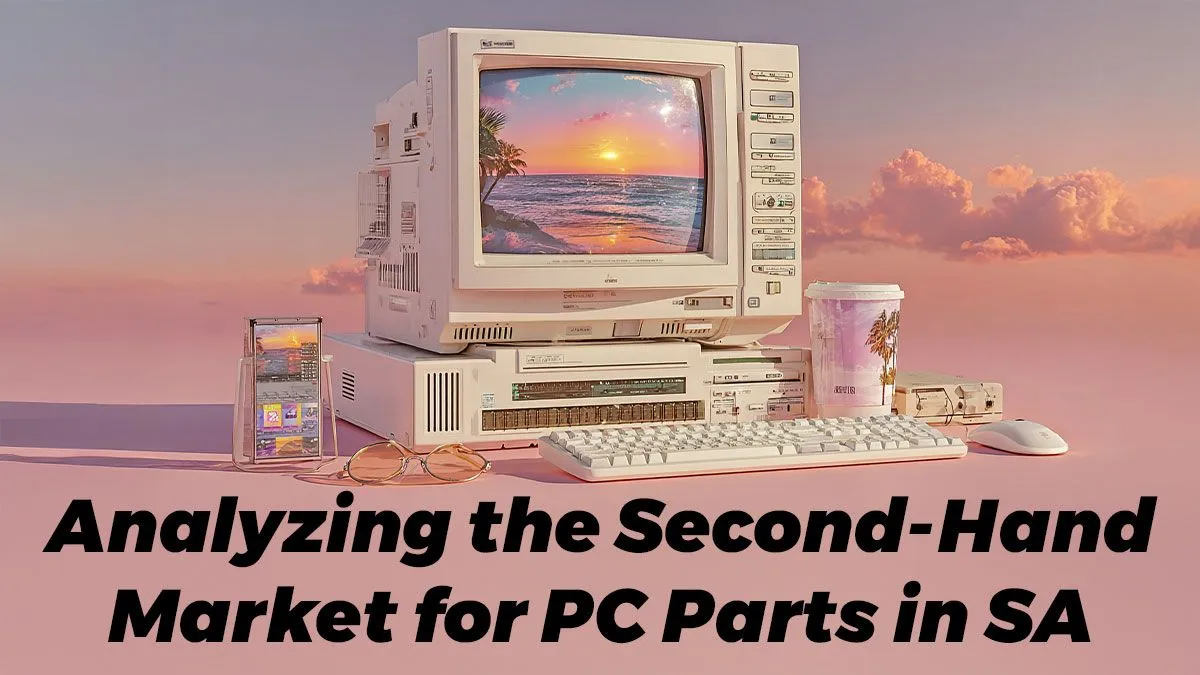
Trawling Carbonite or Facebook Marketplace, you spot it: a high-end GPU for a steal. The temptation is real. Building a beast of a PC on a budget is the dream for many South African gamers. But before you hand over your hard-earned Rands for that "slightly used" component, let's talk. Buying second-hand PC parts in South Africa can be a brilliant move... or a fast track to a very expensive paperweight. Let's weigh the risks versus the rewards.
The Allure of the Pre-Owned PC Part Market
Why do we even consider buying used components? The answer is simple: value. You can potentially build a rig that punches far above its price bracket. A previous-generation flagship graphics card can often outperform a brand-new mid-range one for the same price, giving you more frames for your buck.
For builders on a tight budget, the second-hand market makes powerful hardware accessible. It’s also a great way to find specific parts for older systems that are no longer sold new. But this path is filled with potential pitfalls, especially when dealing with core components.

RYZEN 9 9950X 5.7GHz RTX 5090 32GB DDR5 Gaming PC
R79064.00In Stock

RYZEN 5 8400F 4.7GHz GT 710 2GB DDR5 Workstation PC
R11234.00In Stock

RYZEN 7 7800X3D 5.0GHz RTX 5060 Ti 16GB DDR5 Gaming PC
R27299.00In Stock

RYZEN 5 9600X 5.2GHz ARC B580 12GB DDR5 Gaming PC
R22259.00In Stock

Intel Core Ultra 9 285K 5.7GHz RTX 5090 32GB DDR5 Gaming PC
R82424.00In Stock

RYZEN 5 8500G 5.0GHz with Vega Graphics DDR5 PC
R11759.00In Stock
The Big Risks: A Component-by-Component Breakdown
Not all used parts are created equal. Some are relatively safe bets, while others are a massive gamble. Understanding the specific risks associated with each component is key to making a smart decision when buying second-hand PC parts in South Africa.
Graphics Cards (GPUs): The Biggest Gamble 🃏
This is the component everyone wants a deal on, and it's also the riskiest. A used GPU could have been run 24/7 for years in a crypto mining farm, significantly shortening its lifespan. These cards often look fine but can suffer from degraded thermal paste, failing fans, or memory errors that only appear under heavy load.
A seller might show you it "works," but you won't know its true condition without proper stress testing. For guaranteed performance and a solid warranty, exploring a new NVIDIA or AMD graphics card is often the safer, smarter long-term play.
RYZEN 7 7800X3D 5.0GHz RTX 5060 Ti 16GB DDR5 Gaming PC
R27299.00In Stock

AMD RYZEN 5 8400F 4.7GHz RX 9060 XT 16GB DDR5 Budget Gaming PC
R20999.00In Stock
RYZEN 5 8400F 4.7GHz GT 710 2GB DDR5 Workstation PC
R11234.00In Stock
RYZEN 9 9950X 5.7GHz RTX 5090 32GB DDR5 Gaming PC
R79064.00In Stock

Intel 14th Gen Core i3 14100F 4.7GHz ARC A380 6GB Gaming PC
R13544.00In Stock
![[Pre Built] Intel Core Ultra 7 265K RTX 5070 Gaming PC](https://img.evetech.co.za/repository/ProductImages/intel-core-ultra-7-265-kf-rtx-5070-gaming-pc-pbs-main-1600px-v1.webp)
[Pre Built] Intel Core Ultra 7 265K RTX 5070 Gaming PC
R38849.00In Stock
Motherboards & CPUs: The Heart of Your Rig
CPUs are generally robust, but a de-lidded processor or one that's been aggressively overclocked could be unstable. The real danger lies with motherboards. Bent CPU socket pins are a common and often fatal issue. A tiny bit of hidden physical damage or a failing capacitor can lead to system instability that’s a nightmare to diagnose. When buying these core parts, a new, warrantied option like our Intel and AMD motherboard selection provides crucial peace of mind. For an even safer bet, consider an upgrade bundle pack which guarantees compatibility from the start.
TIP FOR YOU
Buyer Beware: Testing a Used GPU ⚡
If you can test a second-hand GPU before buying, run a benchmark tool like FurMark or 3DMark Time Spy for at least 15-20 minutes. Watch the temperatures closely—if they skyrocket above 90°C, that's a major red flag. Also, look for any visual glitches, artifacts, or screen flickering during the test. These are signs of a dying card.
Power Supplies (PSUs): The Silent System Killer
Never, ever skimp on your power supply. A cheap or failing second-hand PSU is one of the few components that can destroy your entire system when it dies. Ageing capacitors and internal wear-and-tear are invisible to the eye. You have no idea how much stress the unit has been under. The small saving you make is not worth the risk of frying your expensive CPU and GPU. A brand-new, reliable Corsair power supply with a multi-year warranty is a non-negotiable investment for any serious build.

RYZEN 5 7500X3D RTX 5060 DDR5 Gaming PC
R22049.00In Stock
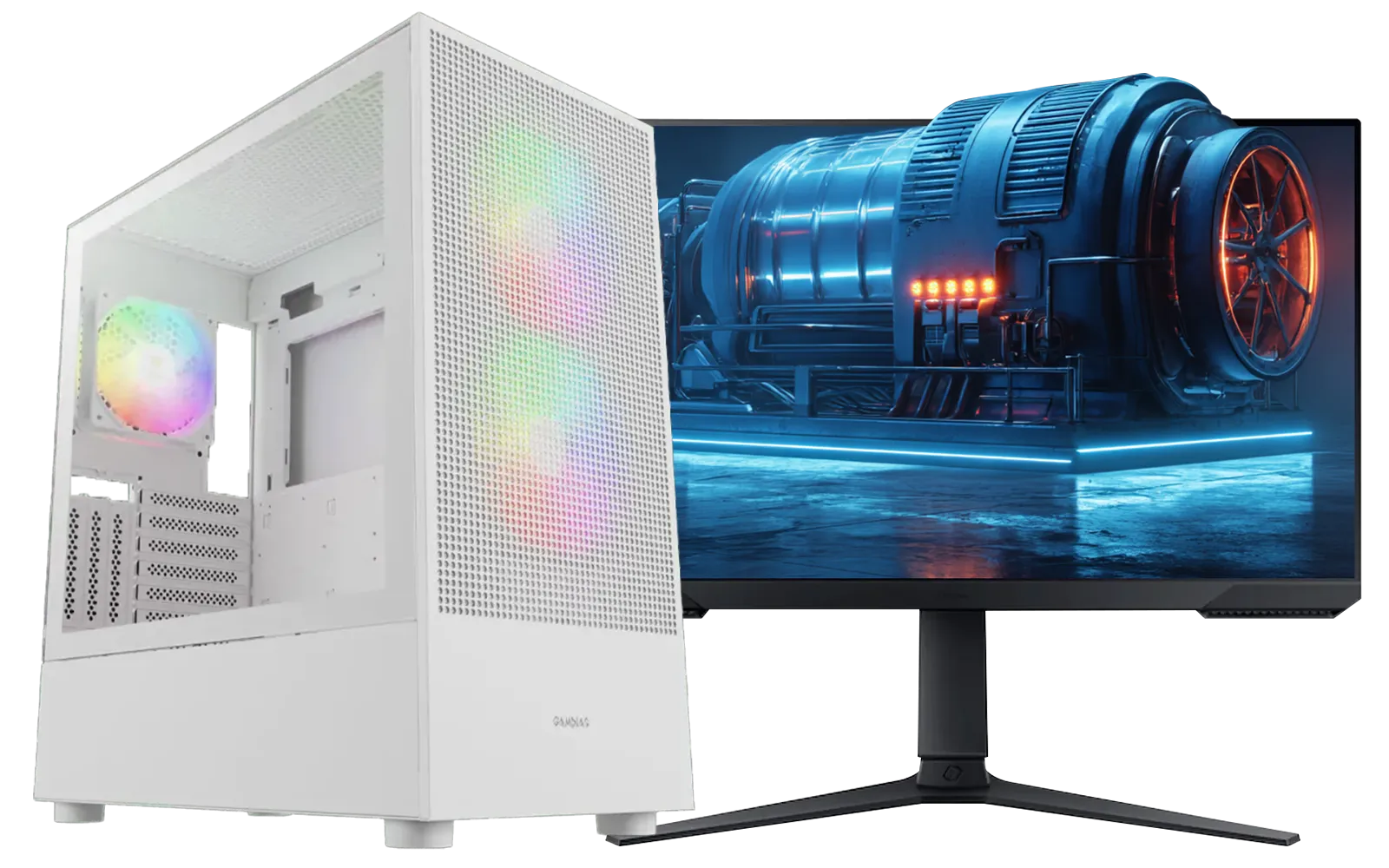
RYZEN 5 9600X 5.2GHz A400 4GB DDR5 Workstation PC
R18269.00In Stock
RYZEN 5 8400F 4.7GHz GT 710 2GB DDR5 Workstation PC
R11234.00In Stock

AMD RYZEN 5 8400F 4.7GHz RTX 5060 8GB DDR5 Budget Gaming PC
R18794.00In Stock
![[Pre Built] AMD Ryzen 7 9800X3D RX 9070 XT Gaming PC](https://img.evetech.co.za/repository/ProductImages/ryzen-7-9800-x-3-d-rx-9070-xt-gaming-pc-48-gb-2-tb-nvme-main-1600px-v1.webp)
[Pre Built] AMD Ryzen 7 9800X3D RX 9070 XT Gaming PC
R71399.00In Stock
RYZEN 5 9600X 5.2GHz RX 9060 XT 16GB DDR5 Gaming PC
R23624.00In Stock
RAM & Storage: The Memory Game
Used RAM can be a decent buy, but it's not without risk. A faulty stick can cause random blue screens and data corruption that are incredibly frustrating to track down. Always run a full MemTest86 scan on any second-hand RAM. Similarly, SSDs have a limited number of writes. A heavily used drive might be near the end of its life. While you might save a few hundred Rand on some DDR4 or DDR5 RAM modules, the potential for headaches is high.
Cases & Coolers: The Safest Bets 🔧
Finally, some good news! Cases and coolers are generally the safest components to buy second-hand. The main things to check for are physical damage: stripped screws, dents, broken plastic clips, or missing parts. For coolers, ensure the mounting hardware for your specific socket is included and that the fans spin freely. Even so, sometimes a fresh, clean computer case or a high-performance CPU cooler is worth the small premium for a hassle-free build.

RYZEN 7 9700X RTX Pro 2000 DDR5 Workstation PC
R36749.00In Stock
Intel Core Ultra 5 225F 4.9GHz A400 4GB DDR5 Workstation PC
R14699.00In Stock
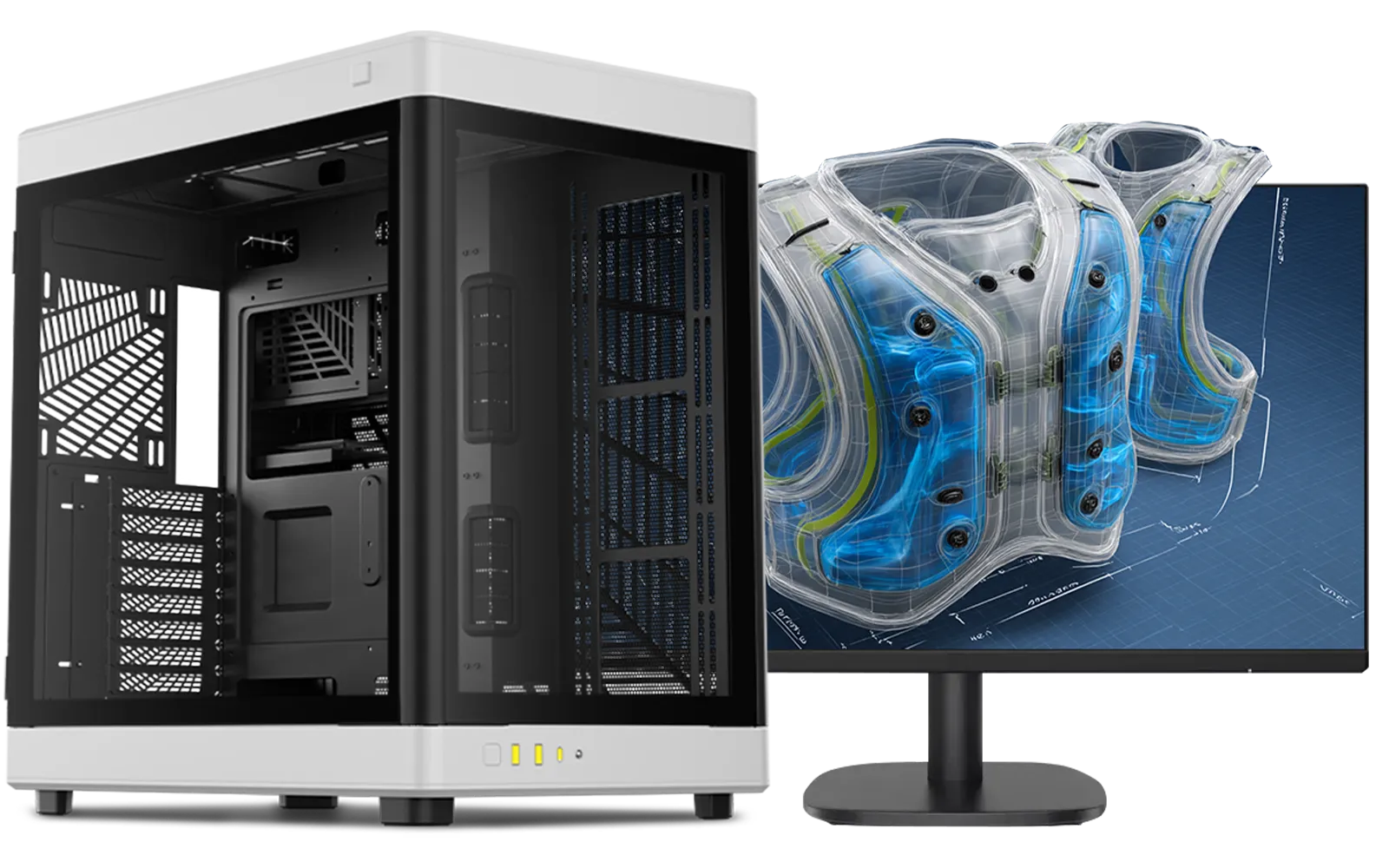
Intel Core Ultra 9 285K 5.7GHz RTX 5000 Ada 32GB DDR5 Workstation PC
R134399.00In Stock
Intel Core Ultra 5 245K 5.2GHz RTX 5060 8GB DDR5 Gaming PC
R31499.00In Stock
AMD RYZEN 5 8400F 4.7GHz RTX 5060 8GB DDR5 Budget Gaming PC
R18794.00In Stock
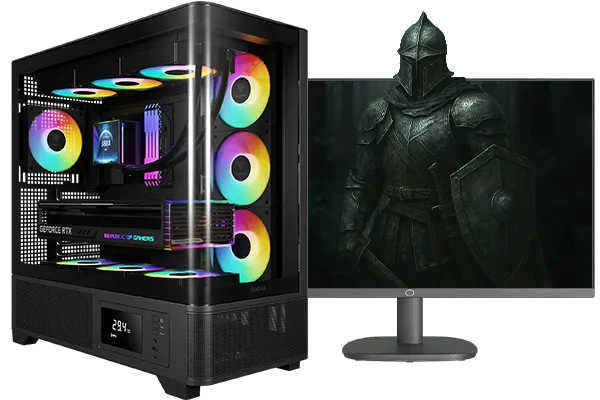
Intel Core Ultra 5 245K 5.2GHz RTX 5060 Ti 16GB DDR5 Gaming PC
R30659.00In Stock
The Verdict: Is Buying Second-Hand PC Parts Worth It?
Buying used can definitely save you money, but it transforms your PC build from an engineering project into a high-stakes treasure hunt. The rewards are tangible savings, but the risks—no warranty, potential for hidden damage, and the lack of recourse if something goes wrong—are significant.
For beginners or anyone who values their time and peace of mind, buying new is almost always the better option. The manufacturer's warranty is your safety net, ensuring that your investment is protected. For experienced builders who know how to test components thoroughly and are willing to accept the risk, the second-hand market can offer some incredible bargains.
Ultimately, the choice is yours. Just be sure to go in with your eyes wide open.
Ready to Build with Confidence? The second-hand market has its deals, but nothing beats the peace of mind and guaranteed performance of new components. With a full warranty and expert support, you can build your dream PC without the risk. Explore our massive range of PC component bundles and start your build the smart way.
Related Products

Intel Core Ultra 5 225F 4.9GHz GT 710 2GB DDR5 PC
R12074.00In Stock
![[Pre Built] Intel Core Ultra 7 265KF RX 9070 XT Gaming PC](https://img.evetech.co.za/repository/ProductImages/intel-core-ultra-7-265-kf-rx-9070-xt-gaming-pc-pbs-main-1600px-v1.webp)
[Pre Built] Intel Core Ultra 7 265KF RX 9070 XT Gaming PC
R43049.00In Stock

Intel Core Ultra 5 225F ARC A380 6GB Gaming PC
R14699.00In Stock
RYZEN 5 9600X 5.2GHz ARC B580 12GB DDR5 Gaming PC
R22259.00In Stock
![[Pre Built] HP OMEN 35L B1ZR4EA Intel Core Ultra 7 265K RTX 4080 SUPER Gaming PC](https://img.evetech.co.za/repository/ProductImages/intel-core-ultra-7-265-k-rtx-4080-super-gaming-pc-pbs-main-1600px-v1.webp)
[Pre Built] HP OMEN 35L B1ZR4EA Intel Core Ultra 7 265K RTX 4080 SUPER Gaming PC
R49349.00In Stock
RYZEN 7 9700X RTX Pro 2000 DDR5 Workstation PC
R36749.00In Stock
It carries risks like hidden damage or no warranty. However, platforms like Carbonite offer rating systems that improve safety compared to general classifieds.
Popular platforms include Carbonite, Facebook Marketplace, and Bob Shop. Always verify seller ratings and ask for stress tests before purchasing.
Request a video call showing the card running benchmarks like FurMark or 3DMark to ensure stability and check thermals under load.
Generally, yes. CPUs are durable components. Check for bent pins on AMD chips or contact pad damage on Intel processors before paying.
You can save 20-40% depending on component age. However, the lack of warranty often makes the price difference less attractive for high-end gear.
We recommend avoiding used PSUs. A failing power supply can damage other components, and valid warranties are crucial for these specific parts.











