



Sim Racing Driving Position: How to Adjust Your Cockpit Perfectly
Mastering your sim racing driving position is crucial for consistency. Learn how to adjust your wheel, pedals, and seat to prevent fatigue and shave seconds off your lap times. 🏎️🏁 Optimize your rig for the ultimate comfort and performance today.
|
Loading tags...
Hitting the apex at Kyalami, lap after lap... but your back is screaming louder than your engine? You're not alone. An uncomfortable setup doesn't just cost you comfort; it costs you tenths of a second on the track. Nailing the perfect sim racing driving position is the most underrated upgrade you can make. It’s about more than just avoiding aches; it’s about control, consistency, and pure immersion. Let's get your cockpit dialled in perfectly. 🔧

Thrustmaster Ferrari GTE Wheel Ferrari 458 Add-On / Complete Racing Controls / 2 Sequential Paddle Sifters / Reinforced Rubber Texture / Ultra-realistic Inertia / TM4060047
R2699.00In Stock

Thrustmaster Ferrari F1 Wheel Add-On / Detachable Racing Wheel / Rubber-Textured for Comfortable Grip / Genuine F1-Style "Push & Pull" Shifters / Rotary Knobs, Switches & Action Buttons / TM4160571
R4299.00In Stock

Logitech Gaming G29 Driving Force Racing Wheel / For Playstation 3 and Playstation 4 / Dual-Motor Force / Easy-Access Game Controls / 900° Steering / Easy-Access Game Controls / 941-000112
R6399.00In Stock

Logitech Gaming G920 Driving Force Racing Wheel / Works with XBOX one and PC / Dual-Motor Force / Easy-Access Game Controls / 900° Steering / Easy-Access Game Controls / 941-000123
R6399.00In Stock

Logitech G Gaming Driving Force Shifter / For G29 And G920 Driving Force Wheels / Six Speed Shifter / Secure Mounting / Quality Construction / 941-000130
R1099.00In Stock
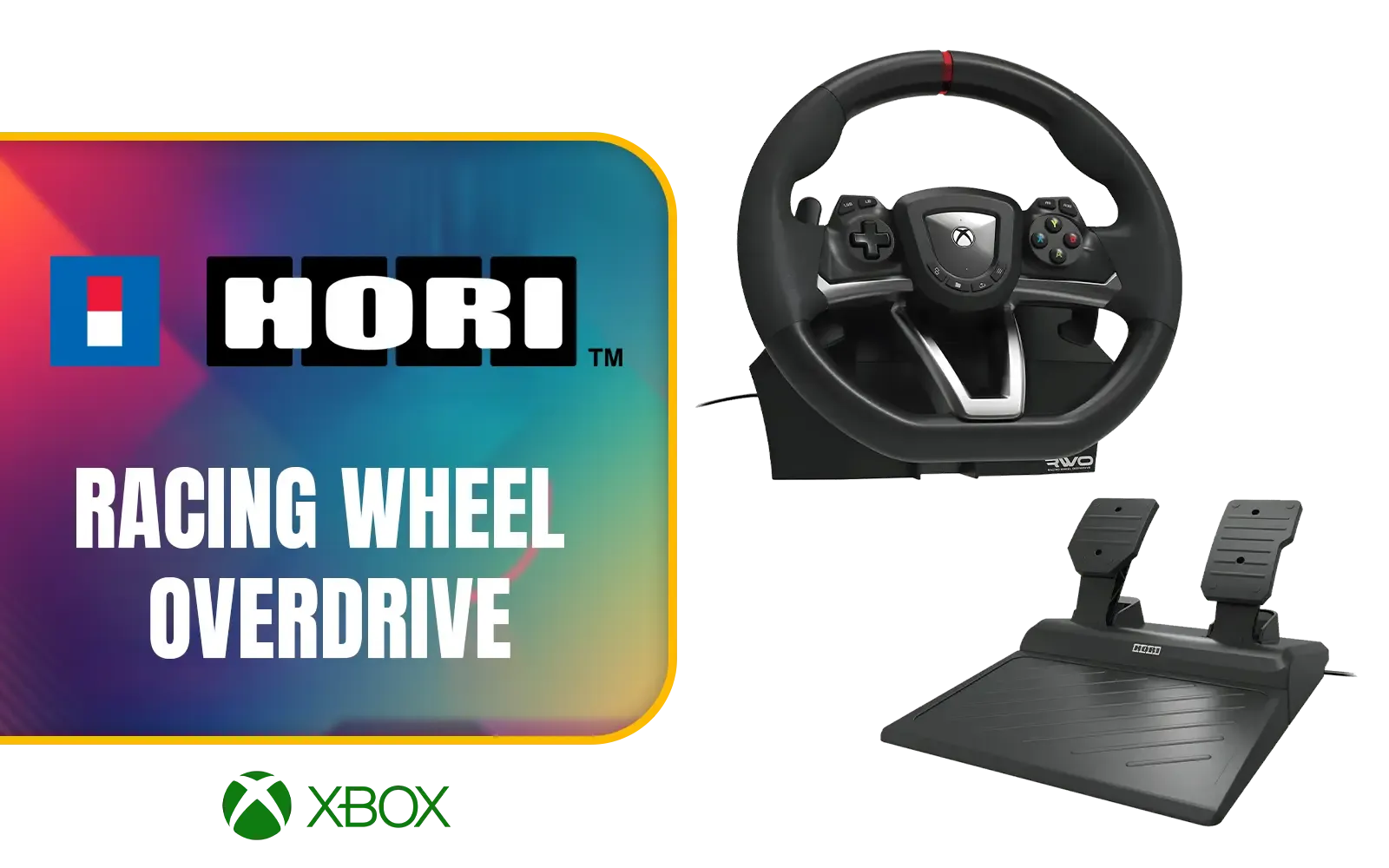
Hori Racing Wheel Overdrive - XBOX / Adjustable 270 Degree Turn Radius / Programmable Buttons / Central Clamping System / Compatible With Xbox Series X|S, Xbox One, and PC / HOR-AB04-001U
R3699.00In Stock
Why Your Driving Position is Your Secret Weapon
Before we start adjusting, let's understand the goal. A proper sim racing driving position isn't about mimicking a specific F1 or GT driver. It's about creating a stable, repeatable, and comfortable posture that allows for precise inputs over long stints.
Get it right, and you'll experience:
- Improved Consistency: Your muscle memory builds faster when your body is in the same optimal position for every race.
- Better Car Control: You'll have more leverage on the wheel and better feel for the pedals, especially during intense braking.
- Reduced Fatigue: No more aching back or sore shoulders after an hour-long race. You can focus on the track, not your discomfort.
- Deeper Immersion: A correct setup makes the simulation feel more like a real car.

Thrustmaster T-Lcm Cockpit Adapter - 100% Metal Bars That Let You Easily Install The Thrustmaster T-Lcm Pedals Pedal Set In Your Cockpit Configured for The T3PA or T3PA-PRO Pedal Set / 4060167
R199.00In Stock

Logitech G923 TRUEFORCE Sim Racing Wheel for Playstation AND PC. Features next gen force feedback, launch assist control, premium build, RPM indicator, on-wheel controls, progressive brake pedal / 941-000149
R8499.00In Stock

Thrustmaster 4060091 Sim Hub / Supports Xbox One / PlayStation 4 / Connect up to 4
R1199.00In Stock

Thrustmaster Pedal T-Stand / Compatibility 2 And 3-pedal Sets / High-quality Alternative Designed / Optimize the Positioning and Stability / Installation is Quick and Easy / 4060162
R1399.00In Stock
Logitech Gaming G29 Driving Force Racing Wheel / For Playstation 3 and Playstation 4 / Dual-Motor Force / Easy-Access Game Controls / 900° Steering / Easy-Access Game Controls / 941-000112
R6399.00In Stock
Logitech Gaming G920 Driving Force Racing Wheel / Works with XBOX one and PC / Dual-Motor Force / Easy-Access Game Controls / 900° Steering / Easy-Access Game Controls / 941-000123
R6399.00In Stock
Step 1: Nailing the Seat and Pedal Position
Everything starts with your seat. This is the foundation of your entire driving position. Whether you're using an office chair or a dedicated rig, the principles are the same.
Start by adjusting your pedal distance. Sit down and press the brake pedal fully. Your knee should still have a slight bend in it, roughly 20-30 degrees. You should never have to fully extend or lock your leg. This posture gives you maximum braking force and control without straining your joints. The height is also crucial; your heel should be able to rest comfortably on the floor or heel plate while your toes are on the pedals. A solid foundation is key, which is why many serious racers invest in dedicated racing seats from Playseat to eliminate flex and instability.
Once the pedals are set, adjust your seat's position and recline so you're comfortable while maintaining that crucial leg angle.
Step 2: Dialling in Your Wheel and Shifter
With your lower body sorted, it's time for the steering wheel. The goal is to find a position that allows for smooth, unrestricted movement without over-reaching or cramping your shoulders.
A classic rule of thumb is to extend your arms straight out; your wrists should be able to rest on the top of the wheel rim. When you grip the wheel at the 9 and 3 o'clock positions, your elbows should have a comfortable bend of around 90-120 degrees. This gives you the perfect balance of leverage and range of motion. Wheel height should be set so the top of the wheel doesn't obscure your monitor, but high enough that your hands fall naturally onto it. High-quality gear from a top brand like Thrustmaster often provides excellent adjustability to help you find that sweet spot.

Thrustmaster TSS Handbrake Sparco Mod Plus / Handbrake And Sequential Shifter Modes / Lever Adjustable In Height / High-Grade Components / TM4060107
R5399.00In Stock
Thrustmaster Ferrari F1 Wheel Add-On / Detachable Racing Wheel / Rubber-Textured for Comfortable Grip / Genuine F1-Style "Push & Pull" Shifters / Rotary Knobs, Switches & Action Buttons / TM4160571
R4299.00In Stock
Logitech G Gaming Driving Force Shifter / For G29 And G920 Driving Force Wheels / Six Speed Shifter / Secure Mounting / Quality Construction / 941-000130
R1099.00In Stock
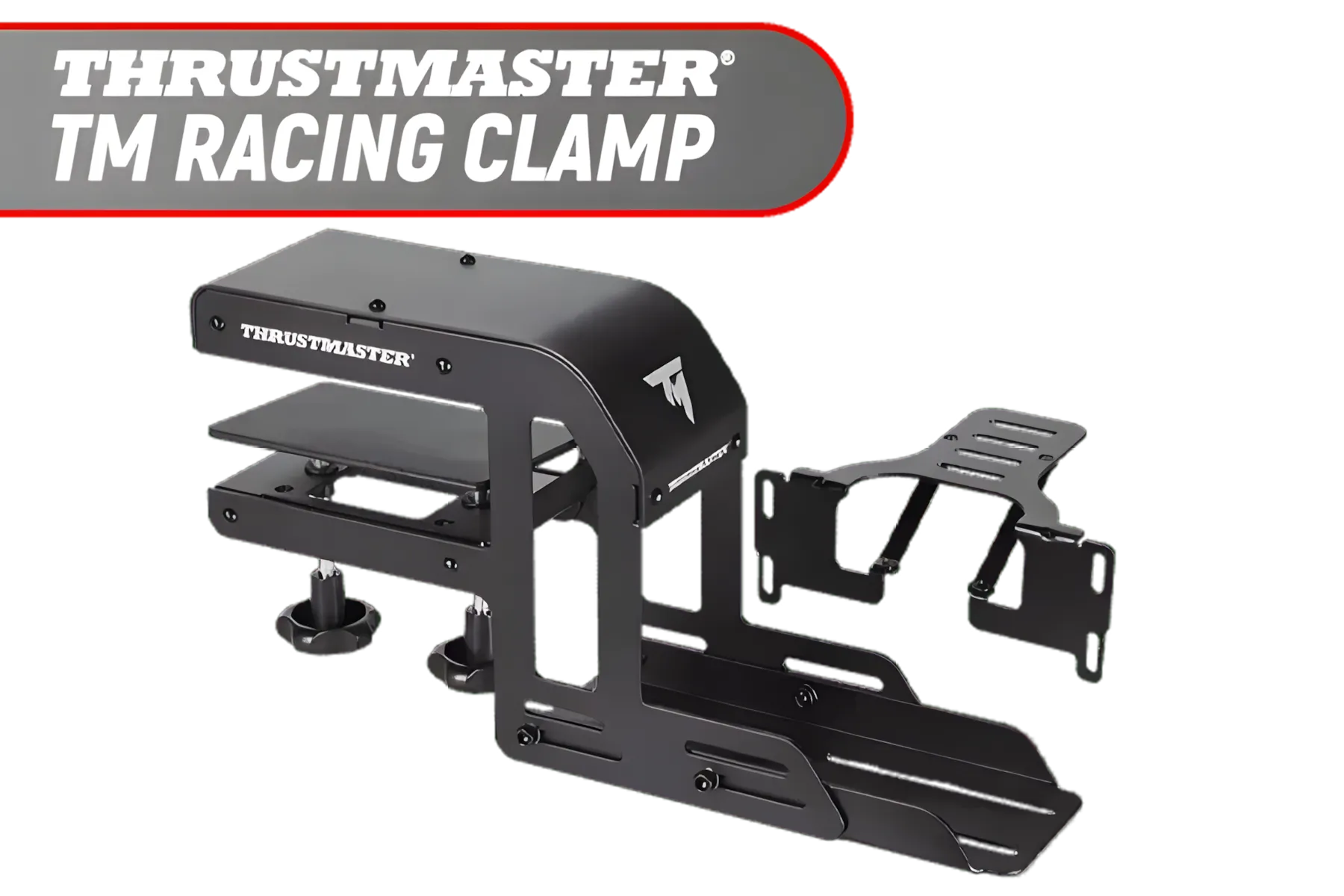
Thrustmaster TM Racing Clamp / PC, PS4, XBOX One, PlayStation 4 / Rock-solid Table Clamp / Robust Secure And Firm Attachment System / Adjustable For Many Different Setups / Designed For Desks/Tables / TM4060094
R1899.00In Stock

ThrustMaster Ferrari 599XX EVO Edition with Alcantara Race Bundle / Xbox One, Windows, PlayStation / Ferrari Racing Wheel Made for GT Fans / Alcantara Gaming Headset / 4160771
R3999.00In Stock
Thrustmaster T-Lcm Cockpit Adapter - 100% Metal Bars That Let You Easily Install The Thrustmaster T-Lcm Pedals Pedal Set In Your Cockpit Configured for The T3PA or T3PA-PRO Pedal Set / 4060167
R199.00In Stock
Step 3: Optimising Your View for Total Immersion 🚀
Your screen is your window to the track, and its placement is critical for your driving position for sim racing. Ideally, the horizontal centre of your monitor(s) should be at your direct eye level. This prevents you from craning your neck up or down, which is a common cause of fatigue.
The distance from your eyes to the screen is just as important, as it directly impacts your Field of View (FOV). Getting this right is what makes you feel like you're in the car, not just playing a game. A correct FOV helps you accurately judge braking points and apexes, making you a faster, more intuitive driver. It's a key part of the full sim racing experience and one that many beginners overlook.
TIP FOR YOU
Pro FOV Tip ⚡
For a perfect Field of View, don't just guess! Use a dedicated online FOV calculator. You'll need to input your monitor size and the distance from your eyes to the screen. It will give you the exact number to plug into your sim's graphics settings. It feels strange at first, but it will make you faster.
Final Checks and Fine-Tuning Your Setup 🏁
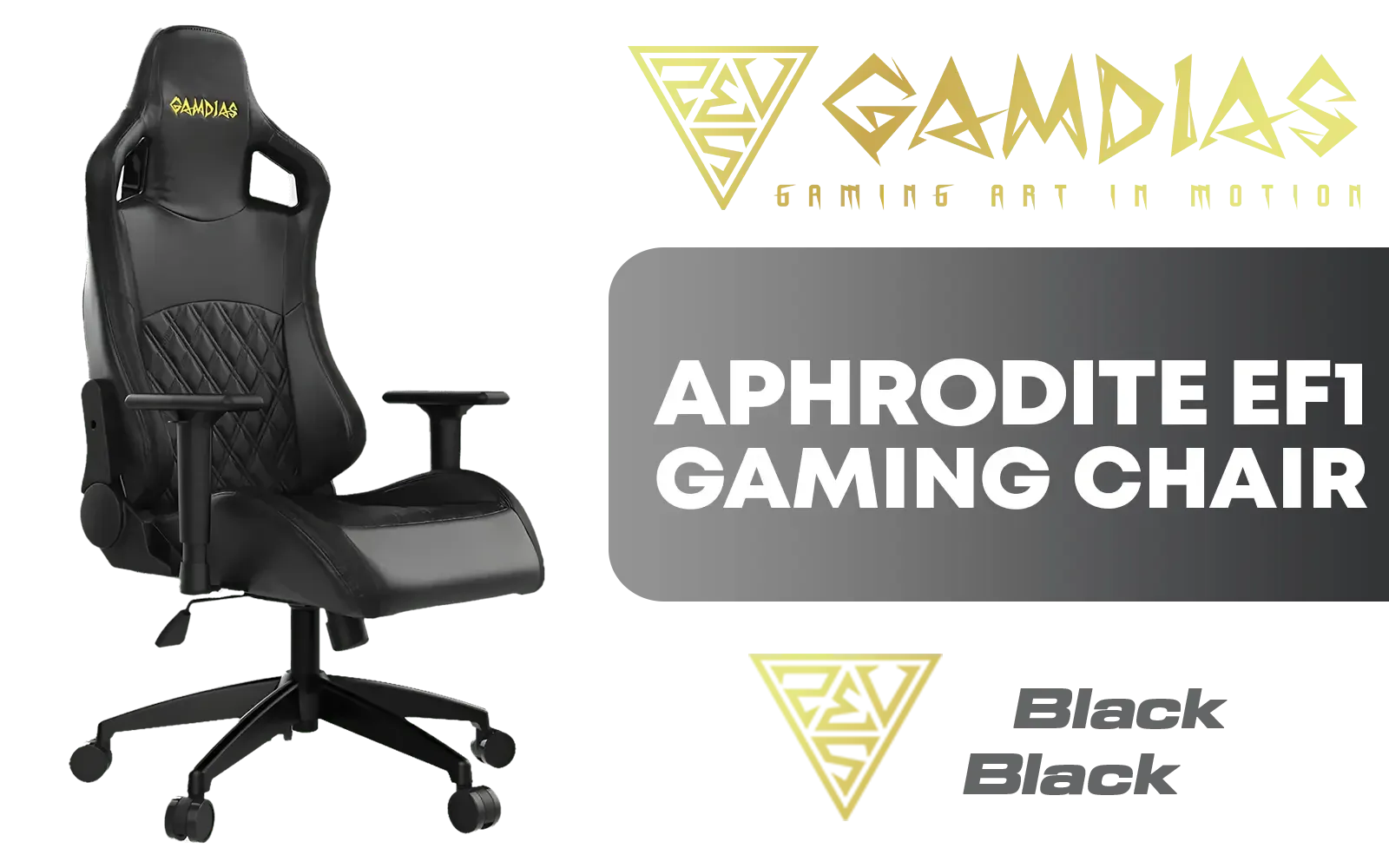
Gamdias Aphrodite EF1 Gaming Chair - Black / 2D Adjustable Armrests / Leather Style Vinyl Material / Adjustable Back to 150 Degree / Adjustable Seat Height and Backrest / Class 3 Gas Lift / Max Load up to 150kg / APHRODITE EF1 L B
R3699.00In Stock
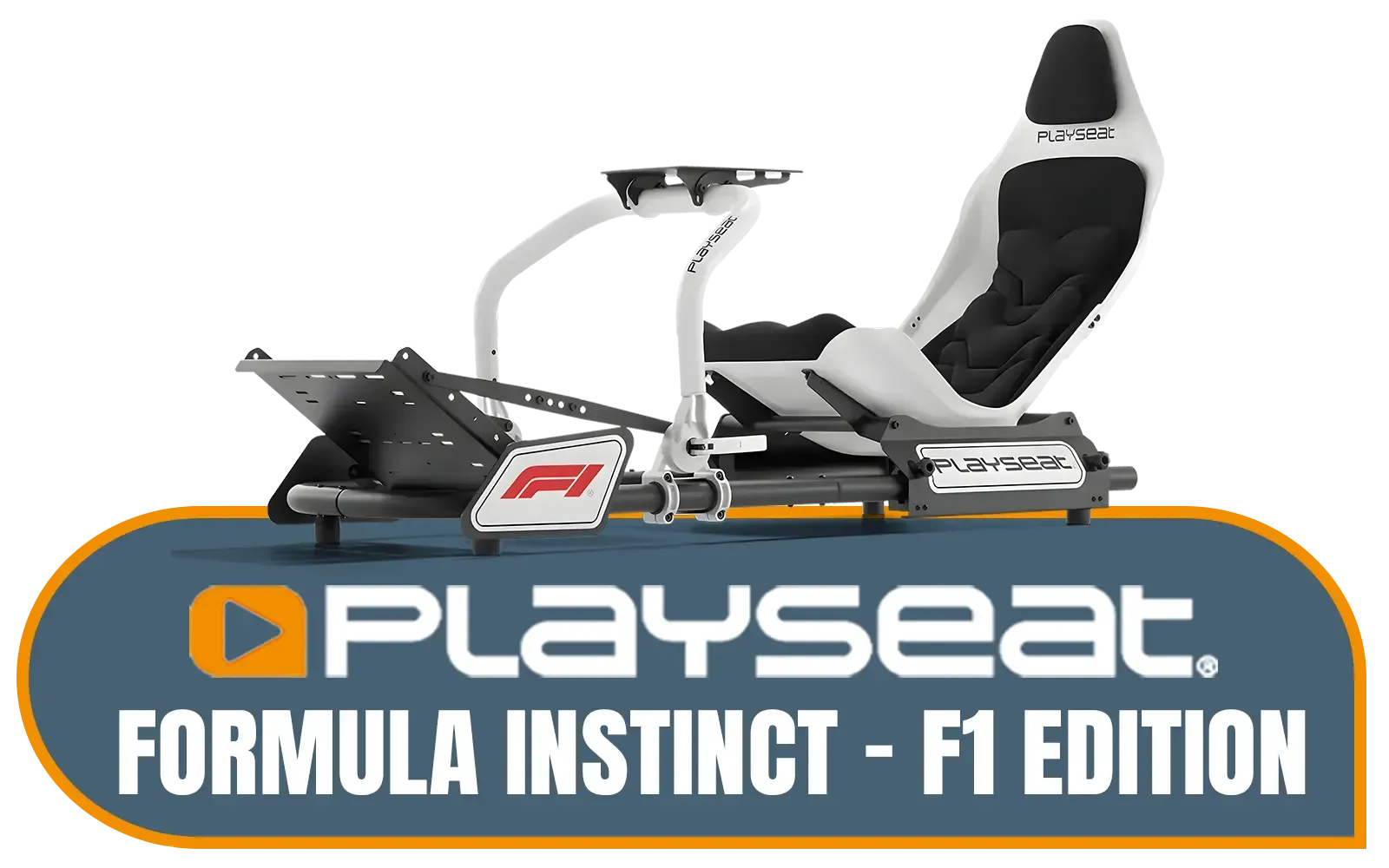
PlaySeat Formula Instinct Racing Chair - F1 Edition / Authentic F1® Racing Position Design / Officially Licensed F1® Livery / Adjustable Pedal Mounting for Precision / Patented Quick-Release Steering Wheel System / FO-00334
R14699.00In Stock

Playseat Direct Drive Adapter / RAC00260
R4899.00In Stock
![[BLACK/CARBON] Vertagear Racing Series S-Line SL5800 Gaming Chairs / 113KG Weight Limit / Easy Assembly / Adjustable Seat Height / VG-SL5800SE_CB](https://img.evetech.co.za/repository/ProductImages/vertagear-sl5800-gaming-chair-black-carbon-1500px-v1.webp)
[BLACK/CARBON] Vertagear Racing Series S-Line SL5800 Gaming Chairs / 113KG Weight Limit / Easy Assembly / Adjustable Seat Height / VG-SL5800SE_CB
R6899.00In Stock
![[BLACK/BLUE] Vertagear Racing Series S-Line SL5800 Gaming Chairs / 113KG Weight Limit / Easy Assembly / Adjustable Seat Height / VG-SL5800SE_MB](https://img.evetech.co.za/repository/ProductImages/vertagear-sl5800-gaming-chair-black-blue-1800px-v002.webp)
[BLACK/BLUE] Vertagear Racing Series S-Line SL5800 Gaming Chairs / 113KG Weight Limit / Easy Assembly / Adjustable Seat Height / VG-SL5800SE_MB
R6999.00In Stock
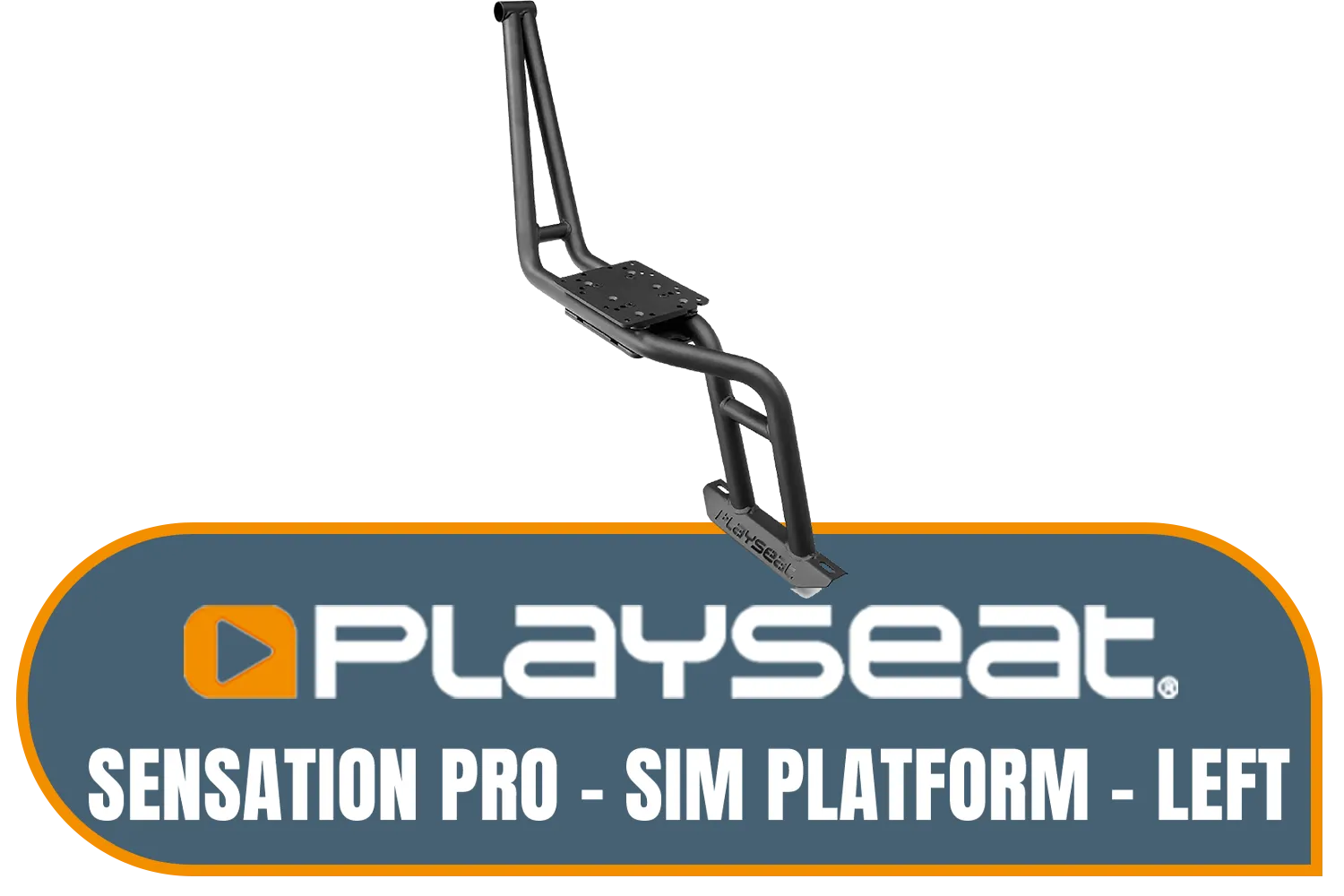
Playseat Sensation Pro - Sim Platform - Left / Works With The Playseat® Sensation Pro / Easy to Mount / Fully Adjustable / rac00252
R4299.00In Stock
Once you have these three core components adjusted, do a few practice laps. Pay attention to any small points of discomfort or strain. Your perfect sim racing driving position is personal. You might need to make tiny adjustments to the wheel angle or seat height over time. The goal is to create a setup that feels so natural you forget it's there, letting you focus entirely on the race ahead.
Ready to Build Your Ultimate Cockpit? Getting your driving position right is the first step. The next is having the right gear. From wheelbases to pedals and shifters, having the right hardware makes all the difference. Explore our massive range of PC components and build the rig that will take you to the top of the podium.
Related Products

Playseats Gearshift Support / Compatible With Logitech G25, G27, G29, G920 And Thrustmaster Gear Shifters / RAC00168
R349.00In Stock
![[BLACK/WHITE] Vertagear Racing Series P-Line PL4800 Gaming Chairs / 163KG Weight Limit / Easy Assembly / Adjustable Seat Height / VG-PL4800SE_WT](https://img.evetech.co.za/repository/ProductImages/vertagear-pl4800-gaming-chair-black-white-1800px-v002.webp)
[BLACK/WHITE] Vertagear Racing Series P-Line PL4800 Gaming Chairs / 163KG Weight Limit / Easy Assembly / Adjustable Seat Height / VG-PL4800SE_WT
R8199.00In Stock
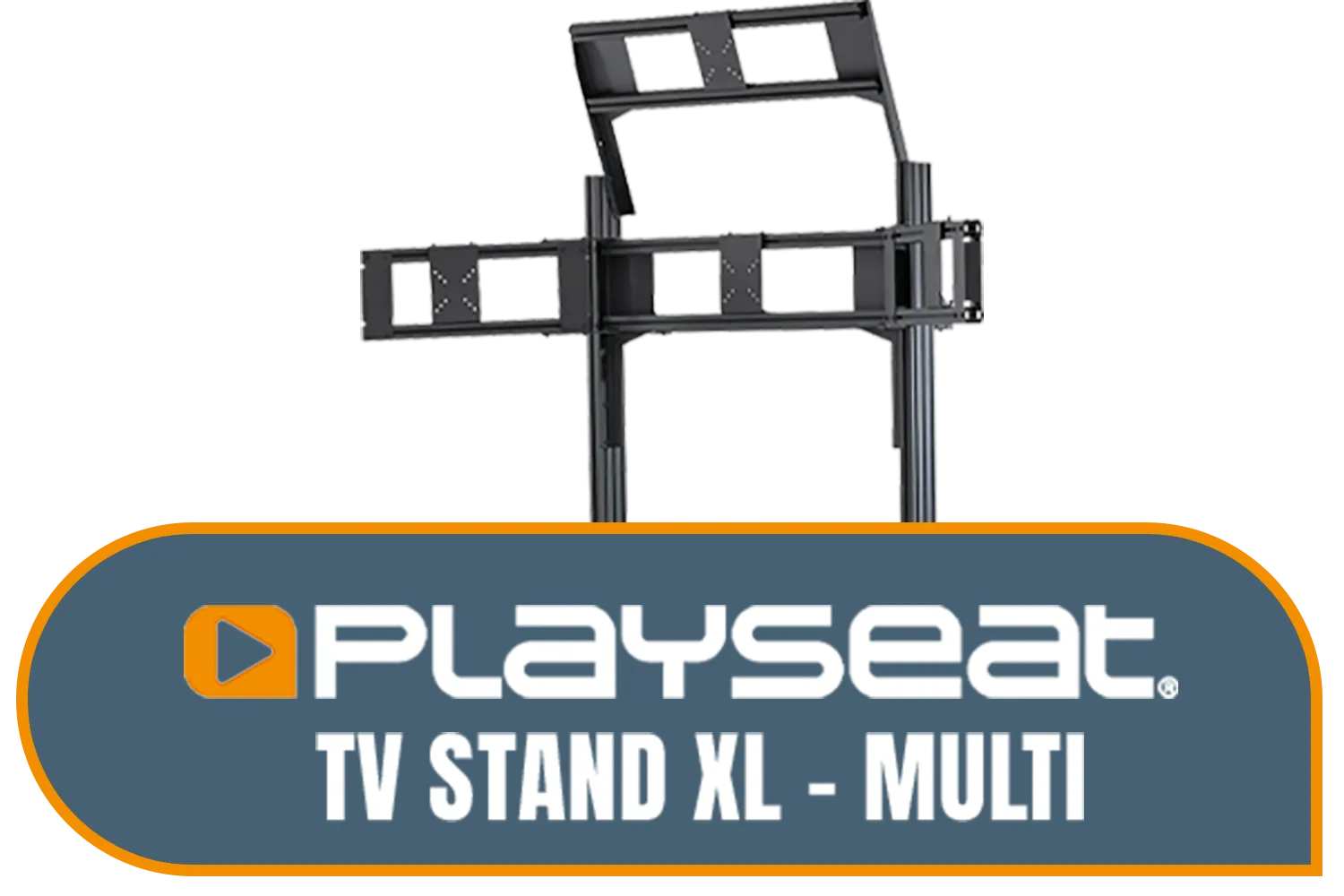
Playseat TV Stand XL - Multi / Steel Frame / RAC00258
R9499.00In Stock
Logitech Gaming G29 Driving Force Racing Wheel / For Playstation 3 and Playstation 4 / Dual-Motor Force / Easy-Access Game Controls / 900° Steering / Easy-Access Game Controls / 941-000112
R6399.00In Stock
Playseat Sensation Pro - Sim Platform - Left / Works With The Playseat® Sensation Pro / Easy to Mount / Fully Adjustable / rac00252
R4299.00In Stock
![[BLACK/RED] Vertagear Racing Series S-Line SL5800 Gaming Chairs / 113KG Weight Limit / Easy Assembly / Adjustable Seat Height / VG-SL5800SE_BR](https://img.evetech.co.za/repository/ProductImages/vertagear-sl5800-gaming-chair-black-red-1800px-v2.webp)
[BLACK/RED] Vertagear Racing Series S-Line SL5800 Gaming Chairs / 113KG Weight Limit / Easy Assembly / Adjustable Seat Height / VG-SL5800SE_BR
R6999.00In Stock
Your steering wheel should be positioned so the rim aligns with your shoulders. This sim racing driving position minimizes arm fatigue during long endurance stints.
Adjust pedals so your knees remain slightly bent when fully depressing the clutch or brake. This ensures leverage and prevents hyperextension in your sim rig.
Place the monitor as close to the wheel base as possible. This maximizes your field of view (FOV) and immersion without distorting the image or causing eye strain.
Back pain often results from a poor sim racing driving position. Ensure your seat supports your lumbar region and is not reclined too far back like a GT car.
Mount your seat so your eyes align with the vertical center of your monitor. This eye-level setup is crucial for spatial awareness and correct horizon alignment.
For GT style, a slight recline is best. For Formula style, a deeper recline is needed. The key is ensuring your sim racing driving position supports your spine.











