



Sim Racing Pedal Setup Guide: Optimize Angle for Precision Braking
Master your sim racing pedal setup to shave seconds off your lap times! 🏎️ Learn how to adjust distance and angle for consistent, precision braking. Proper ergonomics reduces fatigue and boosts control on the virtual track. 🏁
|
Loading tags...

Hitting the apex at Kyalami is one thing, but locking up and spinning out on the final corner is soul-crushing. Often, the culprit isn't just your timing... it's your equipment. A poor sim racing pedal setup can sabotage your consistency and kill your lap times. Getting the pedal angle right is the secret to unlocking smooth, predictable, and powerful braking. Let's get your rig dialled in for that podium finish. 🚀
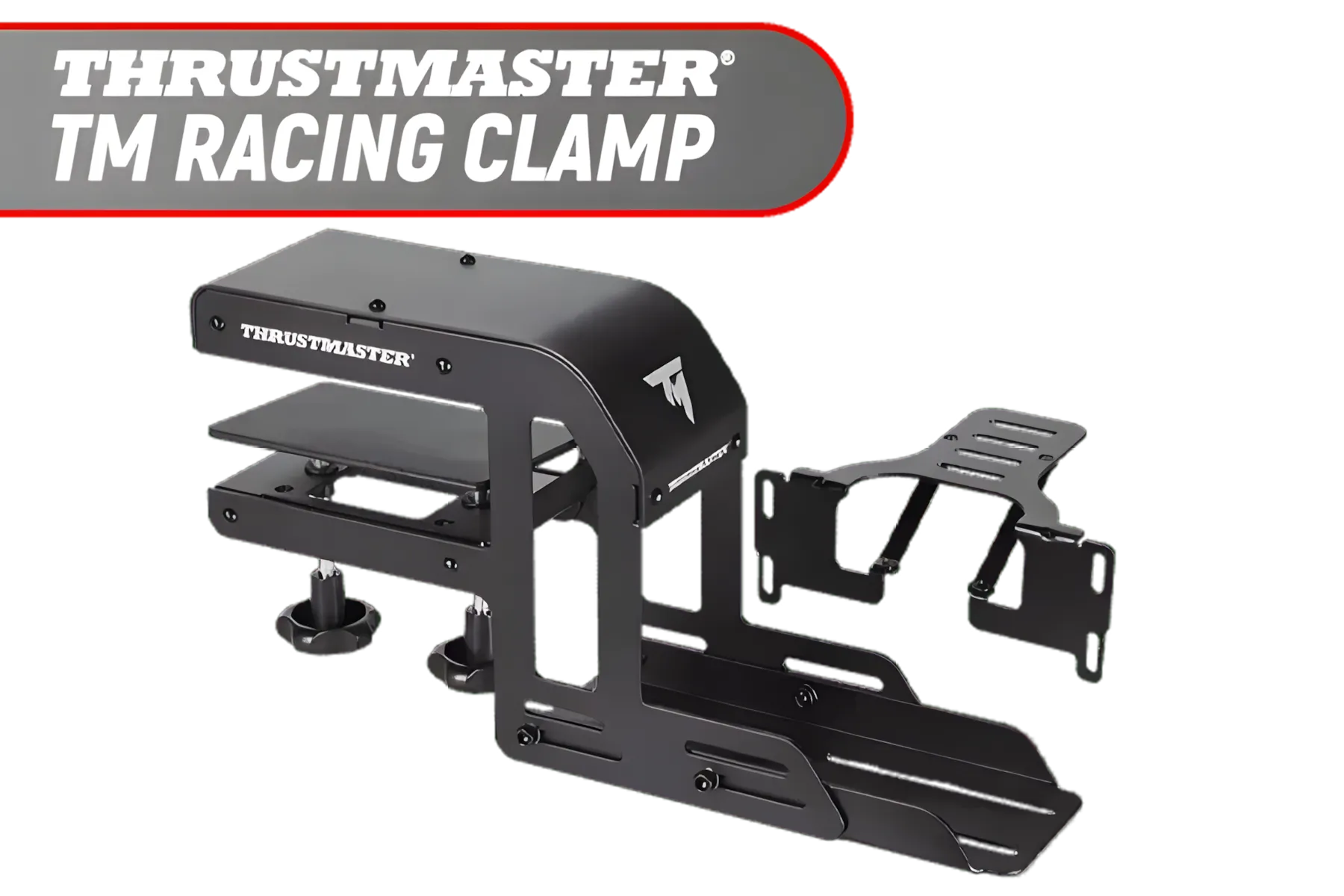
Thrustmaster TM Racing Clamp / PC, PS4, XBOX One, PlayStation 4 / Rock-solid Table Clamp / Robust Secure And Firm Attachment System / Adjustable For Many Different Setups / Designed For Desks/Tables / TM4060094
R1899.00In Stock

Playseat® Trophy Pro Racing Seat - Developed with Race Drivers and Esports Athletes - Supports All Consoles and PC - Compatible with Direct Drive Wheels - Pedal Plate Optimized for Braking Force - Playseat® ActiFit™ Material for Breathability — Black / RAP00304
R14299.00In Stock
![[BLACK/BLUE] Vertagear Racing Series S-Line SL3800 Gaming Chairs / 100KG Weight Limit / Easy Assembly / Adjustable Seat Height / VG-SL3800SE_MB](https://img.evetech.co.za/repository/ProductImages/vertagear-sl3800-gaming-chair-black-blue-1800px-v002.webp)
[BLACK/BLUE] Vertagear Racing Series S-Line SL3800 Gaming Chairs / 100KG Weight Limit / Easy Assembly / Adjustable Seat Height / VG-SL3800SE_MB
R5499.00In Stock
Vertagear Racing Series S-Line SL1800 Office Gaming Chair - White/Blue / VG-SL1800_BL
R4599.00In Stock
Vertagear Racing Series S-Line SL1800 Office Gaming Chair - Black / VG-SL1800_BK
R4499.00In Stock
![[BLACK/PURPLE] Vertagear Racing Series S-Line SL3800 Gaming Chairs / 100KG Weight Limit / Easy Assembly / Adjustable Seat Height / VG-SL3800SE_MP](https://img.evetech.co.za/repository/ProductImages/vertagear-sl3800-gaming-chair-black-purple-1800px-v002.webp)
[BLACK/PURPLE] Vertagear Racing Series S-Line SL3800 Gaming Chairs / 100KG Weight Limit / Easy Assembly / Adjustable Seat Height / VG-SL3800SE_MP
R3499.00In Stock
Why Your Pedal Angle is So Important
Before we grab the Allen keys, let's understand the "why". Your pedal angle directly impacts ergonomics and muscle memory. An incorrectly angled pedal forces your ankle into an unnatural position, leading to fatigue during long stints and inconsistent brake pressure. You end up braking with your whole leg instead of making precise movements with your ankle.
The goal of a proper sim racing pedal setup is to mimic the natural feel of a race car, allowing your body to build intuitive, repeatable movements. This is the foundation for shaving tenths off your lap times. A well-optimised rig, from the screen to the pedals, makes all the difference in creating an immersive and competitive sim racing experience.
The Core Principles of an Optimal Pedal Setup 🔧
Optimising your pedal angle isn't a dark art; it's a process of tuning your gear to your body. Follow these steps to build a solid foundation.
Step 1: Lock In Your Seating Position First
You can't set up your pedals in isolation. Your seating position dictates everything. Adjust your seat so that when you fully depress the brake pedal, you have a slight bend in your knee. Your back should be comfortably supported, without you needing to stretch or slide forward. A dedicated cockpit like one from the Playseat chairs range provides the rigid, adjustable base you need for this consistency. Once your seat is locked, don't move it again.
![[BLACK/WHITE] Vertagear Racing Series P-Line PL4800 Gaming Chairs / 163KG Weight Limit / Easy Assembly / Adjustable Seat Height / VG-PL4800SE_WT](https://img.evetech.co.za/repository/ProductImages/vertagear-pl4800-gaming-chair-black-white-1800px-v002.webp)
[BLACK/WHITE] Vertagear Racing Series P-Line PL4800 Gaming Chairs / 163KG Weight Limit / Easy Assembly / Adjustable Seat Height / VG-PL4800SE_WT
R8199.00In Stock
![[BLACK/BLUE] Vertagear Racing Series P-Line PL4800 Gaming Chairs / 163KG Weight Limit / Easy Assembly / Adjustable Seat Height / VG-PL4800SE_MB](https://img.evetech.co.za/repository/ProductImages/vertagear-pl4800-gaming-chair-black-blue-1800px-v2.webp)
[BLACK/BLUE] Vertagear Racing Series P-Line PL4800 Gaming Chairs / 163KG Weight Limit / Easy Assembly / Adjustable Seat Height / VG-PL4800SE_MB
R7999.00In Stock
![[BLACK/CARBON] Vertagear Racing Series S-Line SL5800 Gaming Chairs / 113KG Weight Limit / Easy Assembly / Adjustable Seat Height / VG-SL5800SE_CB](https://img.evetech.co.za/repository/ProductImages/vertagear-sl5800-gaming-chair-black-carbon-1500px-v1.webp)
[BLACK/CARBON] Vertagear Racing Series S-Line SL5800 Gaming Chairs / 113KG Weight Limit / Easy Assembly / Adjustable Seat Height / VG-SL5800SE_CB
R6899.00In Stock
Playseat TV Stand XL - Multi / Steel Frame / RAC00258
R9499.00In Stock
![[BLACK/WHITE] Vertagear Racing Series P-Line PL6800 Gaming Chairs / 181KG Weight Limit / Easy Assembly / Adjustable Seat Height / VG-PL6800SE_WT](https://img.evetech.co.za/repository/ProductImages/vertagear-pl6800-gaming-chair-black-white-1800px-v002.webp)
[BLACK/WHITE] Vertagear Racing Series P-Line PL6800 Gaming Chairs / 181KG Weight Limit / Easy Assembly / Adjustable Seat Height / VG-PL6800SE_WT
R7799.00In Stock

Playseat Gearshift Holder Pro / Compatible with Most Gearshifters / Suitable for Left or Right Mounting / Height Adjustment up to 1.2" / For Evolution, Revolution, & WRC Models / RAC00064
R1199.00In Stock
Step 2: Find the Neutral Angle for Comfort
With your foot resting lightly on the brake pedal, your ankle should be in a relaxed, neutral position—not flexed up or pointed down. Think about how your foot rests on the floor. That's the feeling you're aiming for. Most quality pedal sets allow you to adjust the angle of the pedal face. Your initial goal is to set this angle so your foot makes full, comfortable contact without any strain.
TIP FOR YOU
Load Cell Pro Tip ⚡
Changing the pedal angle alters the leverage on the load cell. After you've found your perfect angle, always recalibrate your brake force in your control panel software or in-game settings. This ensures your 100% braking point is still accurate and requires the amount of force you're comfortable with.
Step 3: Fine-Tune for Precision Braking
Now for the magic. Precision braking, especially with a load cell, is about pressure, not travel. The angle of your pedal influences how effectively you can modulate that pressure.
- Too shallow (flat): You might feel like you're "stamping" down, making it hard to apply small amounts of pressure.
- Too steep (vertical): This can cause your foot to slip and puts strain on your ankle and shin muscles.
Start with a neutral angle and do a few practice laps. If you find you're consistently locking the brakes, try making the angle slightly steeper. This can sometimes give you finer control over the initial "squeeze". If your foot feels fatigued, try a slightly shallower angle. Make small, one-degree adjustments at a time. It’s a process of refinement, not a one-size-fits-all solution.
Playseat® Trophy Pro Racing Seat - Developed with Race Drivers and Esports Athletes - Supports All Consoles and PC - Compatible with Direct Drive Wheels - Pedal Plate Optimized for Braking Force - Playseat® ActiFit™ Material for Breathability — Black / RAP00304
R14299.00In Stock
Thrustmaster TM Racing Clamp / PC, PS4, XBOX One, PlayStation 4 / Rock-solid Table Clamp / Robust Secure And Firm Attachment System / Adjustable For Many Different Setups / Designed For Desks/Tables / TM4060094
R1899.00In Stock
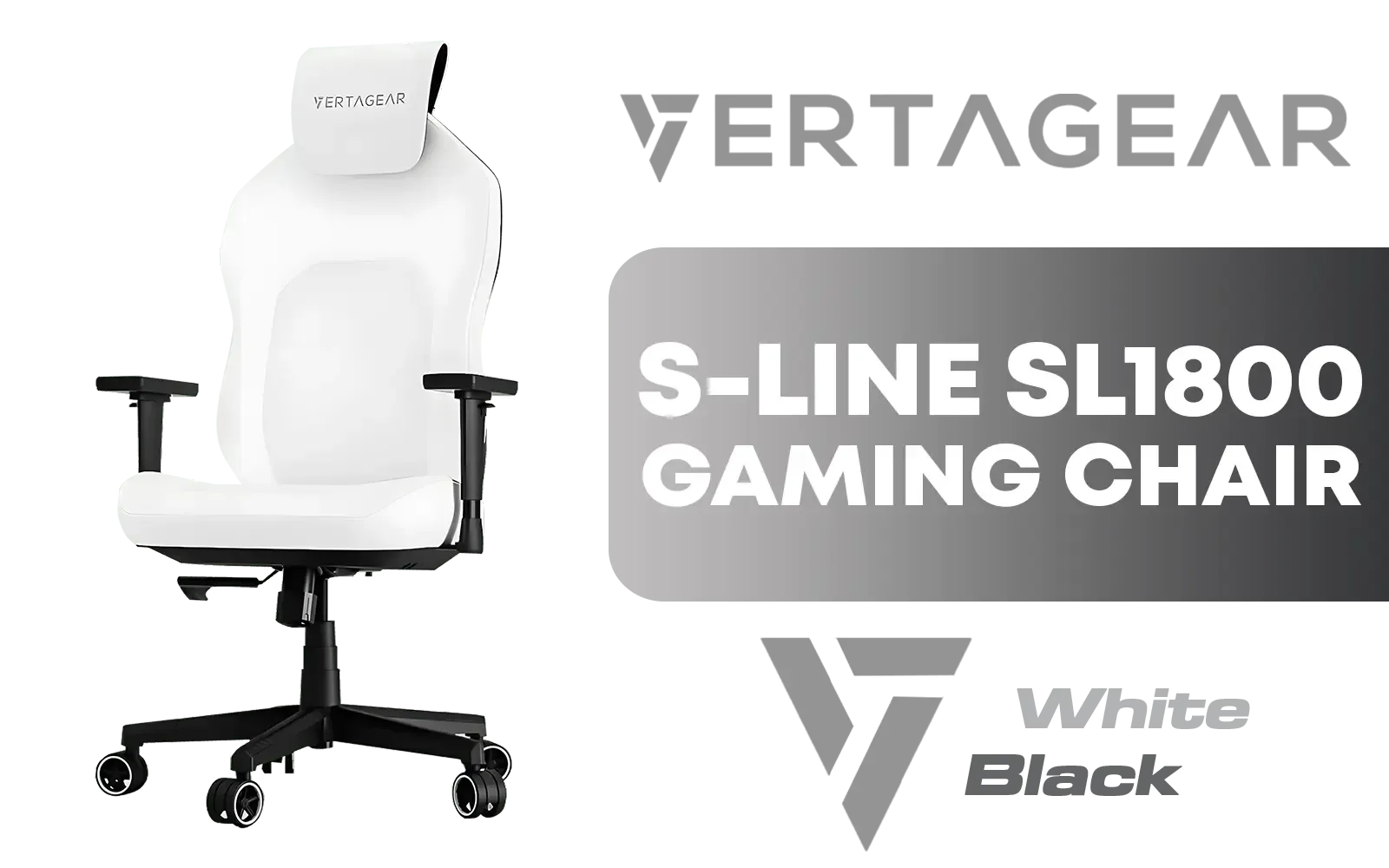
Vertagear Racing Series S-Line SL1800 Office Gaming Chair - White/Black / VG-SL1800_WT
R4599.00In Stock
[BLACK/CARBON] Vertagear Racing Series S-Line SL5800 Gaming Chairs / 113KG Weight Limit / Easy Assembly / Adjustable Seat Height / VG-SL5800SE_CB
R6899.00In Stock
![[OPEN BOX] Playseat TV Stand Pro / Compatible With All Playseat Racing Chairs / Can Mount 1 Screen / Suitable For 15" To 65" Screens (Curved TV maximum is 48") / Suitable For TV And Monitors / Sturdy And Stable Frame / RAC00088](https://img.evetech.co.za/repository/ProductImages/playseat-tv-stand-pro-1500px-v1.webp)
[OPEN BOX] Playseat TV Stand Pro / Compatible With All Playseat Racing Chairs / Can Mount 1 Screen / Suitable For 15" To 65" Screens (Curved TV maximum is 48") / Suitable For TV And Monitors / Sturdy And Stable Frame / RAC00088
R4399.00In Stock
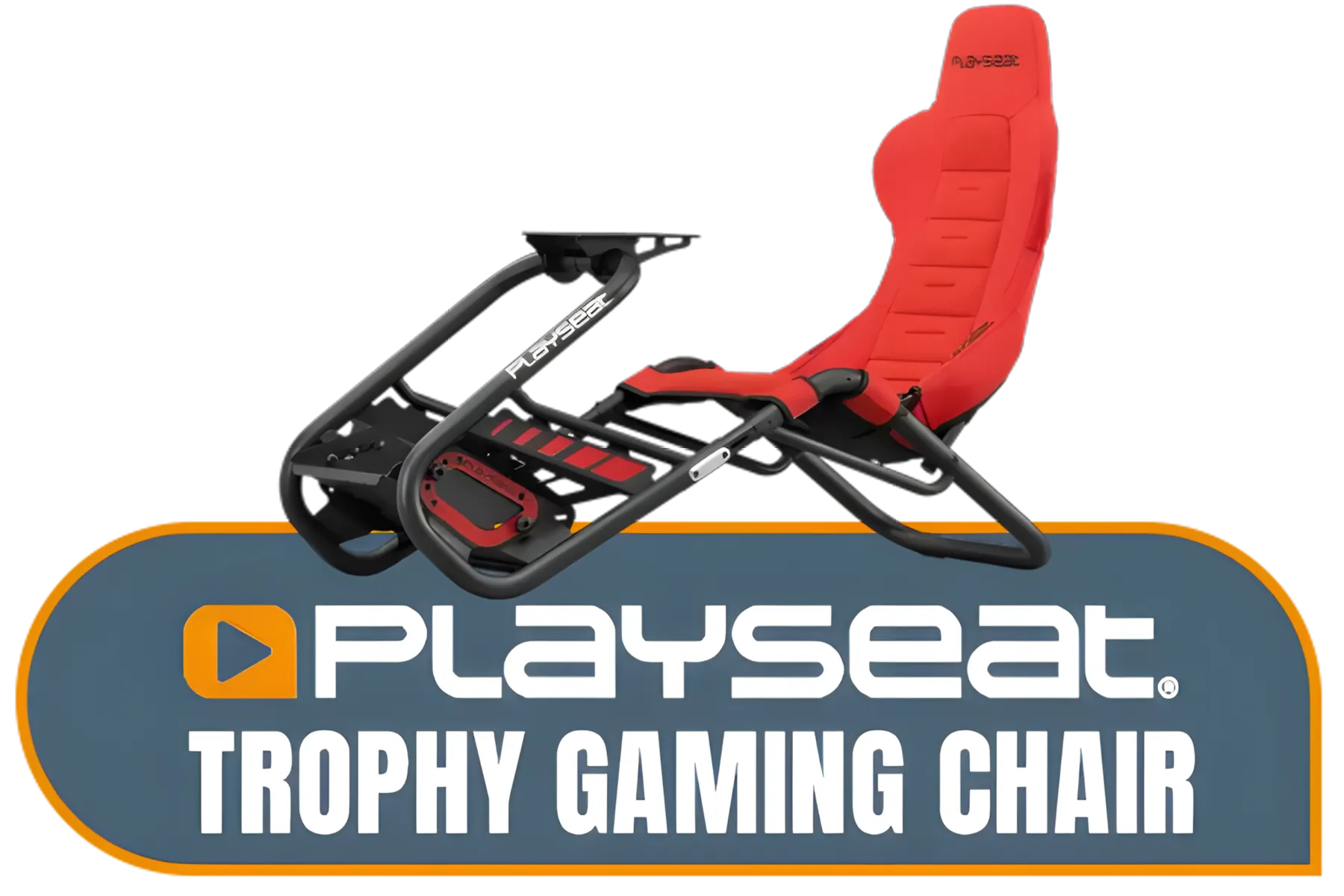
Playseat® Trophy Gaming Chair - Playseat Trophy Gaming Chair - Pedal Plate Optimized for Braking Force - Works with All Consoles and PC - Supports All Steering Wheels and Pedals - Gaming - Compatible with Direct Drive Wheels - Fully Adjustable for Ideal Fit — Red / RAP00314
R13999.00In Stock
Adapting to Different Pedal Sets ✨
Different pedal manufacturers offer various levels of adjustability. For example, many high-end Thrustmaster pedal sets come with multiple adjustment options for angle, spacing, and pressure. Always consult your pedal's manual to understand all the available tuning points. What works for a T-LCM set might be slightly different for another brand.
The key takeaway is this: your body is the ultimate guide. A comfortable, ergonomic sim racing pedal setup is a fast one. Take the time to experiment, and you'll be rewarded with the consistency and confidence to push your limits on the track.
Ready to Nail Every Apex? A perfect sim racing pedal setup is your first step towards faster, more consistent laps. Whether you're upgrading your pedals or building a new rig from scratch, we've got the gear to put you on the podium. Explore our complete sim racing collection and find the perfect hardware to conquer the track.
Related Products

Logitech Gaming G29 Driving Force Racing Wheel / For Playstation 3 and Playstation 4 / Dual-Motor Force / Easy-Access Game Controls / 900° Steering / Easy-Access Game Controls / 941-000112
R6299.00In Stock
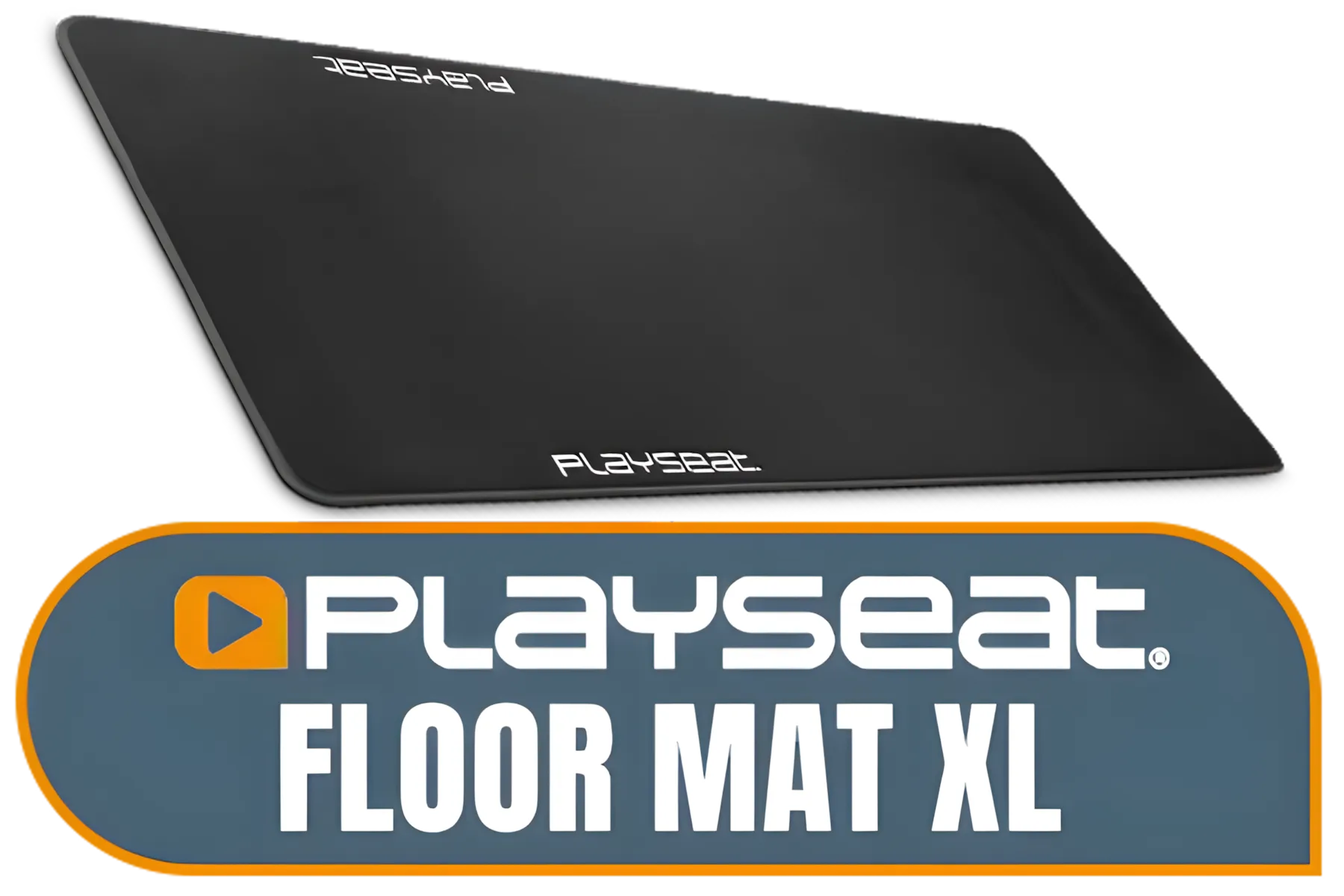
Playseat Floor Mat XL / Anti-slip Layer Underneath / Protects all Types of Floors / Easy To keep Clean and Tidy / Soft Cloth Fabric Coating on Top / Features Official Playseat Logos / Dimensions (LxW): 156,5x68 cm / RAC00178
R1699.00In Stock
Playseat TV Stand Pro / Compatible With All Playseat Racing Chairs / Can Mount 1 Screen / Suitable For 15" To 65" Screens (Curved TV maximum is 48") / Suitable For TV And Monitors / Sturdy And Stable Frame / RAC00088
R4499.00In Stock

Playseat Trophy - Logitech G Edition / High-Carbon Steel Frame / Actifit Material / Ultimate Flexibility / G00320
R14599.00In Stock
[BLACK/WHITE] Vertagear Racing Series P-Line PL4800 Gaming Chairs / 163KG Weight Limit / Easy Assembly / Adjustable Seat Height / VG-PL4800SE_WT
R8199.00In Stock
![[BLACK/WHITE] Vertagear Racing Series S-Line SL5800 Gaming Chairs / 113KG Weight Limit / Easy Assembly / Adjustable Seat Height / VG-SL5800SE_WT](https://img.evetech.co.za/repository/ProductImages/vertagear-sl5800-gaming-chair-black-white-1800px-v2.webp)
[BLACK/WHITE] Vertagear Racing Series S-Line SL5800 Gaming Chairs / 113KG Weight Limit / Easy Assembly / Adjustable Seat Height / VG-SL5800SE_WT
R6999.00In Stock
Most racers prefer a near-vertical pedal face (90 degrees to the floor) or slightly angled back to match natural ankle movement for consistent braking modulation.
Adjust your sim racing pedal setup so your knees are slightly bent when fully depressing the clutch or brake, preventing leg strain during long races.
Yes. A stiffer brake pedal, especially with load cell kits, allows for muscle memory braking, leading to better trail braking and consistency.
Move the brake and throttle plates closer together laterally. Ensure the brake pedal sits slightly higher or flush with the throttle when depressed.
Set a small deadzone (2-5%) at the start to prevent dragging brakes and a slight upper deadzone to ensure you hit 100% pressure comfortably.
Pain usually indicates incorrect pedal angle or distance. Your feet should rest naturally without overextending the Achilles tendon while idle.








