



Small Form Factor PC Build: Easy Upgrades Over Time
Small form factor PC build that stays easy to upgrade — step-by-step planning for cases, modular parts, cooling, and future-proofing. 🛠️ Learn tool-free swaps, spare connectors, and upgrade paths for lasting performance.
Thinking a powerful gaming PC has to be a massive, desk-hogging beast? Think again. A small form factor PC build offers incredible performance in a package that actually fits your space. But what about upgrades? Many South African gamers worry they're a dead end. We're here to bust that myth and show you how to build a compact rig that’s not just powerful today, but ready for whatever comes next. Let's get started.

Fractal Design Torrent Compact White - Clear Tint Tempered Glass Side Panel - Open Grille for Maximum air Intake - Two 180mm PWM Fans Included - Type C - ATX Airflow Mid Tower PC Gaming Case - FD-C-TOR1C-03
R2999.00In Stock

Xigmatek Aqua Ultra Air Mid Tower Gaming Case - Black / Supports Motherboards up to E-ATX / 430mm VGA Support / 7 x Pre-Installed ARGB Fans Included / EN41907
R2499.00In Stock

Antec NX410 ATX Mid-Tower Tempered Glass Gaming Case - Supports up to 6 Fans - CPU Cooler Support: Up To 168 mm - PSU Support: Up To 165 mm - LED Control Button - 3 x Include ARGB LED Fans — White / 0-761345-81042-5
R1199.00In Stock

DeepCool CH560 Digital WH ATX Airflow case - Dual Status Display - 3X Pre-Installed 140mm ARGB Fans - Hybrid Mesh/Tempered Glass Side Panel - Magnetic Top Mesh Filter - Type-C, USB 3.0 — White / CH560-Digital-WH
R1249.00In Stock
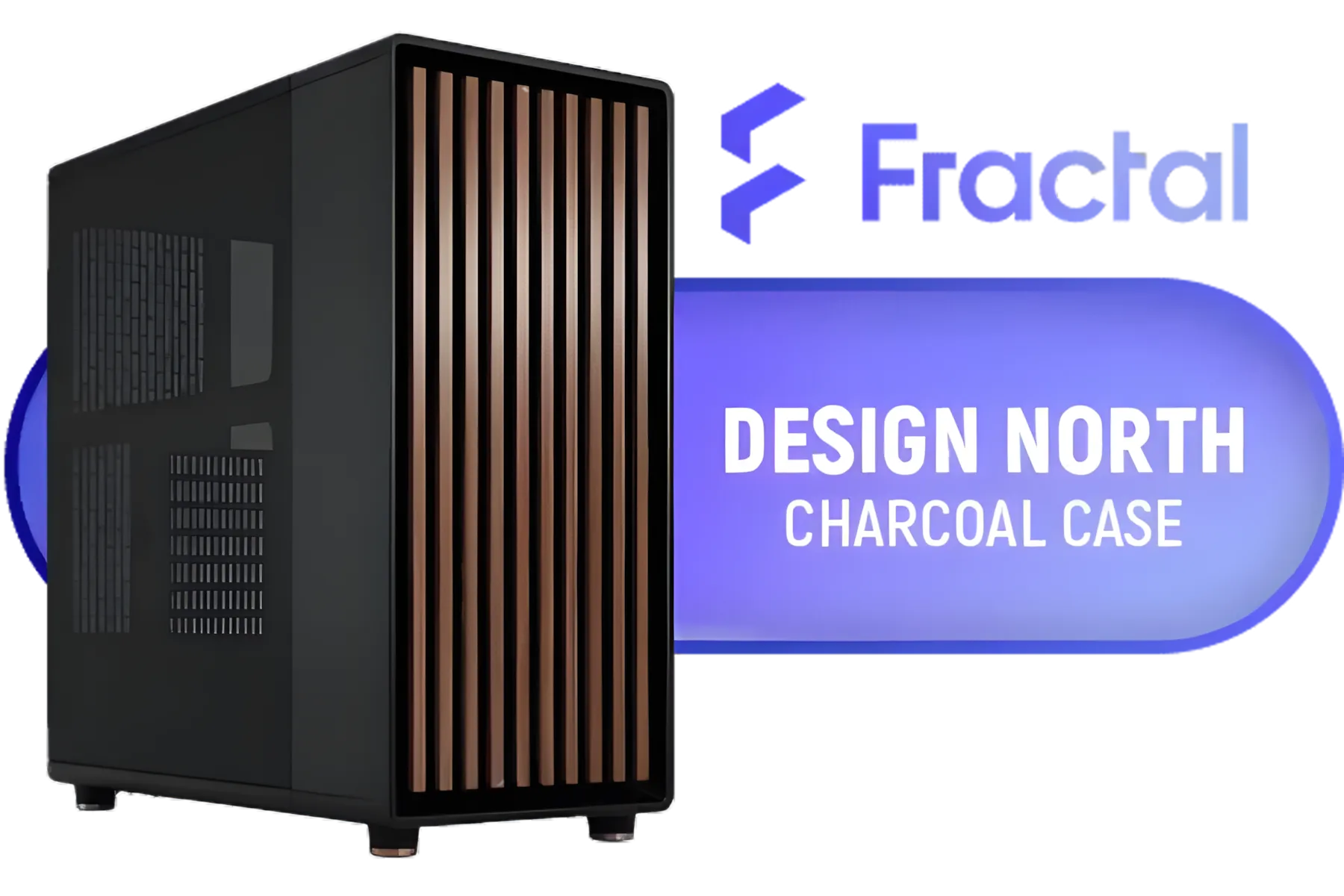
Fractal Design North Charcoal Black With Mesh Side Panel Case / Includes two dedicated 2.5" mounts / Supports GPUs Up to 355 mm / Support ATX, mATX, and ITX motherboards / No Fans Included / FD-C-NOR1C-01
R2499.00In Stock
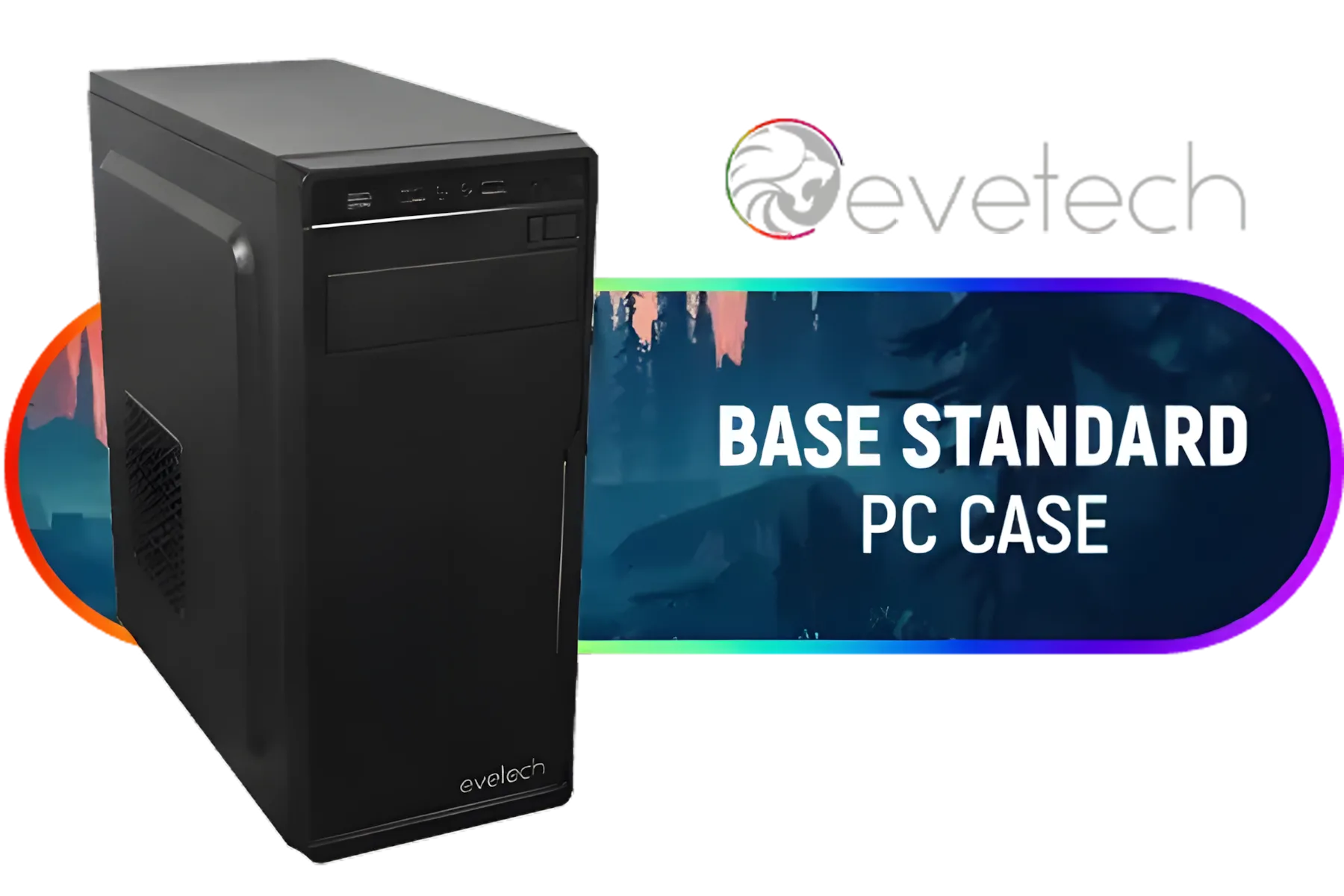
Evetech BASE Standard ATX PC Case / 400W Power Supply / 1x 120mm Fan / 3x 2.5" Drive Bays And 2x 3.5" Drive Bays / 1x USB 3.0 + 2x USB 2.0 / 1x Headphone-out & 1x Audio-in Jack / Supports 7 Expansion Slot
R699.00In Stock
Why a Small Form Factor PC Build is a Smart Move
Let's be honest, space is a luxury. Whether you're in a student res, a modern flat, or just want a cleaner setup, a giant tower isn't always practical. This is where a small form factor PC build shines. It's not just about saving space; it's about a sleek, minimalist aesthetic that looks fantastic on any desk. Plus, their portability is a massive win for LAN parties with your mates.
The biggest hesitation people have is the fear of being stuck with their initial components forever. But modern SFF cases are engineering marvels. With a little bit of planning, you can create a system that's surprisingly easy to work on and upgrade over the years. The key is choosing the right foundation from the start.
The Foundation: Planning Your Upgradeable SFF Build
The secret to a long-lasting, upgradeable small form factor PC build isn't about buying the most expensive parts upfront. It's about investing cleverly in three core components: the case, the motherboard, and the power supply. Get these right, and future upgrades become a simple swap instead of a complete rebuild.
The Chassis is Everything
Your case determines everything: what fits, how it cools, and how easy it is to work in. Don't just grab the smallest one you can find. Look for a chassis with good ventilation and a little extra room for future, larger graphics cards. A compact case like the Cooler Master E301 is a great example of a budget-friendly start with decent airflow and a clean look. When you're browsing, check out Cooler Master's range of SFF cases for more options that balance size and flexibility.

Fractal Design Pop Mini Air RGB White Core Tempered Glass Clear Tint - Up to 240mm front, top Radiator Support - Two HDDs, six SSDs Storage Compartments - Supports mATX, Mini ITX / 3 x Pre-Installed RGB Fans Included / FD-C-POR1M-01
R2199.00In Stock

Xigmatek Cubi M Arctic Mid Tower Gaming Case - White / Supports Motherboards up to M-ATX, Mini-ITX / 6 Pre-Installed ARGB Fans Included / EN42805
R1499.00In Stock
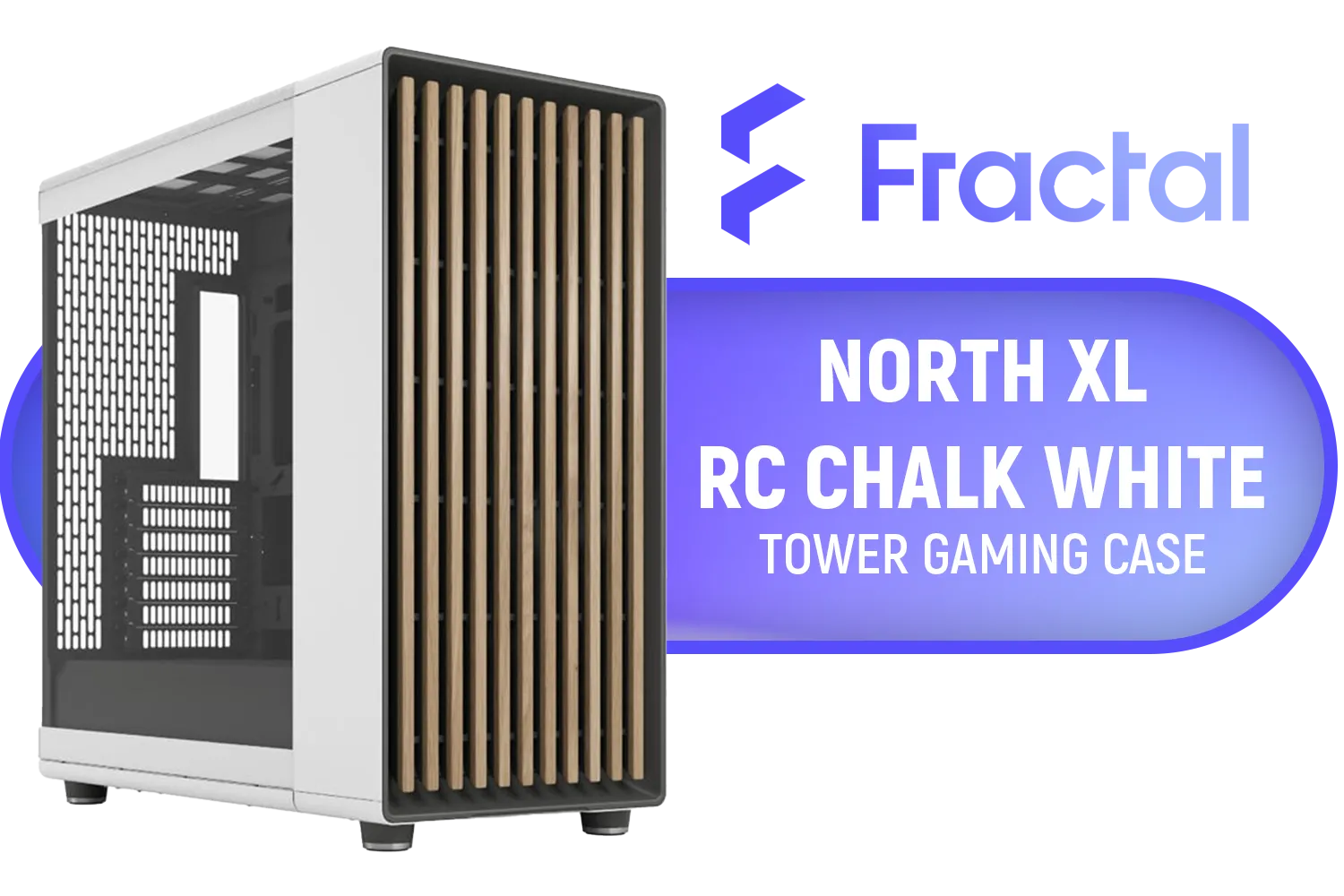
Fractal North XL RC Chalk White TG Clear PC Case / ATX and mATX with rear-facing connectors, Mini-ITX Motherboard Compatibility / 3x Included Aspect 140 mm fans / Tempered Glass / FD-C-NOR1X-06
R3199.00In Stock

GAMDIAS ATLAS E1 ATX Mid Tower PC Case, Real-time Monitor, Pre-install 3 x 120 mm ARGB Fans, Seamless Tempered Glass, Supports Motherboards up to ATX, High Airflow Side Vents, Black / ATLAS-E1
R1299.00In Stock

GAMDIAS AURA GC10M Micro-ATX Mid Tower PC Gaming Case with Side Tempered Glass / Supports Mini-ITX and Micro-ATX Motherboards / 3 Built-in 120mm ARGB Fans / Compatible with 400mm GPU / AURA-GC10M-ARGB
R1199.00In Stock

Gamdias Atlas P2 Tempered Glass ATX Gaming Case - Black / Magnetic Dust Filter / 4 Built-in 120mm ARGB Fan / Supports Motherboards up to ATX / Compatible with 430mm GPU / ATLAS-P2
R2299.00In Stock
The Motherboard and PSU: Your Future-Proofing Core
For an SFF build, you'll be looking at a Mini-ITX motherboard. Choose one with a modern chipset (like Intel's B760 or AMD's B650) to ensure support for future CPU generations.
Even more critical is the Power Supply Unit (PSU). Opt for a high-quality, modular SFX or SFX-L model. Our advice? Get more wattage than you currently need. A 750W or 850W Gold-rated PSU might seem like overkill for a mid-range build today, but it gives you the headroom to drop in a power-hungry flagship GPU in two years without needing to rewire your entire system. 🔧
TIP FOR YOU
Cable Management Pro Tip ⚡
In a compact build, airflow is king. Use custom-length modular PSU cables or spend extra time routing and zip-tying everything. Every bit of clear space allows your fans to work more efficiently, keeping your components cool and quiet. A tidy case is a happy case!
Your SFF Upgrade Journey: From 1080p to 4K 🚀
Visualise your PC's life in stages. You don't need a R40,000 monster from day one.
- Phase 1: The Smart Start (Year 1): Begin with a solid CPU, 16GB of DDR5 RAM, and a capable mid-range GPU like an RTX 4060. This setup will crush 1080p gaming and won't break the bank. You’re building on that solid foundation we talked about. You can find many other budget-friendly options for cases to get you started.
- Phase 2: The Graphics Boost (Year 2-3): This is where your planning pays off. That new RTX 6070 just launched? Because you chose a case with enough clearance and a PSU with enough juice, upgrading is as simple as swapping the cards. This single upgrade can catapult your rig into high-refresh-rate 1440p or even 4K gaming territory.
- Phase 3: The Brain Transplant (Year 4-5): Your CPU is starting to feel a bit slow. Thanks to your forward-thinking motherboard choice, you can likely drop in a much faster, newer-generation CPU without changing anything else. Maybe add another 16GB of RAM while you're at it.

MSI MAG VAMPIRIC 300R MIDNIGHT GREEN Mid Tower Gaming Computer Case '1x 120mm ARGB Fan, USB Type-C, Tempered Glass, MSI Center, E-ATX, ATX, mATX, mini-ITX / 306-7G19G21-809
R2699.00In Stock

Corsair 4000D Airflow Tempered Glass Mid-Tower ATX Gaming Case - White / High-Airflow Front Panel / RapidRoute Cable Management / Supports Motherboards up to ATX / Two Included 120mm Fans(Non RGB) / Fits up to 6x 120mm or 4x 140mm Cooling Fans / Fits up to 2x SSDs and 2x HDDs / CC-9011201-WW
R1749.00In Stock
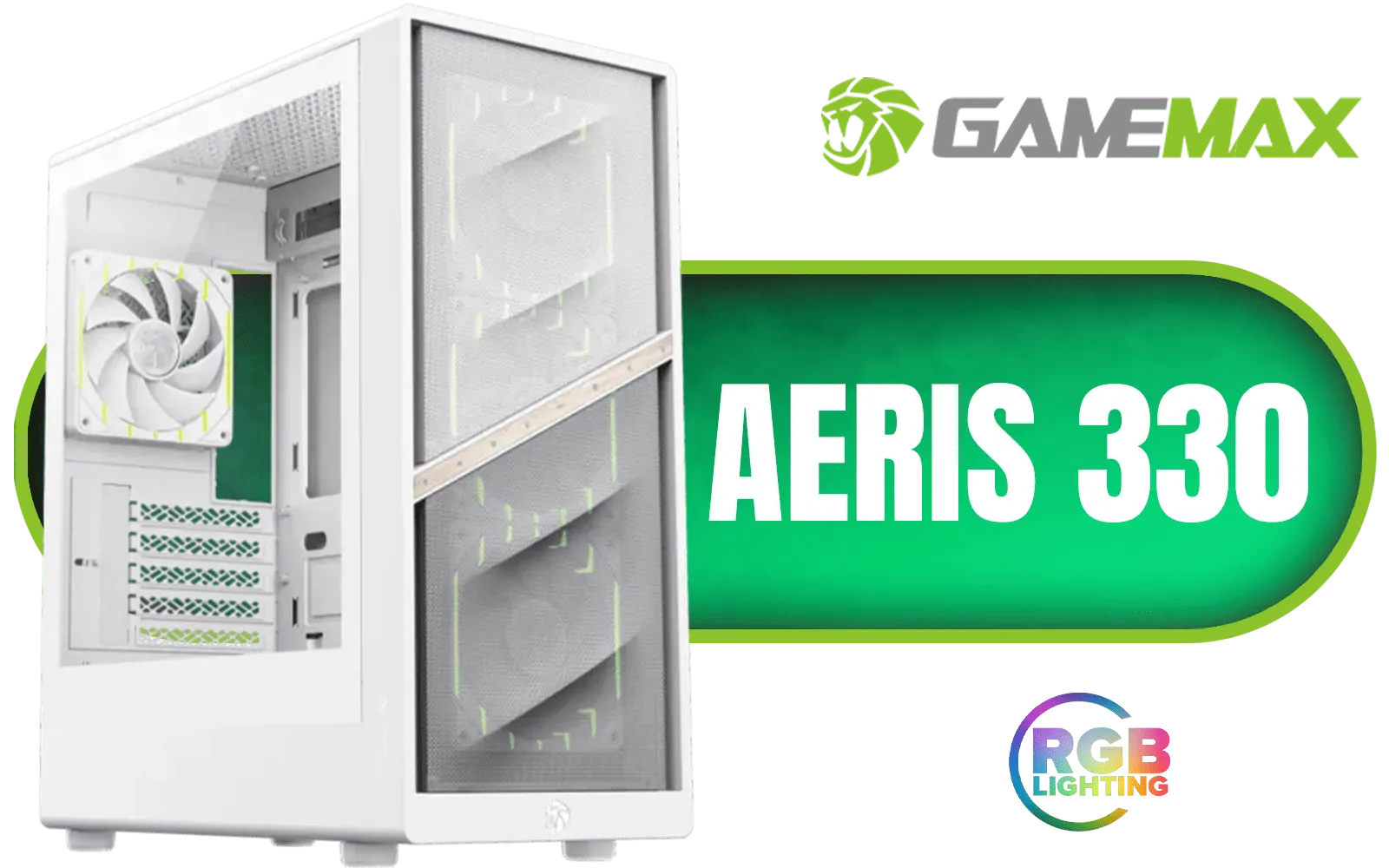
Gamemax AERIS 330 Micro-ATX Gaming Case - White / Supports M-ATX & ITX Motherboards / Supports up to 8x 120mm Fans / 4x 120mm ARGB Fand Pre-Installed / AERIS-330-MW
R999.00In Stock

Fractal Design Define 7 Compact Black Brushed Aluminum/Steel ATX Compact Silent Tempered Glass Window Mid Tower Computer Case - 2 x Pre-Installed Fans Included - FD-C-DEF7C-03
R2299.00In Stock
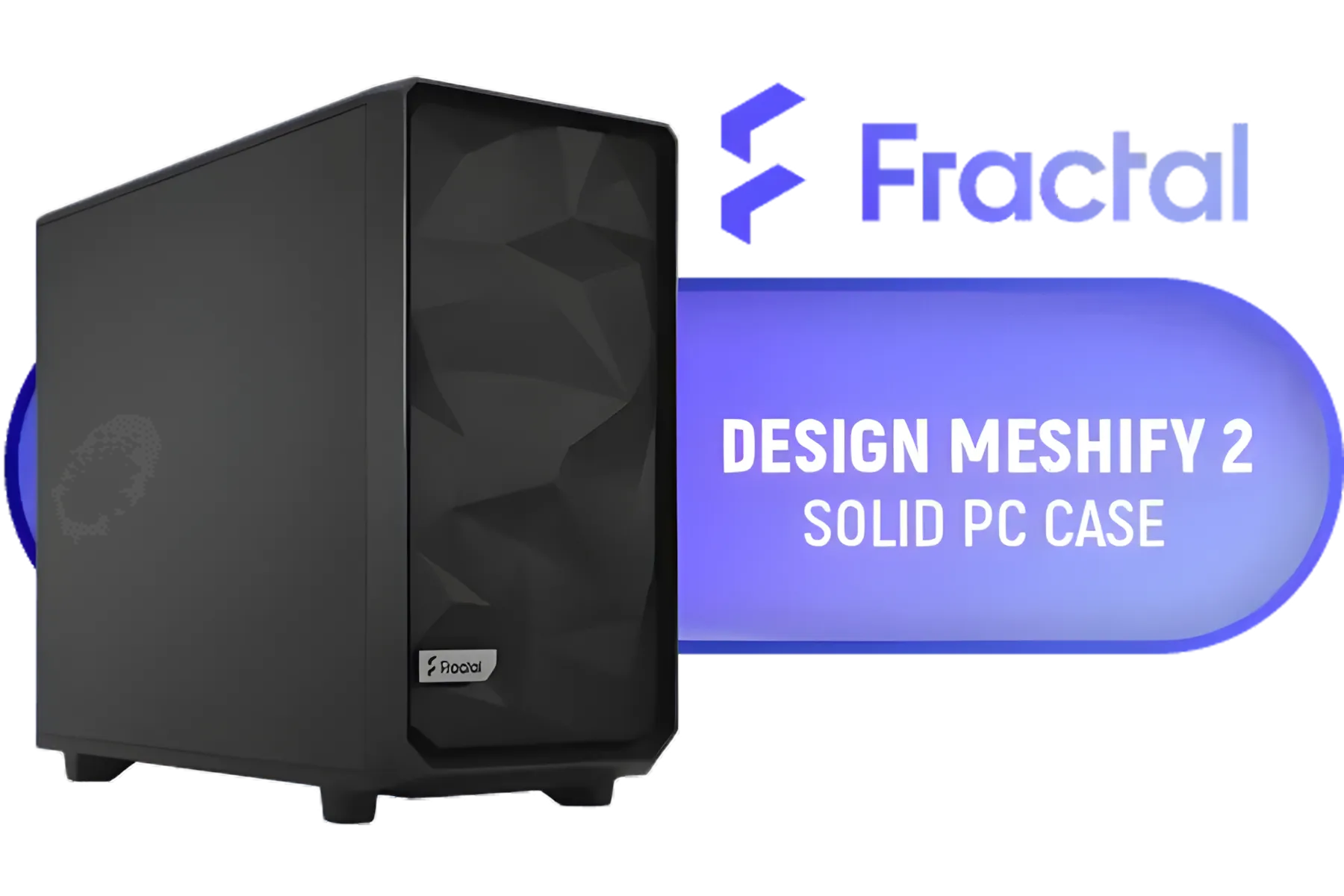
Fractal Design Meshify 2 Black ATX Flexible Mid Tower Computer Case - Stealth-inspired filtered airflow - Fits up to 285mm E-ATX - Fits Radiators Up to 420mm top - 2 x Pre-Installed Fans Included - FD-C-MES2A-01
R2499.00In Stock

Xigmatek Anubis Pro Mid Tower Gaming Case - Black / Supports Motherboards up to E-ATX / 4 x Pre Installed ARGB Fans / 420mm VGA Support / EN40788
R1699.00In Stock
This phased approach makes building a powerful small form factor PC far more accessible and financially manageable. You get a great PC now and an even better one later. Before you decide, it's always a good idea to browse through our full selection of computer cases to see all the shapes and sizes available.
Building small doesn't mean thinking small. It means thinking smart. ✨
Ready to Build Small but Dream Big? A small form factor PC build doesn't mean small performance. It's about smart, efficient power that grows with you. The first step is the perfect chassis. Explore our massive range of computer cases and find the foundation for your next compact powerhouse.
Related Products

Xigmatek Endorphin WD Arctic Mid Tower Gaming Case - White / Supports Motherboards up to E-ATX / 4 x Pre-Installed ARGB Fans Included / EN42218
R2299.00In Stock
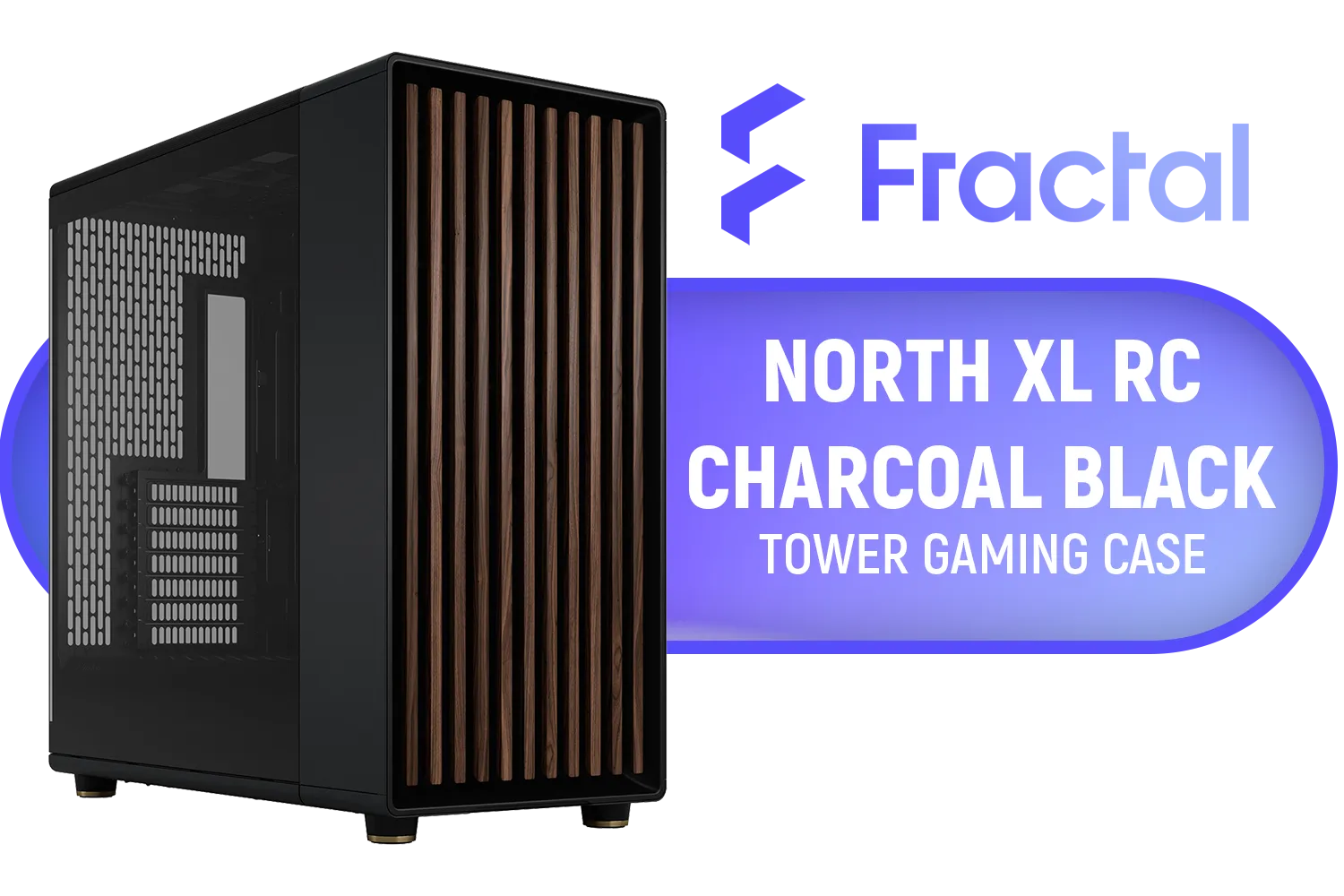
Fractal North XL RC Charcoal Black TG Dark PC Case / ATX and mATX with rear-facing connectors, Mini-ITX Motherboard Compatibility / 3x Included Aspect 140 mm fans / Tempered Glass / FD-C-NOR1X-05
R3199.00In Stock

GAMDIAS AURA GC10M Micro-ATX & MIni-ITX Mid Tower Gaming Computer PC Case with Side Tempered Glass, 3x 120mm ARGB Case Fans White / AURA-GC10M-ARGB-WH
R1299.00In Stock

DEEPCOOL CG530 - White / ITX, Micro-ATX, ATX - Mid Tower / Tempered Glass / 4x 120mm ARGB Fans Pre-installed / CPU Cooler Support up to 160mm, GPU Support up to 410mm / 7x PCI Slot / 360mm Radiator Supported / Front I/O: 2x USB, 1x Type C, HD Audio / CG530-4F-WH
R1299.00In Stock
Xigmatek Aqua Ultra Air Mid Tower Gaming Case - Black / Supports Motherboards up to E-ATX / 430mm VGA Support / 7 x Pre-Installed ARGB Fans Included / EN41907
R2499.00In Stock

Gamdias ARGUS E2 Elite Tempered Glass ATX Mid-Tower Gaming Case / Clean Futuristic Lighting / Hyper-Efficient I/O Ports / Supports Motherboards up to ATX / Panoramic Tempered Glass / Magnetic Dust Filter / 3 Slot Vertical VGA Slot / 1 x 120mm Fan Included / ARGUS-E2-Elite
R699.00In Stock
Start with a roomy SFF case, mini-ITX board, modular PSU and accessible headers. Plan airflow and cable routes. Follow an sff pc build guide for stepwise upgrades.
Choose SFF cases with modular drive cages, GPU riser support, and tool-free panels. Look for best cases for compact pc upgrades and ample cable space.
Some SFF cases accept full-size GPUs via riser cables or external enclosures. Check length, clearance, and thermal limits for sff builds with desktop GPU.
Prioritize a strong CPU socket, modular PSU, upgrade-friendly cooling, and extra M.2 or SATA options to future proof sff pc over time.
Mini-ITX limits expansion but many boards offer solid VRMs, multiple M.2 slots, and good headers. Use mini-itx upgrade tips for smarter component choices.
Low-profile AIOs, blower-style GPUs, and optimized intake/exhaust fan placement suit tight builds. Research small form factor cooling solutions for best fit.
Yes. Modular PSUs simplify cable swaps, reduce clutter, and speed future installs in a compact PC. They pair well with modular components for sff builds.











