



Small Gaming Setup Ideas: Aesthetic Meets Performance
small gaming setup ideas - Checklist: - Balance looks and FPS - Maximise space and cooling - Clean cables and smart lighting small gaming setup ideas to blend style and performance: mini ITX builds, space-saving desks, airflow and cable tips. 🎮✨
Living in a student res, a cosy flat, or just want to reclaim your desk from a massive tower? We get it. Space is a luxury in South Africa. But that doesn't mean you have to sacrifice performance. The secret to a powerful yet minimalist command centre lies in smart small gaming setup ideas. It's all about choosing the right gear to create a clean, aesthetic space that still crushes the latest titles. Let's dive in. 🚀
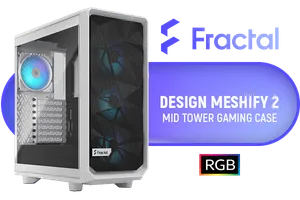
Fractal Design Meshify 2 Compact Lite White ATX Flexible Tempered Glass Clear tint Window Mid Tower Computer Case / 4 x Pre-Installed ARGB Fans Included / FD-C-MES2C-08
R2599.00In Stock
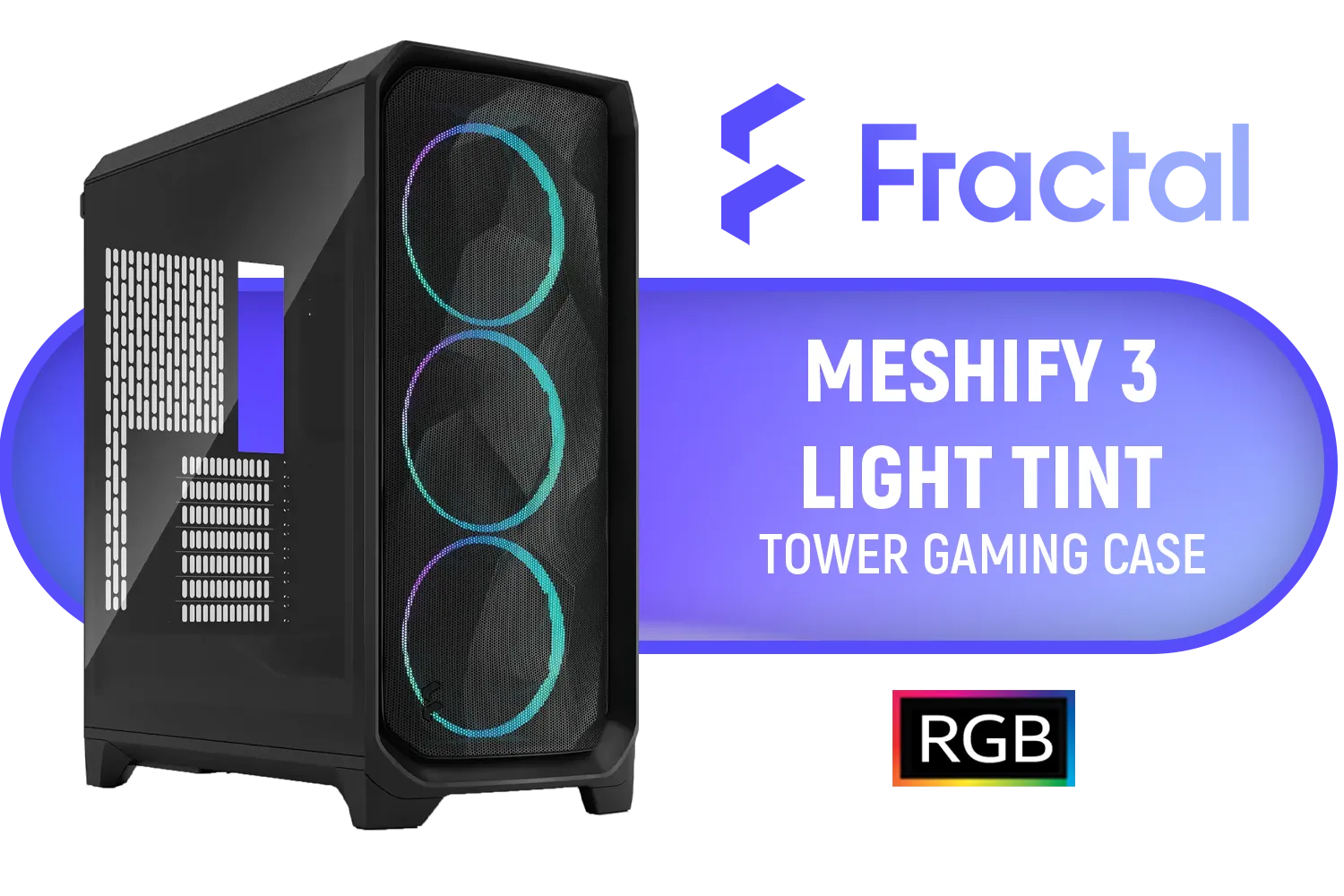
Fractal Design Meshify 3 RGB Black Tempered Glass Light Tint - High Airflow PC Gaming Case - Mesh Front Panel - Three ARGB Momentum 14 Gen 2 Fans Included - E-ATX/ATX/mATX Support / FD-C-MES3A-06
R2899.00In Stock

Cooler Master MasterBox 500 PC Case - Mid-Tower Chassis, FineMesh Front Intake & 120mm ARGB Fan, Removeable Top Panel & Tempered Glass Side Panel, Supports Motherboards up to E-ATX, Versatile Component Support, 120mm Rear Fan / MB500-KGNN-S00
R2599.00In Stock
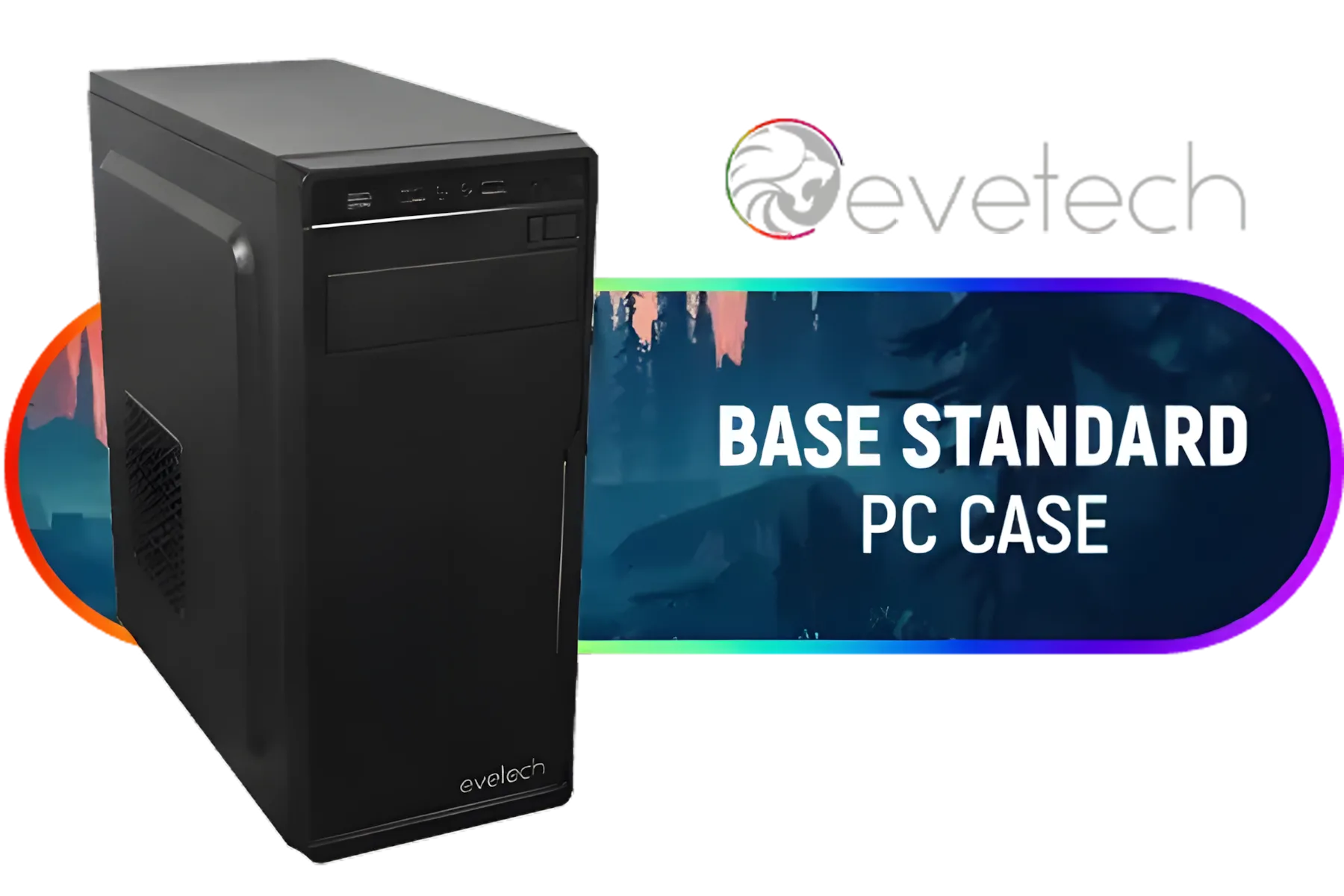
Evetech BASE Standard ATX PC Case / 400W Power Supply / 1x 120mm Fan / 3x 2.5" Drive Bays And 2x 3.5" Drive Bays / 1x USB 3.0 + 2x USB 2.0 / 1x Headphone-out & 1x Audio-in Jack / Supports 7 Expansion Slot
R699.00In Stock

Xigmatek Meta Mid Tower Gaming Case - Black / Supports Motherboards up to E-ATX / 4 x Pre-Installed Fans Included / EN45066
R1799.00In Stock
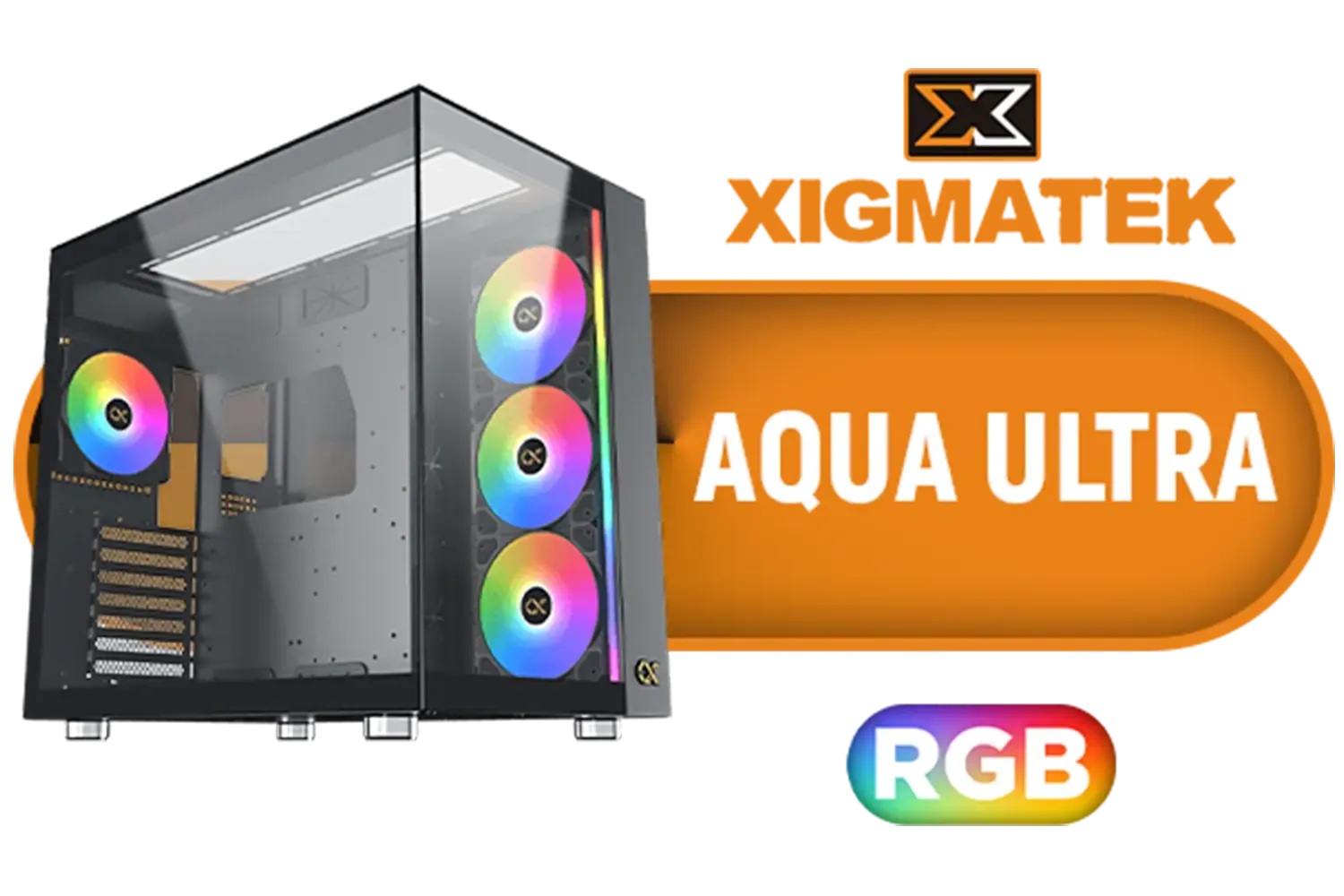
Xigmatek Aqua Ultra RGB ATX Mid Tower Gaming PC Case - Black / 7 x Pre Installed ARGB Fans / EN40672
R2399.00In Stock
The Foundation: Choosing a Compact Case
Your journey to a minimalist setup begins with the chassis. Forget those giant towers of old; the future is in compact Mini-ITX and Micro-ATX cases. These smaller footprints are the key to unlocking more desk space without compromising on airflow or style. A great small gaming setup balances aesthetics with thermal performance, ensuring your components stay cool even when things get heated in-game.
When choosing, consider the internal layout. Does it support your chosen graphics card length? Is there enough clearance for your CPU cooler? A well-designed case, like the sleek Cooler Master E301 Mini Tower, proves that you can pack serious power into a small package.
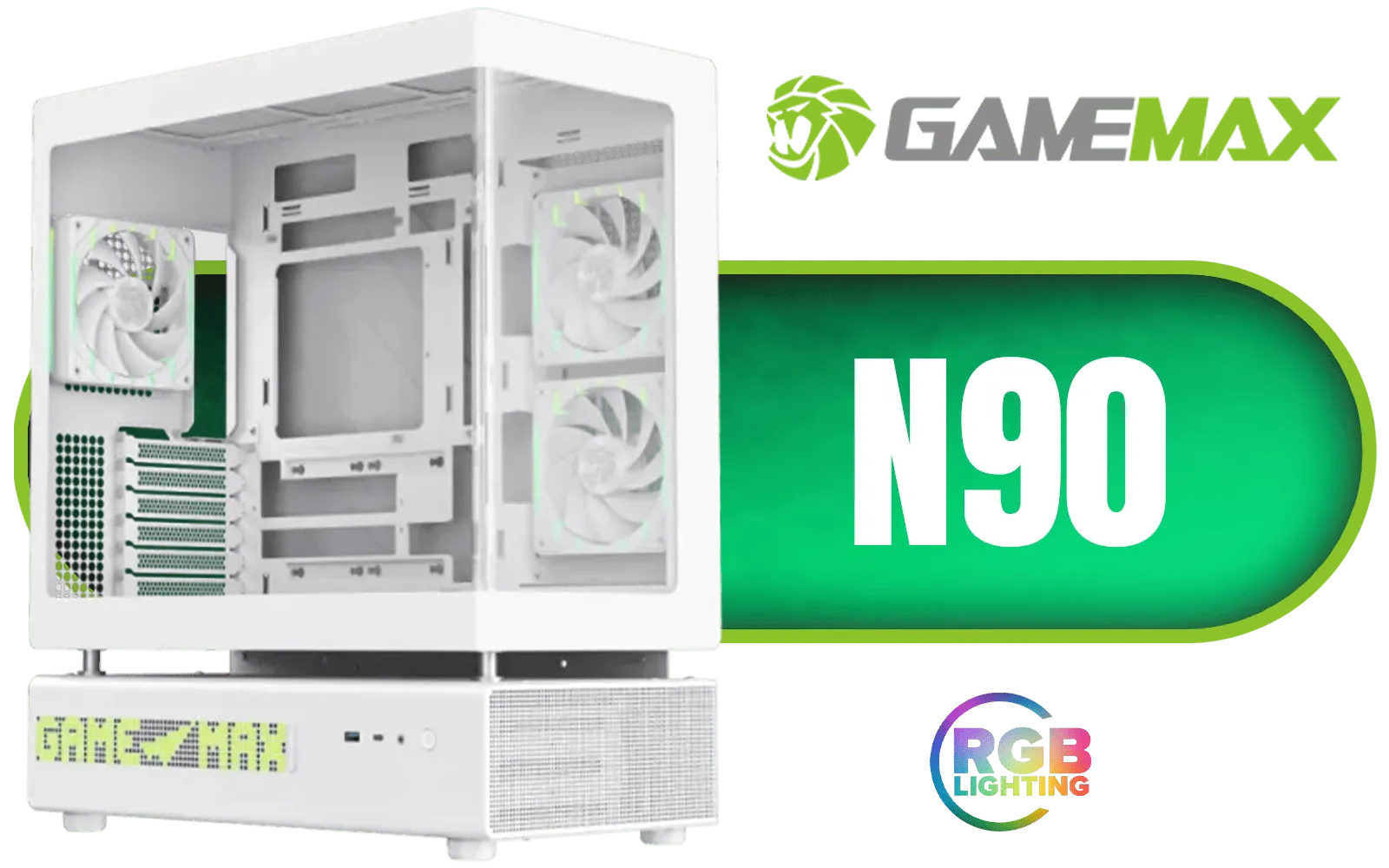
Gamemax N90 ATX Mid-Tower Gaming Case - White / Modular Dual-Chamber Design / 512-LED Dot Matrix Display / 270° Panoramic Curved Glass Panel / ATX, M-ATX, ITX (BTF) Motherboard Support / ATX PSU Support / Support 9x 120mm or 6x 120mm + 2x 140mm Case Fans / Includes 6x 120mm ARGB Case Fans / N90-WH
R2799.00In Stock
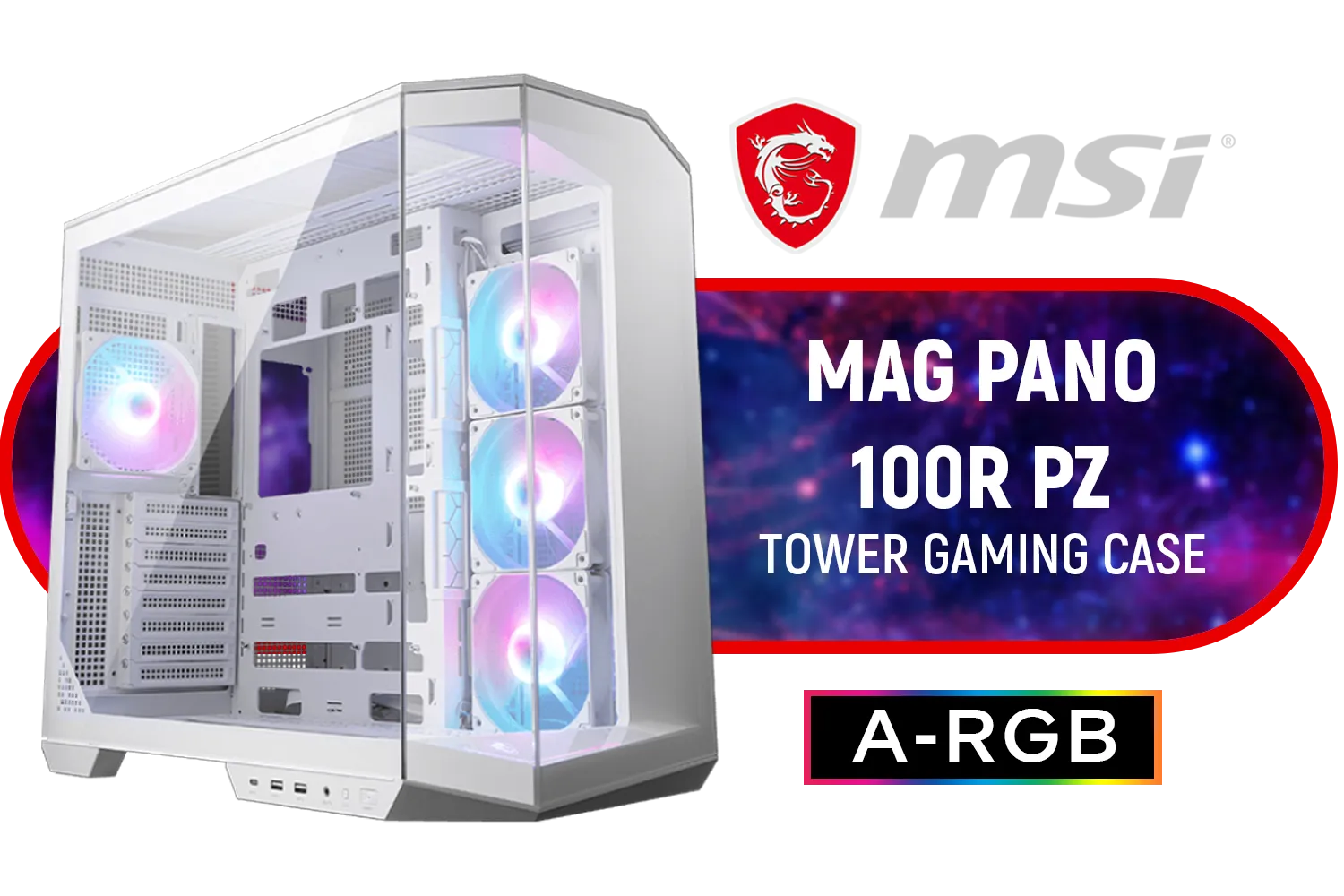
MSI MAG PANO 100R PZ Gaming Case - White / Mid-Tower Case Form Factor / ATX, Micro-ATX, Mini-ITX / Pre-installed 3x 120mm (Reverse-blade), 1x 120mm ARGB Fans / Tempered Glass / 306-7G26W22-HH9
R2999.00In Stock

Xigmatek Lux G Black PC Case Medium Tower ATX / Supports Motherboards up to ATX / 4 x Pre Installed ARGB Fans / EN48687
R1499.00In Stock
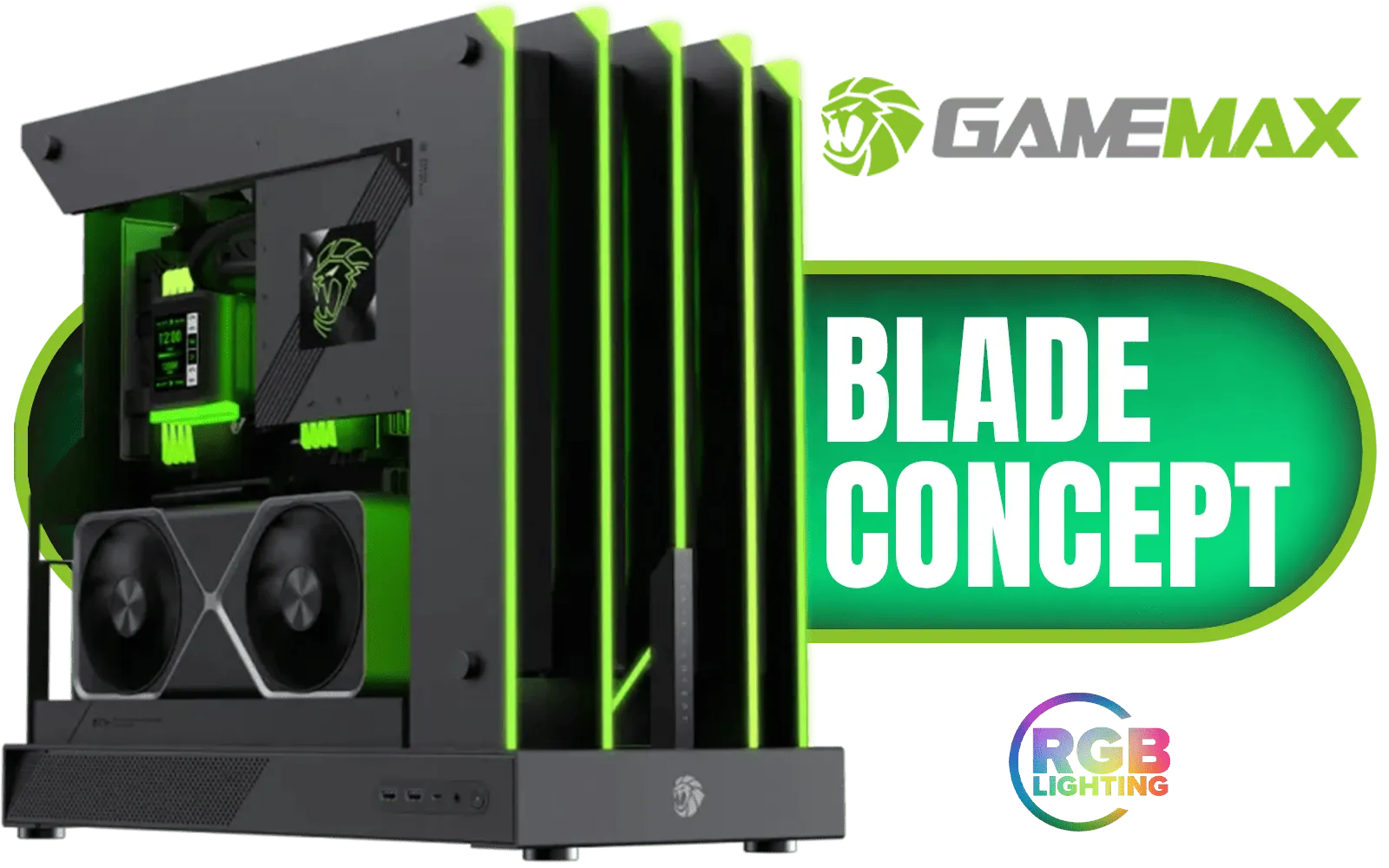
Gamemax Blade Concept ATX Gaming Case / Open-Air Side Design / Does not Support Case Fans / ATX Motherboard Support / ATX PSU Support / Blade-Concept
R3999.00In Stock

DeepCool CG580 4F ATX Mid Tower Gaming Case - Black / Tempered Glass Side Panel / CPU Cooler Support Up to 160mm / Radiator Support Up to 360mm / Partial mesh for better airflow / 4 x Pre-Installed Fans Included / CG580-4F
R1799.00In Stock
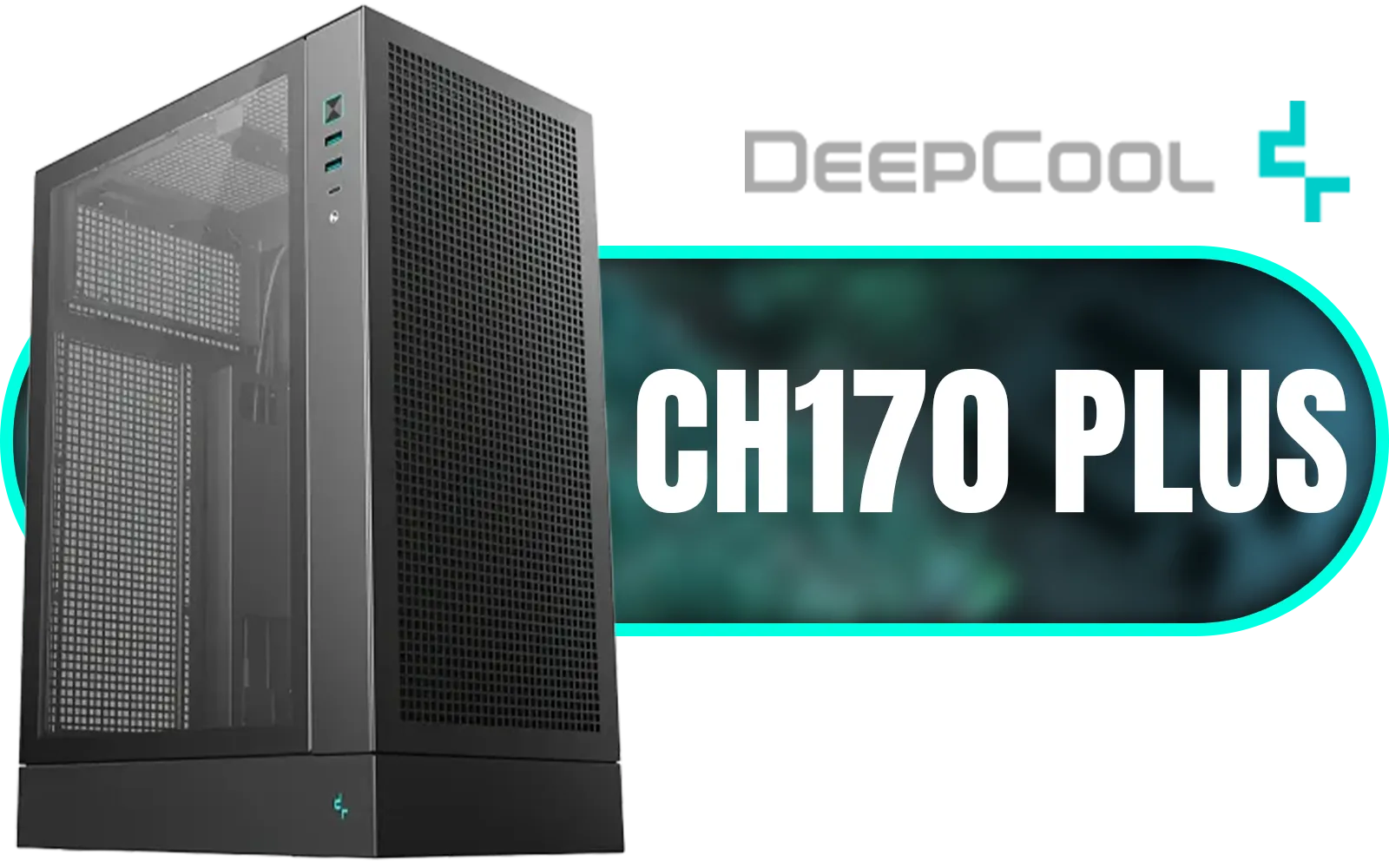
DeepCool CH170 PLUS Vertical Mid-Tower Case – Black / Supports Mini-ITX, Micro-ATX / High-Airflow Design with Mesh Panels / Transparent Tempered Glass / 240mm Radiator Support / USB 3.0 / Type-C / No Fans Included / CH170 PLUS
R1399.00In Stock
Smart Components for Your Small Gaming Setup
Building in a smaller case requires a bit more planning, but the payoff is huge. Here’s what to prioritise:
- Motherboard: A Mini-ITX motherboard is the heart of most ultra-compact builds.
- Power Supply (PSU): Look for an SFX (Small Form Factor) PSU. They are specifically designed for these cases and often come with shorter, more manageable cables.
- Cooling: A low-profile air cooler or a compact 120mm AIO (All-In-One) liquid cooler is essential to keep temperatures in check.
Thinking about which brand to trust? Exploring Cooler Master's range of cases is a fantastic starting point, as they are renowned for their innovative small form factor designs.
TIP FOR YOU
Cable Management Pro Tip 🔧
In a small build, airflow is king. Use zip ties or velcro straps to route cables tightly against the chassis, away from fans. A modular PSU is your best friend here, as you only need to connect the cables you actually use, drastically reducing clutter and improving airflow for your compact gaming setup.
Maximising Desk Space and Aesthetics ✨
Once your PC is built, the final touches bring your aesthetic gaming setup to life. A clutter-free desk isn't just about looking good; it helps you focus.
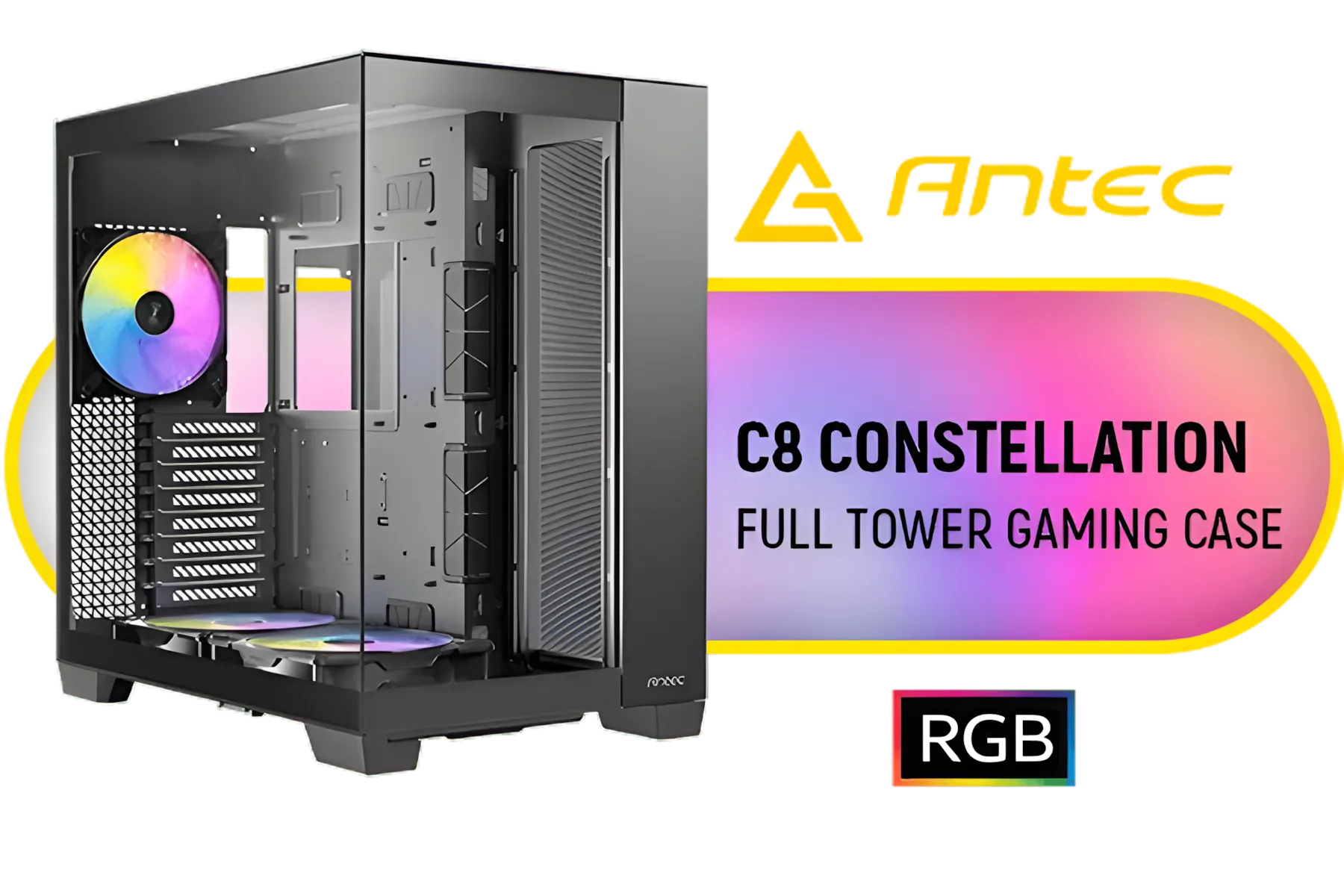
Antec C8, 2 x 160mm ARGB PWM Reverse fans + 1 x 140mm ARGB PWM Fan, RTX 40 Compatible, Dual-Chamber, tooless Design, Type-C, 360mm Radiator Support, Seamless Tempered Glass Front & Side Panels, High Airflow Full-Tower E-ATX PC Case / 0-761345-10022-9
R2999.00In Stock

Gamdias TALOS E3 Tempered Glass ATX Gaming Case - Black / Supports Motherboards up to ATX / 3 Built-in 120mm ARGB Fans / Magnetic Dust Filter / Support Sync with 5V ARGB Motherboard / TALOS-E3
R1099.00In Stock

Evetech RIX Mid-Tower ATX Gaming Case - Black / RGB LED Controller / Support USB 3.0 / Supports 7 Expansion Slot / 6 x Pre-Installed ARGB Fans Included / C1936B
R1999.00In Stock

Gamdias Atlas P2 Tempered Glass ATX Gaming Case - Black / Magnetic Dust Filter / 4 Built-in 120mm ARGB Fan / Supports Motherboards up to ATX / Compatible with 430mm GPU / ATLAS-P2
R2299.00In Stock

Corsair 6500D AIRFLOW Mid-Tower Dual Chamber Gaming E-ATX PC Case - White / Compatible with reverse connector motherboards / Supports Motherboards up to E-ATX / Tempered Glass / Wide cooling flexibility / No Fans Included / CC-9011260-WW
R4599.00In Stock

Antec CX600M Trio ARGB Desktop Computer Case, Mini Tower, Micro-ATX, ITX, 3X Vent ARGB, No Source, Black / 0-761345-10139-4
R1499.00In Stock
Consider mounting your monitor on an arm to free up the space underneath. This simple change can make your entire setup feel bigger and more organised. Switching to wireless peripherals—like a wireless mouse and keyboard—also eliminates cable mess, contributing to that clean look. There are many case styles to match your vibe, from minimalist black boxes to RGB-lit showpieces from brands like Gamemax.
Ultimately, a great small gaming setup idea is about being intentional. Every component and peripheral should have a purpose and contribute to a cohesive, high-performance environment. Ready to find the perfect starting point? Browse our full collection of computer cases and discover a world of compact possibilities.
Ready to Build Your Compact Powerhouse? A small gaming setup is the perfect blend of style, space-saving, and performance. Stop letting a bulky tower dominate your desk. Explore our massive range of computer cases and find the perfect chassis to start your minimalist build today.
Related Products
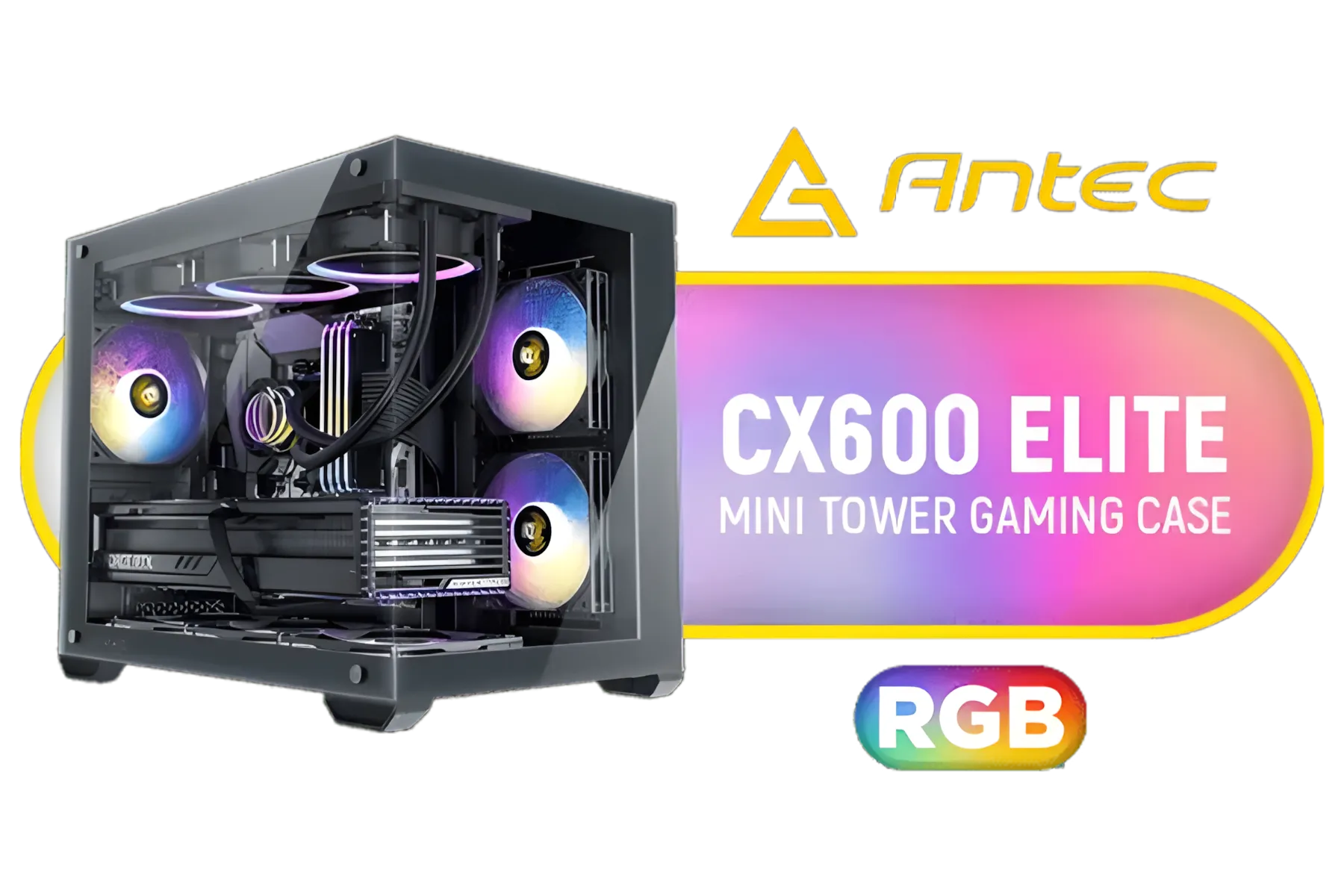
Antec CX600M RGB Gaming Case - Micro-ATX & ITX Motherboard Support - Support 2x Water Cooler - Dual Chamber - Panoramic 270° View, 3 x Pre-Installed Fans Included / 0-761345-10118-9
R1299.00In Stock

Xigmatek Duke RGB ATX Mid Tower Gaming PC Case (Black) / 4 x Pre Installed ARGB Fans / EN49158
R1199.00In Stock
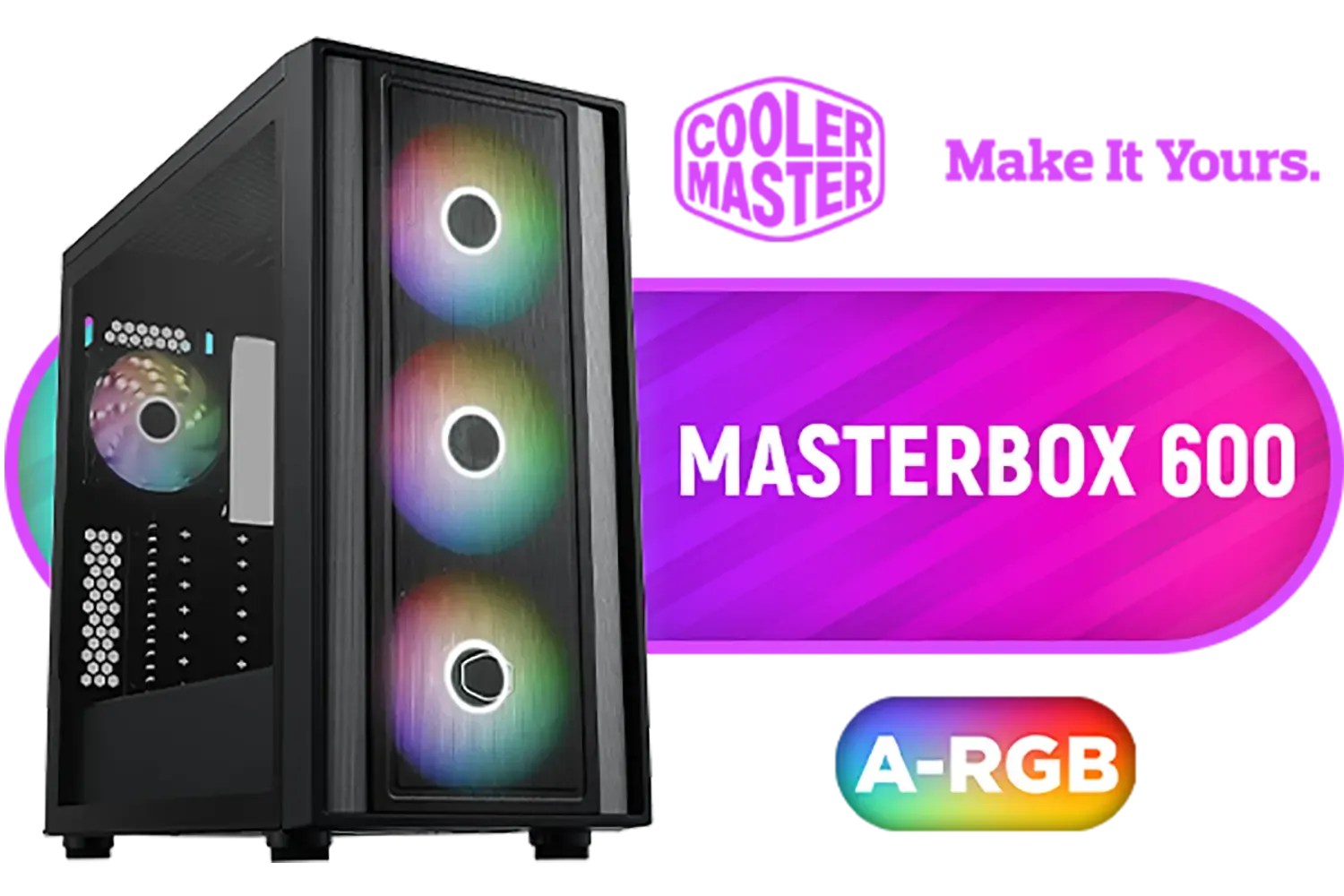
Cooler Master MasterBox 600 Mid-Tower PC Case / Tempered Glass Side Panel / Removable HDD cage / 4 x Pre-installed 120mm ARGB Fans / GPU clearance up to 410mm / Supports E-ATX Motherboards / MB600-KGNN-S00
R1899.00In Stock

DeepCool CH270 Digital Micro-ATX Mini Tower Gaming Case - Black / Tempered Glass Side Panel / CPU Cooler Support Up to 174mm / Radiator Support Up to 360mm / Partial mesh for better airflow / No Fans Included / CH270-DIGITAL
R1399.00In Stock

Xigmatek Aqua V Arctic Mid Tower Gaming Case - White / Supports Motherboards up to ATX / 7 x Pre-Installed ARGB Fans Included / EN45813
R1999.00In Stock

Corsair iCUE LINK 5000T LX RGB Mid-Tower High-Performance Gaming E-ATX PC Case / Sleek, uniquely contoured steel chassis / Integrated Aurora RGB Light Strips / Supports Motherboards up to E-ATX / Removable mesh front and roof high airflow panels / 3 x Pre-Installed RGB Fan Included /CC-9011298-WW
R6299.00In Stock
Use a mini ITX build, compact GPU, and focused cooling. Prioritise cable management for gaming and low-profile lighting to keep airflow and frame rates high.
Yes. A mini ITX build can match full-size performance with the right CPU/GPU choices and optimized cooling for compact gaming pc setup.
Choose a space-saving gaming desk setup with cable channels and a monitor mount to free surface area and create a clean, aesthetic compact gaming setup.
Install high-efficiency fans, use top or front airflow, and pick low-profile coolers. Cooling tips for compact builds keep temps down without noise spikes.
RGB itself doesn't affect FPS. But excess peripherals and poor cable management for gaming can restrict airflow—keep lighting tidy and low-profile.
Use zip ties, adhesive channels, and a power strip under the desk. Streamline cables to improve airflow and maintain an aesthetic compact gaming setup.
Prioritise ergonomics first—proper monitor height and seating—then layer aesthetics like RGB and decor to create a balanced small room gaming setup.











