



Small PC Case Cable Management: 12 Tips for a Cleaner Build
Small PC case cable management - Checklist: 1) plan cable routes; 2) use short/modular cables; 3) use channels, straps & tie mounts; 4) prioritize airflow. Learn practical steps to tidy mini-ITX and mATX builds. 🔧✨
Building a small form factor (SFF) PC is a thrilling challenge. You're packing immense power into a tiny, desk-friendly box. But then comes the hard part: the cables. A messy interior isn't just ugly; it can choke airflow and cook your components. Mastering small PC case cable management isn't just for show—it's about performance and pride. Ready to transform that rat's nest into a clean, cool, and powerful machine? Let's get building. ✨

Corsair FRAME 4000D RS ARGB Modular Mid-Tower Gaming E-ATX PC Case / InfiniRail™ Fan Mounting System / Dual 360mm radiator support / Supports Motherboards up to E-ATX / GPU anti-sag stabilization arm / Compatible with reverse connector motherboards / 3 x Pre-Installed Fans Included / CC-9011296-WW
R2099.00In Stock

Fractal Design Meshify 2 Compact Black ATX Flexible High-Airflow Light Tinted Tempered Glass Window Mid Tower Computer Case - 3 x Pre-Installed Fans Included - FD-C-MES2C-03
R2199.00In Stock
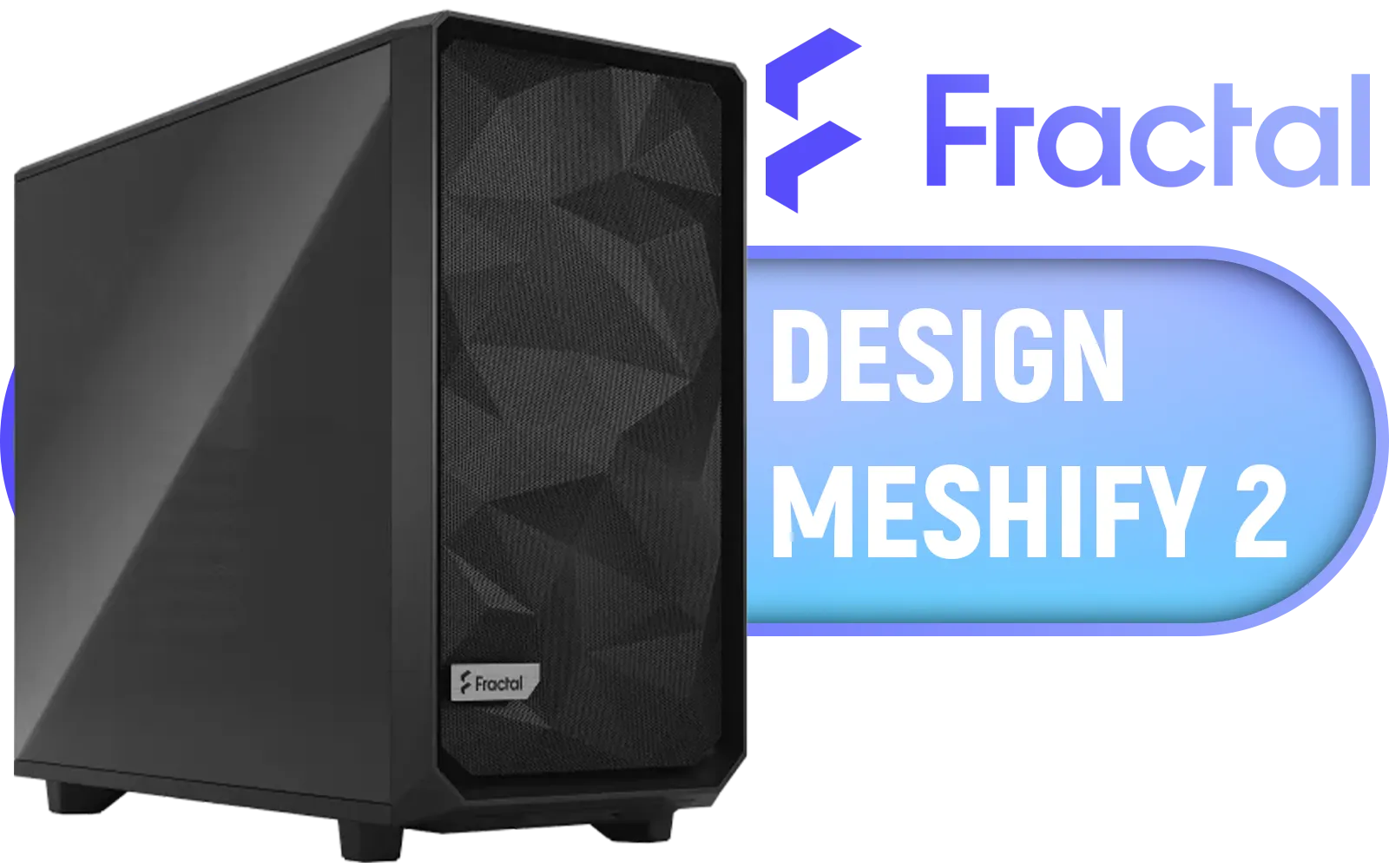
Fractal Design Meshify 2 Black ATX Flexible Light Tinted Tempered Glass Window Mid Tower Computer Case / 3 x Pre-Installed Fans Included / FD-C-MES2A-03
R2699.00In Stock

Corsair iCUE 4000D RGB Airflow Mid-Tower Gaming E-ATX PC Case - 3X AF120 RGB Elite Fans - iCUE Lighting Node PRO Controller - Supports Motherboards up to E-ATX - High-Airflow Design - CORSAIR RapidRoute Cable Management System - True White / CC-9011241-WW
R2399.00In Stock
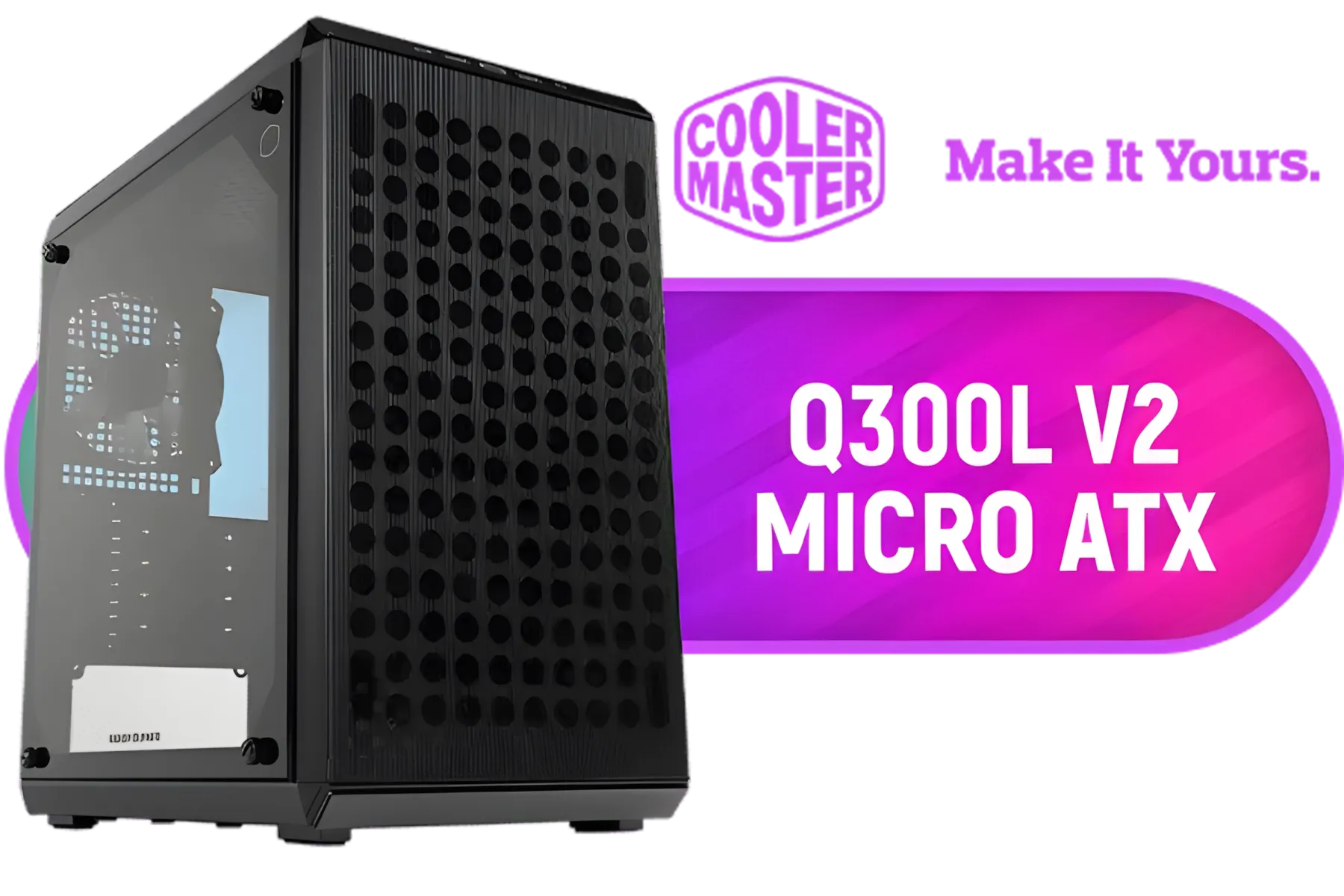
Cooler Master Q300L V2 ARGB Micro-ATX Tower, Magnetic Patterned Dust Filter, USB 3.2 Gen 2x2 (20GB), Tempered Glass Panel, CPU Coolers Max 159mm, GPU Max 360mm, Fully Ventilated Airflow, 1 x Pre-Installed Fan Included / Q300LV2-KGNN-S01
R1199.00In Stock
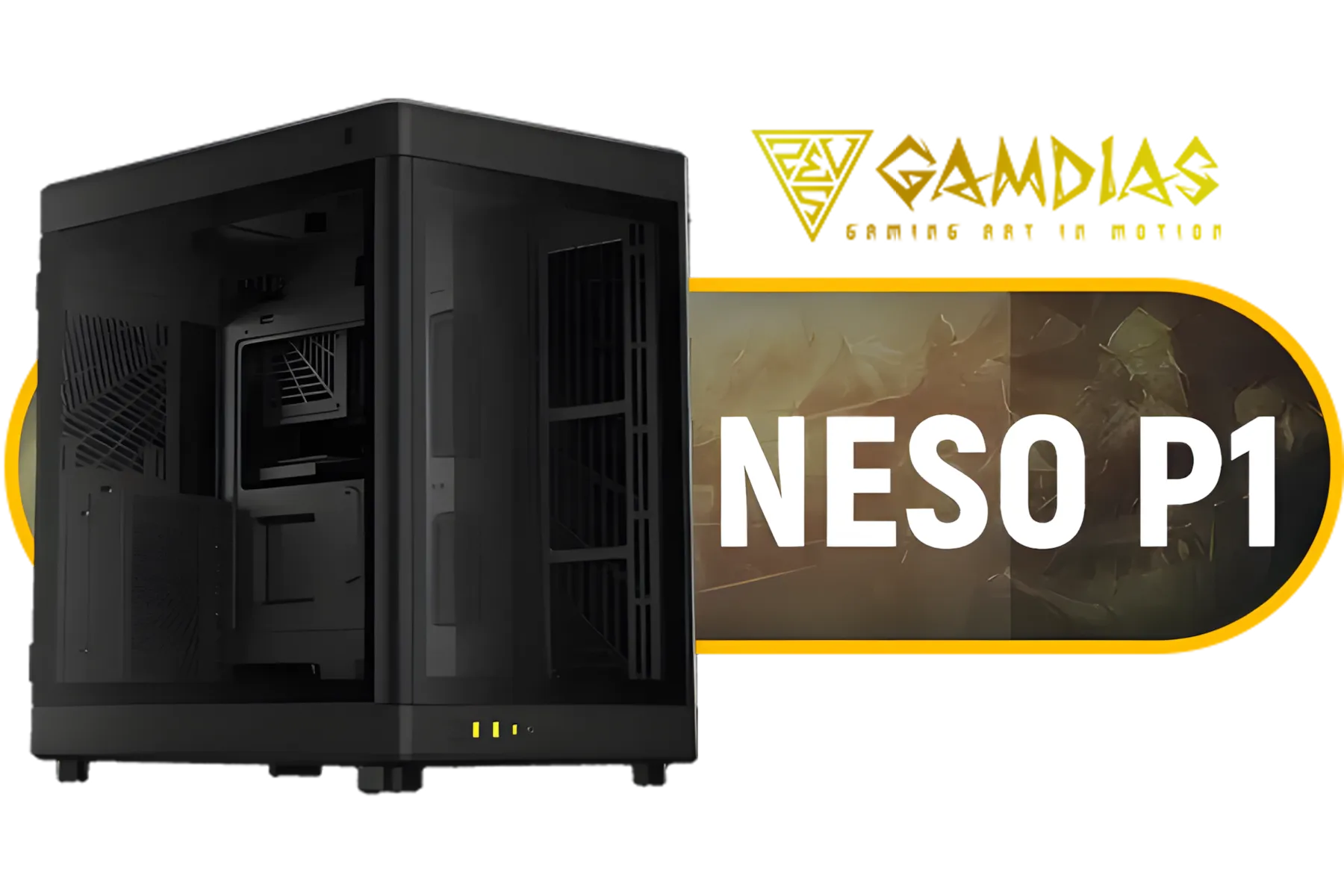
Gamdias Neso P1 Prime Lifestyle E-ATX Gaming Case - Black / Modular Orientation / Full Panoramic Display / Supports Motherboards up to E-ATX / Trapezoid Shaped for Horizontal Desktop and Vertical Tower Setup / No Fans Included / NESO-P1-B
R2299.00In Stock
Planning Your Tidy SFF Build Before You Begin
Great cable management starts long before you pick up a screwdriver. A few smart choices at the beginning will save you hours of frustration.
1. Choose a Builder-Friendly Case
Not all SFF cases are created equal. Look for models with dedicated cable routing channels, plenty of tie-down points, and a smart internal layout. A compact case like the Cooler Master E301 is designed with clean builds in mind, providing just enough space behind the motherboard tray to hide the essentials.

Fractal Design Focus 2 Black TG Clear Tint - Tempered Glass Panel - Optimized Airflow Layout - ATX, mATX, ITX Compatibility - 2 x Pre-Installed Fans Included - FD-C-FOC2A-01
R1599.00In Stock

COUGAR DUOFACE RGB Mid Tower ATX Case with Two Distinctive Front Panels: Mesh & RGB, Brilliant Lighting Scenery and Excellent Cooling Performance, 3 x Pre-Installed ARGB Fans Included (385ZD10.0001)
R1399.00In Stock
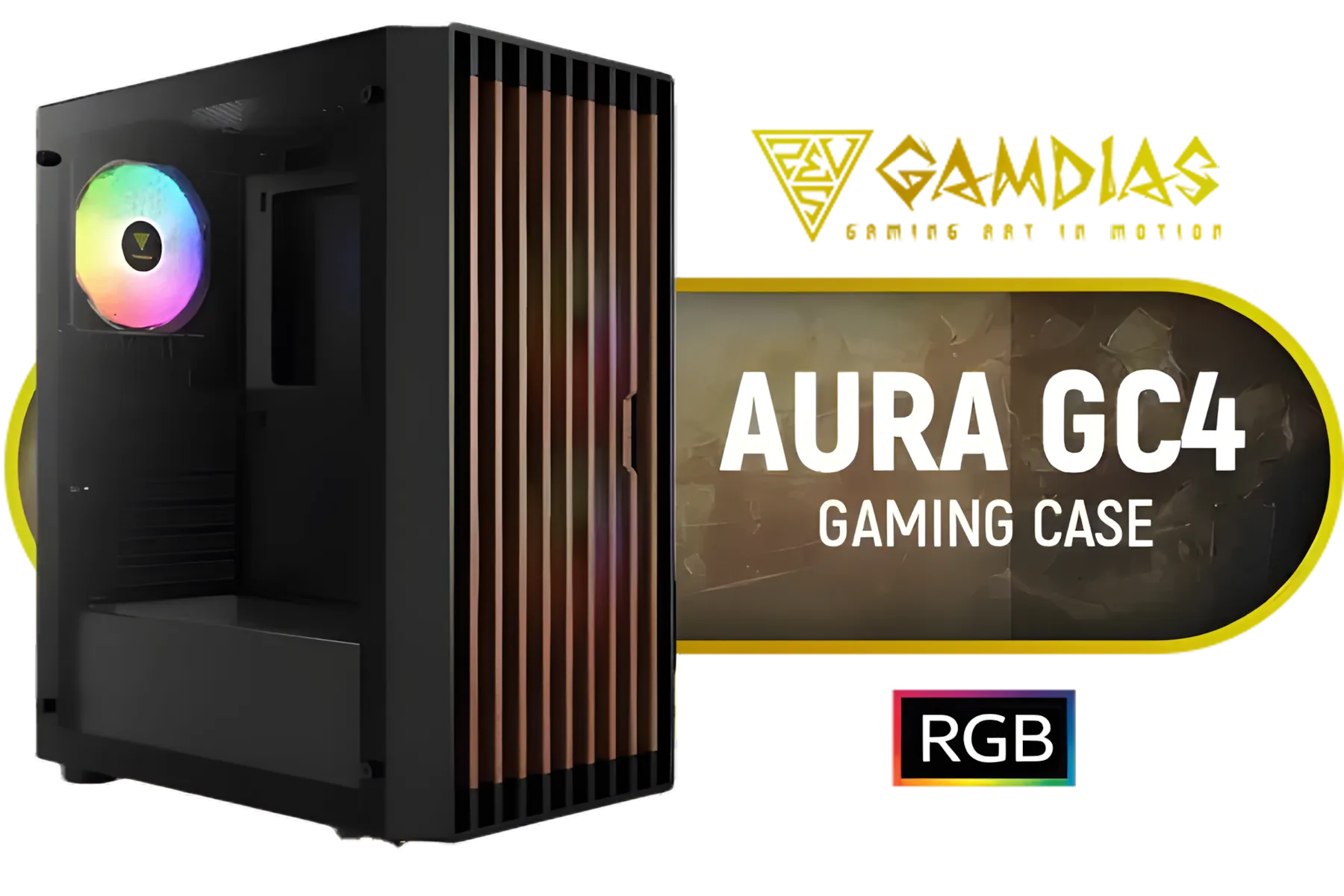
Gamdias Aura GC4 Tempered Glass ATX Gaming Case - Black / Supports Motherboards up to ATX / Real Walnut Mesh Front Panel / Magnetic Dust Filter / 3 Built-in 120mm RGB Fan / Tool-Free Installation / AURA-GC4
R1199.00In Stock

COUGAR MG140 Air RGB (Black): Compact ARGB Mini Tower Case with Modern Patterned Air Vents / Supports Motherboards up to Mini ITX / Micro ATX / 3 x Pre-Installed ARGB Fans Included / 385JM80.0001
R1399.00In Stock
Gamdias Neso P1 Prime Lifestyle E-ATX Gaming Case - Black / Modular Orientation / Full Panoramic Display / Supports Motherboards up to E-ATX / Trapezoid Shaped for Horizontal Desktop and Vertical Tower Setup / No Fans Included / NESO-P1-B
R2299.00In Stock
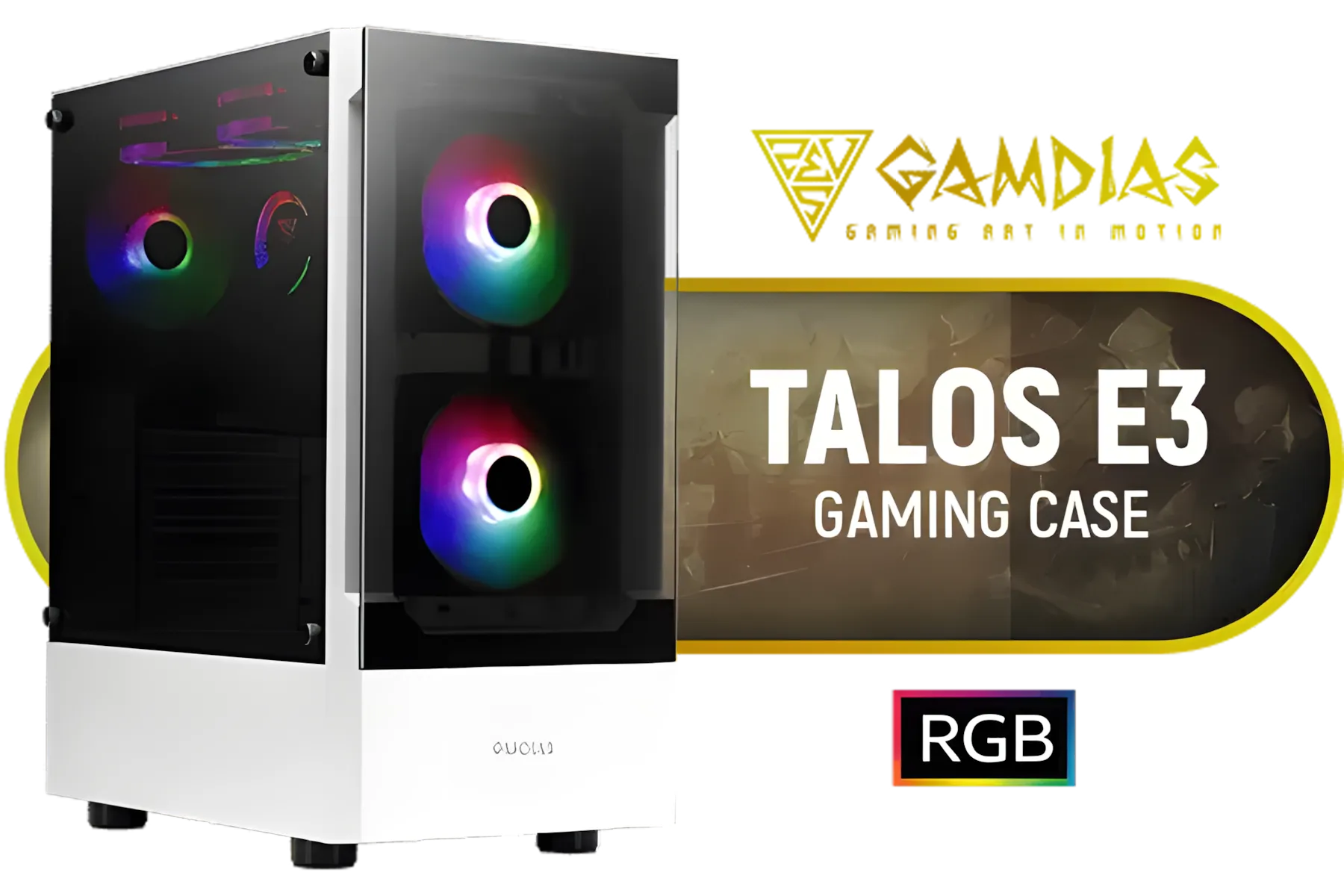
Gamdias TALOS E3 Tempered Glass ATX Gaming Case - White / 3 Built-in 120mm ARGB Fans / Supports Motherboards up to ATX / Magnetic Dust Filter / Support Sync with 5V ARGB Motherboard / TALOS-E3-WHITE
R999.00In Stock
2. Go Fully Modular with Your PSU
A modular Power Supply Unit (PSU) is non-negotiable for SFF builds. It lets you use only the cables you absolutely need, drastically reducing clutter. Why wrestle with a thick, unused Molex cable when you can simply leave it in the box? This is the single biggest step towards better cable management for small PC cases.
3. Visualise Your Cable Runs
Before installing any components, place your motherboard, GPU, and PSU inside the empty case. Think about where each cable will originate and terminate. Where's the 8-pin CPU power? The 24-pin motherboard connector? The GPU power? Visualising the path helps you identify the most efficient route.
Essential Tools for Small PC Case Cable Management
Having the right gear makes any job easier. You don't need a massive toolkit, just a few key items. 🔧
4. Stock Up on Cable Ties and Velcro Straps
Zip ties are cheap and effective for permanently securing cables. Velcro straps are fantastic for bundling cables you might need to adjust later. A combination of both is ideal.
5. Consider Custom-Length Cables
For the ultimate clean look, nothing beats custom-length sleeved cables. They eliminate all excess slack, ensuring every run is perfectly taut. While it's a premium option, the aesthetic results are undeniable, especially in cases with a glass side panel.
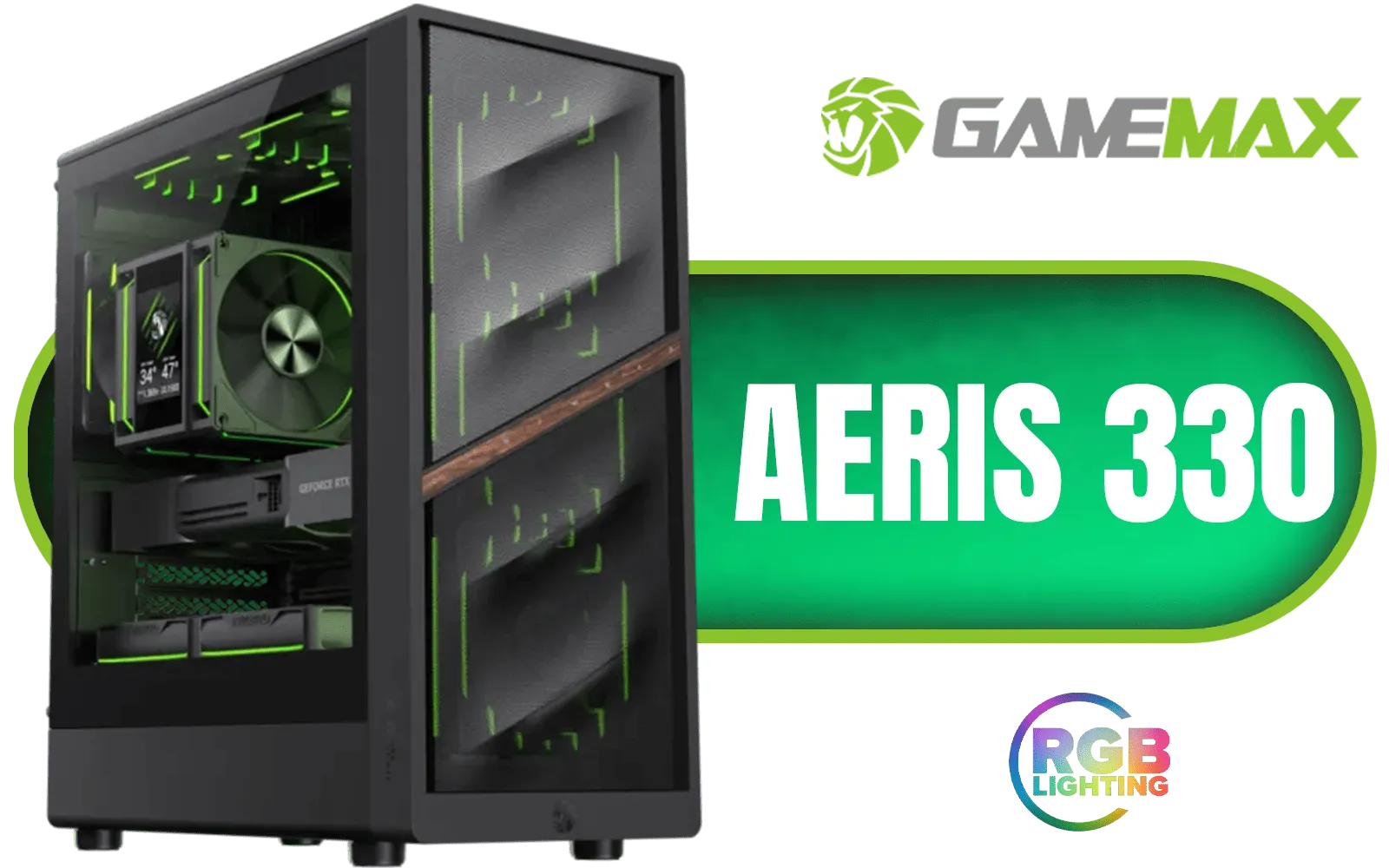
Gamemax AERIS 330 Micro-ATX Gaming Case - Black / Supports M-ATX & ITX Motherboards / Supports up to 8x 120mm Fans / 4x 120mm ARGB Fand Pre-Installed / AERIS-330-MB
R999.00In Stock
Antec CX800 Wood ARGB Gaming Case - Black / Panoramic 270° View With Exotic Wood / Dual Chamber / Pre-Installed 4 x 120mm Fans / 0-761345-10137-0
R1999.00In Stock

Cooler Master HAF 500 High Airflow ATX Mid-Tower, Mesh Front Panel, Dual 200mm Customizable ARG Lighting Fans, Rotatable GPU Fan, USB 3.2 Gen 2 Type C and Tempered Glass / H500-KGNN-S00
R2499.00In Stock

Antec CX500M ARGB Micro ATX Gaming Case - 2 x 120mm ARGB Reverse fans + 1 x 120mm ARGB Fan - RTX 40 Compatible - Type-C - 360mm Radiator Support - Seamless Tempered Glass Front & Side Panels / 0-761345-10136-3
R1299.00In Stock

Antec Performance 1 FT W, RTX 40 Series GPU Support, Temp. Display, 4 x Storm T3 PWM Fans, Type-C, Dual TG Side Panels, Removable Top Fan/Radiator Bracket, Mesh Front Panel, Full-Tower E-ATX PC Case / 0-761345-10091-5
R2999.00In Stock
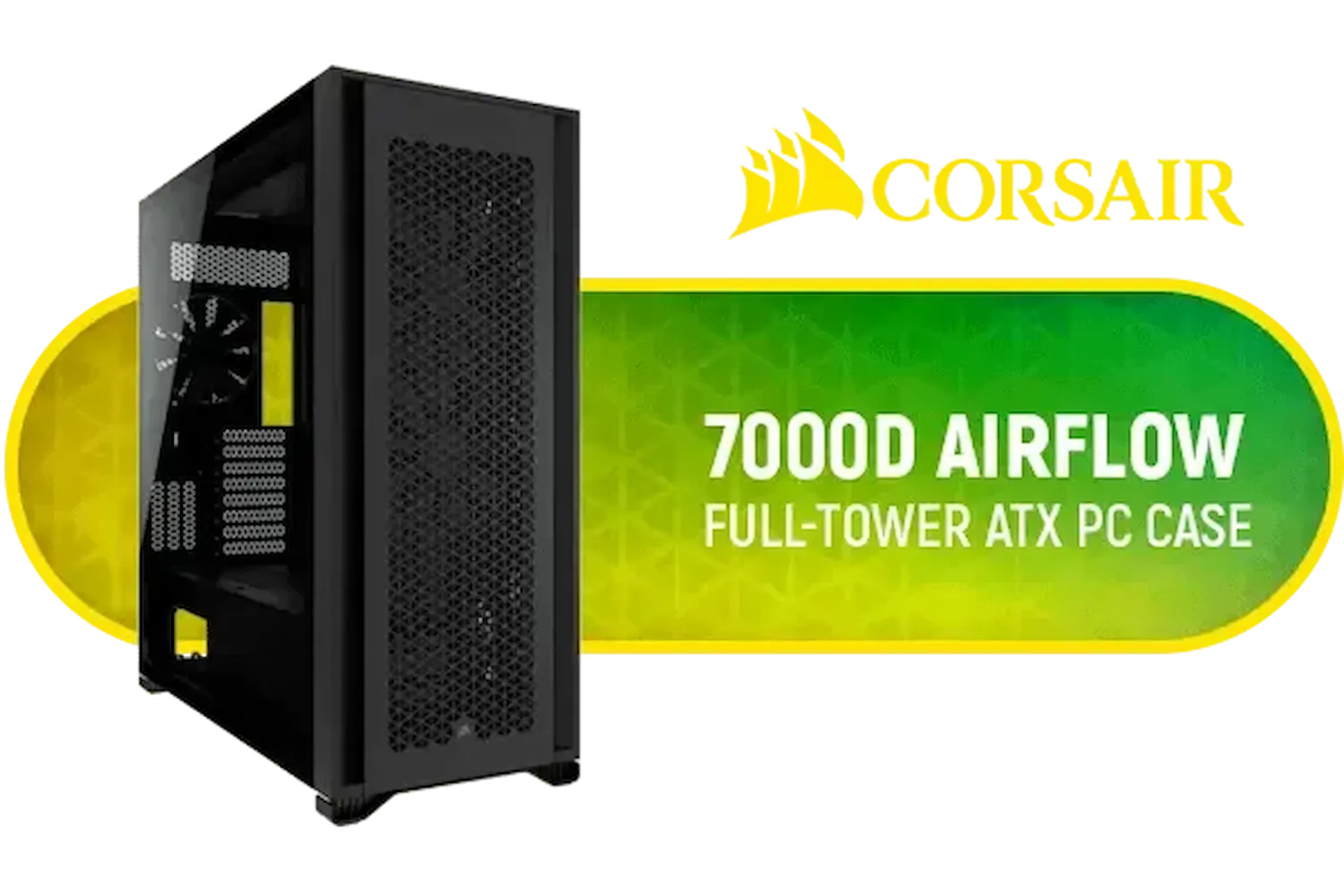
Corsair 7000D AIRFLOW Full-Tower Gaming E-ATX PC Case - Black / Tempered Glass Side Panel / USB 3.1 Type-C port / Corsair rapid route cable management / Supports Motherboards up to E-ATX / Supports up to 480mm Radiator / 3 x Pre-Installed Fan Included / CC-9011218-WW
R4499.00In Stock
6. Use M.2 Drives to Eliminate Cables
Every traditional SATA SSD requires two cables: one for power, one for data. An M.2 NVMe SSD, on the other hand, plugs directly into the motherboard—no cables required! This is a simple but incredibly effective way to reduce two (or four, or six...) cables from your build. Many modern Gamemax computer cases have layouts that show off a cable-free M.2 setup perfectly.
TIP FOR YOU
Pro Tip: Route Before You Mount 💡
Always route the 8-pin CPU power cable before you screw the motherboard into the case. This cable often has to sneak through a tight cutout at the top of the case, which becomes nearly impossible to access once the motherboard and cooler are installed. It's a classic rookie mistake!
The Art of Routing: Techniques for a Clean Finish
Now for the hands-on part. These techniques separate the average builds from the masterpieces.
7. The Back is Your Best Friend
The small space behind the motherboard tray is your primary weapon. Route as many cables as possible back there. The goal is to make the front of the build look as wireless as possible. This is a core principle of good small PC case cable management.
8. Bundle Cables by Destination
Instead of running individual wires, group cables that are heading to the same area of the motherboard. For example, the USB, HD Audio, and front panel power button cables can often be bundled into a single, neat trunk that plugs into the bottom of the board. Many options in Cooler Master's range of cases include clever rubber grommets to help with this.
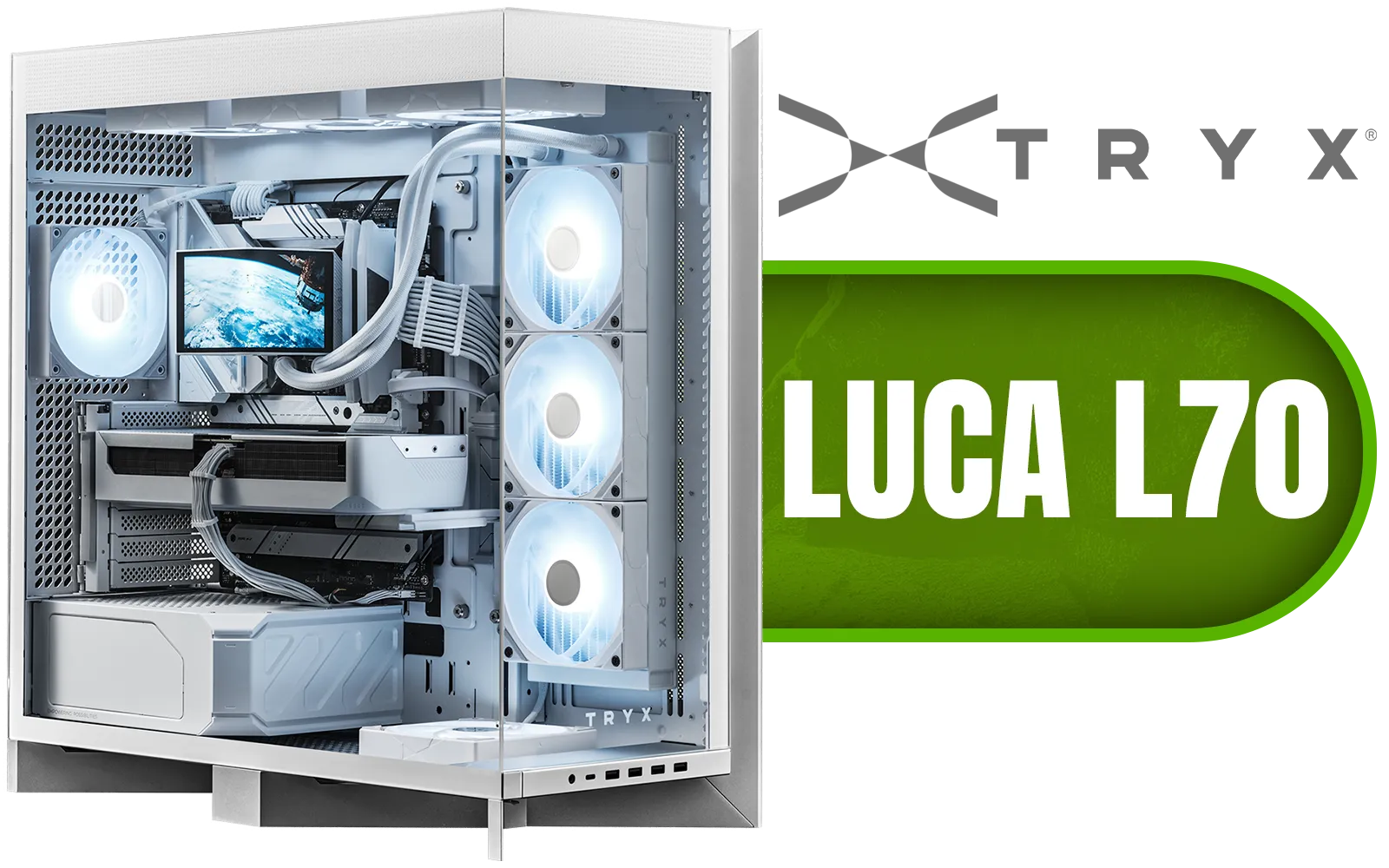
TRYX LUCA L70 Mid-Tower E-ATX Gaming Case - White / Tempered Glass Side Panel / Support ATX & M-ATX BTF Motherboards / Support E-ATX, ATX, Micro-ATX, Mini-ITX Motherboards / Support Vertical GPU Mounting / 40mm Raised X-Shaped base / Adjustable Motherboard Tray / Support up to 8x 140mm + 1x 120mm Fans / C-L700N-NN0H-G0W
R6299.00In Stock
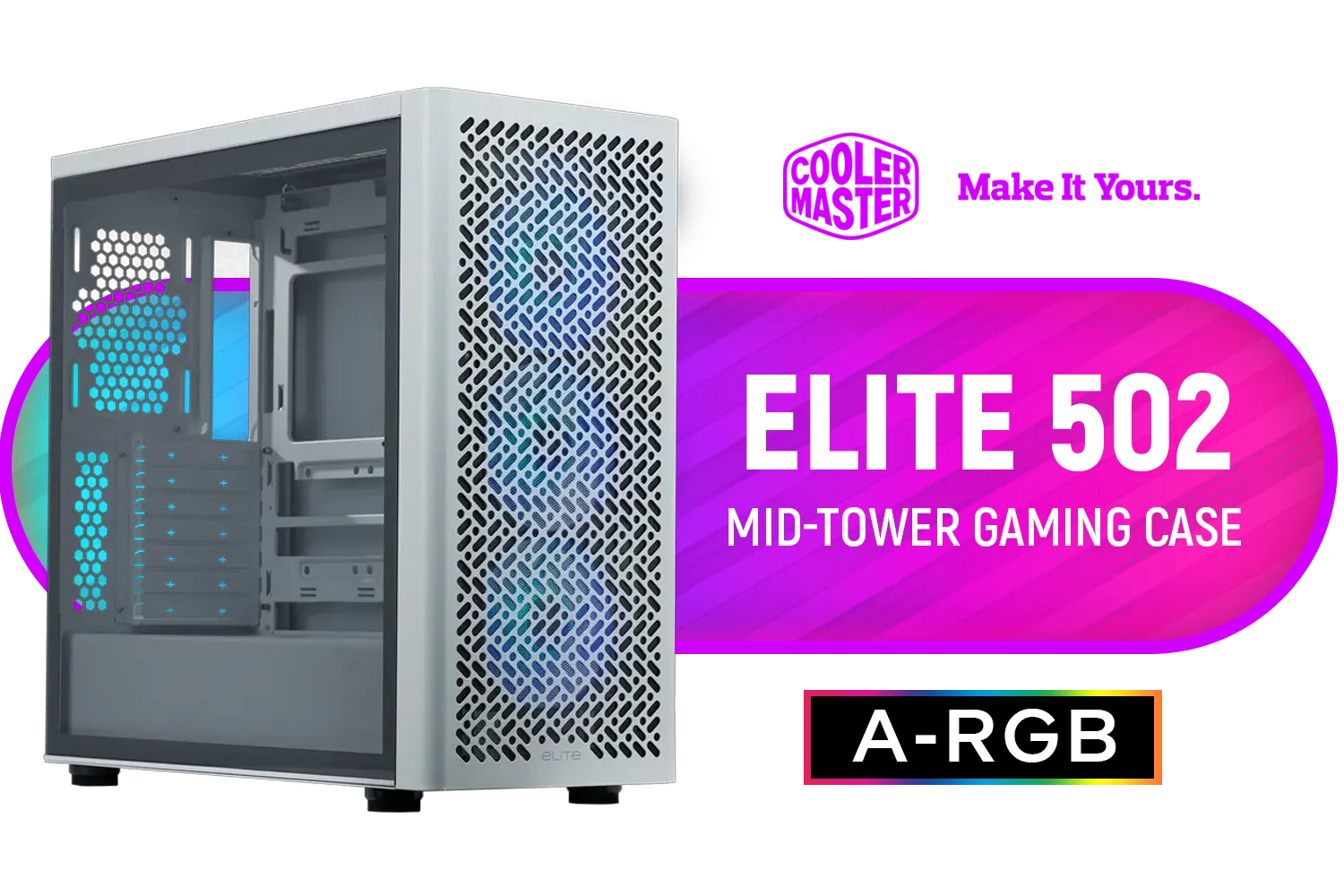
Cooler Master Elite 502 Mid-Tower Gaming Case - White / ITX, Micro-ATX, ATX (Supporting Back-connector Motherboard), E-ATX Motherboard Support / Up to 7 Case Fans / Pre-installed 3x 120mm ARGB Fans / E502-WGNN-S00
R1299.00In Stock

Xigmatek Cubi M Arctic Mid Tower Gaming Case - White / Supports Motherboards up to M-ATX, Mini-ITX / 6 Pre-Installed ARGB Fans Included / EN42805
R1499.00In Stock

DeepCool CG580 4F ATX Mid Tower Gaming Case - Black / Tempered Glass Side Panel / CPU Cooler Support Up to 160mm / Radiator Support Up to 360mm / Partial mesh for better airflow / 4 x Pre-Installed Fans Included / CG580-4F
R1799.00In Stock

Corsair iCUE LINK 5000T LX RGB Mid-Tower High-Performance Gaming E-ATX PC Case - White / Sleek, uniquely contoured steel chassis / Supports Motherboards up to E-ATX / Integrated Aurora RGB Light Strips / Removable mesh front and roof high airflow panels / 3 x Pre-Installed RGB Fan Included / CC-9011299-WW
R6399.00In Stock
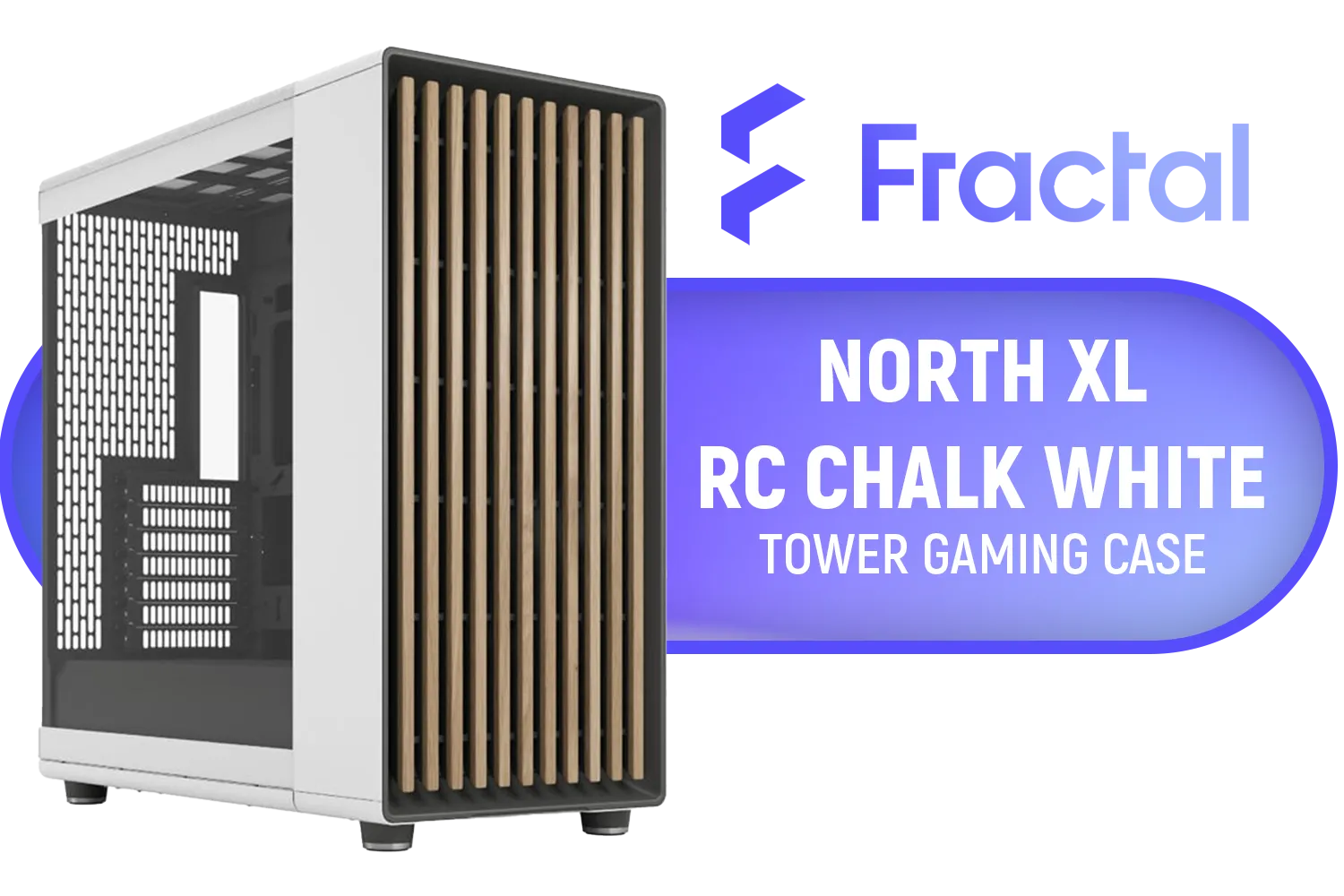
Fractal North XL RC Chalk White TG Clear PC Case / ATX and mATX with rear-facing connectors, Mini-ITX Motherboard Compatibility / 3x Included Aspect 140 mm fans / Tempered Glass / FD-C-NOR1X-06
R3199.00In Stock
9. Master the Fold and Tuck
Sometimes you'll have excess cable length, even with a modular PSU. Don't just stuff it in a corner. Neatly fold the excess cable back on itself like an accordion and secure it with a zip tie. Then, tuck this neat bundle into an open cavity, like an unused drive bay.
Final Touches for a Flawless Look
You're almost there! A couple of final steps will lock in that professional look.
10. Manage Front Panel I/O First
Those thin, fiddly front panel connectors are often the messiest part. Route and connect them first, securing them flat against the case floor or behind the motherboard tray before installing bulky components like the GPU.
11. Use Every Tie-Down Point
Case manufacturers add those little loops and hooks for a reason. Use them! Securing your cables to these anchor points prevents them from shifting or sagging over time, keeping your build looking sharp for years.

Antec CX600M Trio ARGB Desktop Computer Case, Mini Tower, Micro-ATX, ITX, 3X Vent ARGB, No Source, Black / 0-761345-10139-4
R1499.00In Stock
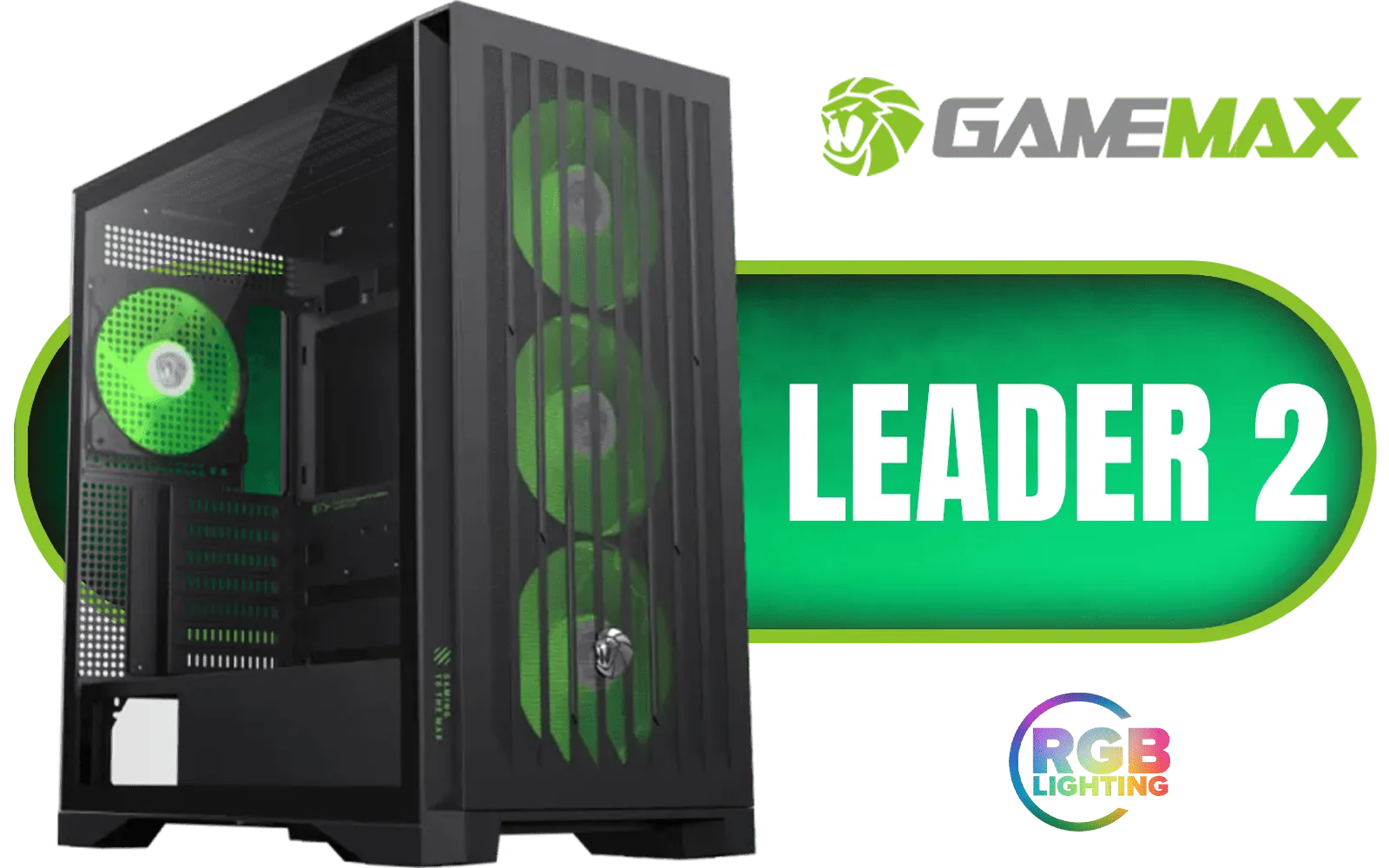
Gamemax Leader 2 E-ATX Mid-Tower Gaming Case - Black / Tempered Glass Side Panel / Support 9×120mm or 8×140mm Fan Mounts / 4 Pre-installed 140mm ARGB Fans + Dedicated Controller / E-ATX, ATX(+ BTF), M-ATX(+ BTF), ITX Motherboard Support / ATX PSU Support / LEADER-2-BK
R1499.00In Stock

Xigmatek Cubi M Mid Tower M-ATX Gaming Case - Black / Supports Motherboards up to M-ATX, Mini-ITX / 6 x Pre-Installed ARGB Fans Included / EN42799
R1399.00In Stock
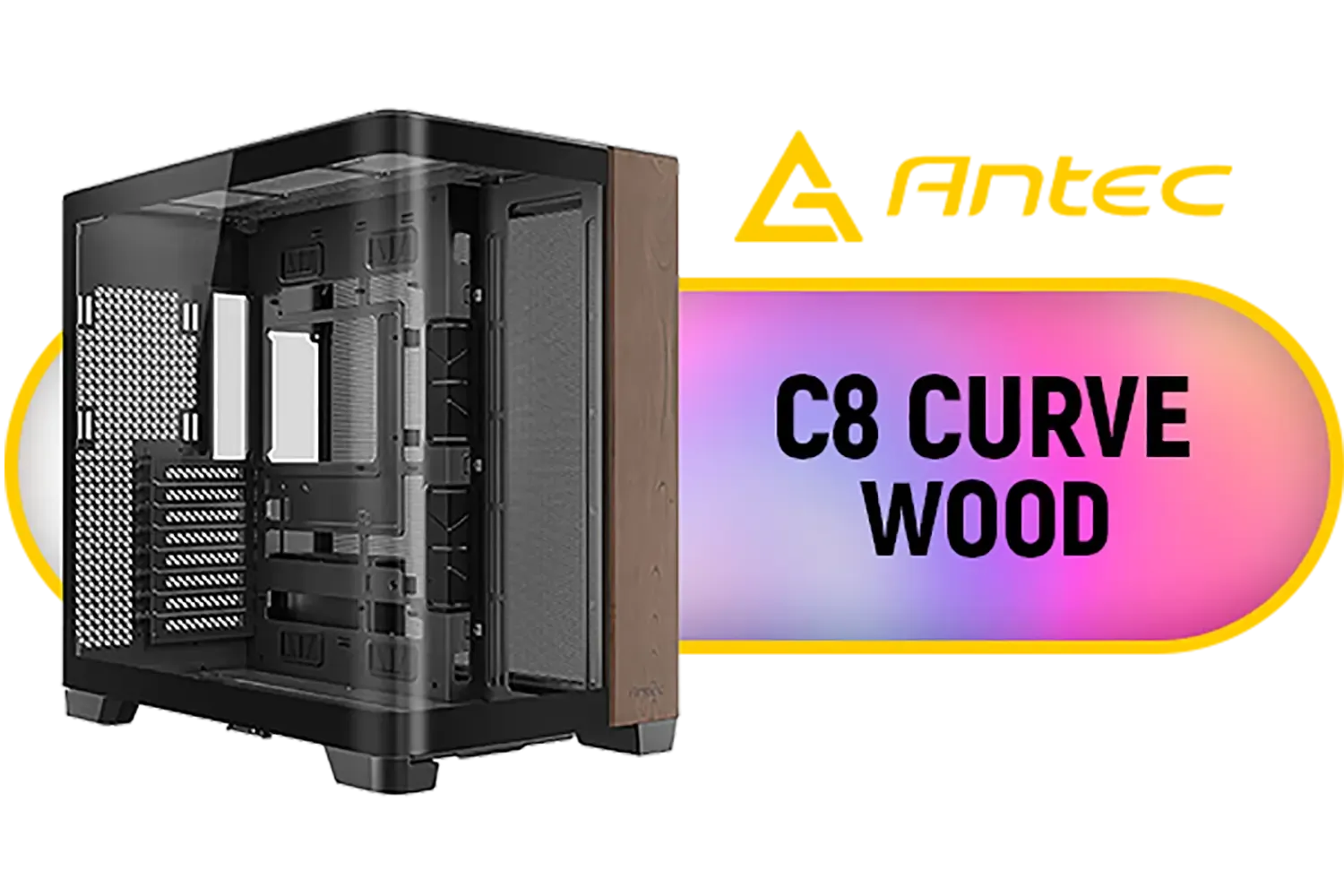
Antec C8 Curve Wood Constellation Gaming Case - Black / Wood-Textured Exterior / Curved Tempered Glass Side Panel / ATX, Micro-ATX, Mini-ITX Support / Supports Up to 6 Cooling Fans / No Fans Included / 0-761345-10158-5
R2499.00In Stock
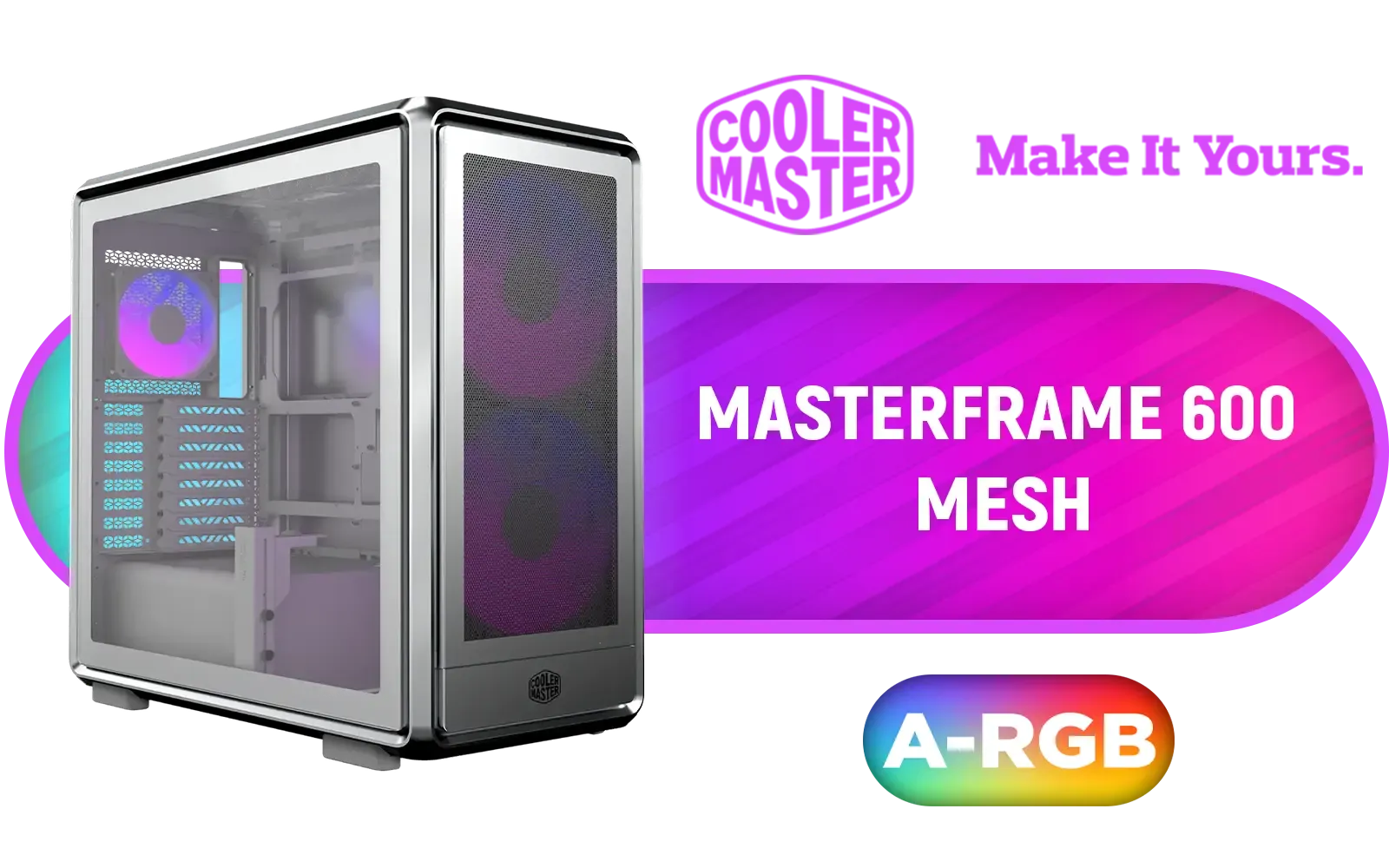
Cooler Master MasterFrame 600 Mesh ARGB Mid-Tower PC Case - Silver / Tempered Glass Side Panel / Supports E-ATX Motherboards / FreeForm 2.0 Exo-Structure PC Case / Modular Open-Frame Design / Up to 11 Fans & 420mm Radiator / 485mm GPU Clearance / Interchangeable Maker-Friendly Panels / Includes GPU Support Bracket / 2x SickleFlow 200 ARGB Pre-installed Fans / 1x SickleFlow 120 ARGB Pre-installed Fan / MF600M-SGNN-S01
R3399.00In Stock
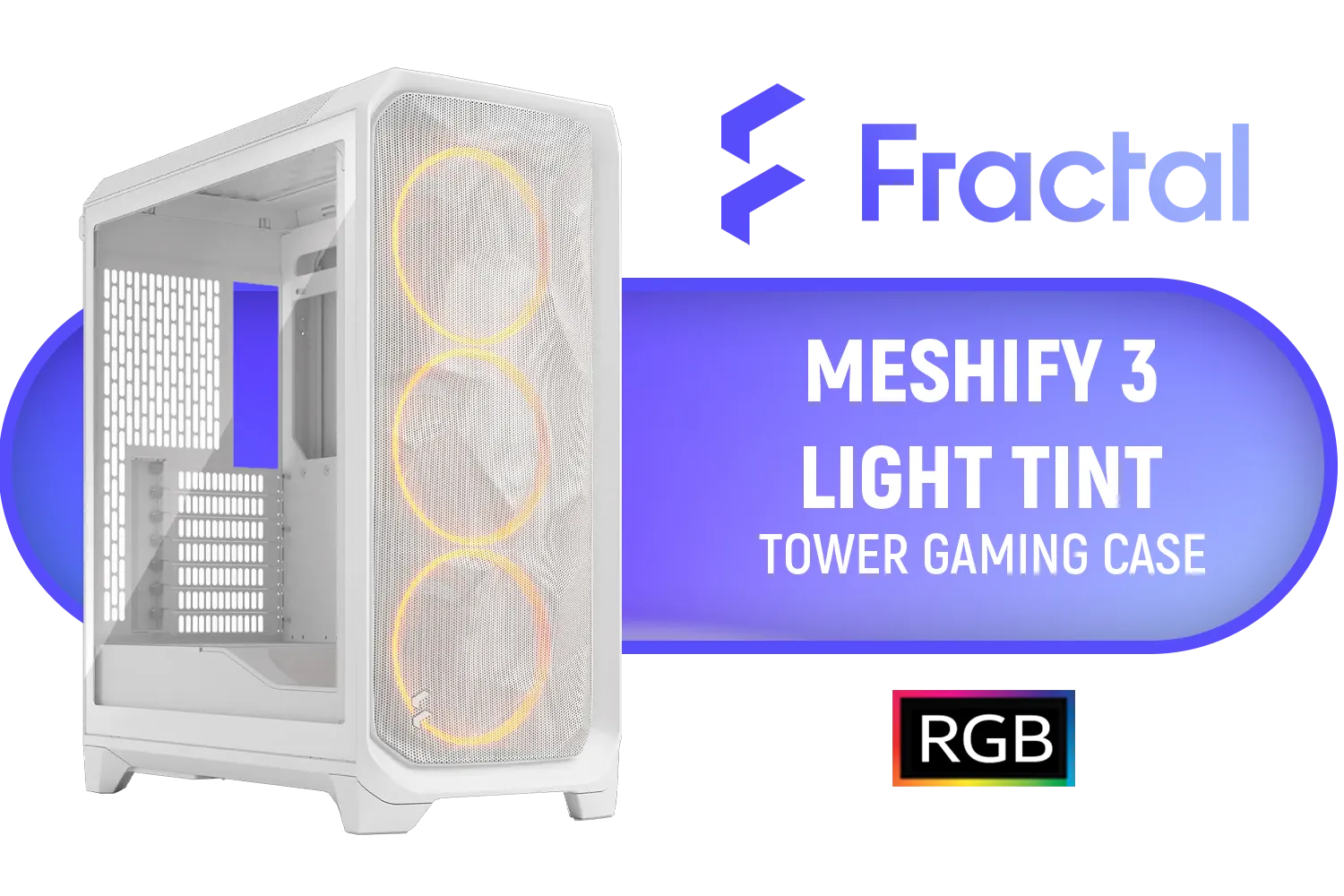
Fractal Design Meshify 3 RGB White Tempered Glass Clear Tint - High Airflow PC Gaming Case - Mesh Front Panel - Three ARGB Momentum 14 Gen 2 Fans Included - E-ATX/ATX/mATX Support / FD-C-MES3A-07
R2999.00In Stock
12. Don't Be Afraid to Start Over
Did you finish and spot a rogue cable? Is one run not as clean as it could be? It's okay. Sometimes the best way to achieve a perfect result is to unplug a few things and re-route them. A little extra patience goes a long way. After all, you've invested in the hardware; it deserves a clean home. 🚀
Ready for a Flawlessly Clean Build? Great small PC case cable management starts with the right chassis. A well-designed case gives you the channels, space, and tie-down points you need to succeed. Explore our massive range of computer cases and find the perfect foundation for your masterpiece.
Related Products
Xigmatek Cubi M Arctic Mid Tower Gaming Case - White / Supports Motherboards up to M-ATX, Mini-ITX / 6 Pre-Installed ARGB Fans Included / EN42805
R1499.00In Stock

MSI MAG VAMPIRIC 300R MIDNIGHT GREEN Mid Tower Gaming Computer Case '1x 120mm ARGB Fan, USB Type-C, Tempered Glass, MSI Center, E-ATX, ATX, mATX, mini-ITX / 306-7G19G21-809
R2699.00In Stock
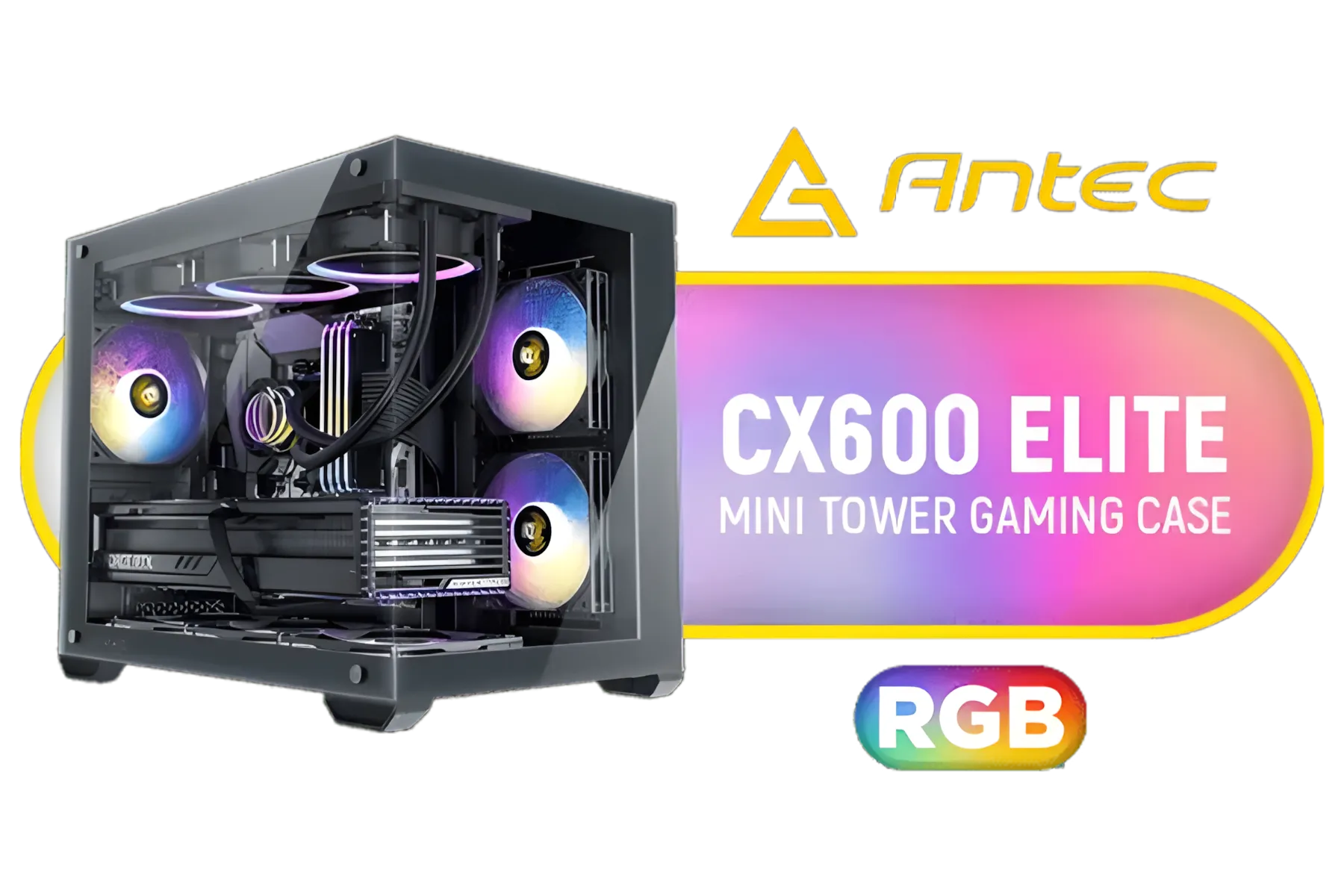
Antec CX600M RGB Gaming Case - Micro-ATX & ITX Motherboard Support - Support 2x Water Cooler - Dual Chamber - Panoramic 270° View, 3 x Pre-Installed Fans Included / 0-761345-10118-9
R1299.00In Stock

Antec Flux Pro White, 6 x PWM Fans Included, High-Airflow Front Panel with Birch Wood, iShift PSU 90° Mount, USB3.0 x 2, Type-C, 420mm Radiator Support, Temp. Display, Full-Tower E-ATX PC Case / 0-761345-10156-1
R2999.00In Stock
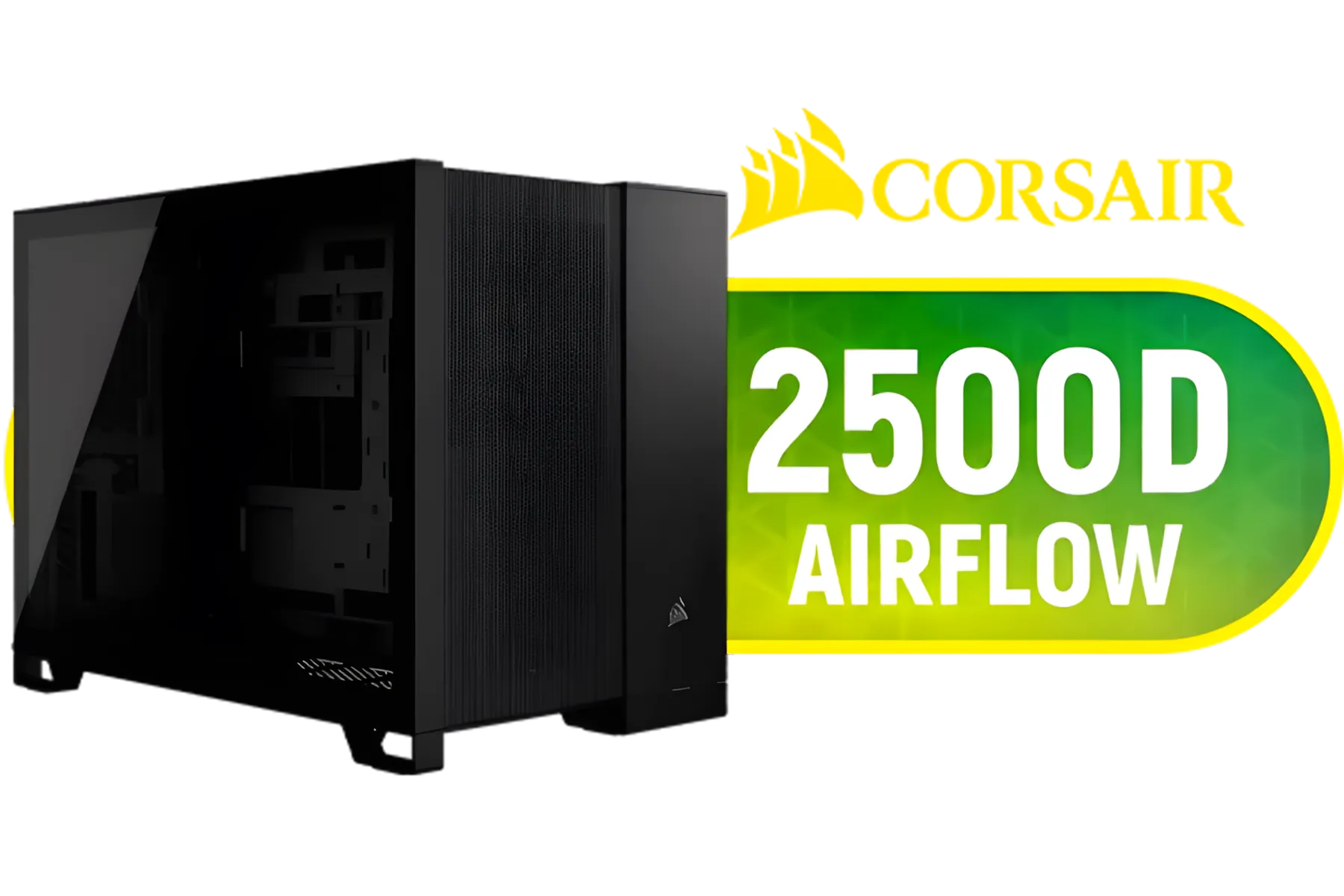
Corsair 2500D AIRFLOW Mid-Tower Dual Chamber PC Case - Black / Compatible with reverse connector motherboards / Supports Motherboards up to Mini-ITX, Micro-ATX / Wide-Ranging Cooling Options / Tempered Glass / Wide cooling flexibility / CC-9011263-WW
R1499.00In Stock

Fractal Design Torrent Compact White - Clear Tint Tempered Glass Side Panel - Open Grille for Maximum air Intake - Two 180mm PWM Fans Included - Type C - ATX Airflow Mid Tower PC Gaming Case - FD-C-TOR1C-03
R2999.00In Stock
Start by planning cable routing and grouping, use short cables or modular PSU leads, secure with straps, and route behind the motherboard tray to improve airflow.
Use short, flat or sleeved cables and modular PSU cables; short power cables for SFX and low-profile SATA cables reduce clutter in mini-ITX builds.
Use right-angle connectors or short flexible extensions and hide excess along case edges for vertical GPU cable management in small case layouts.
No - use Velcro straps, cable combs, adhesive mounts or zip tie alternatives for PC to allow adjustments and avoid cable damage.
Yes - clean cable management for compact builds clears airflow paths, lowering temperatures and enabling quieter fan profiles.
Choose a modular PSU and plan modular psu cable management: attach only needed leads, route through grommets, and tuck extras behind the tray.
Create hidden cable channels mini ITX using adhesive mounts, slim cable trays, and routing under drive cages to hide wiring effectively.











