



Smart LED Projector Home Cinema: Turn Any Wall into a Theater
Smart LED Projector Home Cinema: Turn any wall into a cinematic screen with step-by-step setup, best projector picks, and picture calibration tips 📺🔧
|
Loading tags...
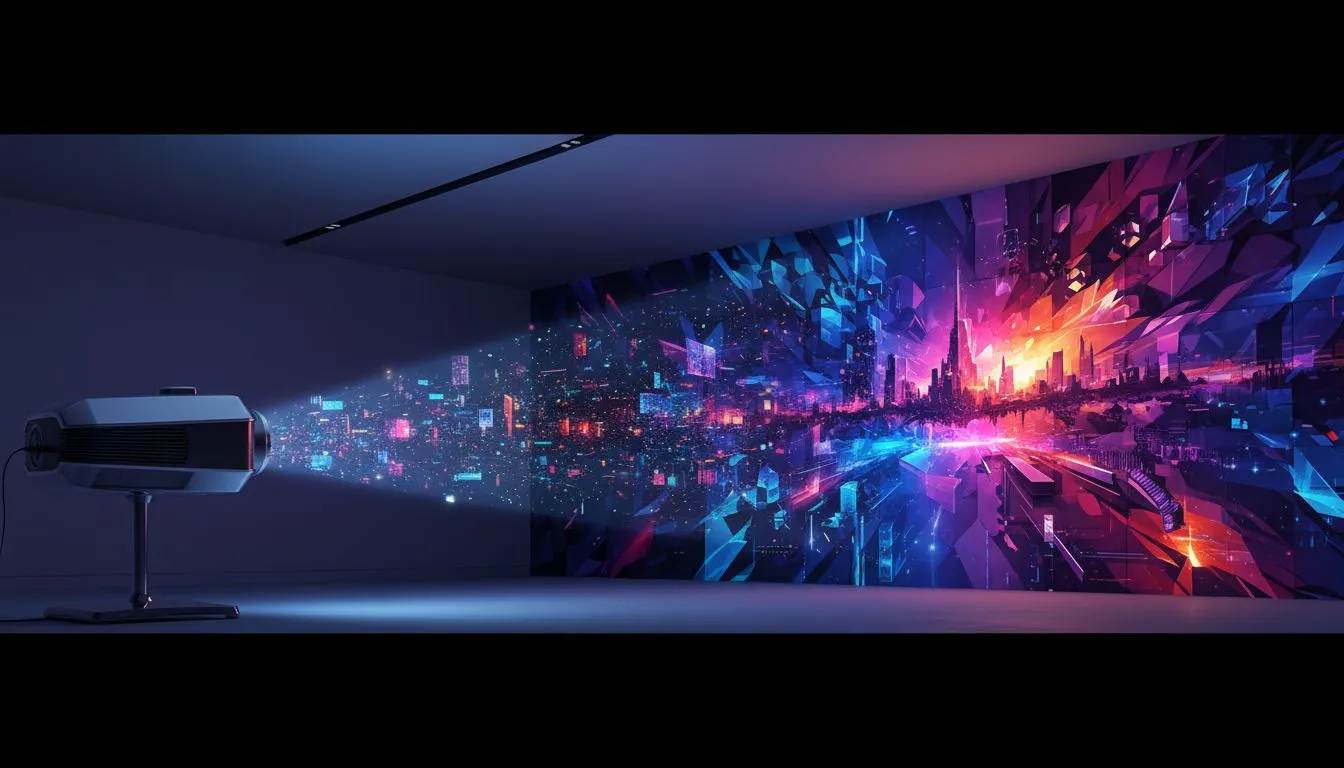
Tired of squinting at a small screen for movie night? Imagine turning your entire living room wall into a massive, vibrant display for the next Springboks game or a late-night gaming session. A smart LED projector home cinema isn't just a gadget; it's a complete entertainment upgrade. It brings that big-screen magic to any room, allowing you to turn any wall into a theater without the hefty price tag of a giant TV. ✨
Why a Smart Projector Beats a Big TV
Let's be honest, a massive 85-inch TV is impressive... but it's also incredibly expensive and completely fixed to one spot. This is where the flexibility of a modern home cinema projector truly shines.
Portability is a huge plus. You can host a movie night in the lounge, project a game onto the garage door for a braai, or even take it to a friend's place. The screen size is only limited by your wall, giving you a 100-inch or larger picture for a fraction of the cost of a comparable television. Plus, when it's off, there's no giant black rectangle dominating your decor. With so many models available, it's easy to browse through a massive selection of projectors to find one that fits your space and budget.

Viewsonic Smart LED Portable Projector / Built in Harman Kardon Speaker / Full HD 1080p Resolution / 3-in-1 smart stand for 360° projection / Up to 4 hours of battery life / M1X
R7999.00In Stock
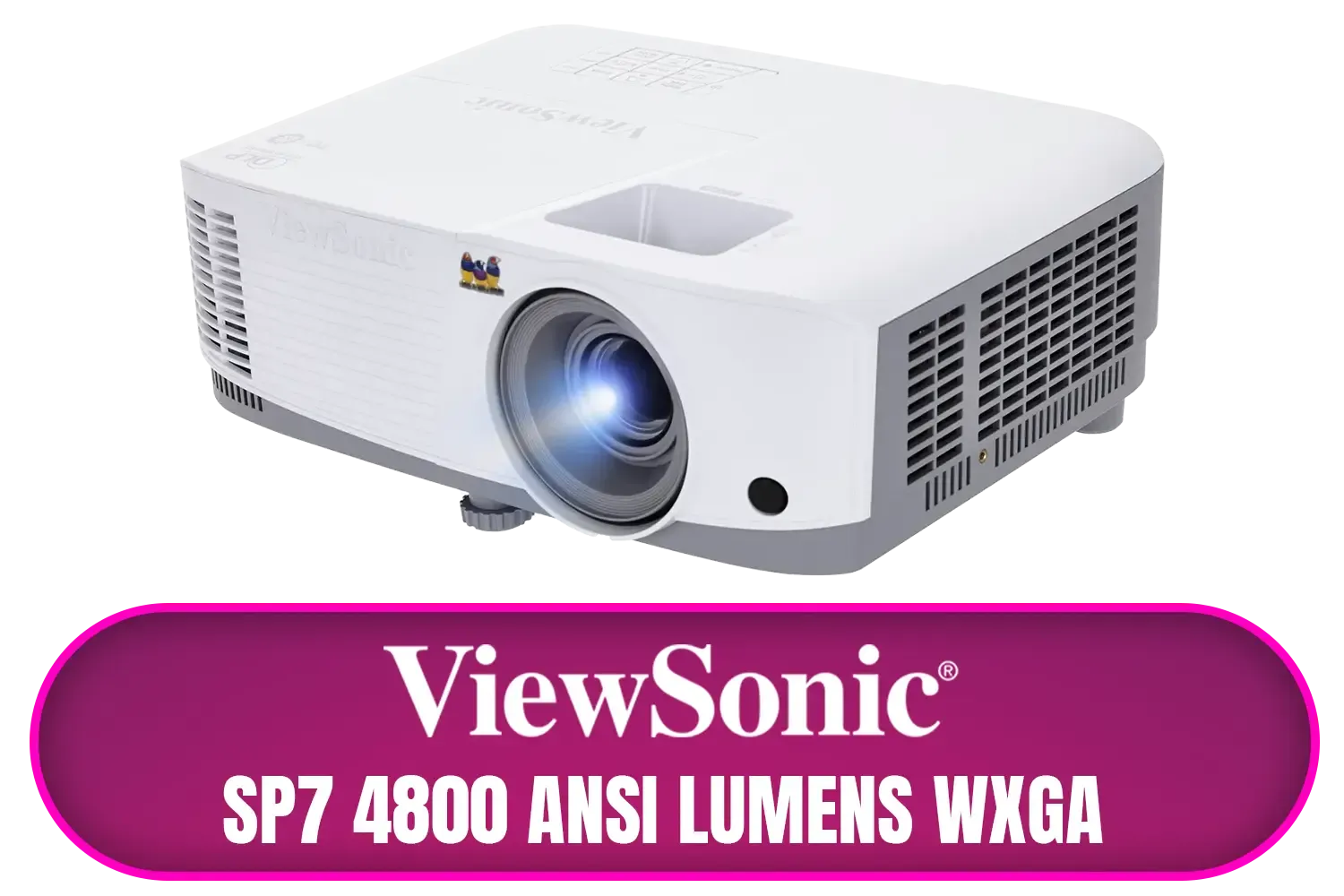
ViewSonic SP7 4800 ANSI Lumens WXGA Business Projector / Native Resolution: 1280 x 800 / SuperColor™ Technology / SP7
R7699.00In Stock
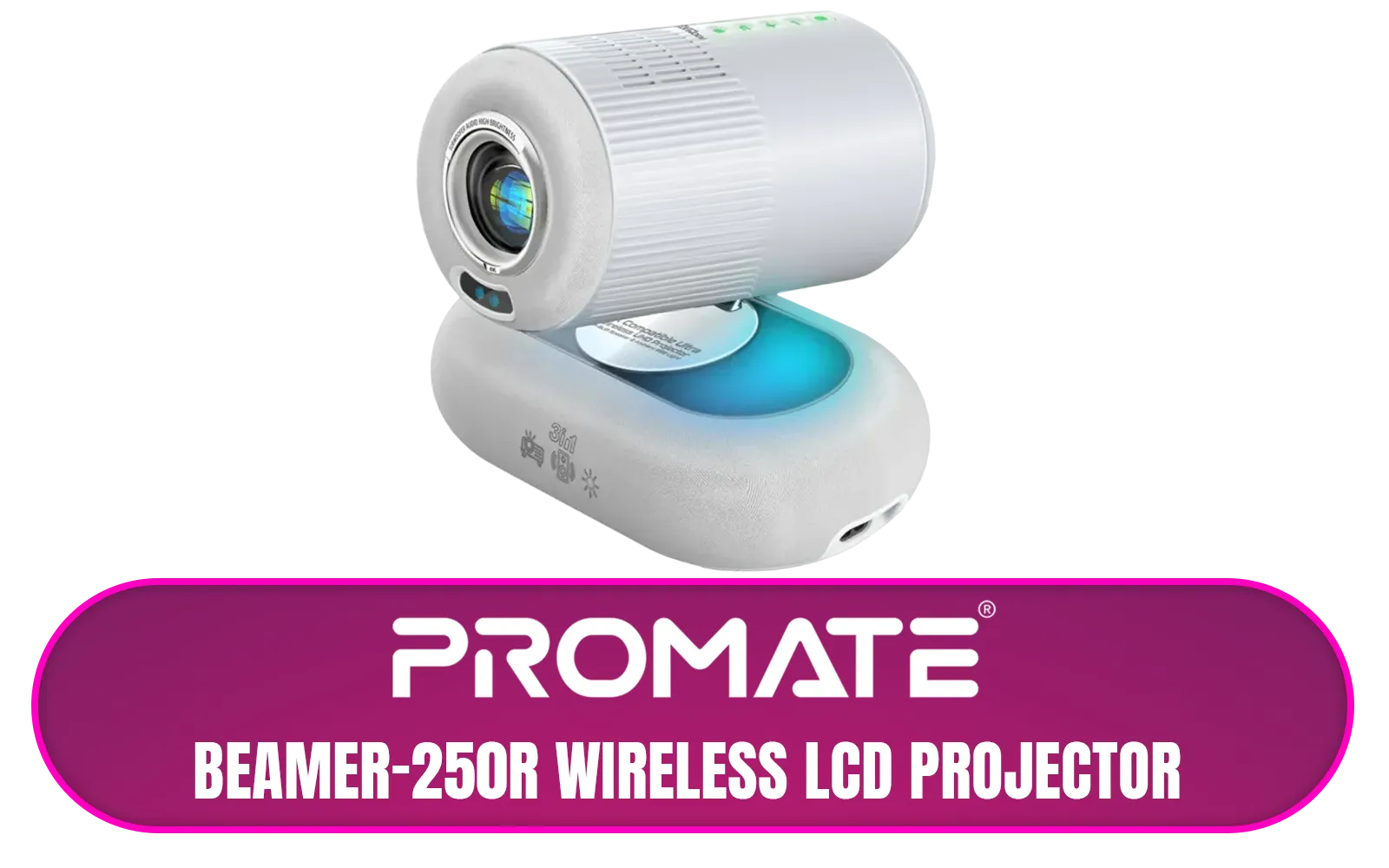
Promate Beamer-250R Wireless LCD Projector / 4K Compatible / Built-In Speaker / Ambient RGB light / LCD 3.0" LVDS Technology / 250 ANSI Lumens Brightness / Integrated Wi-Fi, Bluetooth 5.4, HDMI, and USB / Beamer-250R.EU
R2499.00In Stock
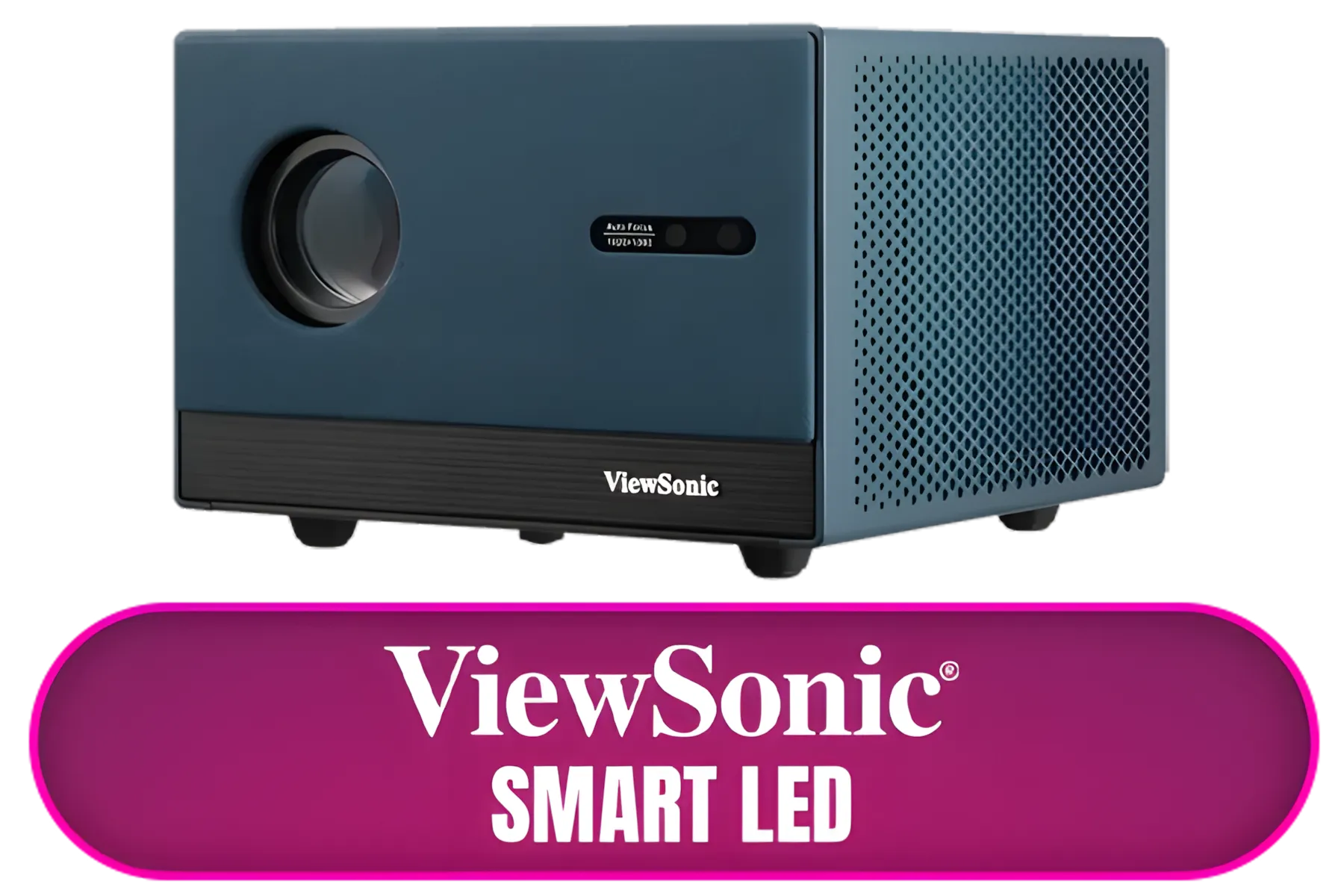
ViewSonic Smart LED Projector / Built in Google TV / Full HD 1080p Resolution / Up to 140" Screen Size / LX60HD
R6999.00In Stock
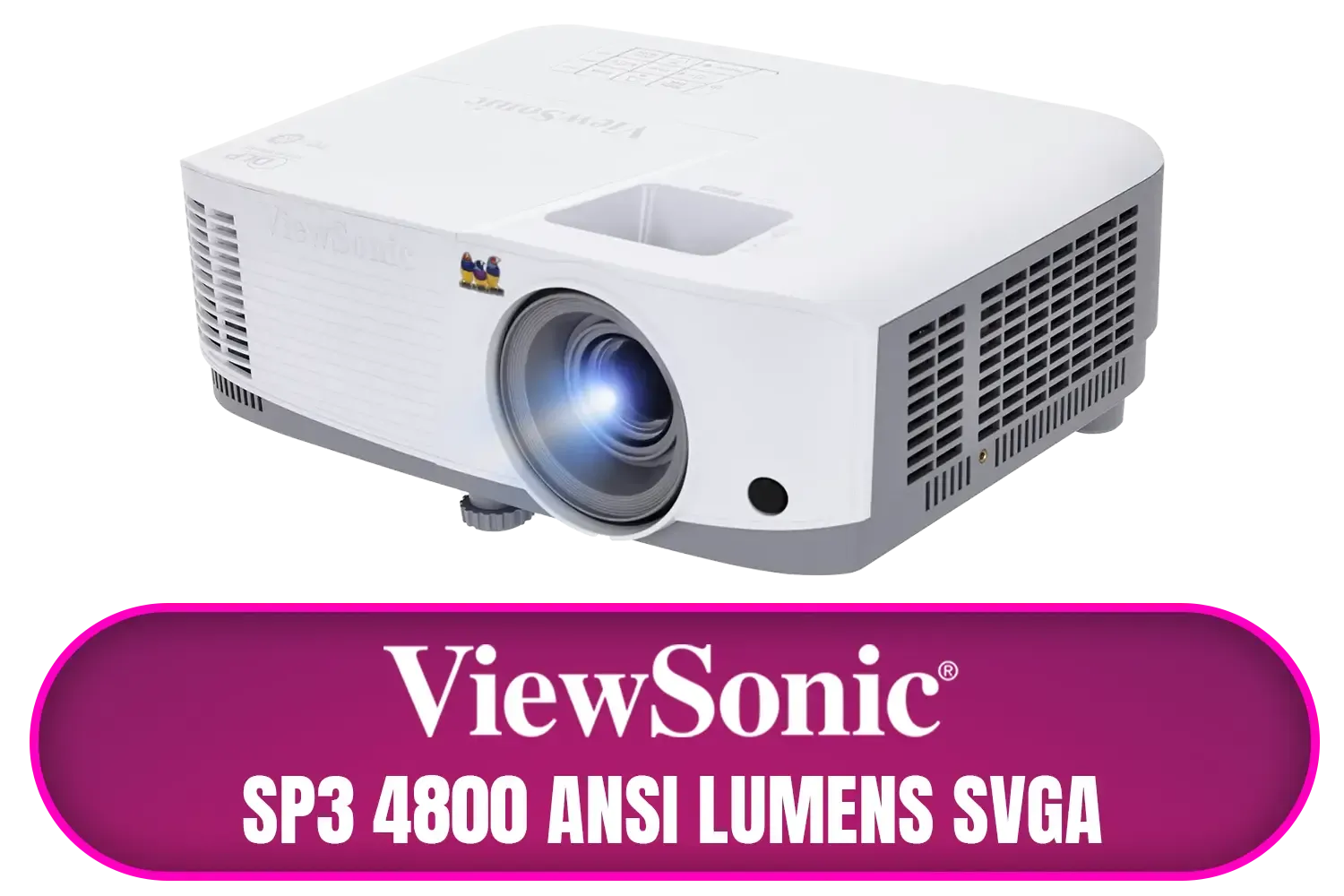
ViewSonic SP3 4800 ANSI Lumens SVGA Business Projector / Native Resolution: 800x600 / SuperColor™ Technology / SP3
R6799.00In Stock
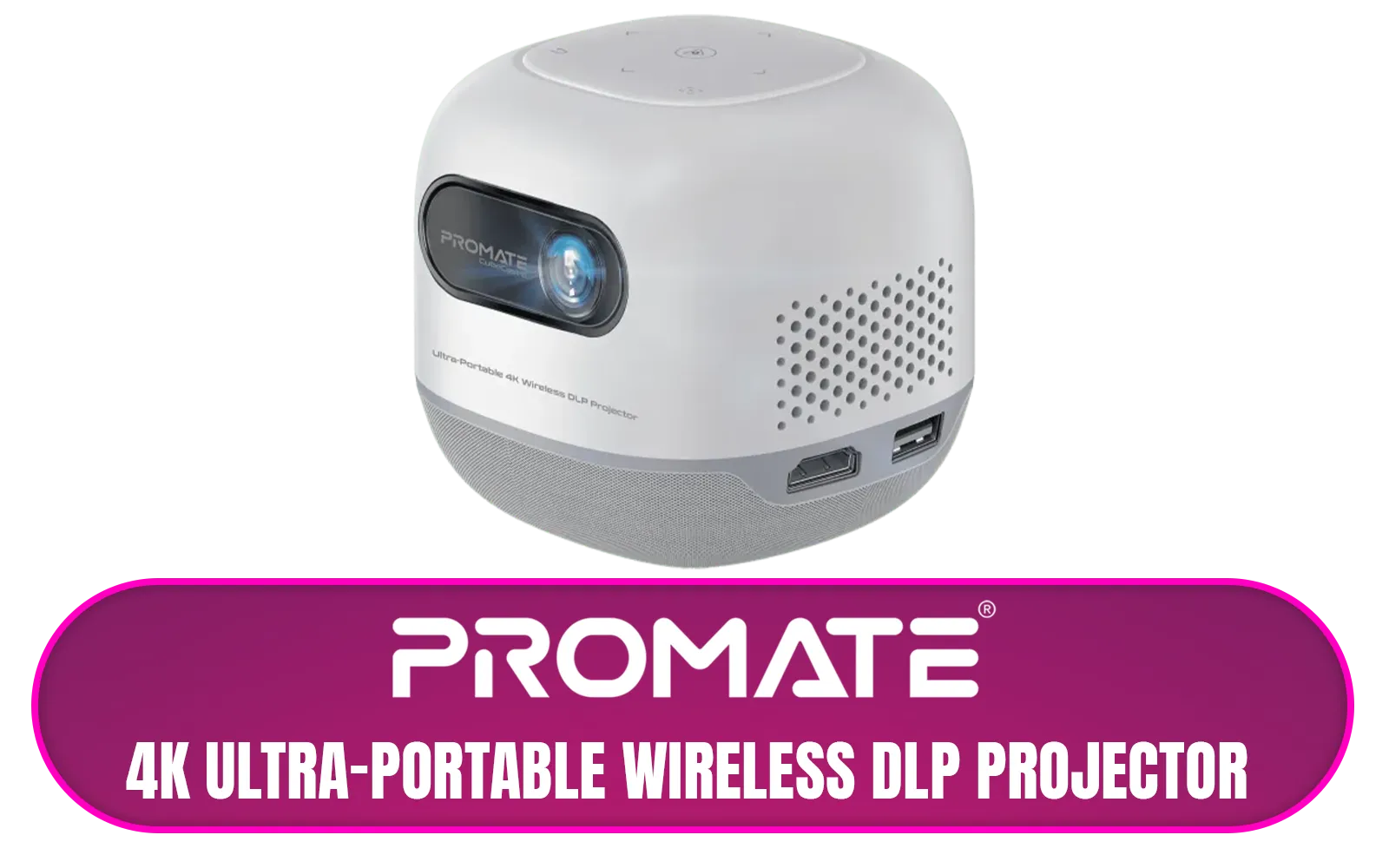
Promate 4K Ultra-Portable Wireless DLP Projector with touch controls / DLP Technology / 100 ANSi Brigthness / Touch Control Support / Built-in Rechargle Battery / Supports upto 4K@60Hz / Auto Keystone / Built-In Speaker / Remote Control Included / CubeCast-2
R6399.00In Stock
Key Specs for Your Home Cinema Projector
Diving into the world of projectors can feel a bit technical, but a few key features make all the difference. Focusing on these will help you build the perfect smart LED projector home cinema setup.
- Brightness (Lumens): This measures how bright the image is. For a dark room, 500-1,000 ANSI lumens is great. If you plan to watch with some ambient light, look for 2,000 lumens or more.
- Resolution: Full HD (1920x1080) is the sweet spot for crisp, clear picture quality without breaking the bank. 4K options are available for those wanting the absolute best detail.
- Smart Features: A "smart" projector has Wi-Fi and built-in apps like Netflix, YouTube, and Showmax, so you can stream directly without needing a laptop.
- Connectivity: Look for HDMI ports to connect your gaming console or PC, USB for media files, and Bluetooth to easily link up a soundbar or headphones.
TIP FOR YOU
Screen Pro Tip 💡
You don't need a fancy, expensive screen to start! A smooth, plain white or light grey wall works brilliantly. Painting a section of wall with special screen paint is a fantastic, low-cost DIY project to boost image contrast and colour vibrancy for your home theatre.
Finding the Right Projector for Your Budget
You don't need to spend a fortune to get an incredible viewing experience. The technology has become much more accessible, with excellent options across all price points.
For cinematic quality, colour accuracy, and reliable performance, established brands like Viewsonic offer incredible clarity that will impress any movie buff or gamer. 🎮 On the other hand, if you're just starting your home theatre journey, there are fantastic, feature-packed entry-level options from brands like Promate that deliver amazing value.
Promate Beamer-250R Wireless LCD Projector / 4K Compatible / Built-In Speaker / Ambient RGB light / LCD 3.0" LVDS Technology / 250 ANSI Lumens Brightness / Integrated Wi-Fi, Bluetooth 5.4, HDMI, and USB / Beamer-250R.EU
R2499.00In Stock
Promate 4K Ultra-Portable Wireless DLP Projector with touch controls / DLP Technology / 100 ANSi Brigthness / Touch Control Support / Built-in Rechargle Battery / Supports upto 4K@60Hz / Auto Keystone / Built-In Speaker / Remote Control Included / CubeCast-2
R6399.00In Stock
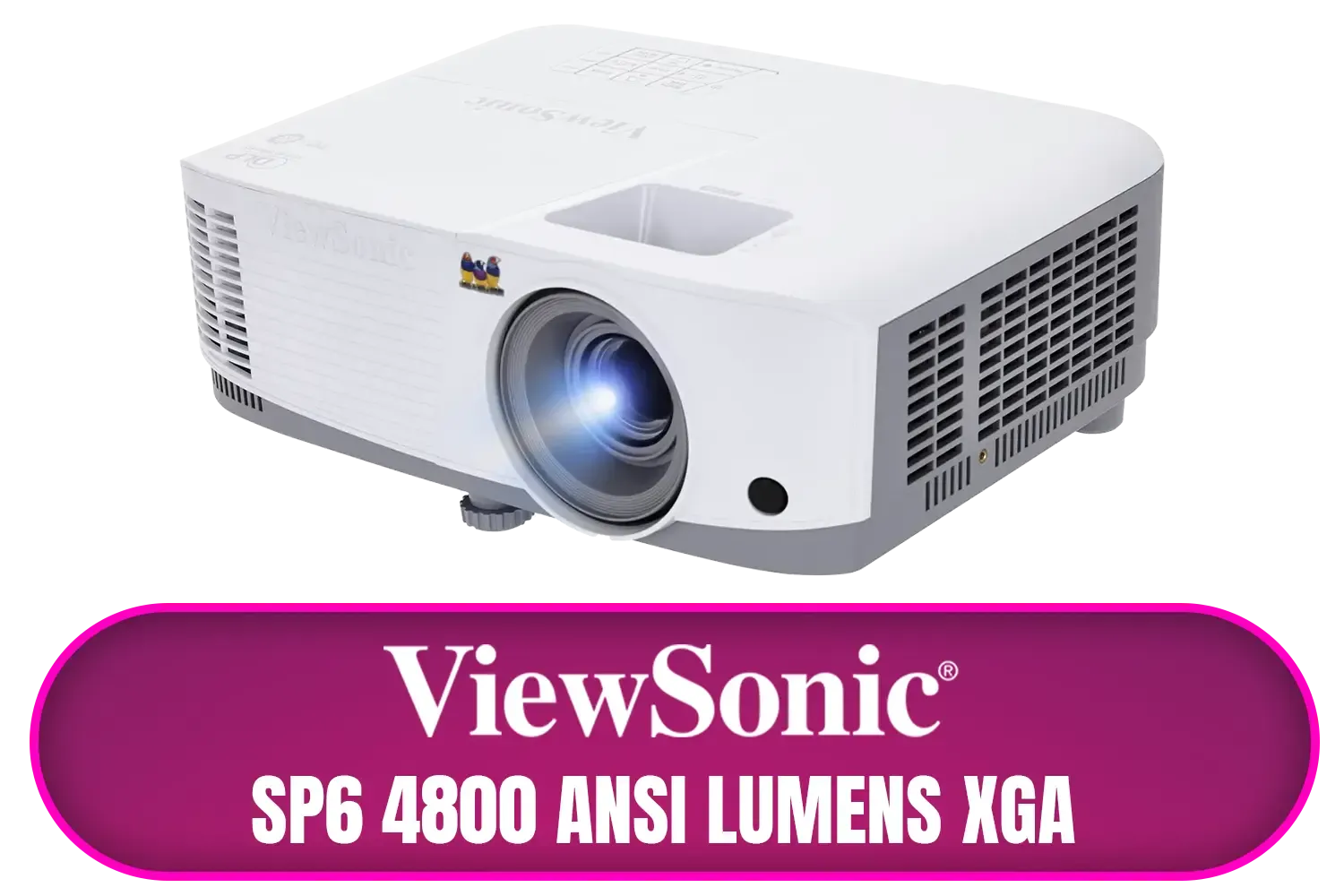
ViewSonic SP6 4800 ANSI Lumens XGA Business Projector / Native Resolution: 1024x768 / SuperColor™ Technology / SP6
R8699.00In Stock
ViewSonic SP7 4800 ANSI Lumens WXGA Business Projector / Native Resolution: 1280 x 800 / SuperColor™ Technology / SP7
R7699.00In Stock
Viewsonic Smart LED Portable Projector / Built in Harman Kardon Speaker / Full HD 1080p Resolution / 3-in-1 smart stand for 360° projection / Up to 4 hours of battery life / M1X
R7999.00In Stock
ViewSonic Smart LED Projector / Built in Google TV / Full HD 1080p Resolution / Up to 140" Screen Size / LX60HD
R6999.00In Stock
Worried about the cost? You can get a fantastic setup going without emptying your wallet. There are plenty of high-quality, bright, and smart projectors available for under R7000, making it easier than ever to bring the big screen home.
Ready to Build Your Dream Home Cinema? From portable powerhouses to 4K behemoths, the perfect projector is waiting. Explore our massive range of smart LED projectors and turn any wall into an epic entertainment canvas.
Related Products
Promate Beamer-250R Wireless LCD Projector / 4K Compatible / Built-In Speaker / Ambient RGB light / LCD 3.0" LVDS Technology / 250 ANSI Lumens Brightness / Integrated Wi-Fi, Bluetooth 5.4, HDMI, and USB / Beamer-250R.EU
R2499.00In Stock
Promate 4K Ultra-Portable Wireless DLP Projector with touch controls / DLP Technology / 100 ANSi Brigthness / Touch Control Support / Built-in Rechargle Battery / Supports upto 4K@60Hz / Auto Keystone / Built-In Speaker / Remote Control Included / CubeCast-2
R6399.00In Stock
ViewSonic SP7 4800 ANSI Lumens WXGA Business Projector / Native Resolution: 1280 x 800 / SuperColor™ Technology / SP7
R7699.00In Stock
Viewsonic Smart LED Portable Projector / Built in Harman Kardon Speaker / Full HD 1080p Resolution / 3-in-1 smart stand for 360° projection / Up to 4 hours of battery life / M1X
R7999.00In Stock
ViewSonic SP3 4800 ANSI Lumens SVGA Business Projector / Native Resolution: 800x600 / SuperColor™ Technology / SP3
R6799.00In Stock
ViewSonic Smart LED Projector / Built in Google TV / Full HD 1080p Resolution / Up to 140" Screen Size / LX60HD
R6999.00In Stock
Use a smart LED projector home cinema setup: prep a smooth wall or paint, position the projector, mount or tripod, darken the room and calibrate image and audio.
Aim for 1500–3000 lumens for living rooms. For brighter rooms, choose higher-lumen smart LED projector models to preserve image contrast.
You can use projector screen alternatives wall paint like high-contrast gray or white paint. Screens still offer better gain and viewing angles.
Use a ceiling or shelf mount, use lens shift and minimal keystone correction, and set throw distance per the projector's throw ratio guide.
Pick smart projector models with native apps, Android TV or Chromecast support. Look for 1080p or 4K LED projectors with reliable wireless streaming.
Yes—choose a high-lumen LED projector, use ambient light projector settings, and add ambient light rejection paint or a screen to boost contrast.
1080p offers sharp detail for most rooms; upgrade to a 4K smart LED projector home cinema model if you want the best clarity and future proofing.
Portable LED projector for wall setups are ideal for quick installs—pair with a tripod mount and wireless casting for fast, flexible cinema sessions.











